
It's been a few years since Apple computers started to feature SSDs. Compared to classic mechanical HDDs, SSDs are faster, but on the other hand they are more expensive and therefore smaller. There was a time when basic configurations had MacBookThere is only 64 GB of SSD storage available, and nowadays the basic storage capacity is most often set at 256 GB. If you need to store a lot of data on your Apple computer, it is more or less clear that you simply will not be able to fit it on an SSD drive with the basic capacity. ProYou can solve the problem of running out of storage space by saving data to iCloudIn this article, we'll look at one feature that can work with macOS storage in an interesting way to save space.
You might be interested in
How to set your Mac to only move data to i when you run out of storage spaceCloud
If you want to have your data backed up and have access to it anywhere in the world, you can start storing it on iCloud. If the system automatically saves data to iCloud, but they will still be stored locally, which logically does not free up space in the local storage. However, there is a special function that allows you to set the old data on the Mac or MacBooku simply deleted it and saved it only on iCloud, which will free up storage space. If you want to activate this feature, follow these steps:
- First, you need to move the cursor to the upper left corner of the screen on your macOS device.
- Once you've done that, tap here icon .
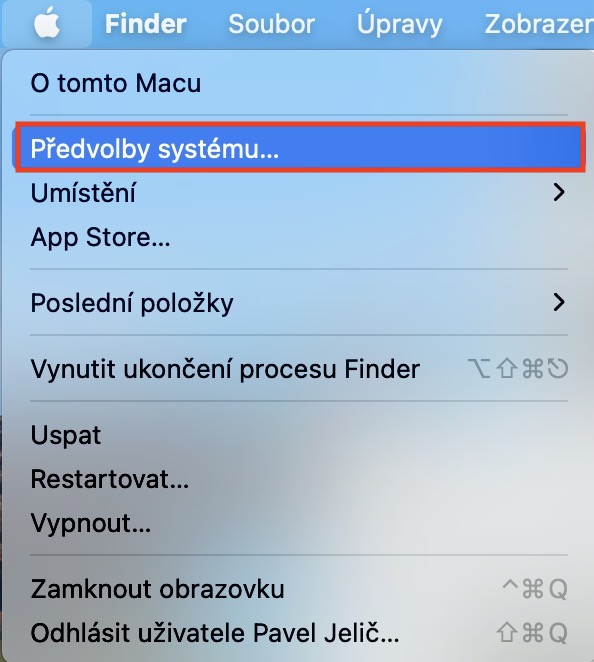
- Then a drop-down menu will open in which you tap on the option System Preferences…
- Now a window will open with all available sections for editing system preferences.
- In this window, the section you are interested in at the top is Apple ID, which you tap.
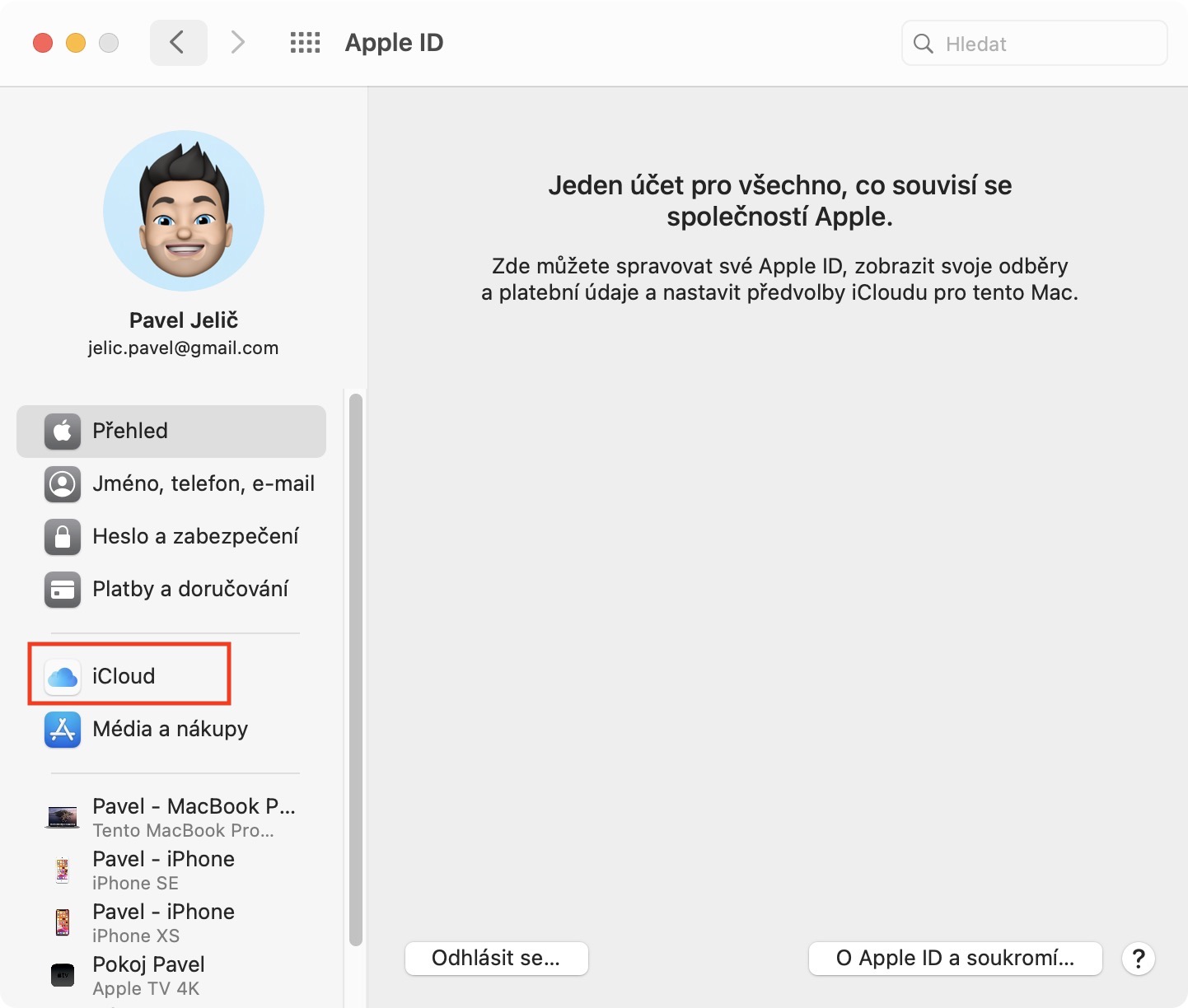
- Then move to the section in the left menu iCloud.
- Here it is enough that you in the lower part ticked function Optimize Mac storage.
Gallery

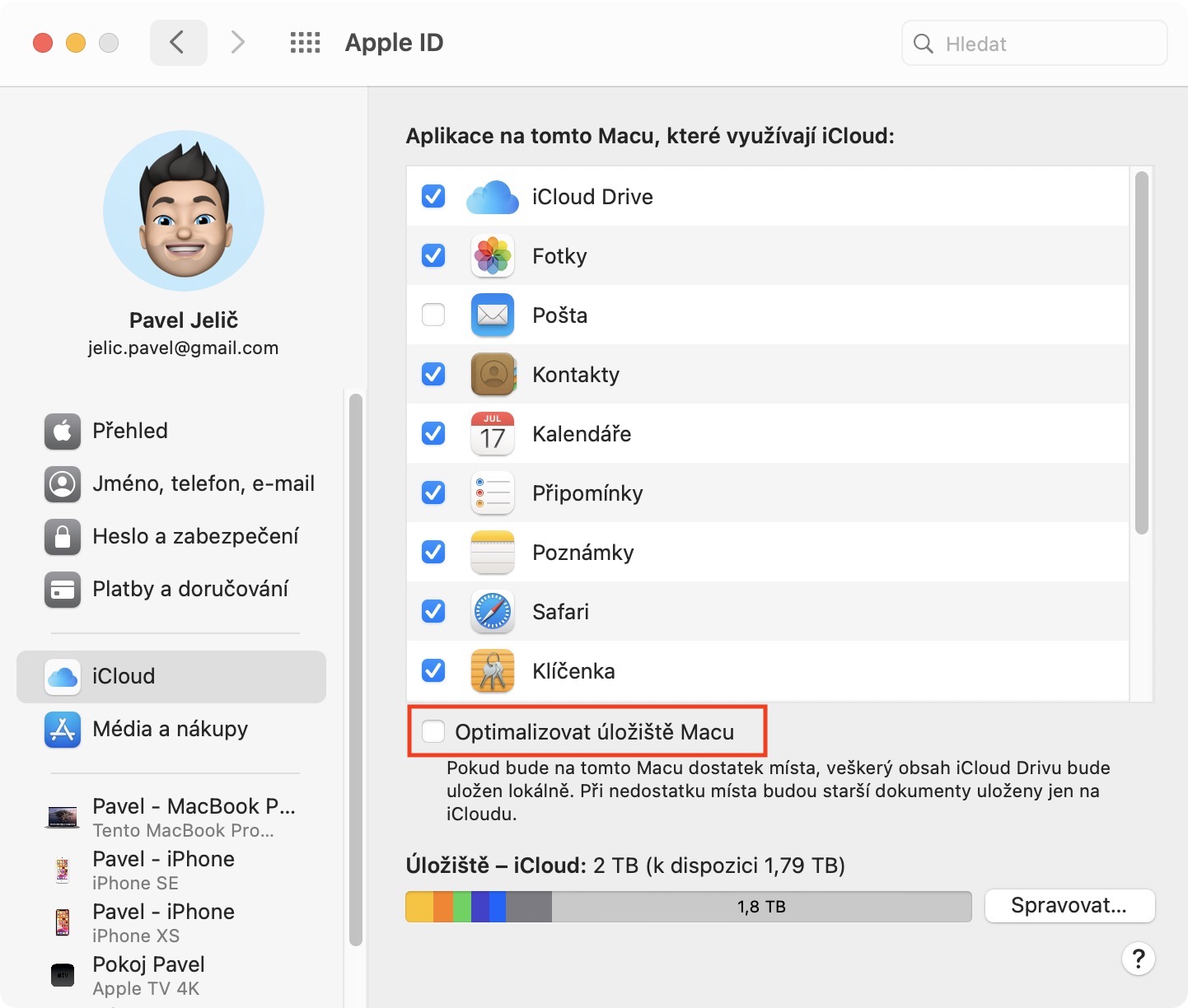
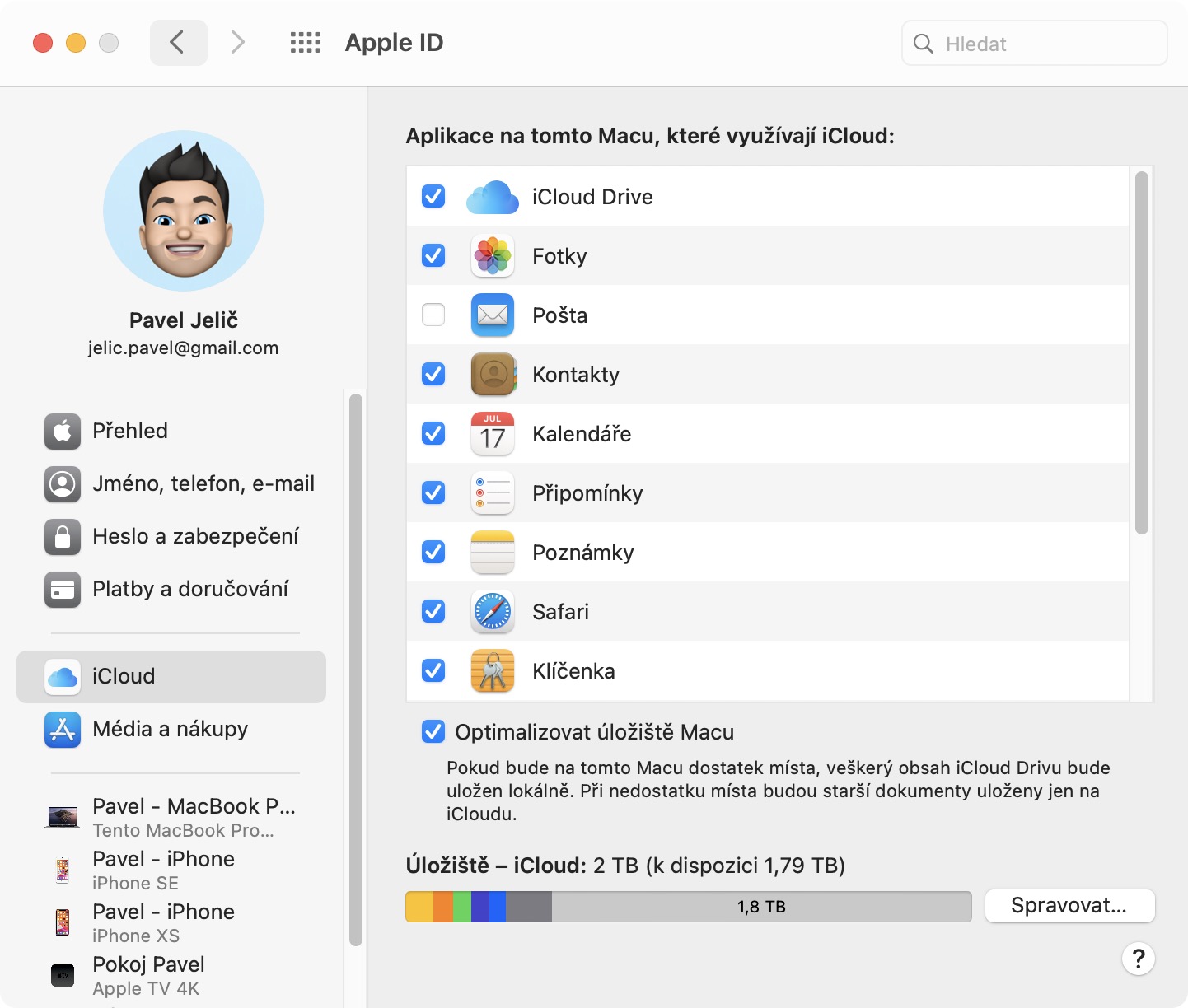
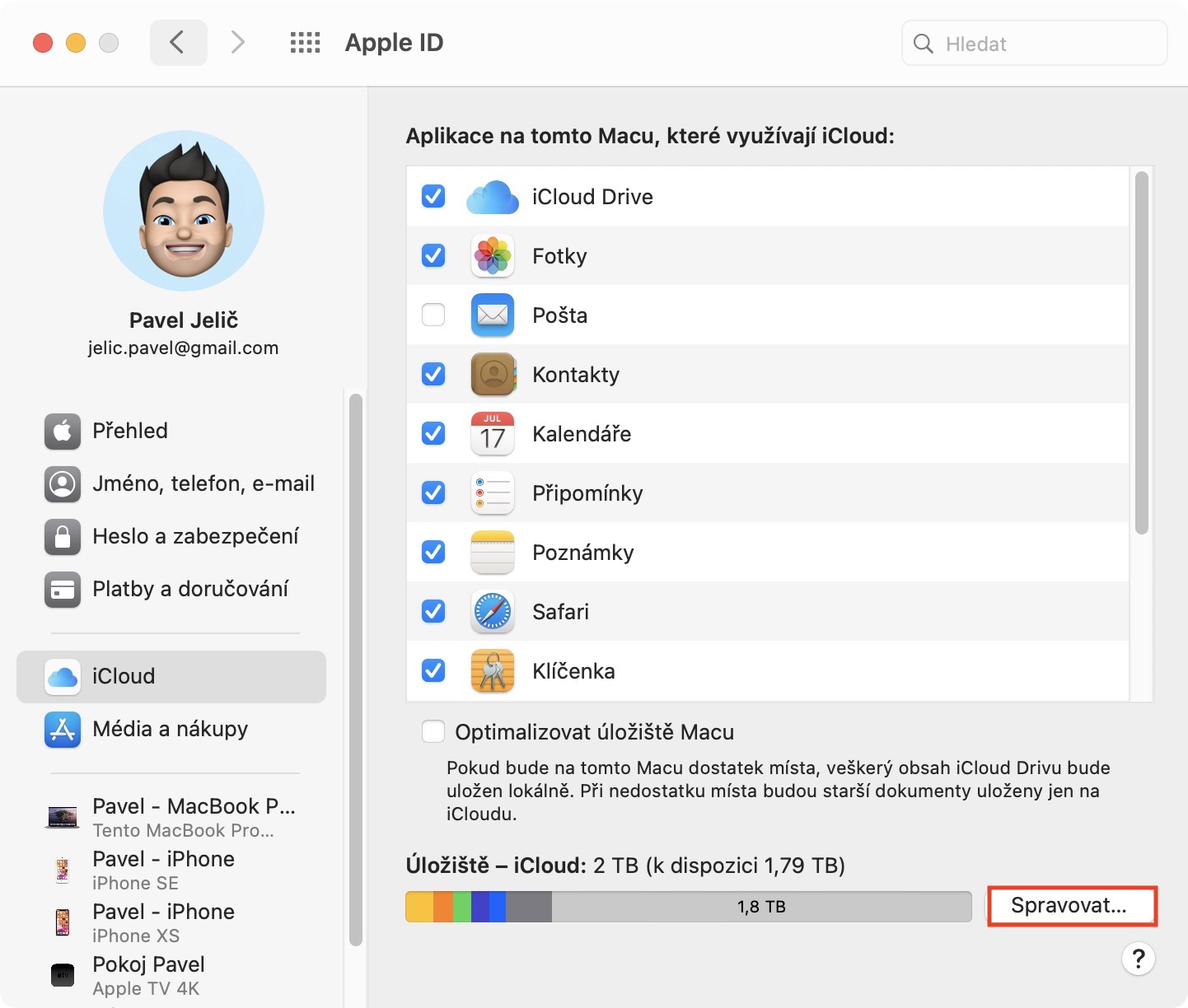
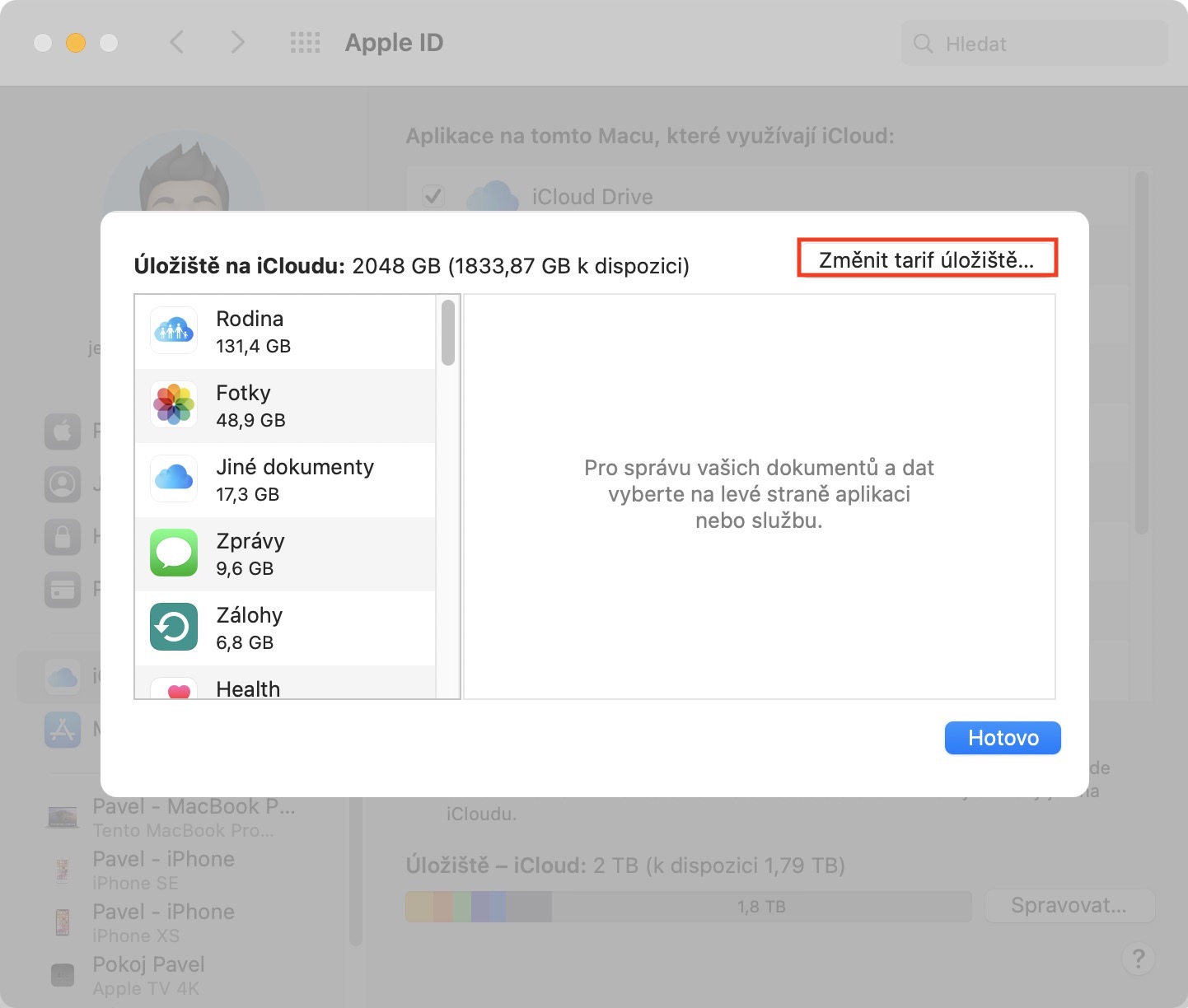
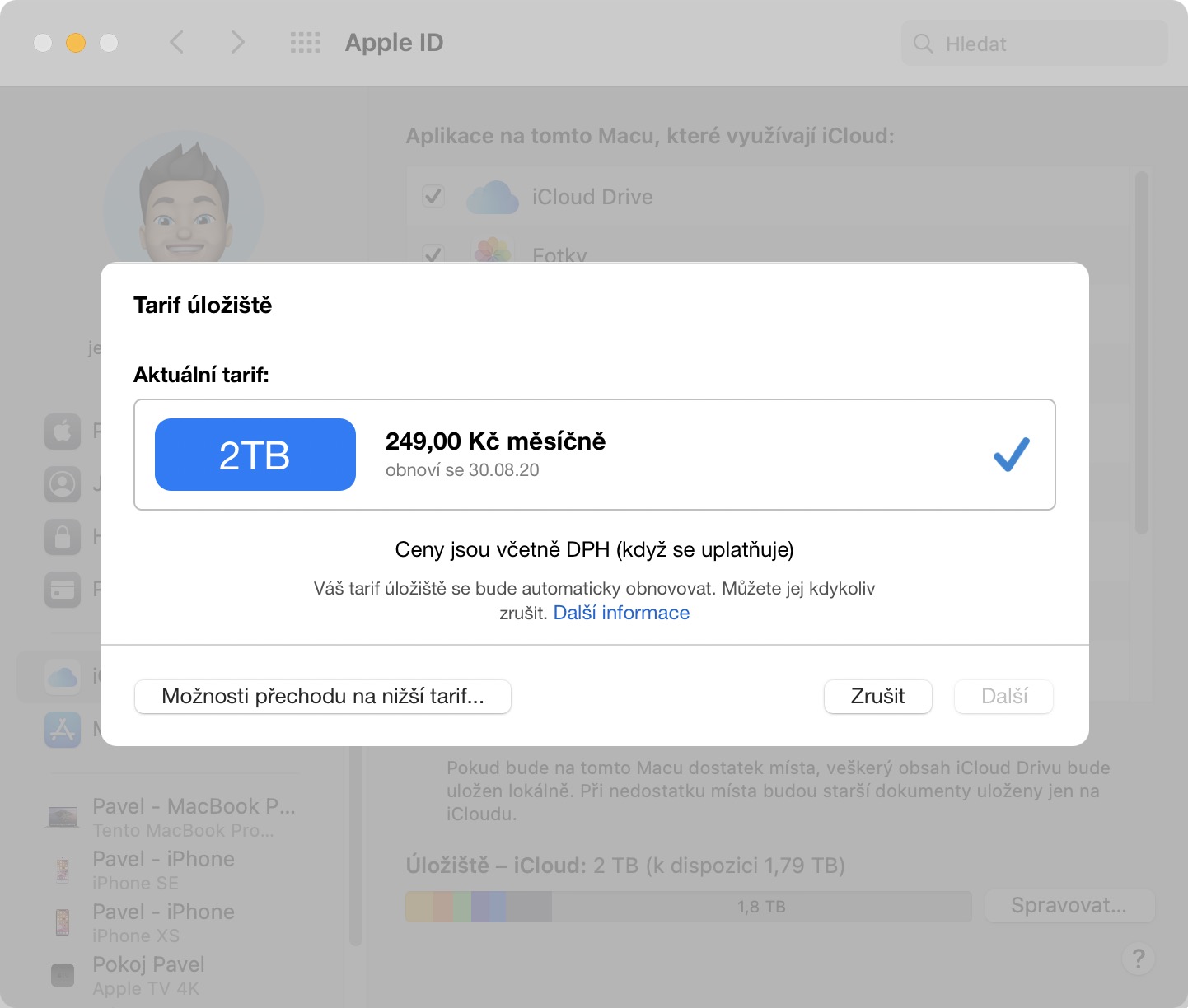
It probably goes without saying that for the Optimize Mac Storage feature to work properly, you must have purchased the appropriate i plan.Cloudu, so that it is even possible to store excess data somewhere. On Mac, the storage plan on iCloudYou can change it by going to System Preferences -> Apple ID -> iCloud -> Manage, where you can already using the button Change storage plan simply manage the tariff.
Gallery






Hello, unfortunately I haven't found any information anywhere about whether it is possible to control which folders are sent to iCloud. I understand that those in the documents that will be under icloud, but my point is that I have a lot of documents in documents that I sent to iCloud they are not and they are taking up unnecessary space that I need to free up. So how do I manually force the system to send those folders if it doesn't send them itself? On iCloud I have 2T, so there is enough space, but some folders just don't want to be on the computer :-) Thank you