
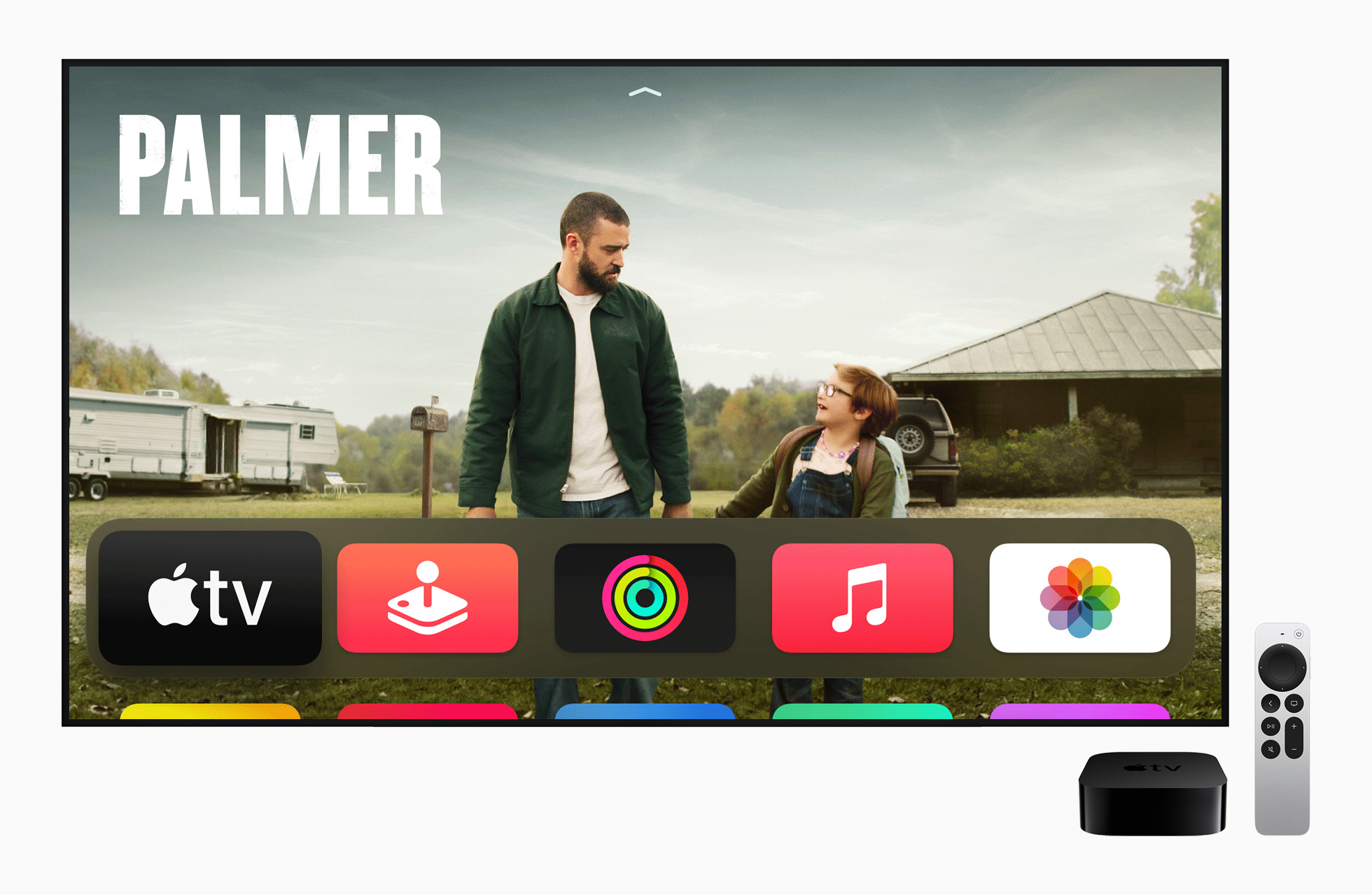
Apple today introduced a new generation Apple TV 4K, currently in third place. In addition to the new Apple TV, we also saw the introduction of the iPad Pro with the M2 chip, as well as the redesigned classic iPad of the 10th generation. As for the new Apple TV 4K, so at first glance you won't notice many changes, but we'd be lying if we said there weren't any. So let's take a look at a comparison of all three generations in this article. Apple TV 4K so you can see all the differences side by side.
You might be interested in
Dimensions, weight
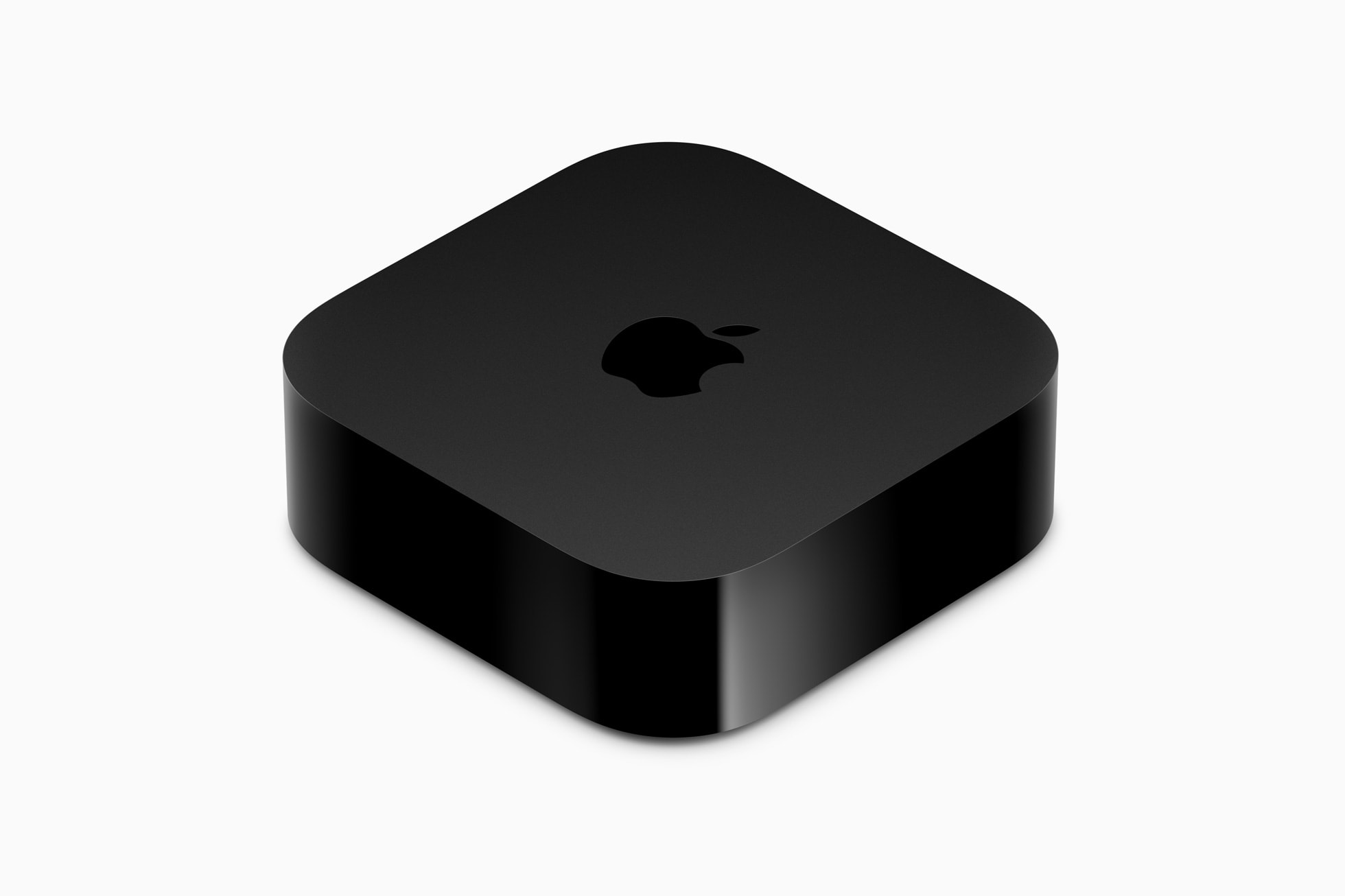
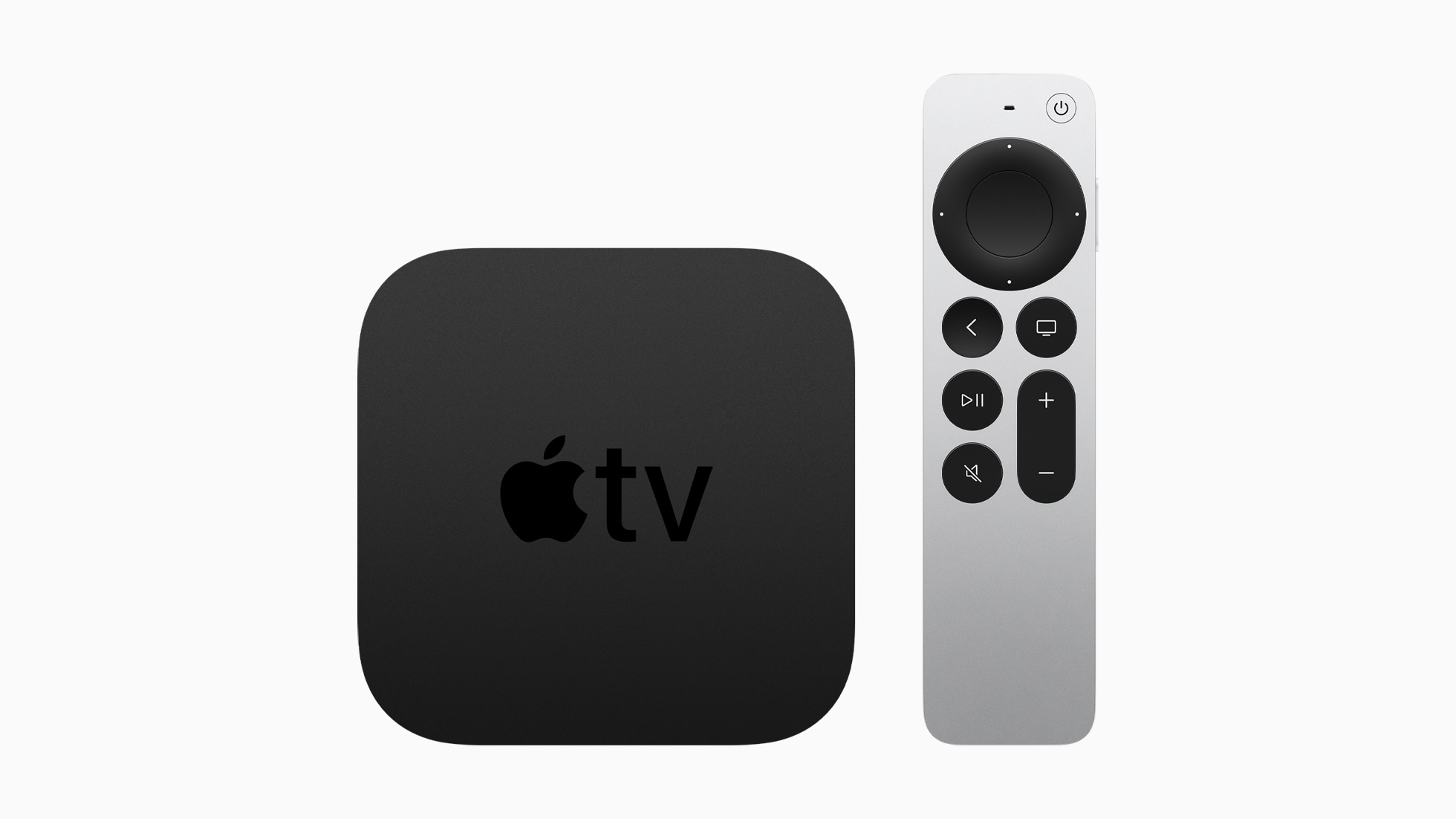
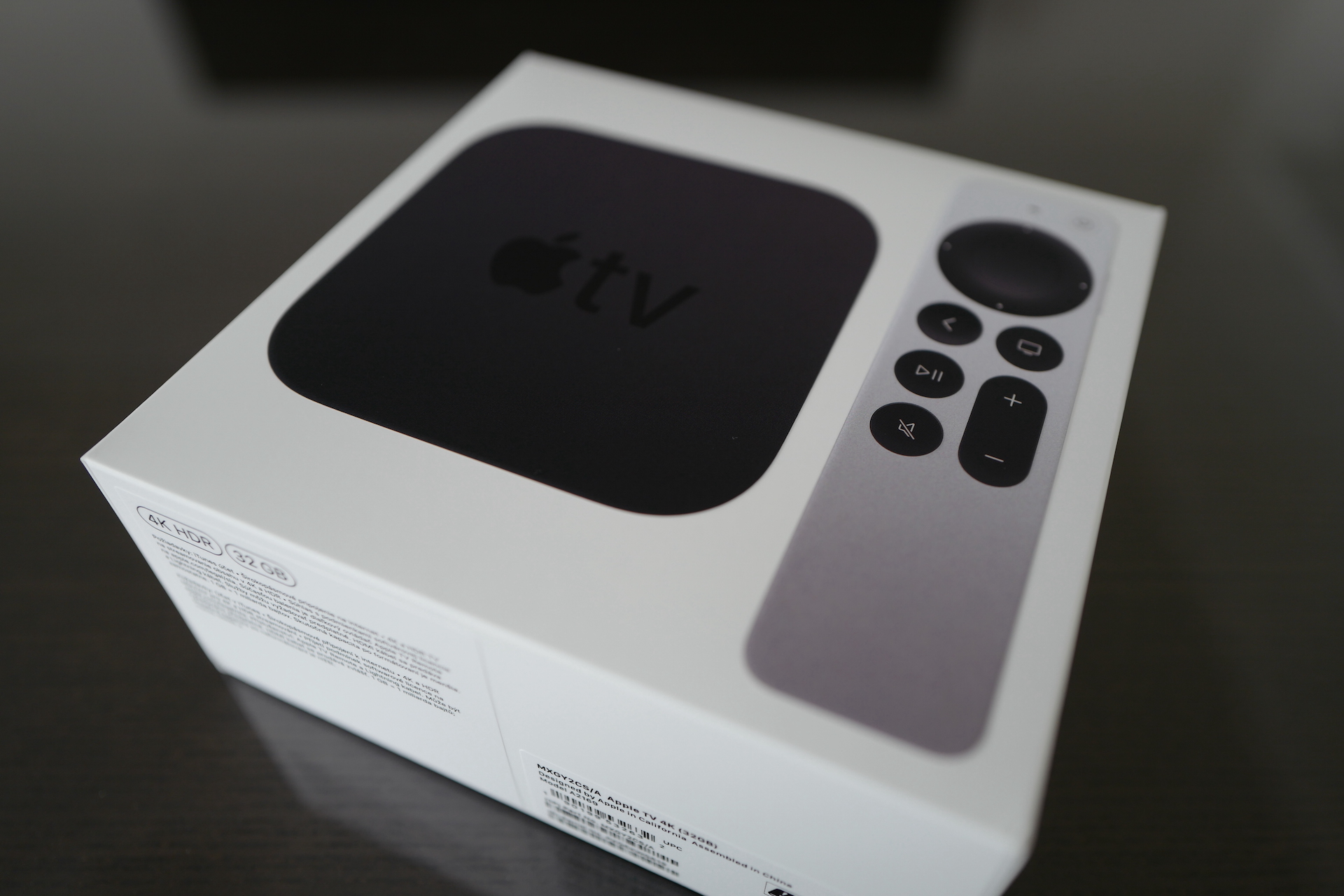
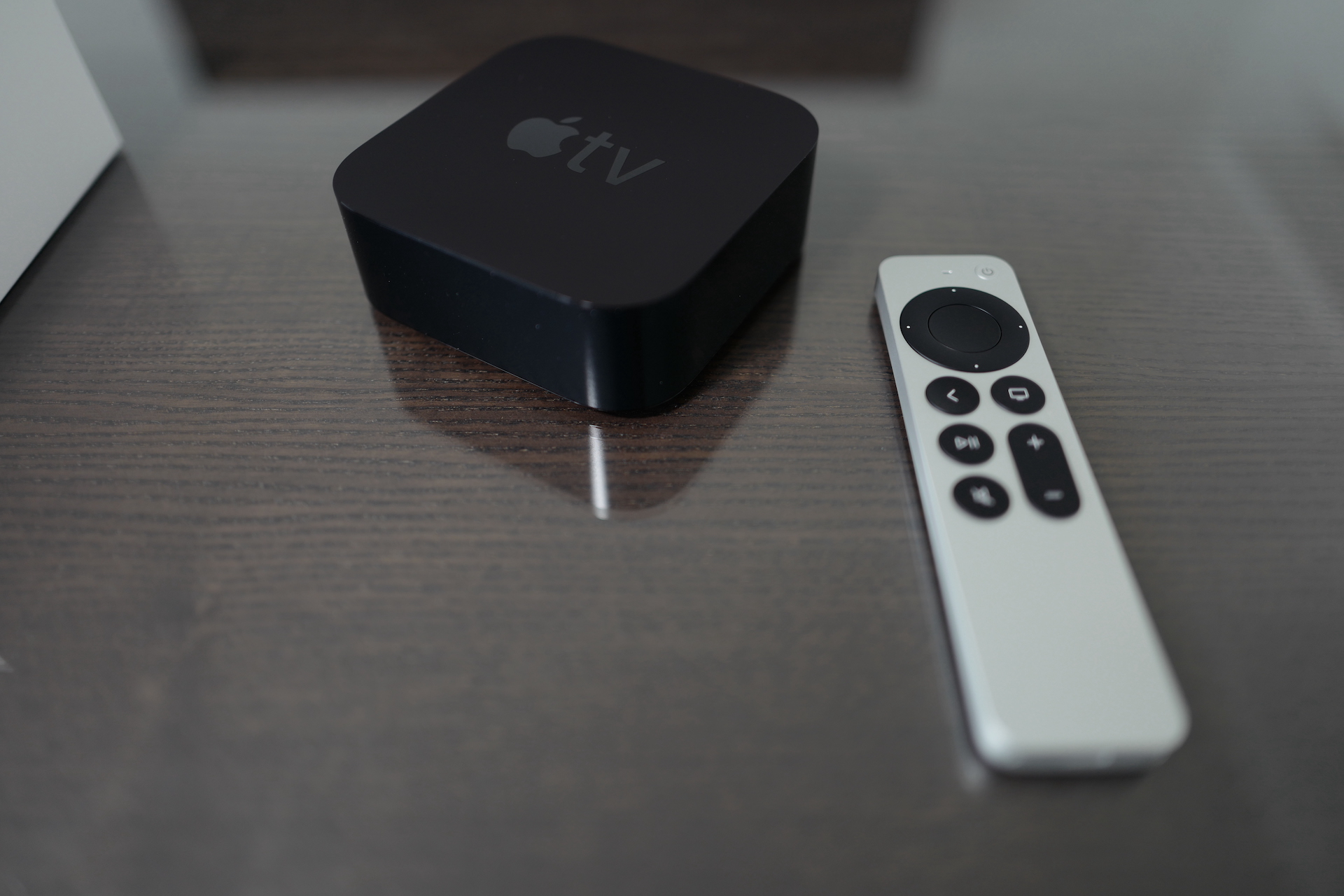
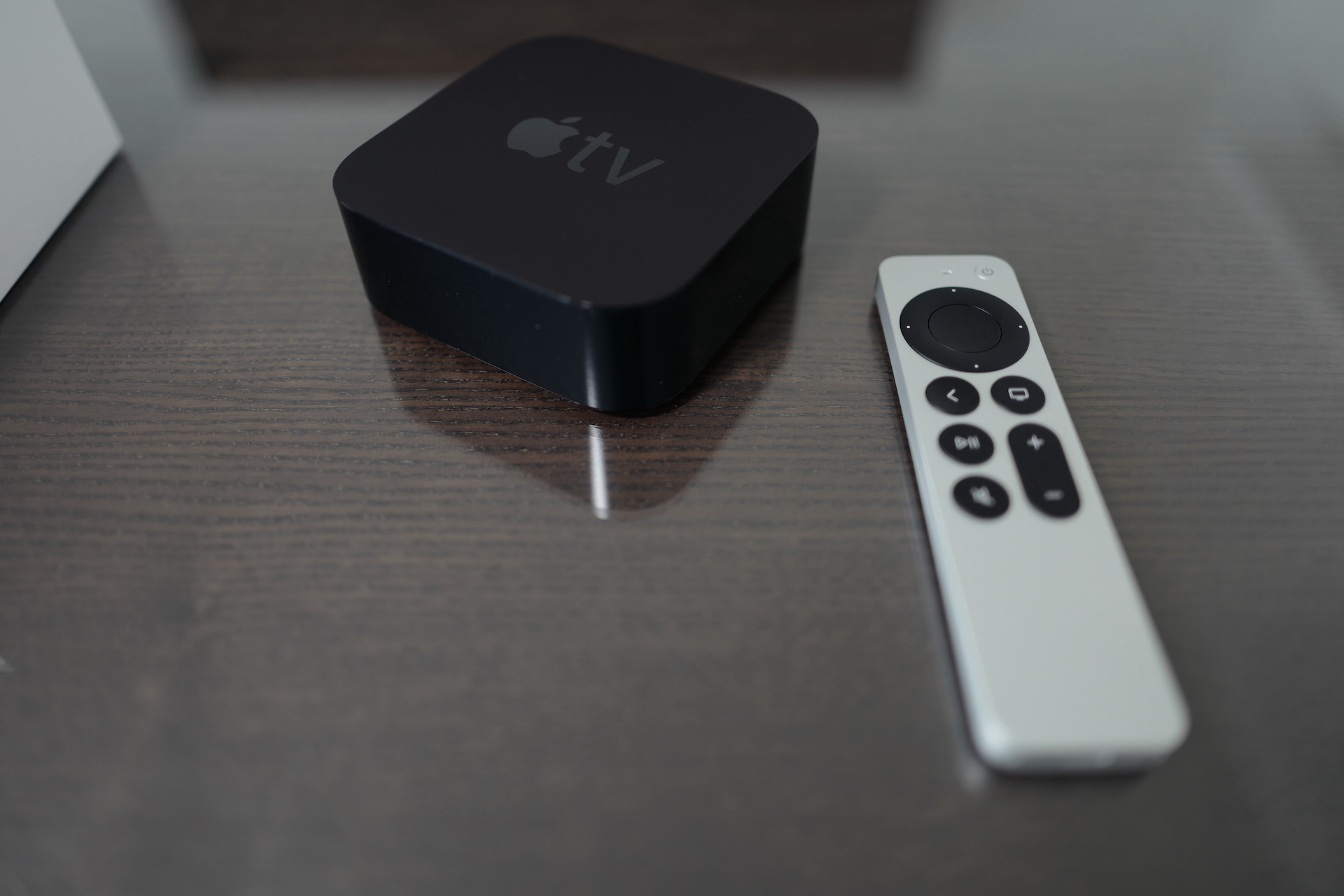
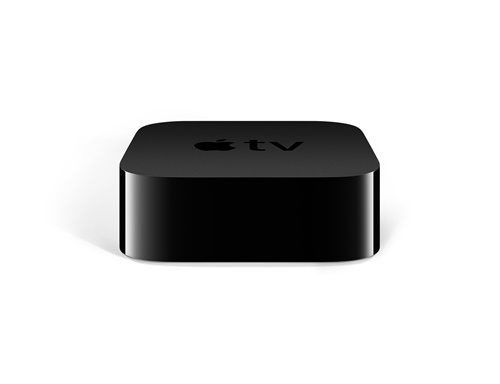
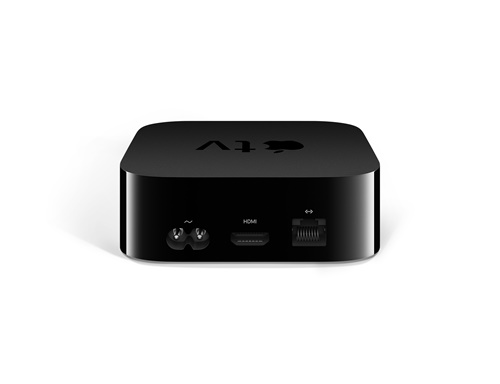
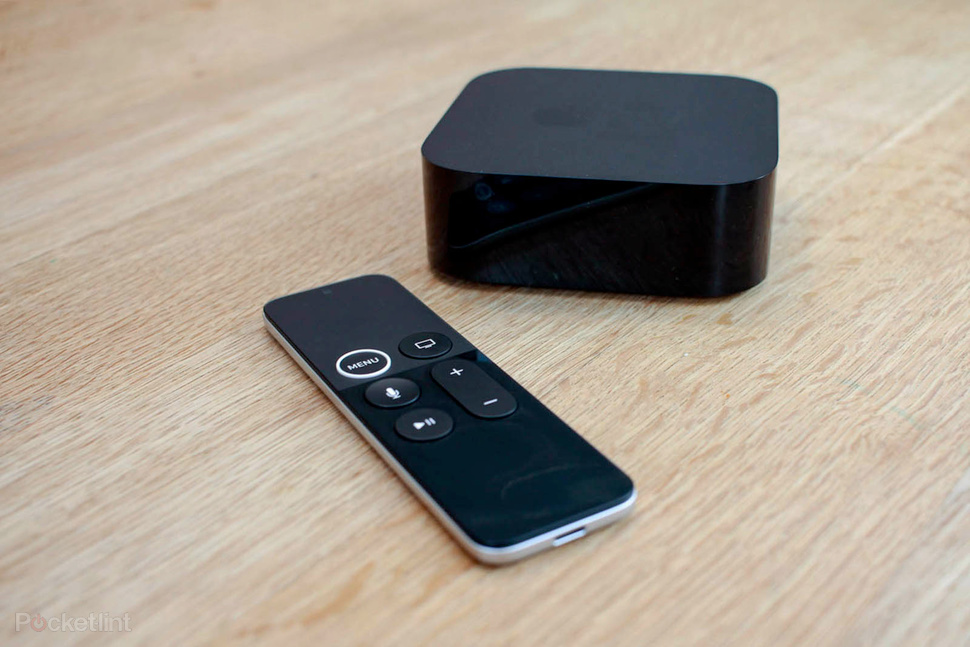
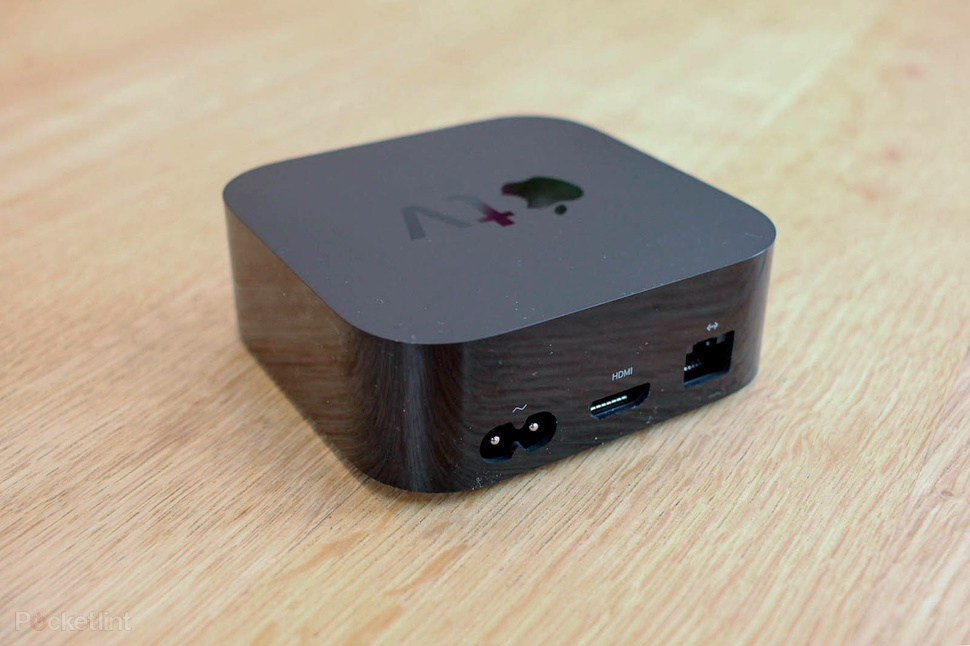
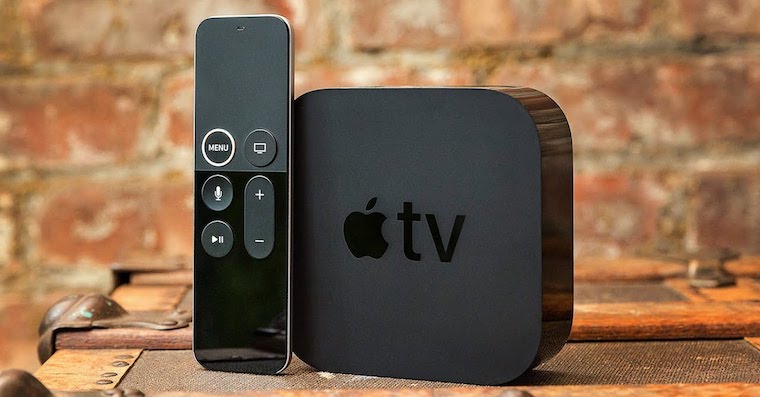
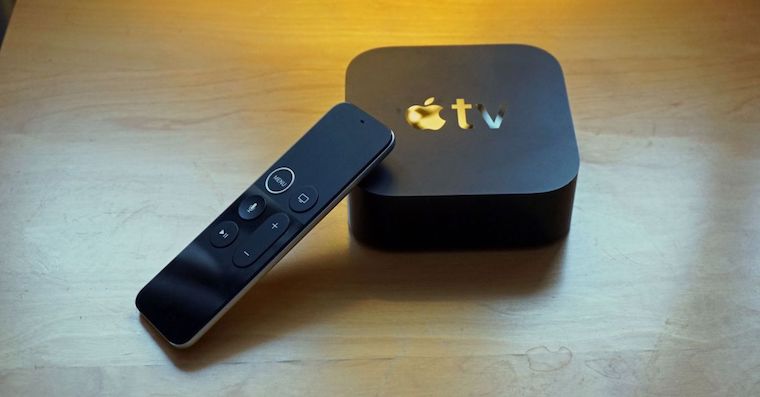
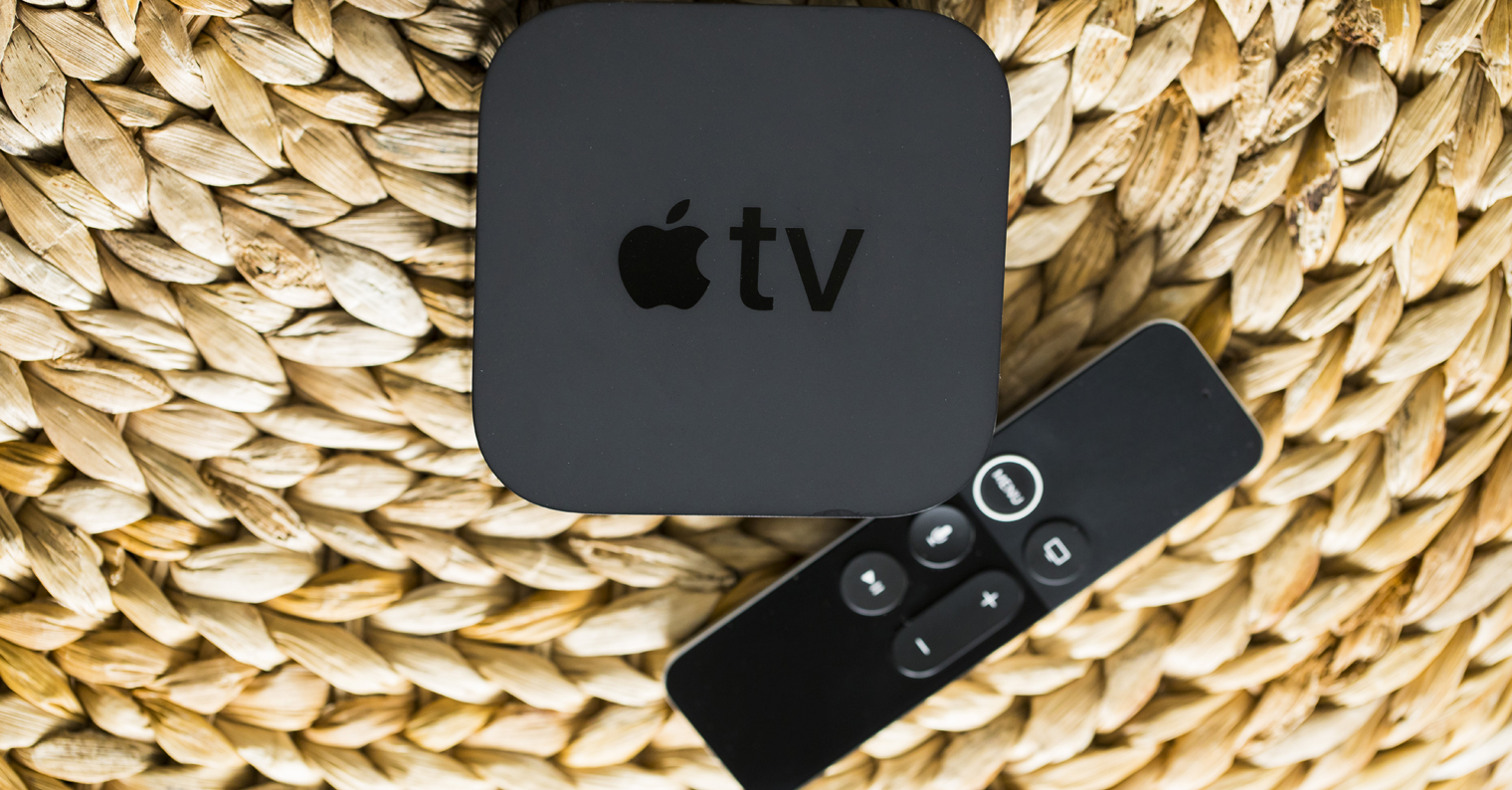
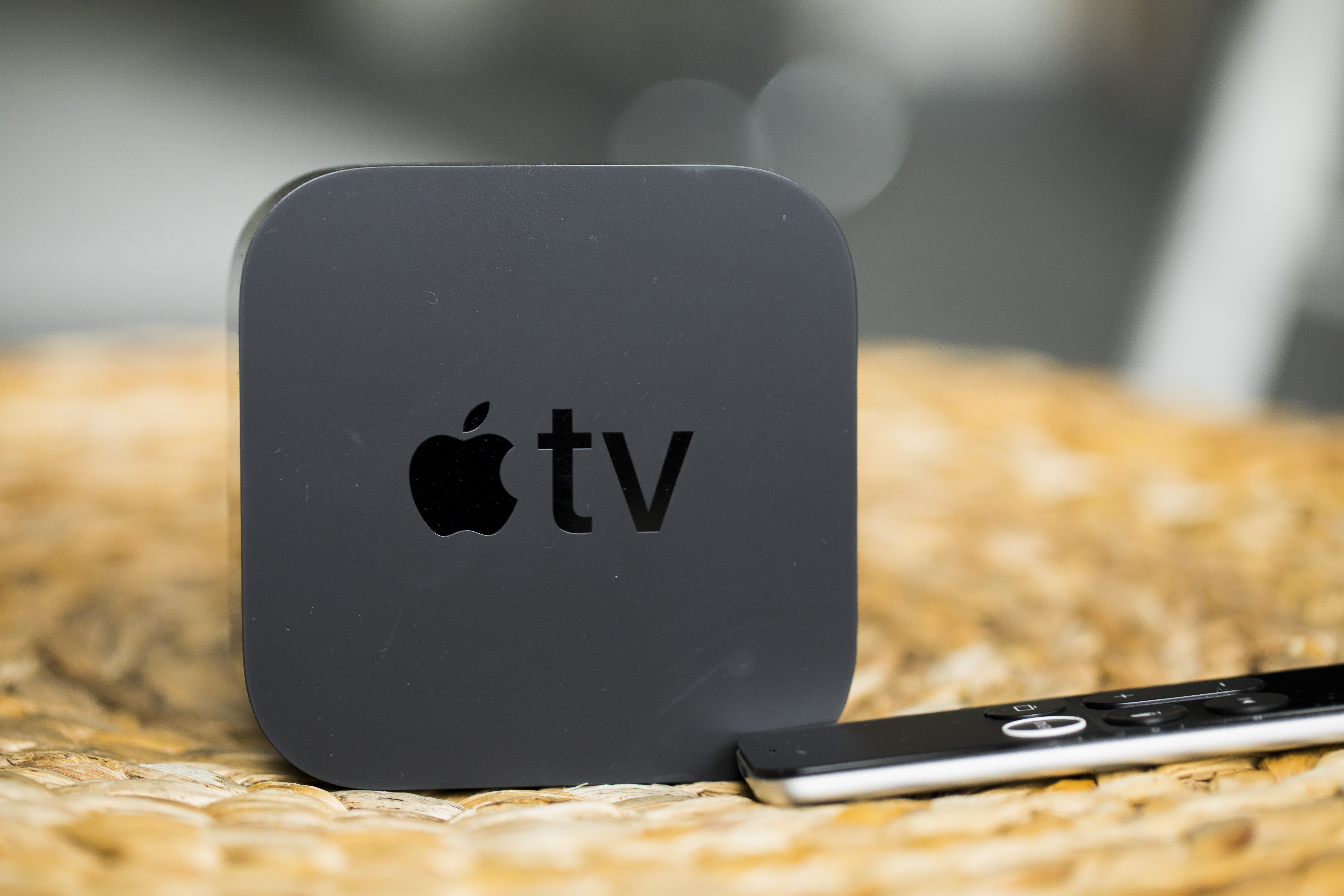
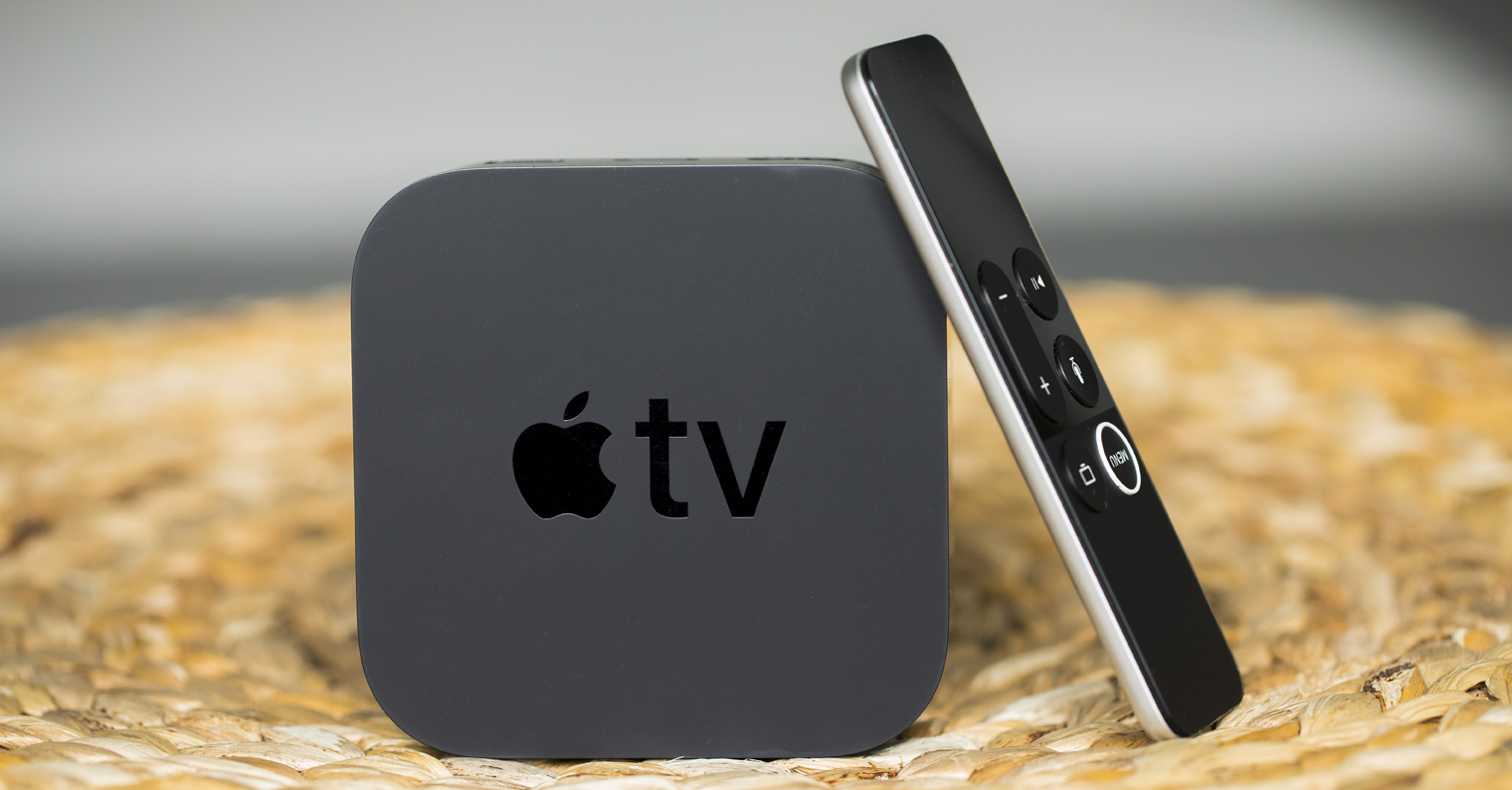
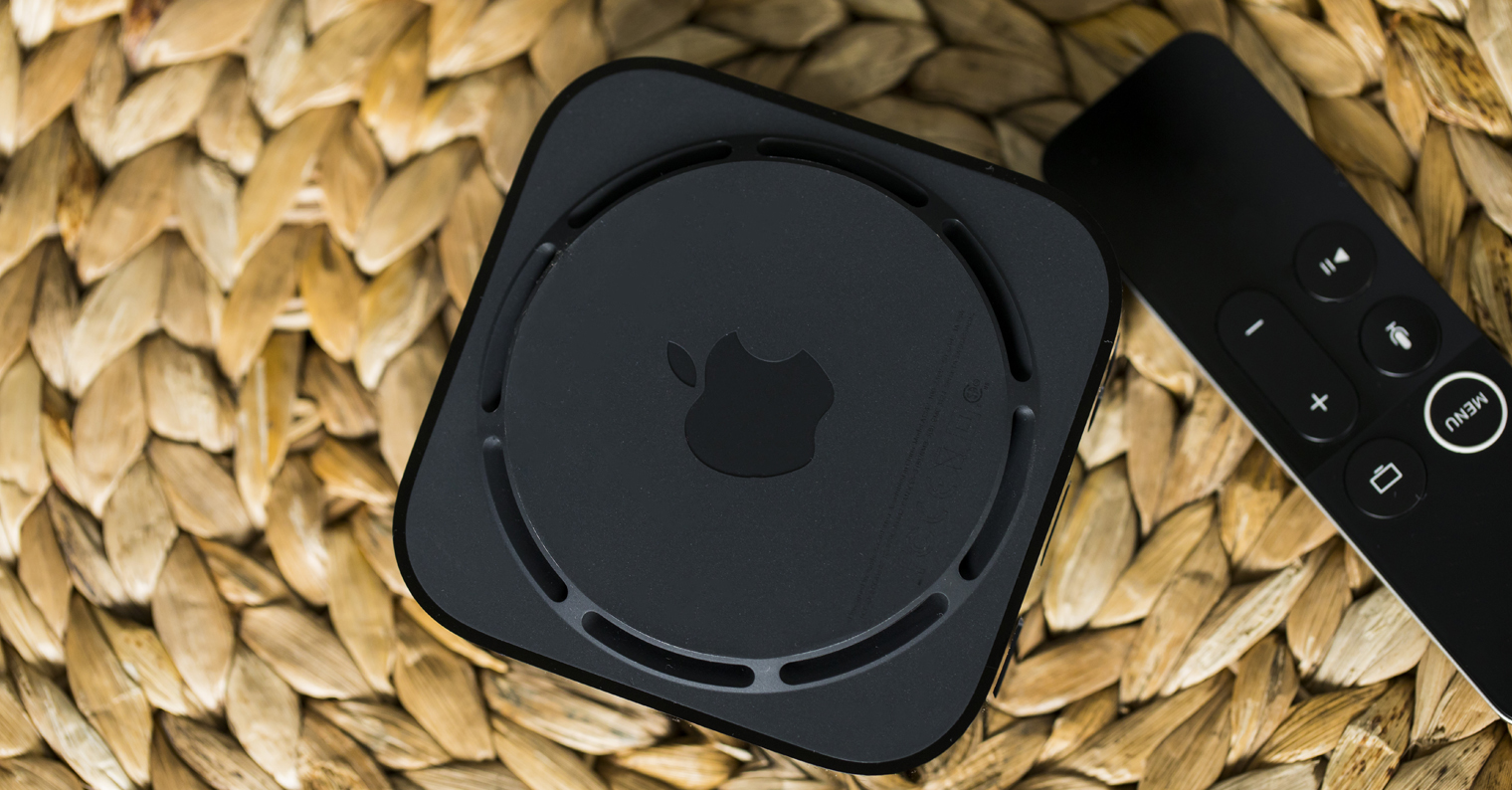
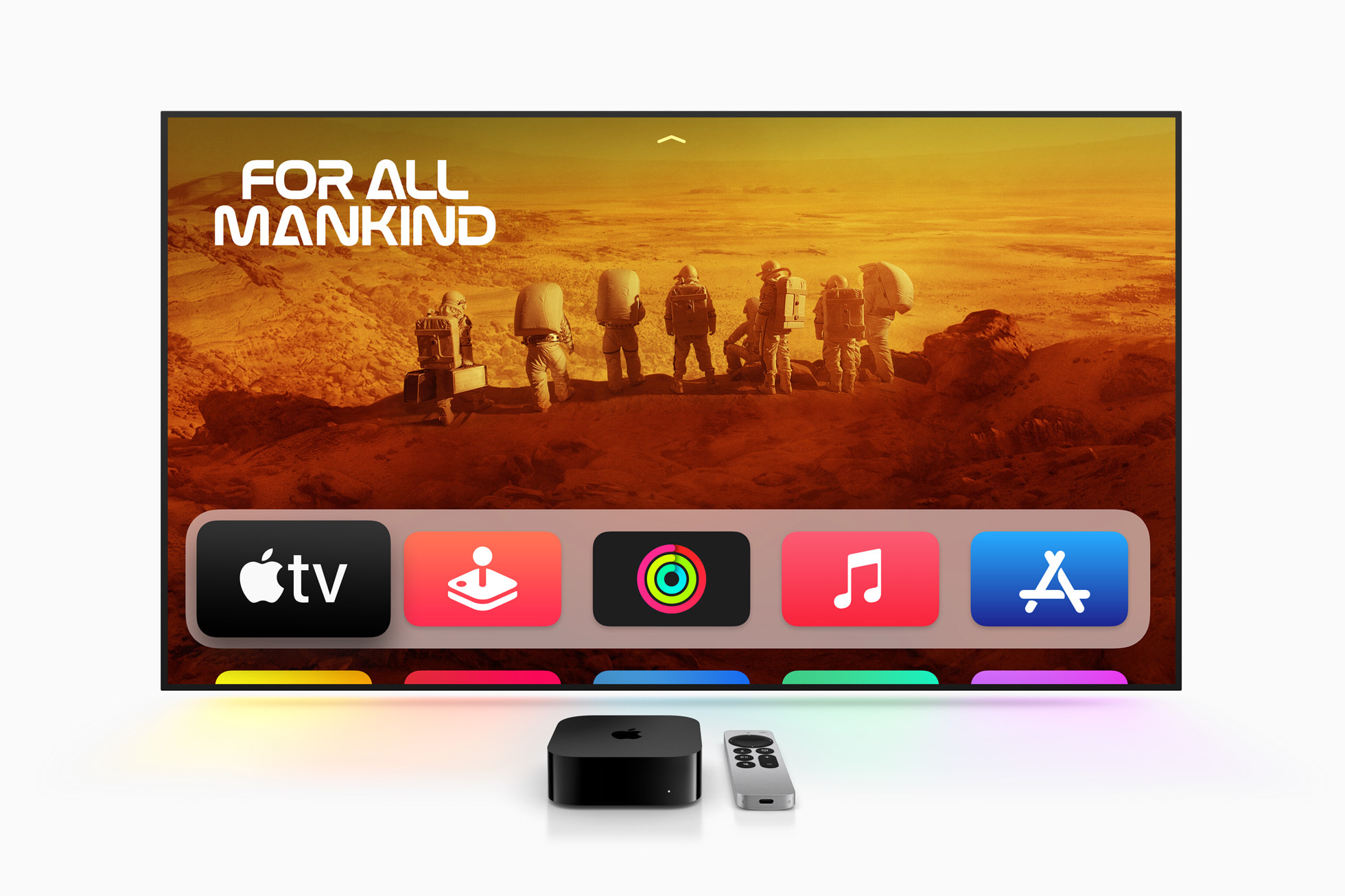
Let's start with the dimensions (H x W x D) and weight Apple TV 4. The first generation, like the second, has dimensions of 35 × 98 × 98 millimeters, while the third generation has 31 × 93 × 93 millimeters. As for the weight, the same data is again available for the first and second generations, namely 425 grams. The third generation has a significant weight reduction, specifically to 208 grams in the case of Wi-Fi varianty and 214 grams in the case of Wi-Fi + Ethernet varianty. In terms of design, the first and second generations are exactly the same, but the third generation has seen small changes, both in dimensions and weight, and on the top, where the tv logo is no longer there, but only .
Apple TV 4K 3rd generation
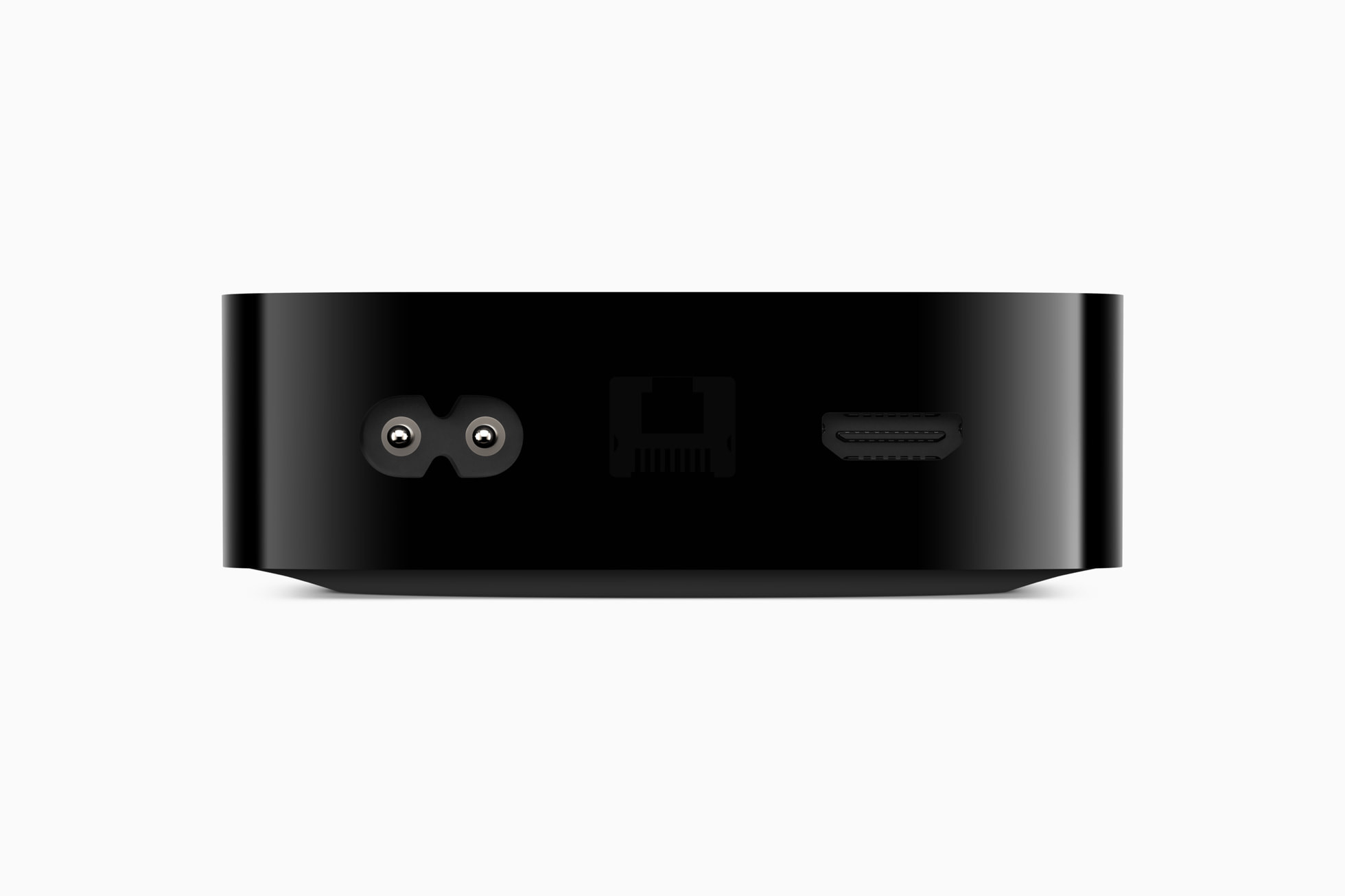
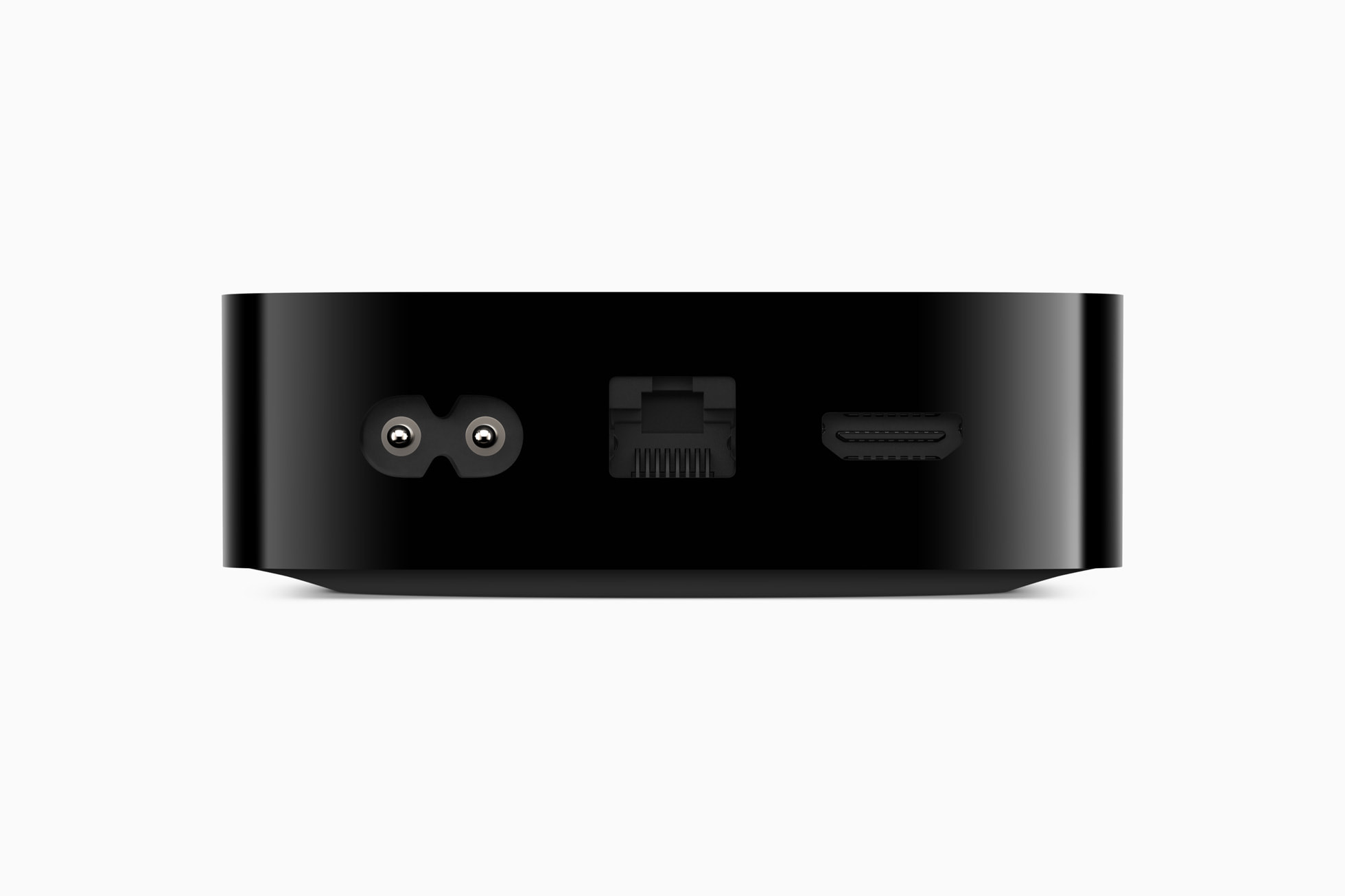
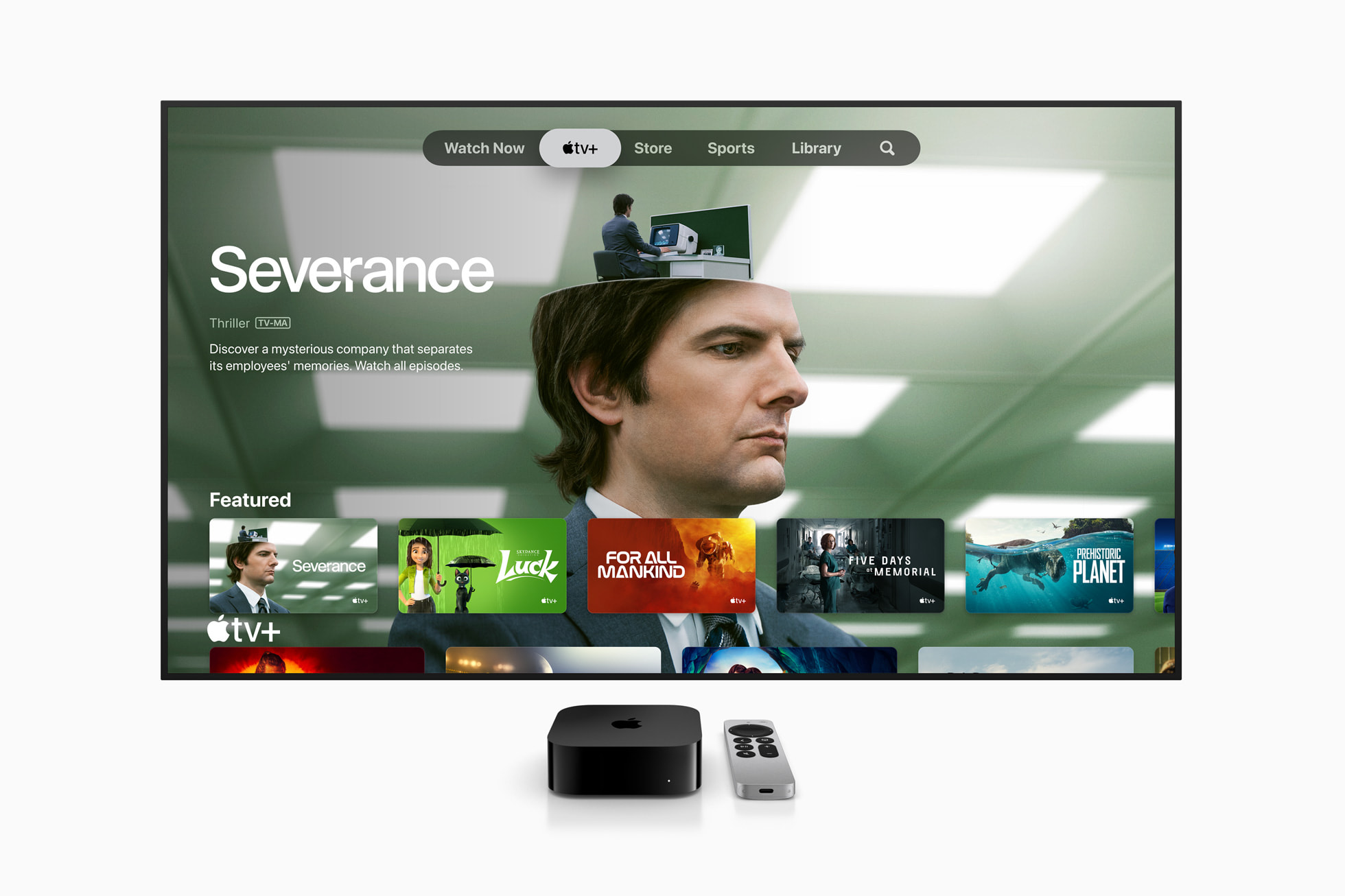
Controller
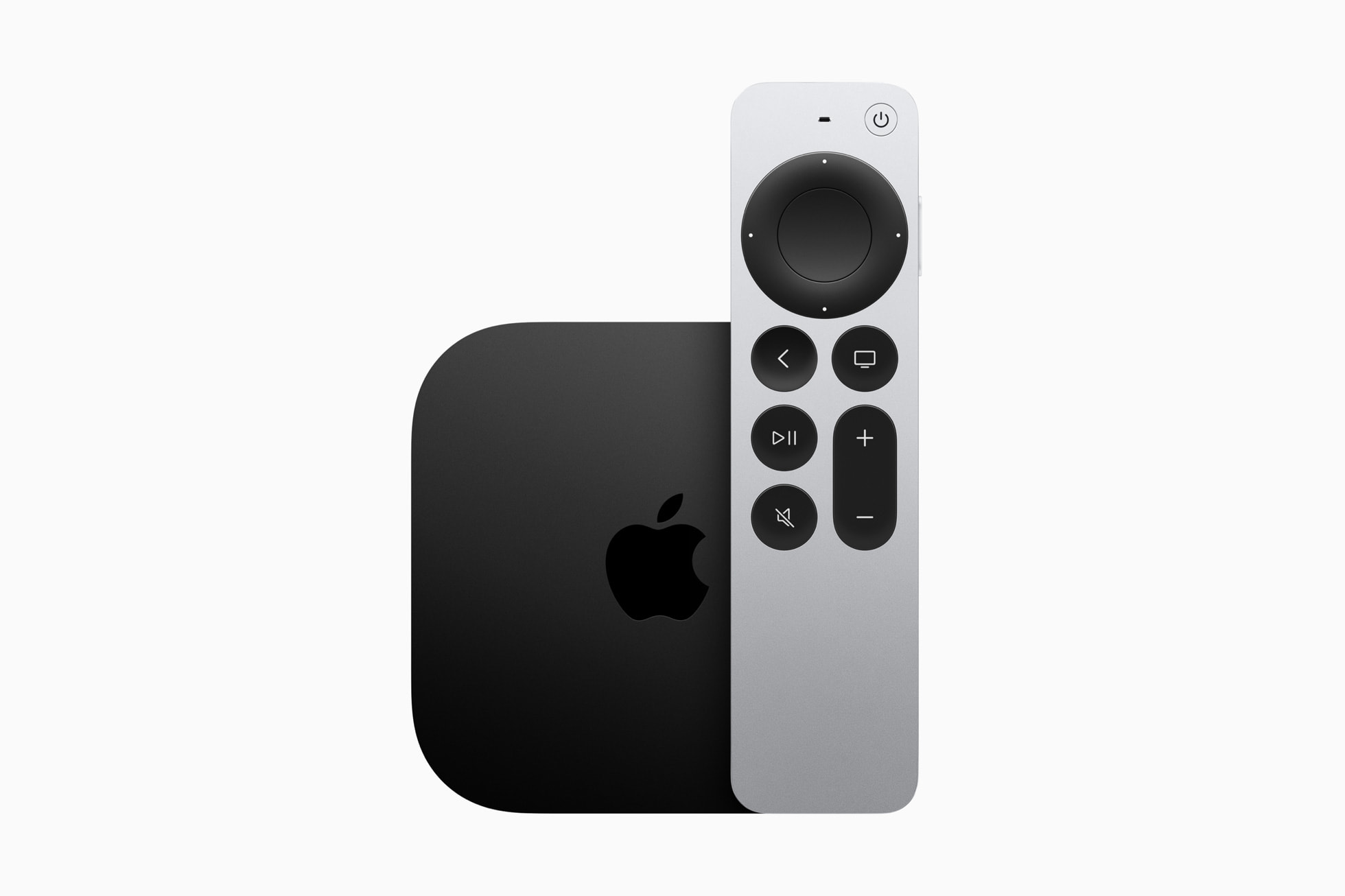
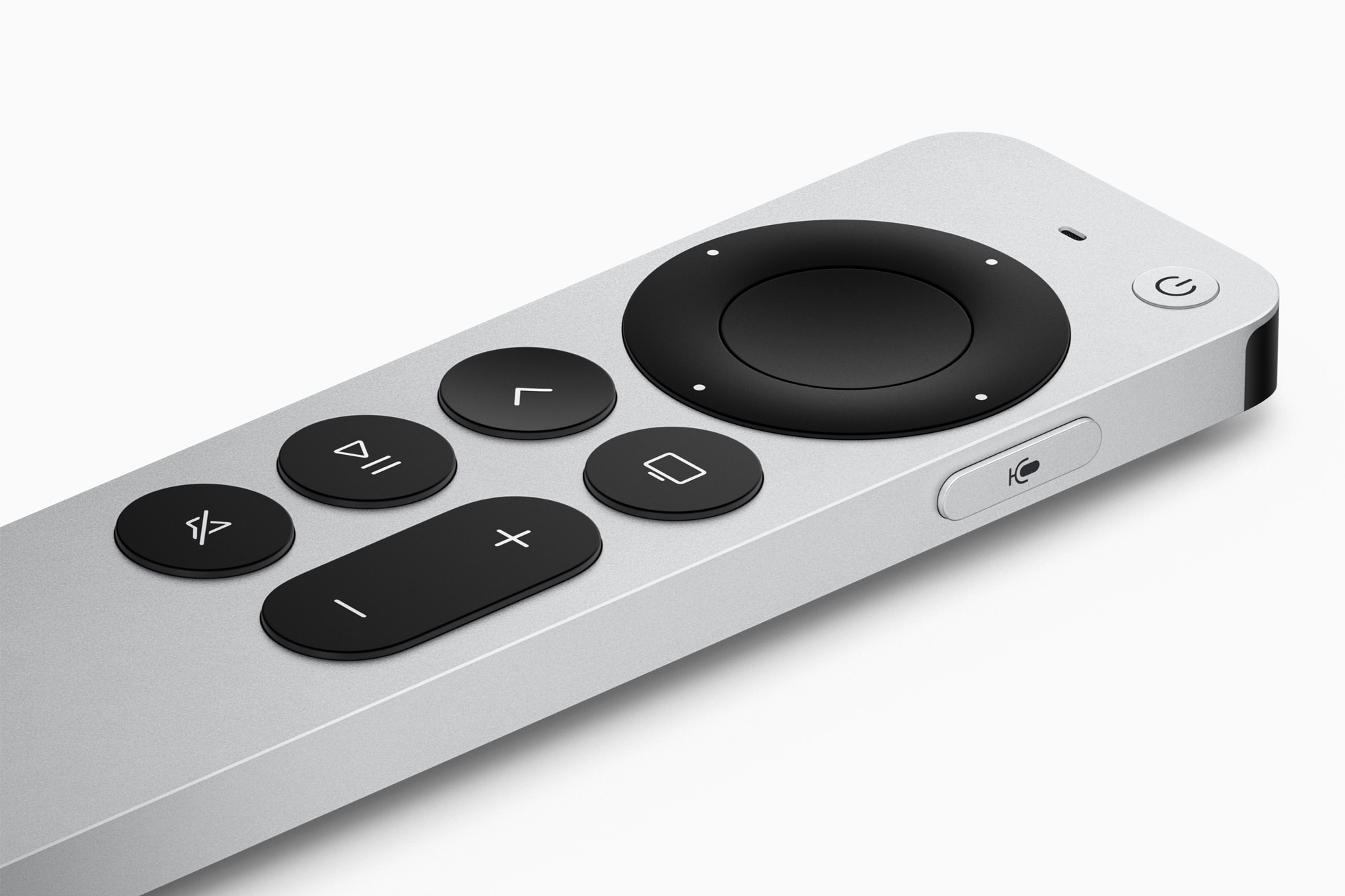
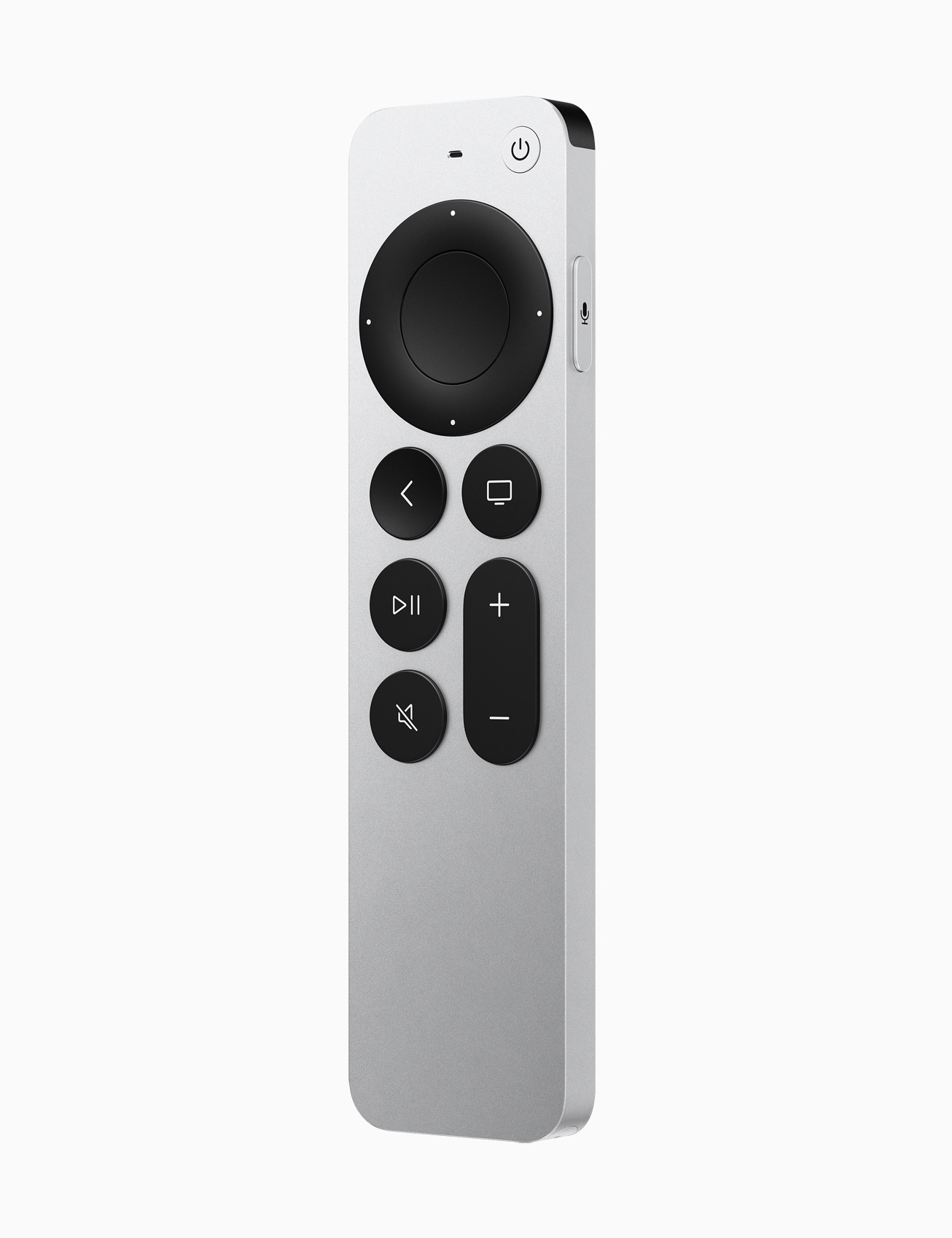
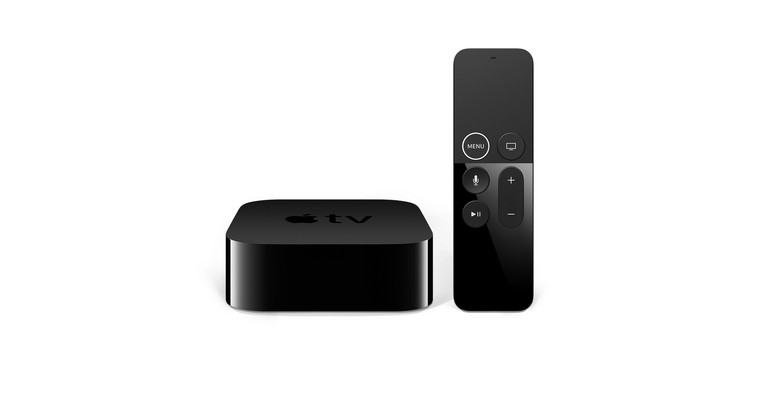
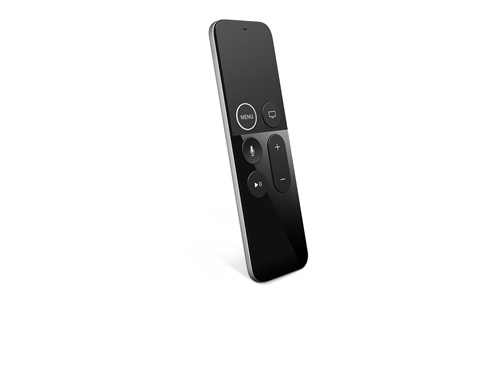
An integral part of every television is also its remote control. The first generation still offered the original Apple TV Remote, which had dimensions of 124 × 38 × 6,3 millimeters and a weight of 45 grams. The second and third generations have the same remotes Siri Remote, except that the third generation has instead ofonewhich Lightning now USB-C and is 3 grams heavier. Specifically, we are talking about dimensions of 136 × 35 × 9,25 millimeters and a weight of 63 grams, or 66 grams for the third generation. In terms of functions, the first generation offered Bluetooth 4.0, an infrared transmitter, an accelerometer and a three-axis gyroscope, Lightning and a rechargeable battery. The second and third generations then have Bluetooth 5.0 and an infrared transmitter, Lightning in the second generation and USB-C in the third generation, and a rechargeable battery.
Apple TV 4K 2rd generation
Hardware
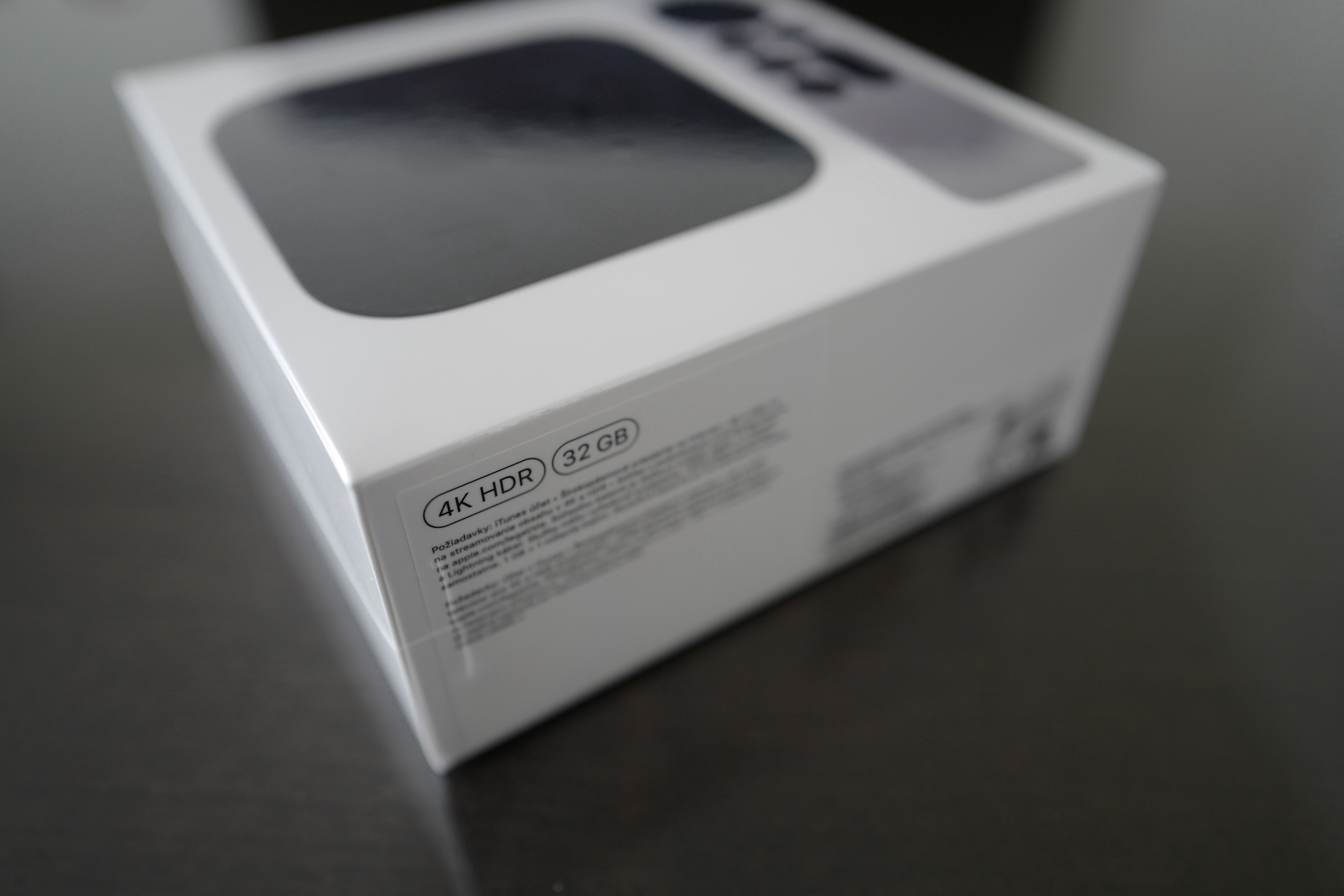
The changes are also clear in the case of hardware. While the first generation offered the A10X Fusion chip, the second generation A12 Bionic and the latest third generation even A15 Bionic. The first generation then boasted support for HDMI 2.0a, Wi-Fi 5, gigabit Ethernet and Bluetooth 5.0, the second generation then offers support for HDMI 2.1, Wi-Fi 6, Thread networks, gigabit Ethernet and Bluetooth 5.0. As for the third generation, there was a division into two versions, namely purely Wi-Fi and Wi-Fi + Ethernet. Both versions offer support for HDMI 2.1, Wi-FI 6 and Bluetooth 5.0, the second version with Wi-Fi + Ethernet then also offers gigabit Ethernet and support for Thread networks. In terms of storage, you could choose from 32 GB and 64 GB for the first and second generations, while the third generation has a fixed storage capacity - 64 GB for Wi-Fi variantu and 128 GB for Wi-Fi + Ethernet variantu. It is important to mention that the 3rd generation Apple TV 4K is alsooneIt has completely eliminated active cooling, i.e. the fan.
Apple TV 4K 1rd generation
Video formats
Apple TV 4K 1st generation
- H.264/HEVC SDR video in resolution up to 2160p, 60 fps, Main/Main 10 profile
- HEVC Dolby Vision (Profile 5)/HDR10 (Main 10 profile) in resolutions up to 2160p
- H.264 Baseline Video Profile level 3.0 or lower with AAC-LC audio up to 160 kbps per channel, 48 kHz, stereo in .m4v, .mp4, and .mov file formats
- MPEG‑4 video up to 2,5 Mbps, 640 × 480 pixels, 30 fps, Simple Profile with AAC-LC audio up to 160 kbps, 48 kHz, stereo in .m4v, .mp4, and .mov file formats
Apple TV 4K 2st generation
- H.264/HEVC SDR video in resolution up to 2160p at 60 fps, Main/Main 10 profile
- HEVC Dolby Vision (profile 5)/HDR10 (profile Main 10)/HLG up to 2160p at 60 fps
- H.264 Baseline Video Profile level 3.0 or lower with AAC-LC audio up to 160 kbps per channel, 48 kHz, stereo in .m4v, .mp4, and .mov file formats
- MPEG‑4 video up to 2,5 Mbps, 640 × 480 pixels, 30 fps, Simple Profile with AAC-LC audio up to 160 kbps, 48 kHz, stereo in .m4v, .mp4, and .mov file formats
Apple TV 4K 3st generation
- SDR video in AVC/HEVC format (Main / Main 10 profile) in resolution up to 2160p at 60 fps
- Dolby Vision (profile 5) up to 2160p at 60 fps
- HDR10+/HDR10/HLG in HEVC format (Main 10 profile) in resolution up to 2160p at 60 fps
- H.264 Baseline Video Profile level 3.0 or lower with AAC-LC audio up to 160 kbps per channel, 48 kHz, stereo in .m4v, .mp4, and .mov file formats
- MPEG‑4 video up to 2,5 Mbps, 640 × 480 pixels, 30 fps, Simple Profile with AAC-LC audio up to 160 kbps, 48 kHz, stereo in .m4v, .mp4, and .mov file formats
Audio formats
Apple TV 4K 1st generation
- HE-AAC (V1), AAC (up to 320 kbps), Protected AAC (from iTunes Store), MP3 (up to 320 kbps), MP3 VBR, Apple Lossless, FLAC, AIFF, and WAV; AC-3 (Dolby Digital 5.1), E-AC-3 (Dolby Digital Plus 7.1 surround sound), and Dolby Atmos.
Apple TV 4K 2st generation
- HE-AAC (V1), AAC (up to 320 kbps), Protected AAC (from iTunes Store), MP3 (up to 320 kbps), MP3 VBR, Apple Lossless, FLAC, AIFF, and WAV; AC-3 (Dolby Digital 5.1), E-AC-3 (Dolby Digital Plus 7.1 surround sound), and Dolby Atmos
Apple TV 4K 3st generation
- HE-AAC (V1), AAC (up to 320 kbps), Protected AAC (from iTunes Store), MP3 (up to 320 kbps), MP3 VBR, Apple Lossless, FLAC, AIFF, and WAV; AC-3 (Dolby Digital 5.1), E-AC-3 (Dolby Digital Plus 7.1 surround sound), and Dolby Atmos
You might be interested in
Price
If you wanted to buy the first generation 5 years ago Apple TV, it would cost you 5 CZK for the 190 GB version and 32 CZK for the 5 GB version. The second generation was slightly cheaper at 790 CZK for the 64 GB version and 4 CZK for the 990 GB version. Apple TV The third generation 4K will cost you CZK 4 for the Wi-Fi version with 190 GB and CZK 64 for the Wi-Fi + Ethernet version with 4 GB. So, the latest generation has once again seen a very nice price reduction - but it is important to mention that here Apple stopped packing the charging cable for the controller.
- Apple products can be purchased for example at AlgeIn iStores whether Mobil Pohotovost (U Mobil Pohotovost You can also take advantage of the Buy, Sell, Sell, Pay Back promotion, which allows you to iPhone 14 get it from 98 CZK per month)
| Apple TV 4K 1st generation | Apple TV 4K 2st generation | Apple TV 4K 3st generation | |
| Dimensions | 35 × 98 × 98 mm | 35 × 98 × 98 mm | 31 x 93 x 93 mm |
| Weight | 425 gr | 425 gr | 208 g (214 g) |
| Chip | A10X Fusion | A12 Bionic | A15 Bionic |
| Function | HDMI 2.0a, Wi-Fi 5, Thread, gigabit Ethernet, Bluetooth 5.0 | HDMI 2.1, Wi-Fi 6, Thread, gigabit Ethernet, Bluetooth 5.0 | HDMI 2.1, Wi-Fi 6, Bluetooth 5.0 (gigabit Ethernet, Thread) |
| Storage | 32 GB and 64 GB | 32 GB and 64 GB | 64GB (128GB) |
| Controller | Apple TV Remote | Siri Remote (Lightning) | Siri Remote (USB-C) |
| Controller dimensions | 124 × 38 × 6,3 mm | 136 × 35 × 9,25 mm | 136 × 35 × 9,25 mm |
| Controller weight | 45 gr | 63 gr | 66 gr |
| Controller functions | Bluetooth 4.0, IR transmitter, accelerometer, three-axis gyroscope, Lightning, rechargeable battery | Bluetooth 5.0, IR transmitter, Lightning, rechargeable battery | Bluetooth 5.0, IR transmitter, USB-C, rechargeable battery |
| Price | CZK 5 (190 GB); CZK 32 (5 GB) | CZK 4 (990 GB); CZK 32 (5 GB) | CZK 4 (Wi-Fi, 190 GB); CZK 64 (Wi-Fi + Ethernet, 4 GB) |




I have a question for the owner Apple TV. What do you use it for? I somehow can't figure out what this "box" is actually good for in the age of smart TVs.
Infuse application. In mac mini you have movies and you play them on this device. Netflix, HBO, Eurosports. These streams will always work better on ATV than on TV as they age. They only work there for a short time.
How does the infusion work? I tried it years ago with AppleTV and nakoneI still went back to recording the movie to USB and putting it on the TV manually. That MacMini Do you have it on all the time? I've never been able to figure out how to do it. I have Macbook Pro 14 M1 with 1TB SSD, but I only turn it on once a week. So I guess it would have to be on and open all the time.. I tried setting it up as a MediaServer in front of an LGTV once, but it also didn't work for me. I would appreciate the contact and I'd be happy to write how to solve it
ProWould Netflix and others only work on TV for a short time?
To the old 60″ TV. The picture looks great, but it doesn't have an OS.
This way I have a great OS with support AirPlay, Netflix, Disney+ and SledovaniTV.
I don't need more. I could have bought a Xioami TV, but I would have had Android and not AirPlay.
Zwift.
I don't have to deal with charging the iPhone, I can write with others on it, play and change music to the speakers... I turn it on Apple TV, I pair it with a trainer and I have a giant screen that draws you into the action and everything is beautifully readable.
Otherwise, I wouldn't use it either
Instead of TV. I only have LG Oled as a display and I play everything through it Apple TV, faster OS, faster driver, movie collection in Movies.
So my experience is that when I mirror a video from an iPhone/iPad, it crashes very often and it's more efficient to use Airplay LG. It always makes me angry because the AppleThe TV is completely useless and the things it was supposed to work for (i.e. reliable synchronization across devices) don't work effectively.
Try it Airflow appIt works reliably even in 4K with surround sound.
I have a projector
Main multimedia center on TV (Netflix, Disney, HBO, Amazon, some game here and there, plus music) Paired with two homeunder. I don't have cable or anything. Fully sufficient. In particular, the image quality compared to the software provided by the TV set is incomparable.
HBO, Disney+, Apple Music – videos and clips, F1TV – great watching races even from the driver's cockpit and switching between them, Netflix, etc. and especially with Oled TV 4K it has a higher resolution than the smart TV itself 🤣 and their applications...
95% usage is "Infuse" as a client for Plex Media Server. the remaining 5% are serials from Apple TV+
Synology NAS and the Plex application, you have movies and series on the NAS and you can play them very conveniently via Plex. And unlike the Samsung TV (which can Plex too) it doesn't crash and has worked reliably for years. In addition Apple TV I control over any iPhone or iPad within reach and I don't have to look for the remote. And I think the remote has 7 buttons, so it's very easy to control. Of course, it can also play music from Apple Music (Spotify probably too, I think there is an app, but I don't use it), AirPlay from iPhone, iPad, Mac, simply if there are multiple Apple devices at home and perhaps even a NAS, then it is Apple TV absolutely great thing.
I don't use the TV's smart features. The TV has a slower processor and worse control ergonomics anyway. DriveLinux-based media boxes were terrible in terms of compatibility with various codecs and their remote controls were a disaster. With Android TV I have no experience, but I expect the upgradeability and ergonomics to be somewhere between media boxes and Apple TV.
Apple TV I mostly use Synology storage to play older movies via Infuse, DS Video or VLC. The streaming apps have good ergonomics and I use them for newer movies from HBO Max, Netflix, Disney+ and Prime Video. Then there is YouTube, Stream.cz and so on AirPlay is sent from iPhone do Apple TV music, videos and photos.
I just tried the games file. Some like tennis with Remote as a bat are good for young children. It's good for kids before they start playing on PlayStation.
Proč AppleTV?
Control via phone in control center, texting via iPhone keyboard, nicer hw driver, speed, environment, home center for homekit, switching on and off via Siri and automation, mirroring, Apple Music, photos from andCloudsupport AirPods with surround sound…
Thanks for the responses, I've come to the conclusion that I just saved 4 😃. It would be great for playing movies without a flash, but since I have a home NAS shared on the TV, I won't use it.
Otherwise I have a Smart LG and AirPlay works for me without any problems. I tried it about 3 times though 😅
Over Apple TV I connect a bike trainer with the Zwift and Rouvy apps to display on a TV. Some use a laptop, others a tablet, the rest Apple TV. It works flawlessly, it seems to me to be the best solution. Plus, I don't have to worry about placing my laptop or tablet in front of the trainer and looking at the small screen or pulling additional cables from them to the TV.
Latest version Apple TV 4K does not have a fan,onepassive cooling.
The first generation remote also served as a game controller thanks to the gyroscope and accelerometer. The aluminum ones in the 2nd and 3rd generation don't work like that anymore, do they?
I wish they didn't have any, but you can connect, for example, a PS5 controller
ipadProM1
V mac mini you have a folder, there movies, ATV and Infuse will be connected to it. That app Infuse is great graphically, in Czech. Even the descriptions and information about the movies. I like it more than all the streams. I mini I have an external HDD, of course the devices must be turned on. If you have macbook, you would just open it and close it after the movie. Nothing complicated.
Tomas
I have several Panasonic TVs and after 2 years everything starts stuttering.
I remember that library, that's what I liked about it. I'm thinking about a NAS, but I have a router from Synology and I sometimes connected an external HDD with movies directly via the LG MediaServer, but it often "hacked" my network, so I had to readjust it all day, so I went back to USB on the TV . Or I just can't handle it.
This router should probably be able to do that too cloud, but I couldn't handle it anymore :)
Does the inFuse still have a one-time lifetime subscription, or would I still have to pay?
I would like it if it already has a large SSD 128 gb, the ability to load the stream into the ATV memory. It happened to me many times when playing Netflix or other streams, both when moving in time in a movie, how there was a small pause and slow loading. Please note that not everyone has mega-fast internet. That I would play a movie in my memory. This would guarantee a top response. Just my opinion.
Apple TV is my only source of media in the household. Television, netflix, Apple , a stream of movies recorded on a disc that is connected to the router. Apple The remote control is also the only thing I need. Alternatively, I can control it via iPhone.