
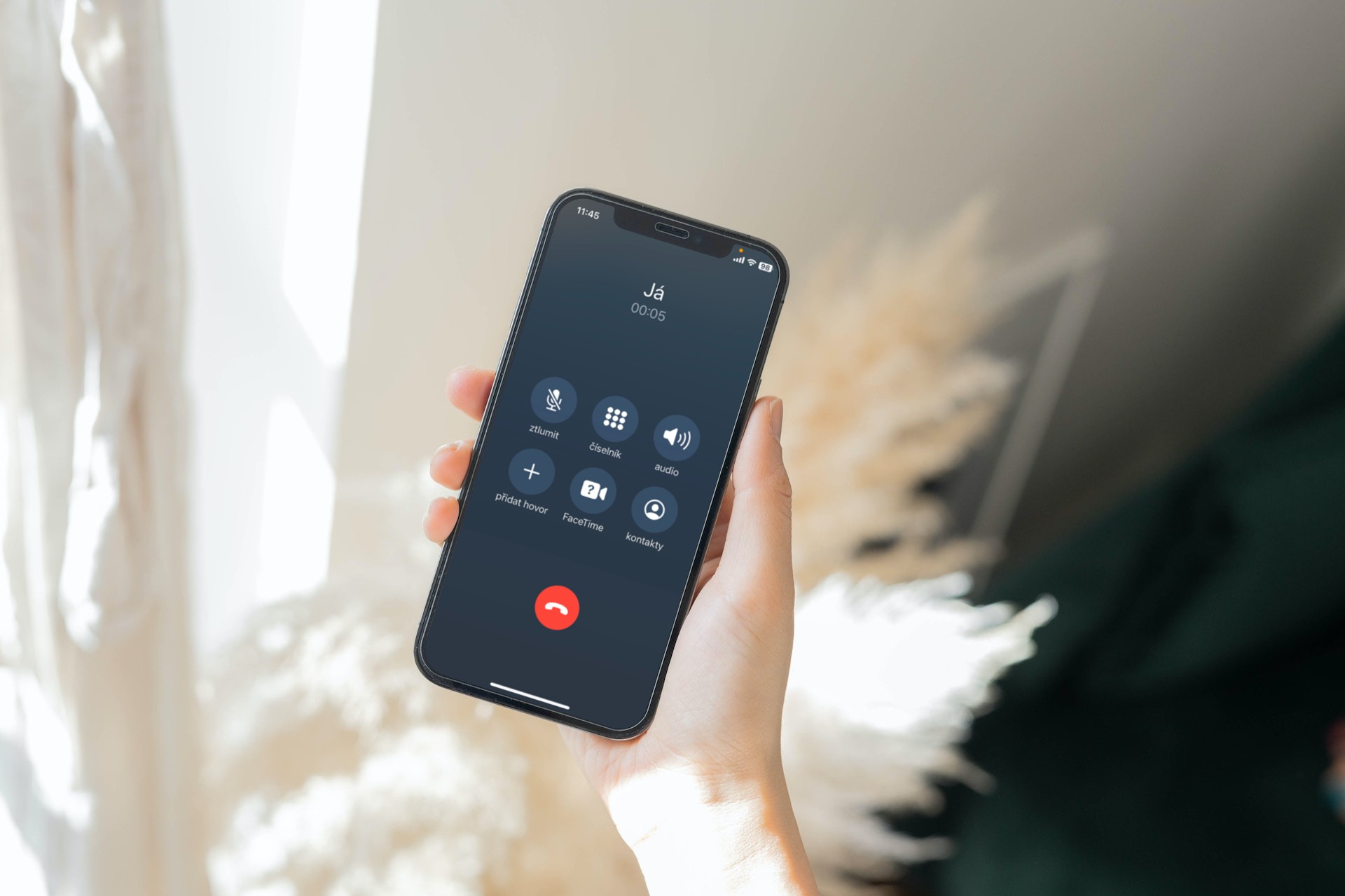
As iPhone block calls from a hidden number might be of interest to every iPhone user who from time to time becomes a victim of these unwanted calls. Of course, most people will not pick up an incoming call with the No Caller ID at all, but the point is, if such calls start piling up and you have to deal with them every day, several times. In this case, you only need to be a little more famous than an ordinary person, and your number will get somewhere on the Internet. Moreover, the use of a hidden number is in iOS Very simple and practically, all you need to do is tap a few times and your number will suddenly become a hidden number.
You might be interested in

As iPhone block calls from a hidden number
If you've had enough of calls from hidden numbers, or if you want to protect yourself against them in advance, there is a simple option that can help you. Right within iOS There is a function available that allows you to hide calls from hidden numbers. All you need to do is activate this function as follows:
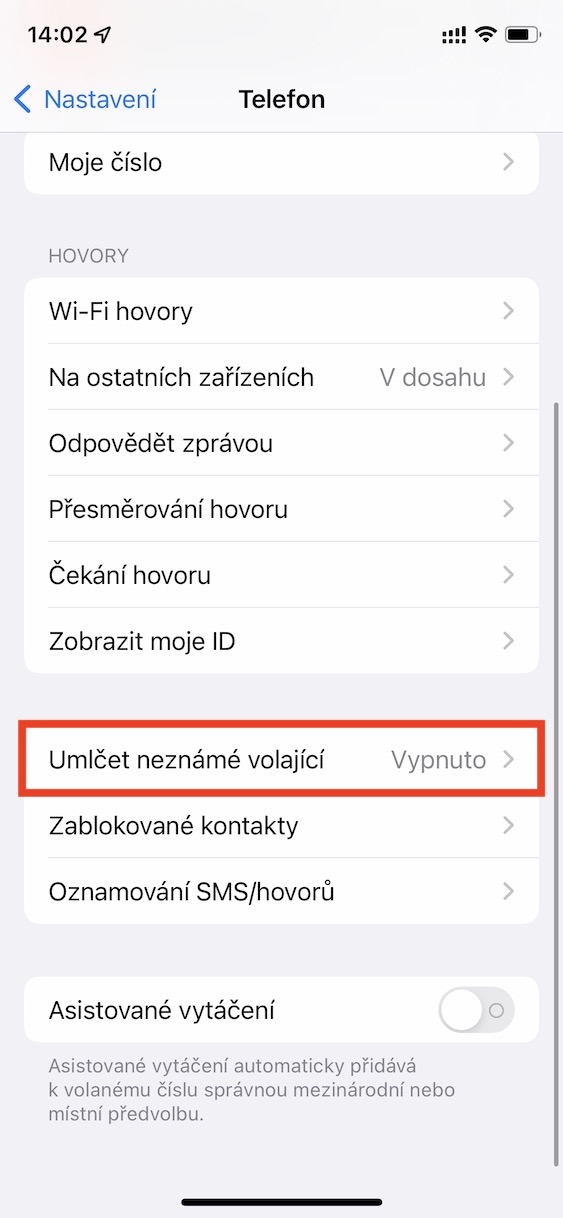
- First, you need to go to the native app on your iPhone Settings.
- Once you do, get off below, where find and click the section Phone.
- Then get off here again lower and open the column with the name Mute unknown callers.
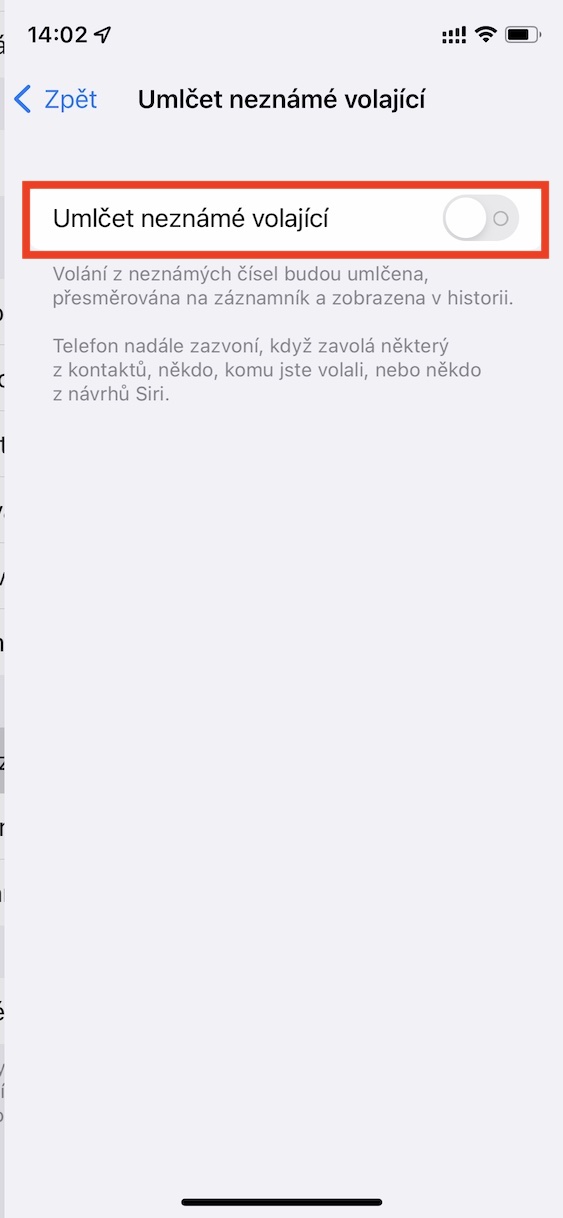
- Here you just need to use the switch activated function Mute unknown callers.
Gallery

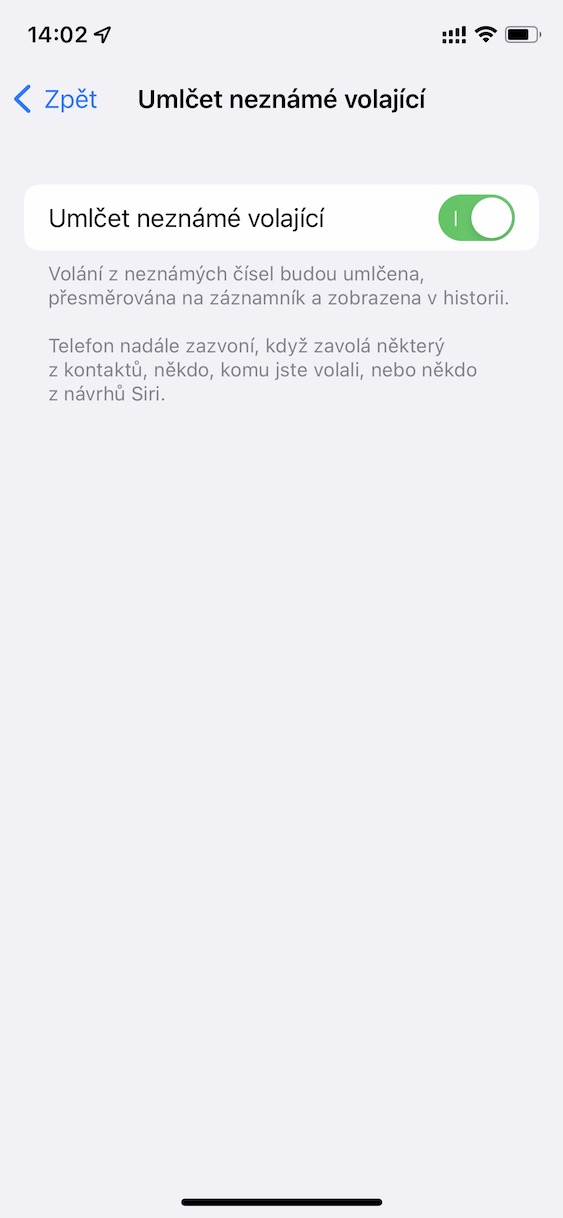
In the above way, you will guarantee that no one will contact you with a hidden number. But it is important to mention that if you activate this function, you will also not be called by people you do not have in your contacts, or users you have never called. In a way, this is a feature that makes everyone you don't know give you peace.







I don't want to attack the author of the article in any way, but only a child, or some young person who doesn't have any responsibilities yet, can afford to set this up. ProGod, as a parent, anyone can call me from a number I don't have saved from school, from a daycare, God forbid from a hospital. And I don't even have to have a child. It's enough if a partner, parent, brother gets into trouble. Is it really a good idea to voluntarily block almost all incoming calls? And I'm not talking about, for example, the police, who call from hidden numbers and they can call for my good. Also, from hidden numbers call, for example, repairmen or technicians from larger companies that we ordered ourselves, who don't need people to call them back because there is a client line for customers. And I could go on and on.
If someone bothers me and it doesn't matter if the number is hidden or not, I can contact the police and deal with it vigorously.
So I don't know about you, but about 1 in 50 calls calls me from a hidden number, which of course includes the ones you write in the comment. I'm not saying that blocking hidden numbers is necessarily a good idea, but at the same time, I wouldn't say that it will cut off practically everything that comes in.
Filip, no one has called me from a hidden number for about 15 years, but I get (private) calls de facto every day from a number that I don't have in my list. According to the article, I understood that with the settings I block both categories. However, even if only those with a hidden number were blocked, I still wouldn't feel good about it.
Even a fool understands the difference between a hidden and an unknown number 😄.
Did you read the article to the end? If not, then take another look at it and smile straight away 😂
Ah, that's classic. appI'm a bit lost, I only block hidden numbers on Android, so they should click in Applol 😉.
I don't really understand it, according to the website AppThese are not hidden numbers, but numbers that you don't have in your contacts, etc...
This feature blocks phone numbers that you have never communicated with and do not have them stored in your contacts. If someone wrote you their phone number in an e-mail or you sent messages with this number, the call will not be blocked.
People will call you from numbers in your contacts, call history, or suggestions Siri, which display the caller's name based on phone numbers listed in emails or text messages.
If you call an emergency number, blocking unknown callers will be temporarily disabled for 24 hours to allow your iPhone could be called.
Before turning on unknown caller blocking, make sure you have saved all your important contacts. Otherwise, you might miss a call from them. Although the blocked call will be forwarded to the answering machine and will appear in the call history, you will not receive any incoming call notification.
I've had it set up as follows for years. Create a contact with the number 00 00000000 and block this contact in the phone settings. Unknown numbers work for me, but hidden ones don't. I almost forgot I ever set it up.
now i tried it not working… it shows UNKNOWN caller number
I apologize then. I don't even remember where I found it, but I've had it for years and since I don't like hidden numbers I thought it still worked.
Hello all commenters. Of course, I tested everything before writing this article, so I'll set it straight in even more detail in this comment.
By following the steps in the article, i.e. activating the silencing of unknown callers, you will both silence hidden numbers (no caller ID) and silence unknown numbers, i.e. numbers that you do not have in your contacts, that you have never spoken to, and that are not recommended to you. Siri. So if a hidden or unknown number calls you after activating the aforementioned function, you will be automatically alerted. However, a missed call will appear in your call history, informing you that a hidden or unknown number called you. It's not like you won't know about such a call at all - you will know, as the badge in the Phone app will light up.
As for the second option for saving the number 000-000-0000 and then blocking it, I am of course aware of this trick. However, it is necessary to mention that the last time I remember it working was in iOS 10. In newer systems, this trick can no longer be used and the hidden number can still be called by blocking the number in question.
But unfortunately, you cannot call back a hidden number in the history 🙁
Exactly as Mirek77 says: the authorities (e.g. berňák) and the police are calling from hidden numbers. It may happen that, God forbid, your relative has an accident and the police won't let you. I really wouldn't do that. The offers call from an unknown, but not hidden, number. I will take it and as soon as I find out that this is an offer I will end it and add the number to the blacklist. And according to the new laws, perhaps even phone offers should not exist!