Included in the latest operating systems iOS and iPadOS 16, macOS 13 Ventura and watchOS 9, which are still only available within beta version, there are countless new features and great improvements. For example, the Weather application has been overhauled, which now displays detailed information in a clear and simple form. An integral part of weather applications are, of course, warnings that can inform us about certain forms of extreme weather - this can be severe thunderstorms, the possibility of fires, hail, heavy rain and more.
You might be interested in
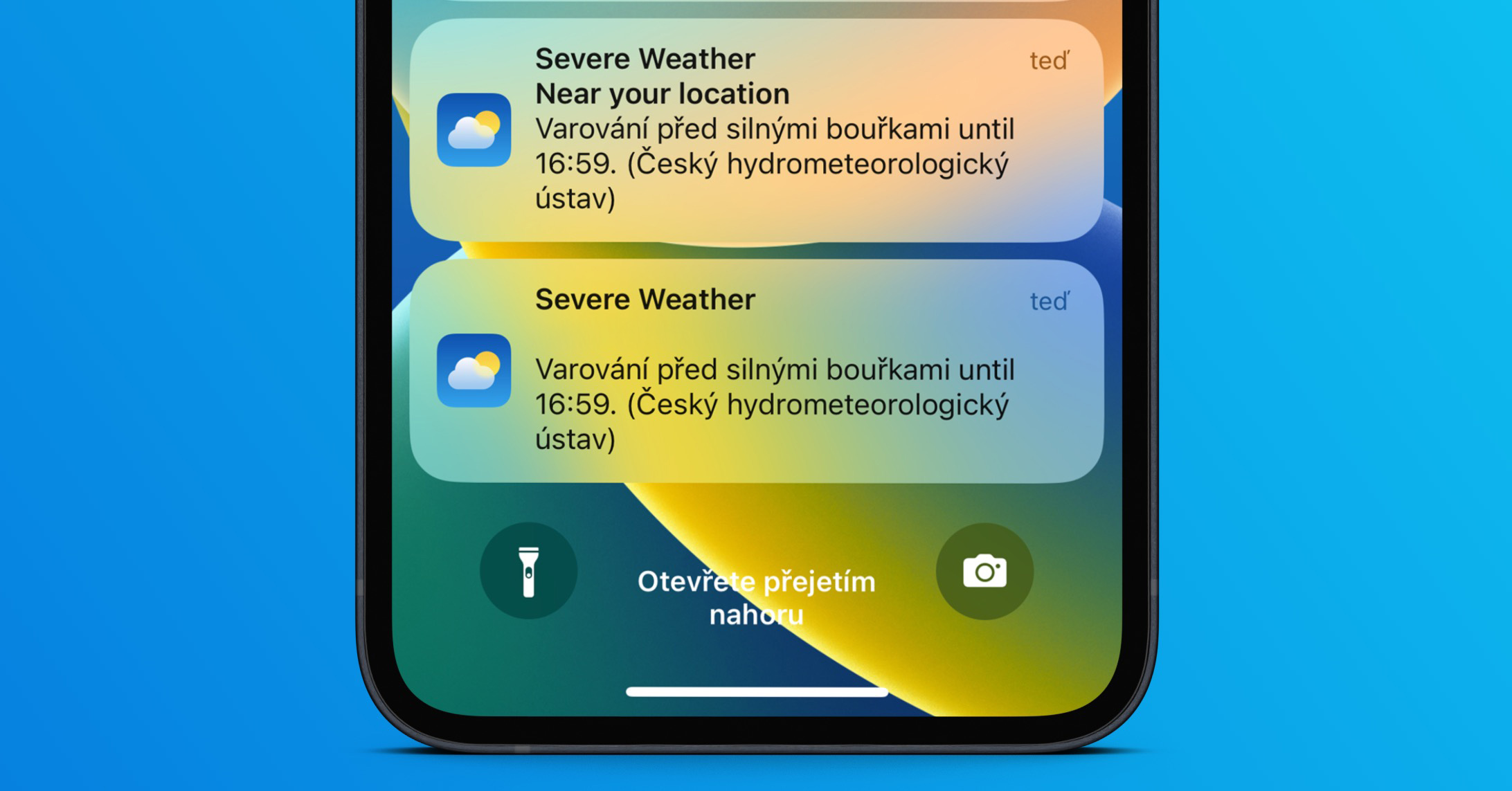
iOS 16: How to view a list of all valid weather warnings
We have already shown how you can not in Weatherchat activate extreme weather alerts. However, it is important to note that at any given time, there may be several alerts active in a particular location that you may not be aware of. Fortunately, even for this Apple thought, and thus gave users the option to view all current weather alerts. If you would like to view them, just follow these steps:
- First, you need to go to the native app on your iPhone Weather.
- Once you've done that, go to specific place on which you want to display alerts.
- Then click on at the top the current latest warning with the heading Extreme Weather.
- It will then be displayed to you website with all currently valid weather warnings.
- Once you've seen everything, just tap on Done top left.
Gallery
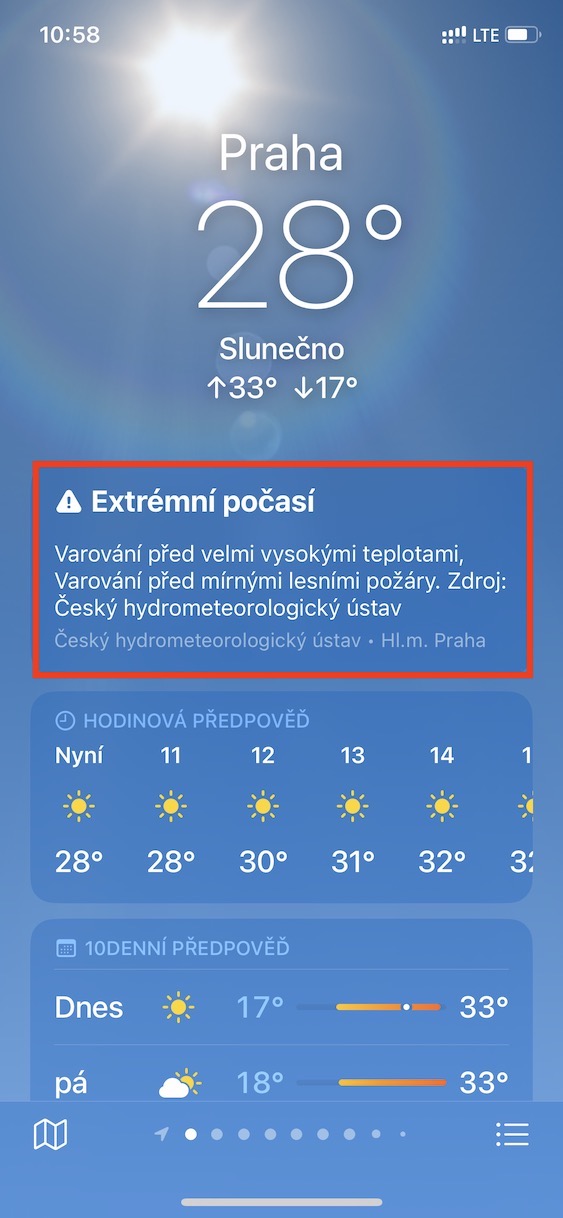

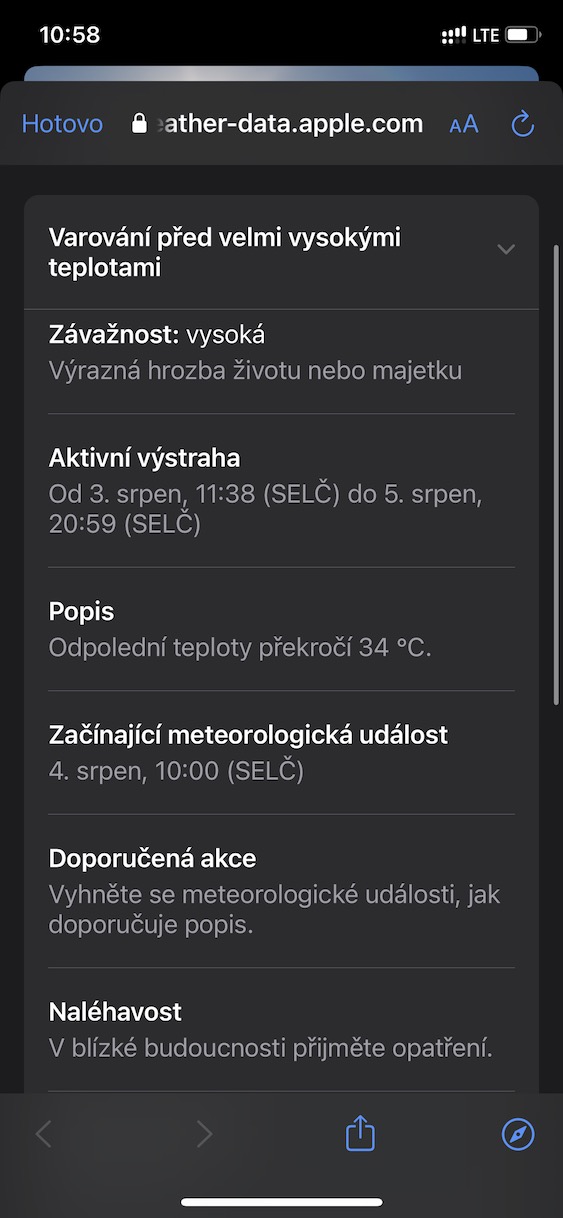
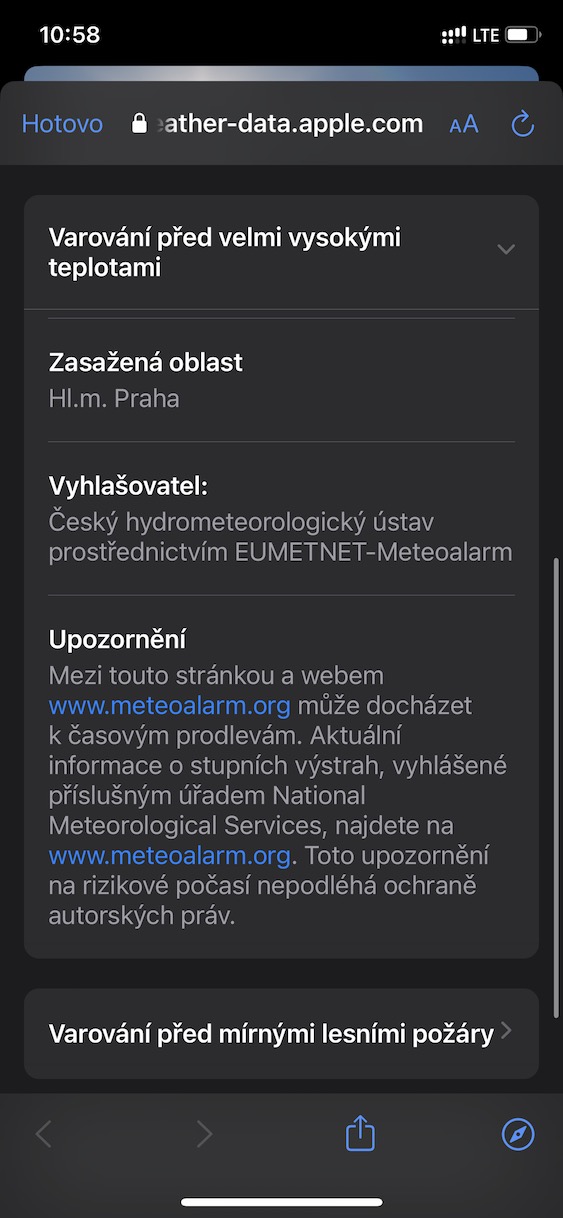




Using the above procedure, it is therefore possible on your iPhone with iOS 16 within the Weather application to view a list of all valid weather warnings. You can of course click on each warning to see all the necessary details. Specifically, you will see information about the severity, date and time of validity, description, recommended actions, urgency, affected area and announcer. The Czech Meteorological Institute is responsible for issuing weather warnings in the Czech Republic, while the notifications to Weather are provided by meteoalarm.org.