
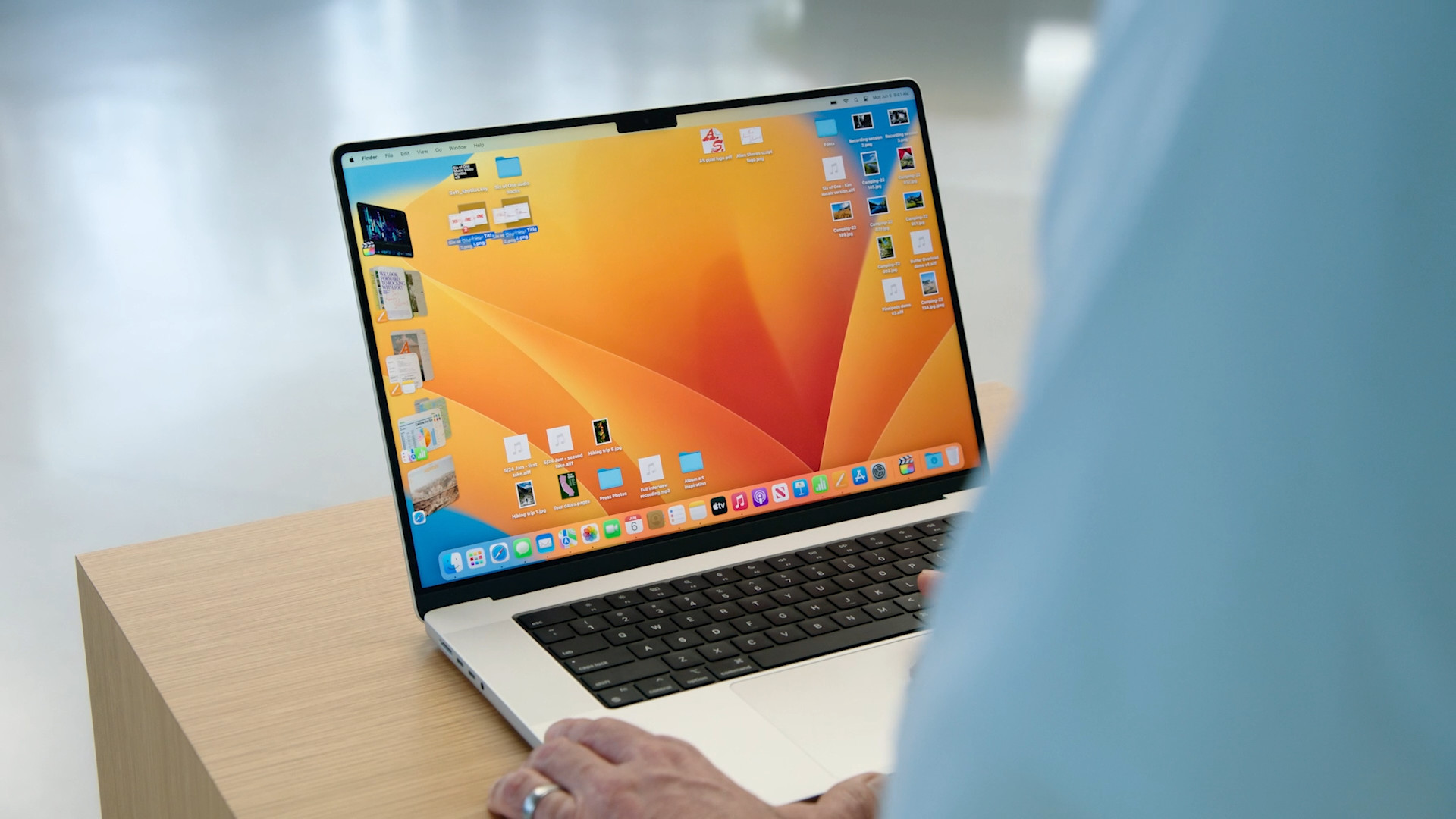
How to install macOS 13 Ventura within the current beta testing? We will look at that in the following lines. A few minutes ago, we provided you with articles in our magazine in which you could read more about how to install it now iOS 15. At the end of these articles, we promised you that we would cover the same in the next article, but of course for macOS 13. So if you own a Mac or MacBook and you would like to install the recently introduced macOS 13 Ventura on it, this guide will show you how. Fortunately, the installation is not complicated at all - you just need to download a special profile, install it, and then search for and download the update, see below.
You might be interested in
How to Install macOS 13 Ventura Now
If you want to on your Mac or MacBookTo install macOS 13 Ventura, follow these steps:
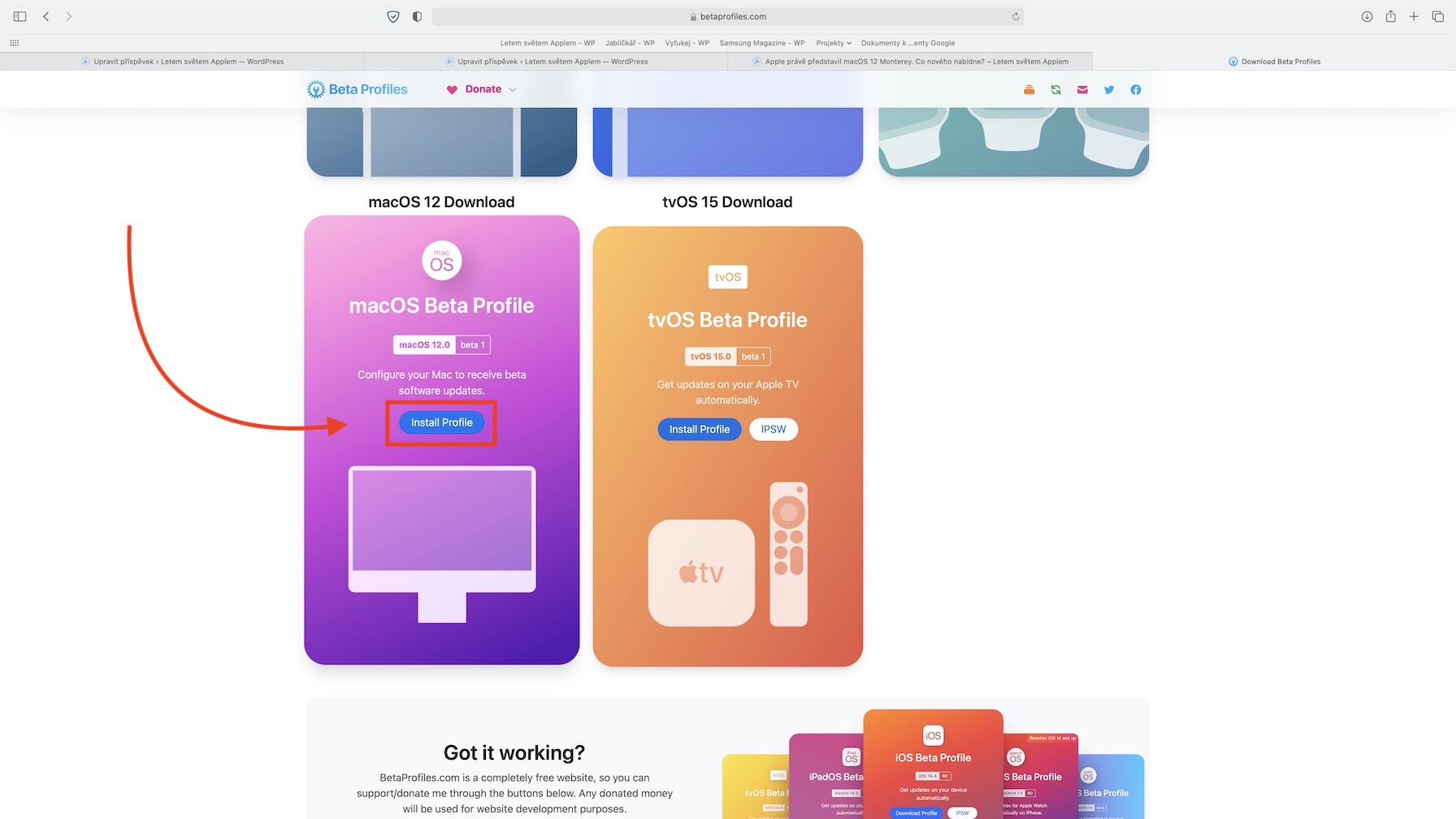
- Go to this website, where in the installation section macOS 13 Download tap the option Download.
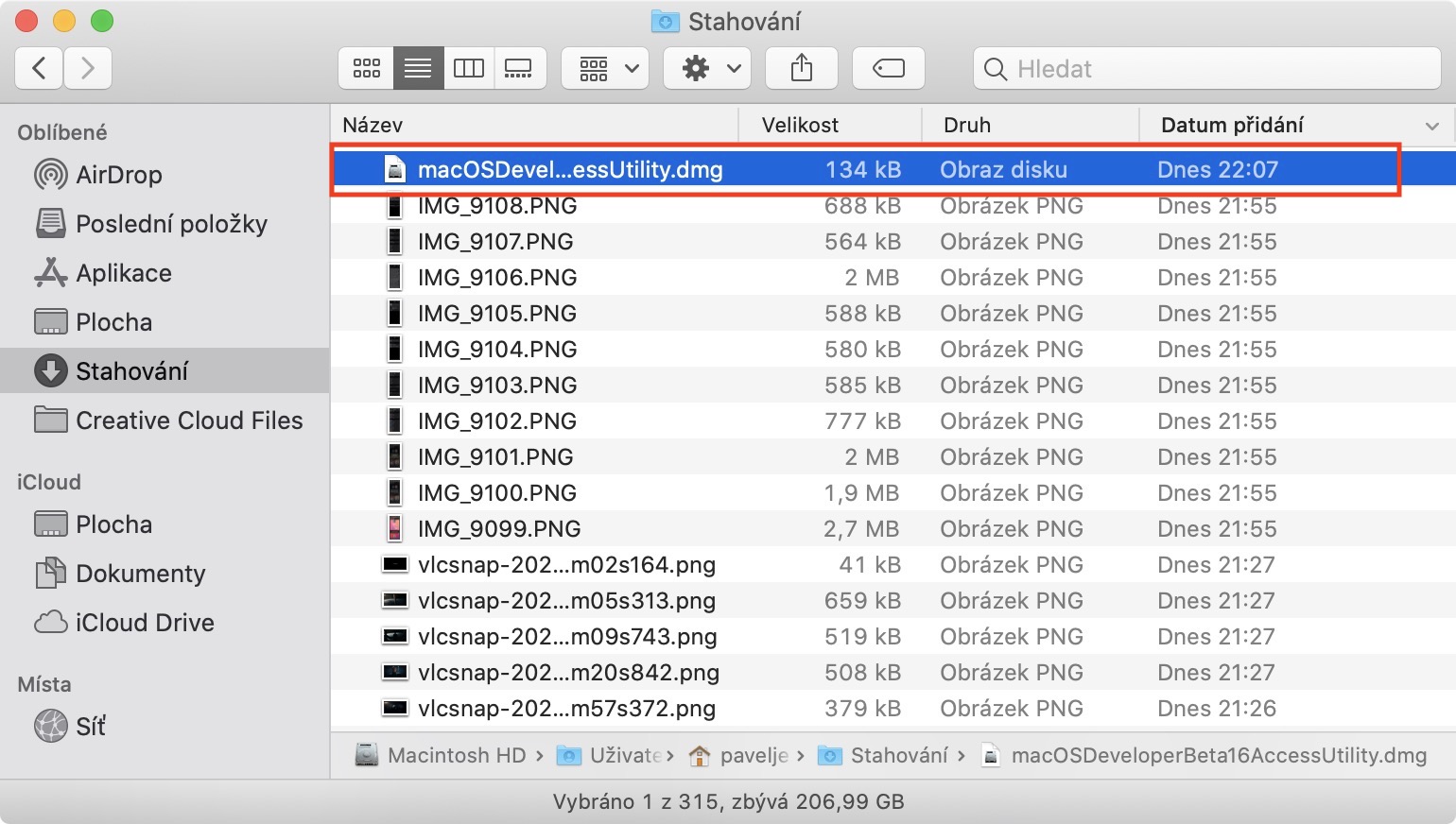
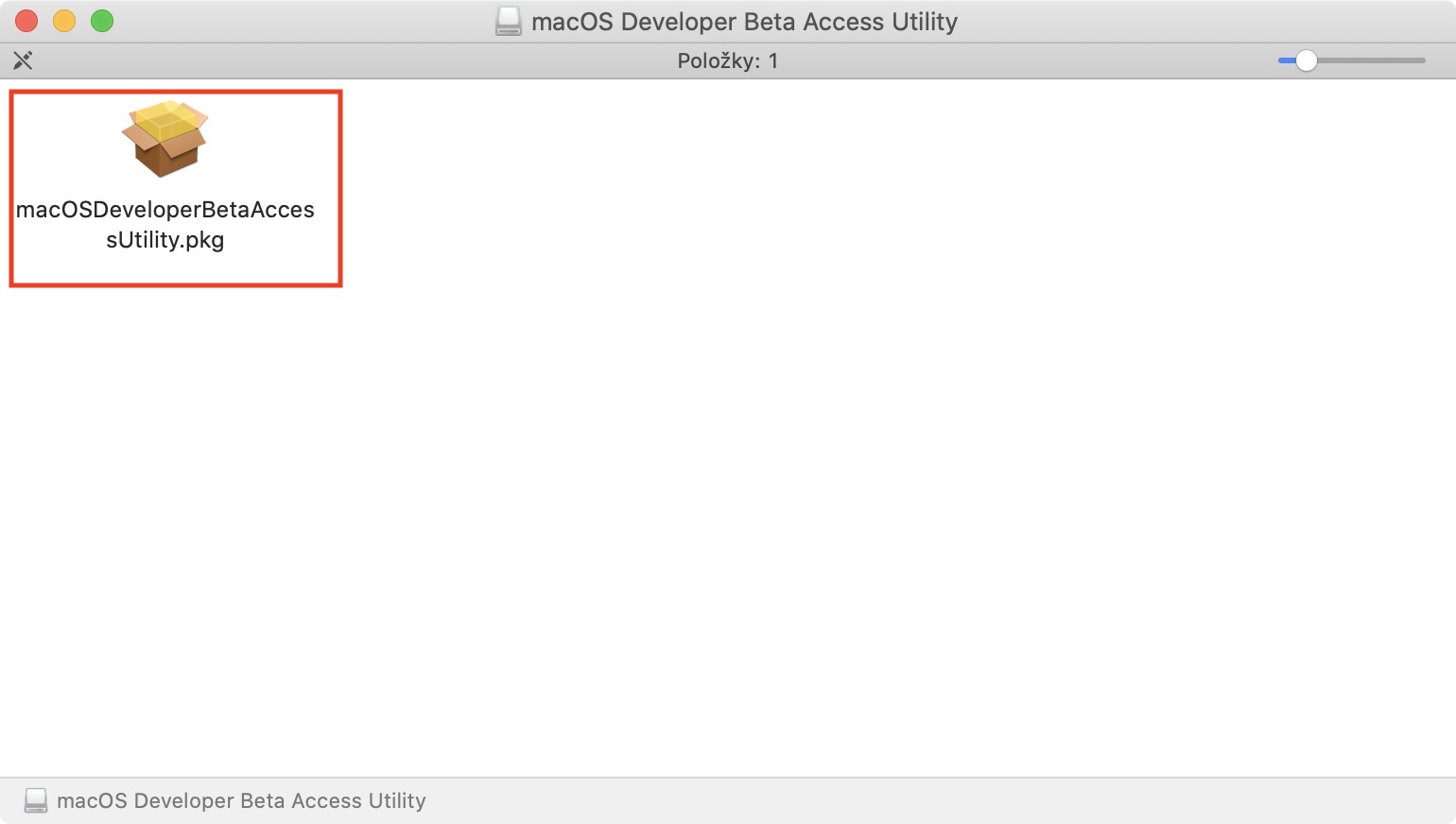
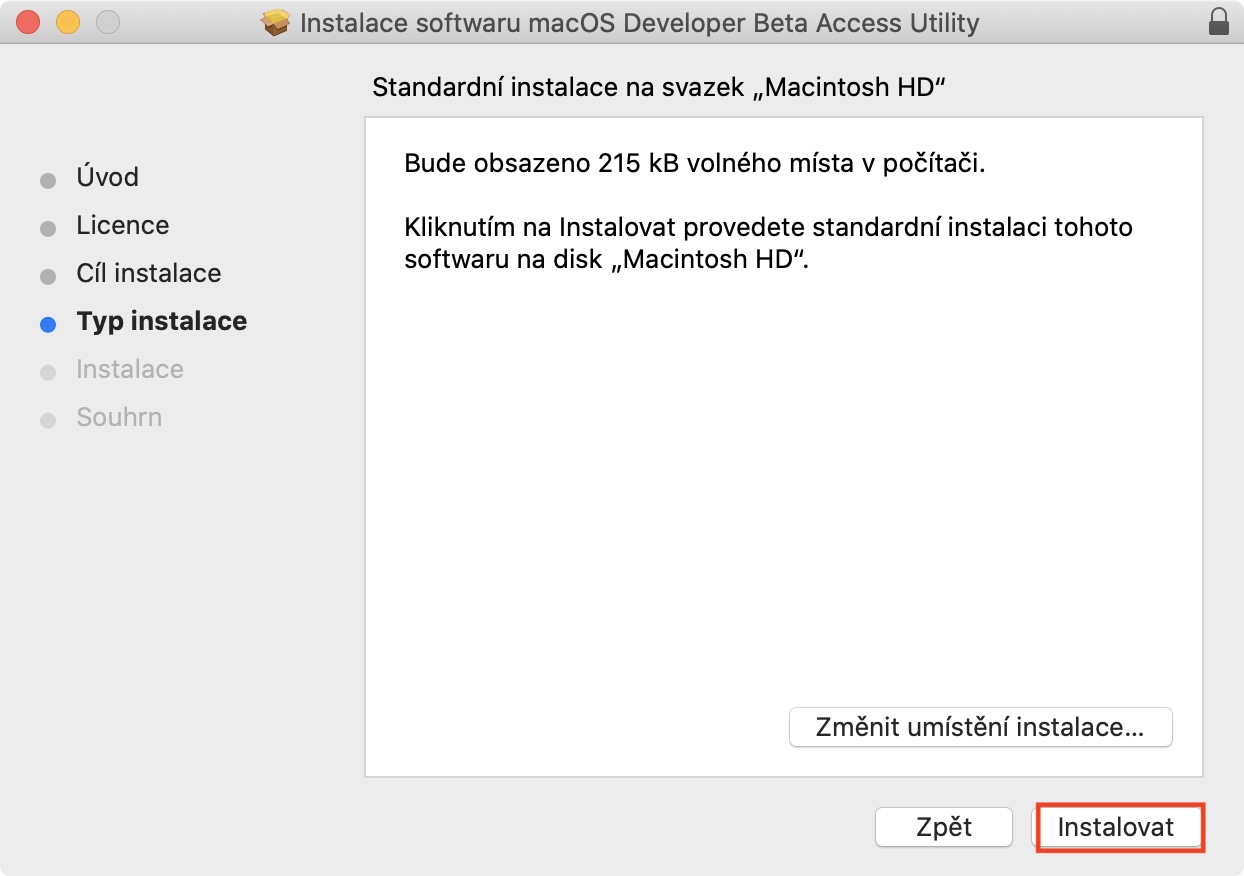
- An installation file will be downloaded, open it, and then in the new window, click on box icon.
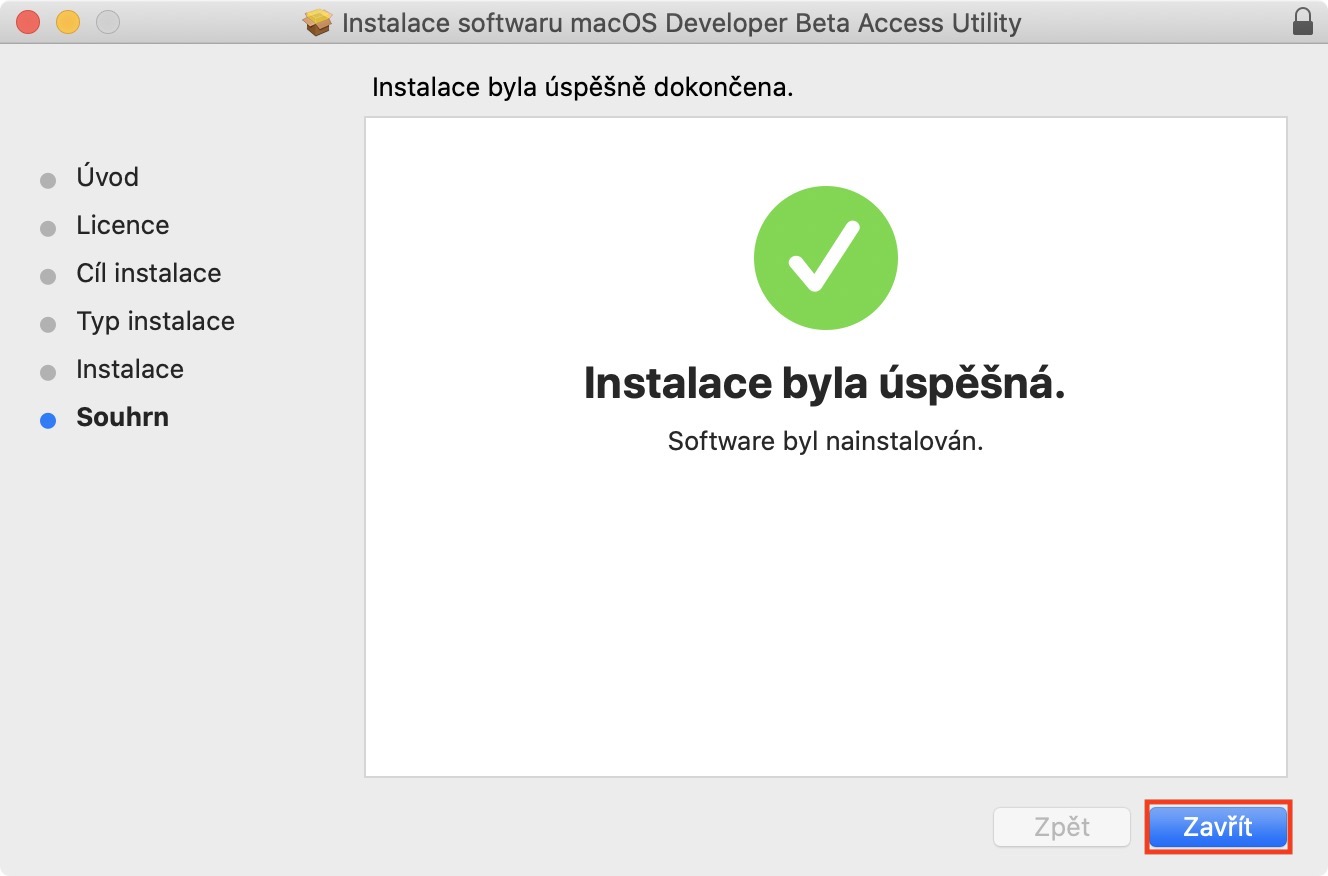
- Proguide the installation of a special configuration profile – confirm everything.
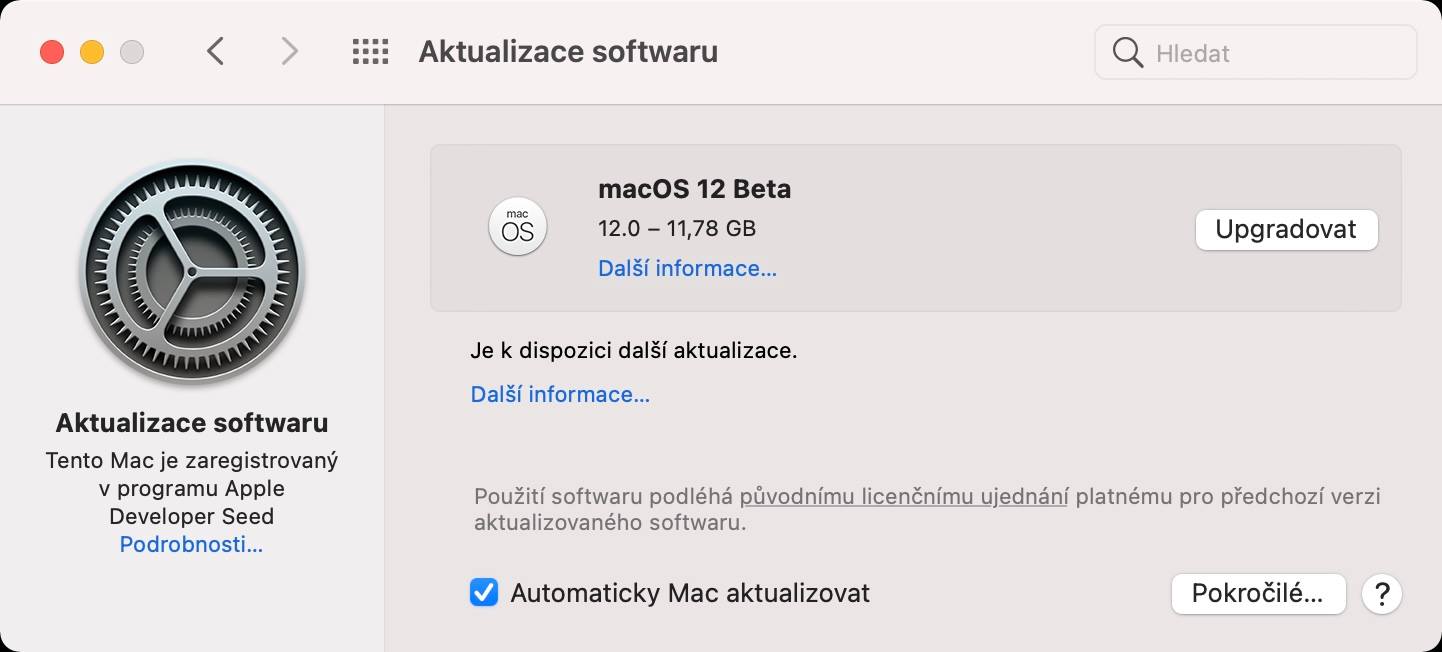
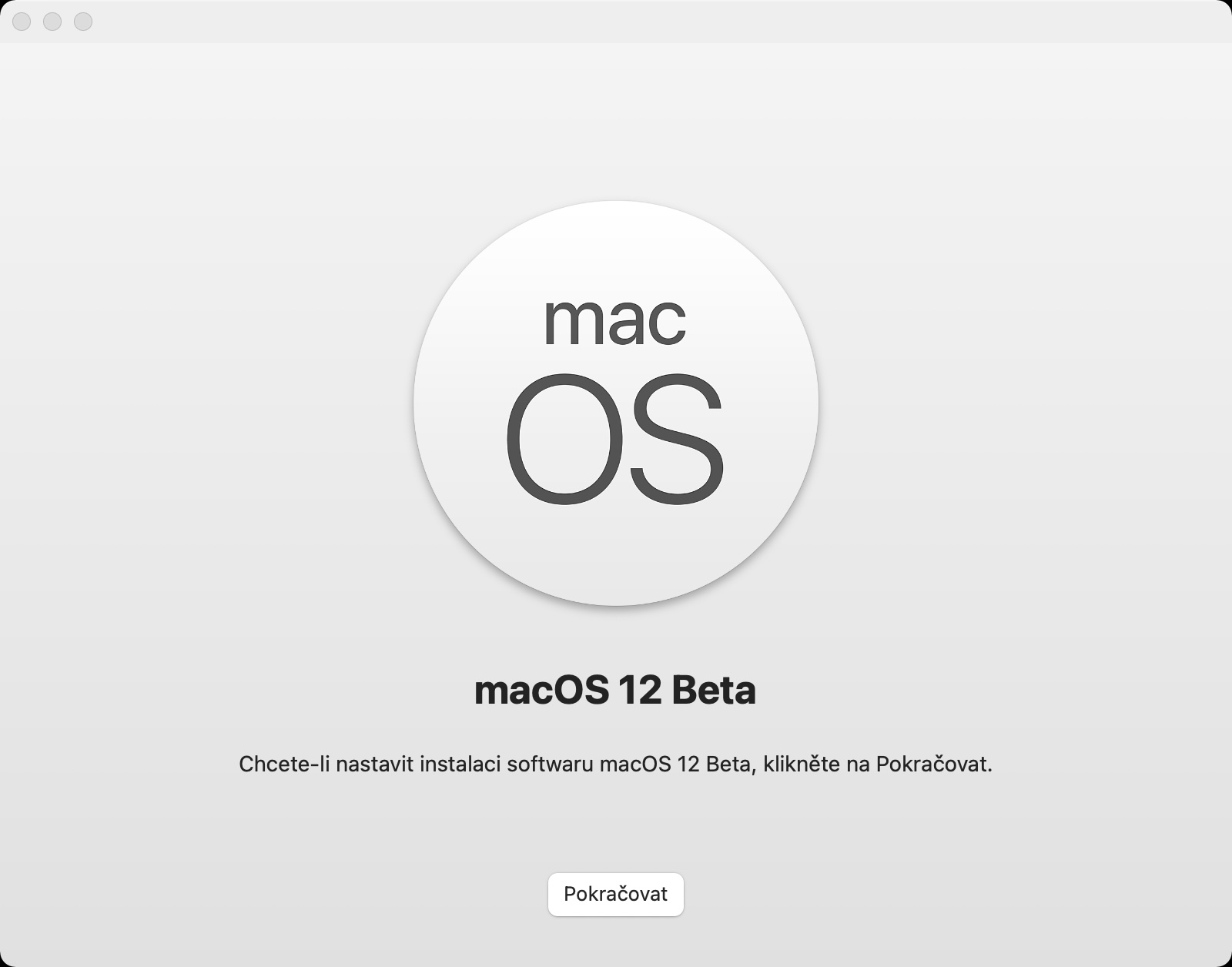
- After installation, a window with system preferences, where macOS 13 Ventura is sufficient download, and then install.
Gallery
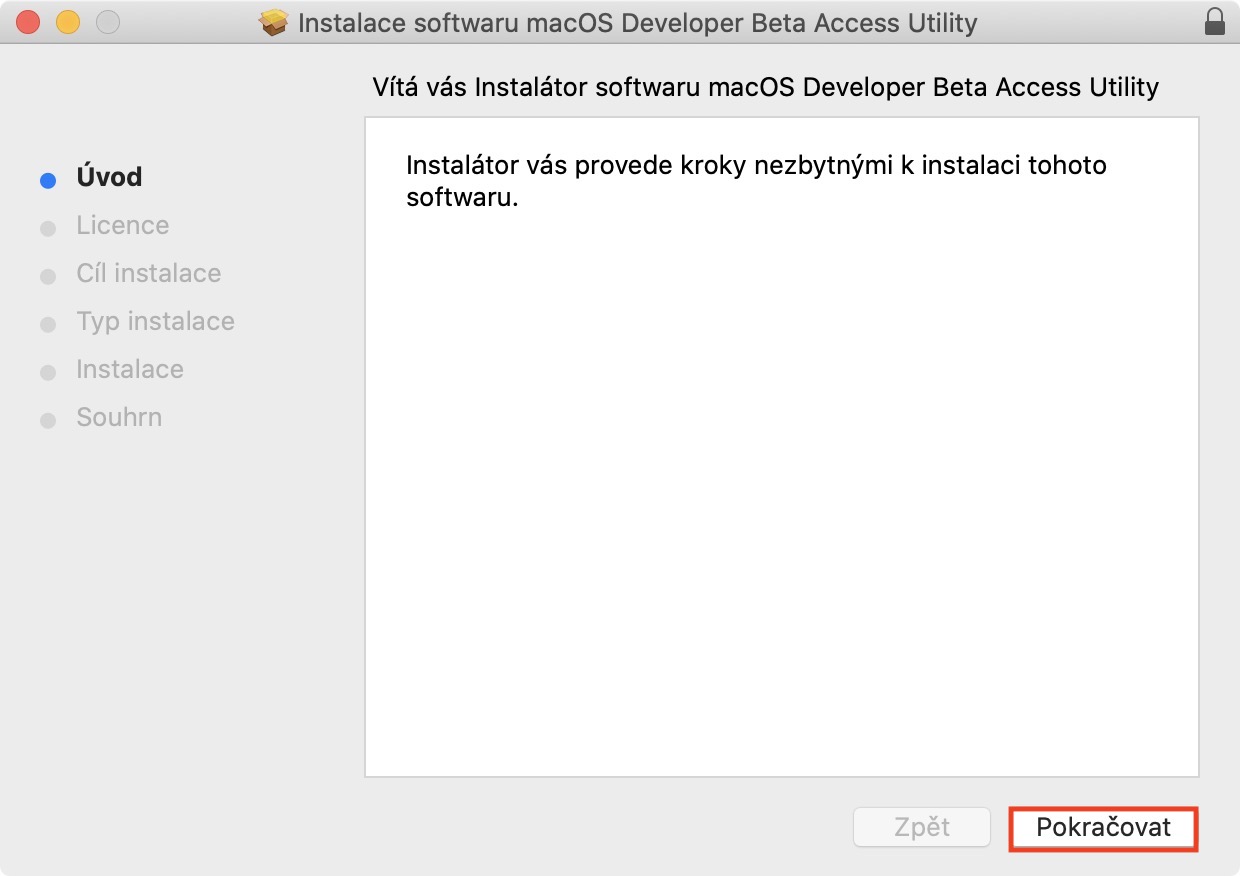
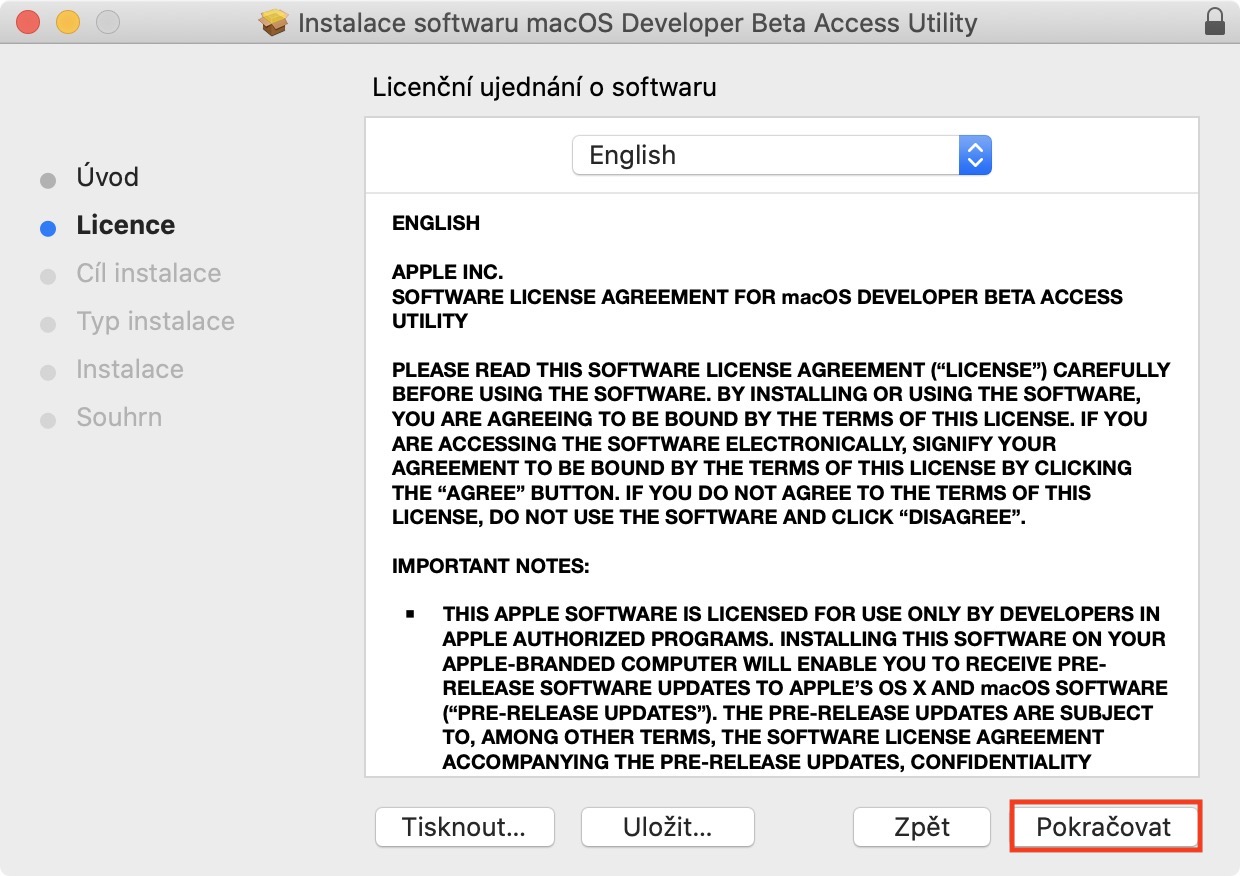
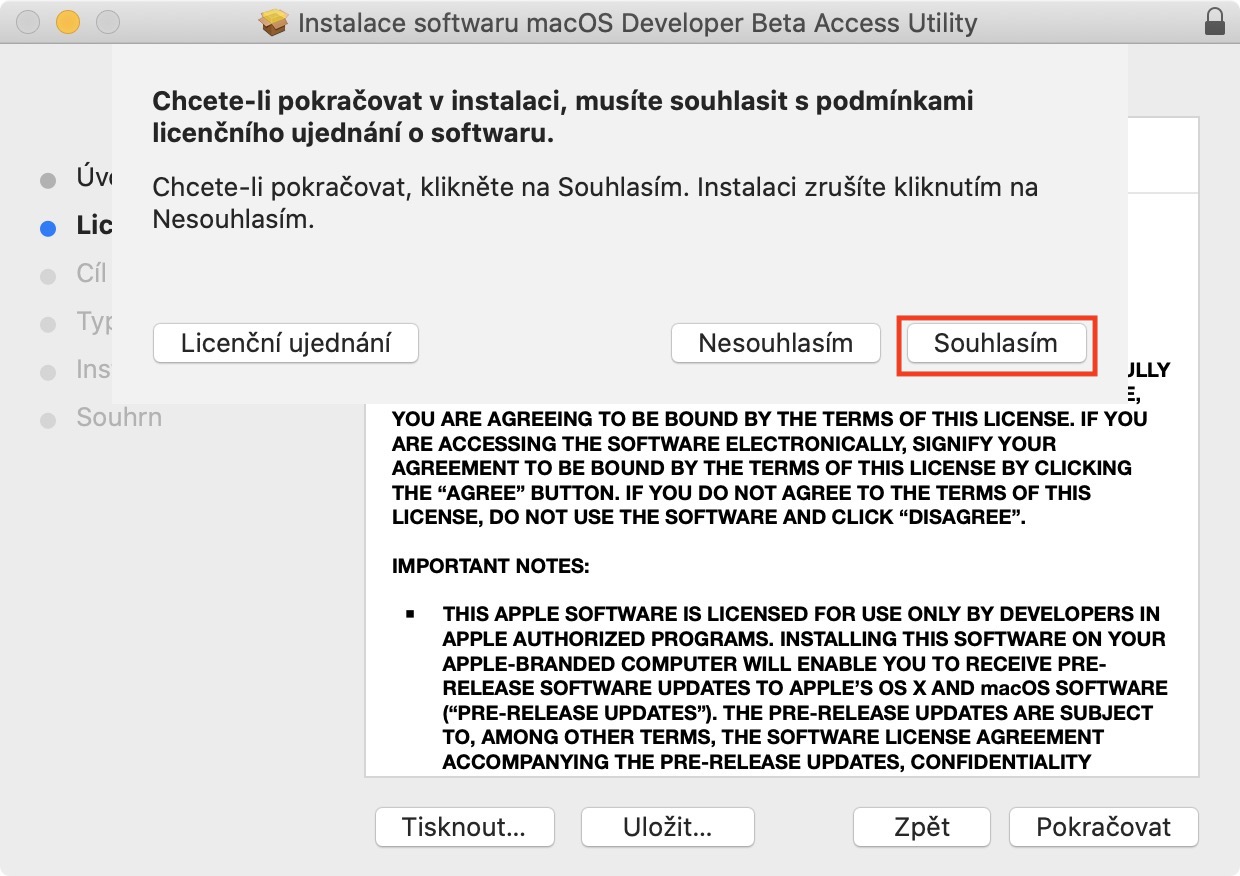
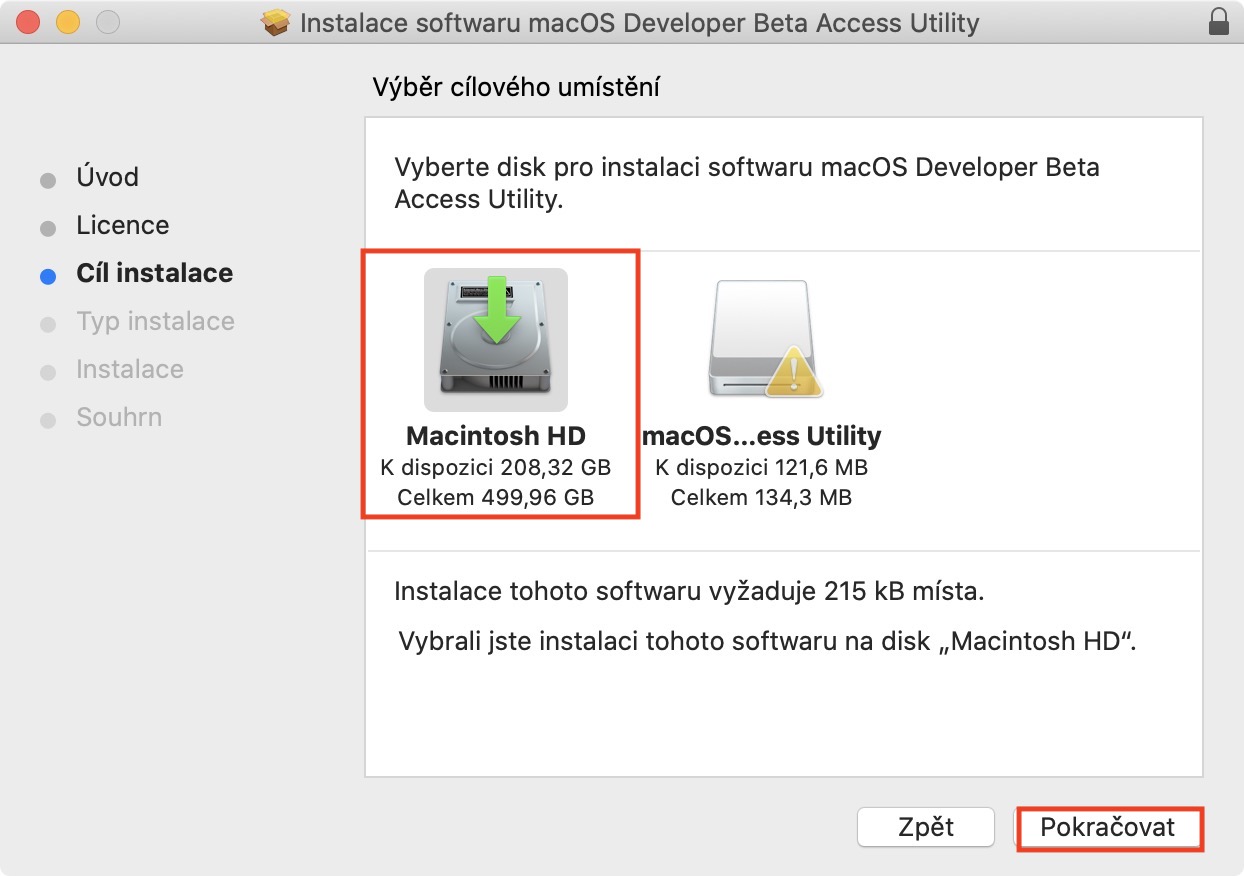
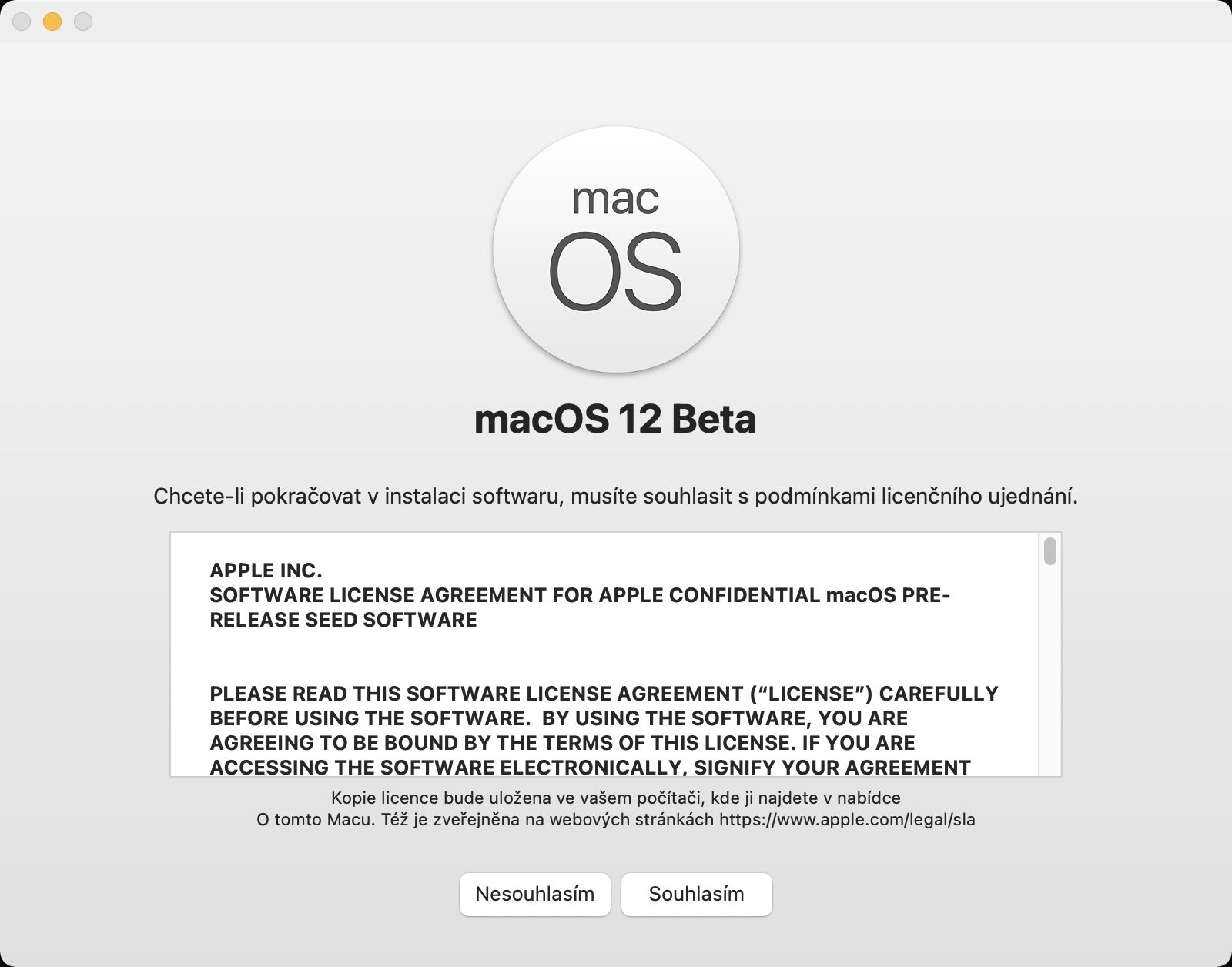
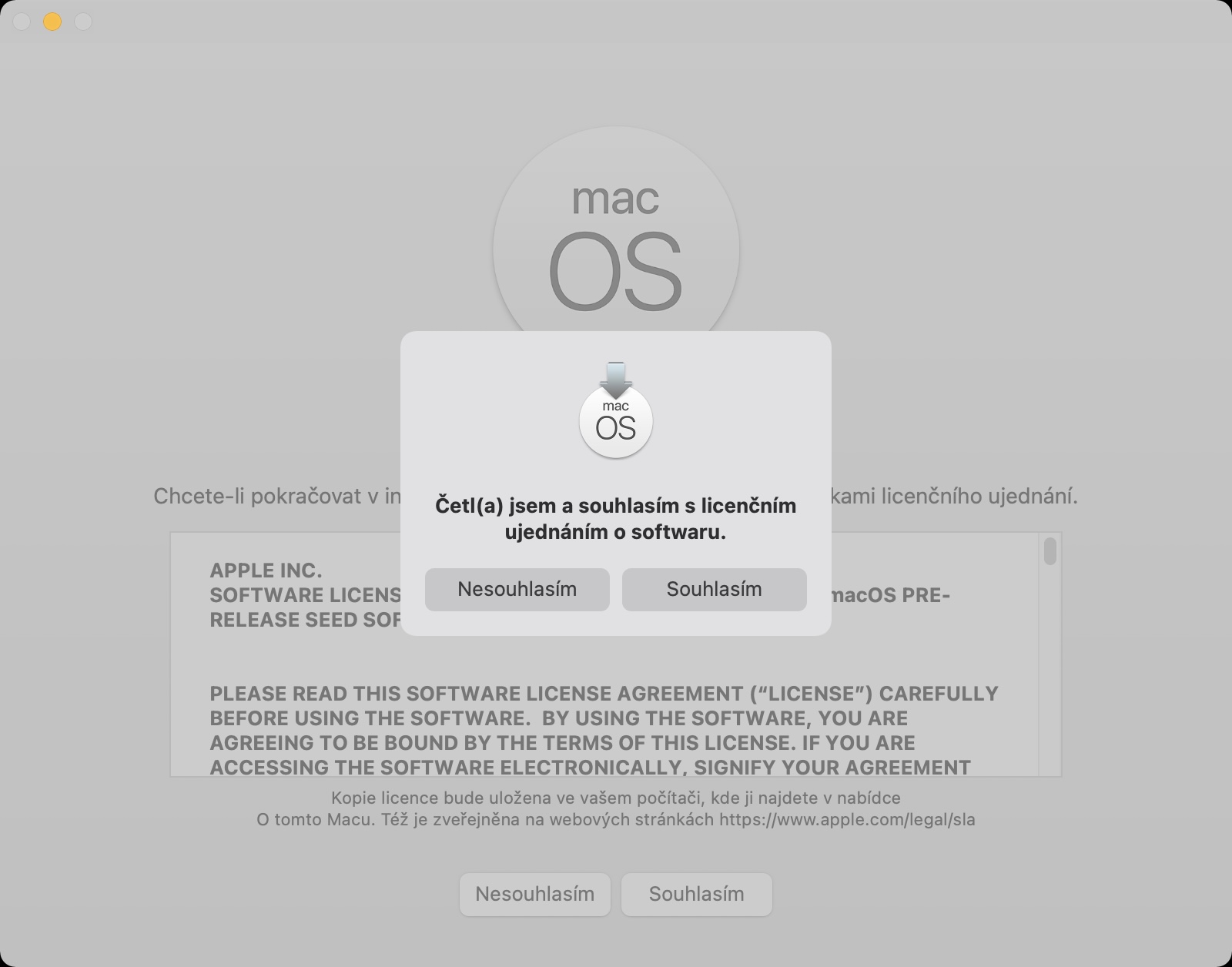
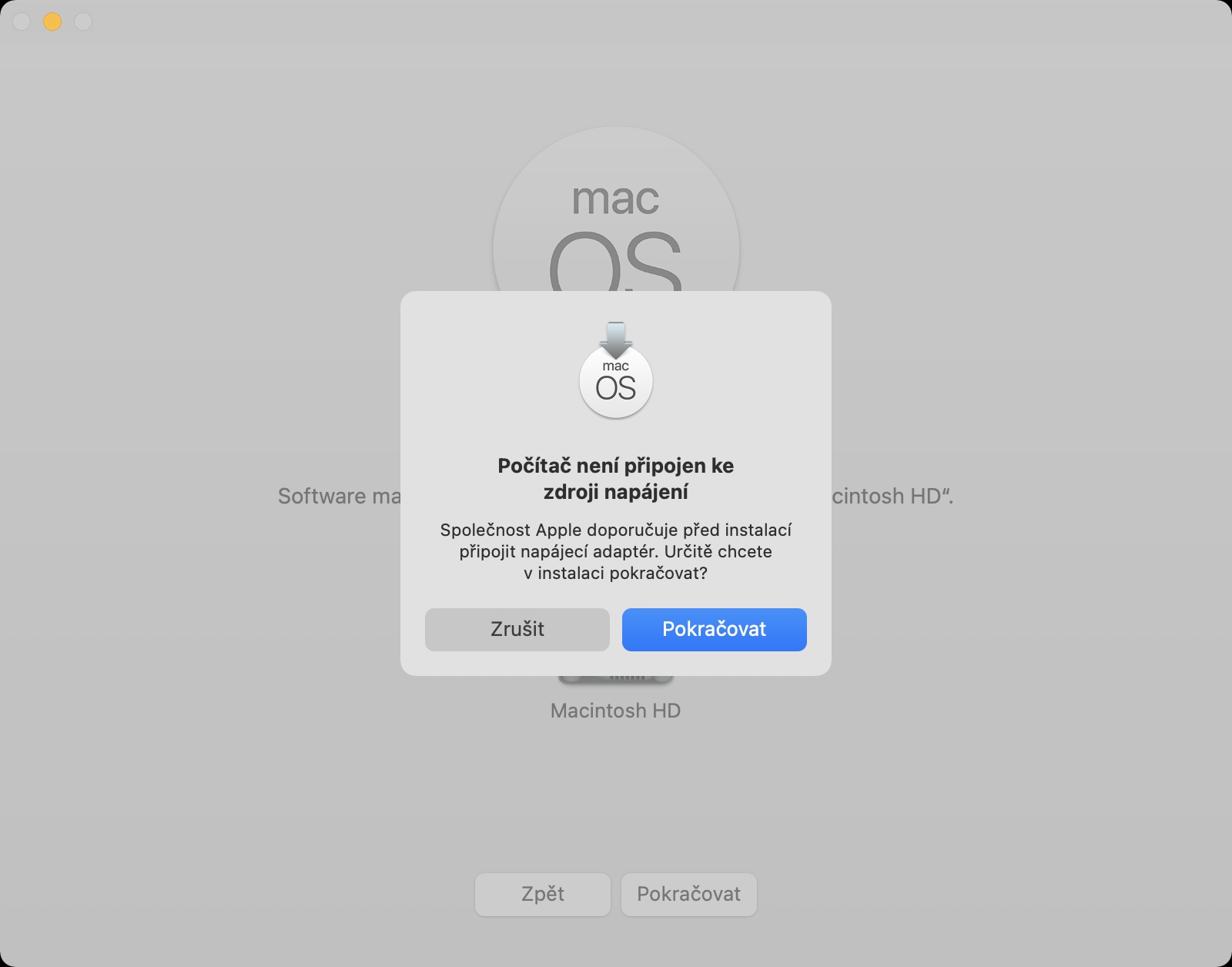
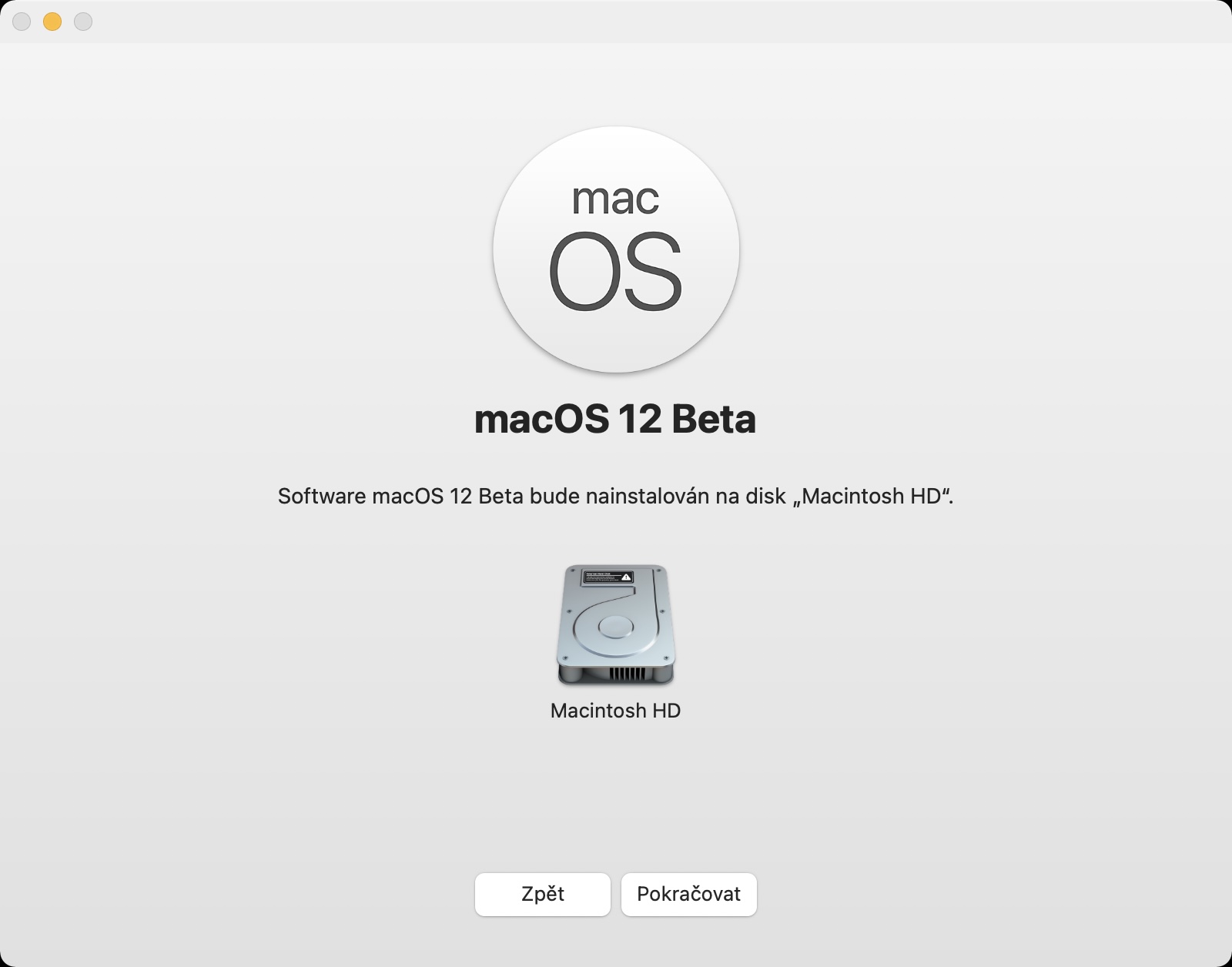
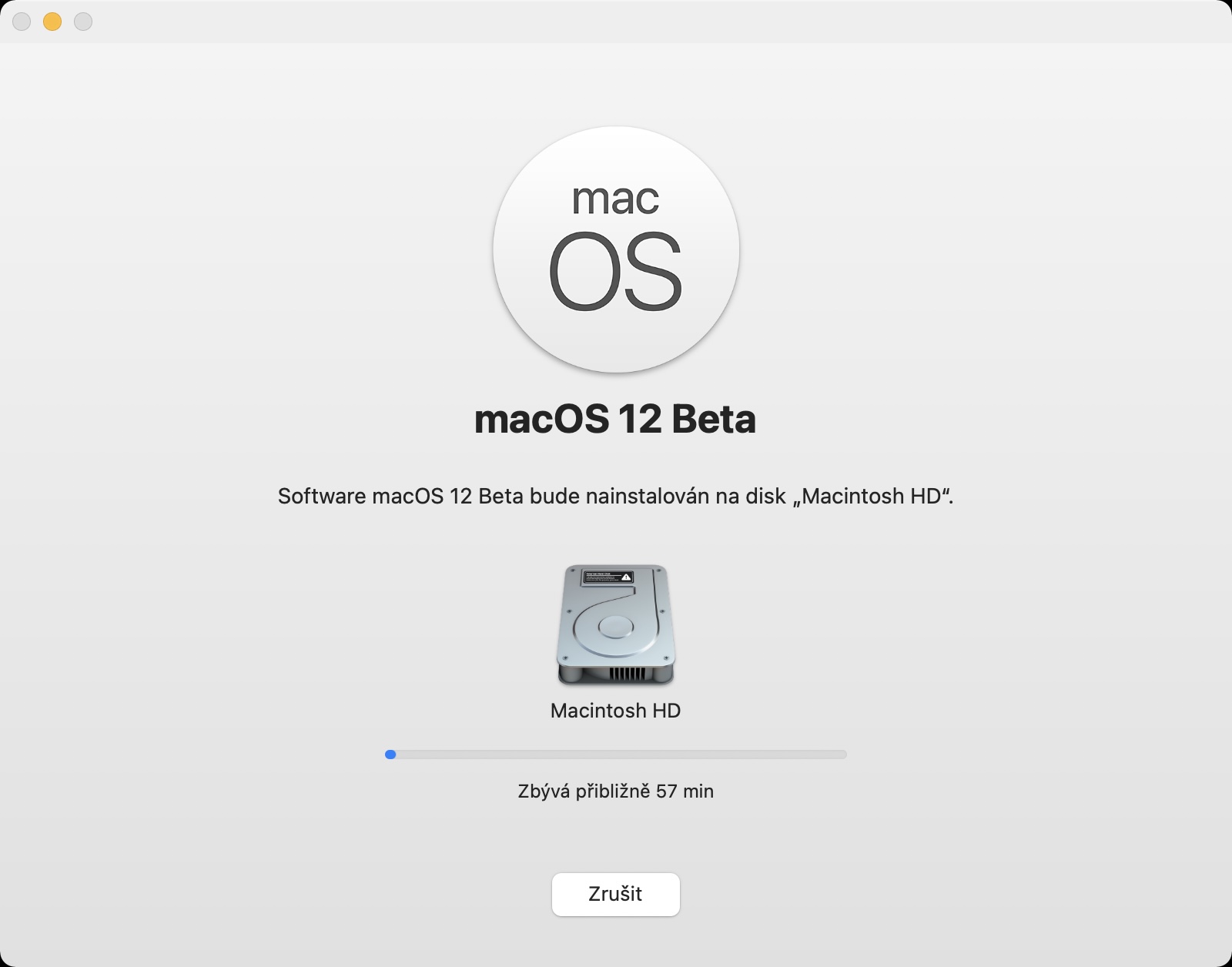
Please note that the files for the update to macOS 13 Ventura can be several gigabytes in size, so the download will definitely take a long time - in addition to this, you must take into account that in addition to you, there will be other people who will be downloading the new macOS from the servers. Applu is being tried by countless other users around the world. When downloading the necessary data, you can, among other things, notchat also download the update iOS or iPadOS 16. Developer beta You install macOS 13 Ventura at your own risk and we are not responsible for any problems it may cause.
- Apple You can buy products for example at Alge, Mobil Pohotovosti or u iStores




I'm going to try it, but first I'm going to run Monterey on an external SSD and then I'll upgrade to Ventura.
Just to be sure.
Hi, do you have any experience?