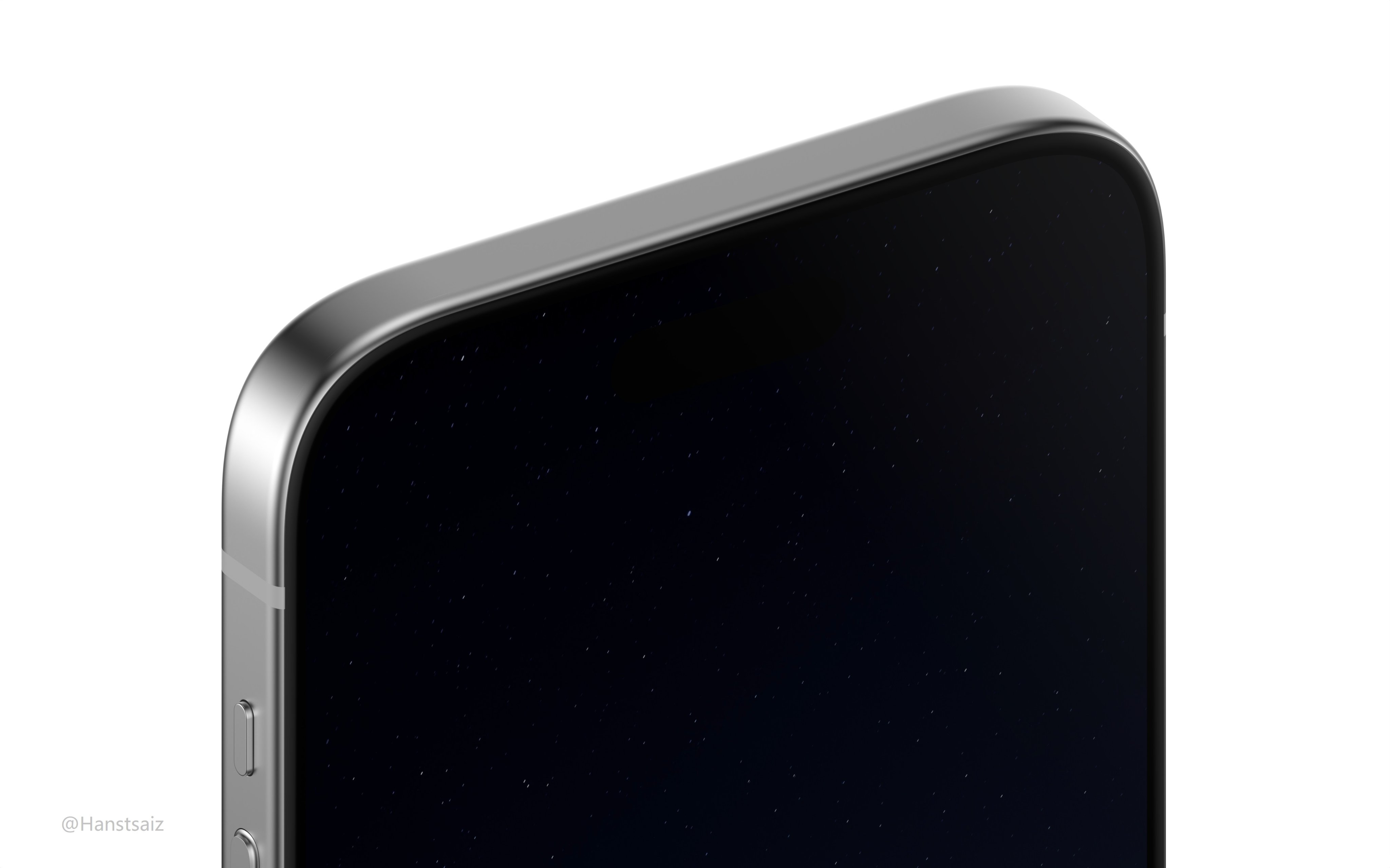
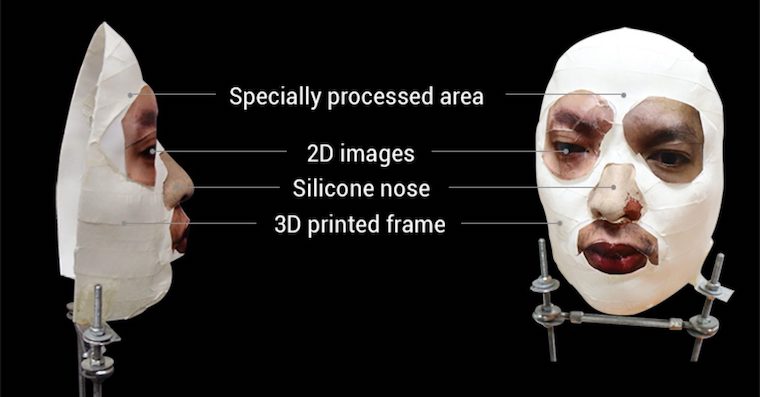
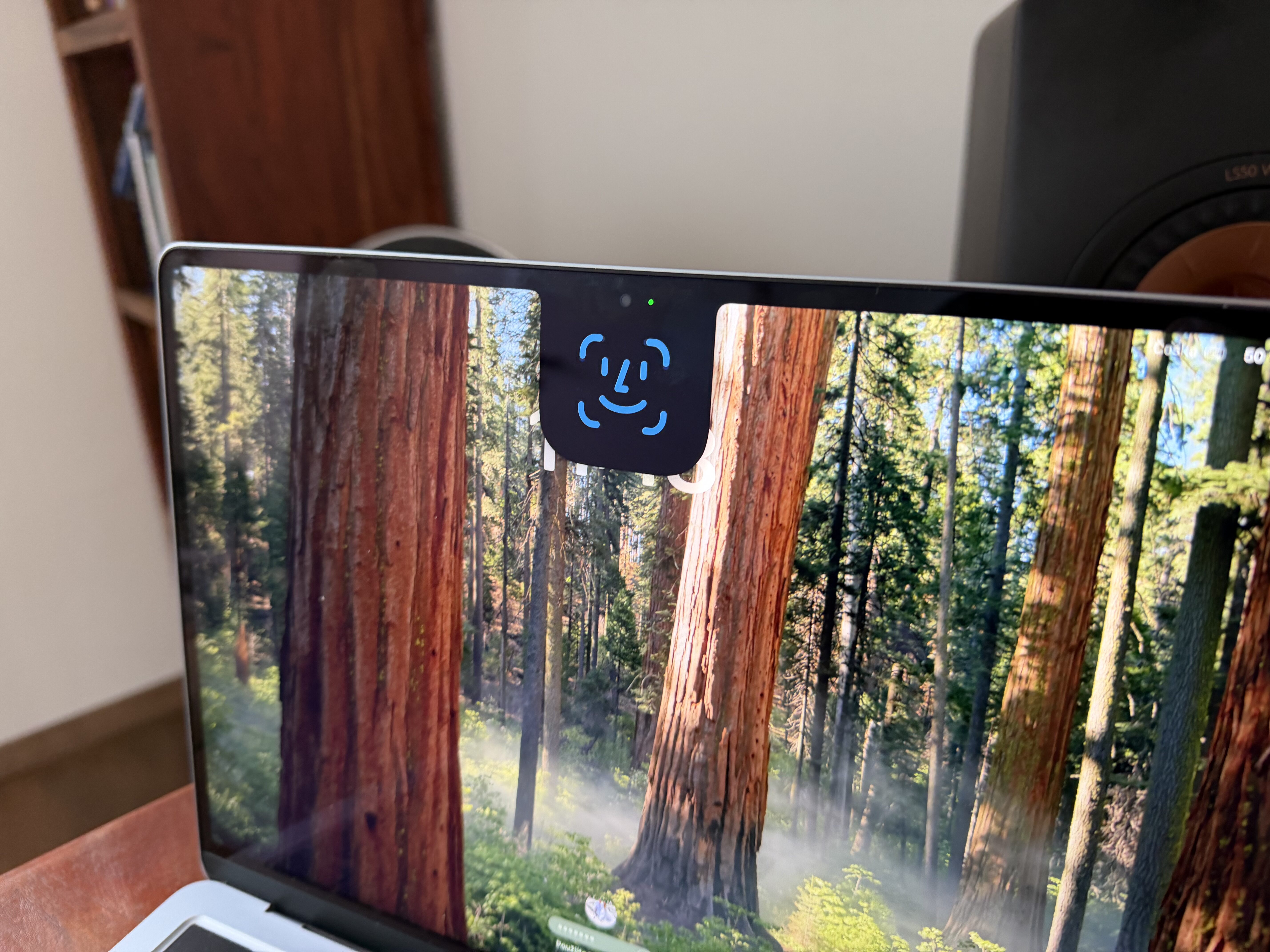
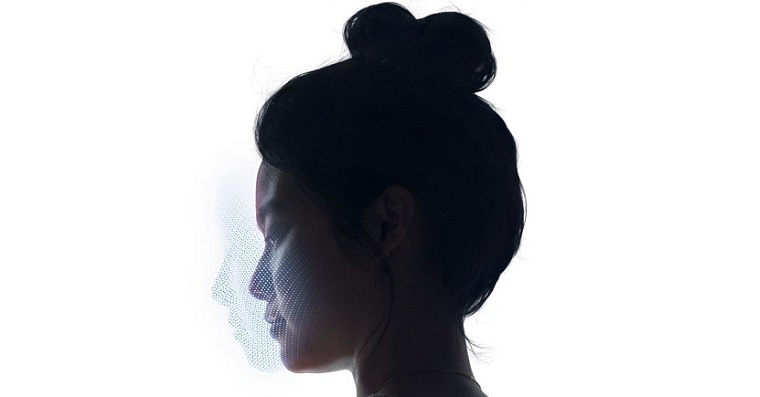
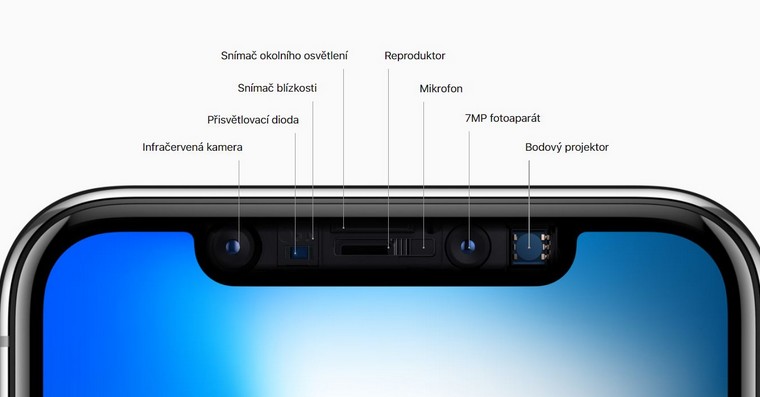
Face ID introduced by the apple company in 2017, together with iPhonem X. Since then, this technology has undergone several improvements - we can mention primarily speed, and in the latest "thirteens" the cutout for the camera has also been reduced. Face ID. ProWith this biometric protection, you can easily verify yourself when unlocking your Apple phone, but it is also used when paying via Apple Pay, downloading or buying apps, opening apps, and practically in many other cases that use some form of authentication.
You might be interested in
As iPhone activate vibration after unlocking via Face ID
Unlocking your iPhone and general verification via Face ID is really very fast – in most cases you don't even have time to notice this process. Due to inattention, it can very easily happen that your Apple phone is unlocked without your knowledge, or you may not notice the unlocking. This can then lead to your iPhone you unknowingly put it away unlocked, which may cause a security threat. Within iOS However, you can set your iPhone during any verification via Face ID It gave a haptic response, or rather vibrated, as follows:
- First, you need to open the native app on your iPhone Settings.
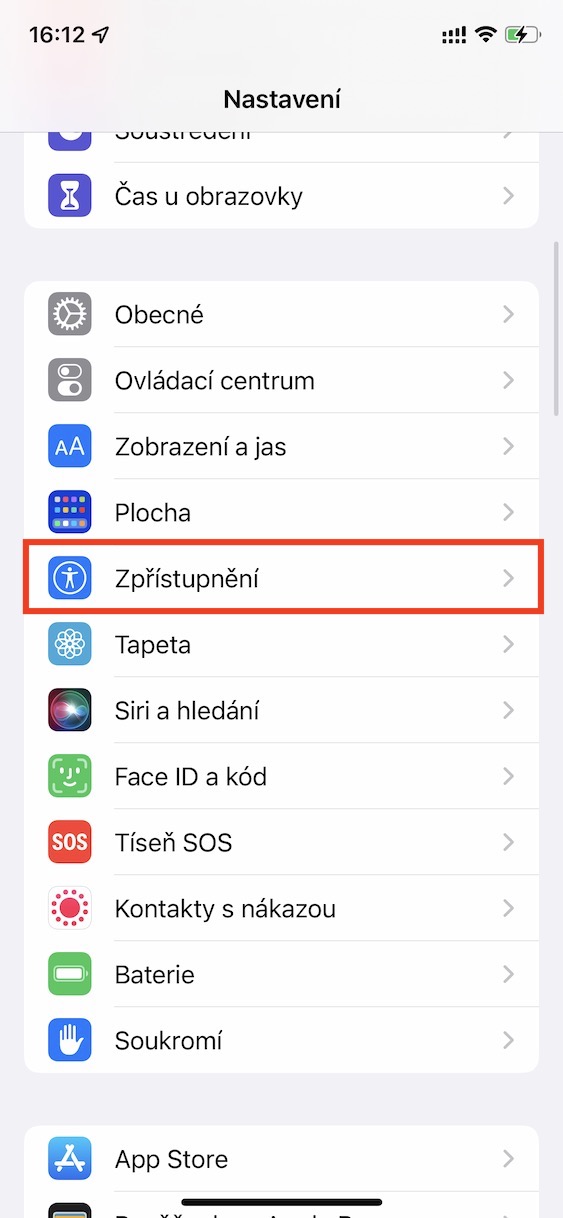
- Once you do, go down a little below, where to find and open the section Disclosure.
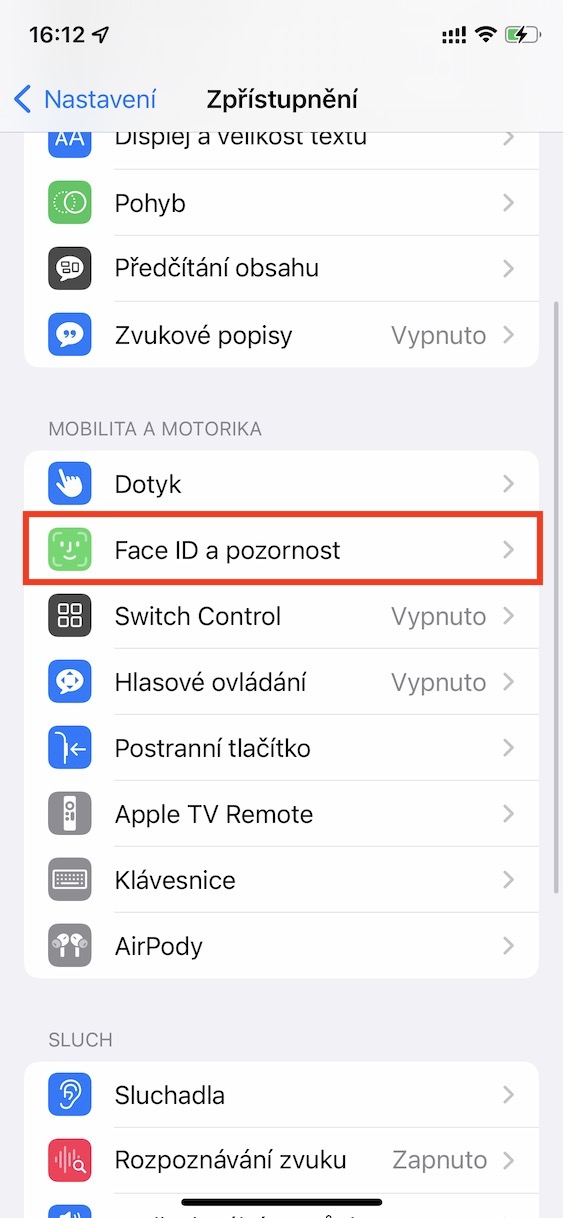
- Then move in the direction again down, and that to the category Mobility and motor skills.
- Within this category, then click on the tab called Face ID and attention.
- Here you just need to use the switch activated possibility Haptic on successful authentication.
Gallery
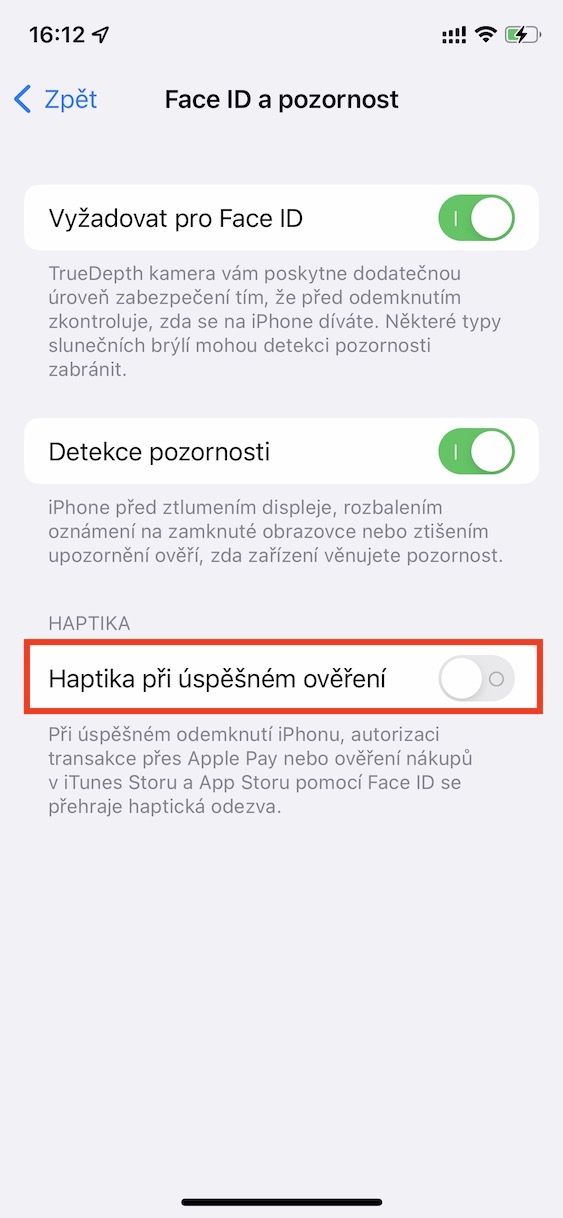
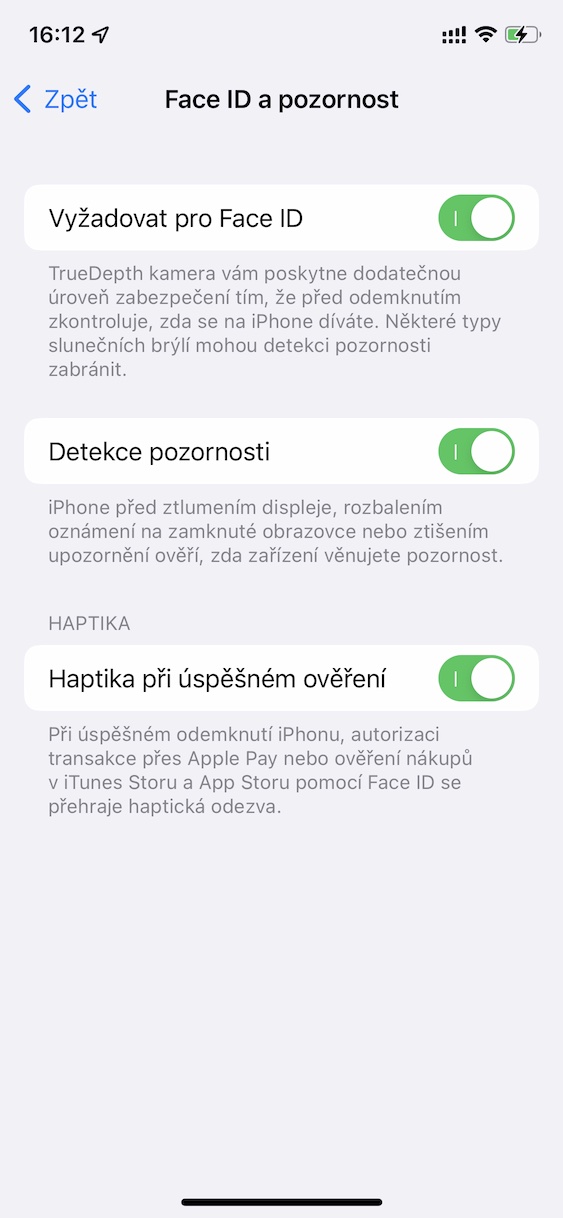
Using the above procedure, you can activate vibration, or haptic feedback, on your iPhone after any verification via Face IDThis means that you will always feel haptic feedback if iPhone you unlock it in the classic way, or if you verify yourself when paying via Apple Pay or in App Store or for example when opening various secure applications. The haptic feedback is not very strong, but it is definitely clear. This way you will not be startled when checking the haptic feedback and iPhone for example, they dropped it. In my opinion, this is a great feature that I have been using practically the entire time I have owned it. iPhone s Face ID.