As iPhone Scanning QR codes is a procedure that many Apple phone users, especially newbies, are looking for. When you try to scan a QR code on your iPhone, you find that you actually have no way. Part of the system iOS Unfortunately, there is no integrated application that would take over the functionality of the reader. Most users automatically switch to App Store, where QR code readers search for and then download them – this is a classic procedure for almost every user and they certainly cannot be blamed for anything. But the truth is that part of iOS The integrated QR code reader really is, and there are even multiple ways to scan QR codes.
You might be interested in
As iPhone scan QR codes
The QR code reader is in iOS specifically, it can be found in the control center. However, it is of course hidden by default, so the user must first add it to the control center before they can start using it. This means that once you add the QR code reader to the control center, it will be there all the time. The procedure for adding and launching the integrated QR code reader is as follows:
- First, you need to go to the native app on your iPhone Settings.
- Once you've done that, find and click on the box with the name Control Center.
- Then go down a bit here below, and that to the category named Additional controls.
- Then find the one with the name in the list of elements Code reader.
- After finding this element, click on it the green + icon.
- This adds the element to the active controls. You can use your finger change the order.
- After that, all you have to do is opened the control center:
- iPhone s Touch ID: swipe up from the bottom edge of the display;
- iPhone s Face ID: swipe down from the top right edge of the display.
- Then in the control center, tap on element with QR code icon and you can jump into scanning.
Gallery
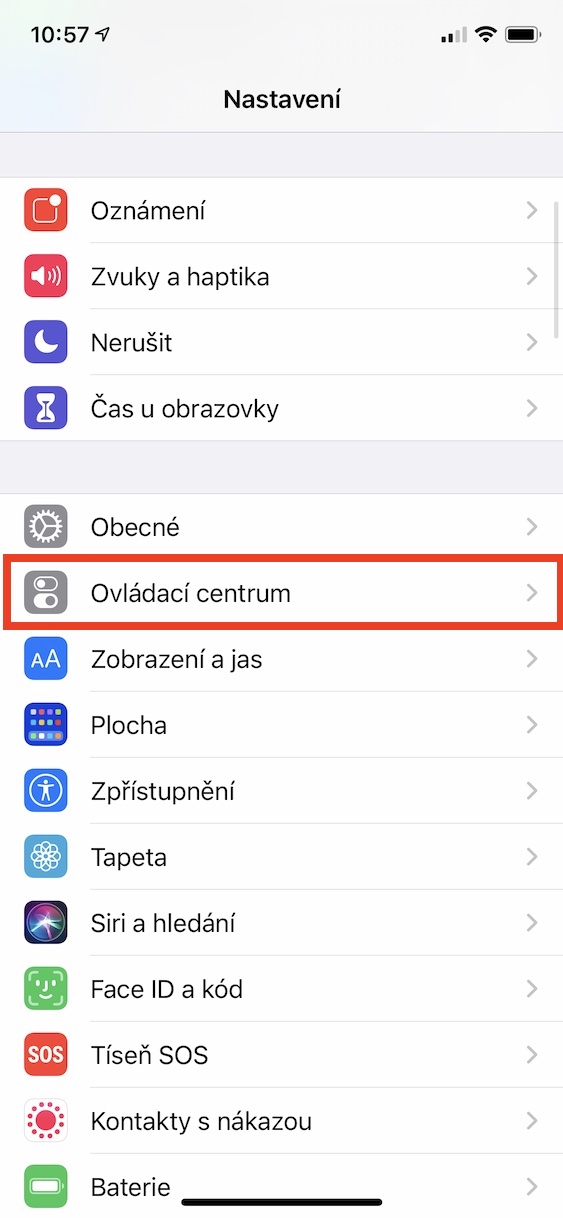
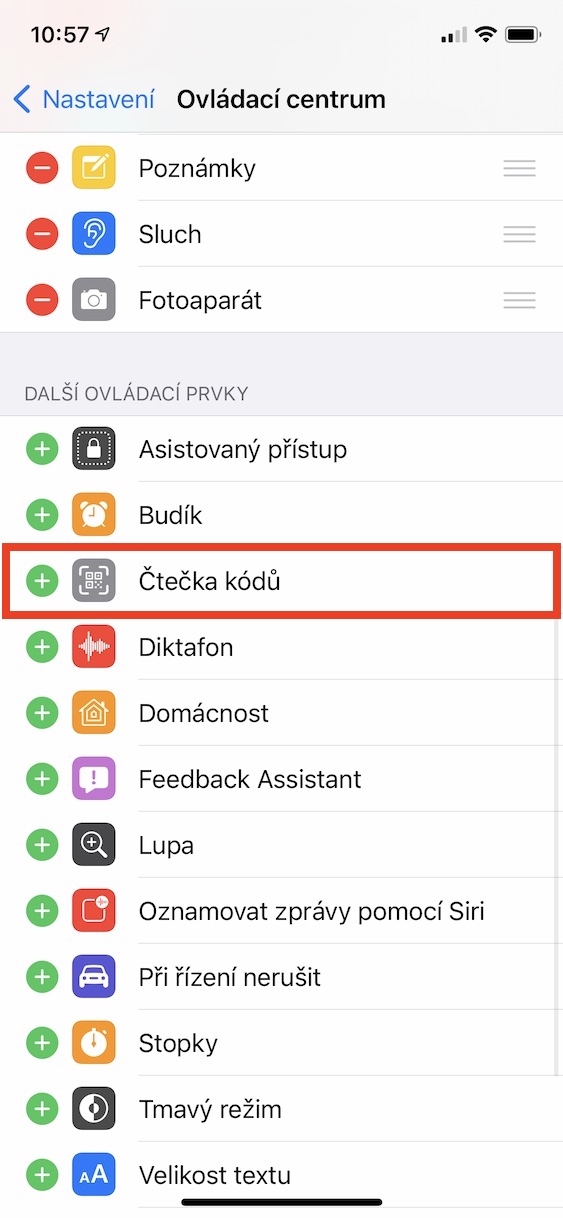
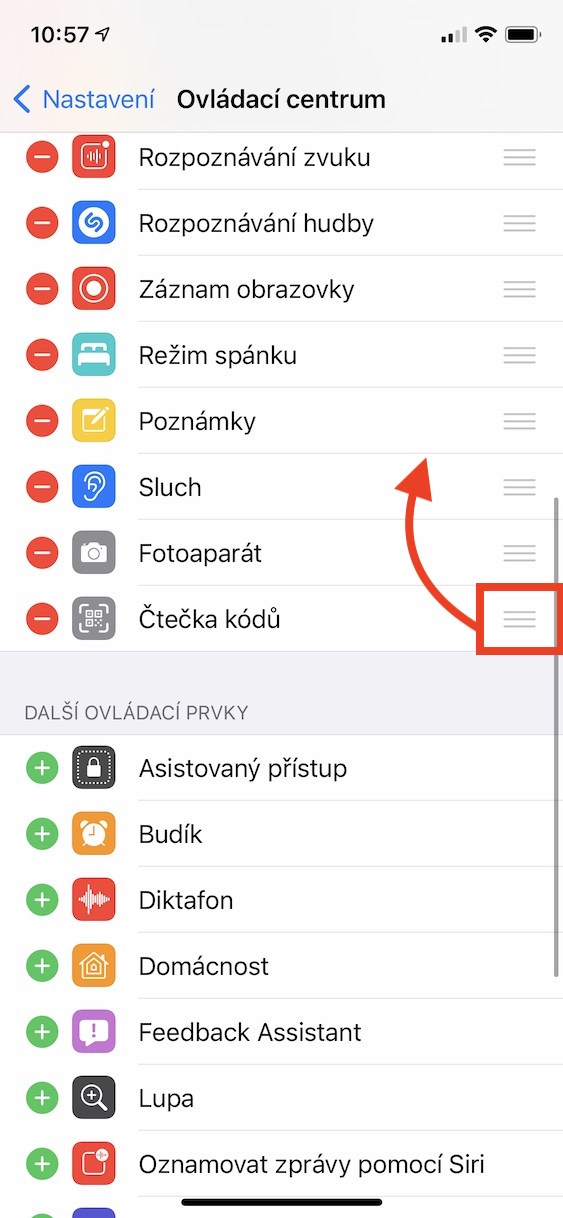
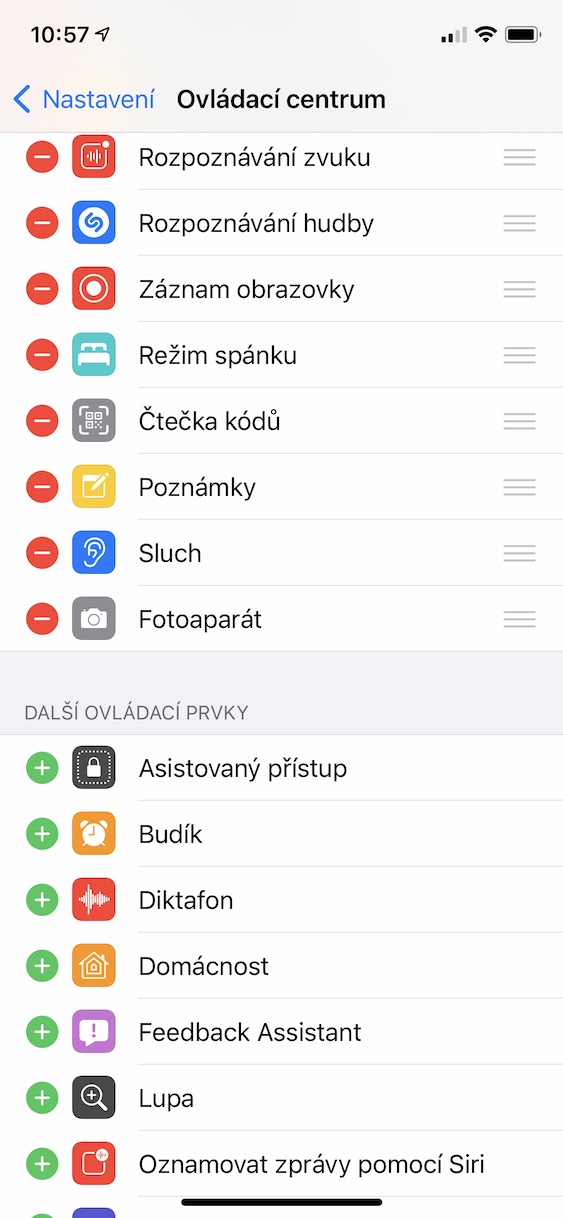
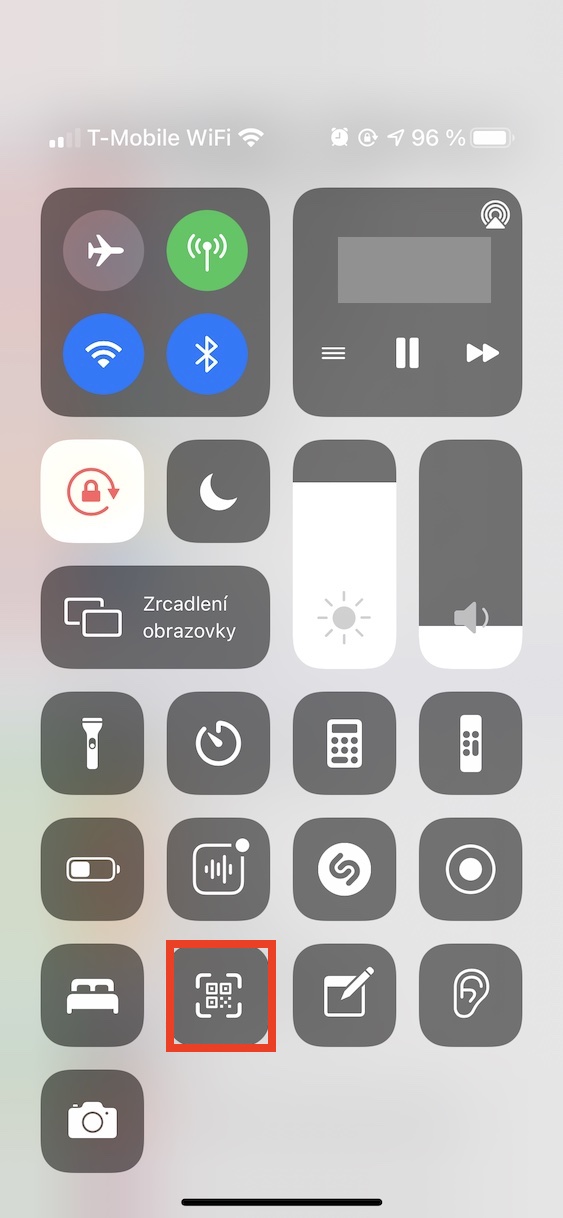
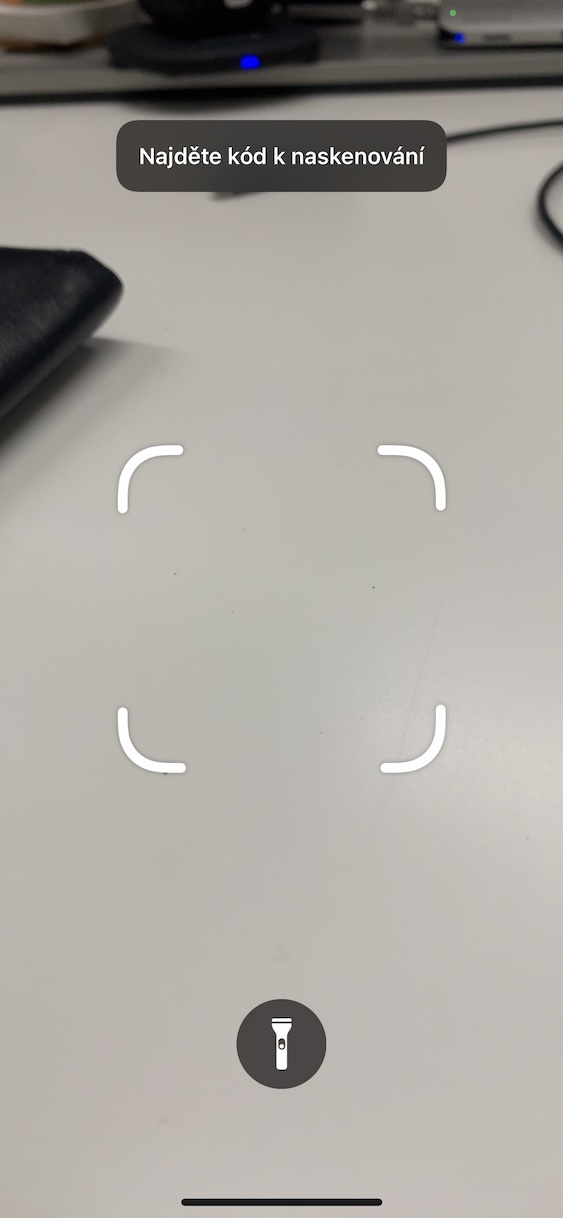
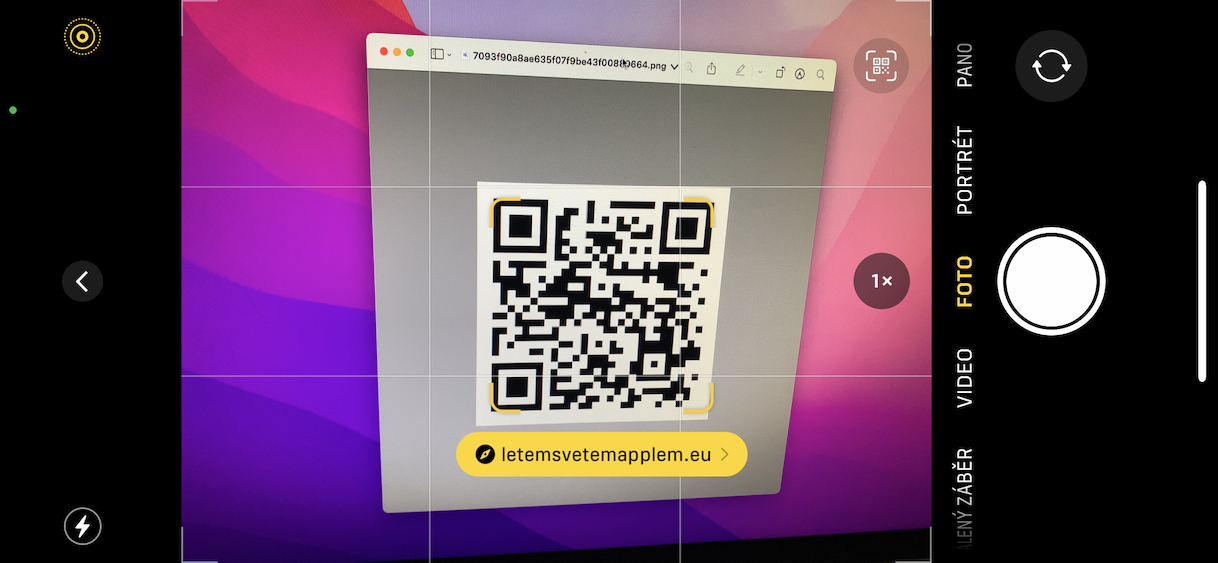
Using the above procedure, it is therefore possible to iPhone scan QR codes using the built-in reader located in the Control Center. However, there is another way to scan QR codes on your Apple phone that is even easier. Specifically, you just need to go to the native application on your iPhone Camera. Once you do so, point the lens at the QR code. After it is recognized, the designation and then it's enough tap on the action on the display, which will be displayed.