
If you regularly read our magazine, you surely did not miss an article a short time ago in which we informed you that Apple released the operating system iOS 15.4 for the public. If you are one of the users who immediately download the new version after its release iOS are downloading, so before installing you might be wondering what you can actually look forward to. Some features Apple of course, it is mentioned directly in the update notes, but you won't find many new features here at all. Let's take a look at 7 tips from this article together. iOS 15.4 that you need to know.
You might be interested in
Unlocking an iPhone with a mask
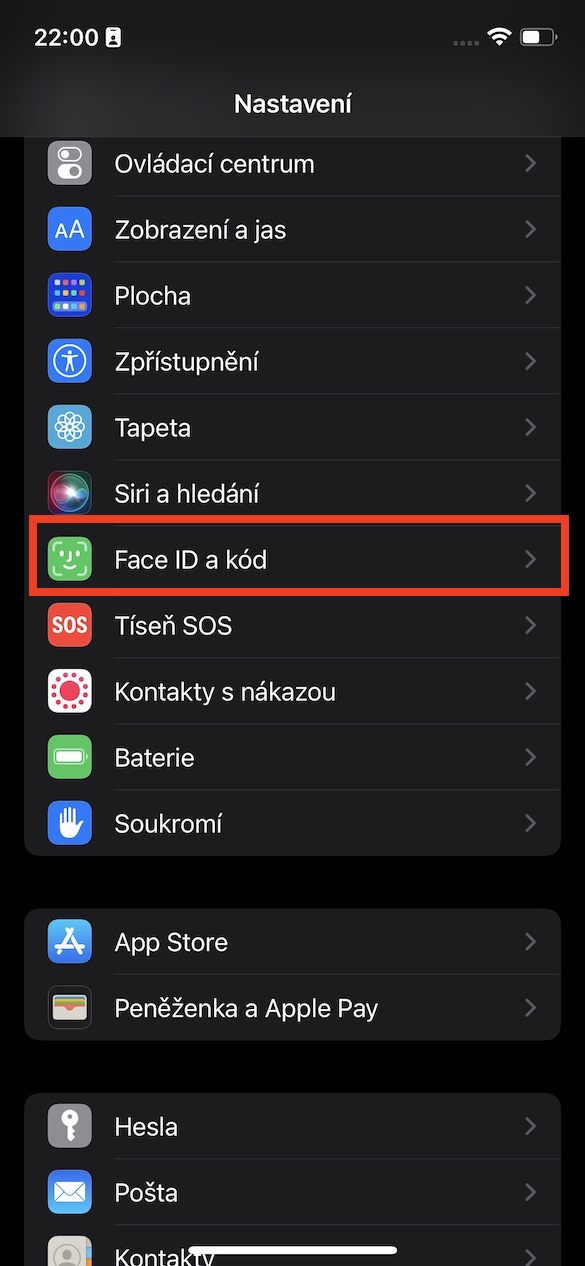
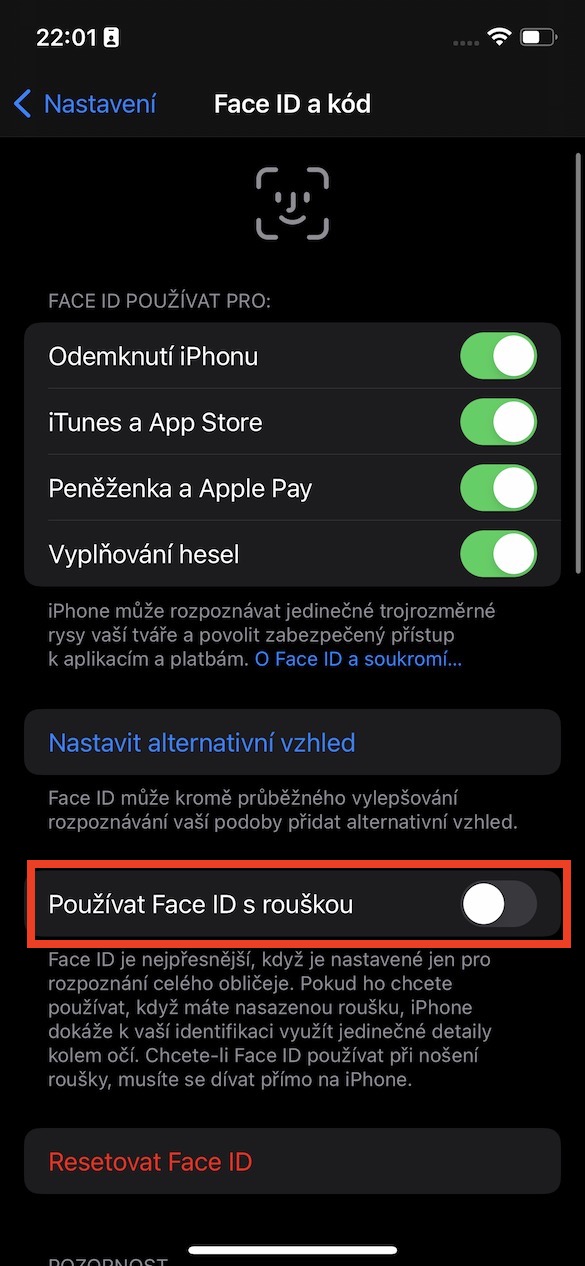
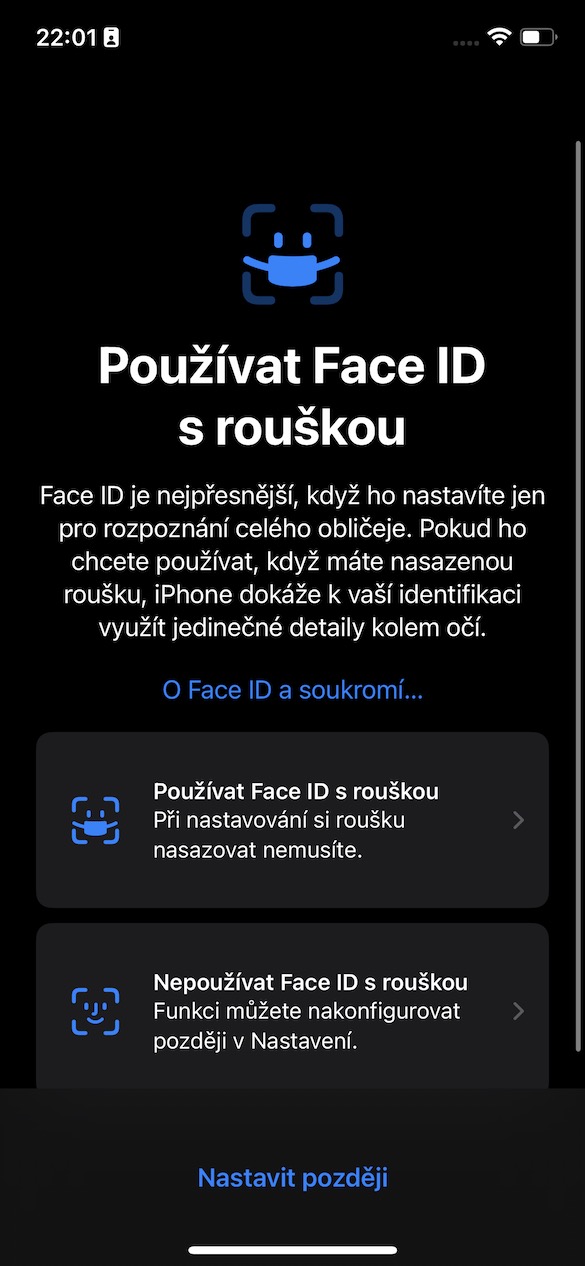
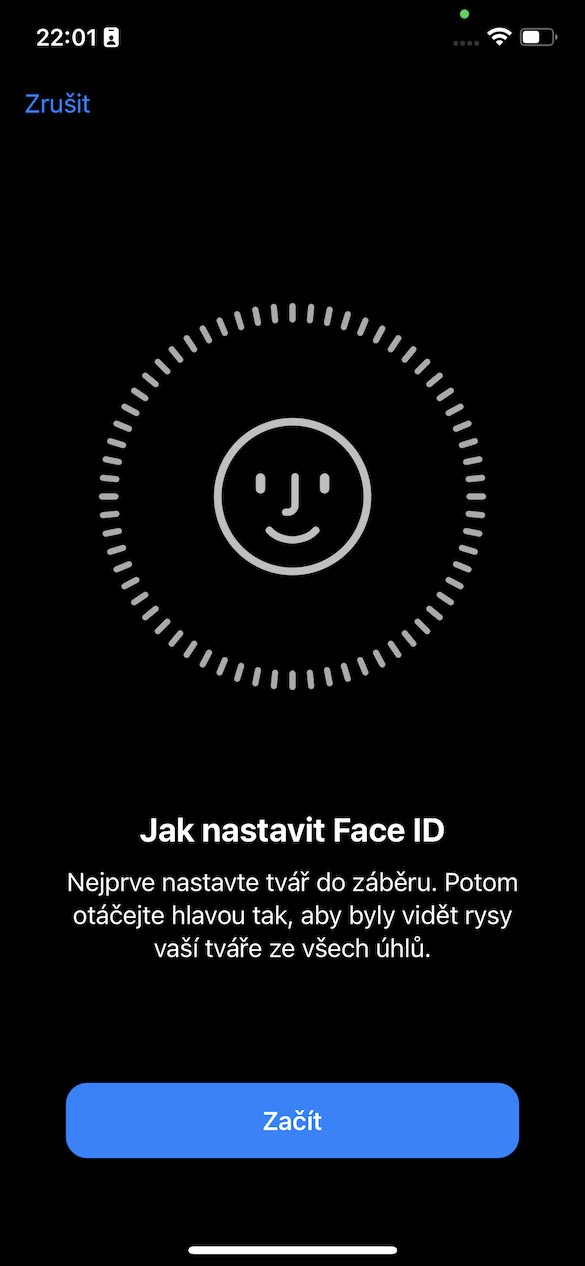
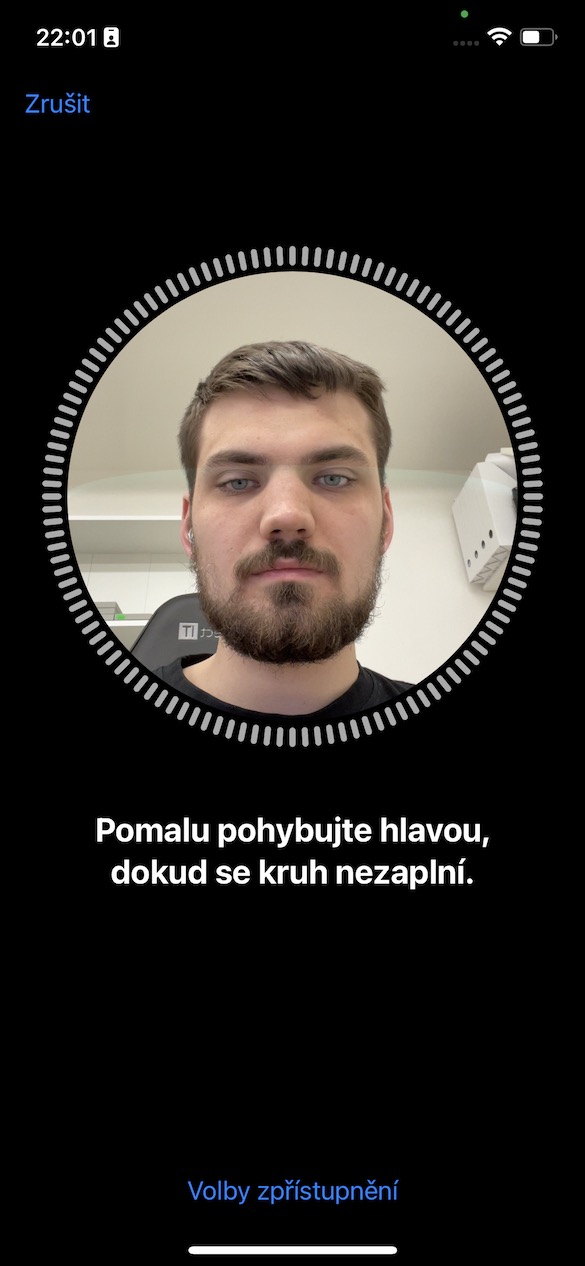
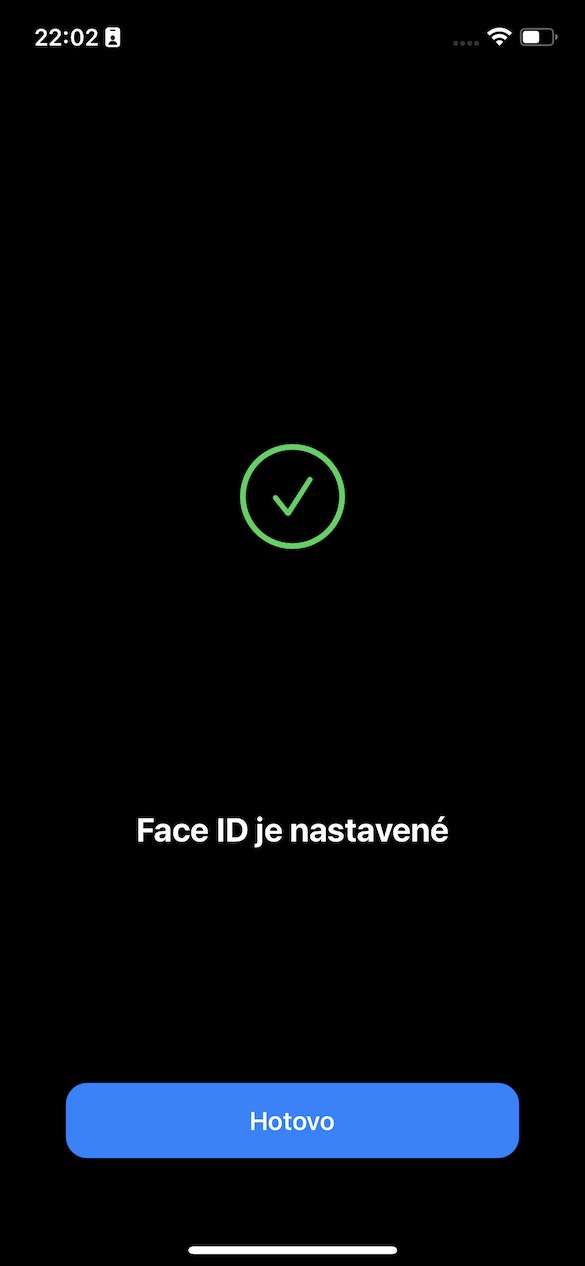
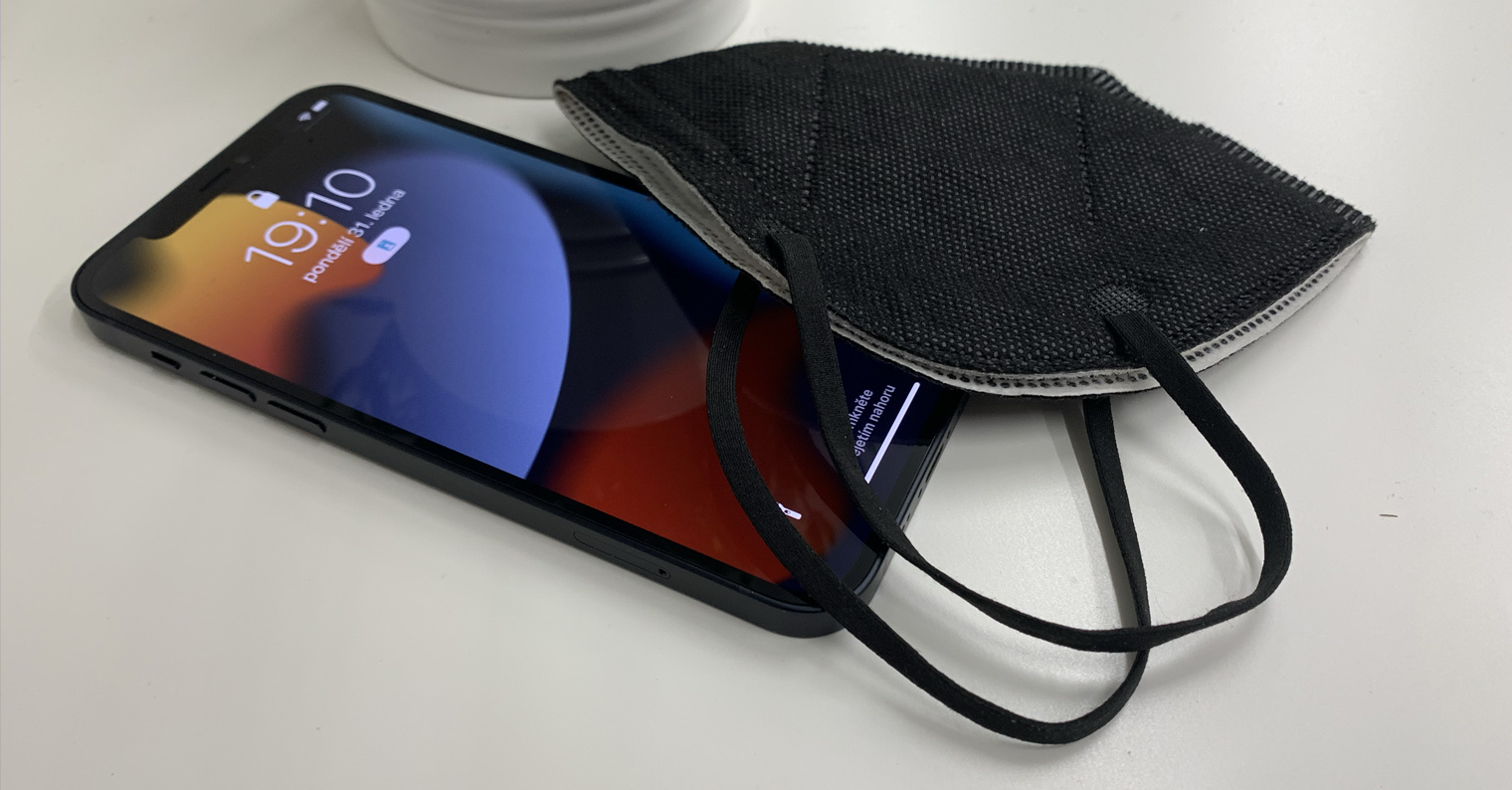
A few weeks ago we brought you an article in which we beta green iOS 15.4 tested a new feature that is supposed to make life easier for owners of Apple phones with Face IDThis biometric protection is reliable and secure, but unfortunately we were unable to use it with the advent of the coronavirus pandemic. Although there was an option to unlock the iPhone using Apple Watch, however, this is not an ideal solution, as not everyone Apple own watch. In iOS However, 15.4 added a function that allows iPhone can be unlocked even with a mask or respirator on, which is definitely useful. You can activate the function in Settings → Face ID and code, where activate using a switch Use Face ID with a maskThis feature is only available on iPhone 12 and newer – there is a detailed scan of the area around the eyes, which older Face ID he can't.
Gallery
You might be interested in
updates iOS via mobile data
Have you ever found yourself in a situation where you had no Wi-Fi available for a long time, but only mobile data? If you answered yes to this question and you ever wanted to update your operating system using mobile data, then you know for sure that you were unsuccessful. If you wanted to update iOS, so it was necessary to connect to Wi-Fi – and the train didn't run despite that. In iOS However, with 15.4, this "restriction" has been lifted and the system can be updated without any problems even if you don't have Wi-Fi available. Of course, if you try to download the update via mobile data, you will be informed about it.
Improved automation
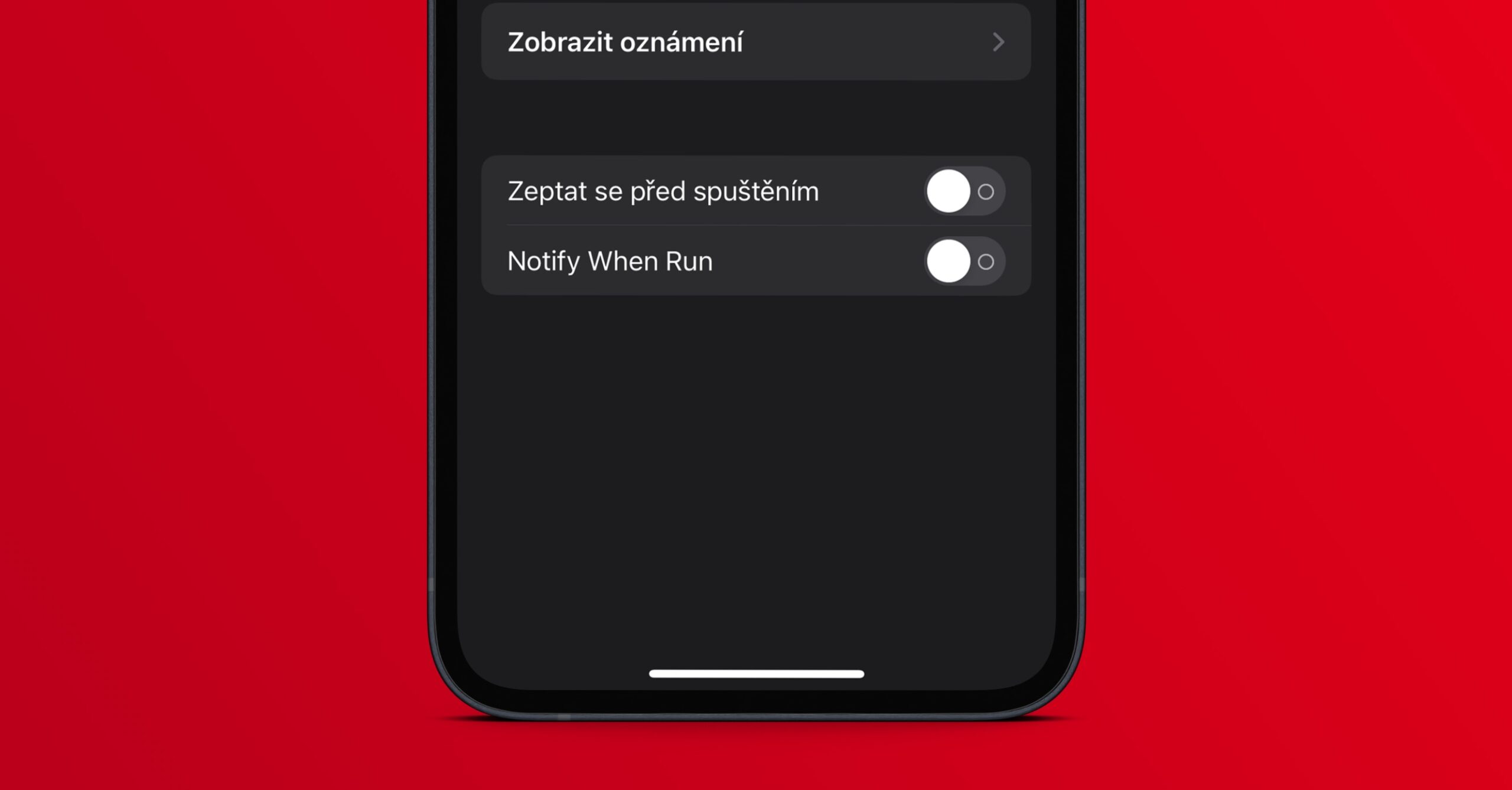
Within iOS On 13 we saw the release of the new Shortcuts application, later Apple also came up with automations. With the help of shortcuts, you can create a kind of sequence of tasks that are intended to simplify your daily functioning. Automations are then used to automatically perform certain actions when a certain condition is met. DoneIn the past, it was not possible to run automation without approval – fortunately, this is no longer possible. Apple quickly got rid of it. The last problem was that every time you started the automation, you would get a notification about this fact, mainly for security reasons. In iOS Fortunately, in 15.4 you can now set notifications not to appear when completing an automation. Automations are nowoneThey are fully automatic and silent, so you don't even have to know about them.
A smarter password manager
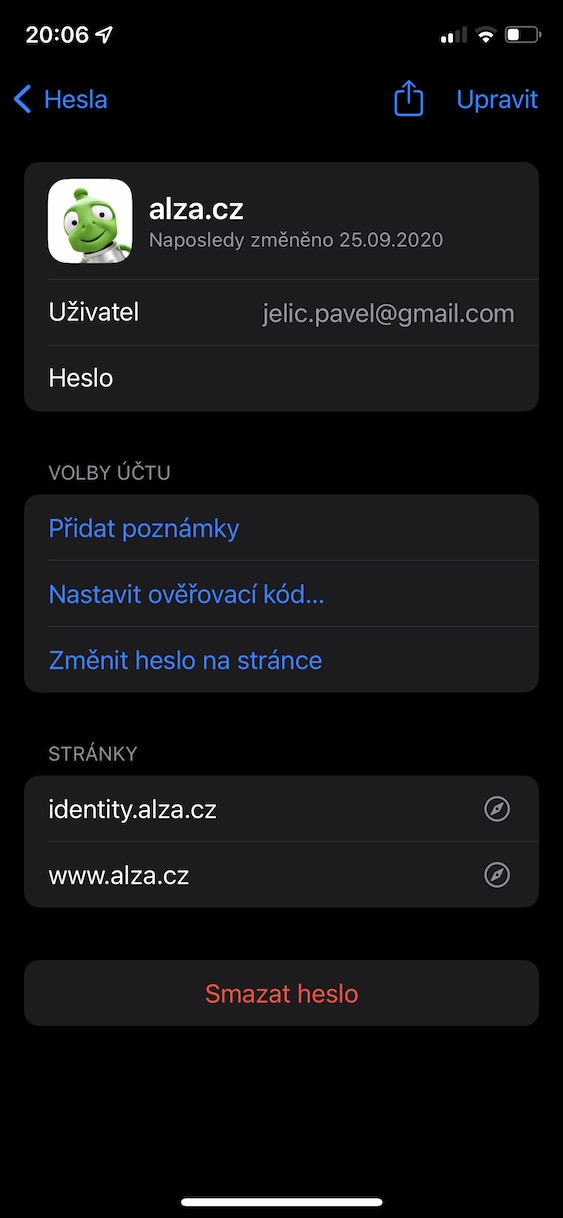
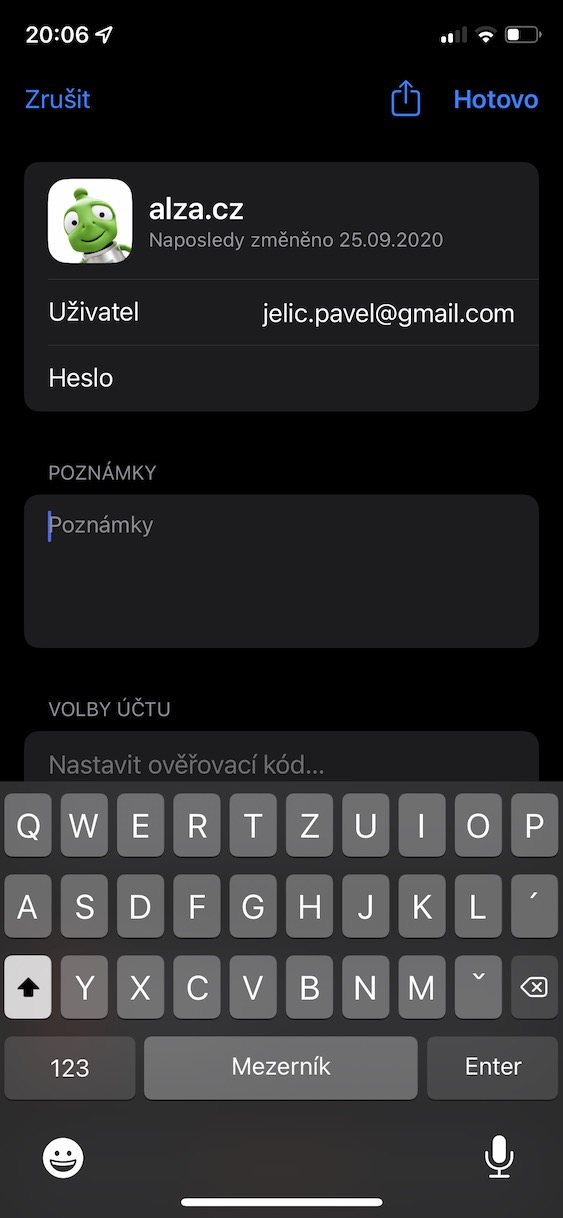
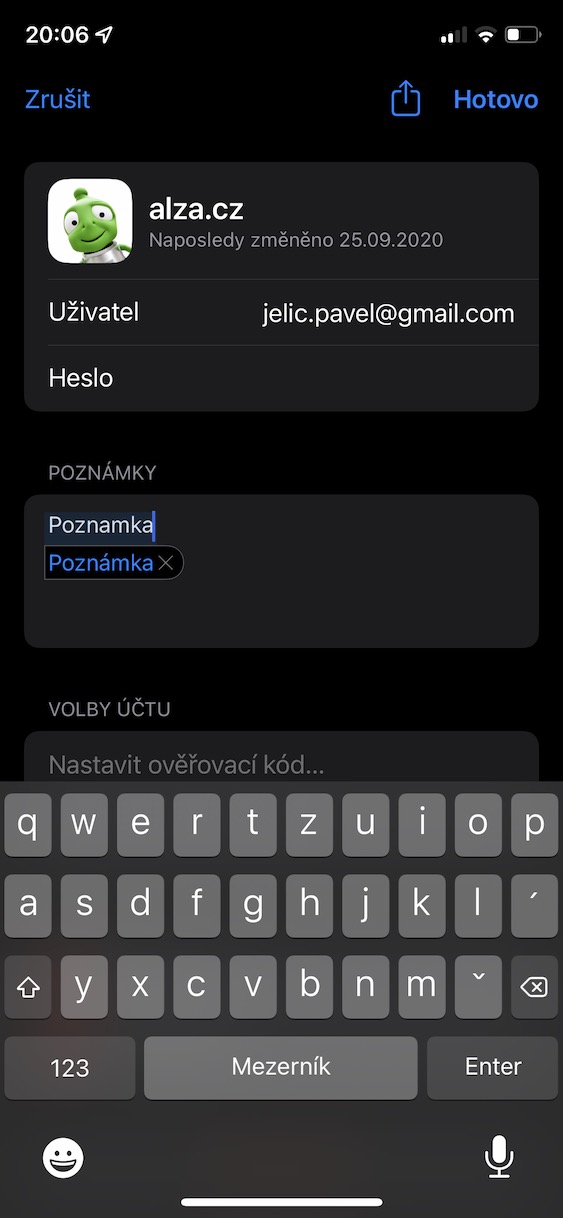
Part of iOS 15 has become a new password manager, which you can find in Settings → Passwords. This section collects all the usernames and passwords you use on the Internet. In iOS In 15.4, the password manager received several interesting improvements. The first improvement is that if you try to save only a password without a username, the administrator will warn you about this - this is often an error. The second improvement is that you can add a link to individual passwordsoneYou can also add notes, like other competing password managers. The third improvement is the option to silence notifications for leaked or problematic passwords, which many users who use simple and repetitive passwords will certainly appreciate.
Gallery
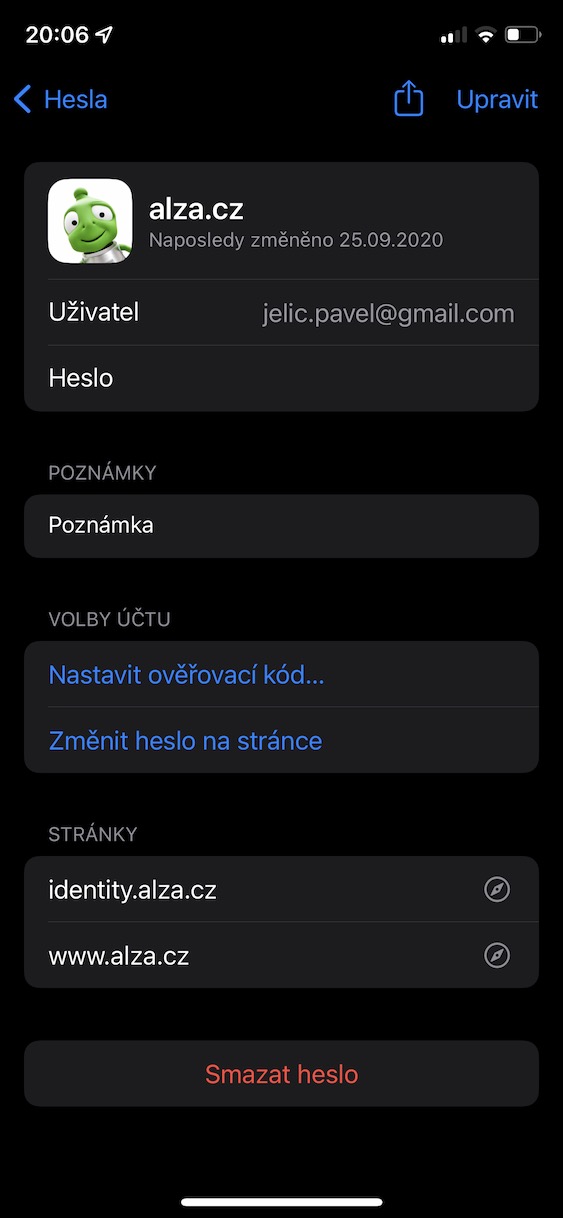
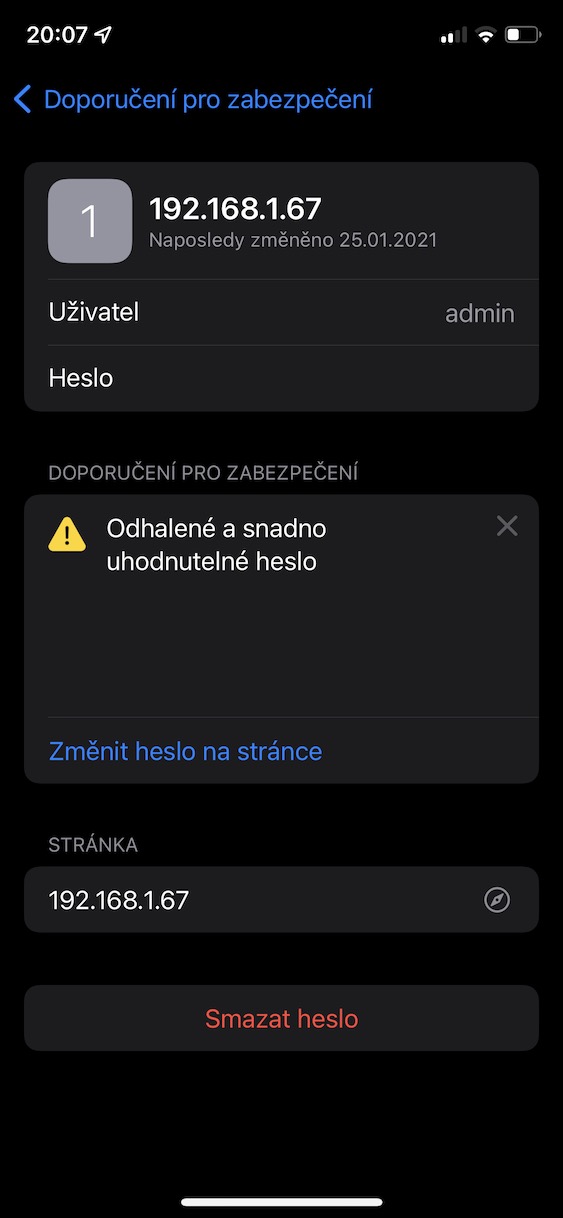
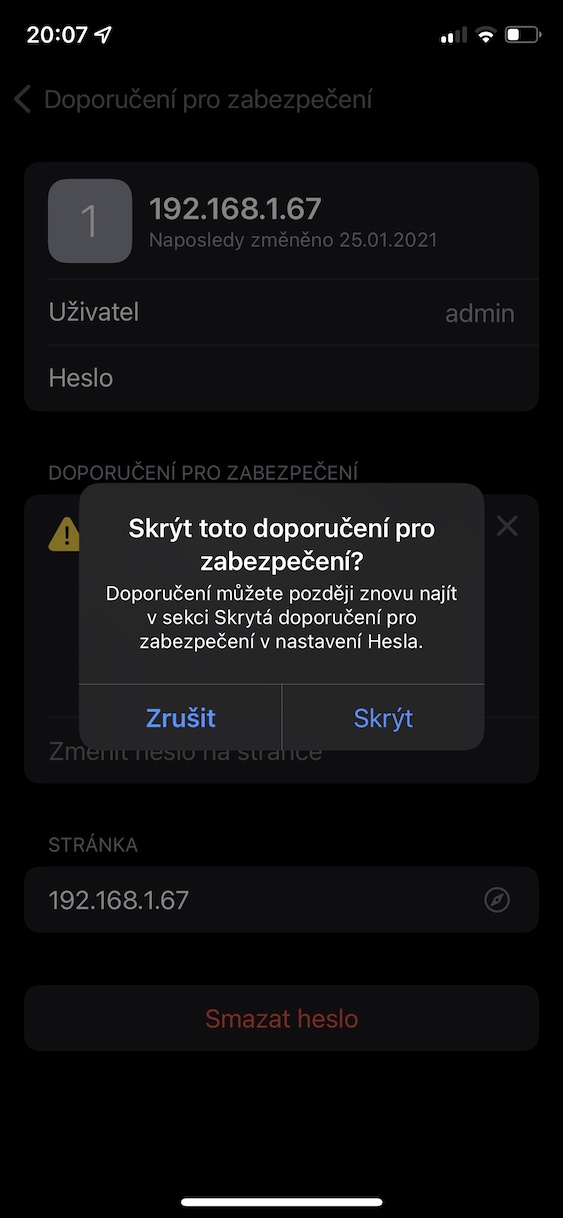
New anti-tracking features for AirTags
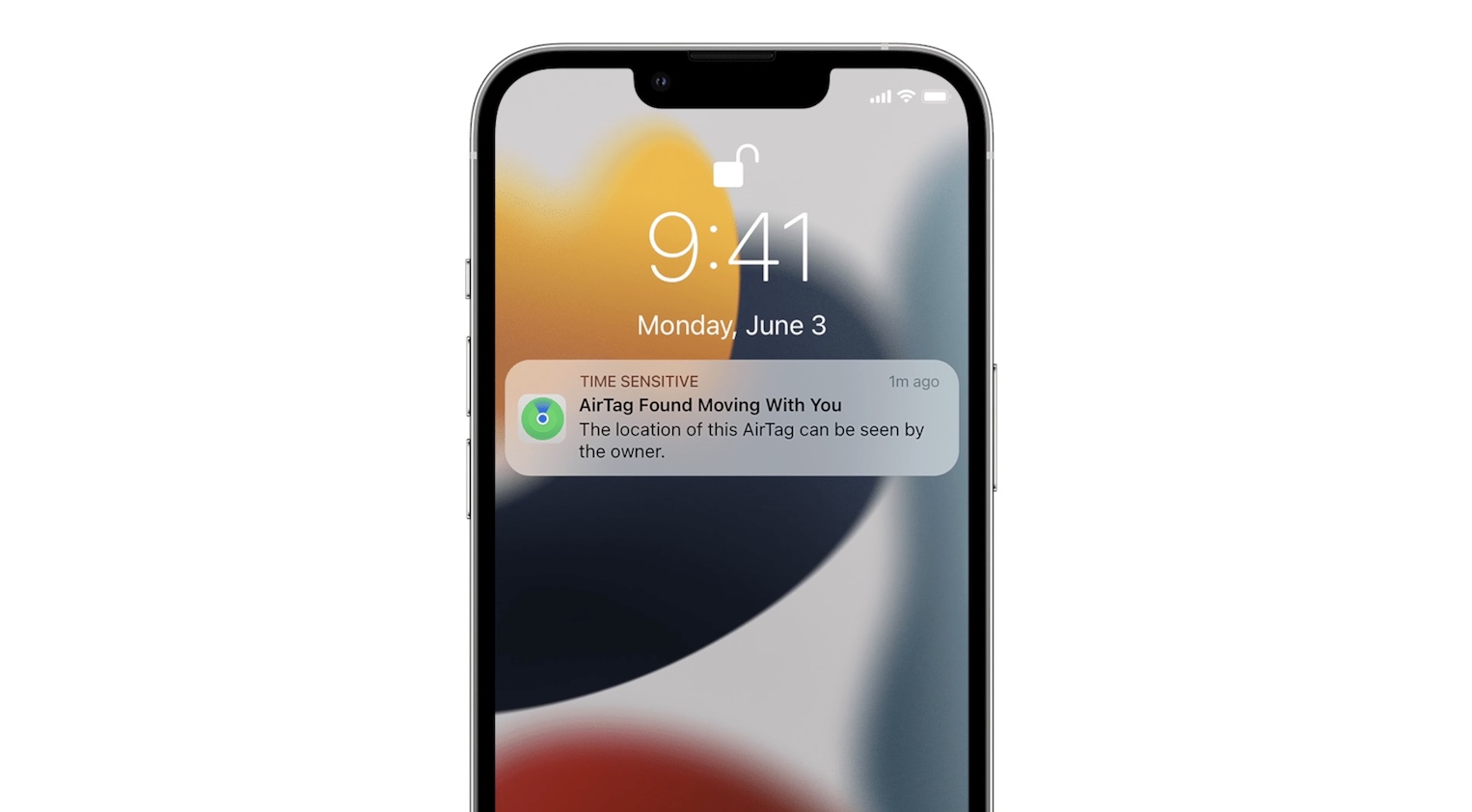
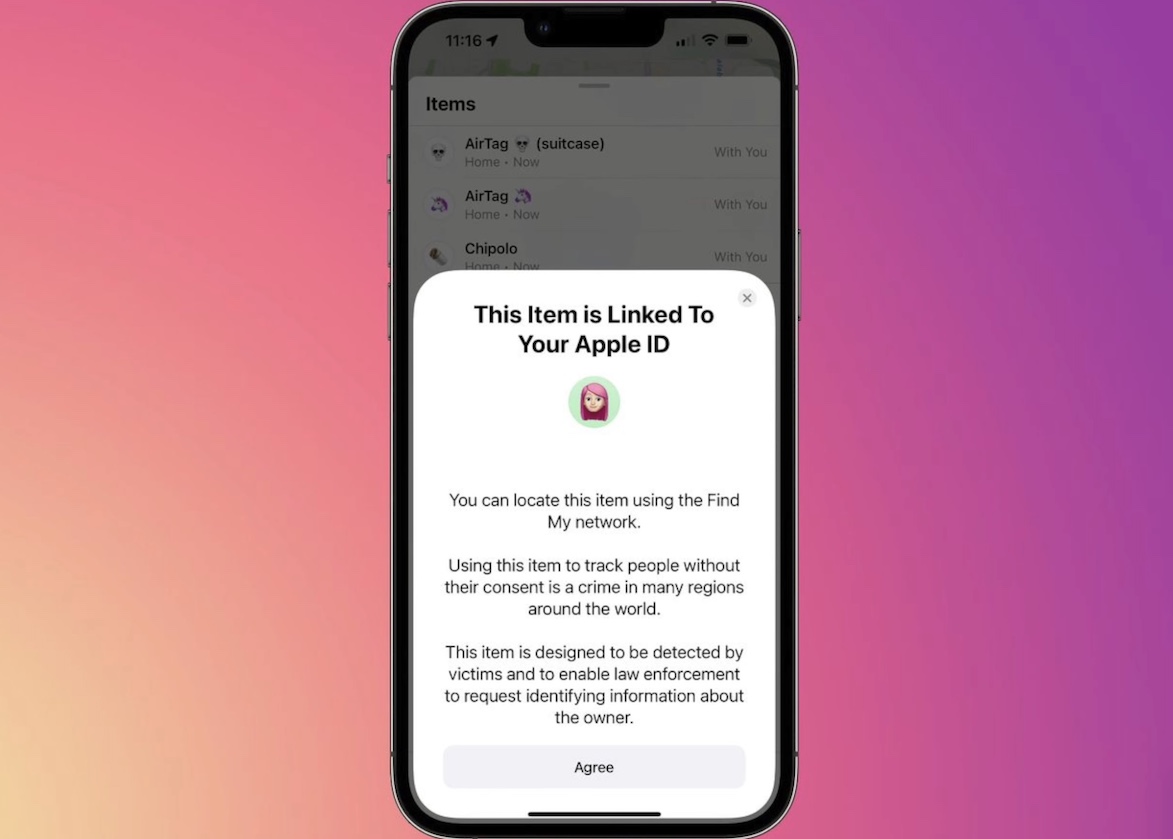
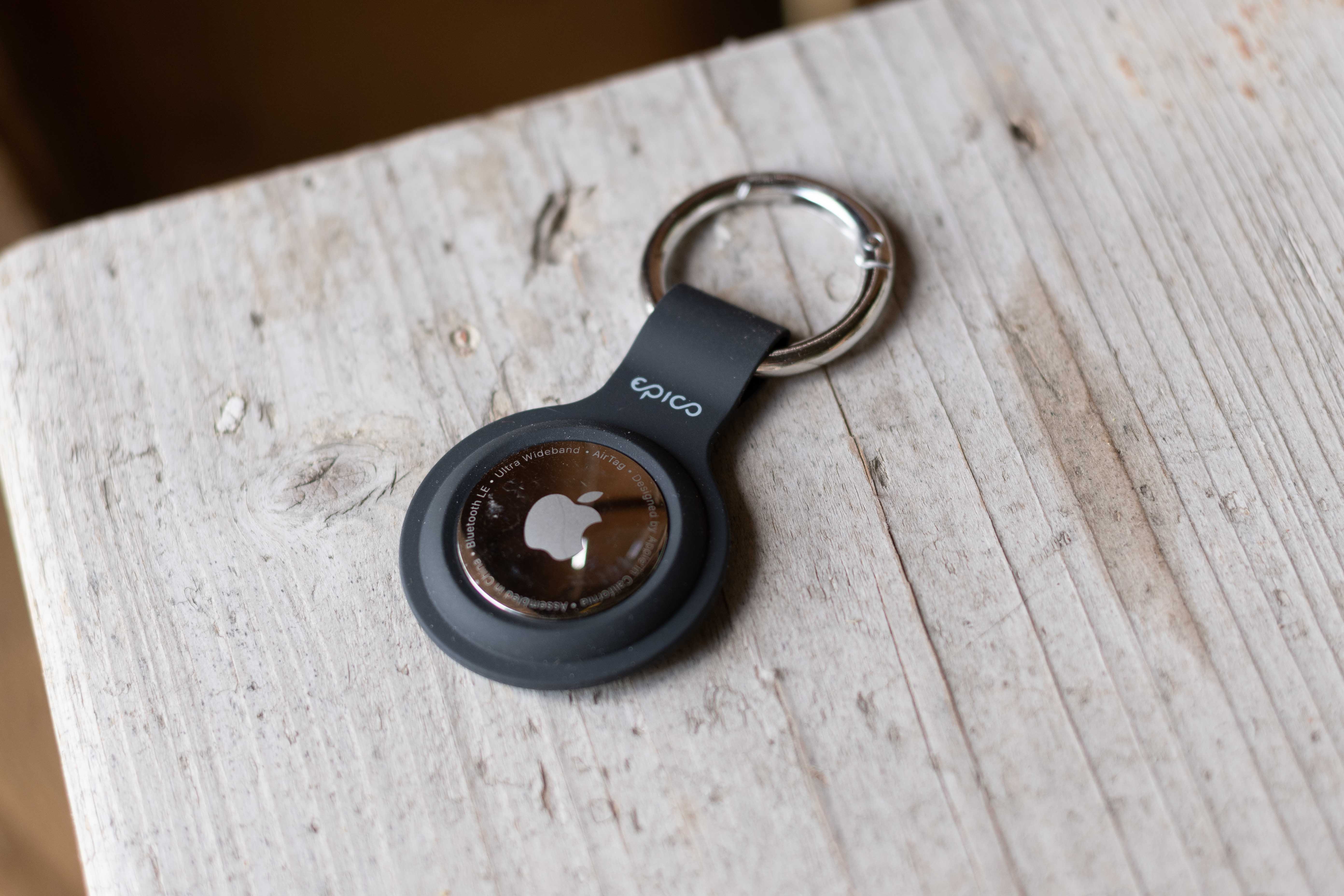
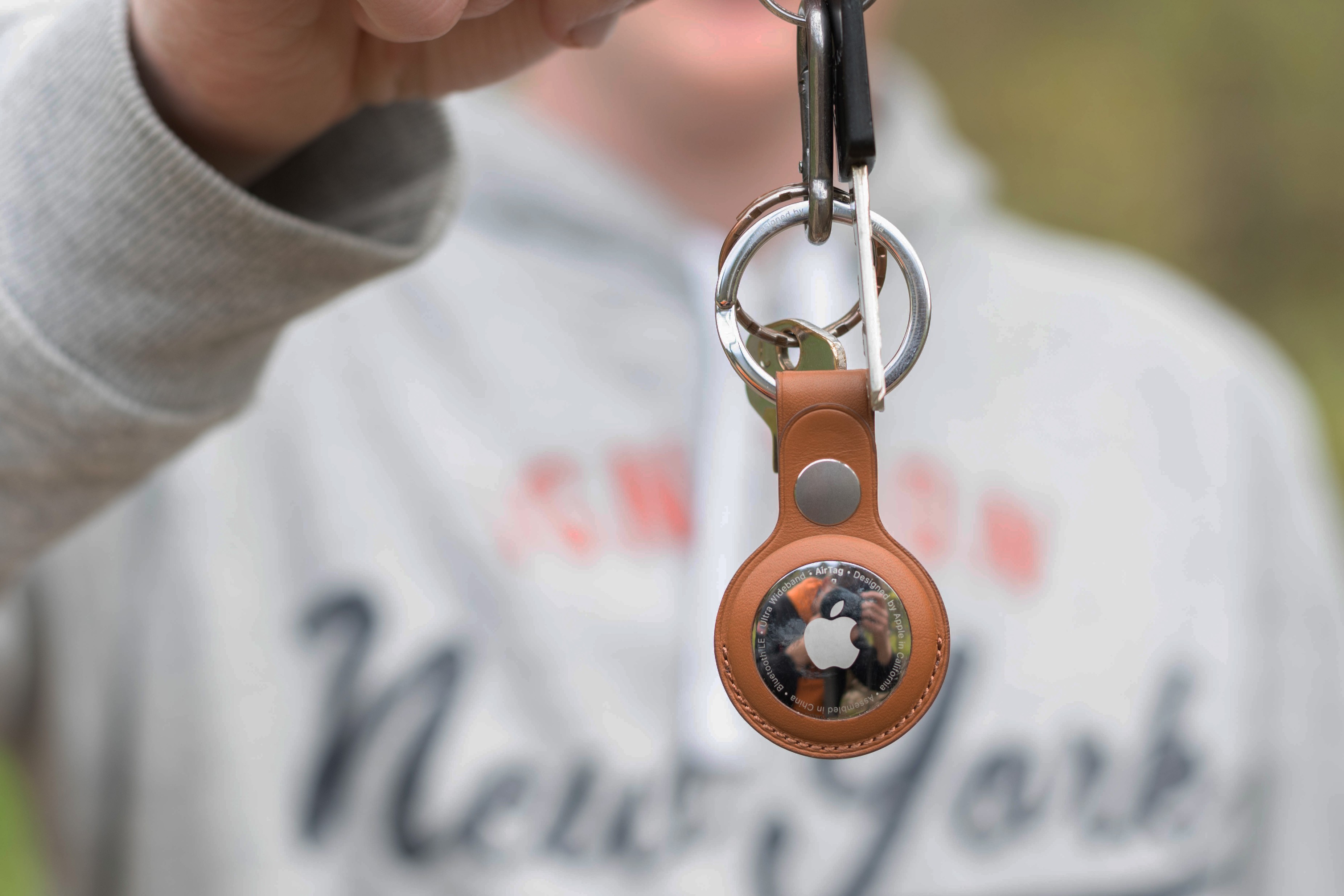
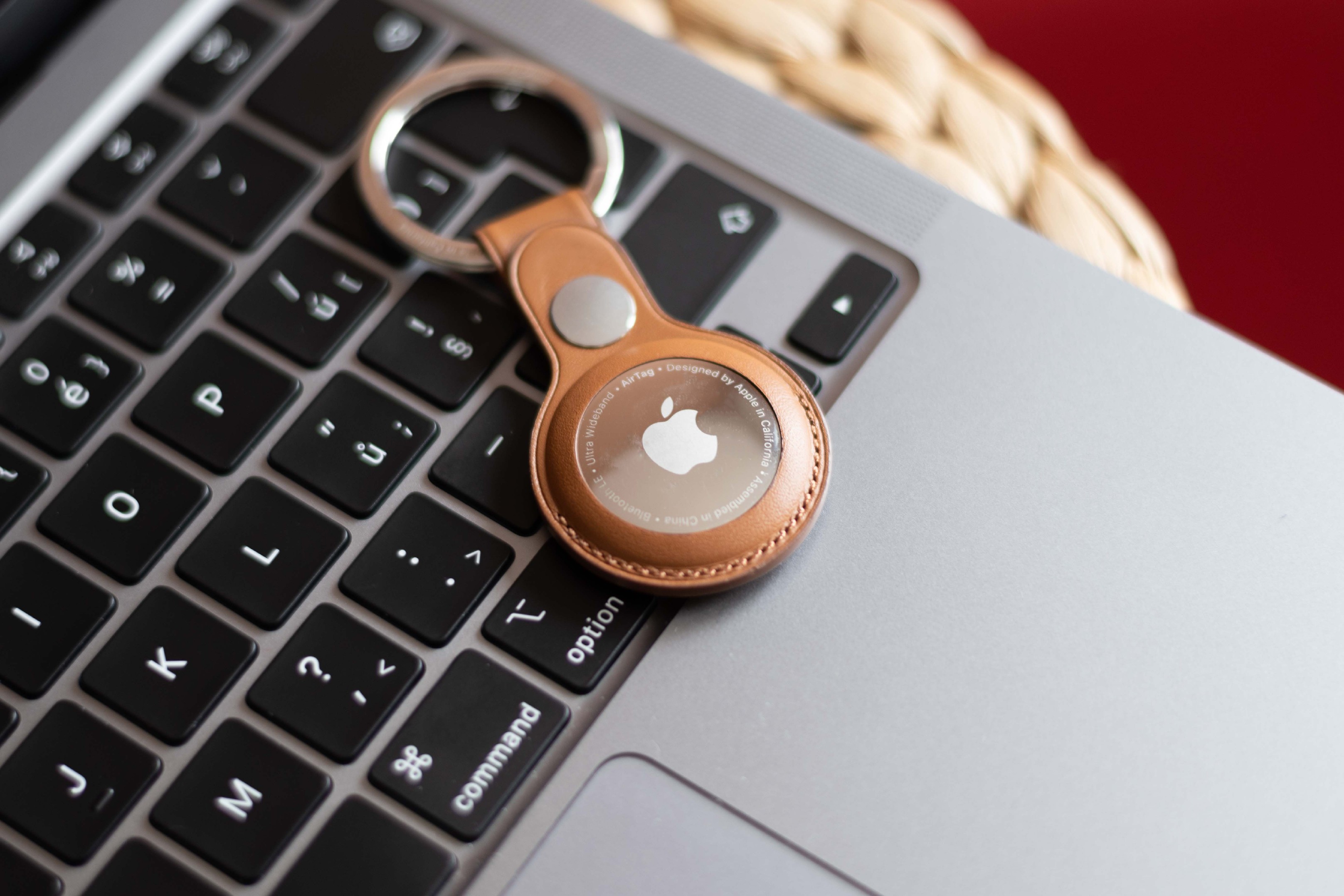
Locator tag AirThe tag is designed to track objects, not people. It states this itself Apple, in some states it is even illegal and criminal to track people using a location tag. Apple of course, from the show AirTags try to prevent people from being tracked through various notifications and sound signals. In iOS 15.4 then these anti-tracking features are further expanded. If the user pairs for the first time AirTag yours iPhonem, a message will appear informing him that he is not allowed to track people with the help of this pendant, and that this is an illegal matter in many countries. In addition, we have the opportunity to set the delivery of notifications to a close AirTag or ability to search for other people locally AirTag – of course, but only after it notifies you of its presence iPhone.
Gallery


SOS emergency call
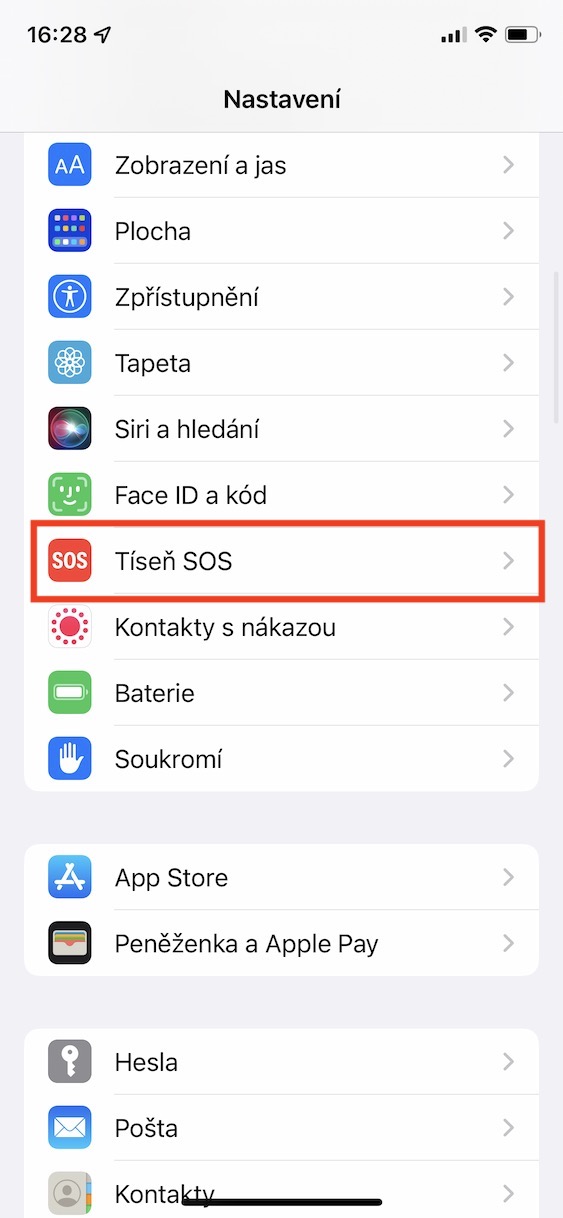
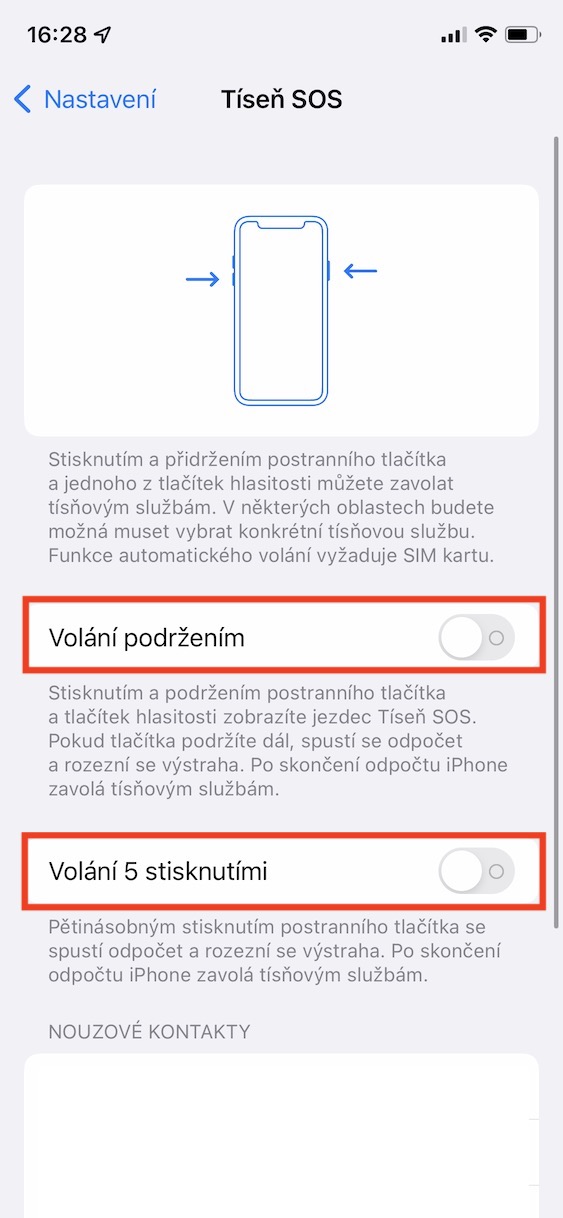
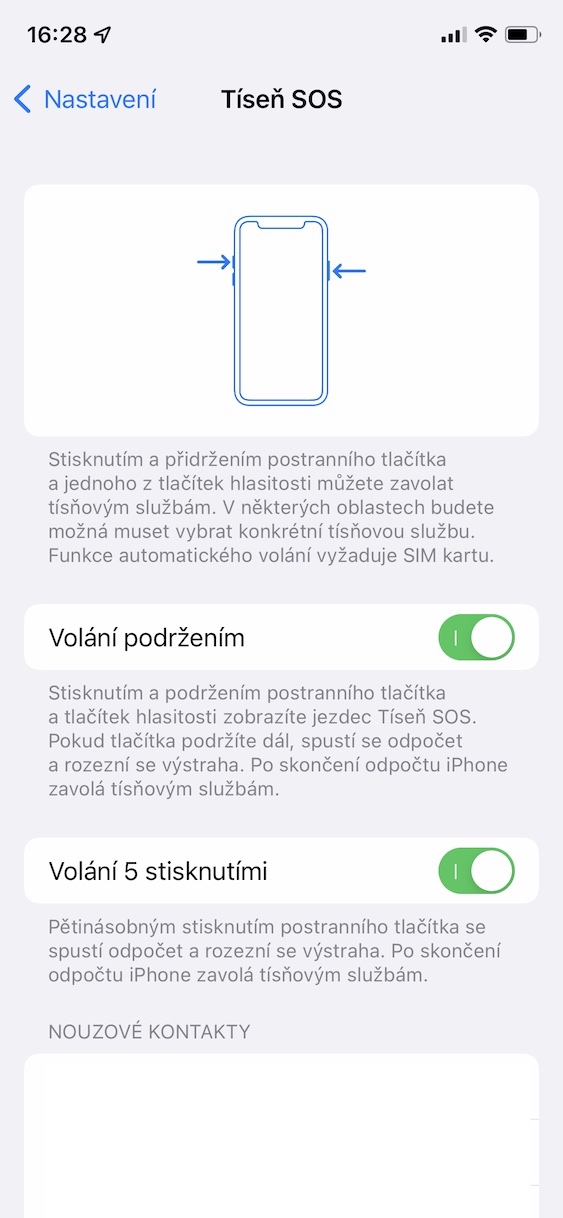
Apple phones include a special Emergency SOS feature that can call an emergency number in case of danger. You can call Emergency SOS either by going to the iPhone's power off screen and then sliding the appropriate slider. In addition, it is possible to discreetly call Emergency SOS by holding down the side button for a longer time, together with one of the volume buttons - this is how it is set by default for everyone. However, you can also set it to call Emergency SOS by pressing the side button five times quickly. You activate this feature in Settings → Emergency SOS , where you activate the 5-press call option.
Gallery
Full 120 Hz support
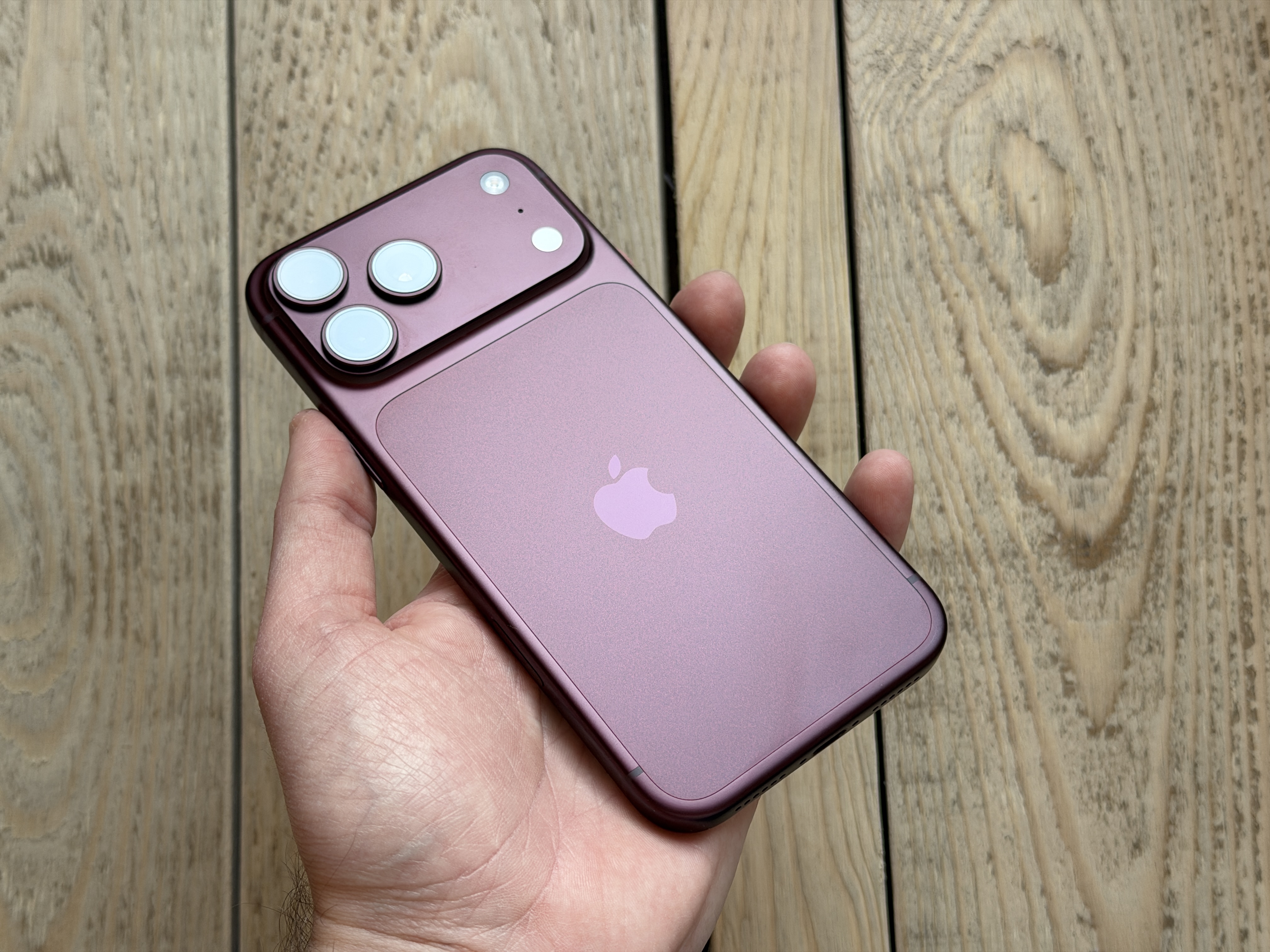
A few months ago Apple introduced the brand new iPhones 13 (Pro). Top models in the form of 13 Pro (Max) are the first to have Apple phones ProMotion display that offers an adaptive refresh rate of up to 120 Hz. Up tooneBut in the past, the problem was that you could rarely use the 120 Hz refresh rate. Gradually Apple allowed third-party applications to use this frequency, but this option was still missing in some parts of the system and native applications. The Californian giant said that this was simply a bug that has been fixed with the arrival of iOS 15.4 fixed. This means that you will now be able to use the adaptive refresh rate of up to 120 Hz practically everywhere - no need to configure anything.
You might be interested in



And you can make your own memoji on the IP SE2 that moves like a face id.. you can't send it to messages, but when you make new ones, you can move it with your face.
Don't you know if the unlocking function with the mask also works with the iPad Pro?
I think not, it's not as critical there as with iPhones, but I don't have personal experience.
Start wearing a space suit, it seems to work 😂😂😂
I tried to make an automation to connect to BT in the car, launch Spotify if it is not active and just minimalized, so playback won't start. Result? Not only does playback not start, but I also get a stupid notification asking for confirmation. All after yesterday's update IOS an 15.4. Am I doing something wrong, or is it just not working? Moreover, the automation cannot be deleted, I haven't figured out how.. Pls help..
I think the priblble bt confirmation will still be there, it will probably never be removed. You delete the automation by swiping left on the automation name
Thanks Martin.
Editorial office, where can I find the menu for automation to turn off notifications like you have in the gallery?
I would be interested in that too. I can't find it anywhere
You have to edit the automation data, and you will find it there
Waze does not work after the update to 15.4. Tried uninstalling and reinstalling but not working…
Waze works normally after the update - iP XR
Some apps on my watch don't work. For example, Autowake, myatmo. I tried reinstalling the watch and nothing. I'll try restoring it again. Iphone.
So yesterday I managed to turn it back at the last minute 😎
Hi.. after updating to 15.4.. I can't start videos that I play on the net.
Does anyone know why? Or what should I do to make it work..?🫣
Thanks have a nice day