
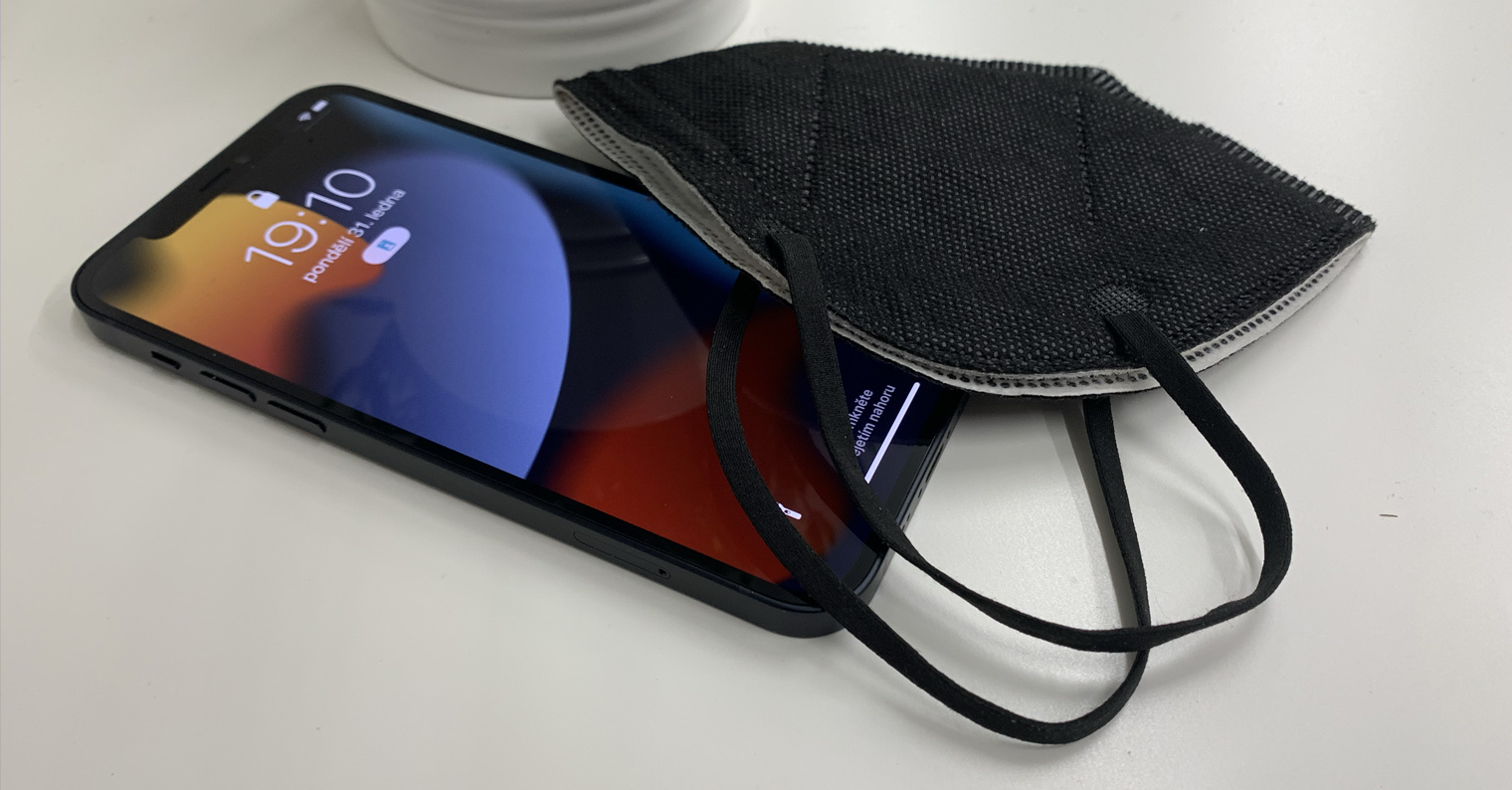
Since the beginning of the pandemic, tech giants have been able to show off how they will handle it. Although some of you may not realize it, iPhones in particular have been greatly affected by the coronavirus pandemic. All of Apple's newer phones use a biometric authentication called Face ID, which works based on a facial scan. However, with the pandemic came the obligation to wear masks, which cover practically half of the face. This makes Face ID stops working because it simply cannot recognize your face.
You might be interested in
The first simplification of unlocking came for the owner Apple Watch
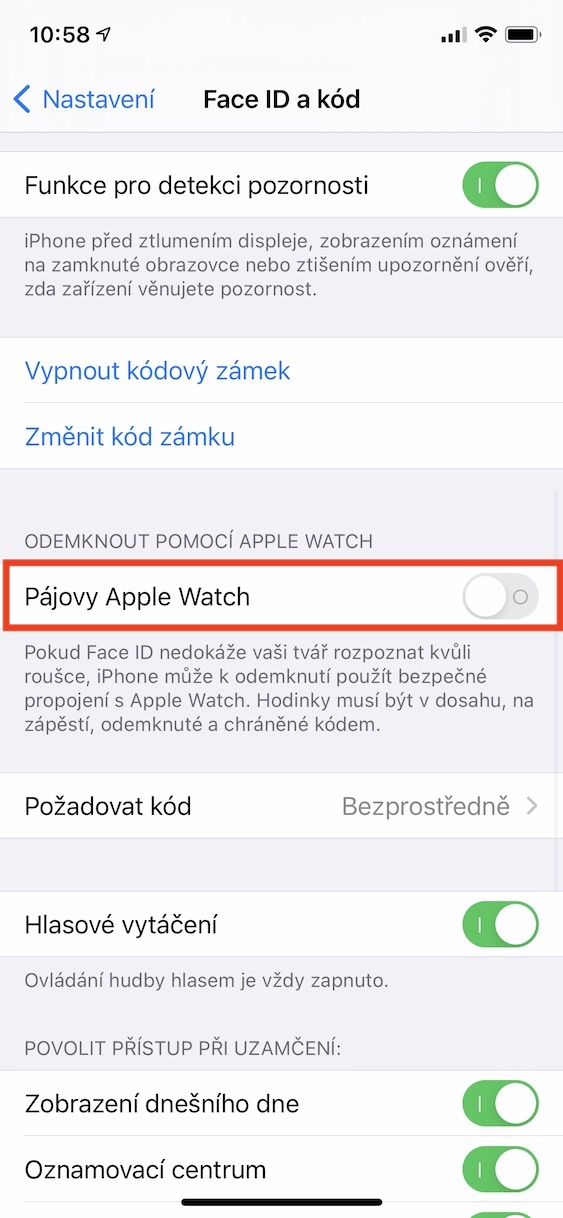
Apple unfortunately some adaptation has begun Face ID masks are released very late. Some time ago he came up with a kind of "detour" that all owners can use Apple WatchYou can set your iPhone to unlock if your face is not recognized (for example, because you are wearing a mask), using your Apple Watch - all you need to do is have it unlocked on your wrist. Pro the owner Apple Watch se This is an interesting feature, but for ordinary users who use their watches from AppIf they don't have a mask, it means nothing at all. So they always had to remove their mask from their nose for verification, or they had to verify themselves using a code lock - until now.
This is how you can activate iPhone unlocking via Apple Watch
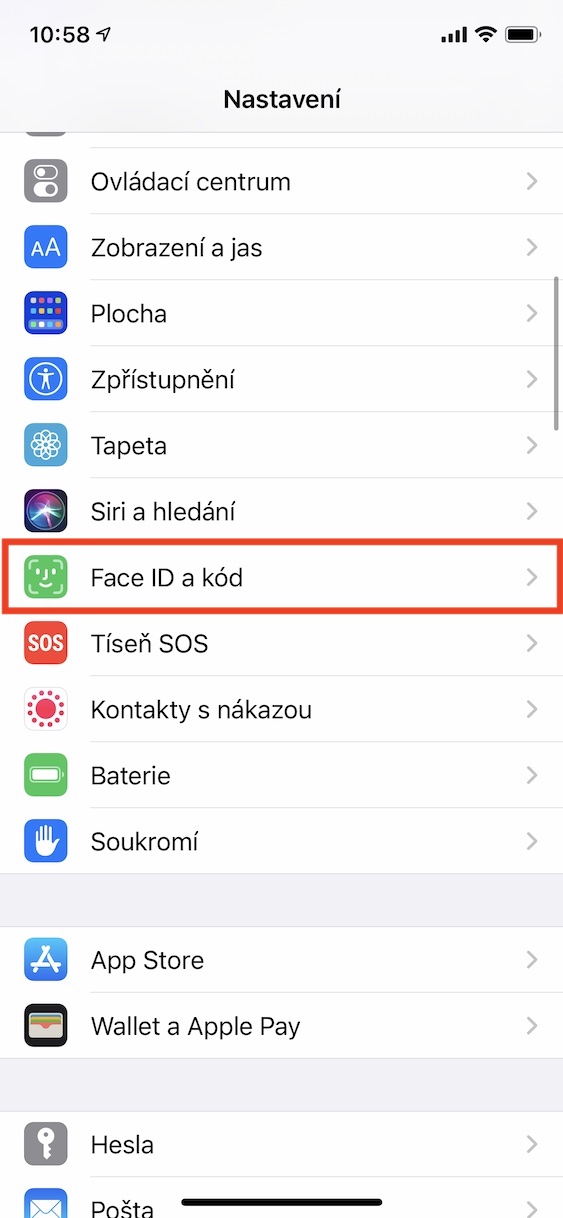
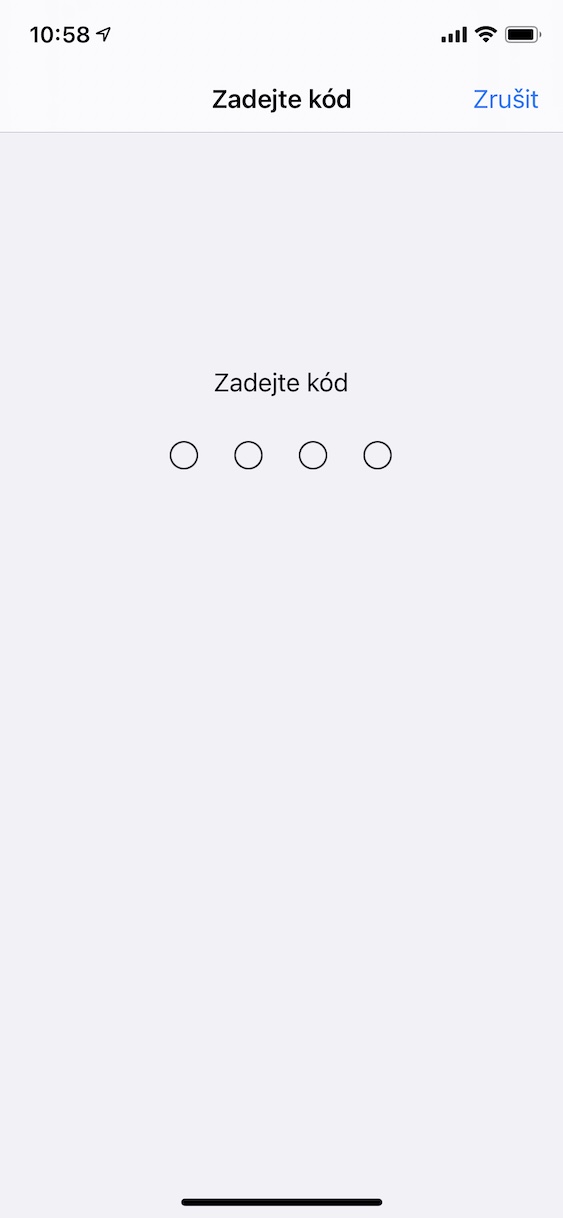
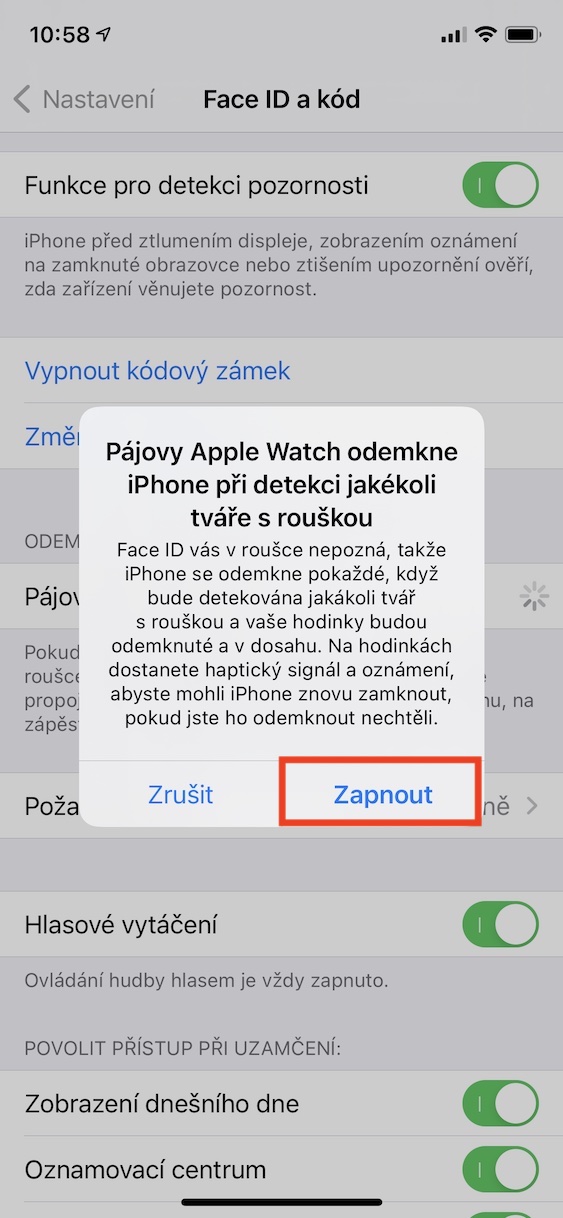
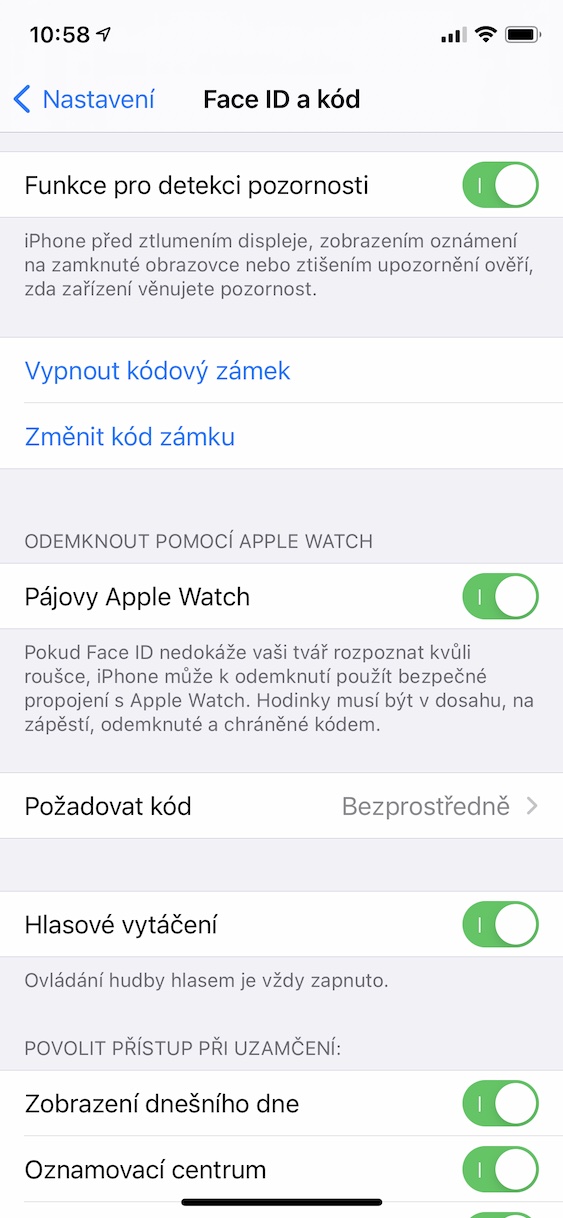
In the first beta green iOS 15.4 is the dateonereally, I would say, very late, she discovered a feature that makes you Face ID identify yourself even if you are wearing a mask. Until the official release iOS April 15.4th is still a few long weeks away for the public, but in the editorial office beta We are testing versions of the systems and bringing you first glimpses of new features. In exactly the same way, we have been testing the ability to unlock the iPhone with Face ID with a mask on and in this article you will find findings from our testing.
How to activate unlocking with a mask via Face ID
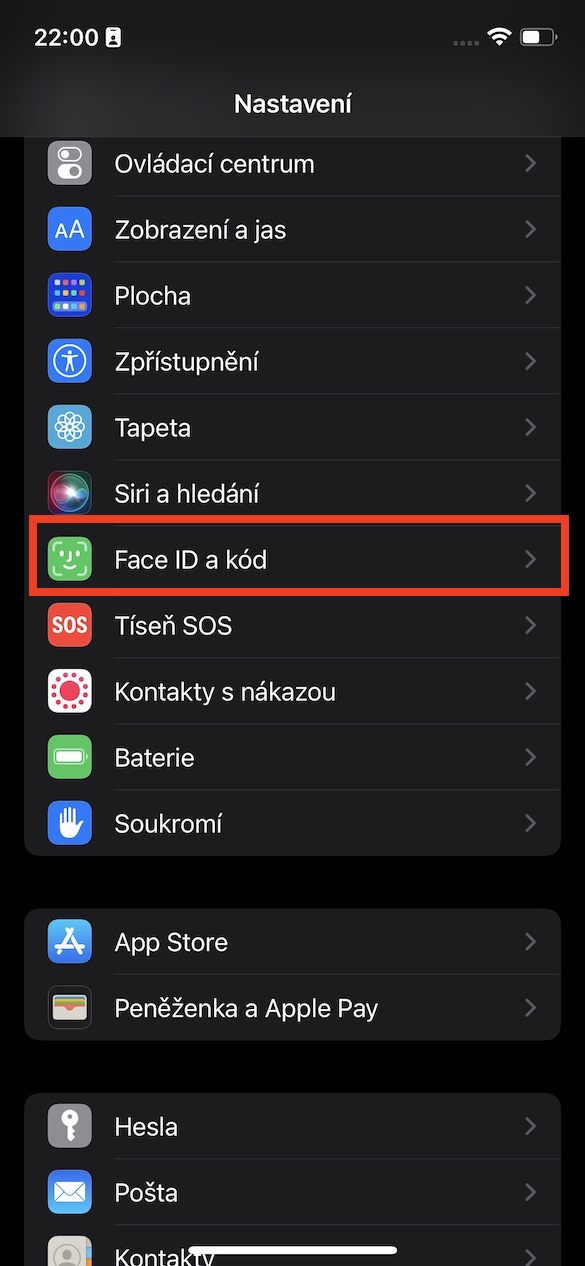
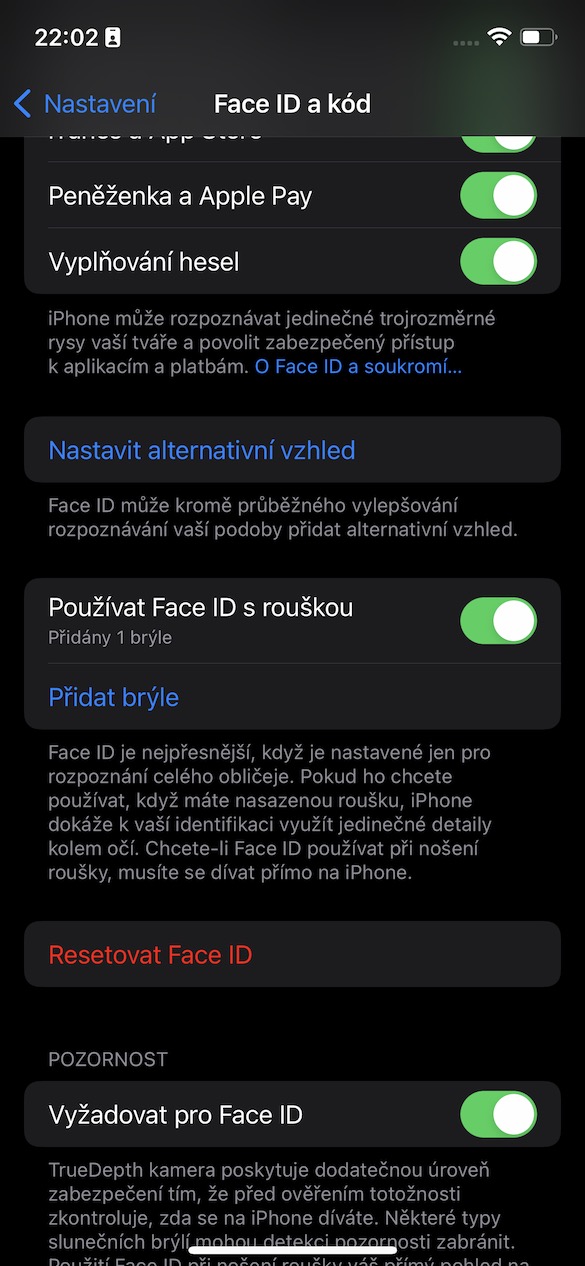
Pro To activate unlocking your iPhone with a mask on, simply go to Settings → Face ID and code. Here you just go down a bit and use the switch activate possibility Use Face ID with a mask. In case you have a new iPhone, or if you don't have Face ID not yet set up, so when setting it up you will perform the first scan, after which the system will ask you if you want to Face ID with a mask. If you choose yes, you will also perform a second scan, but if you choose no, this setting will be for you Face ID ends and instead of two classic records, only one will be created. If you decide to activate the use of Face ID with a mask, it is additionally necessary to perform a second scan for Face ID.
Gallery
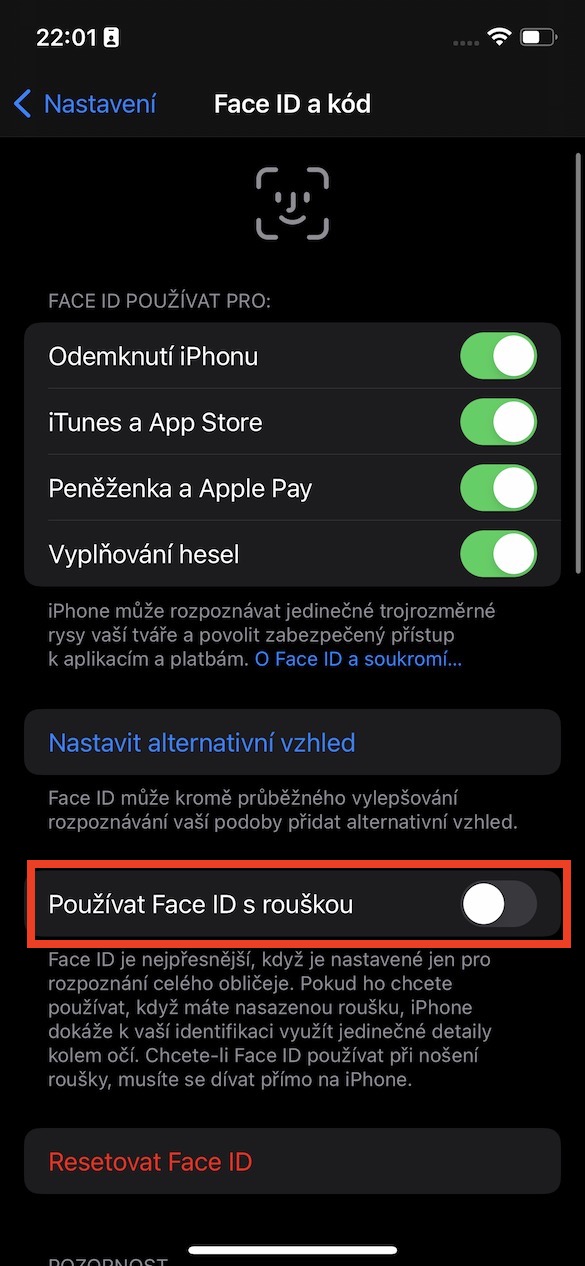
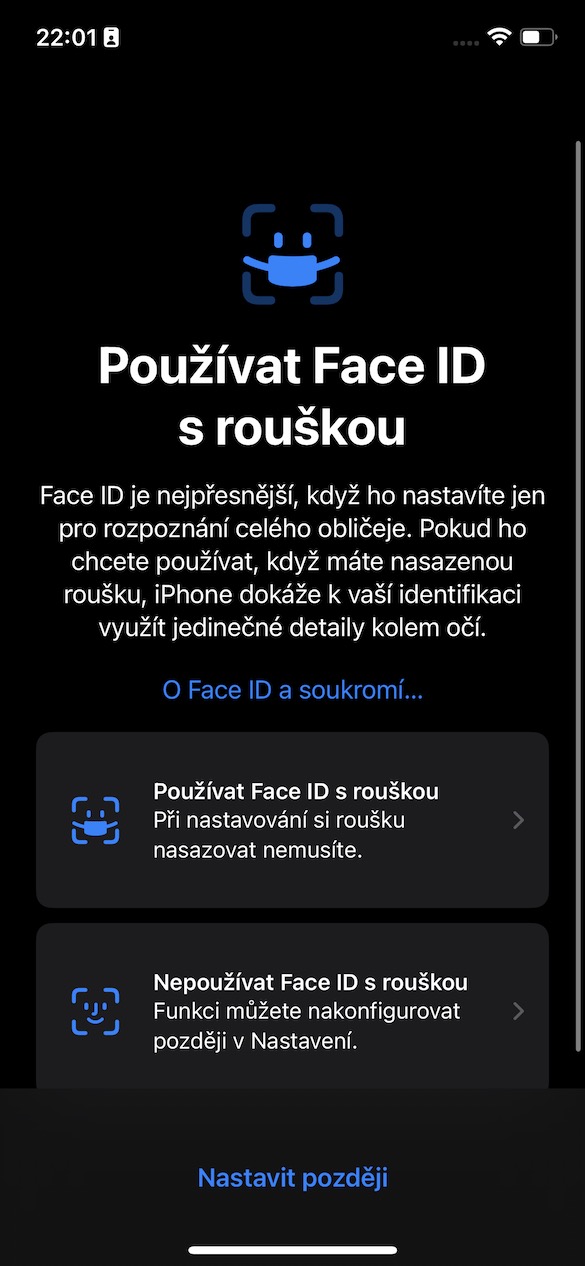
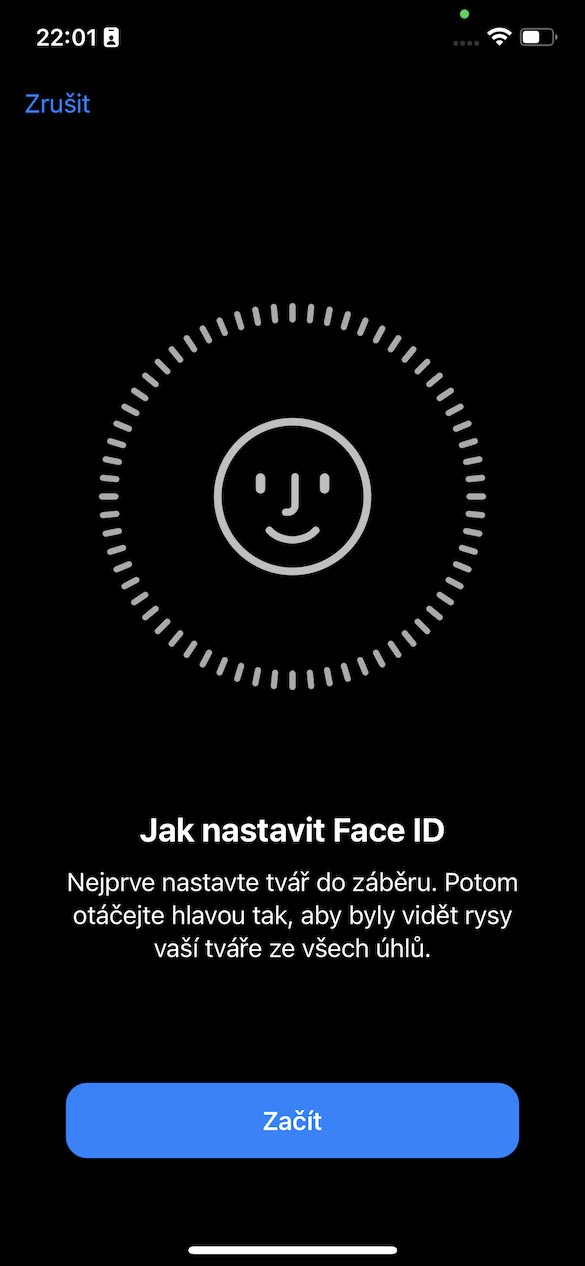
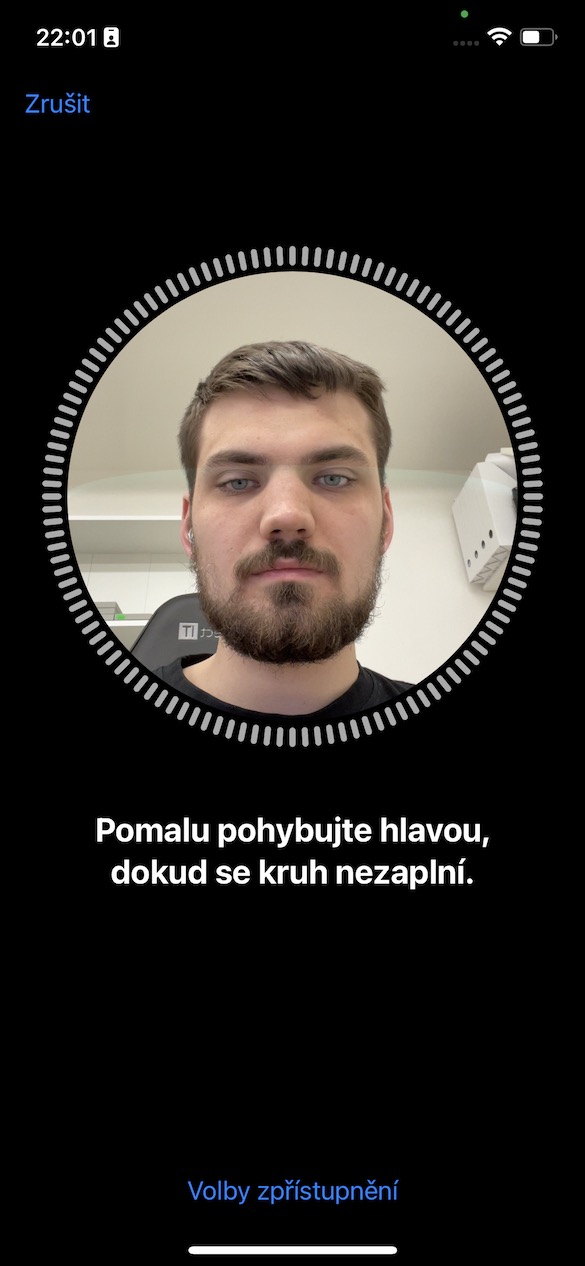

Most of you probably expect the second scan to be for Face ID will be performed with a mask on, but the opposite is true. Mask for setting Face ID you won't need it anymore. I kind of expected it too, and during the first test I put on a mask, but the system prompted me to take it off. Apple It doesn't say anywhere whether you are wearing a mask or not, which may confuse some users. Once you complete both scans after activating the feature, you can enjoy unlocking your iPhone with Face ID even with a mask or respirator on. How good Apple caught this feature and how does it even work?

How to unlock with a mask on Face ID does it work?
At the outset, it is necessary to mention that by activating the use of Face ID Wearing a mask will reduce the security of this system. Instead of scanning the entire face, only the upper third of it is scanned, specifically the details around the eyes, as the function itself states. Apple. Therefore, there is no scanning of the eyes as such, as has been reported on some foreign forums and in comments. Use Face ID I have been testing with a mask since the day of release iOS 15.4 and I think that's more than enough for that time. And quite honestly I have to say that in my case the functionality is almost XNUMX%. I haven't encountered any issues that would Face ID for example, in a store with a mask on, it was not recognized. However, it is still necessary to unlock with a mask on Face ID they were looking at iPhone, otherwise the unlocking will not occur. It will handle it without any problems Face ID perform a facial scan while walking, even with glasses on.
Apple he also remembered the glasses
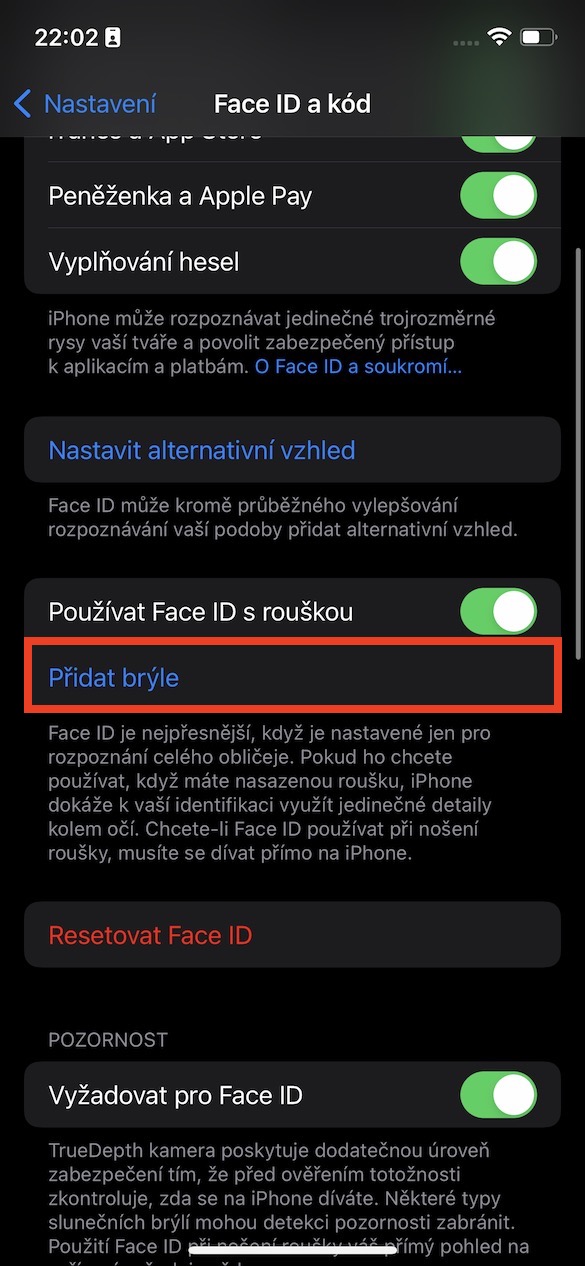
At the end of the previous paragraph, I mentioned the glasses with which Face ID of course it has to work. If you are one of those users who wear glasses and at the same time put on a mask, then the place on your face that you use to Face ID can recognize, it decreases even more. Even with this, fortunately, engineers in Applu calculated and did not leave users with glasses on their hands. As soon as you activate Use Face ID with a mask, an additional option will appear under this line Add glasses. If you click on it, you will be taken to the interface for creating another scan. Face ID. For this scan, you will need to put on your glasses and perform it with them. This way, you can Face ID assign multiple glasses, not just one. Apple says that Face ID may have a problem with sunglasses, but I decided to try them too and on the second try with them iPhone had no problem. As for unlocking with glasses and a mask, there was again no problem or hesitation during testing - but I don't wear glasses in public. The overall unlocking and verification process still works quickly and smoothly.
Gallery
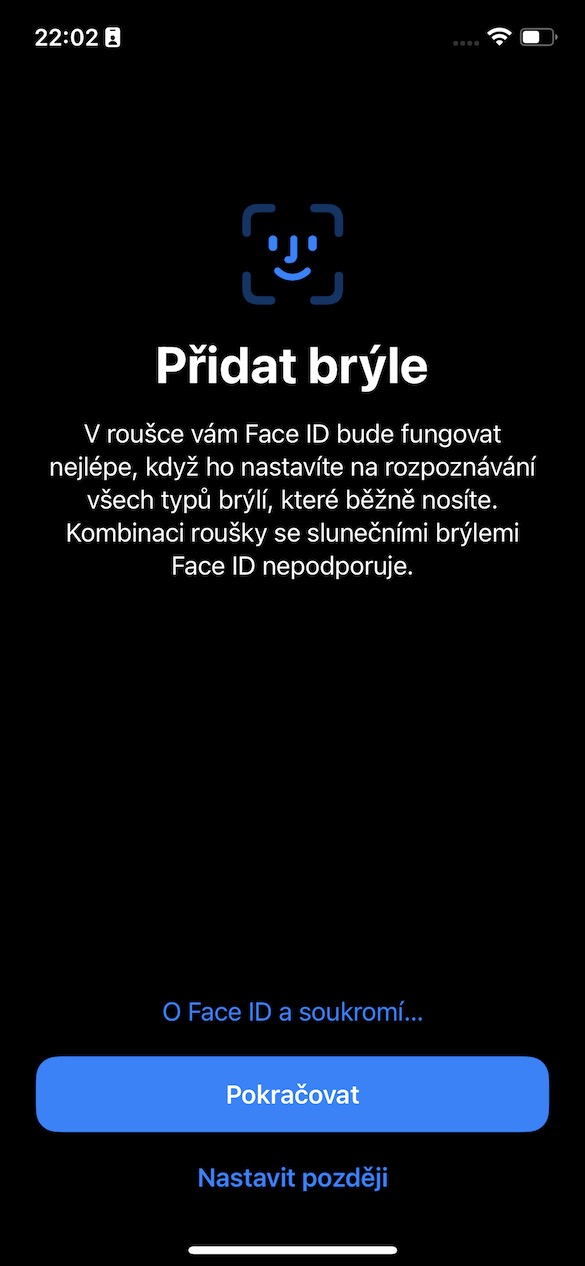
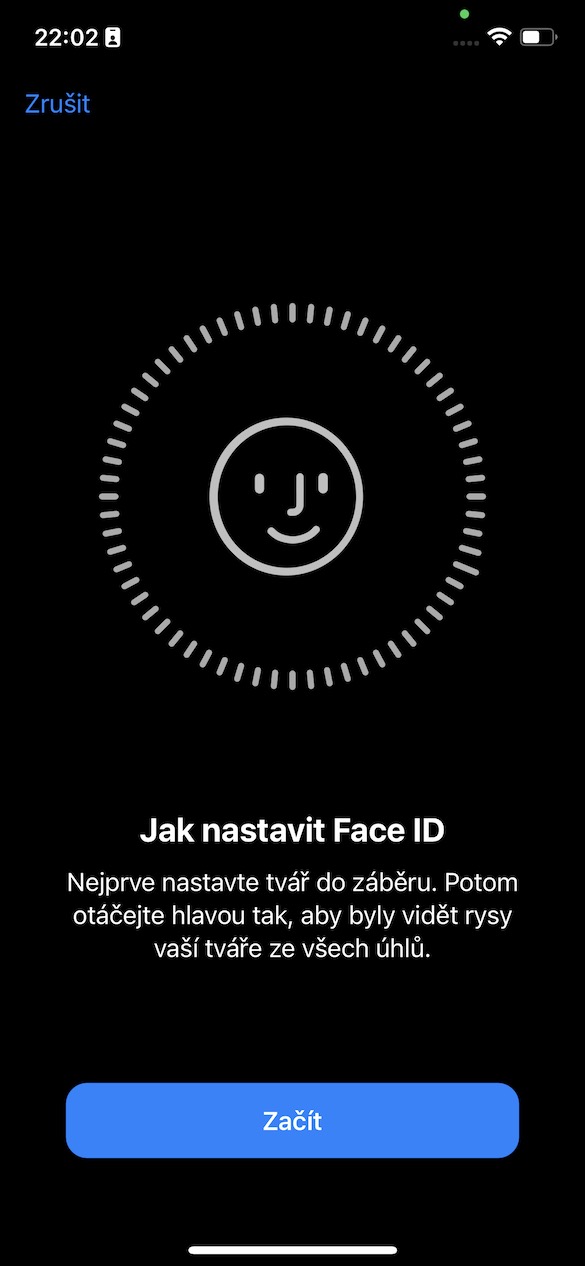
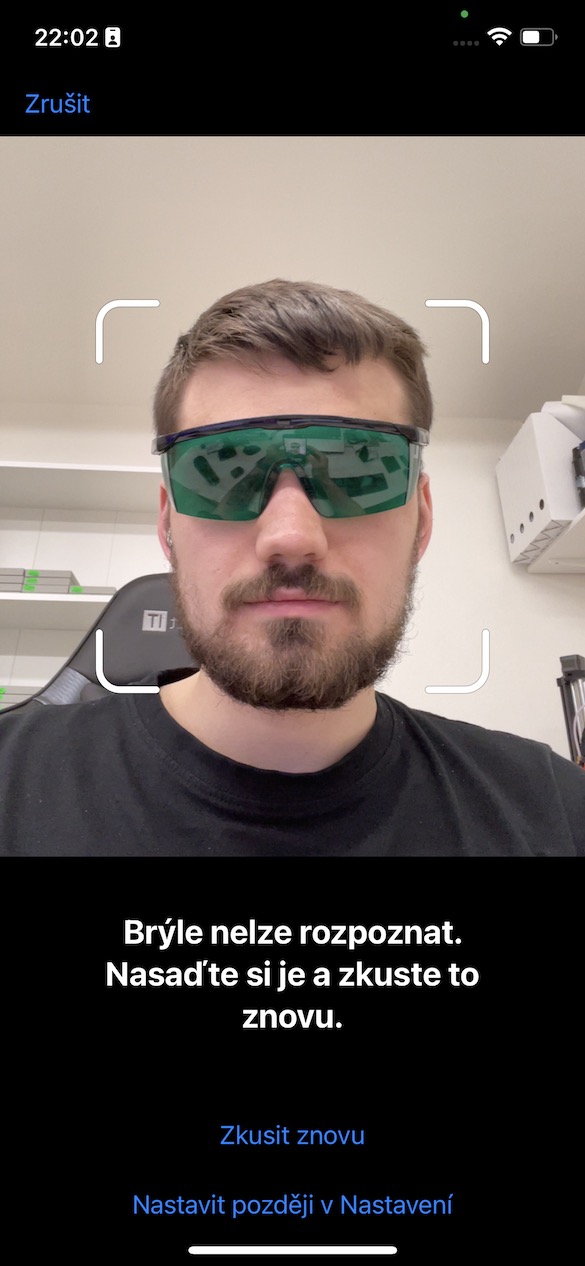
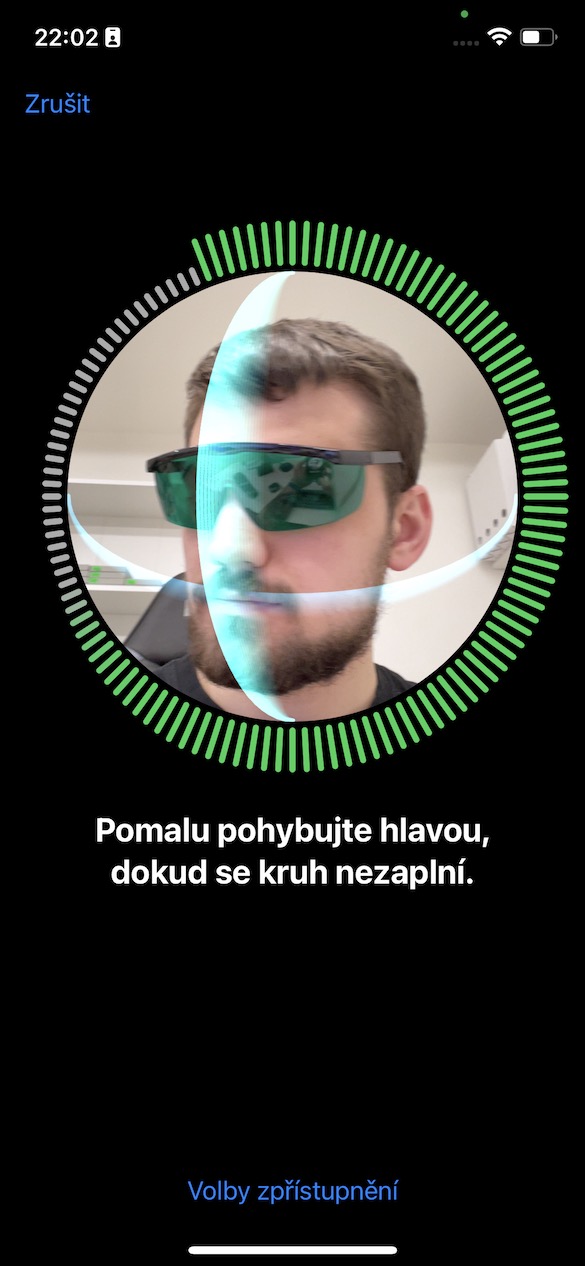

In terms of security, you don't have to worry
So the only question that remains is security, which logically decreases when authenticating with a mask (and glasses) on. But I decided to test security too, using my father, who looks very similar to me. There was no hesitation when trying to unlock the iPhone with a mask on, and the same applies when my father also put on glasses with the mask. So I think there is nothing to worry about. I can see the "threat" maxespecially in identical twins, who are more similar than parents and offspring. Unfortunately, I don't have such a twin, so I can't assess the safety in this regard. Some time ago, there were a handful of cases where twins were able to iPhone help Face ID unlocked – but since then Face ID It has progressed considerably in development and I have not seen any such case recently. 100% I cannot guarantee safety and error-freeness, but then again, neither Apple, which at Face ID It states an error rate of one in a million.
Face ID After activating the aforementioned function, I decided to test it further. Specifically, I always covered part of my face with my hand or paper and watched whether the covering had an effect on recognition. First, I tried completely covering my nose with astorem between the eyes, which did not affect unlocking in any way. Similarly, covering the forehead with the hand did not affect unlocking. ProThe problem came when I started to interfere with the space between the eyes, when verification was no longer taking place. At the same time, iPhone It will not unlock if your eyes are closed, nor if you cover one eye with your hand. On the other hand, if you only close one eye and do not cover it, it will unlock using only one eye.
záver
It's definitely cool, isn't it Apple came up with the possibility of using Face ID with a mask on. The biggest problem, however, is that this feature can only be used by iPhone 12 users (Pro) and 13 (Pro). Until now, a kind of "borderline" Apple phone was required iPhone XS, which, as the oldest, offered most of the new features. When using Face ID However, with a mask, this imaginary limit moves up to the iPhone 12 (Pro), which is definitely a shame. The question remains whether it is really Face ID in these newer models so much forward that it can more accurately record details around the eyes, or whether it is another poke from Appto encourage users to buy newer models. Anyway, it should have Apple certainly with some option for easily unlocking the iPhone using Face ID It's been a long time since I came here with a mask on. But better late than never.

Konegood 👌🏼
Thank you for the message. And it will work too iPhone 12 mini ? 🤷♂️
Typical Apple user, dull and duller. Hint: probably not! Just use your brain, not what's between your legs!
It won't just work on iphone 1 is unlucky
A blonde is driving in a car and sees a cornfield in it, the other blonde is rowing a boat. The blonde stops the car, gets out and calls out to the other blonde: "who ever saw that sailing a boat across the field?! Are you really that stupid?! It's people like you that make fun of us! If I could swim, I would break your mouth!”
I'm curious how it will work, when I already have a problem with the FID, that about 2 times out of 10 it doesn't load and I have to enter the code. This one Apple didn't work very well. Golden Android and its TID in the display!
Try rescanning your face, I have no problem with FaceID (without a mask) and I wear glasses...
Exactly, if you Face ID Out of 10 attempts, it fails to scan 2 times, so I recommend resetting it and setting it up again.
...or I'll buy a "golden Android" :D ;)
I tried and it still doesn't work. ios15.4 adding the covid pass to the wallet through the official way (wallet) cannot verify the code at the EU headquarters
Known unlocked thanks to this function mine iPhone 12 PRO MAX my dog.