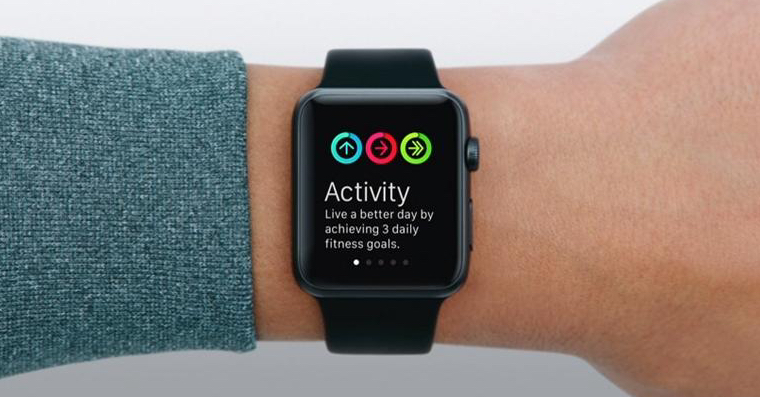
Apple Watch they are an absolutely great device. They are primarily used to track your activity, health and fitness with them. Secondarily, however, it serves many users as an extended arm of the iPhone. If you have z Apple Watch concerns, so I definitely recommend that you read them minihave tried it out. You will feel the real magic a few hours or days after the first wear. But as is often the case, everything has its advantages and disadvantages – and even with Apple Watch this is true. The biggest weakness of the Apple Watch for most users is its poor battery life. Watches from AppThey can withstand about one, maxat least two days. Pro But for some users, this may not be a problem.
You might be interested in
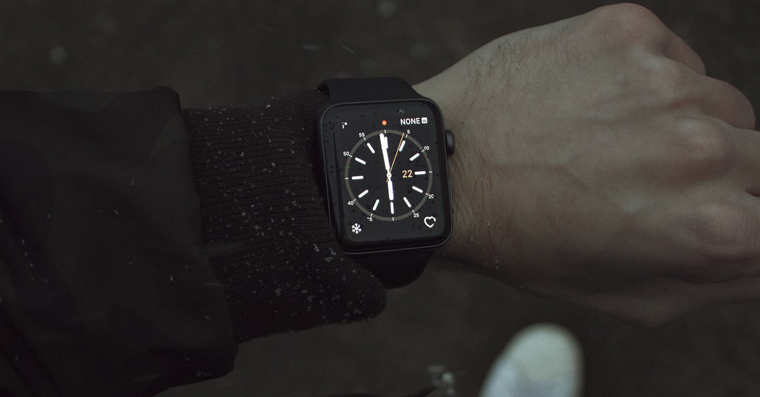
As Apple Watch (de)activate power saving mode during exercise
However, if you are among the individuals who have worse battery life Apple Watch doesn't matter, or if you are deterred from buying an apple watch precisely because of concerns about durability, then I have great news for you. There are several functions, options and tips, thanks to which it is possible to significantly extend the life of the watch. We have already covered several of these tips in our magazine. In this article, we'll take a look at how you can turn on power saving mode while exercising, which will significantly reduce the battery consumption of your Apple Watch. The procedure is simple and follows:
- First, you need to go to the native app on your iPhone Watch.
- Once you have done so, move to the section in the bottom menu My watch.
- Then go down and locate the column Exercises, which you open.
- Then you only need to top using the switch activated possibility Power saving mode.
Gallery


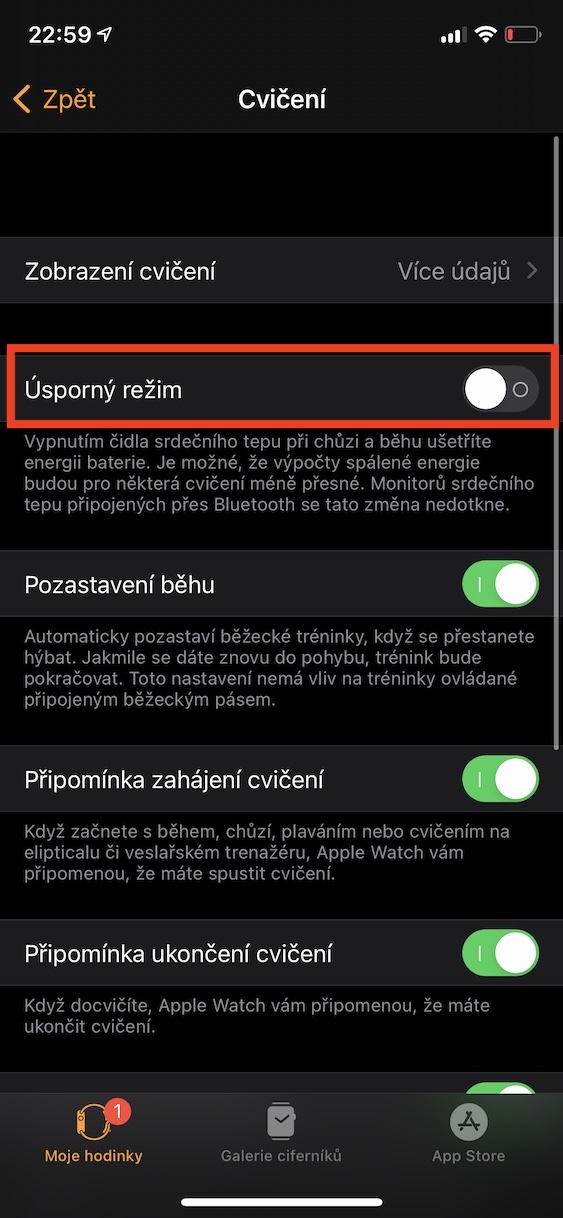
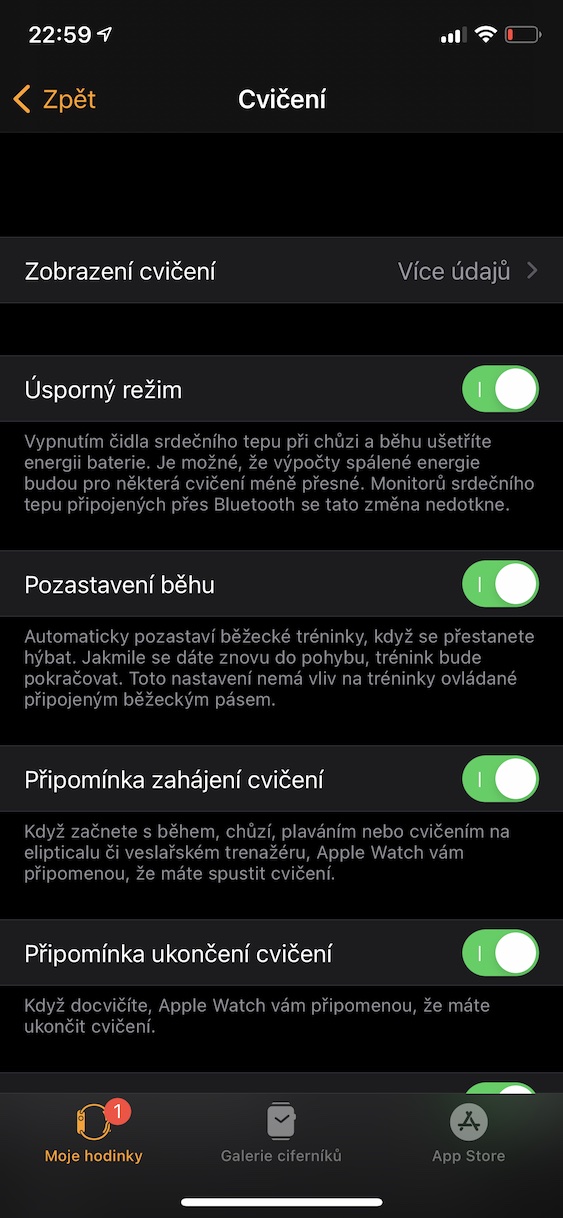
The above method is therefore possible on yours Apple Watch (de)activate power saving mode during exercise. Specifically, this power saving mode works by disabling the heart sensor when measuring walking and running. It is this sensor that monitors your heart rate (and not only) during activity that can battery Apple Watch boil properly. This tip is especially suitable for those users who often exercise, i.e. run. If you are not one of the individuals who run, then you can definitely use several other tips for saving battery on Apple Watch. You can find a few of them in the article I am attaching below.
You might be interested in