Even though we are the edition iOS 15 was released a few long weeks ago, so there are still new features and options that we haven't talked about much about yet. To communicate on our Apple phonesonewe can use all kinds of applications, including the native Messages application, where it is possible to use the service iMessage. Apple decided to use the News app in iOS 15 will be enriched with several new great features, which we will look at together in this article.
You might be interested in
Shared with you
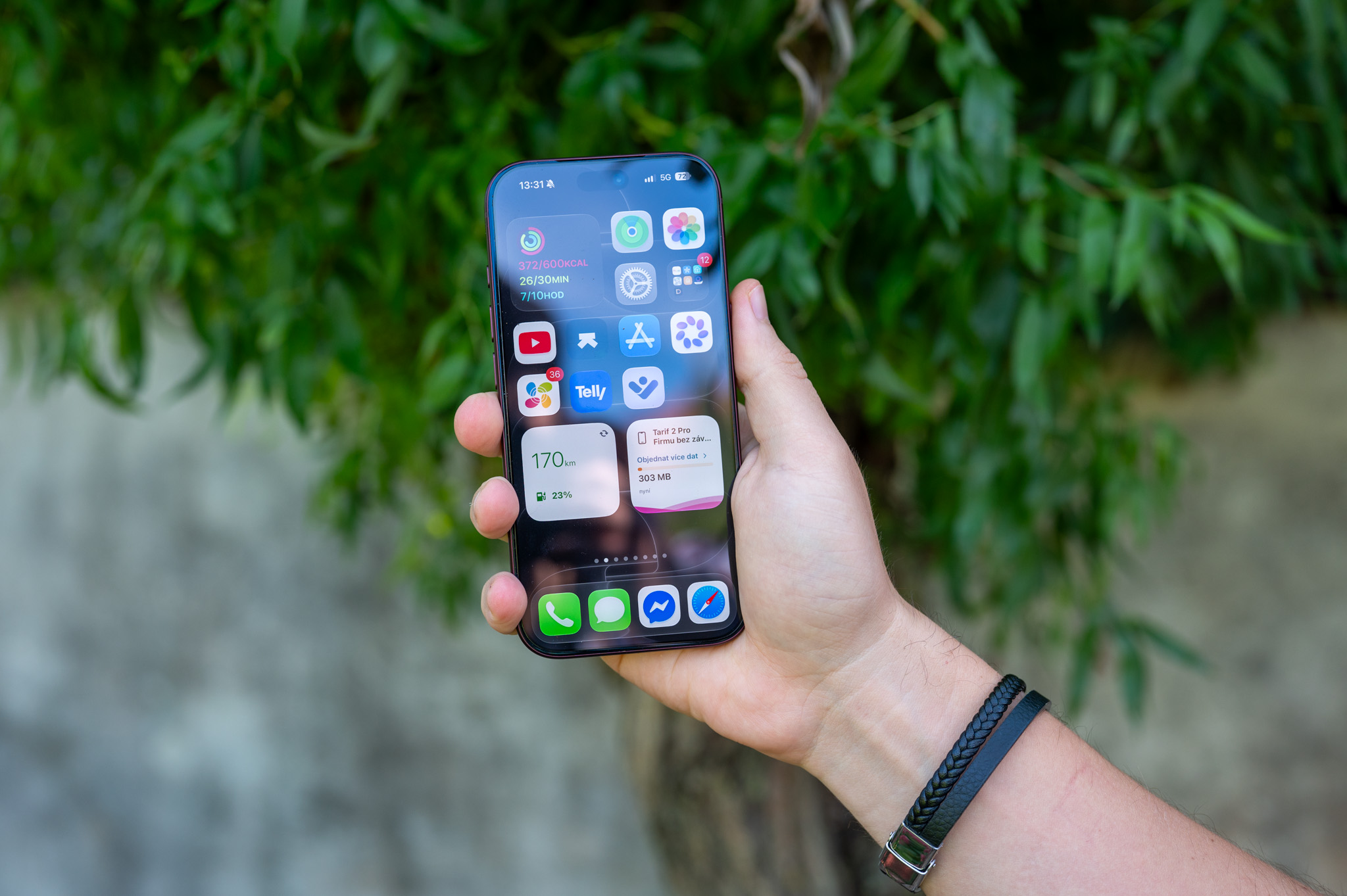
Besides, through the News, and therefore iMessage, you can share text, so you can also share links, photos and videos. If you wanted to view this shared content again, until now you had to tap the contact's name at the top of the conversation, and then scroll down to view specific content in the Photos and Links section. In iOS However, in 15, a Shared with You section is now available in certain applications, where you can directly see all the content that users have shared with you. Specifically, this section can be viewed in Safari, where you can find it on the homepage, and also in Photos, where it is located in the category Pro you. In Safari is of course where you can find shared links, and Photos contains photos. You can view and open the content, or you can respond to it directly.
As iPhone v Safari view links shared with you
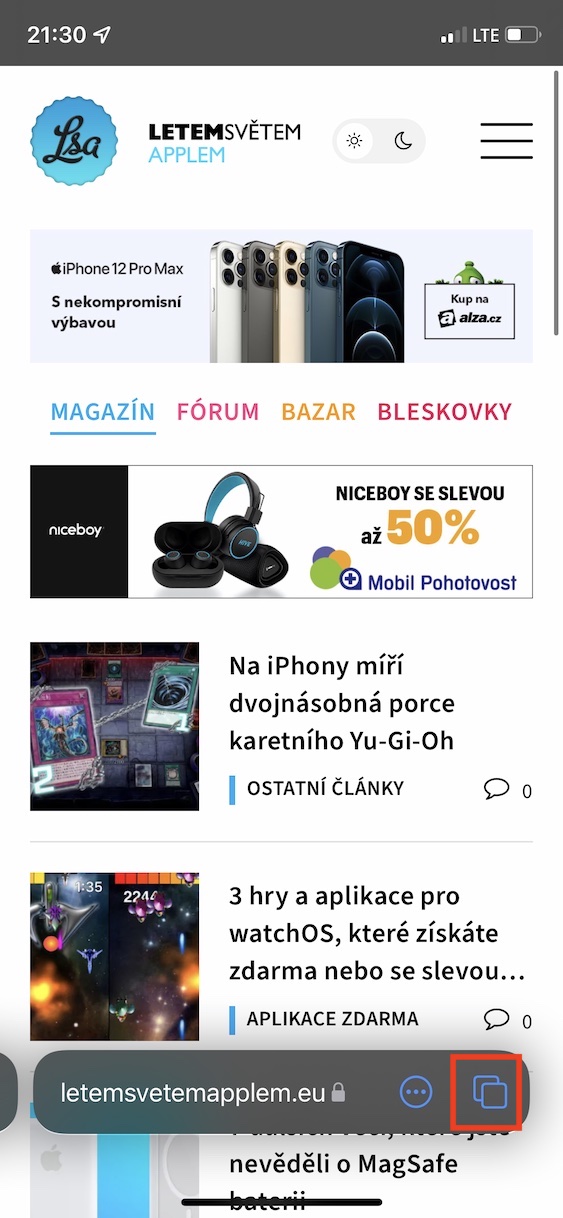

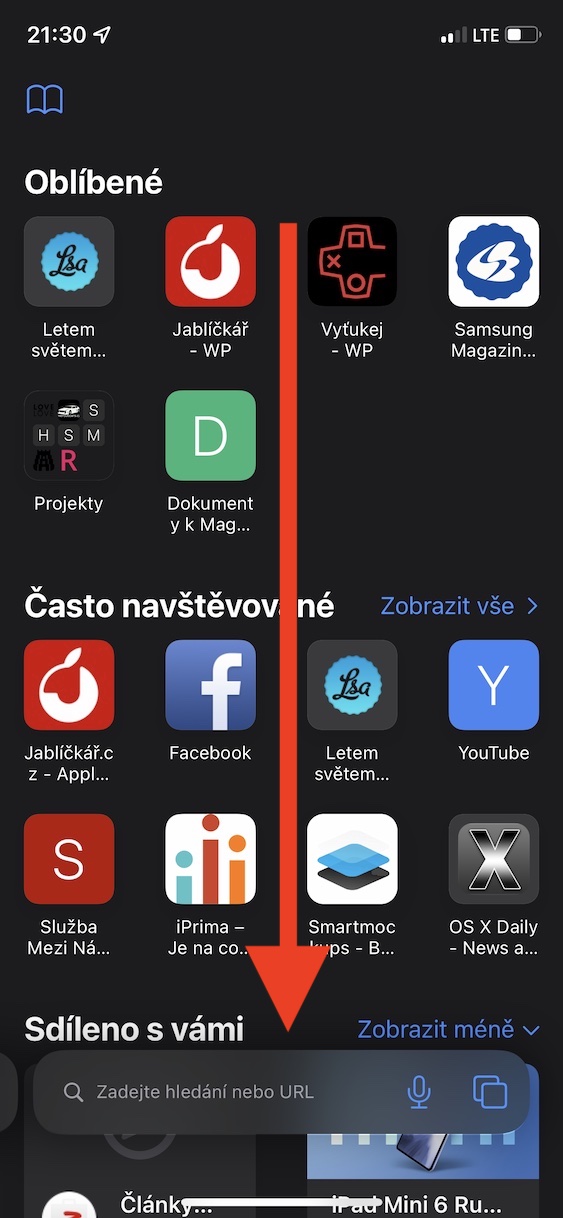

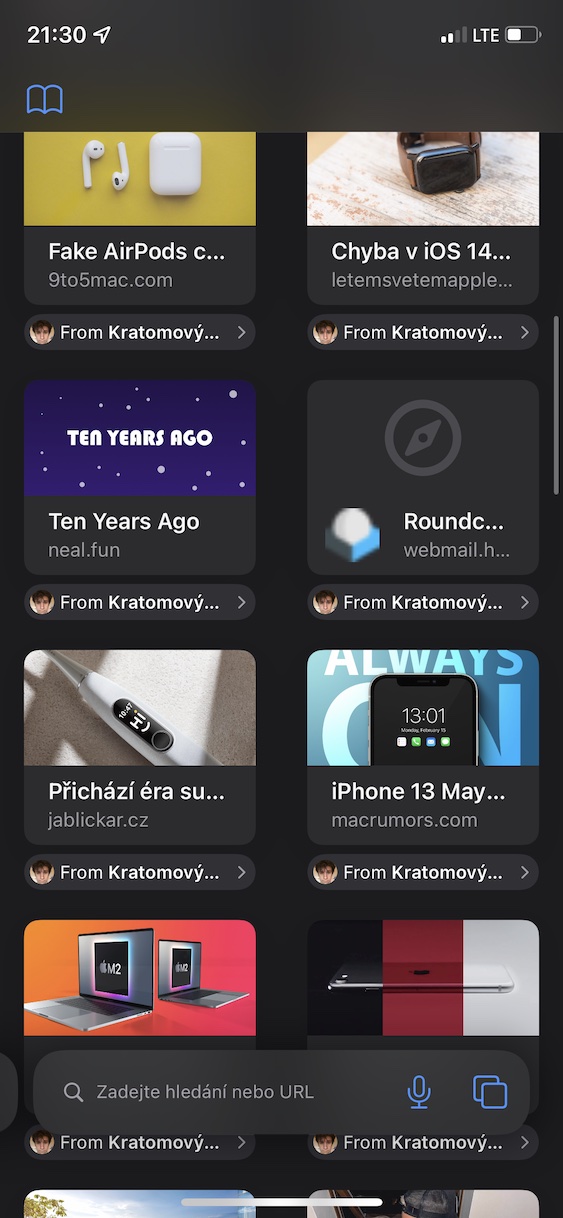
As iPhone View content shared with you in Photos

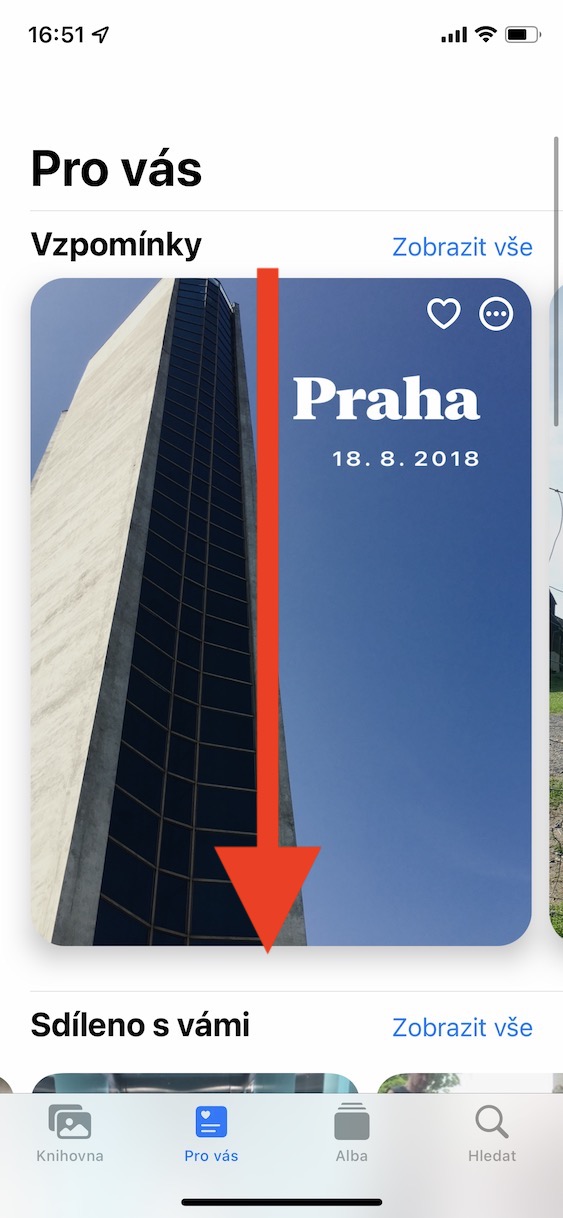
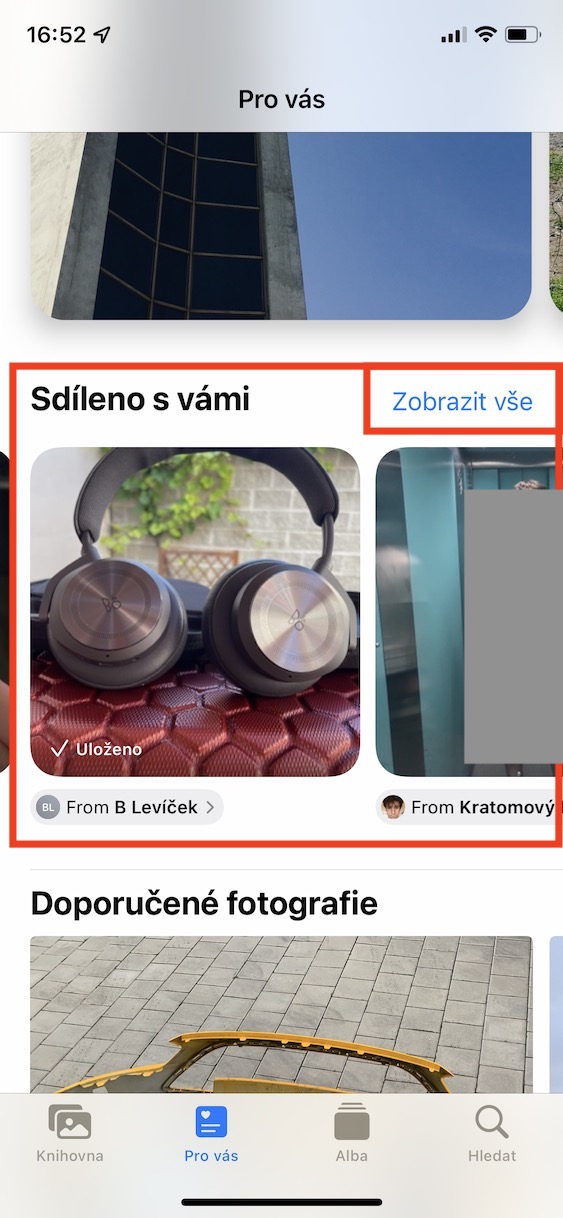


Photo collections
As I mentioned on the previous page, you can also share photos within the native Messages app, among other things. iMessage Moreover, you can be sure that the photos you send are not compressed in any way and that they will be sent in their original quality. In any case, if you have sent several photos at once in a conversation so far, they will be displayed one below the other. If you then wanted to view the content above the photos you sent, you would practically scroll through them.onekoneHowever, if you send multiple photos at once in Messages, iOS 15, so this is it nestYes. Multiple photos are automatically merged into a collection that takes up as much space as a single photo.
Gallery



Simple photo storage
If a contact sent you a photo that you wanted to save, you've previously had to hold your finger on the photo and then tap Save. This will save the photo to your photo library in the native Photos app. Of course, this isn't a terribly complicated process, but it would be nice to have the option to save with just one tap. Apple v iOS 15 has come up with exactly this option, which allows you to easily save any photo you receive in Messages. All you have to do is tap the download button next to the photo. You can then find the photo in the Photos app.

SIM card selection
Since the iPhone XS, we can use Apple phonesonech use two SIM cards at the same time – one is a classic physical nano-SIM, the other is a virtual one in the form of an eSIM. With the latest iPhones 13, you can even use two eSIMs. Anyway, if you wanted to create a new message in the Messages app, it was difficult to choose which SIM card you wanted to send the message from. Now, when creating a new thread in Messages, you can easily choose which SIM card you want to use. Simply create a new message in Messages by tapping the appropriate icon in the upper right corner. Then you just need to tap to select the SIM card.

News in Memoji
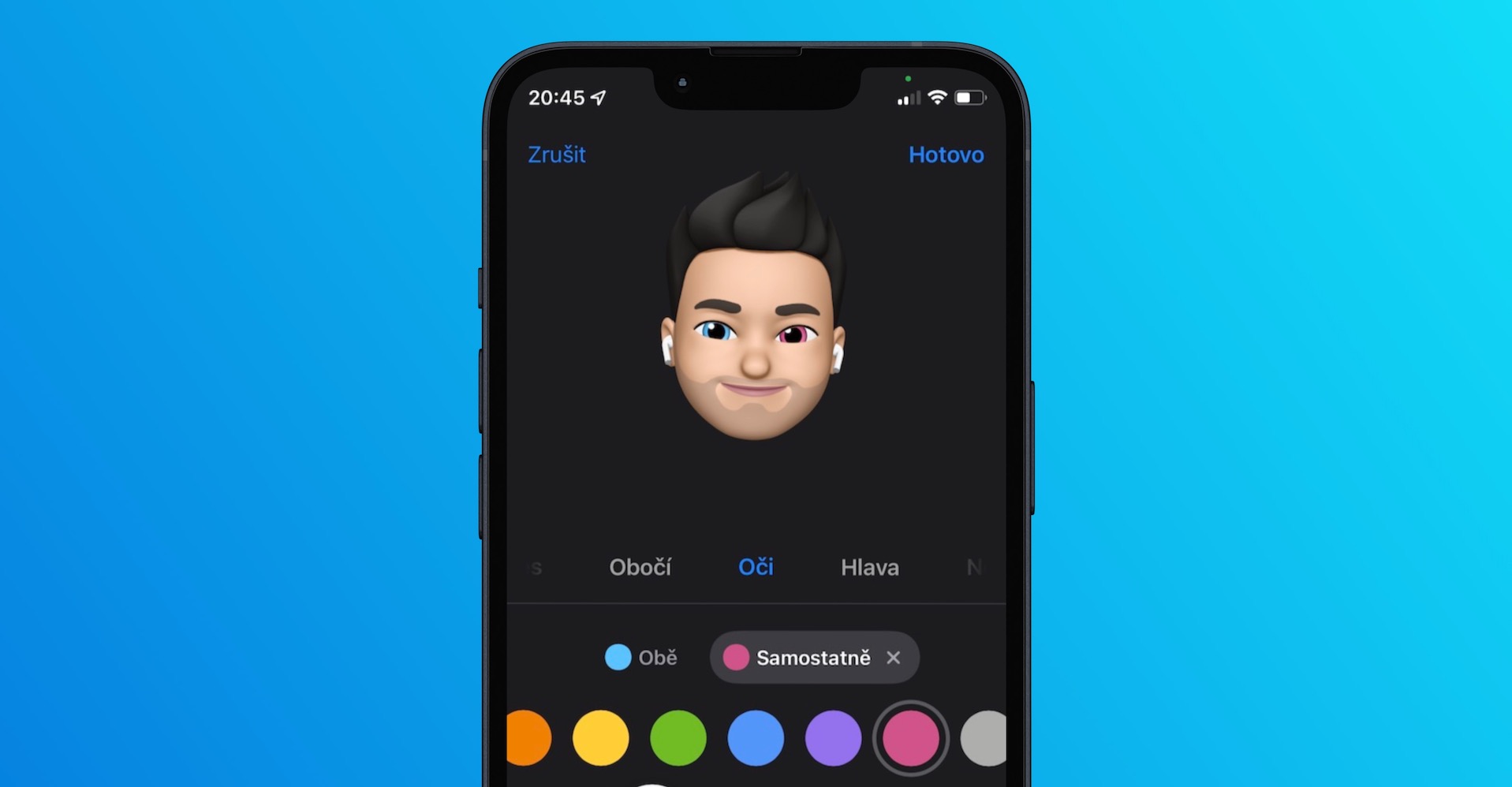
The native Messages app also includes Memoji and Animoji, which have been with us for several long years. Originally, only Animoji were available, then Apple decided to introduce Memoji as well. Both of these features are primarily intended to simply show people what the TrueDepth front camera is capable of, respectively. Face IDThanks to Animoji and Memoji, you can easily convey all your feelings and emotions into the face of an animal or your character. Gradually, the possibilities for editing Memoji are expanding and in iOS 15 is no different. You can now customize your Memoji with your choice of clothing, new headwear and glasses, along with hearing aids and other accessibility devices. If you'd like to learn more about all the new features in Memoji, check out iOS 15, just open the article below.
You might be interested in