
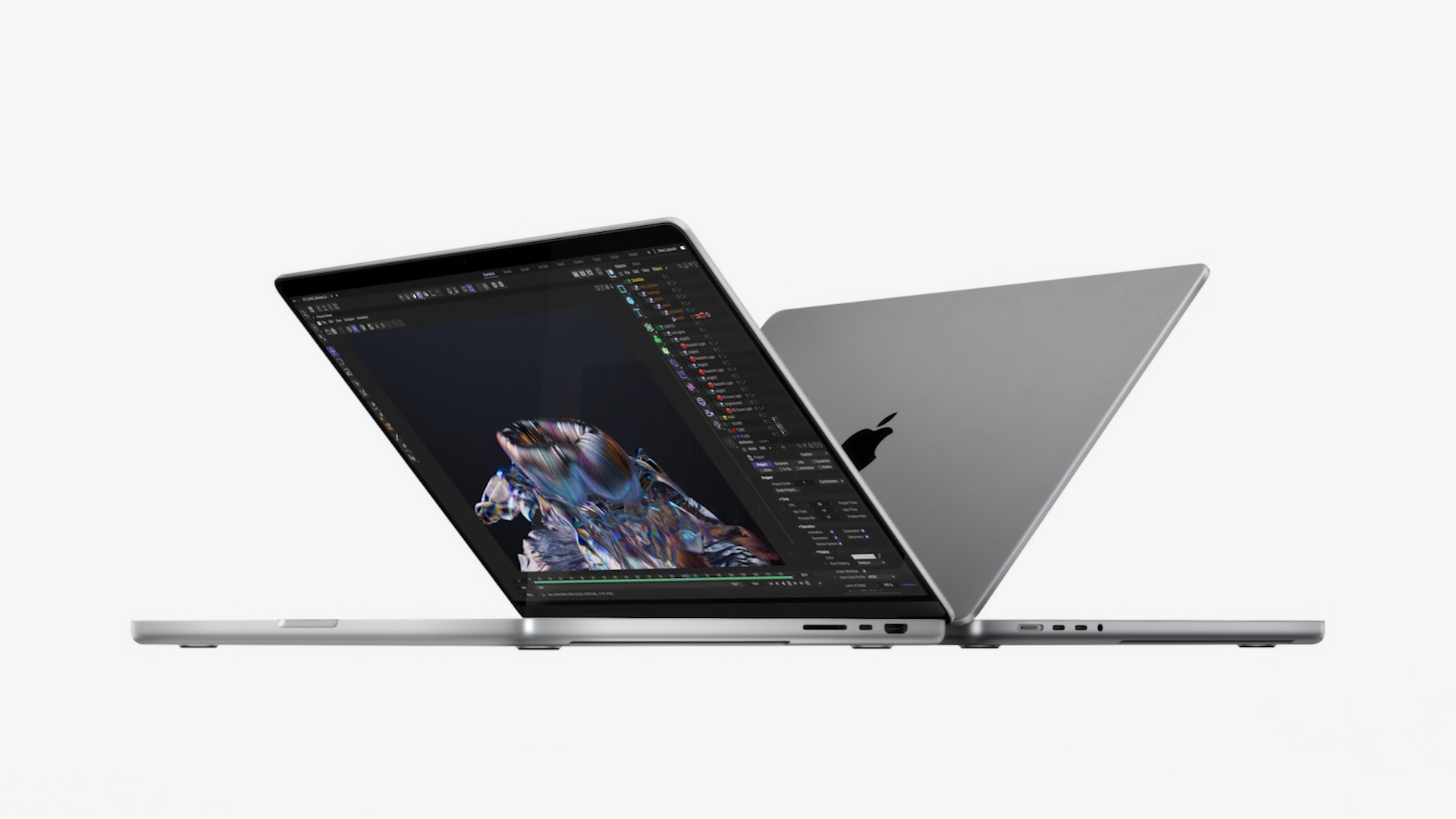
If you are among the apple enthusiasts, then you definitely had Monday circled in red on your calendar this week. This year's third took place on Monday Apple Keynote, where we were able to see the introduction of new MacBooků Pro, specifically the 14″ and 16″ models. These MacBooky Pro comes with brand new professional chips Apple Silicon, the first of its kind, namely M1 Pro and M1 MaxIn addition to these MacBooků Pro there was also a performance AirThird generation pods and new colors HomeOn the floor mini, however, these products are compared to the new MacBookum Pro are not that interesting. In our magazine we have been comparing new MacBooků Pro with other devices and in this article we will look at the comparison of 14″ MacBooku Pro (2021) with basic 13″ MacBookem Pro M1 (2020).
You might be interested in
Price tag
When buying a new machine not only from AppOf course, you are interested in the price, which also determines the performance and other parameters. It is worth mentioning that the most popular ones are from Applu basic configurations, which are of course the cheapest. If we look at the price of the basic 14″ MacBooku Pro, you can buy it for 58,990 crowns. In the case of the 13″ being compared MacBooku Pro The price for the basic model is set at 38,990 CZK, which is 20 thousand CZK less. In addition to the basic configurations, there is a second recommended configuration available for both machines, which is more powerful and better. For the 14″ MacBooku Pro This second configuration has a price tag of 72,990 CZK, for the 13″ MacBooku Pro then 44,990 CZK. However, in this case, we cannot really look at the price as such, since the performance of the 14″ model is much higher – but more on that below.
Gallery
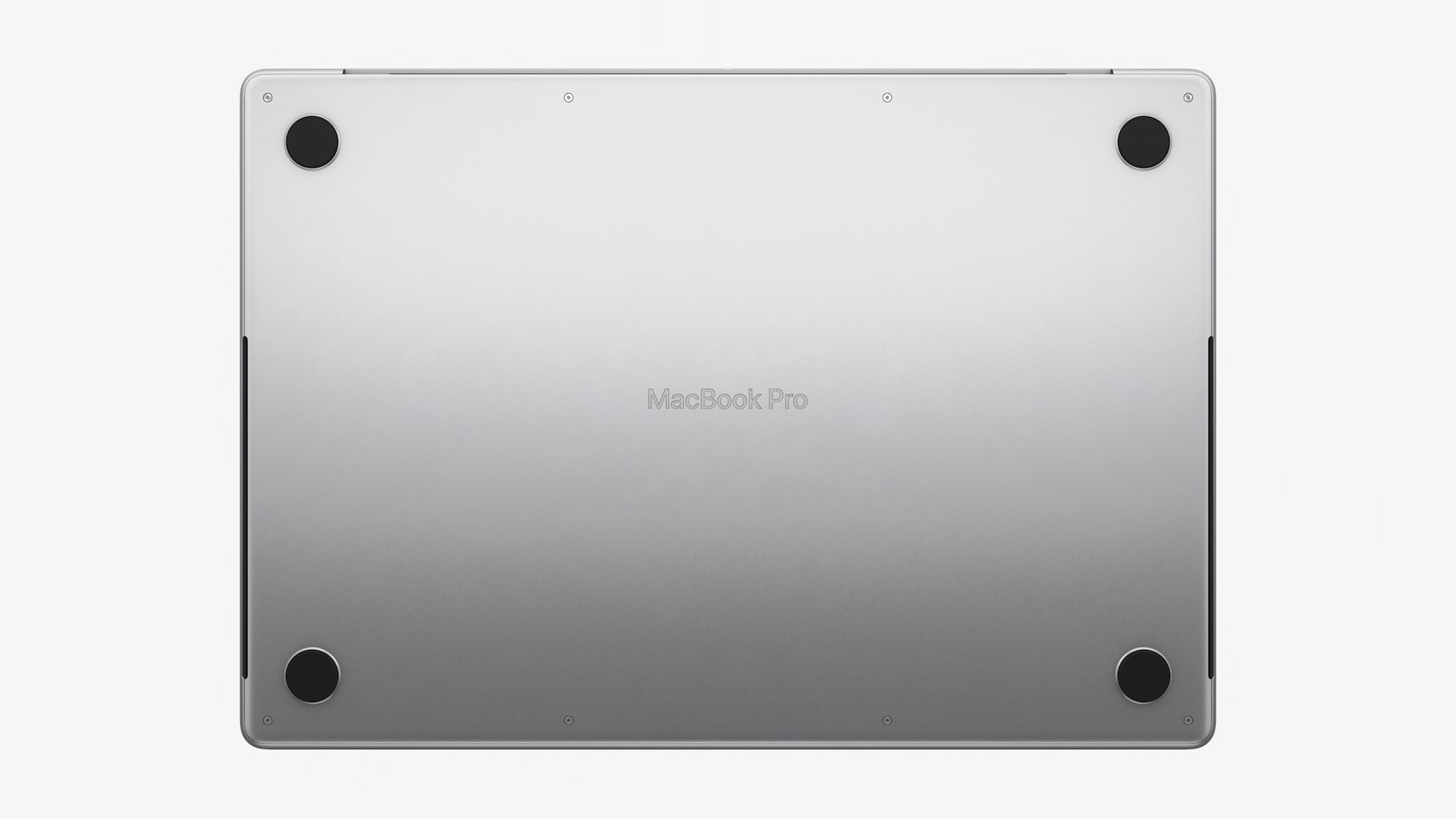
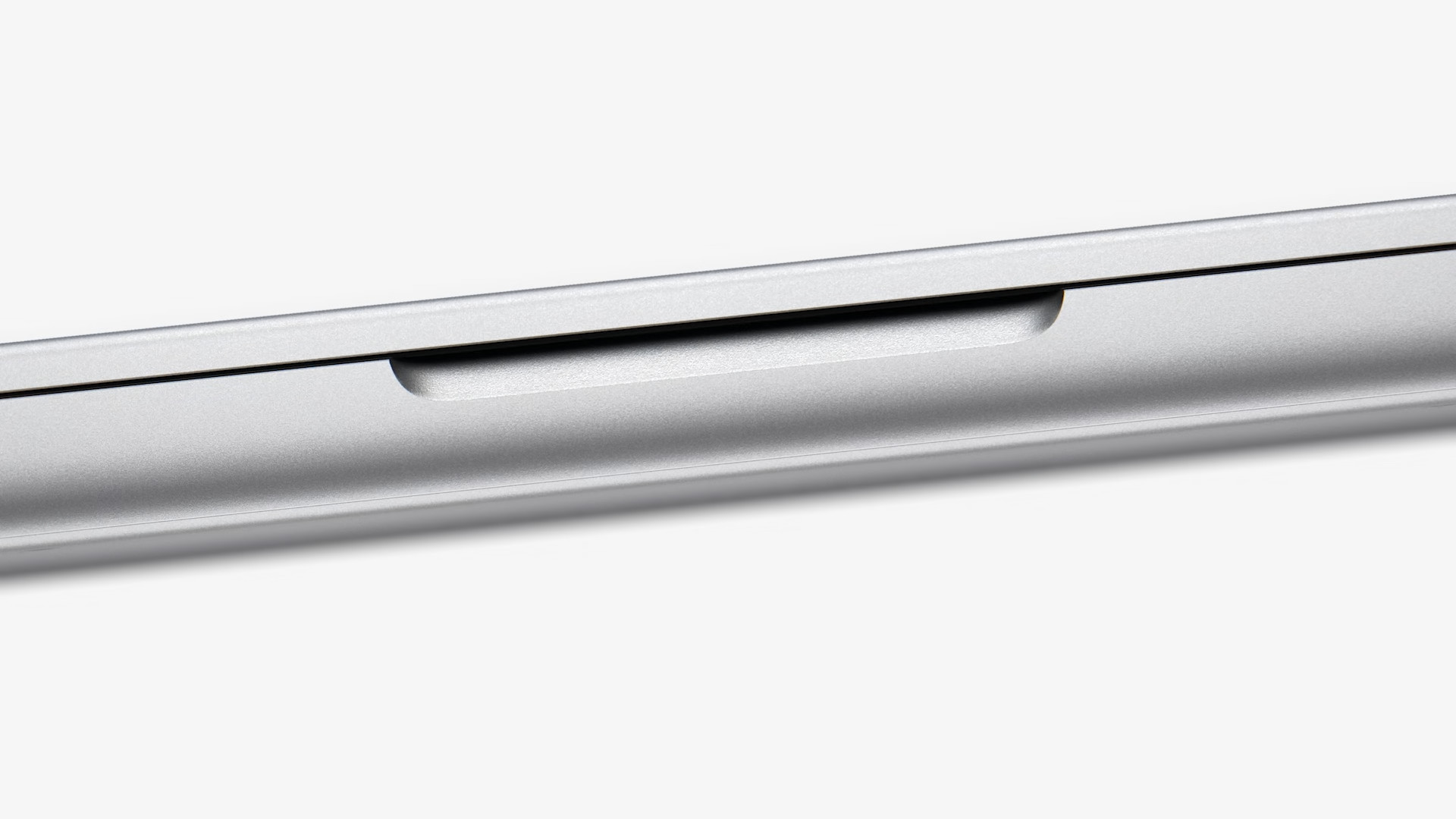
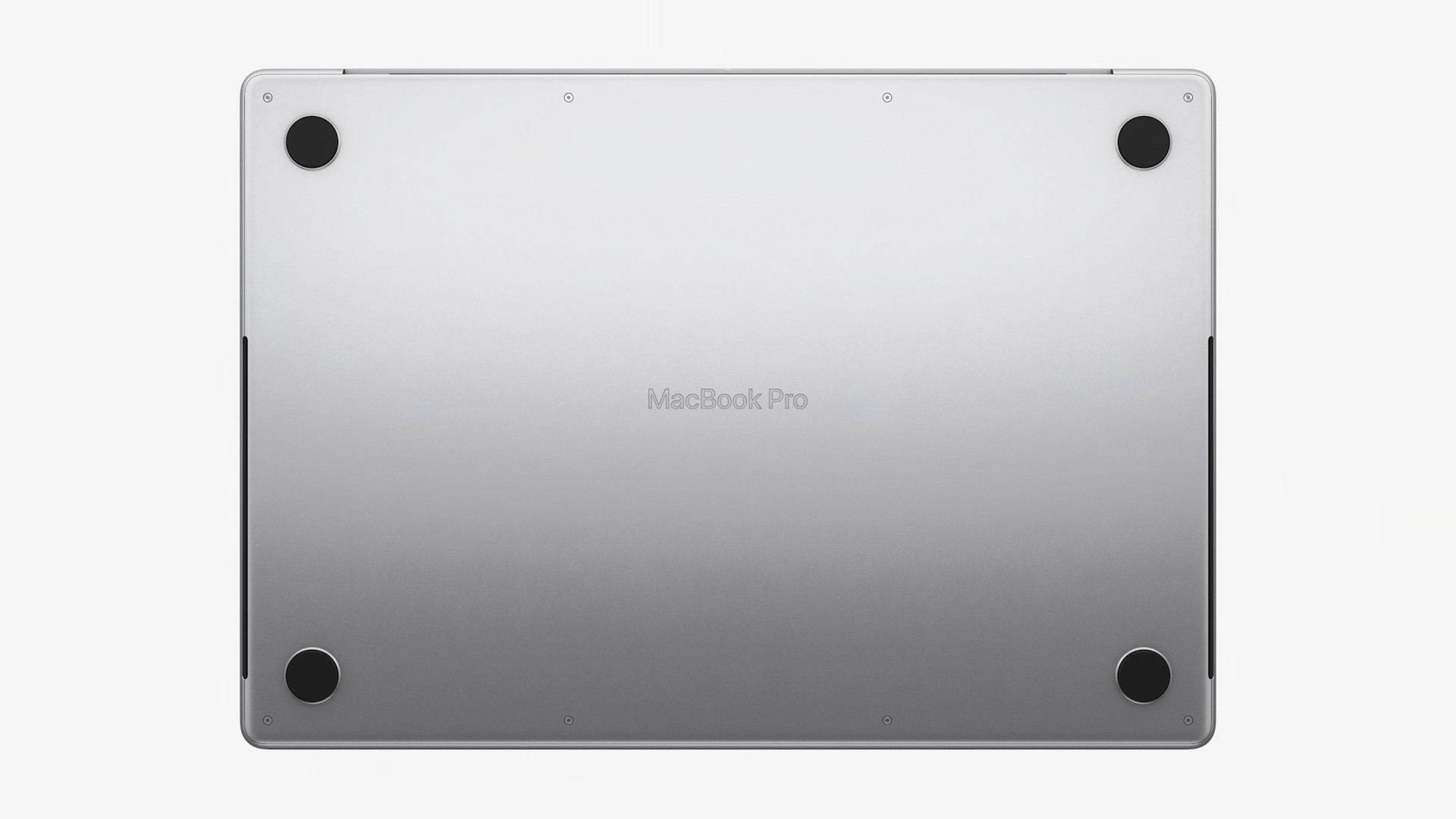
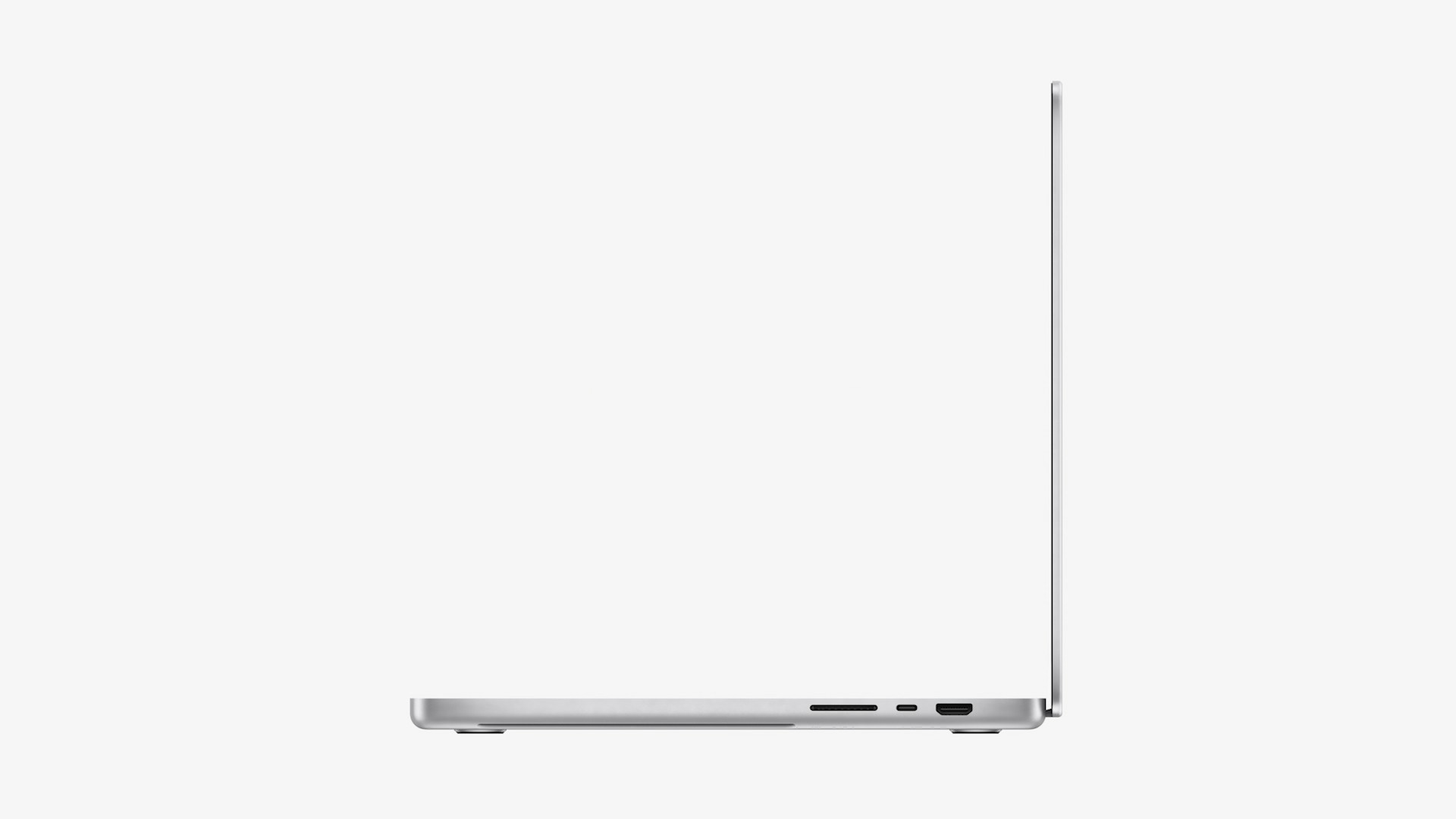
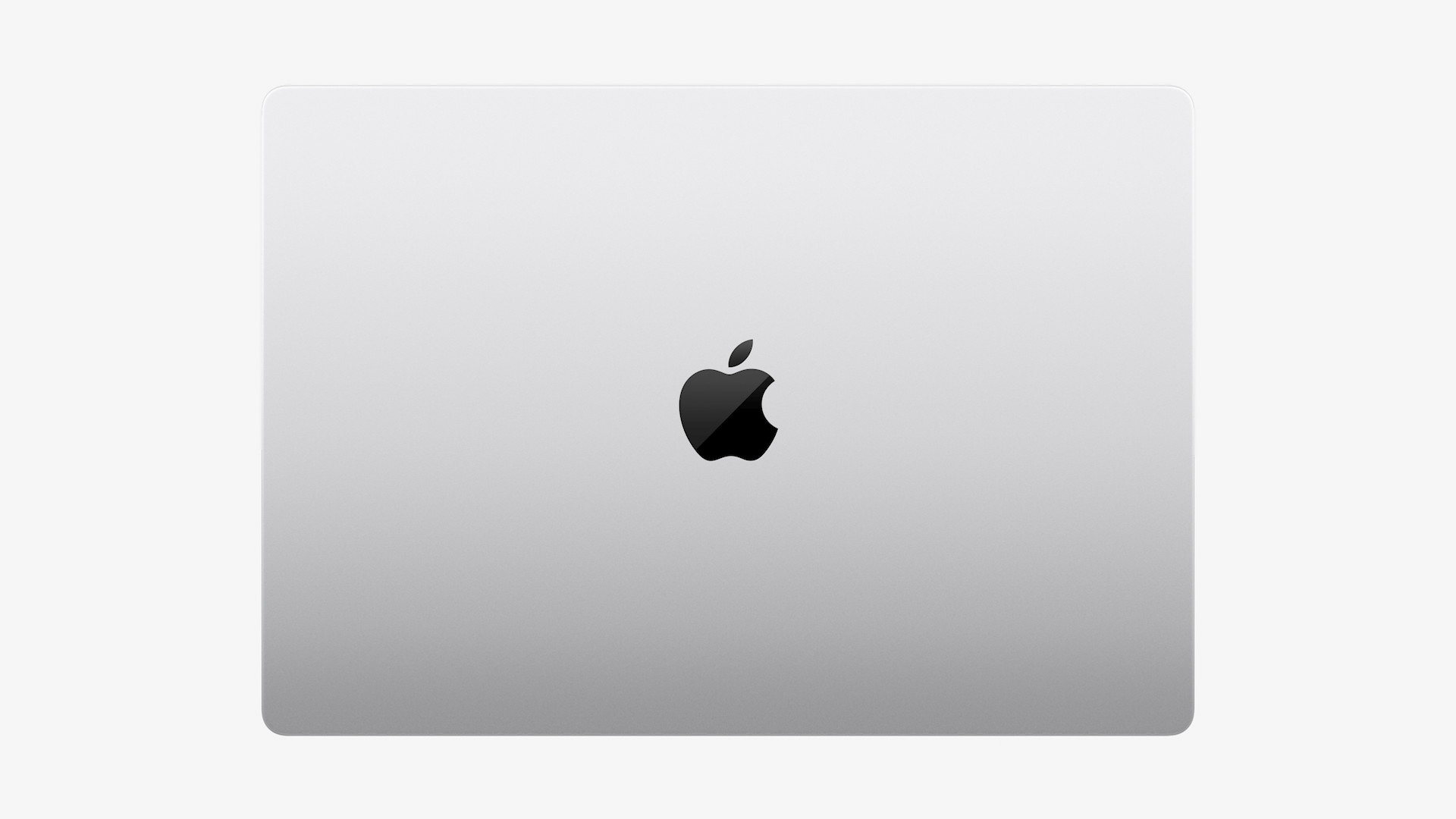

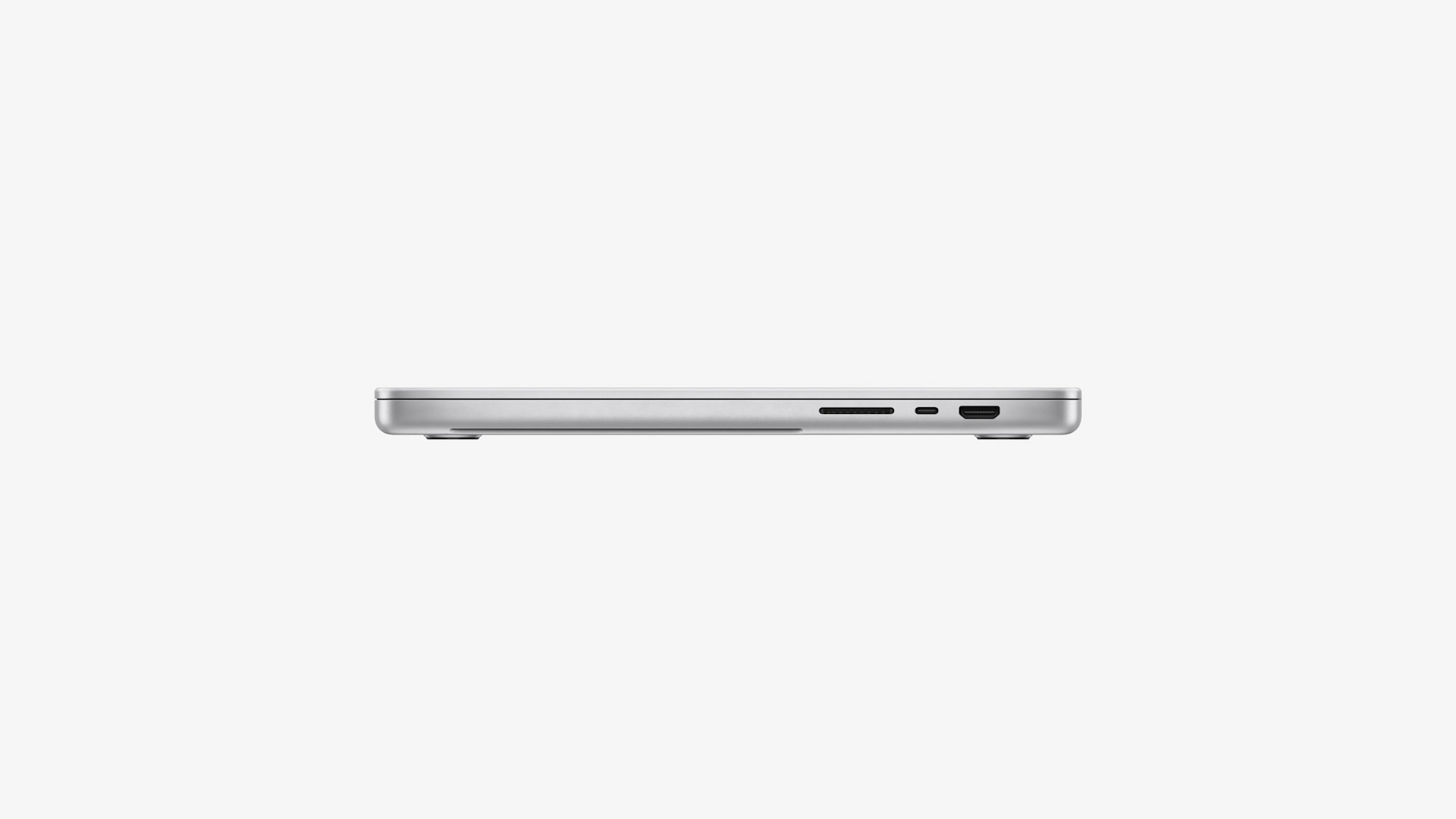
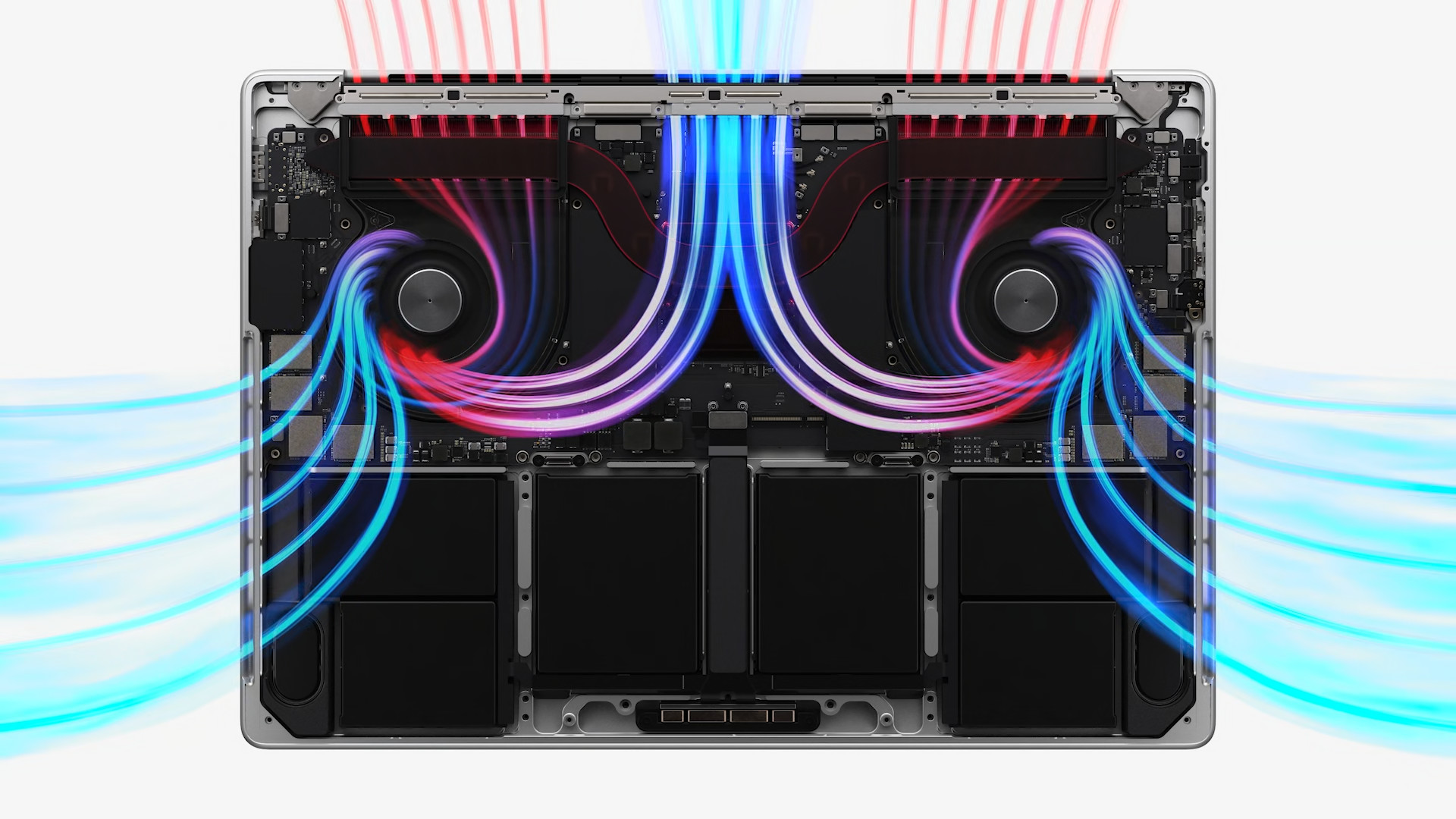
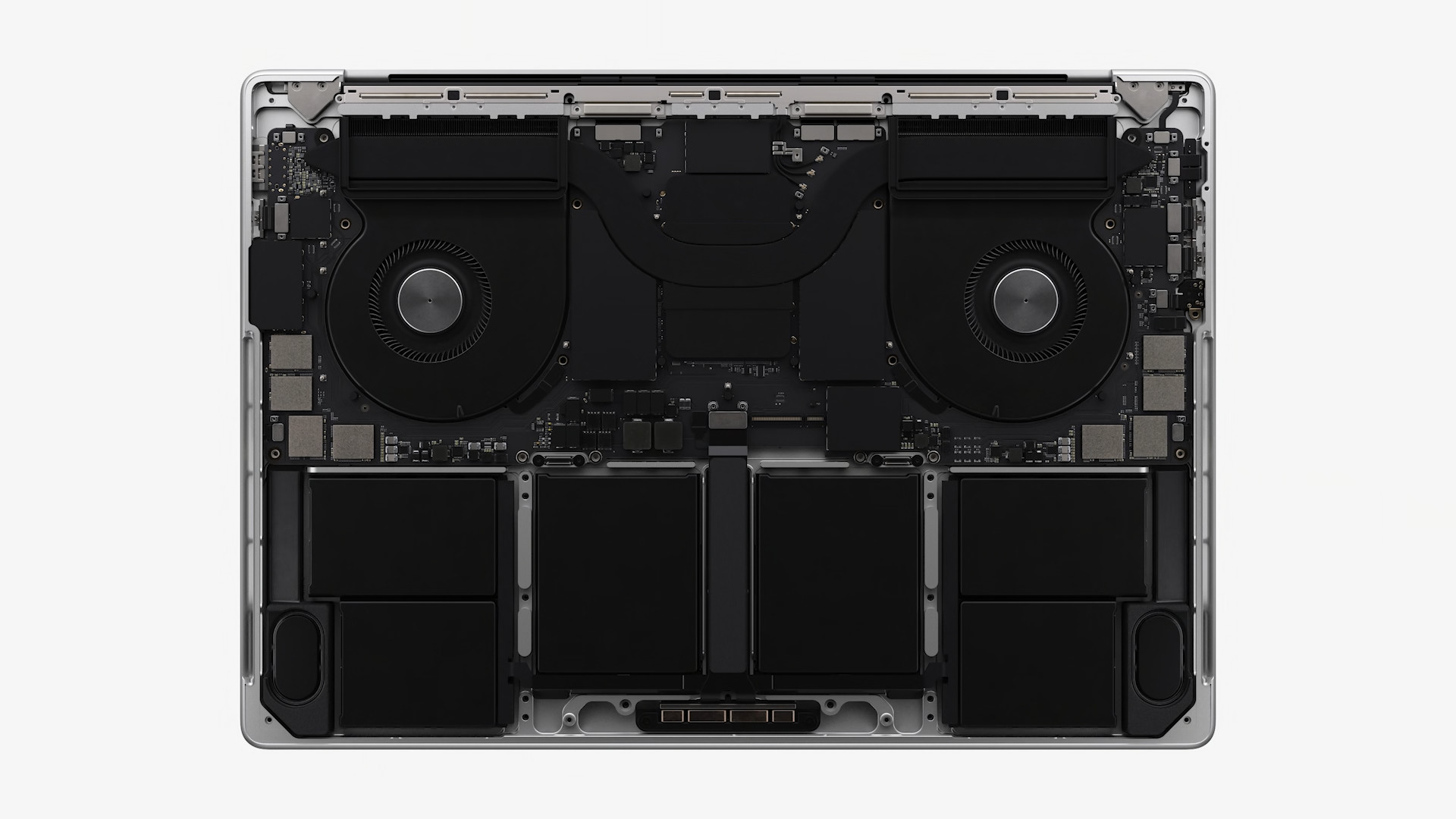
CPU and GPU
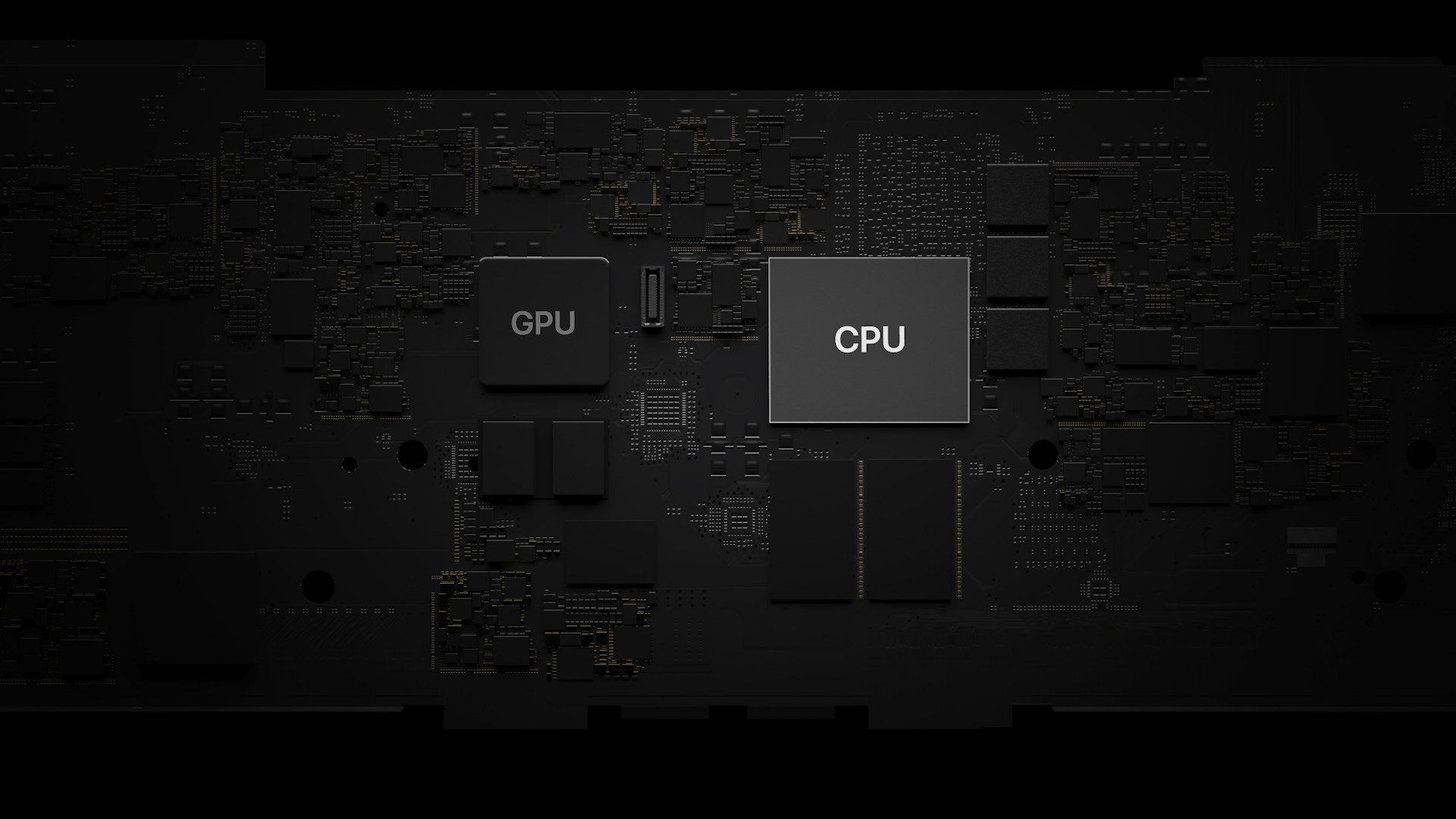
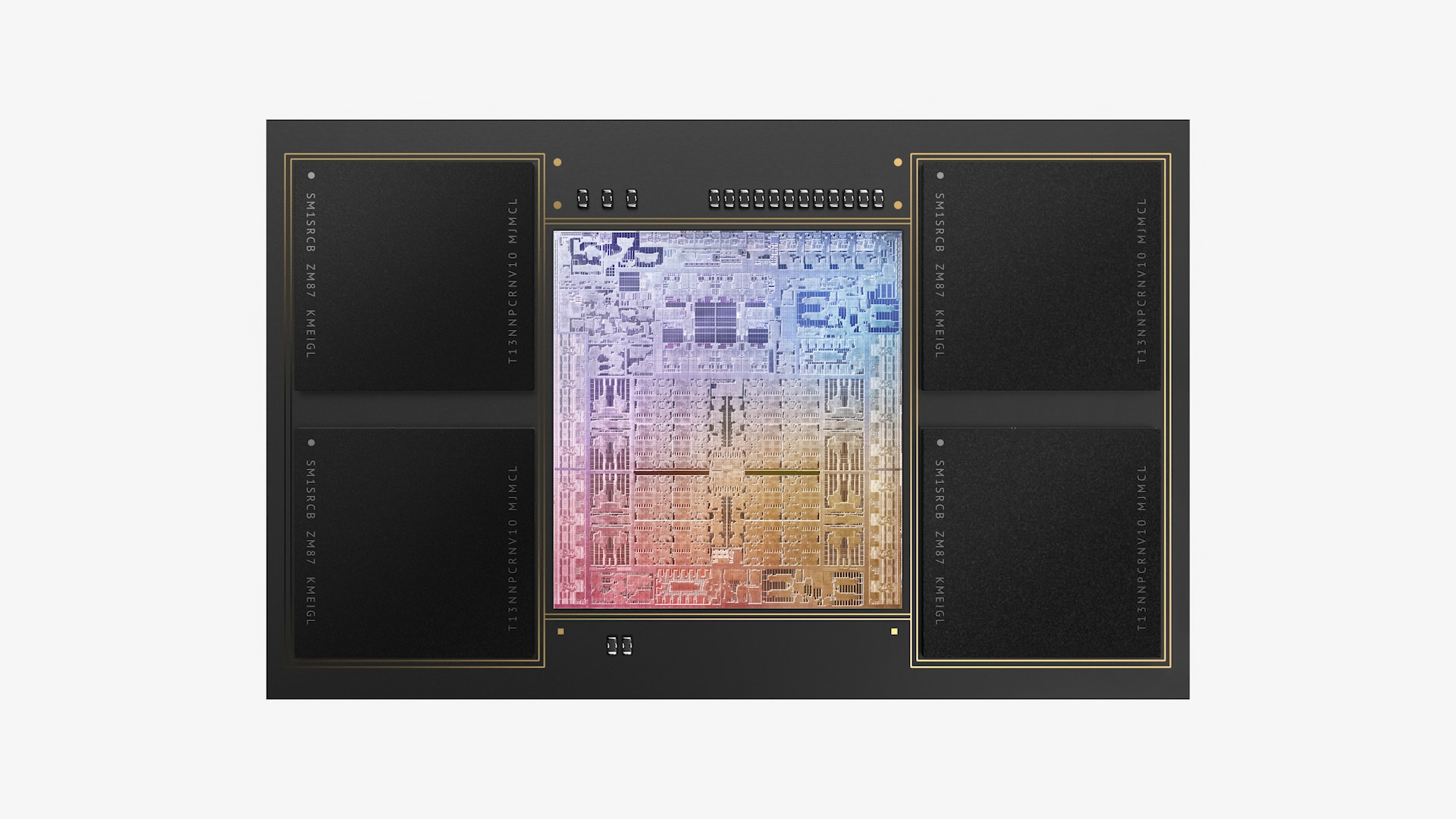
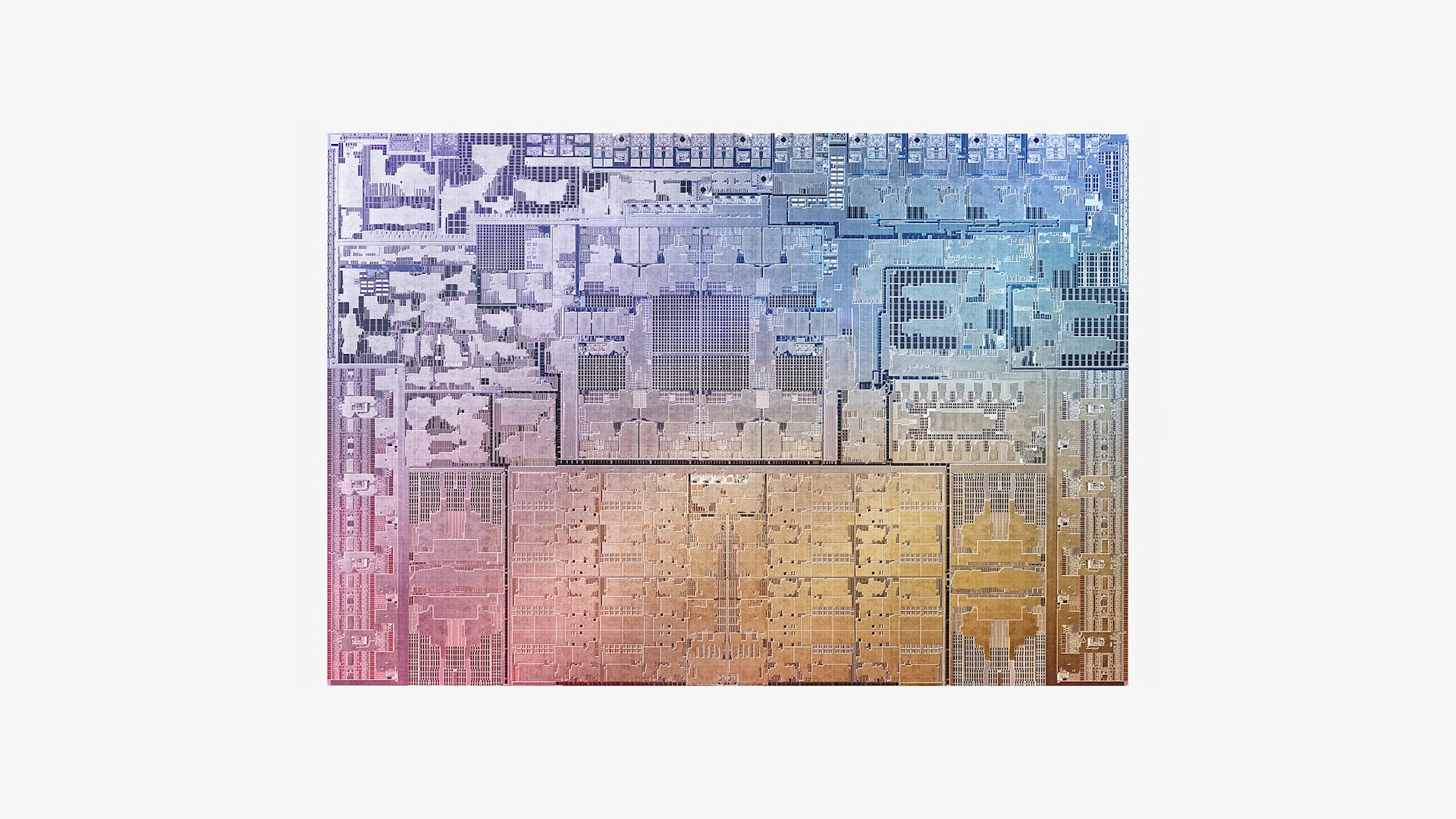
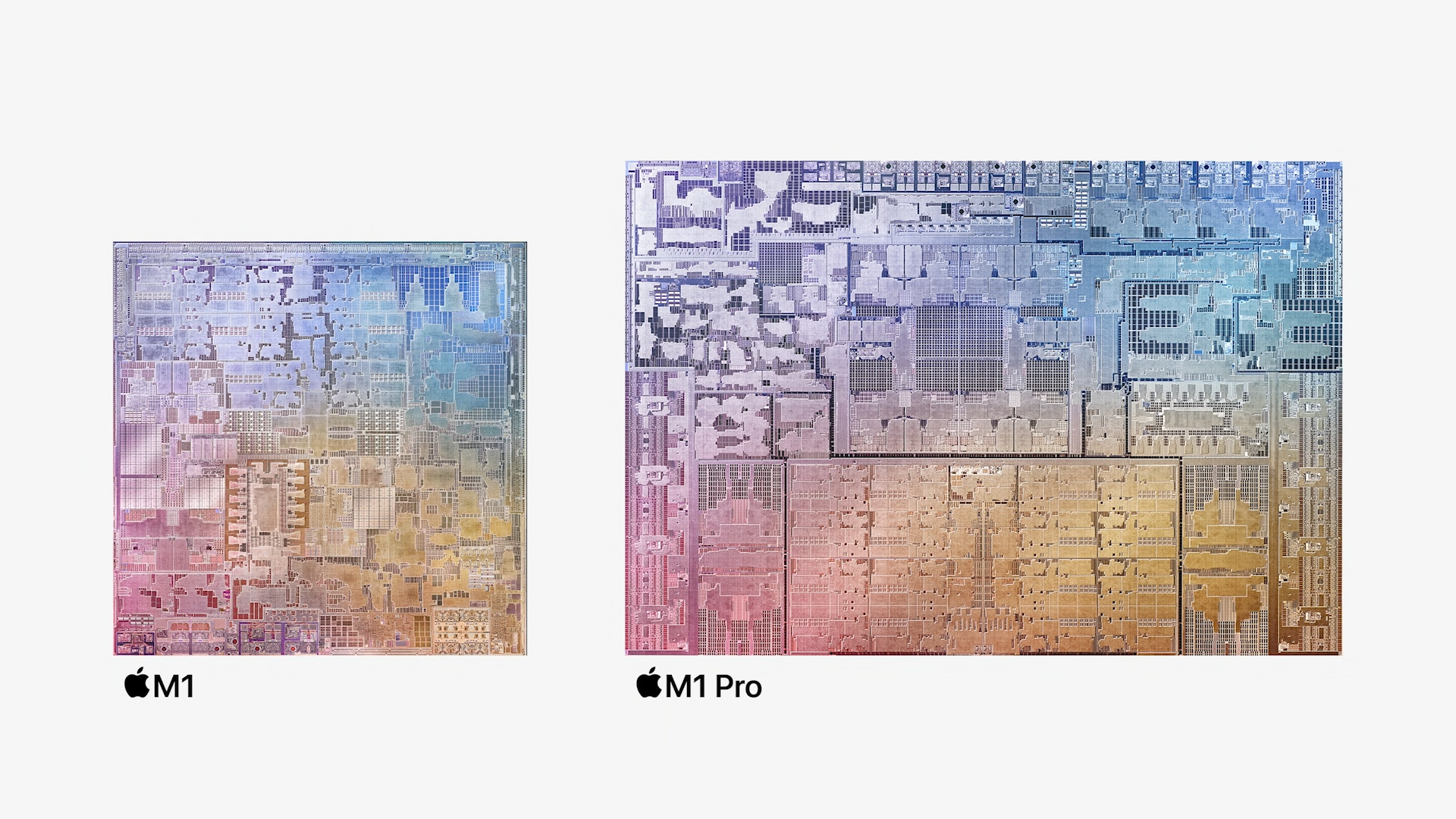
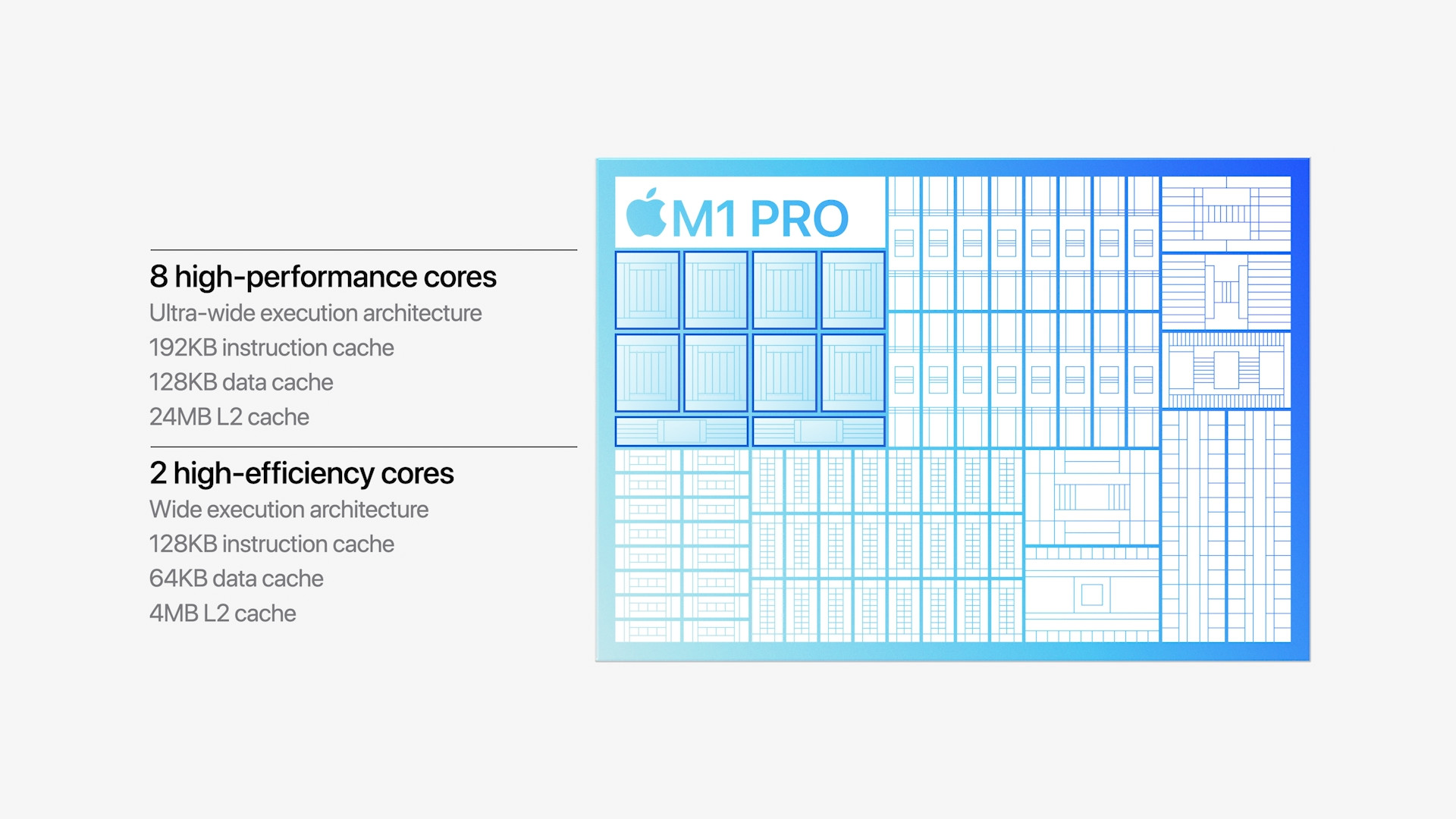
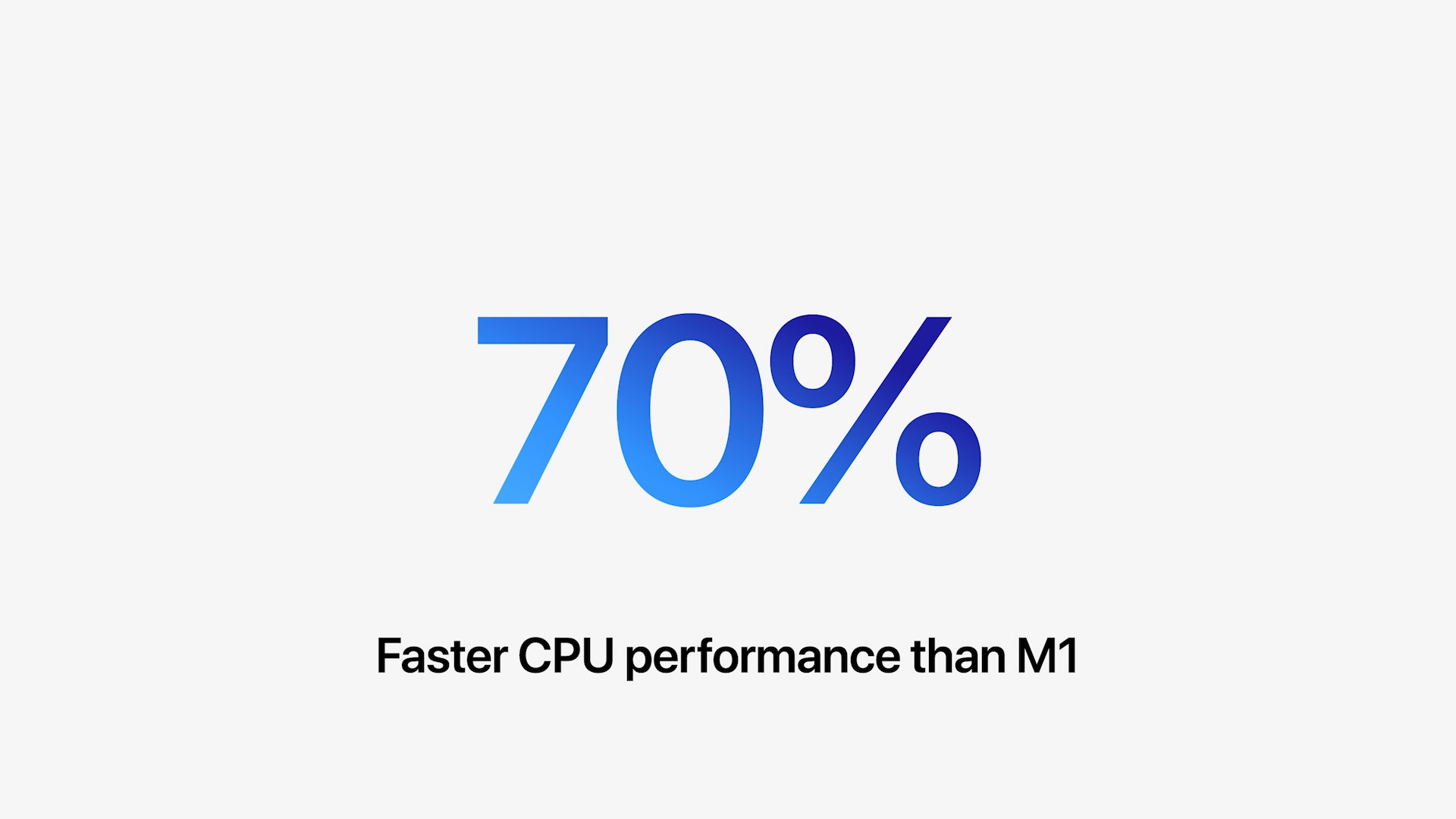
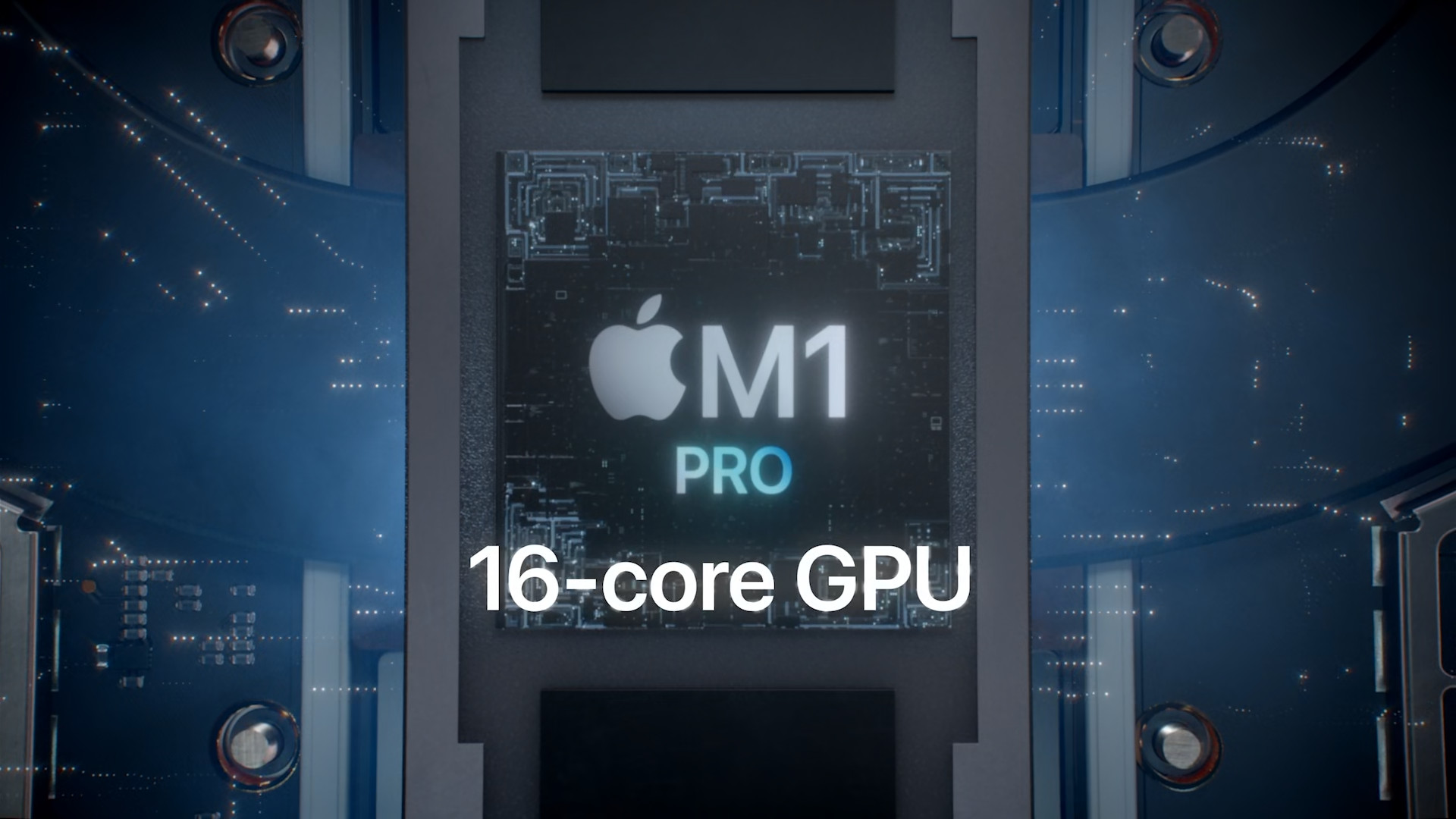
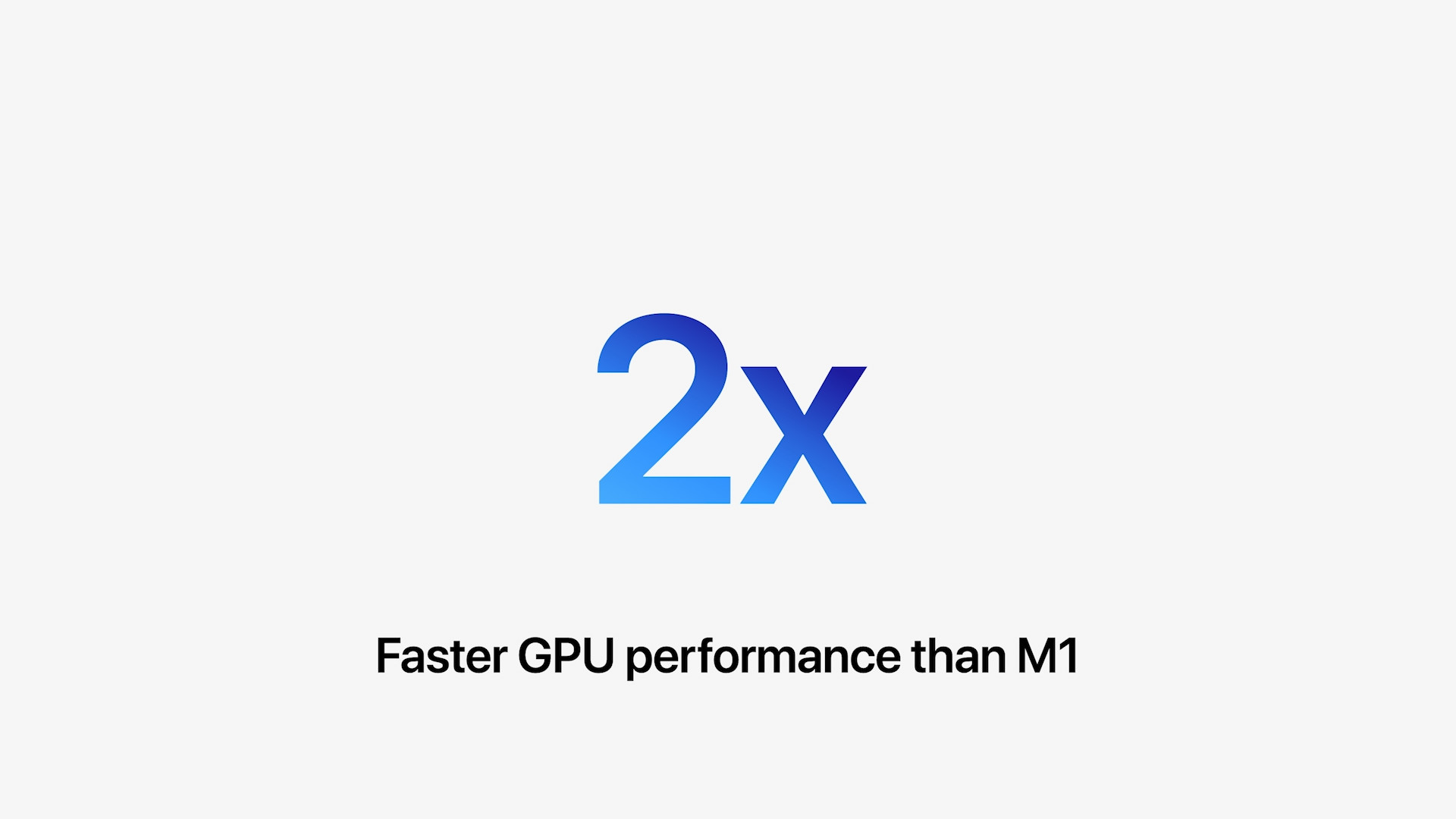
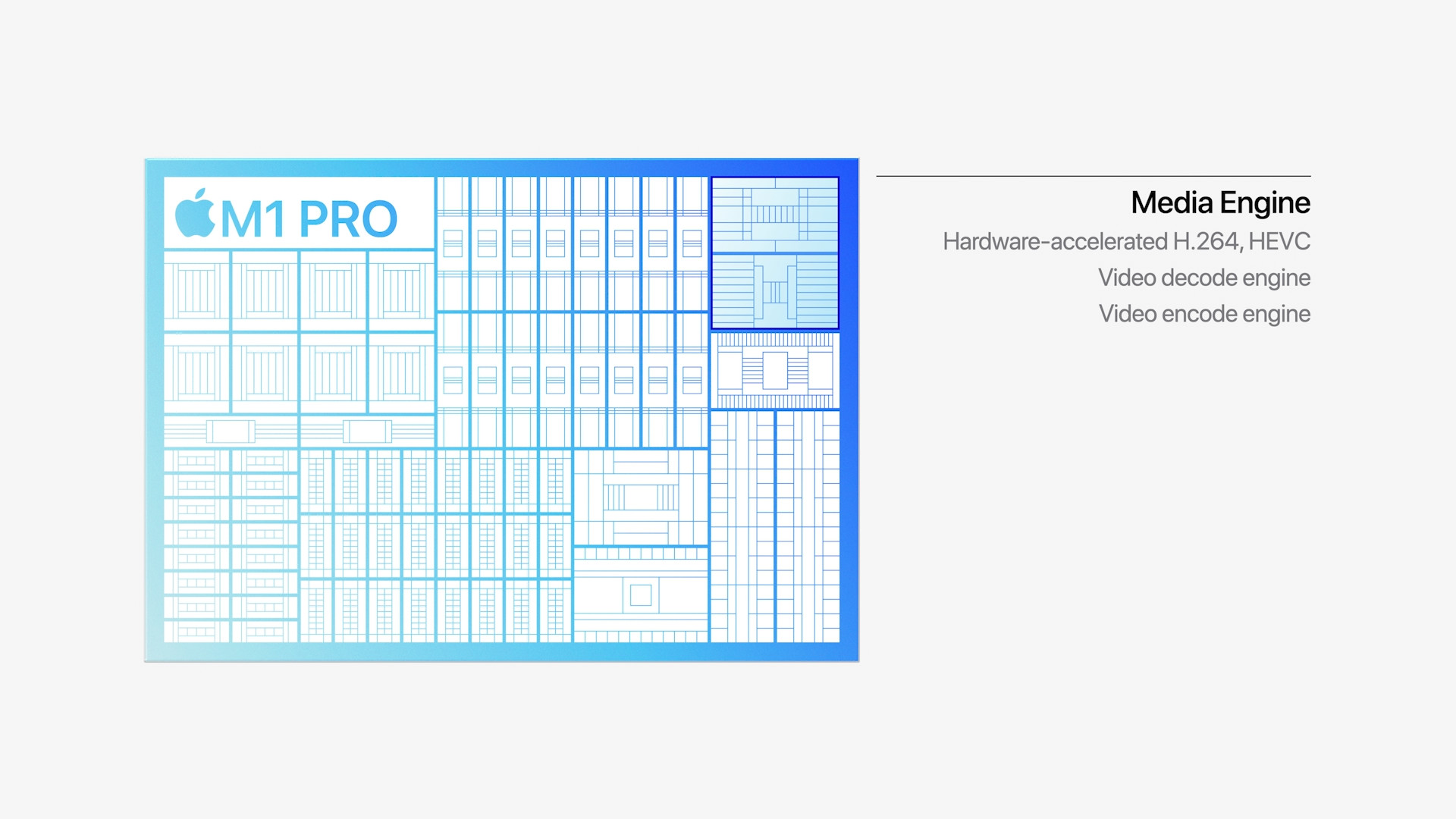
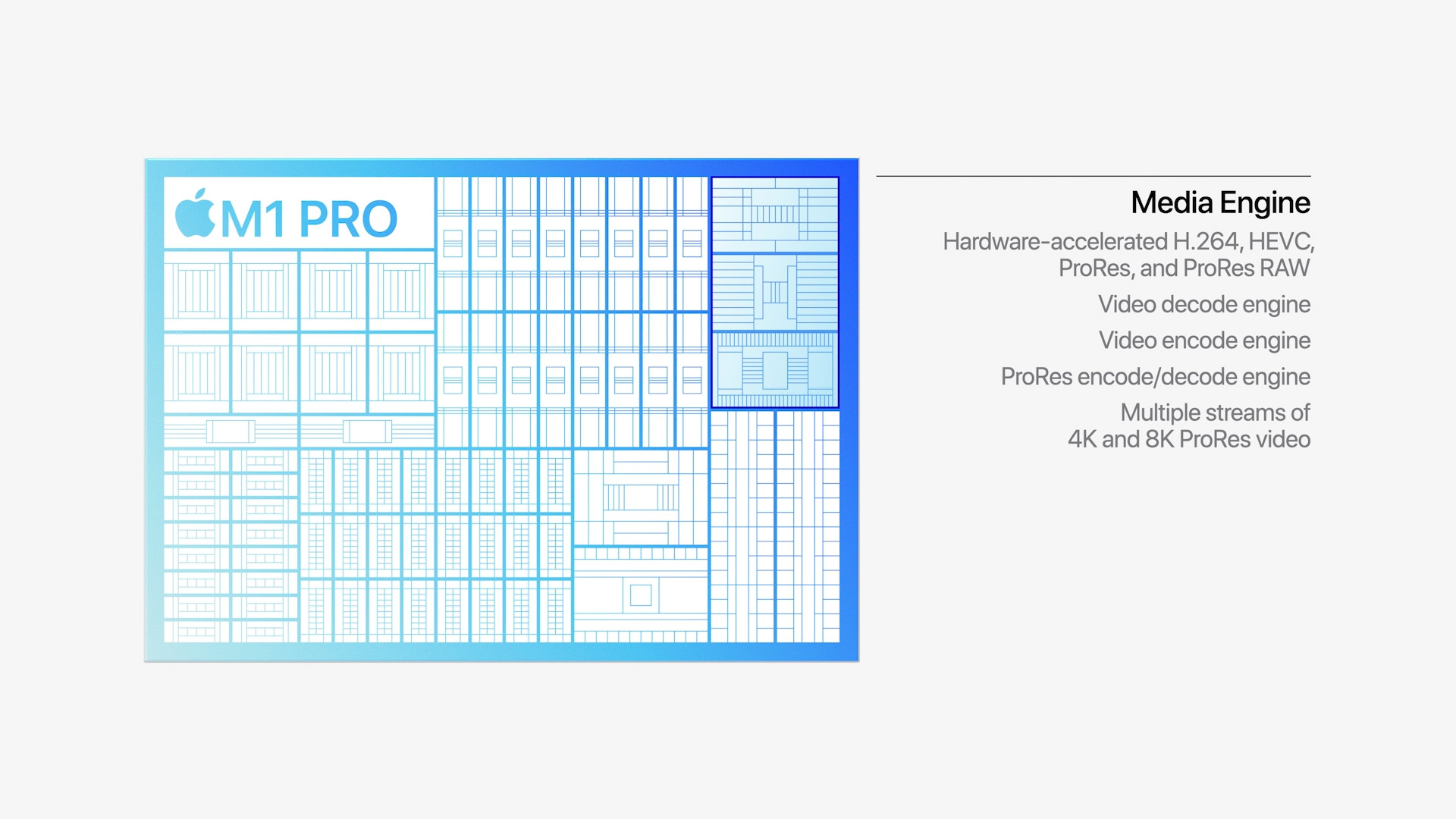
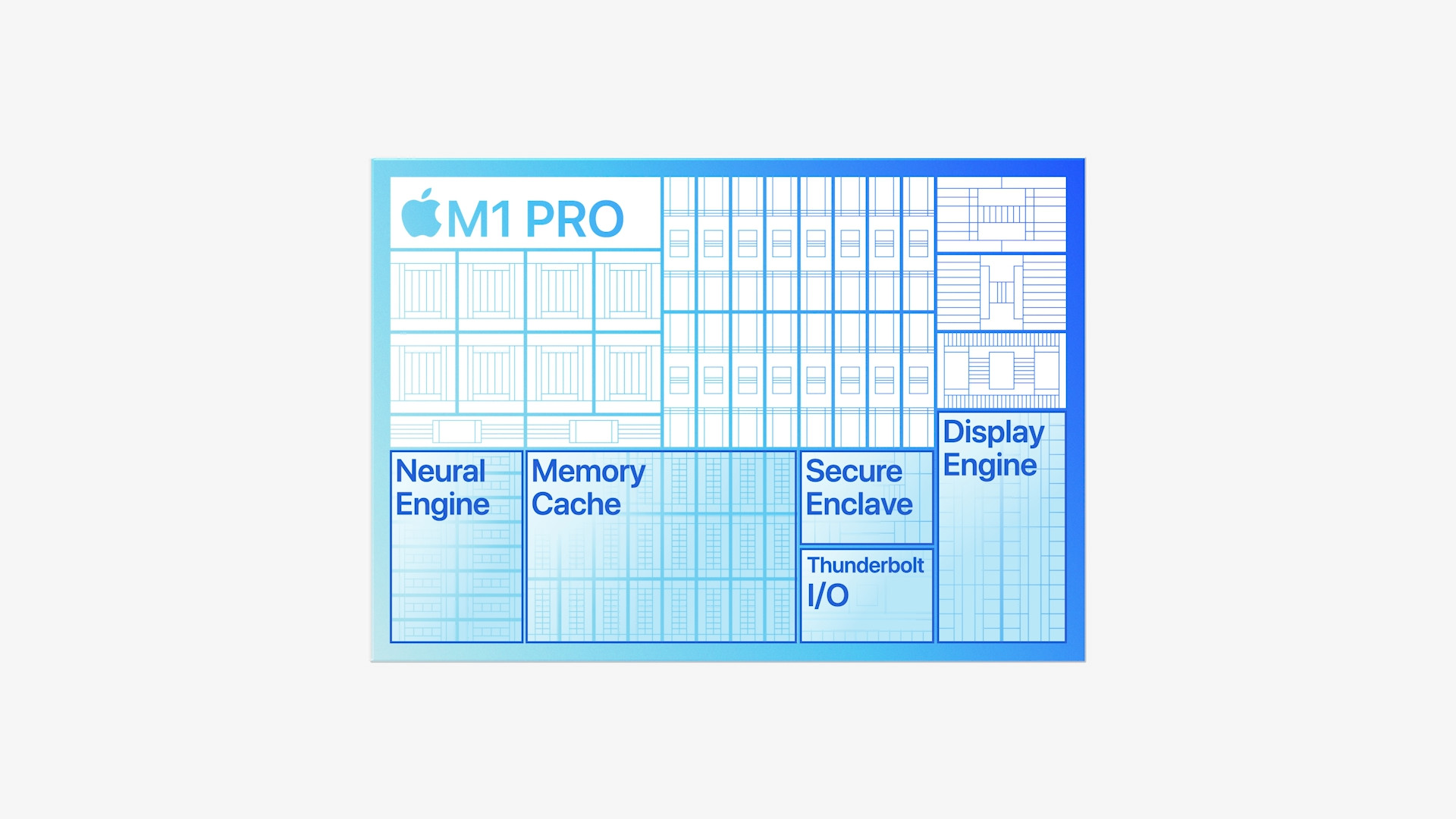
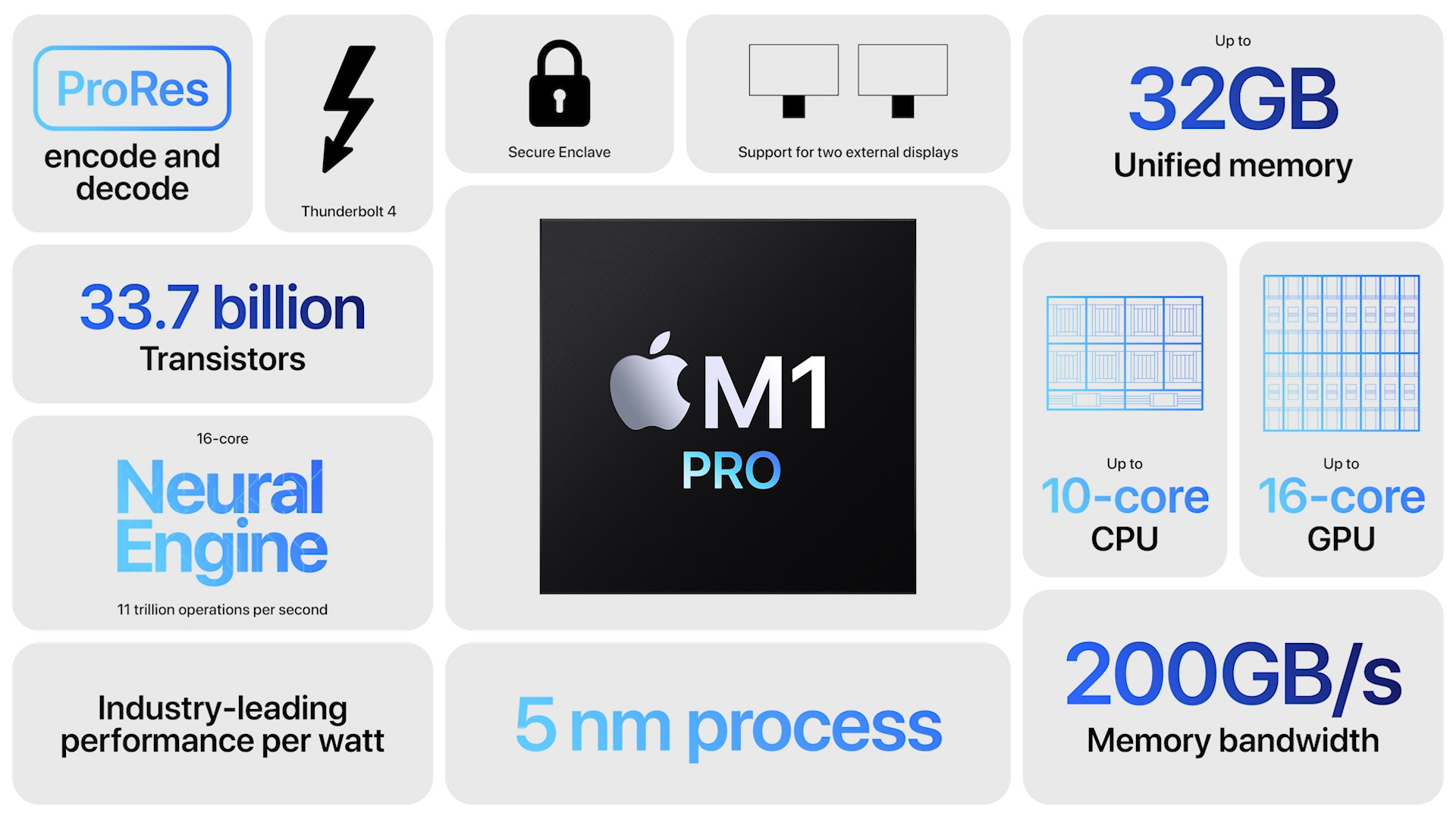
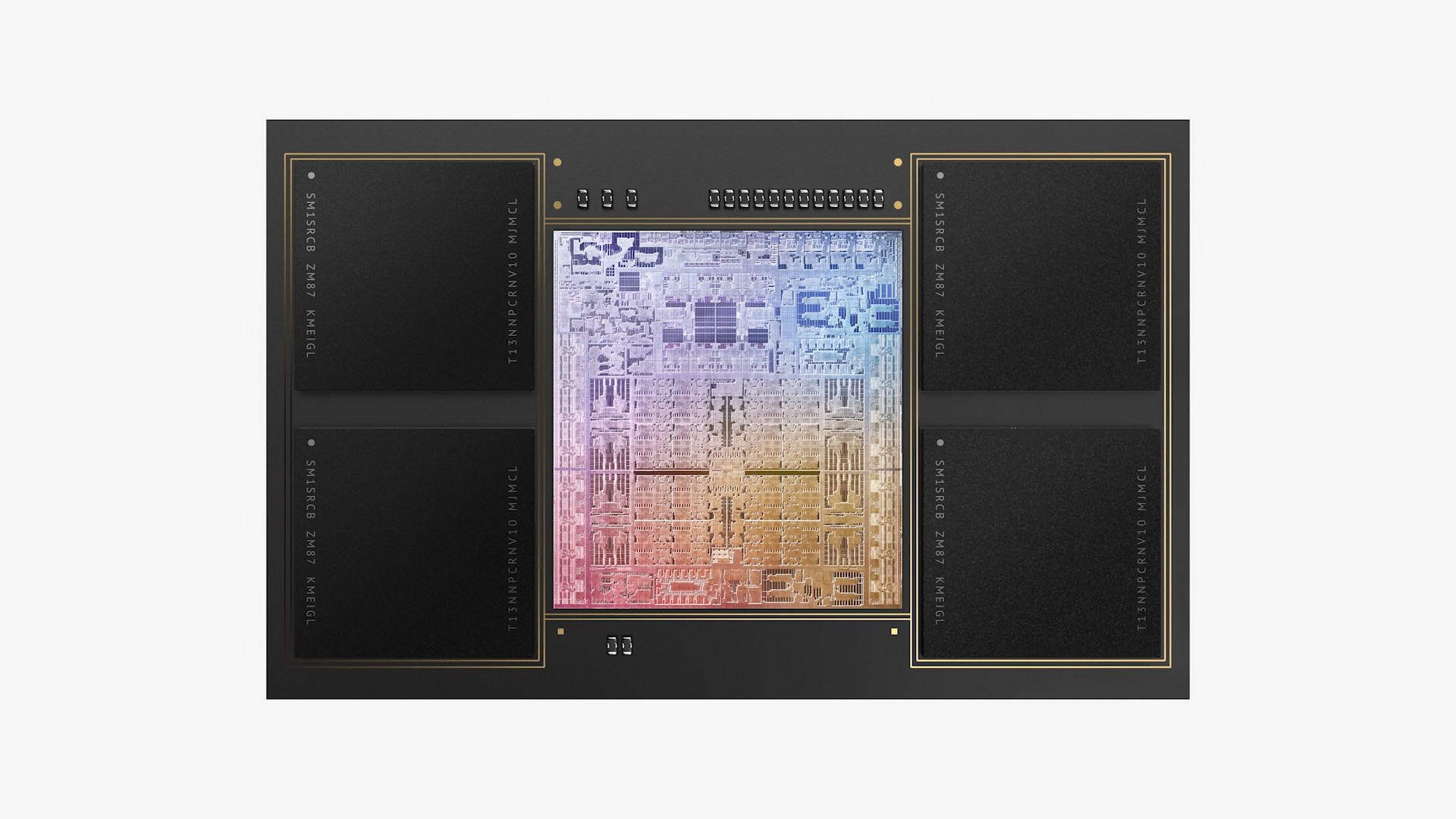
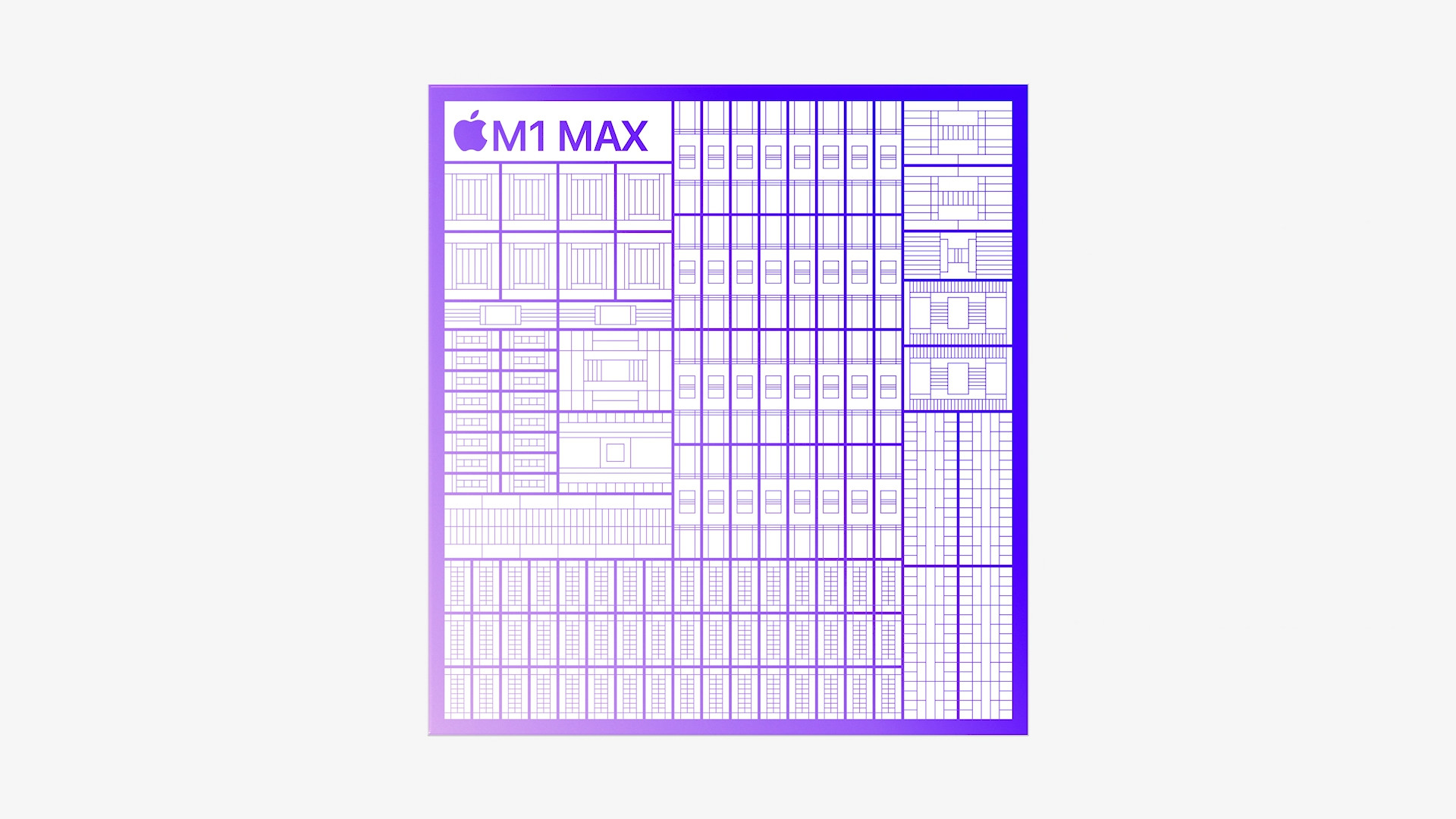
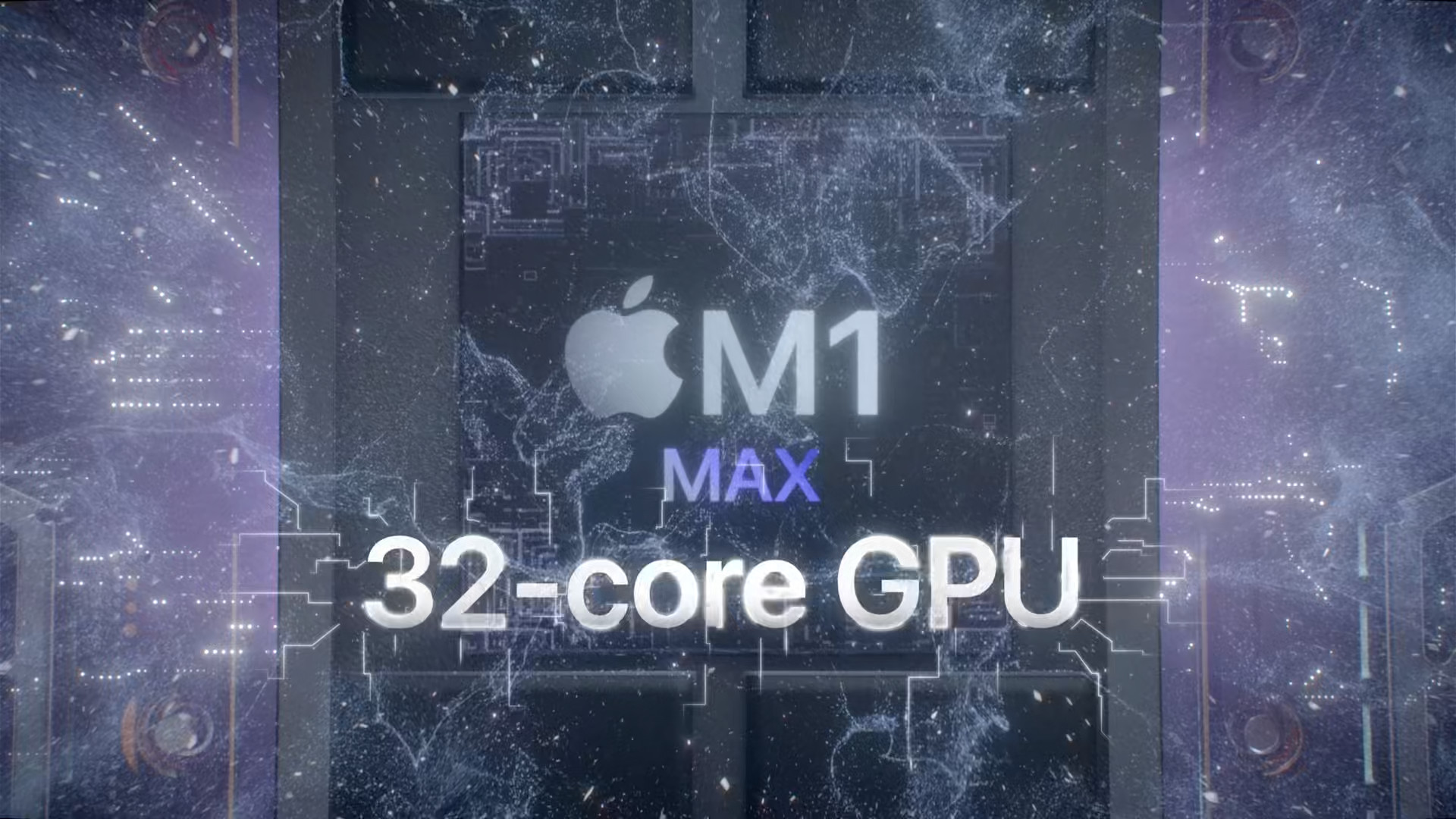
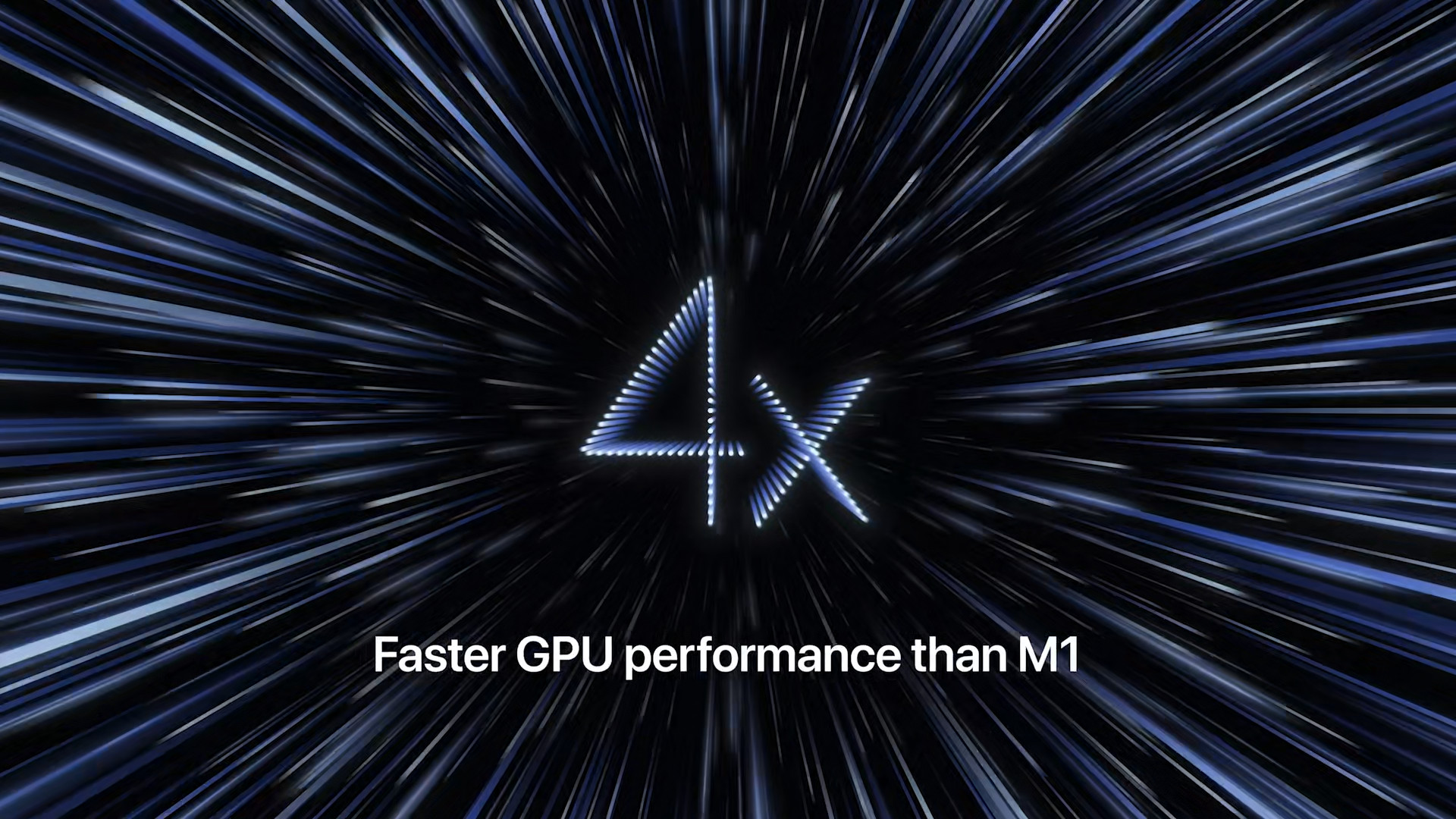
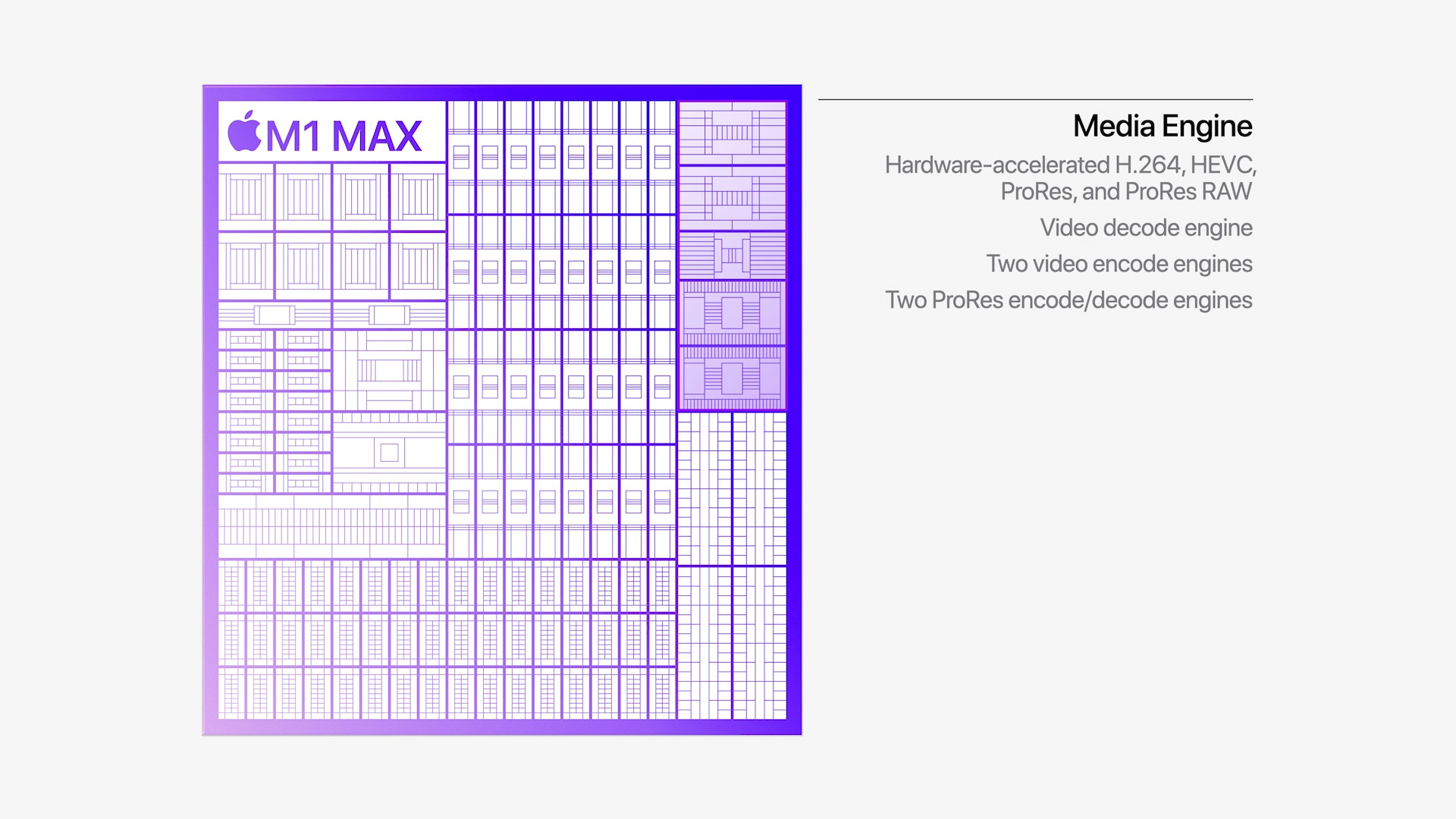
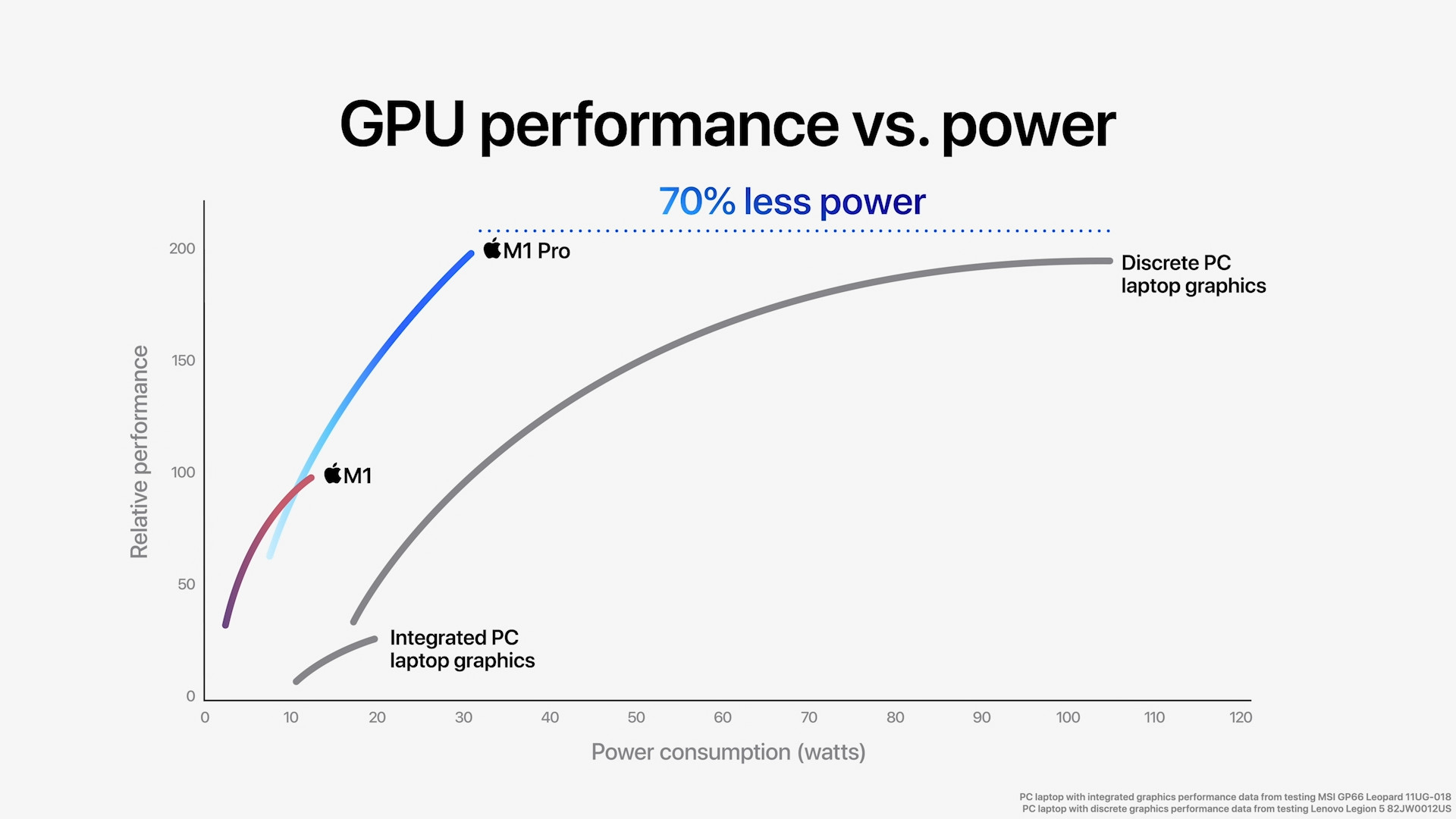
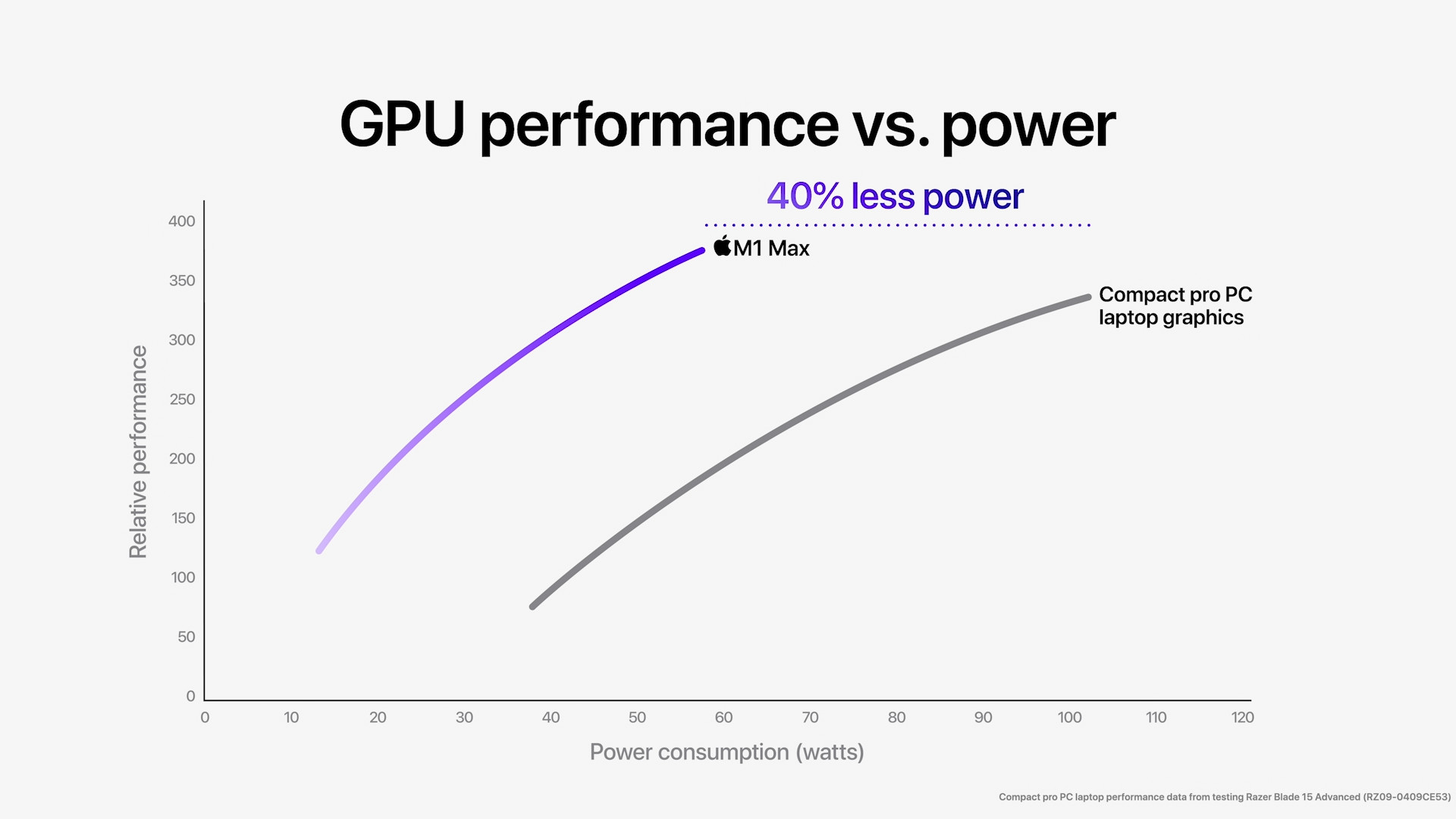
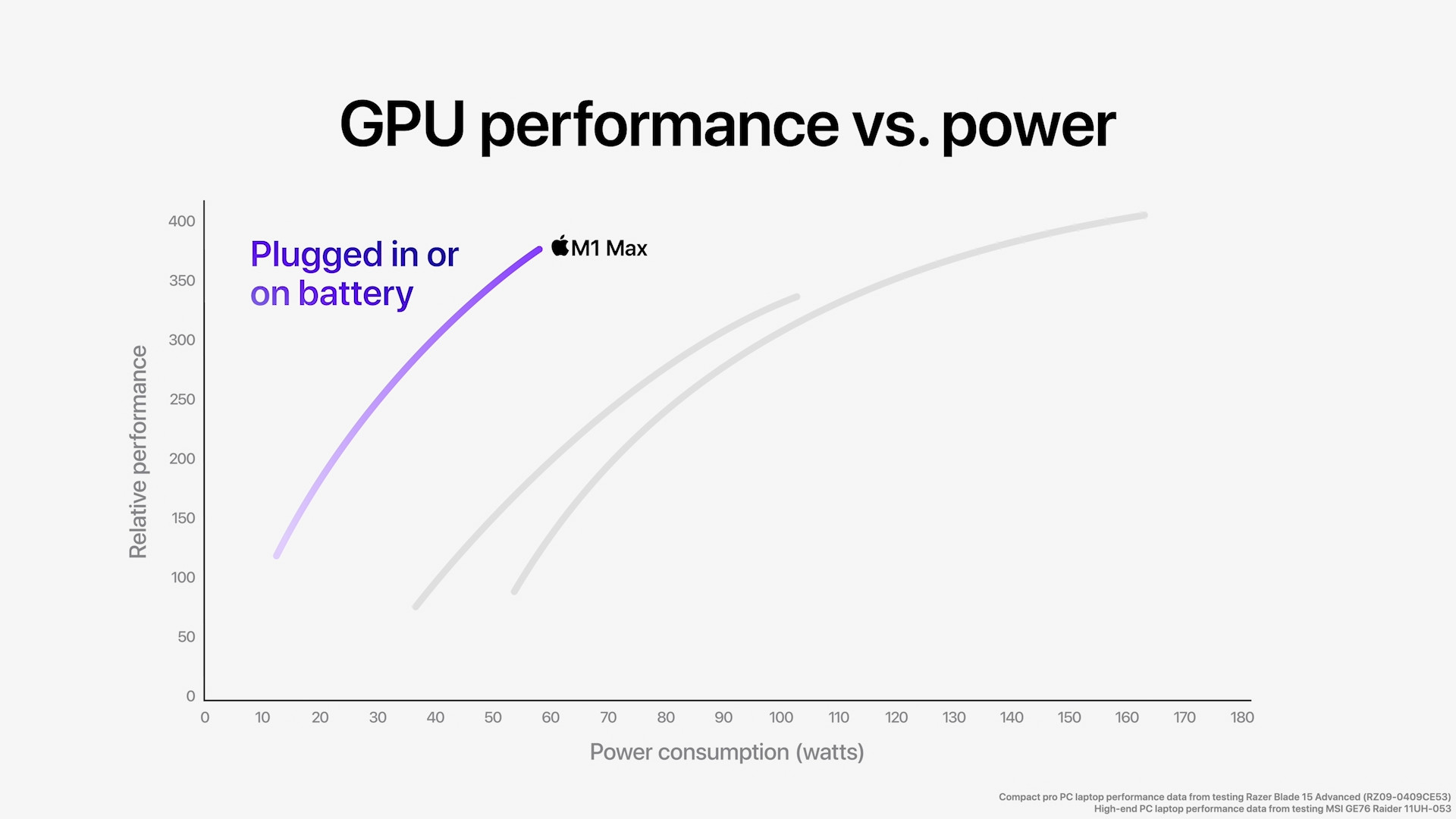
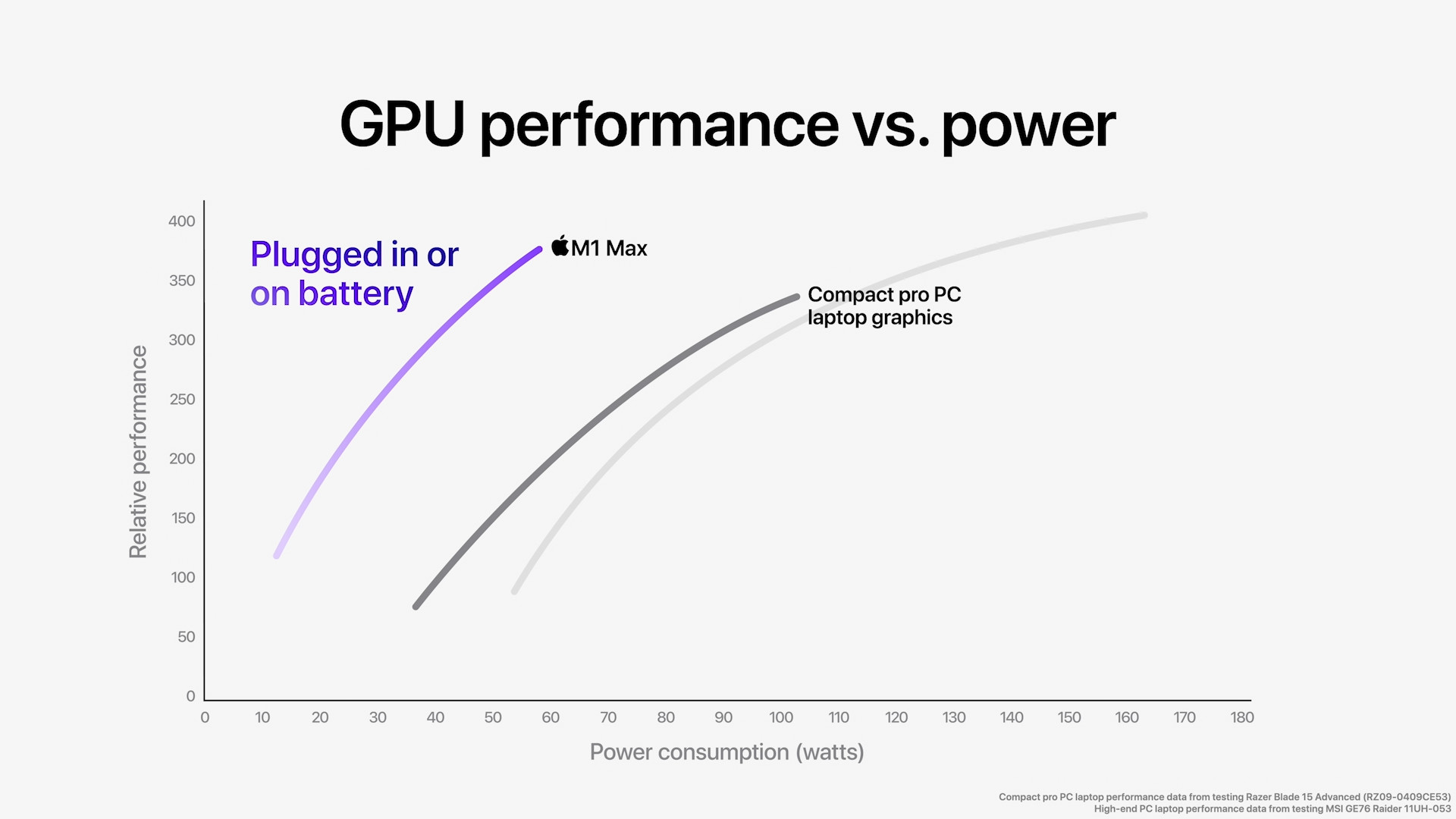
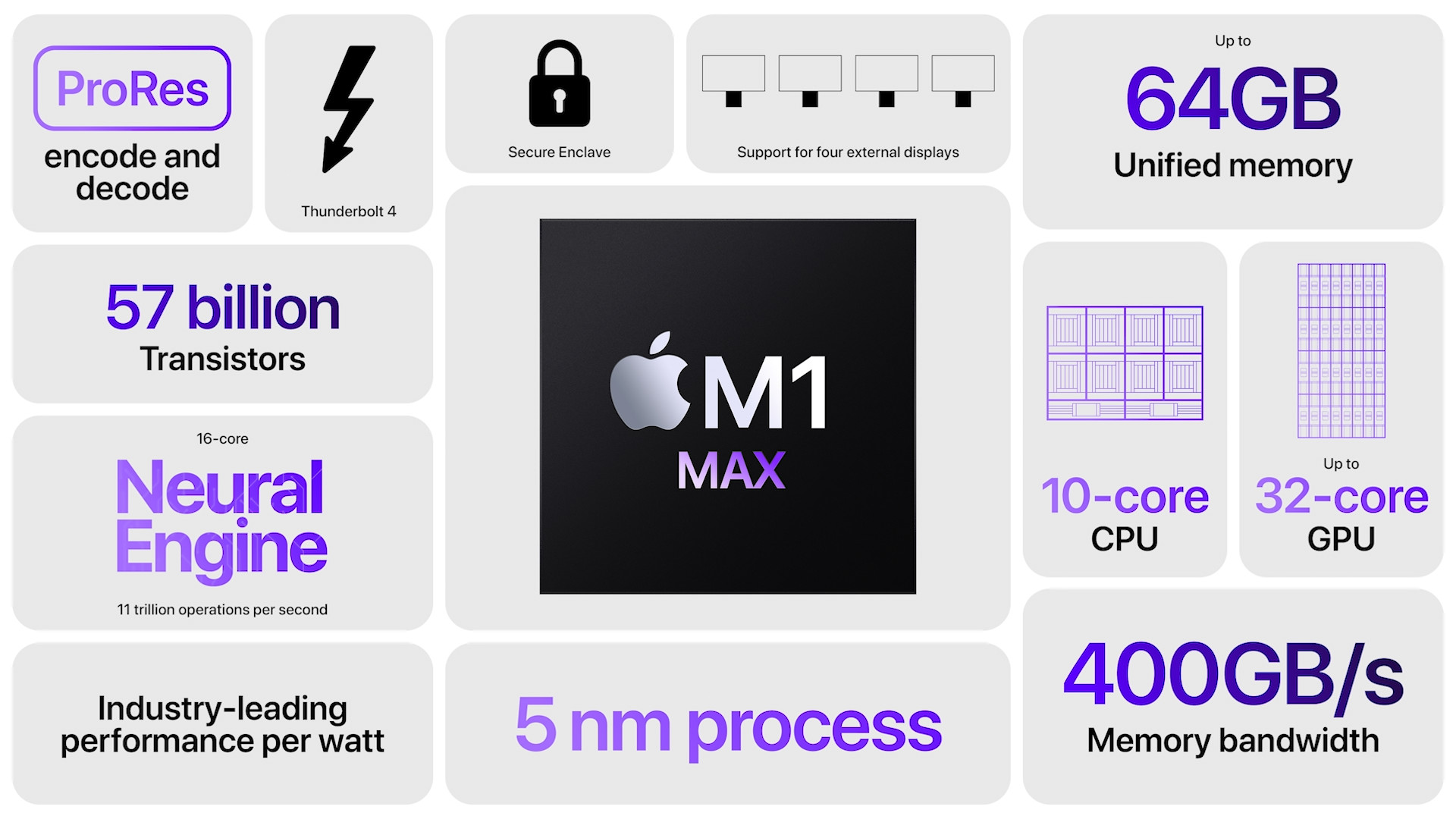
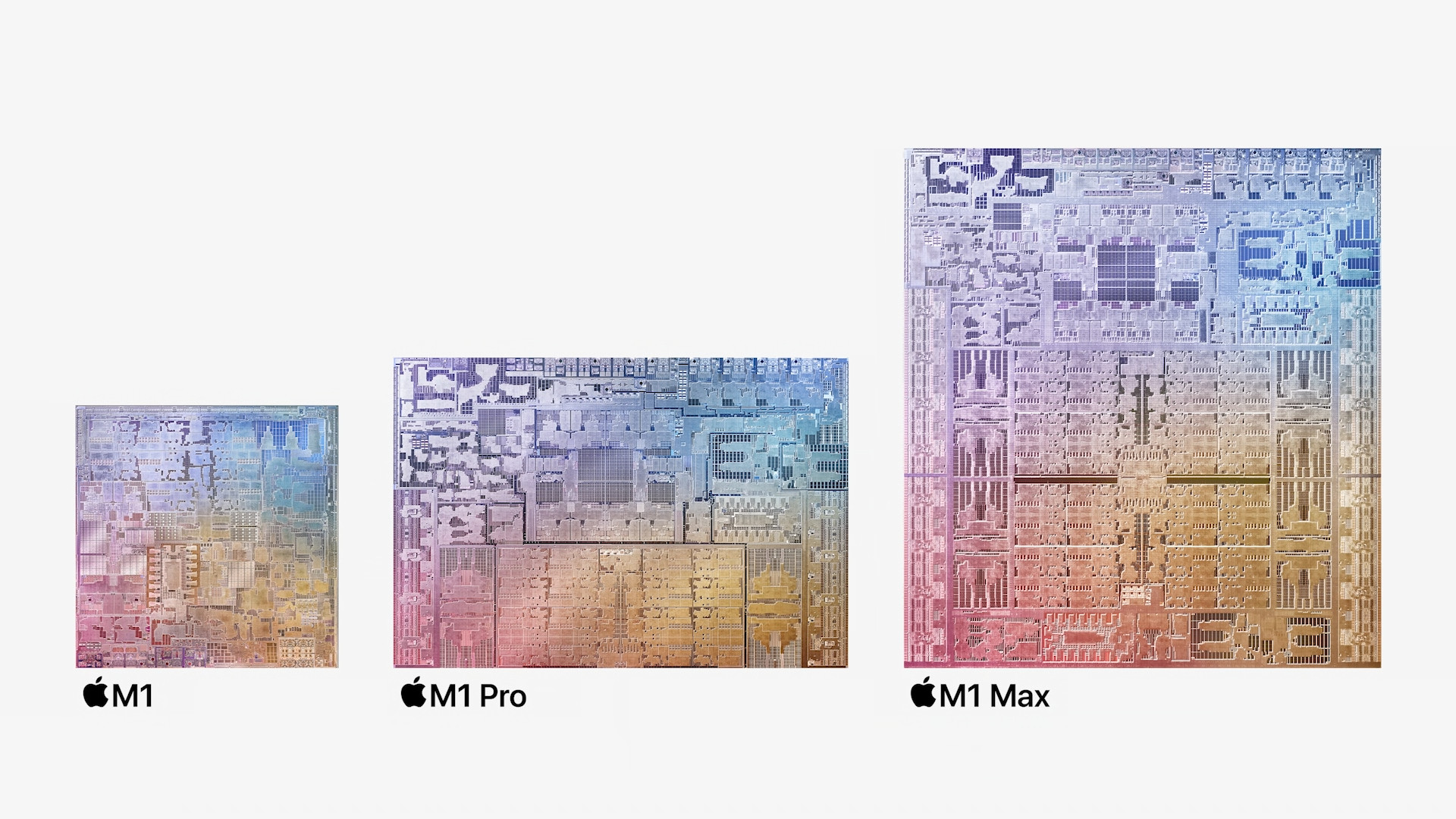
If we look at 14″ MacBook Pro, so we find that it is available with either the M1 chip Pro or M1 MaxBoth of these chips are brand new and are the first ever professional chips from Applu. M1 chip Pro, which is found in the 14″ model at the base, is designed for most professionals and the M1 chip Max It is designed for individuals who need extreme graphics performance. The 13″ MacBooku Pro then only the M1 chip is available, which also has no other configurations like the M1 Pro or M1 Max. Basic varia14″ MacBooku Pro specifically offers the M1 chip Pro with 8-core CPU and 14-core GPU, the second recommended configuration also has the M1 chip Pro with a 10-core CPU and a 16-core GPU. In the case of the M1 Pro there is also a chip with a 16-core CPU and a 16-core GPU available. If you use the M1 Max, so there is a configuration with a 10-core CPU and a 24-core GPU, or an absolutely top-of-the-line version with a 10-core CPU and a 32-core GPU. 13″ MacBook Pro is, as mentioned above, available with the M1 chip, which has an 8-core CPU and 8-core GPU. Both models compared have a 16-core Neural Engine for machine learning.
The M1 chip Pro to M1 Max



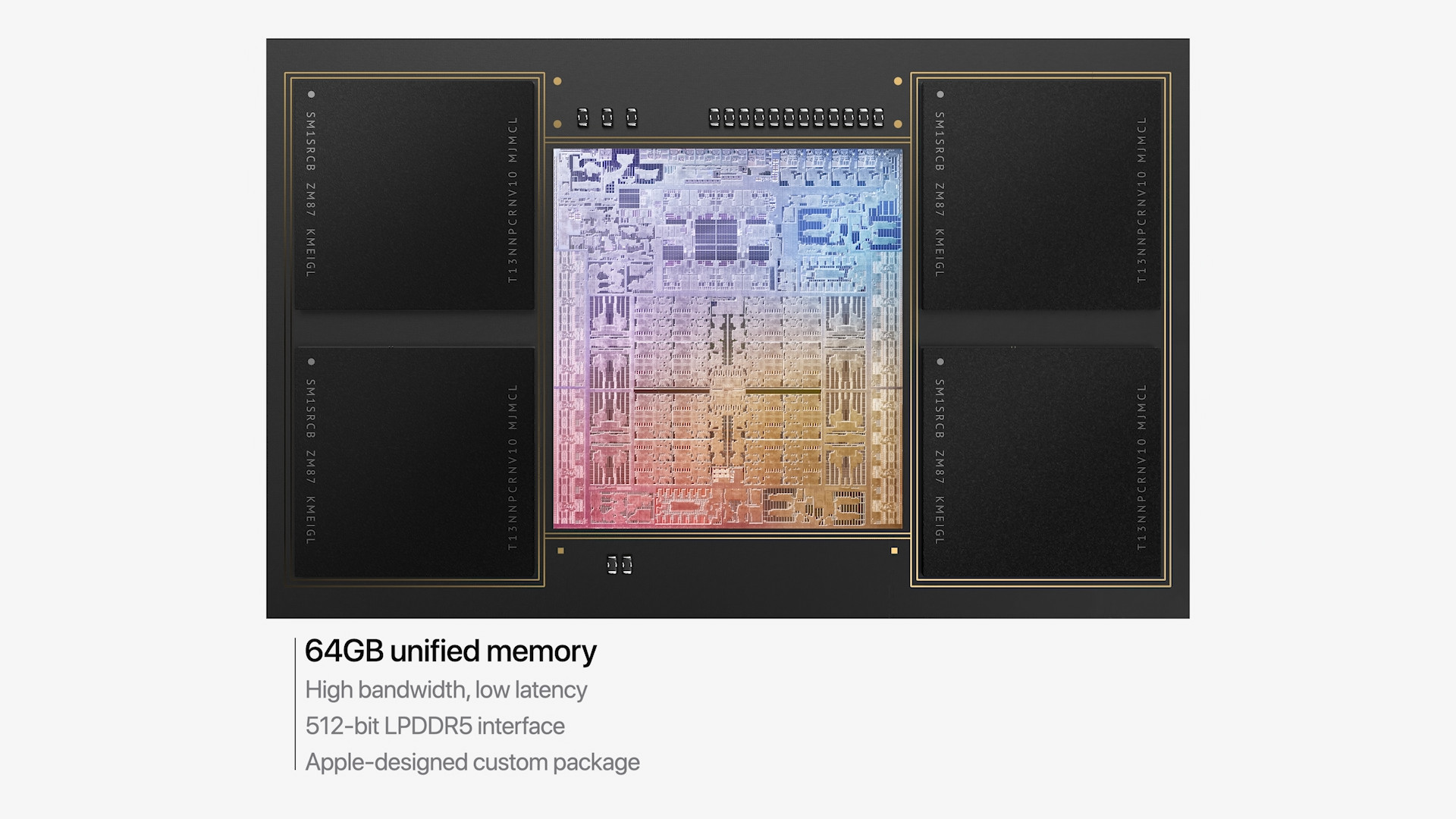
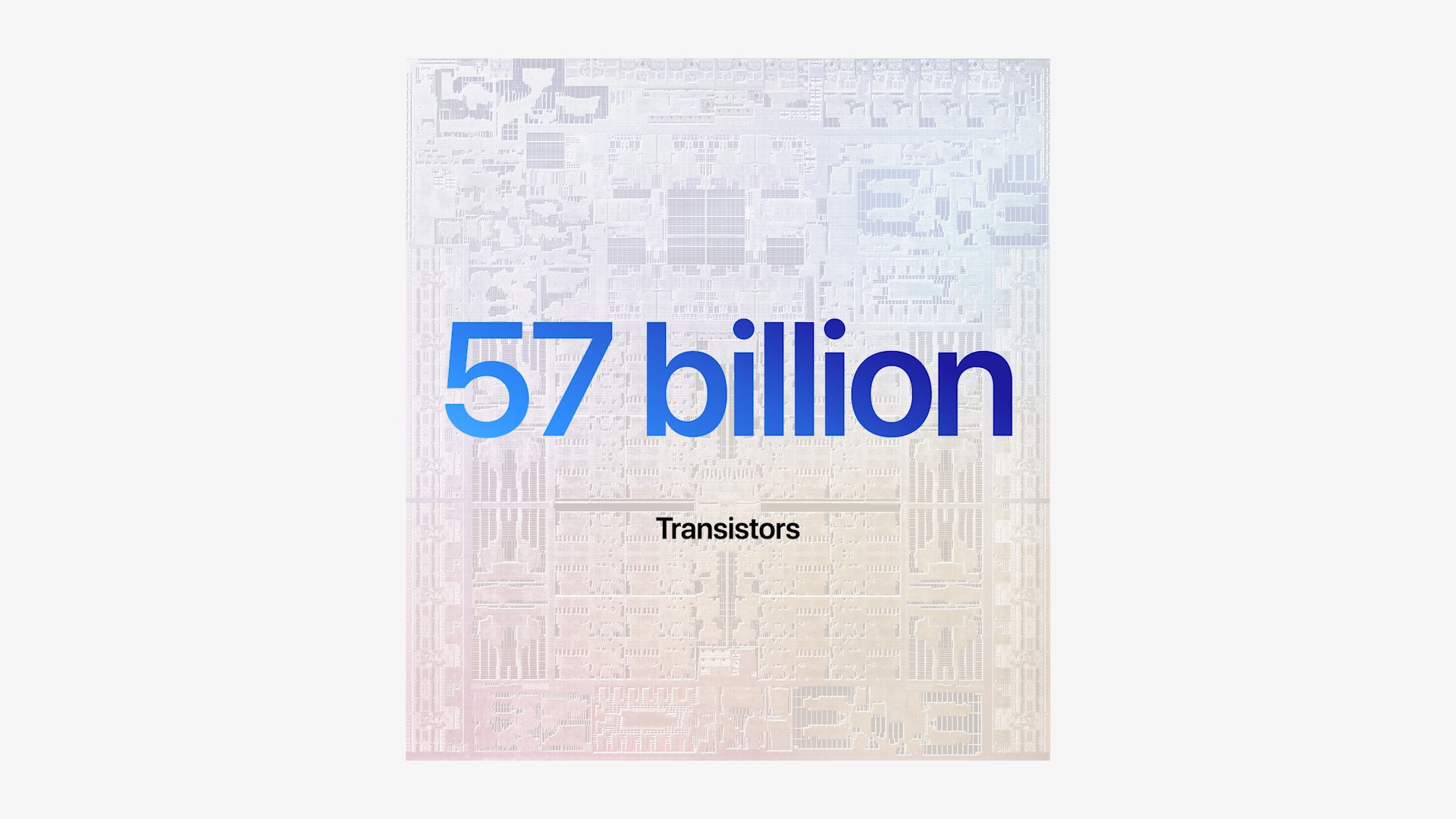
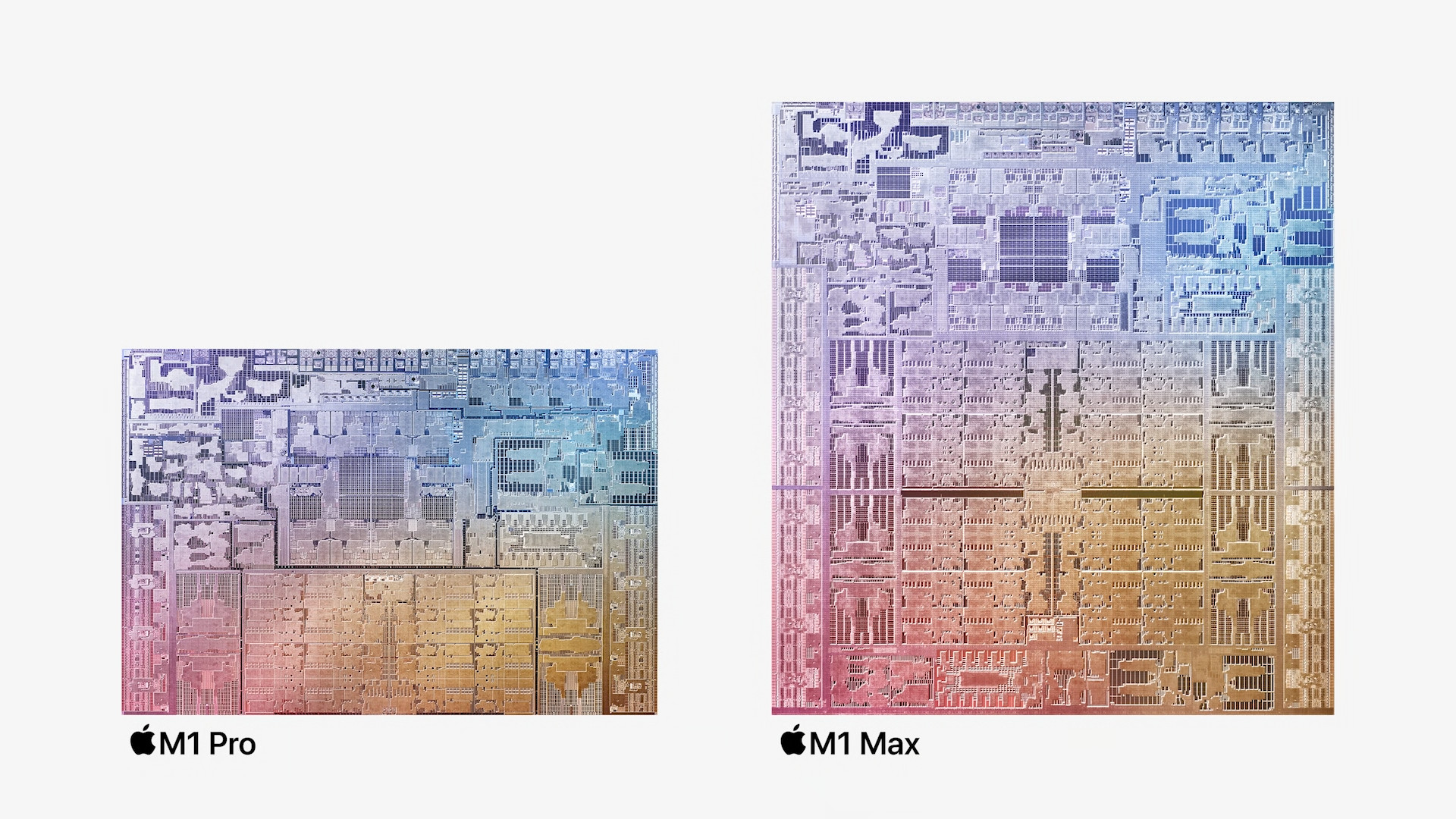
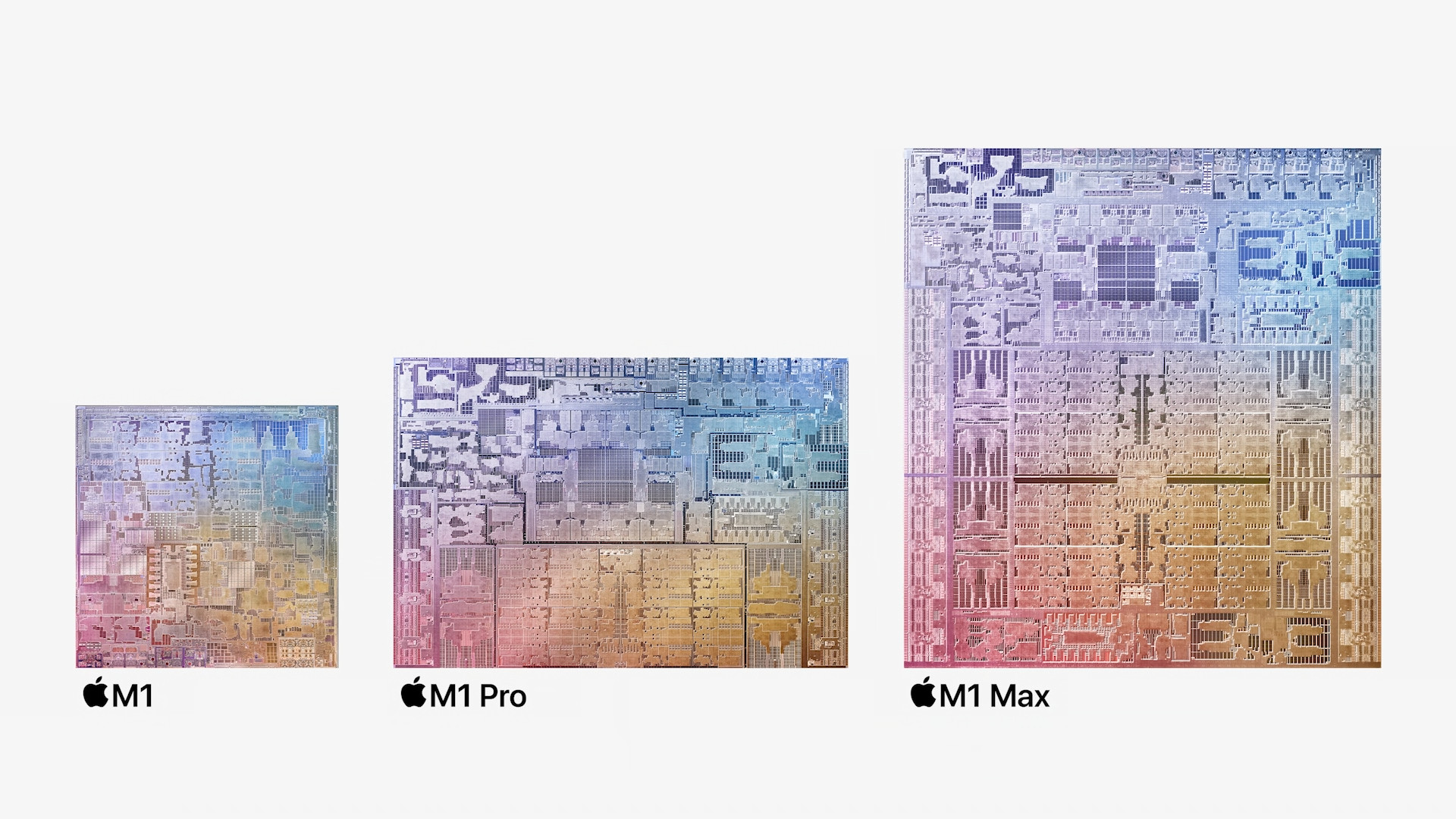


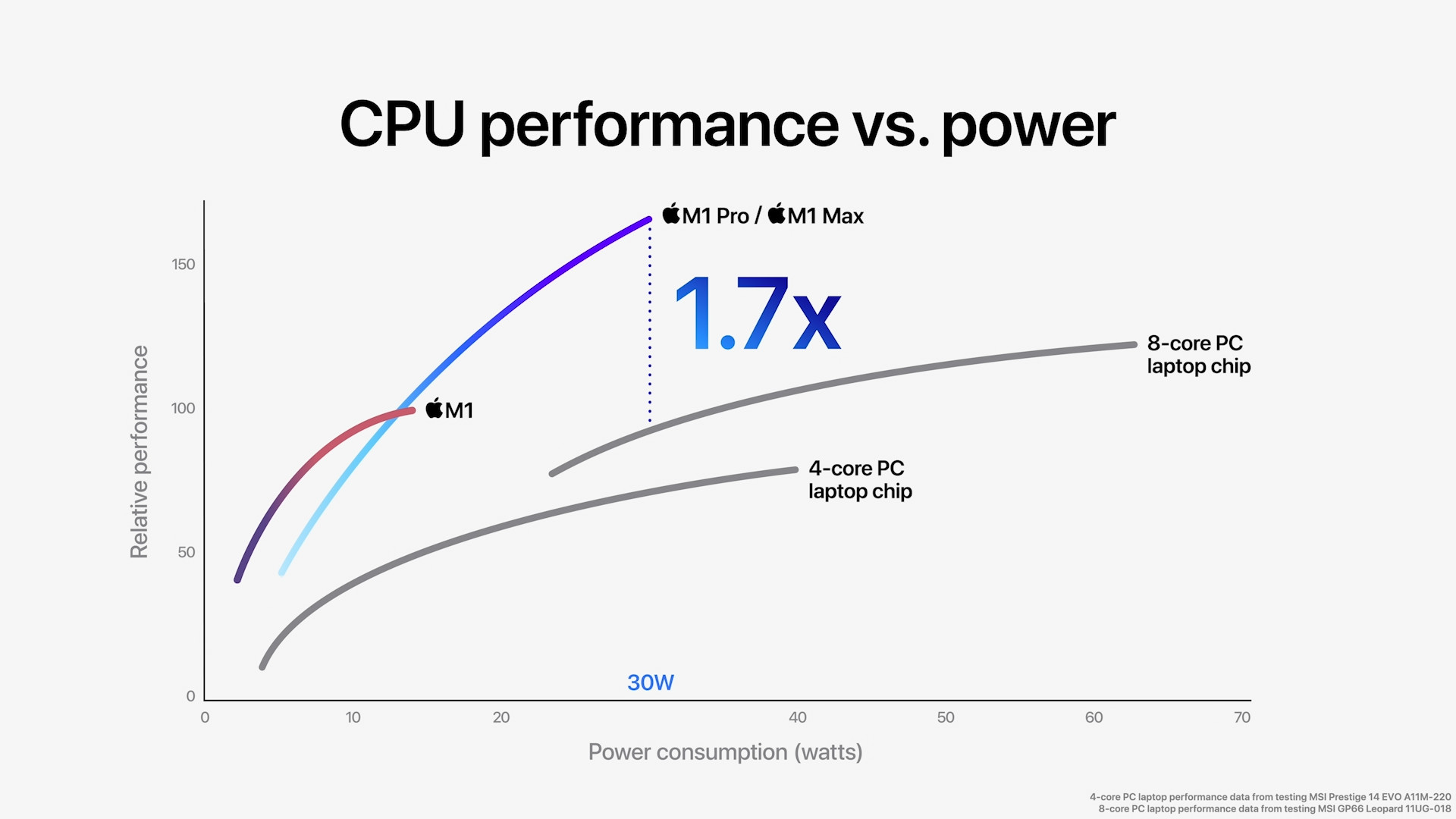
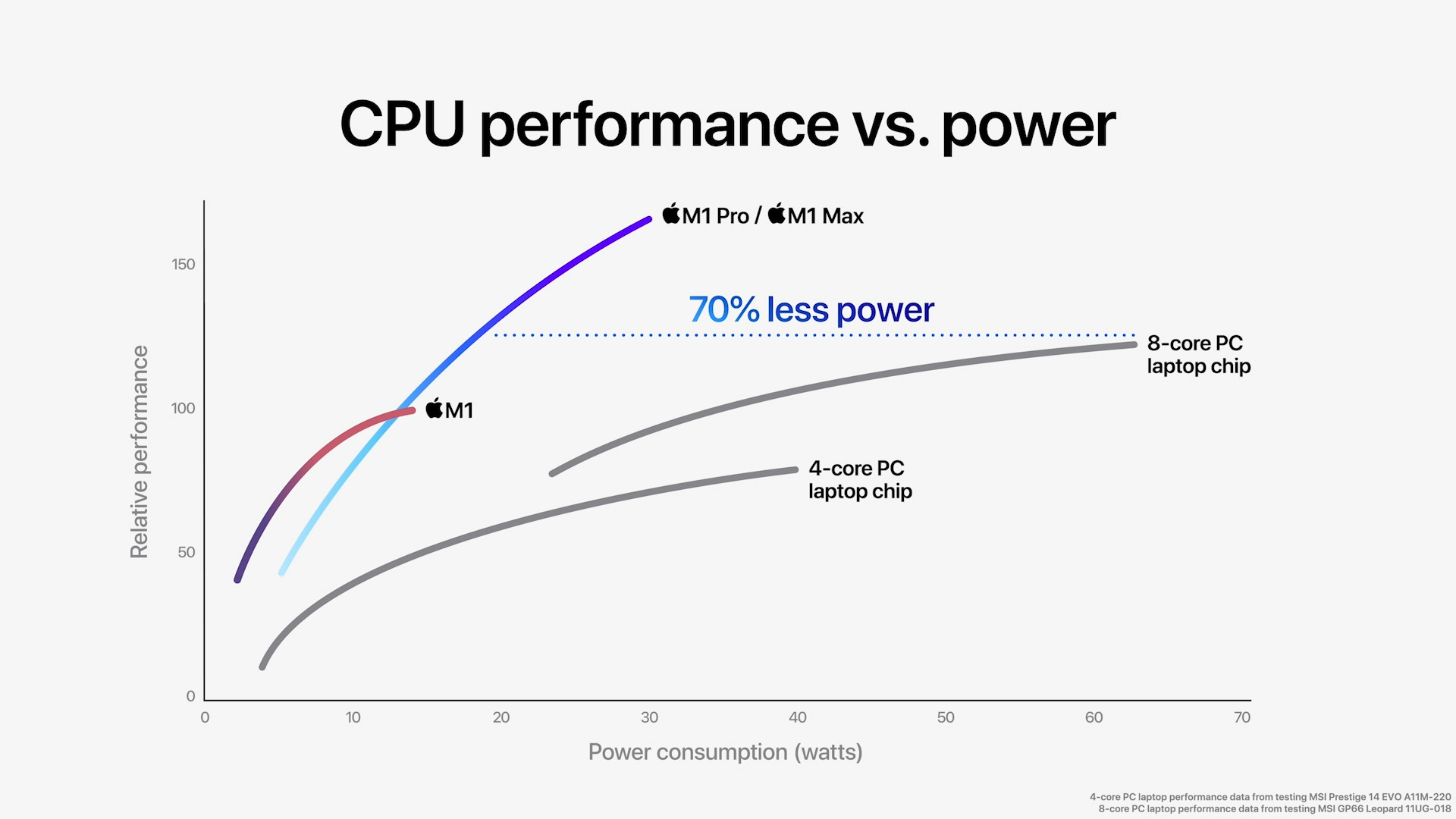
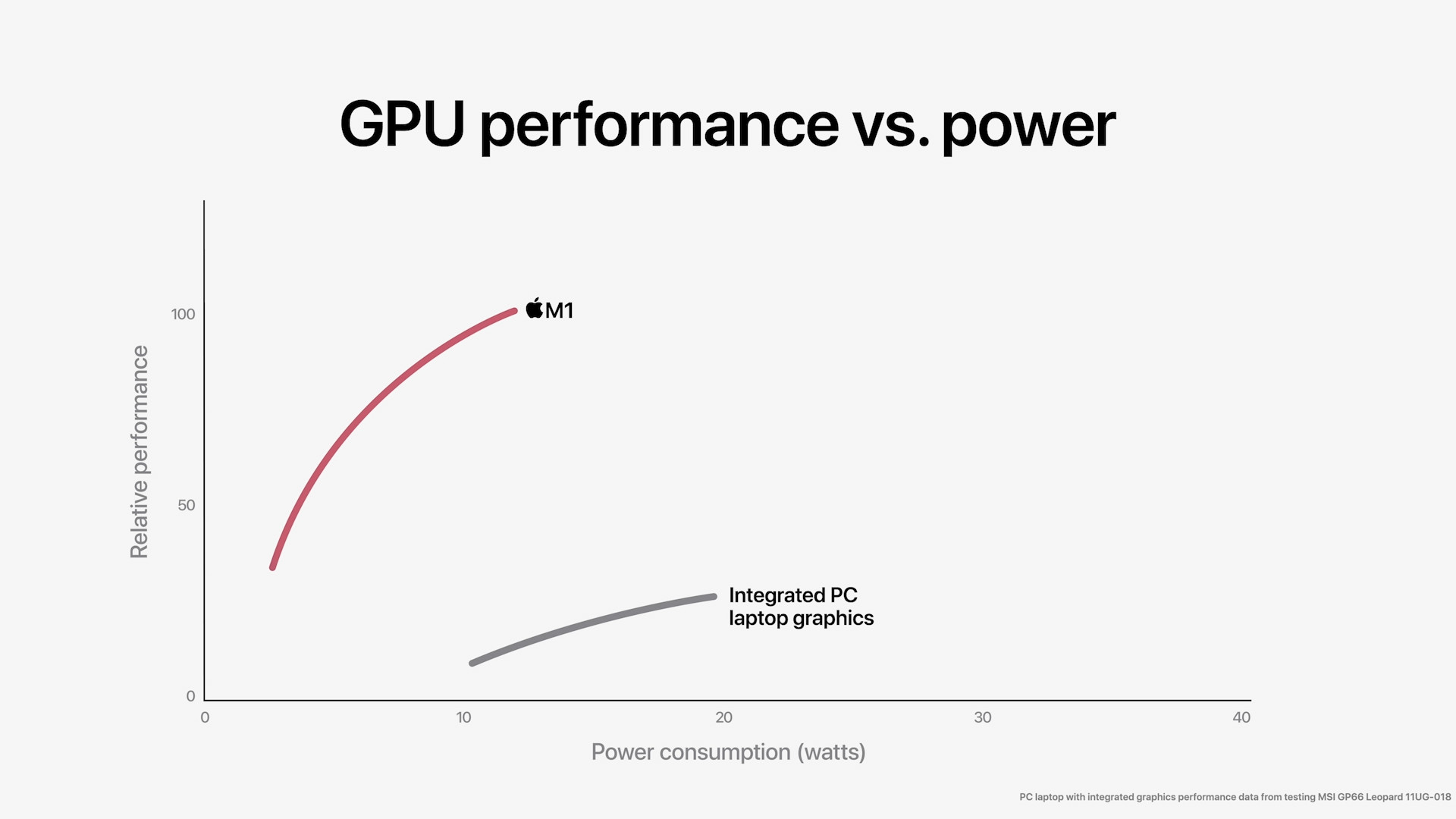
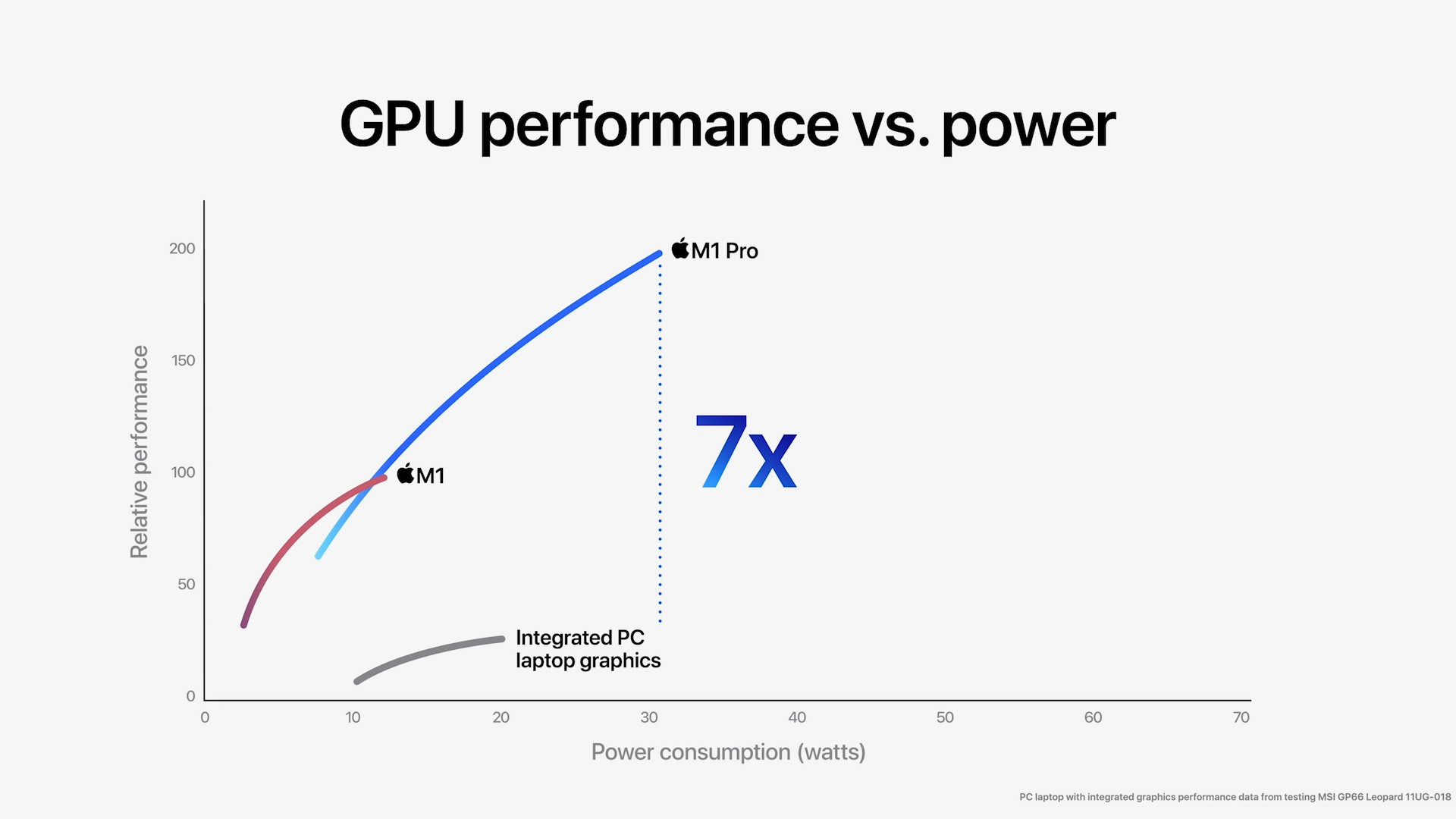

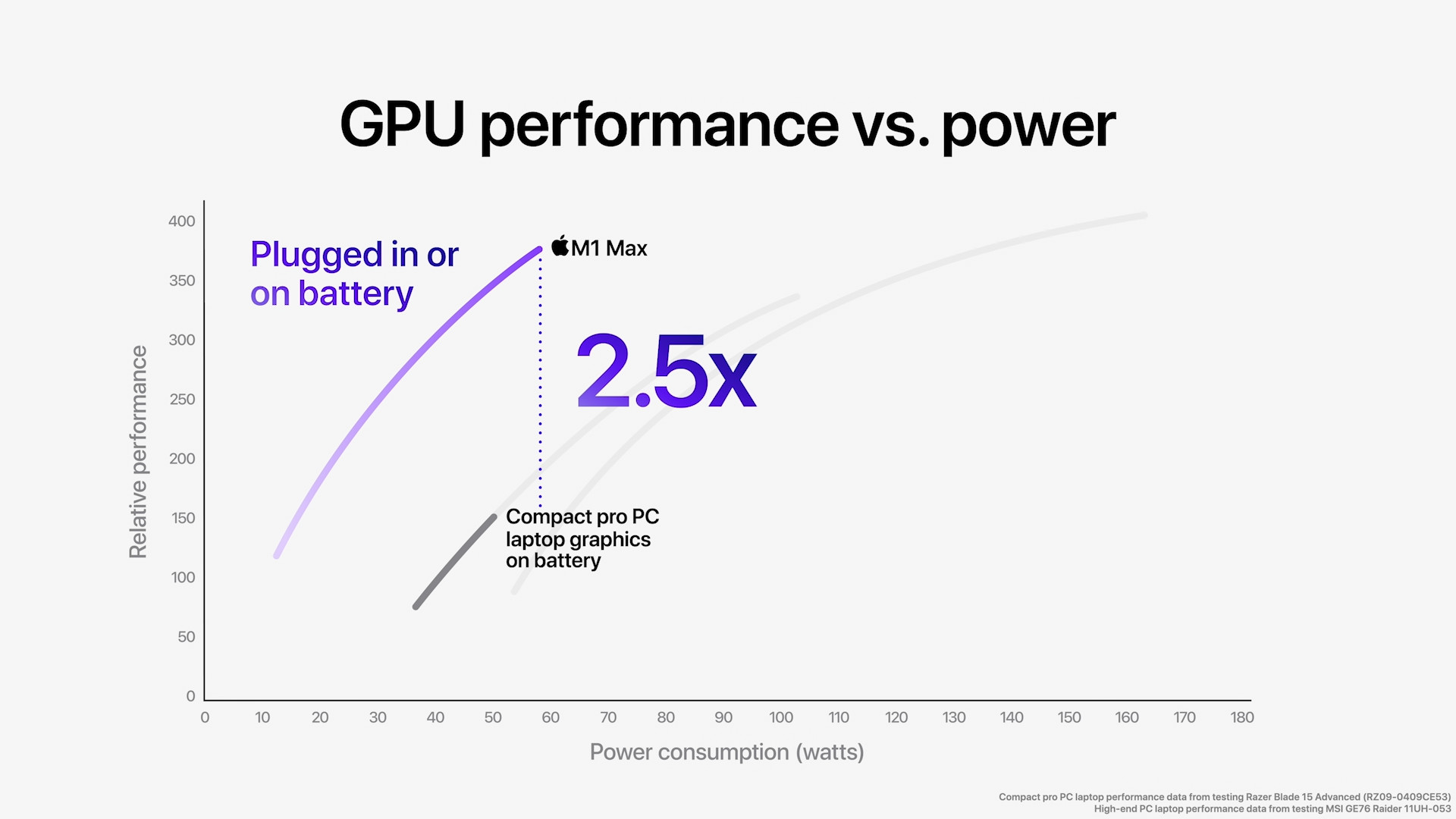
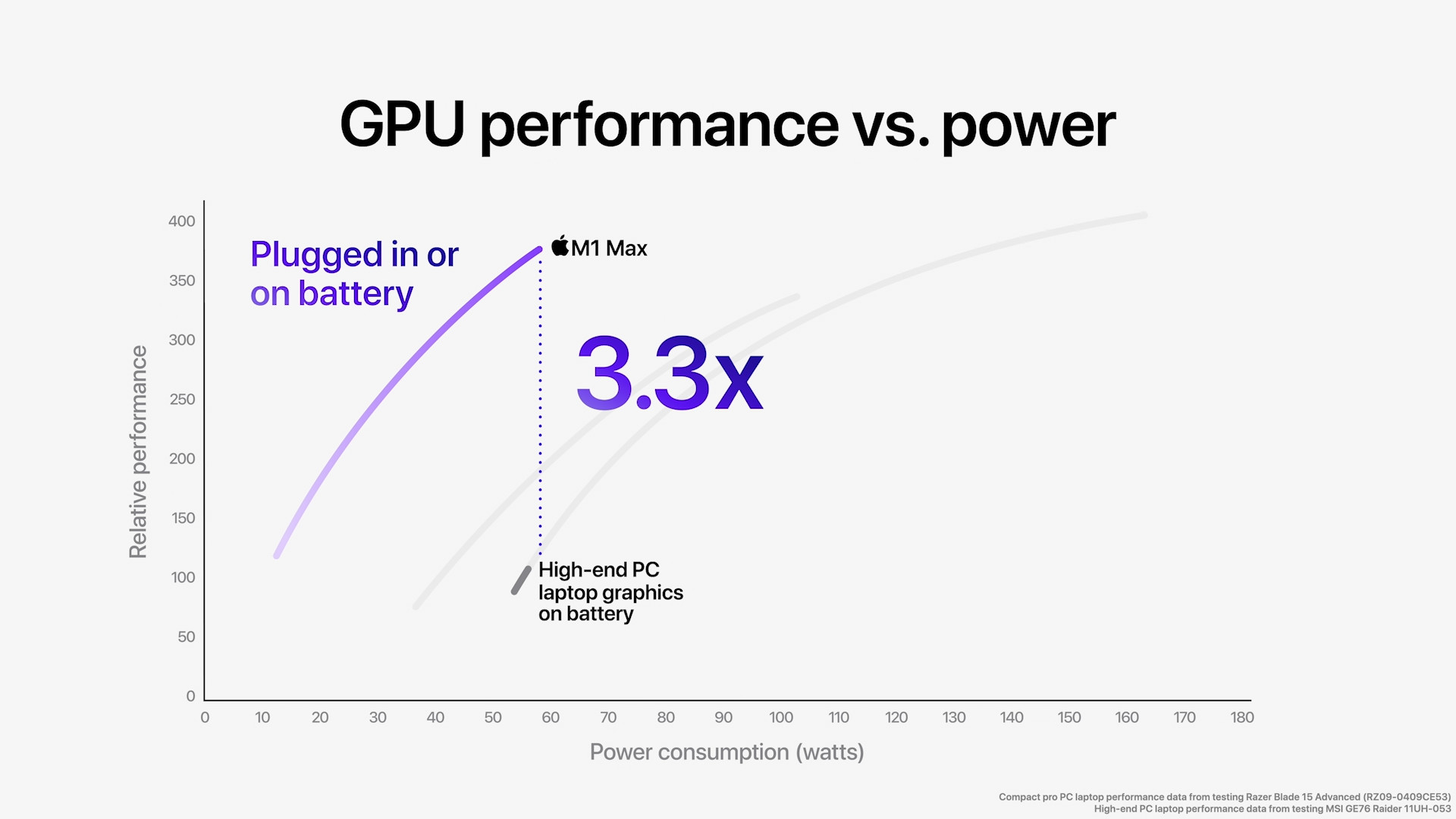
RAM and storage
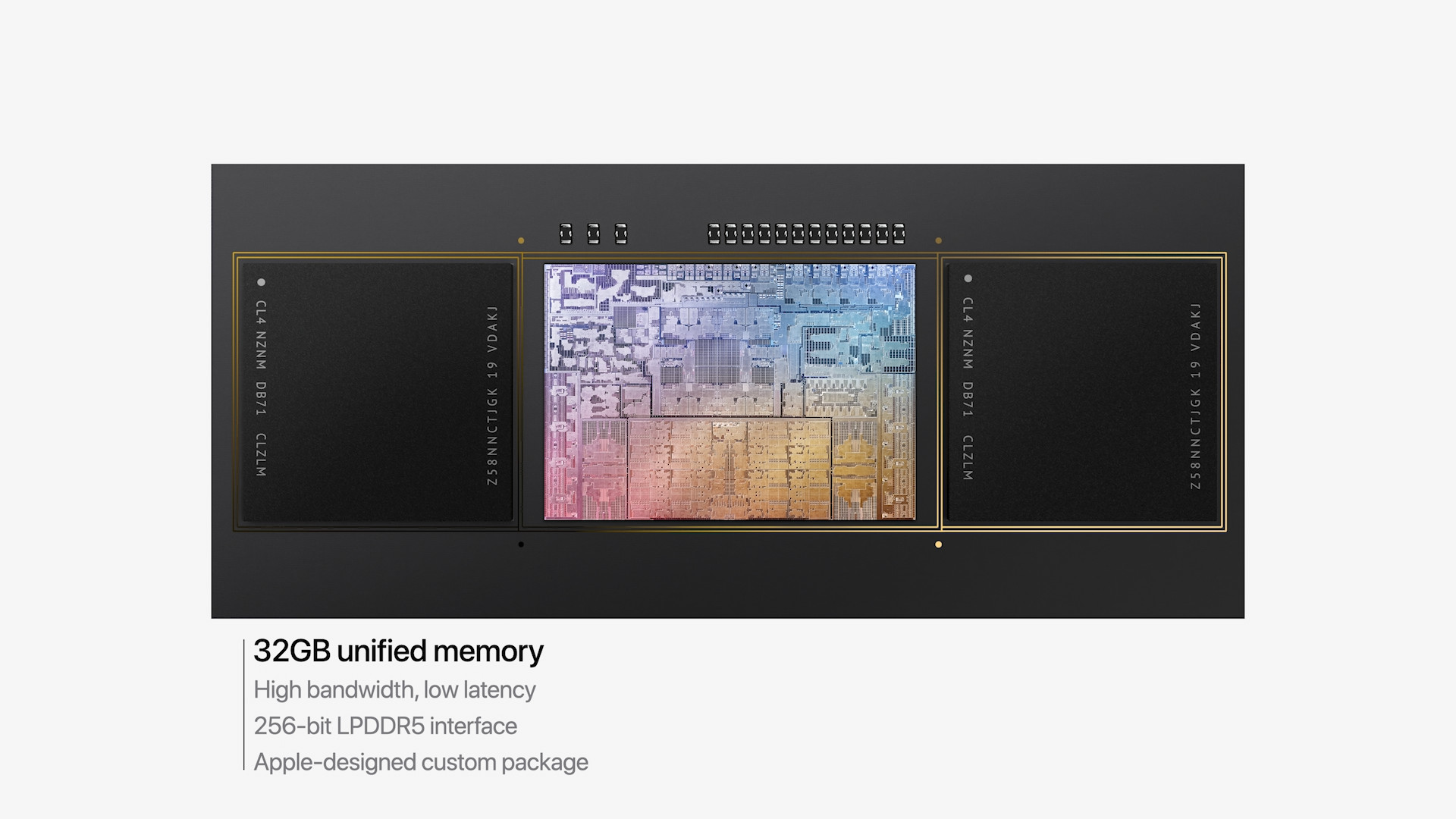
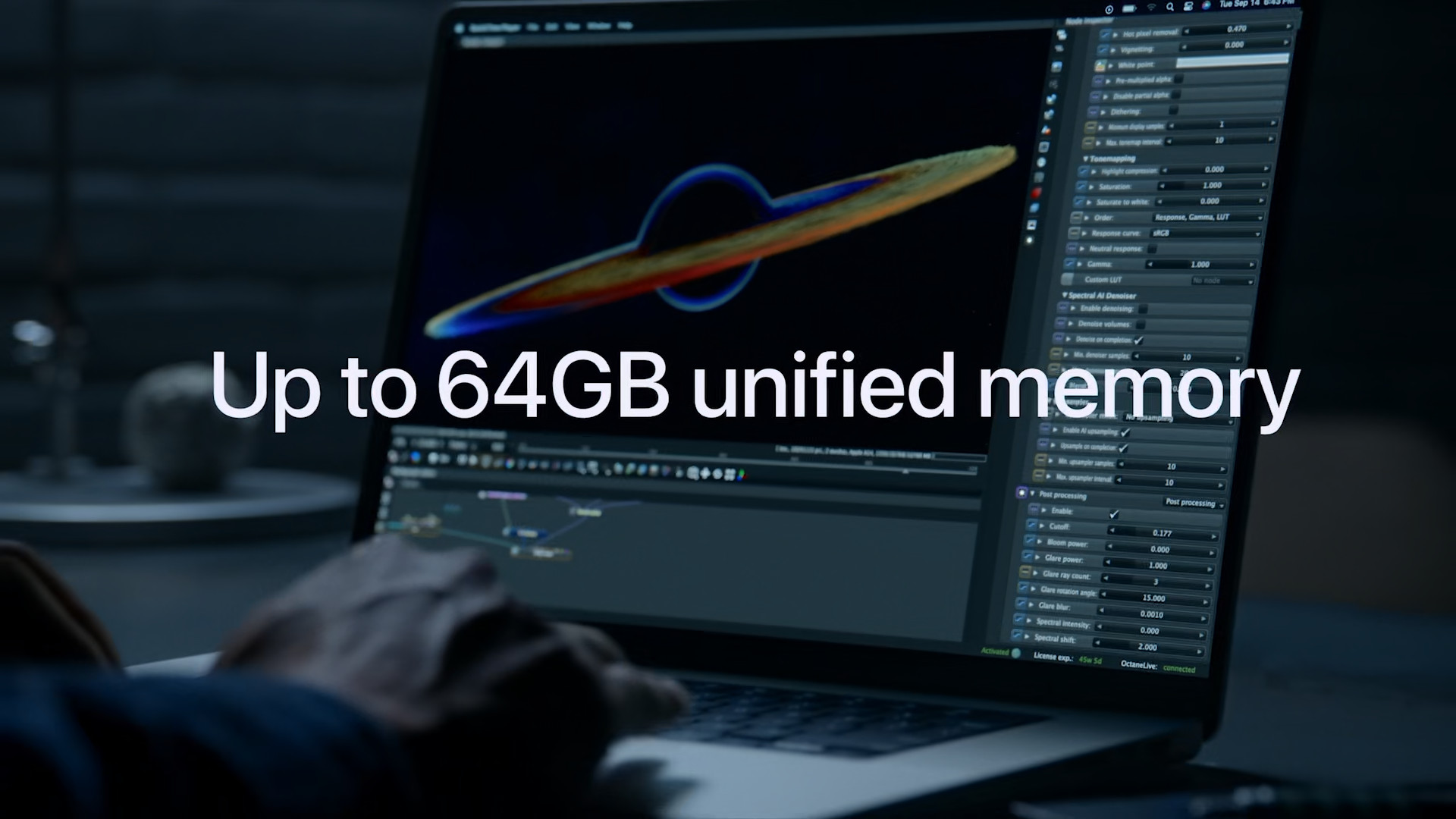
In addition to the CPU and GPU, when configuring a new MacBooku Pro you also need to choose the ideal single memory. In the case of 14″ MacBooku Pro you can choose between 16 GB, 32 GB and 64 GB. The basic configuration has the aforementioned 16 GB. If you choose the M1 chip Pro, so in addition to 16 GB, it is possible to choose 32 GB of memory, but if you need 64 GB of memory, you will have to go straight for the M1 chip Max. In addition to 64 GB of memory, it is possible to use 32 GB of memory, but the lowest possible memory of 16 GB is no longer available. The M1 chip, which is part of the 13″ MacBooku Pro, offers 8 GB of unified memory in the basic configuration, but you can also pay extra for 16 GB of unified memory. VariaBut you wouldn't look in vain for 32 GB or 64 GB of unified memory with the M1 - that's why the M1 chips were created. Pro and M1 MaxAs for memory bandwidth, the M1 chip Pro 200 GB/s is stated, for the M1 chip Max up to 400 GB/s and the original M1 chip "only" 70 GB/s.
It is also equally important to choose the right storage, which cannot be expanded later, as well as uniform memory. Base model 14″ MacBooku Pro you can get it with SSD storage with a capacity of 512 GB, while the 13″ model only has 256 GB available, which can be considered marginal, or even slightly insufficient for today. 14″ MacBook Pro is then available with SSD storage capacities of 1 TB, 2 TB, 4 TB and 8 TB. The cheaper 13″ model is then available with SSD storage capacities of 512 GB, 1 TB, 2 TB and 4 TB. The top 8 TB variaSo you would be searching in vain.
You might be interested in
Connectivity
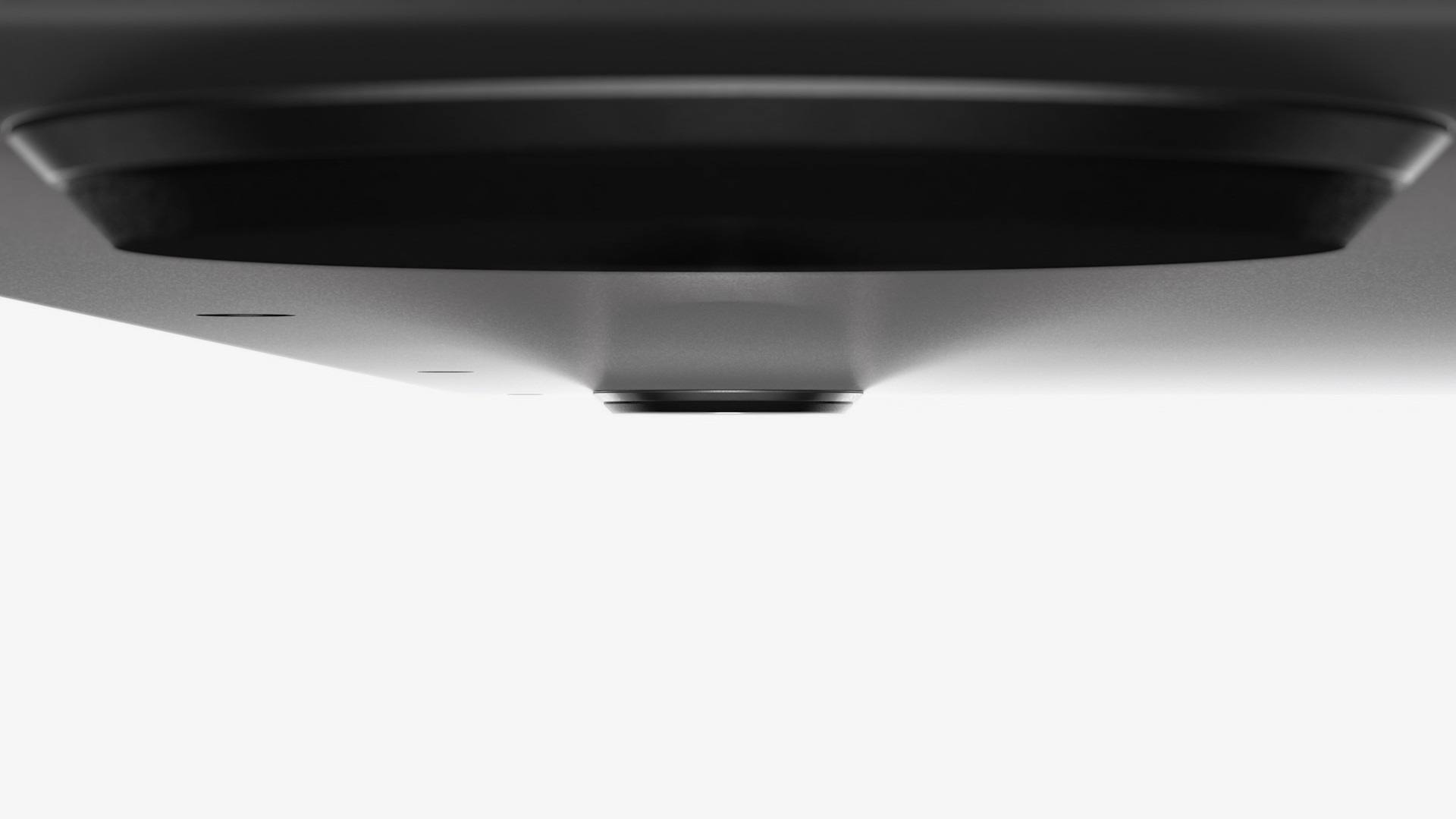
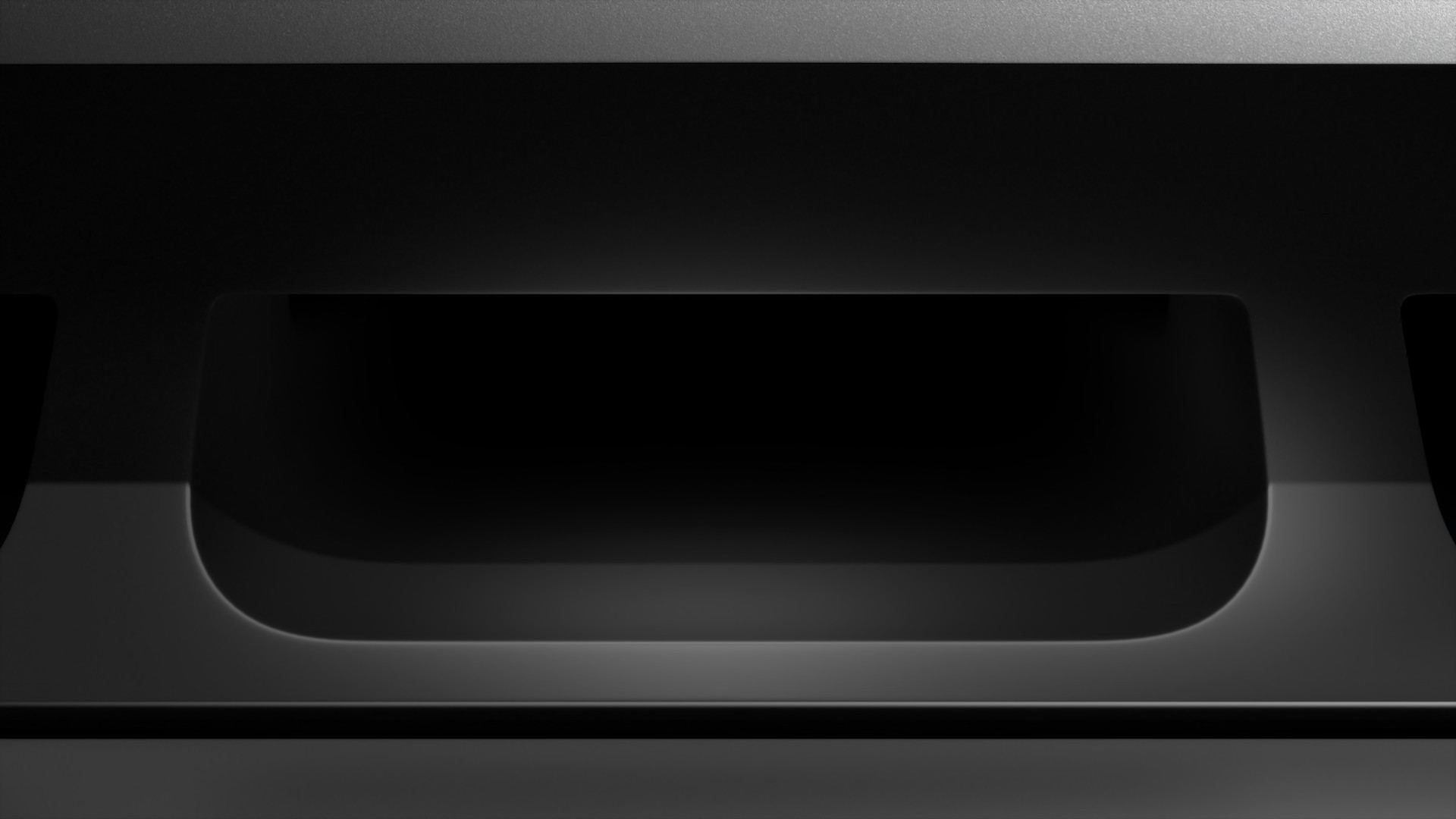
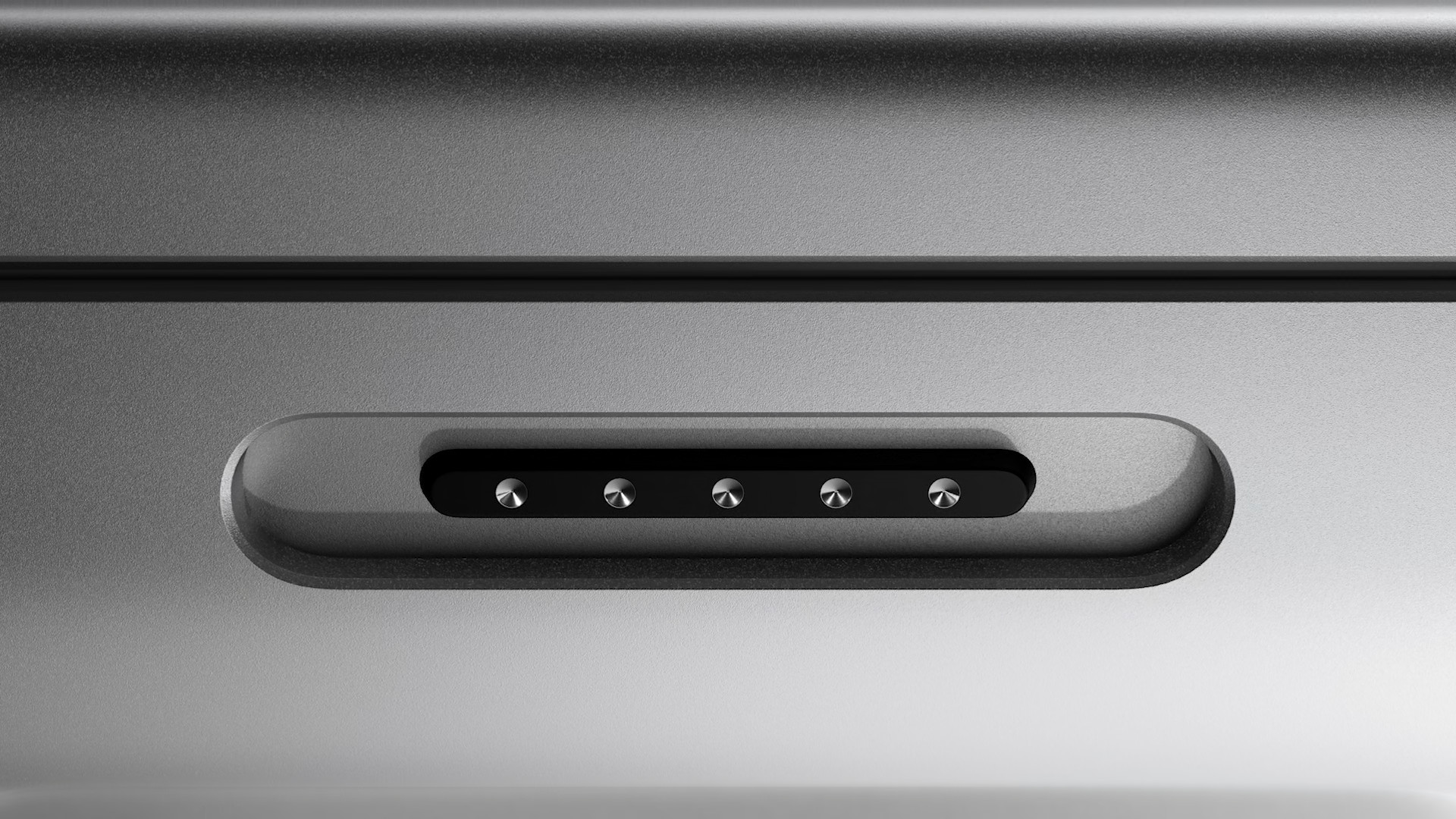
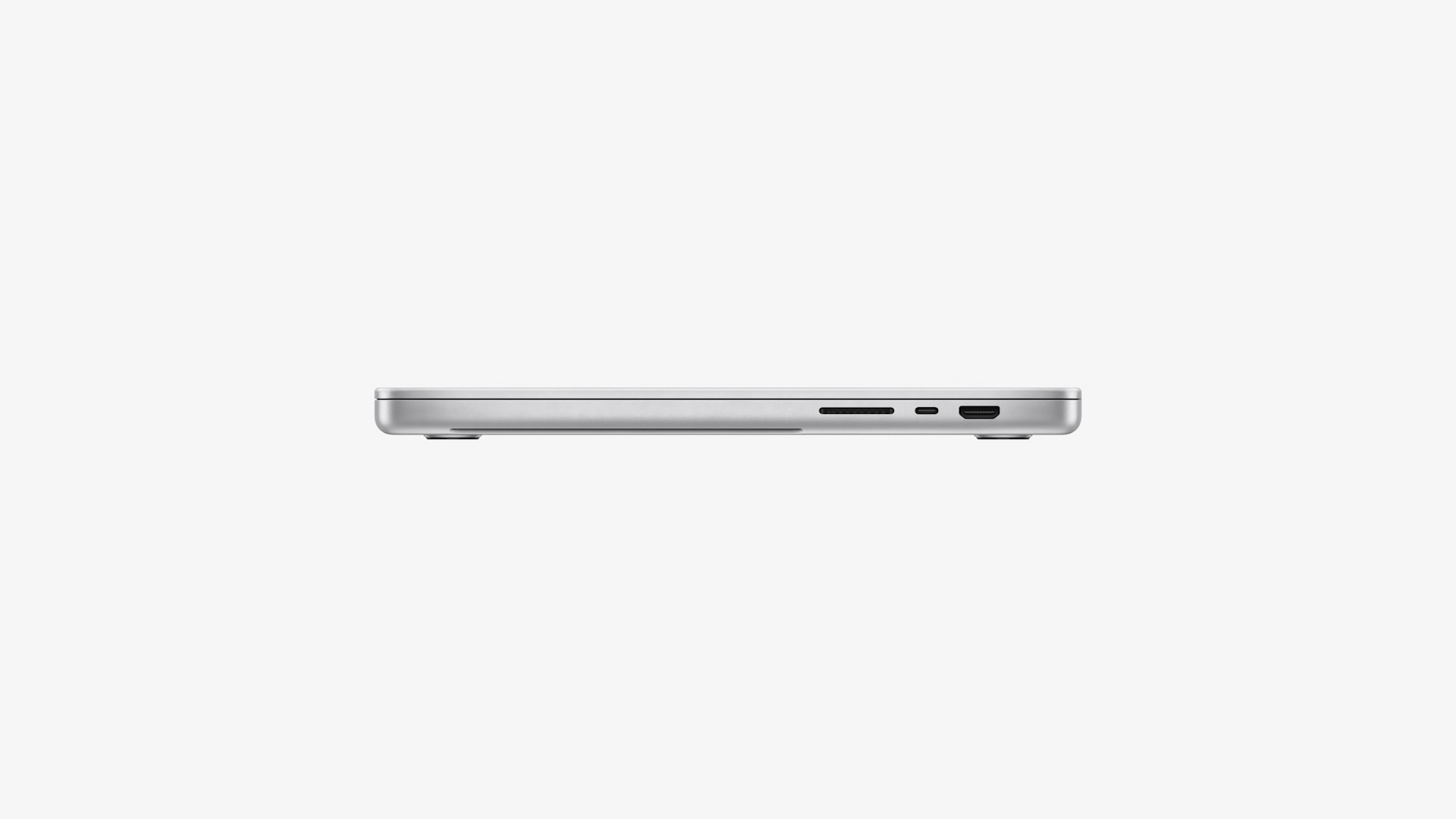
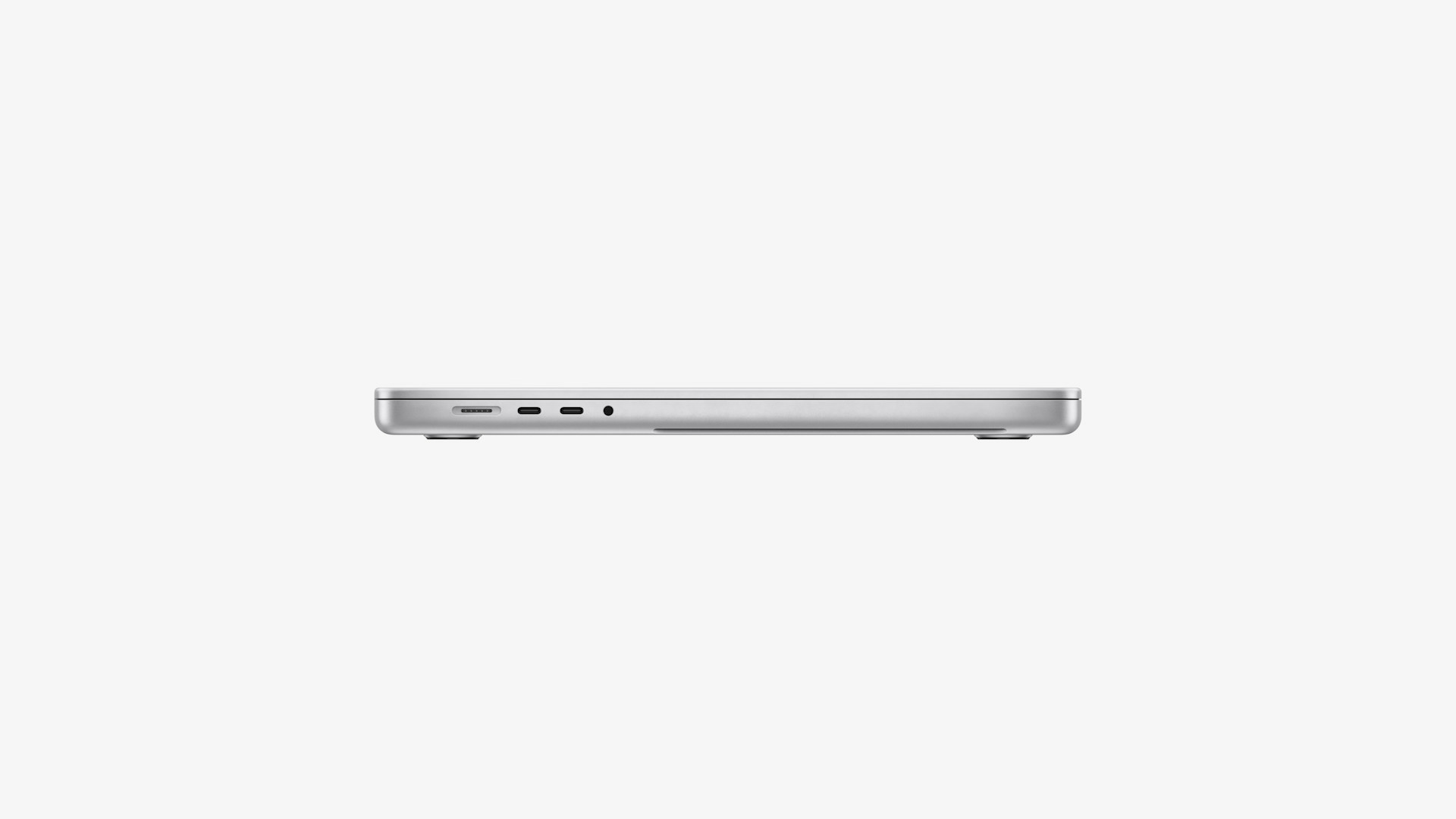
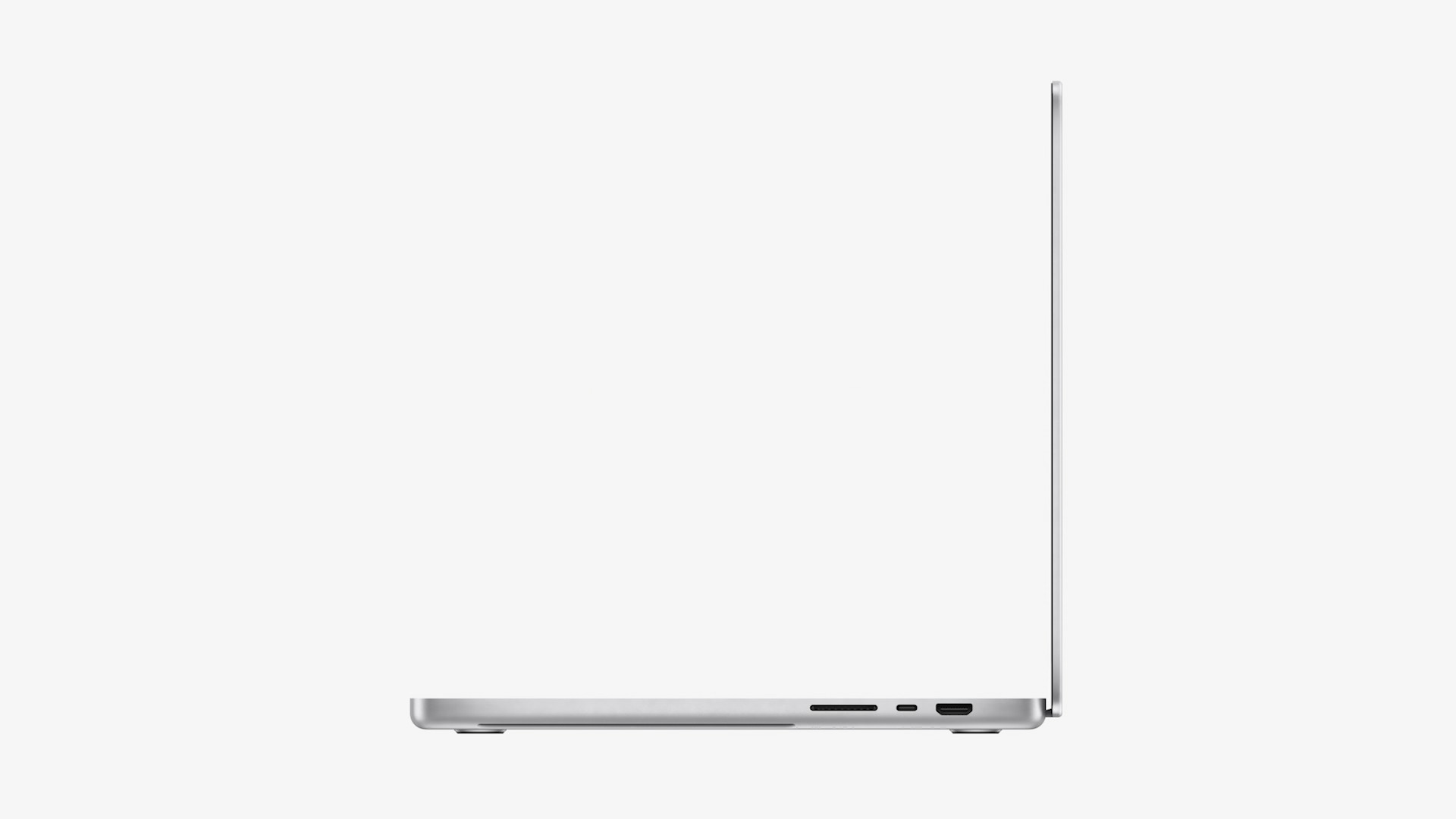
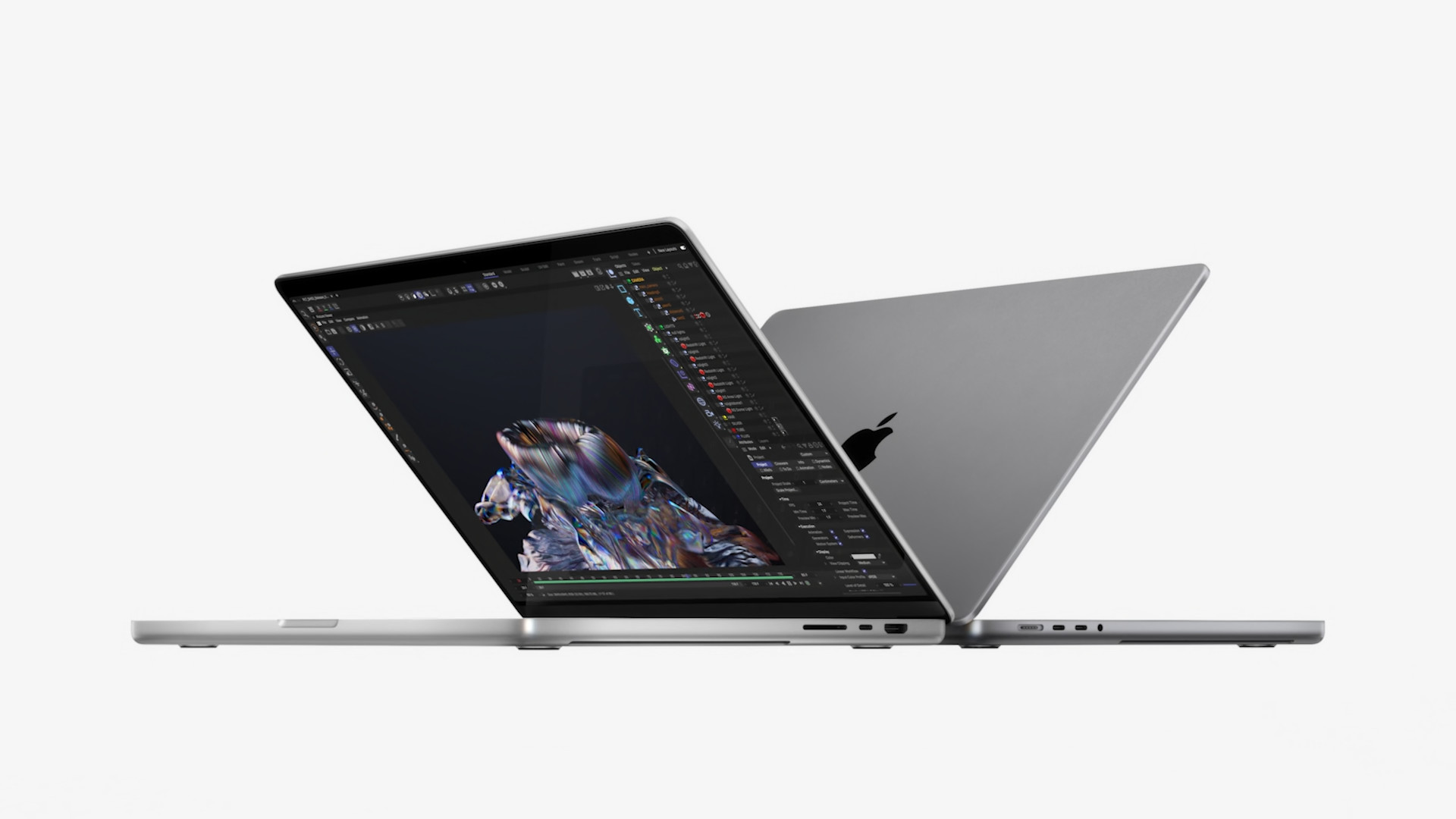
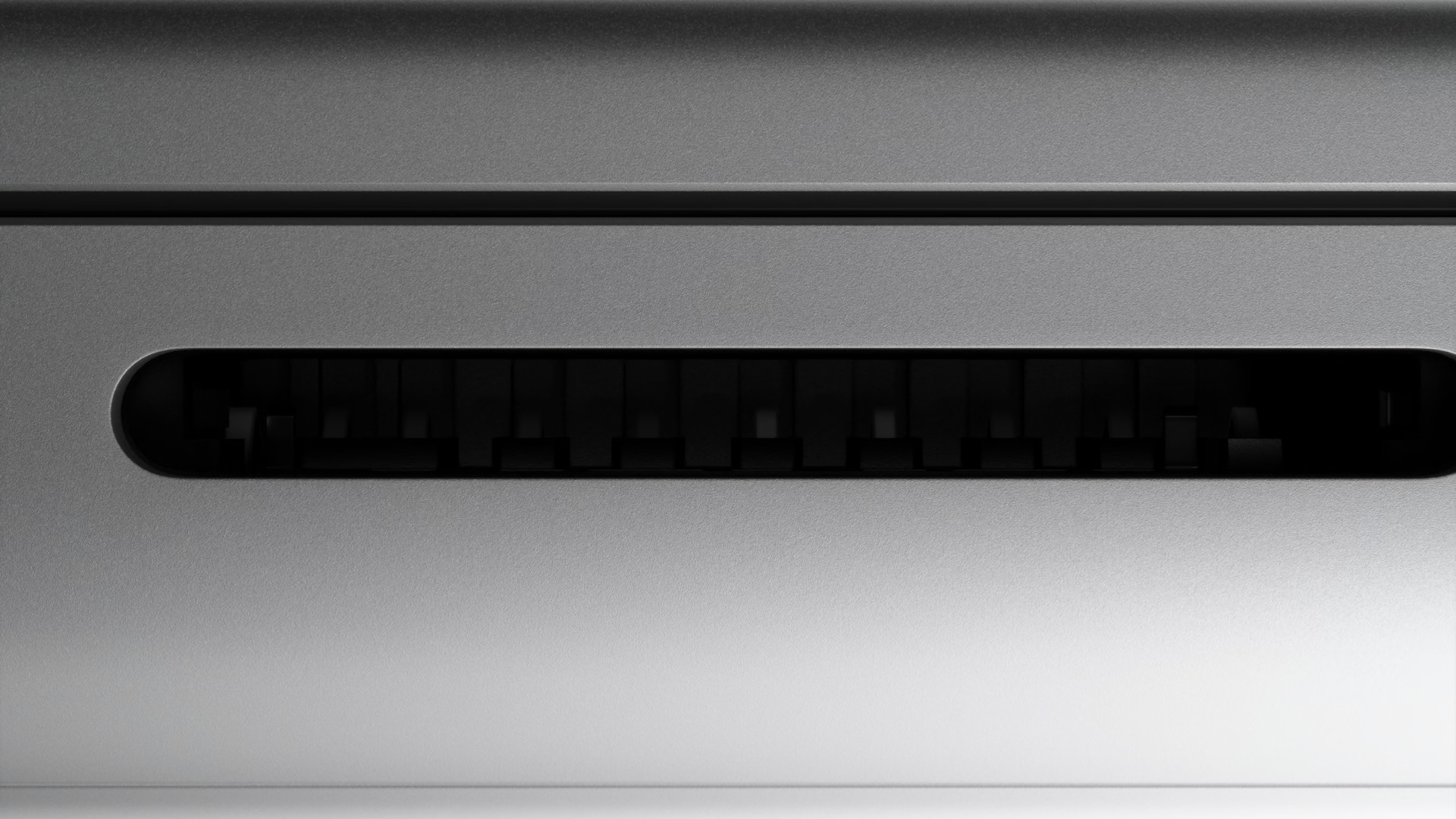
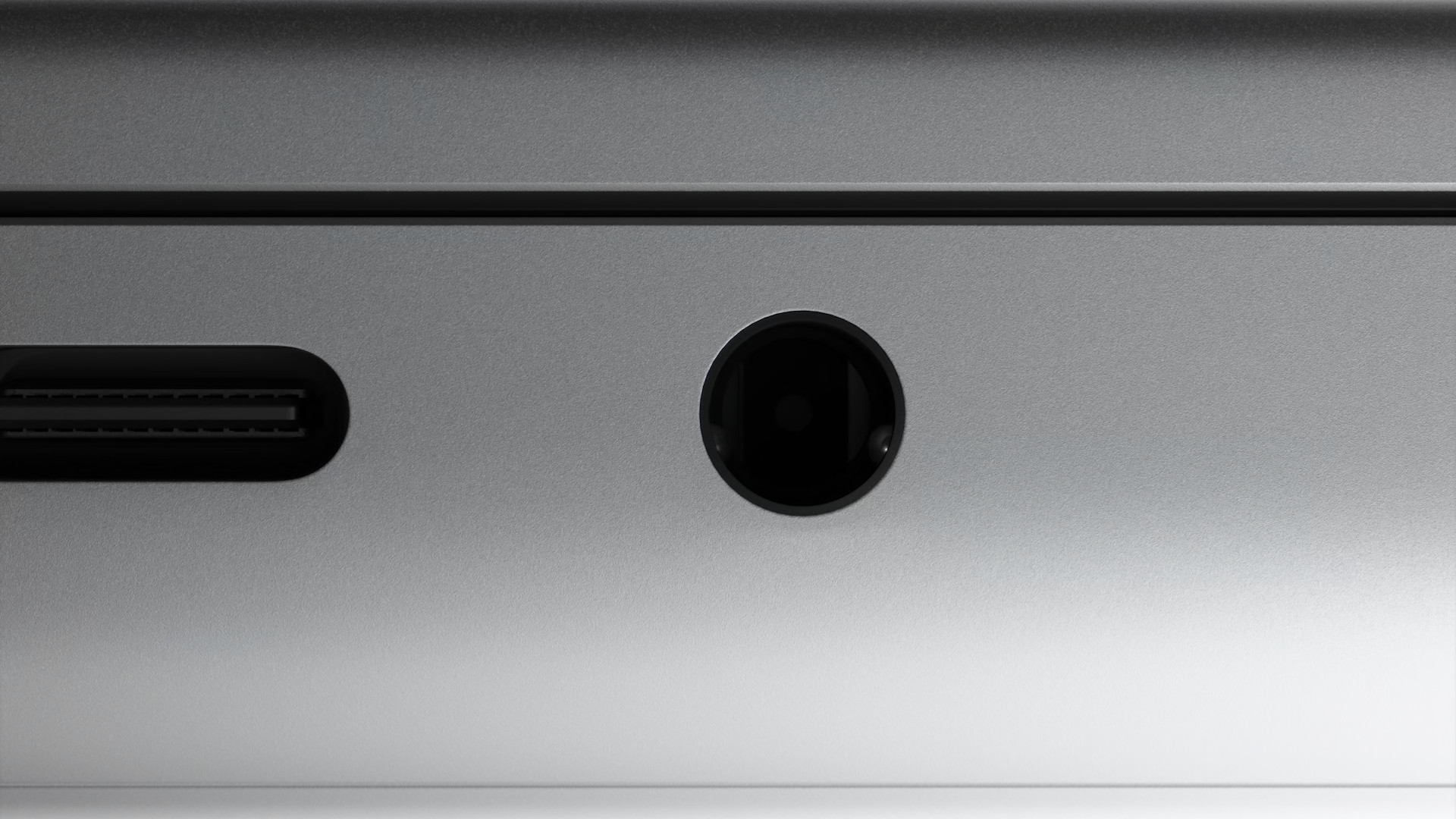
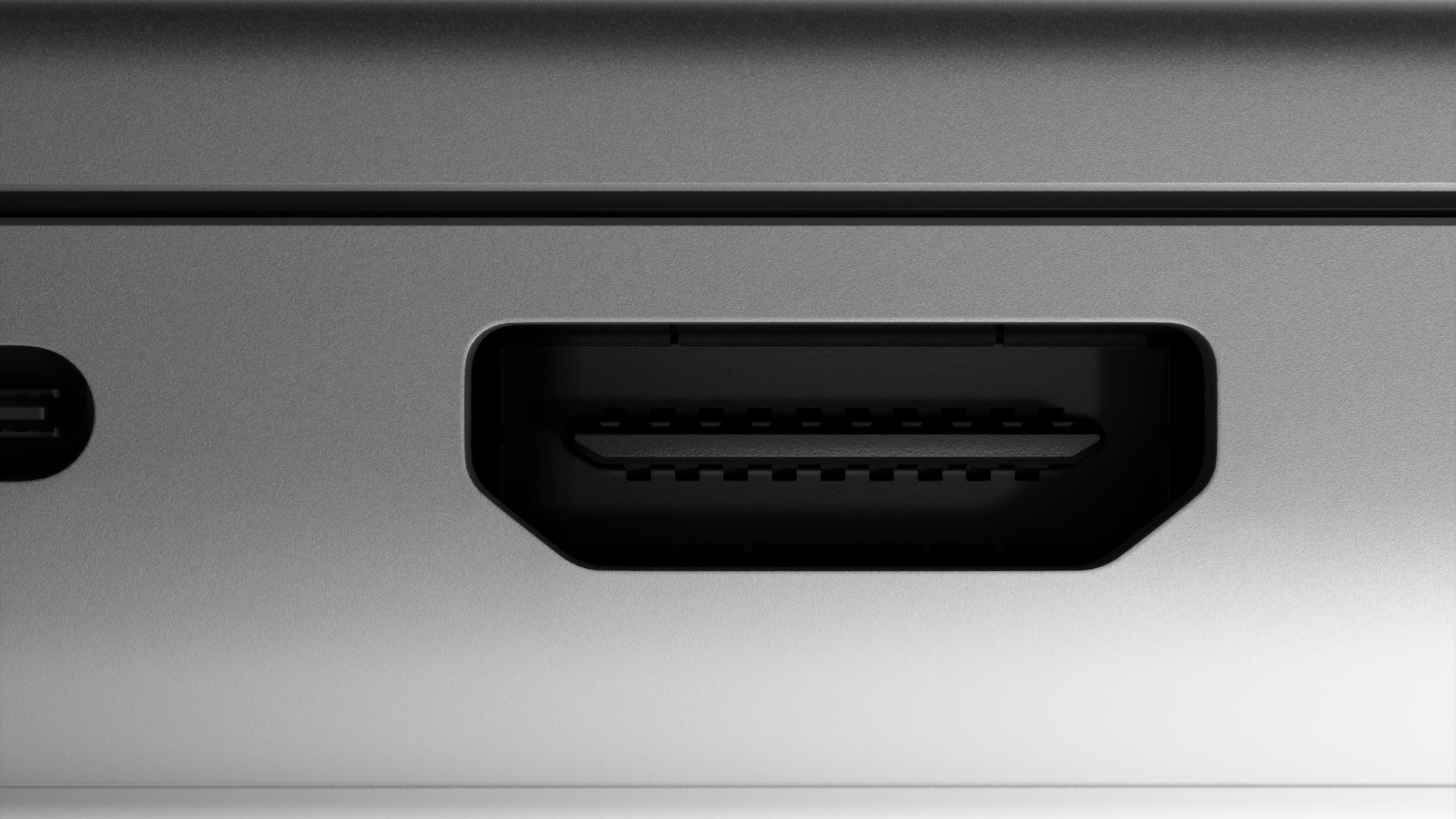
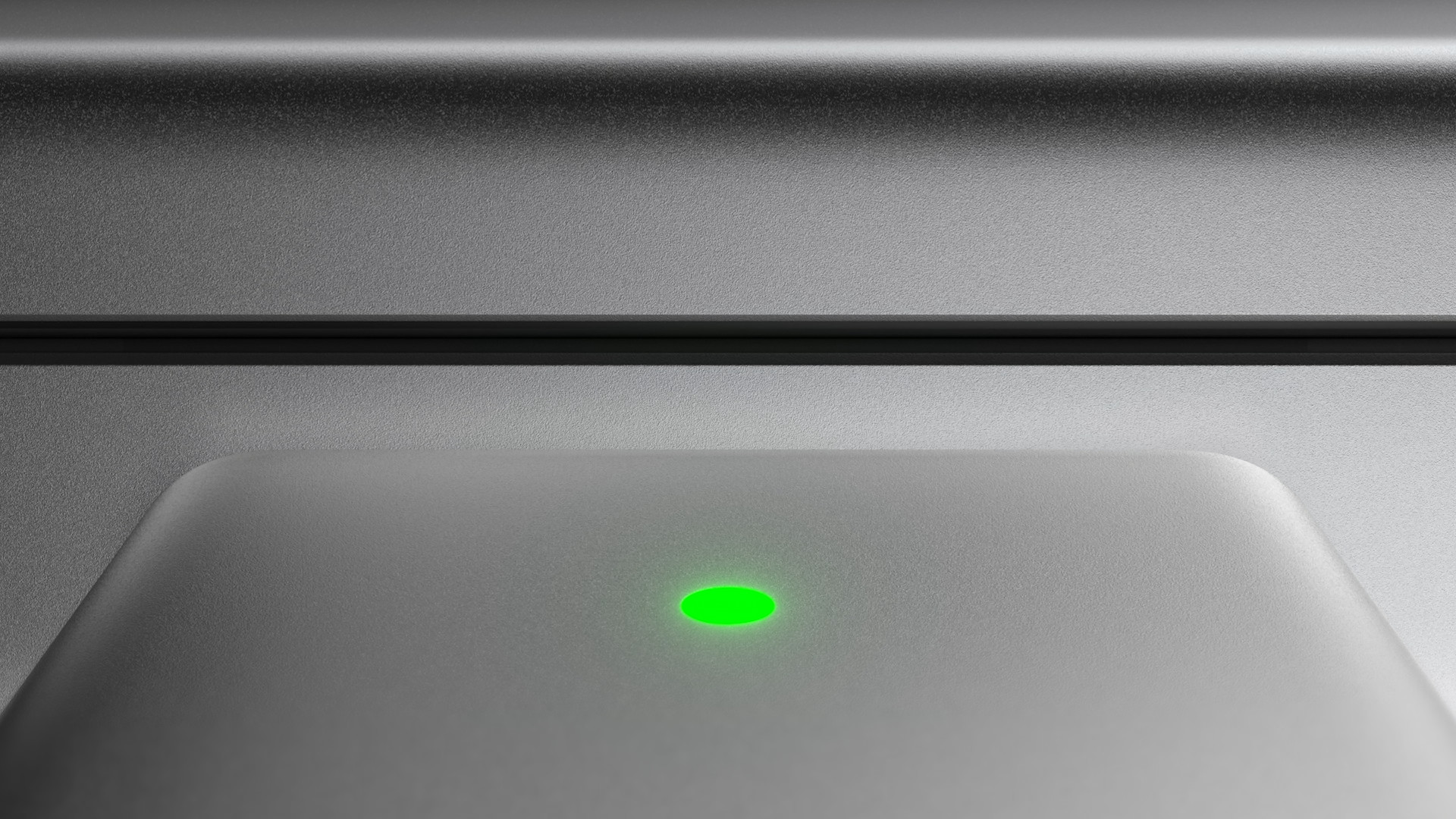
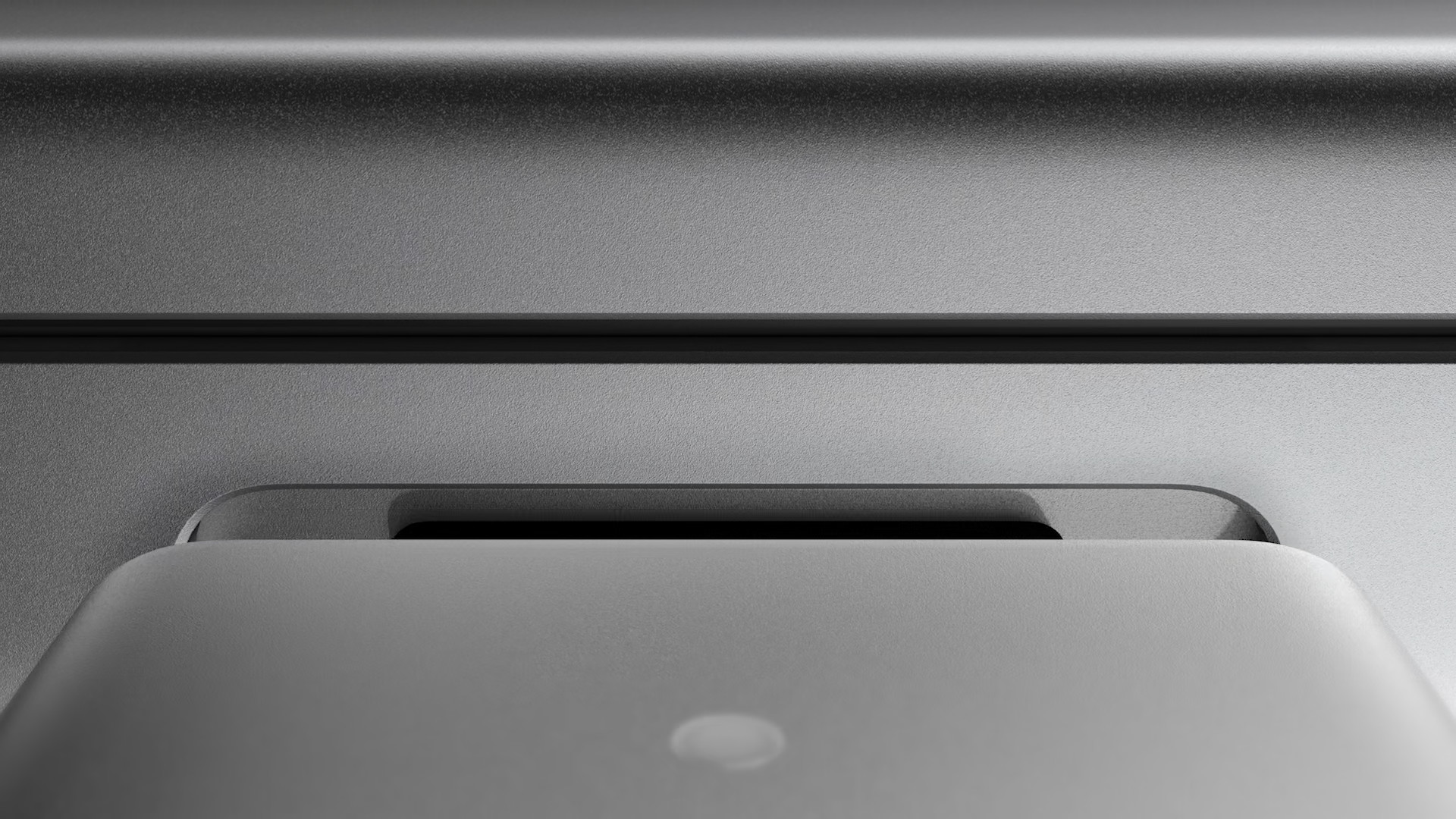
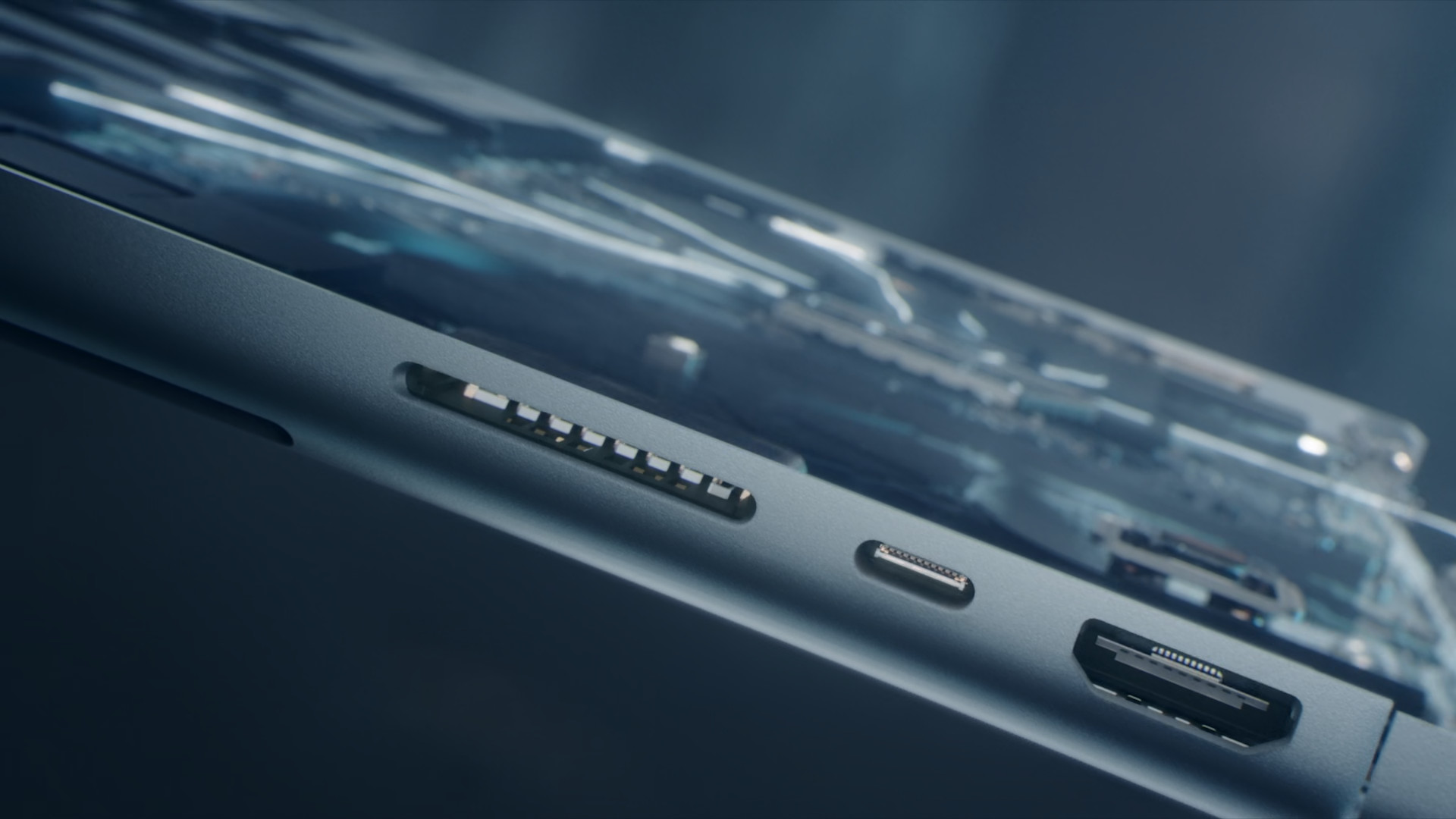
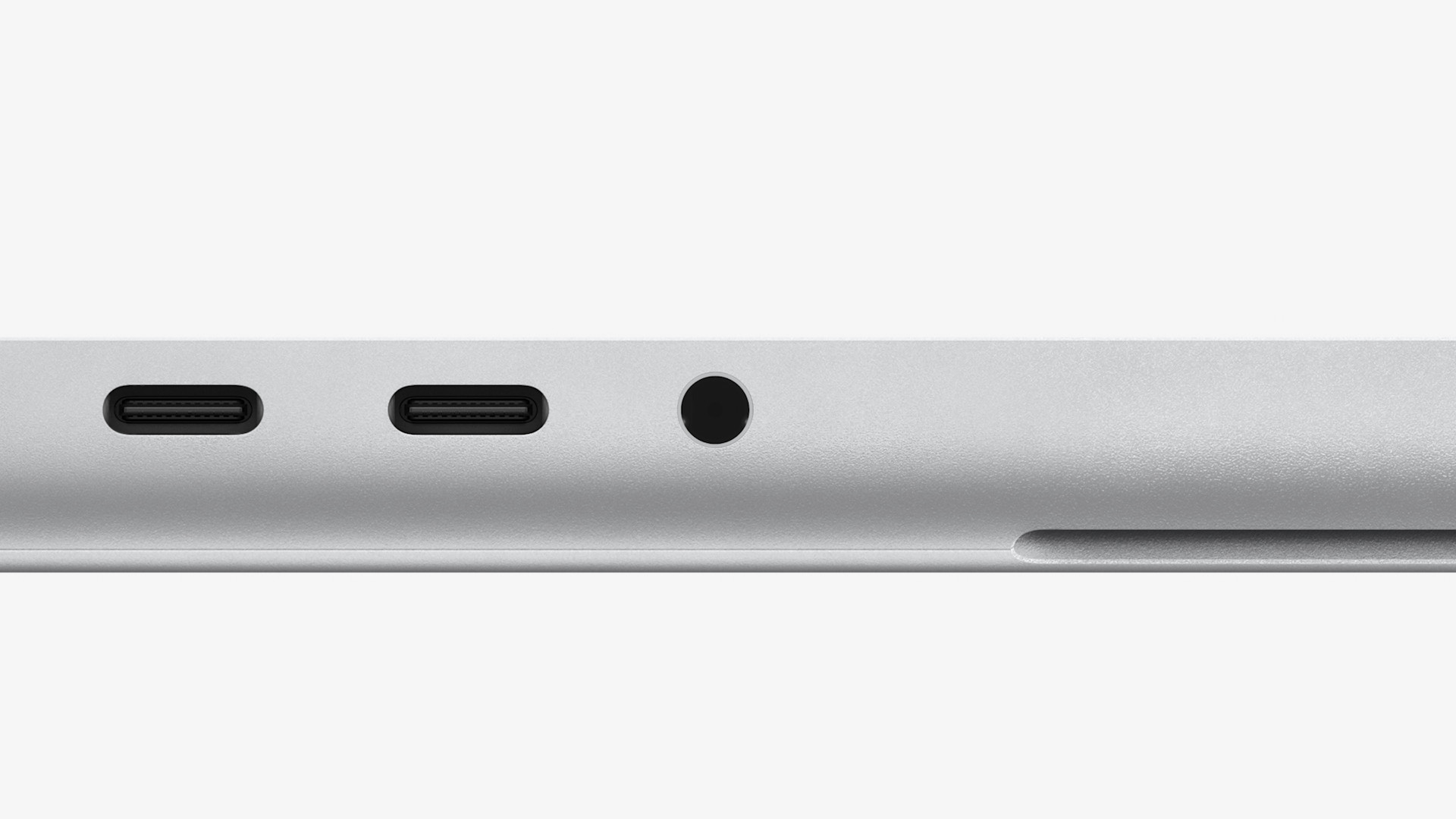
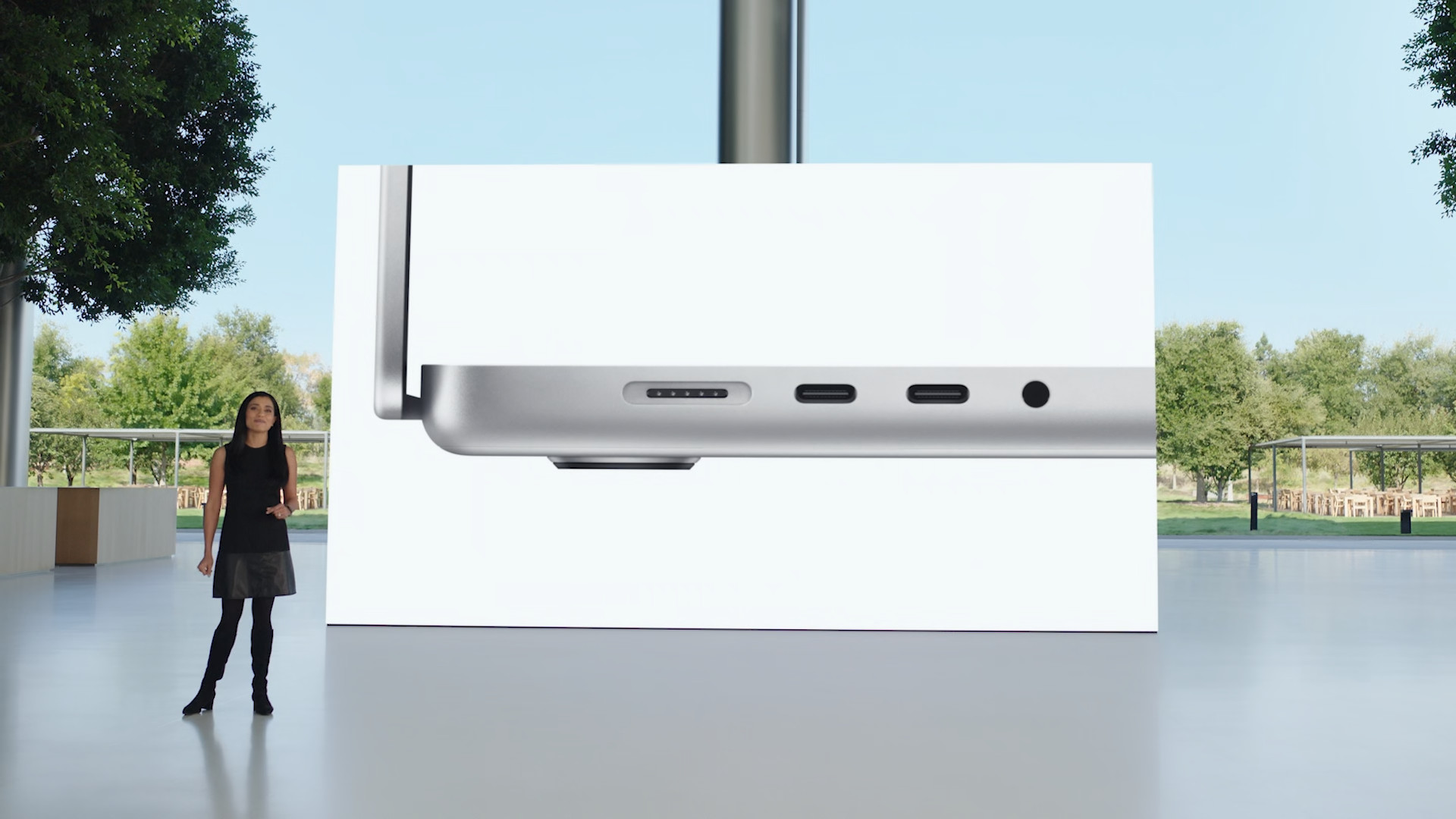
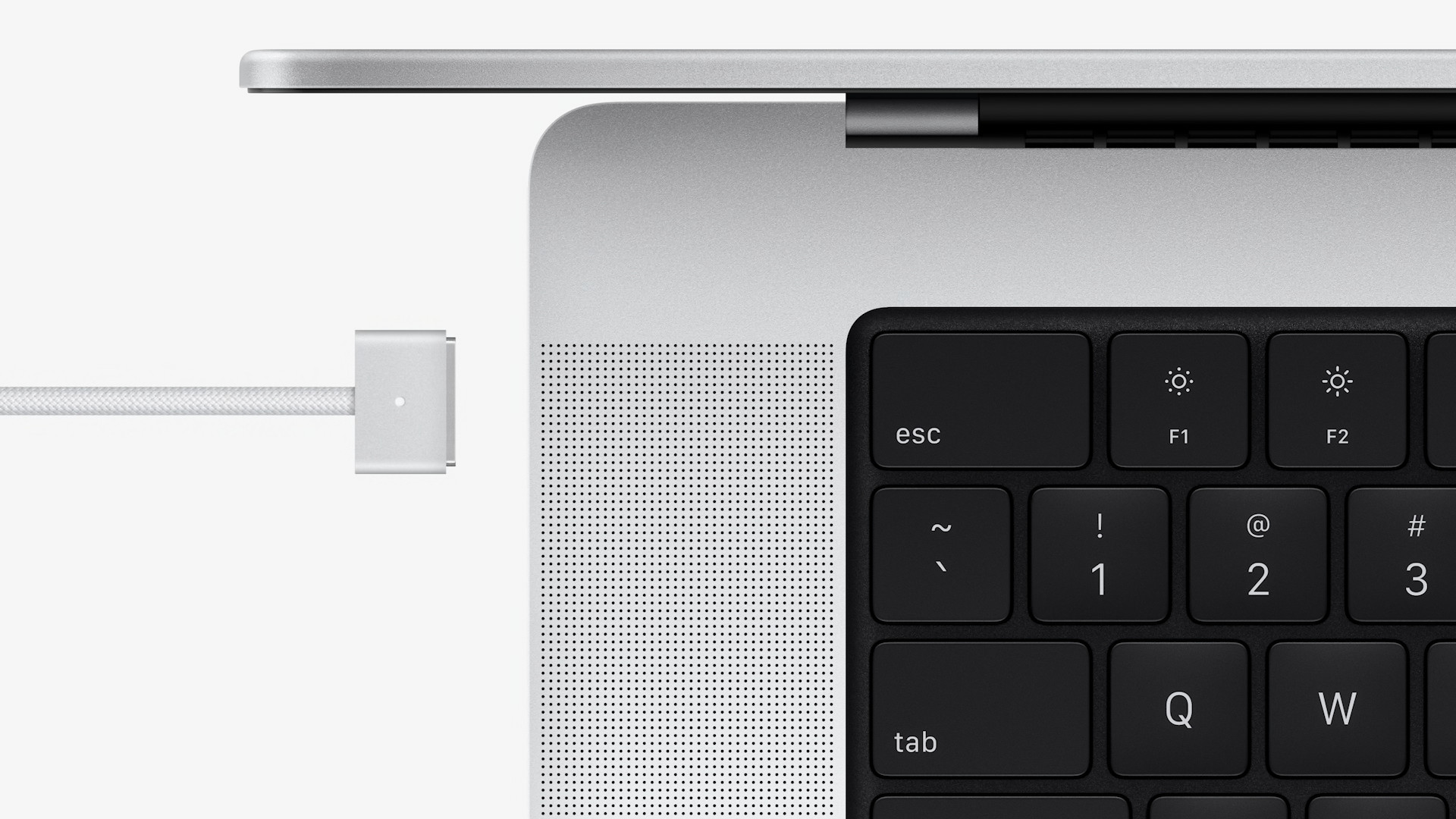
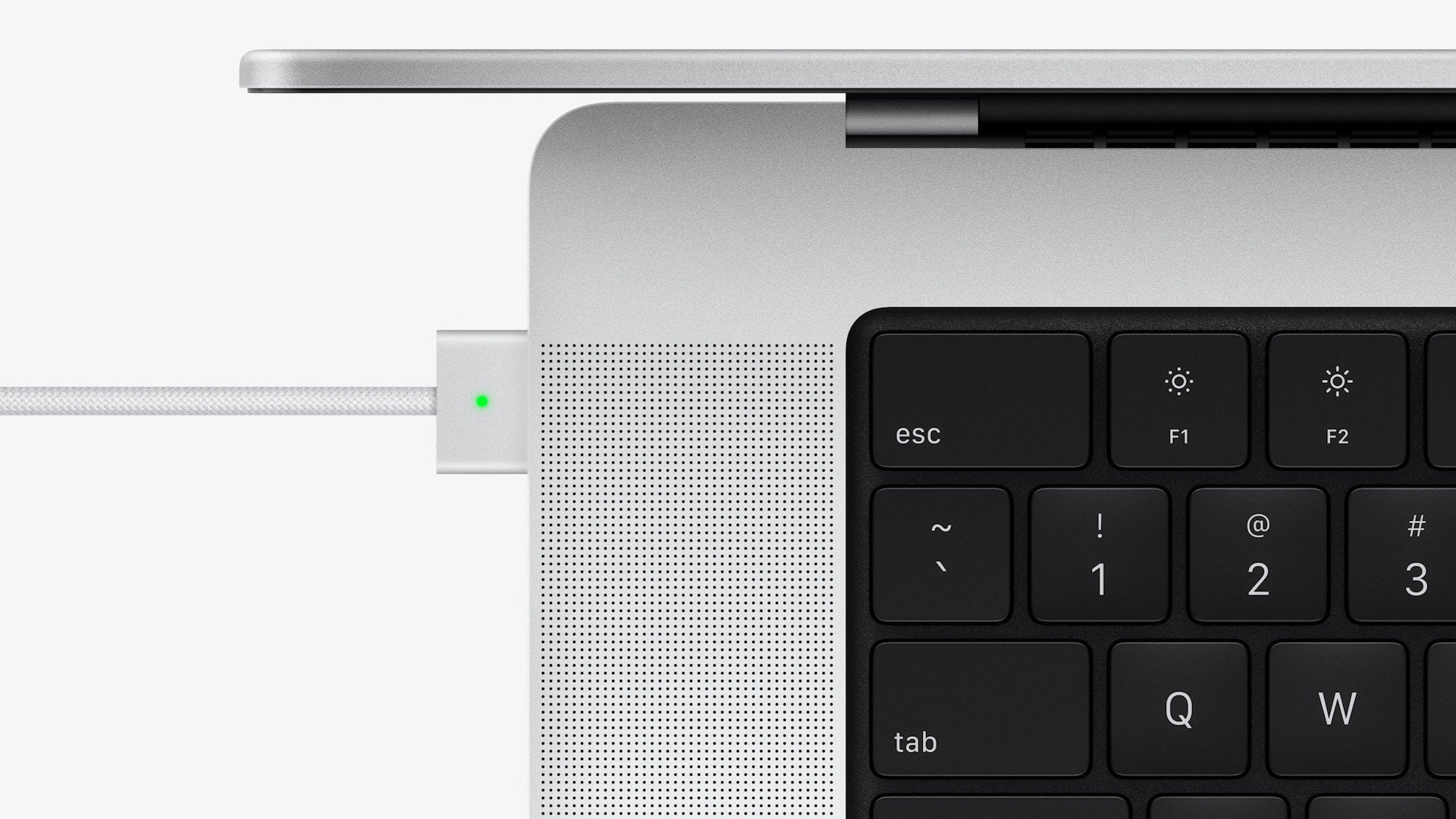
What will we lie to ourselves about?oneactivity MacBooks in recent years has not been entirely ideal. If you were to buy a 13″ MacBook Pro, so in all cases you would only get 2x Thunderbolt 4konewhich, together with the headphone jackonewhich. This equipment toonewhich was available on all 13″ MacBooků Pro with the M1, regardless of the more expensive configurations. The new 14″ model Apple konedecided to return some ports, which will be appreciated by practically every professional user. Specifically, owners of the new 14″ MacBooku Pro will get three Thunderbolt 4konewhich – two on the left side and one on the right. In addition to these ports, Apple also came with HDMI toonecard reader, SDXC memory card reader and headphone jackoneWe can't forget about the return of the MagSafe charging port either.onewhich can prevent the device from falling to the ground if a person trips over the power cord. Both compared models offer support for Wi-Fi 6 802.11ax and Bluetooth 5.0.
Gallery
Display and design
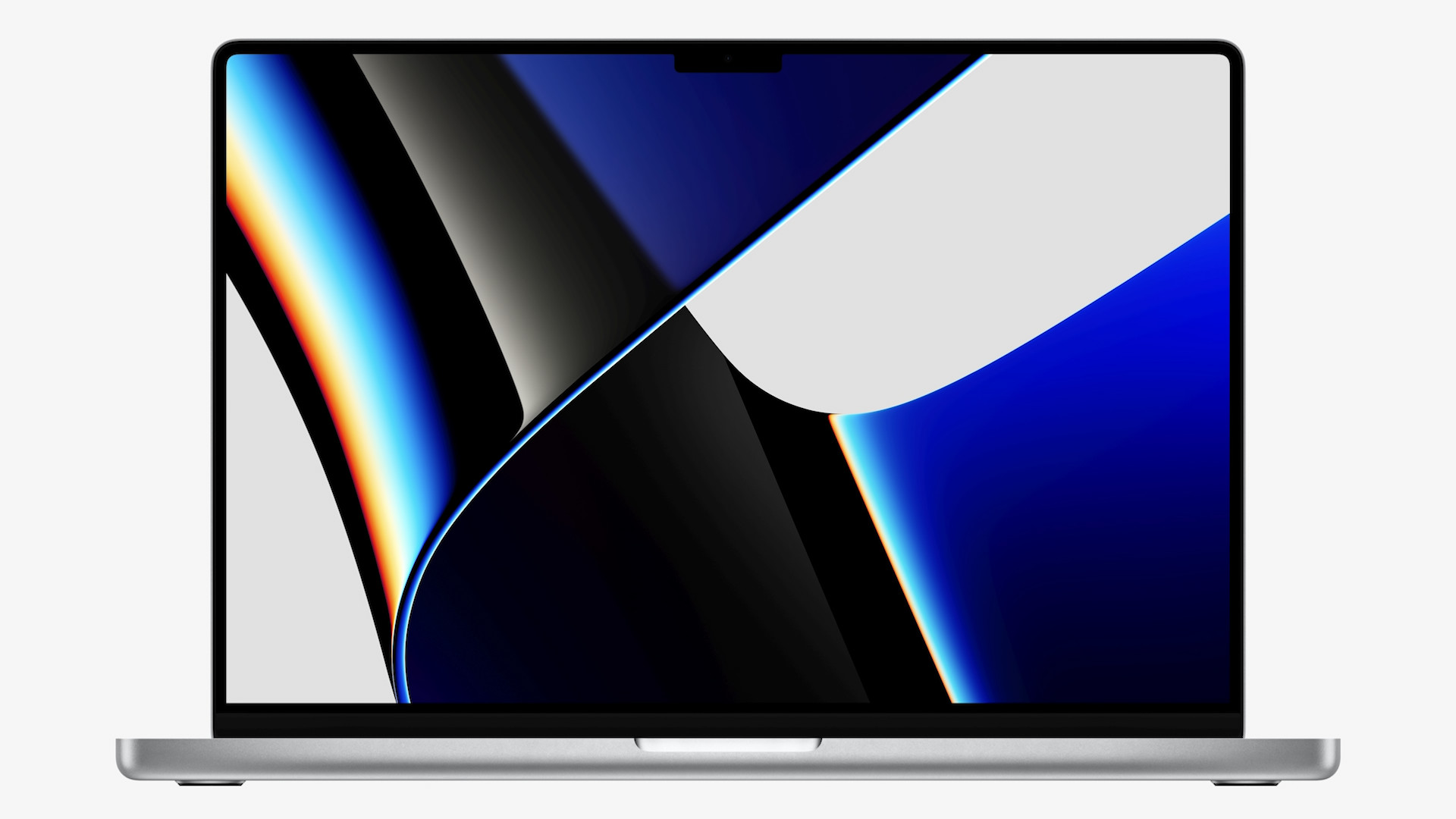
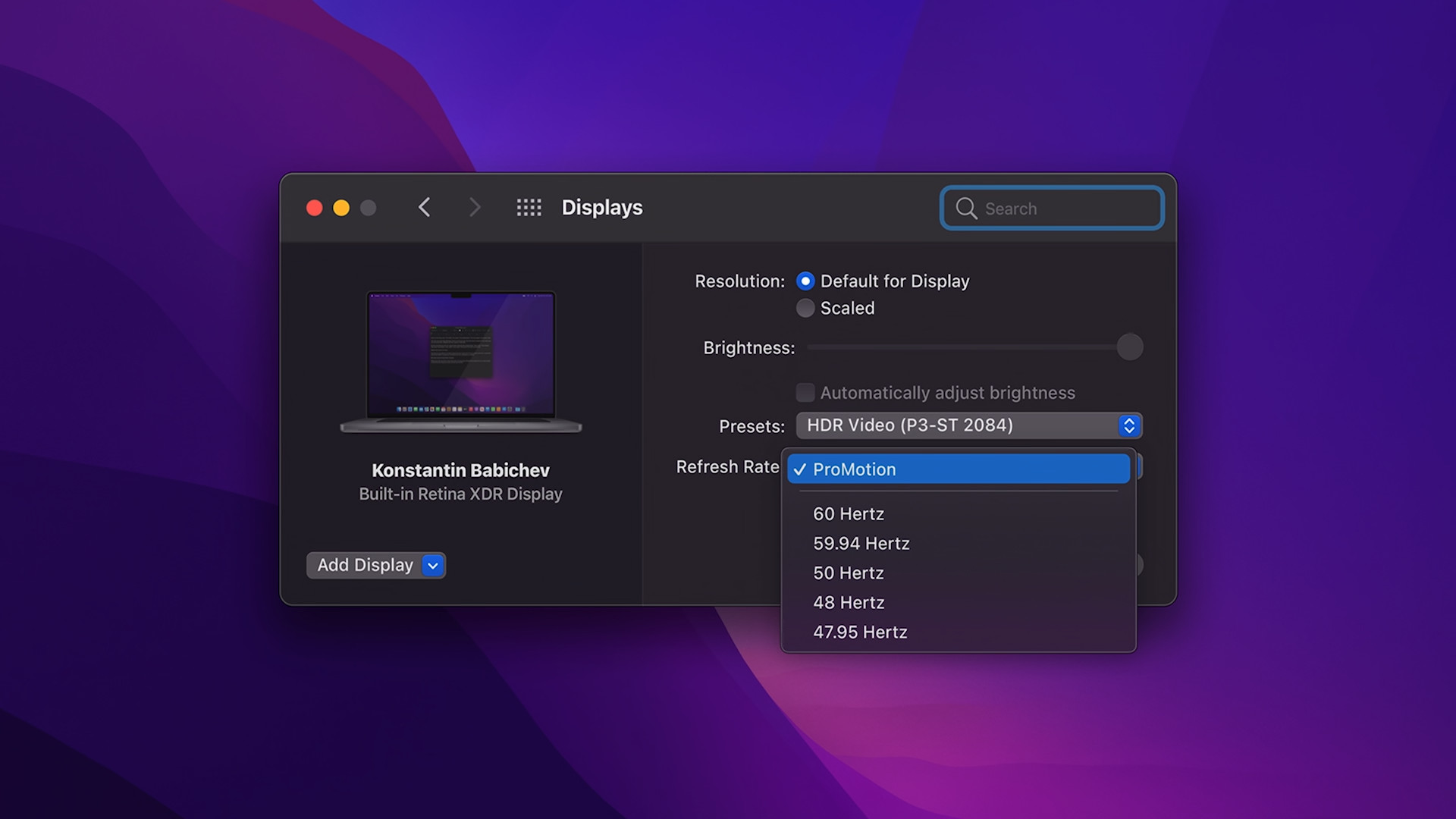
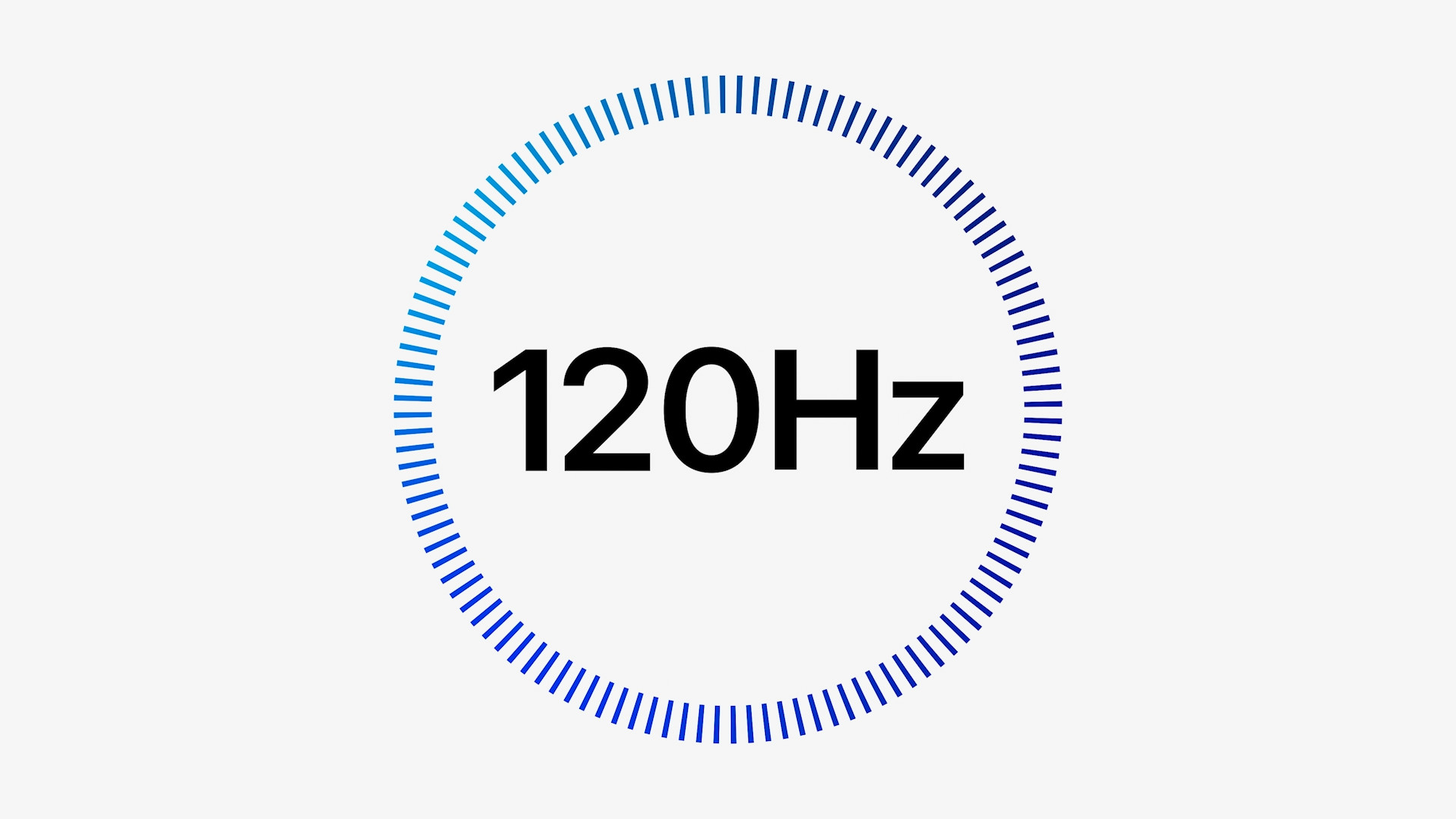
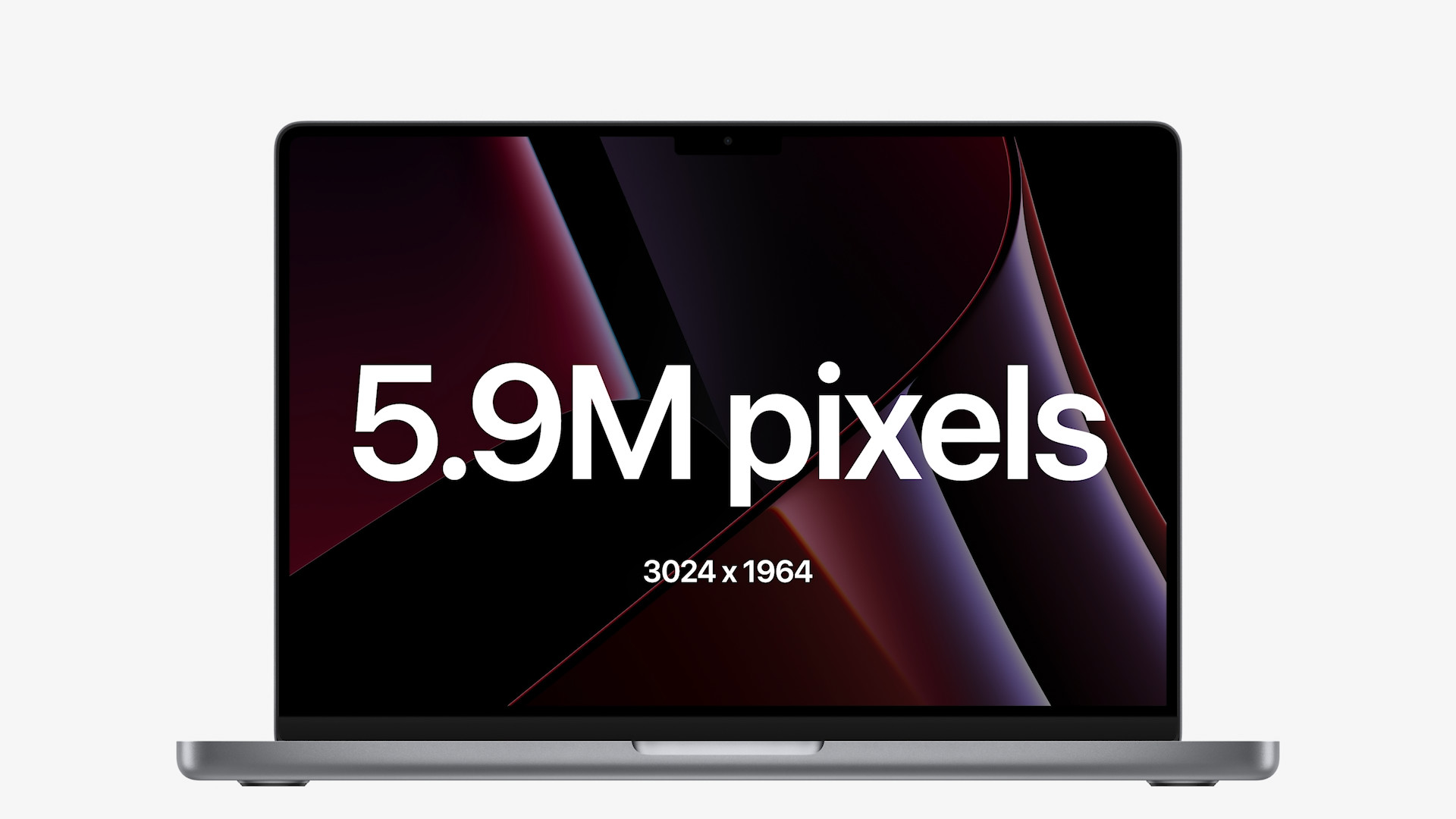
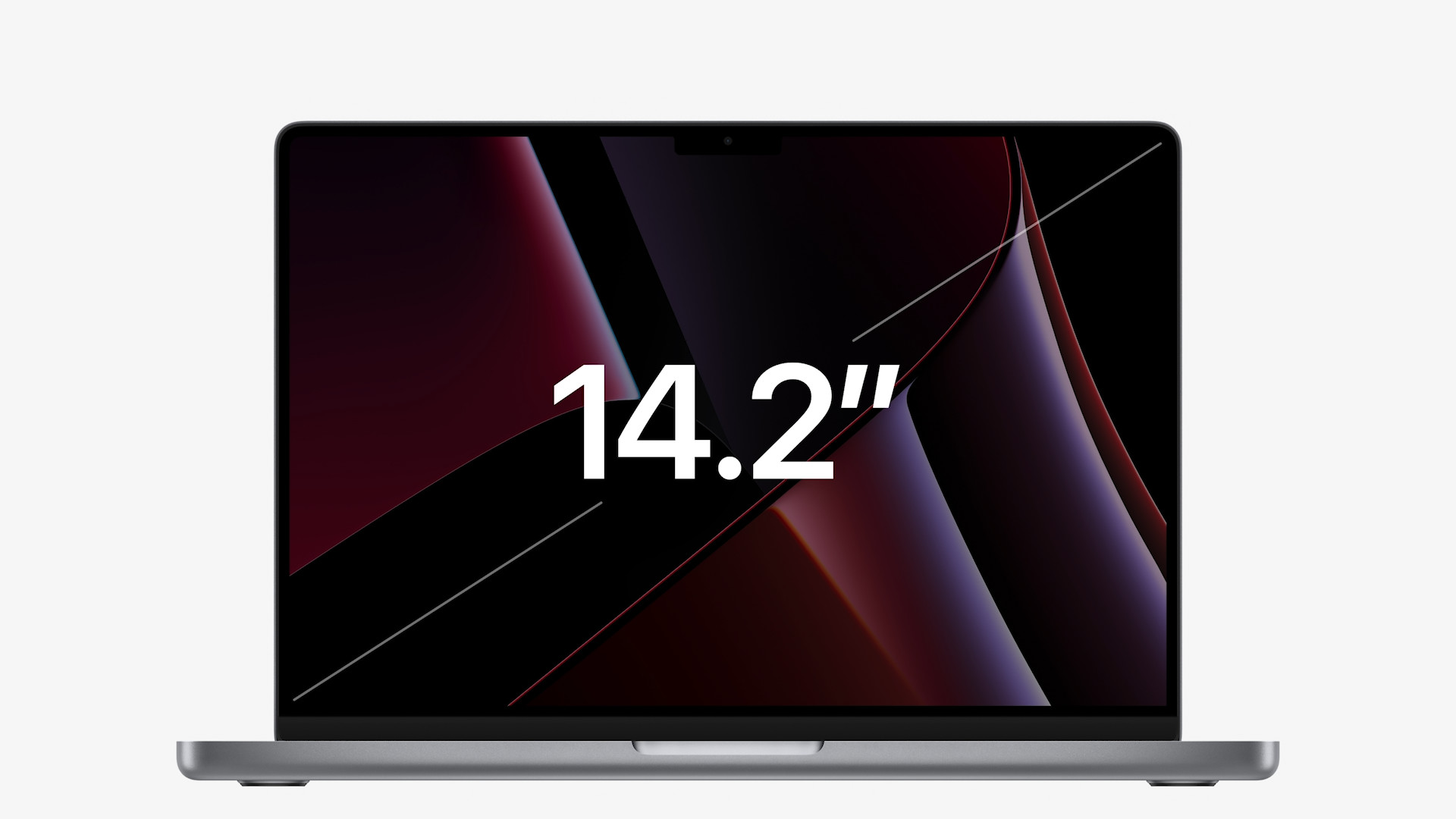
Brand new 14″ MacBook Pro boasts a really big improvement in the display. To be precise, we got a 14.2″ Liquid Retina XDR displays with mini-LED backlight. It offers a resolution of 3024 × 1964 pixels and maximal brightness across the entire screen area of up to 1000 nits, and peak brightness of up to 1600 nits. Also new is the technology ProMotion, with which one Apple recently came with the new iPhones 13 ProSpecifically, this technology allows the display to adaptively change the refresh rate, up to 120 Hz. Previous 13″ MacBook Pro M1 offers 13″ Retina display with a resolution of 2560 × 1600 pixels and classic LED backlighting. In this case, the display can produce maxmaximum brightness of 500 nits. On the other hand, both displays of the compared devices support the P3 color gamut and True Tone.
Gallery
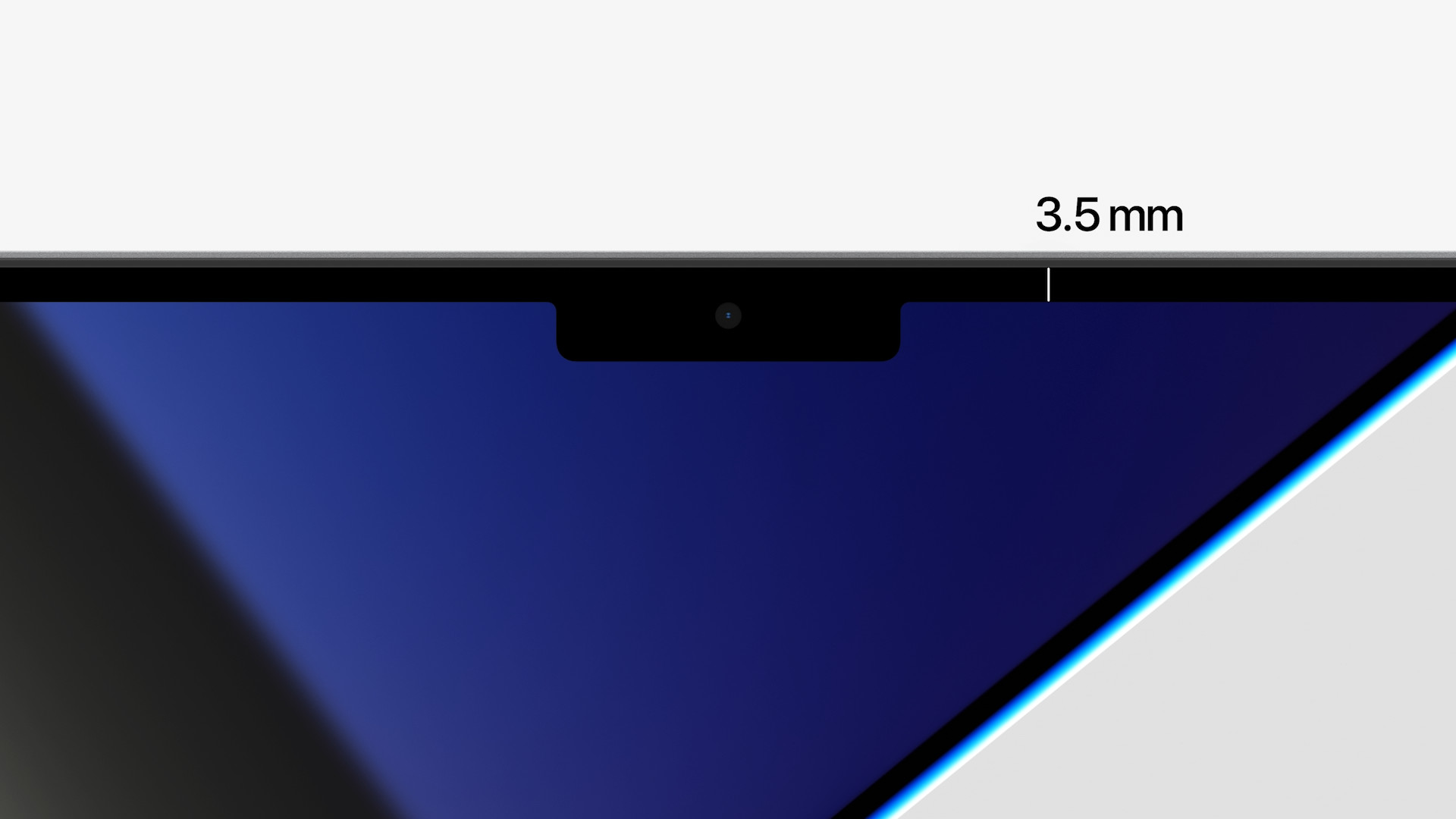
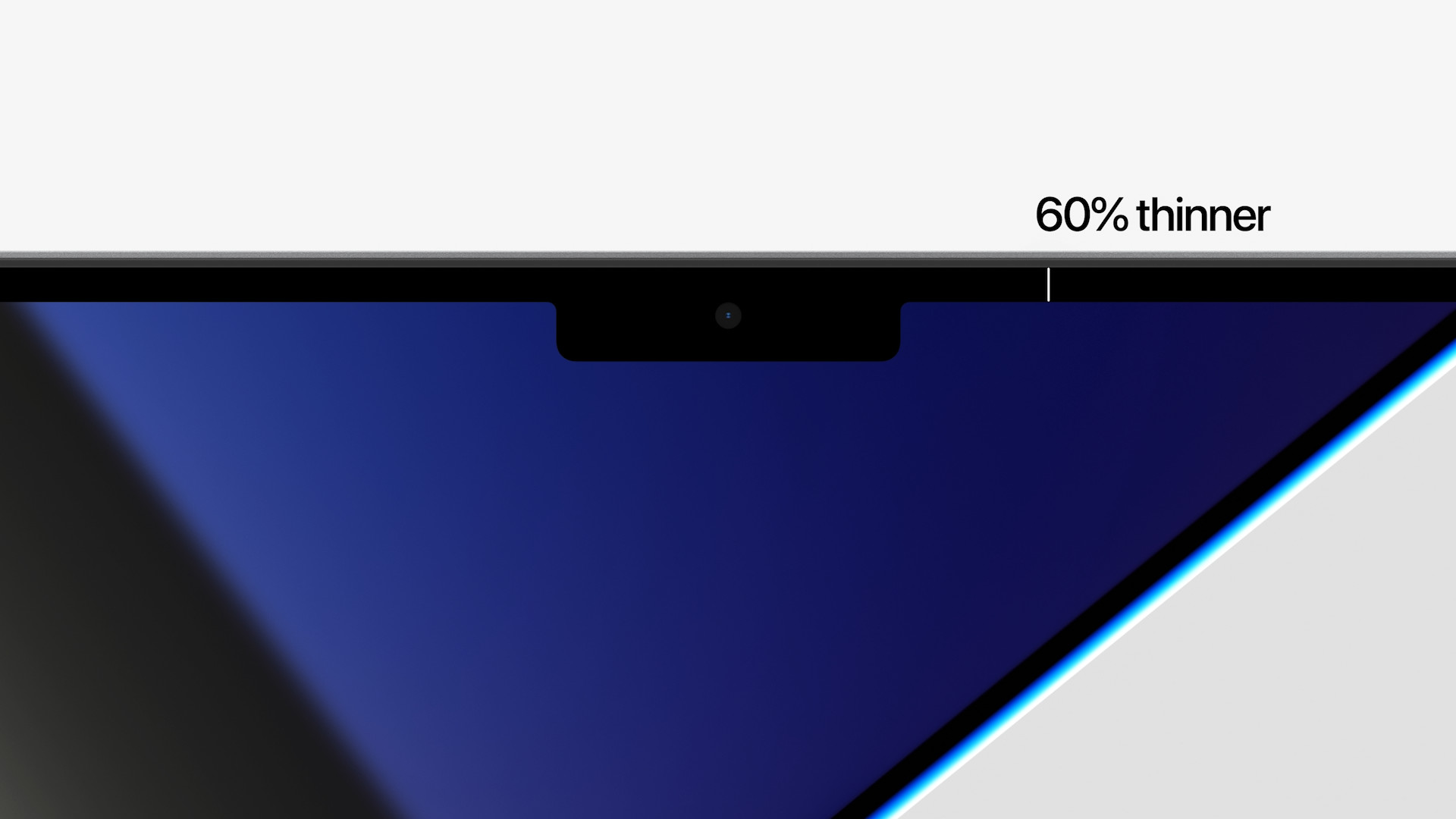
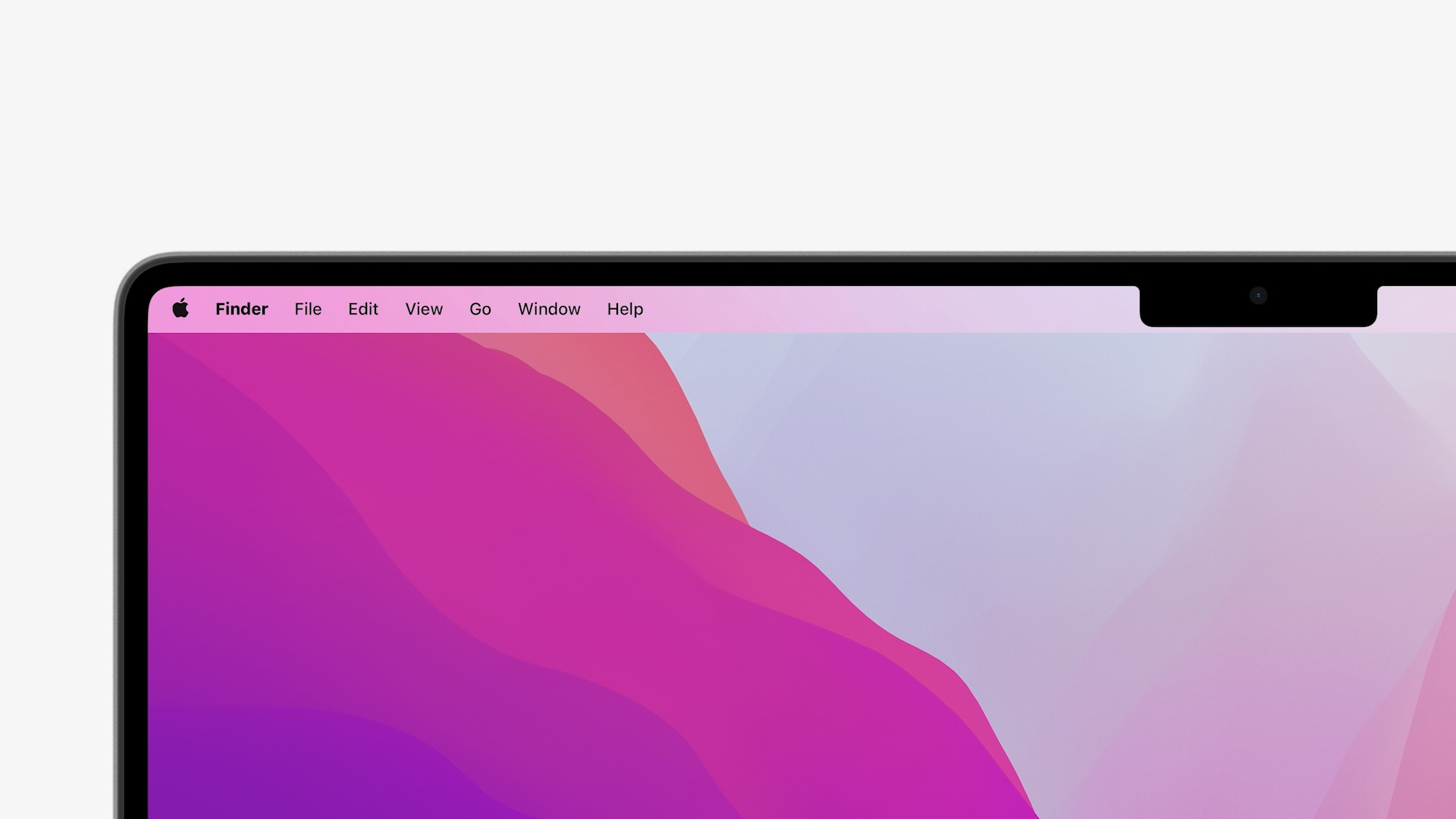
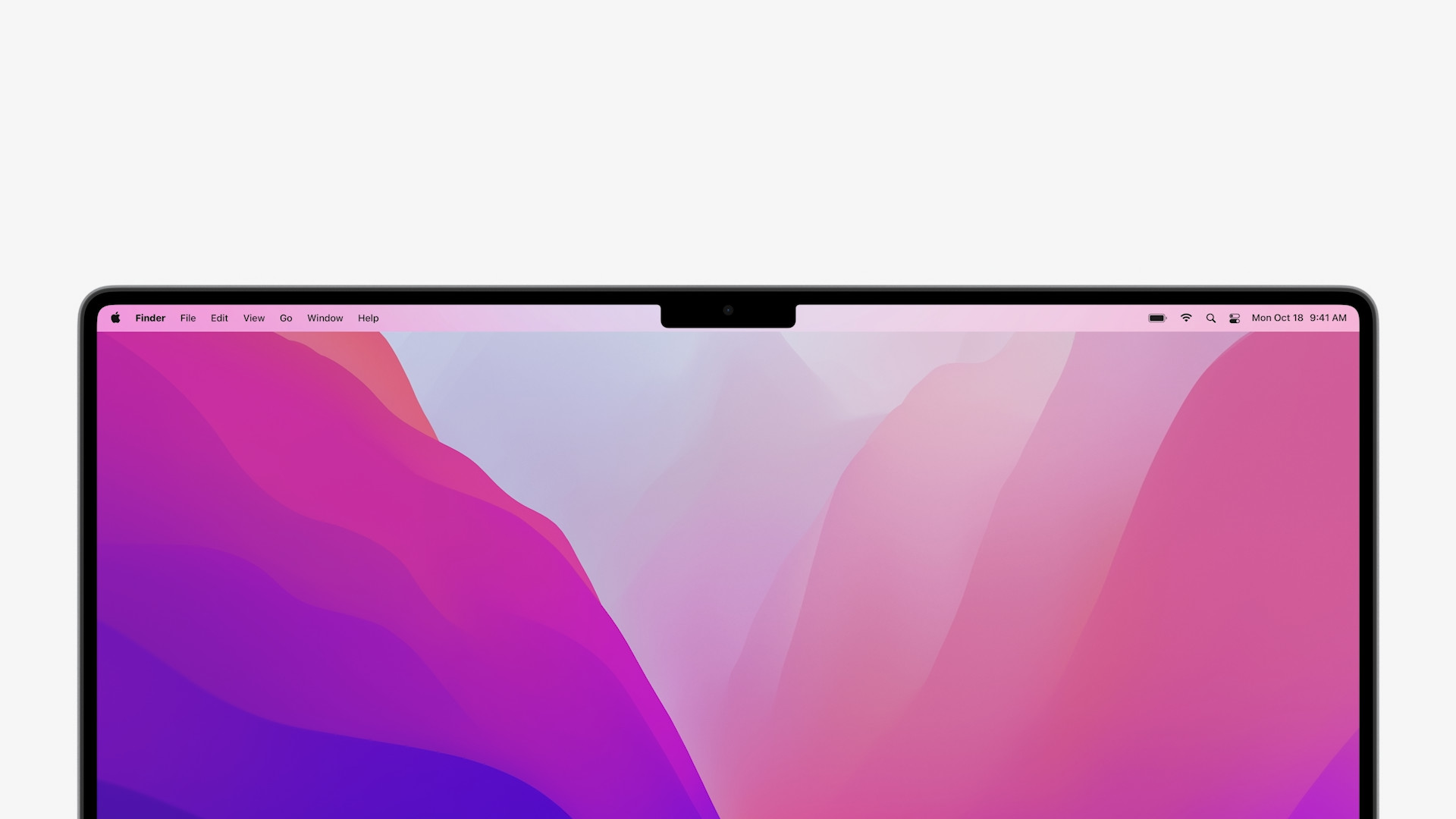



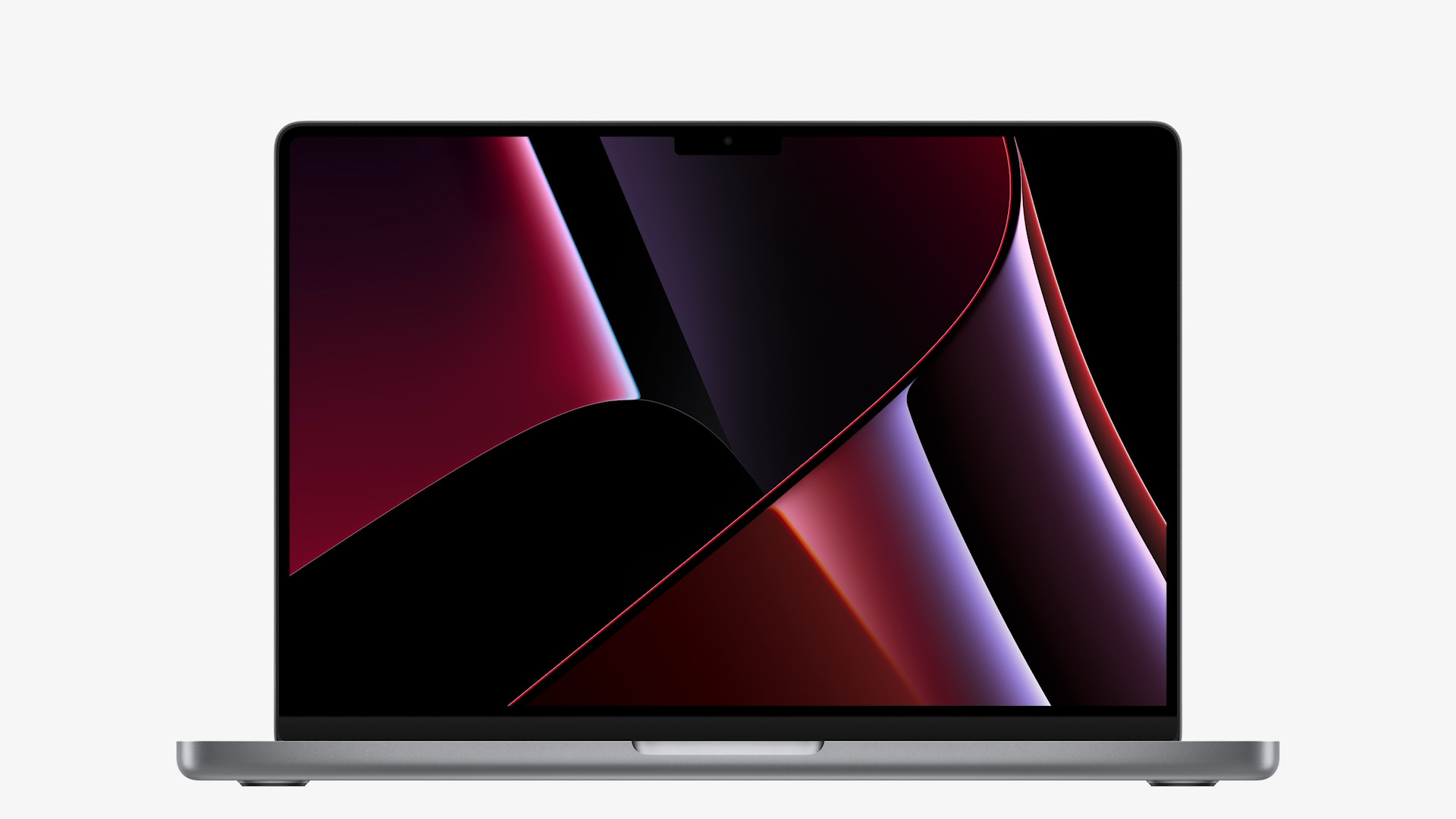
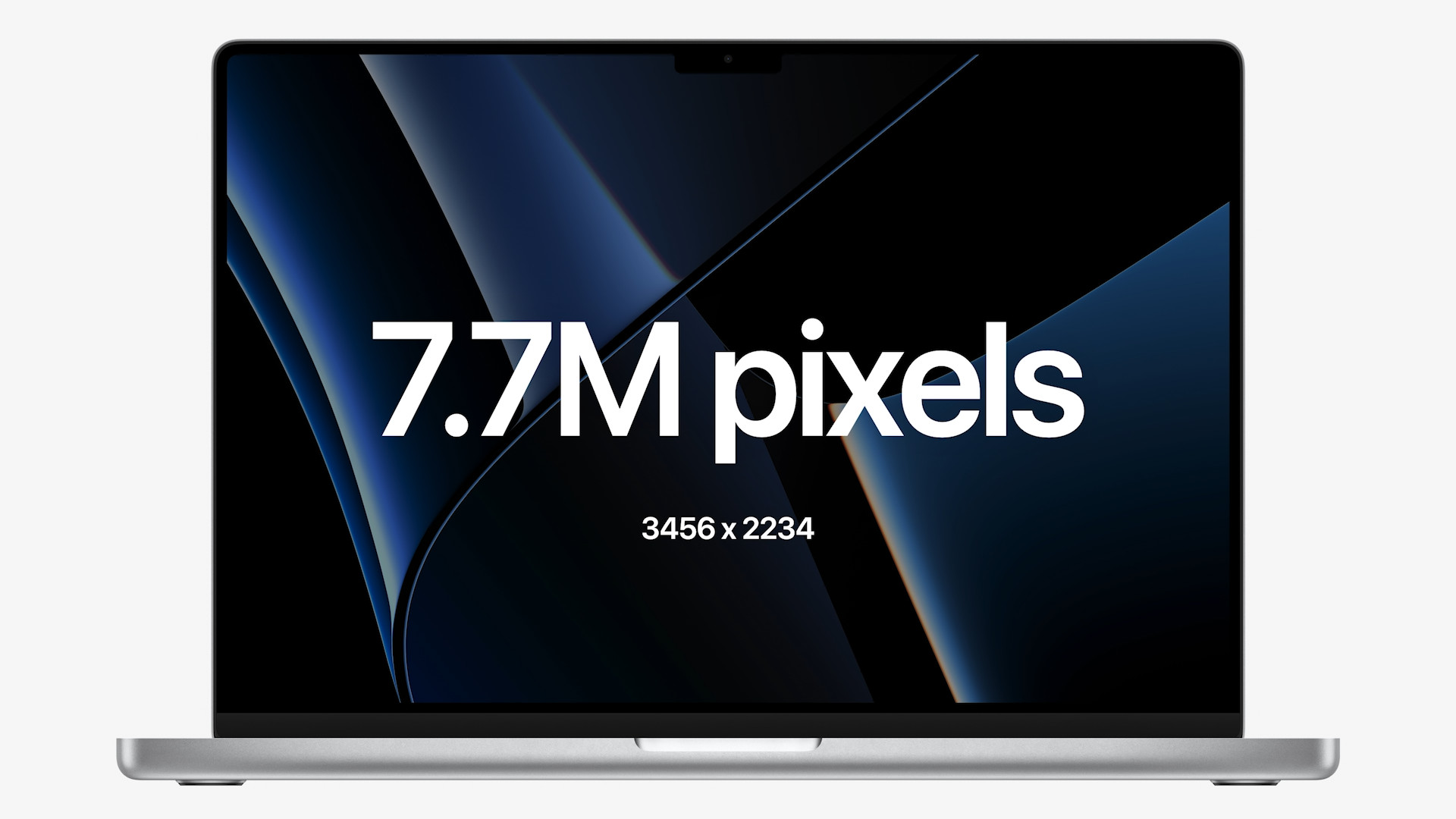
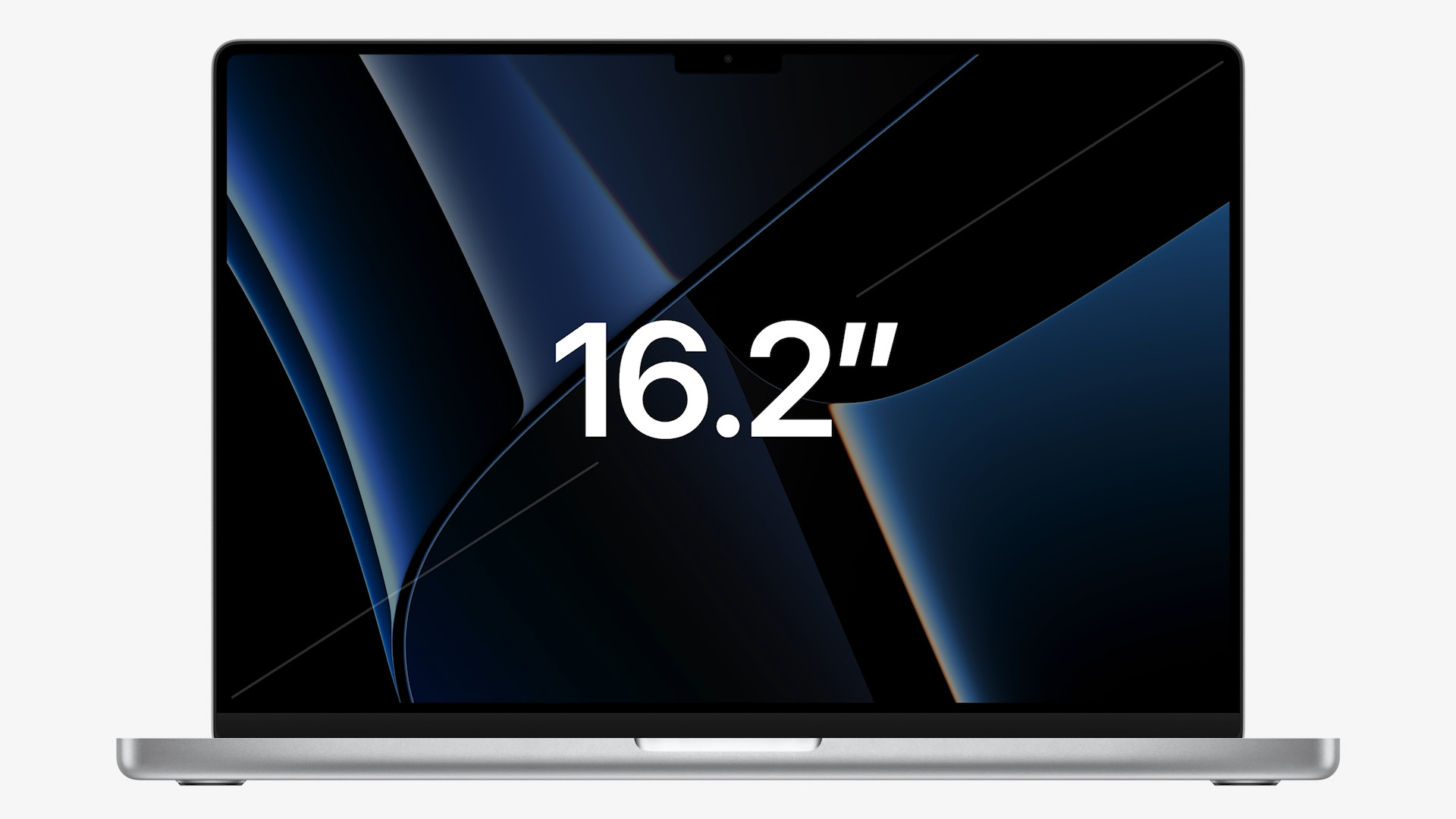
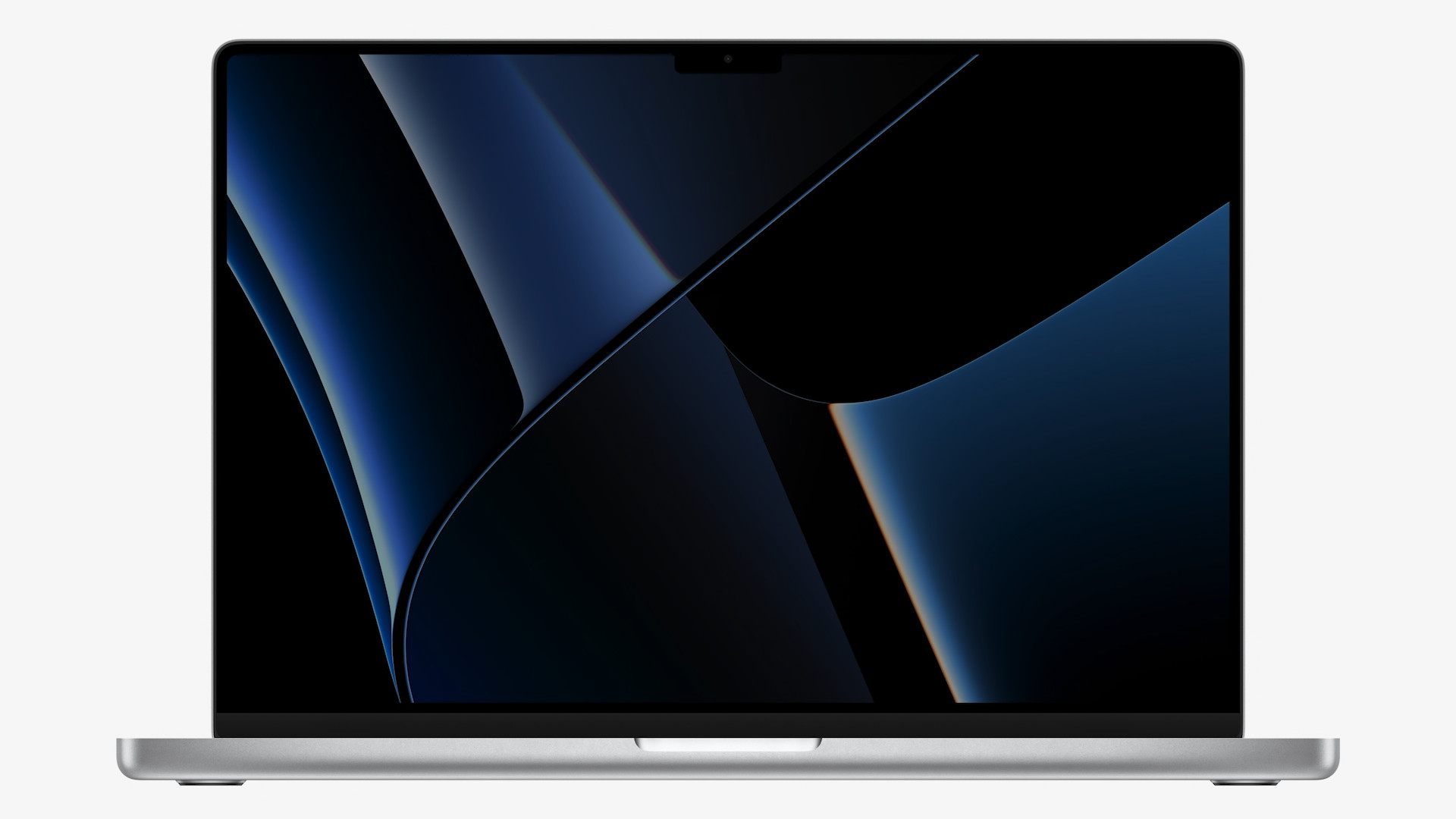
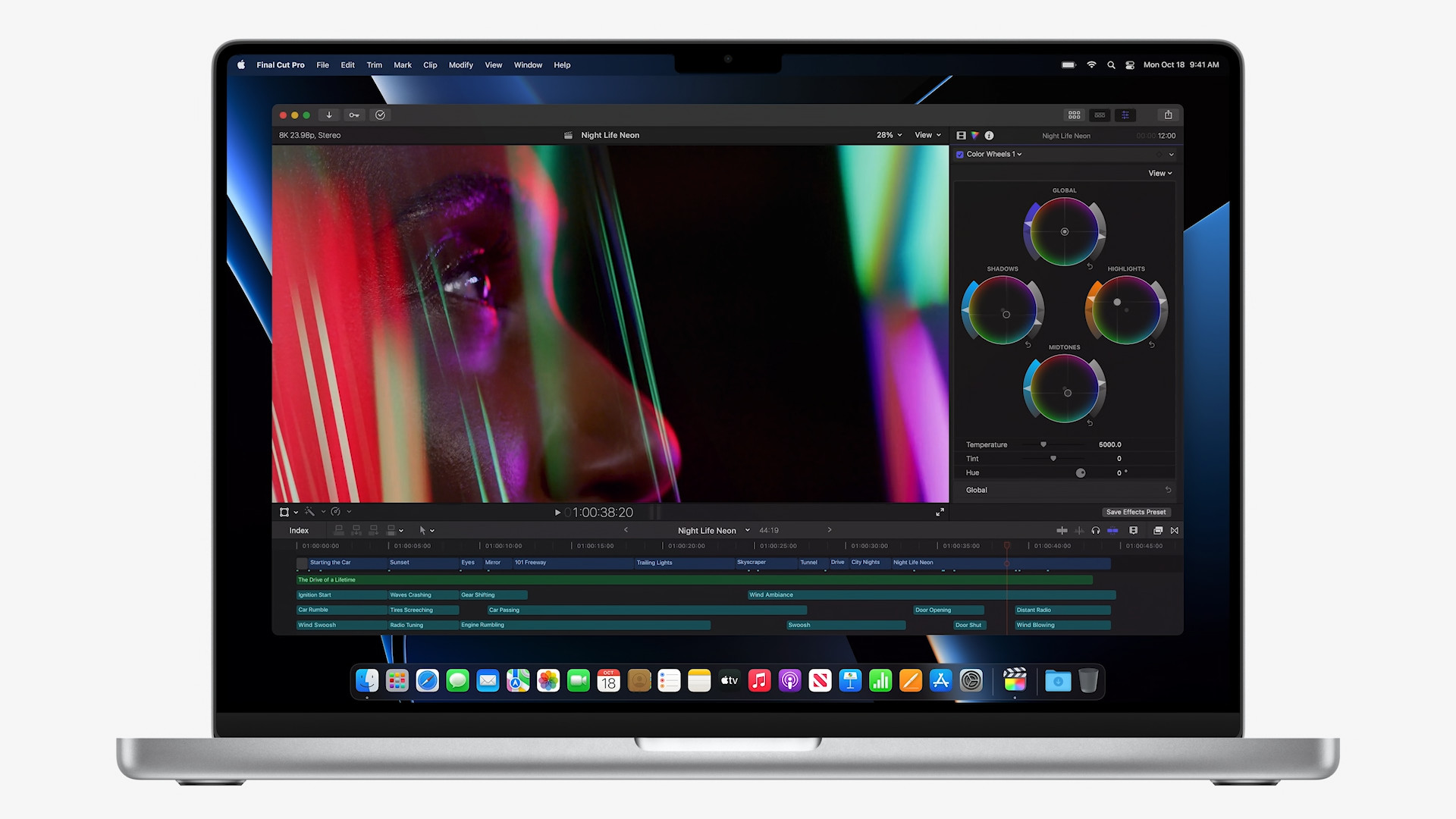

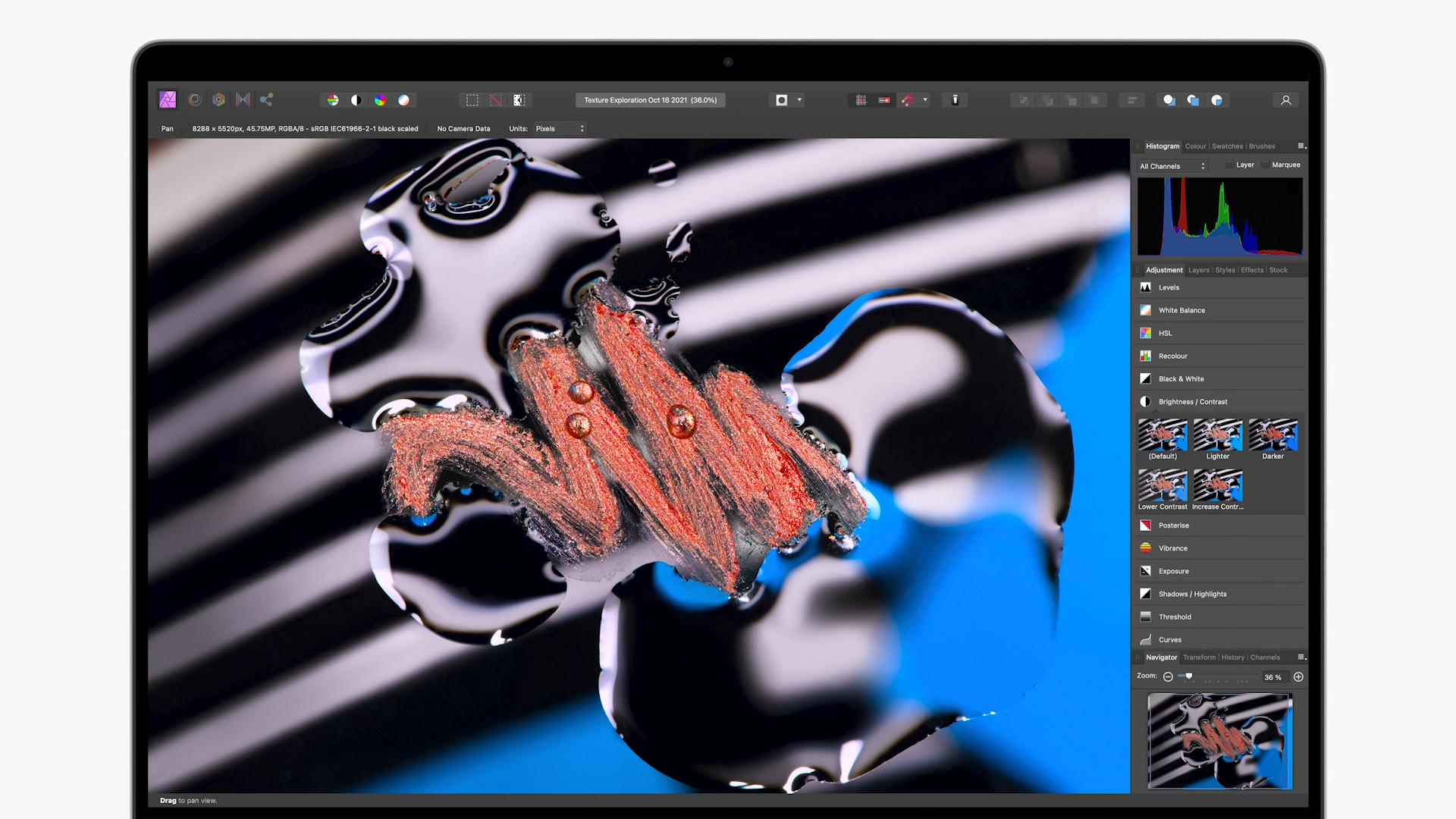

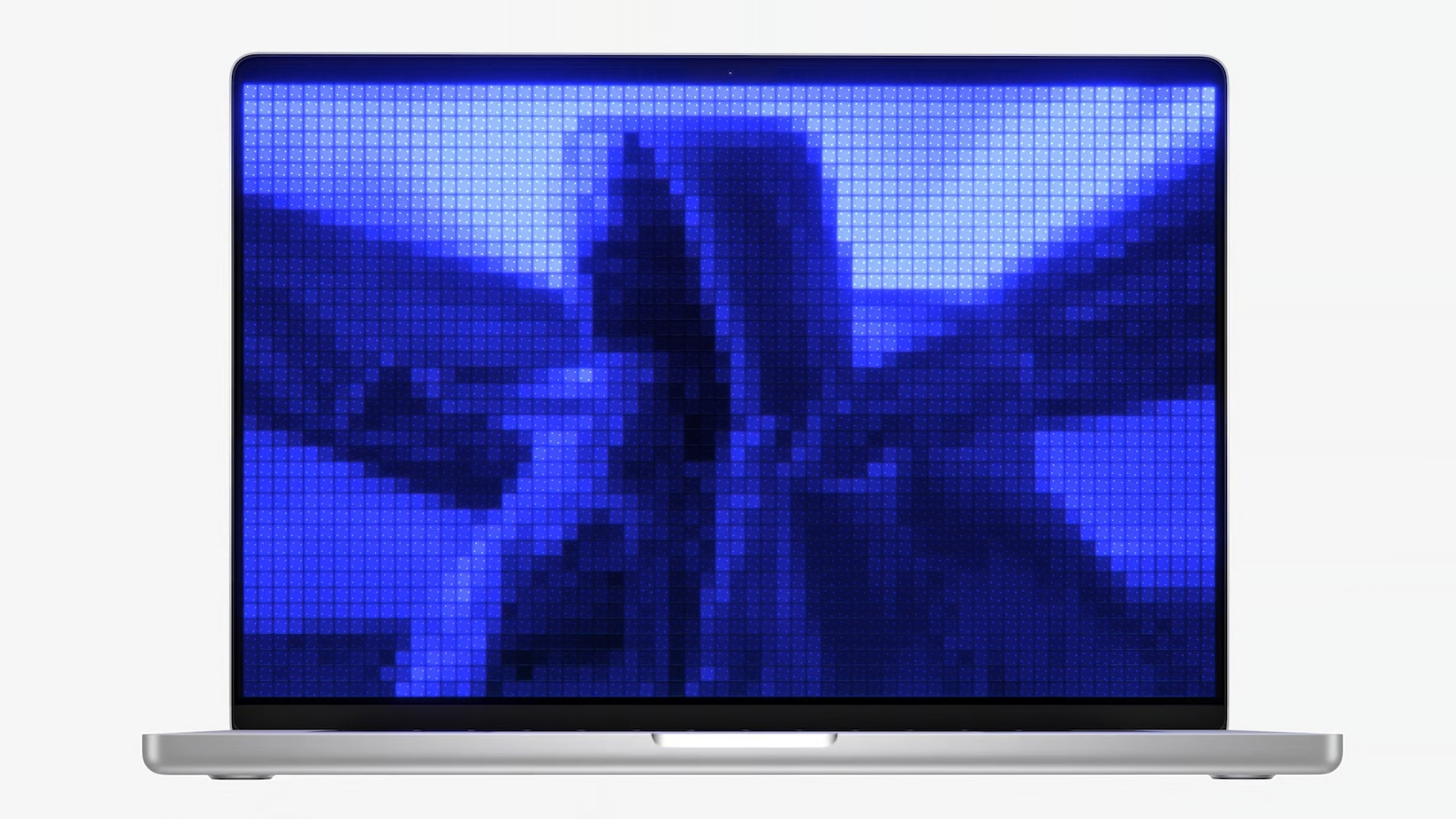

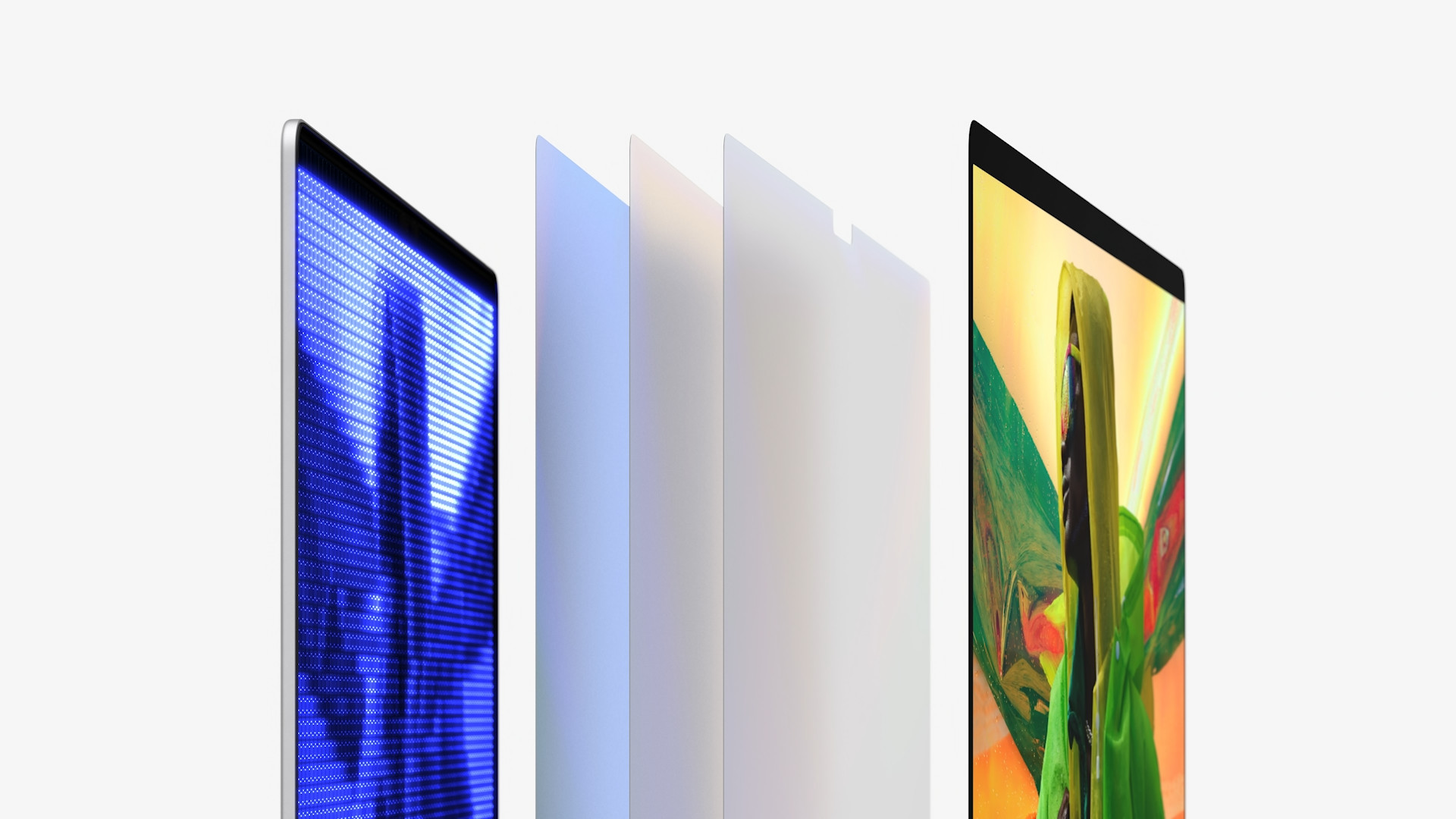
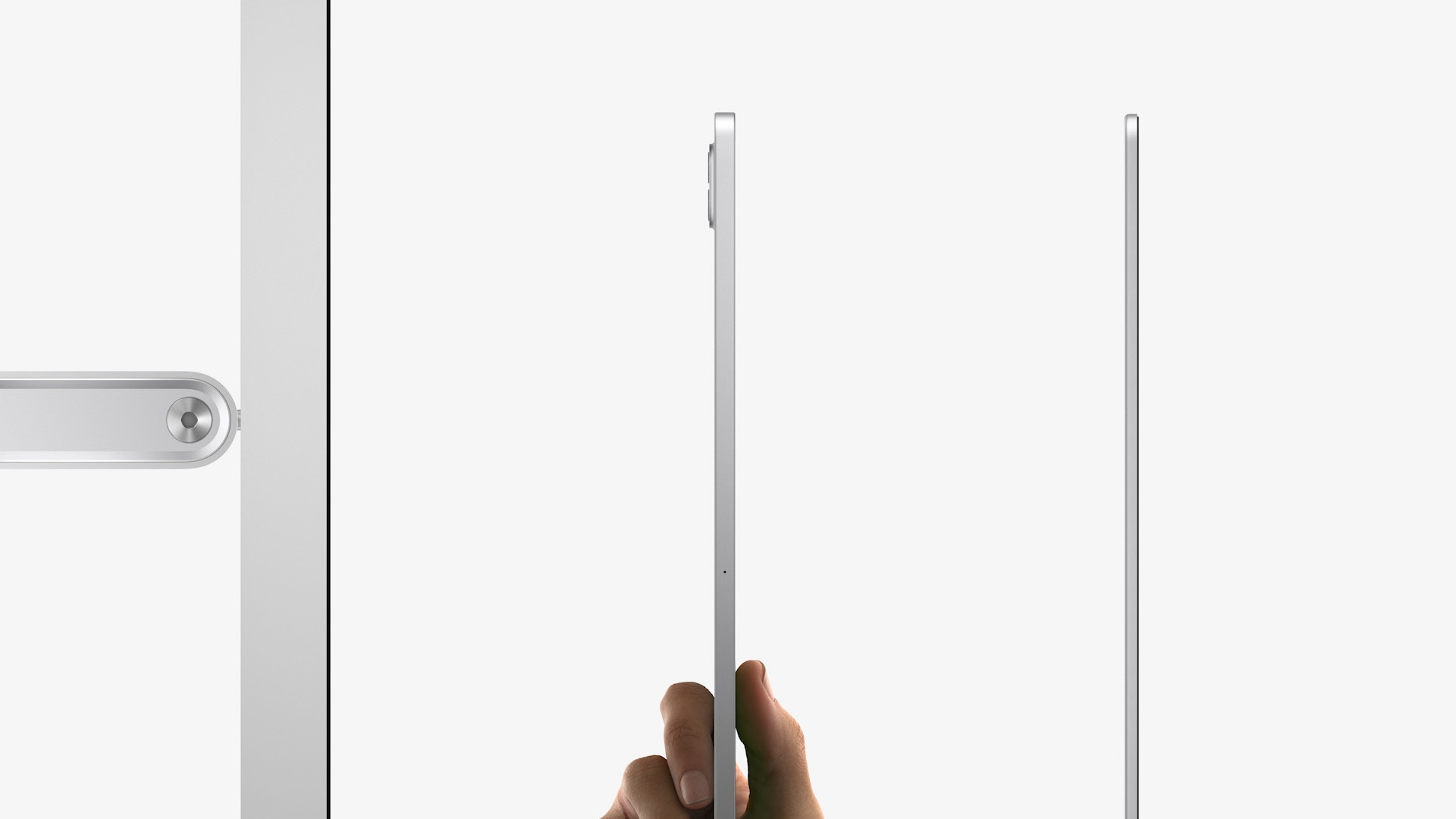
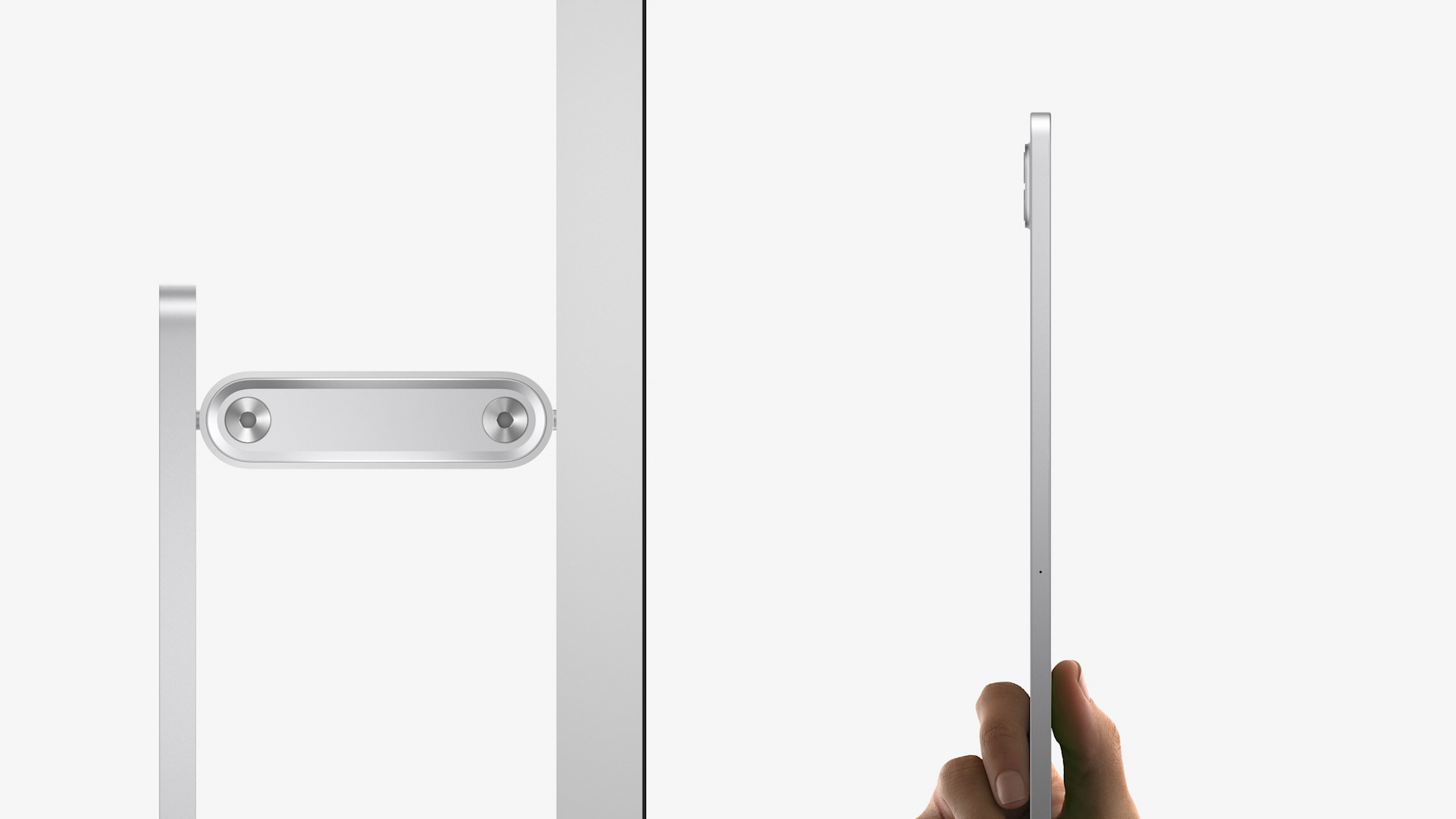
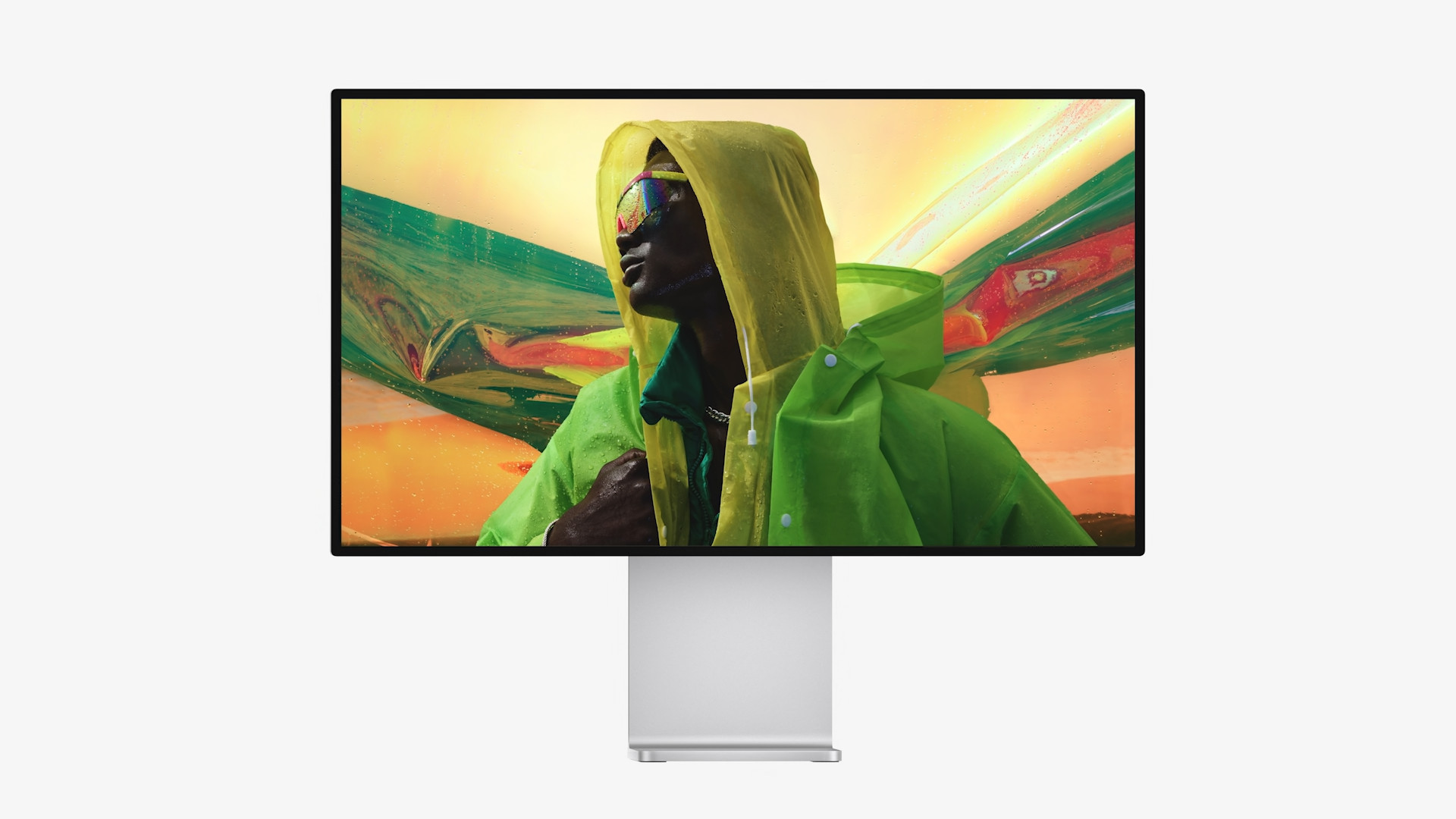
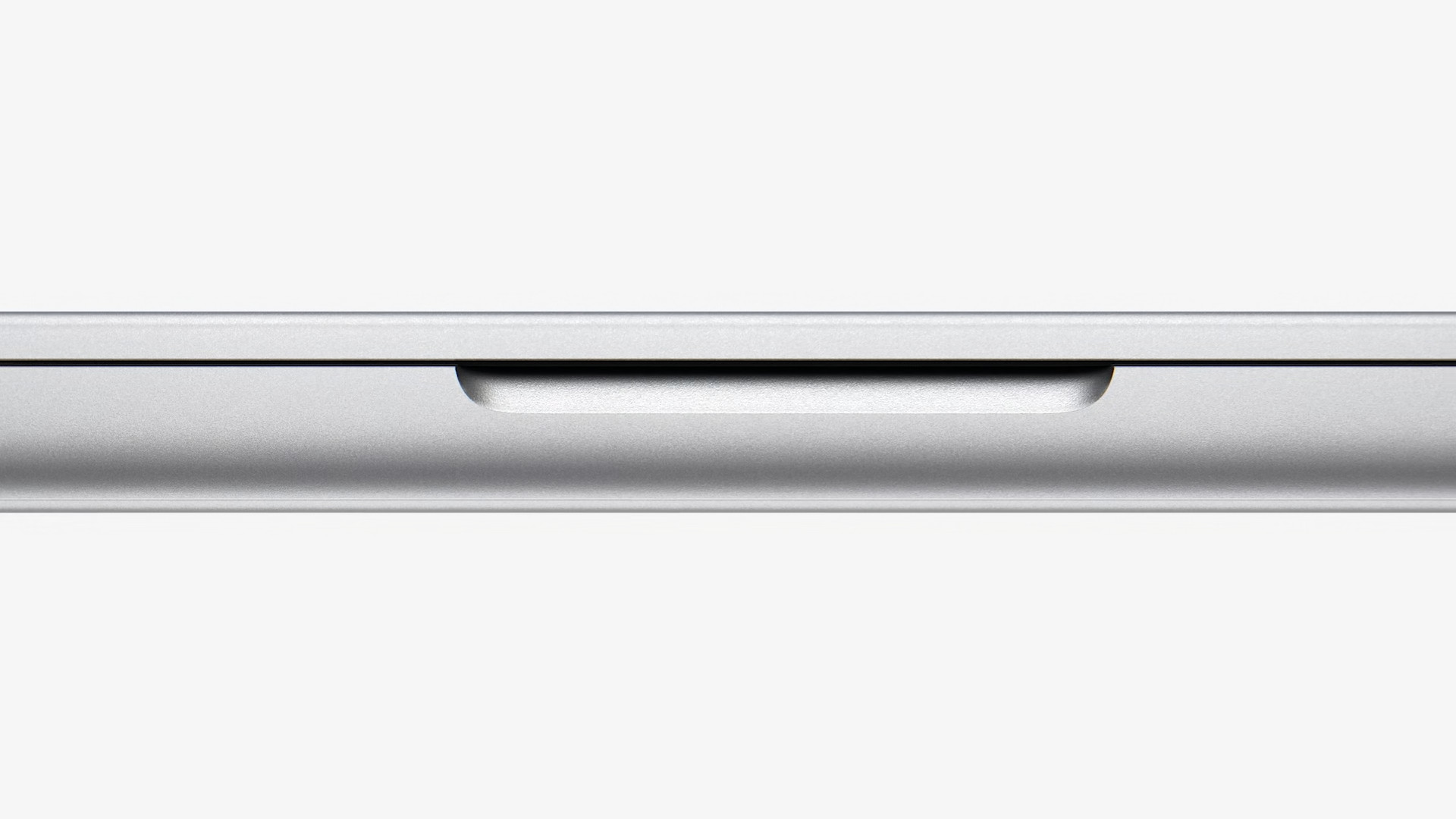
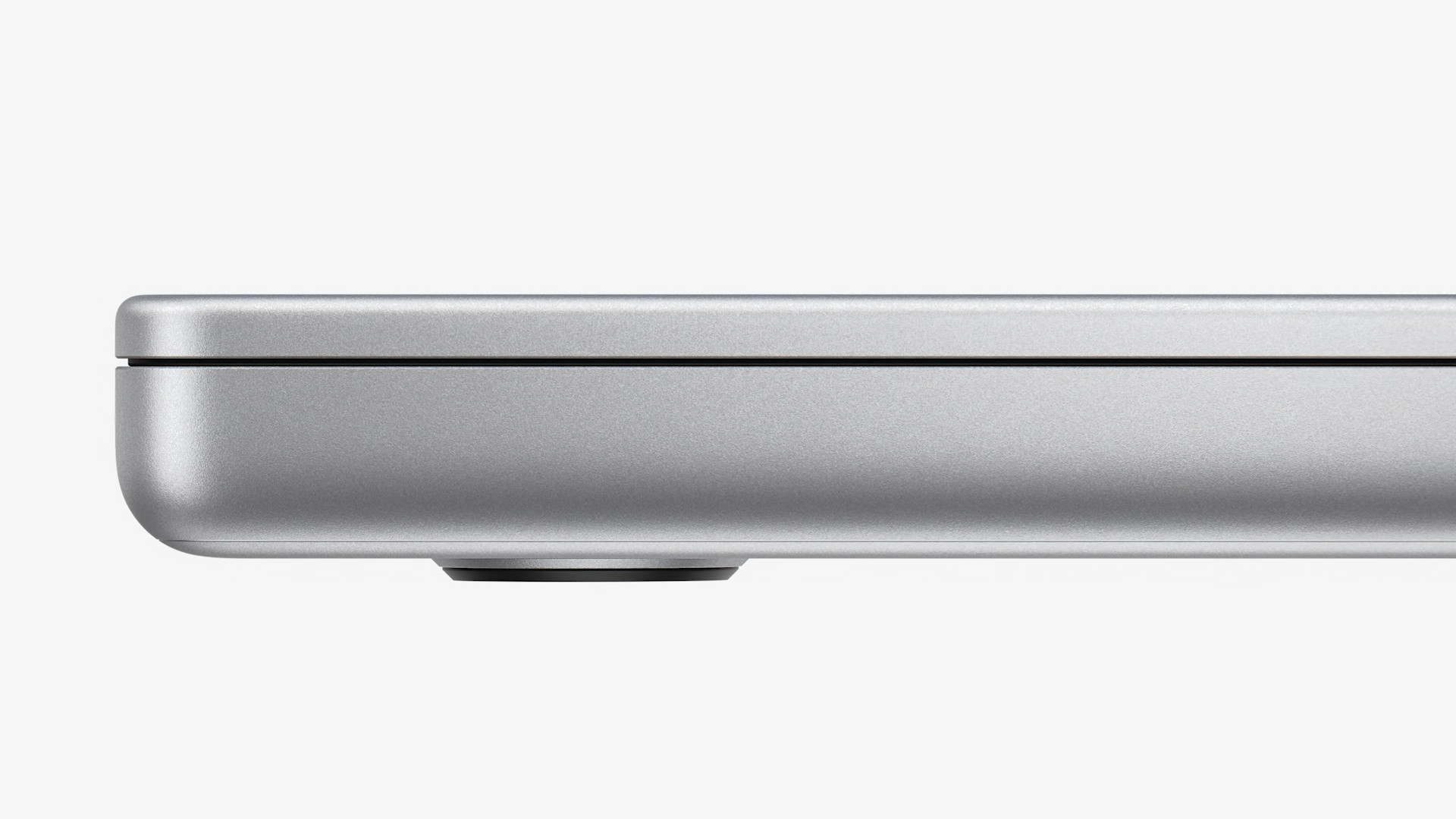
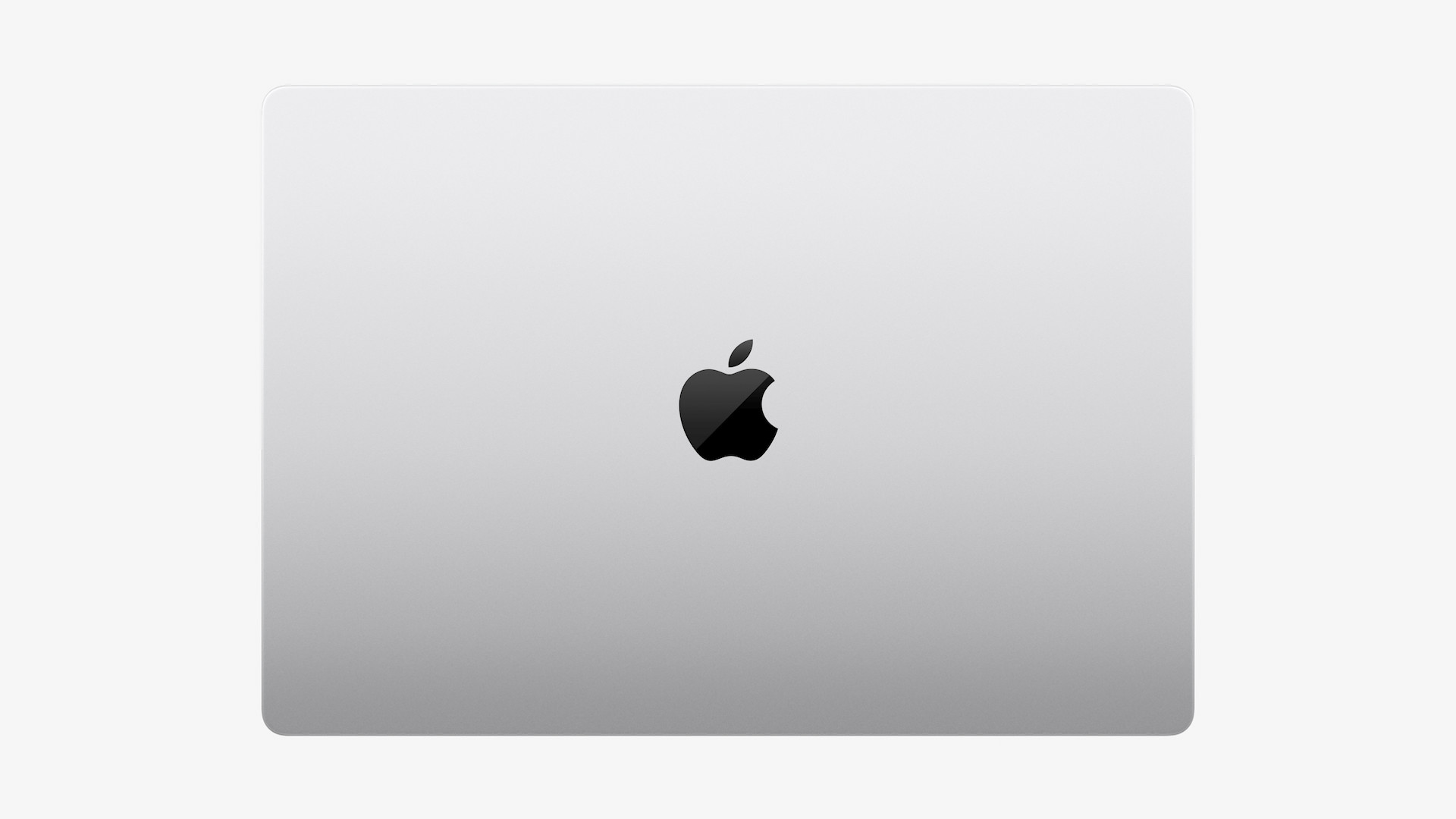
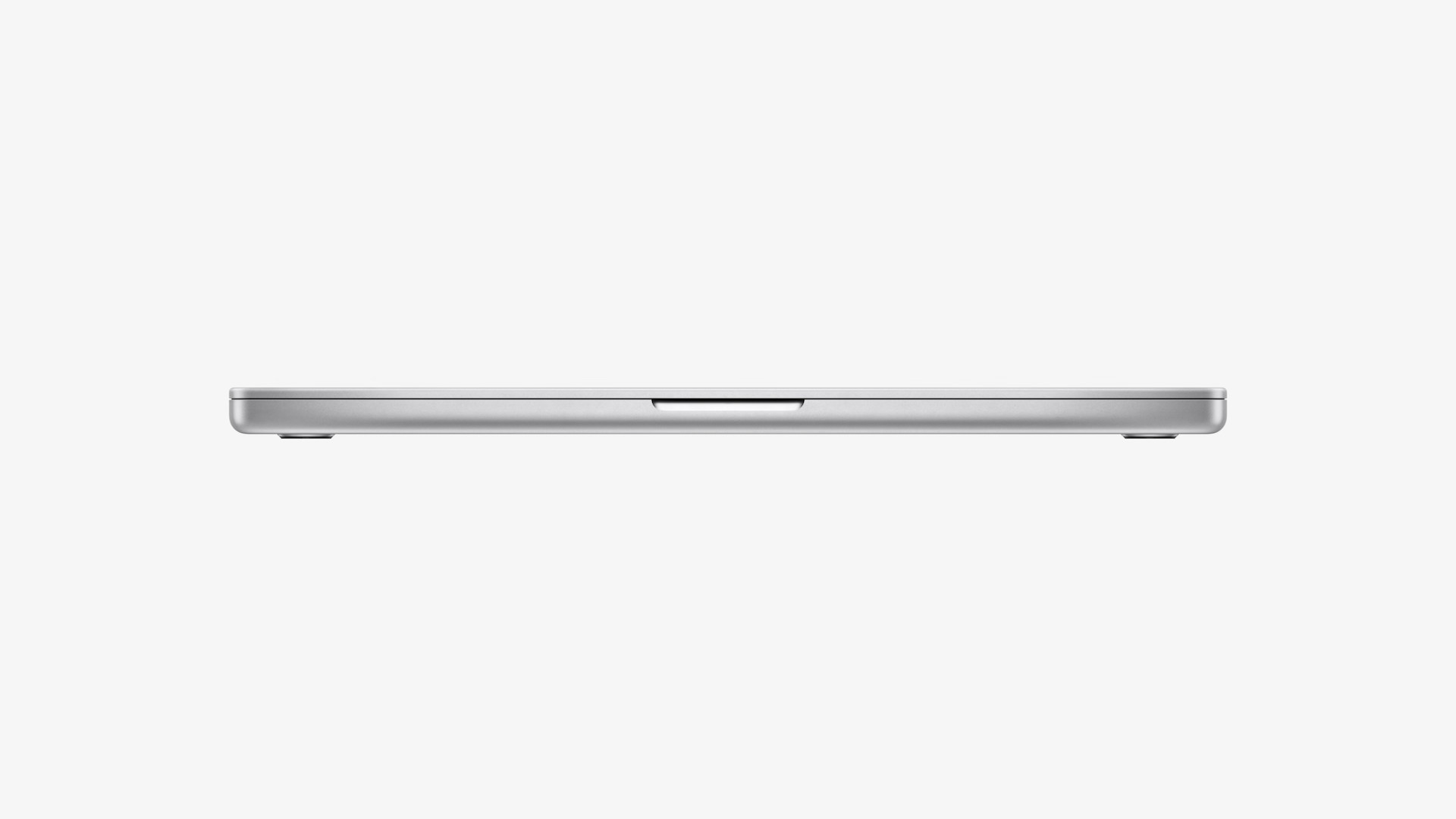
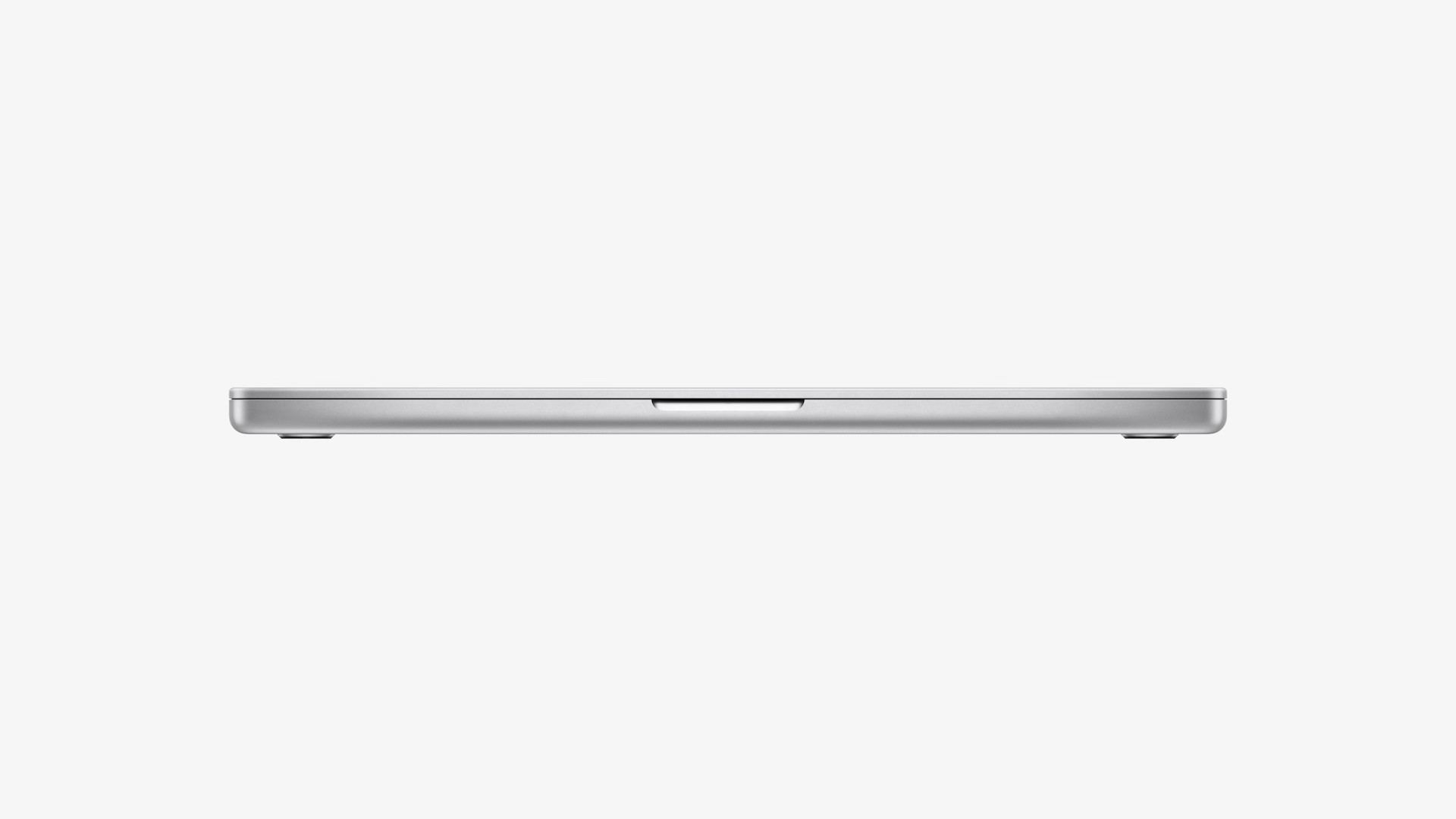
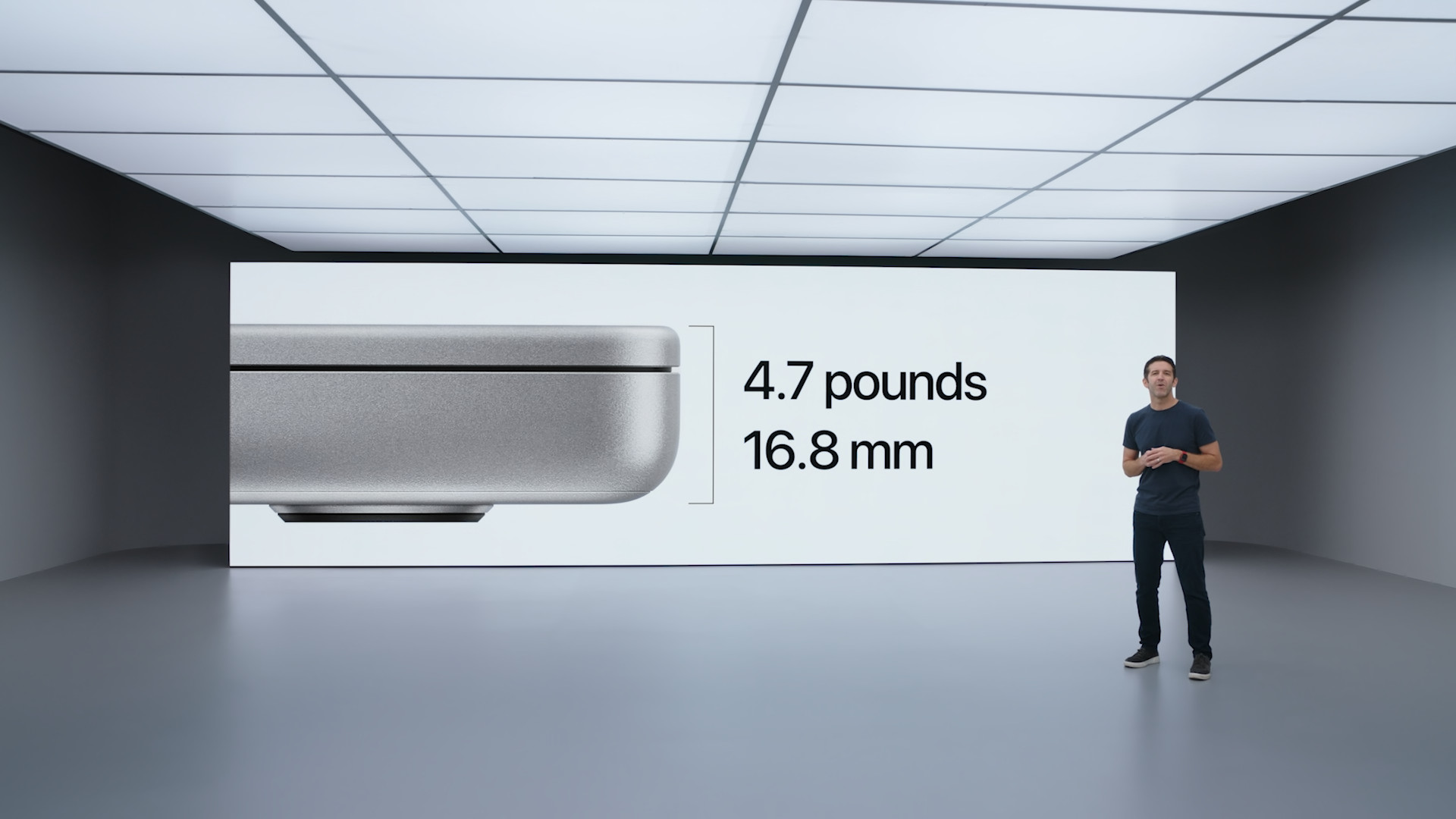
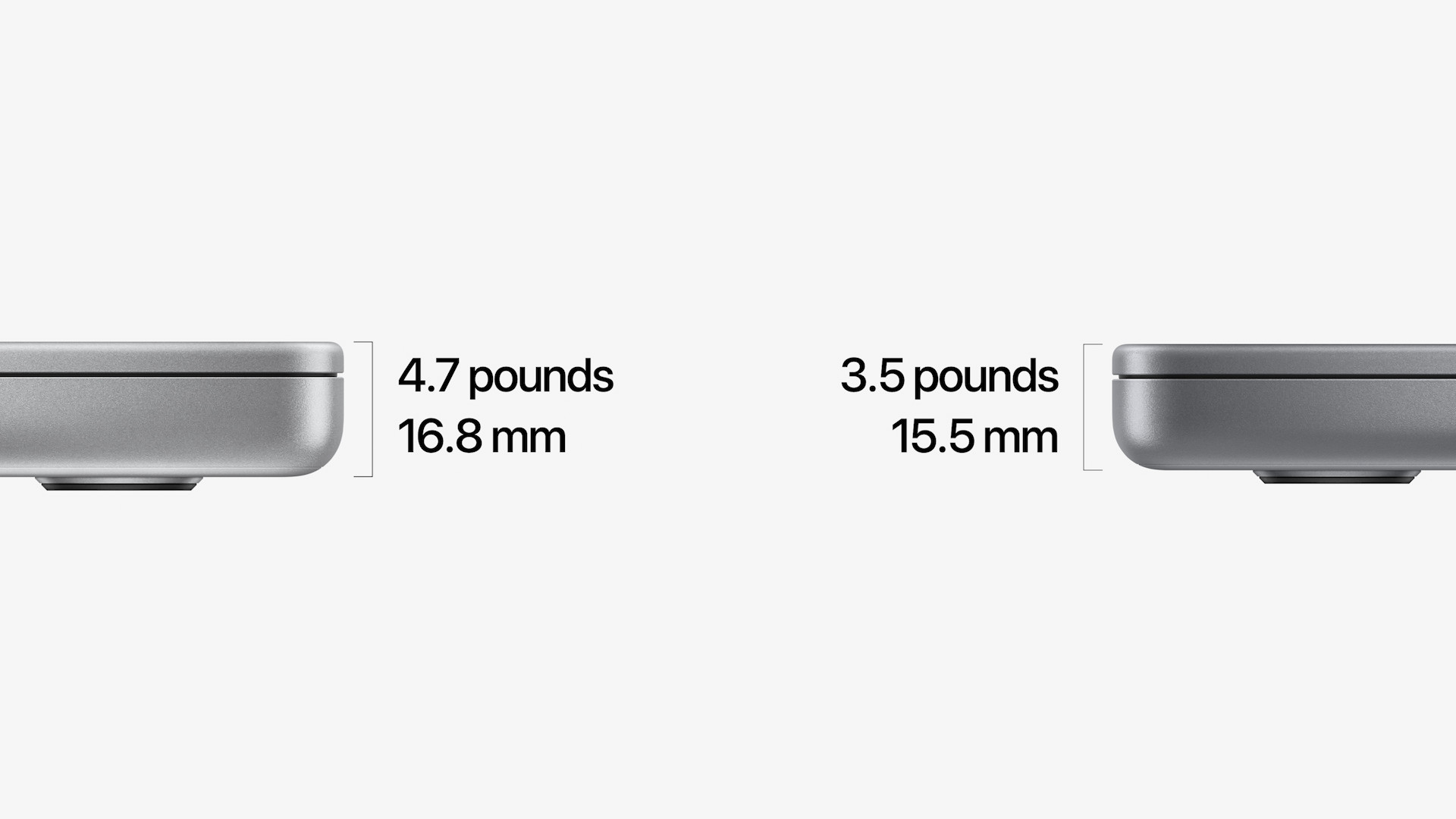
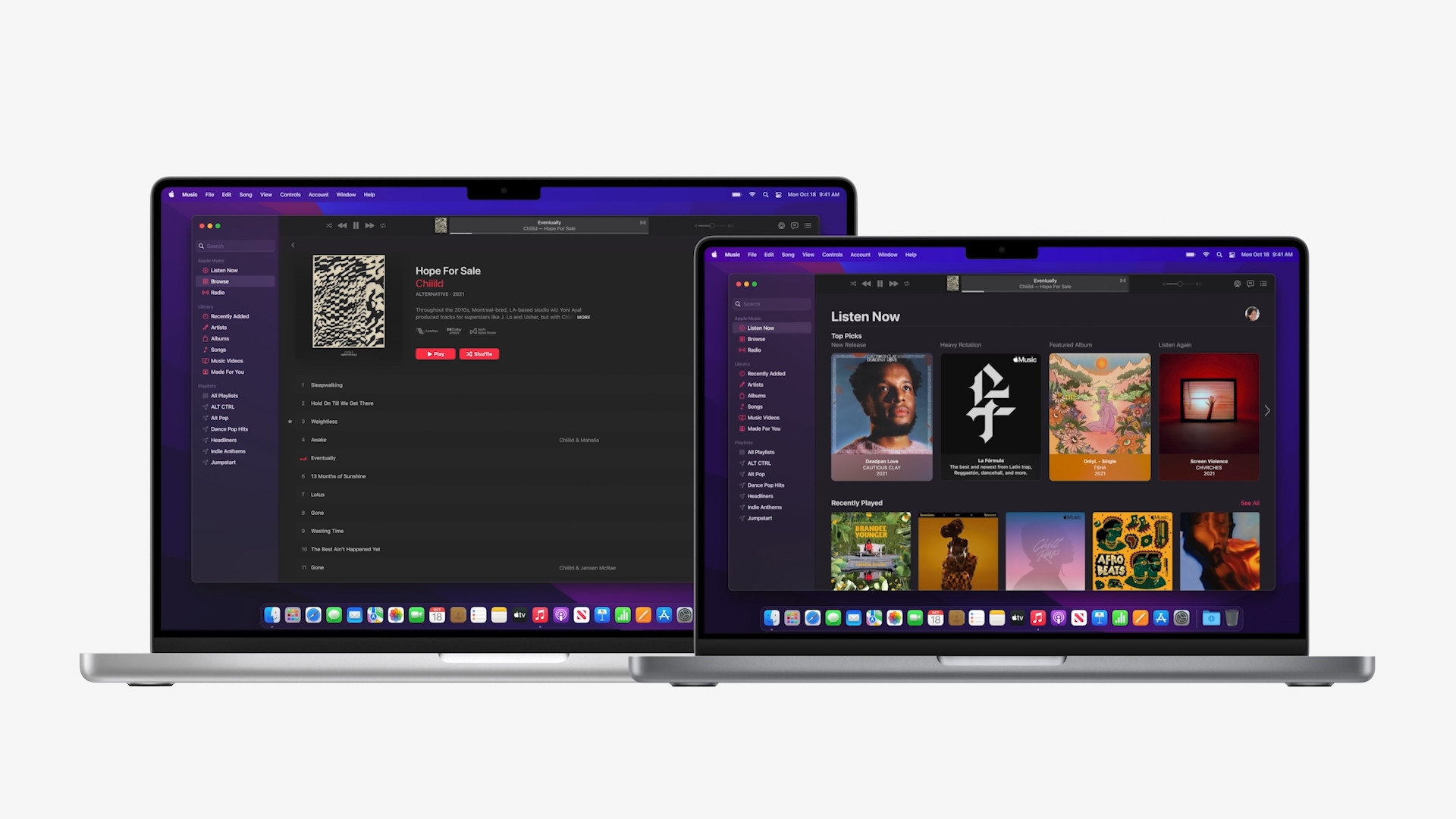
He came in the field of design Apple for the new 14″ MacBooku Pro with a major redesign, after almost six years. The chassis, which is even more angular than before, is made of aluminum and resembles the current design of new iPhones or iPads even more. In terms of dimensions, both models compared, i.e. 13″ and 14″, are very similar. Specifically, we are talking about the dimensions of 1,55 x 31,26 x 22,12 centimeters for the 14″ model and 1,56 x 30,41 x 21,24 centimeters for the 13″ model. Weight 14″ MacBooku Pro (2021) is then 1,6 kilograms and in the case of 13″ MacBooku Pro 1,4 kilograms.
Keyboard, camera, sound
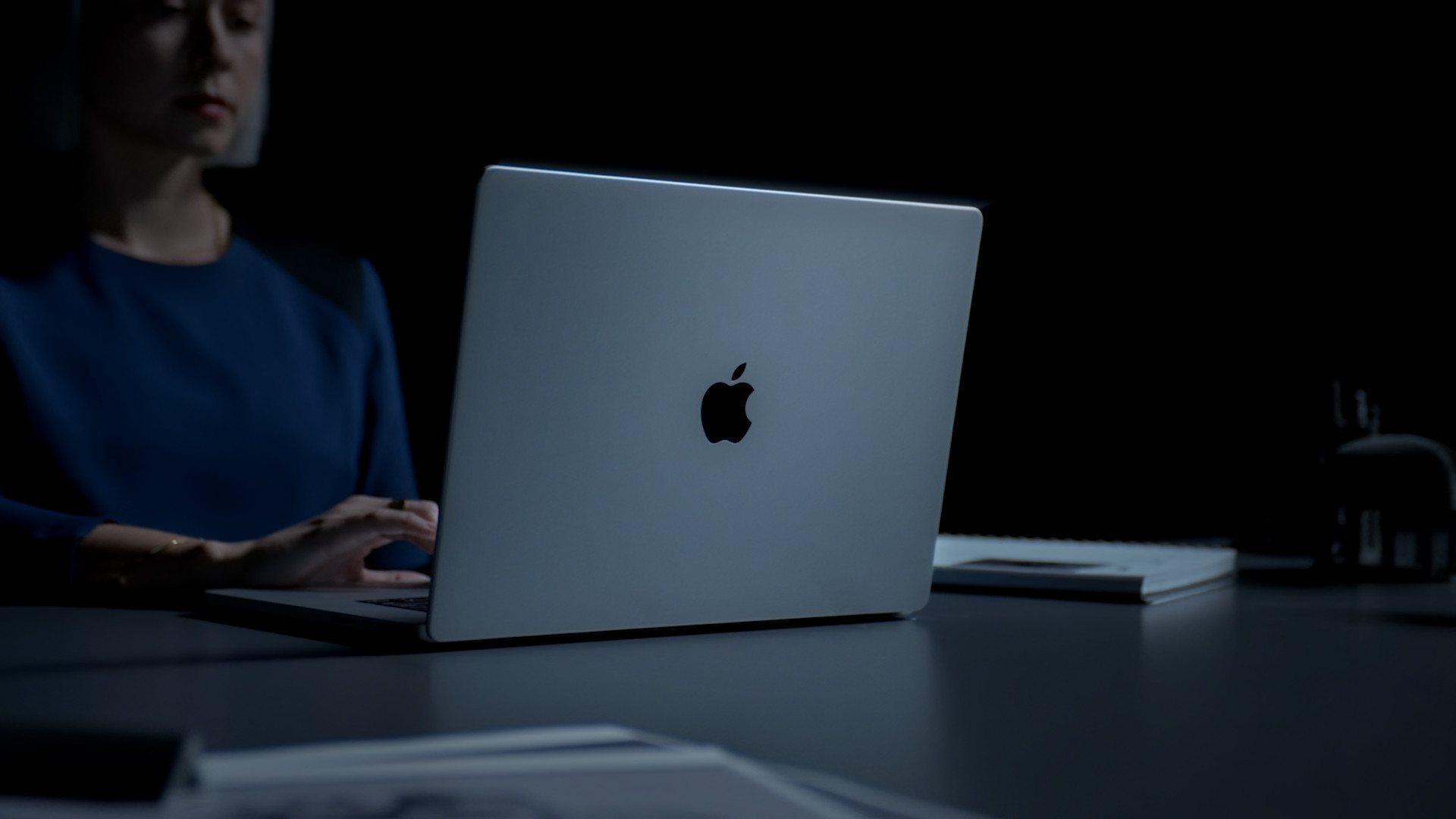
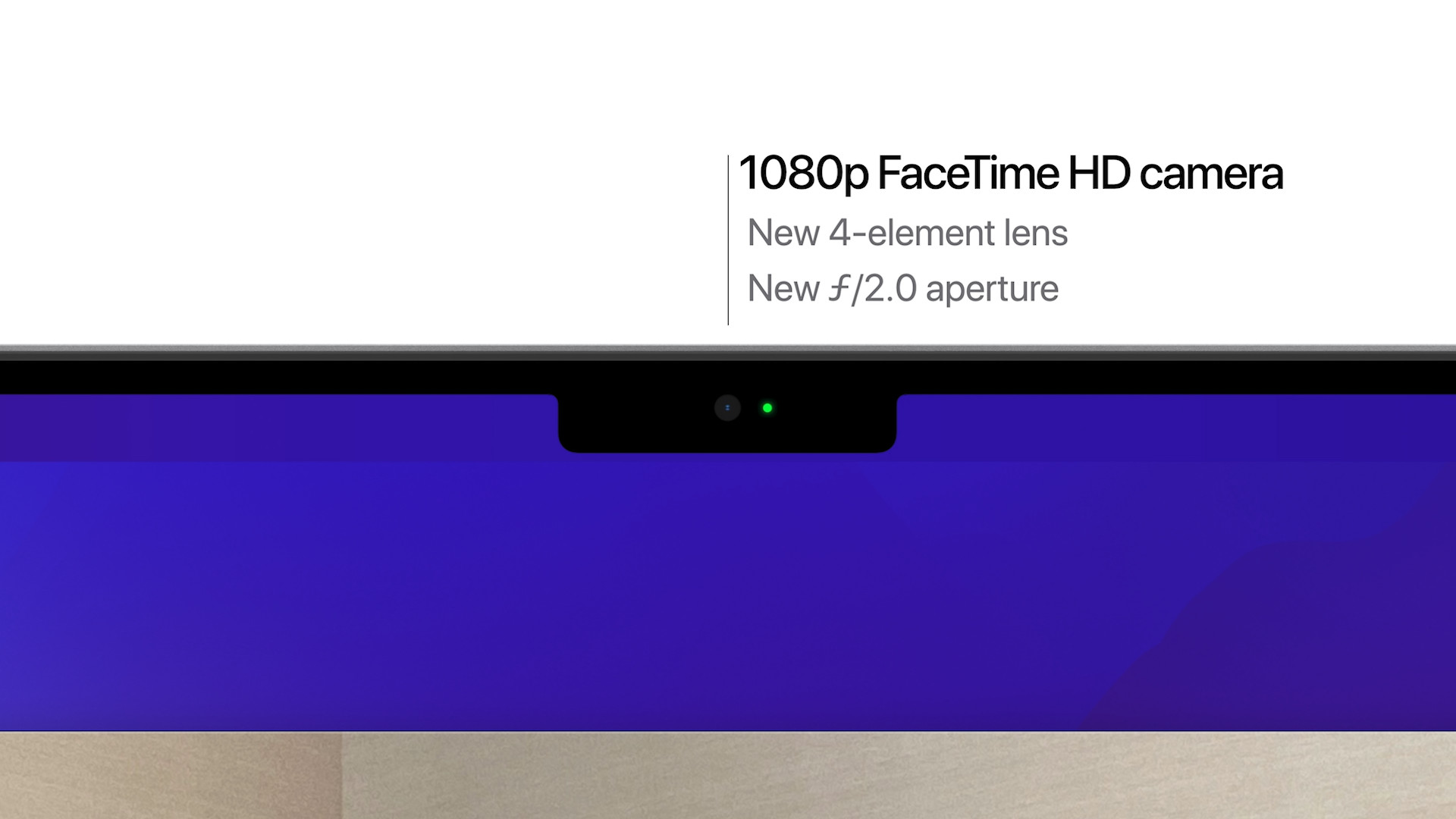
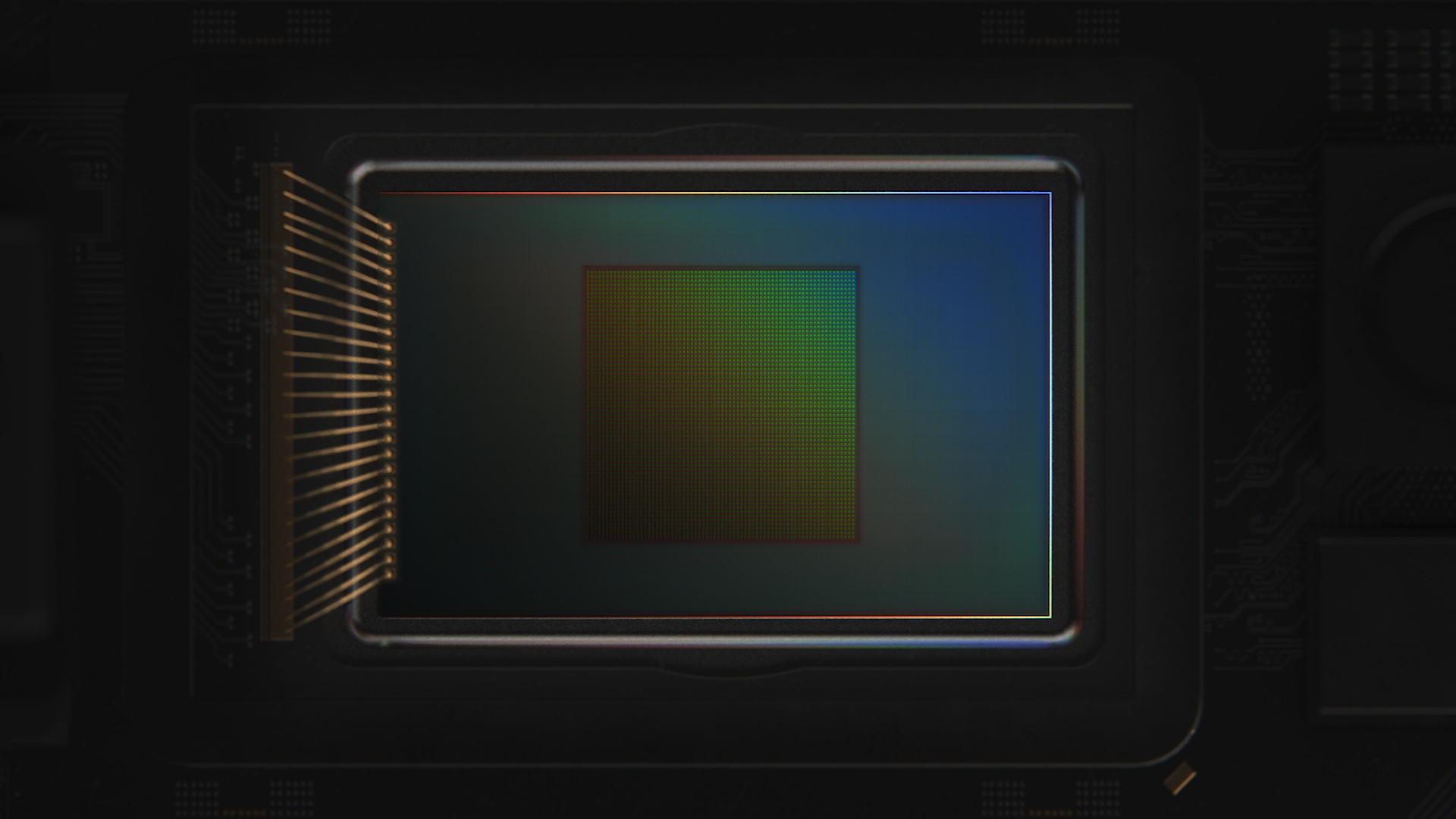
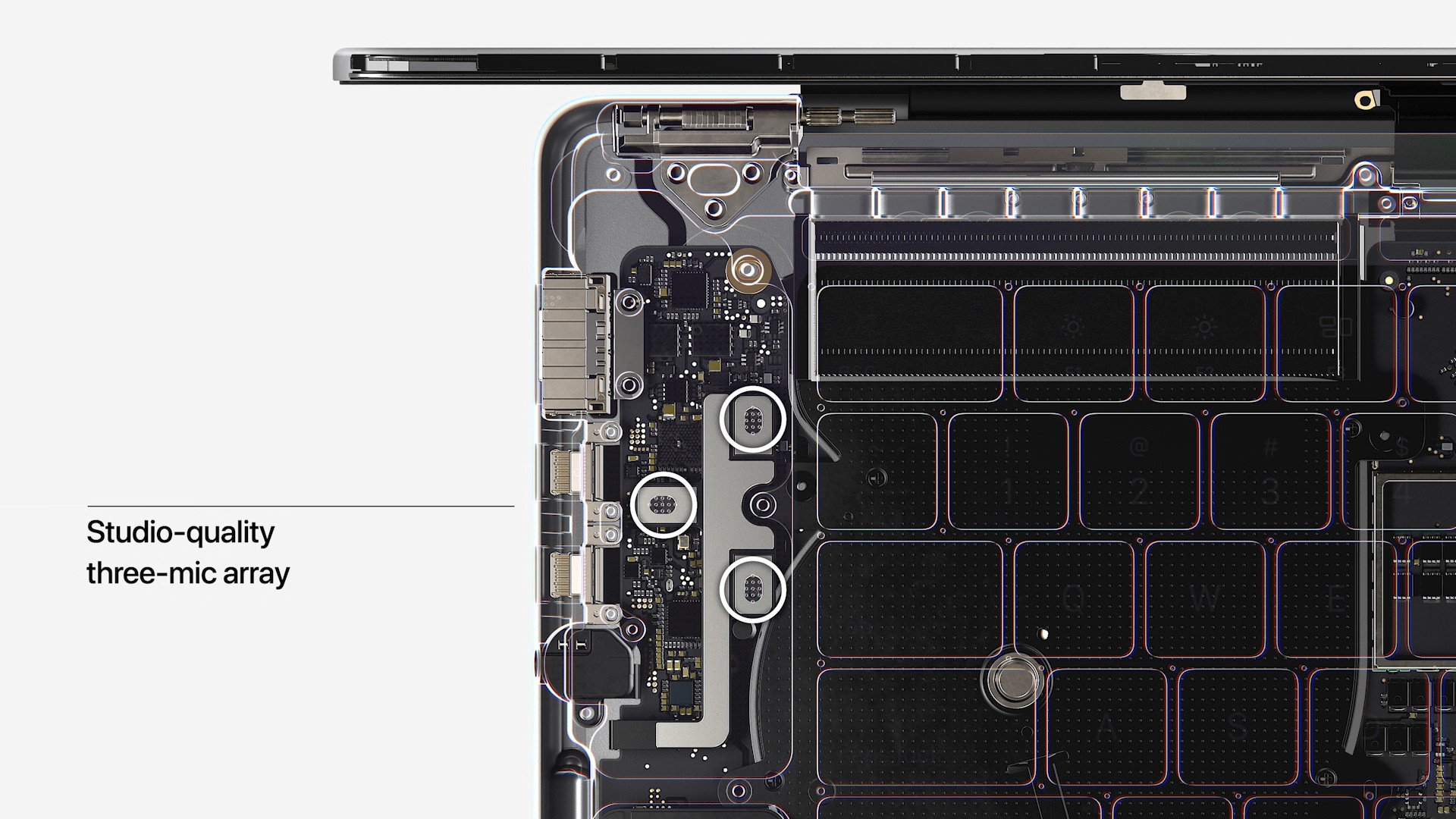
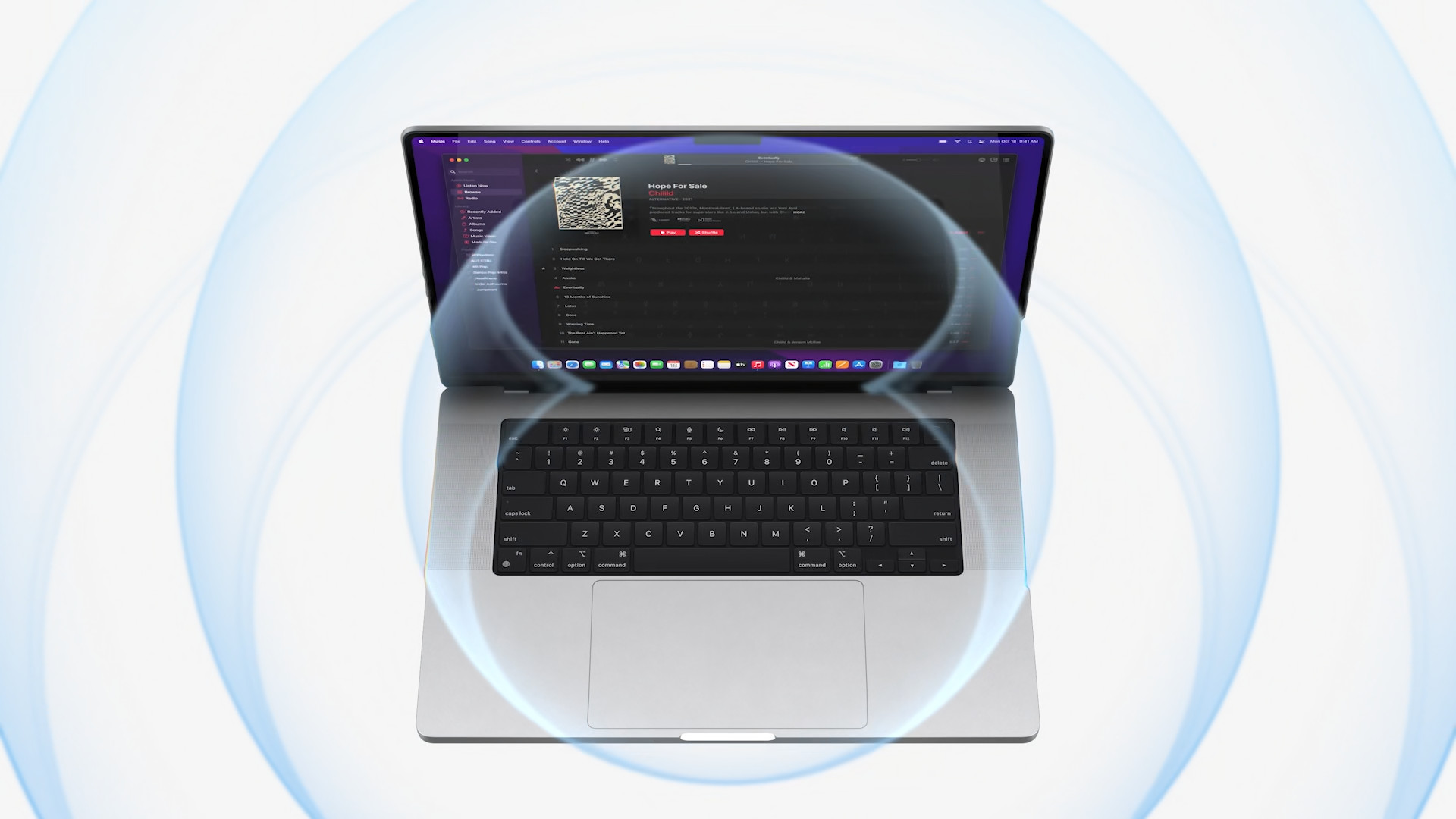
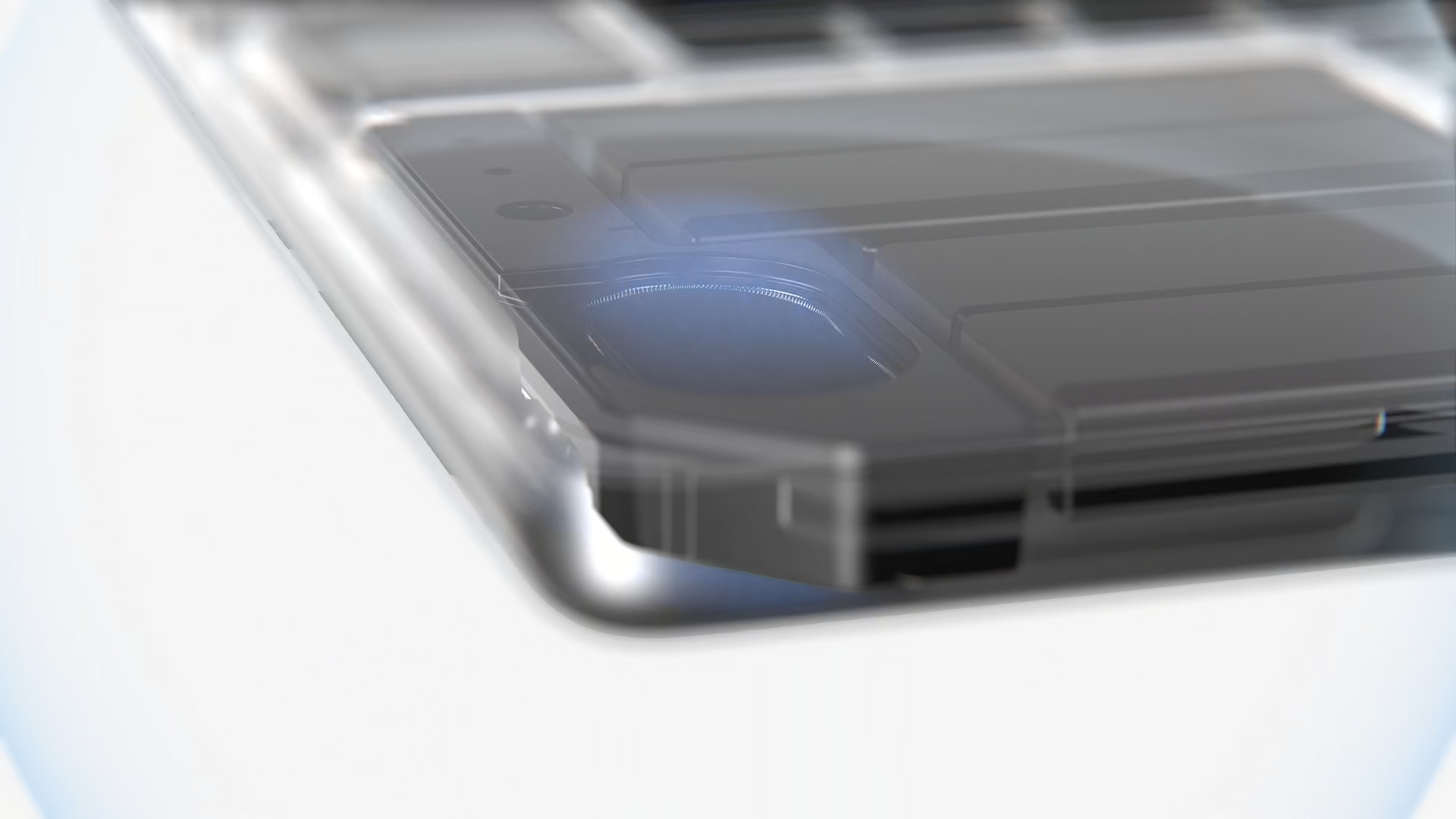
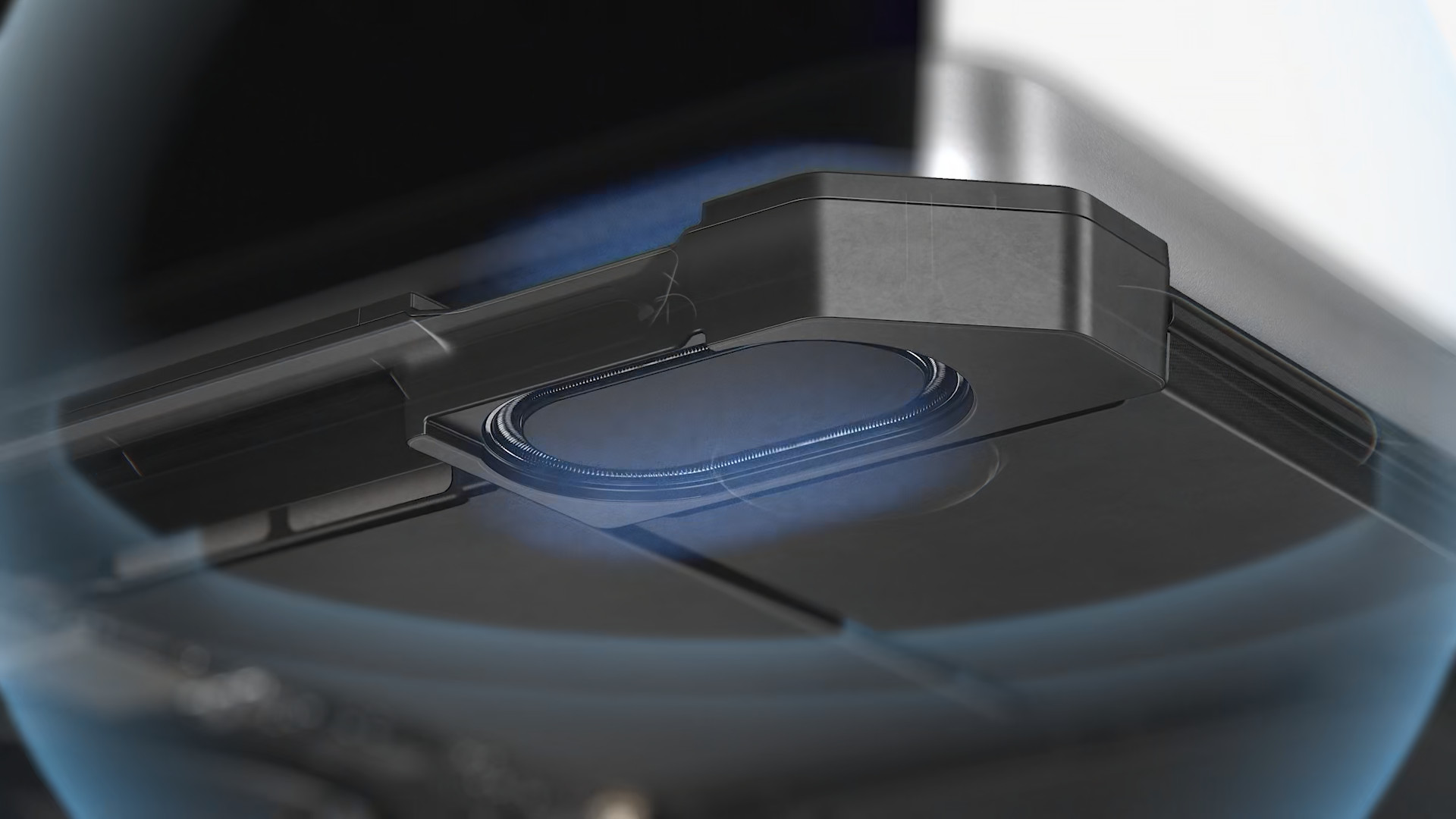
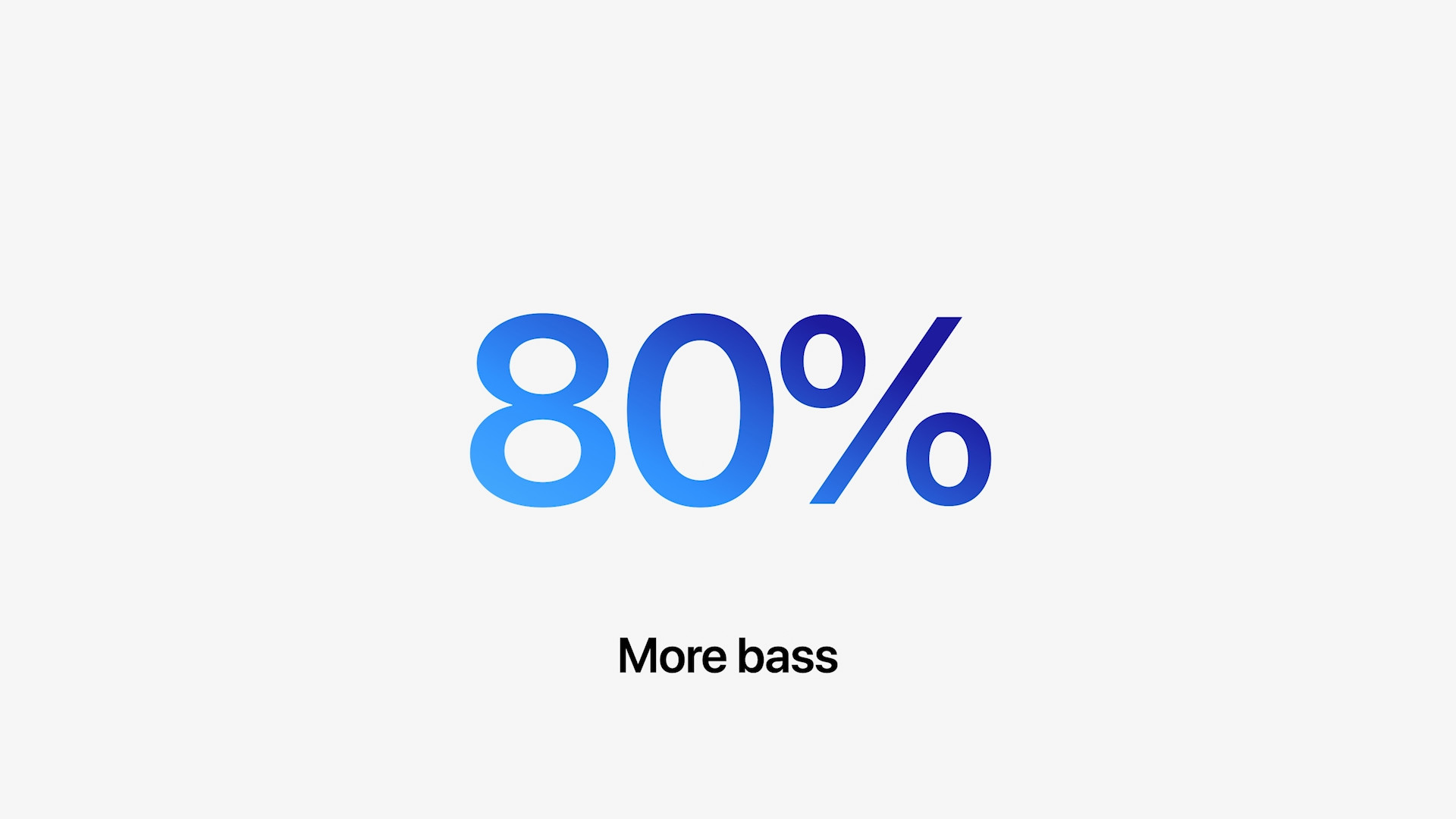
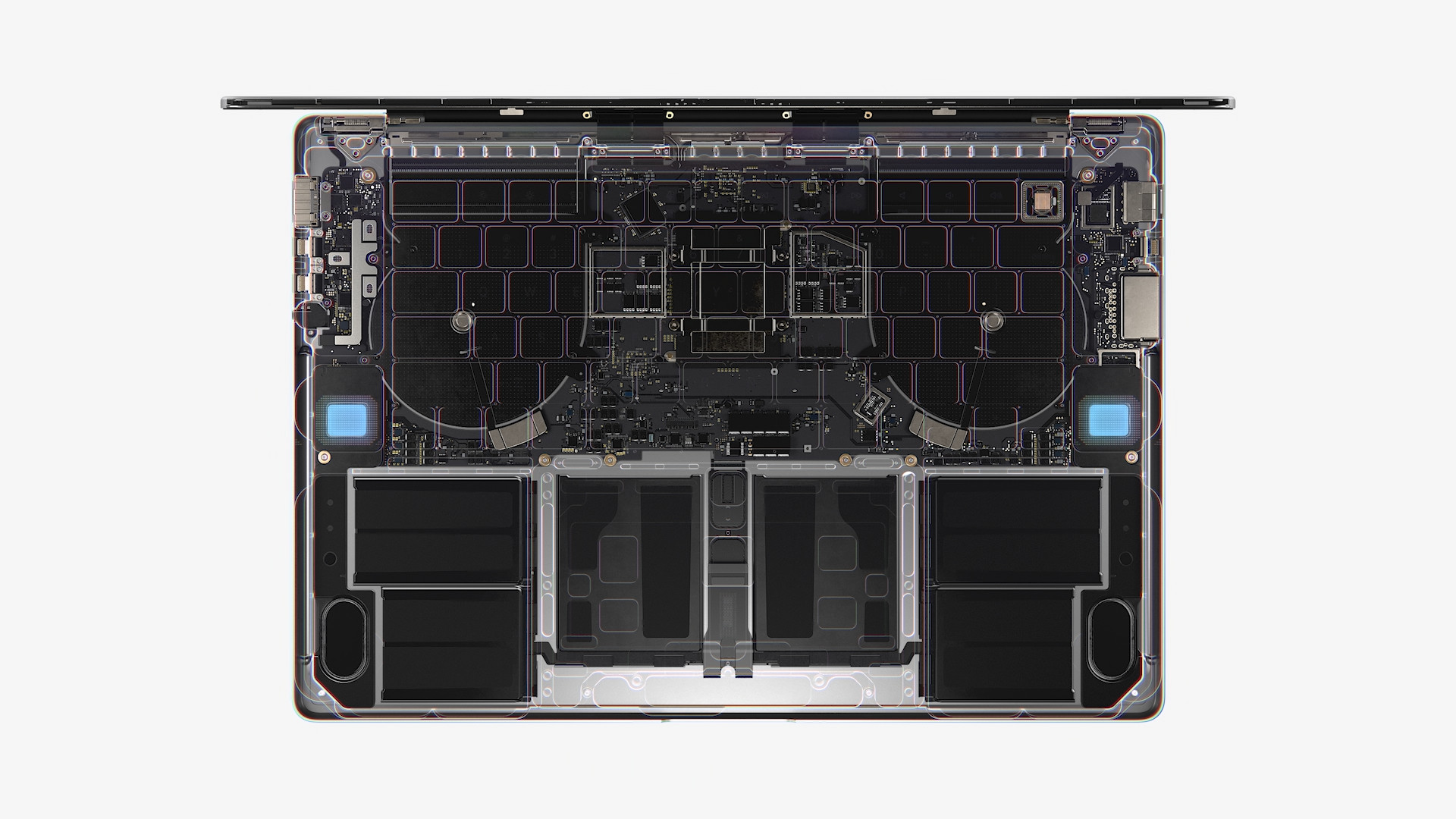
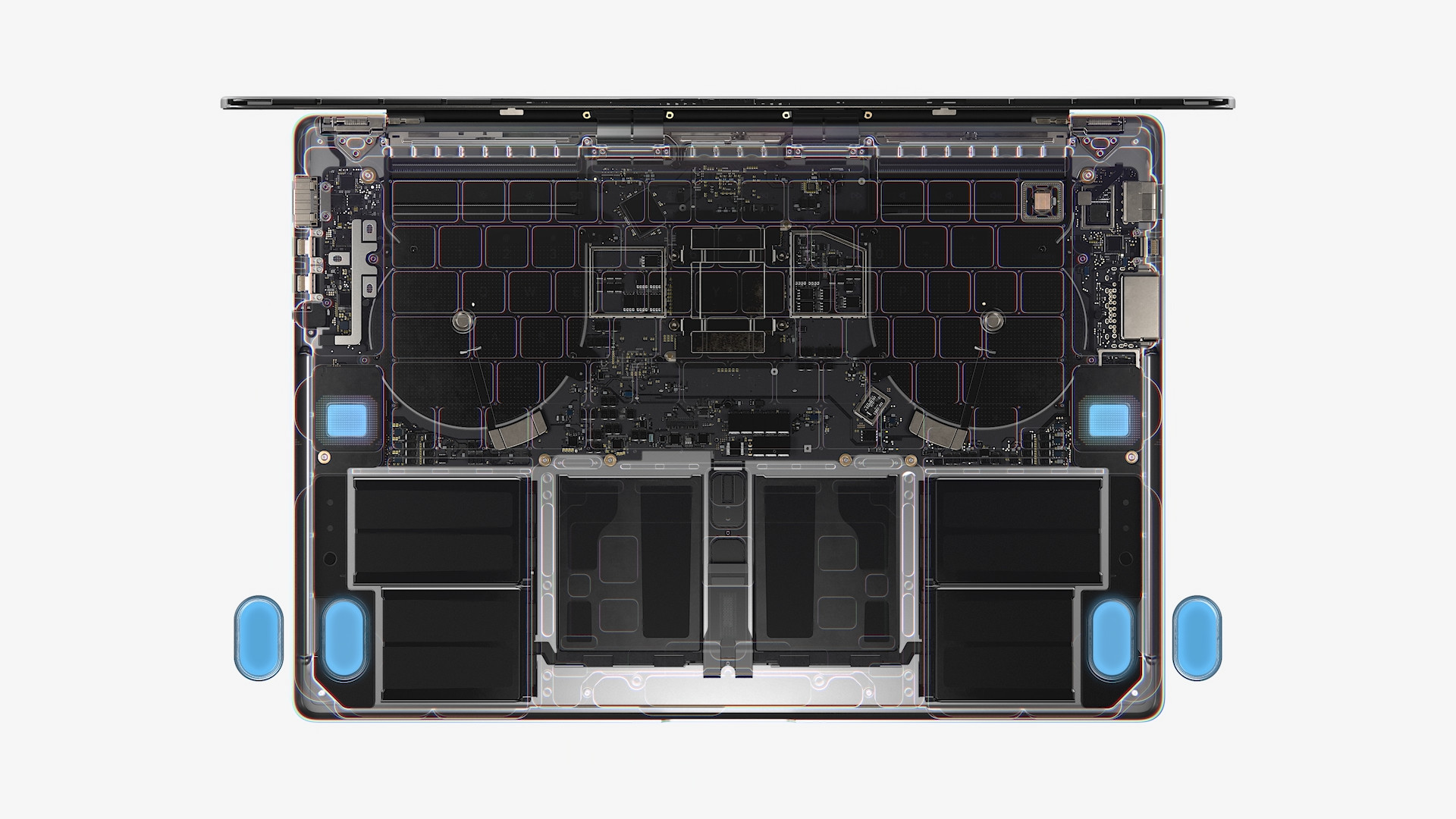
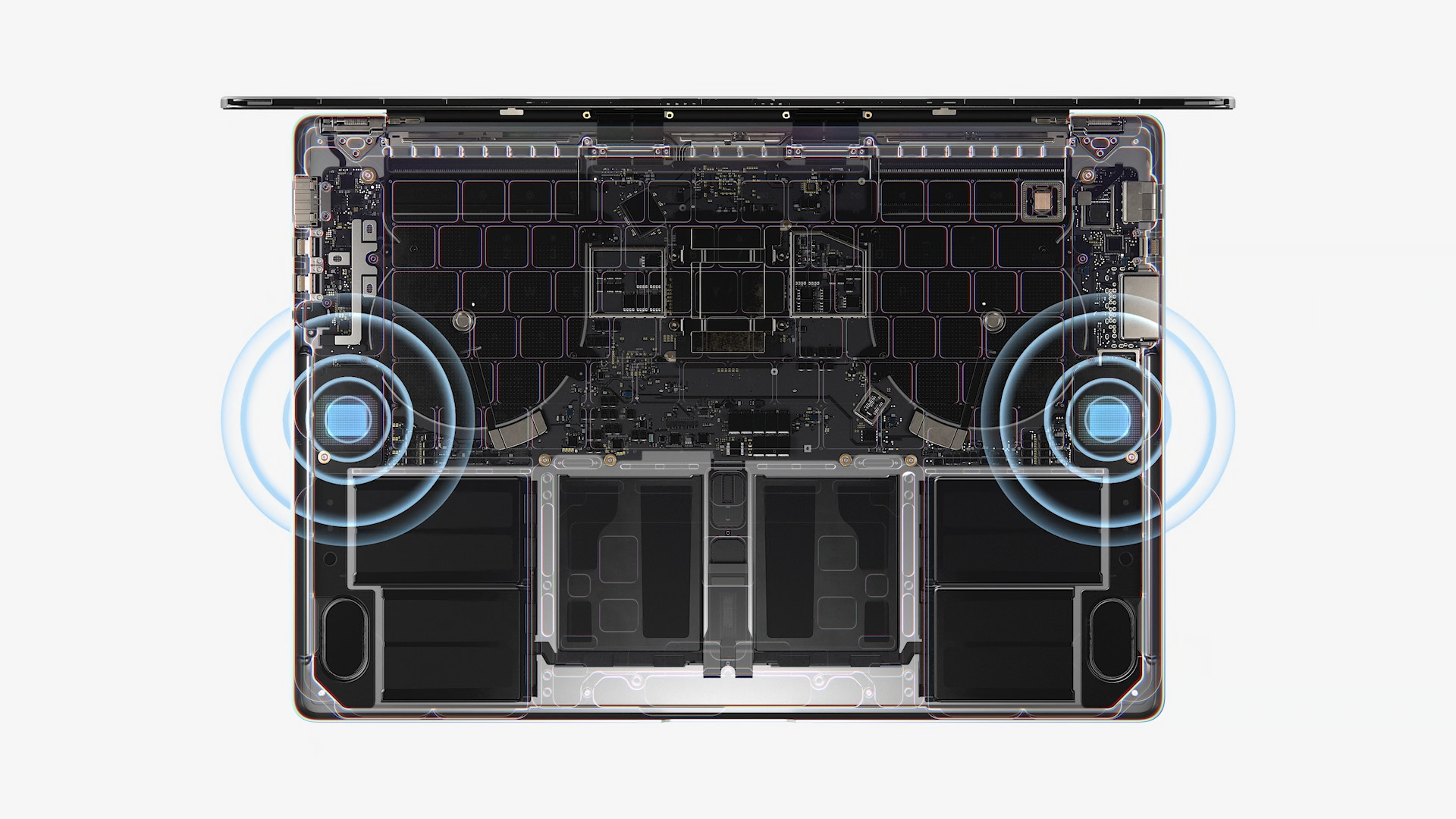
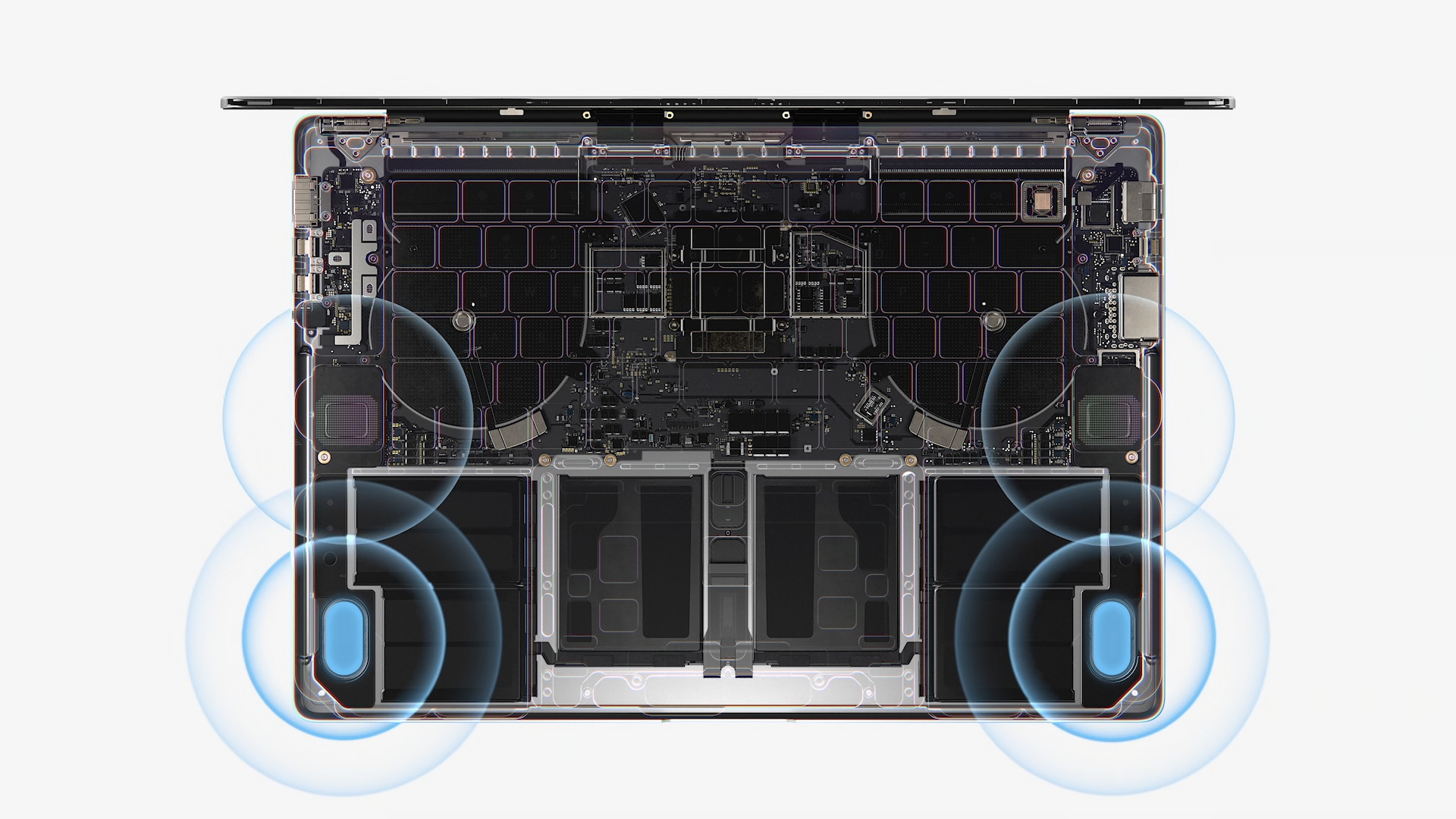
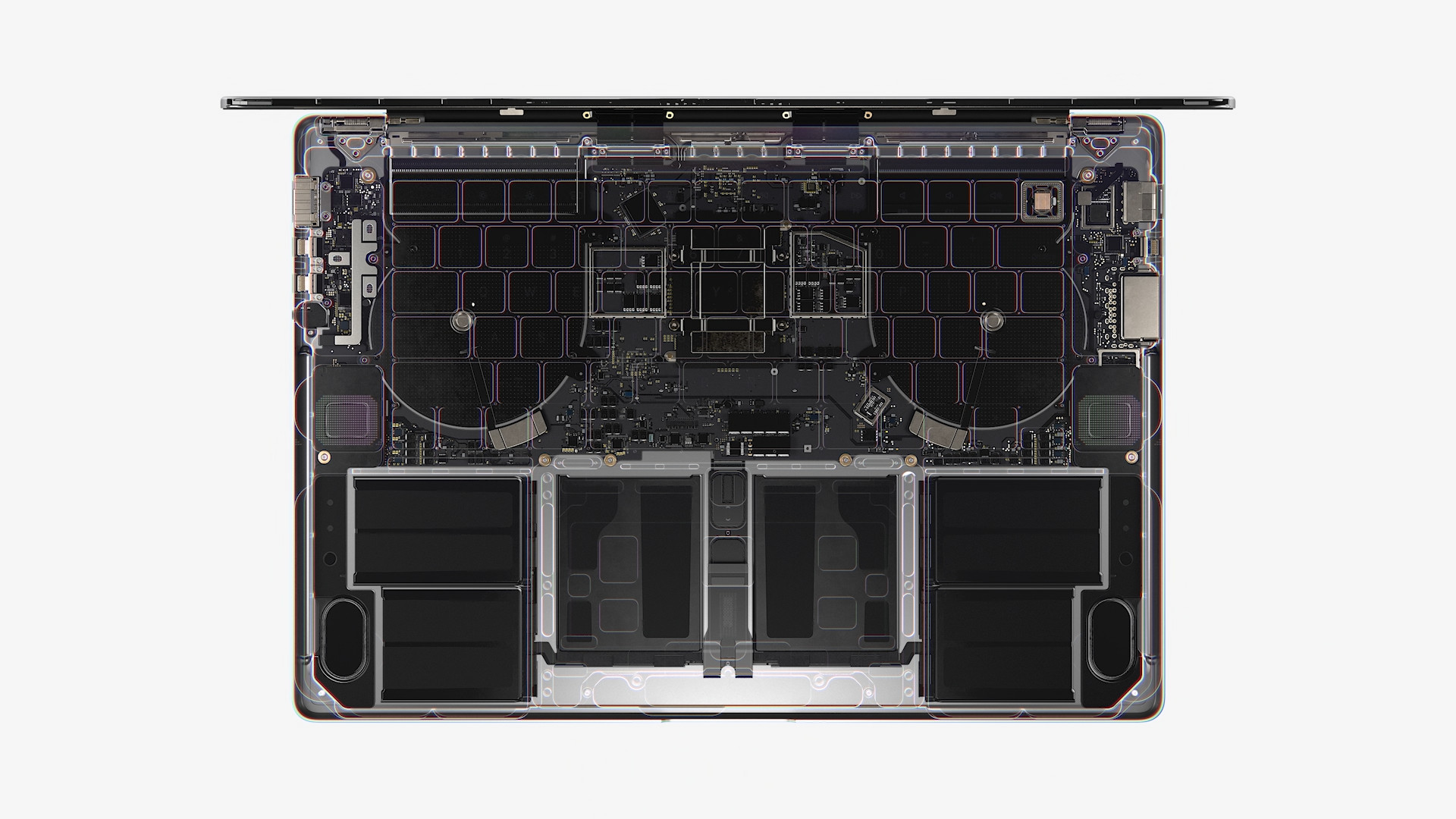
If you look at the keyboard of the 14″ model, you may notice that the Touch Bar is no longer present. Whether this is good or bad news is up to each of you. Of course, authentication with a Touch ID, which is located in the upper right part of the keyboard. You can also notice the black color of the space between the individual keys, which was in the color of the chassis itself on the 13″ model. A big improvement is then made tooneThe front camera has also been updated, which has a resolution of 1080p on the 14″ model and is directly connected to the M1 chip. Pro or M1 Max, which further adjusts the image in real time to make it better. The 13″ model has a front-facing camera with 720p resolution – this is also directly connected to the M1 chip and ensures real-time image adjustment. 14″ MacBook Pro (2021) differs from the 13″ model in terms of speakers, and that’s a fundamental difference. It offers a total of six Hi-Fi speakers, compared to the original two “ordinary” ones. Both models support playback Dolby Atmos, the 14″ model offers surround sound support for AirPods. Both models boast three microphones.
Gallery




Battery
As for the battery life, it is generally with the chips Apple Silicon excelents and unmatched. M1, M1 chips Pro and M1 Max they are much more efficient than Intel processors, so they don't consume as much energy. Some of you might be surprised to know that the battery life of the 13" MacBooku Pro with M1 higher than the 14″ model. But if you think about it, it's kind of logical, since the 14″ model has much higher performance than the M1 chip in the 13″ model. Specifically, we're talking about 20 hours of battery life on the 13″ model compared to 17 hours on the 14″ model. Apple also published the battery capacity, which is 13 Wh for the 70″ model and 13 Wh for the 58.2″ model. Even though it has a 14″ MacBook Pro larger battery, it will not provide nearly as much battery life as the 13″ model. As for charging, you can purchase the 14″ model with either a 67W power adapter or a 96W power adapter, depending on the selected main chip configuration. The power adapter is of course still included in the package. We charged the original 13″ model with a 61W power adapter. It should be noted that the 14″ MacBook Pro It also offers fast charging, allowing you to charge the battery from 0 to 50% in just 30 minutes.
- Newly introduced Apple products can be purchased for example at Alge, Mobil Pohotovosti or u iStores
| 14" MacBook Pro (2021) | 13" MacBook Pro M1 (2020) | |
| Proemperor | Apple Silicon M1 Pro or M1 Max | Apple Silicon M1 |
| Number of cores (base model) | 10 CPUs, 16 GPUs and 16 Neural Engines | CPU 8 |
| Operation memory | 16 GB (up to 64 GB for M1) Max) | 8GB (up to 16GB) |
| Basic storage | 512 GB | 256 GB |
| Additional storage | 1 TB, 2 TB, 4 TB and 8 TB | 512 GB, 1 TB, 2 TB and 4 TB |
| Display resolution and finesse | 3024 × 1964 pixels (1000 nits brightness) | 2560 × 1600 (500 nits brightness) |
| FaceTime camera | 1080p with ISP | 720p with ISP |
| Number of Thunderbolt ports | 3x (TB 4) | 2x (TB 4) |
| 3,5mm headphone jack jack | year | year |
| Additional ports | HDMI, SDXC reader, MagSafe | it does not |
| touch Bar | ne | year |
| Touch ID | year | year |
| Keyboard | Magic Keyboard (scissors) | Magic Keyboard (scissors) |
| Price of the base model | 58 990 Kč | 38 990 Kč |
| The price of the second recommendation. model | 72 990 Kč | 44 990 Kč |

Error in the text 😉
Apple also published the battery capacity, which is 13 Wh for the 70″ model and 13 Wh for the 58.2″ model. Even though it has a 14″ MacBook Pro larger battery, it will not provide nearly as much endurance as the 13″ model.
So the 14″ model has a 70Wh battery capacity…