
If you are an apple enthusiast, you probably didn't miss the special conference from last November. Applu, where we saw the introduction of the first ever devices with the first generation of chips Apple SiliconSpecifically, we saw the introduction of the M1 chip, which found its place in MacBooku Air, 13″ MacBooku Pro and Mac mini, later even in the brand new and redesigned 24″ iMac. After the introduction of the M1 chip, the information about incredible performance and unbeatable efficiency was absolutely confirmed to everyone. But a year has flown by and what are we going to lie to ourselves, we simply knew the M1 chip and in a way we got tired of it.
You might be interested in
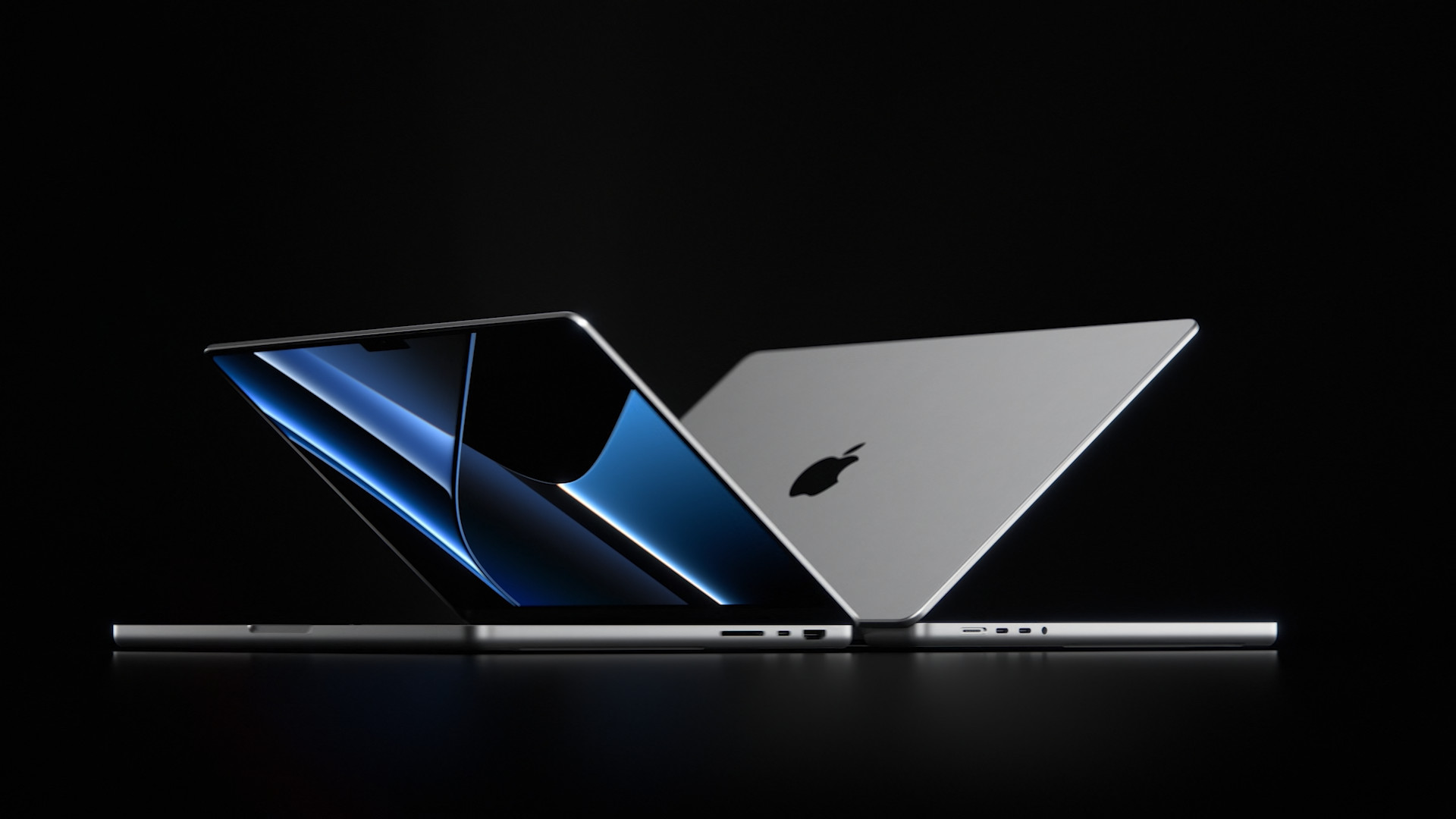
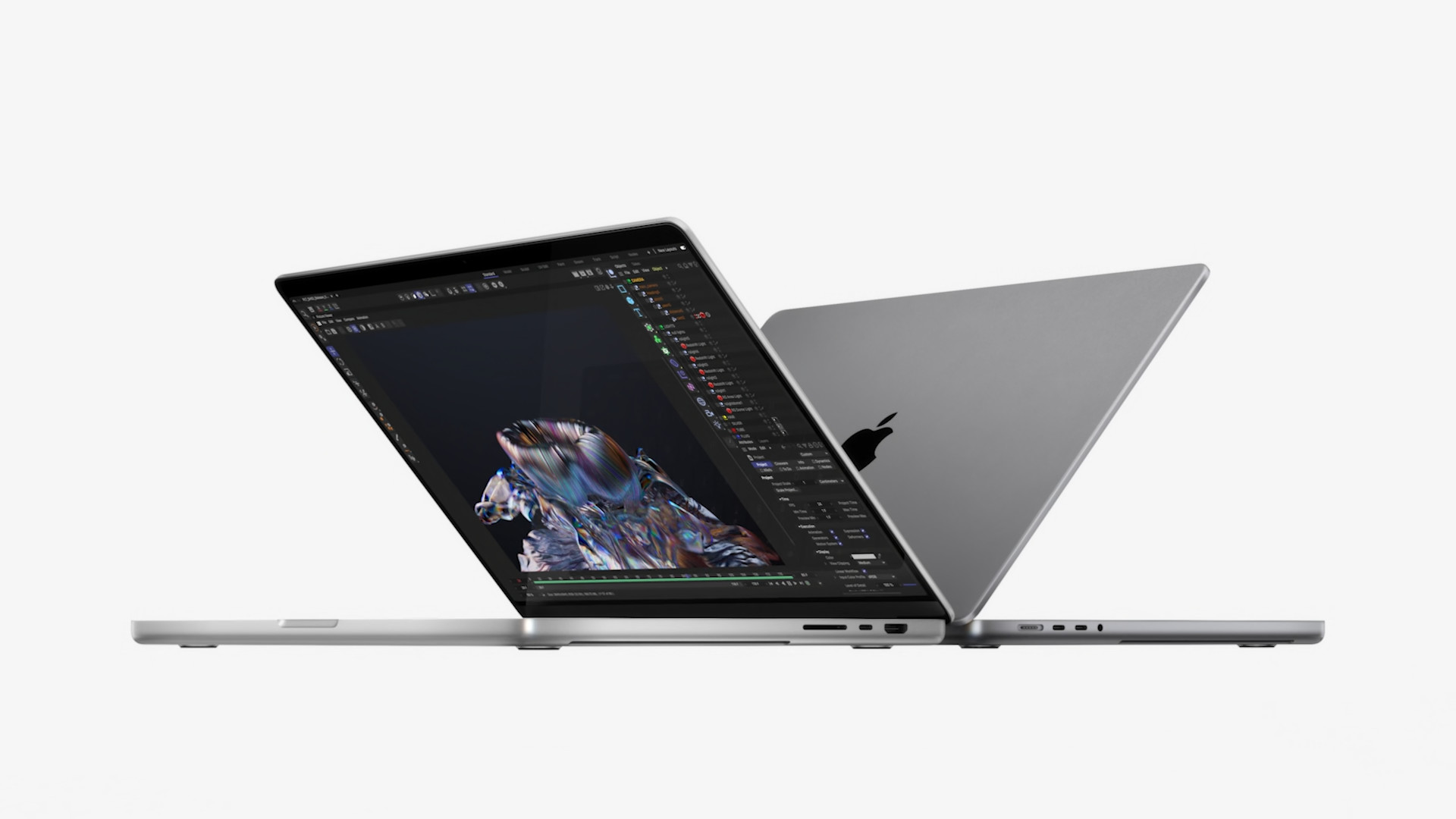
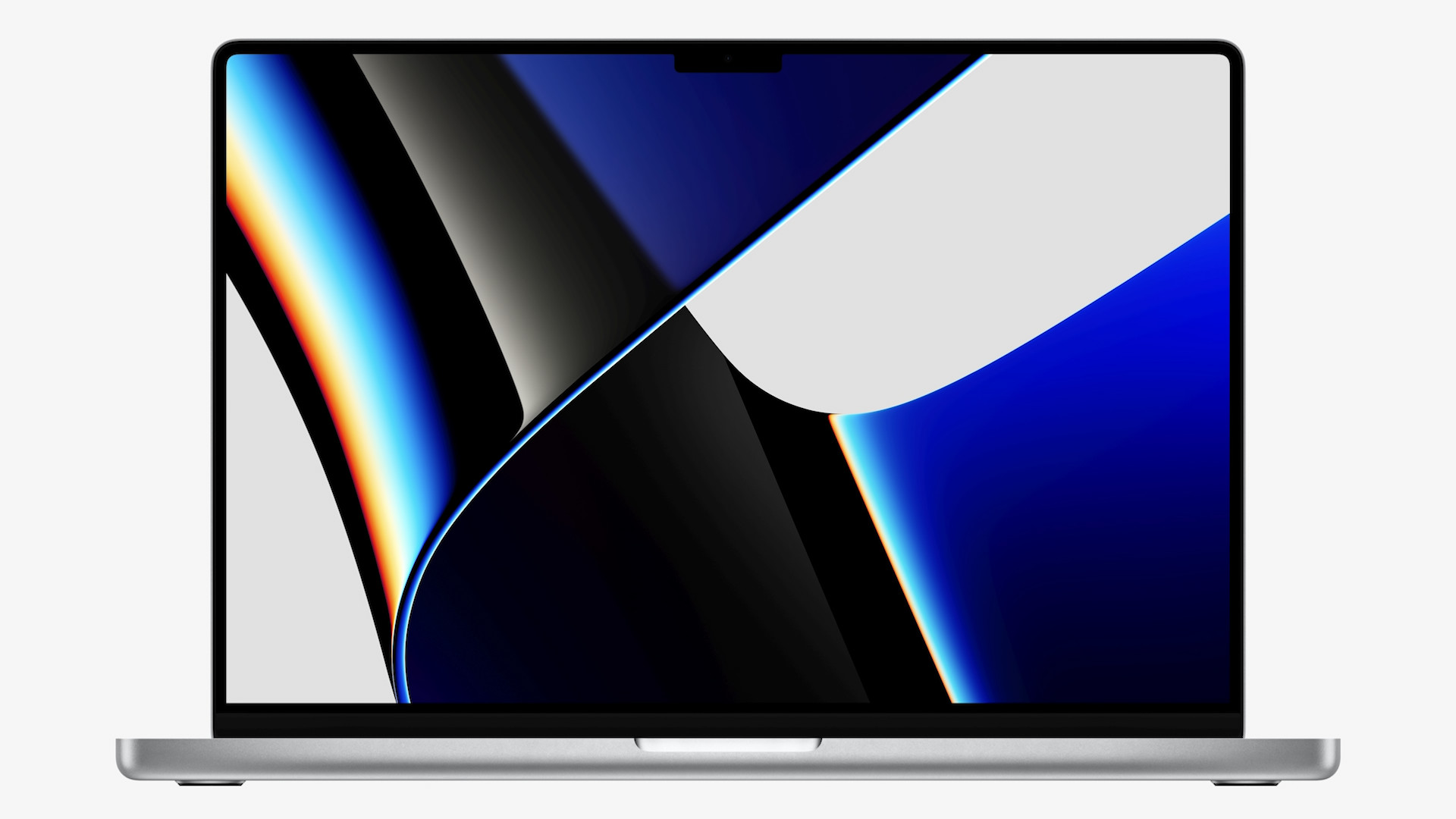
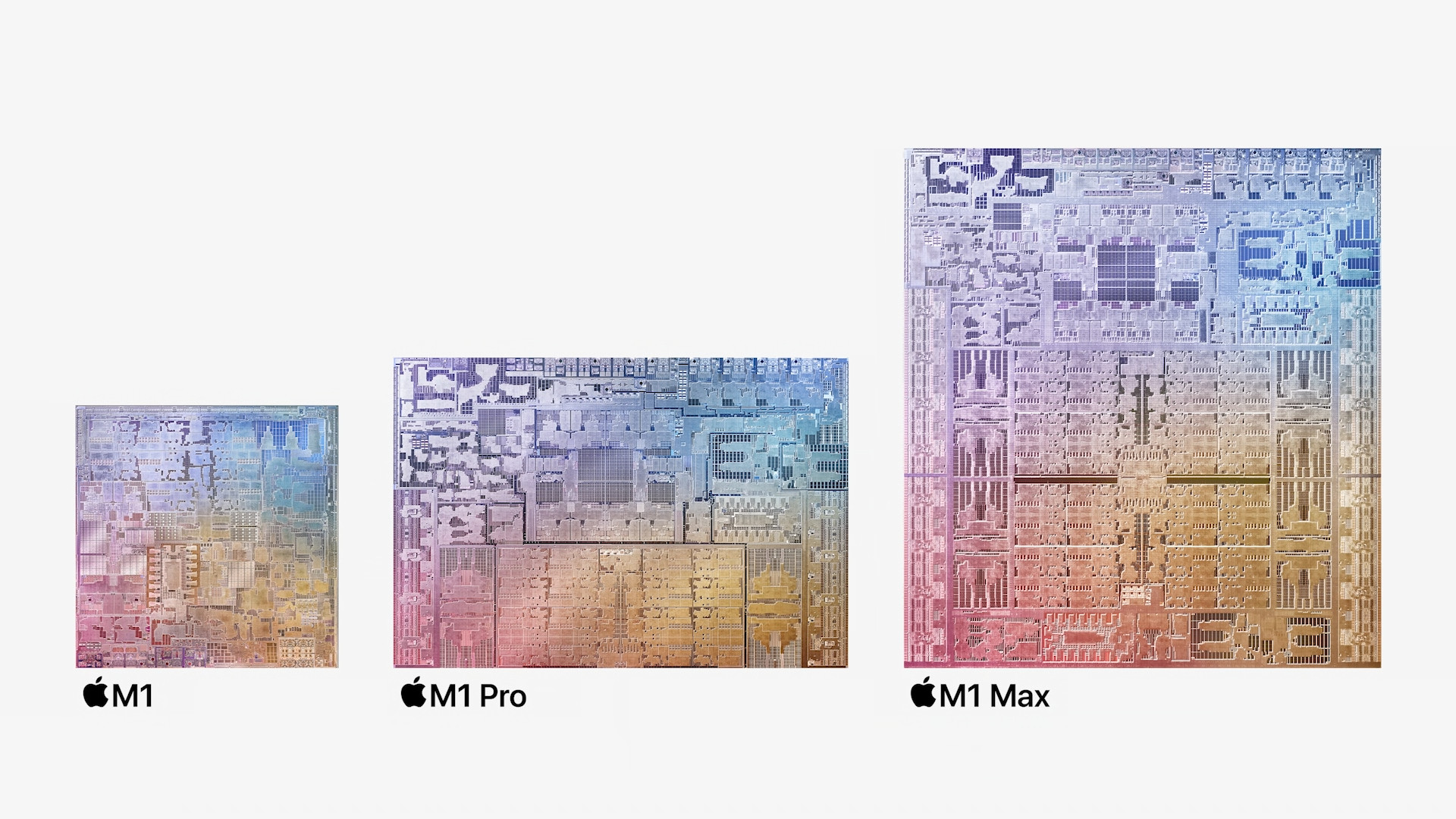
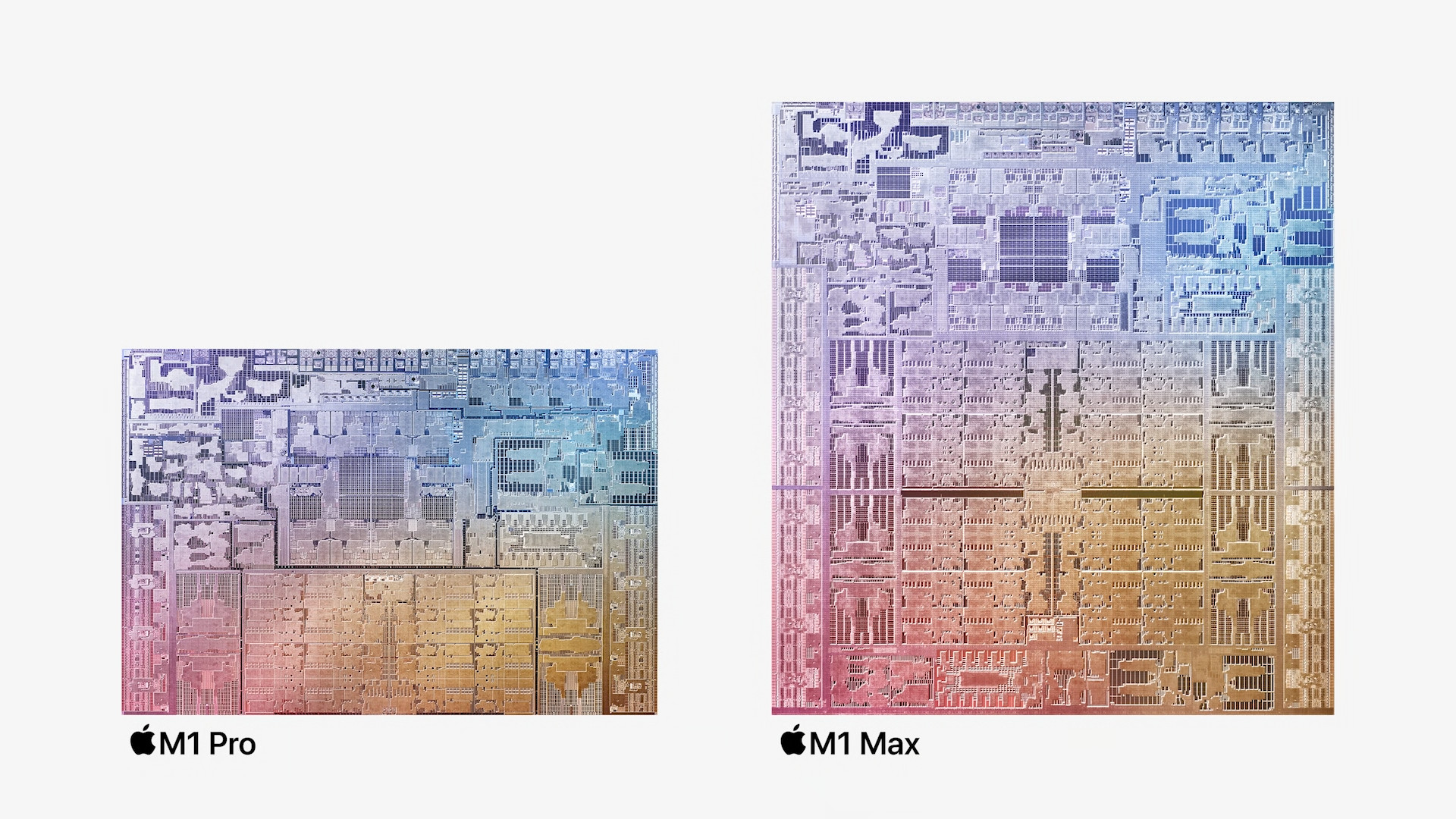
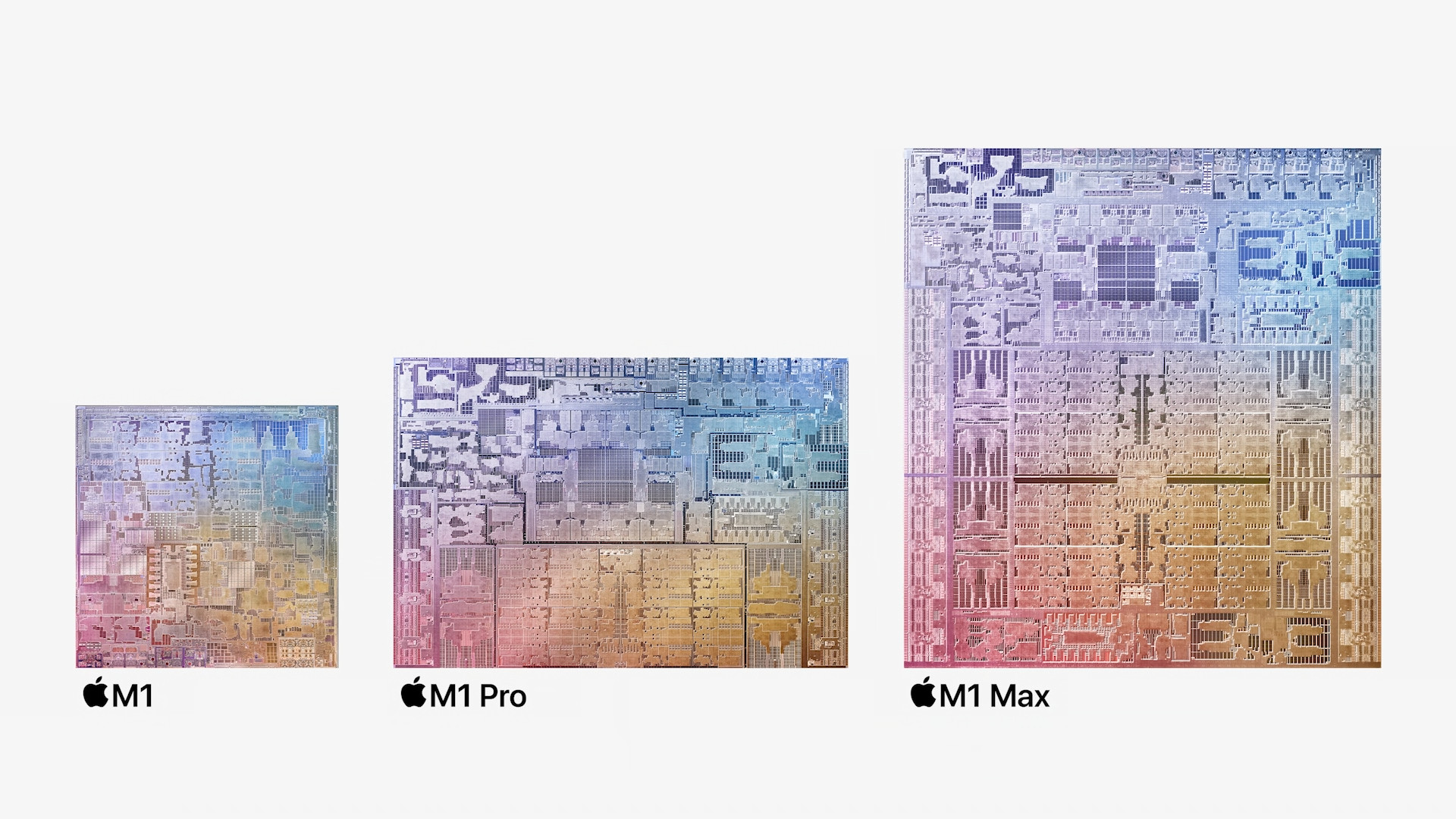
However, earlier this week Apple came with this year's third conference, at which we saw the introduction of new chips Apple SiliconIf you haven't watched this conference, then Apple came up with the first ever professional chips Apple Siliconwhich are based on the original M1 chip. Pro We have two chips, namely the M1 Pro and M1 MaxBoth of these chips offer even higher performance and better efficiency. They are currently only part of completely redesigned MacBooků Pro, namely 14″ and 16″ versions. Apple however, it continues to offer devices with the original M1 chip. This means that users can choose a device with a total of three different chips Apple Silicon, which can be a little confusing. In this article, we will therefore refer to the M1, M1 Pro and M1 Max Let's compare them so you can understand how they differ from each other. We'll look at how these chips are "put together" in terms of CPU, GPU, memory, and storage, but we'll also shed some light on other information.
Introducing new ones MacBooků Pro











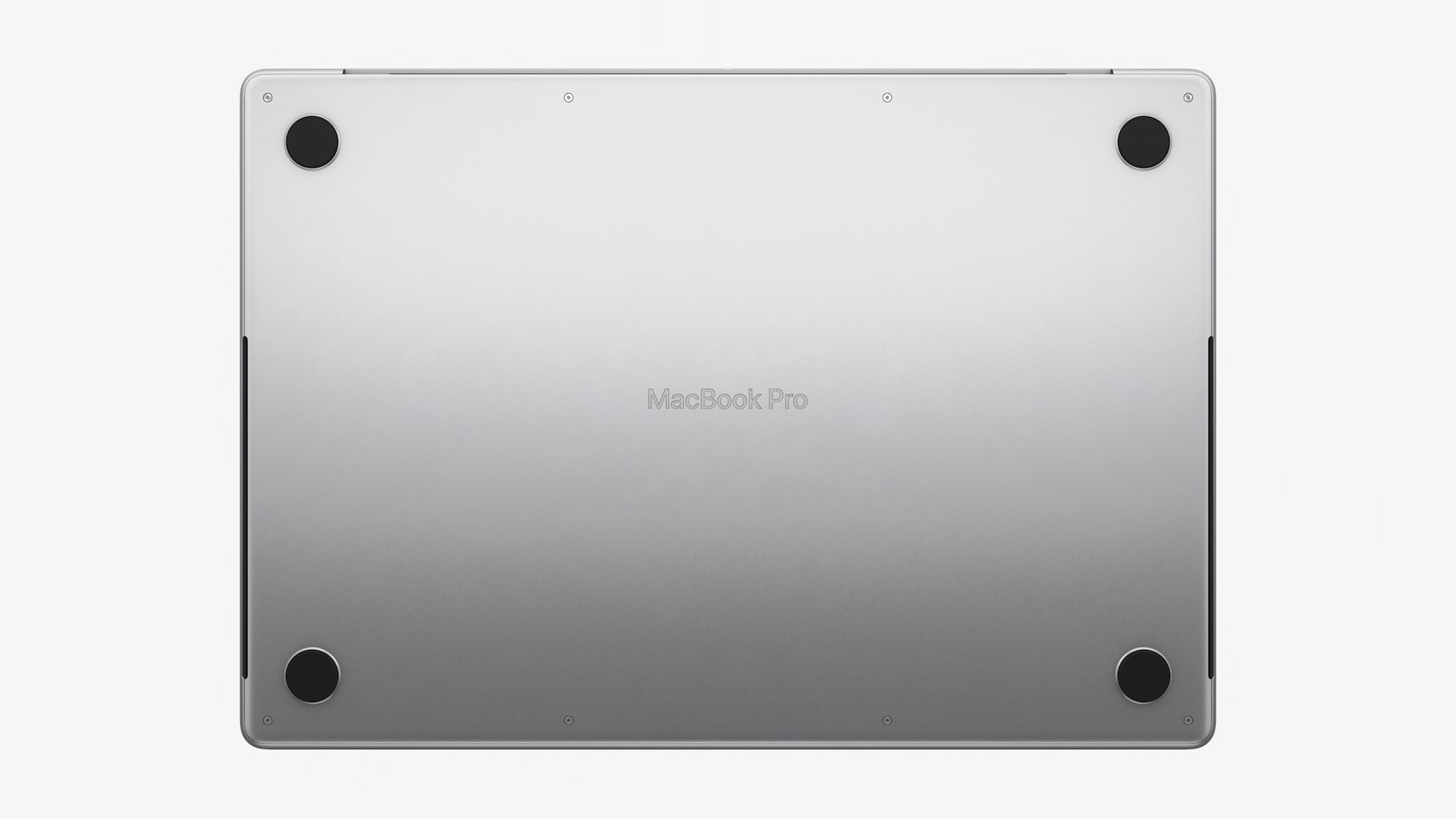
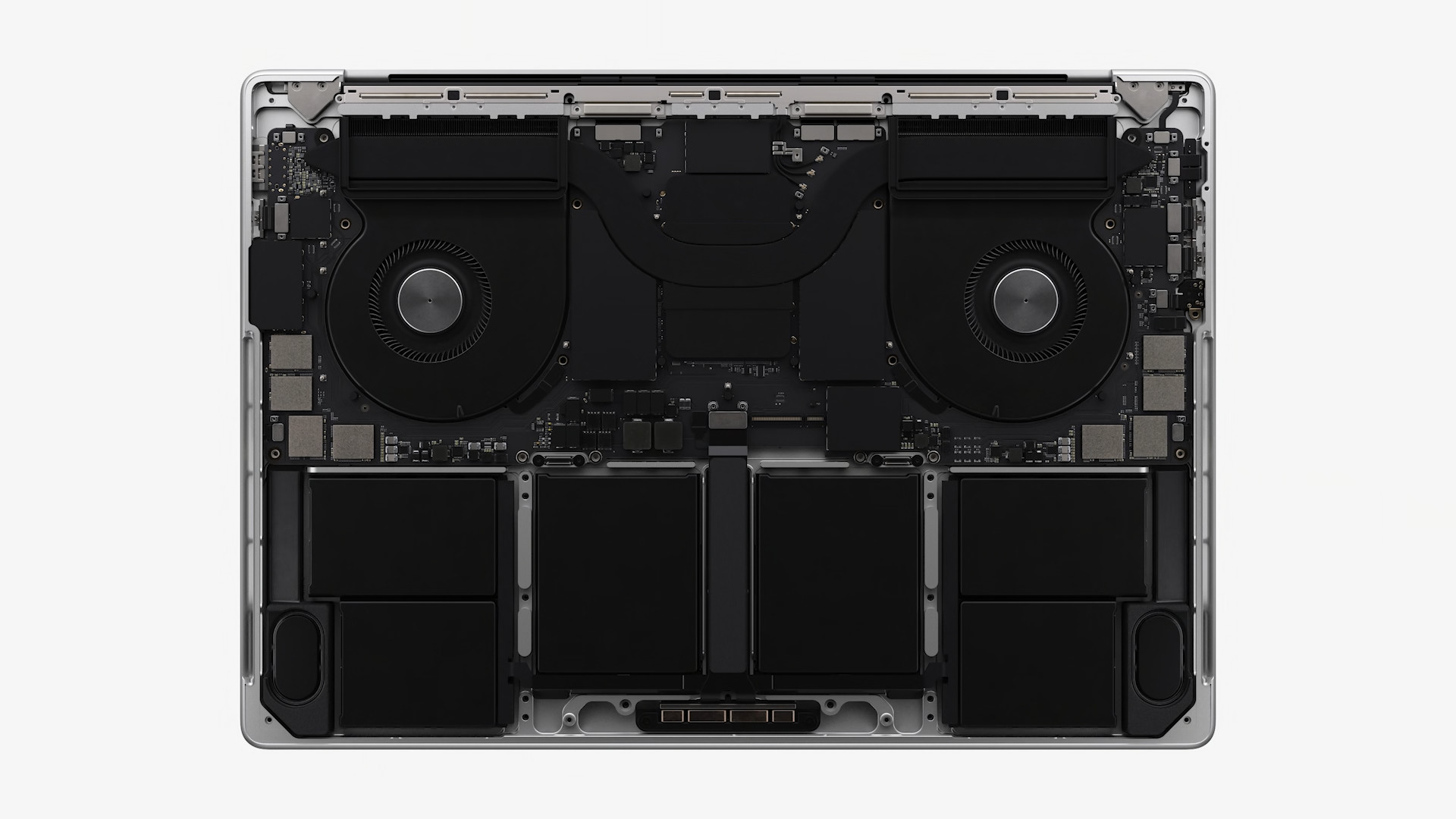
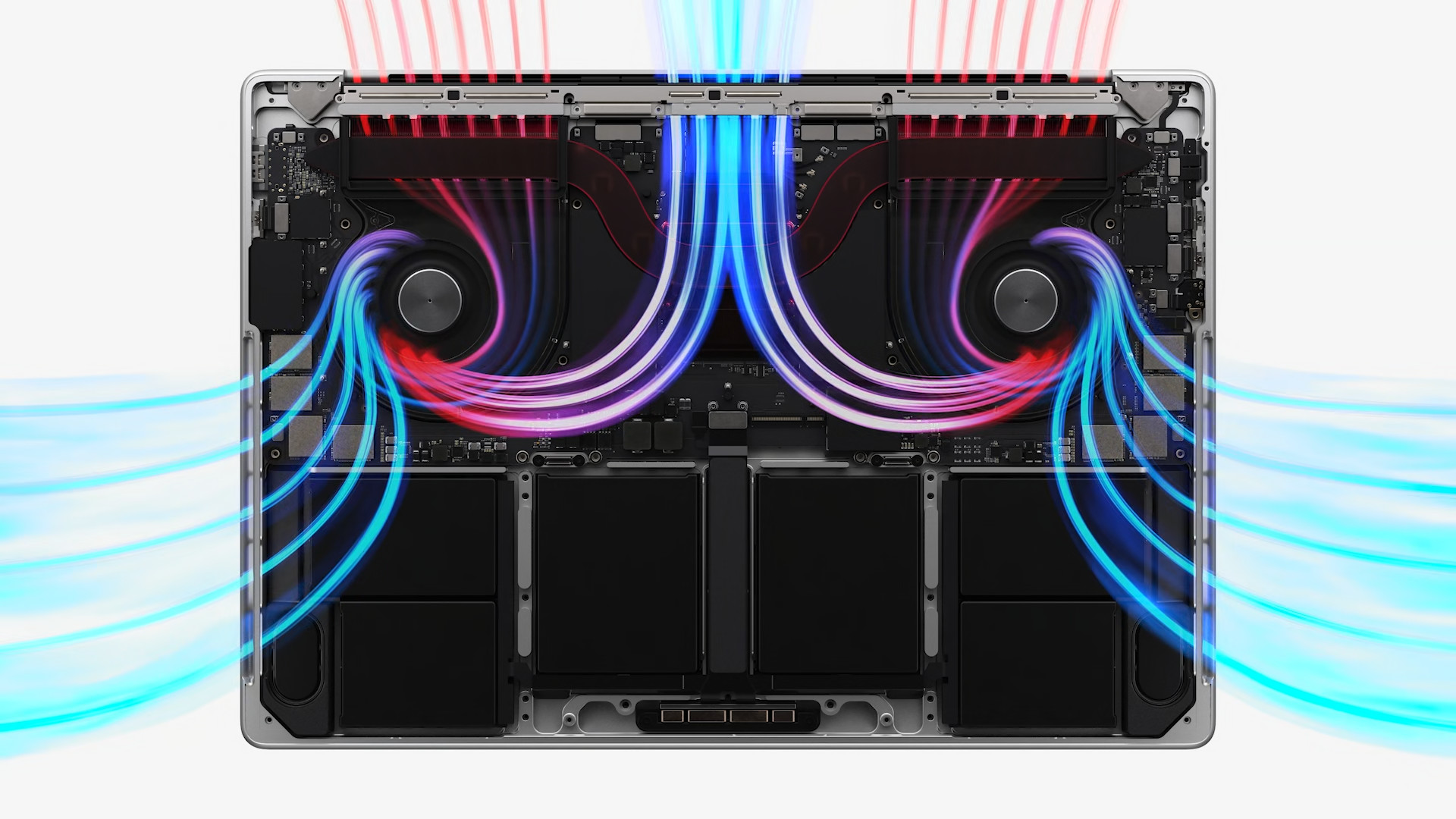
CPU
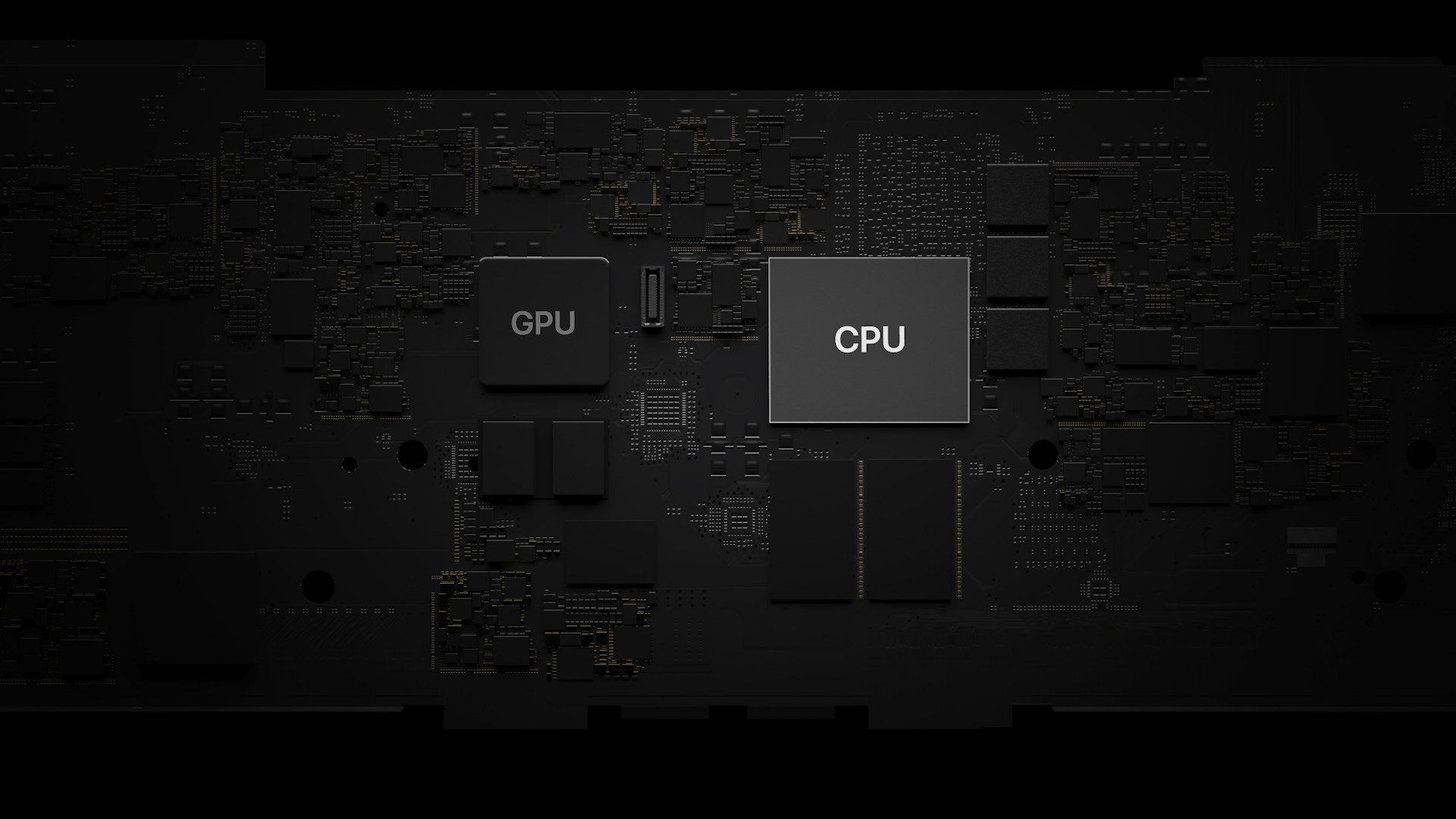
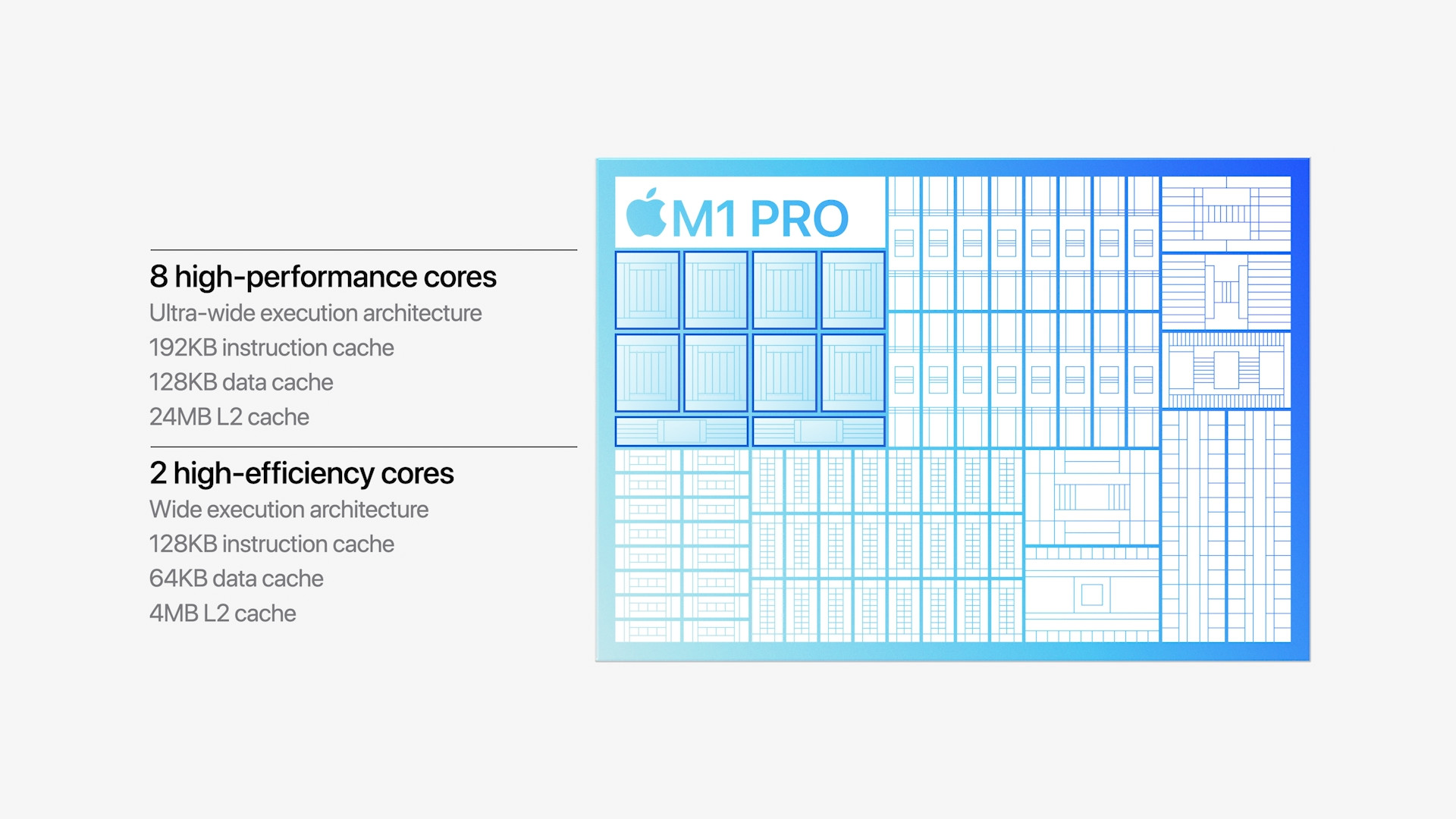
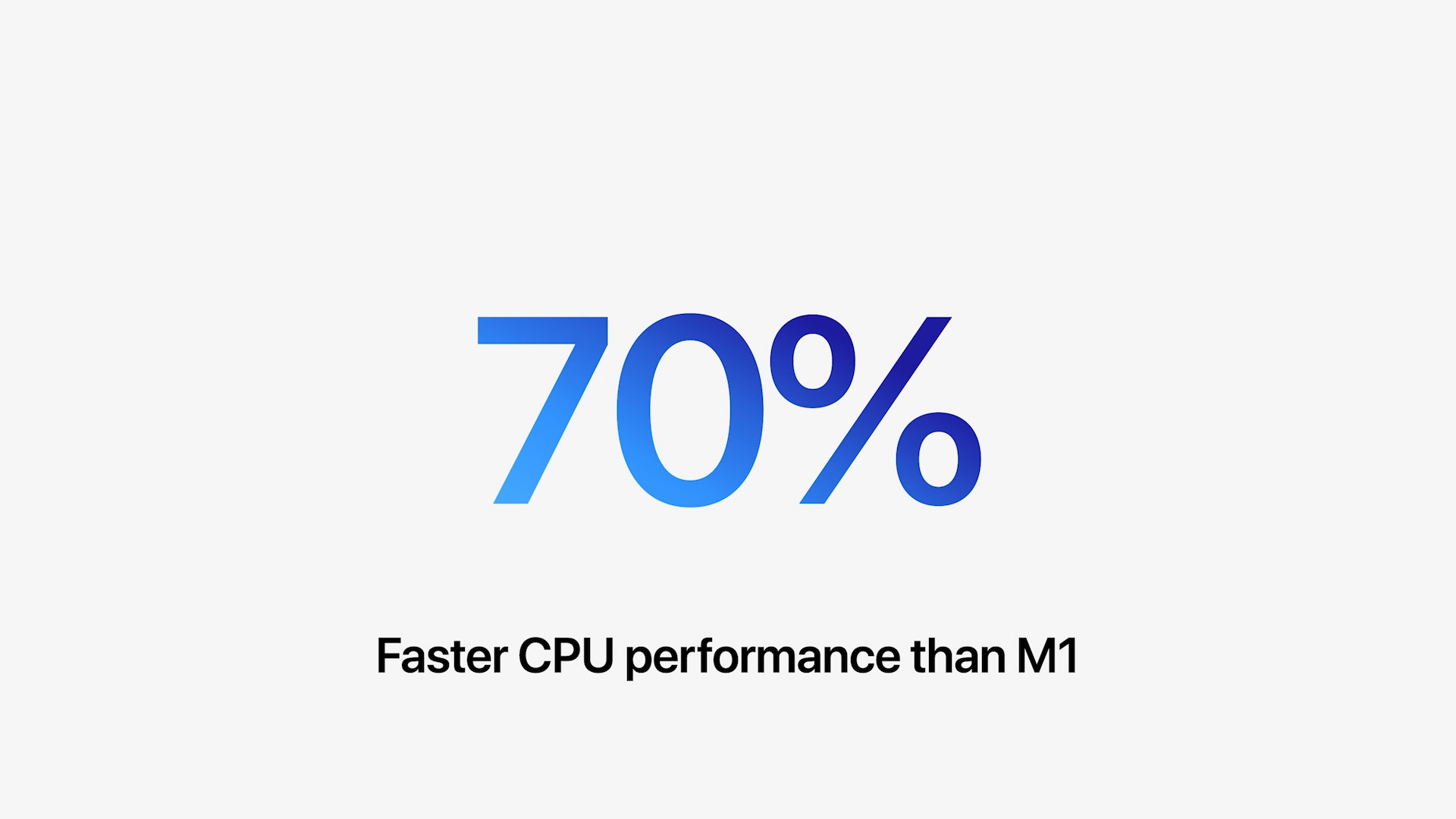
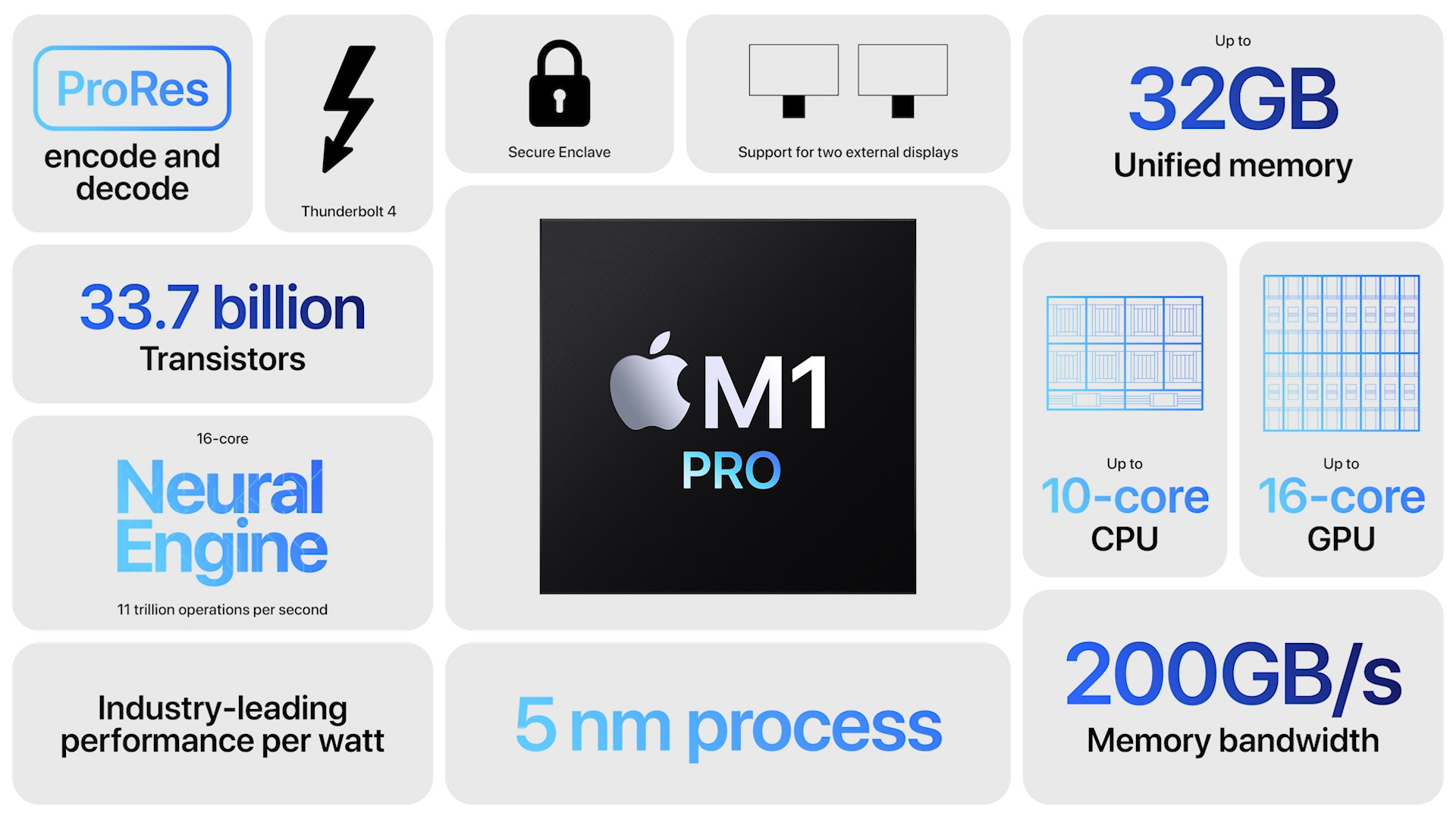
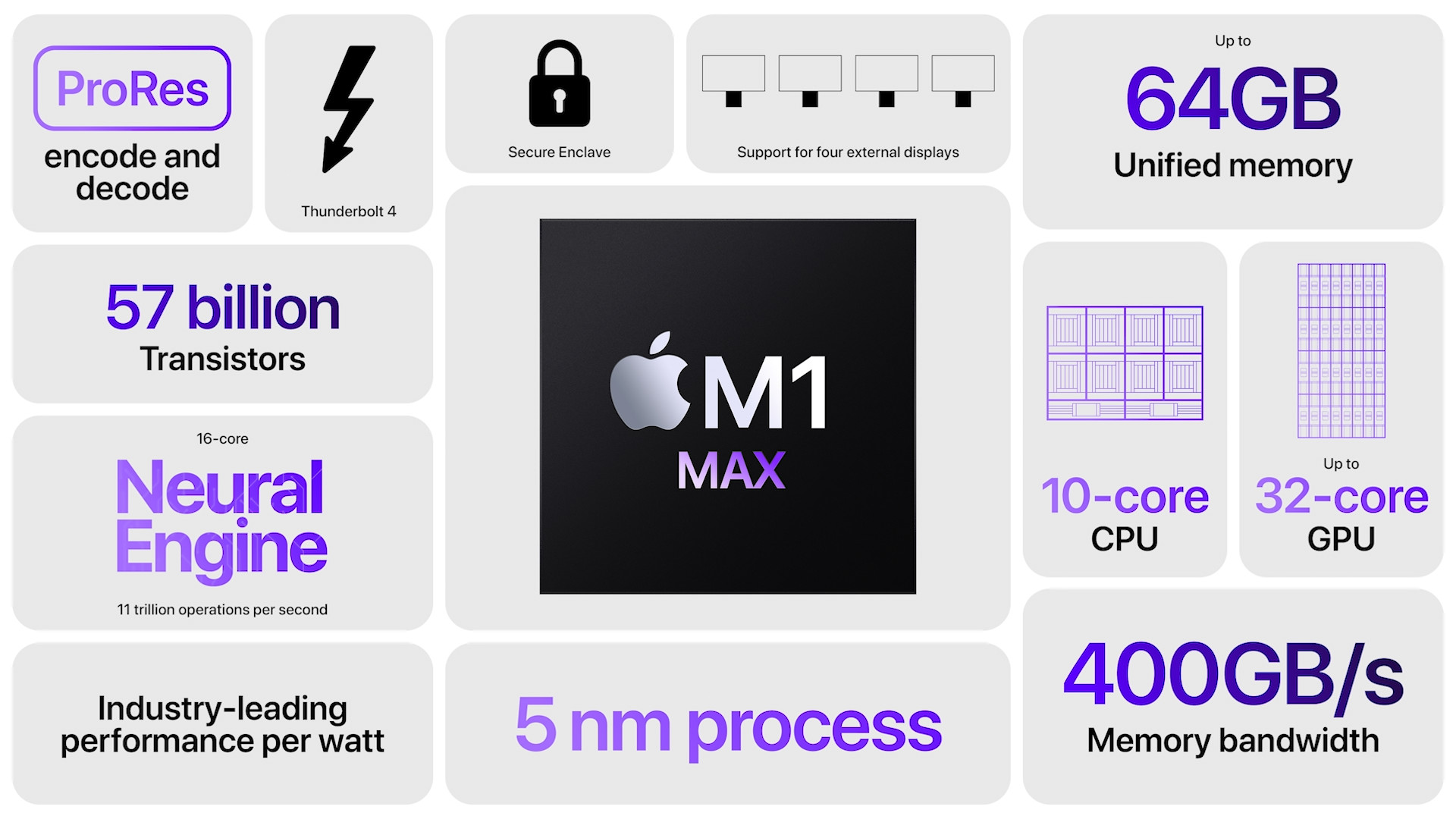
Let's start with the number of CPU cores. The M1 chip, which beats in MacBooku Air, 13″ MacBooku Pro, Mac mini and 24″ iMac, offers a total of 8 CPU cores – 4 of which are performance and 4 are power-efficient. The original M1 chip does not have any additional varianto and is therefore only available in one configuration. In the case of the M1 Pro You get 8 CPU cores in the basic configuration, but if you go for a better configuration, up to 10 CPU cores are available. 8-core variaM1 Pro offers 6 performance cores and 2 efficiency cores, 10-core variaM1 Pro then it has 8 performance cores and 2 efficiency cores. M1 chip Pro available in 14″ and 16″ MacBooku Pro (2021). Top-of-the-line M1 chip Max then in all cases the CPU has 10 cores – 8 of them are high-performance and 2 are energy-efficient. M1 Max available in 14″ and 16″ MacBooku Pro (2021). All three chips compared have a 16-core Neural Engine for machine learning, so you would be hard-pressed to find any differences in this regard.
GPU
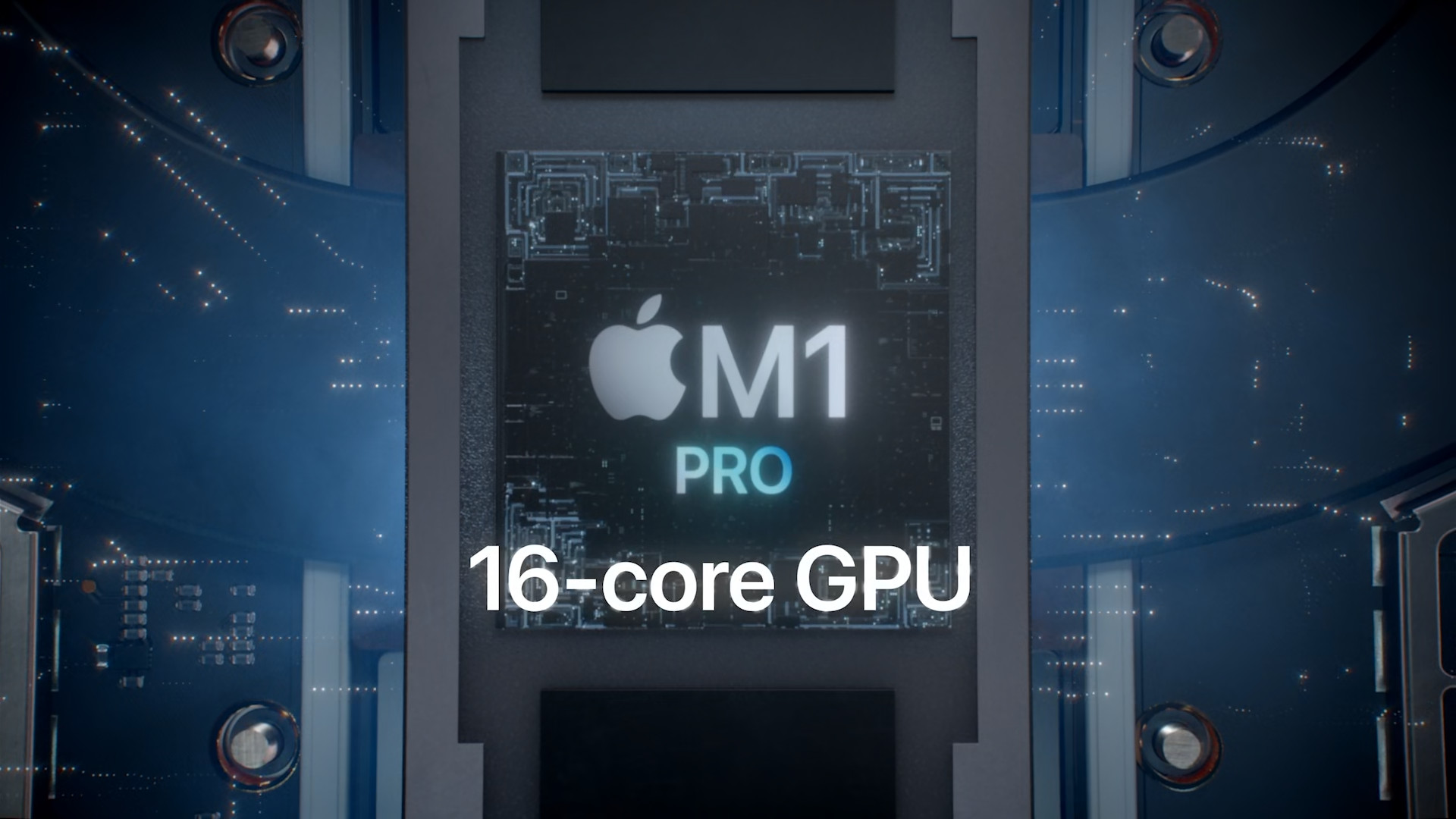
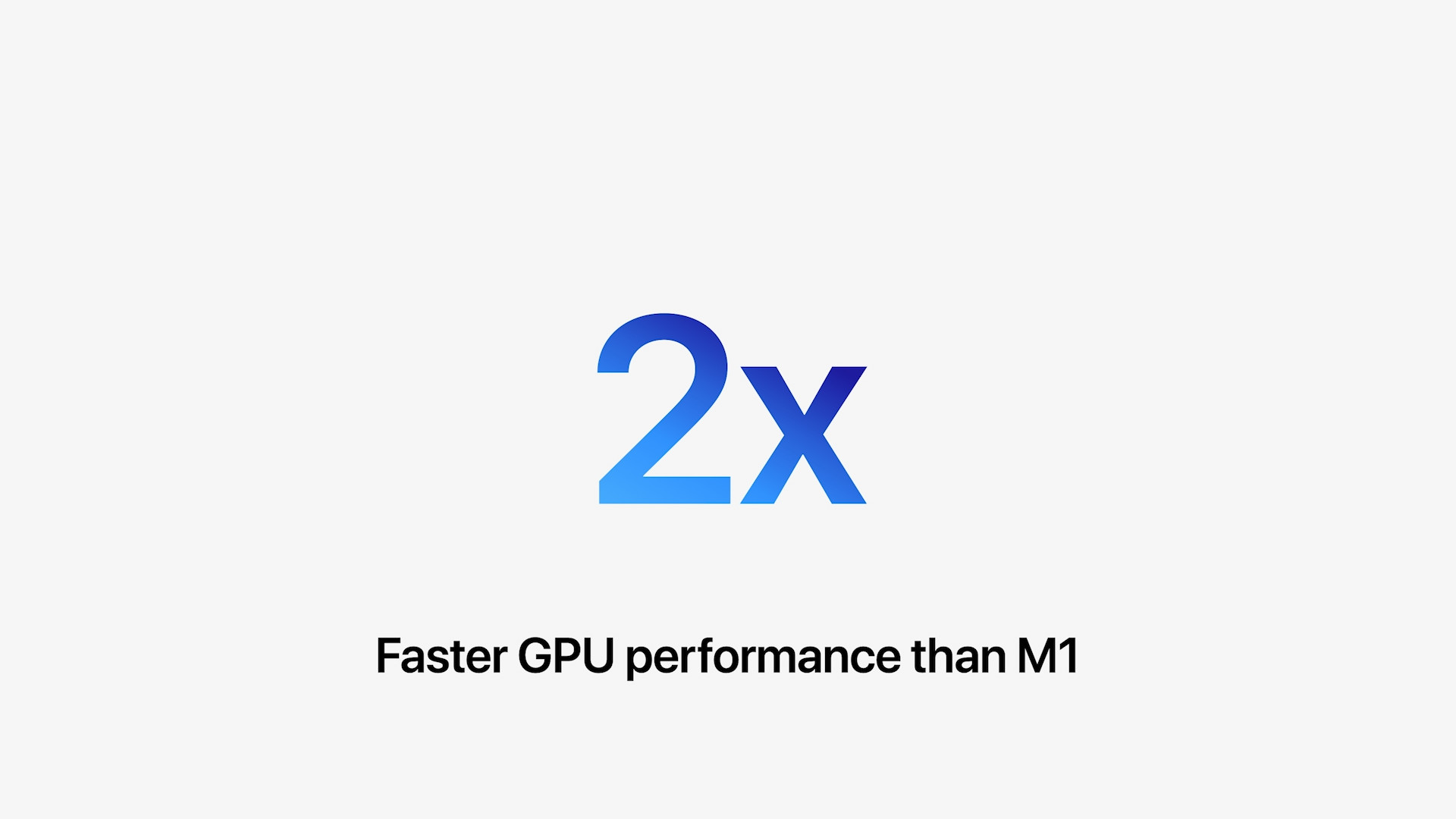
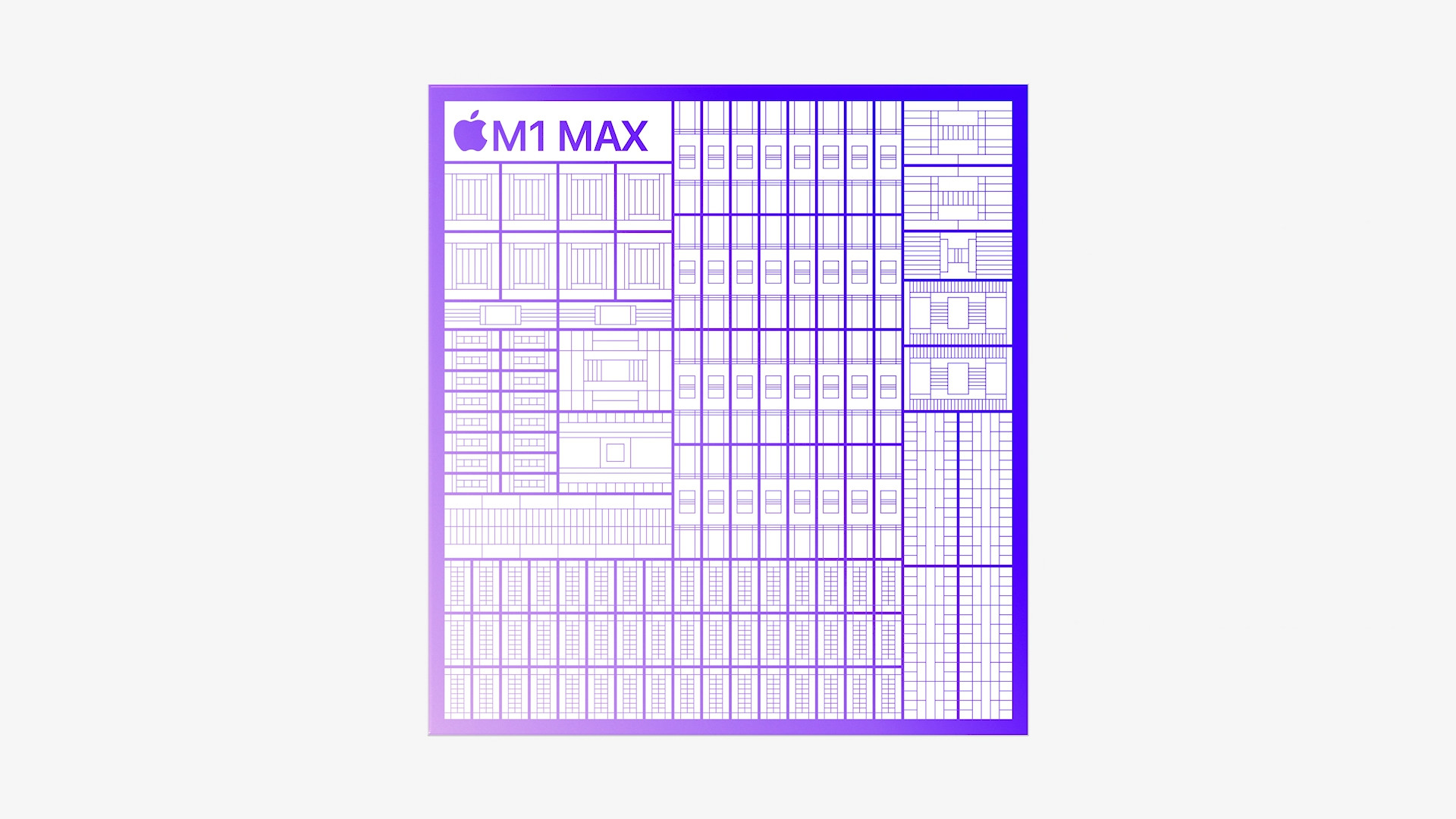
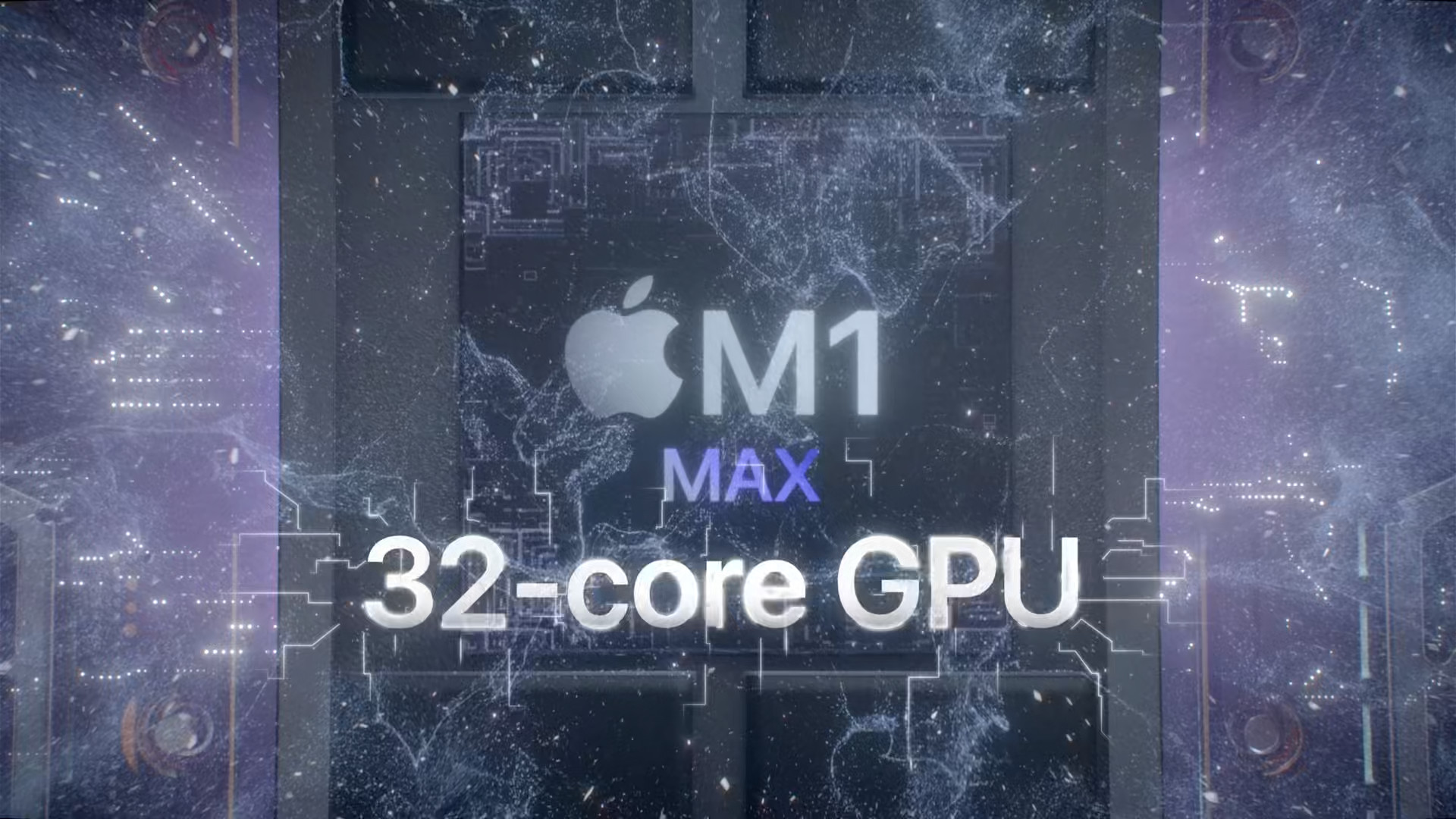
Part of the chips Apple Silicon there are also graphics cores, or GPU cores. If we look at the original M1 chip, we find that it can be found in two variaIn the case of the basic MacBooku Air you get the M1 chip with a total of 7 GPU cores, but if you buy any more powerful configuration MacBooku Air, or any 13″ MacBook Pro, Mac mini or 24″ iMac, you get it with an 8-core GPU. M1 chip Pro, which currently only beats in 14″ and 16″ MacBooku Pro, is available with a 14-core or 16-core GPU. For the top-of-the-line M1 chip Max then you can reach for variante with a 24-core or 32-core GPU.
Introducing the M1 chip Pro


Memory
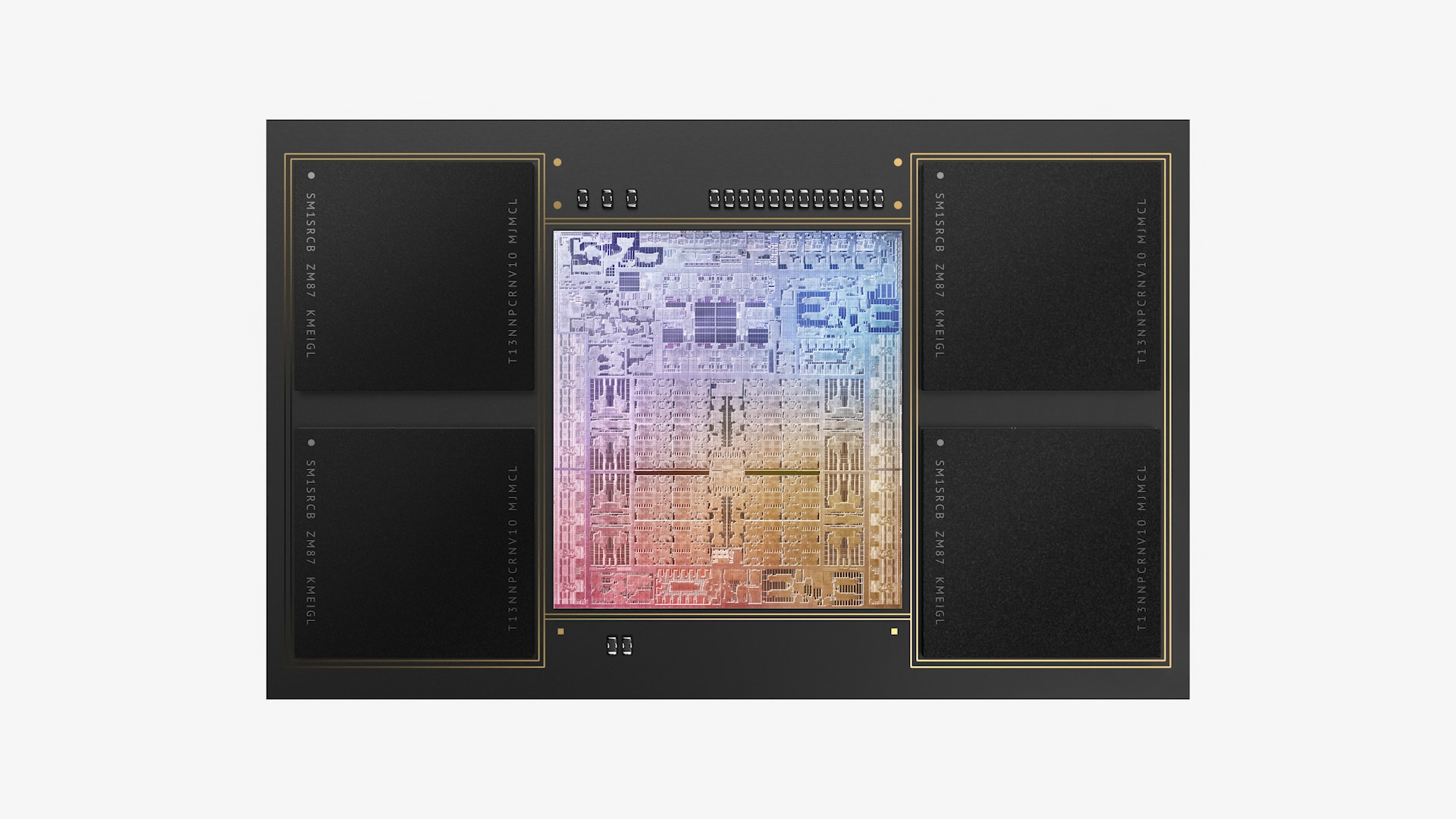
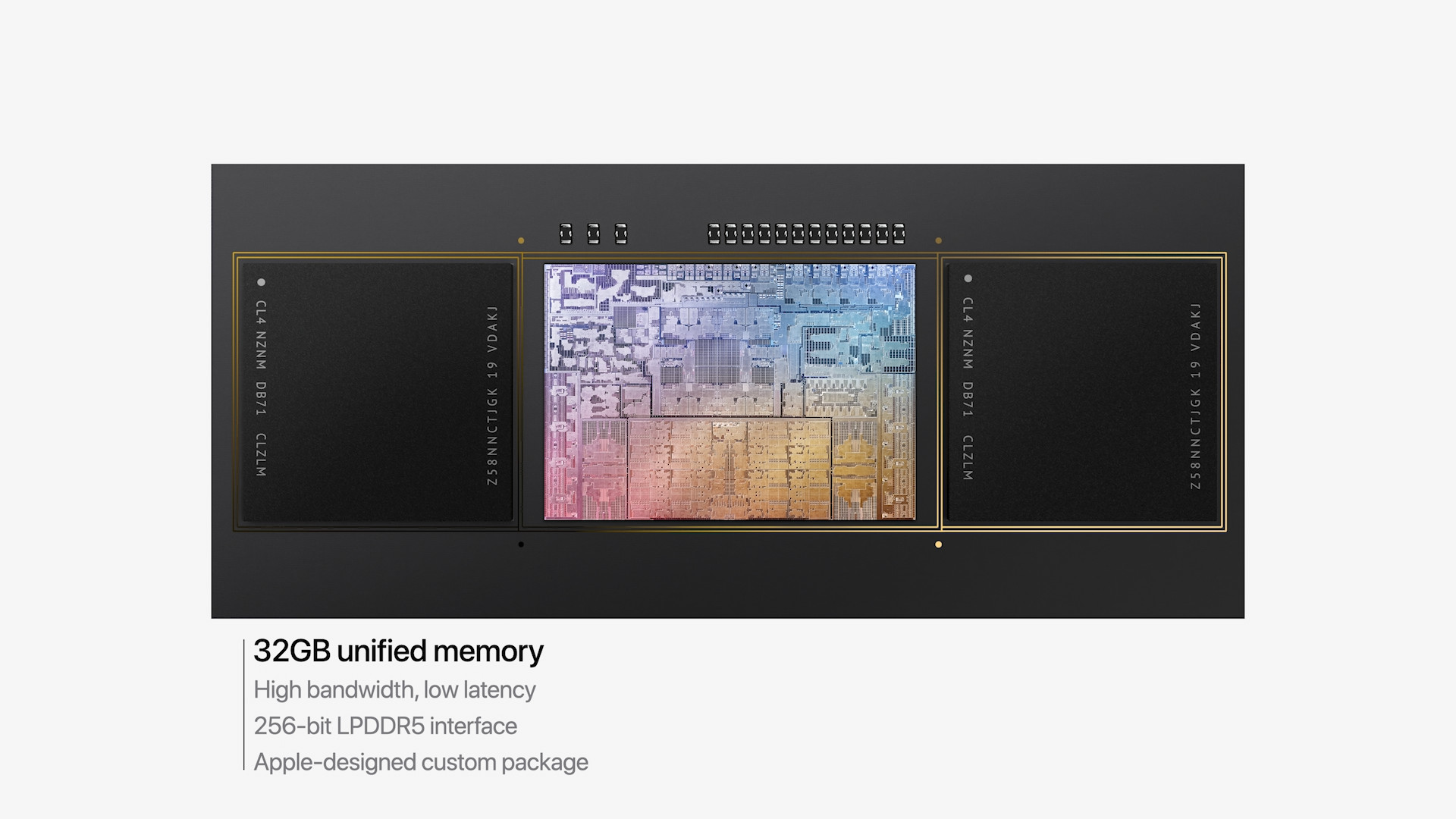
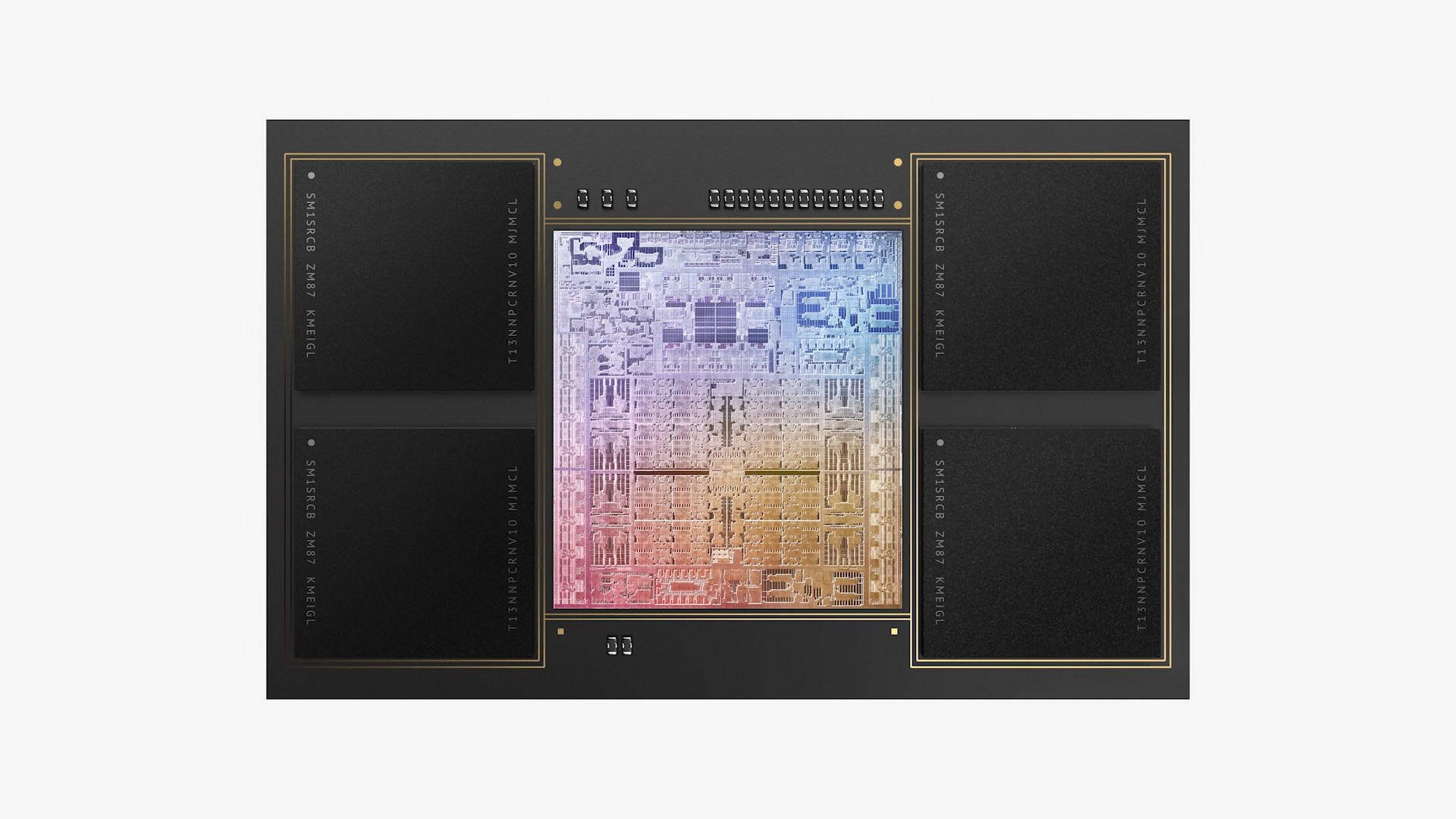
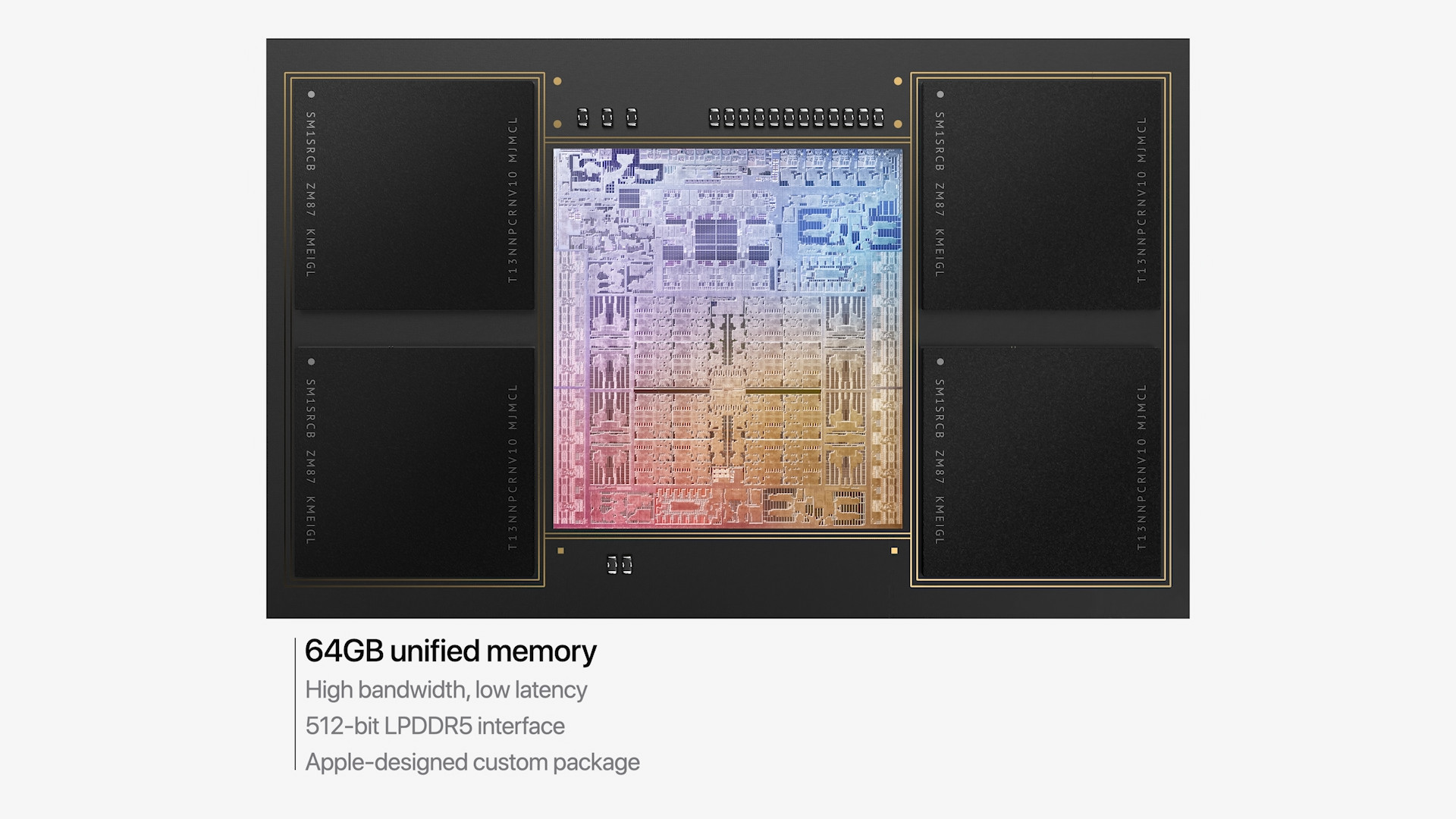
In addition to the CPU and GPU, it is part of the chips Apple Silicon also unified memory. With the M1 chip, you get a unified memory of 8 GB in the basic configuration, but you can also pay extra for 16 GB. The new chip with the M1 designation Pro It is available with a base memory of 16 GB, but if you need more, you can go for 32 GB of unified memory. And the top M1 chip Max In the basic configuration, it offers 32 GB of unified memory, but the only chip is the M1 Max It also offers a top-notch unified memory with a capacity of 64 GB. As for the memory bandwidth of the M1 chip, it Apple It doesn't officially say, but it should be around 70 GB/s. The new M1 chip Pro boasts a throughput of up to 200 GB/s, the top-of-the-line M1 chip Max then twice as high, i.e. 400 GB/s.
Introducing the M1 chip Max



Storage
In terms of storage, the base configuration of the device with the M1 chip comes with a 256GB SSD. However, you can pay extra for 512GB, 1TB, 2TB, or 4TB. M1 Pro and M1 Max are "one notch" higher, which means that the basic configurations start at 512 GB SSD storage, but larger storage capacities of 1 TB, 2 TB, 4 TB and the top 8 TB are available, which you would find in vain in the classic M1.
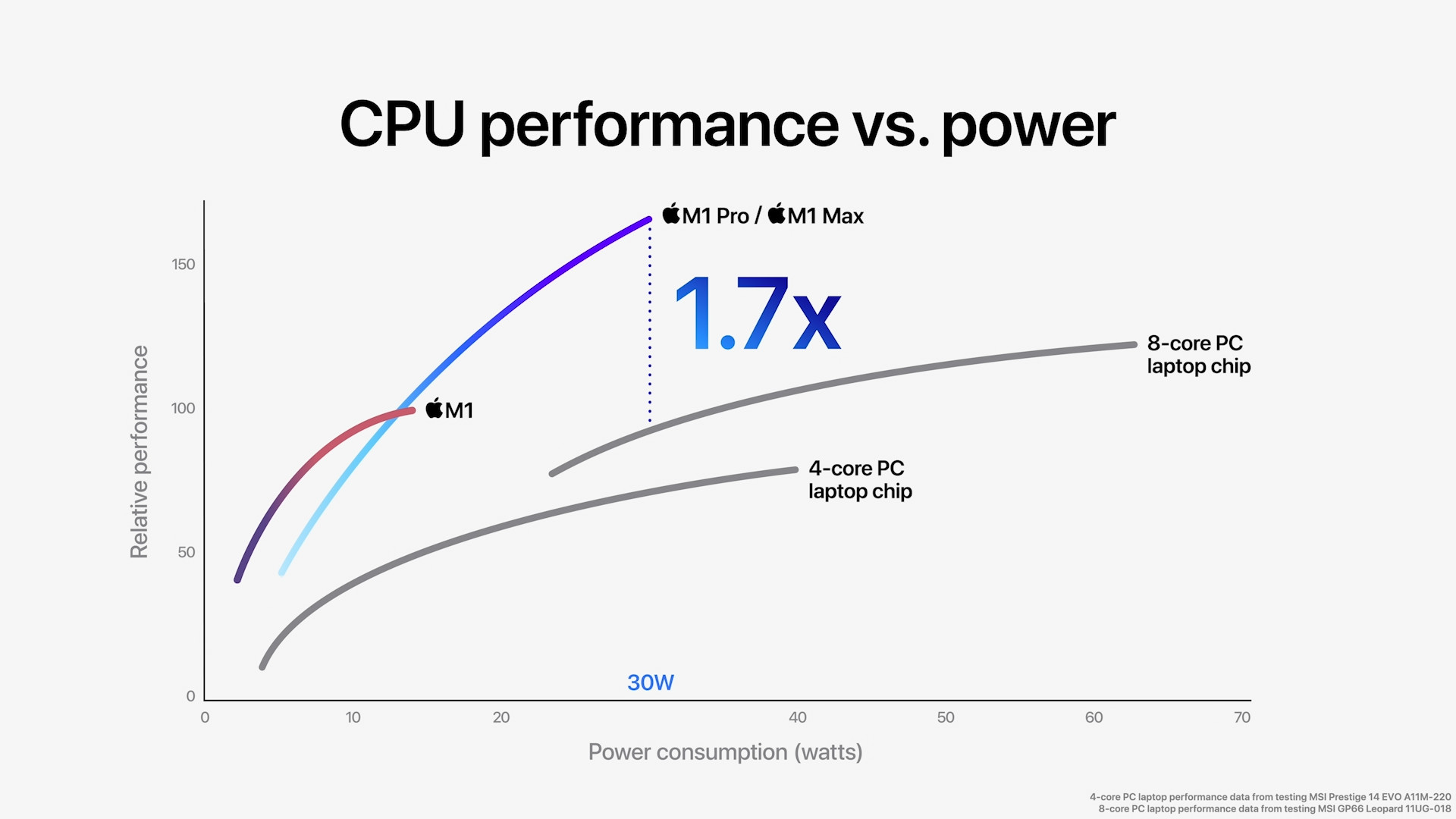
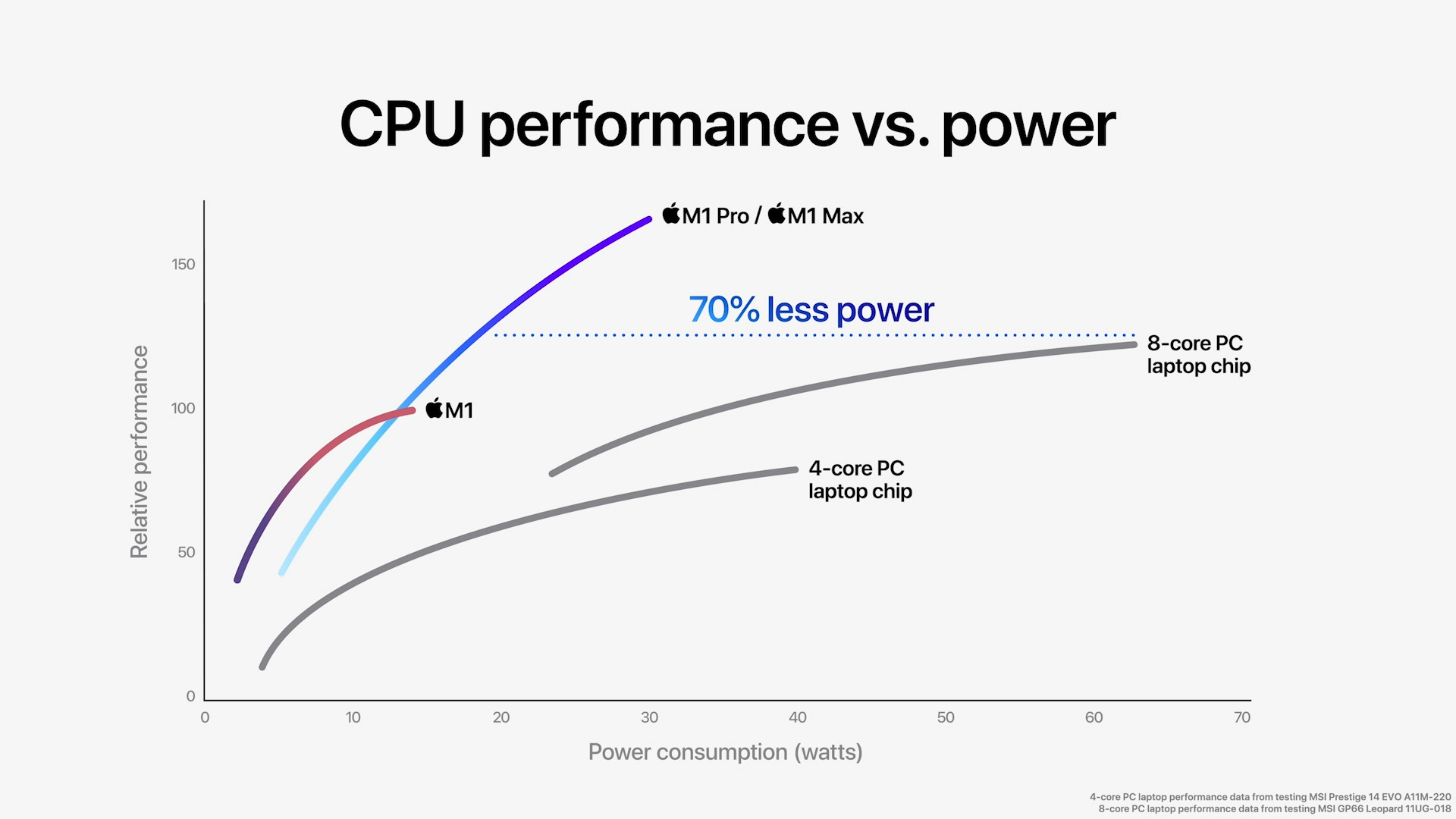
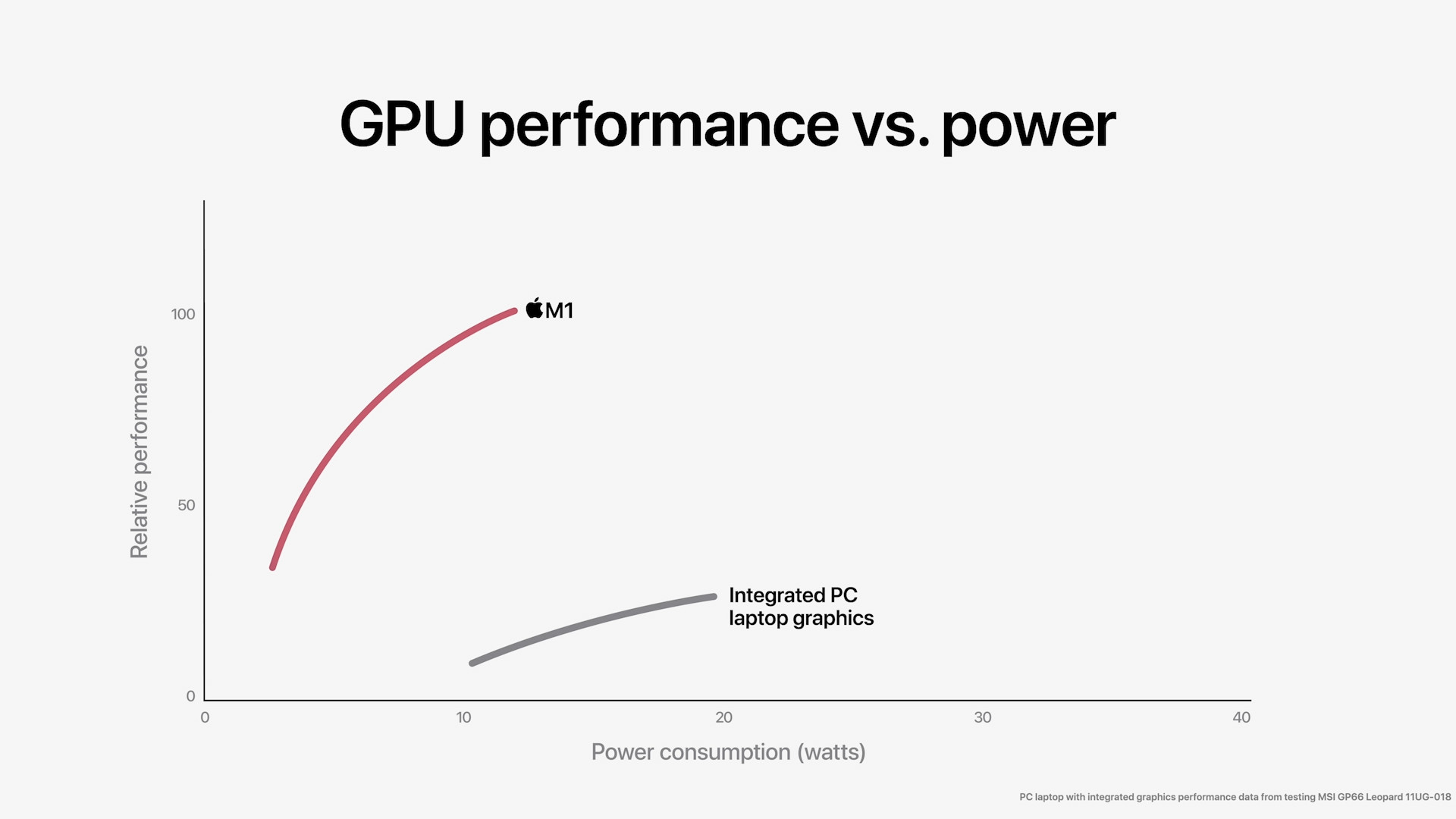
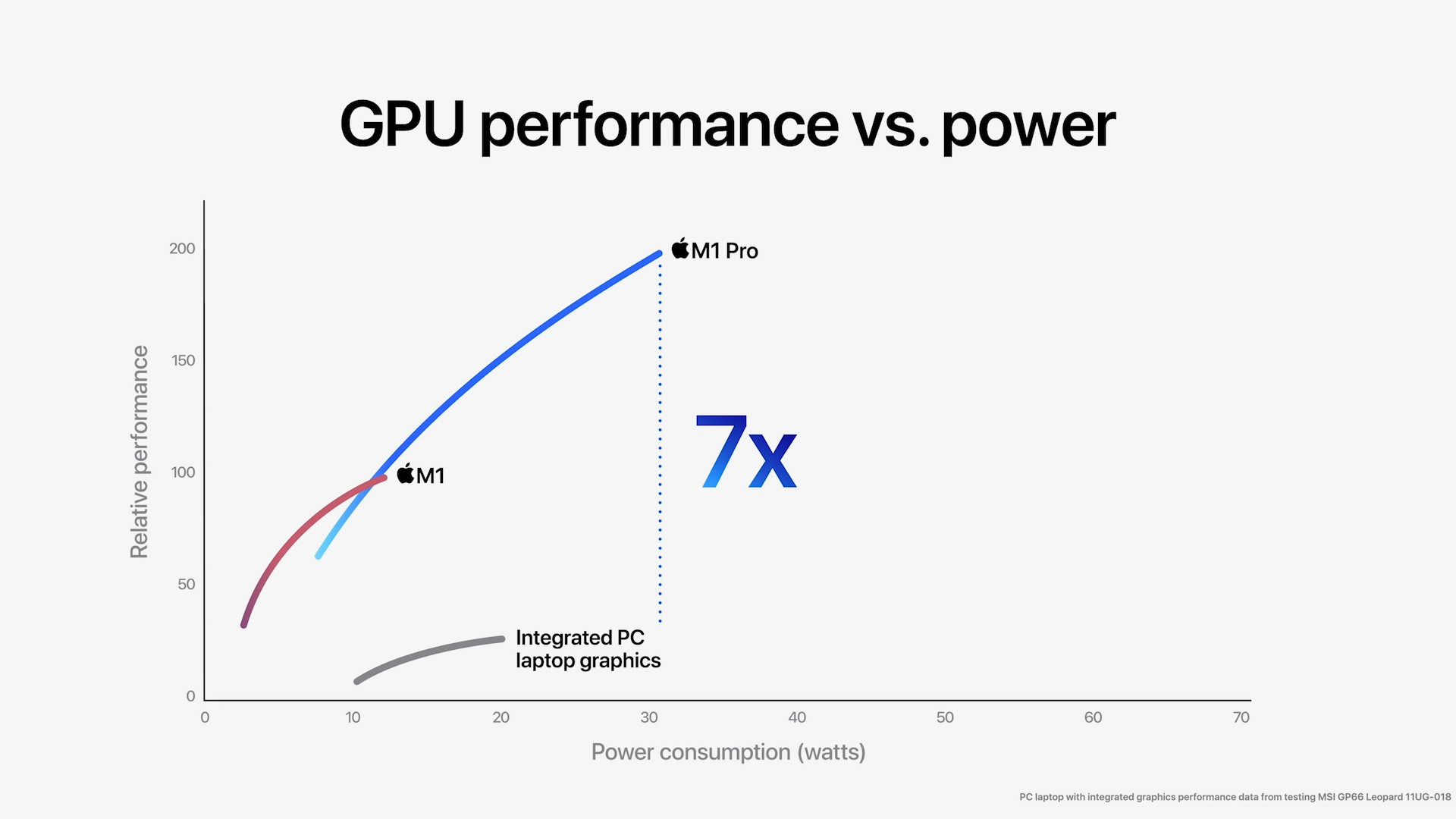
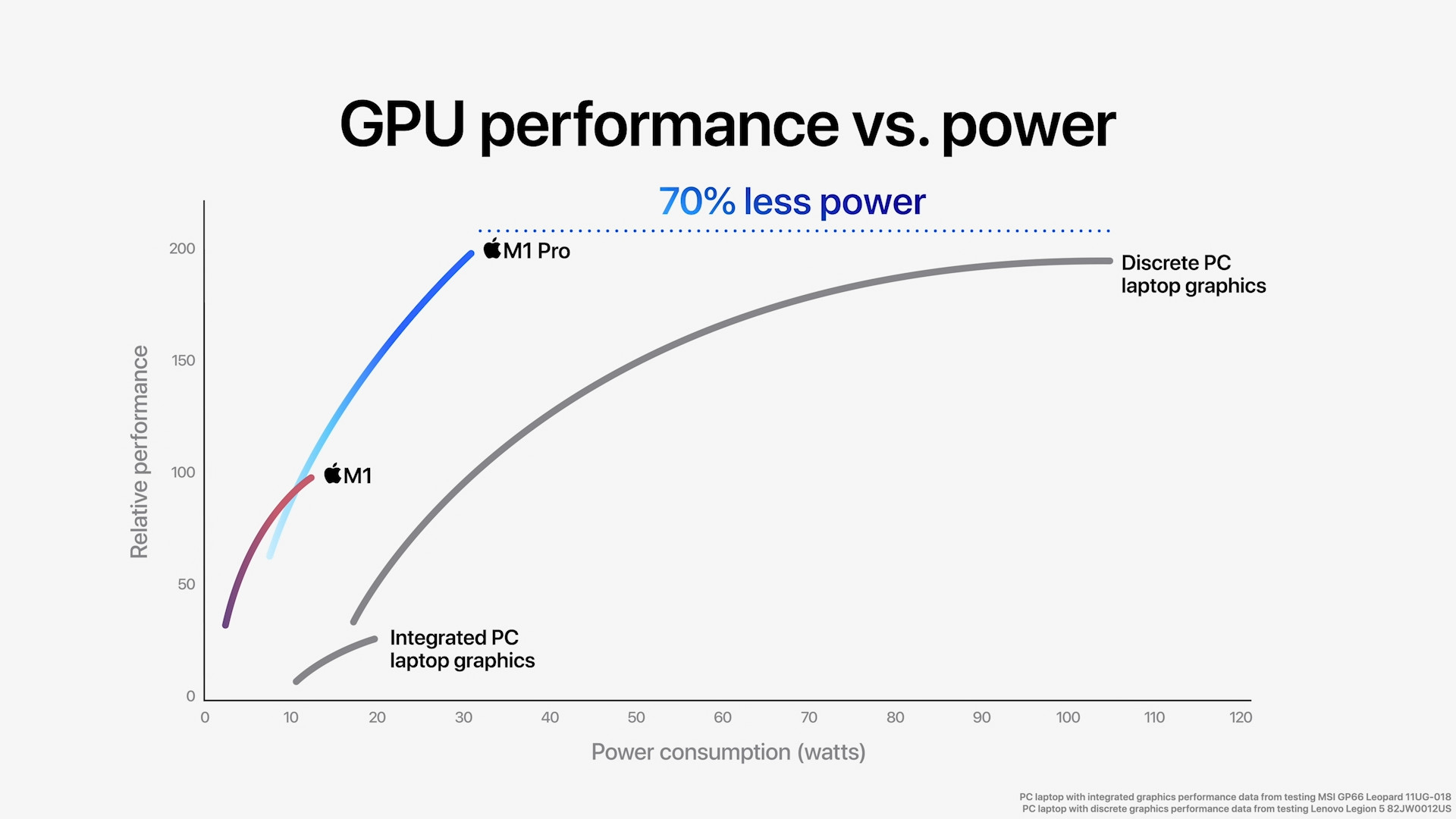
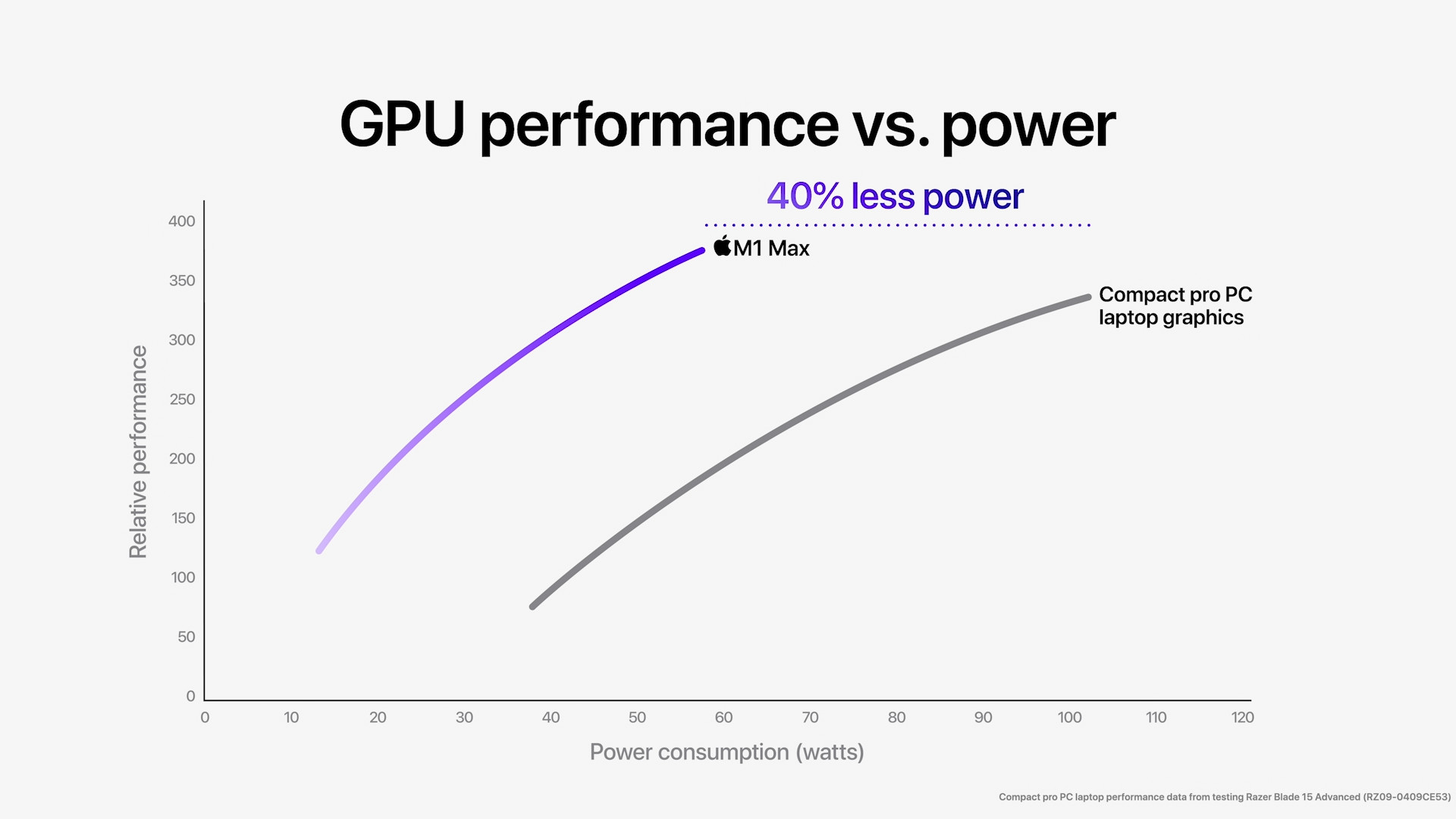
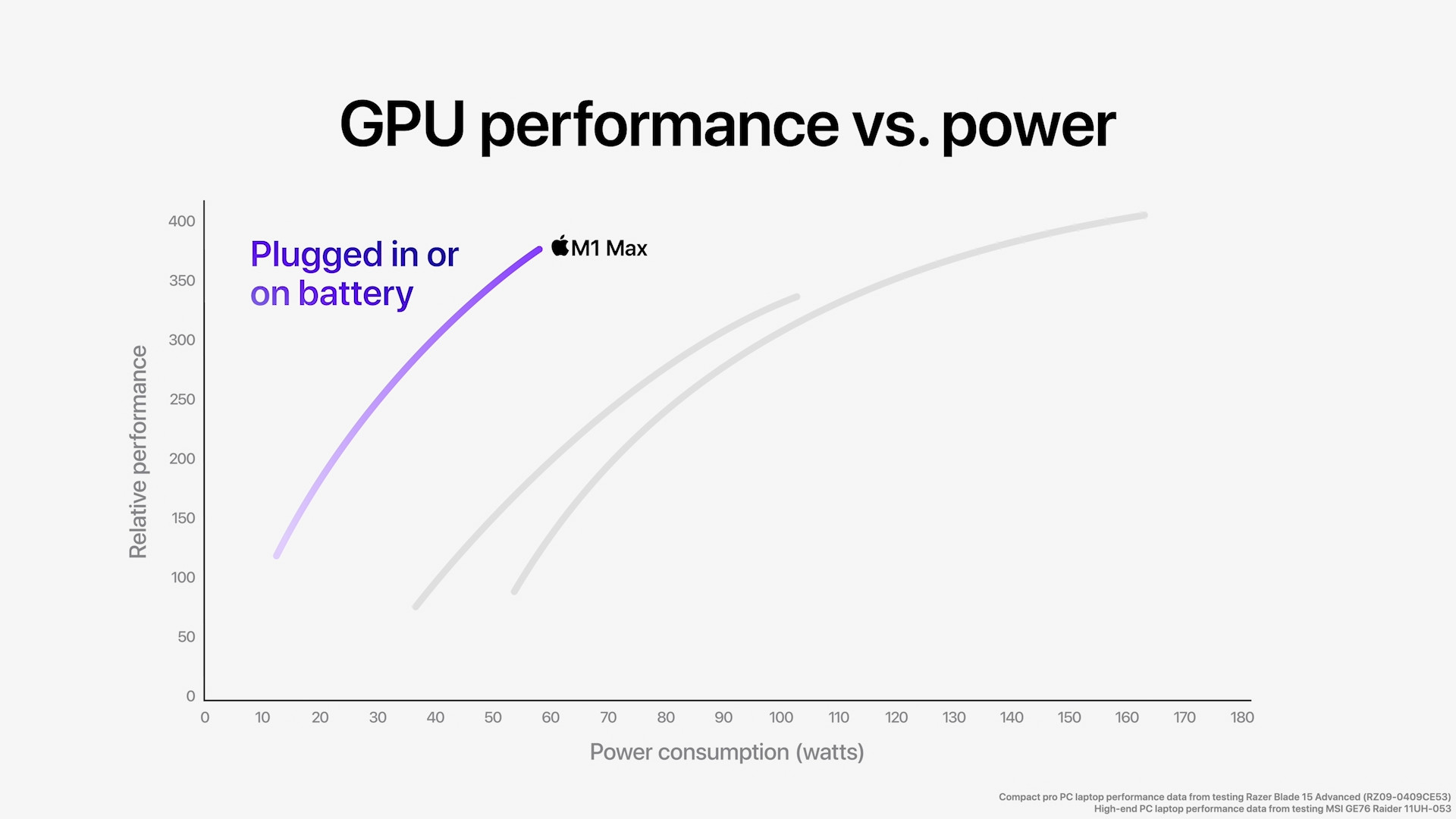
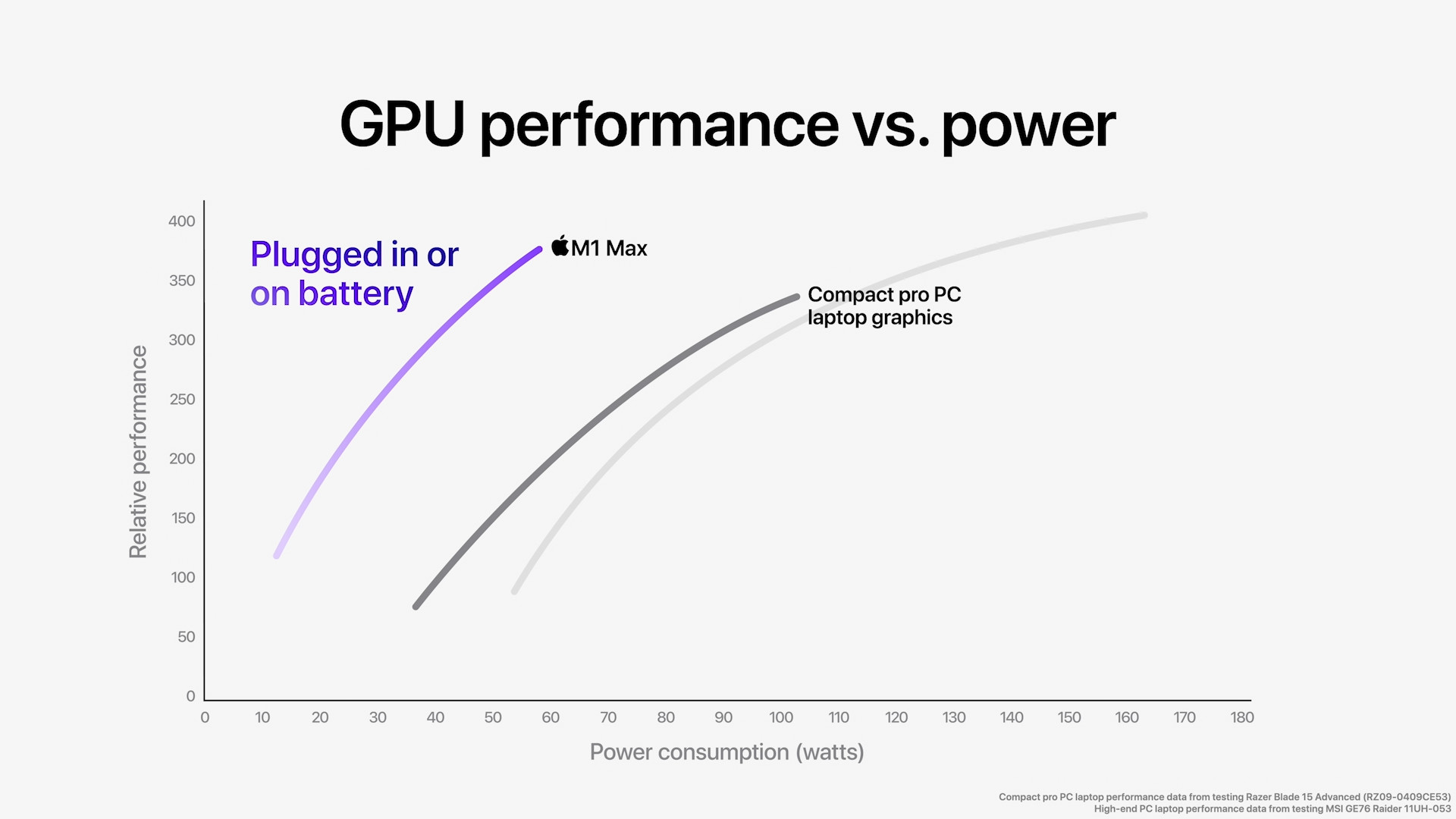
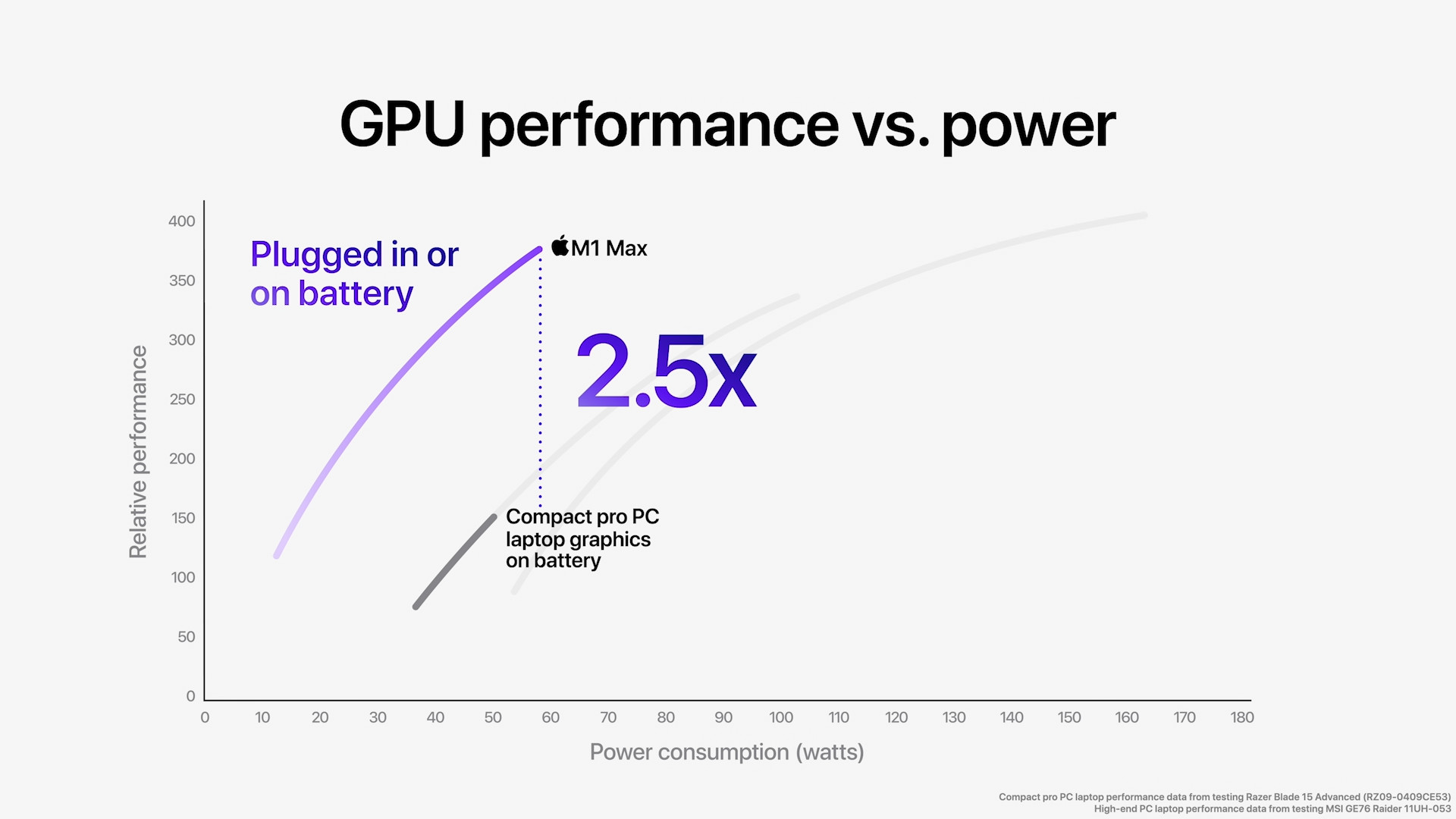
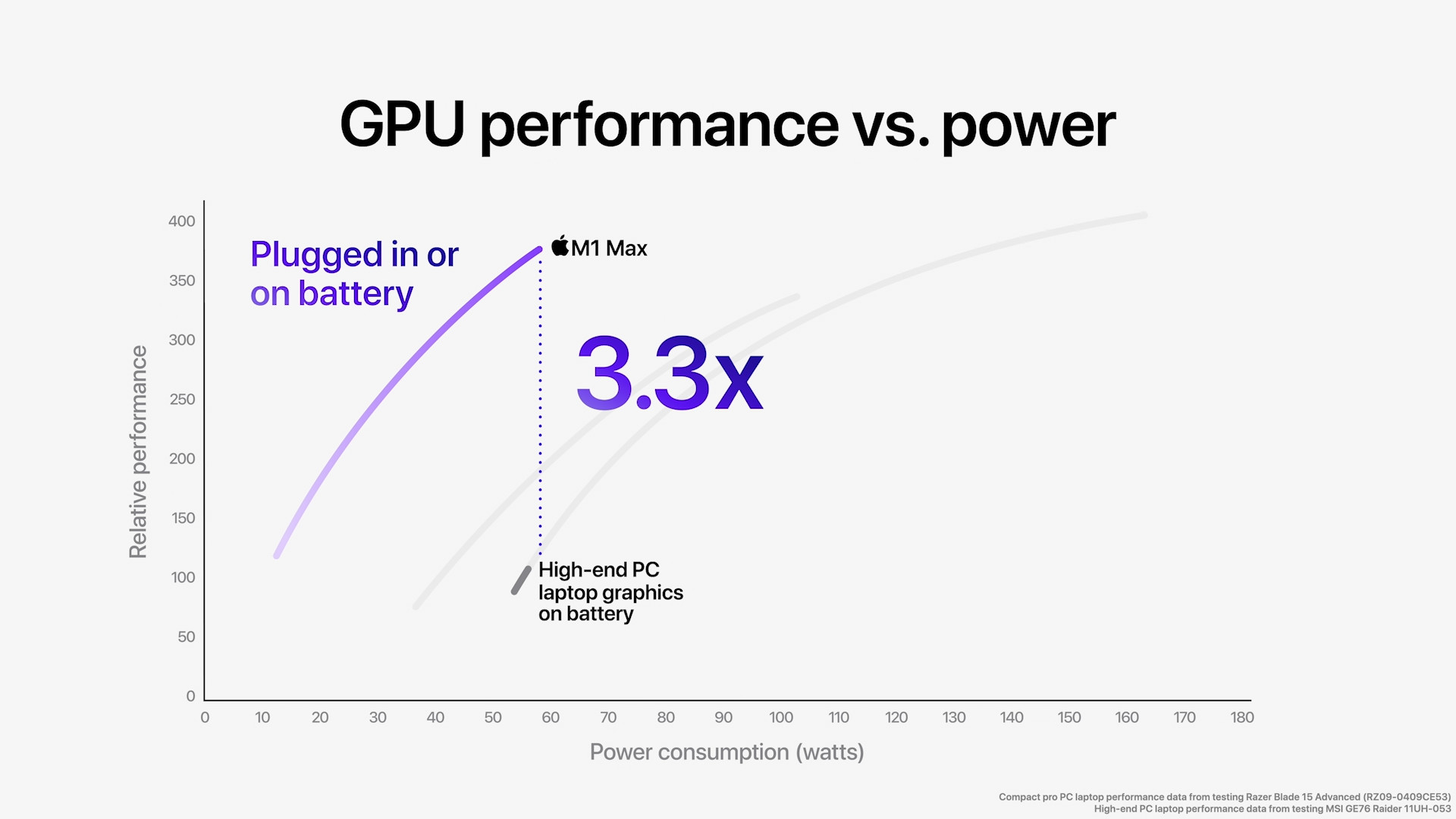
Performance comparison M1, M1 Pro to M1 Max with competition

Additional information
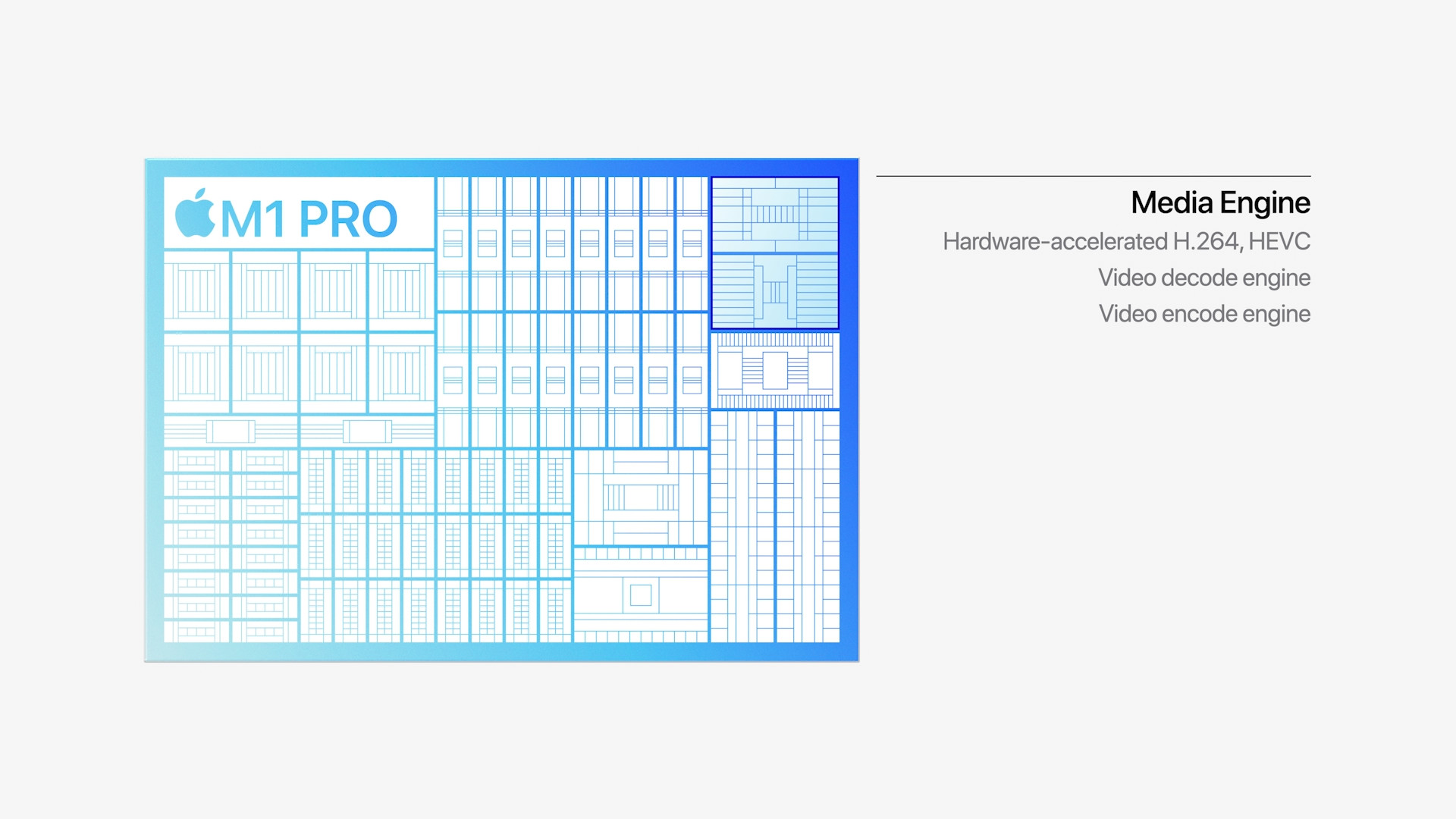
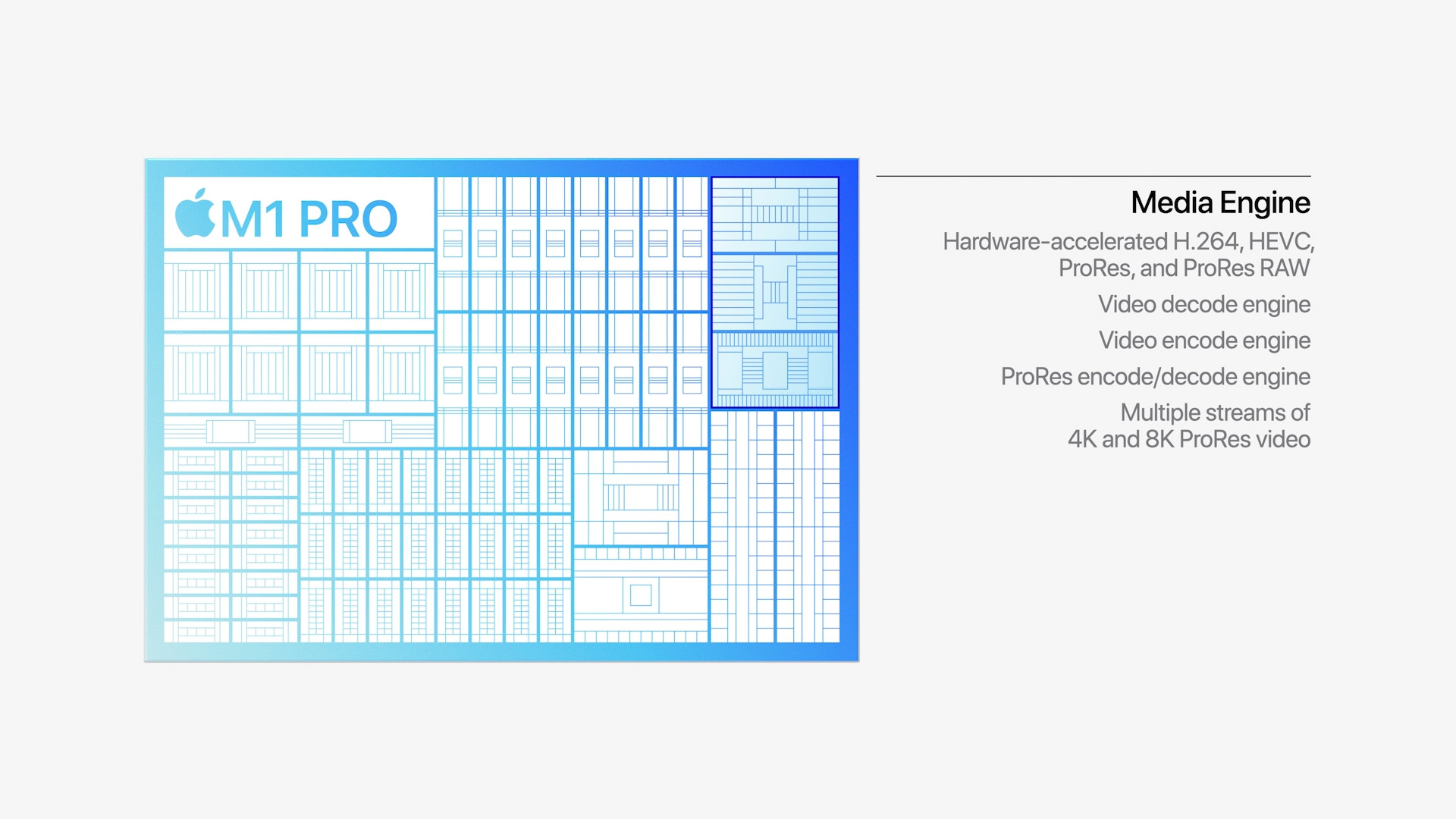
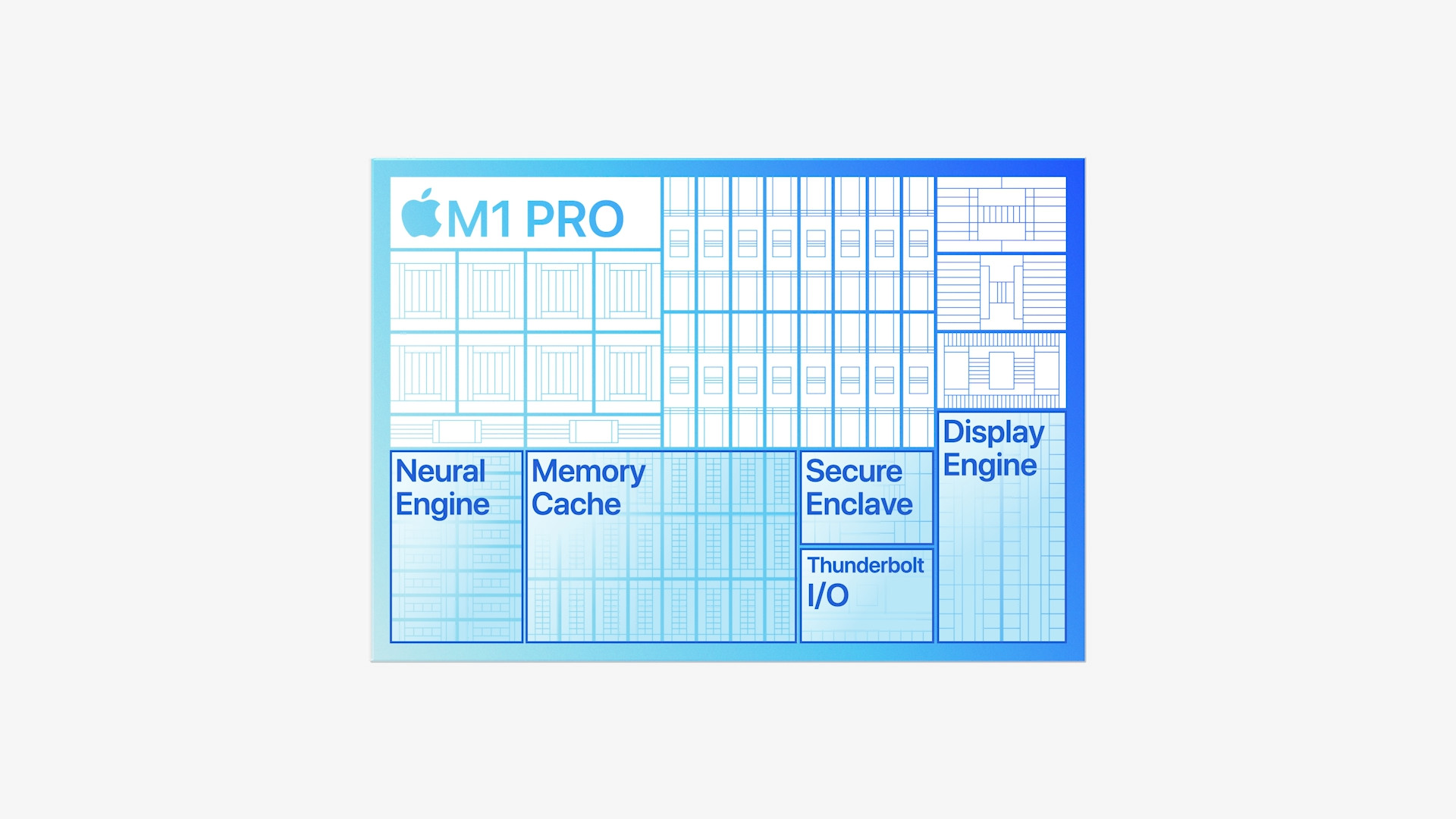
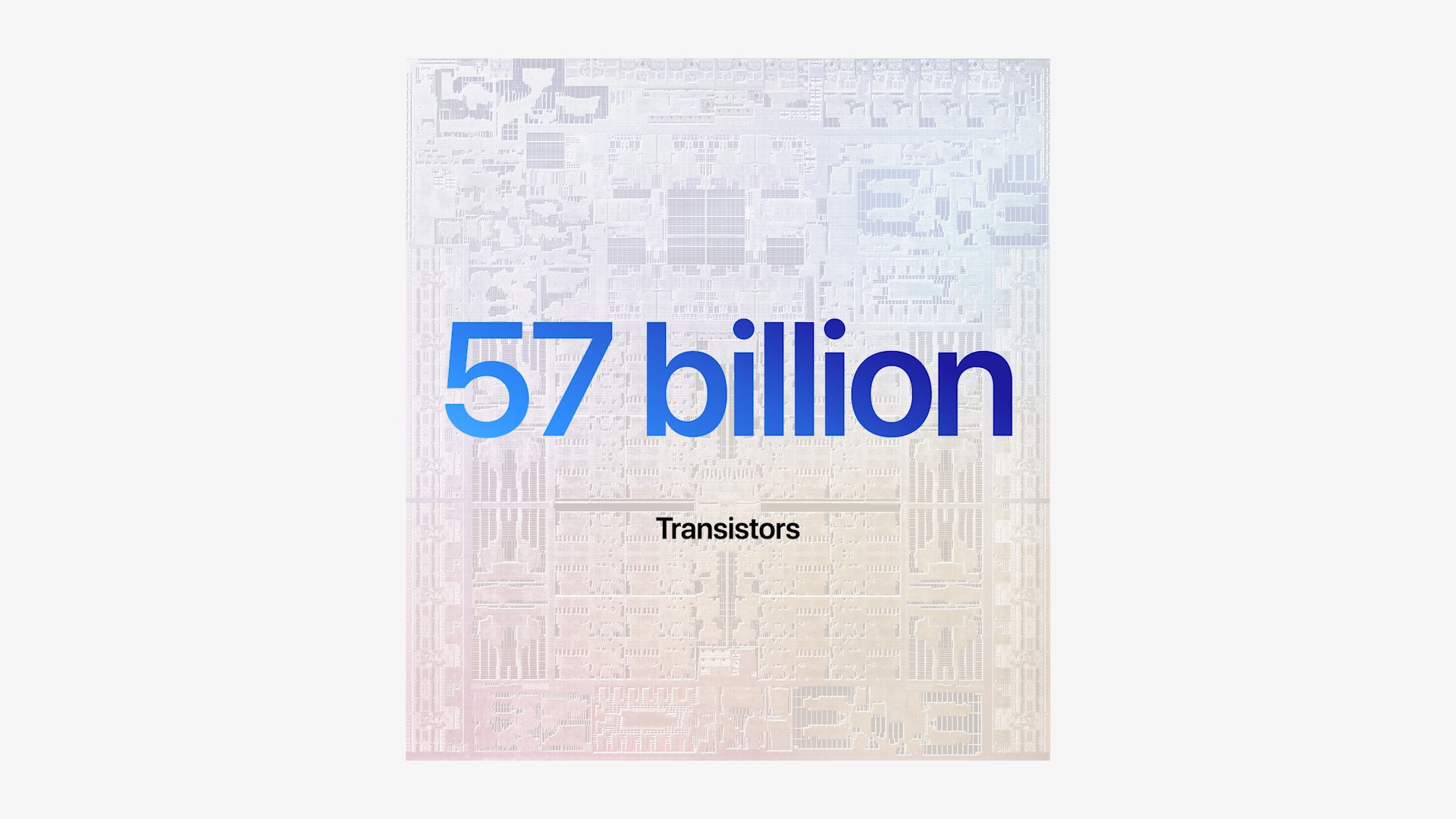
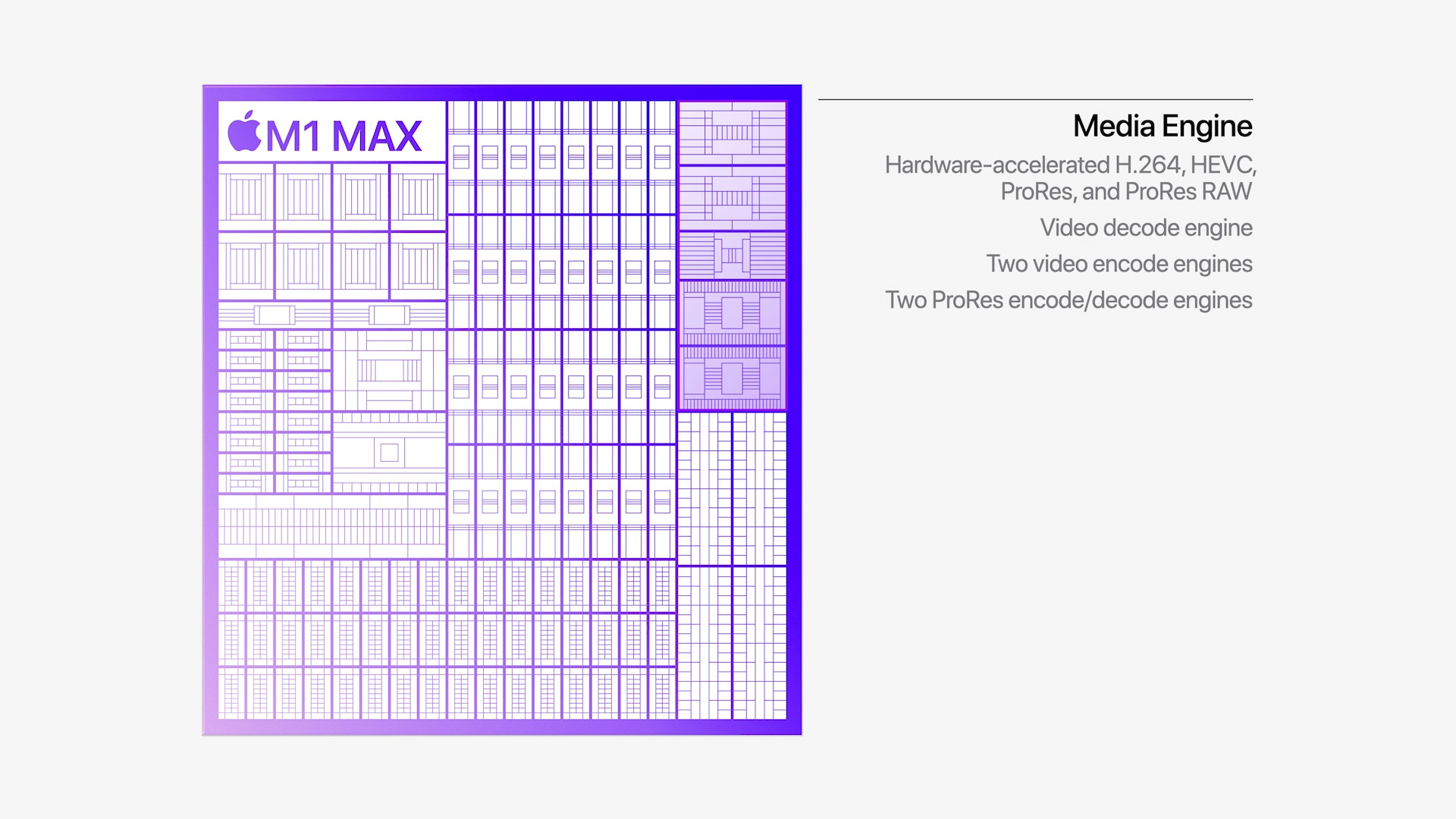
Many individuals think that the apple company owns its chips Apple Silicon produces itself, on its own "line". However, this is misleading information, as the Californian giant only designs its own chips and the world-famous company TSMC takes care of the production. All three compared chips are manufactured using the 5nm manufacturing process, which is currently one of the most advanced manufacturing processes. Also interesting is the information about the number of transistors that are part of each chip. For the M1 chip Apple lists 16 billion transistors, for the M1 chip Pro 33.7 billion transistors and the top-of-the-line M1 chip Max a whopping 57 billion transistors. You can then connect one external monitor to a device with the M1 chip, and the M1 chip Pro then two external monitors and M1 Max can handle up to four external monitors. M1 Pro and M1 Max It also boasts a media engine that provides hardware acceleration of H.264, HEVC, ProRes and ProBeef RAW, there is also a video decoding and encoding engine. M1 Pro specifically offers one ProRes accelerator and M1 Max dva ProRes accelerators.
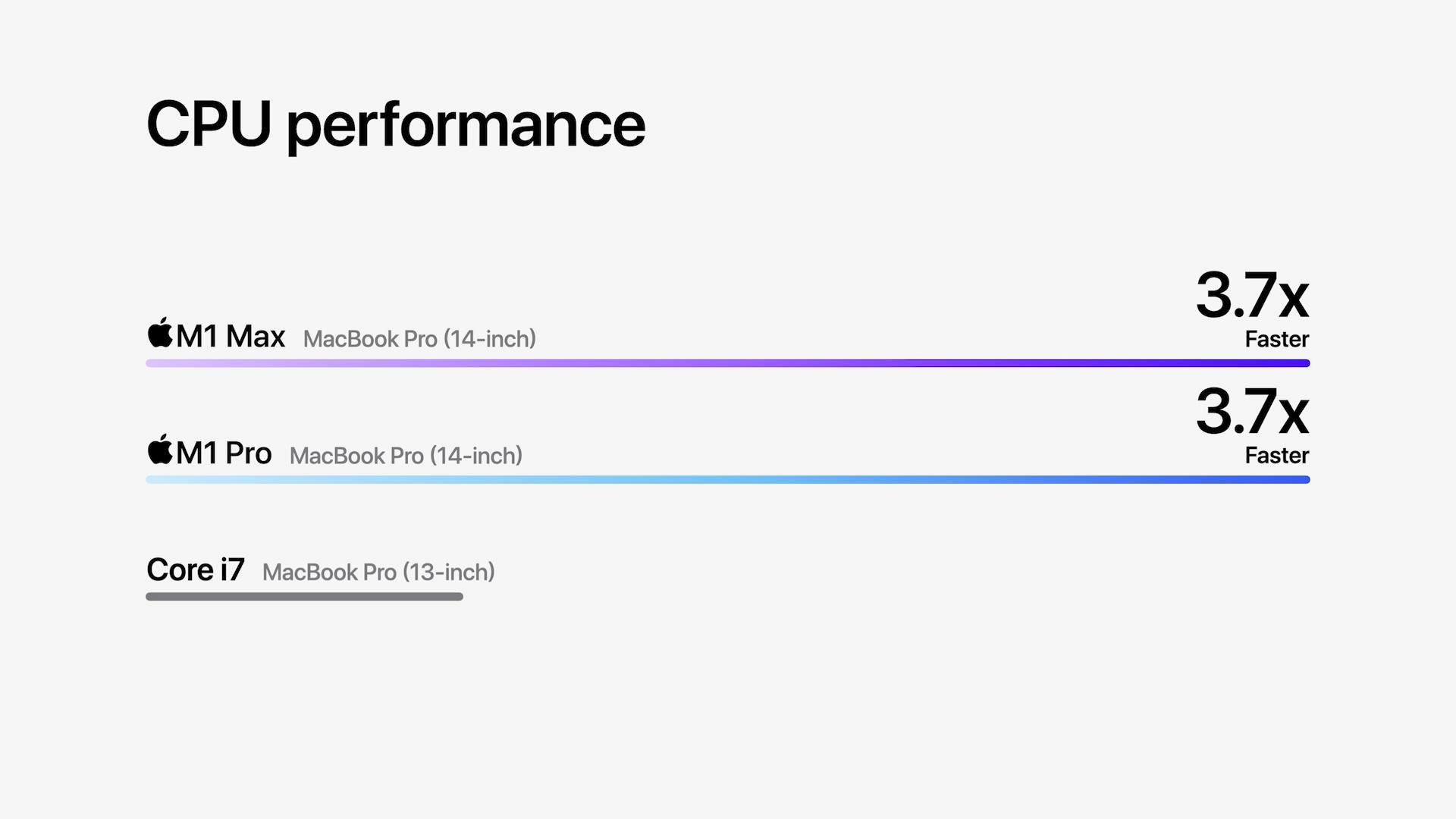
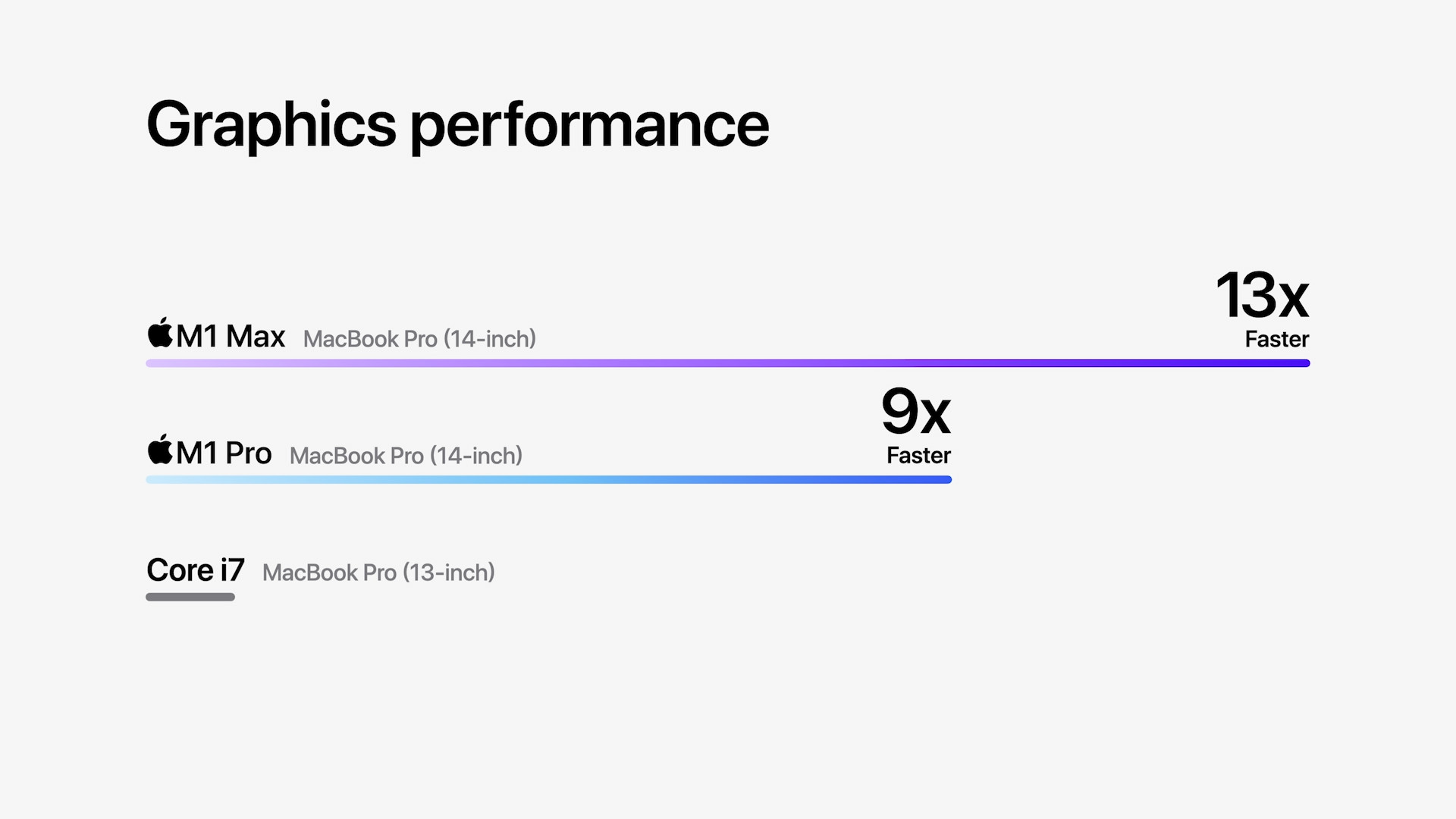
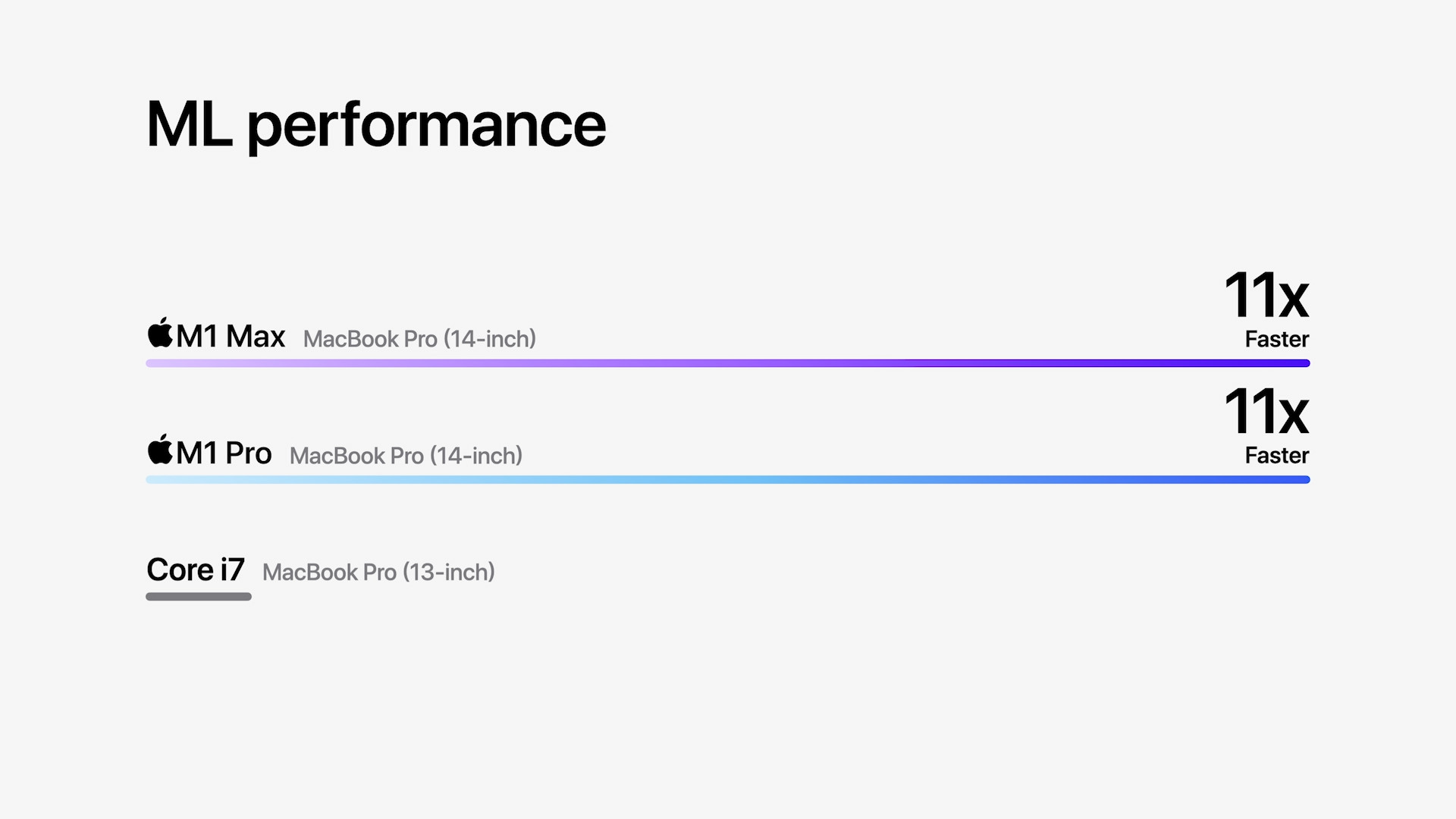
Performance of new MacBooků Pro compared to performanceonem original generation with Intel
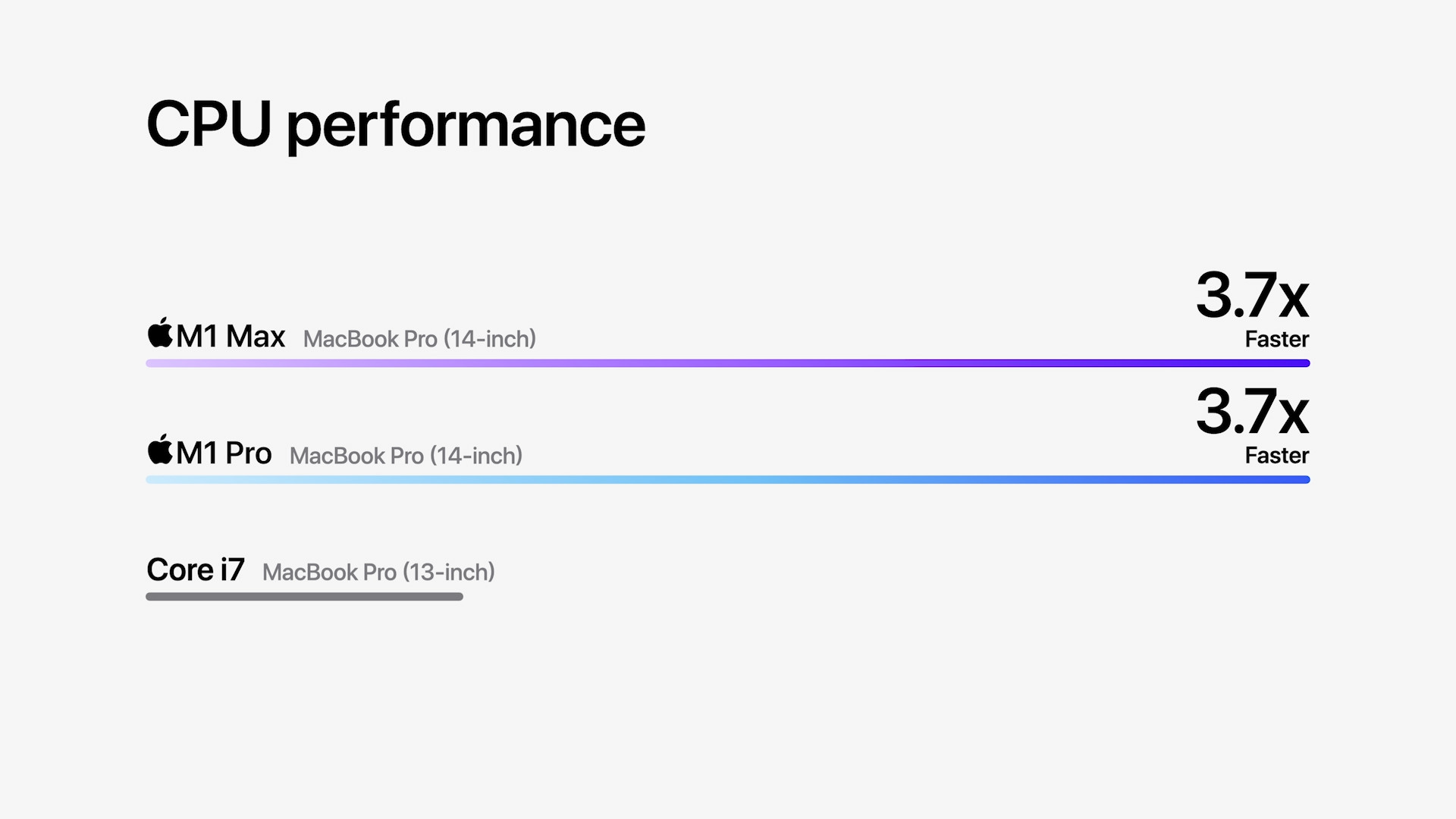
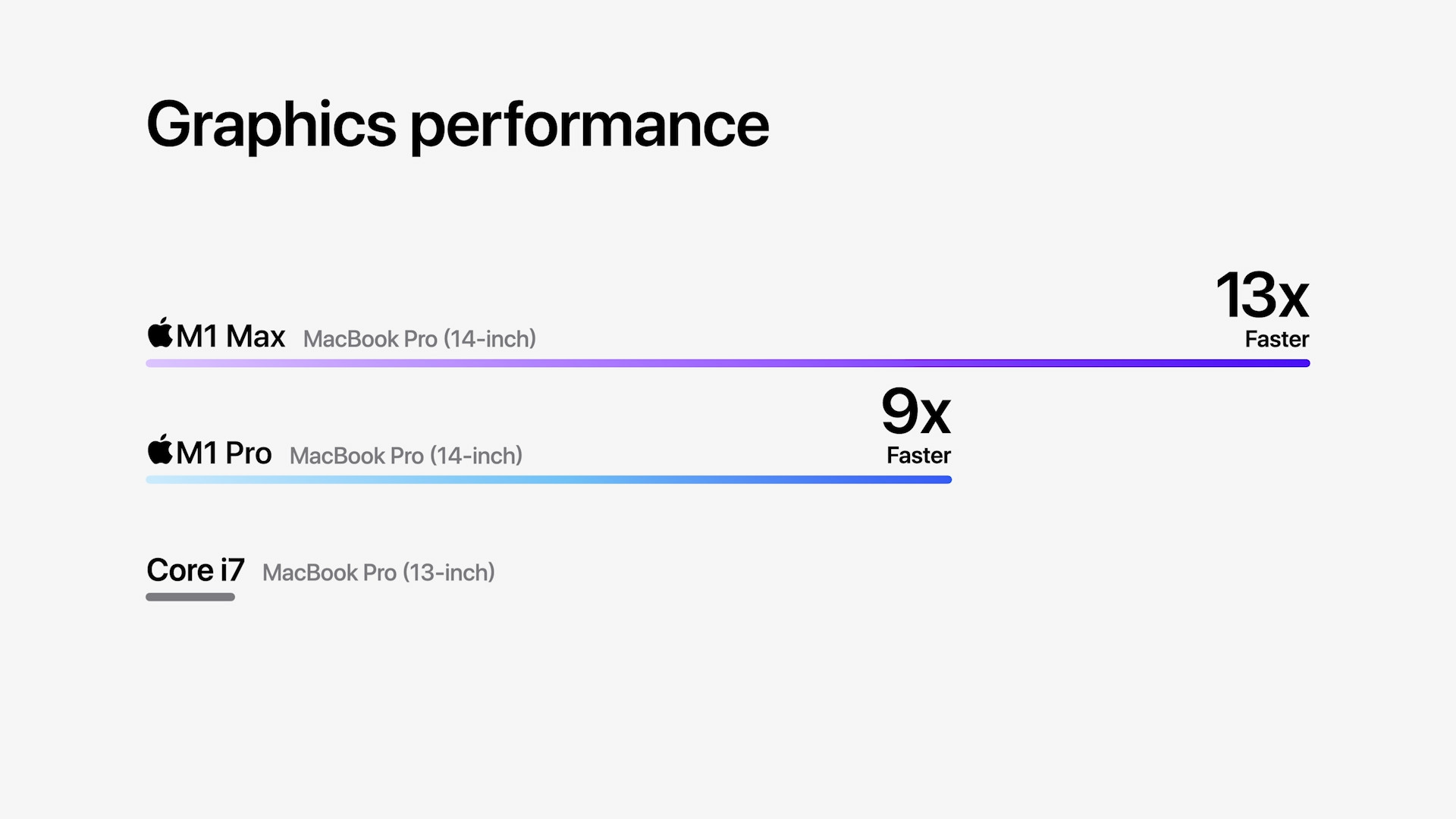
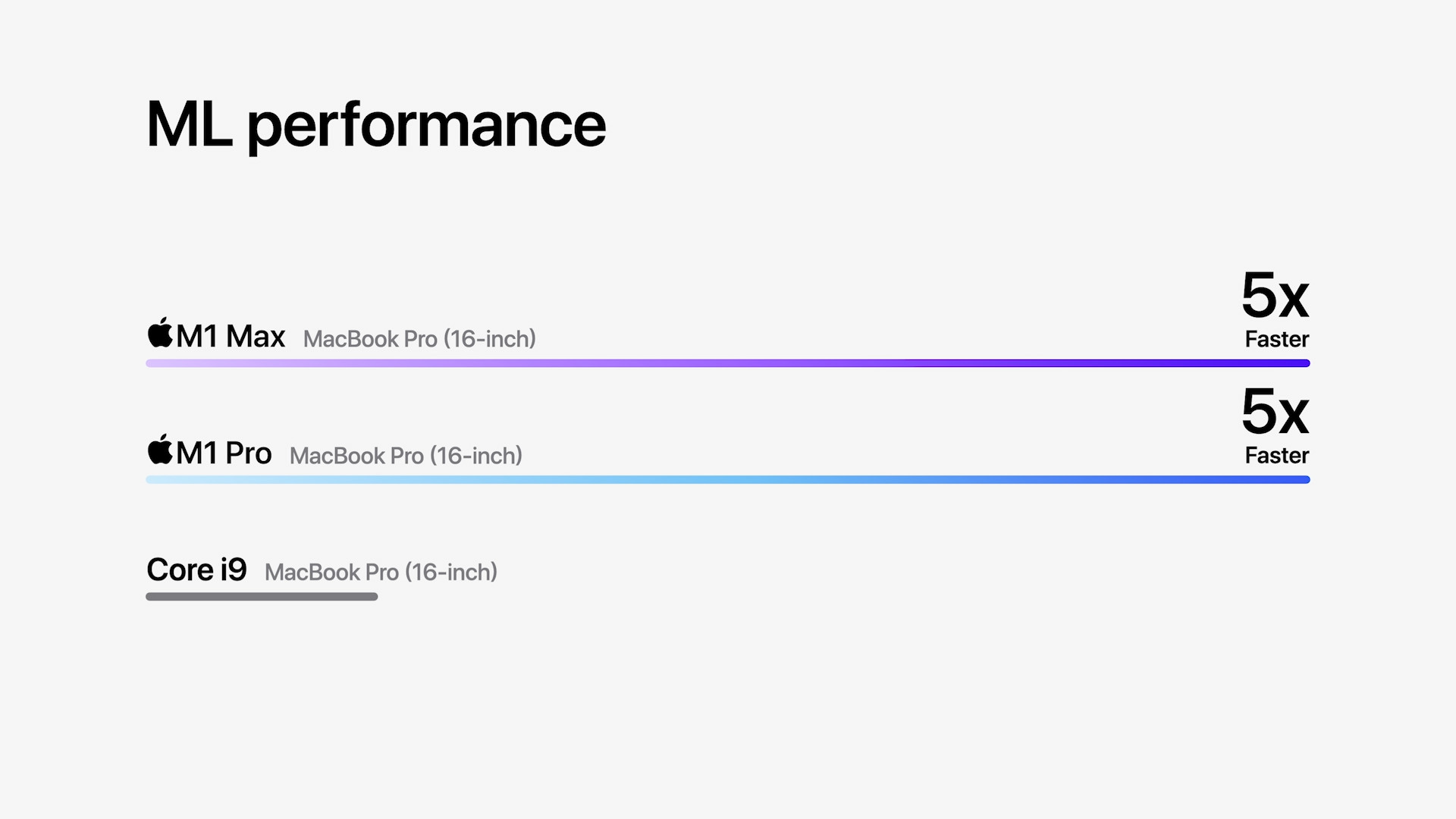
- Newly introduced Apple products can be purchased for example at Alge, Mobil Pohotovosti or u iStores
Scoreboard
| Apple M1 | Apple M1 Pro | Apple M1 Max | |
| Number of CPU cores | 8 cores | 8 or 10 cores | 10 cores |
| Number of performance cores | 4 cores | 6 or 8 cores | 8 cores |
| Number of economy cores | 4 cores | 2 cores | 2 cores |
| Number of GPU cores | 7 or 8 cores | 14 or 16 cores | 24 or 32 cores |
| Number of Neural Engine cores | 16 cores | 16 cores | 16 cores |
| The capacity of the unified memory | 8 GB and 16 GB | 16 GB and 32 GB | 32 GB and 64 GB |
| Promemory bandwidth | 70 GB / s | 200 GB / s | 400 GB / s |
| Basic storage | 256 GB | 512 GB | 512 GB |
| Additional storage | 512 GB, 1 TB, 2 TB and 4 TB | 1 TB, 2 TB, 4 TB and 8 TB | 1 TB, 2 TB, 4 TB and 8 TB |
| Media engine | ne | year | year |
| Number ProRes accelerators | – | 1 accelerator | 2 accelerators |
| Available facilities | MacBook Air, 13″ MacBook Pro, Mac mini and a 24″ iMac |
14″ and 16″ MacBook Pro (2021) | 14″ and 16″ MacBook Pro (2021) |




So guys. I have a question please. What will be the difference between 8CPU and 14GPU compared to that varia10-16. How big a jump will it be? Will you possibly write an article about it? I'm considering buying it and there's a difference of 7000 CZK, which is a fart in total, but still. Thanks
So 8000 CZK sry
10 is 25% more than 8 and 16 is 14% more than 14
It may seem ridiculous in a way, but it can be said that in terms of CPU and GPU performance, it will be the same as the reader in the form of a calculator. I.e. 25% more CPU performance and 14% more GPU performance. I'm afraid we won't come up with much more in the article. It is therefore up to you whether you are able to use this 25% or 14% more power.
Personally, I would be annoyed in a way that I have the lowest possible, and that it is enough to pay an additional 7 thousand crowns and I can be up to 25% better off.
Yes, but if he pays an extra 8 thousand, he gets into a more interesting situation, for almost the same price it is better to take:
10CPU 16GPU 16MU plus 16GB of RAM
or again the "weakest" and more RAM?, i.e.:
8CPU 14GPU 16MLU plus 32GB of RAM
I don't recall this being discussed anywhere, but are you aware that memory is shared? Today's graphics are normally 16GB, basically 32GB in total, if the system blocks 16GB, won't you run out of memory for applications and work?
Well, I'm really interested in whether there is a greater benefit from RAM than from 20% more CPU. I can't judge it.
Look, if you choose a weaker CPU or graphics, you will have to wait a little longer to perform some demanding operations, if you choose a smaller RAM and find out that you need more, then you are lucky and can swap it. And ssd is much slower than ram.
Sure, I just don't know where the limit is, if "unified" memory is used as in the case appyou.
The graphics also benefit from the RAM. It is clear to me that it depends on the specific activity or application, but in the case of an application that uses both CPU, GPU, and RAM, which is probably the majority of cases, I might be better off with more RAM than with more cores, right? I will have less CPU but more RAM and therefore more GPU memory, right?
This is exactly what I meant, in some reviews of the M1 they wrote that 8GB was the limit, so for a professional work machine I assume that you want it for more demanding tasks and I would take 32 gigabytes. M1 with 8GB is enough for browsing the web etc
Sorry, that was part of the thread for PCman
In my opinion, more RAM is definitely better than a few extra cores. If the system takes 8 GB and the game takes 10 GB, then 16 GB is enough. nestačí, which is quite common. I would take 32 GB as miniMum, what about something that costs 70k+++ and should last a few years.