Have you ever found yourself in a situation where you accidentally deleted data that you subsequently lost? For example, it could be photos or videos from a vacation that are of great value because they act as memories. In such a case, the problem can be quickly resolved by restoring them directly from the Photos app. But what if it's too late? Data loss can be a real pain, and it's not for nothing that it is said that everyone should back up their data. The popular iMyF app is also a first-class helper in this problem.one D-Back. The left back can handle these problems.
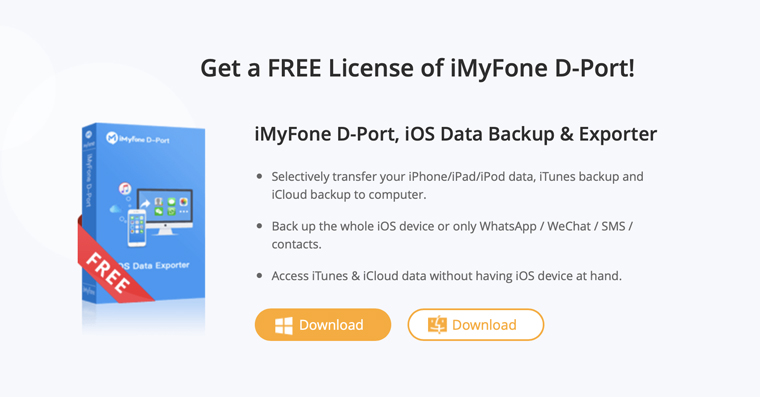
iMyFone D Back
Application iMyFone D Back is the world leader in data recovery from iOSThis tool will specifically deal with accidentally deleted files, data loss due to restoring the device to factory settings, and will also help in the event of a system error, stolen phone, or missing data from WhatsApp and in many other cases. All this is complemented by a very simple user interface, where you just need to click a few times and you have your data back.
Recover photos from iCloudu
Gallery
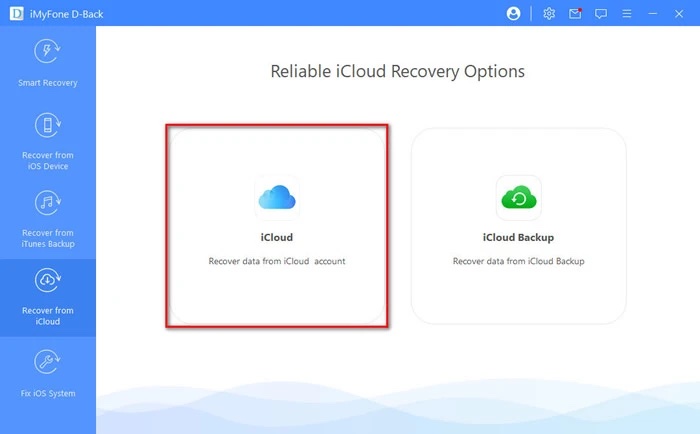
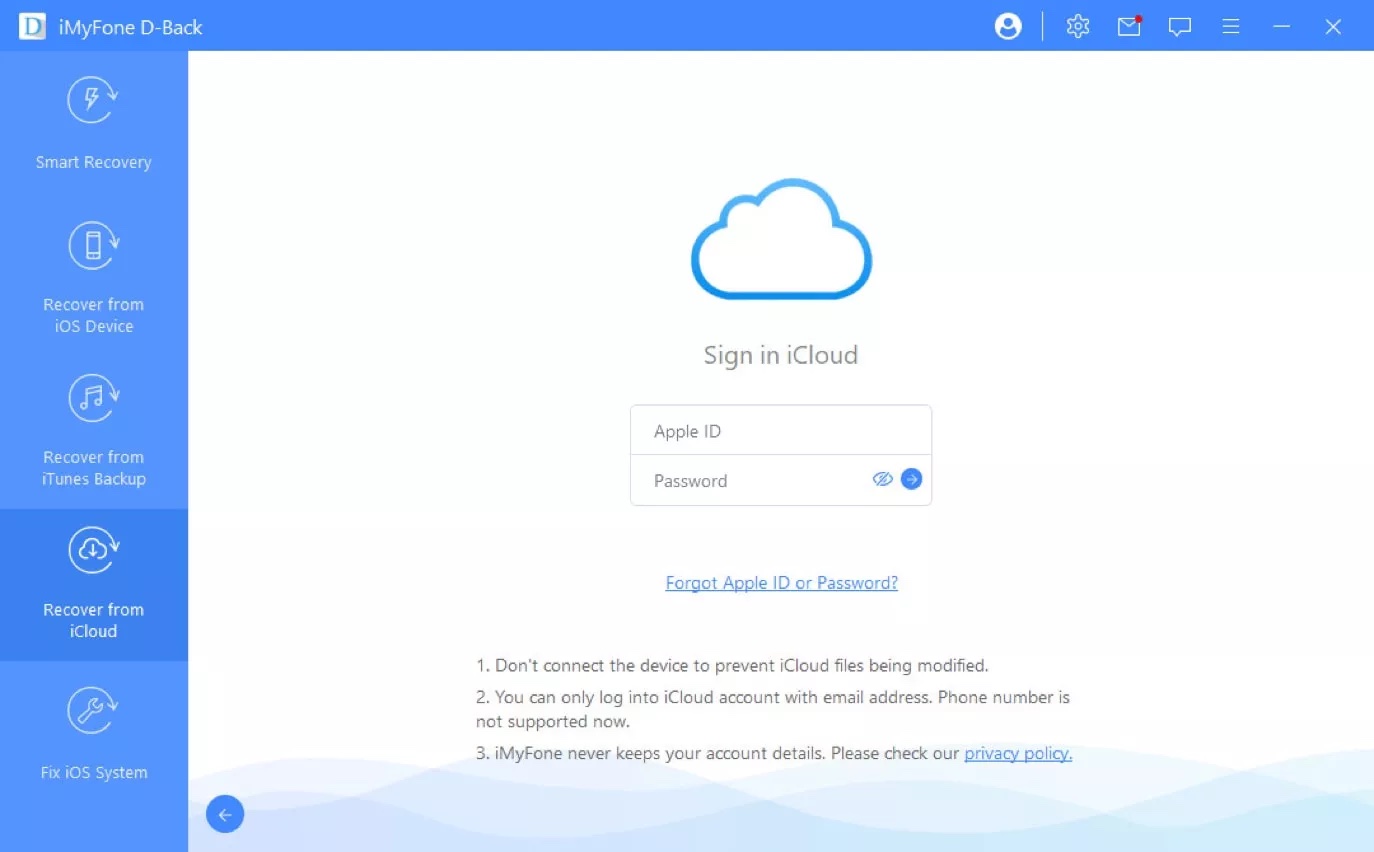
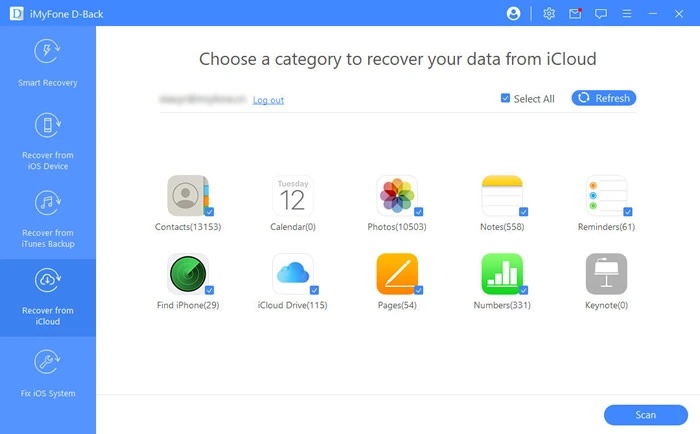
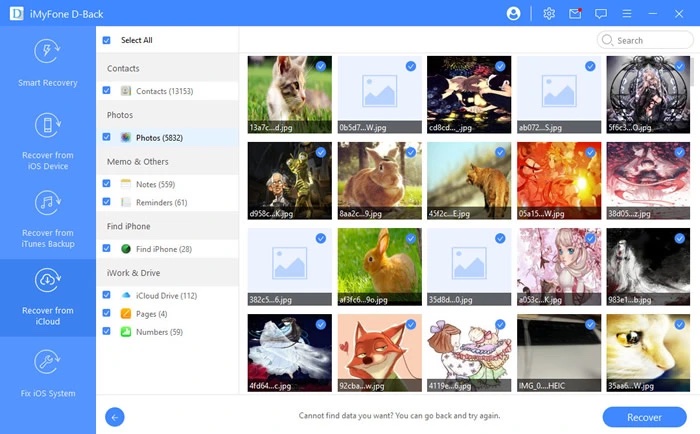
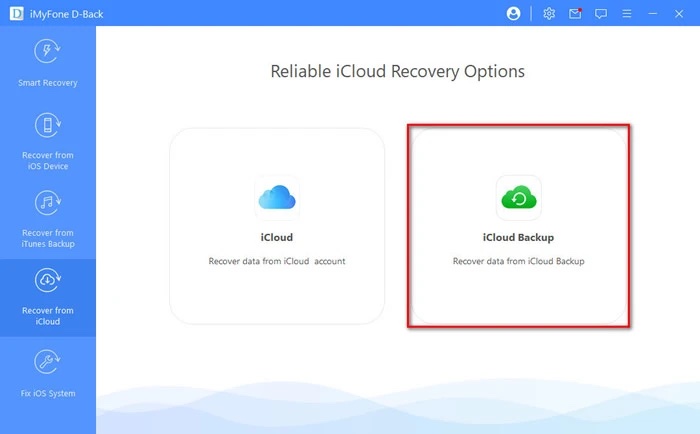
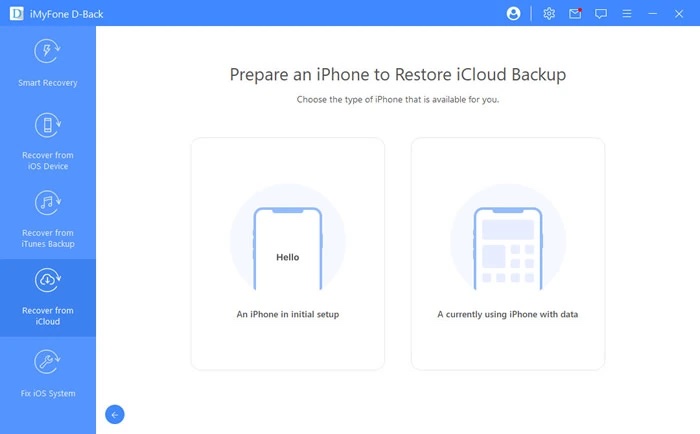
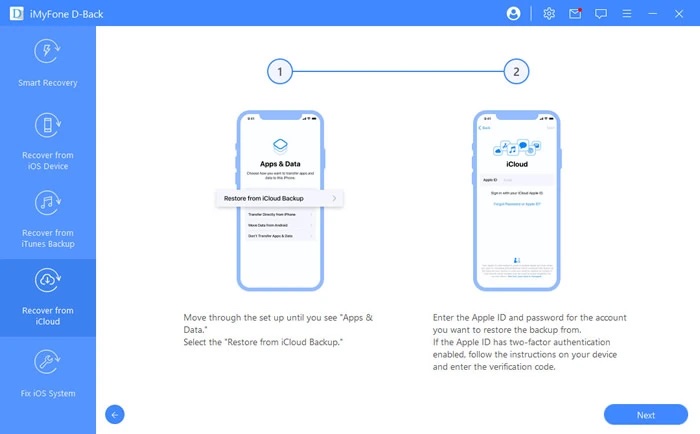
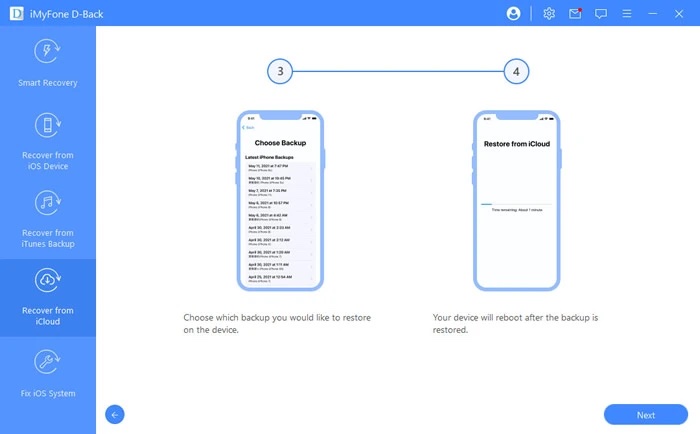
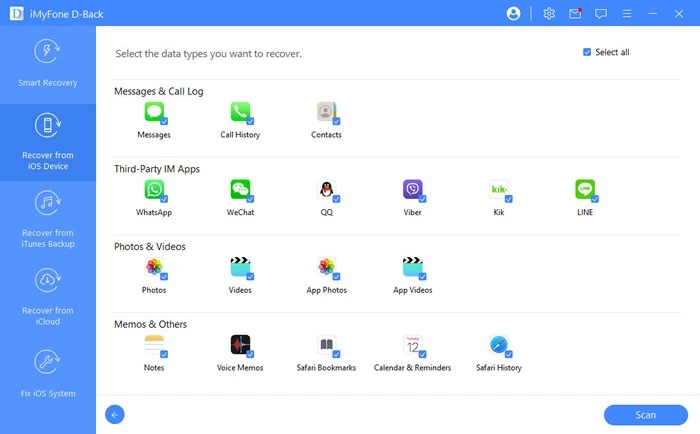
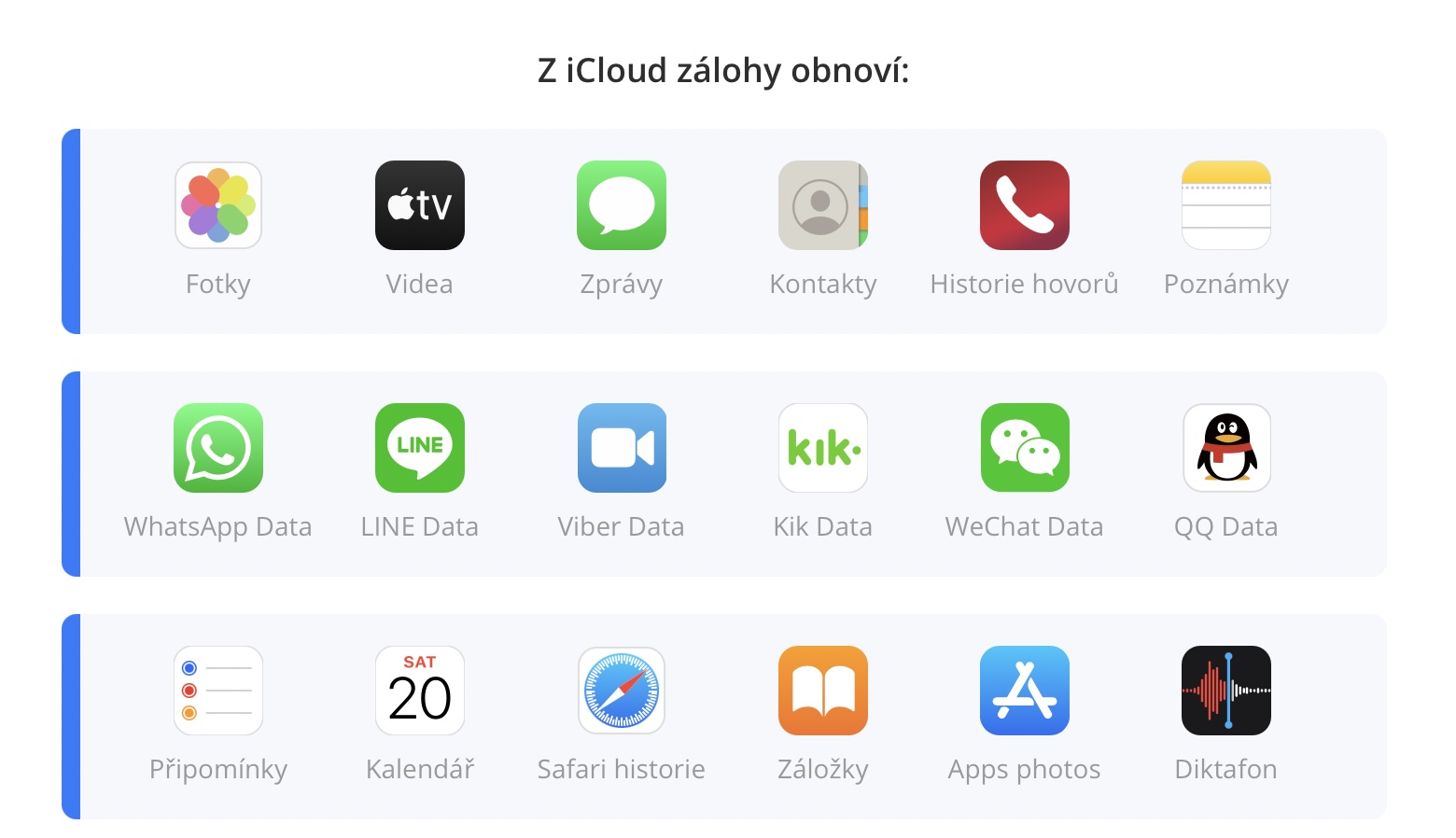
In some cases, you may accidentally delete some photos and videos, but luckily you have a backup on iCloudu. But at the same time you don't want to restore the entire iPhone from this backup, as it could potentially affect other data that you also don't want to lose. The mentioned application can solve this problem flawlessly in a matter of minutes. iMyFone D-Back with photo recovery from iCloudu . Simply log in to iCloudu through this program and choose what to actually restore from the backup.
What to do if you can't see your iCloud deposit?
As is the unfortunate rule, anything that can go wrong will go wrong. That is exactly what Murphy's Law is about, describing the laws of willfulness in such situations. Of course, there is no exception iPhoneSometimes it can happen that you will not see the backup on iCloudu , especially in cases where you need it the most.
Several factors may be to blame, for example, due to the internet connection or problems on the server side. Applu, you don't even see the backups. Without a doubt, the easiest solution is the application iMyFone D Back . This will directly allow you to extract either the entire backup, or at least part of it, and then restore it. At the same time, you can view the files that the backup actually hides directly on your computer.
System repair iOS
To make matters worse, iMyF offersone D-Back has another amazing feature. Sometimes the entire system can fail. iOS, which is why, for example, the phone turns on in the middle of the nightoneloop, is stuck in Recovery mode, only a white screen is lit, etc. In such a case, the Fix function comes in handy. iOS A system that can resolve these errors for you almost instantly.