
A high-quality and sufficiently strong signal is absolutely essential for using our iPhones. Sometimes, however, it can happen that the signal on the iPhone simply does not work as it should. If you are also struggling with this problem, you will definitely use one of our tips today.
You might be interested in
Signal recovery
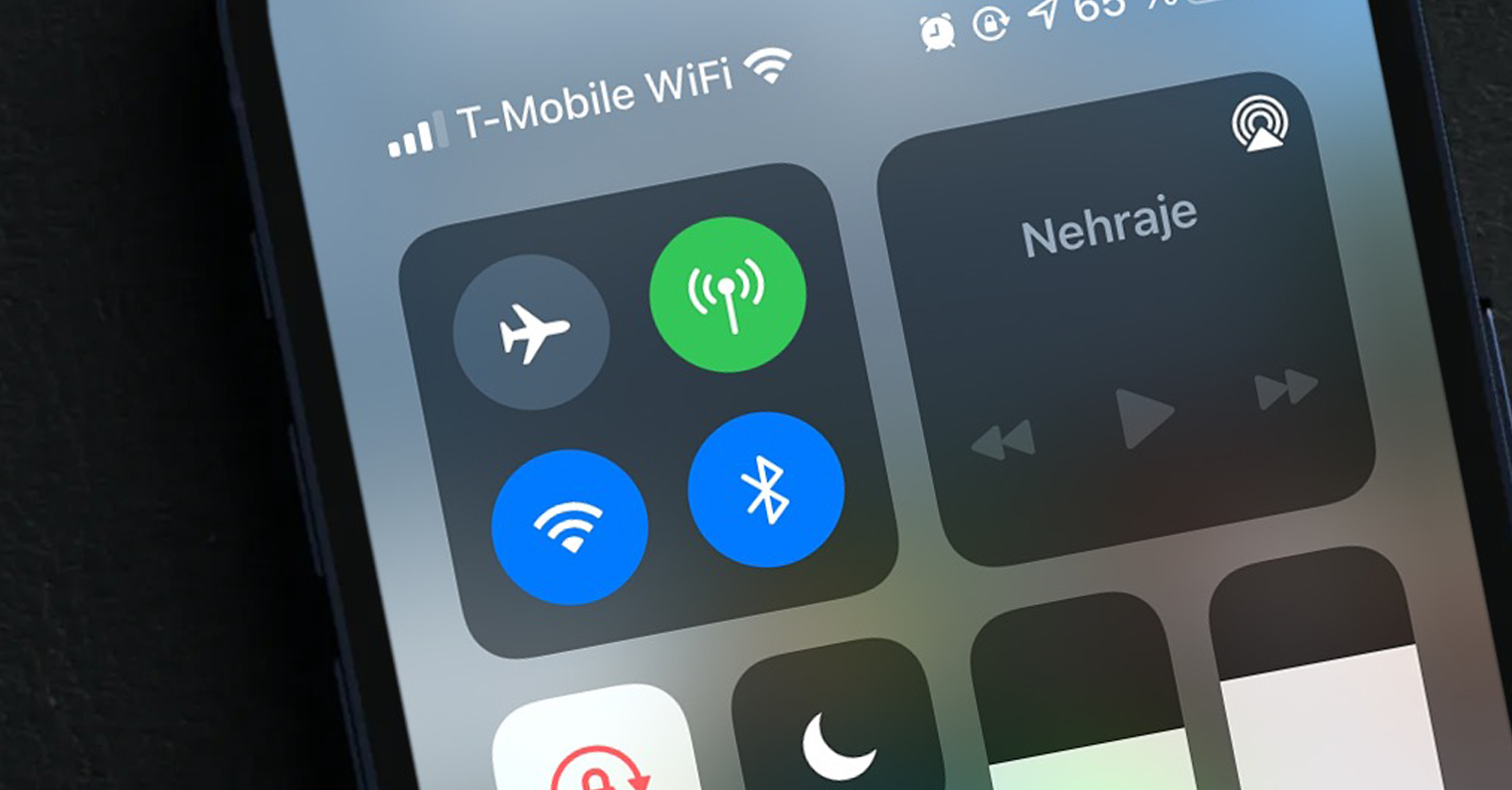
Like Wi-Fi, your iPhone is constantly searching for a signal in the background. This process usually goes unnoticed, but sometimes your iPhone have trouble repeatedly searching for the nearest transmitter. In case of this problem, you can simply restore the signal by briefly activating Airplane mode in the Control Center on your iPhone. If you want, you can also try turning your iPhone.
Check the charge
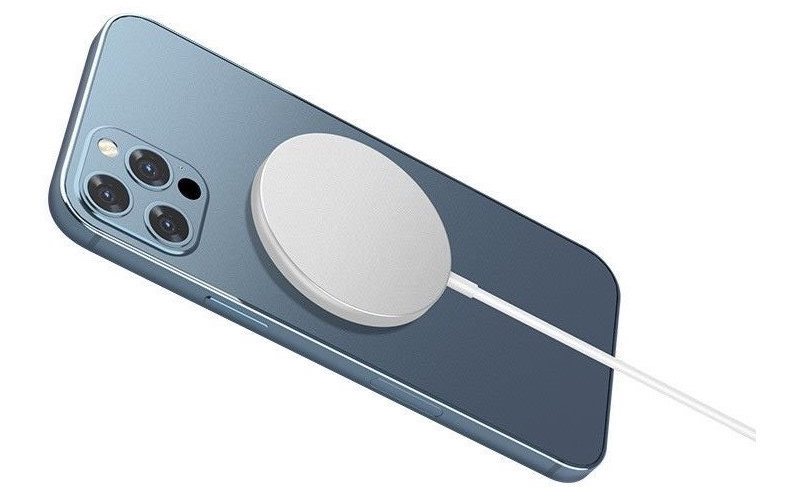
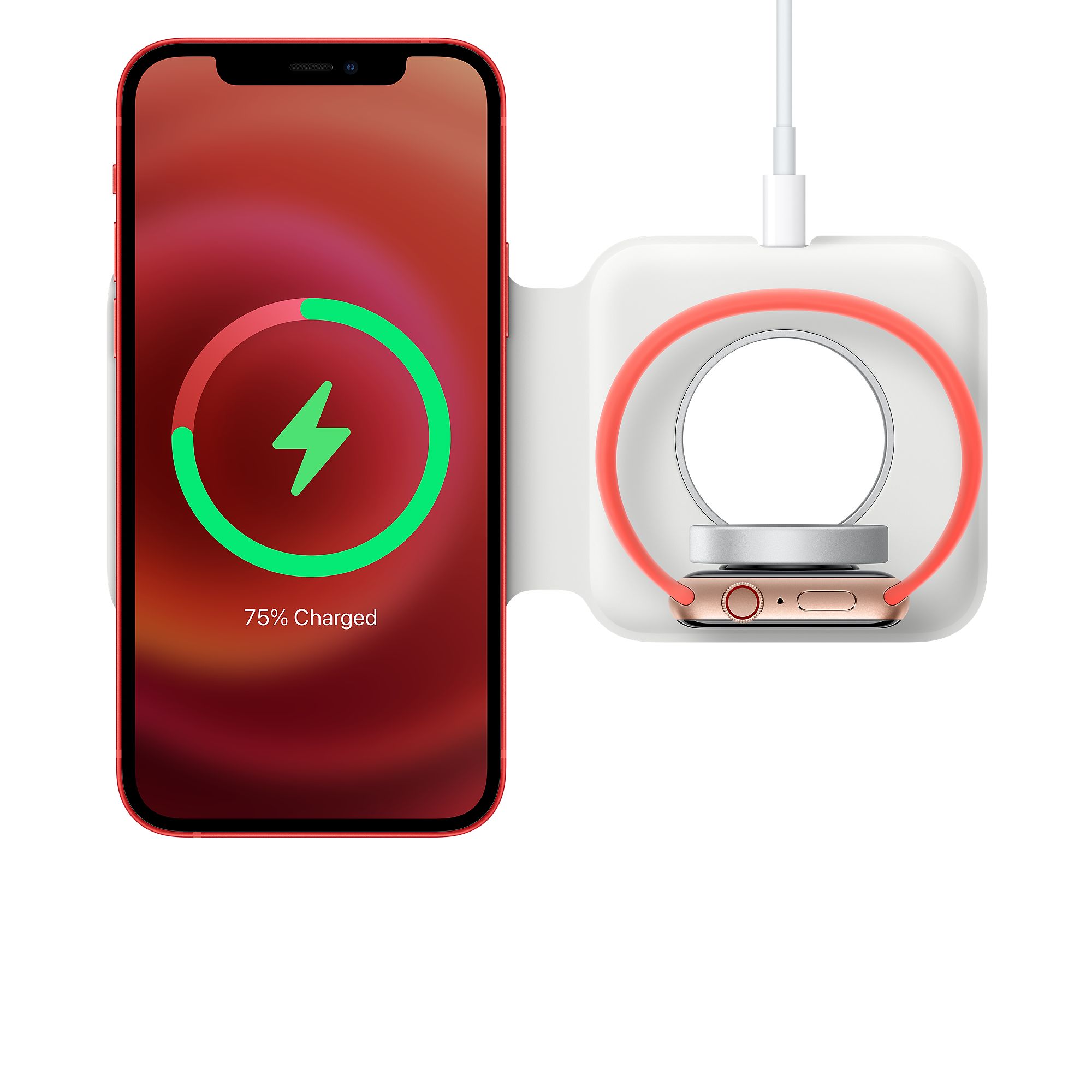
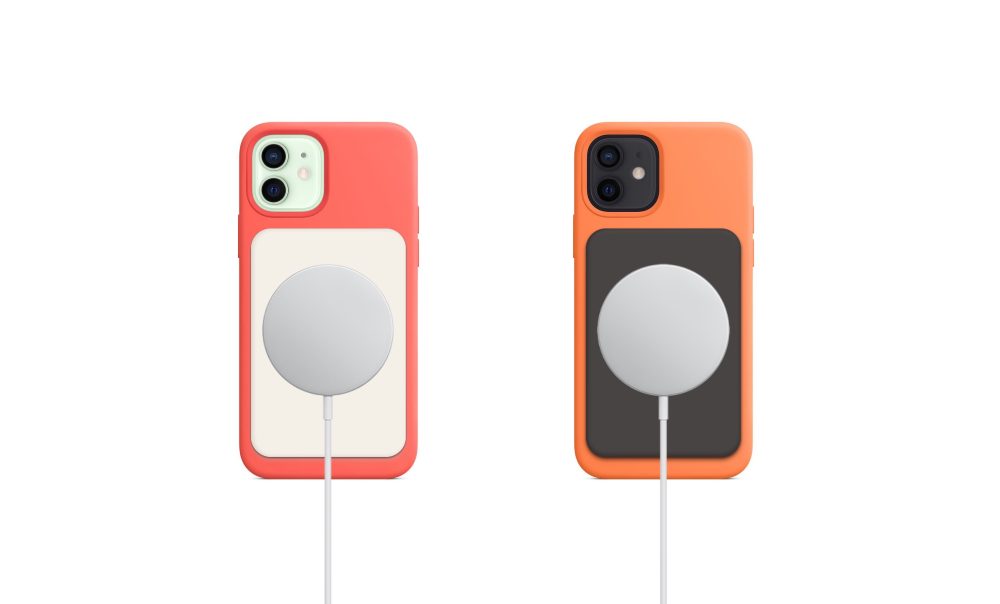
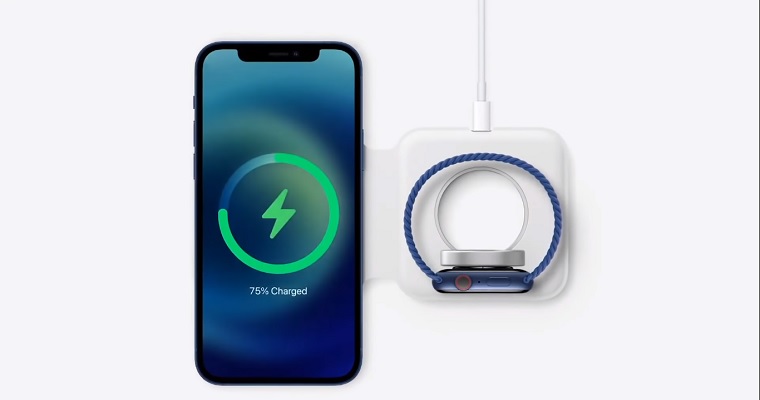
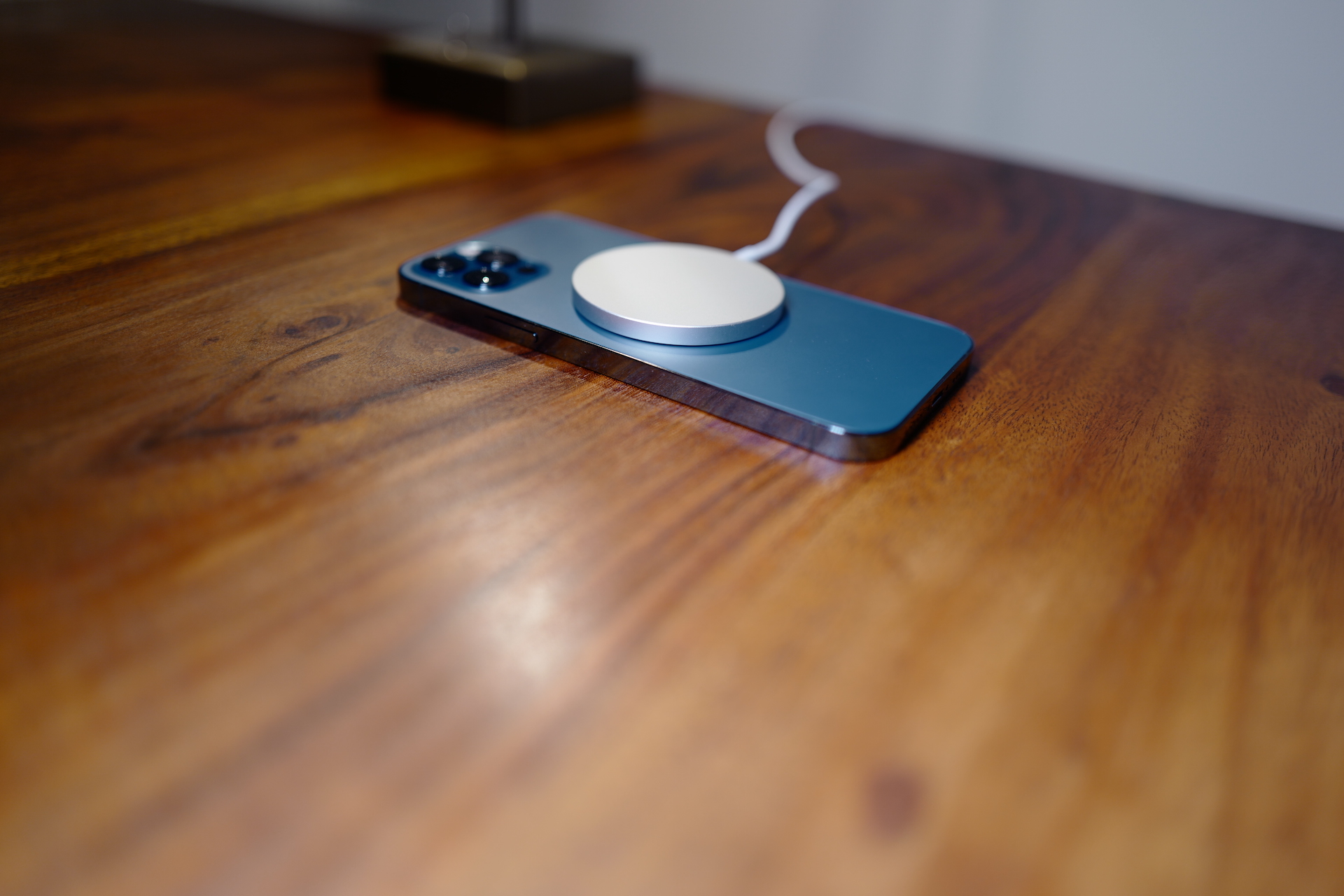
Not having enough battery on your iPhone can – perhaps surprisingly – affect a number of things, including the strength and quality of your signal. If you’re on the road, running low on battery and unable to charge, then there’s not much you can do about it, for obvious reasons. However, if you’re in a place where you can charge your iPhone charge, and you are also experiencing signal problems, try connecting your phone to the charger for a while.
Last year's iPhones brought wireless charging with the help of MagSafe:
Gallery
Please update iOS
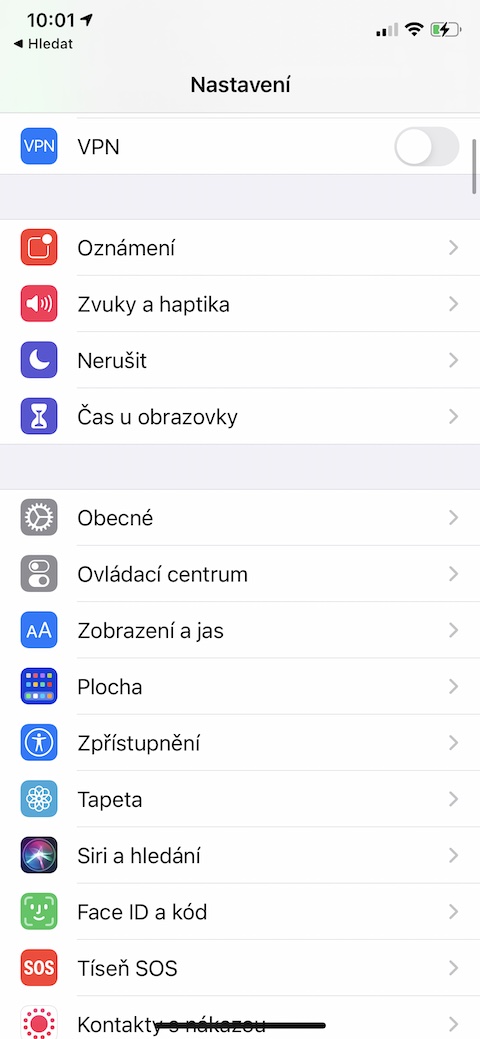
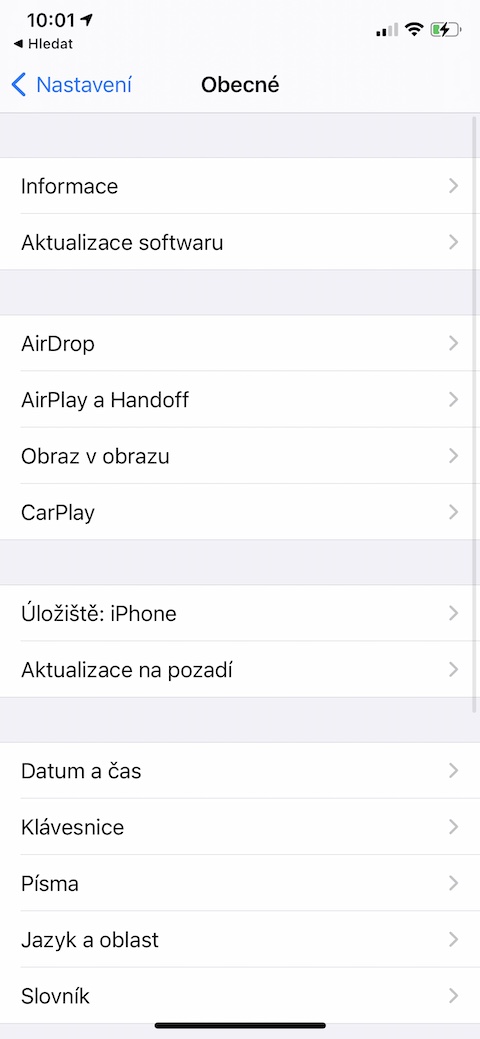
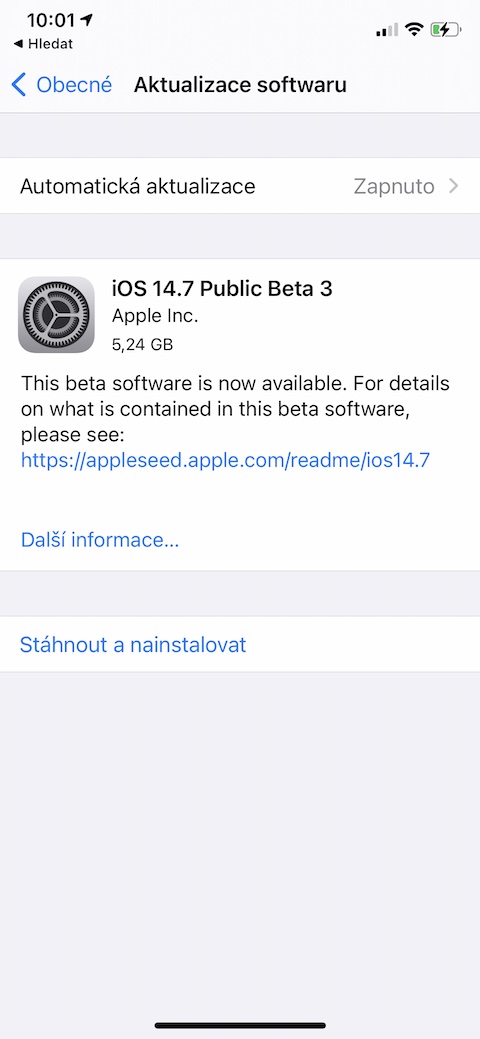
Sometimes, poor signal reception can be caused by partial errors in the operating system. iOS. Apple in its updates, among other things, it also brings the correction of a number of different errors that may have occurred in previous versions, so it is good to always update to the latest version of the operating system. You can check the current status on your iPhone in Settings -> General -> Software Update.
Check the cover and SIM card
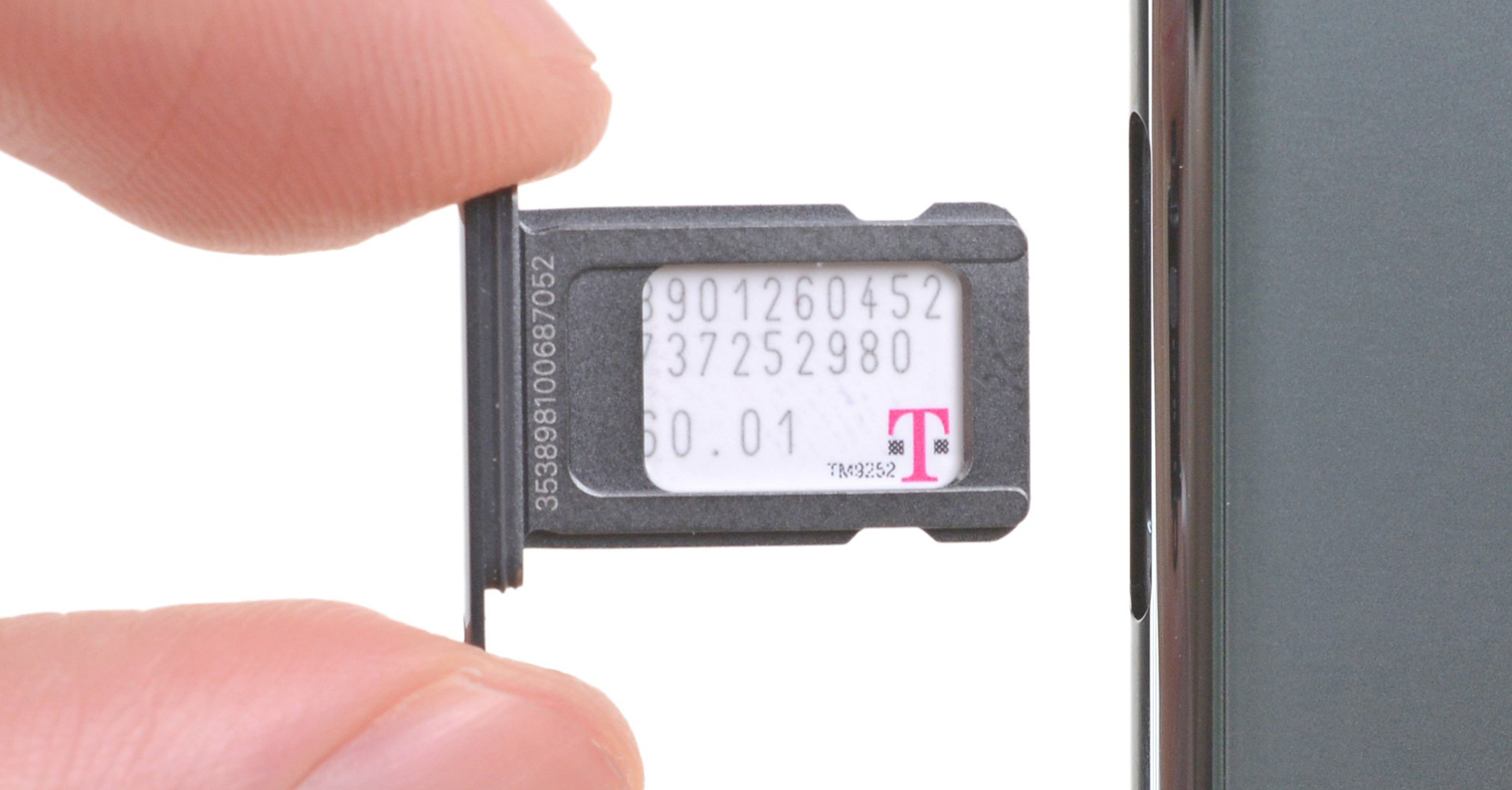
An obstacle to sufficient signal reception can sometimes be a too robust cover. Especially in situations where you are in a place with a weak signal, removing the cover (albeit temporarily) can be at least a partial solution. A much rarer but not completely ruled out cause could be a problem with the SIM card, so try removing it from your iPhone and check if it's damaged.
You might be interested in
Change location
This advice will certainly sound completely banal to many of you, but you might be surprised how many people, in the event of a bad signal, strangely do not even think of moving elsewhere for a while. A number of different more or less bizarre things can prevent you from making a successful call in many places, and often the best solution is simply to move to a place where your signal will be better.
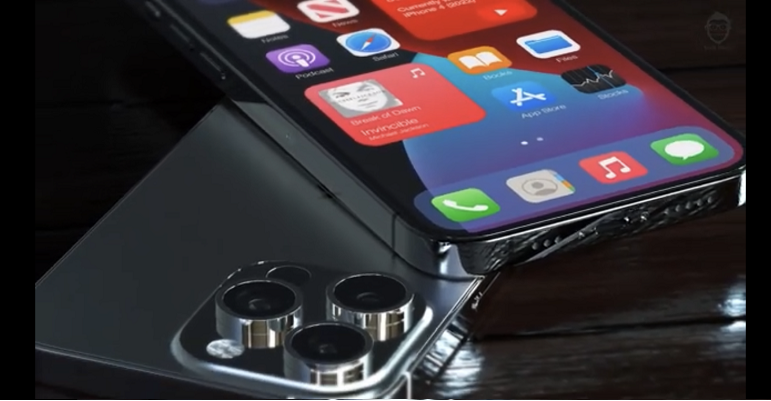
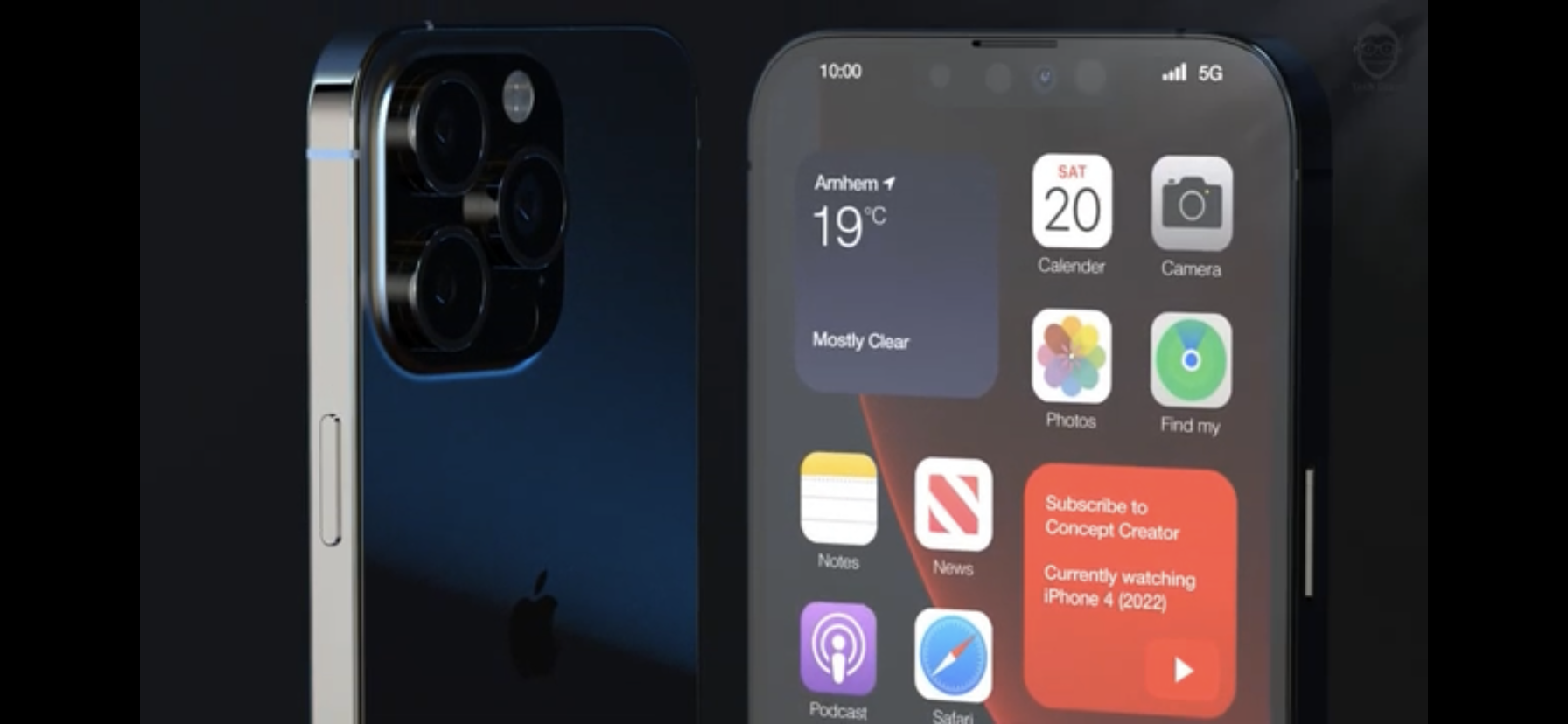
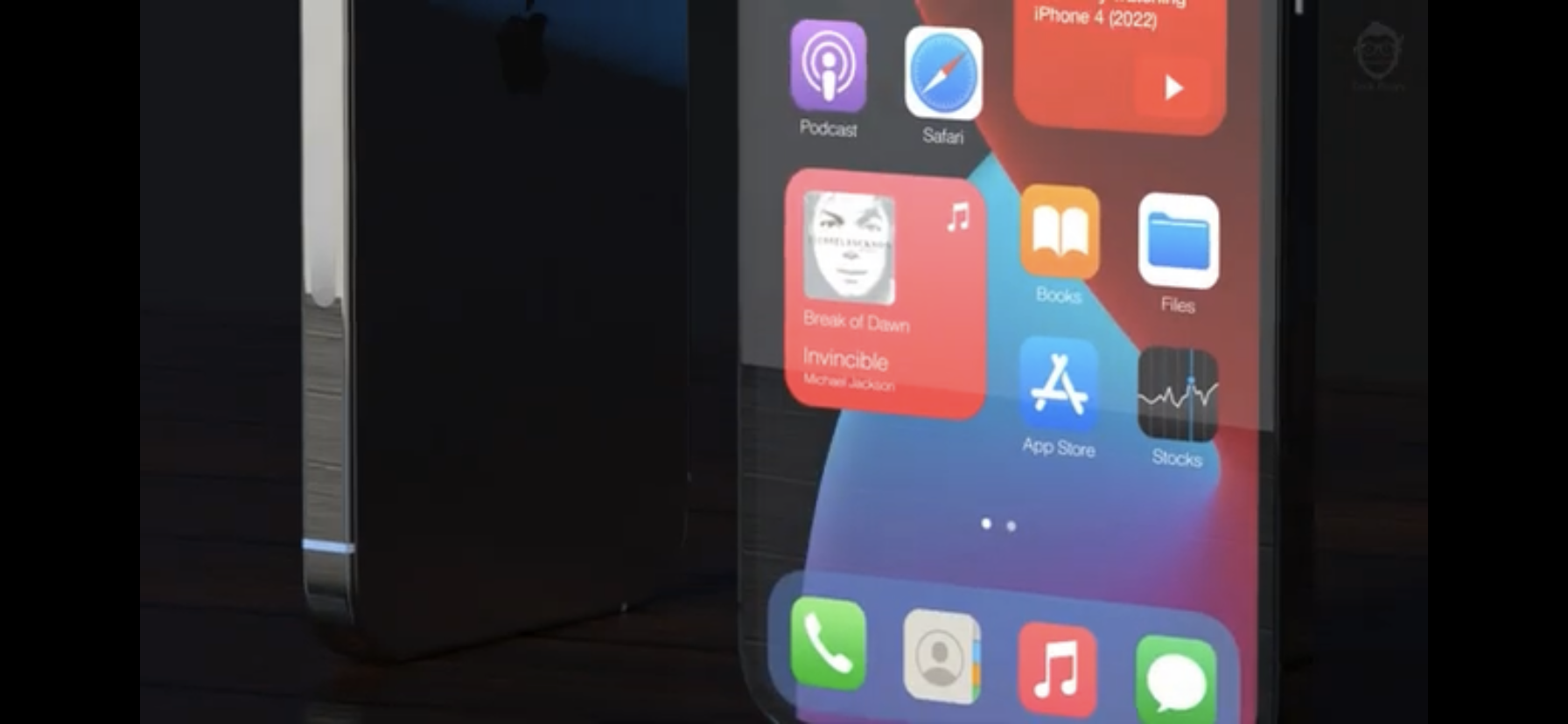
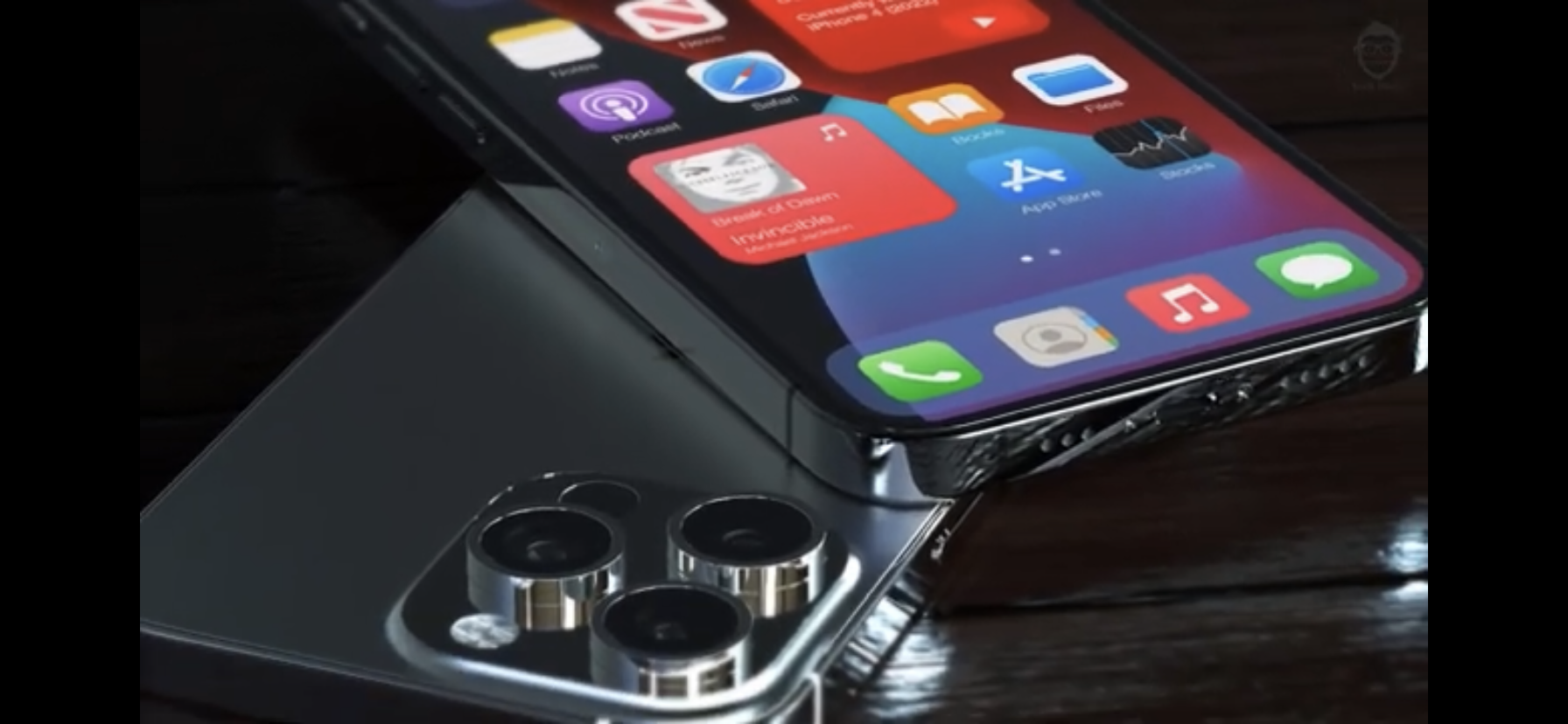
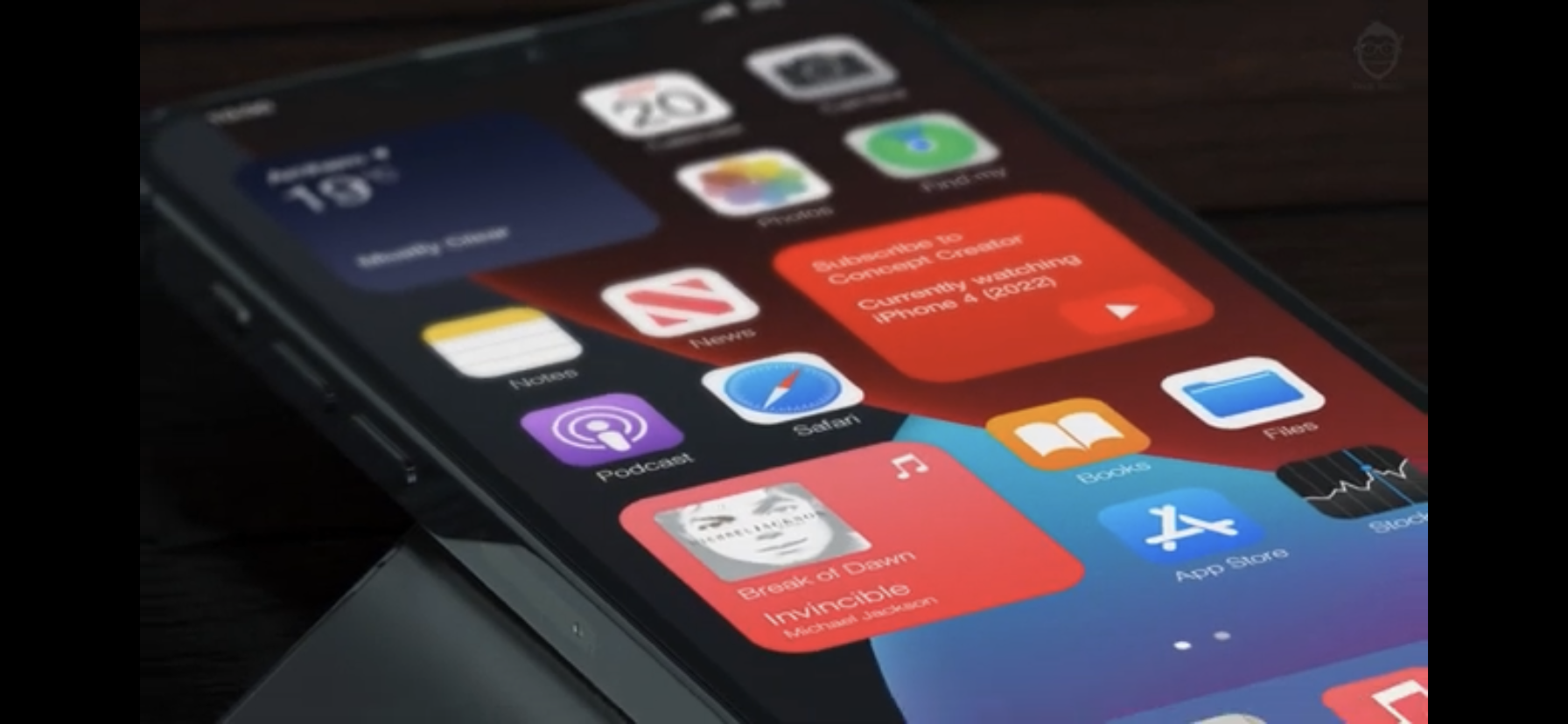
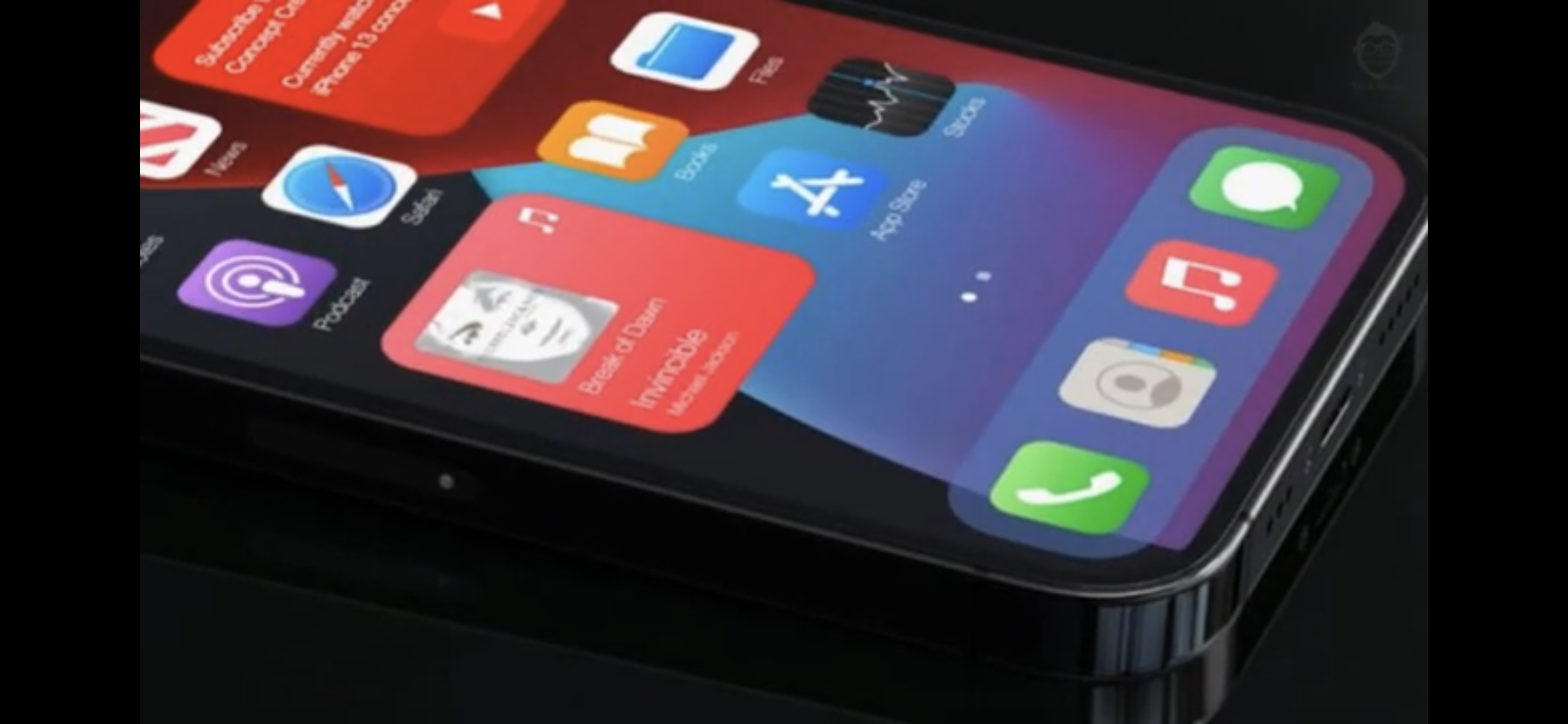
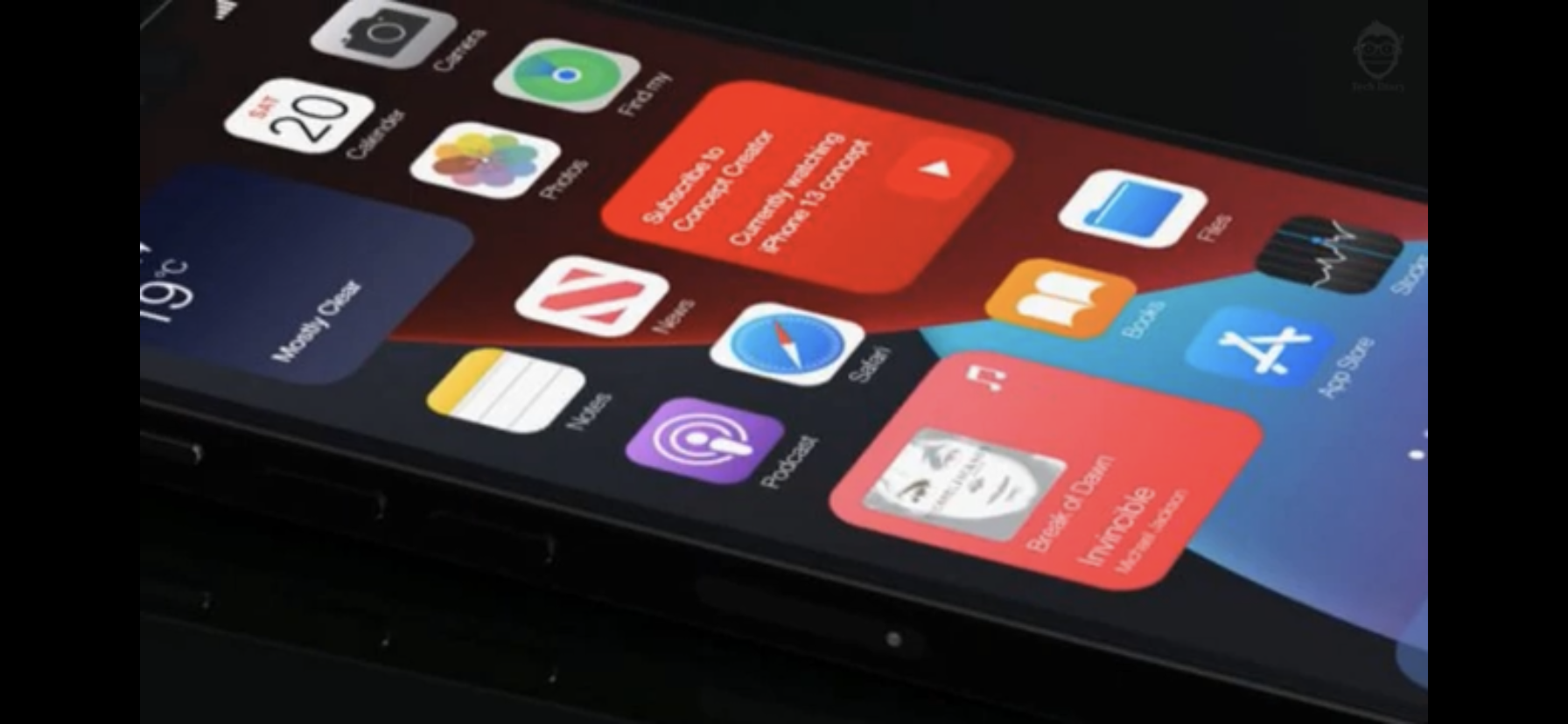
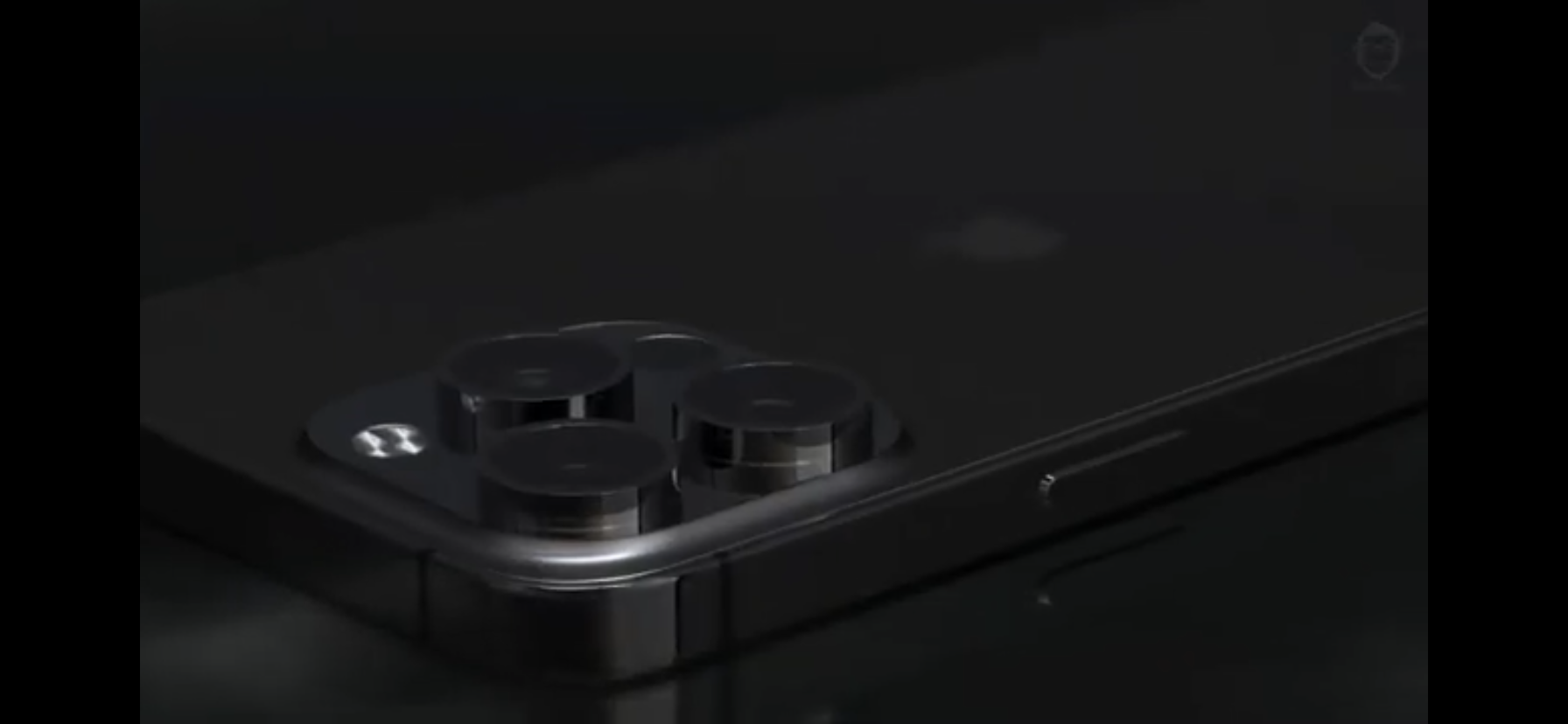
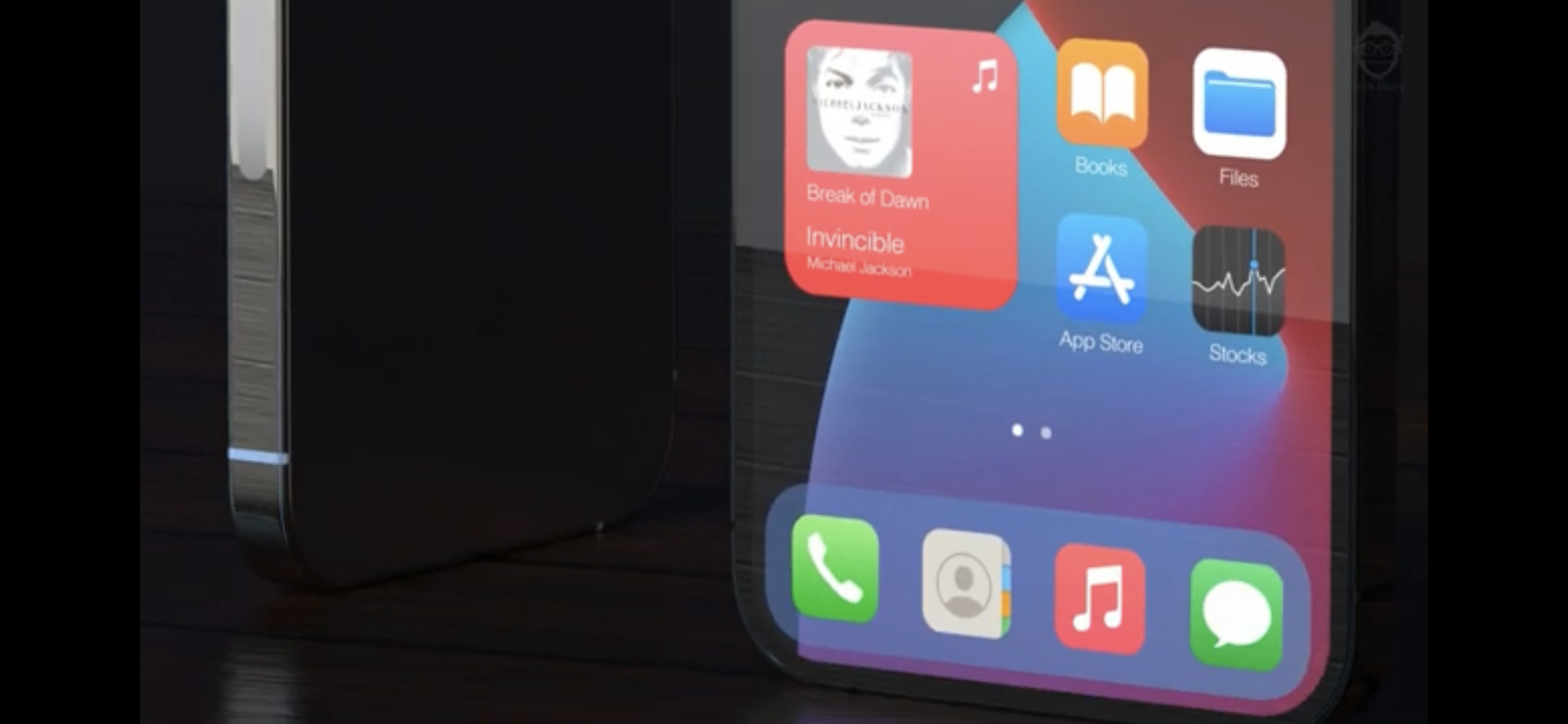
Prosee the iPhone 13 concept Pro Max:
Gallery



I would like to ask whether LSA respectively Mr. Zavřel, will help financially affected municipalities. Thank you for your answer
No 😉
And what's your business? Is it mandatory to report it on the forum?
So he reports some nonsense. It shows what his standard of living is, so I wonder how he will react in this situation. If he helps the needy or if he buys a men's handbag for 100 liters instead
👎
What kind of stupid question is that? I'm just about to leave. LSA should I help?
Petr
Start worrying about your money and how much you sent. What's wrong with Mr. Zavrel's standard of living? ProShould he confess to some anonymous swindler about what he does with his money?
Peter, after much consideration, I have decided to contribute to your doctor's bill. ProPlease send me your account number, maybe it will help you :-)
Guys, that's good advice =D
One more piece of advice for me if the signal reception from your operator is weak - check that VoLTE is turned off. When the signal is bad, VoLTE makes it even worse. 😅
Tried 🤗