
I've been eyeing a drone for a while now. After all, I'm trying to spend the summer somewhere in theancI'm always on the go and sometimes I get to places that I'd like to take a picture of or film from a different angle than is normally possible. For example, having a photo of the Passo Dello Stelvio, which I like to ride, from a bird's eye view is something that has been tempting me for a few years now. When DJI introduced its latest model this year, DJI Air 2s, koneI finally made up my mind and reached for it in the DJI version Air2S Fly More Combo. I would like to start by saying that this is my very first drone, so you won't find any professional comparisons here, but honest impressions of what this little thing can do and how satisfied I am with it as a complete beginner.
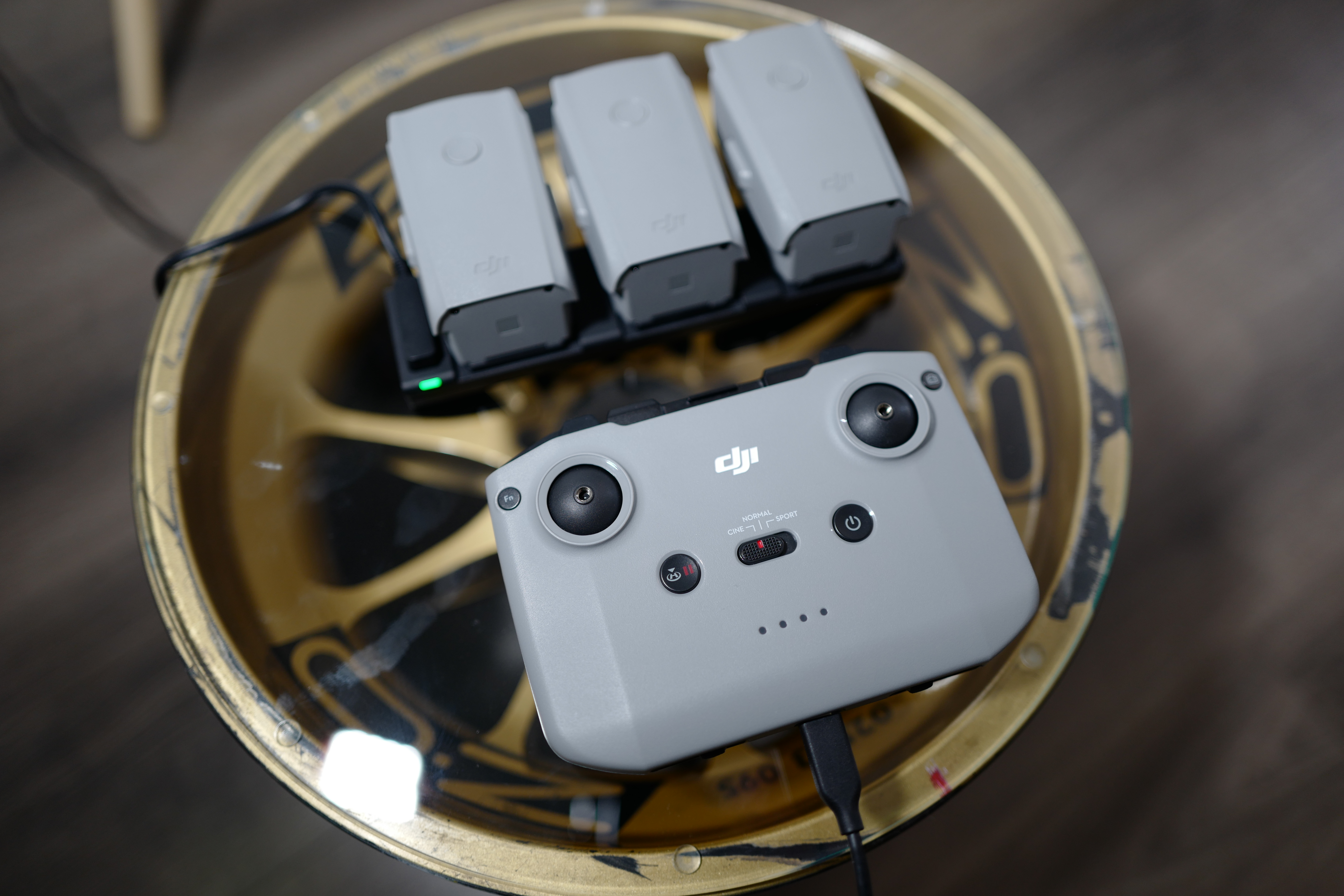
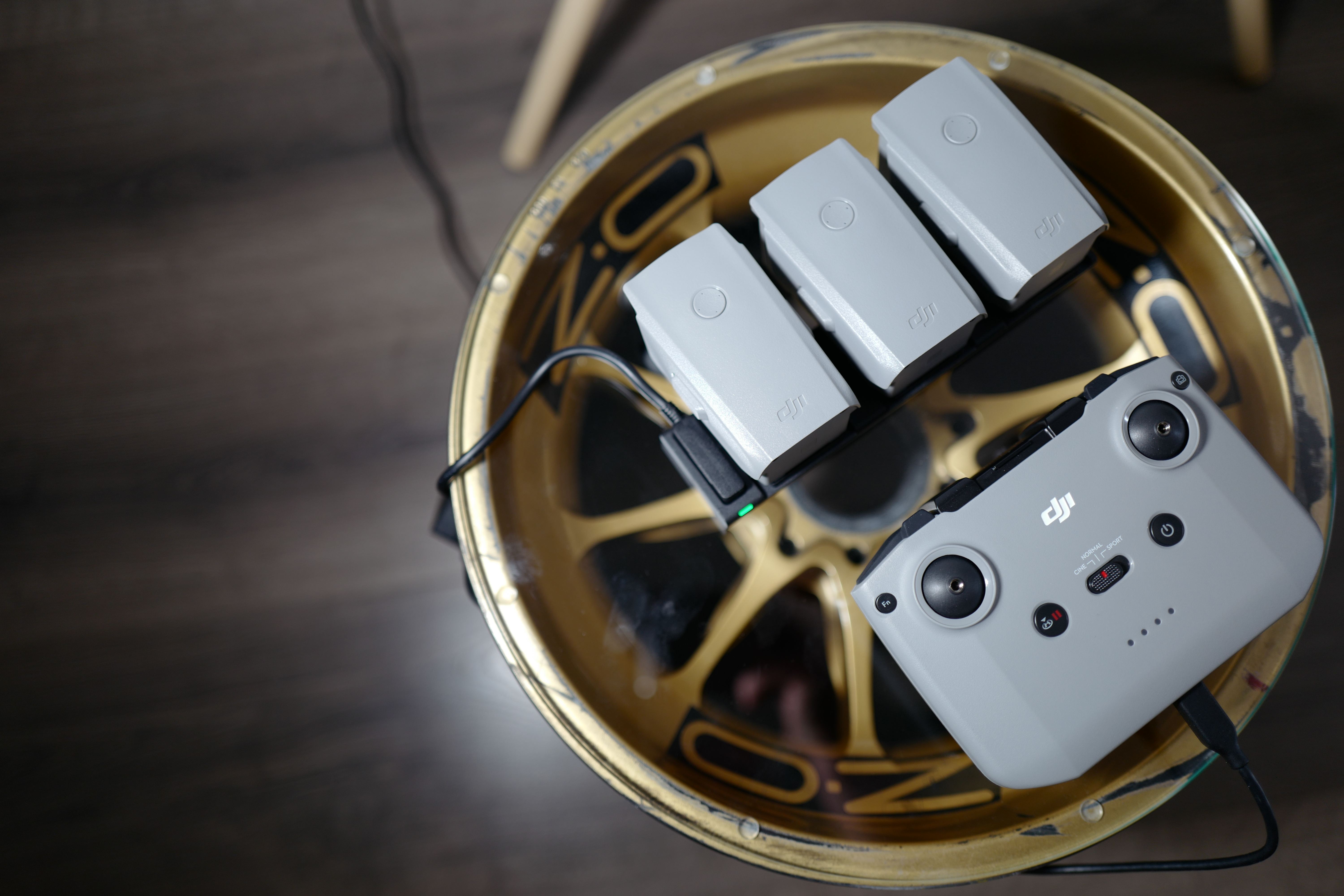
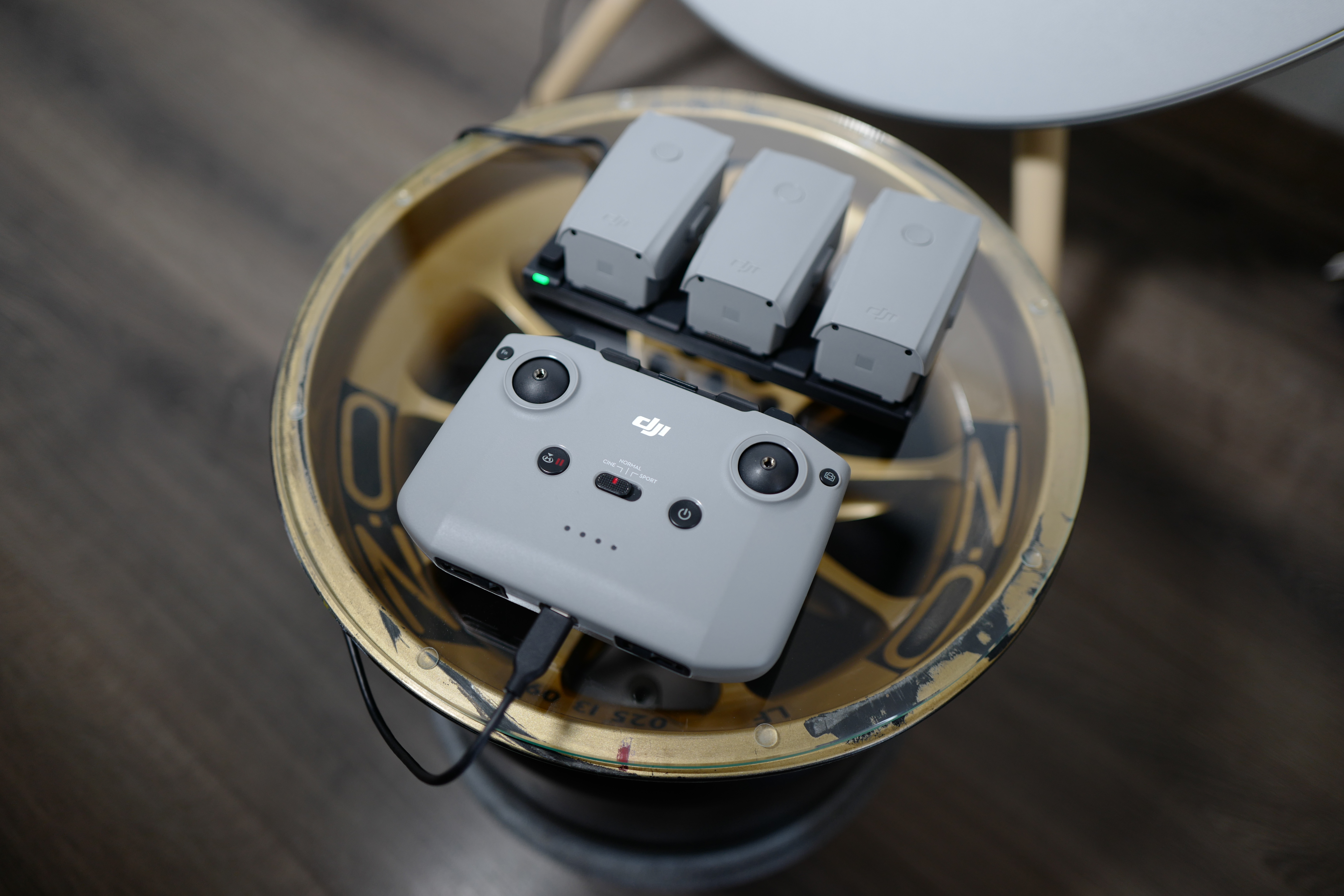
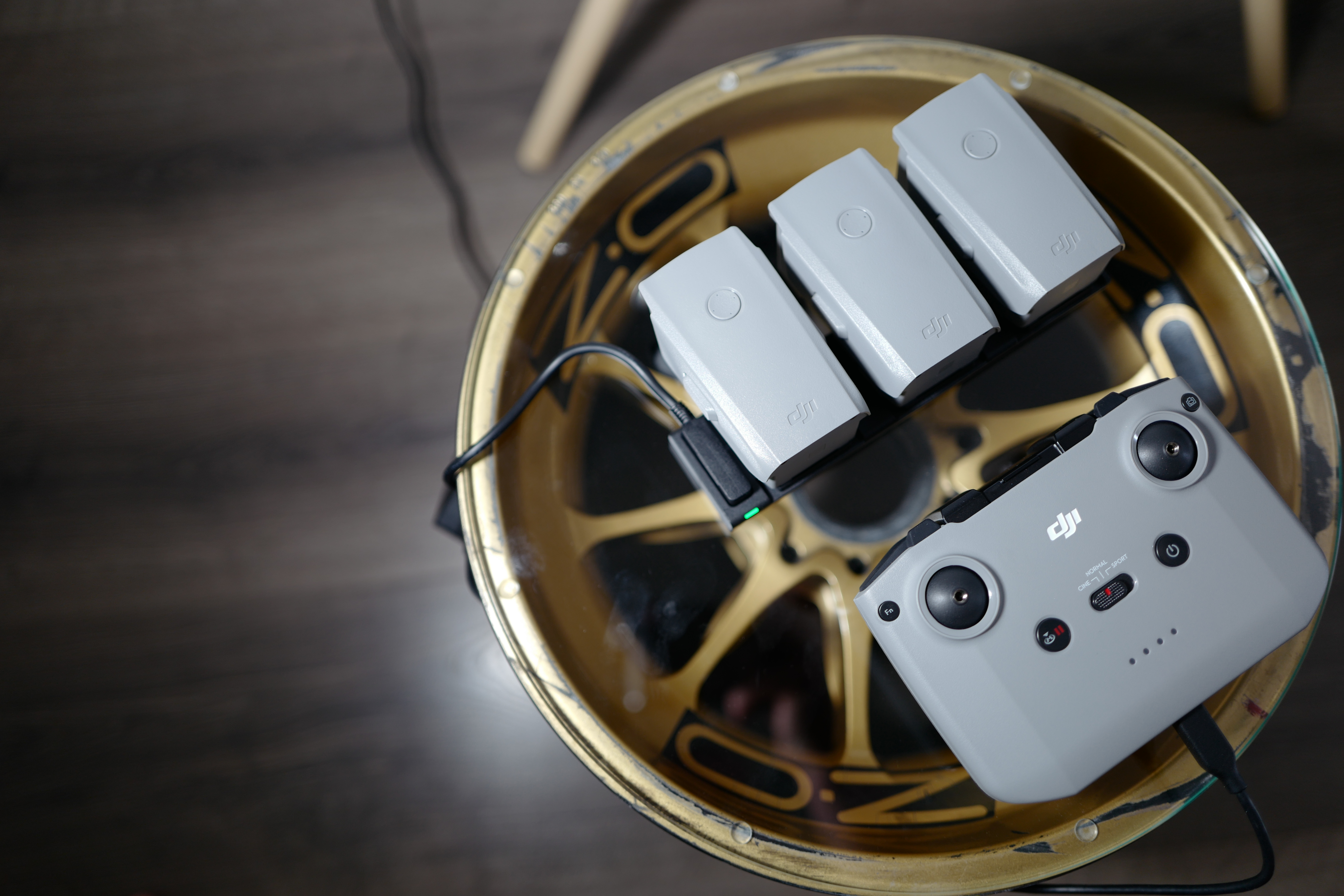
As part of Fly More, you get everything you could possibly need for flying, and right at the beginning I have to say that this varianta definitely pays off, both financially and practically. In the box you will find a nice neoprene shoulder bag, which hides the drone itself, the controller and three batteries. In addition, the package also includes a charger, all the necessary cables, a special charging pad for charging all three batteries simultaneously, a set of four ND filters and a set of spare propellers. After a month of using the droneI play really intensively and I didn't find anything that would be possible or necessary to buy and that wasn't part of this Fly More package. You will find in it really everything that you could need and thanks to which you will enjoy your drone as comfortably as possible. Before we take to the air, let's take a closer look at the individual things that the package contains.
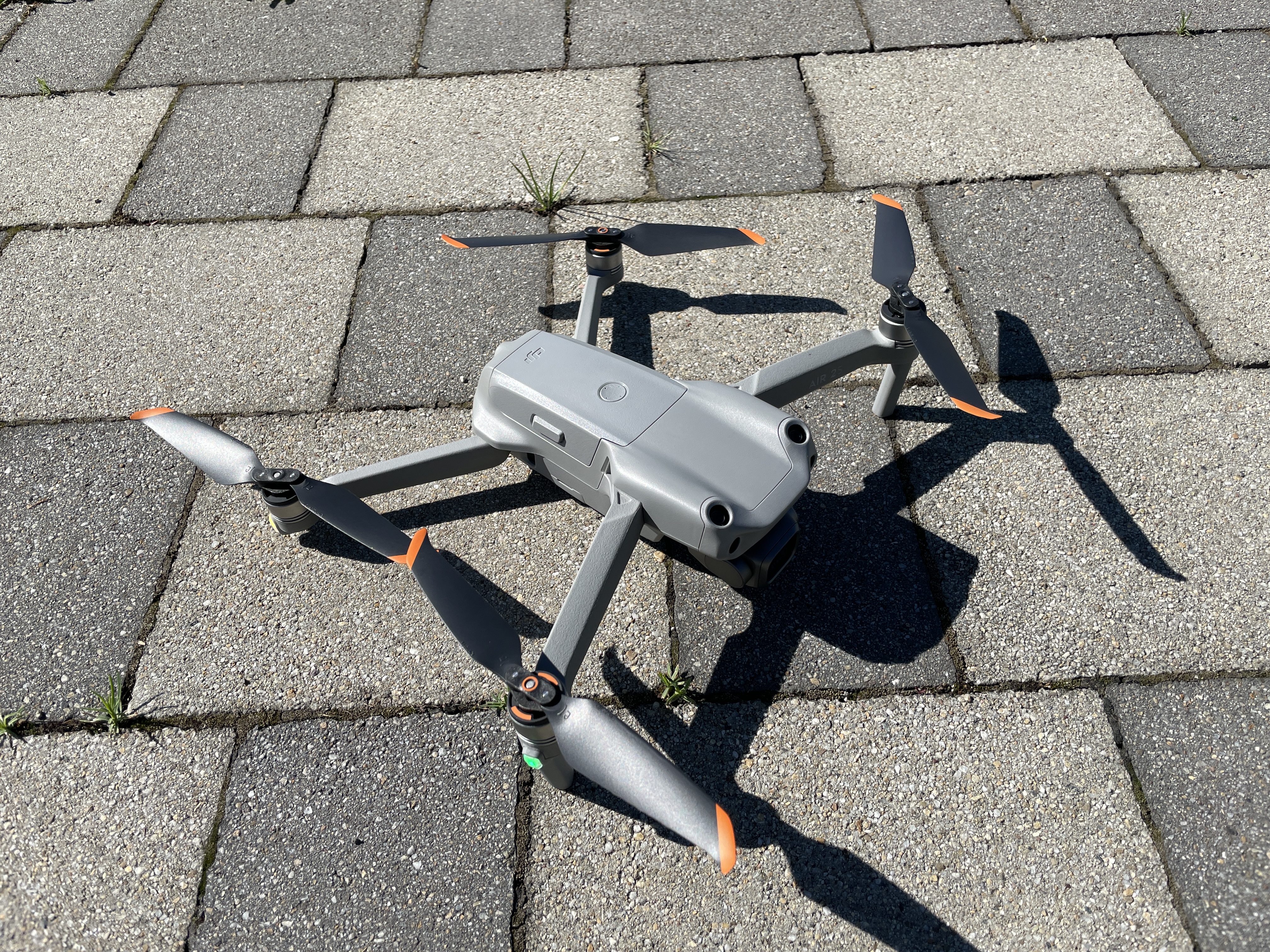
DJI Air 2S Fly More Combo
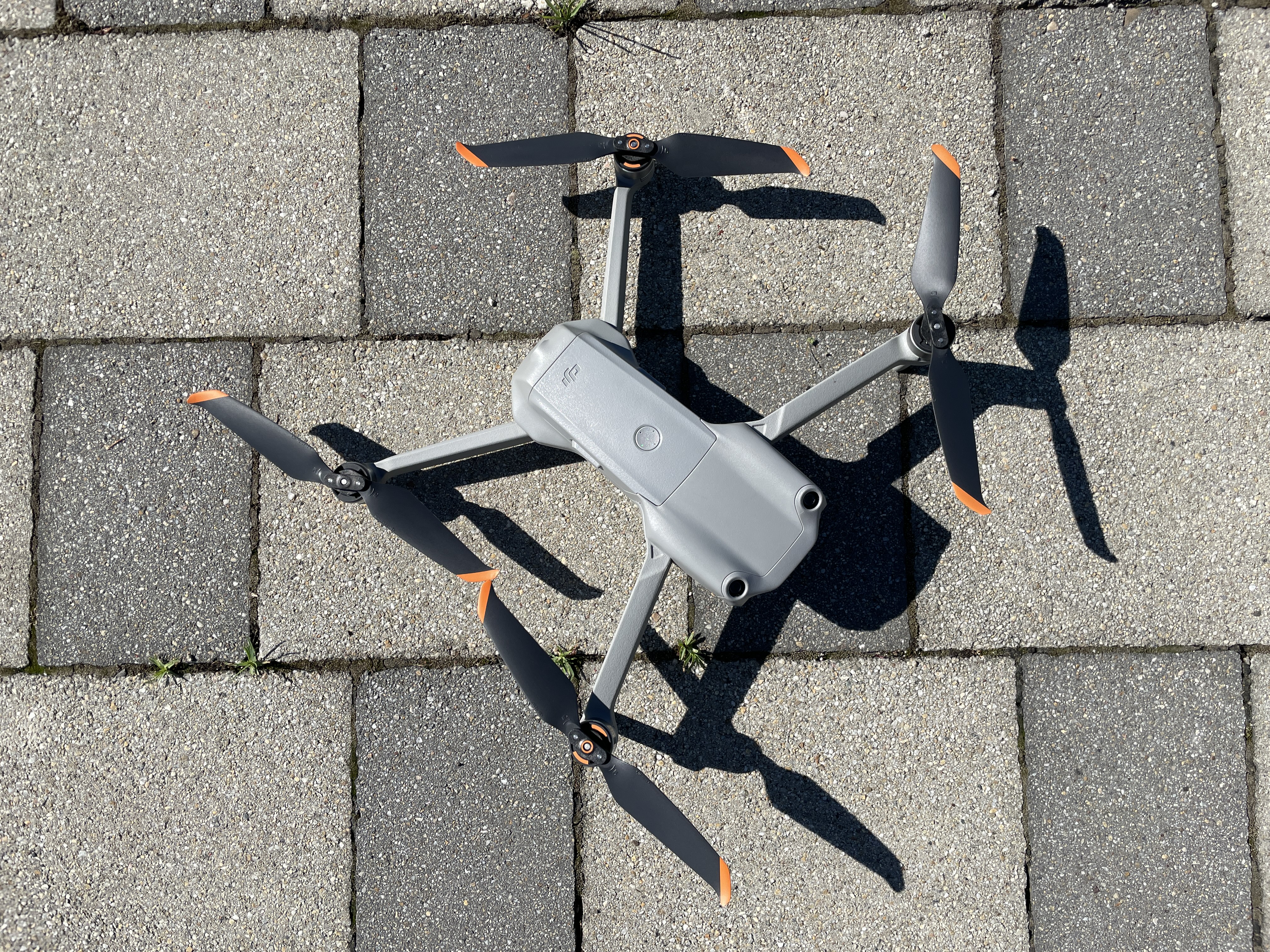
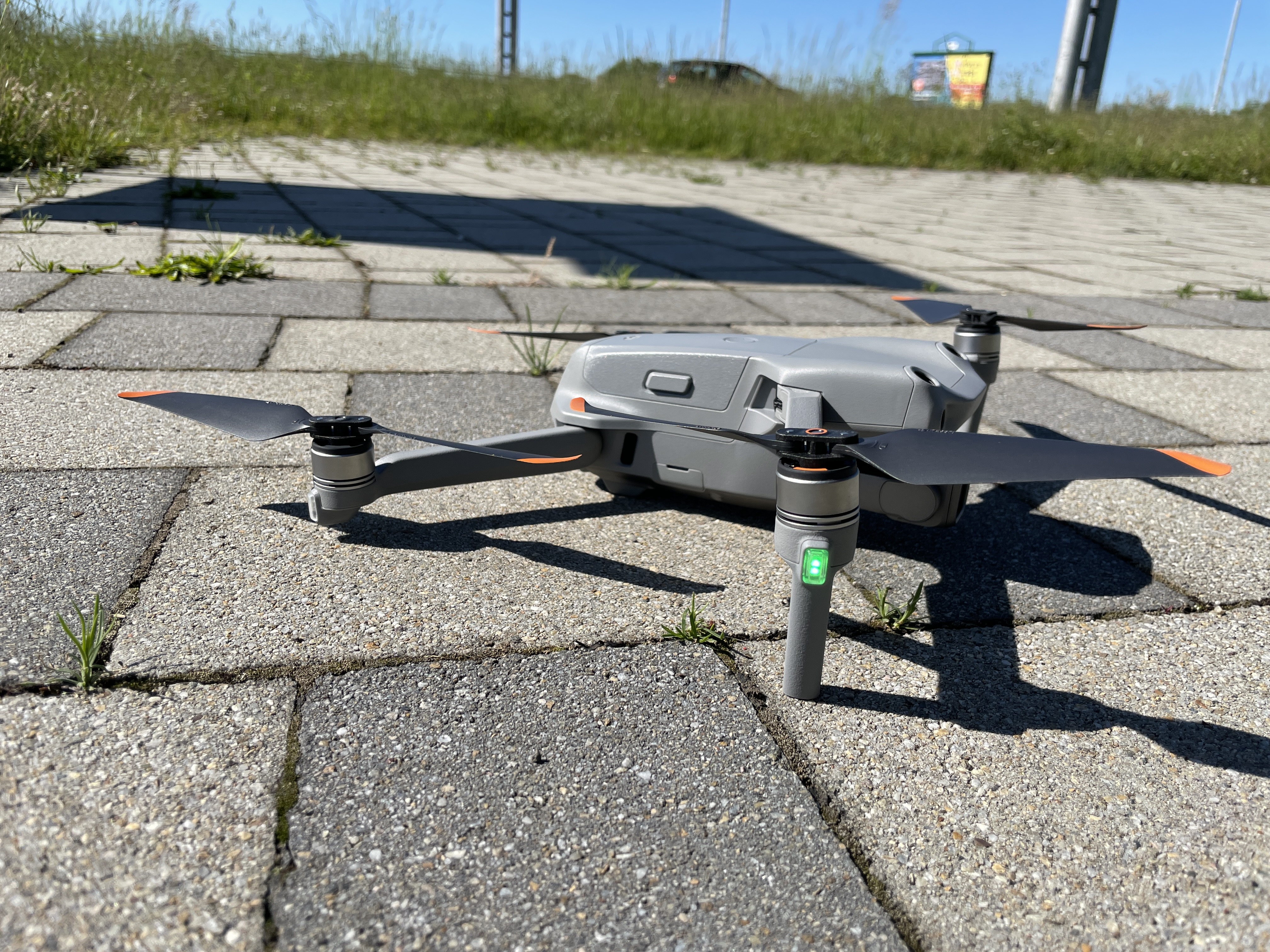
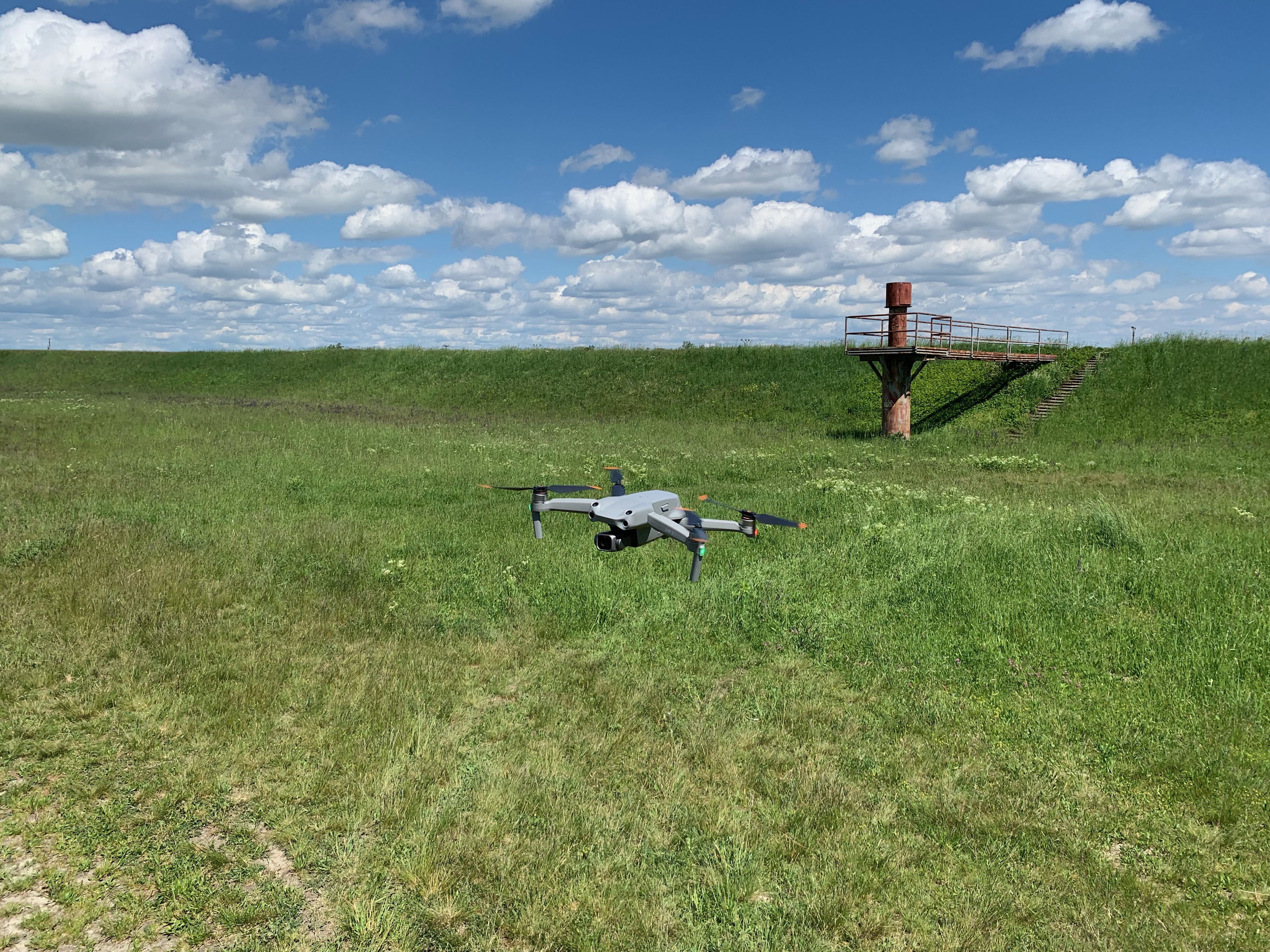
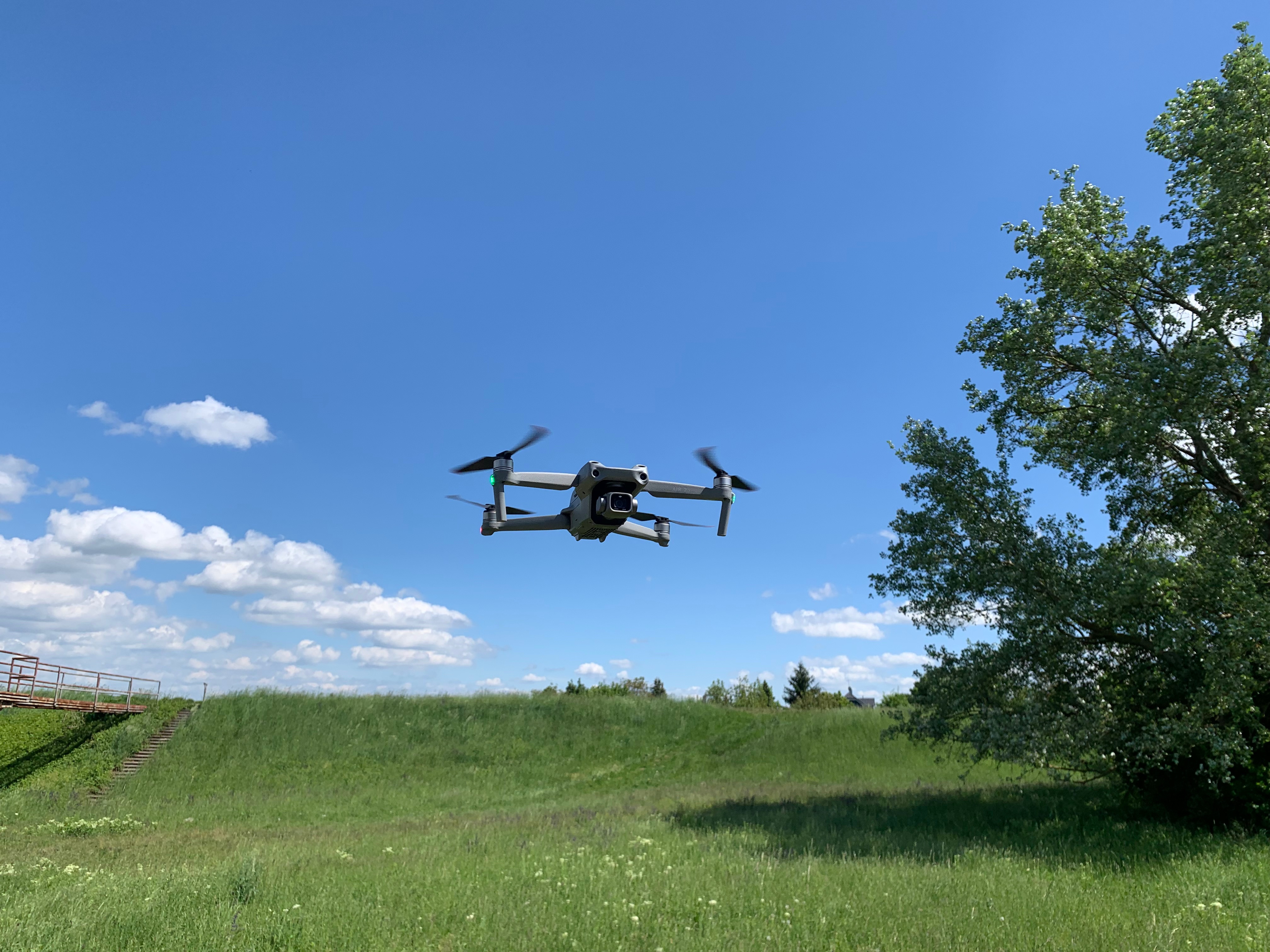
If you're as impatient as I am, you'll appreciate that we'll start with theonem. It is fully assembled and all you need to do is remove a few stickers, attach the propellers, which are in the package about three times as many as you need, and insert one of the three prepared batteries. The drone itself is very small and when folded it will definitely not be a burden. After all, you will probably always carry it in the included bag, which will fit all the accessories that came with it. Disassembling the drone only involves straightening the four arms on which the propellers are located and removing the gimbal cover with the camera. So you can do everything without any problems in a matter of seconds. The first thing that comes to mind when looking at the DJI Air 2s comes to mind is very precise processing, which you are used to, for example, from Applu. Everything is done very precisely and, so to speak, solidly. For example, when you assemble the drone, you can notice the cables that lead from the motor to the drone body within the arms, they are also completely braided. So everything really works very well.
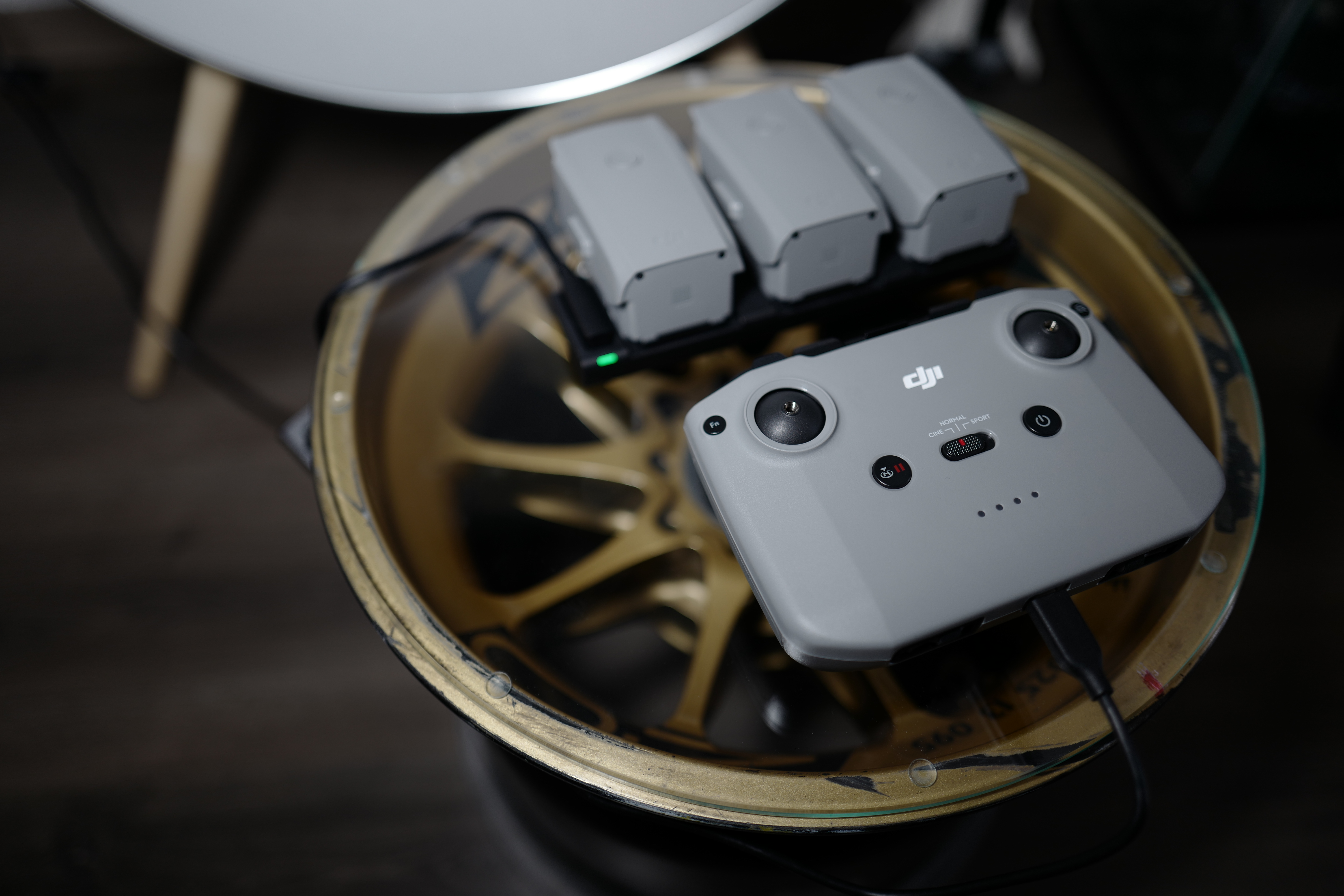
The second most important part of the package is the DJI drone remote control, which functions both as a transmitter and controller, and also as a connection between the drone and the controller.oneyours iPhonem. The controller itself has no display and you must use your iPhone with the DJI application installed. The first connection of the drone, controller and phone is extremely easy and really only involves pressing the power button and installing the application, which we will get into in more detail during the review. You can use the controller itself with your mobile phoneonem via a cable and insert it into a special holder that keeps your mobile phone connected to the controller. On the phone's display, you can make all the settings, control some functions and, most importantly, see what your drone sees. Using the controller, you can then control the movement of the drone, activate the return-to-home function, switch flight modes, activate the option using the configurable Fn button or control the camera rotation, or turn on the camera shutter. The same applies to the controller as to the drone - again, it is a superbly crafted piece of electronics that, at first glance, is not only high-quality, but also well-thought-out.
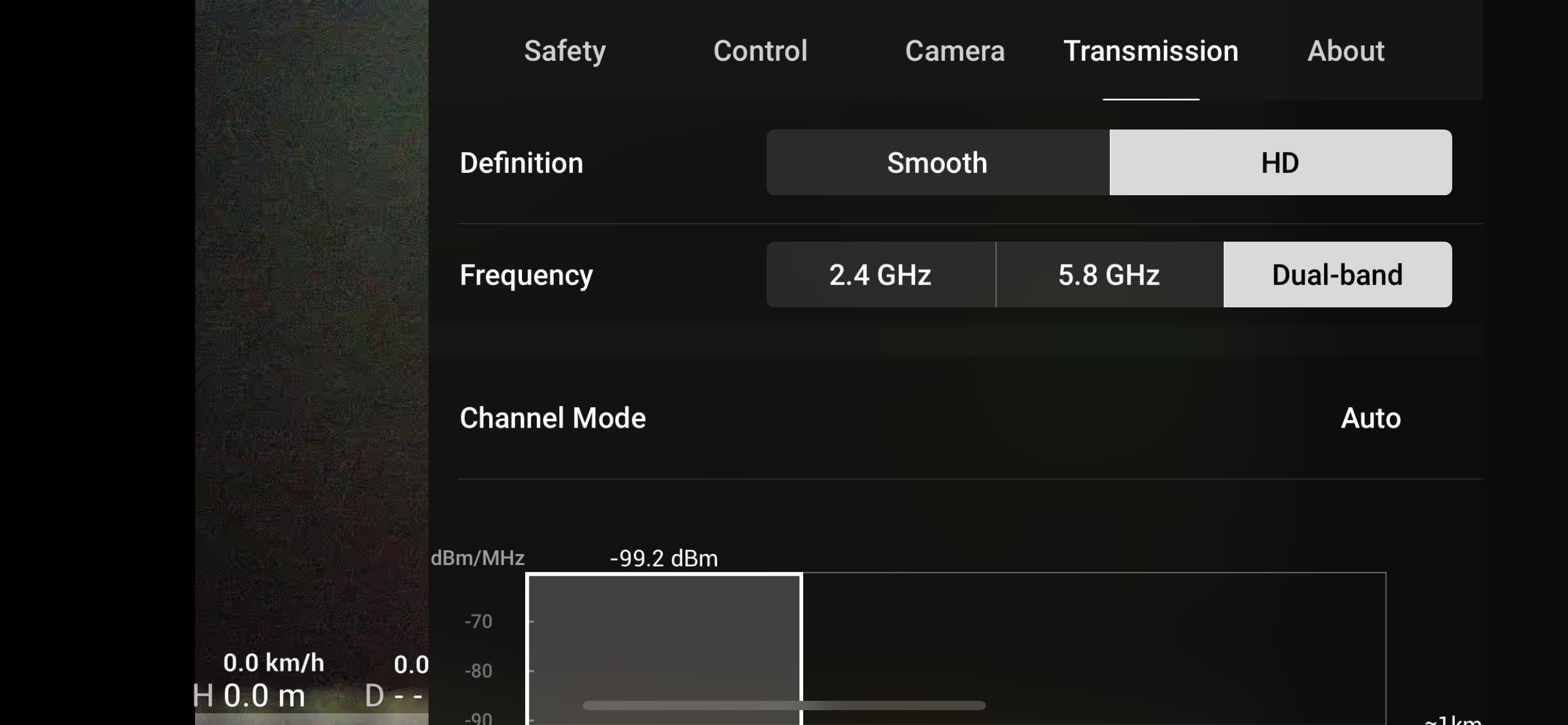
The range at which the drone can be controlled is theoretically up to 12 kilometers, but in practice it is about half that, but in a built-up area the range may be reduced to one kilometer. As for the height, it is possible with the dronem can climb up to 500 meters. In sports mode, the drone can fly at speeds of up to 65 km/h. However, remember that legislation applies in the Czech Republic, which requires you, among other things, to have direct visual contact with the drone.onem during the flight. However, I would not recommend flying further than about five kilometers, not only because you are breaking the law, but especially because if you do not listen to the drone's warning, a headwind may start to blow and the battery will not have enough energy to return. The controller has an integrated battery that will keep it running for up to six hours. Within the DJI app, you can also turn on/off the option to charge your iPhone directly from the controller battery. So if you know that you will not fly for more than 90 minutes on batteries anyway, you can notchat to charge your iPhone directly from the DJI controller and then charge it together with the batteries.
Gallery
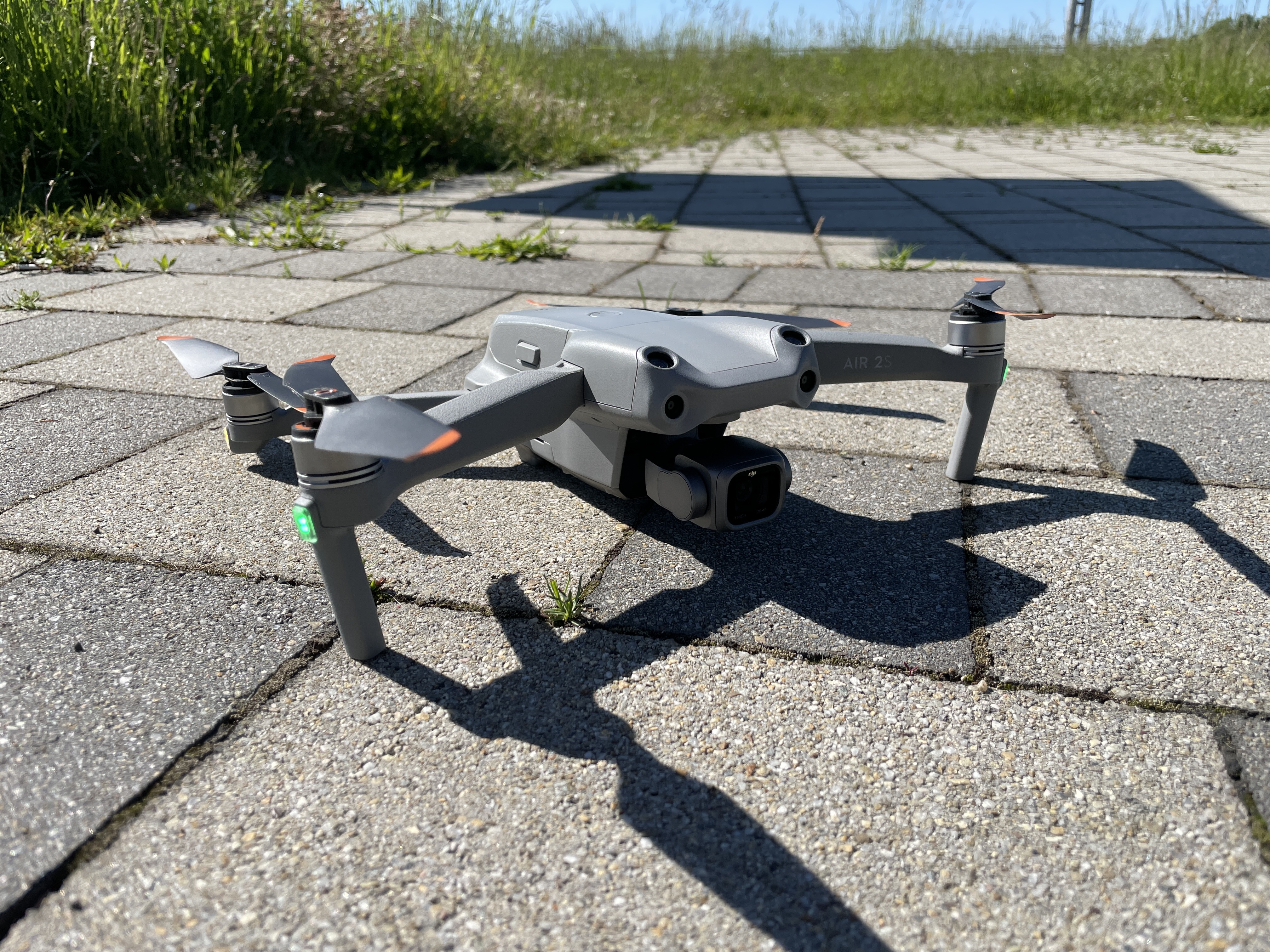
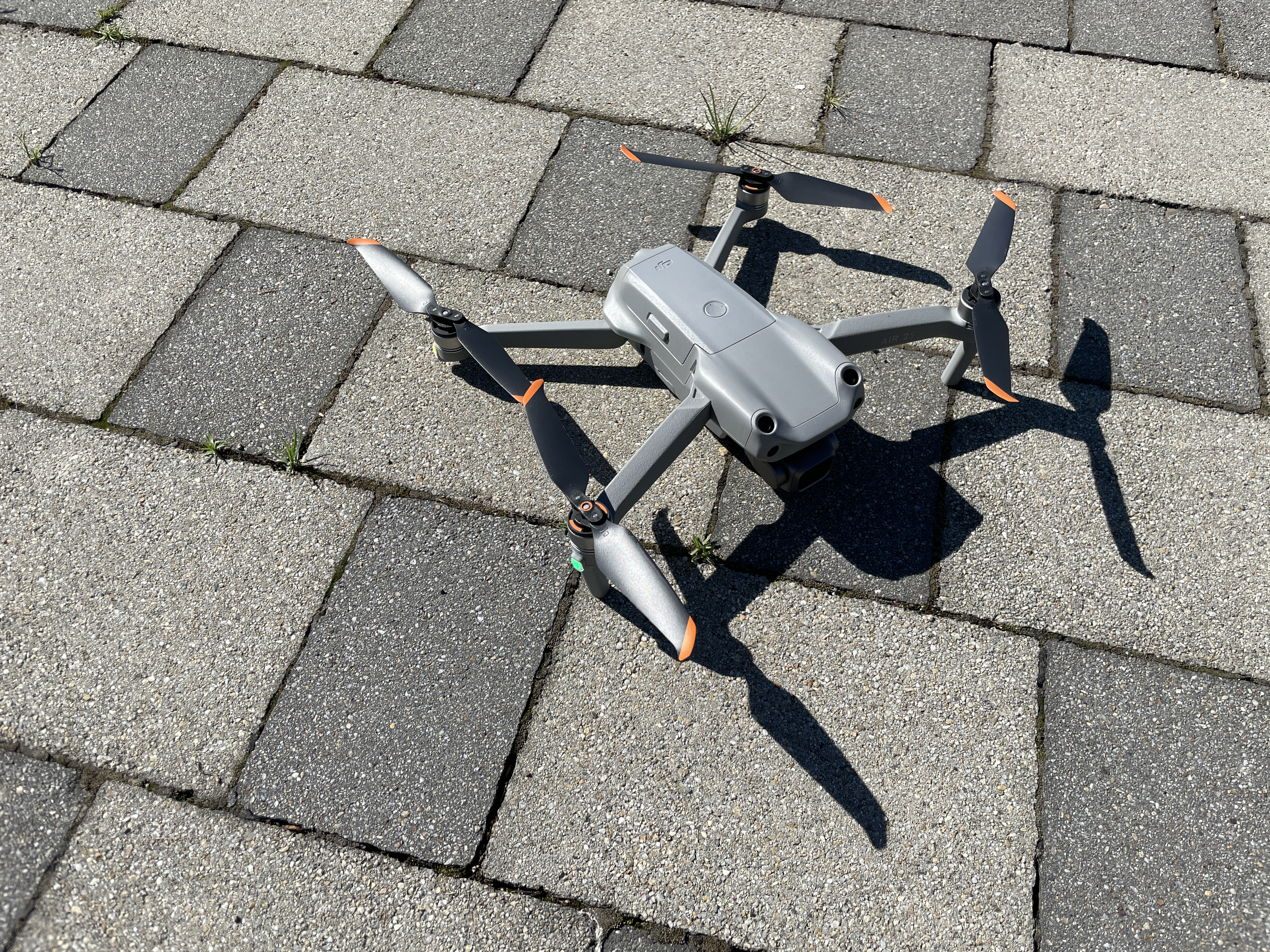
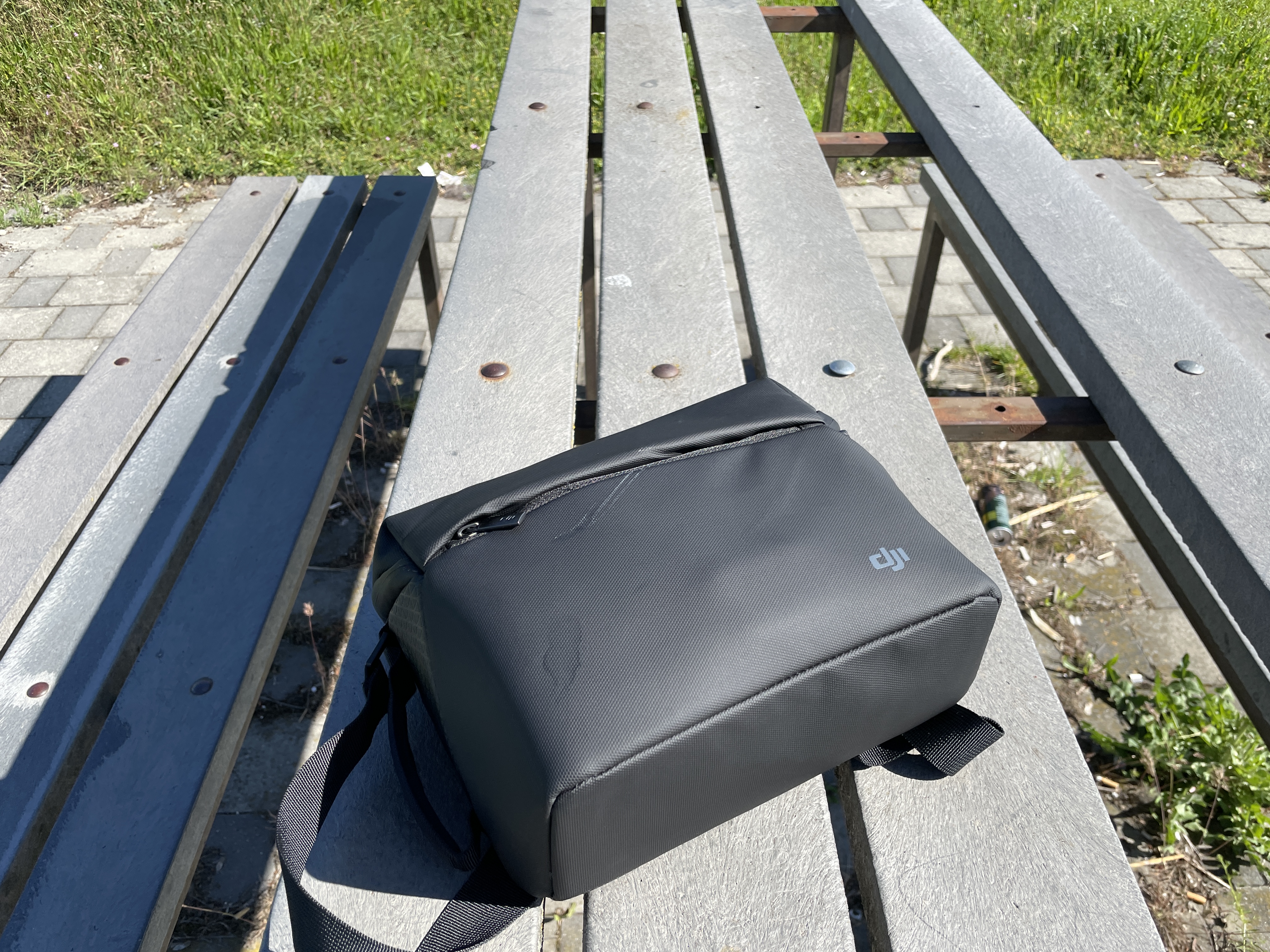
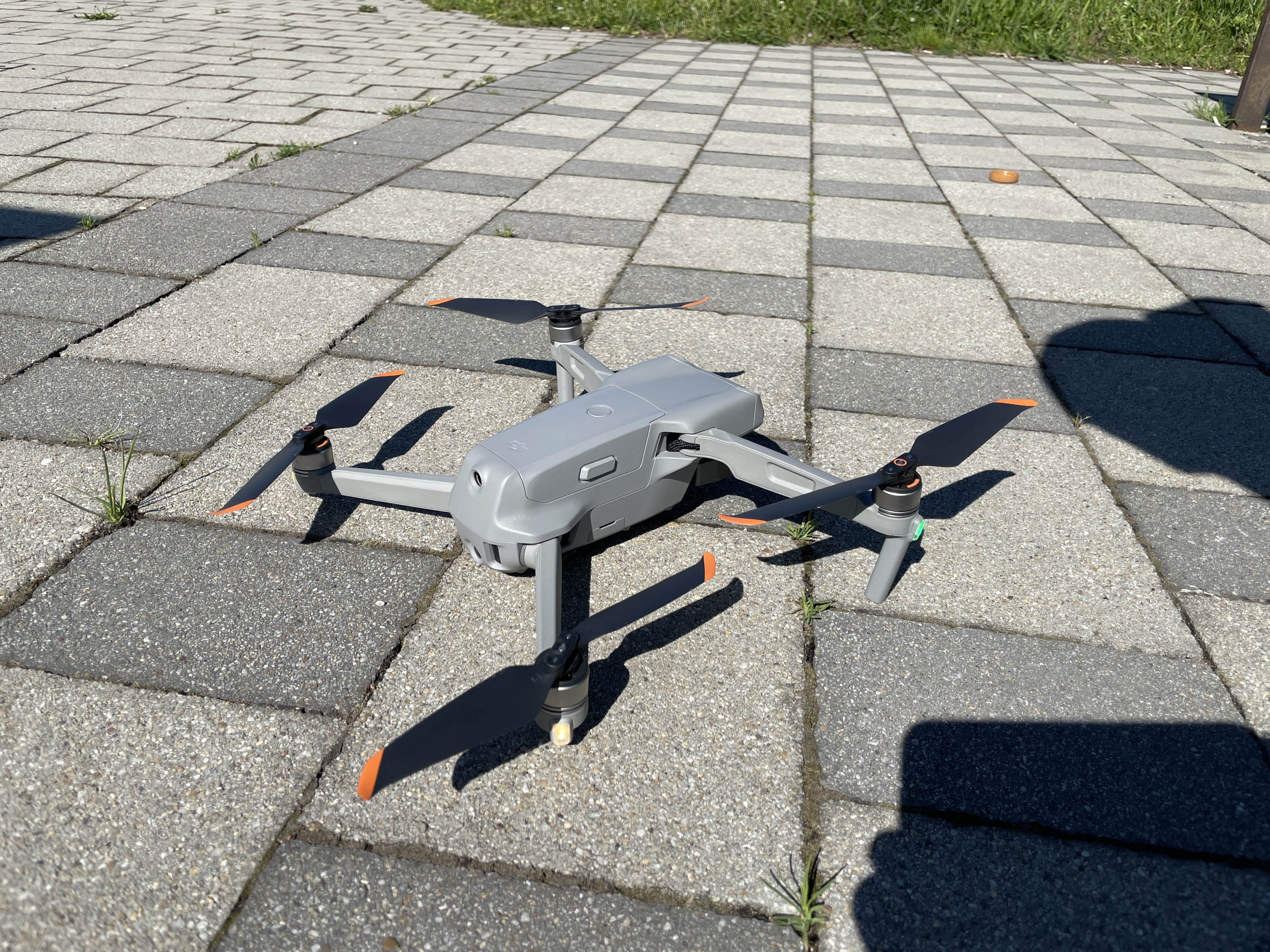
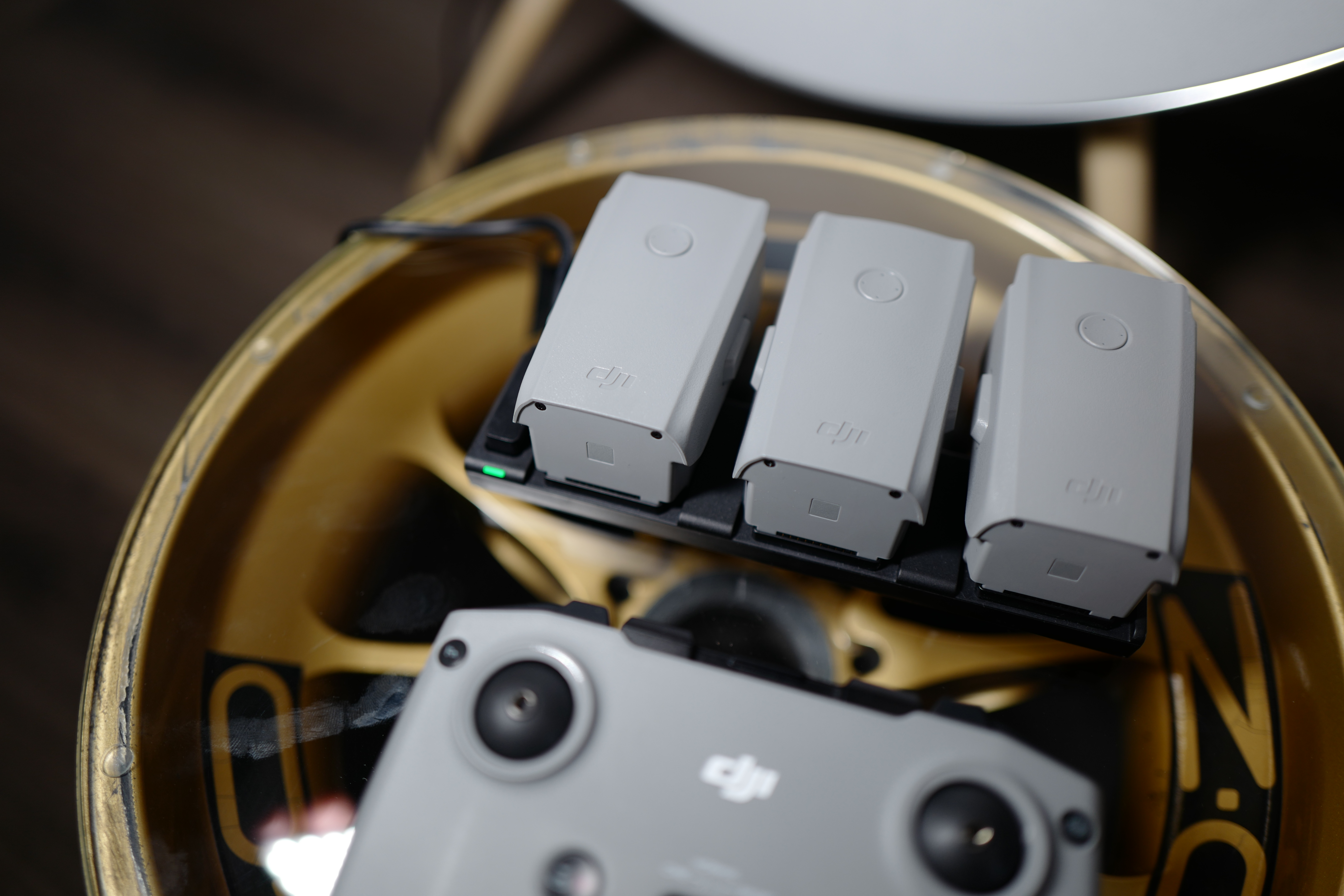
The last thing you'll find in the box besides the ND filters are the batteries and charging station, including the adapter and everything you need to charge them. As part of the Combo pack, you'll find three batteries in the box. All three fit together with your dronewith the remote control in the included bag and you can fly for up to 90 minutes. This is stated by DJI itself, but the reality is that it depends on how much you use the drone, especially in terms of flight speed, climb, and so on. If you don't overdo it and fly in cinesmooth mode and shoot videos, then you will actually get 30 minutes of flight on one battery. If you go wild, you will have to land after about 25 to 27 minutes. In my opinion, this is quite enough time and after half an hour it is a good time to land, take a break from concentration, change the battery, shake your hands from the remote control and start another flight. In fact, it usually happened to me that I ended the flight myself because I wanted to take a break for a while or figure out what I wanted to film/photograph next, rather than having to land because the battery was running low. If you don't use the batteries, they go into a so-called hibernation mode, in which they are discharged only through chemical processes, and very, very slowly. So you can still fly after a month of charging.
What I really like about DJI, and given that this is my first drone from them and actually my first thing from them, I didn't expect it, is its incredible practicality. For example, when you charge the batteries, the charging adapter also has a USB port into which you connect the cable for charging the remote controller, which makes it possible to charge everything you need for flying at the same time from one outlet. If you buy a special adapter from DJI, you can use the drone's battery as a power bank to charge the controller or, for example, iPhone. Yes, it would be a very expensive power bank, but as an emergency solution, the option is simply there. Everything is very simple to connect, plug in, charge and in short, everything you need with it.onem you will do. If you are used to products from Applu or for example GoPro, you will feel at home with DJI.
Gallery
To the skies
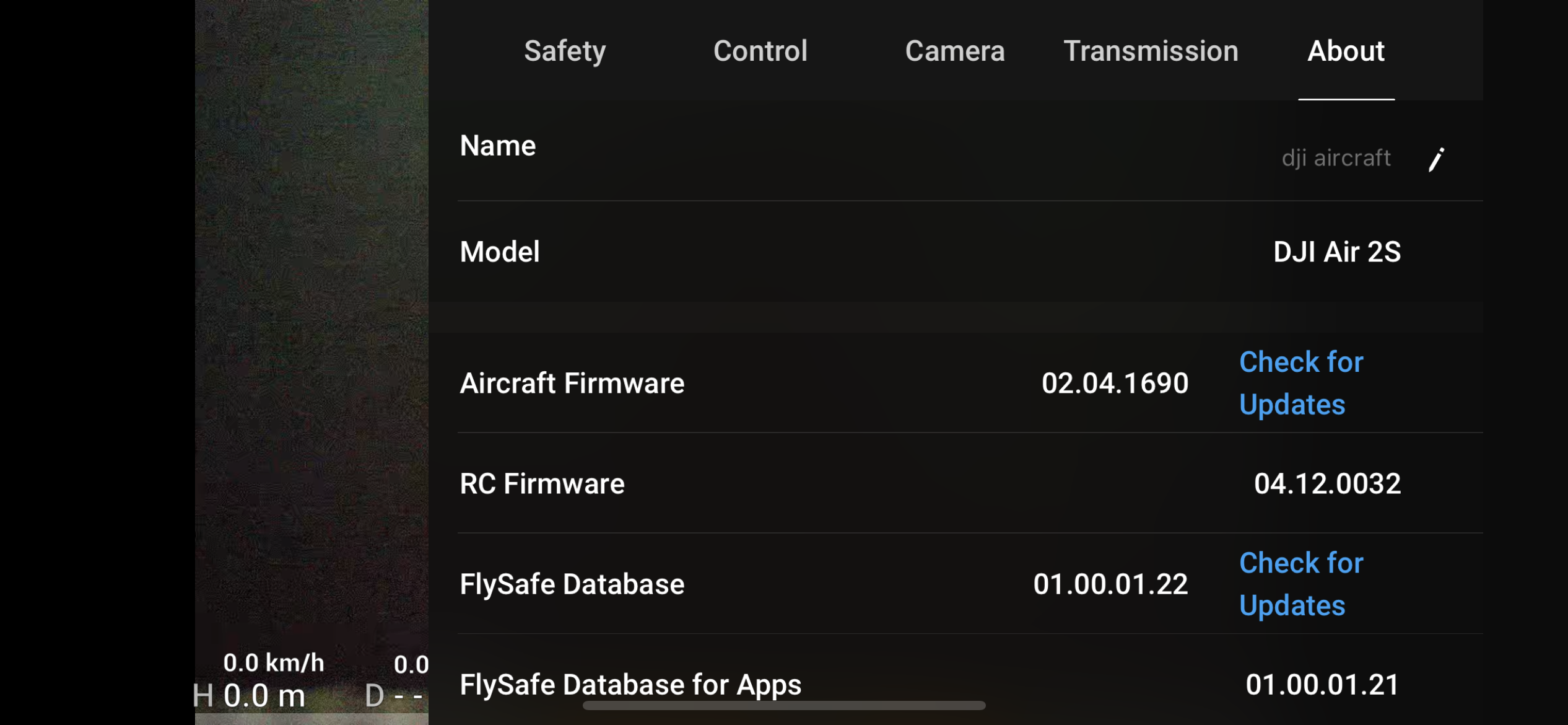
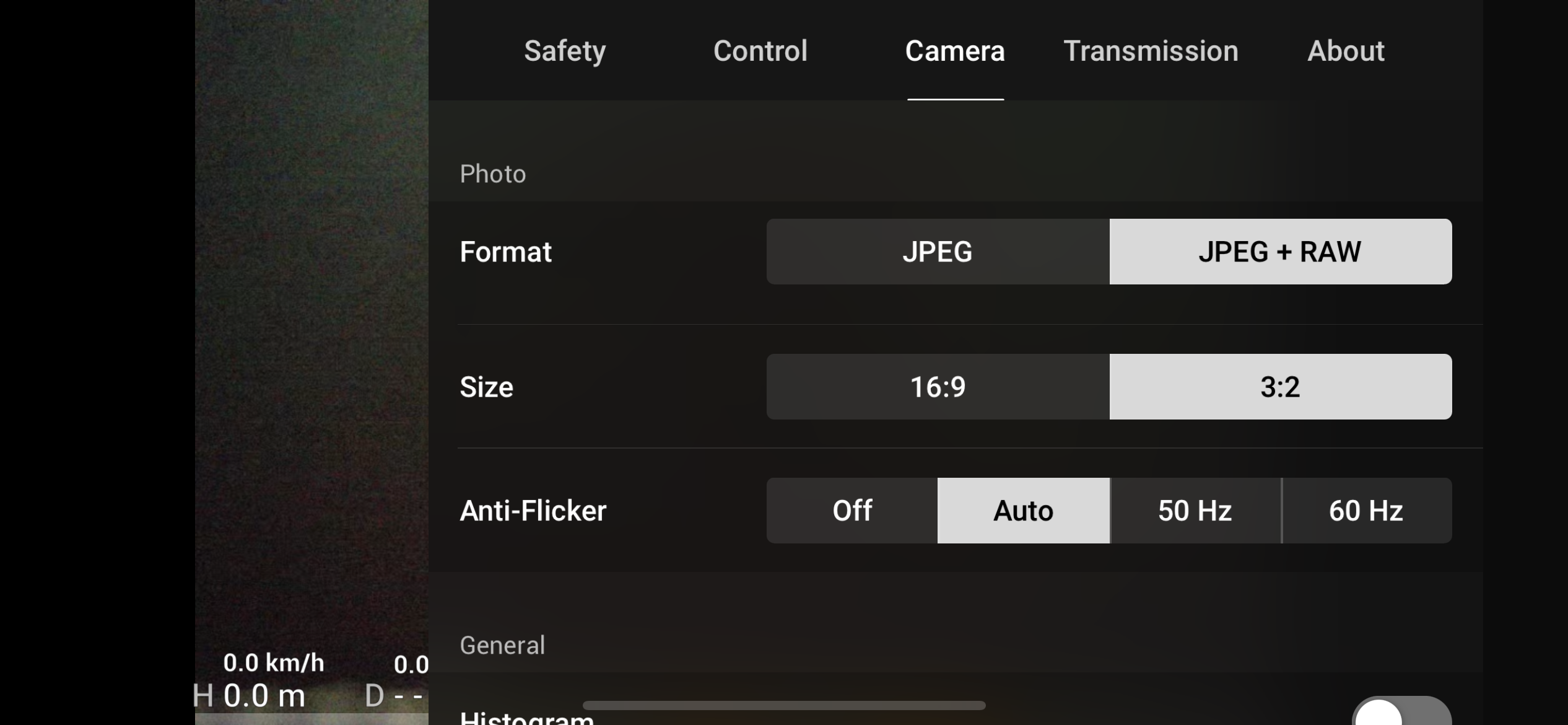
So that you can work with Dr.oneTo take off, you must connect your phone to the DJI Fly app with the controller and then with the drone.onem. All this is done completely automatically and you just need to turn on your phone, radio and drone, you don't have to worry about anything else. Within the application itself, you can see what the drone's camera sees, but you have the ability to change all the drone and controller settings. You can really specify anything you can think of, from changing home point, if you go somewhere, through security settings, to the quality of photo and video recording. The flight itself is controlled using the joysticks on the controller, but you can also control some things during the flight via the display of your phone - for example, automatic landing and so on. The drone transmits in real time to the display of your iPhone what they see and you can navigate using only your phone's display.
The flight itself has three modes – Cinesmooth, Normal and Sport and they basically correspond to what you are used to from your car. So you can fly very slowly and precisely in cinesmooth mode, when the drone reacts slowly and gently to your commands, or use normal mode, when the reaction and movement are faster, or switch to sport mode, when it is possible to reach speeds of up to 65 km/h. The control is extremely precise and I dare say, relatively easy. If you are starting out like me, it is best to switch the drone to cinesmooth mode, notchat turn on all safety measures and notchat take off and land it automatically.
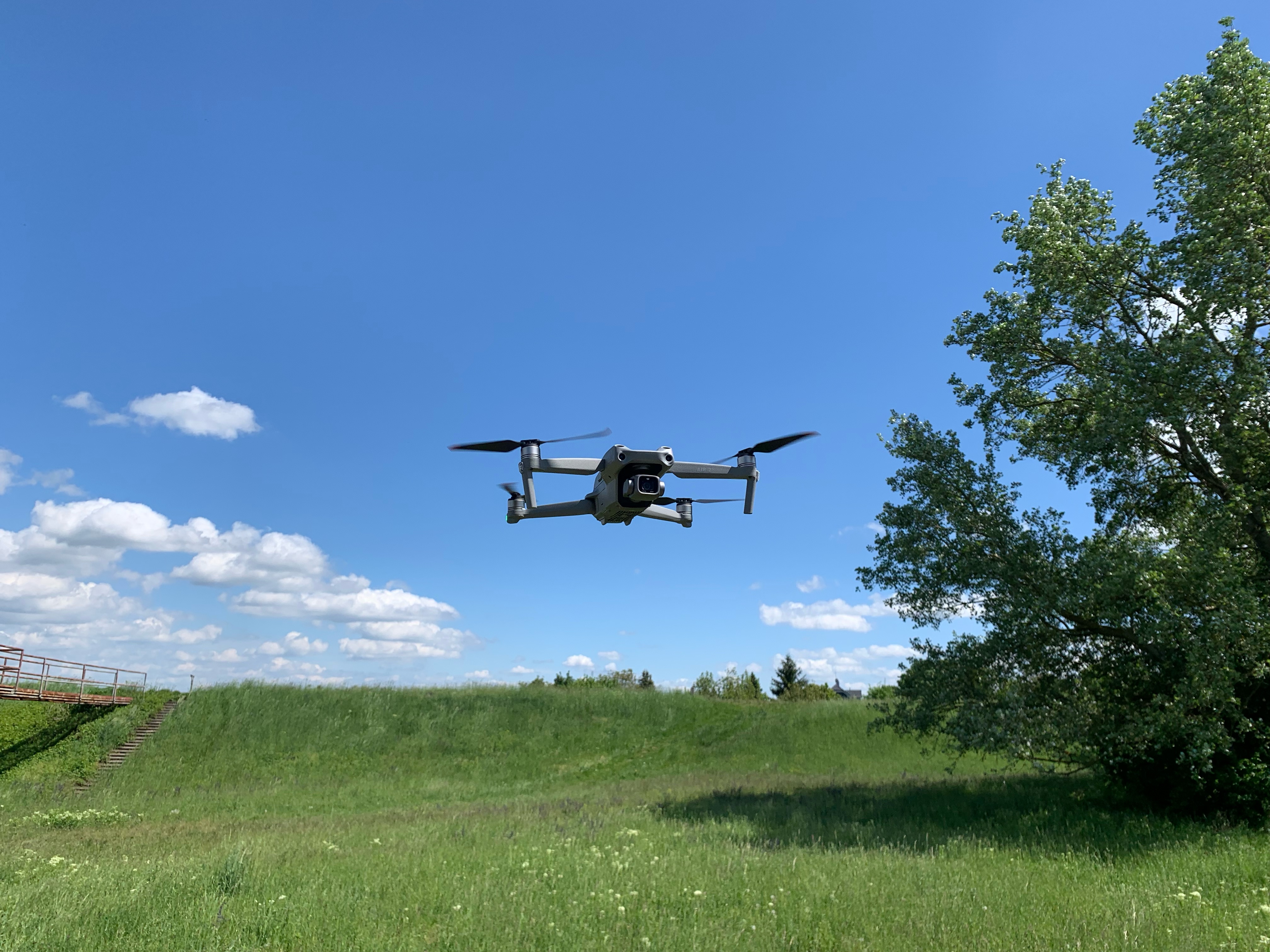
In the air, you can gradually try out various movements during the flight. The controls are very similar to those you know from the PlayStation and I really find them very easy. Thanks to all the sensors, the drone stays in the air, completely still, the moment you let go. This is mainly helped by GPS in combination with a digital compass, thanks to which it has an absolute orientation of where it is right now. It is incredible how it can react to gusts of wind. Everything is extremely stable and you basically don't feel that anything is affecting your flight. When you let go of the joysticks, you simply stand in the air and the drone literally doesn't move. It is precisely this incredible stability that allows even an absolute beginner to fly without any problems and film or take breathtaking shots without having to have higher flying skills.onem. By the way, the video of the boat on the Danube is the first video we ever shot with DJI and also my first video from a drone.
DJI Air 2S – safety at the highest level!
Another thing I like about DJI Air 2s like security. Unless you act like a complete idiot, there is very little chance ofance that you will lose the drone, God forbid you will hurt someone with it. It is important to remember not to fly during geomagnetic storms and calibrated the digital compass before the flight. Then all you have to do is not turn off unnecessary security settings within the application and you can fly almost worry-free. The drone is equipped with sensors that detect obstacles in all directions of flight. That is, both above and below you, as well as around you. These sensors are active by default and it is completely unnecessary to turn them off. The only time the sensors turn off is in a situation where you either do it yourself or when you fly in sport mode. As soon as the sensors detect an obstacle, the drone will behave as you have previously set. It will either stop in front of an obstacle and, even if you exert maximum force on the control lever, it will simply not hit the obstacle or it will elegantly fly around it at a sufficient distance so that it does not crash again.
Gallery
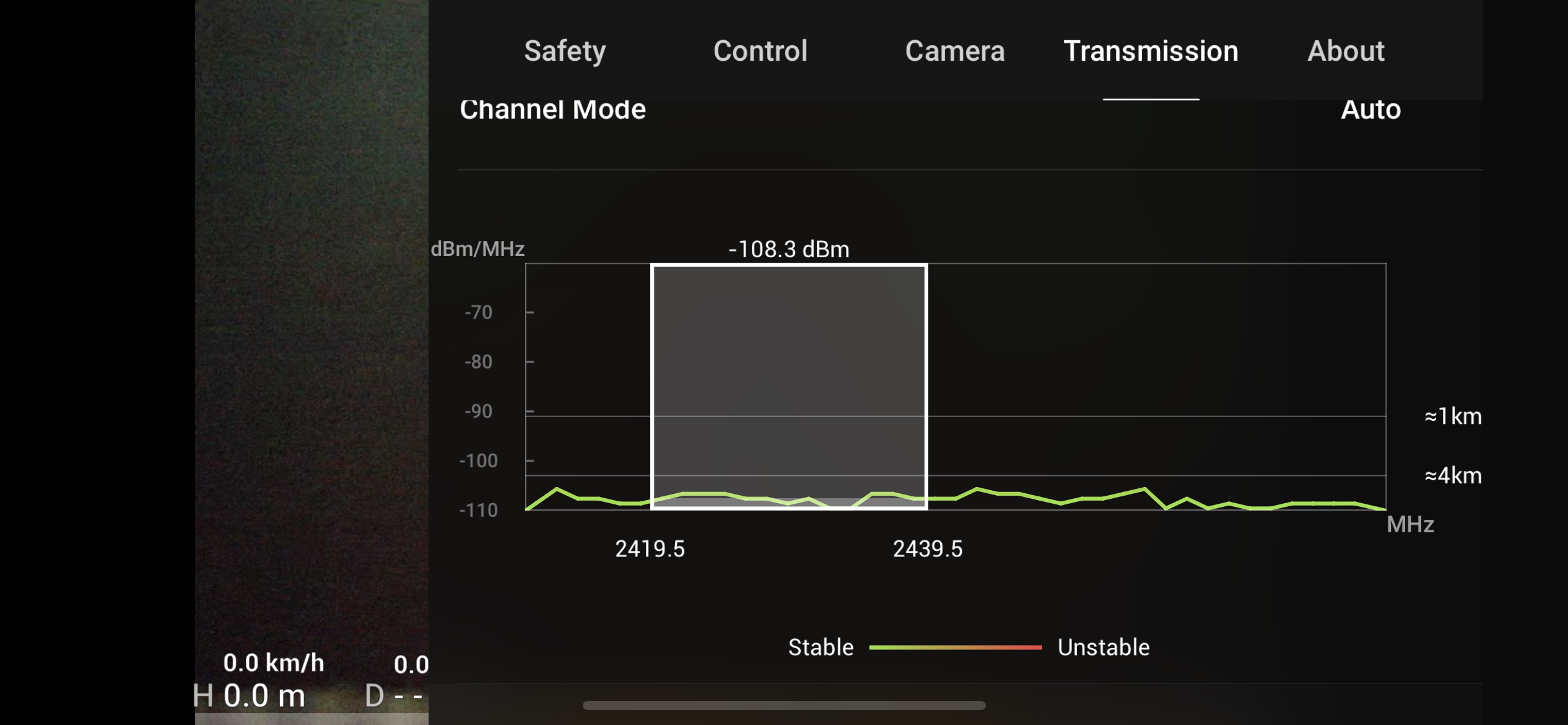
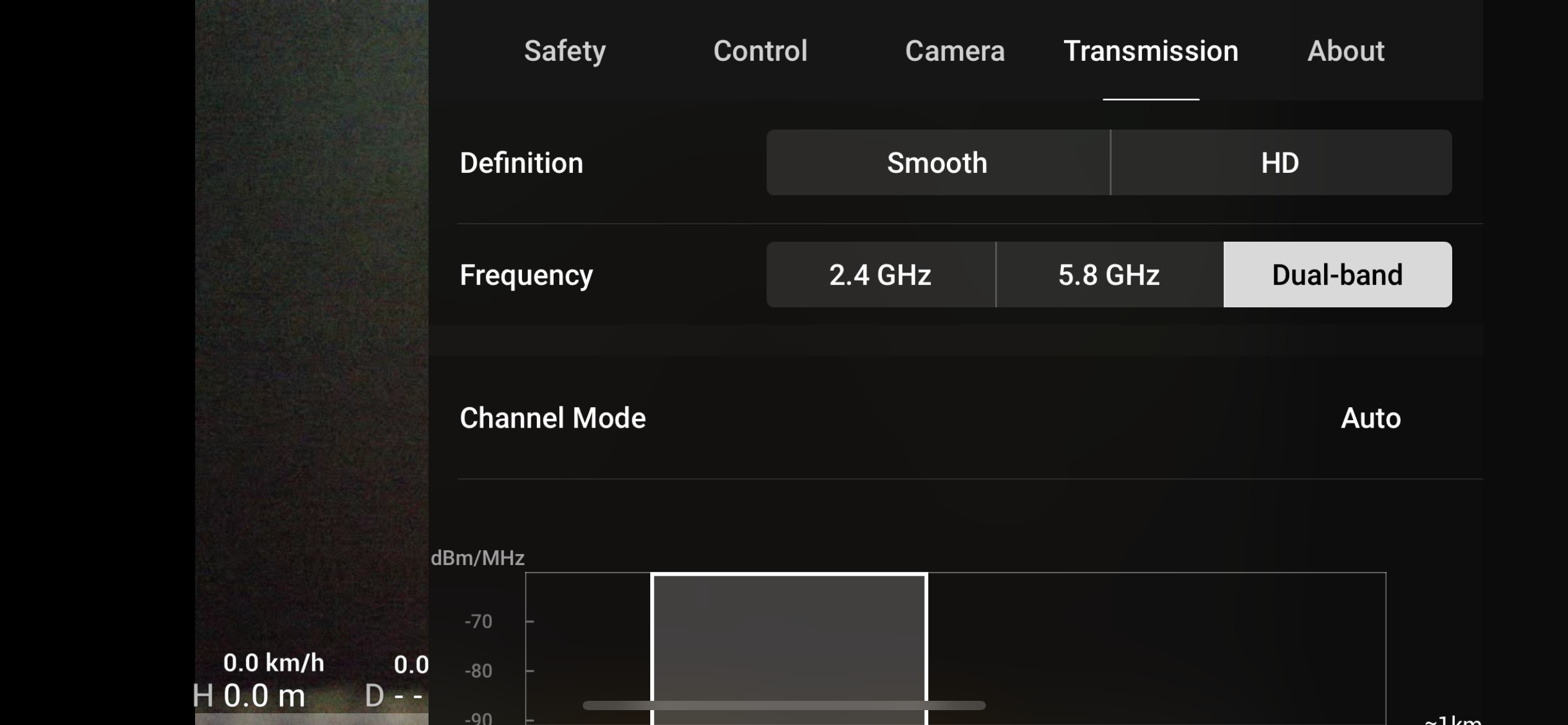
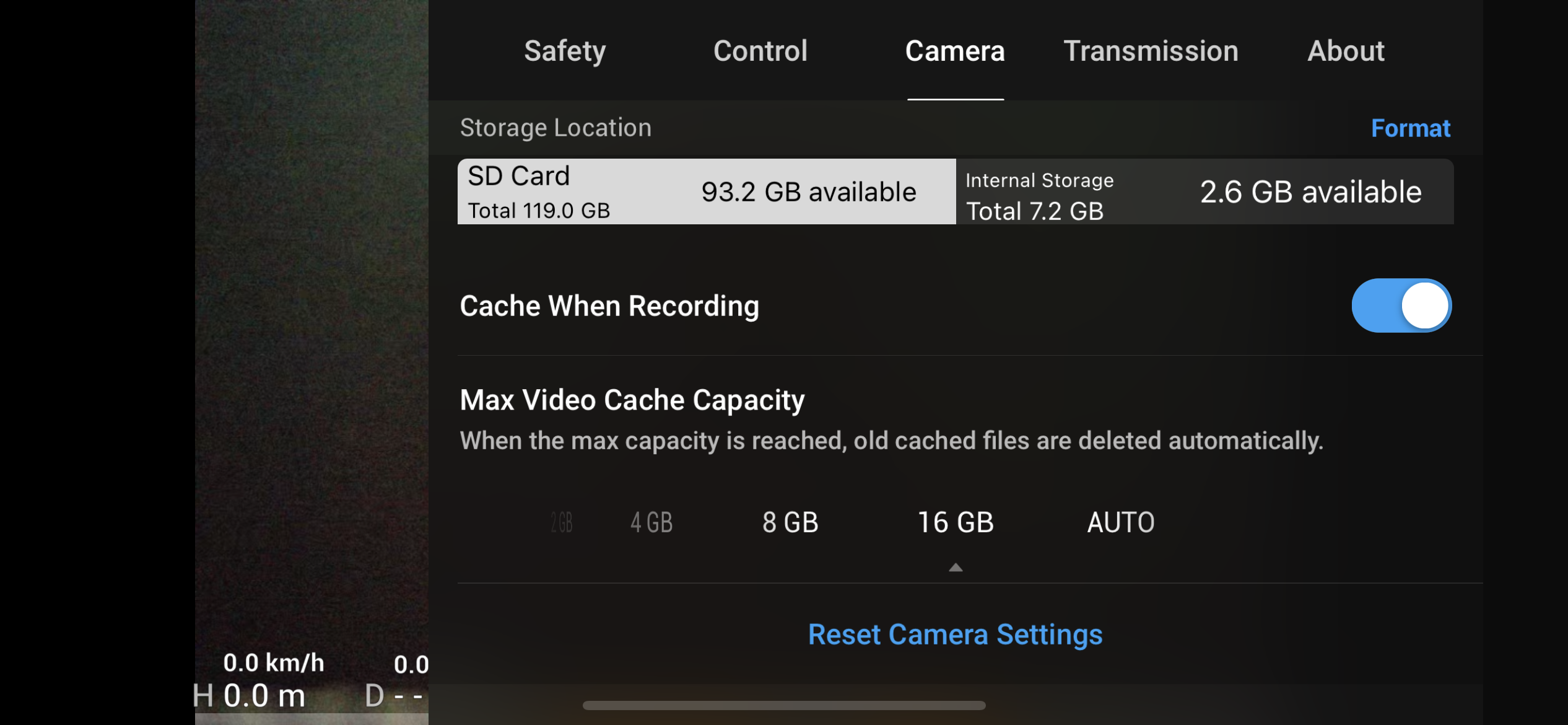
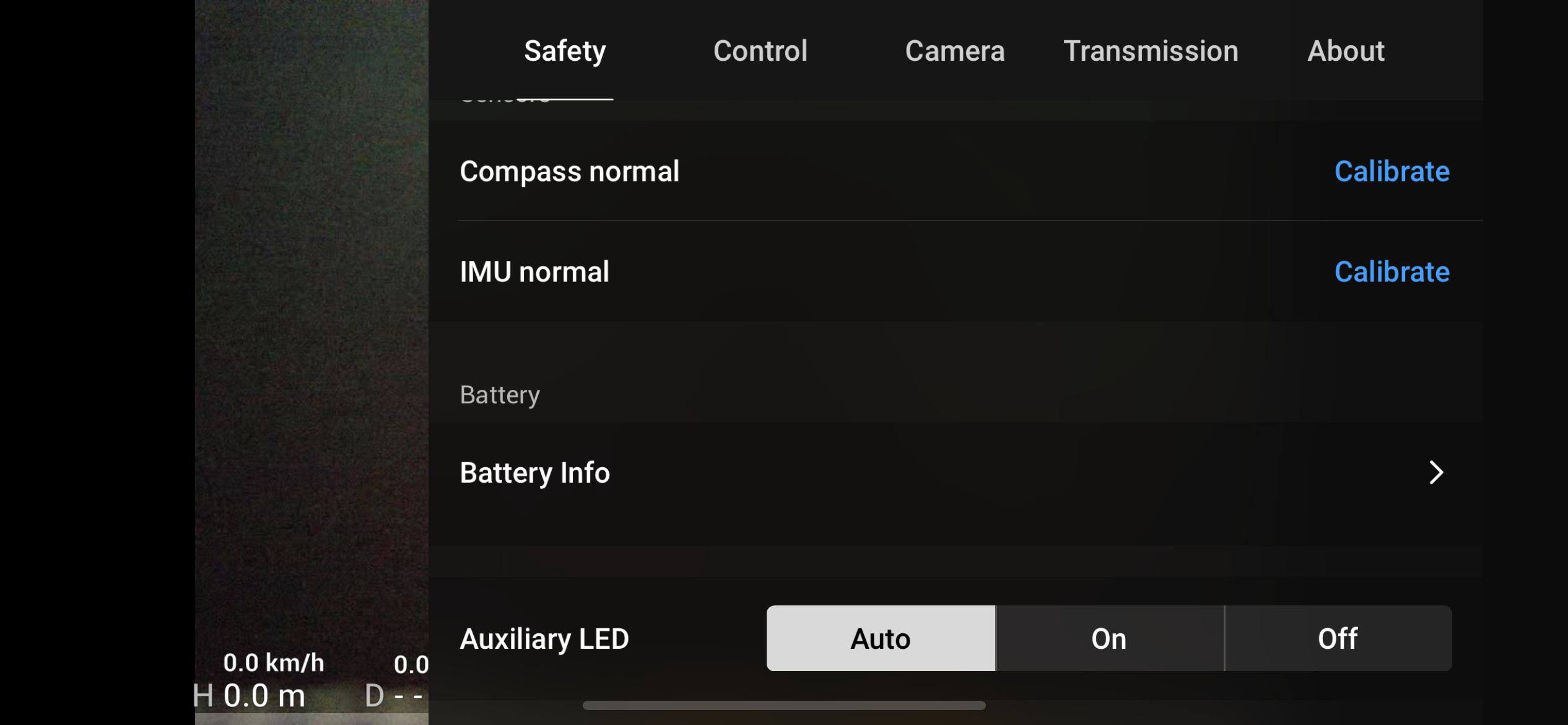
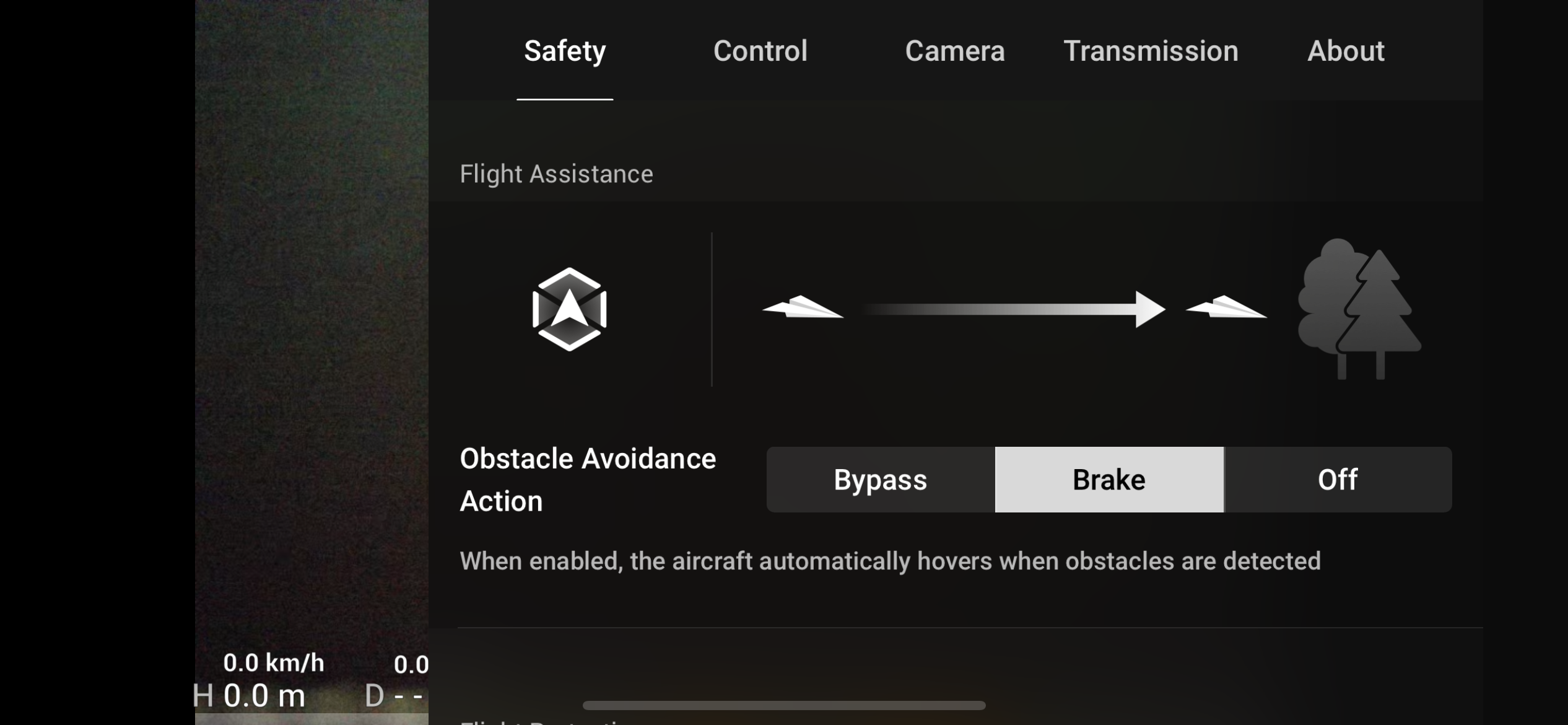
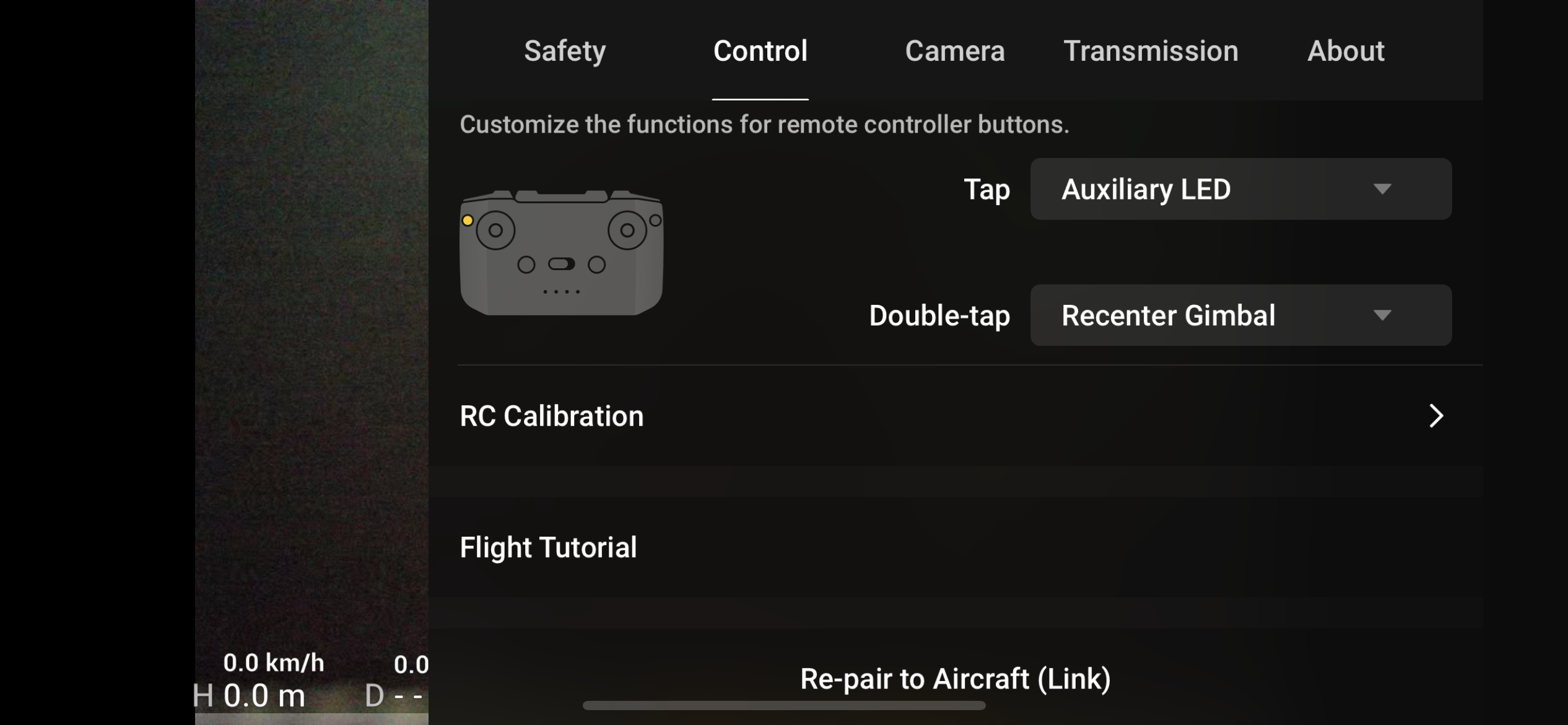

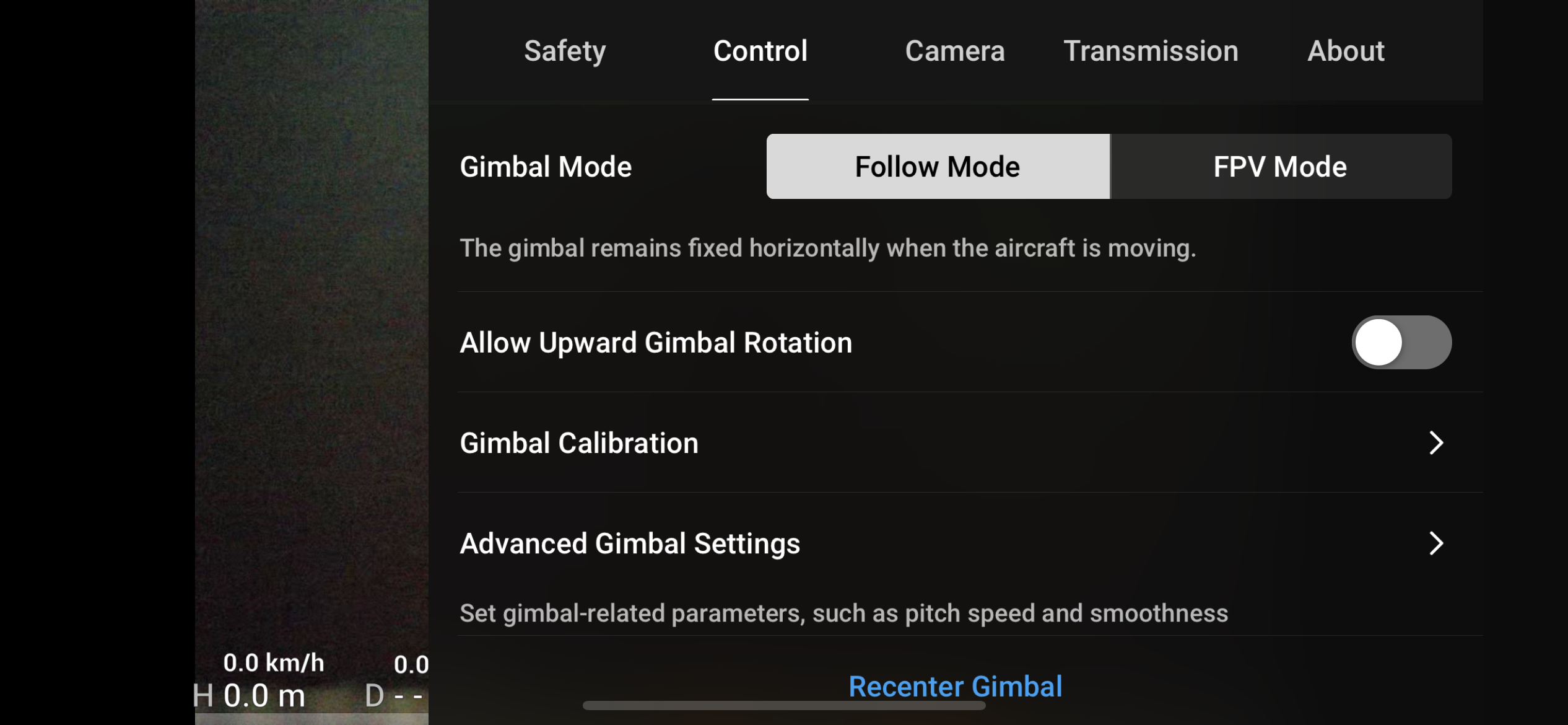
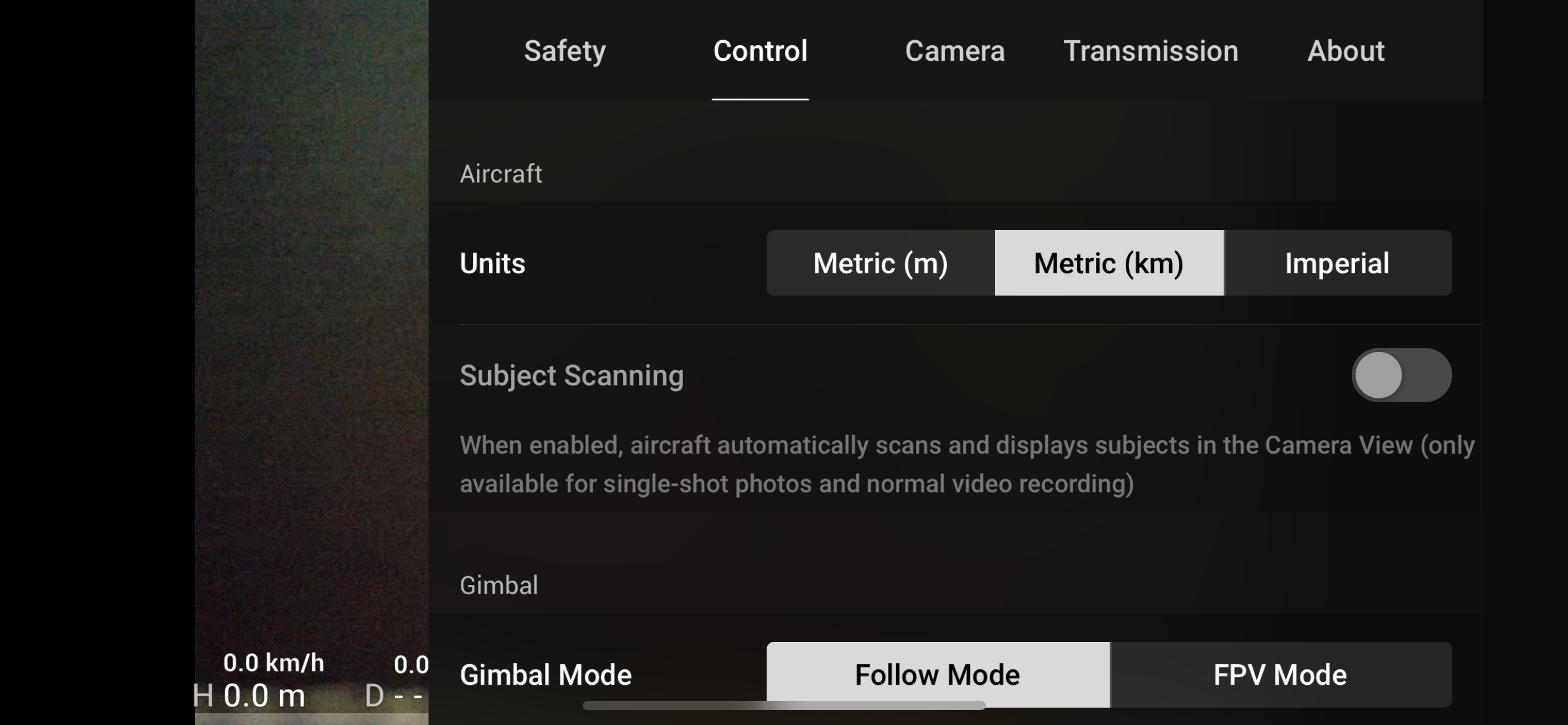
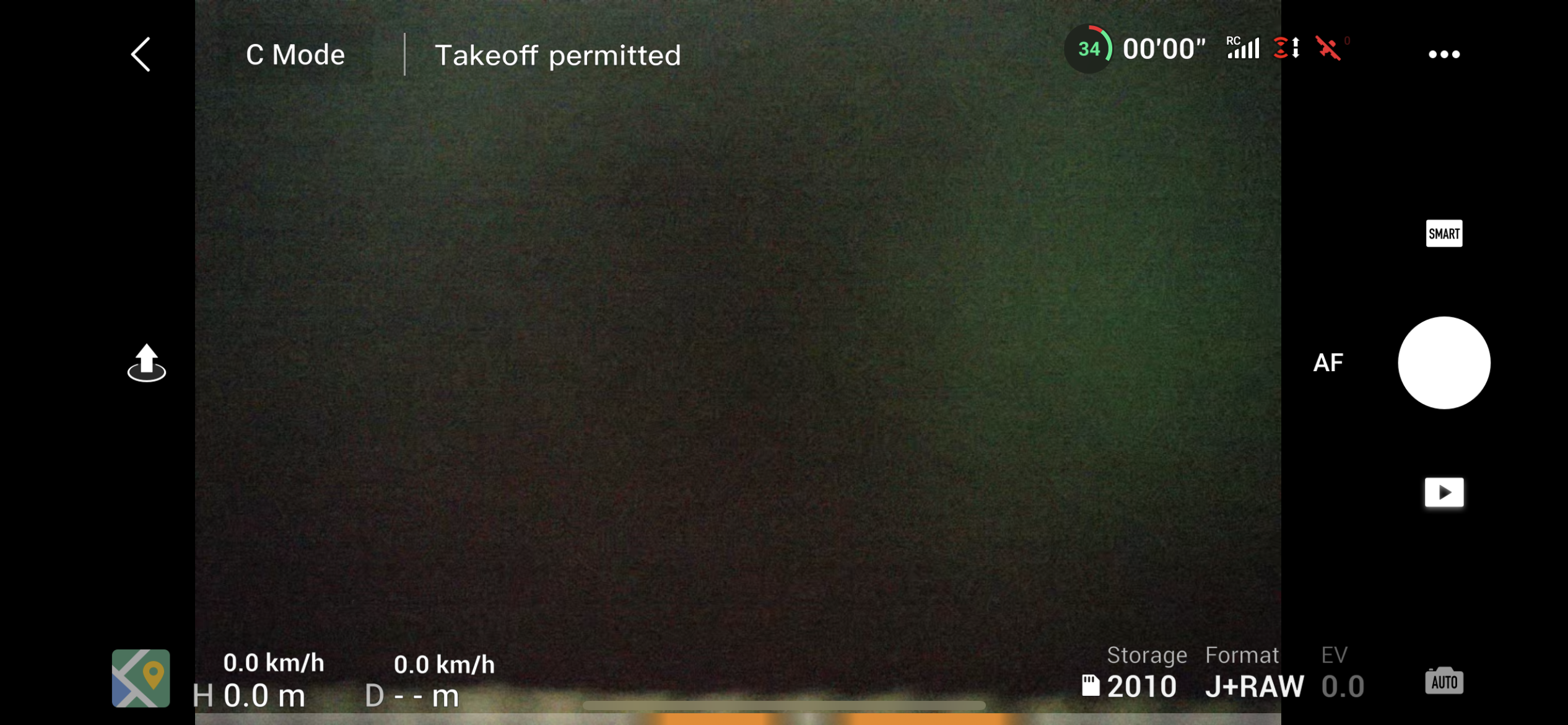
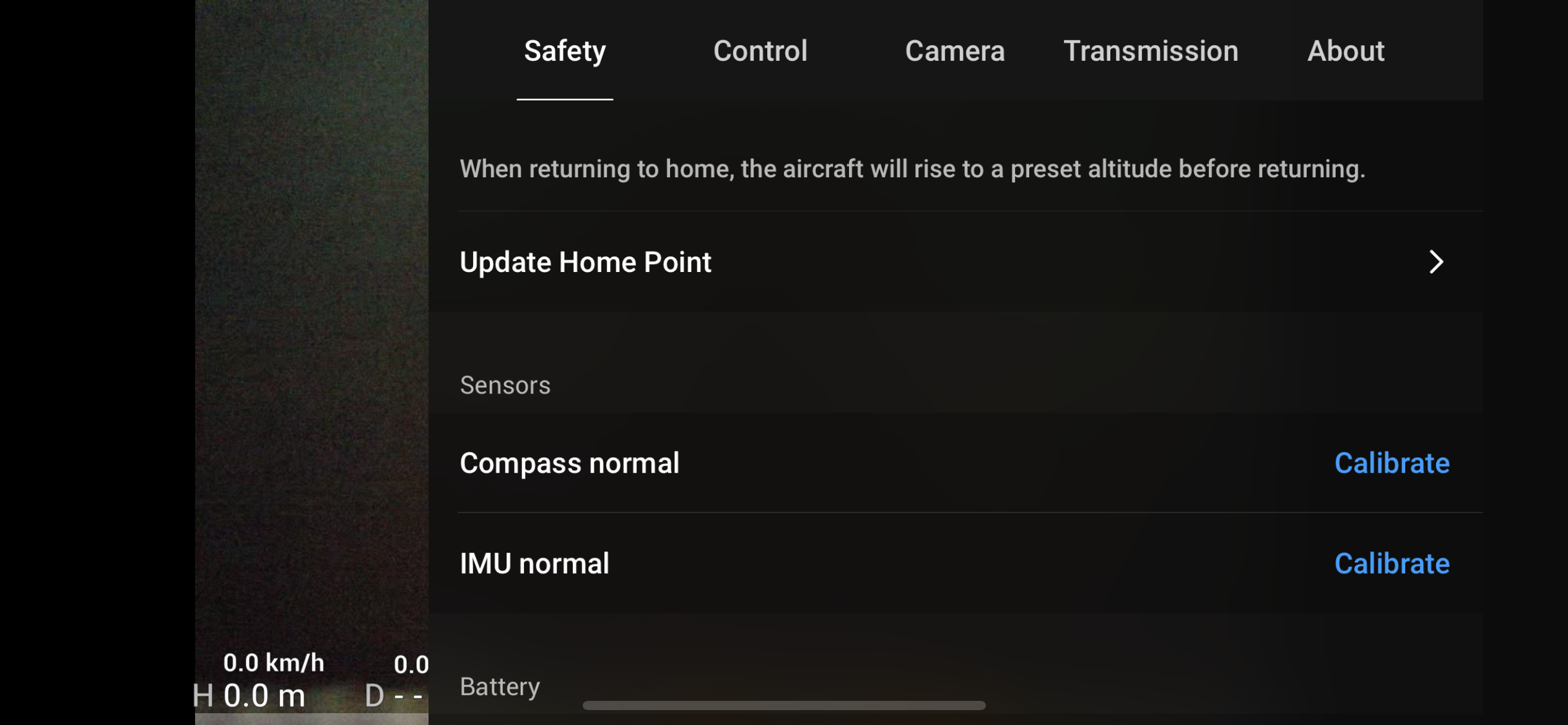
In addition, the drone is also equipped with an ADS-B flight coordinate reception system. This is an early warning system through which all aircraft and helicopters provide information about their current location and if an aircraft or helicopter appears near the drone (theoretically up to a distance of 400 km), the drone will immediately notify you on your phone screen and you will know where the object is and either avoid it or use common sense and simply land before the aircraft flies past you. ADS-B is a feature that not many consumer drones have andoneIt used to be the domain of airplanes and helicopters. This is a professional system and it's unbelievable that DJI managed to put this gadget in a drone for a few tens of thousands of crowns.
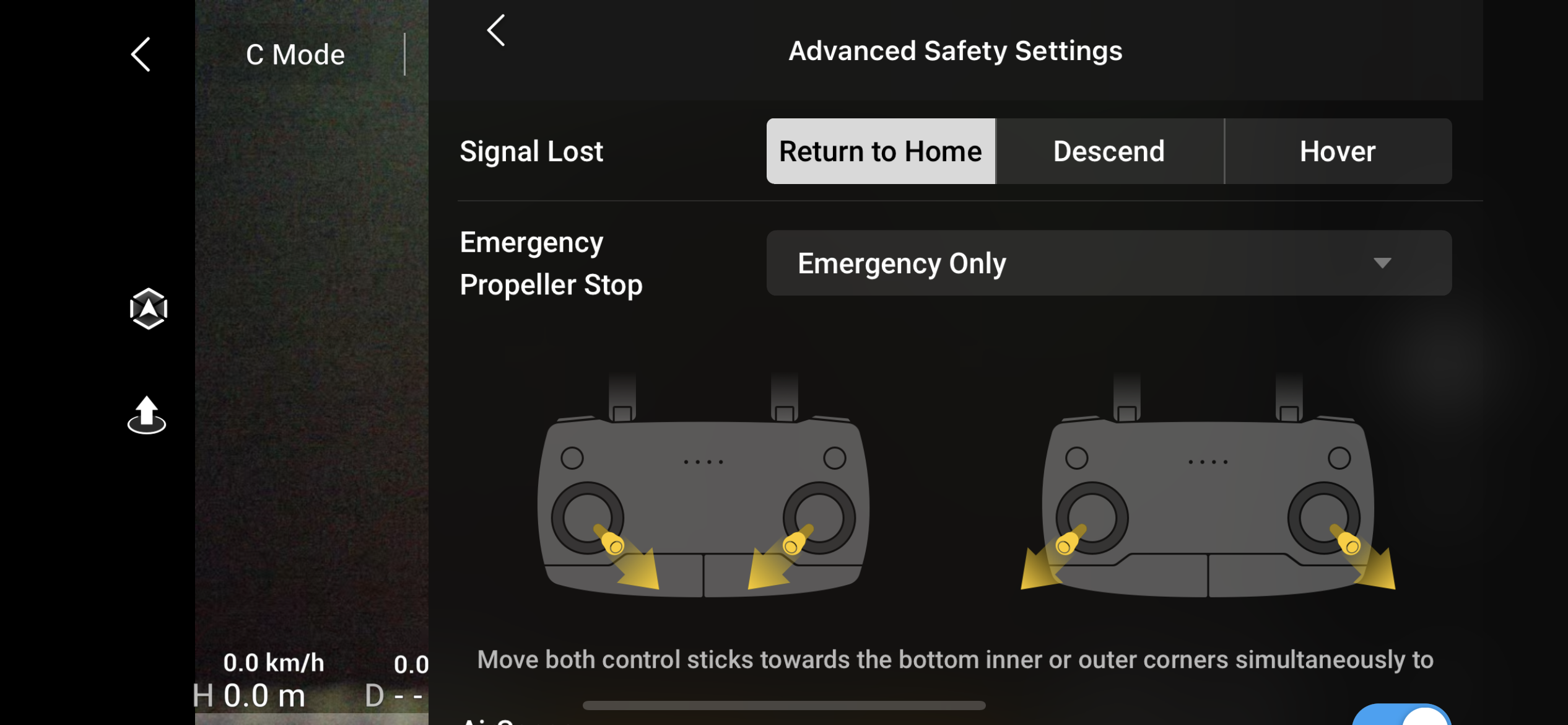
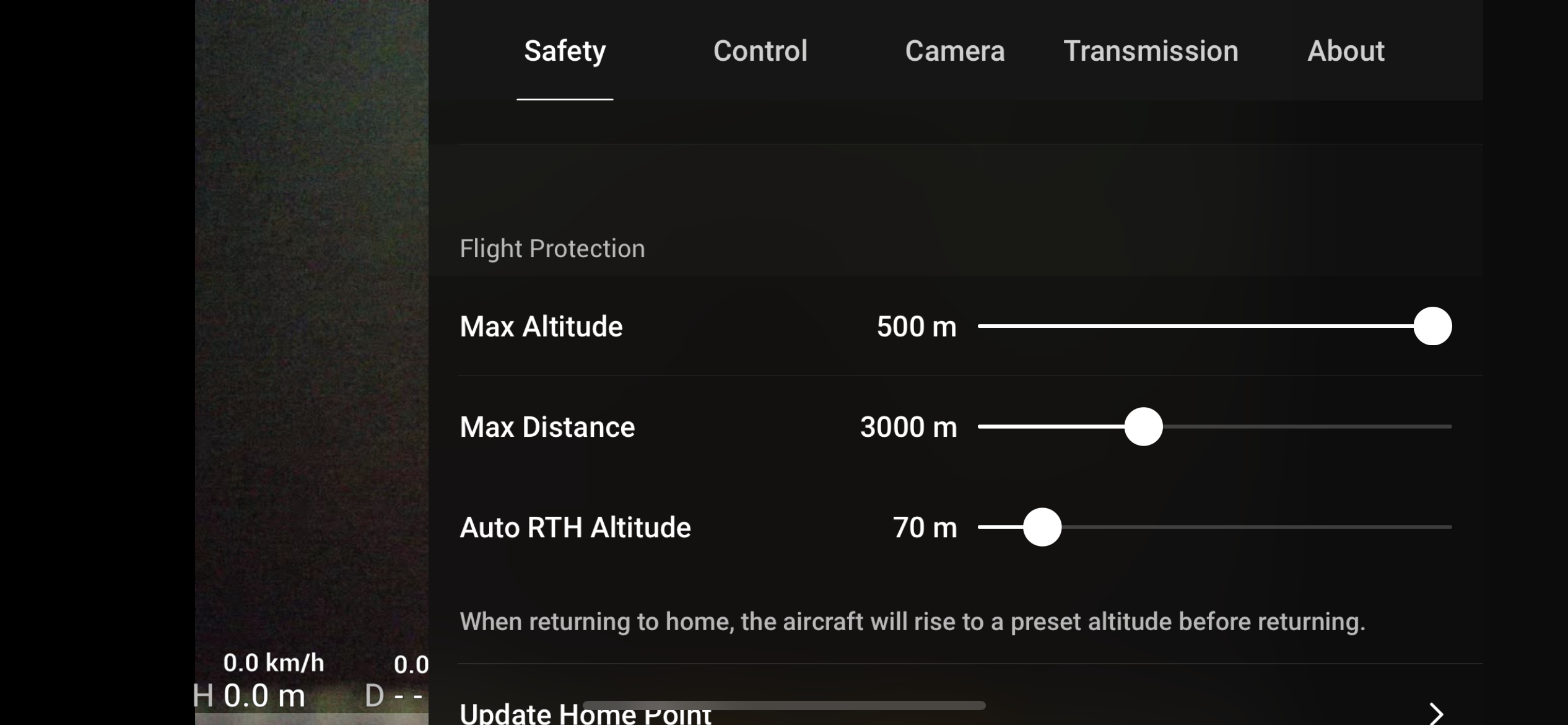
You may be wondering what happens when the drone loses its signal for some reason or, God forbid, runs out of battery. In the second case, when the battery is about to run out, the drone will give you a warning for safe return, asking you to either return yourself or let it return, because it knows that if you continue flying, it may not be able to return due to a low battery. This warning also takes into account wind strength and other factors and is well in advance before a real problem with battery discharge occurs. In the event that you lose control of the drone, you canonem connection, you have the option to set three options for what should happen. Either the drone stops in the air and waits or it lands. The third option is much more practical and I definitely recommend setting it. Thanks to GPS, the drone always remembers the point from which it took off before taking off. If the signal is lost, the drone will ascend to the height you have set in advance, for example 50 meters, so that there is no risk of it hitting anything, and at this height it will return above the place from which it took off and land automatically.
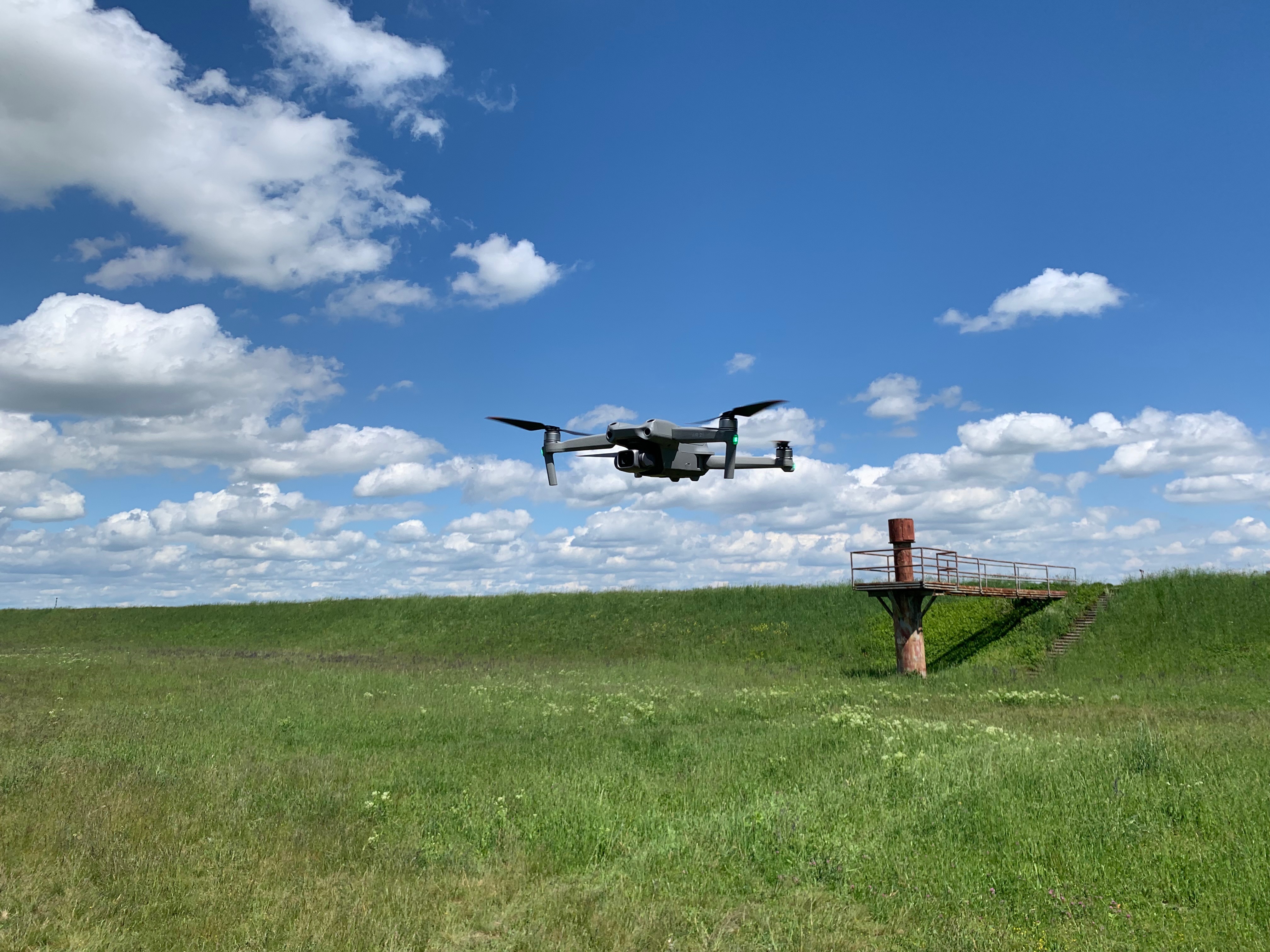
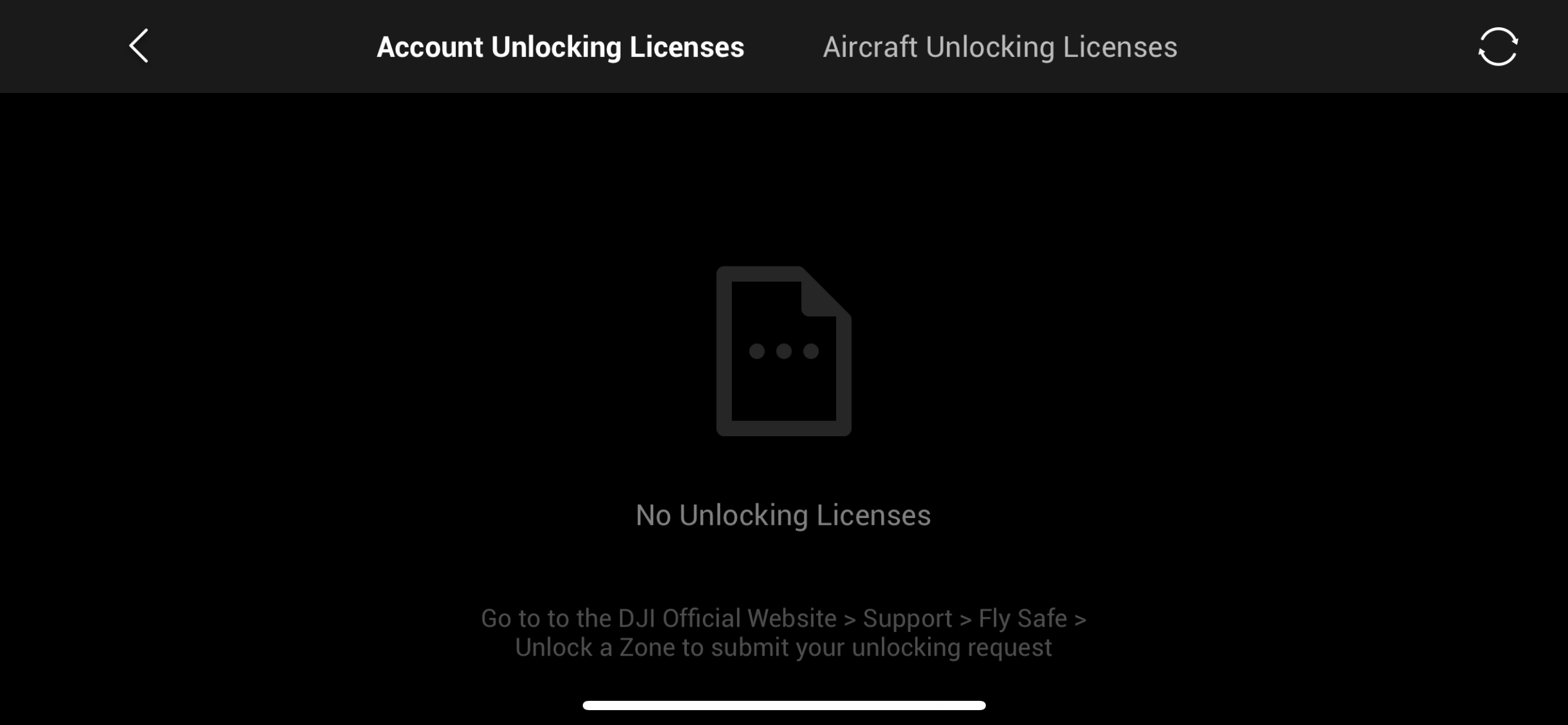
You can activate the return home button at any time, even if the drone is still connected to the transmitter, and trust me, you will use it from time to time. It can be easy to get confused about where you are and where the drone is. Now imagine for a moment that you are flying in a country where it is not necessary to maintain a drone with you.onem visual contact and you simply get lost. In that case, all you have to do is press a single button on the controller and in a moment you have the drone back with you. The landing and take-off of the drone are then completely automatic, but you can also take control of them yourself. The last thing related to safety is the fact that if you happen to think of turning on the drone near an airport or other object where flying is prohibited, then you simply cannot take it off the ground. The application will prompt you to enter your license and permission to fly in the given area and if you do not have it, you are simply out of luck. It is then not even possible to fly into the given areas. Often you may not even notice that there is a smaller sports airport nearby, but the application knows this and will not allow you to endanger air traffic. Safety is simply one of the things that I like about DJI Air The 2s feel completely exceptional and at the highest possible level, which makes me not afraid to fly it even as an absolute beginner.
Footage like yours iPhone 12 Pro, only 500 meters higher
When it comes to the stability of the entire drone, then in combination with the gimbal on which the camera itself is placed, you will literally be breathless. The drone itself is extremely stable in the air, but to make it perfect and your shots perfect, the gimbal comes in, which can correct even the smallest wind vibrations and millimeter movements of the drone. When the drone is in motion, the gimbal ensures that you basically don't know which way the drone is tilted at the moment. Your image is always completely horizontal, and even during extreme maneuvers in sports mode, it is without a single movement. Indeed, even if you fly the dronem at full speed 65 km/h forward and suddenly change direction of flight backwards, you will not see any braking or change of direction of the drone in the footage, but only a change of movement of the camera itself. What the people at DJI have managed to do in the combination of drone and gimbal stability is truly at such a level that it will leave you speechless.
Gallery
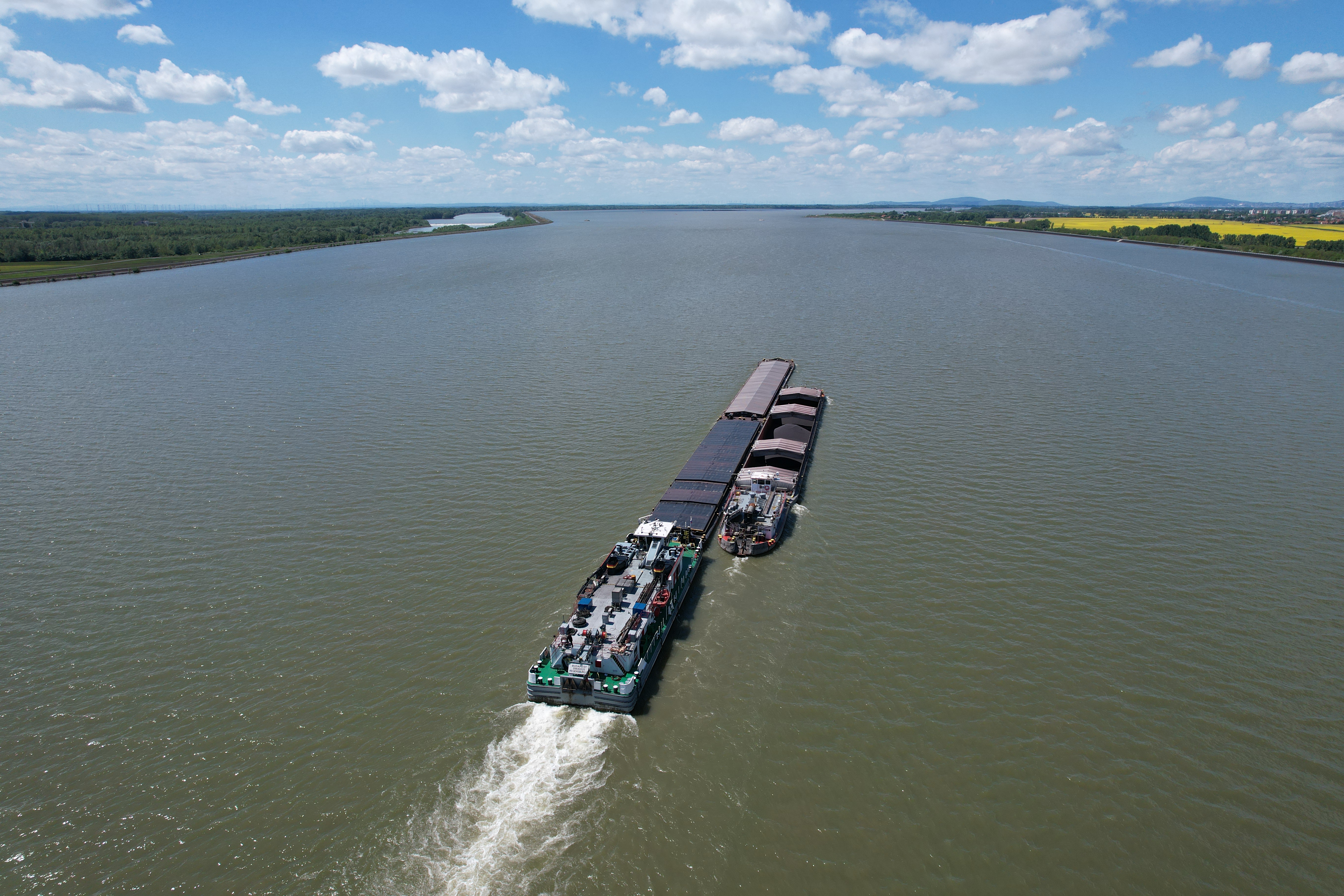
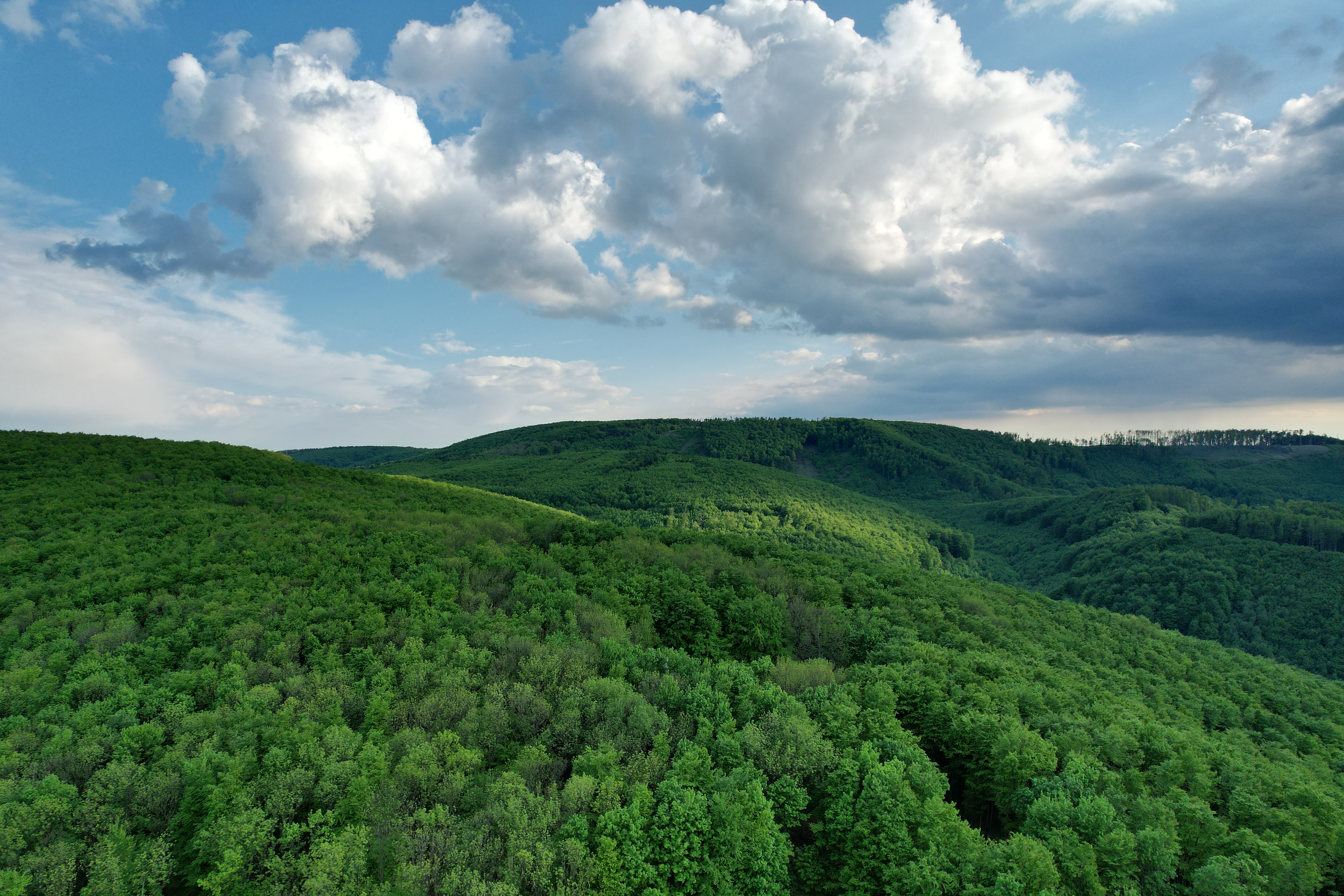
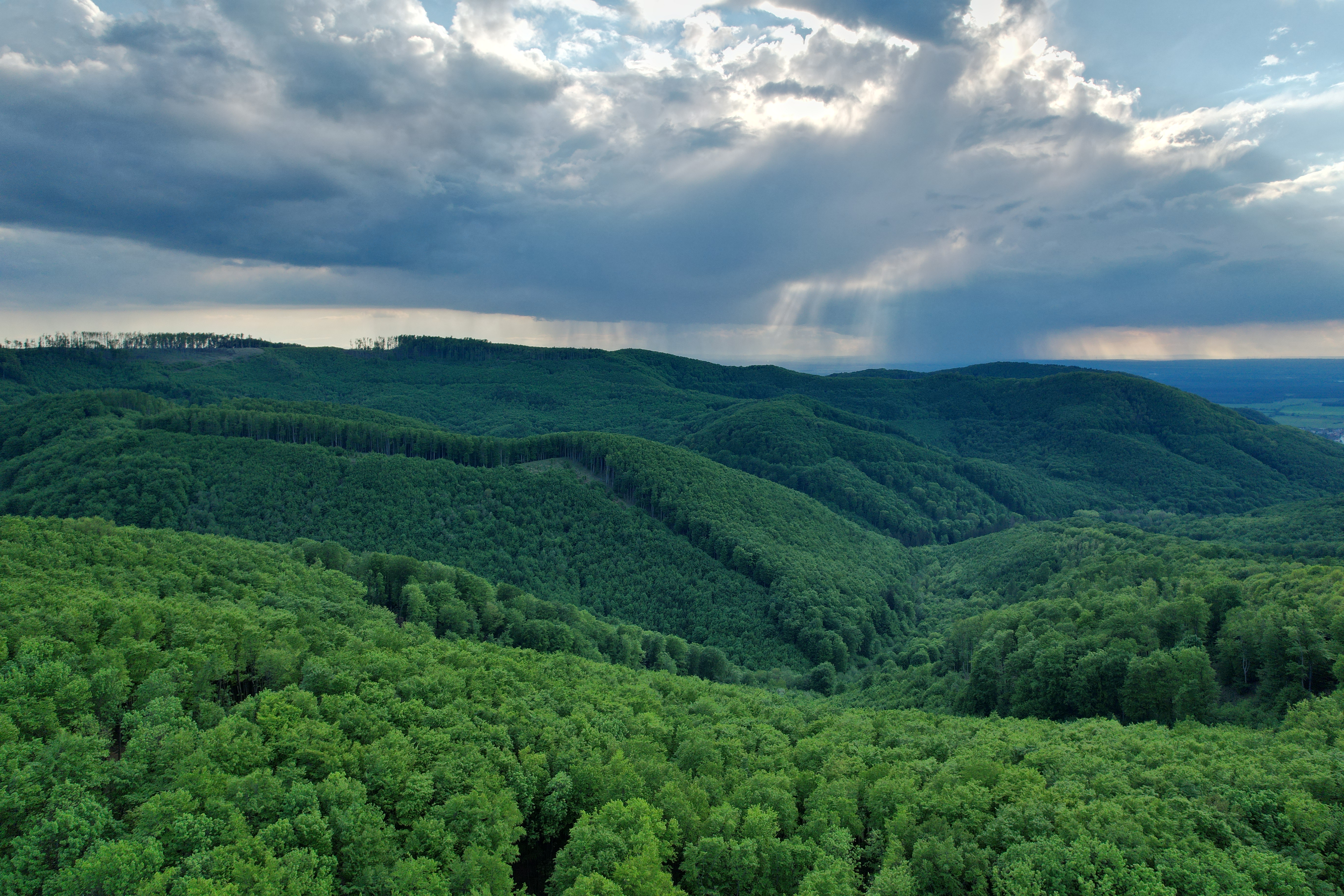
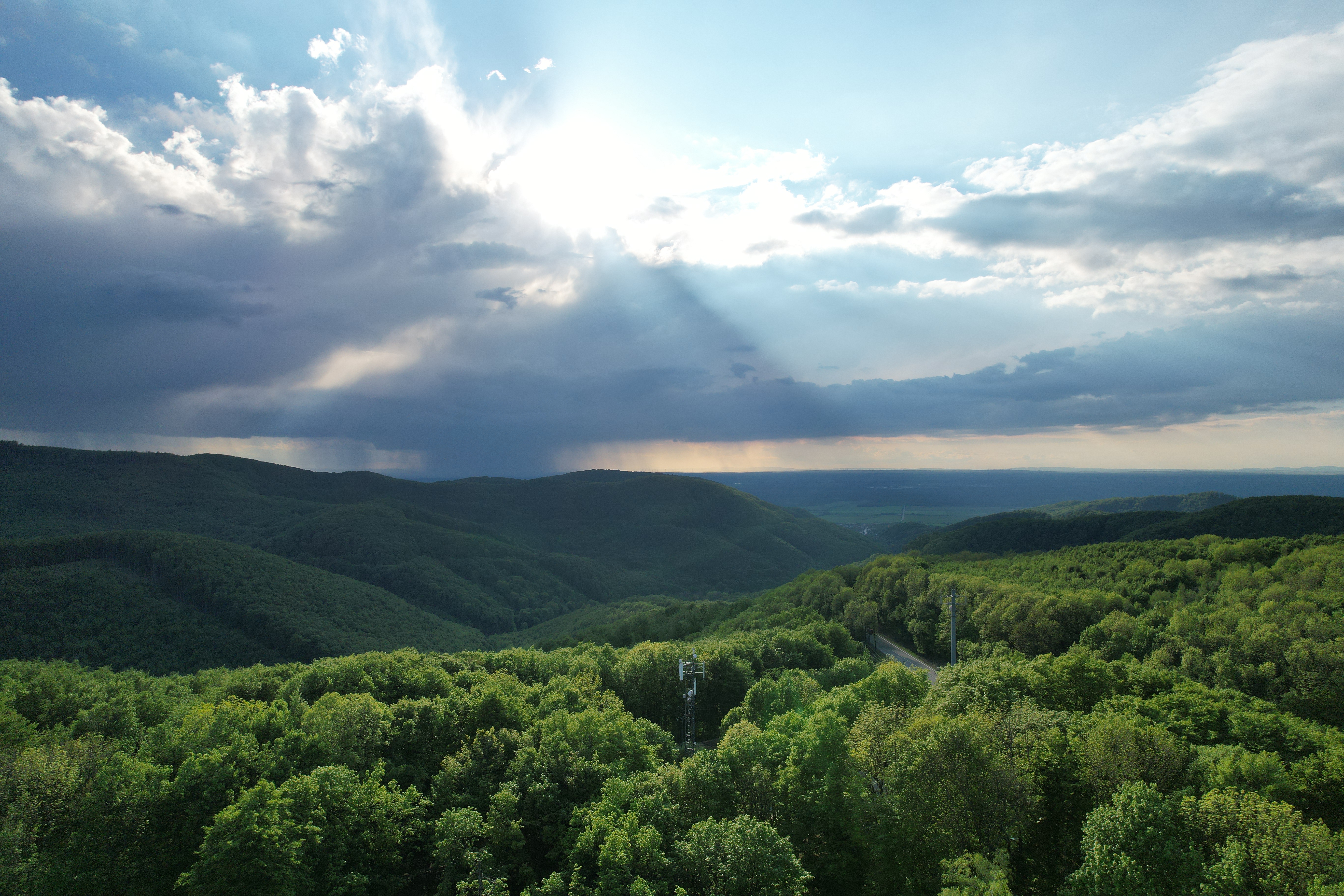
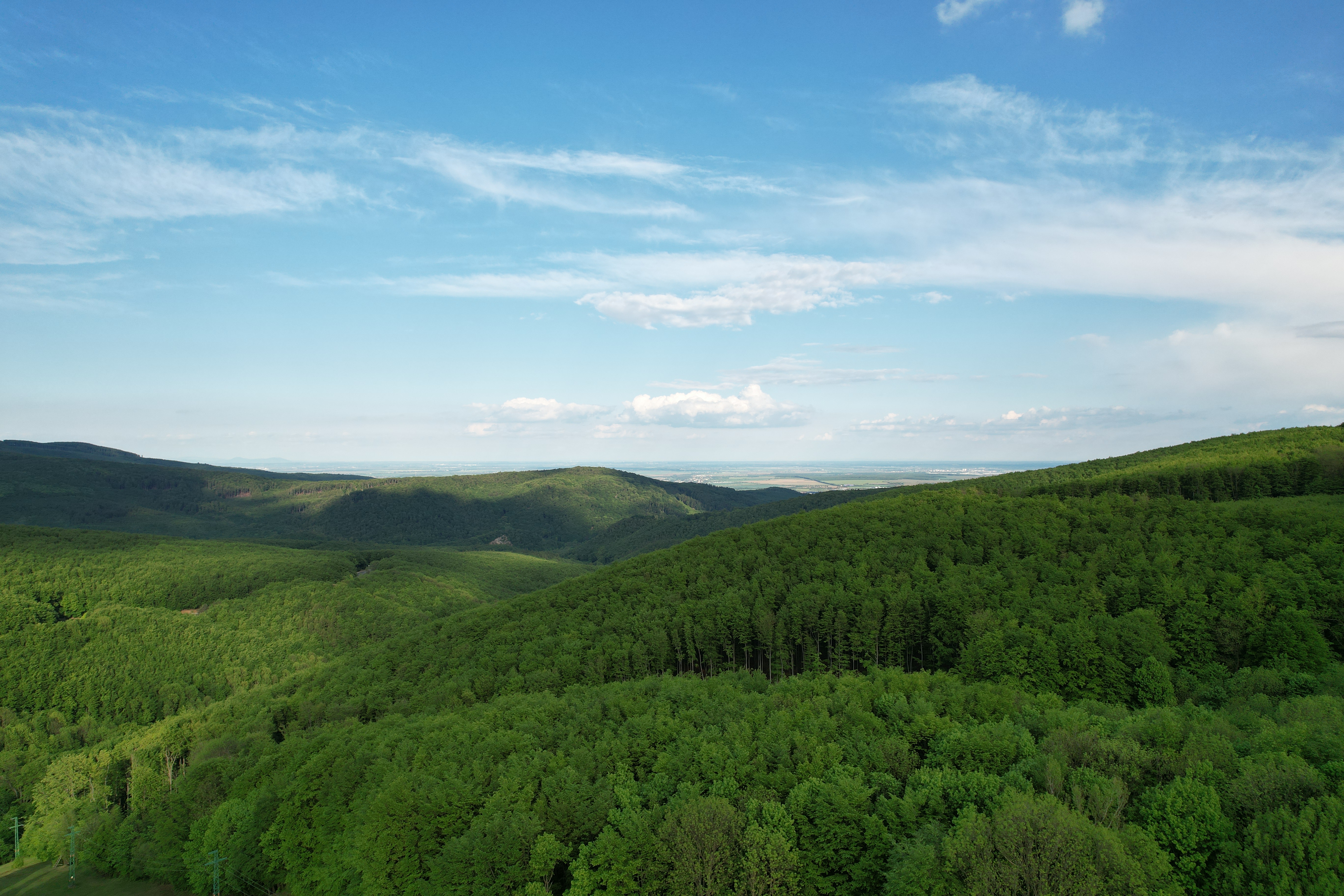
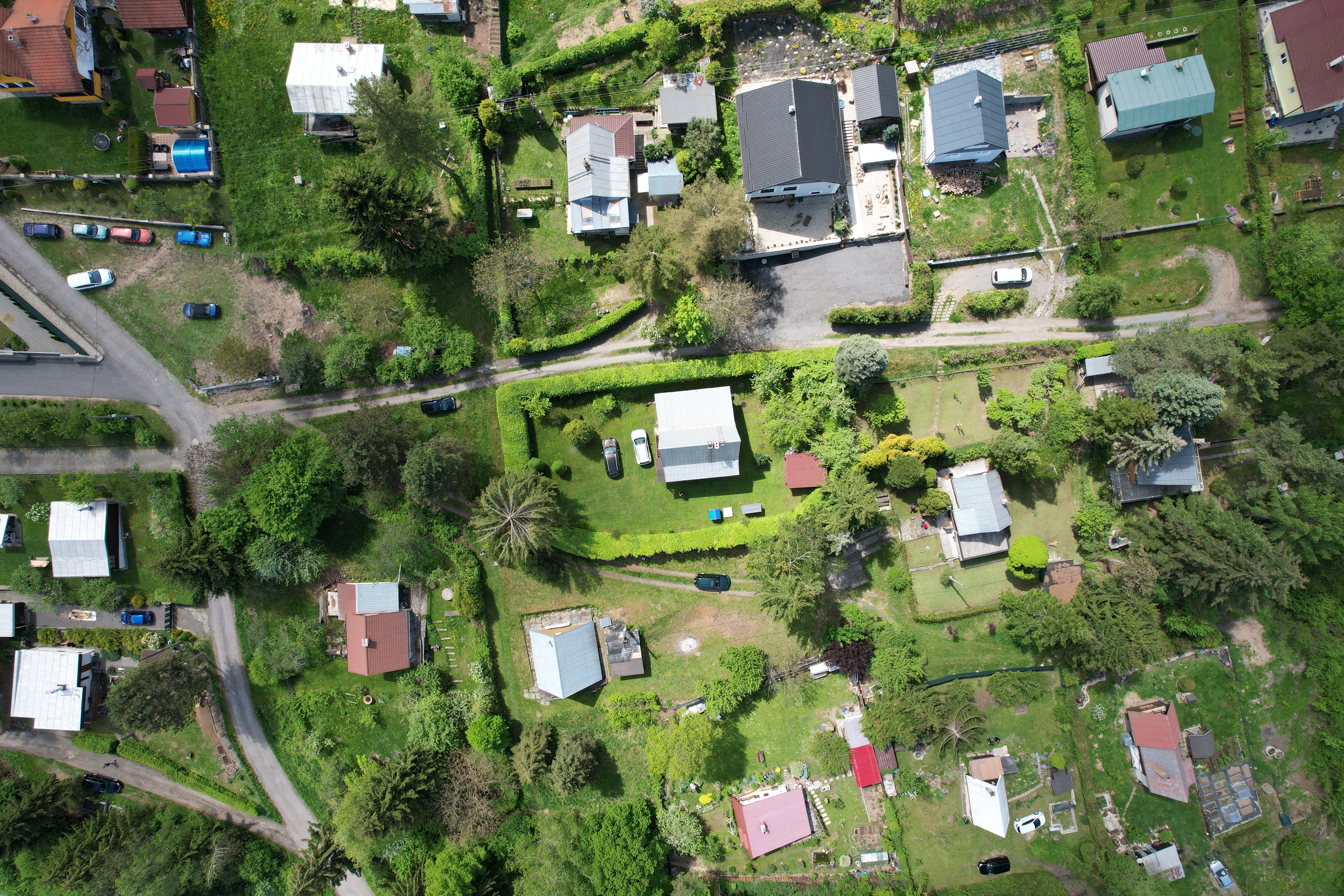
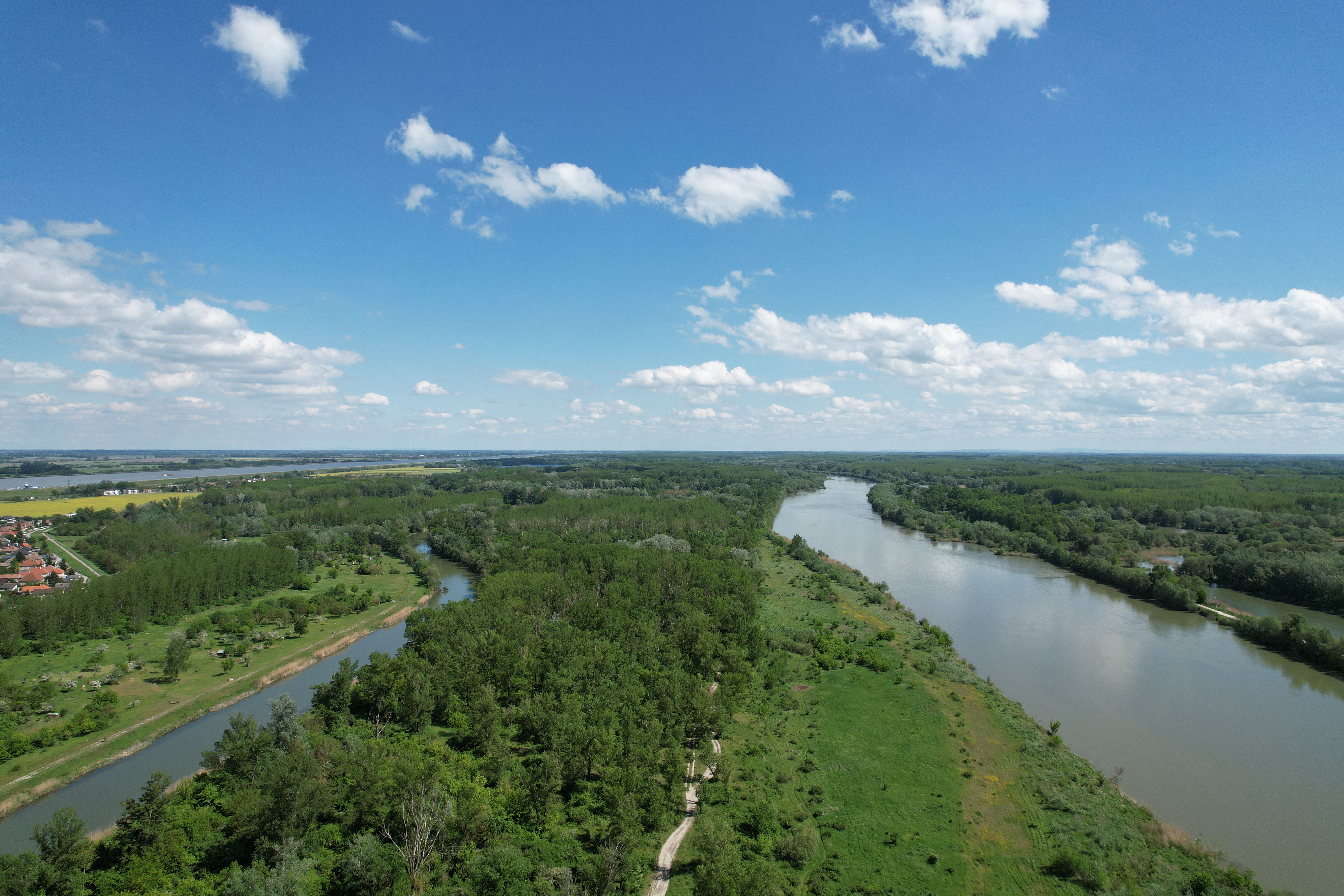
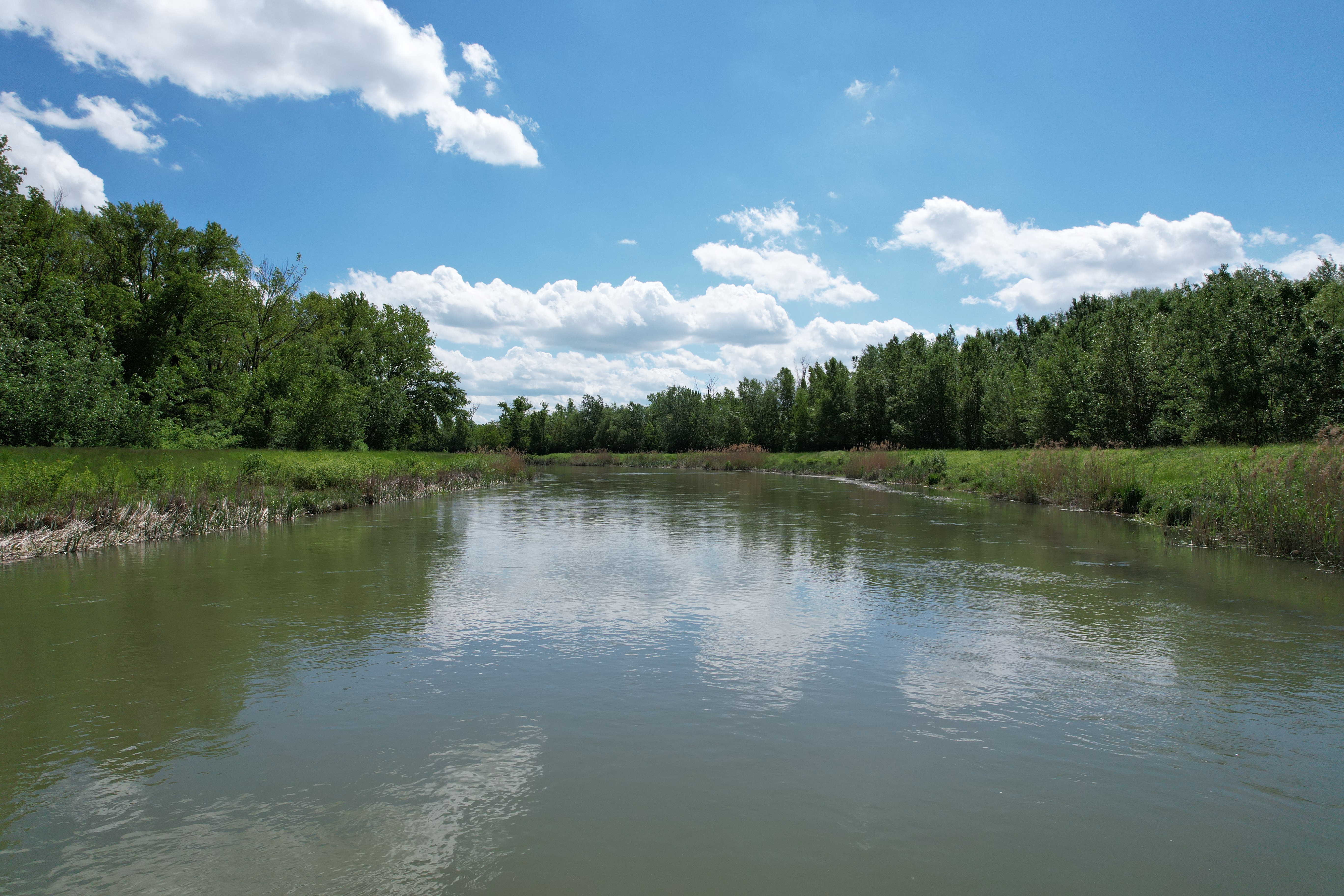
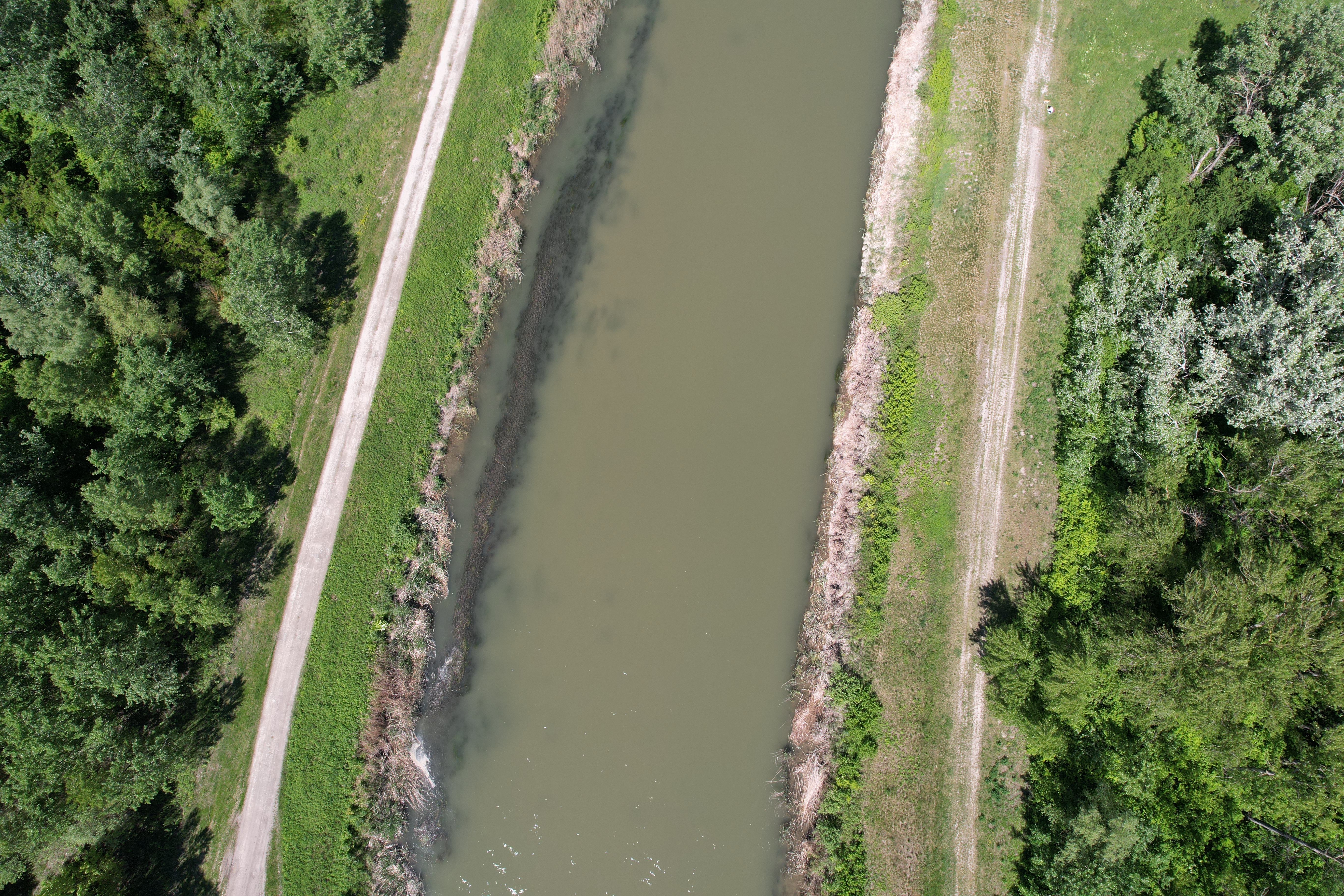
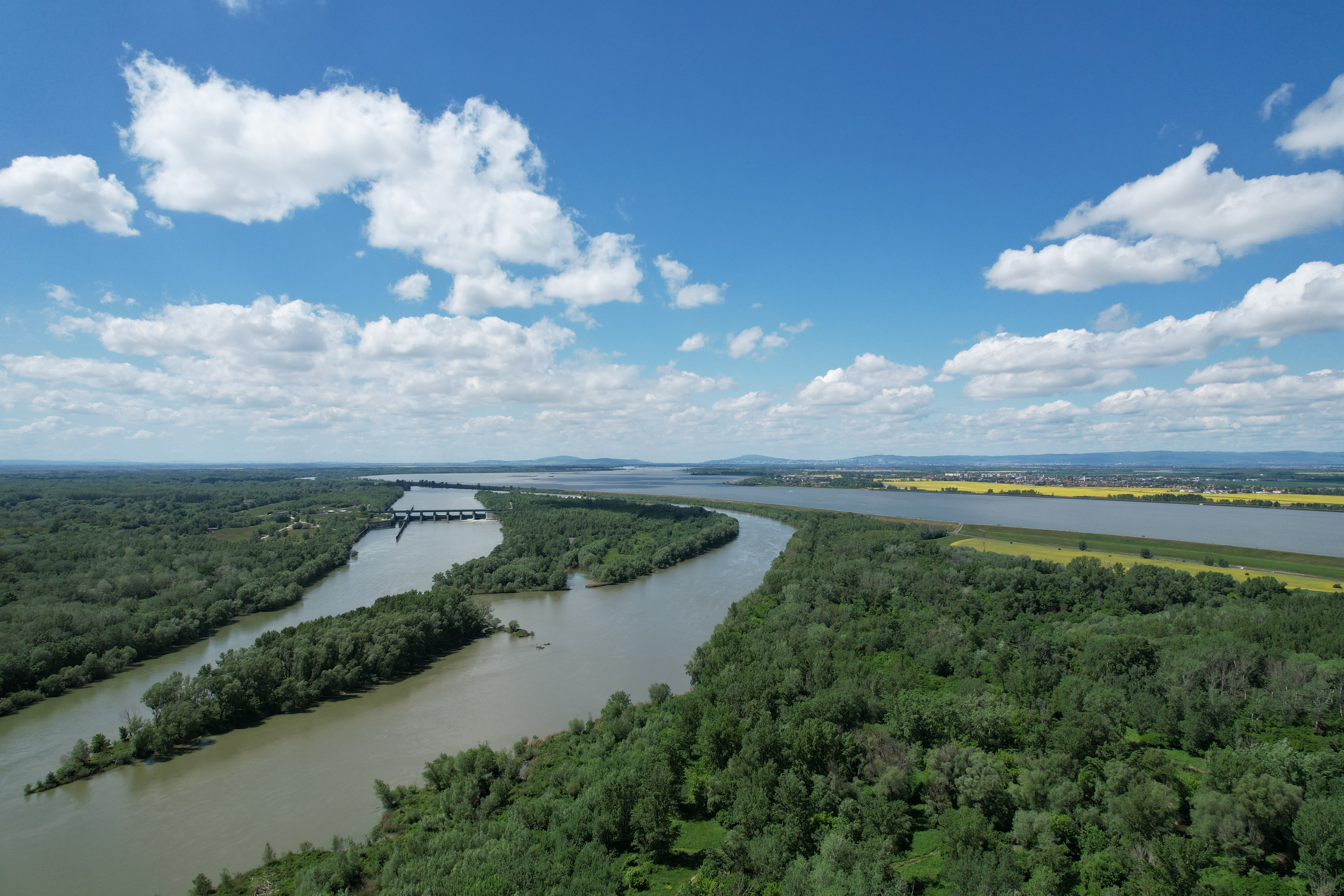
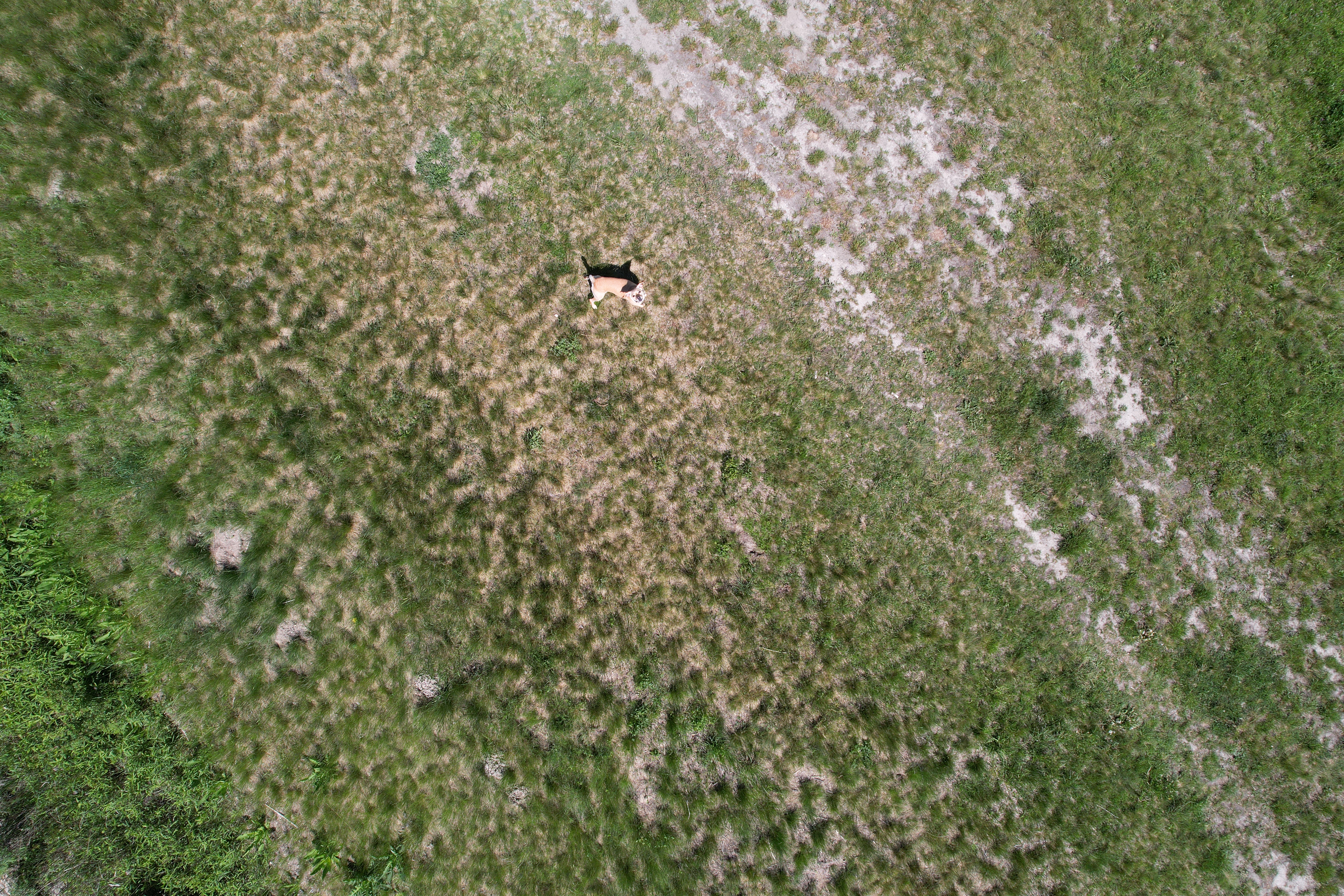
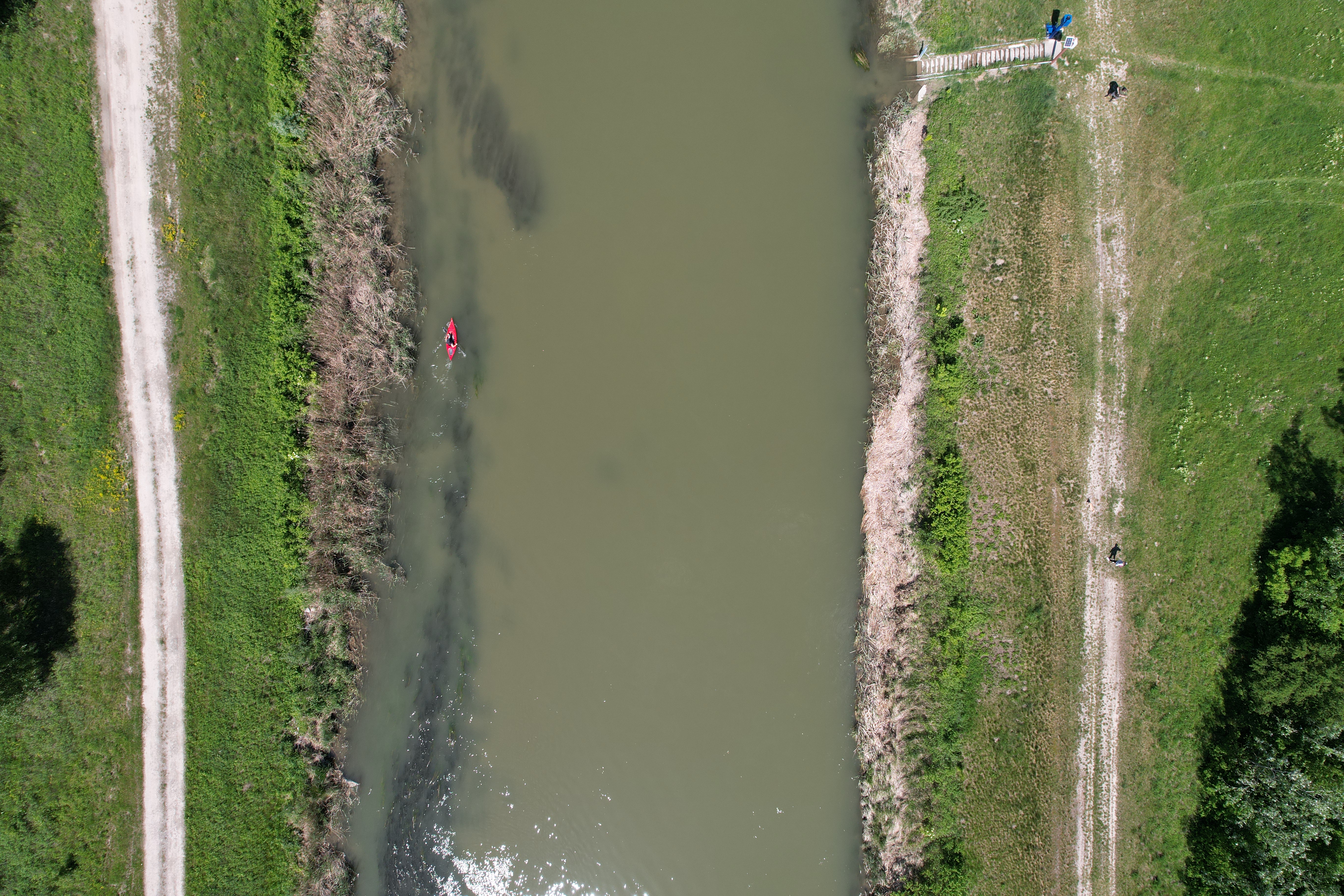
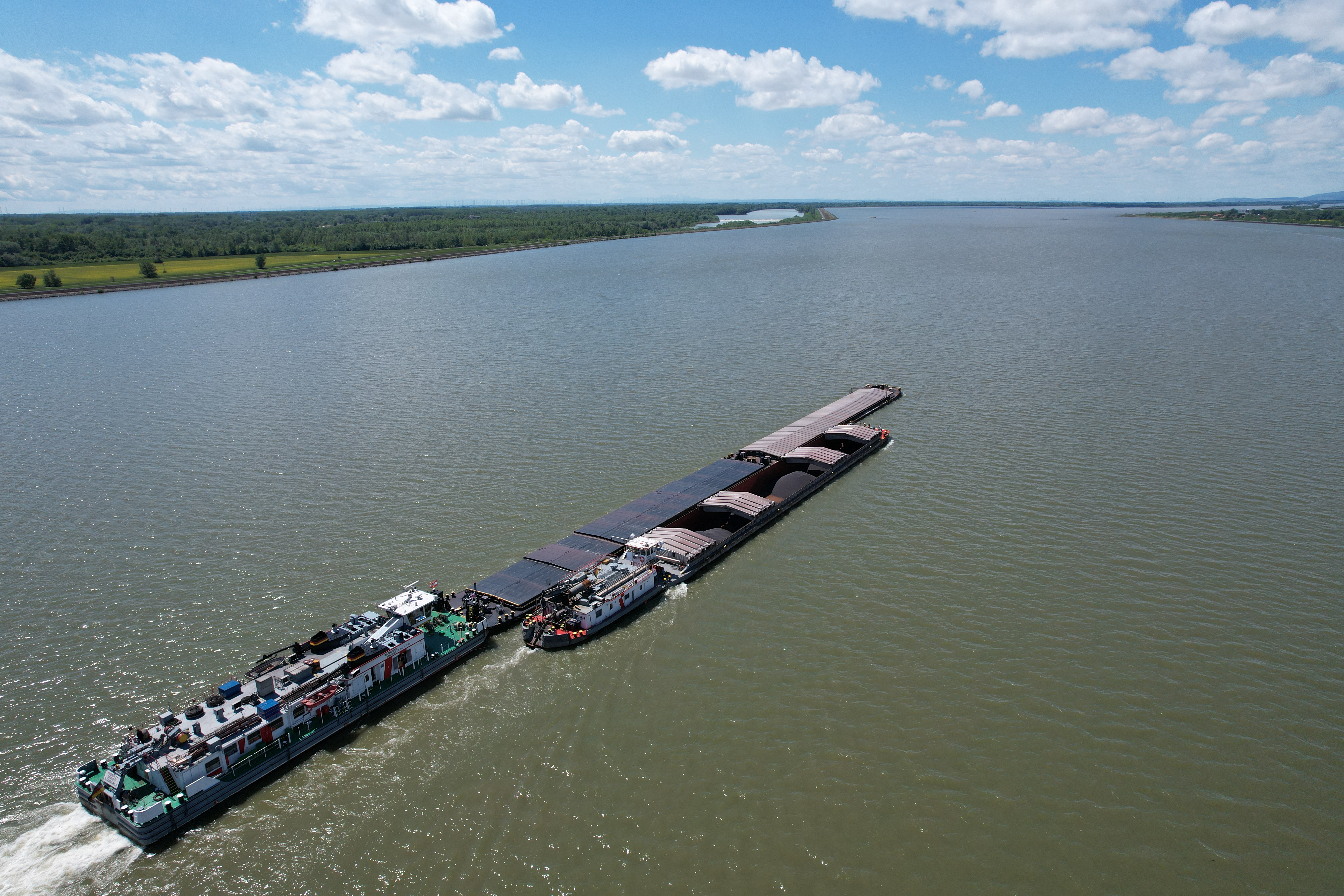
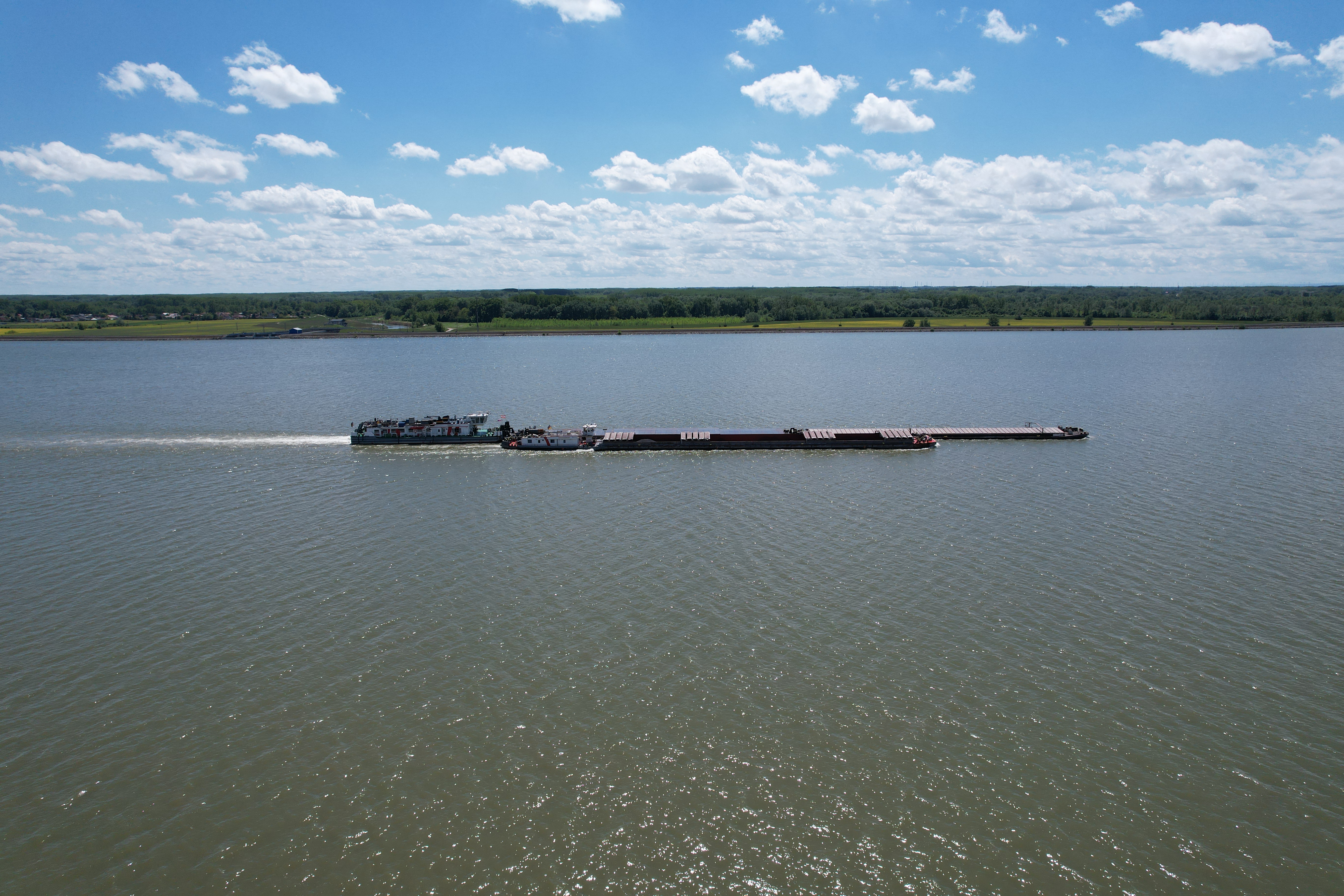
The camera itself has a 1″ CMOS sensor with a resolution of 20 MP with an aperture of f/2.8 and can focus from 0,6 meters to XNUMX meters.onečna. Photos can be taken in a resolution of 5472×3648 pixels and of course there is also HDR mode, which you can see in the following photo. As for video recording, you can use a resolution of up to 5,4K, specifically 5472×3078 pixels at 30 frames per second. If 4K is "enough" for you, then you have the option to shoot at 60 frames per second and in Full HD even at 120 Fps. So for me, 4K and 60 Fps is definitely the best option, when you have extremely high resolution and perfect image smoothness. The camera also offers up to 4x zoom, but in this case it is only digital.
The drone can record your own clips in addition to standard modes such as time-lapse or slow-motion. You have the option tochat track an object that you mark and determine whether it should fly behind it or circle around it, or constantly fly over it. Object tracking works perfectly and it basically doesn't matter whether you mark a car, bike or person for tracking. The drone then fully automatically films and tracks the object. You can use this, for example, in a situation where you want to film yourself during an action, for example when you are cycling or skiing and so on, or in a situation where you want to film something or someone and you know that you are not able to track the object as well as the drone itself thanks to its sensors.
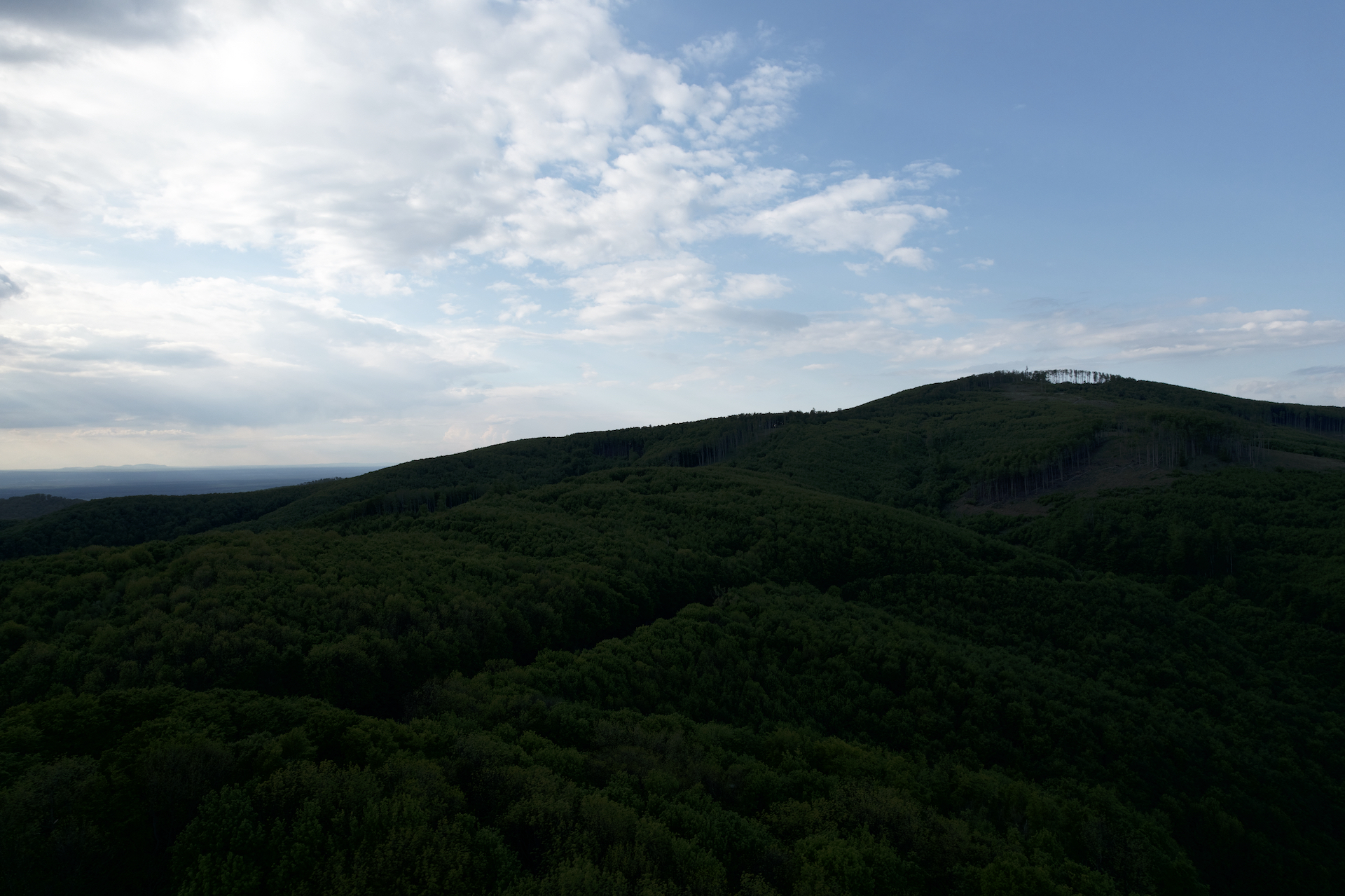
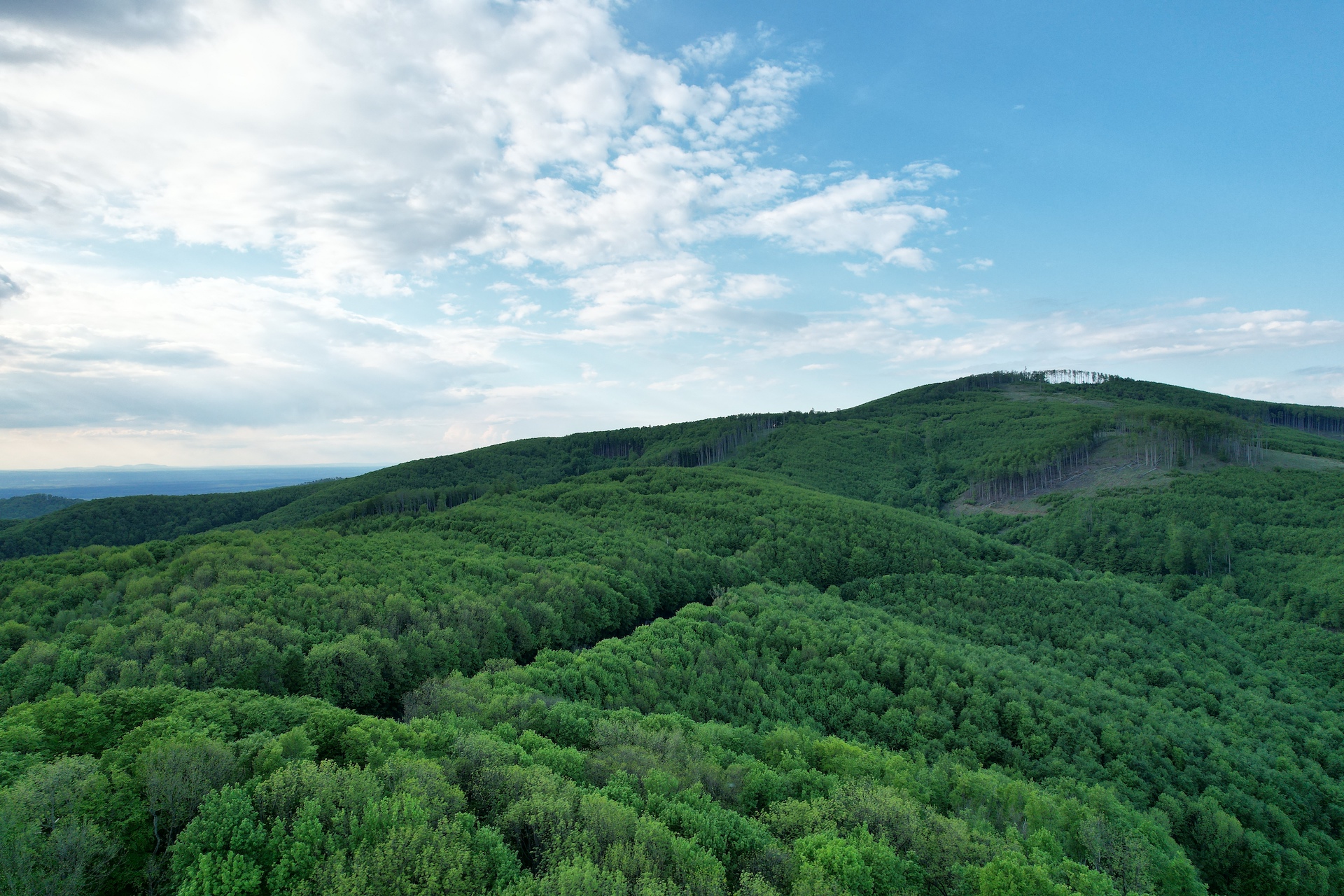
In addition to tracking, there is also the option to mark a static object and notchat shoot from different angles and fly-bys and then the video is notchat automatically edit the drone to create an interesting clip. Here again, you just need to mark the object and then you don't have to worry about anything nestyou know, the drone will determine everything by itself and choose the most suitable shots, which it will take and then edit. Even an absolute amateur or the laziest person in the world can make an effective clip in a few minutes without having to know anything. But if you like to play with post-production, then you can take photos in RAW format and record videos in DLOG, HLG or normal color spectrum. Of course, there is also the option to choose the H.264 or H.265 codec.
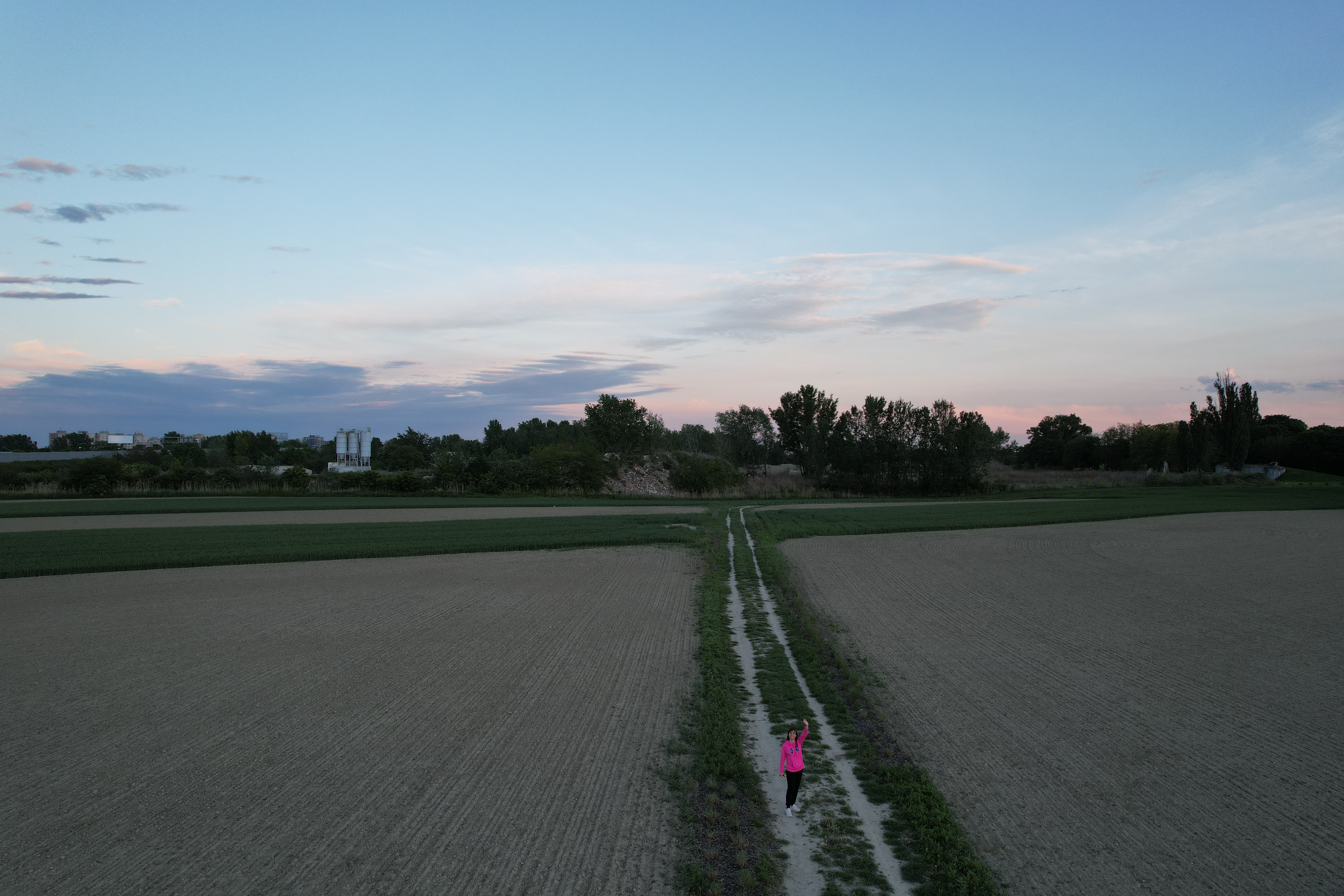
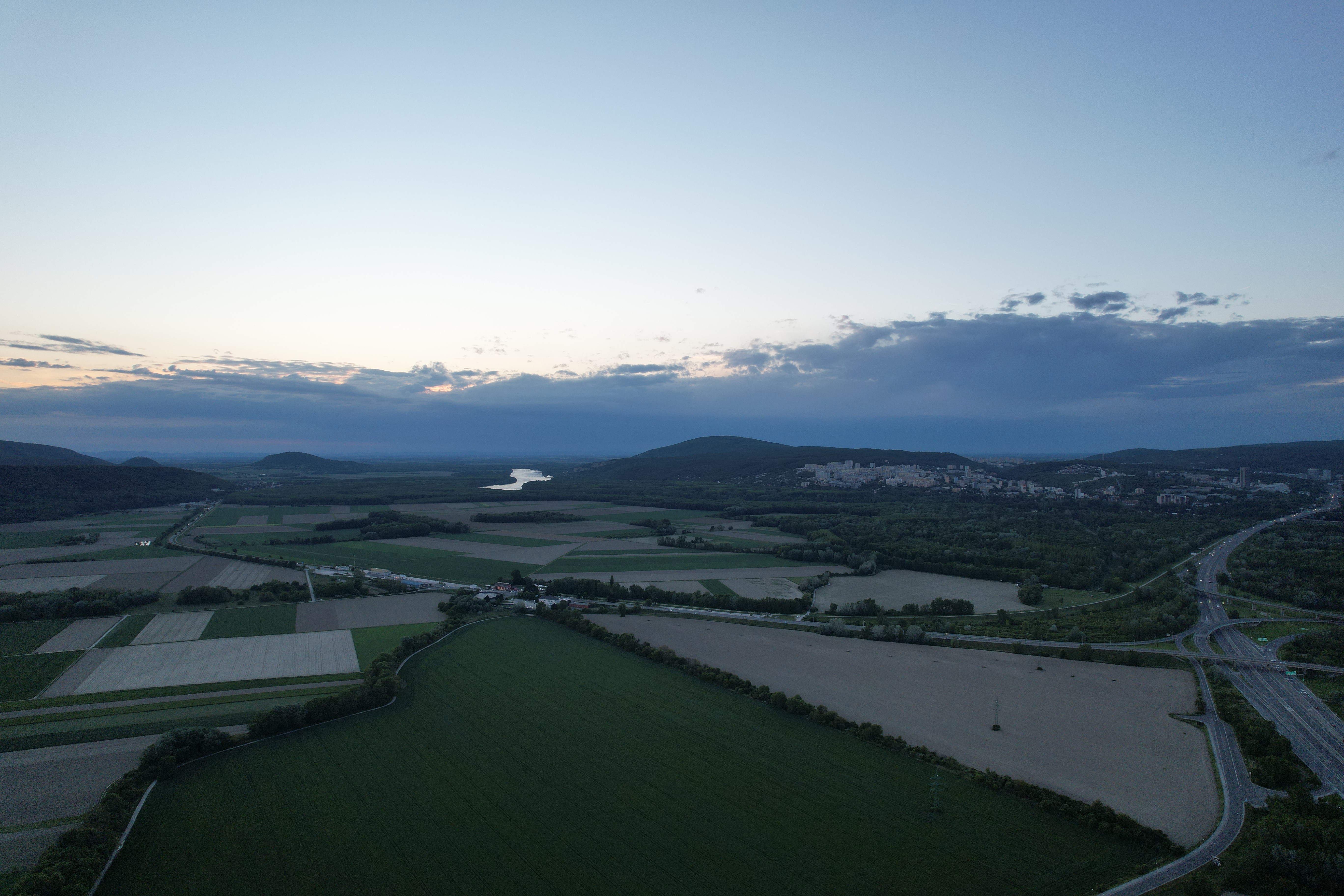
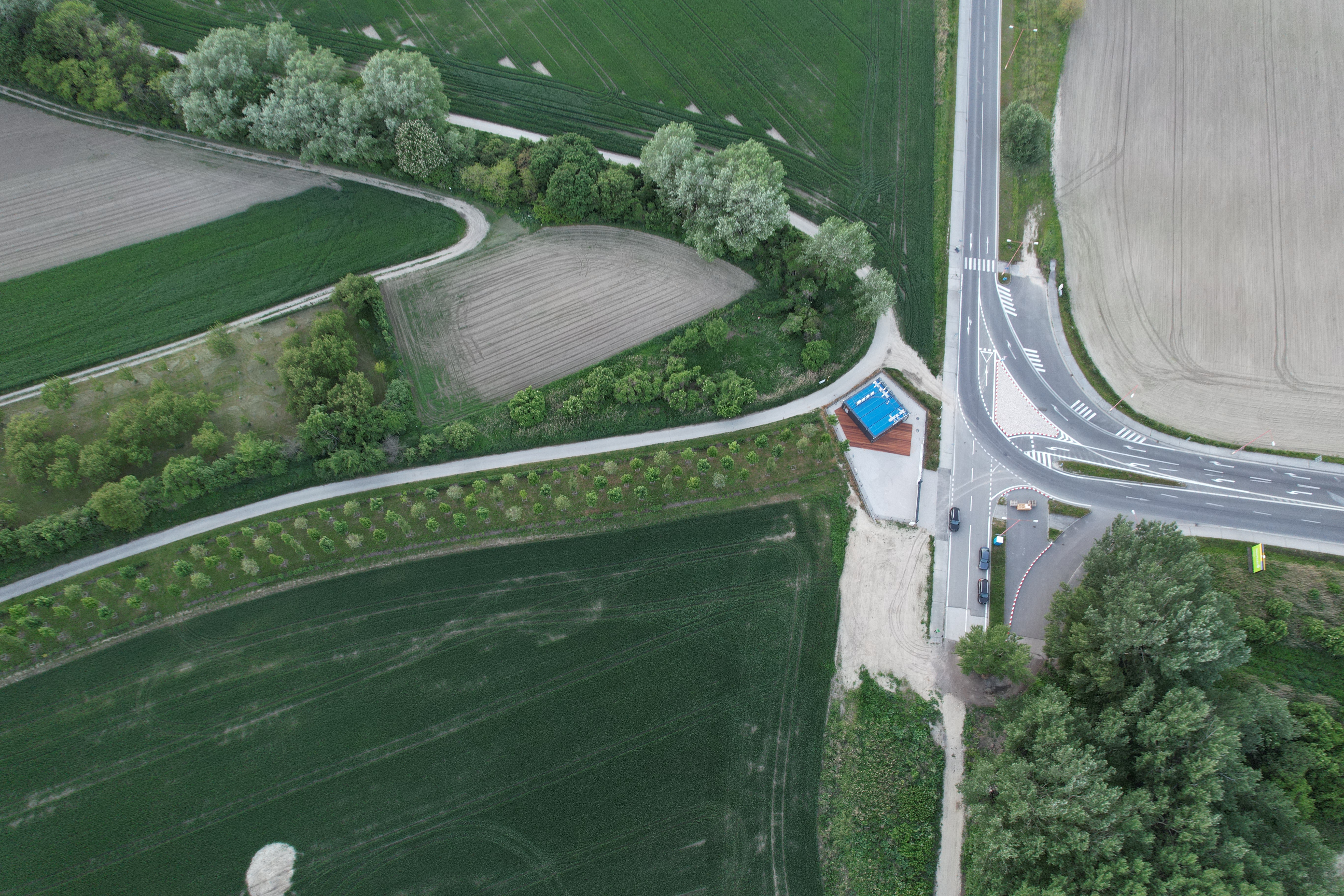
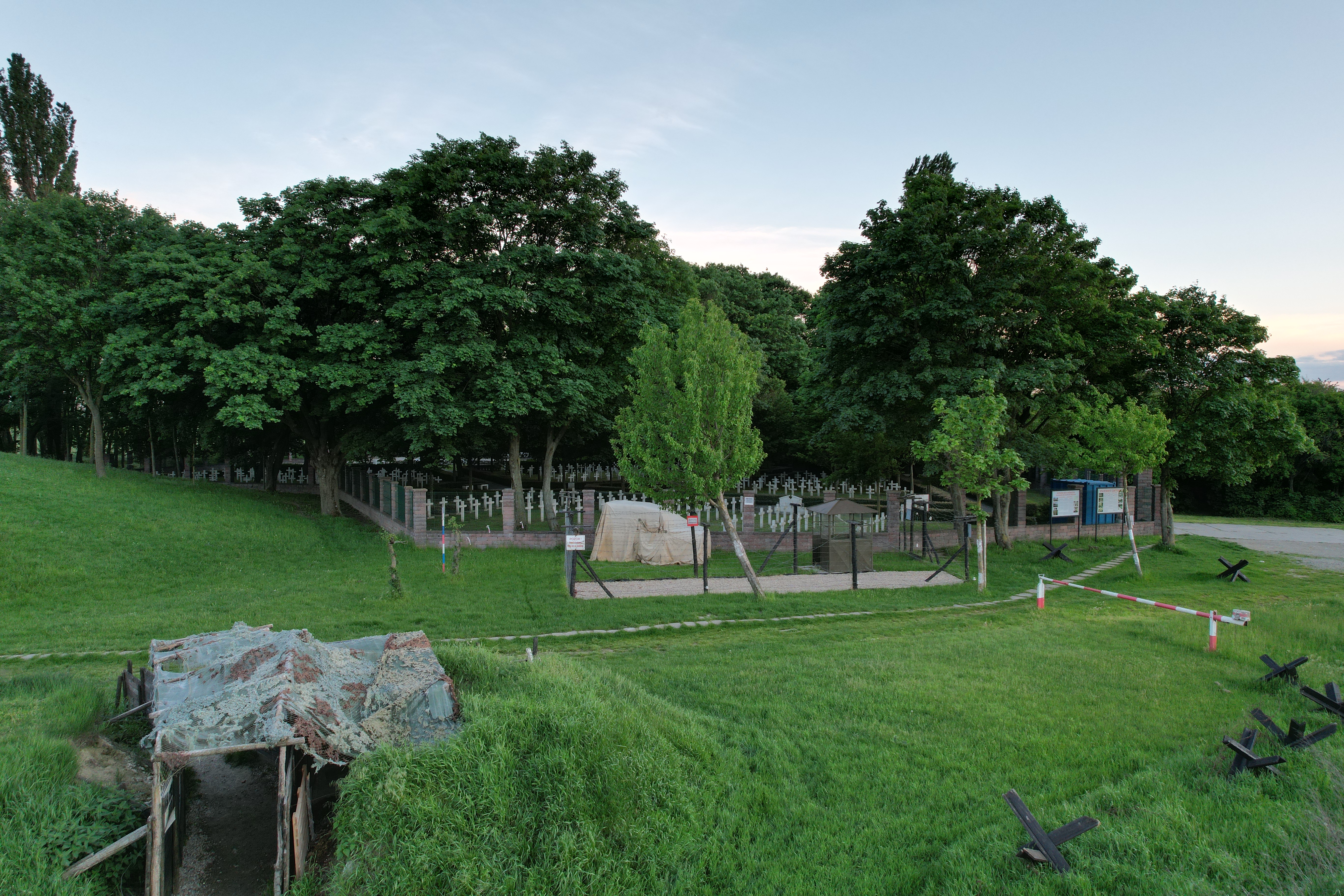
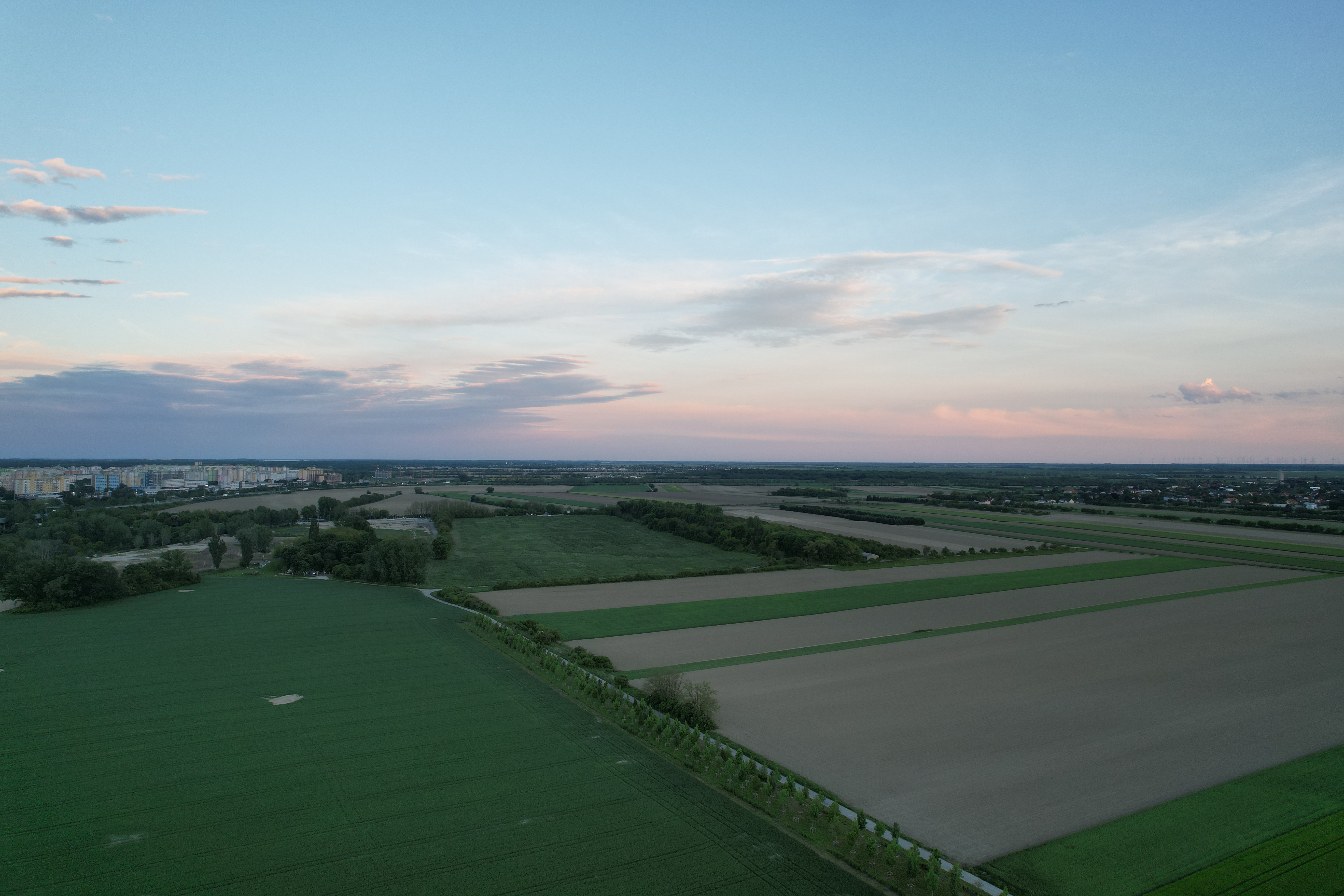
The footage from the camera can be stored in the drone's internal memory, which is 8 GB, or you can save it on a micro SD card with a capacity of up to 256 GB. The drone also automatically saves low-quality footage to your iPhone so that you can immediately look at the captured images and have an overview of whether you are satisfied with the result or if the flight needs to be repeated. In the following gallery you can see photos taken after sunset, i.e. just before dusk, when there was more darkness than light. Even so, it is clear that the photos
We have landed, your captain is speaking to you
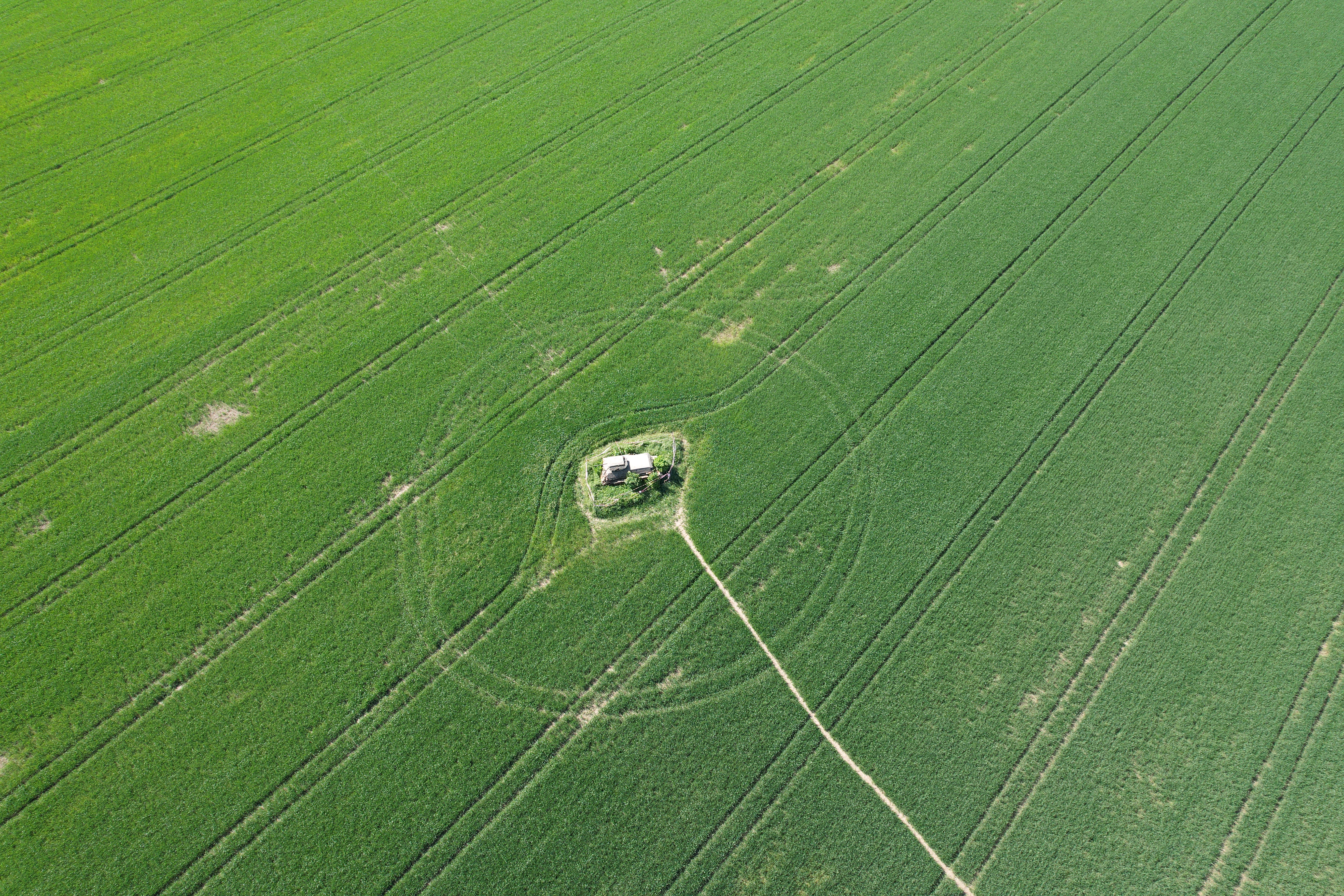
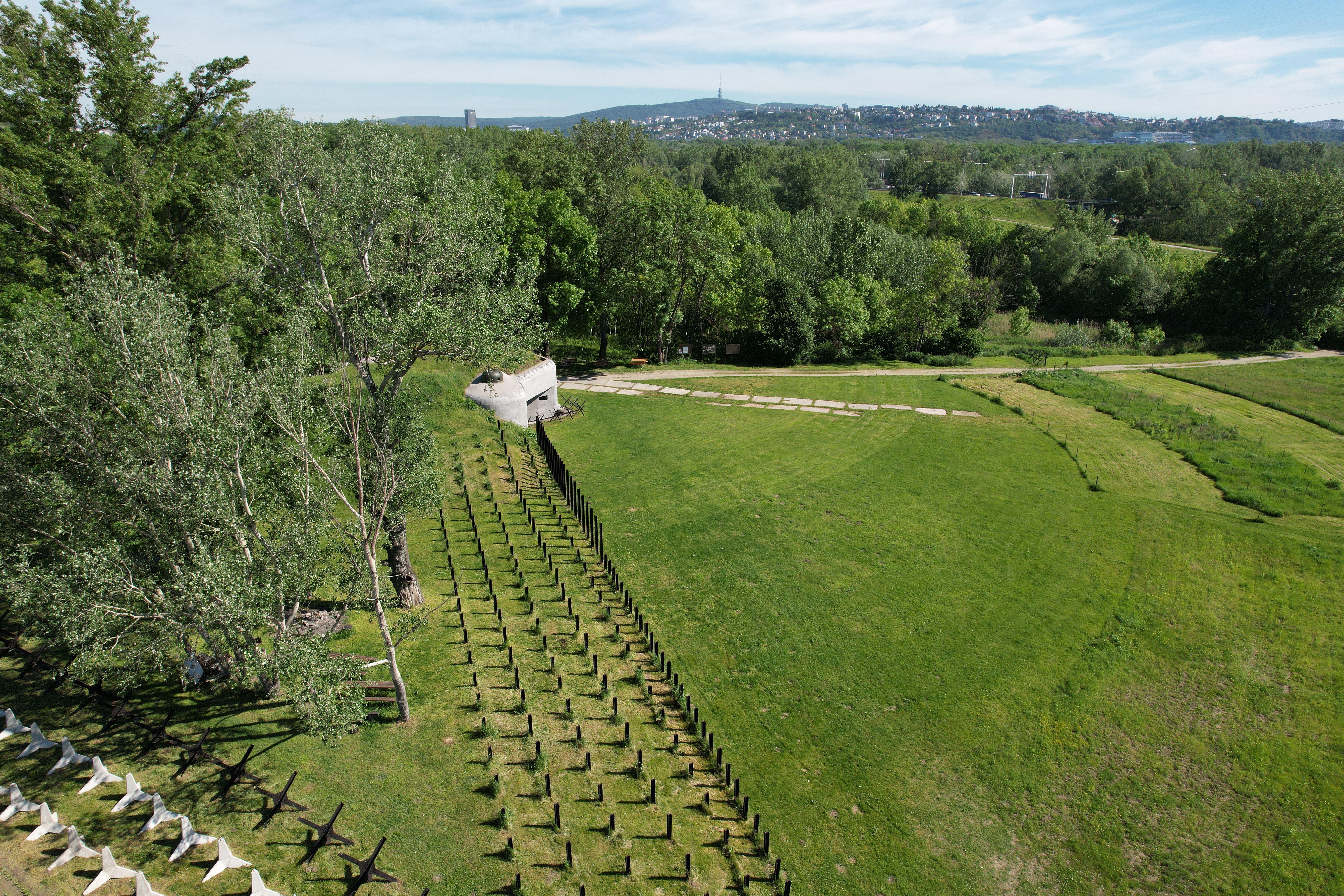
As I wrote in the introduction, I am not a person who could DJI Air 2S to dozens of other drones, on the contrary, I am a person who is enthusiastic about what it can do even as an absolute amateur. The photos and videos are at such a level that you definitely don't have to be ashamed of them, flying is very easy, enjoyable and, what is most important to me, also safe. Overall, the drone can reveal completely new possibilities for creating photos and videos and will allow you not only to preserve your experiences, but also to enjoy them from a completely unknown perspective. It is something different to put a Go in your carPro and ride the serpentines on Passo Dello Stelvio or climb above itonewill film your ride from a height of several tens to hundreds of meters. On the one hand, you will enjoy the photo/filming itself, because you will enjoy piloting the drone, but you will have much more fun watching the resulting footage, because it will reveal to you what you did not have the opportunity to see from your point of view.
Gallery
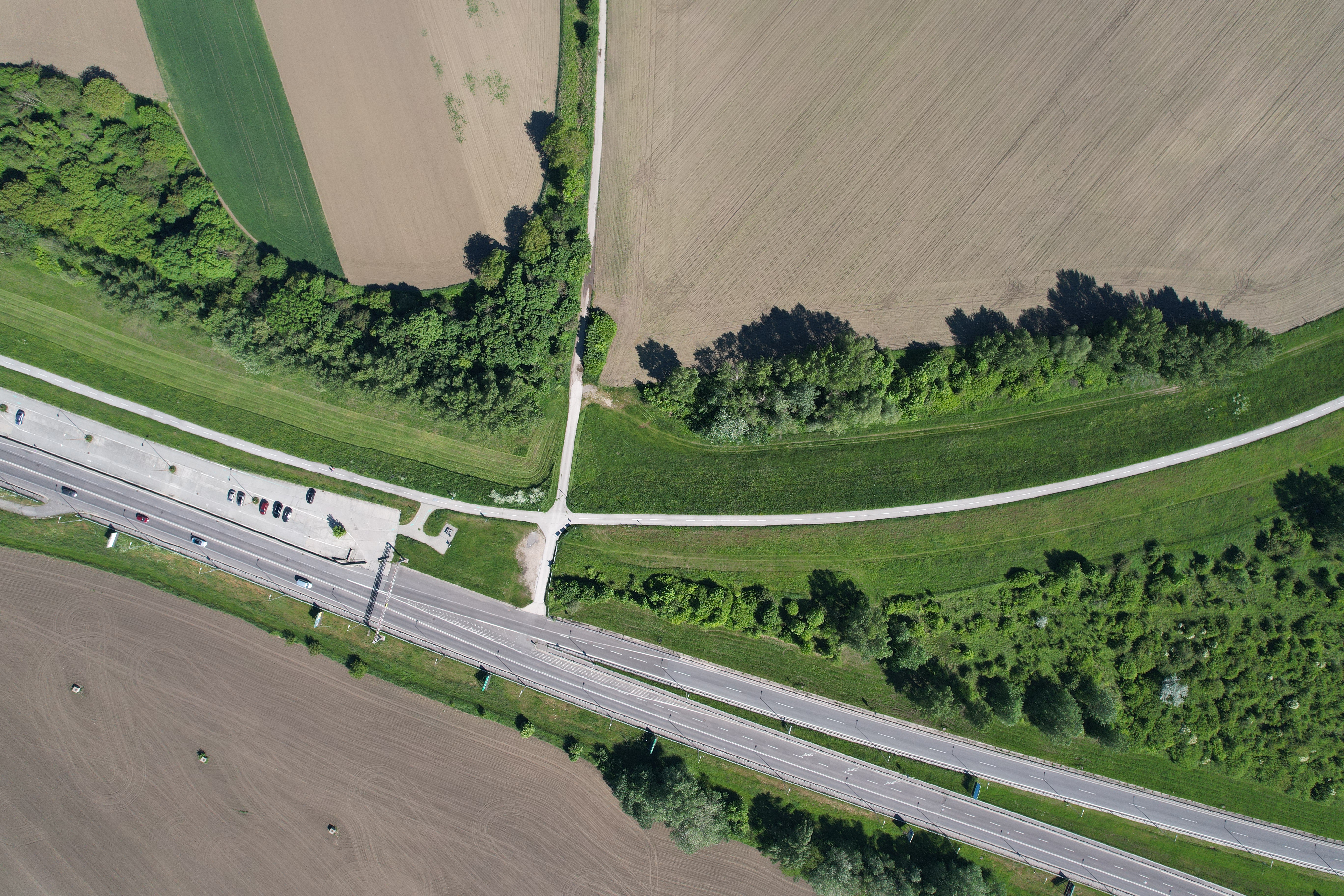
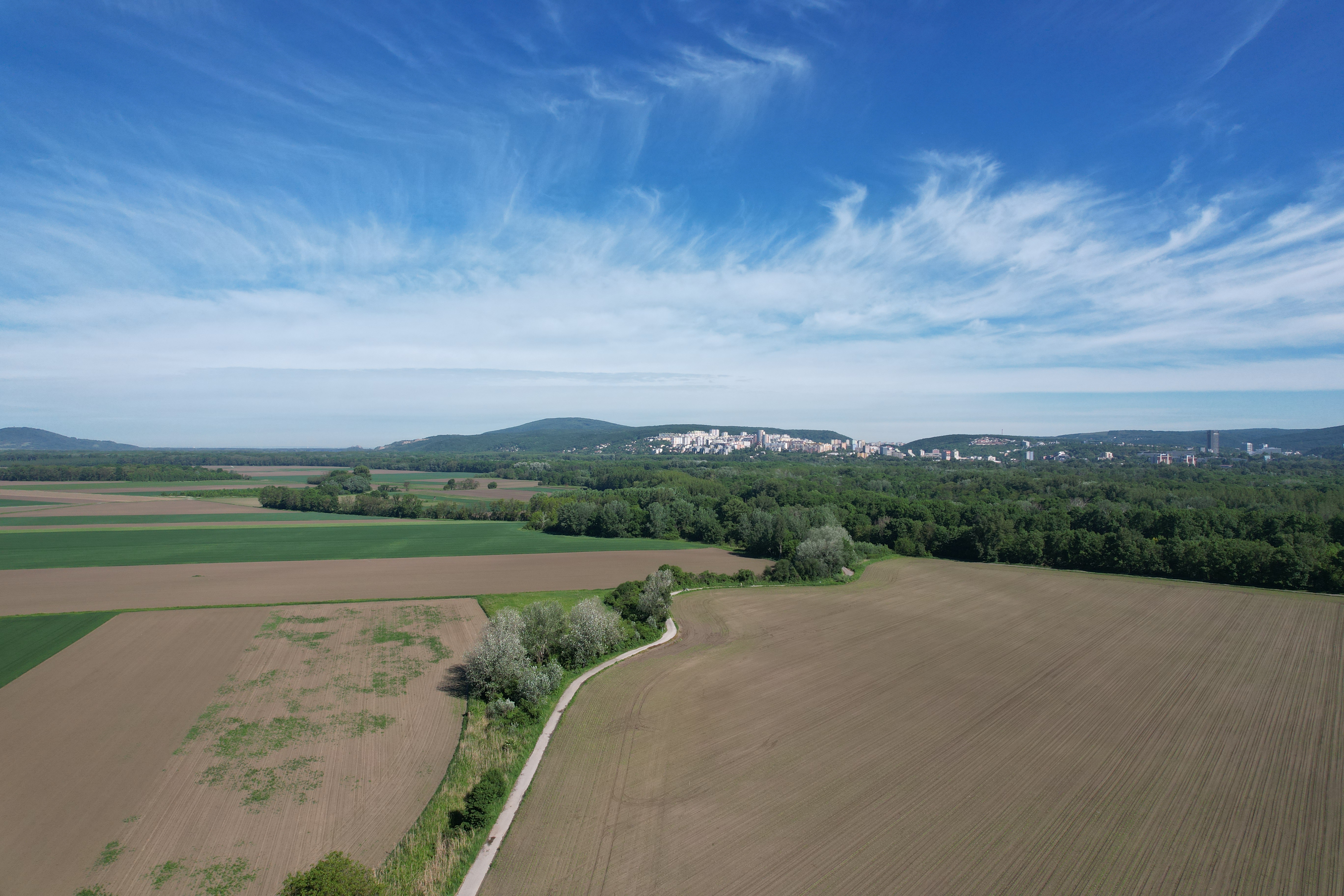
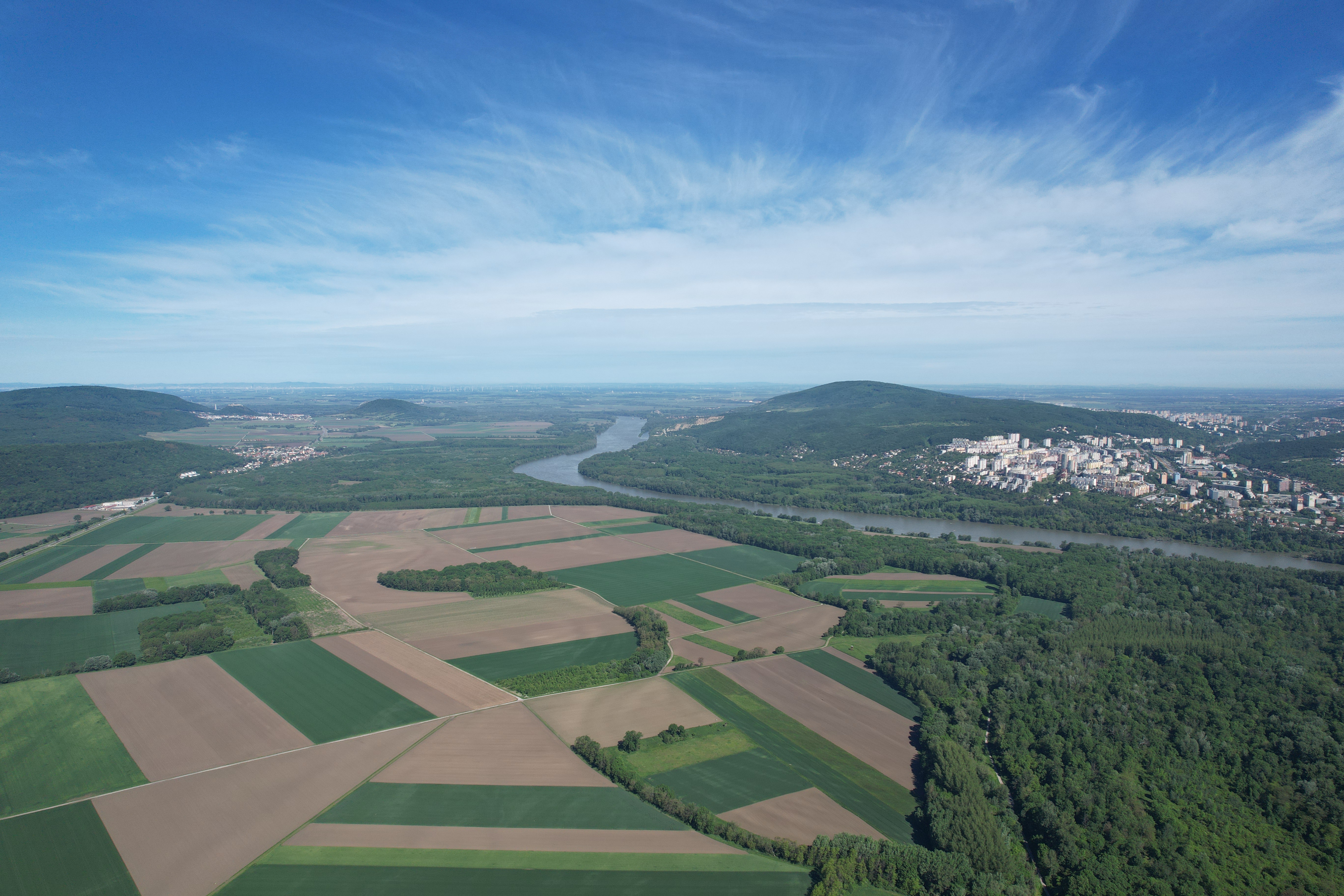
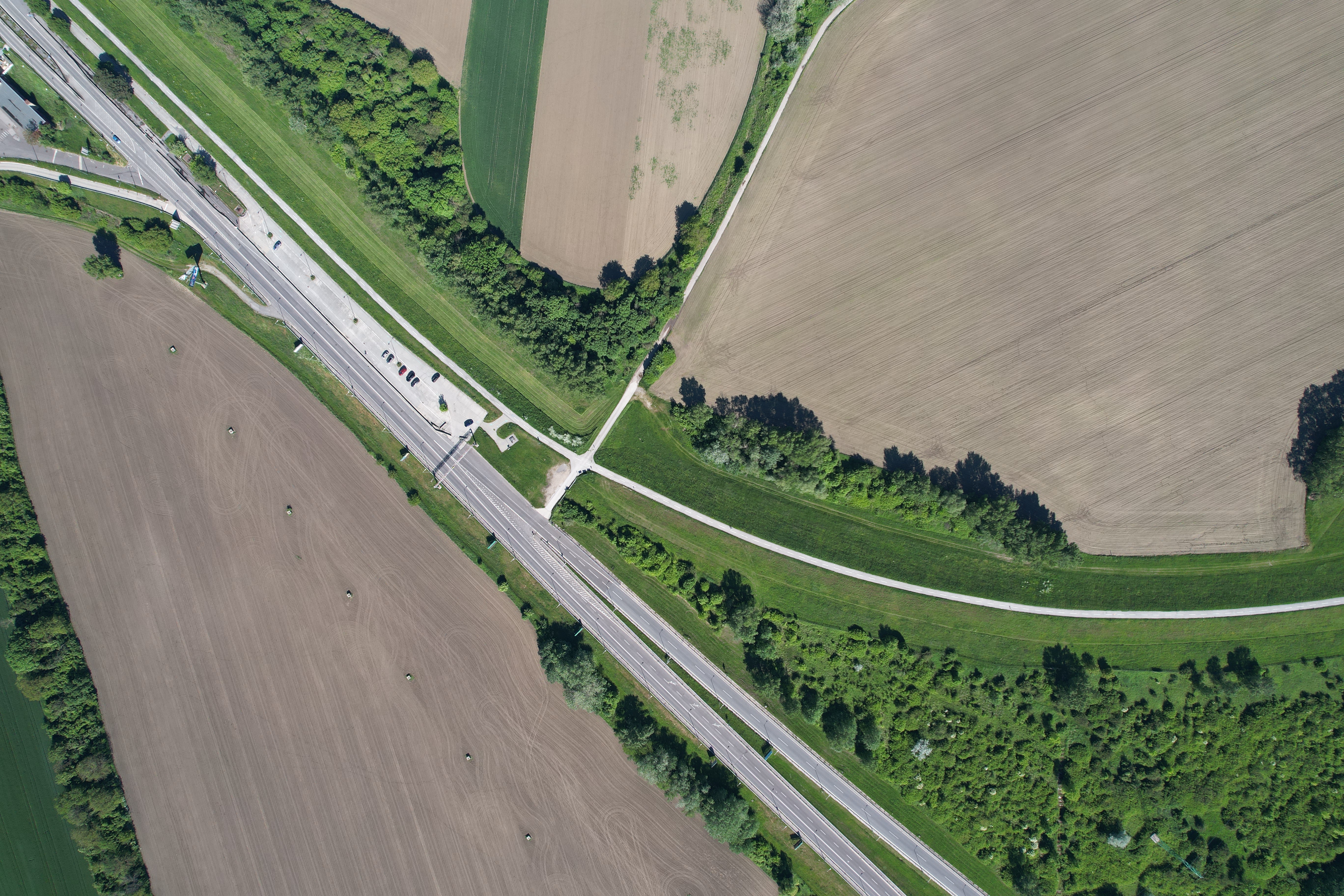
DJI Air 2s is currently the best that can be bought in the field of classic commercial drones for less than tens of thousands of crowns and it is basically the pinnacle of what a normal person who is not a professional cameraman or photographer needs. I definitely recommend reaching for the Fly More Combo package, where you will save a lot of money and also get everything you will need when flying. Finally, I would like to add that I was previously thinking about DJI Mini 2, which I now had the opportunity to see in action. The drone is very similar in size Air 2s and the bag, which is the most important thing for you, is the same size for both drones. The only difference is the price, and here I dare say that it is really worth paying extra for Air 2s, which is more stable in the air, safer and much easier to fly thanks to its multitude of sensors.
So for me Air The 2S is definitely worth every penny you pay for it, and if you pay extra for the number of sensors and safety protections the drone has, like I did, then you also get DJI. Care, then you don't have to worry too much about it. So if you want to make yourself happy and see the world from a different perspective, you have the ideal opportunity!


The drone as a product is fine, but all the restrictions and prohibitions make it an almost unusable device in our country. Perhaps 3/4 of the republic falls into places where you are not allowed to fly. If I didn't have a drone for commercial purposes, I wouldn't buy it as a regular user because of all the bans.
So for a layman, all you have to do is do the basic free in-line course and you don't have to deal with anything for devices up to 250g. In addition to flying over PLA or near airports and similar exposed places.
Online -> Online
(Autocorrect)
It must be under 250g without a camera, right? You don't have to solve anything, that is. Can it be cast freely?
A protected area, a national park, or a densely populated area is practically everywhere where a layman imagines flying and filming himself on a trip, etc., before buying. By the way, the reviewed Air Moreover, the 2S is not under 250g.
Perfect review! Thanks
After reading the review, I have the impression that the drone only works with iPhone and when you have iPhone 12 Pro, you can take pictures from a height of 500m. Everything looks like an advertisement on iPhone and the reviewed drone. The drone is nice, I have nothing against it but it is not perfect, especially the limitations. Moreover, the warning of an approaching aircraft does not make much sense if it works at a distance of 400m. Calculate how quickly it will fly to the drone and believe me nestYou have seconds to react if a sports plane takes off, let alone land.
Peter, try reading the review again. First of all, there is nothing in it about it being necessary to own it for functionality. iPhone 12 Pro he doesn't write and he confuses 400 km with 400 mu warning of approaching aircraft. Maybe it wouldn't be a bad idea to get everyone in better order before you start hating here next time.
Hello Petr, where exactly do you see 400m? I see 400Km there and I somehow believe that even if the plane flew at a speed of 1km/h, which is already quite fast, I could somehow land in those 200 minutes, because the battery in the drone only lasts for 20 minutes anyway. Anyway, where exactly did you get the impression that it is necessary to use iPhone? Yes we are Apple magazine, therefore I logically test with Apple product, but it works with Android too. And those restrictions make it bad? Until now I've lived with the idea that the restrictions apply to all drones, is this some special category of restrictions only for DJI? Air 2S? If so, where can I watch it please, thank you very much. Roman
Petr probably meant restrictions on drones in general, however, yes, Air 2s weighs over 0,5kg and if I'm not mistaken, it still doesn't have a class label (C0-C4), so in terms of legal use it's even more problematic than, say, Mini2 (under 250g). Already today at least 50m horizontally from people and after the end of the transitional period (toonec 2022) only under category A3 conditions (machines from 4kg to 25kg).
Yes. I meant the restrictions in general. I fly in the A3 category and I know that this drone will soon fall into it too. The mention that it takes pictures as iPhone 12 Pro but from a height of 500m, someone who is not familiar with the regulations could understand that it is normal to break the rules and after buying it would wonder why it is not allowed. Try reading the whole article again and count how many times the smart phone is mentioned and how many times iPhoneWhat would you think if you read “…when flying, you must use your iPhone. "
And did you notice that we are on the website about Applu? It's a shame you don't comment on the meters vs kilometers.... good luck, have a nice day
the review is fine, I would just add a mention of the need to register and pass the test, if you don't have it, you are breaking the law and the 4Sko can become quite expensive ;-)
btw, I've had it for 5 days and I'm very happy with it, from Mavic Mini it's a jump and much more joy from flying and photo/video