Twenty-one years ago Apple took a completely new, uncharted path in the field of its desktop operating systems. In September 2000, the public betaversion of the Mac OS X operating system called Kodiak. Where has it gone in that time? Apple moved in this area, and what functions did its desktop operating system gradually receive?
You might be interested in
Mac OS X Public Beta and Mac OS X 10.0 Cheetah
Gallery
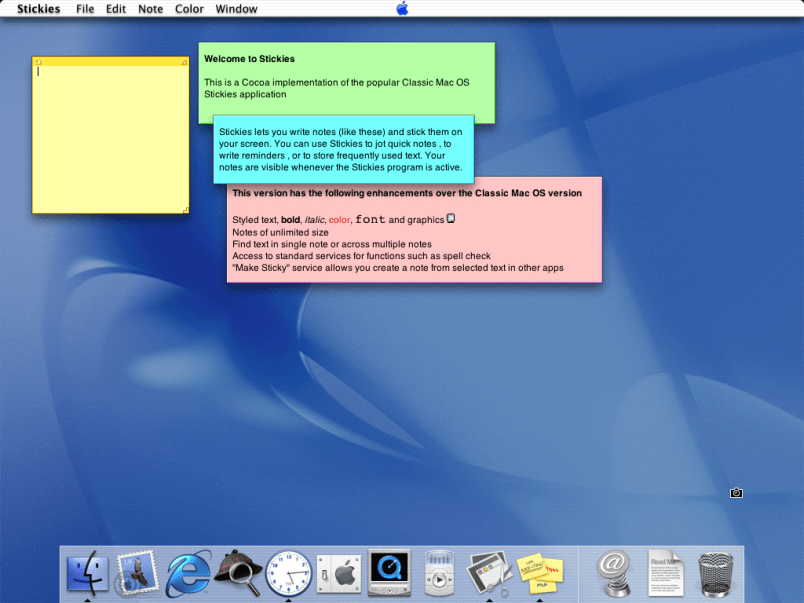
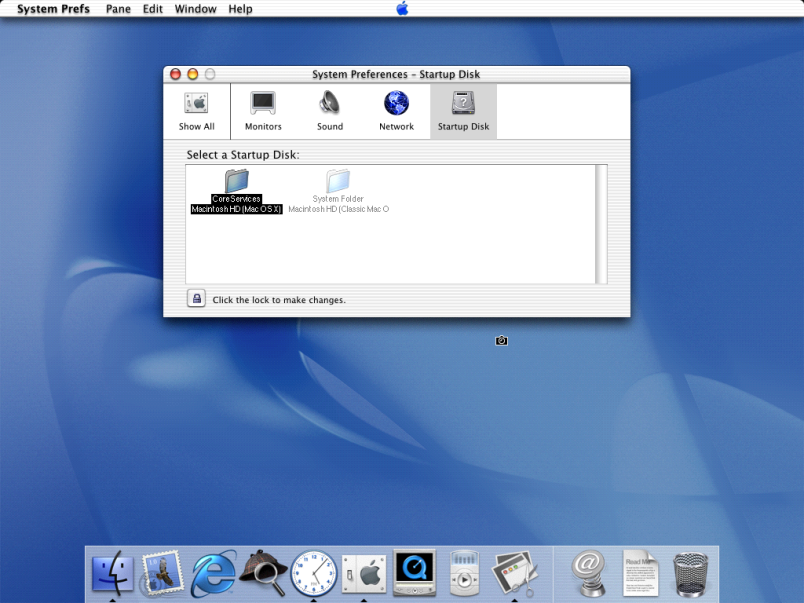
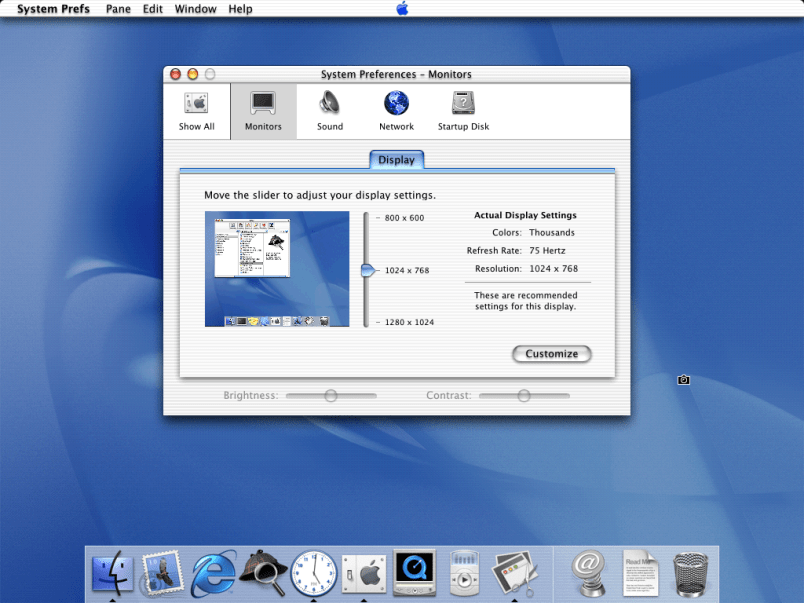
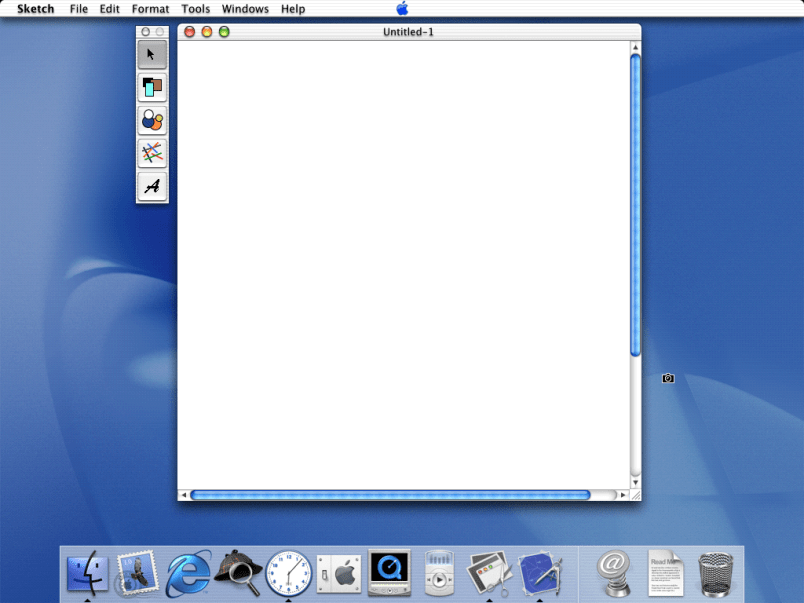
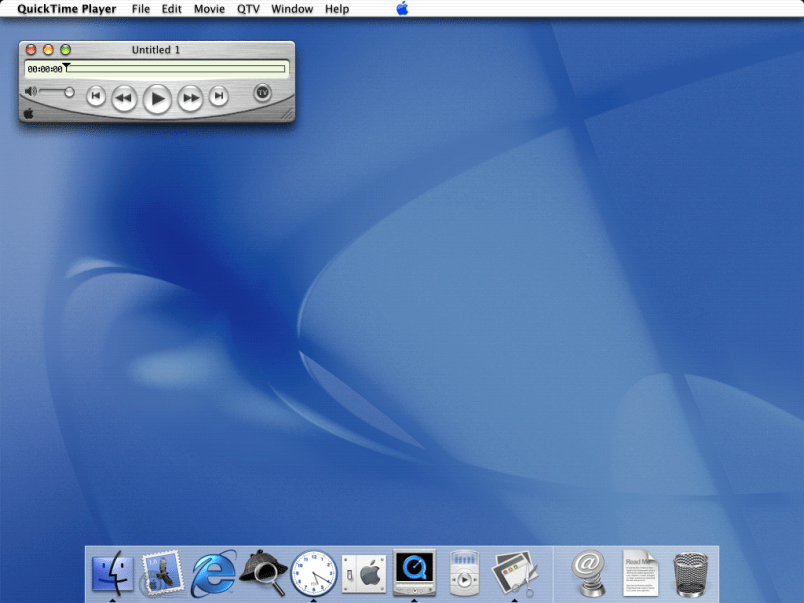
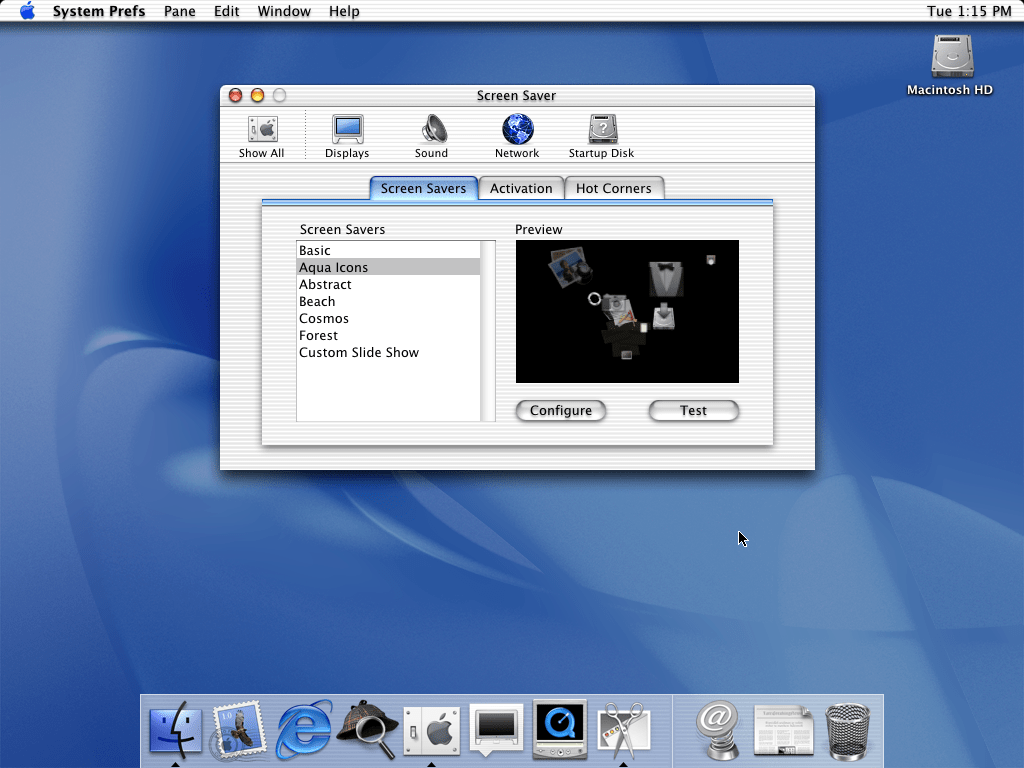
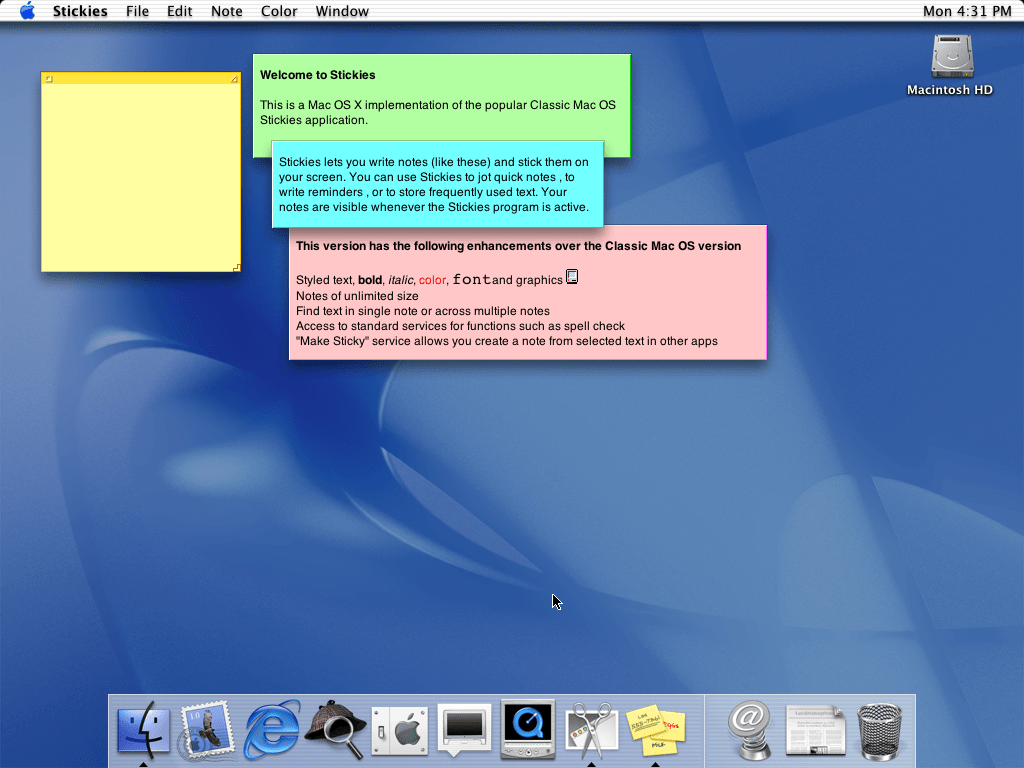
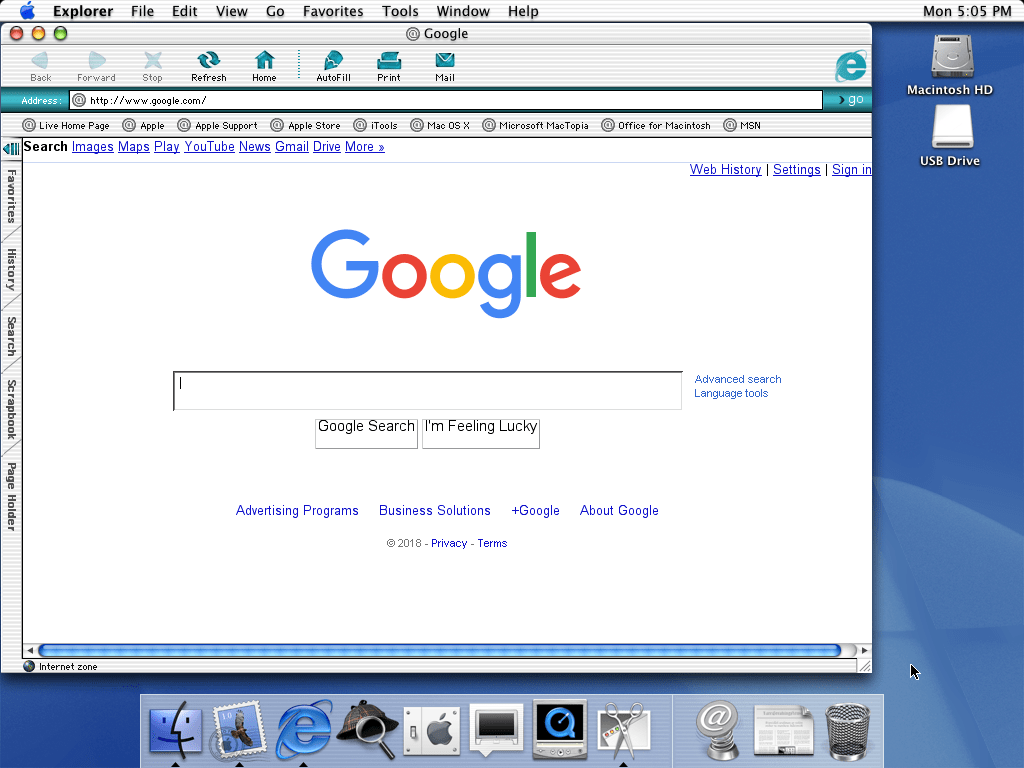
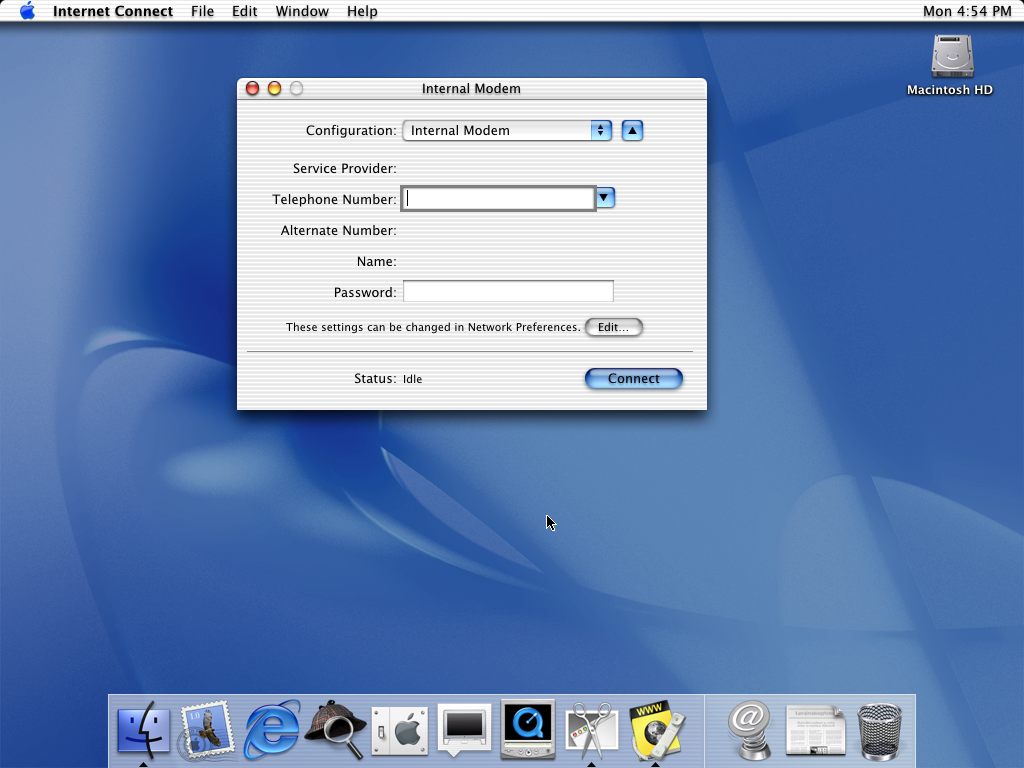
On September 13, 2000, the company issued a public betaversion of its Mac OS X operating system. It cost less than thirty dollars and was called Kodiak. Users could enjoy the Aqua interface and try out new fonts, Dock at the bottom of the screen, or perhaps the toolbar with the icon Apple menu in its center. Based on user feedback Apple Apple gradually improved its operating system, and in March 2001, it released Mac OS X 10.0 Cheetah. It was the first official version of the new operating system for Macs, which brought new features in the form of Docku, native Mail application, address book or Preview with support for viewing documents in PDF format. The price of the Mac OS X operating system was $129. Users praised, for example, the aforementioned Dock or Aqua look, criticism was met with slightly slower performance, lack of stability, and some also criticized the absence of features such as DVD playback or CD burning. The last version of this operating system was Mac OS X 10.0.4, released in July 2001.
Mac OS X 10.1 Puma and 10.2 Jaguar
Gallery
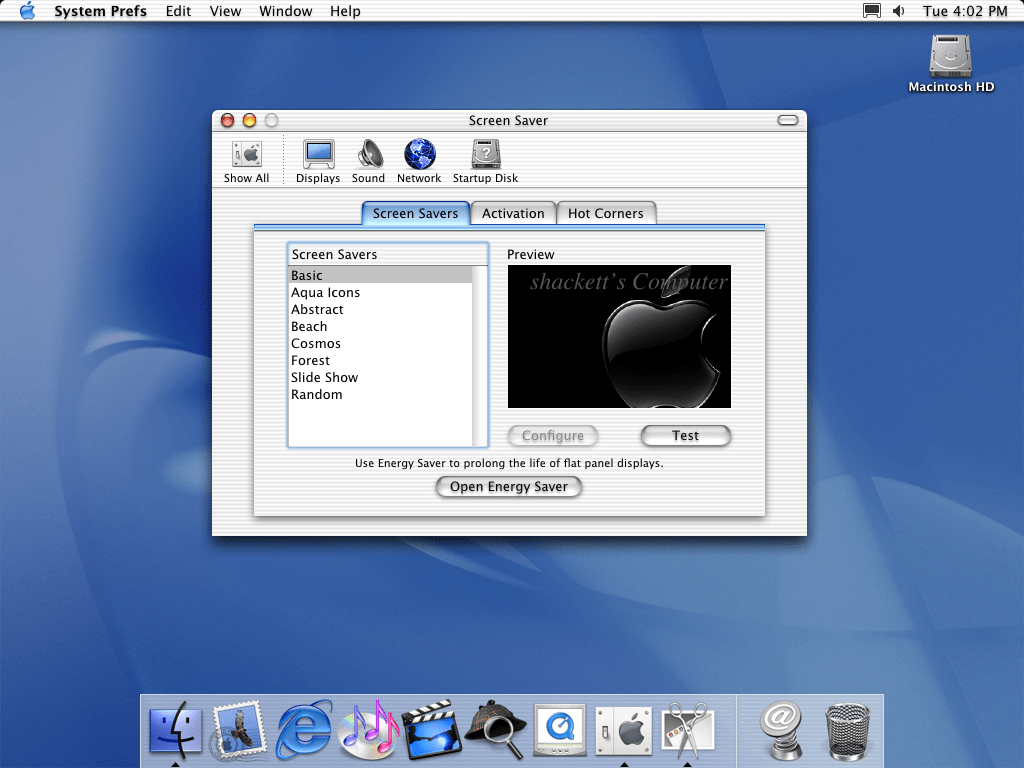
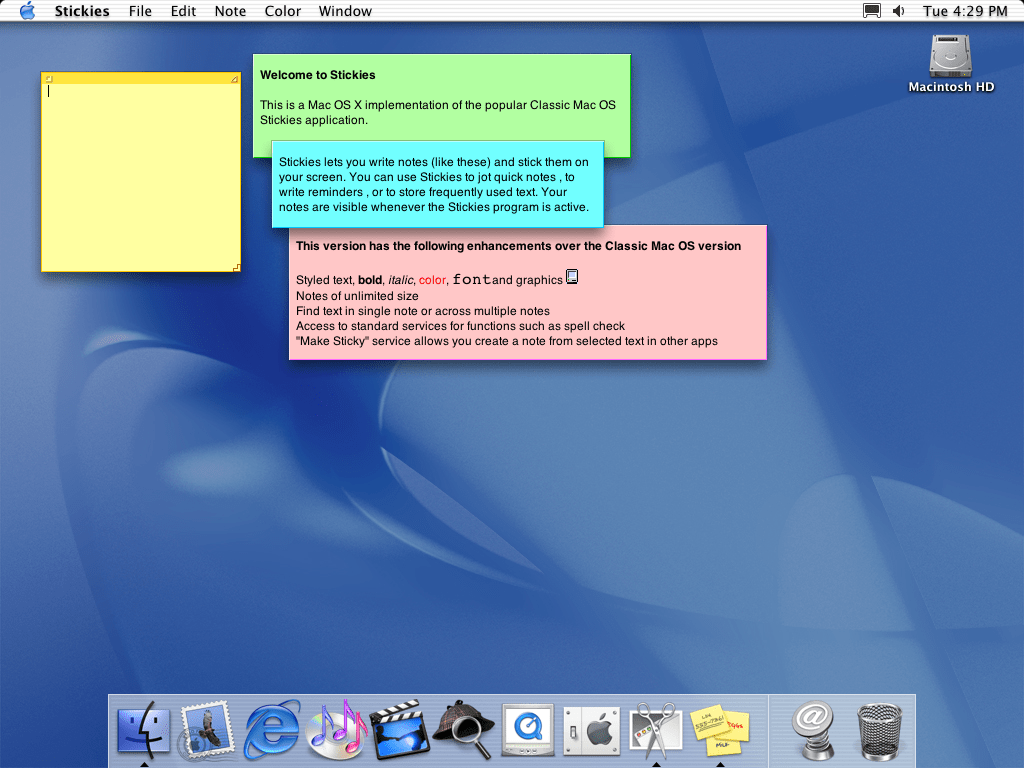
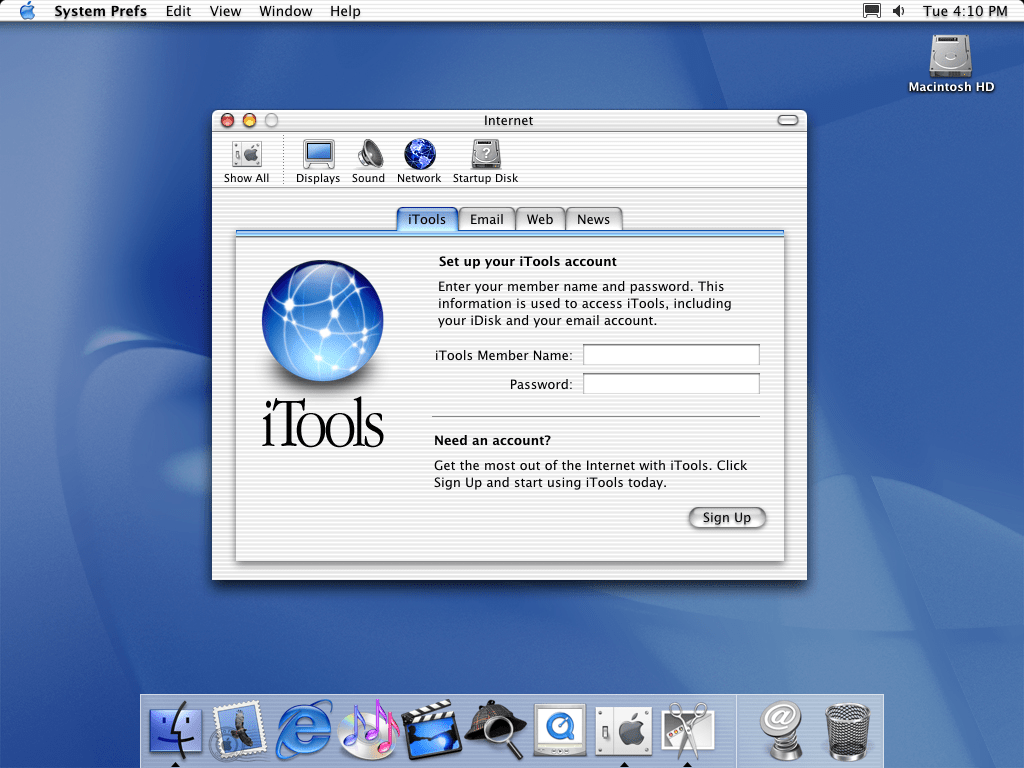
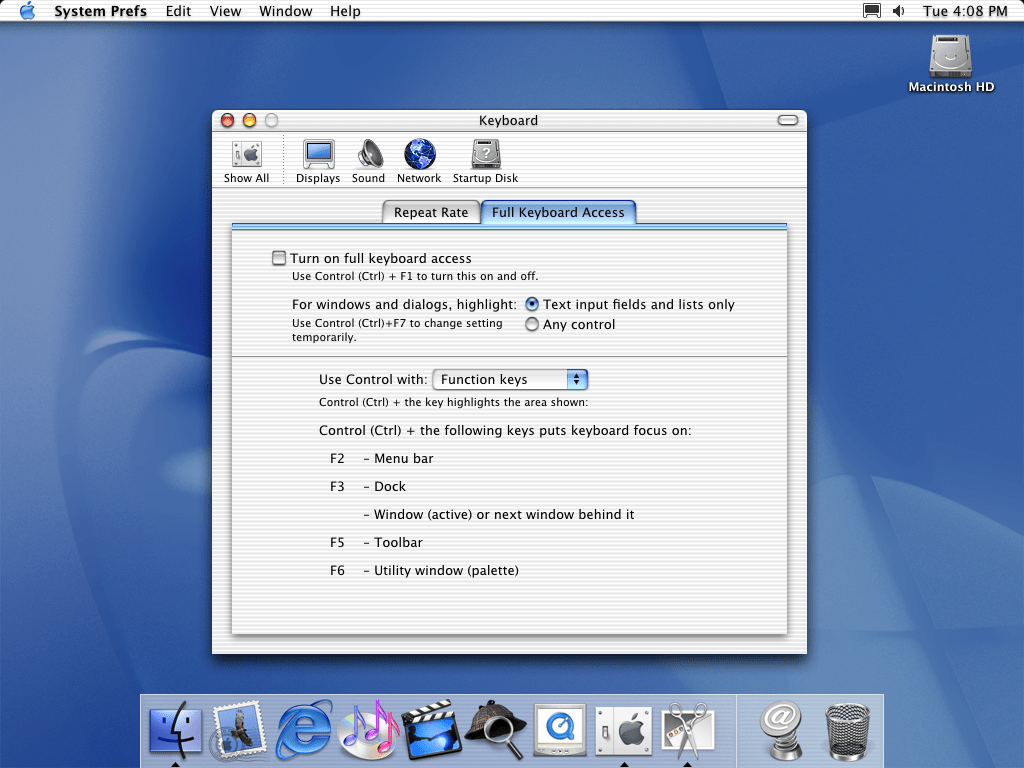
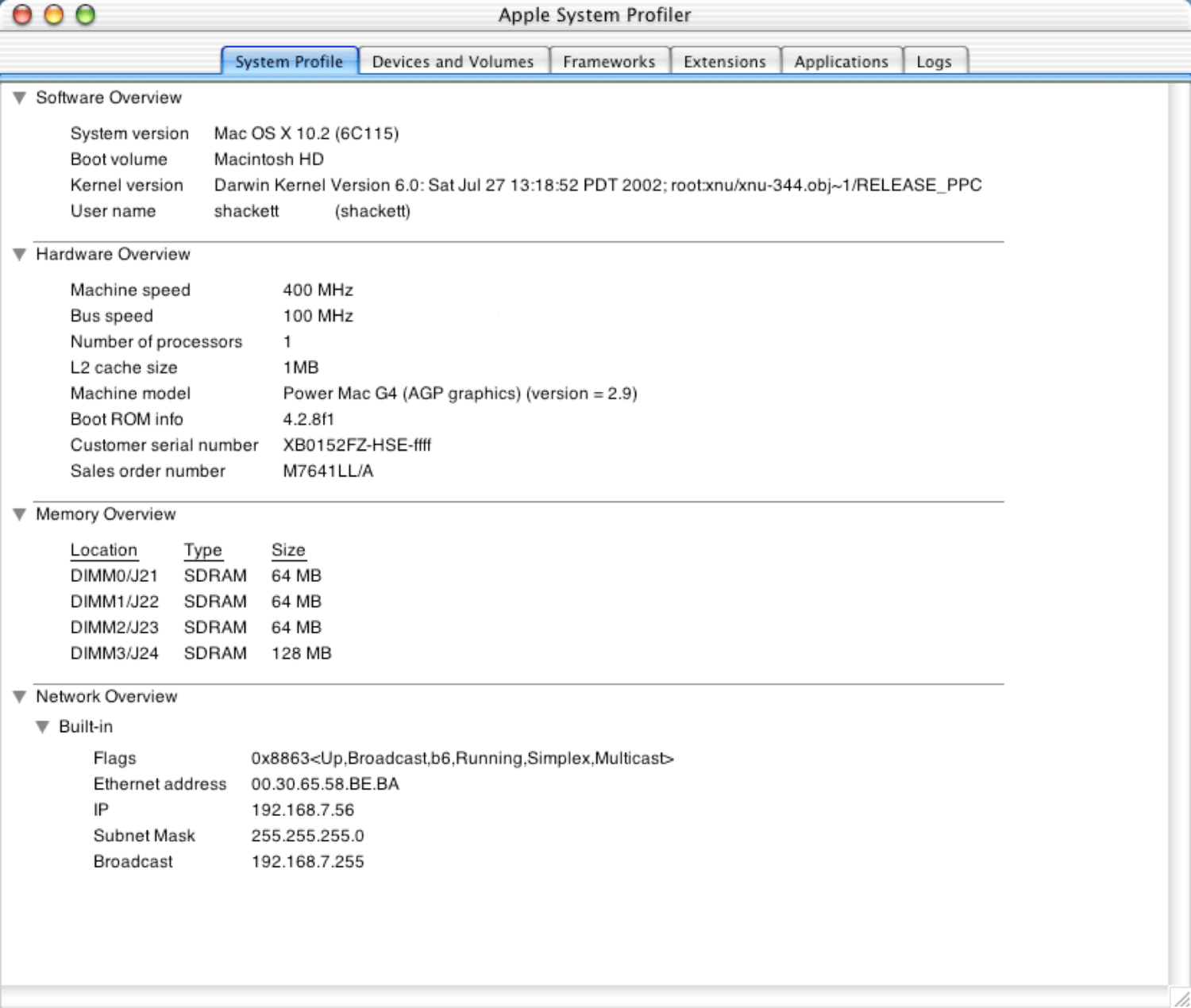
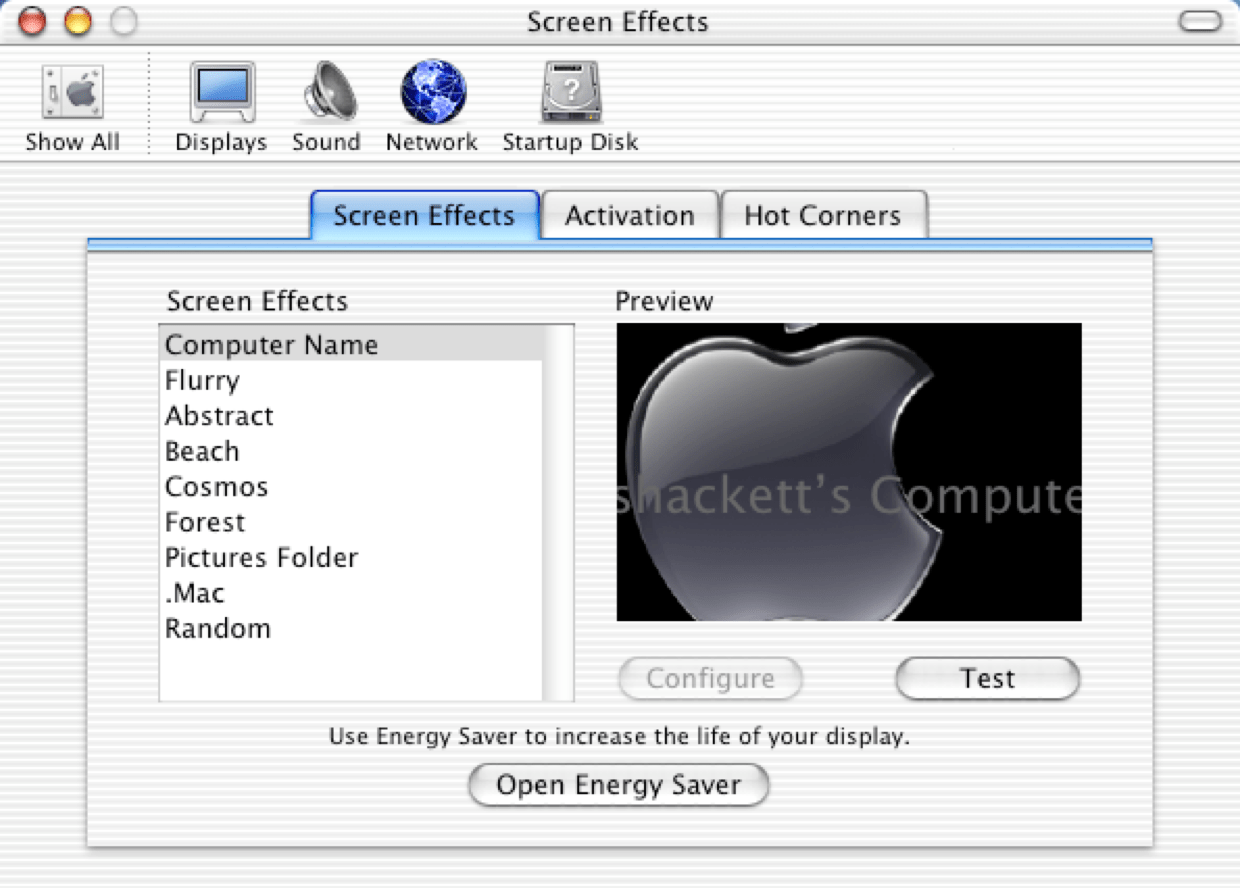
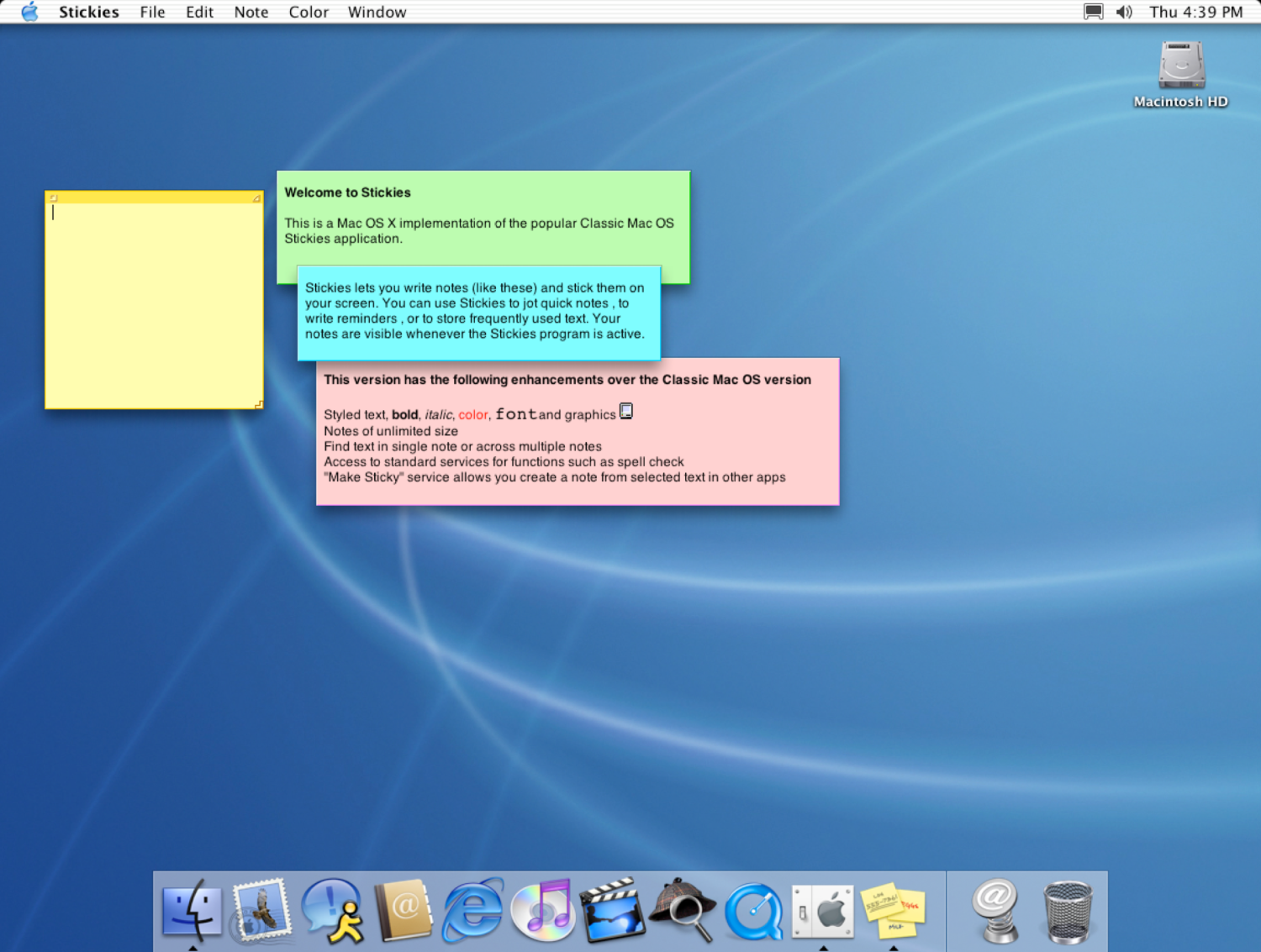
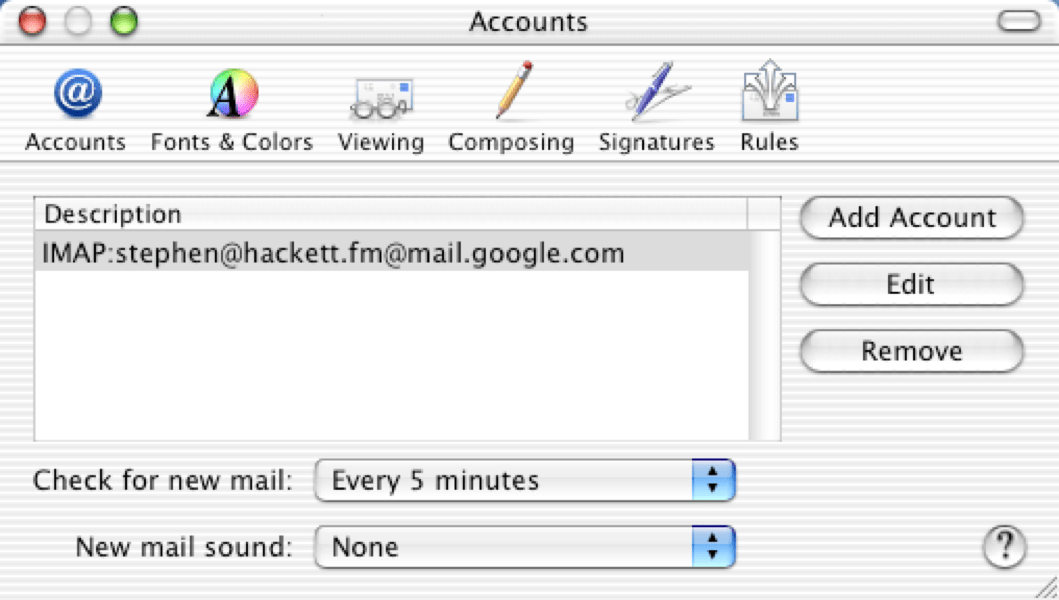
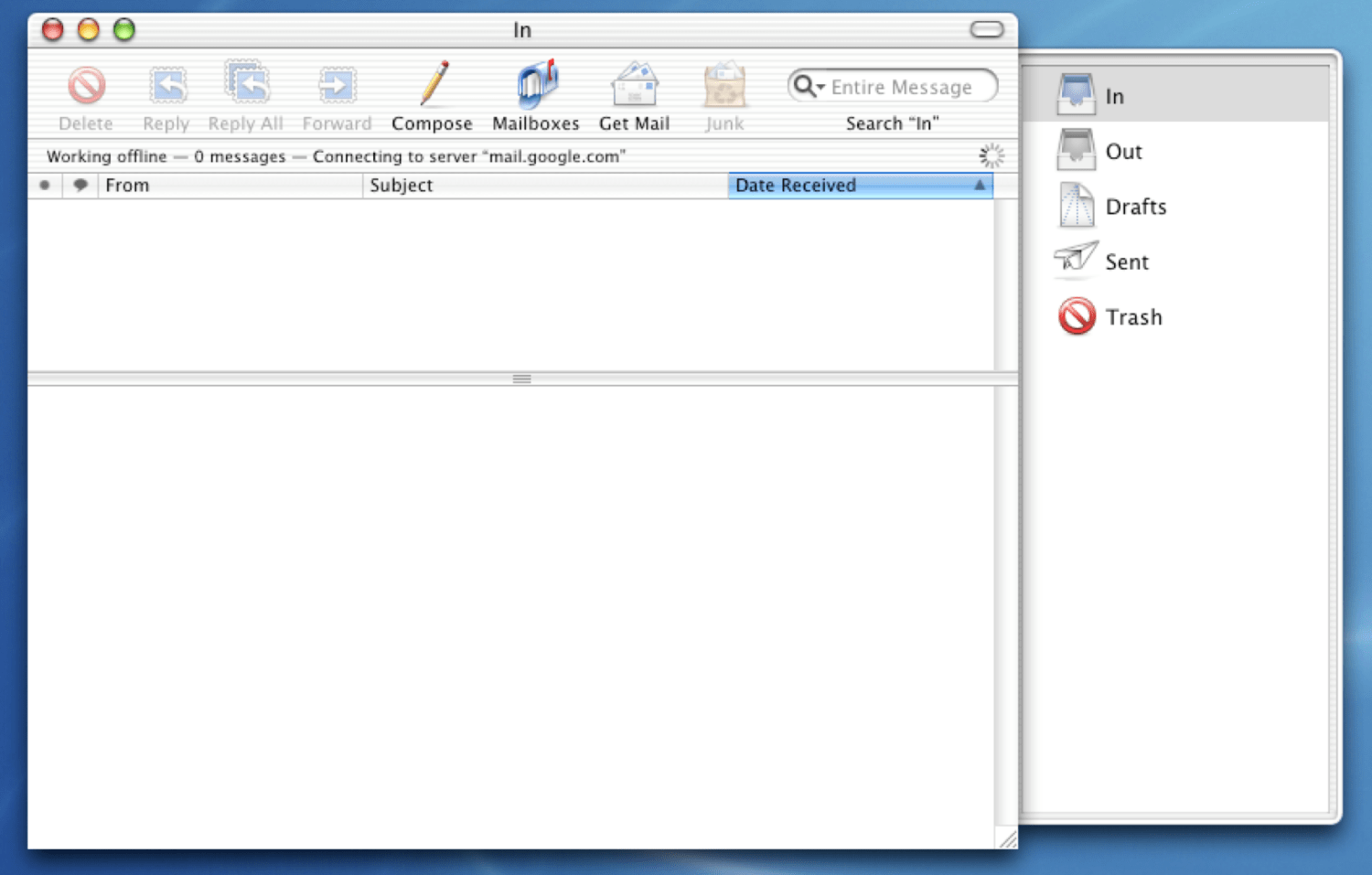
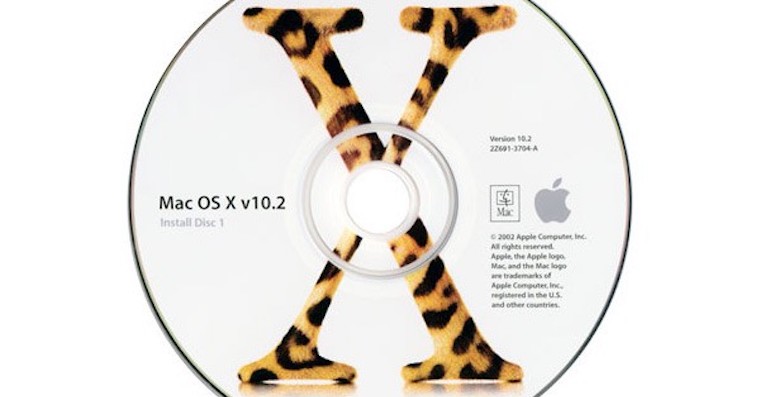
In September 2001 Apple announced at its conference that it would release Mac OS X 10.1, codenamed Puma. This update brought performance improvements across the entire system, easier burning of CDs and DVDs directly in the native environment Finderu, DVD playback support, extended printer support, and faster OpenGL. Apple This version of the operating system was updated five more times, the last version, 10.1.5, was released in June 2002. Puma was succeeded by Mac OS X 2002 Jaguar in August 10.2. It offered, for example, MPEG-4 support in the player. QuickTime, the Inkwell feature for handwriting recognition, or the Rendezvous feature (later Bonjour), which allowed devices on the same network to share files or printers. Mac OS X Jaguar was available to regular users for $129, but in October 2002 Apple started offering teachers in the UK the chance to request a free copy. After its release, Jaguar saw a total of eight versions, the last version marked 10.2.8 was released in October 2003.
Mac OS X 10.3 Panther and Mac OS X 10.4 Tiger
Gallery
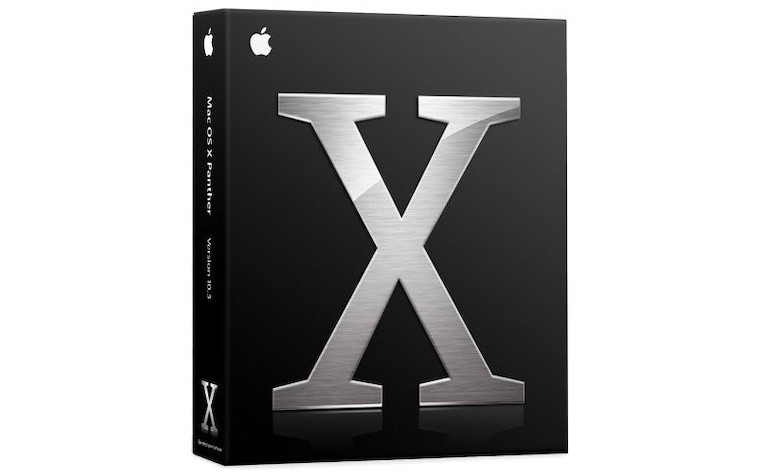
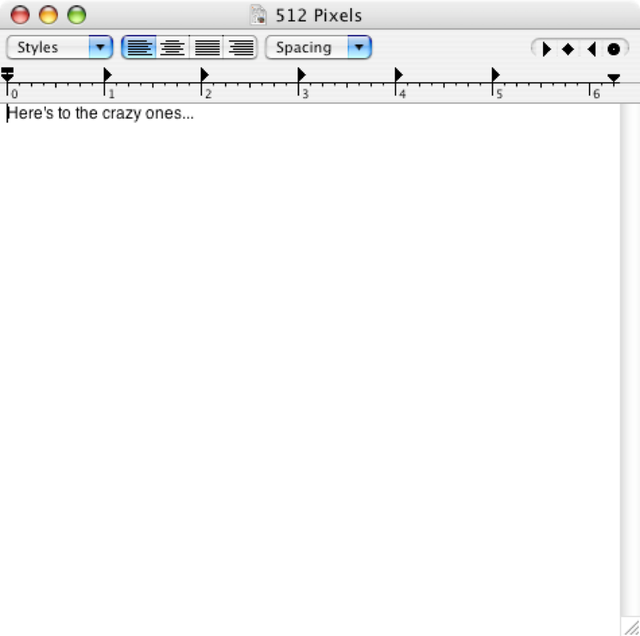
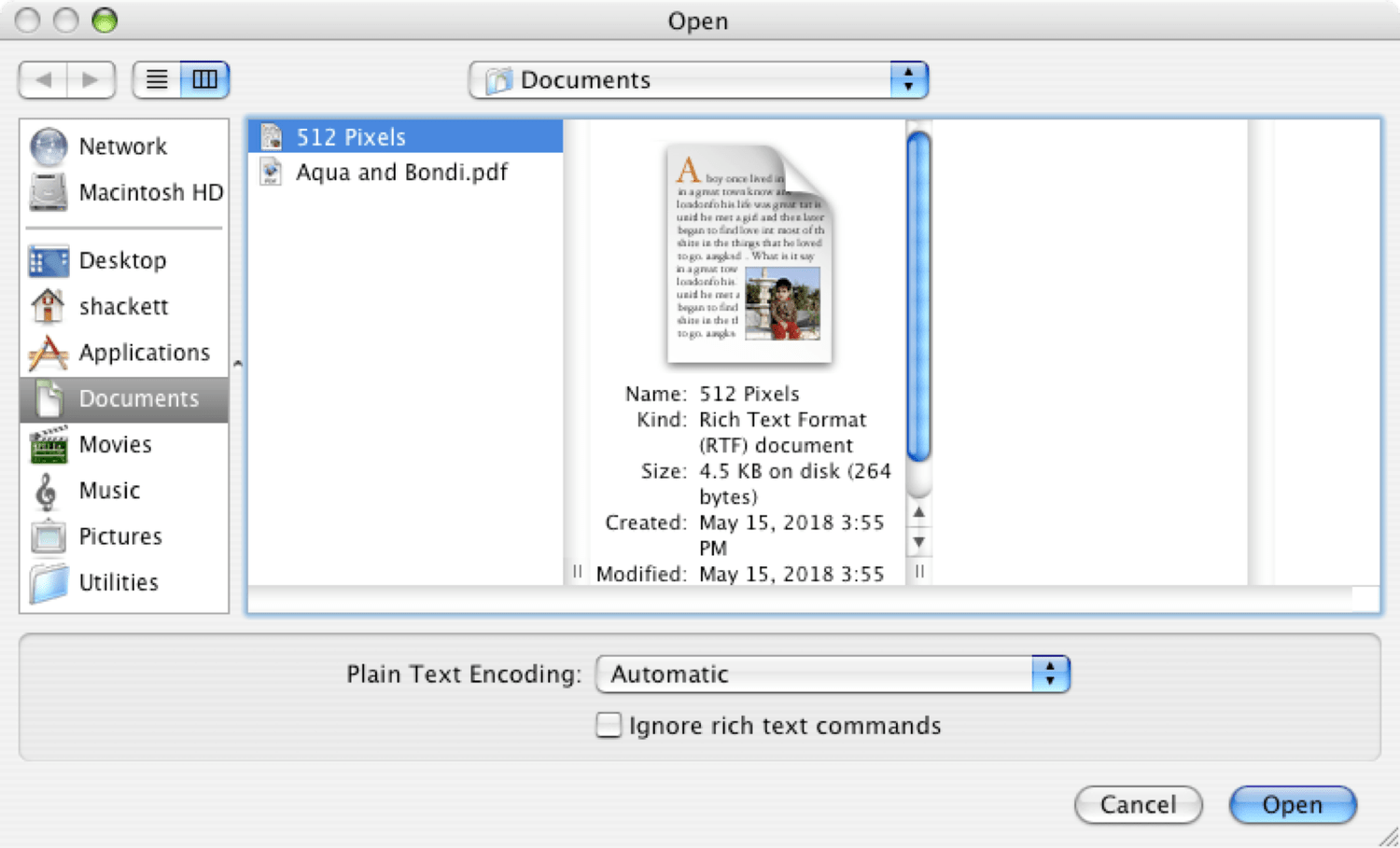
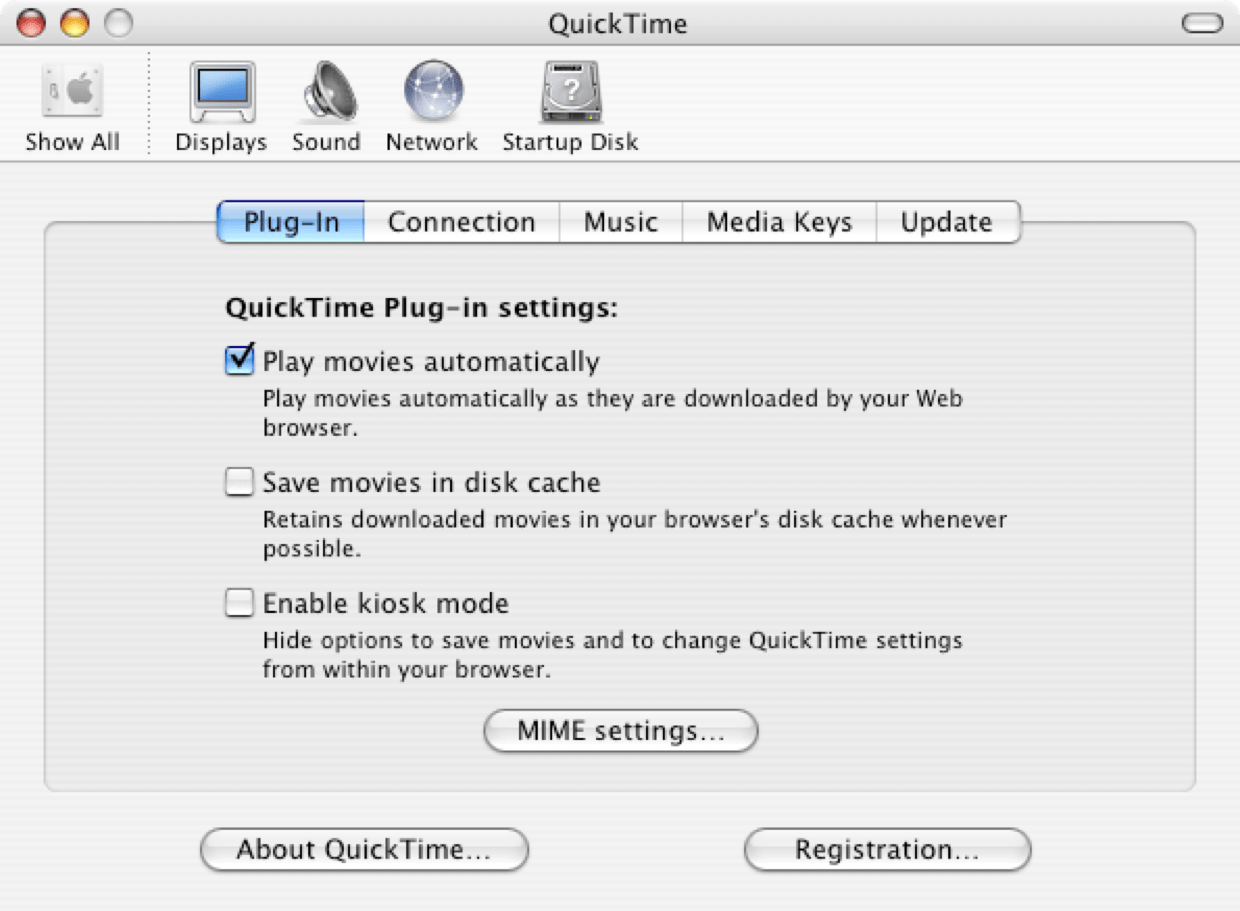
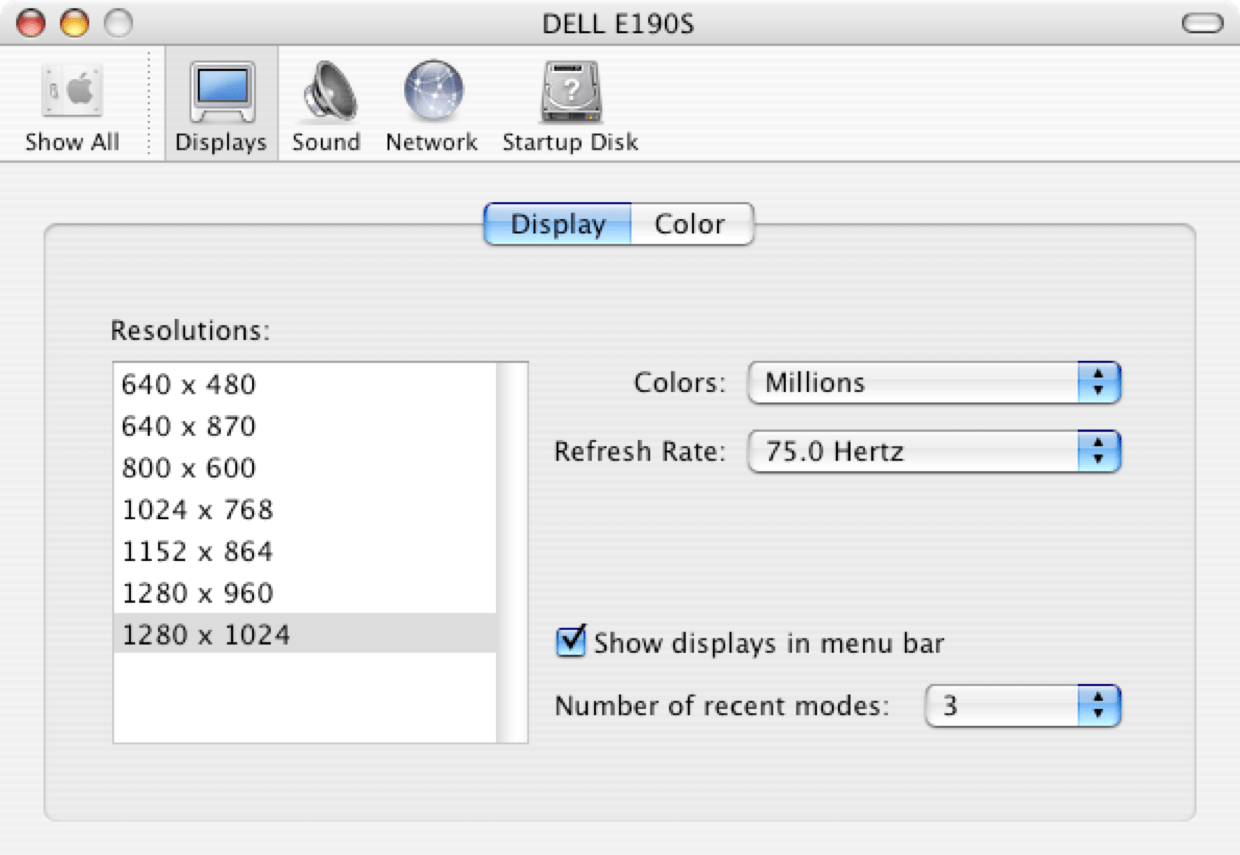
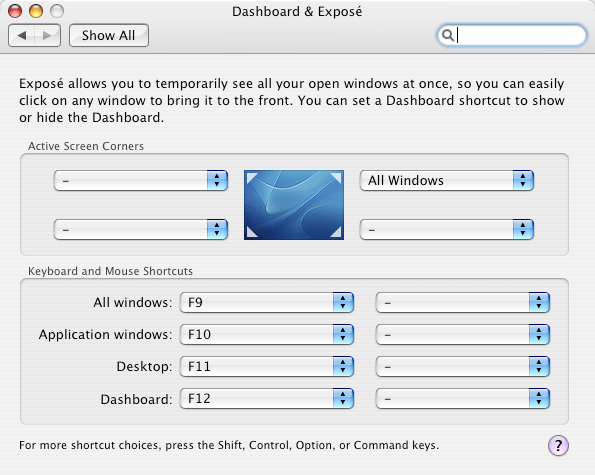
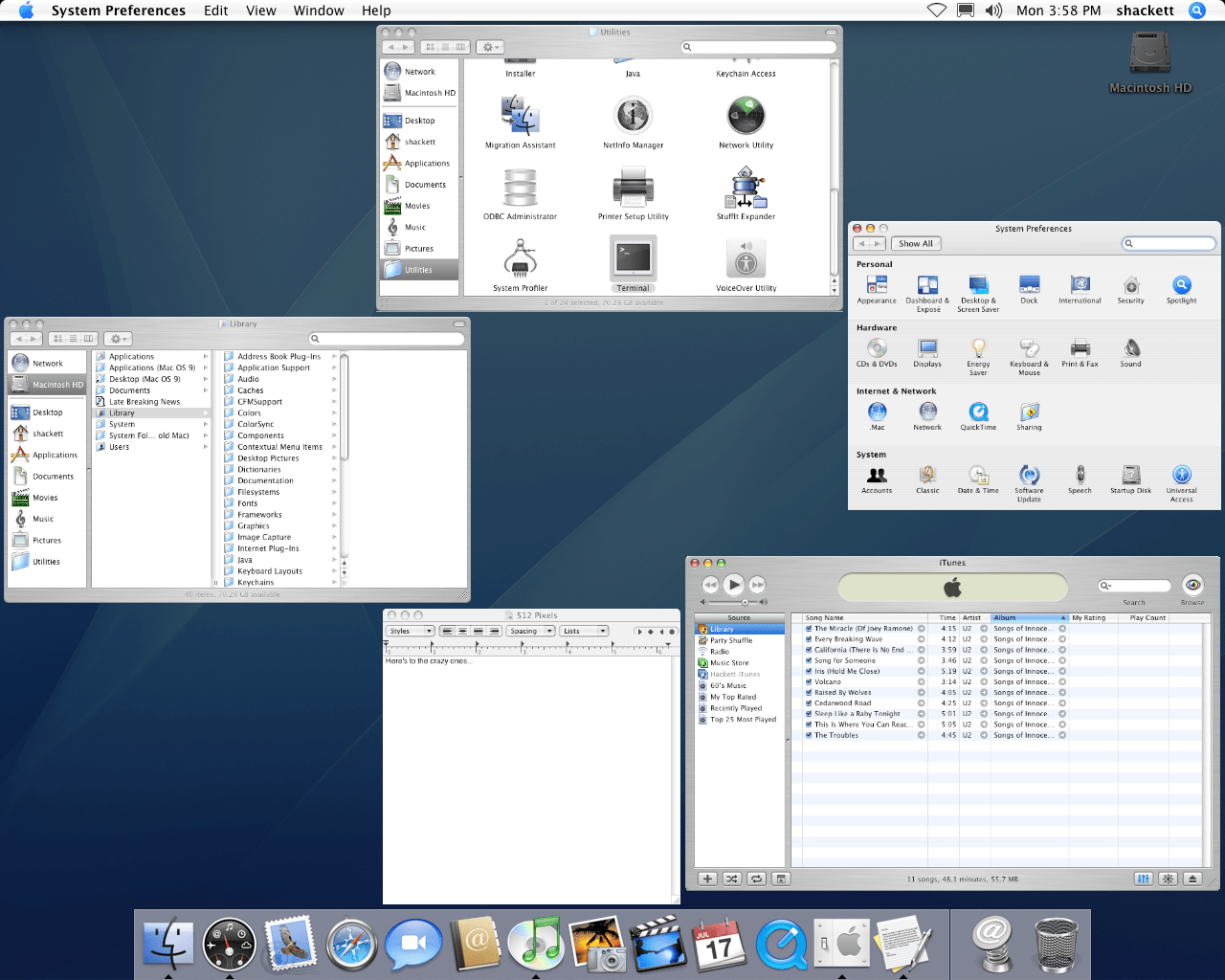
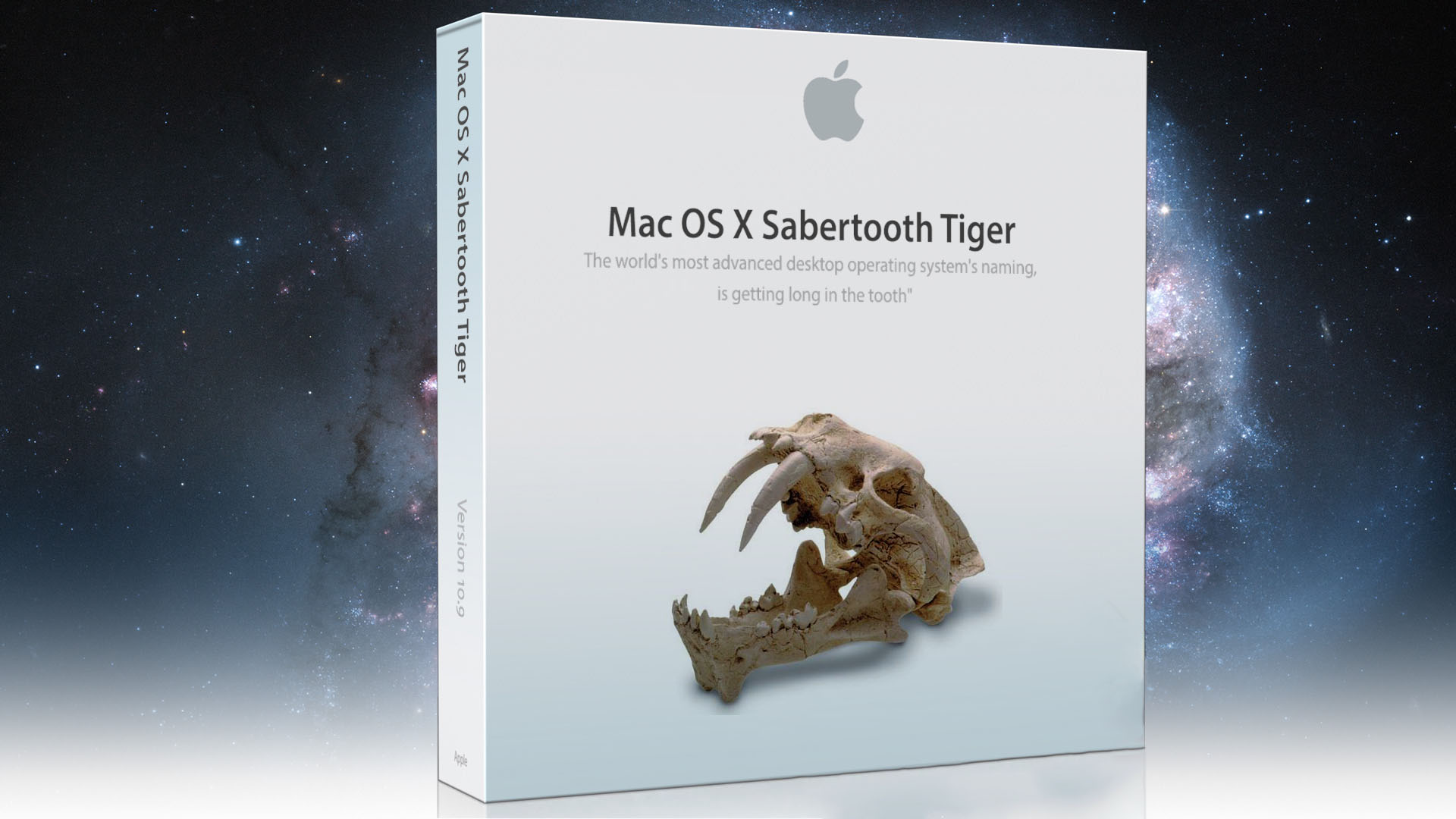
In October 2003, the Mac OS X Panther operating system was released. With its arrival, users received improved features Finderu, fast user switching feature, Exposé feature for displaying previews of open windows and TextEdit compatibility with MS Word. Working with PDF files has been accelerated within the native Preview, QuickTime offered support for the Pixlet video codec. Added Font Book applications, FileVault or maybe evenChat with support audio and video conference calls, and Internet Explorer was replaced by the apple web browser Safari. Mac OS X Panther has received a total of nine updates, the last of which was released in April 2005 and was named 10.3.9. Panther was succeeded by Mac OS X TIger in late April 2005. Tiger brought new features such as the Spotlight feature, a new version of the browser Safari, improved native Mail, and the Dashboard feature. Automator, VoiceOver, and an integrated dictionary have also been added. Apple updated Max OS X Tiger has been released eleven times in total, the last version, labeled 10.4.11, was released in mid-November 2007.
Mac OS X 10.5 Leopard and Mac OS X 10.6 Snow Leopard
Gallery
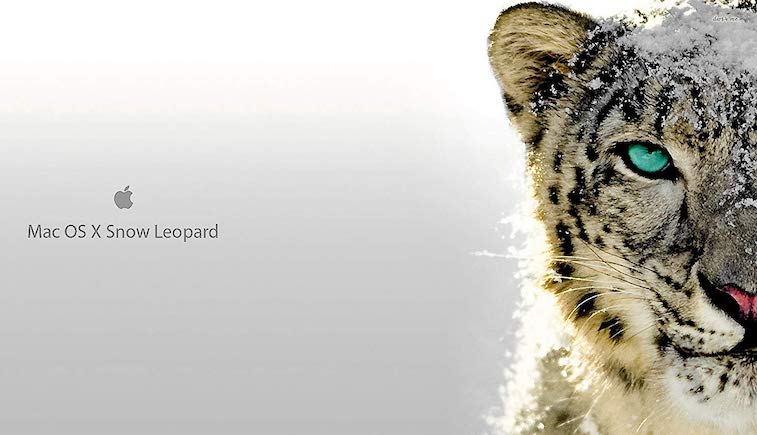
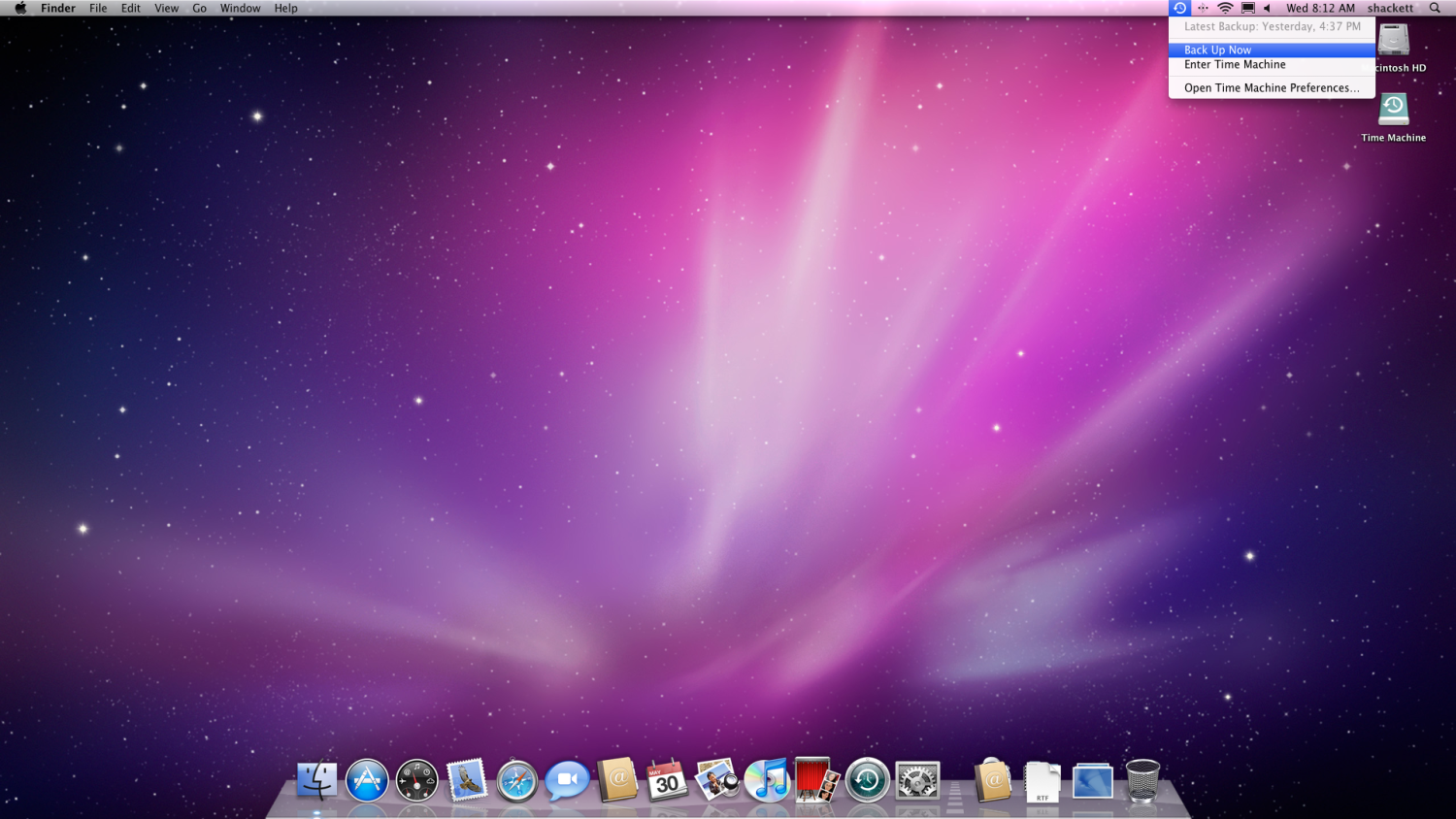

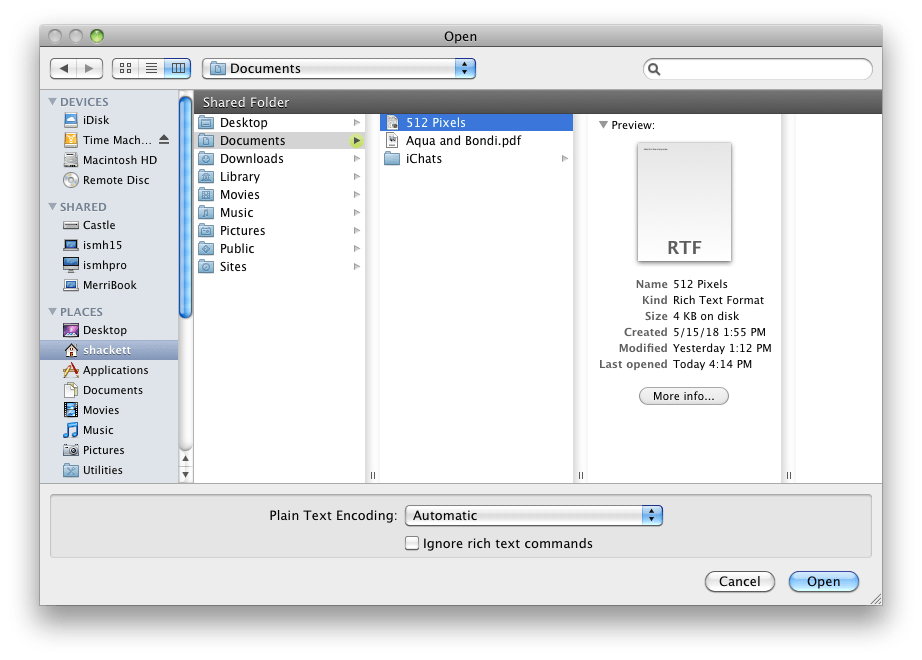
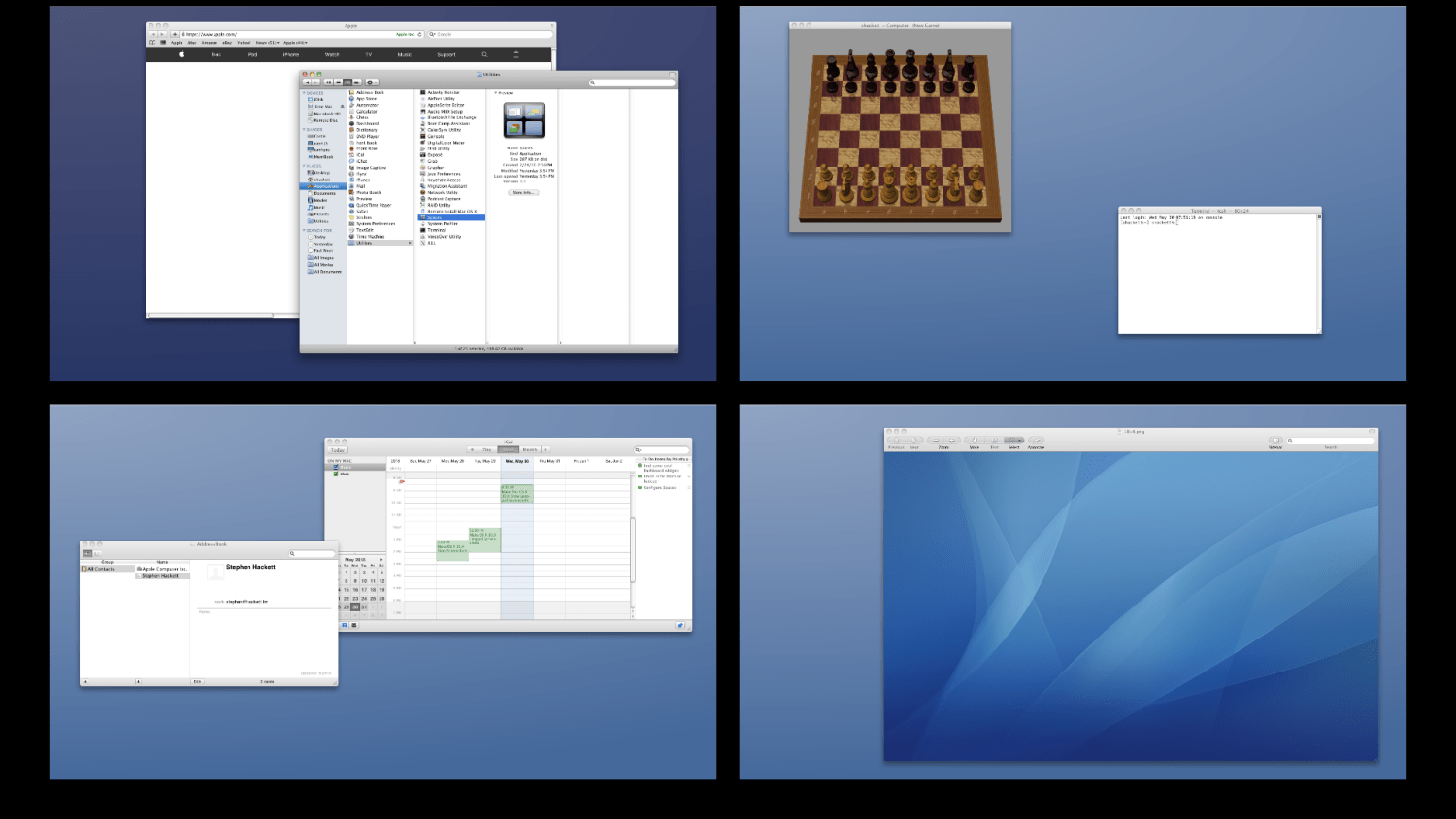
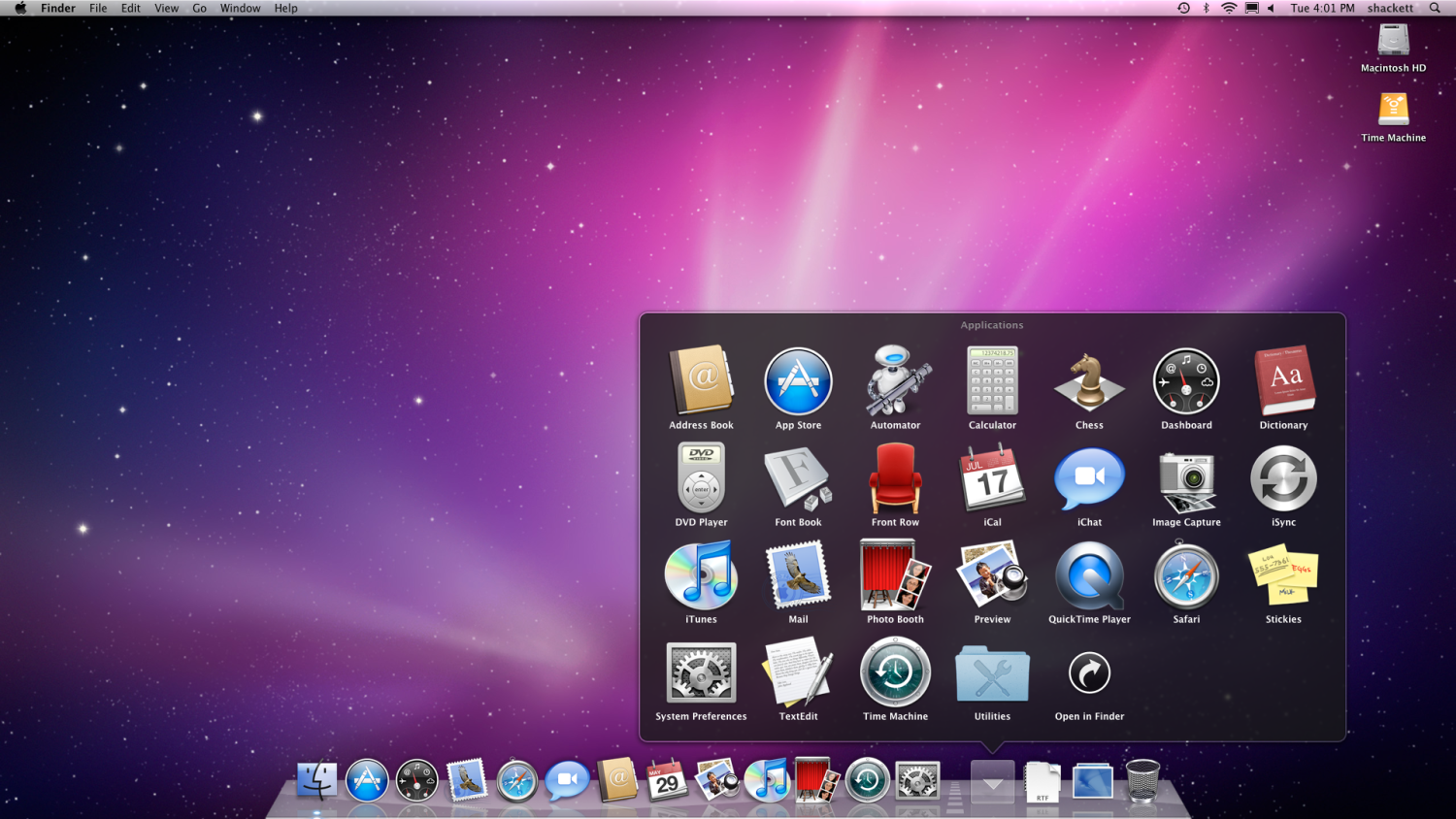
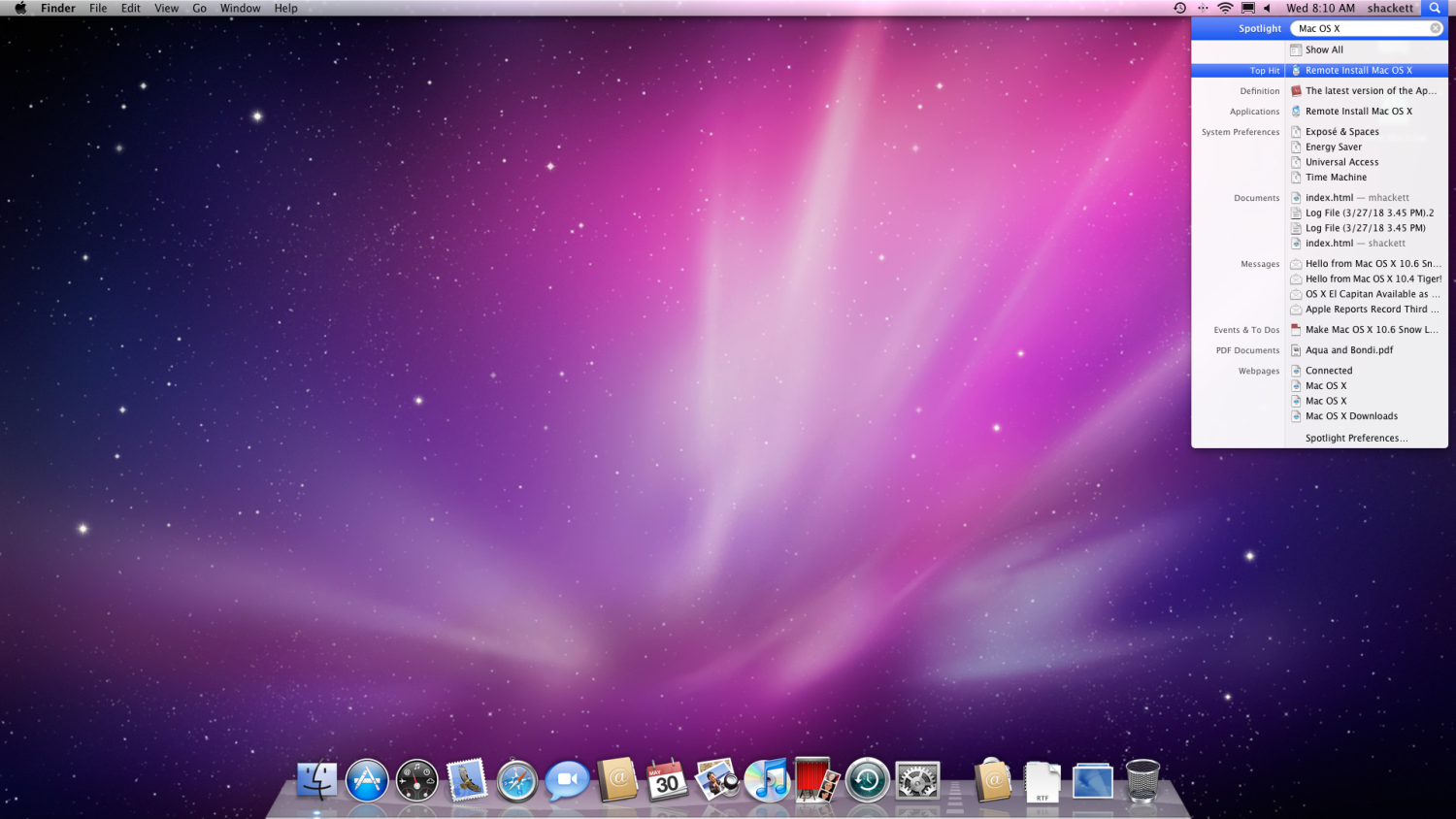
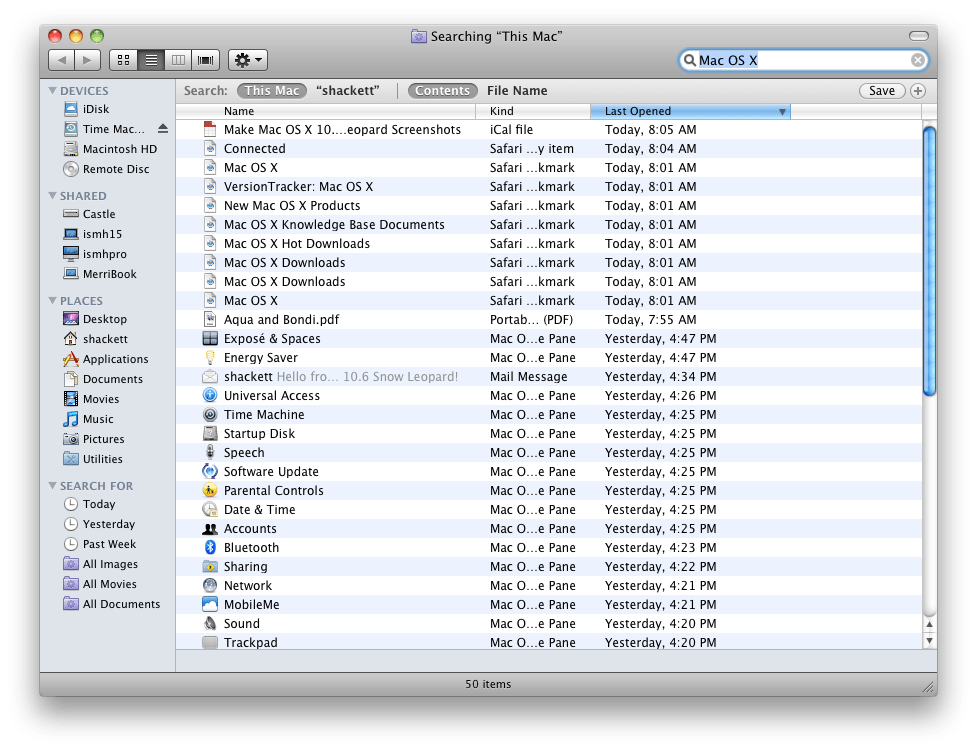
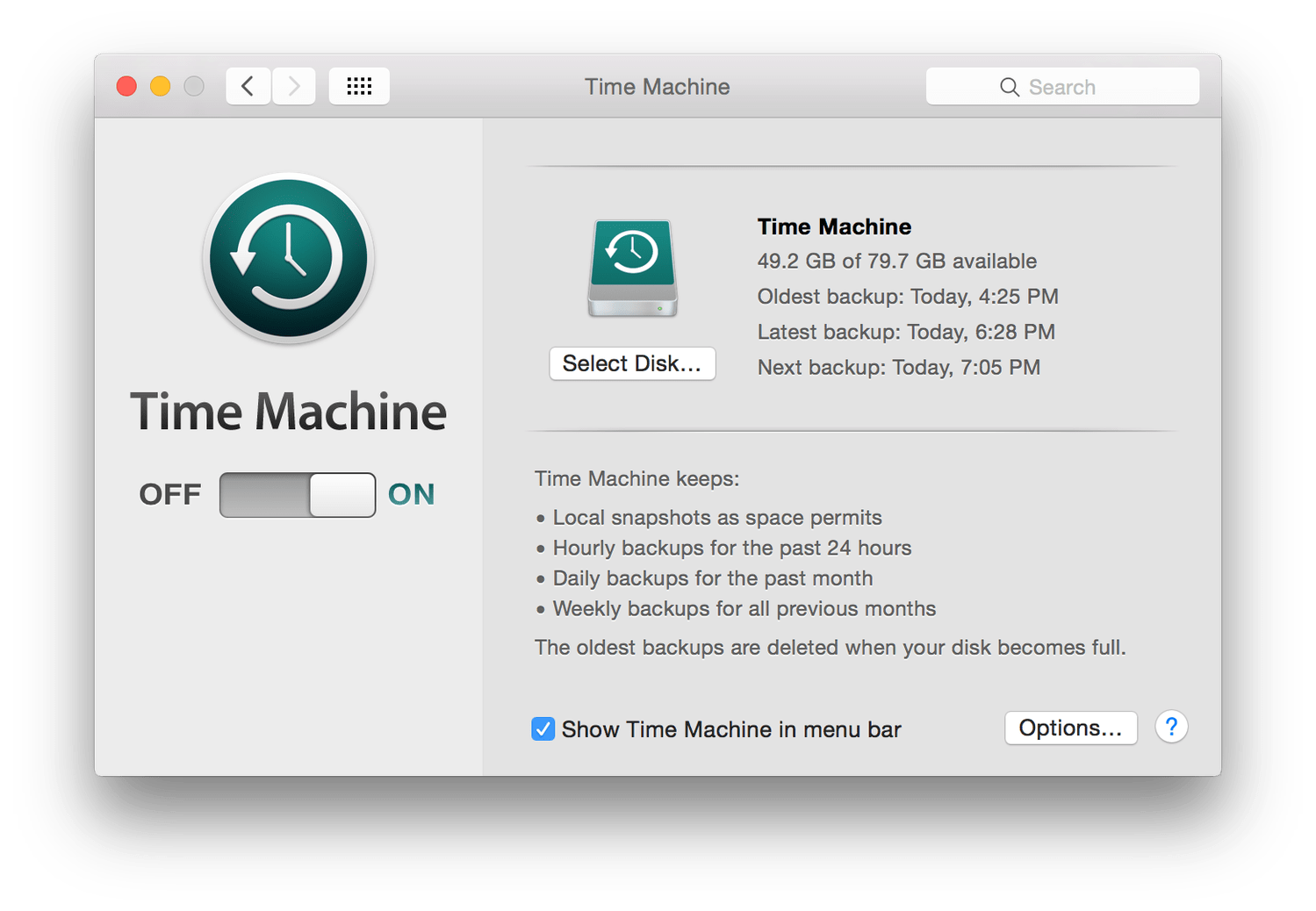
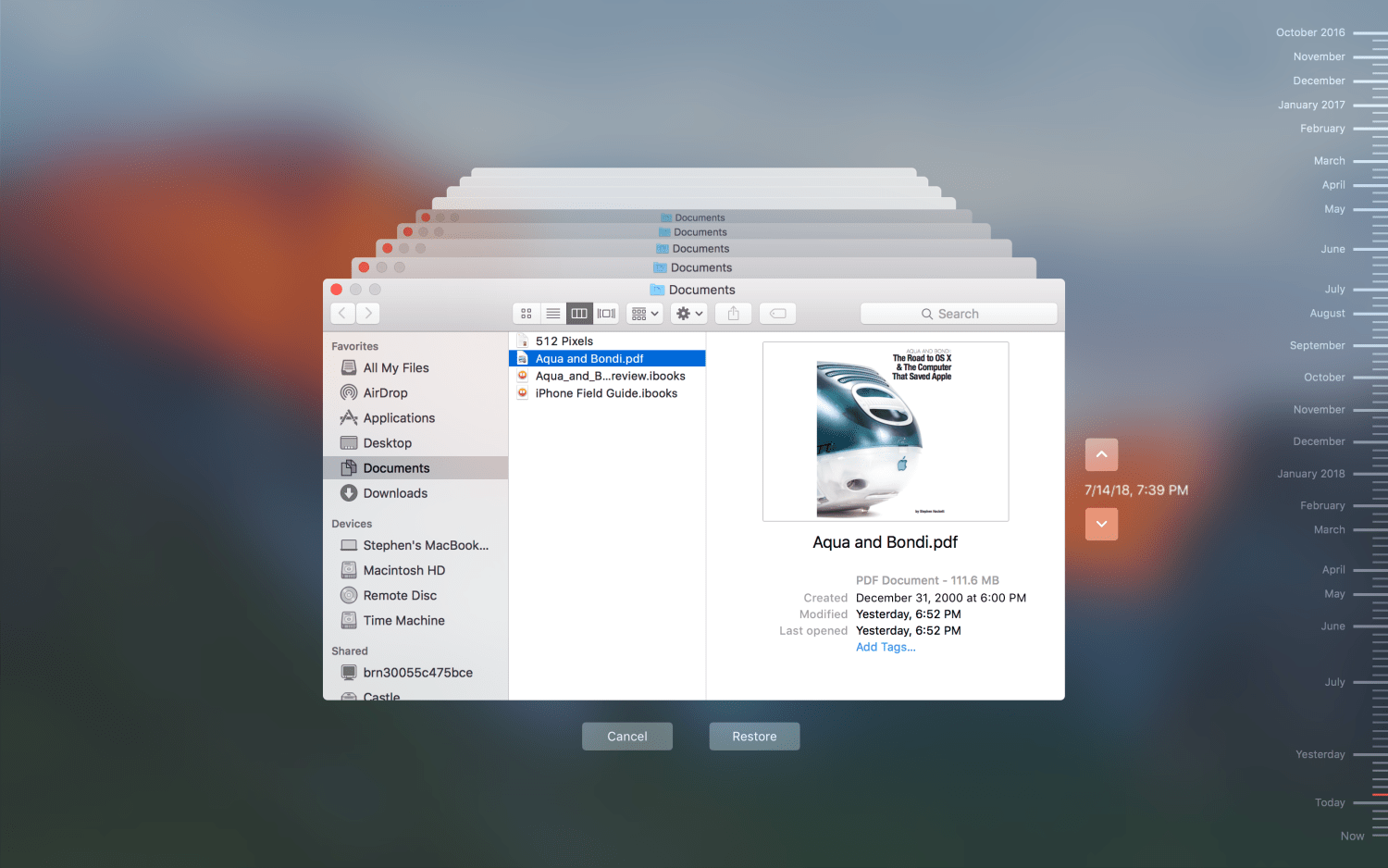
In October 2007 Apple released the Mac OS X 10.5 Leopard operating system. It improved the Automator application, introduced the Back to My Mac pro remote file access, and also introduced the Boot Camp feature, allowing booting from WindowsThe integrated dictionary has received Wikipedia support, the iCal application has been added, and the option of automatic backup via Time Machine. Apple updated its Mac OS X Leopard until October 2009, when it released the last version, labeled 10.5.8. The successor to “Leopard” was Mac OS X 2009 Snow Leopard in August 10.6. With its arrival, users were able tooneMac App Storu, in addition to this new feature, Snow Leopard brought application improvements Finder, Chat and others, offered MS Exchange support in native Mail, a new version of the player QuickTime and improvements to a number of other applications and features. Apple also ended support with the arrival of Mac OS X Snow Leopard Apple Talk. The last version of this operating system was named 10.6.8 and saw the light of day in the second half of July 2011.
Mac OS X 10.7 Lion and Mac OS X 10.8 Mountain Lion
Gallery

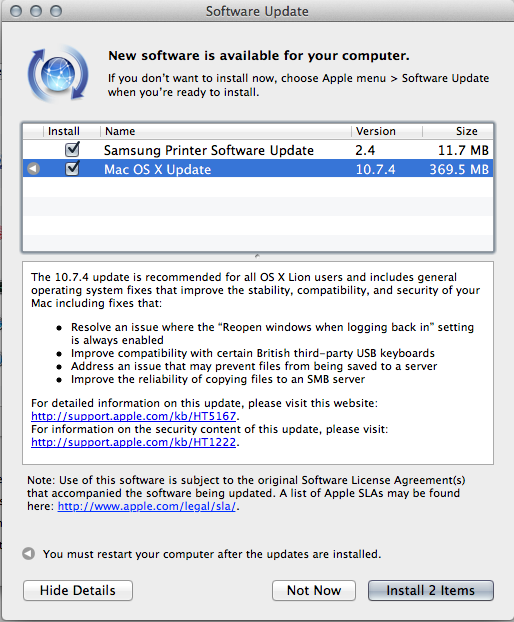
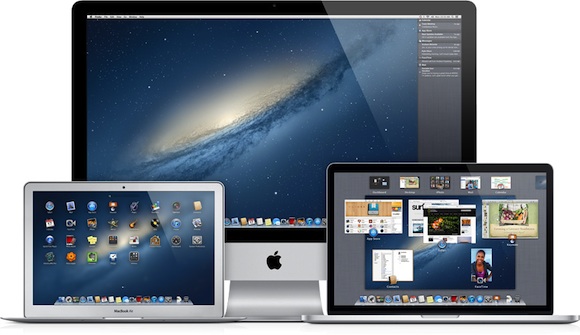
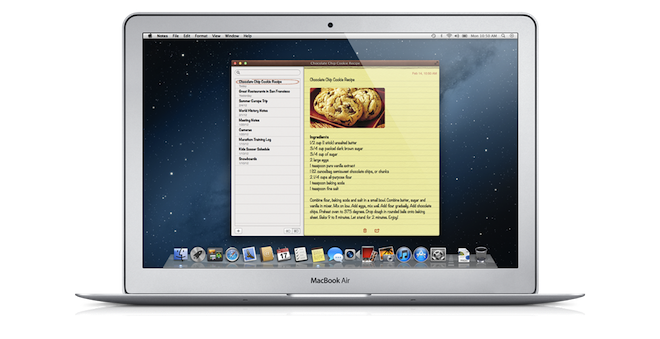
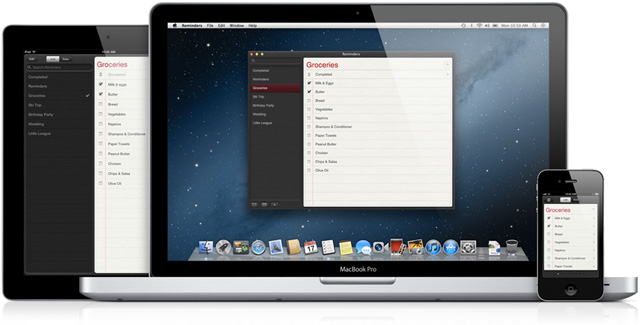

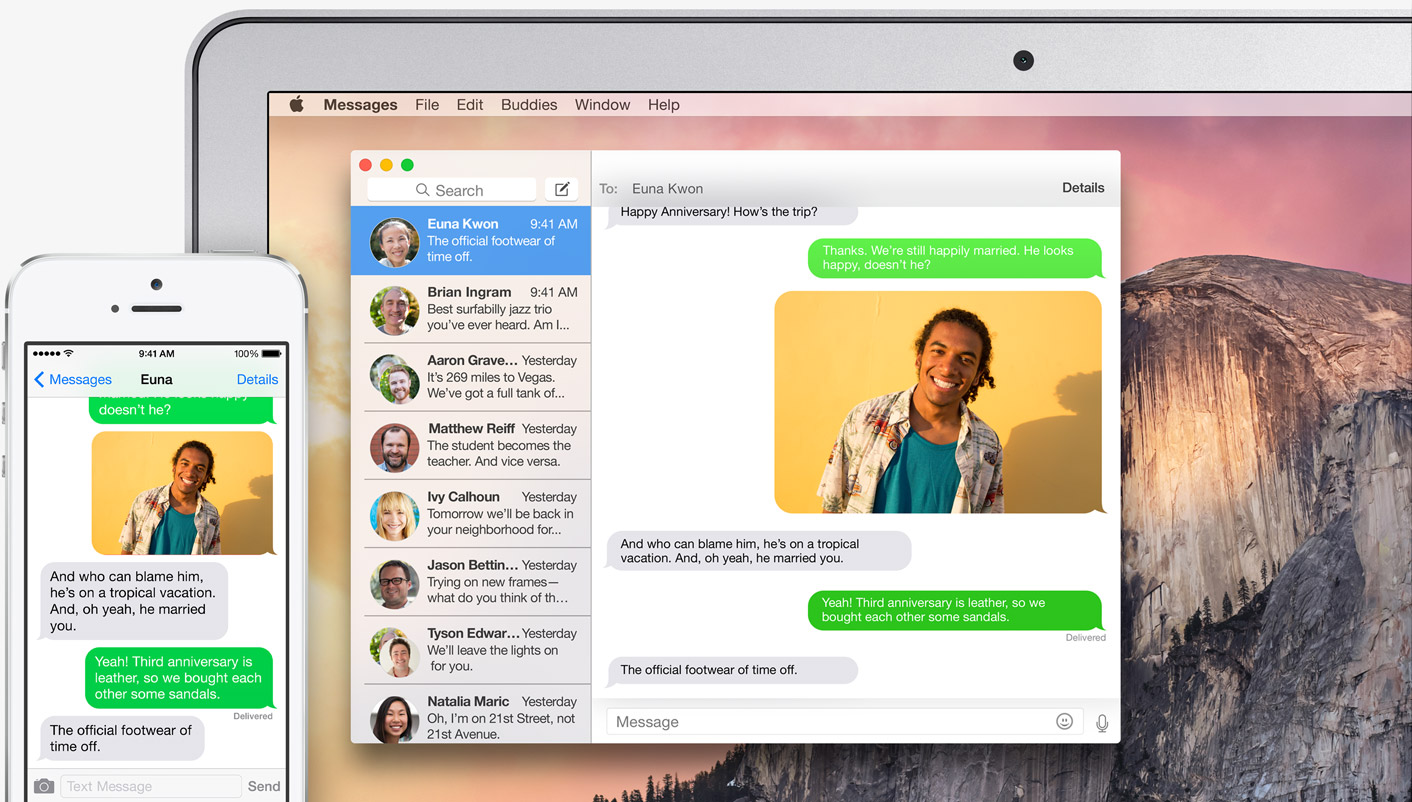
In July 2011 Apple released the Mac OS X 10.7 Lion operating system, which was distributed via Mac App Store. Along with this update, there were some changes to the user interface, a function was added AirDrop along with push notifications, and Apple also introduced the automatic continuous saving feature. Users also received Emoji support, improvements Finderu, the ability to run applications including Terminal in full-screen view, and among other things, Czech has also been added. Mac OS X 10.7 Lion has received a total of five updates, the last one, labeled 10.7.5, was released in October 2012. In the first half of August 2015 Apple came with the OS X 10.8 Mountain Lion operating system. Users saw the arrival of Notification Center, a new native Notes application, known from the operating system, was added iOS, along with native Messages, Calendar, and Reminders. Other new features included mirroring via AirPlay, the possibility of automatic updates or perhaps improvements Docku. The MobileMe platform has been replaced byCloudMac OS X 10.8 Mountain Lion has received a total of five updates, the last of which was released in August 2015 and was named 10.8.5.
OS X 10.9 Mavericks and OS X 10.10 Yosemite
Gallery
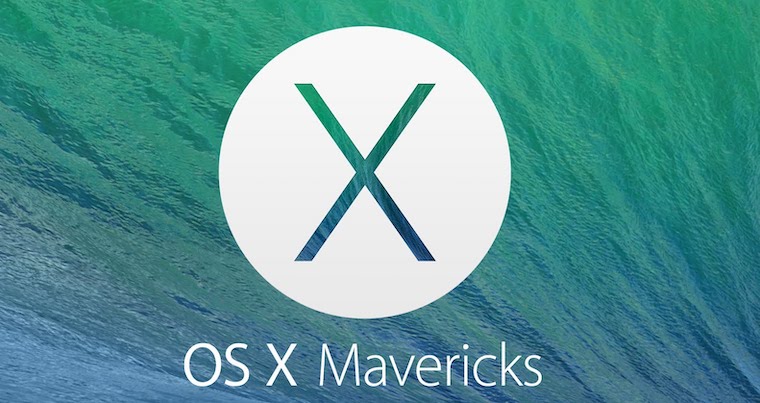
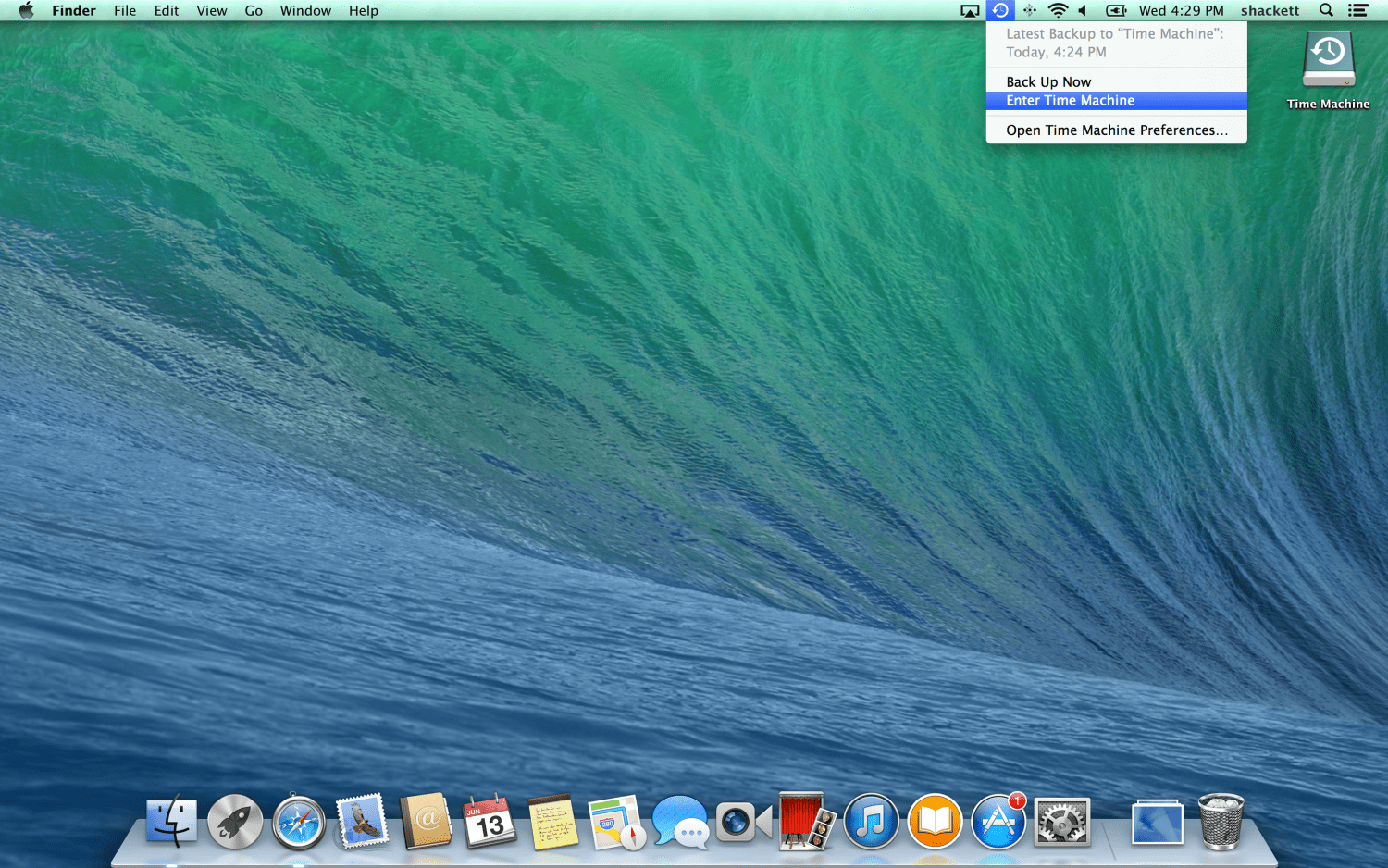


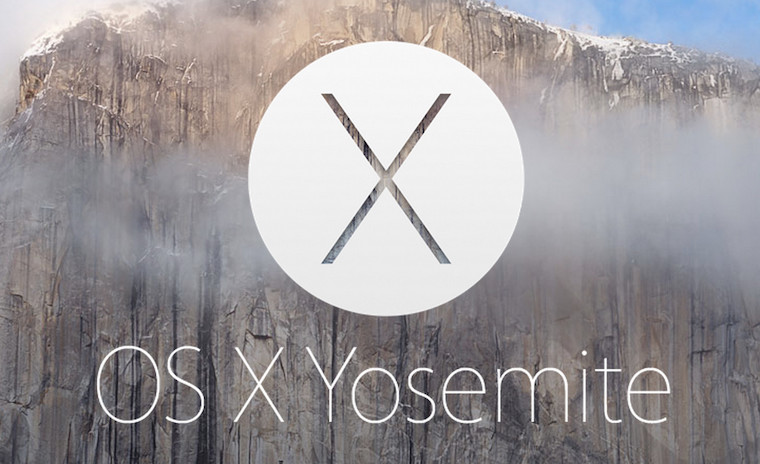
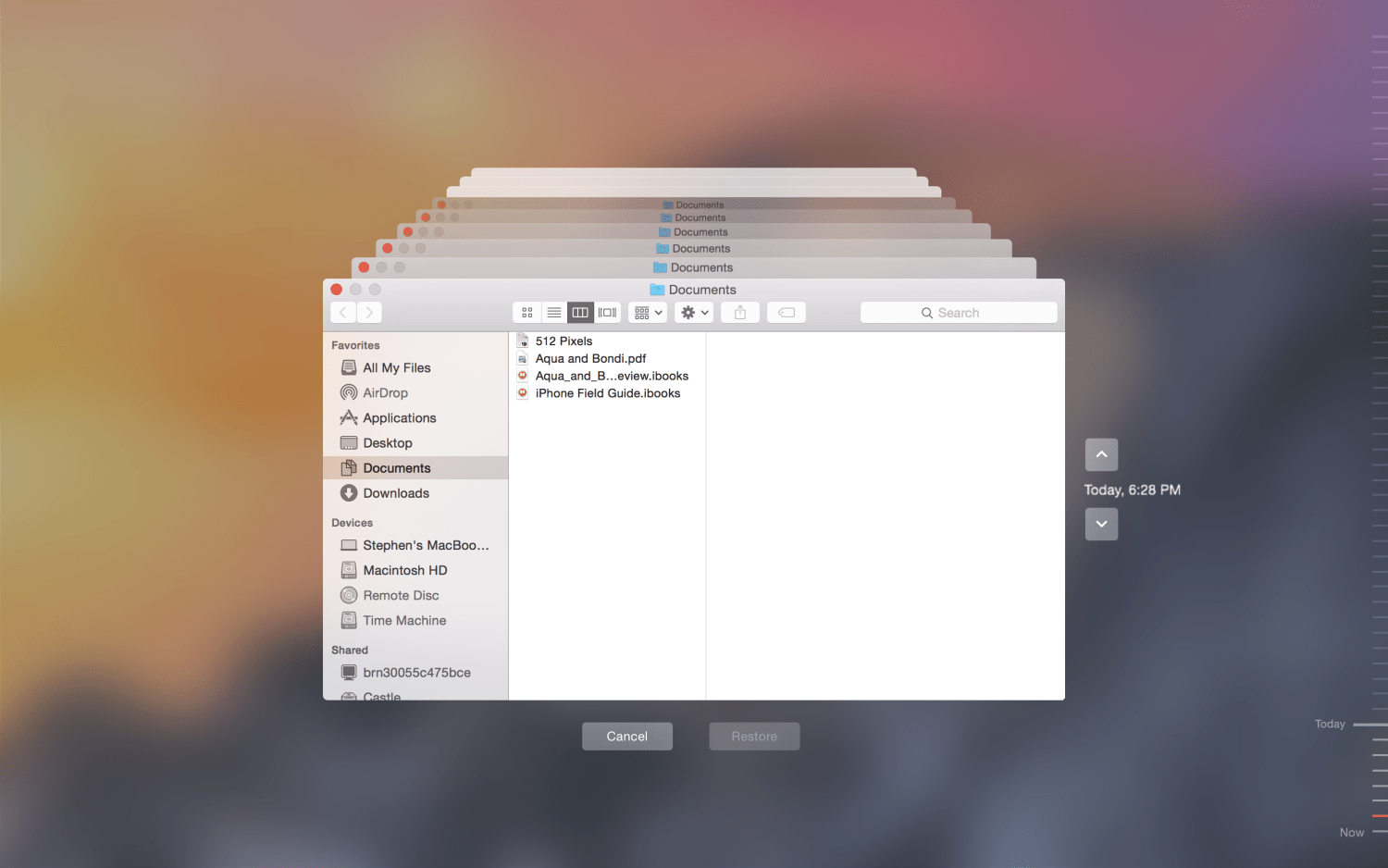
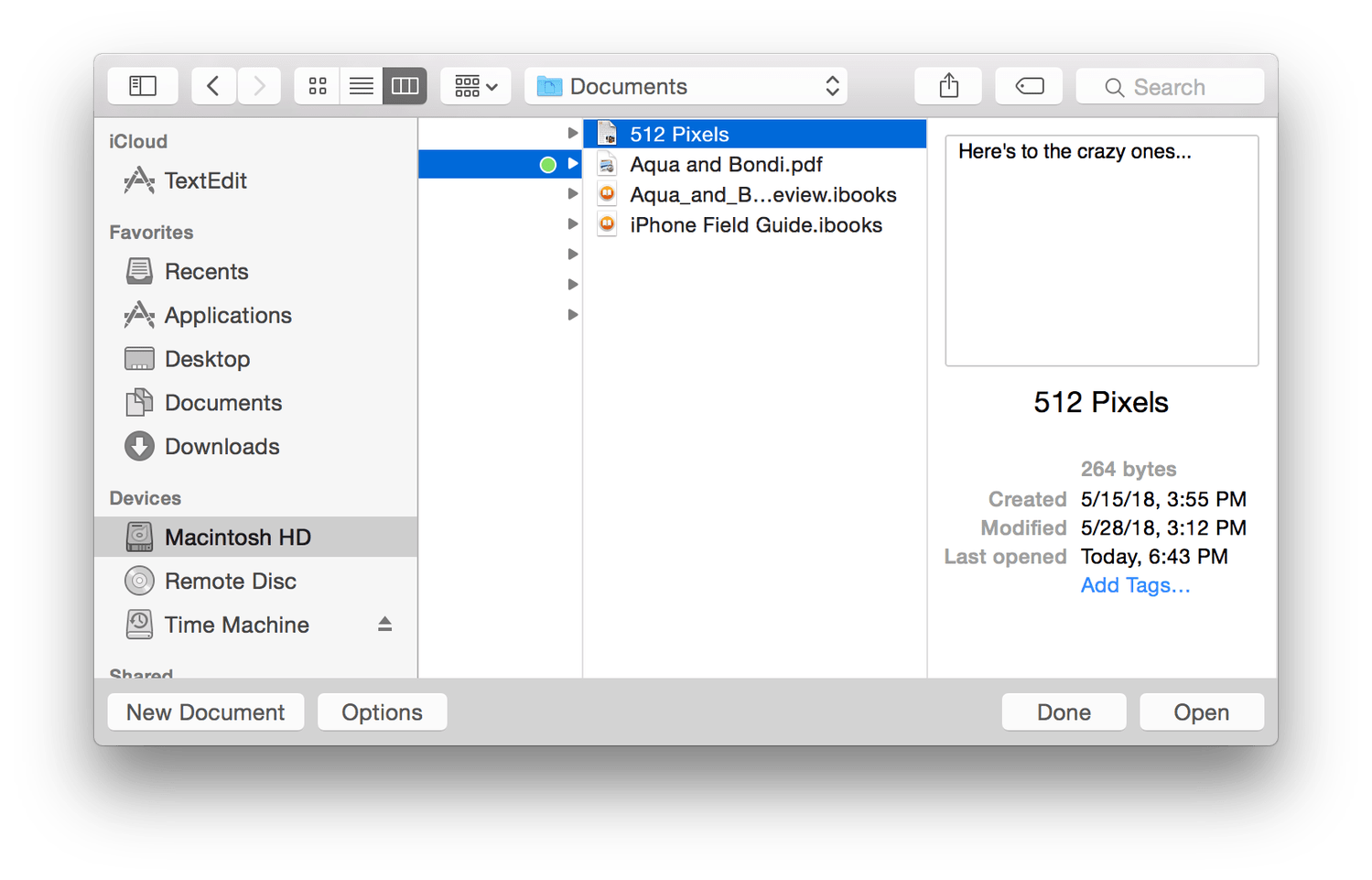
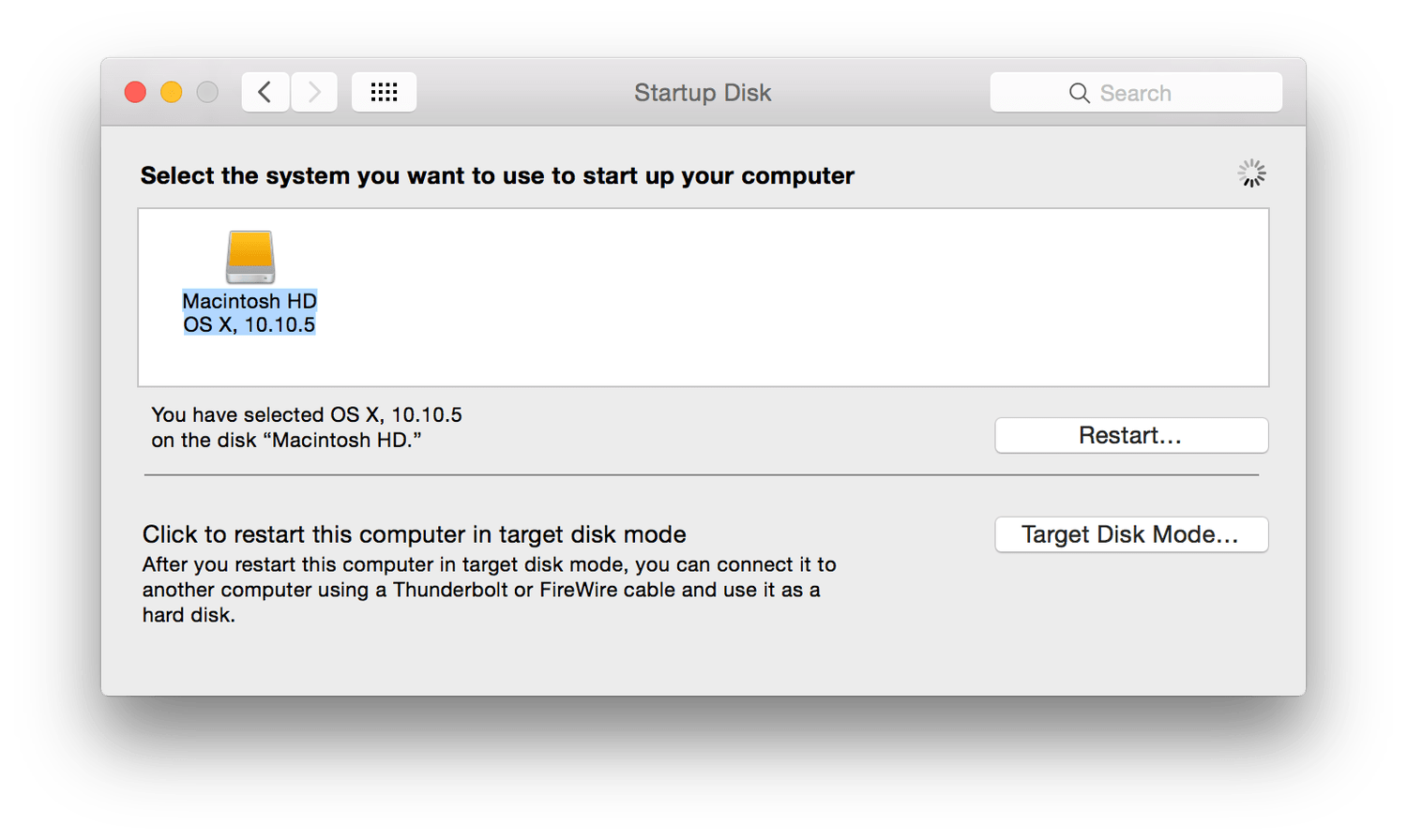
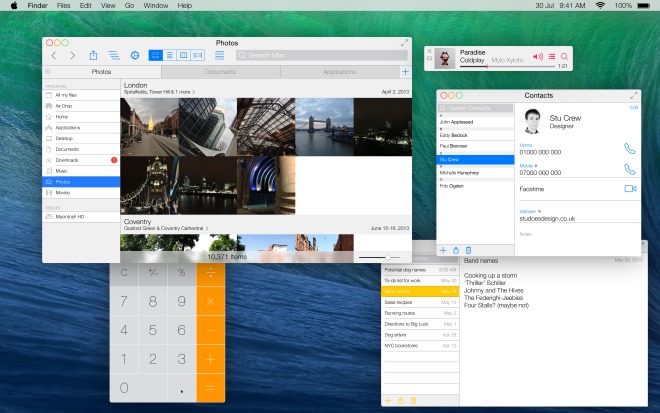
With the arrival of OS X 10.9 Mavericks, Apple goodbye to big cat naming, and started taking inspiration from California in its names. Mac OS X Mavericks was released in October 2013. It added a feature App Nap, which allowed all applications that were not visible at the time to be put to sleep. Apple here he also removed some skeuomorphic elements, such as the leather texture in the Calendar app or the notebook look in native Contacts. Users also gained the ability to reply to messages directly from the Notification Center environment. OS X Mavericks was last updated in July 2016 when Apple released a version labeled 10.9.5. The successor to Mac OS X Mavericks was Mac OS X 2014 Yosemite in October 10.10. Along with it came a significant redesign of the user interface, including theonek fonts. With the help of the Continuity feature, collaboration between Apple devices, the Notification Center received a new section called "Today", and iPhoto and Aperture were replaced by native Photos. The last update of this operating system was called 10.10.5 and was released in July 2017.
OS X 10.11 El Capitan and OS X 10.12 Sierra
Gallery
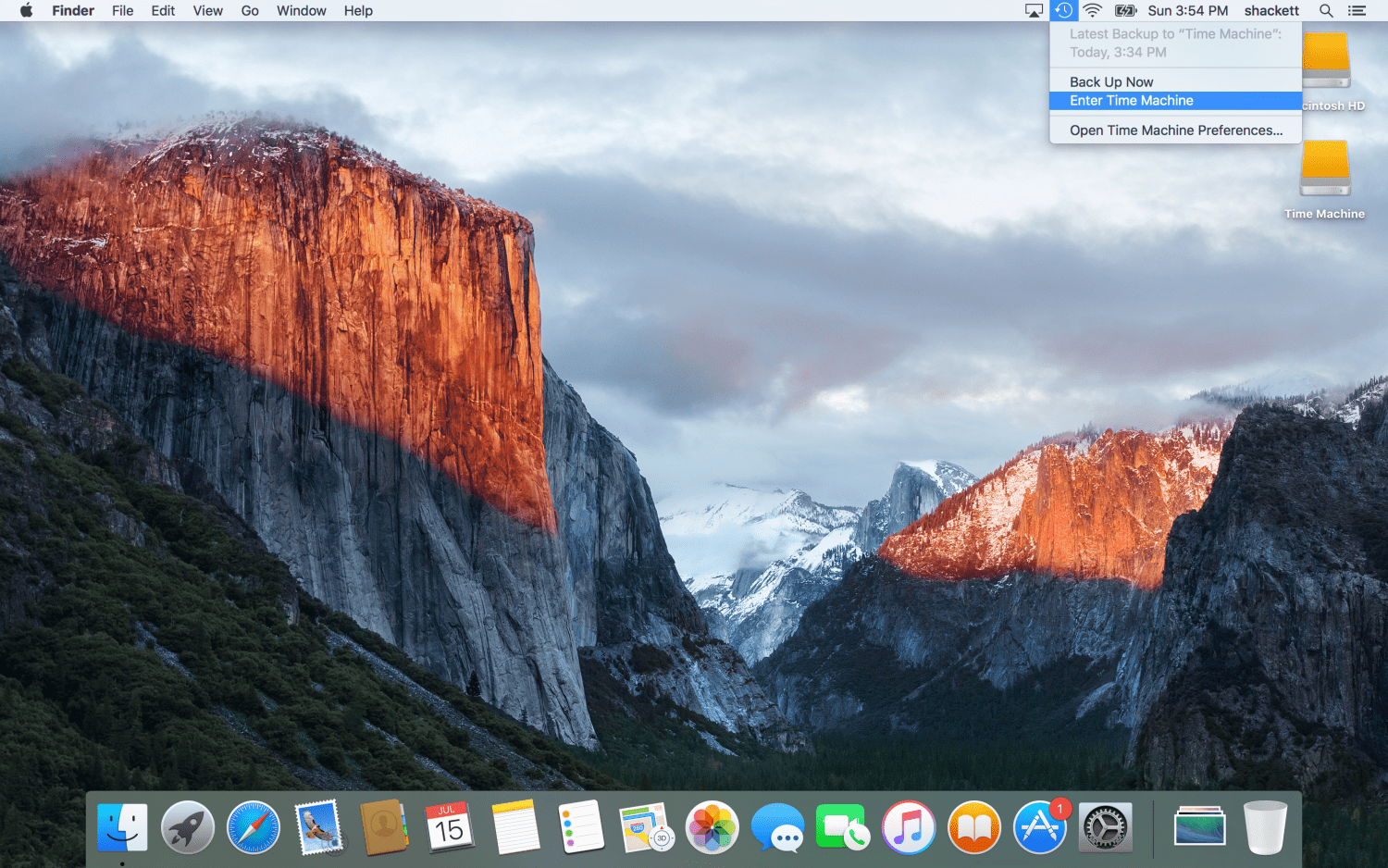
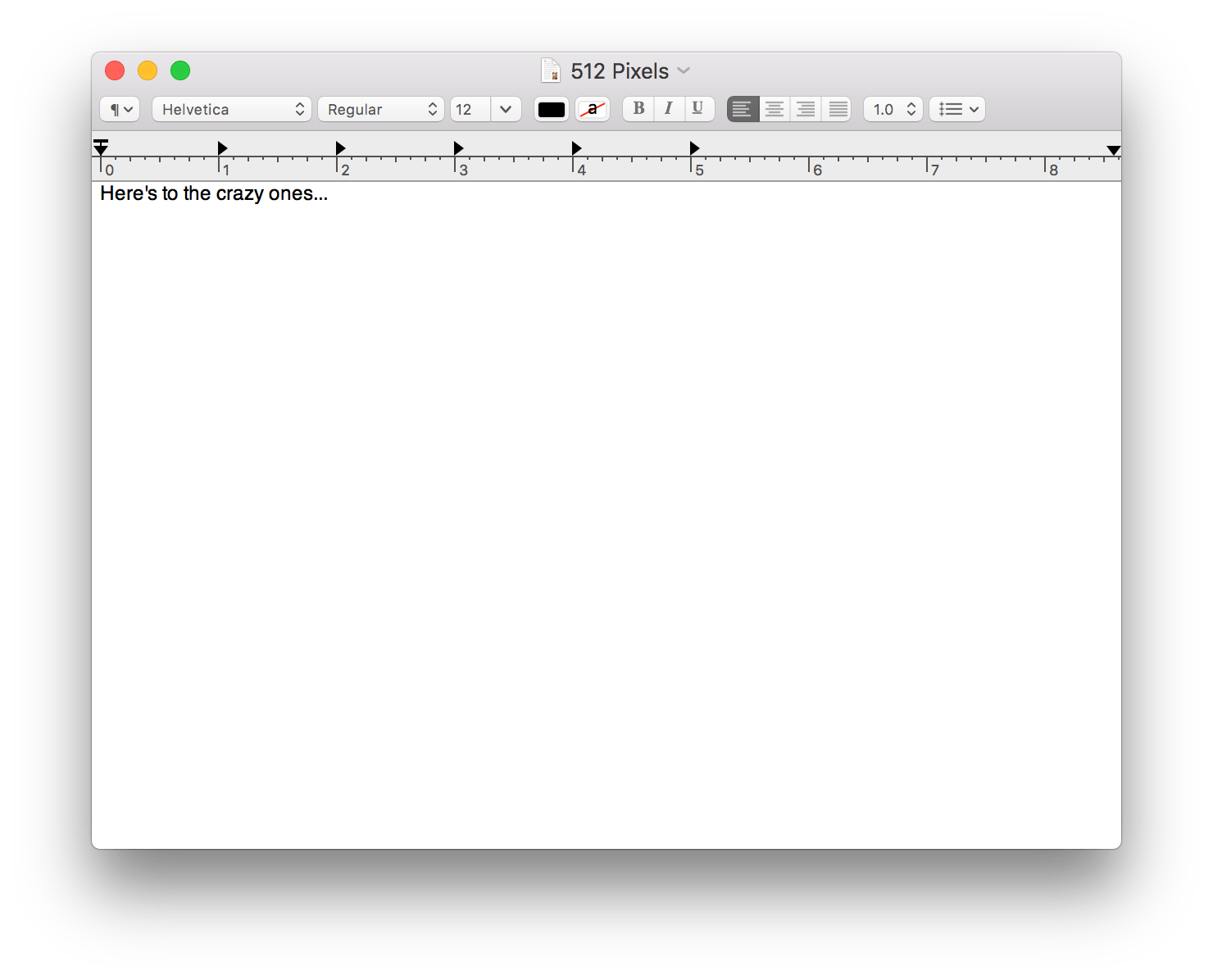
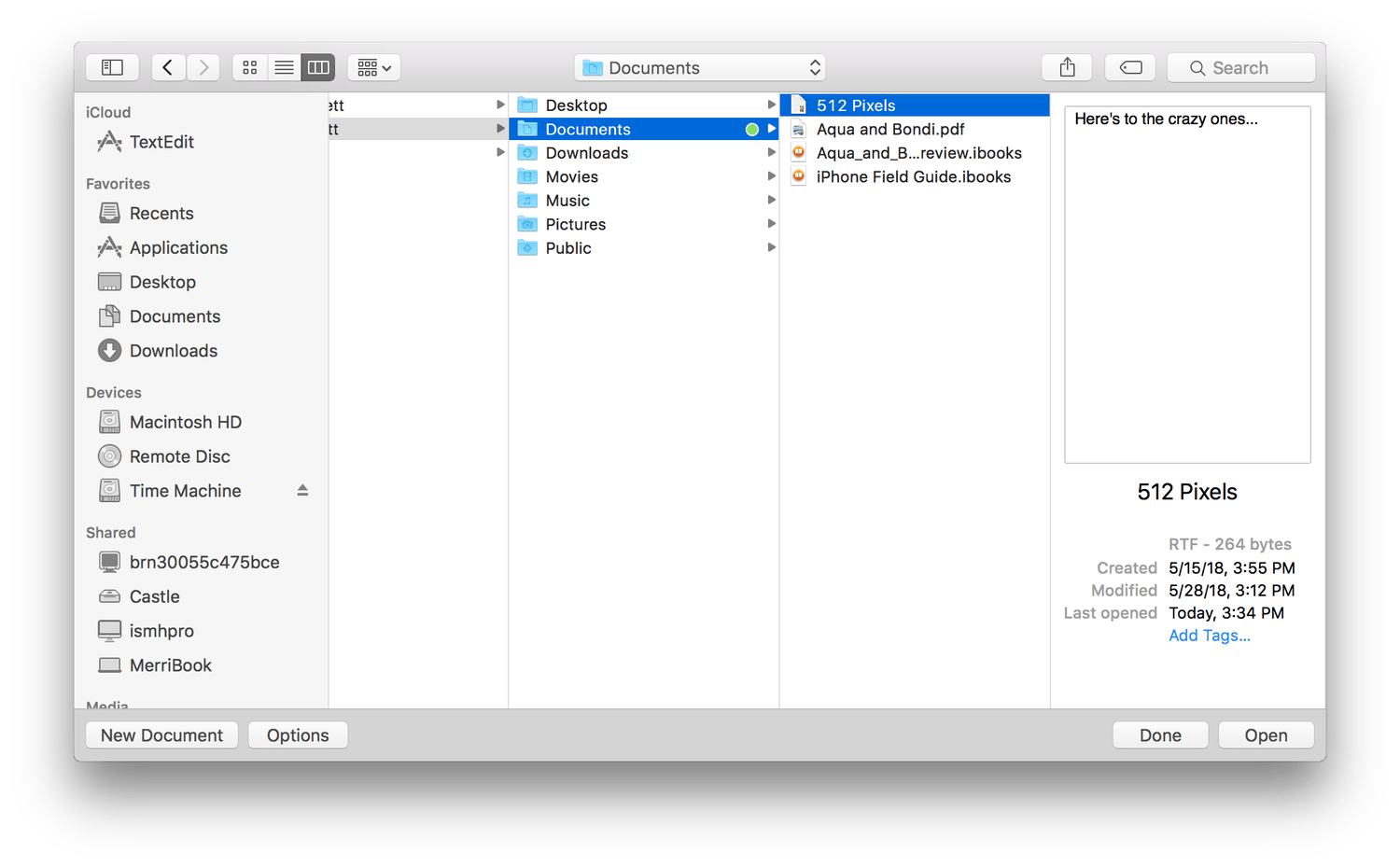
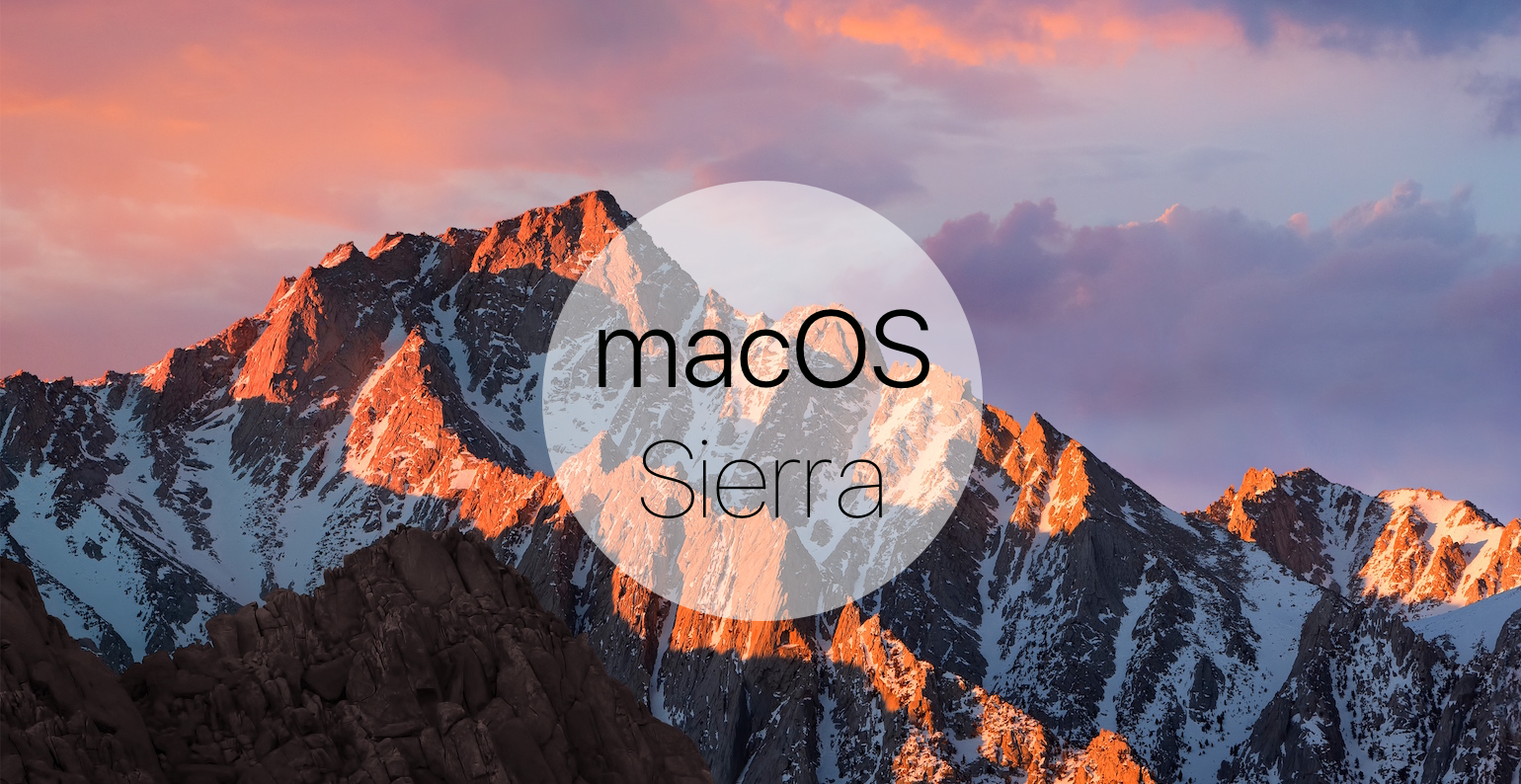
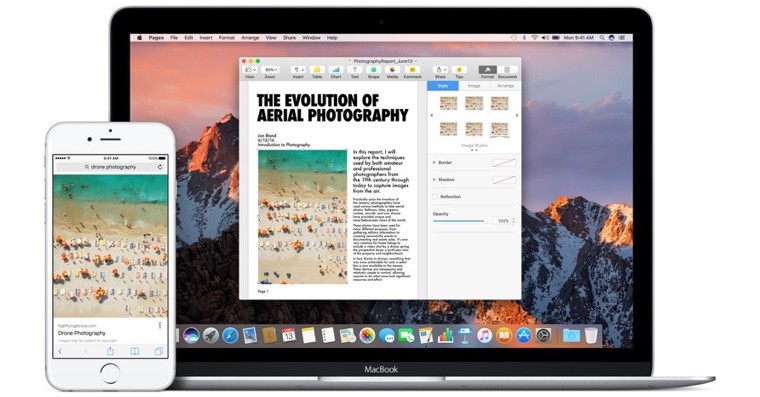
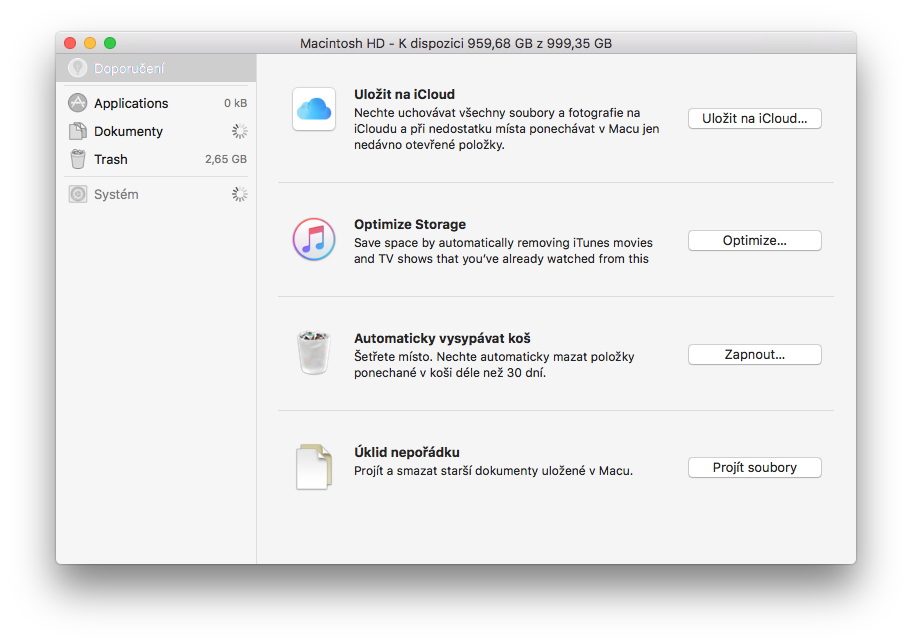
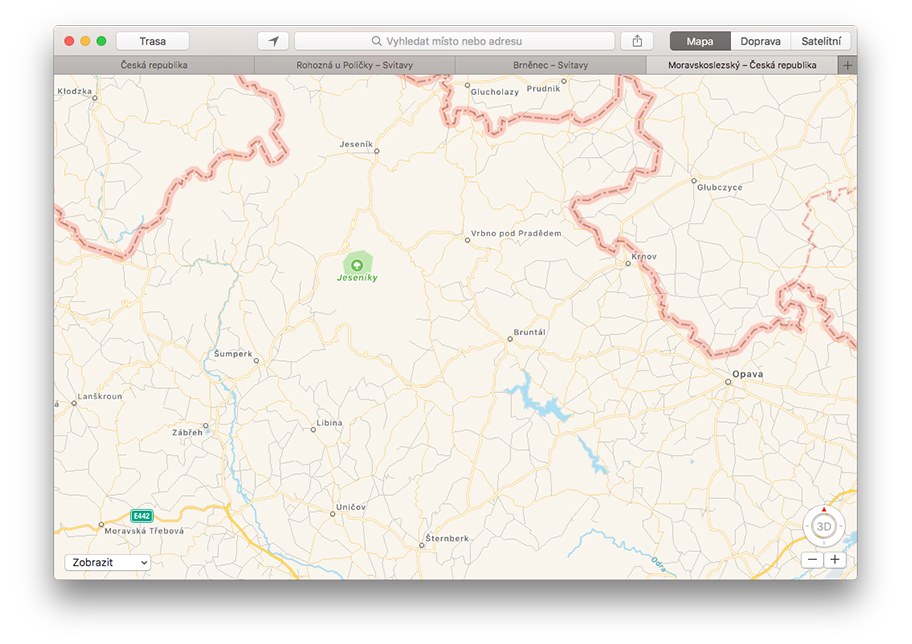
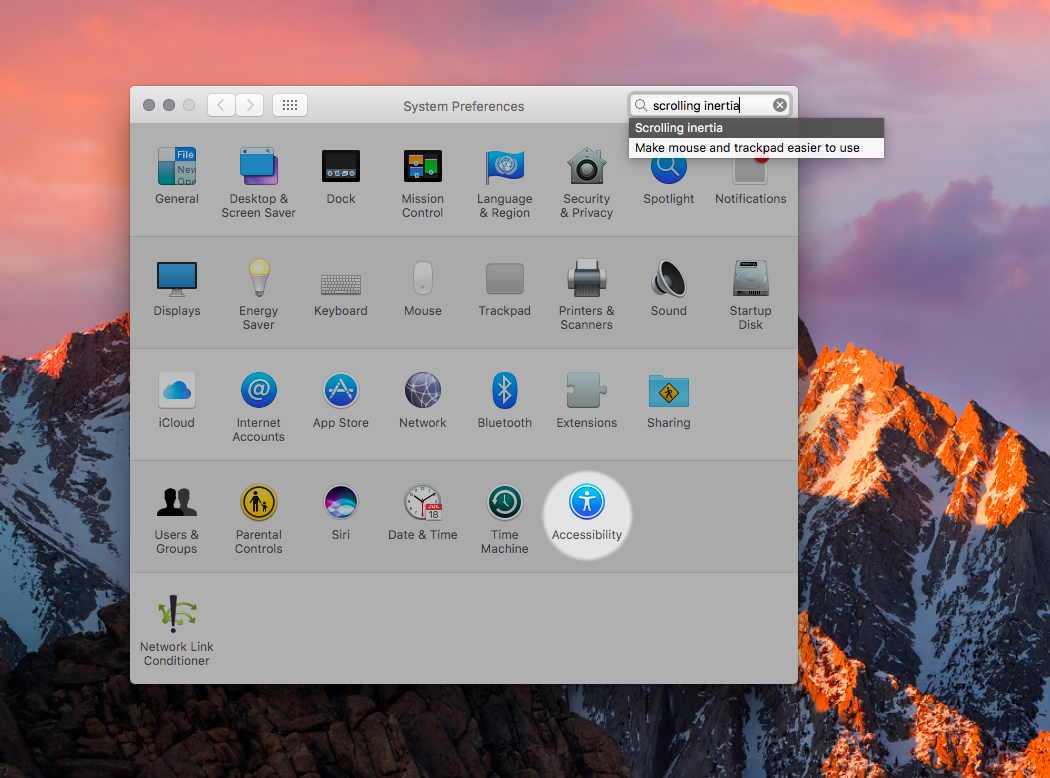
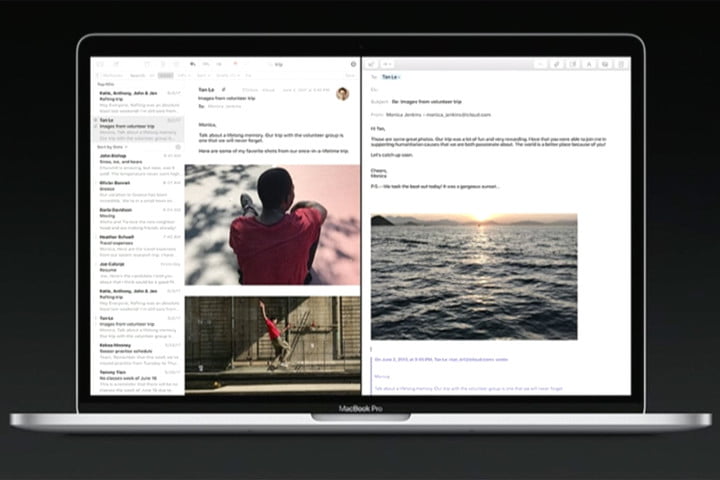
The Mac OS X 10.11 El Capitan operating system was released in September 2015. It brought a number of improvements in security and performance, a new Split View feature for better working in two windows at once, and support for multi-touch gestures in applications such as Messages or Mail. Apple Maps has gained the ability to track public transport information, Notes has received a major redesign in the style of Notes in iOS 9 and browser Safari gained the ability to pin cards. Native Photos added the ability to add extensions for editing. The last update to the El Capitan operating system was named 10.11.6 and was released in July 2018. El Capitan was succeeded by the macOS Sierra operating system. Its full public version was released in September 2017, and brought new features in the form of the presence Siri, optimized storage feature, unlocking with the help of Apple Watch or perhaps universal boxes for inserting content from others Apple devices. Some applications in macOS Sierra offered the ability to open multiple tabs within a single window, the Picture-in-Picture function or Night Shift mode was also added, the browser Safari gained support again Apple Pay. The latest version of macOS Sierra, marked 10.12.6, saw the light of day in September 2019.
macOS 10.13 High Sierra and macOS 10.14 Mojave
Gallery
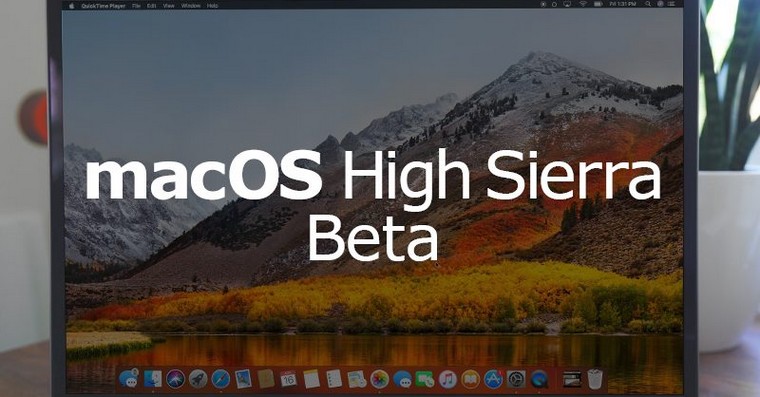

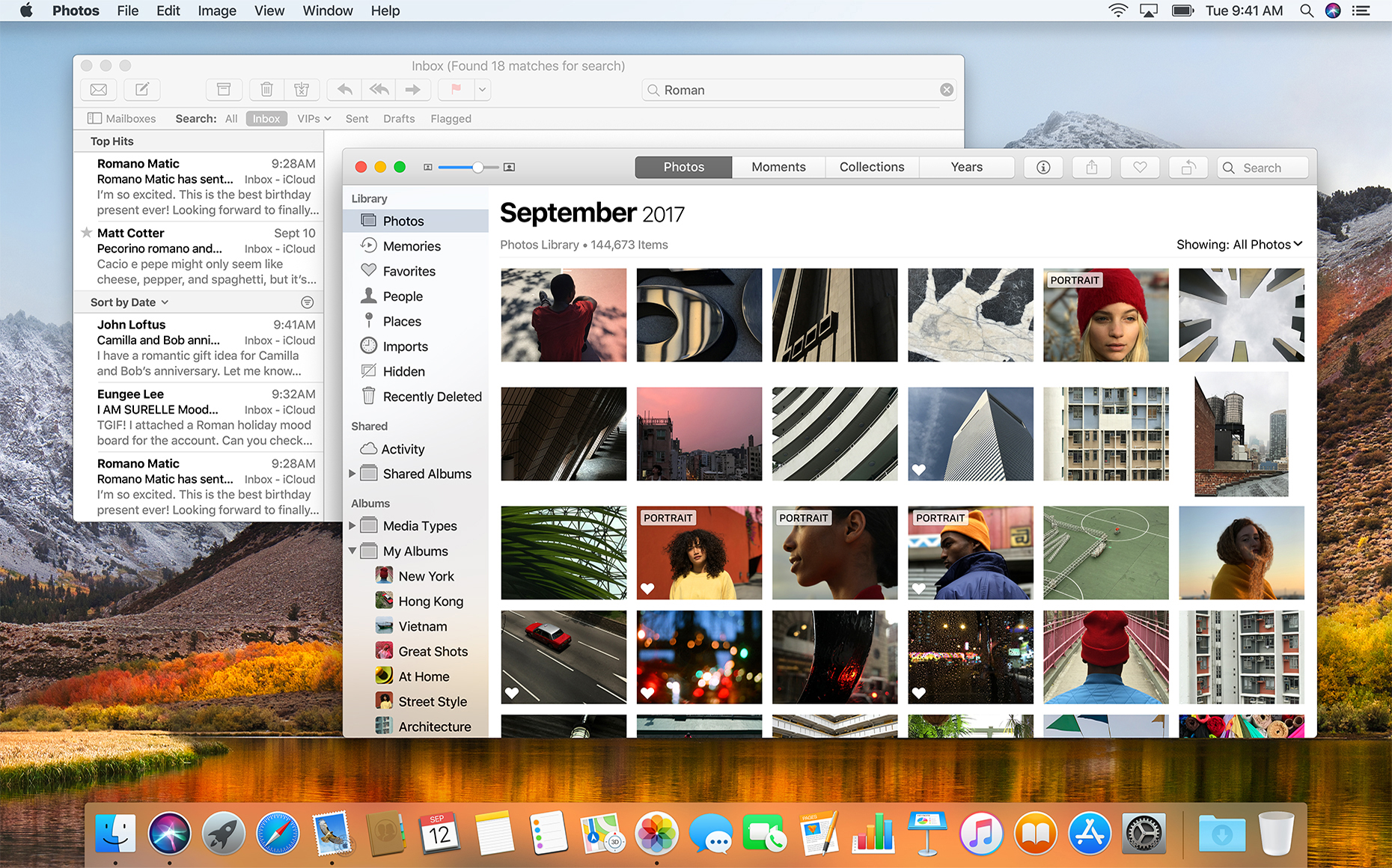
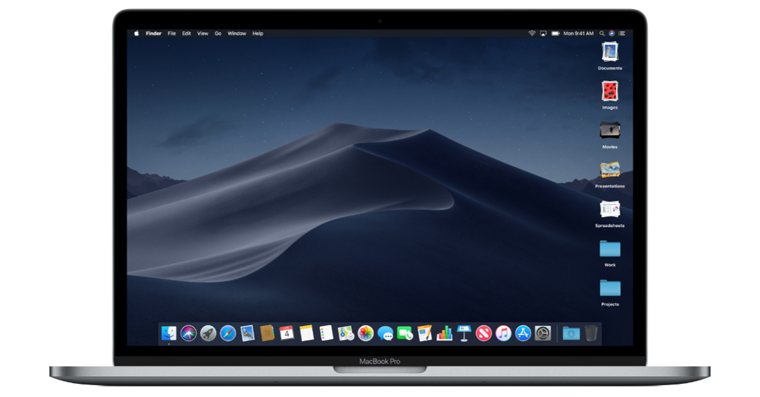
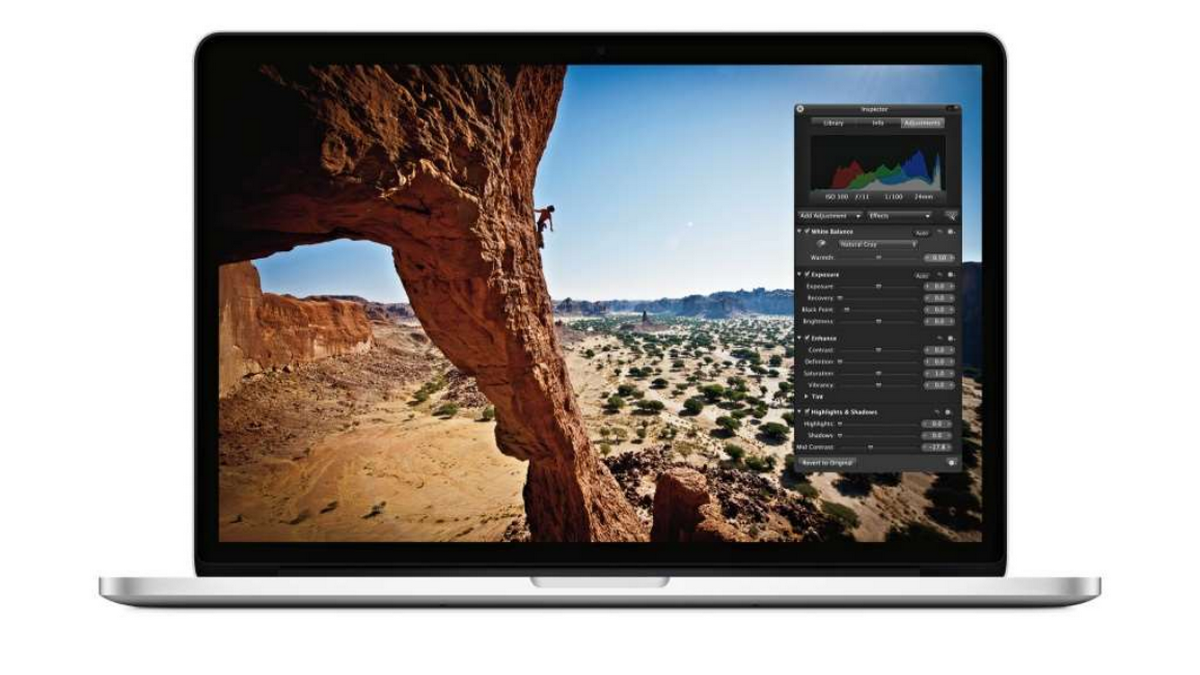
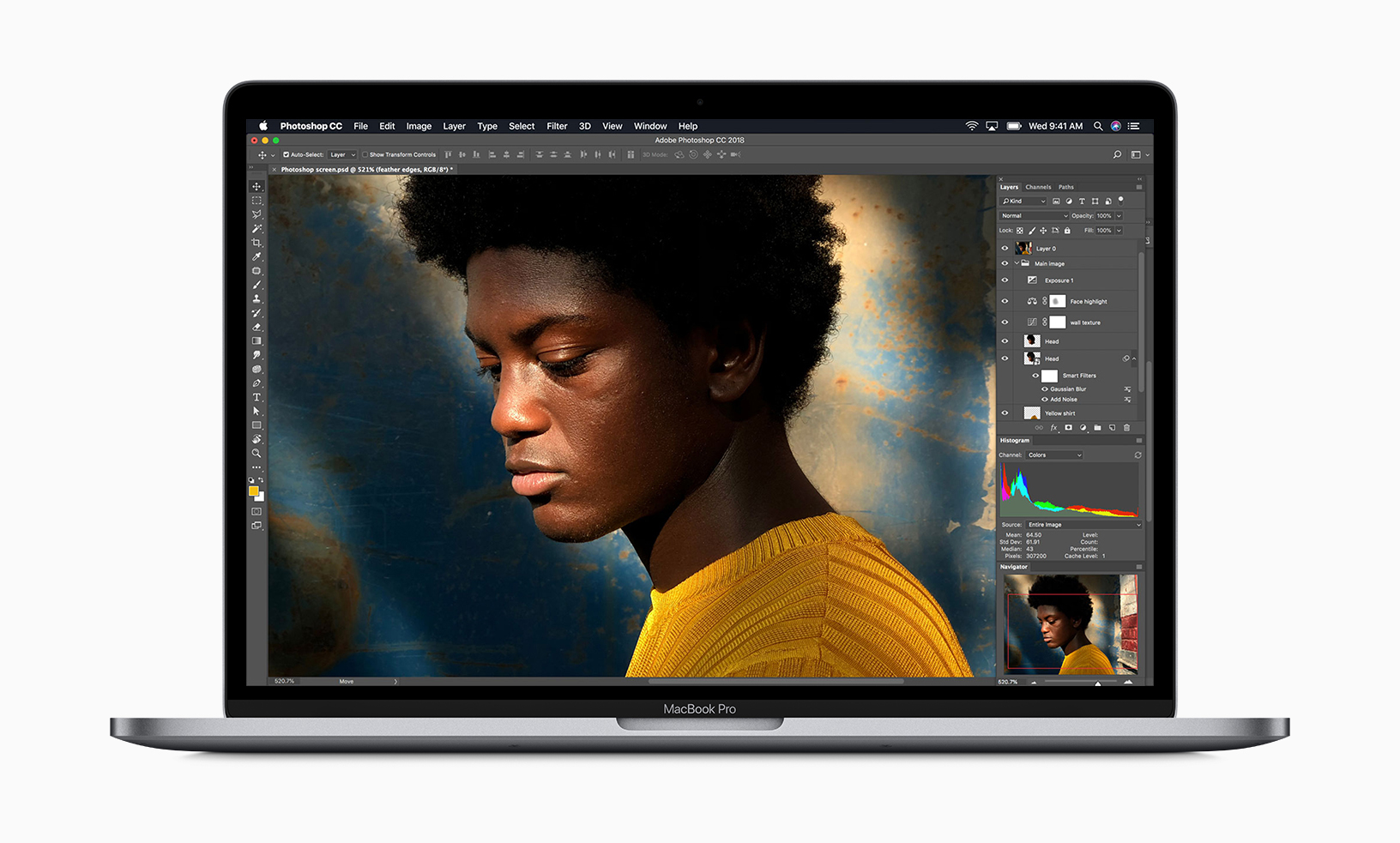

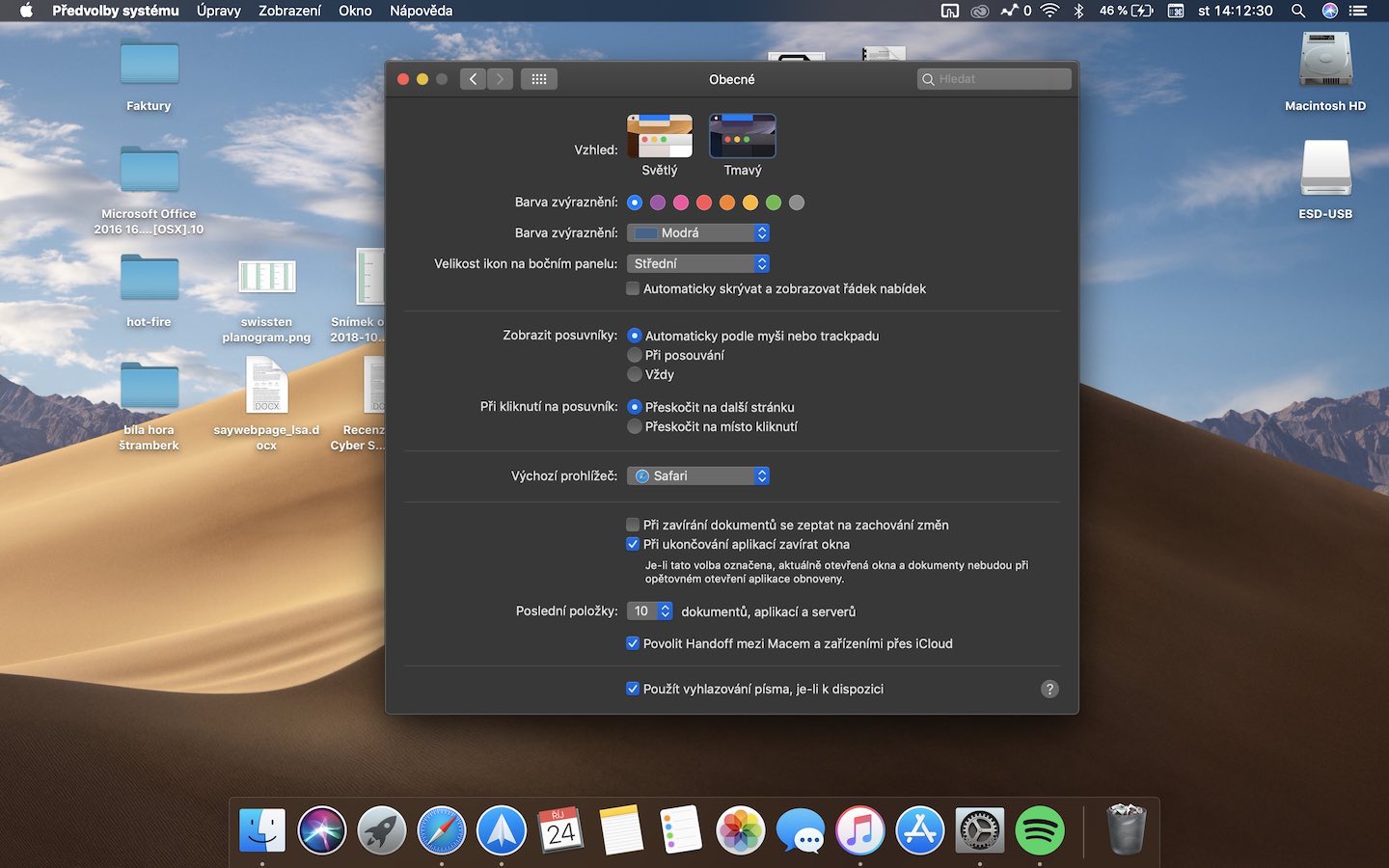
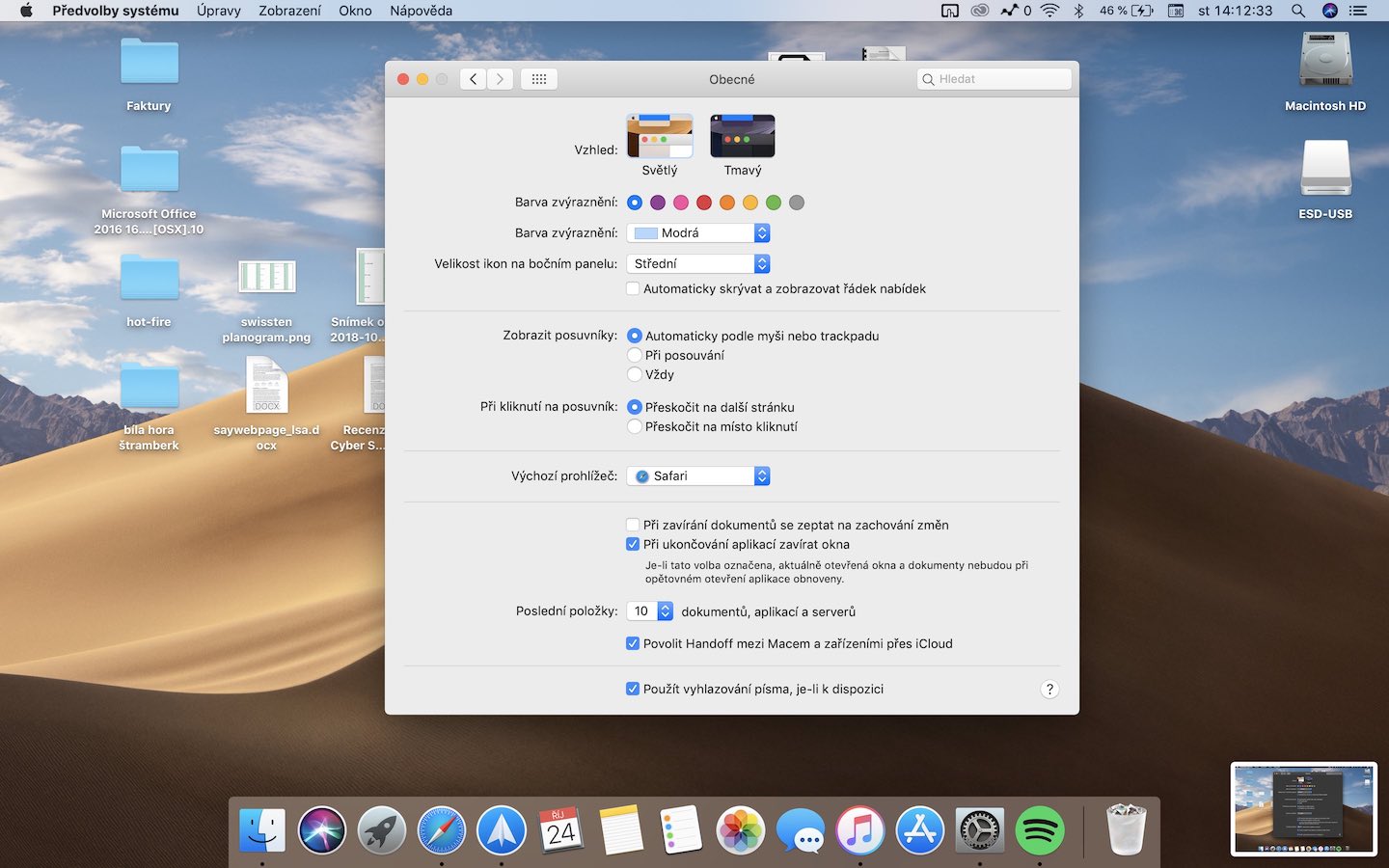
In September 2017 Apple released the macOS 10.13 High Sierra operating system. This operating system has a redesign of the native Photos application, which has gained a sidebar. The native Mail application has also received improvements, along with Spotlight, the web browser Safari gained the function of blocking third-party tracking tools. Siri has received a more natural voice and its operation has been improved with the help of machine learning technology, the native Notes feature has added the ability to pin a note to the top of the list. In Messages, support for iCloudThe latest version of the macOS High Sierra operating system was named 10.13.6 and was released in November 2020. macOS High Sierra was succeeded by macOS 2018 Mojave in September 10.14. This update brought the long-awaited system-wide dark mode and a handful of new applications familiar from the operating system. iOS, such as Voice Recorder, Household, or (in selected regions)onech) Apple NewsWith the advent of this operating system, preparation has also intensified. Applu to end support for 32-bit applications, to introduce new security measures regarding access to the camera and microphone, or perhaps to remove service integrity Facebook, Twitter, Vimeo and Flickr. FaceTime has gained support for group voice and video calls, App Store has received a significant overhaul. The latest version of macOS 10.14 Mojave was named 10.14.6 and was released in April 2021.
macOS 10.15 Catalina and macOS 11 Big Sur
Gallery
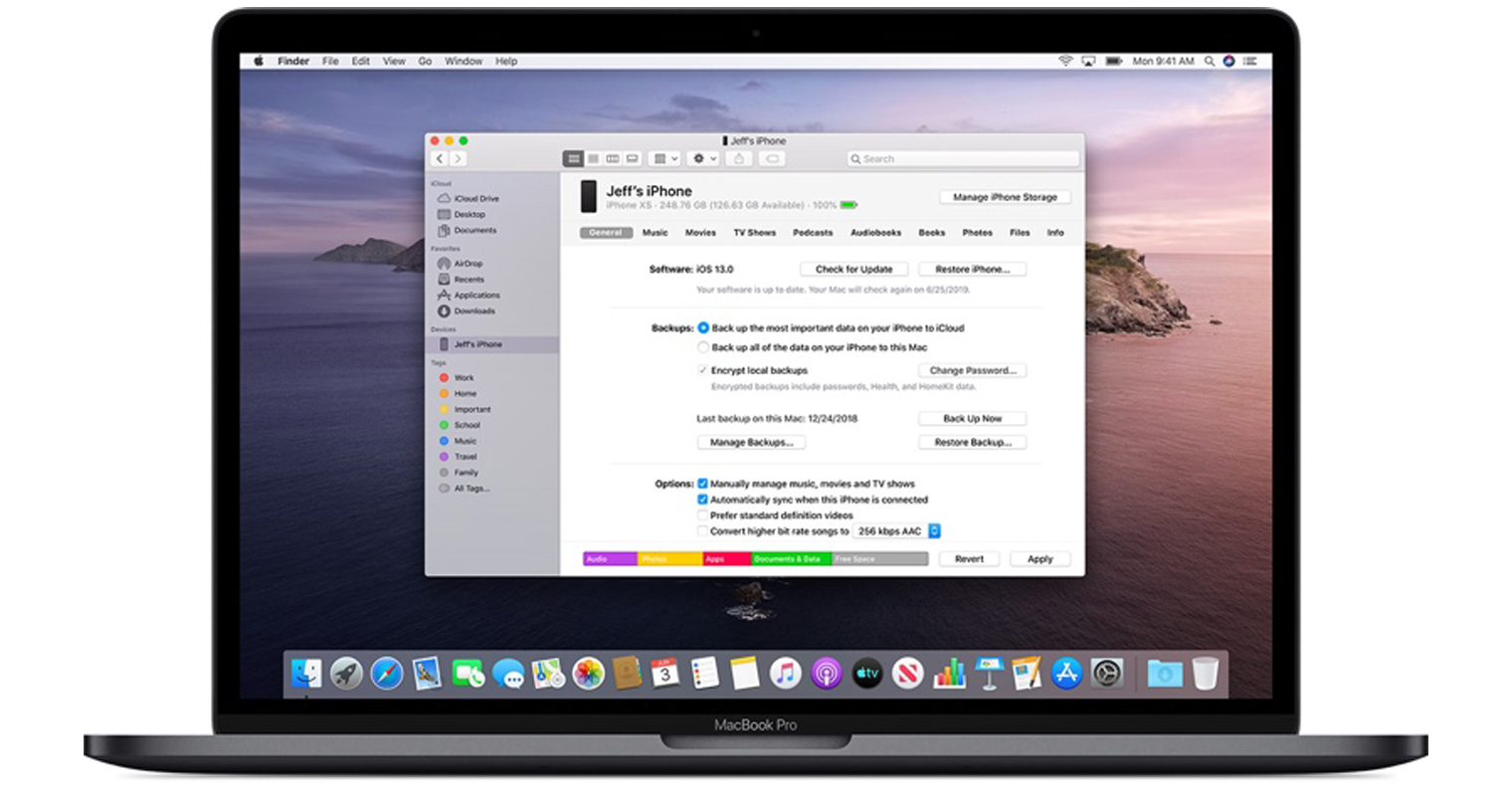
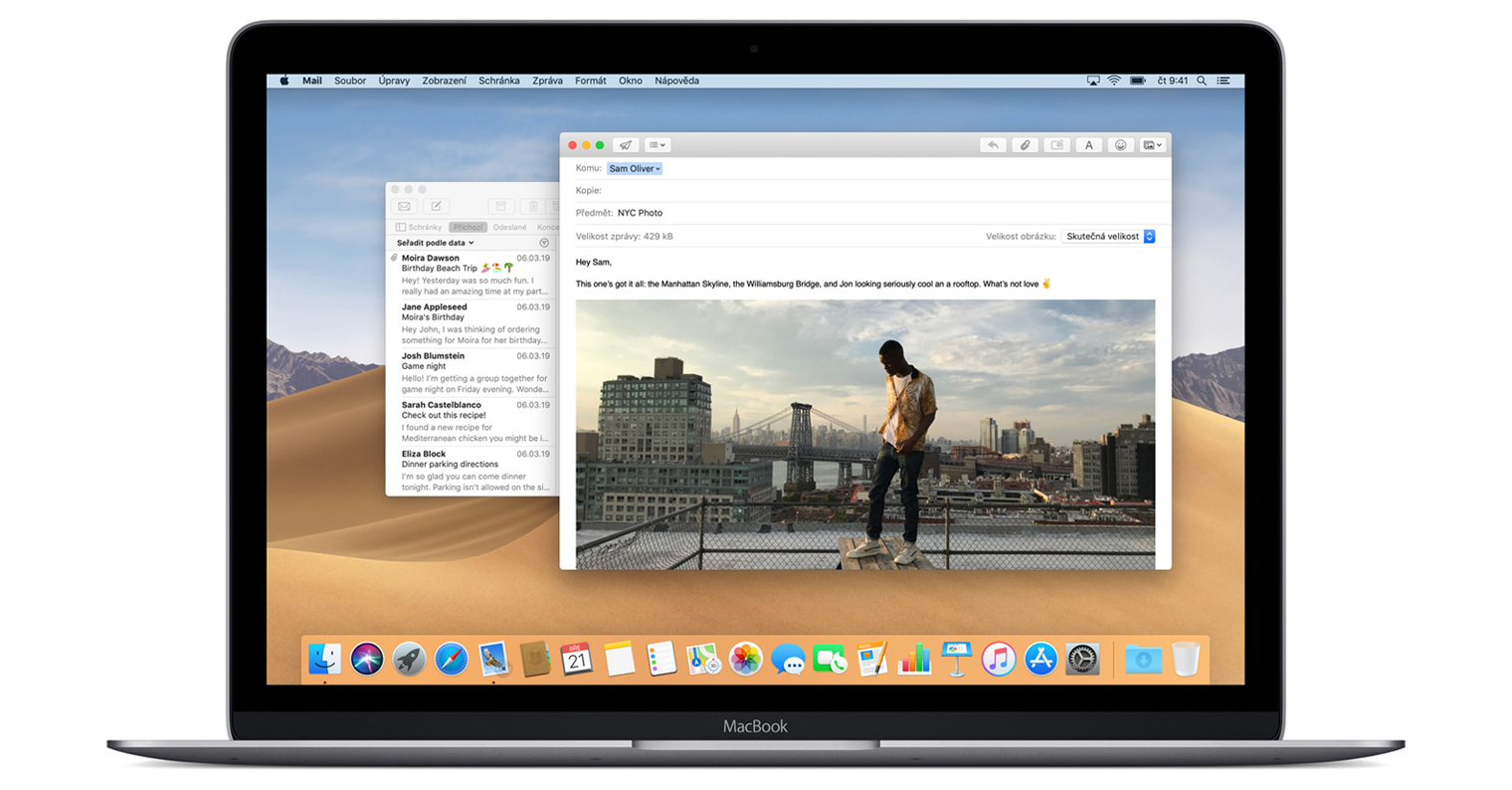
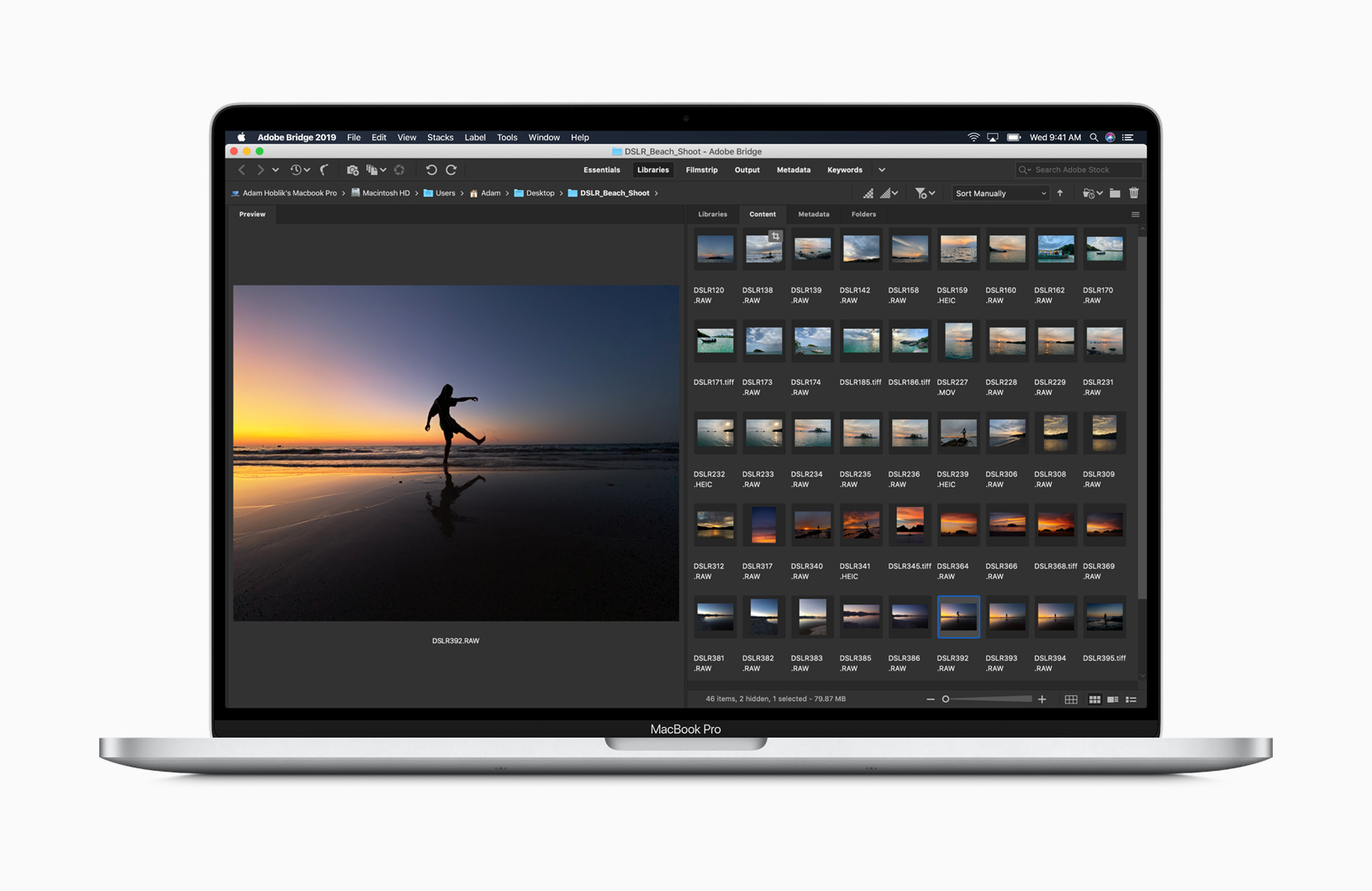
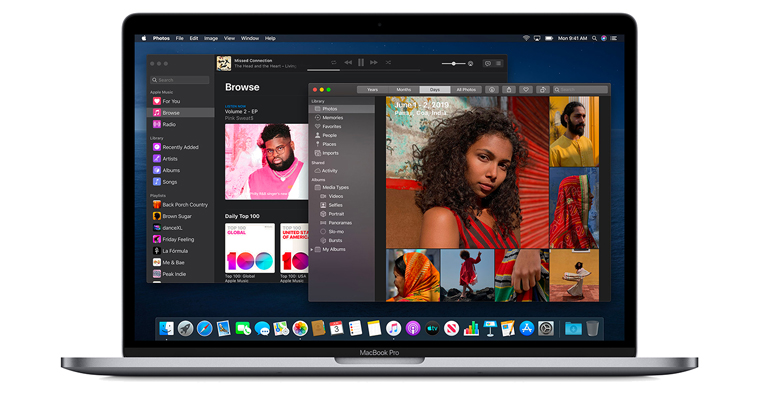
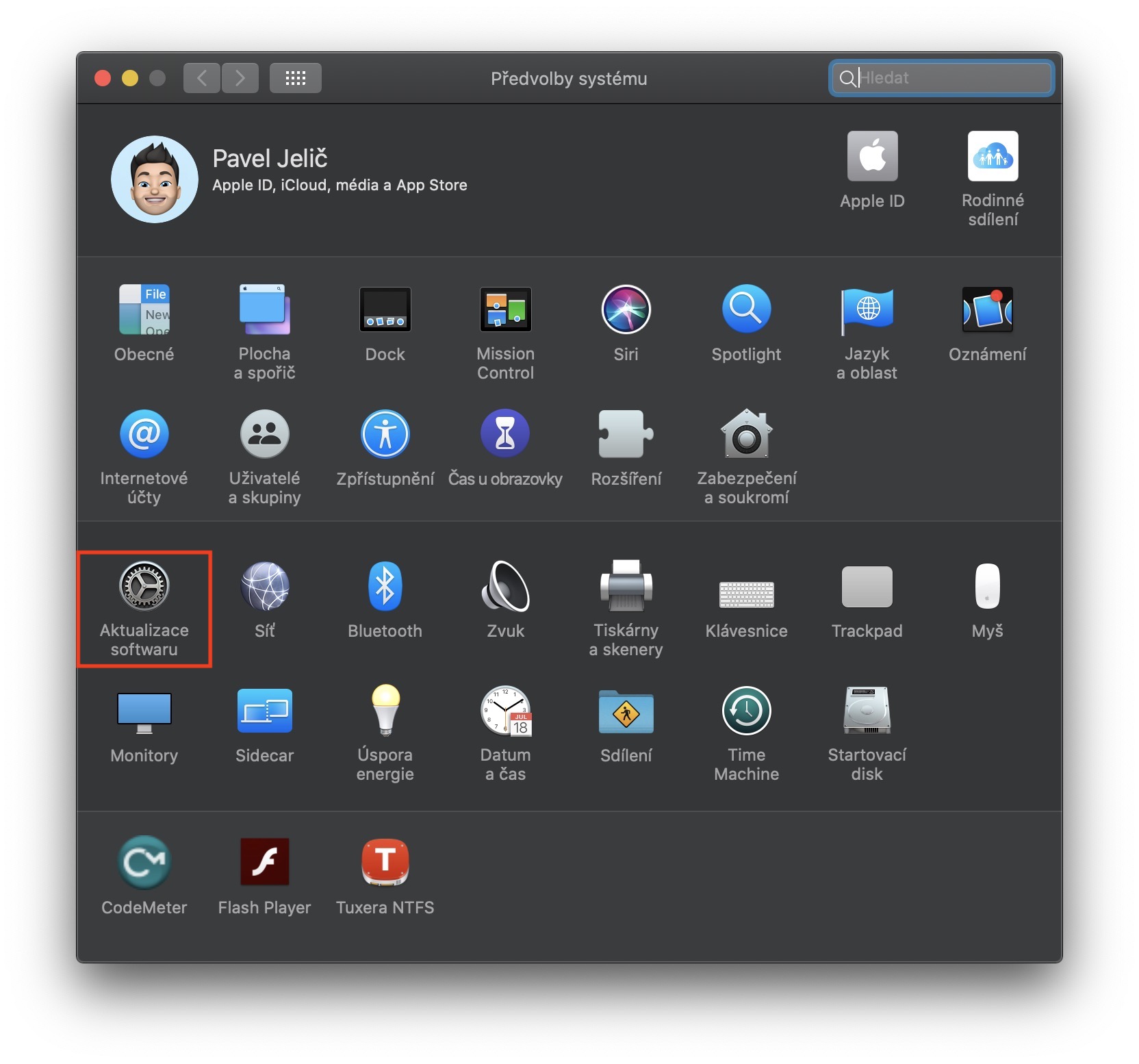
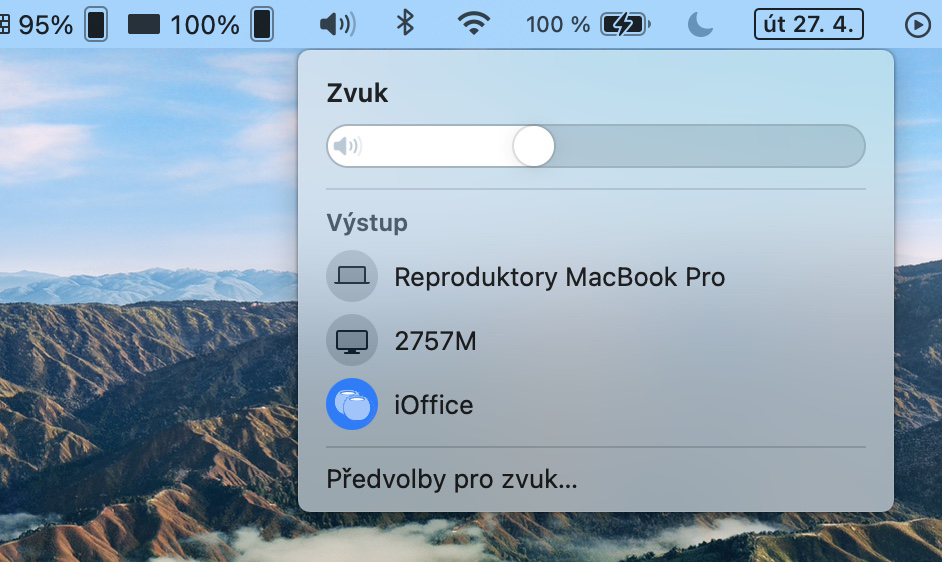
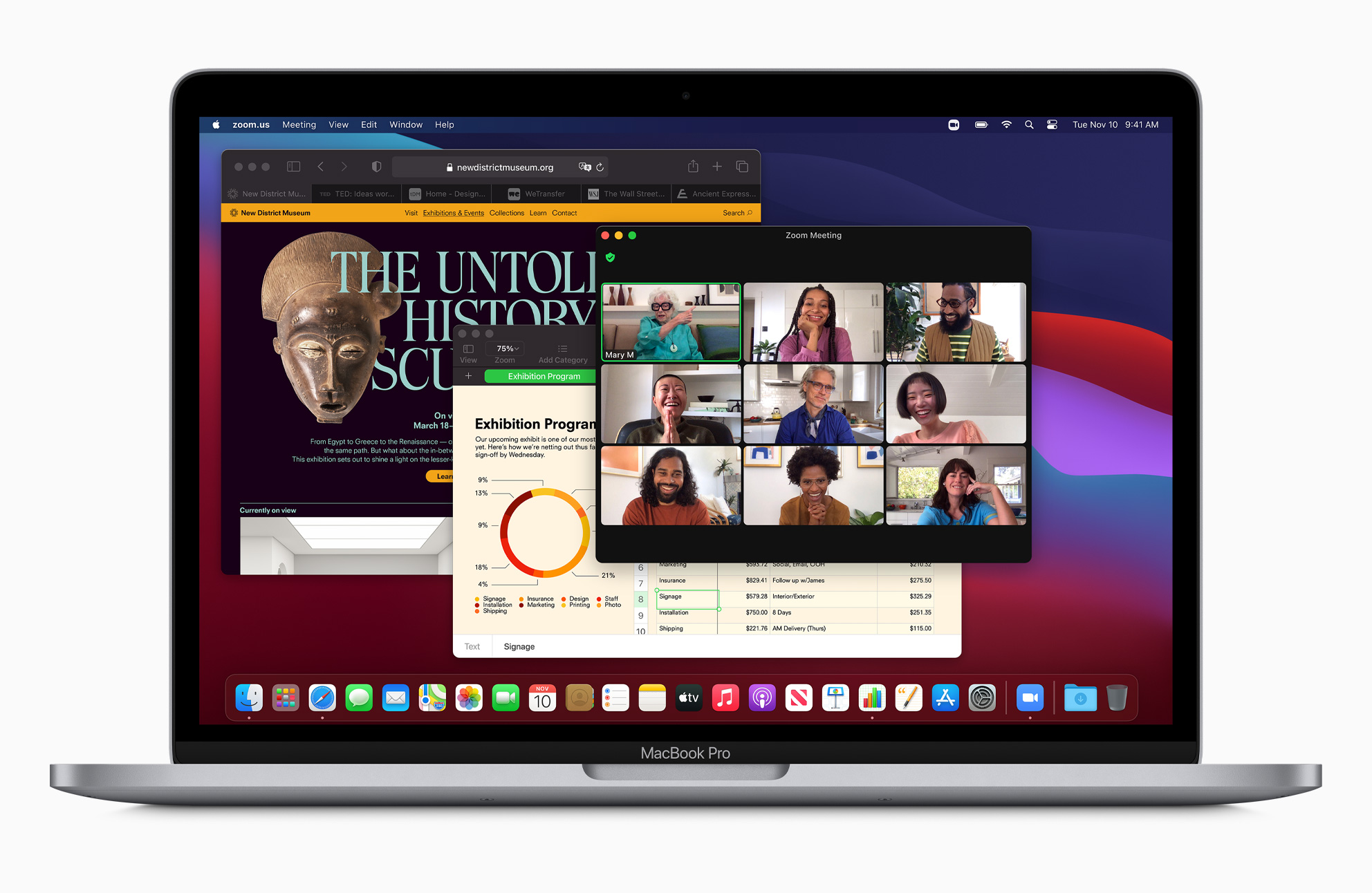
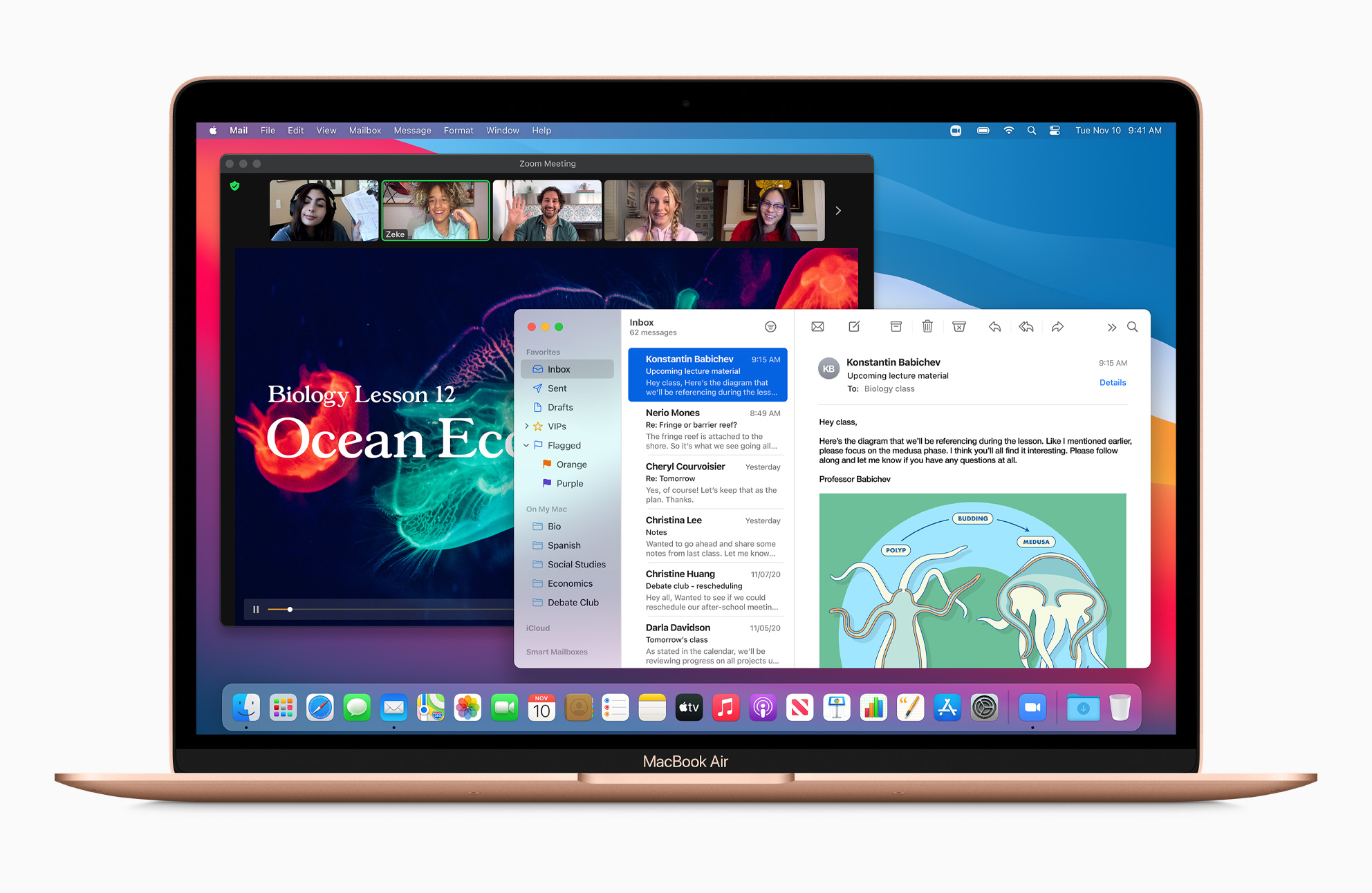

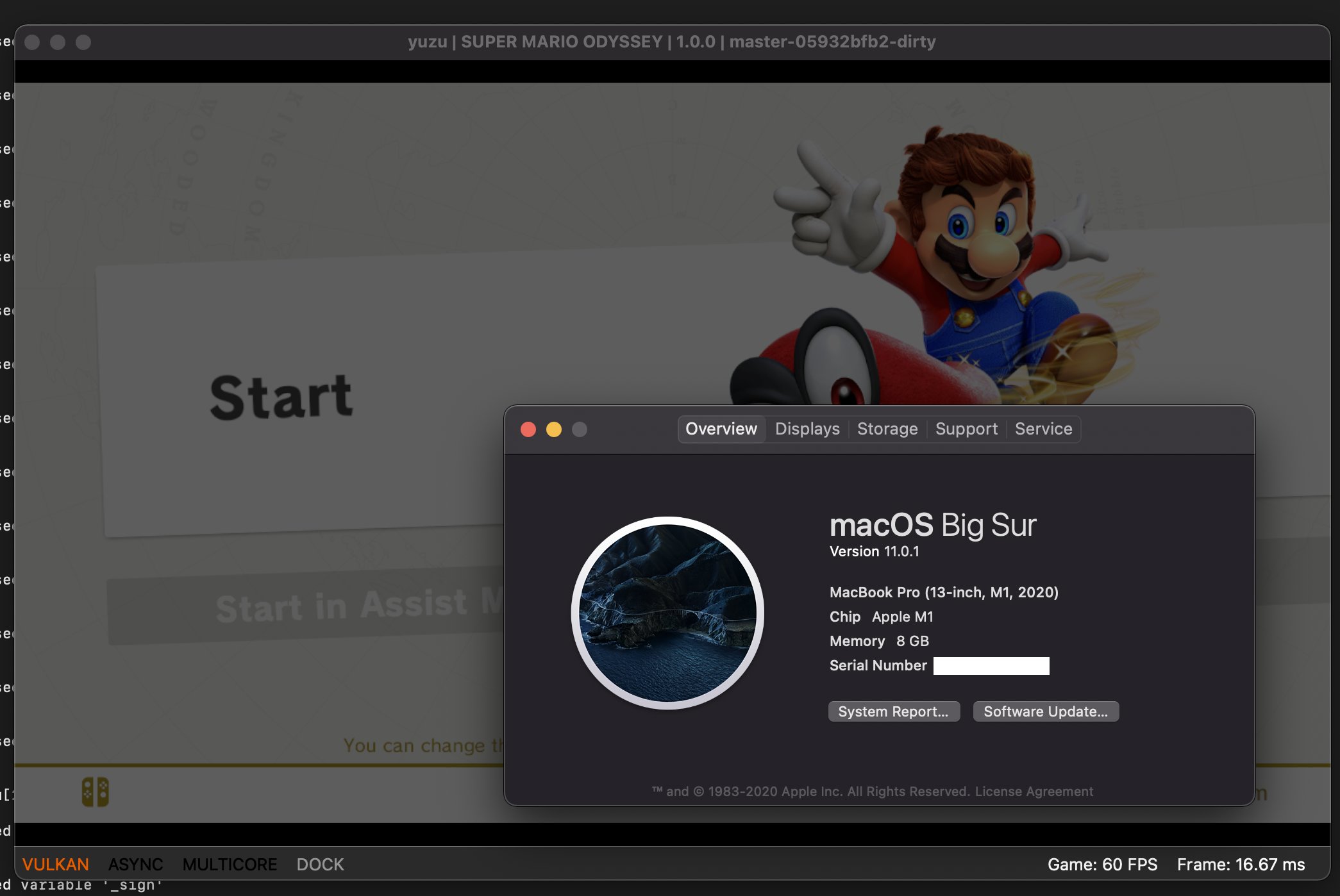
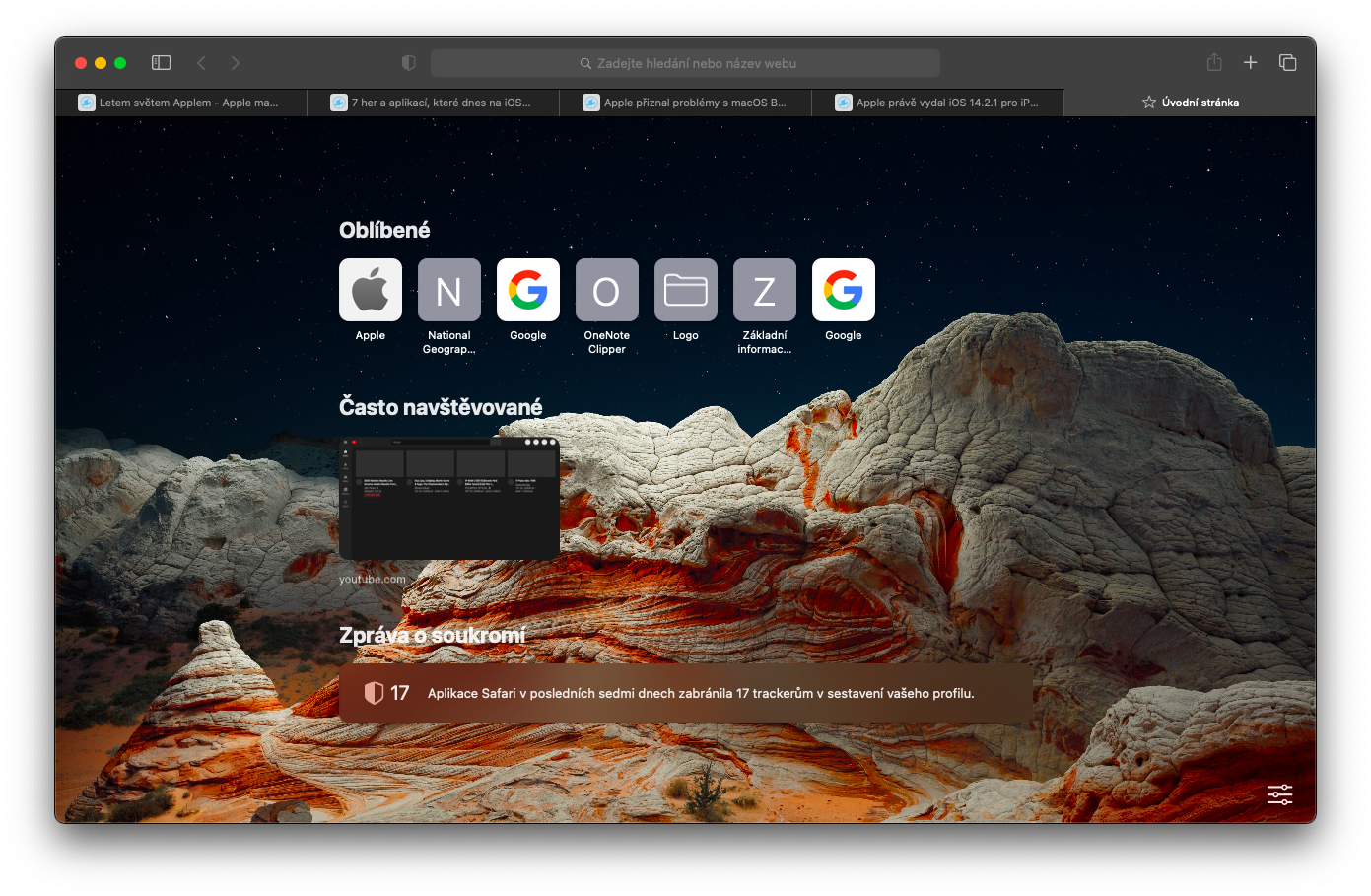
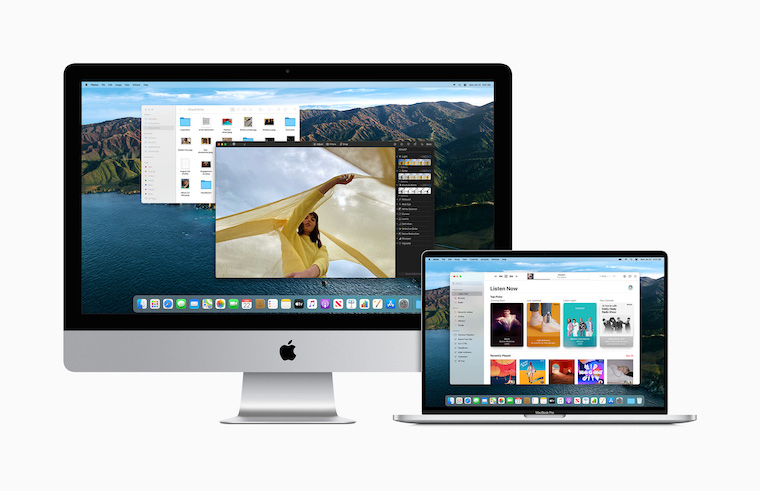
In October 2017, macOS 10.15 Catalina was released. With its release, developers gained the ability to create applications that would run on both macOS and iPadOS. The feature was added Sidecar, which allowed you to use your iPad as an additional monitor for your Mac, support for wireless game controllers, and the iTunes app was also replaced with three separate apps – Music, Podcasts, TV, and Books. The Find My Mac and Find Friends apps were merged into the Find app, and the native Reminders received a significant redesign. macOS Catalina also only offered support for 64-bit apps and the Dashboard feature disappeared. The last version of macOS Catalina was named 10.15.7 and was released in April 2021. In November 2020, the macOS Big Sur operating system was released. Along with it, a significant redesign of the user interface, including the appearance Dockua ikonek, in the Control Center users could manage Wi-Fi, Bluetooth, display brightness, keyboard backlighting or even volume. The Notification Center was also redesigned, which gained interactive notifications. Due to the arrival of Macs with M1 chips, support for Apple Silicon, as well as for iOS and iPadOS apps. The native one has been completely redesigned Safari along with the News.