
Do you like the wallpapers with which Apple recently unveiled the redesigned iMacs M1? Then we have great news for you. The Californian giant added these wallpapers to the macOS Big Sur 11.3 operating system, which was released to the public last Monday - even though they cannot be seen through the classic interface for choosing a wallpaper on Mac. In the following lines, we will therefore show you how to get to them and how to set them up without having to download them from anywhere on the Internet.
- Open up System Preferences
- Open the subsection Desktop and saver
- In the left sidebar, double-click Desktop images and then open the folder desktop Pictures
- About halfway through it you should see pictures starting with the word “hello”
- “Right” mouse button or trackpad(or with the gesture for the classic right button) for the wallpaper you selected, open the image menu and then select " at the very bottomSet desktop image"
Gallery



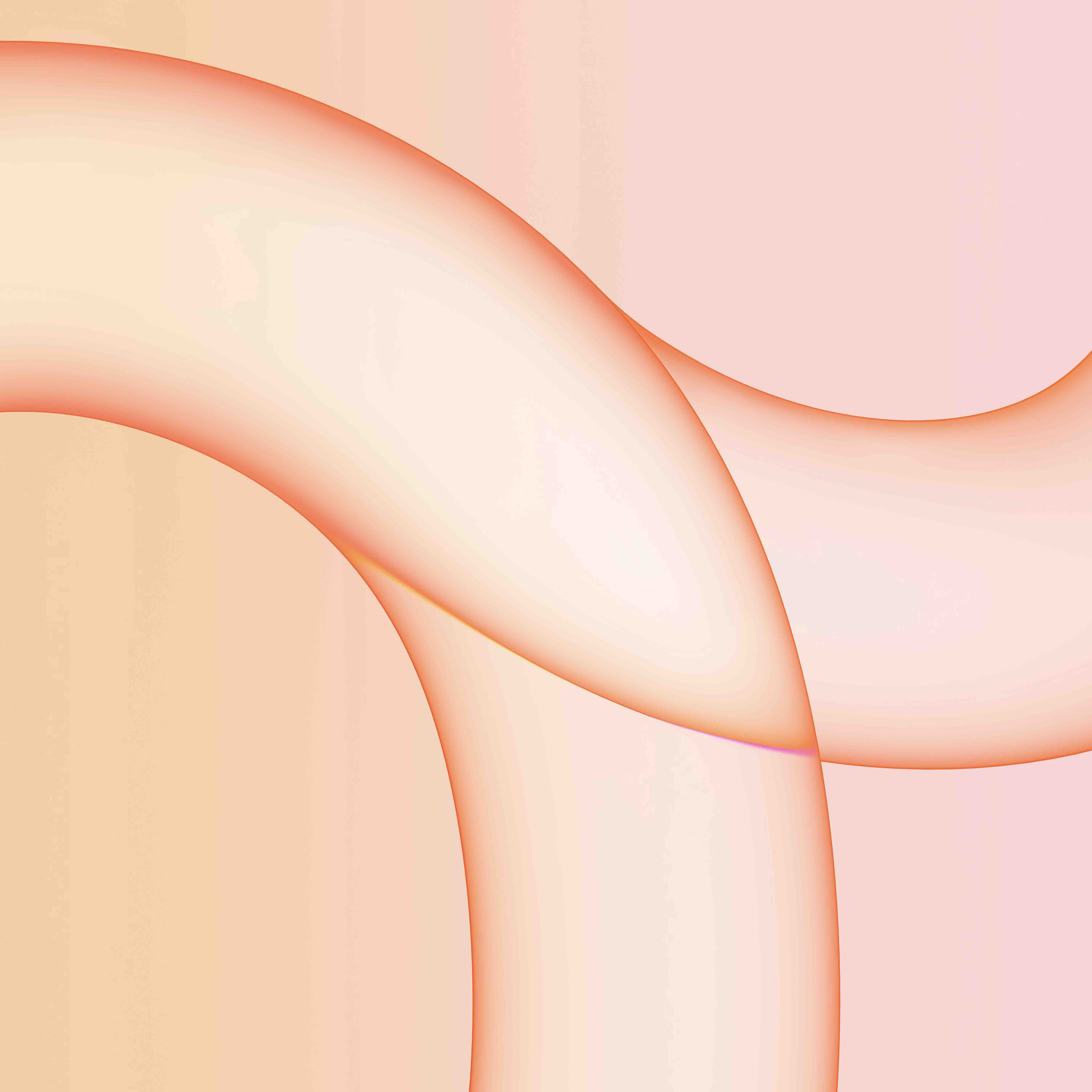



If you followed all the steps above, you should now have the wallpaper from the new iMac M1 on your Mac. These will hit store shelves for the first lucky customers on May 21st, along with the iPads. Pro M1 and the new generation Apple TV 4K. It can also be expected that after their launch, the wallpapers will be included in the standard wallpaper interface and will therefore not be adjustable in such a breakneck way.


well, those wallpapers for Mac with M1 are pretty disgusting, but for that there are a lot of other great pieces in that folder !!!
In beta 11.4 beta 2 wallpapers are no longer there. Even the hello screen saver has disappeared.