
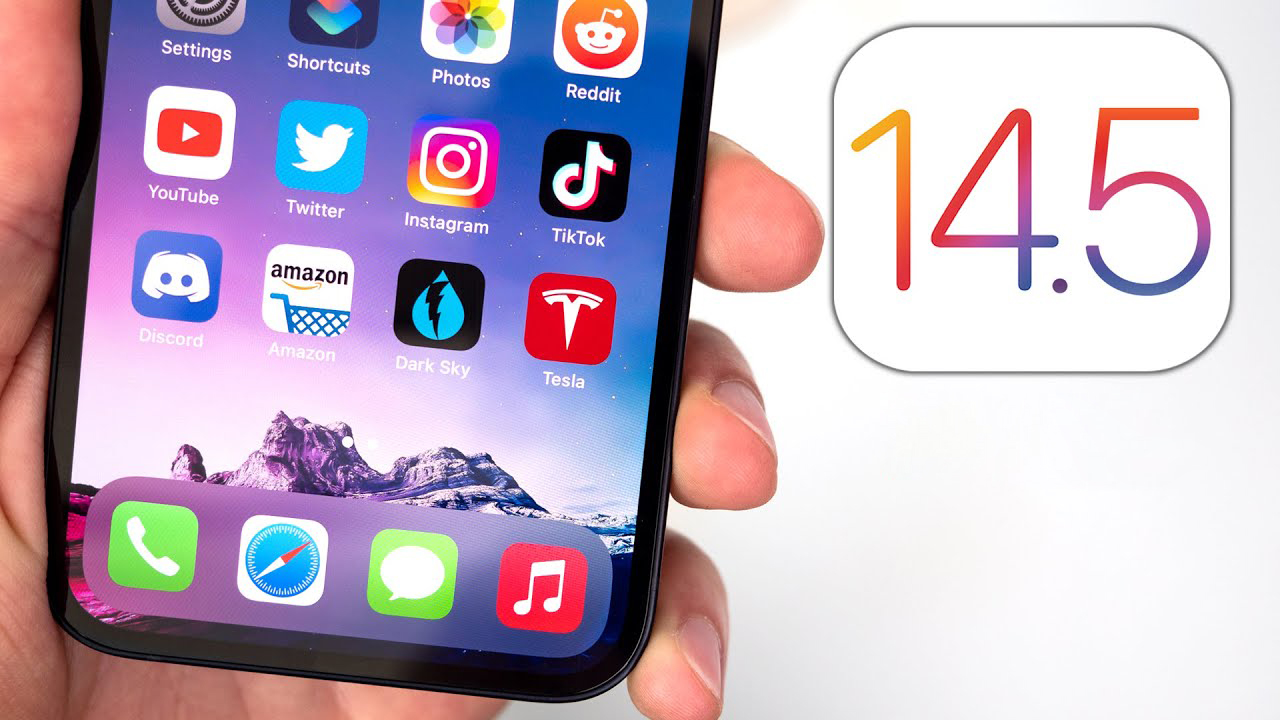
Apple this week tooneofficially released a version of the operating system iOS 14.5 for all users. This update brings a variety of new features, such as the App Tracker Transparency or unlocking option iPhone assistance Apple WatchIn today's article, we'll bring you five tips and tricks to help you get the most out of your operating system. iOS 14.5 really on maximum.
You might be interested in
Assisted unlocking Apple Watch
Gallery
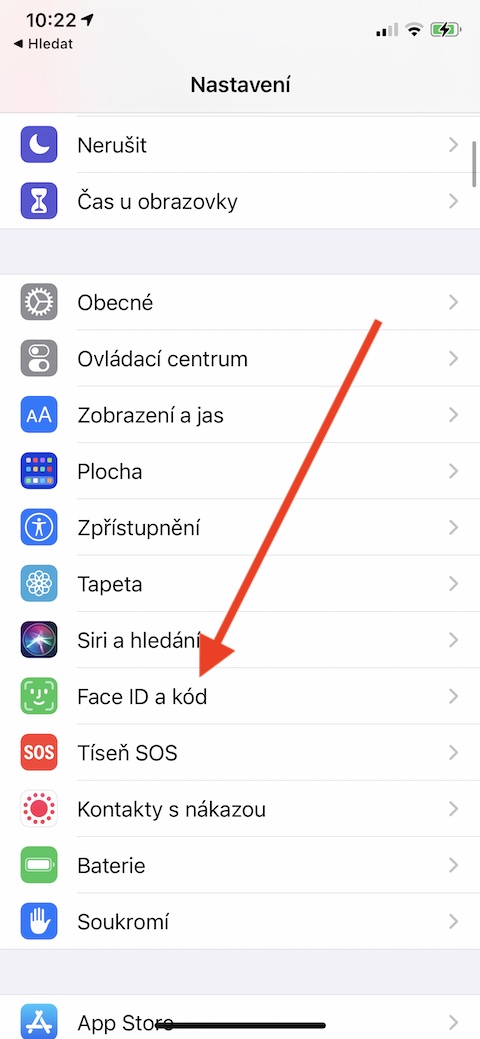
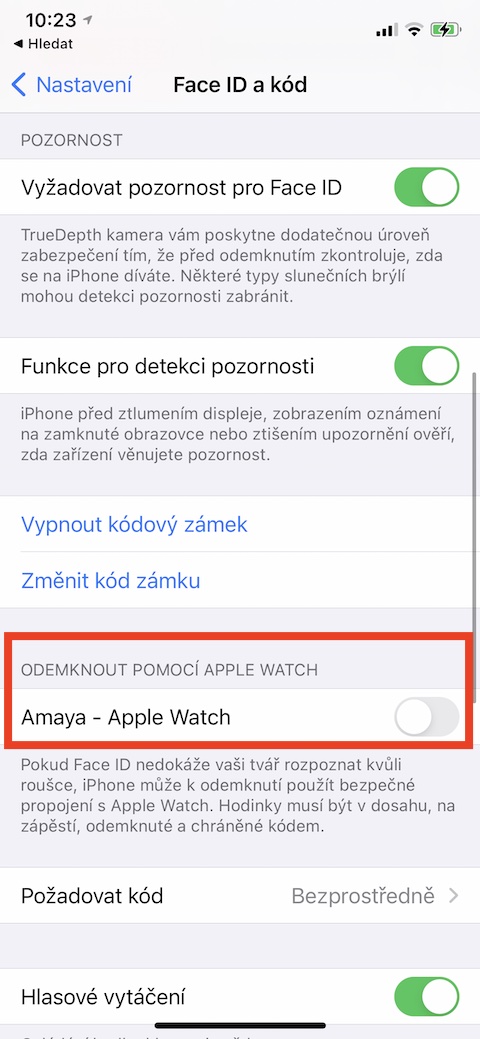
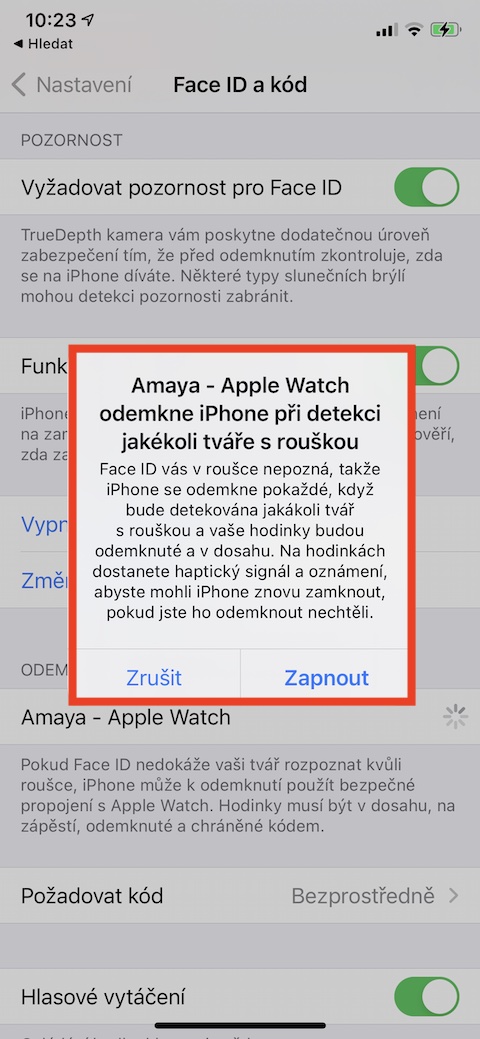
The coronavirus pandemic has affected almost every aspect of our lives and functioning, including such a small thing as unlocking an iPhone. While iPhone owners with Touch ID did not have this problem, iPhone owners with Face ID had to take off their mask or respirator before unlocking their phone outside. Thanks to new operating systems from Appbut it is now possible to unlock iPhone assistance Apple Watch. On your iPhone, run Settings -> Face ID and code. Go to the section below Unlock using Apple Watch and check the item with the name of your watch. To unlock your iPhone, you need your Apple Watch was on his wrist.
support AirTag and other Bluetooth devices
Gallery
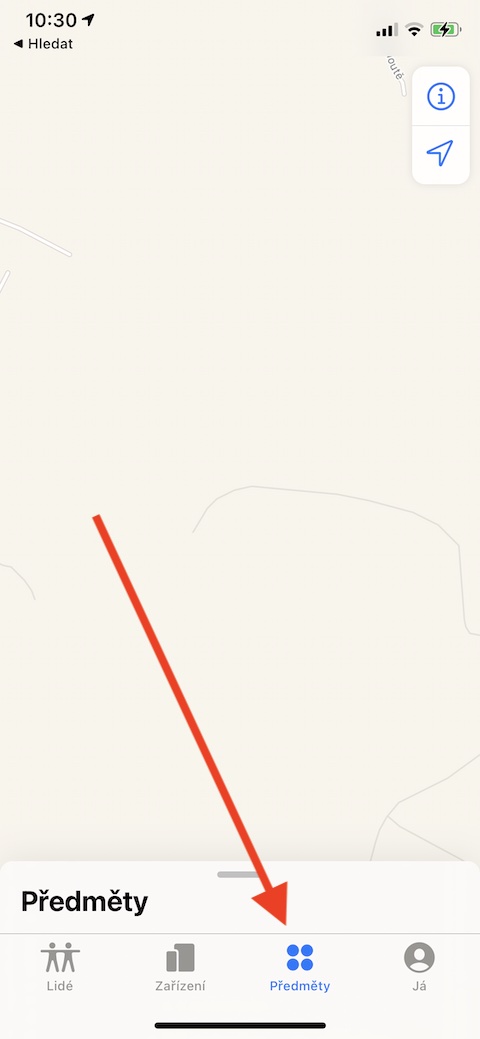
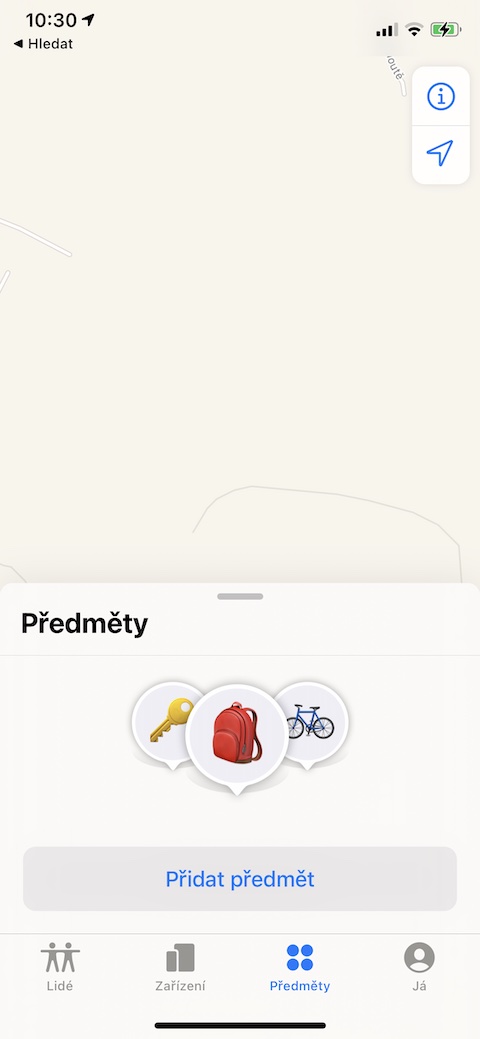
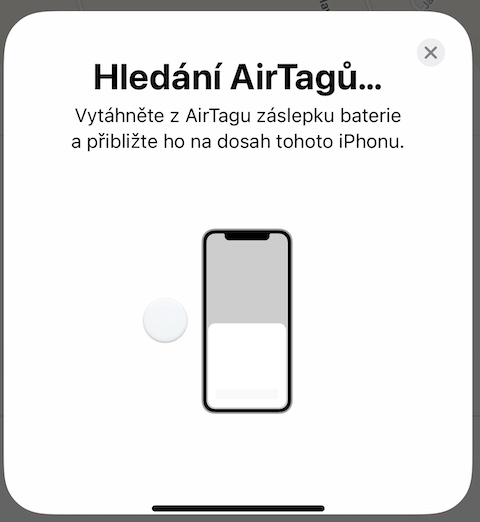
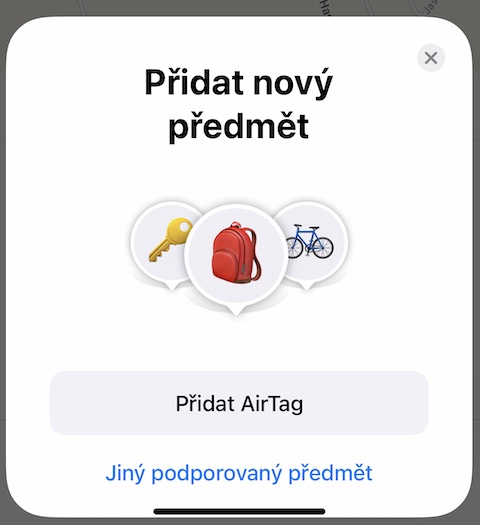
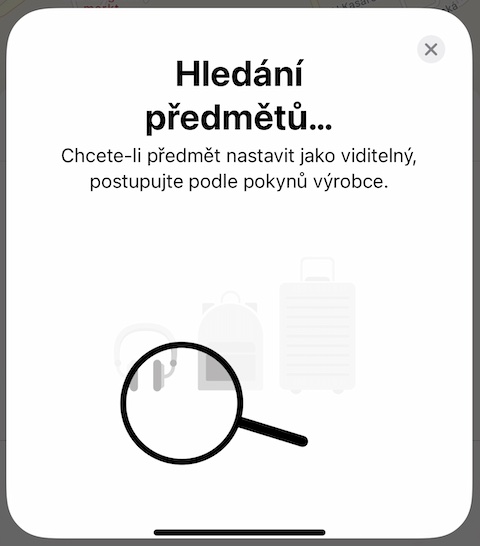
Apple for this year's spring Keynote introduced, among other things, new named locators AirTags. Their support has already been reflected in the look and functionality of the native Find app. If you run this app on your iPhone, you can bottom of the display except items People, Devices and Me also notice the item named Subjects. Tap and then select Add subject. Depending on whether you want to add AirTag or other compatible device, choose either Add AirTags or Other supported subject, and then follow the instructions of the application.
Choice of default streaming service
Gallery
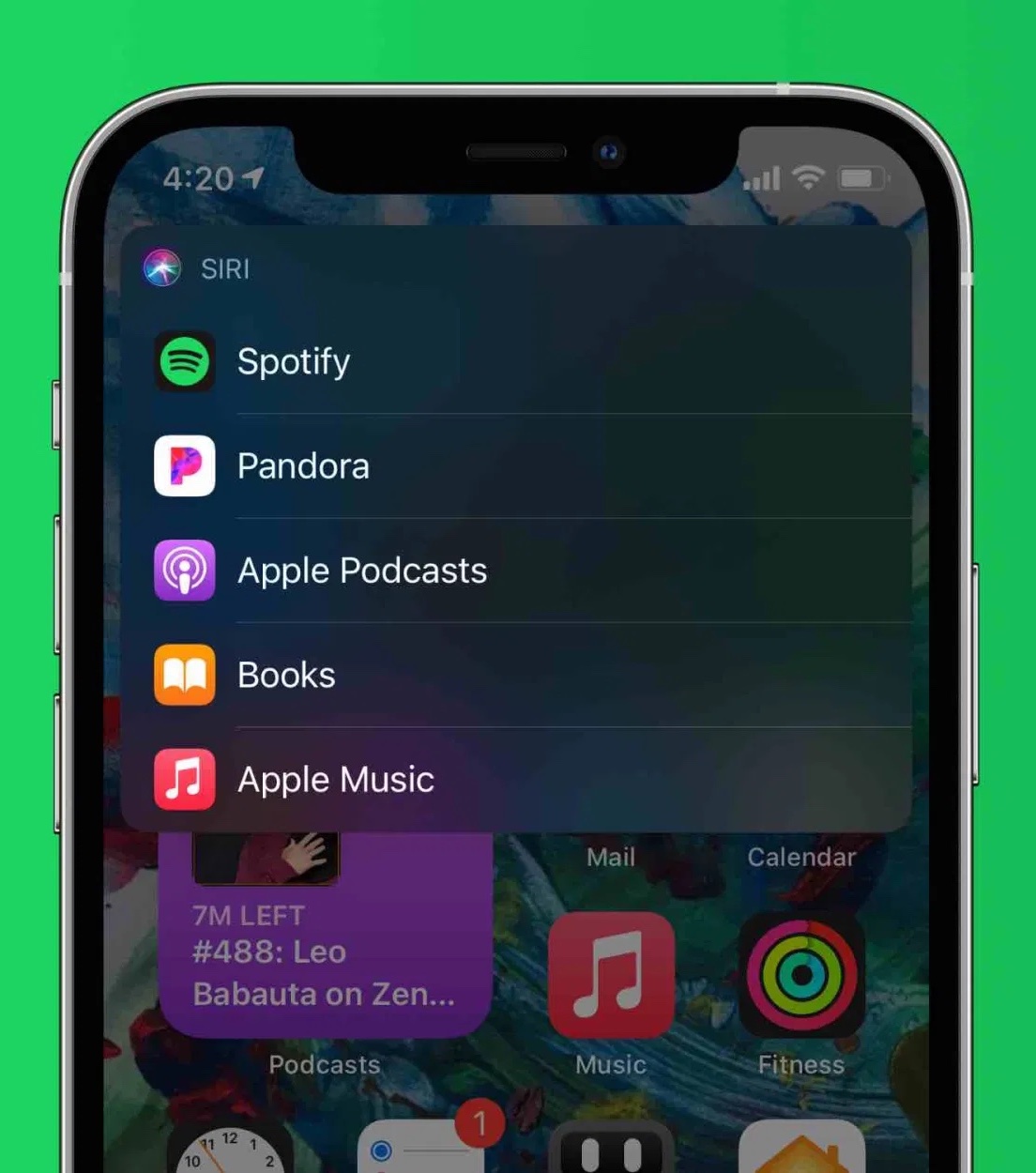
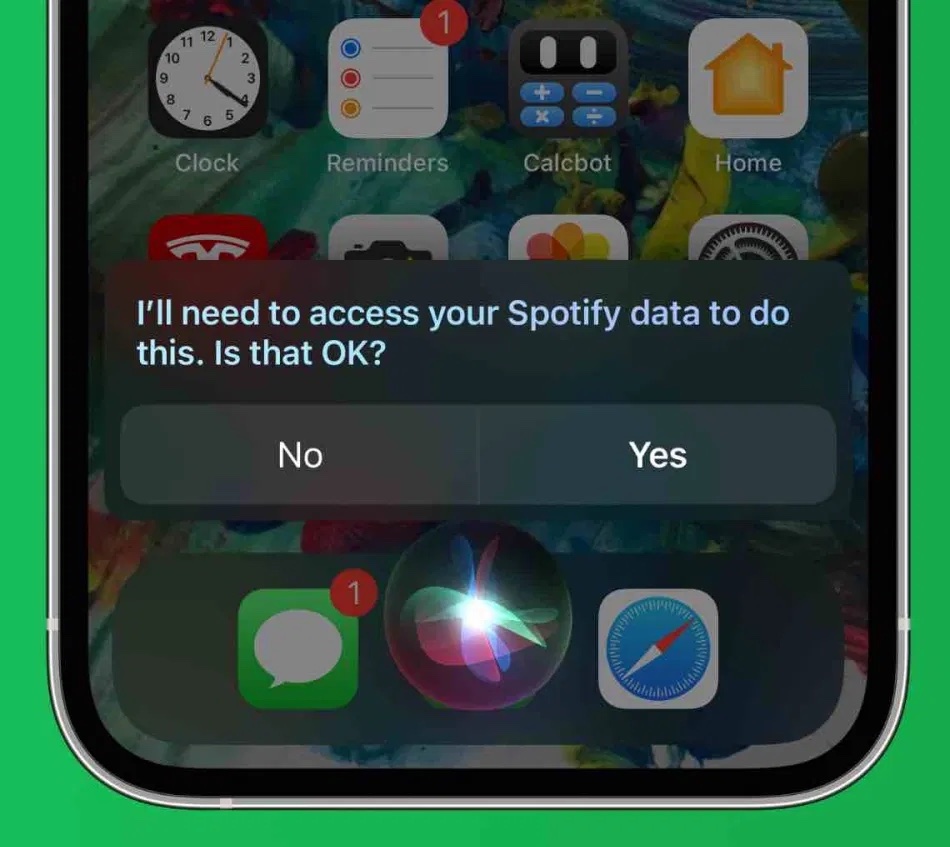
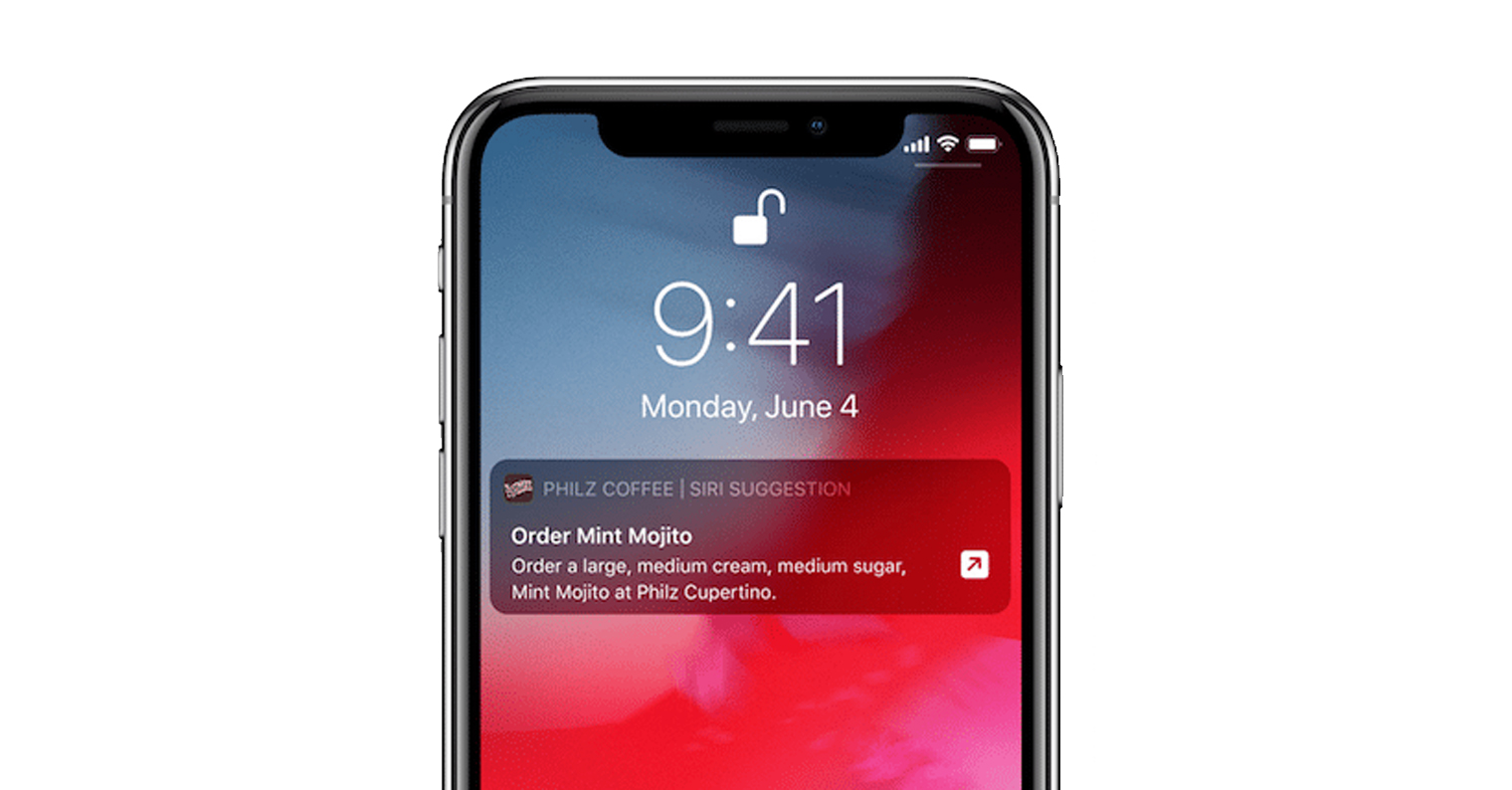
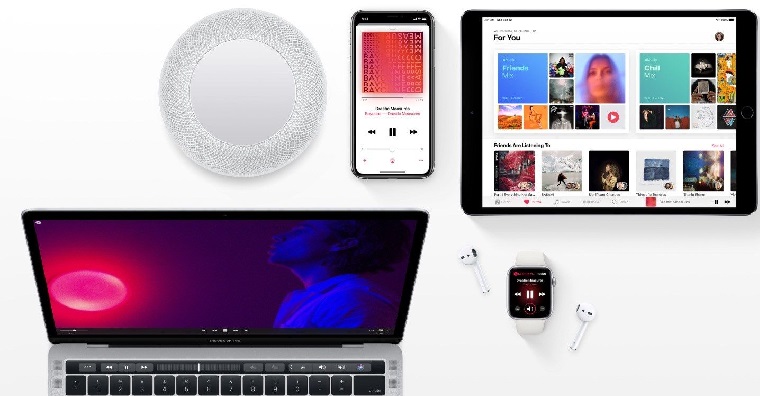
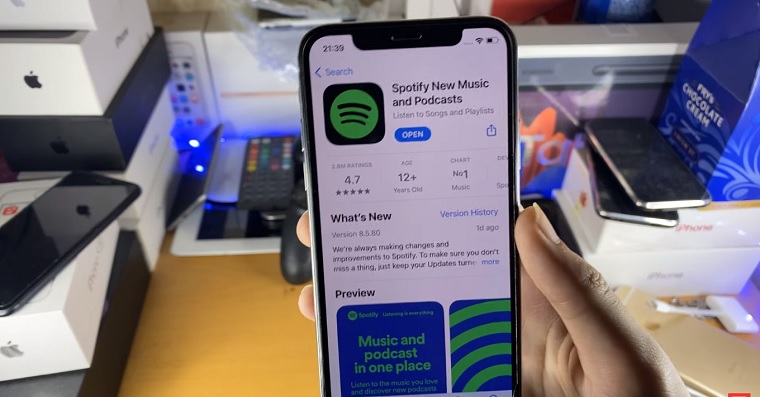
If you also use Spotify on your iPhone, Apple Music or other music streaming service, prompt after installing the operating system iOS 14.5 Siri to play any song for you. A dialog box will appear asking you Siri prompts you to specify which application you want to use for playback via Siri use as default. Unfortunately, the first playback request after installing the update is currently the only way to specify the default music streaming service - you won't find this option in Settings (yet?).
App Tracking Transparency
Gallery
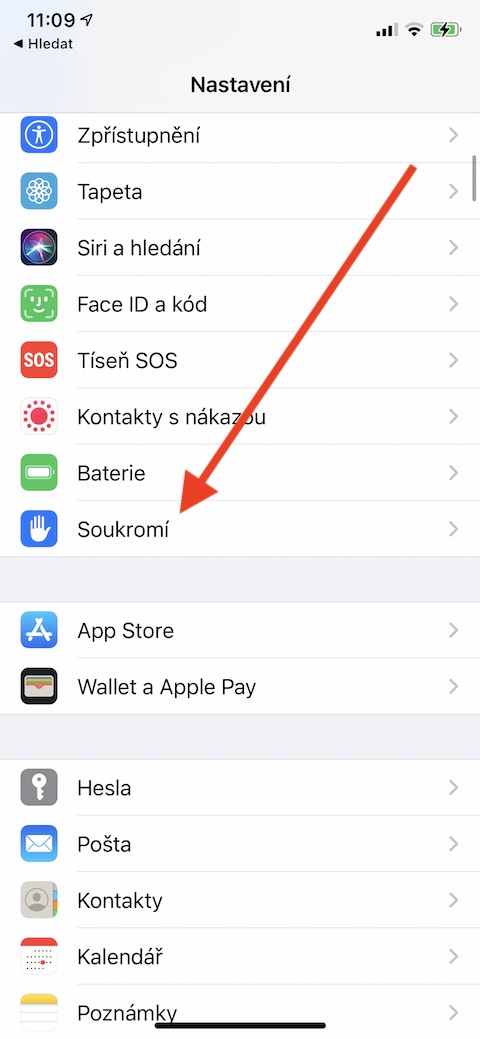
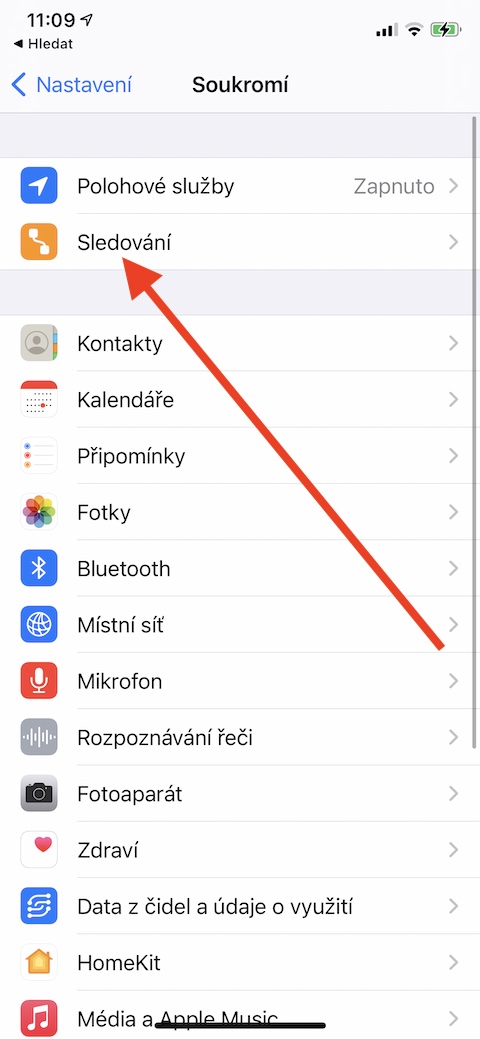
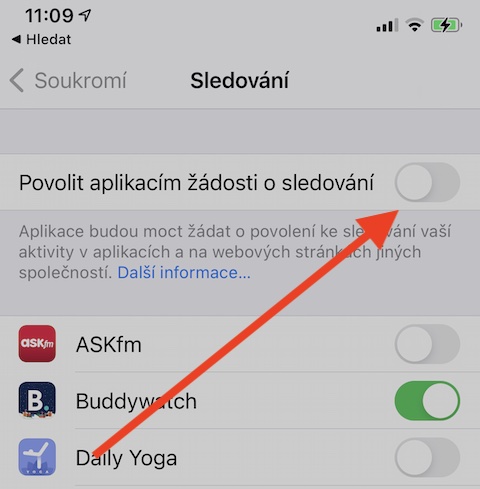
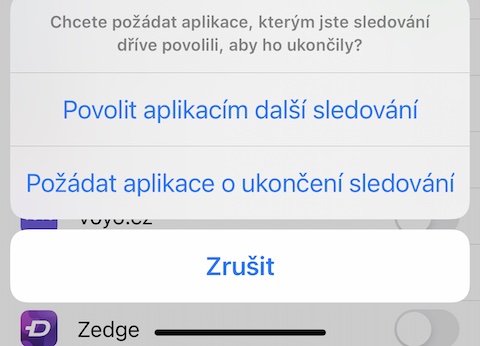
As we mentioned above, one of the new features in the operating system iOS 14.5 is a function called App Tracking Transparency. This gives users the ability to ask each of the apps they have installed on their iPhone not to track them. The feature works simply – after launching the app after updating to iOS 14.5 you will be asked if you want to ask the app to do not track you. To enable do not track for all apps, run on your iPhone Settings -> Privacy -> Tracking, and disable the option Allow apps to request tracking.
Expanded support for game controllers
With the advent of the operating system iOS 14.5 along with iPadOS 14.5 and tvOS 14.5 Apple expanded game controller support even further. To yours Apple You can now also connect PlayStation 5 DualSense or Xbox Series X game controllers to your device. For an unknown reason, users had to wait a little longer than they would have liked for this new feature. Apple users already noticed support for the aforementioned controllers in betaversions of the mentioned operating systems, it is now availableonefully accessible to everyone.
You might be interested in



Ip 11 for .. I can't help it, but I haven't received any request to serve or reject from the application, let alone from the website
And I intentionally enabled the option to privately track..! And this function was already working before 14.5.! Nothing has changed with this update
Does it work for you with the PS5 DualSense connection? I connect it to the iPhone, but the games that can be played with the PS4 DualShock completely ignore the PS5.