
It's simple. If you don't use Macs, you don't use Safari. Apple it though on Windows provided, but the latest version was Safari 5.1.7, which is already outdated since 2018. So you can use Edge, Firefox, Opera or even Google browser. In that case, these 5 tips and tricks for Google may be worth your while. Chrome on iPhone.
You might be interested in
Sign in and sync
Chrome can synchronize data between your computer and mobile phoneonem or even a tablet. It doesn't matter what the combination of operating systems is. But the advantage is huge. Not only will you quickly be redirected to your bookmarks, but you can also finish reading the article you currently have open on your computer on your iPhone.
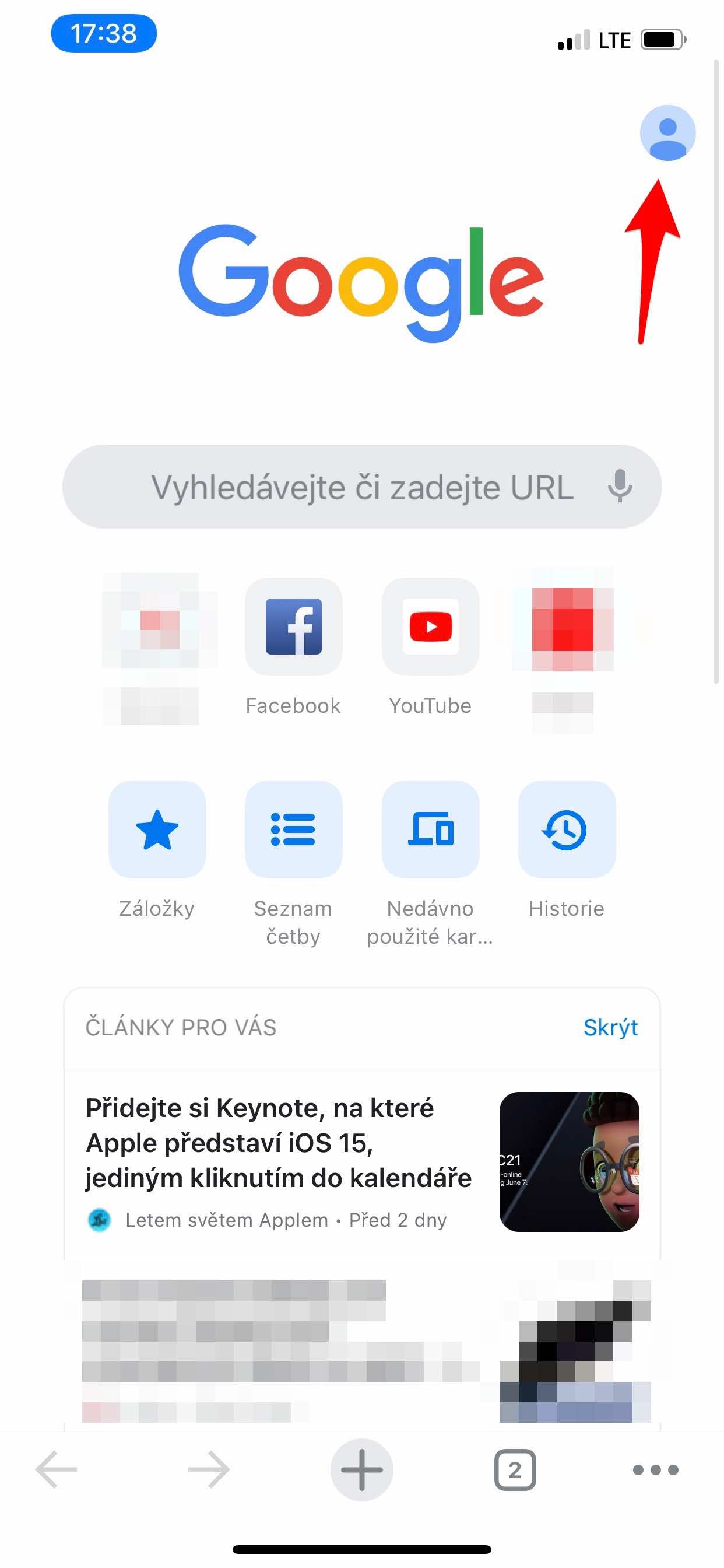
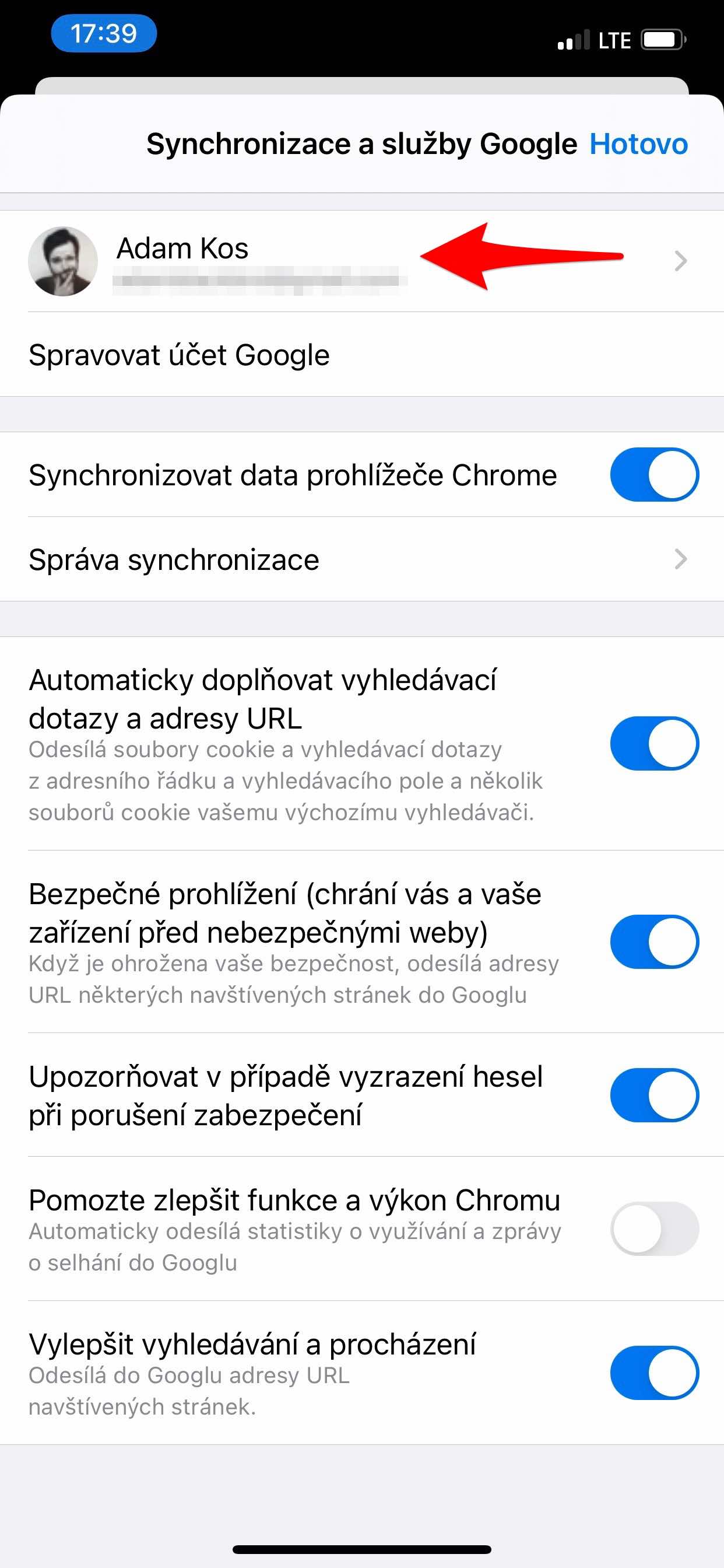
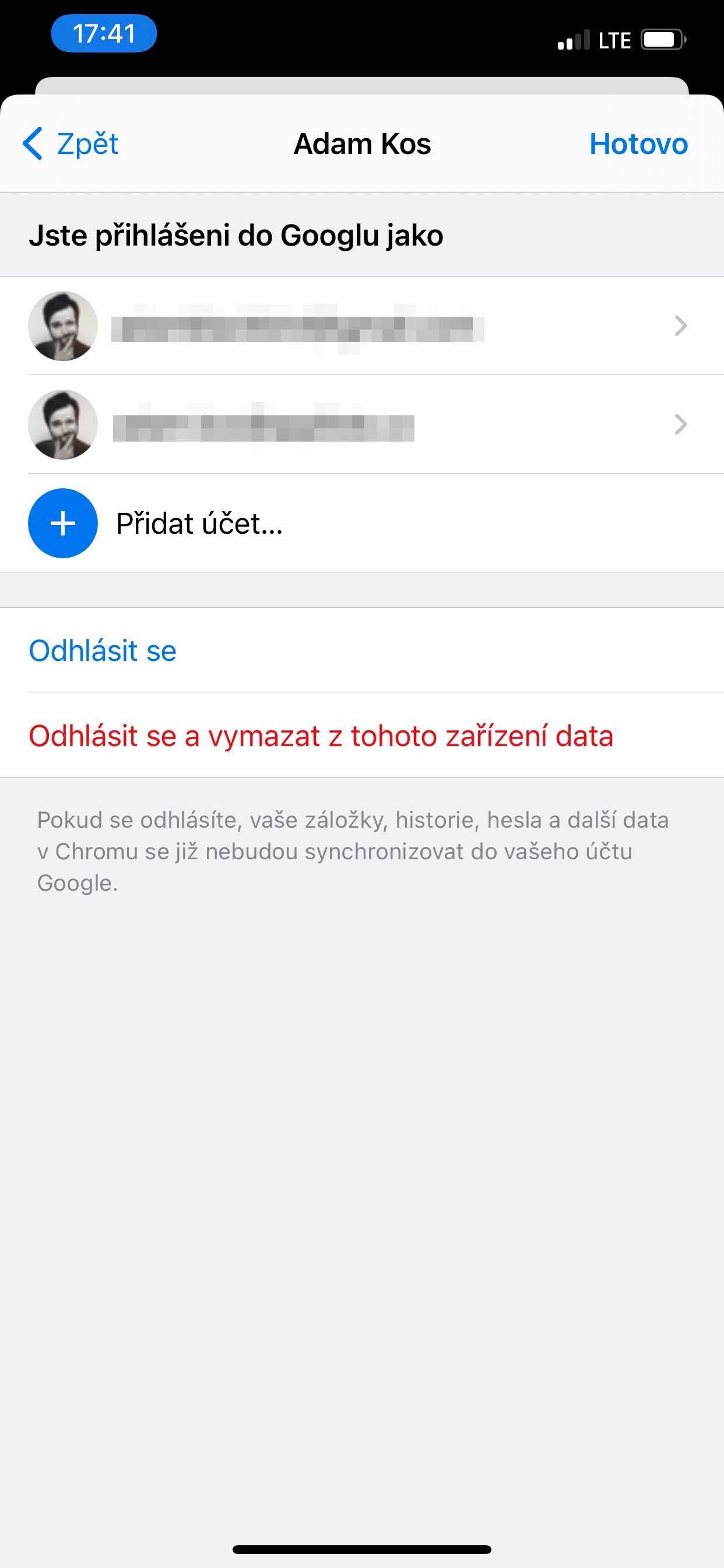
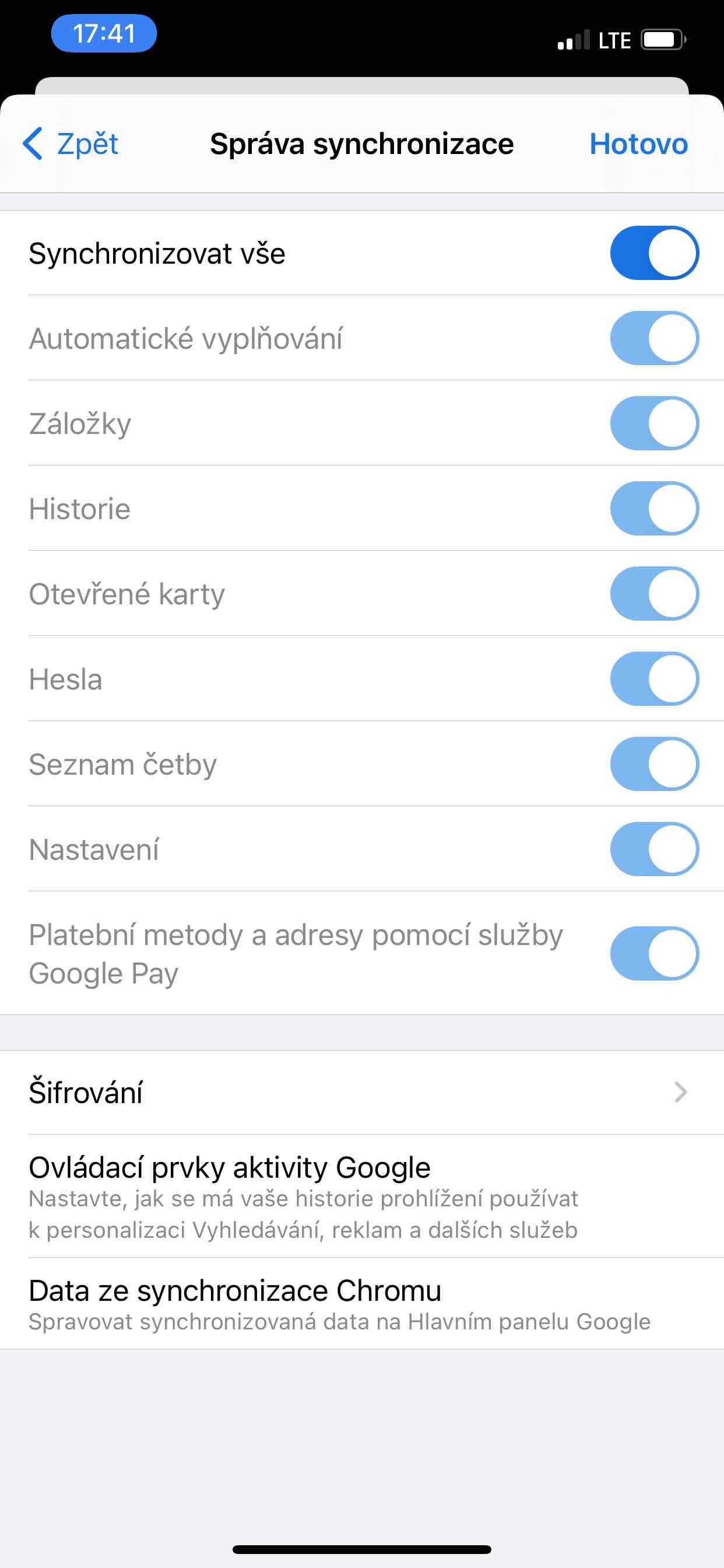
After launching the app, tap the icon in the top right corner and at the very top, log in with the same name and password you use on another device. Below, you can further define the browser behavior.
Bookmarks, reading list, recently used cards and history
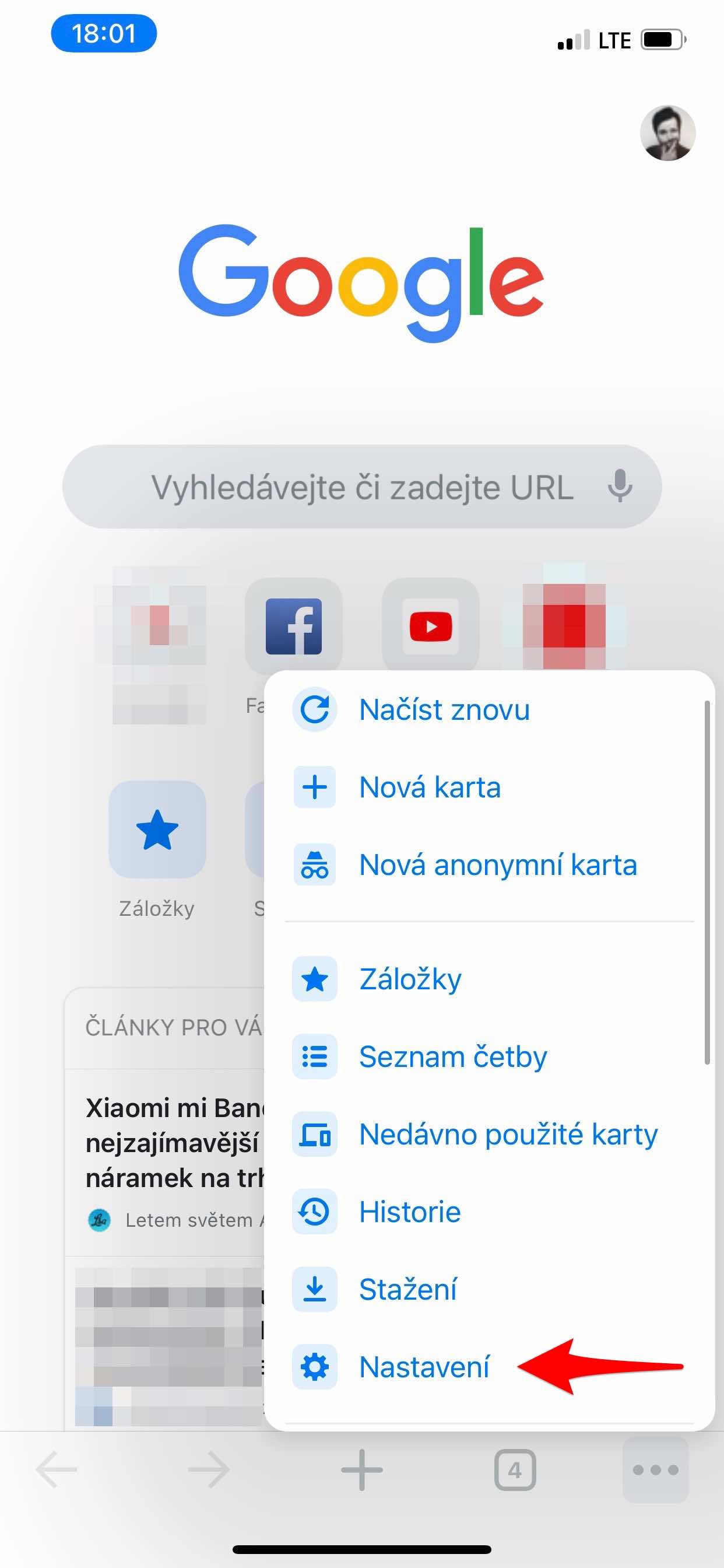
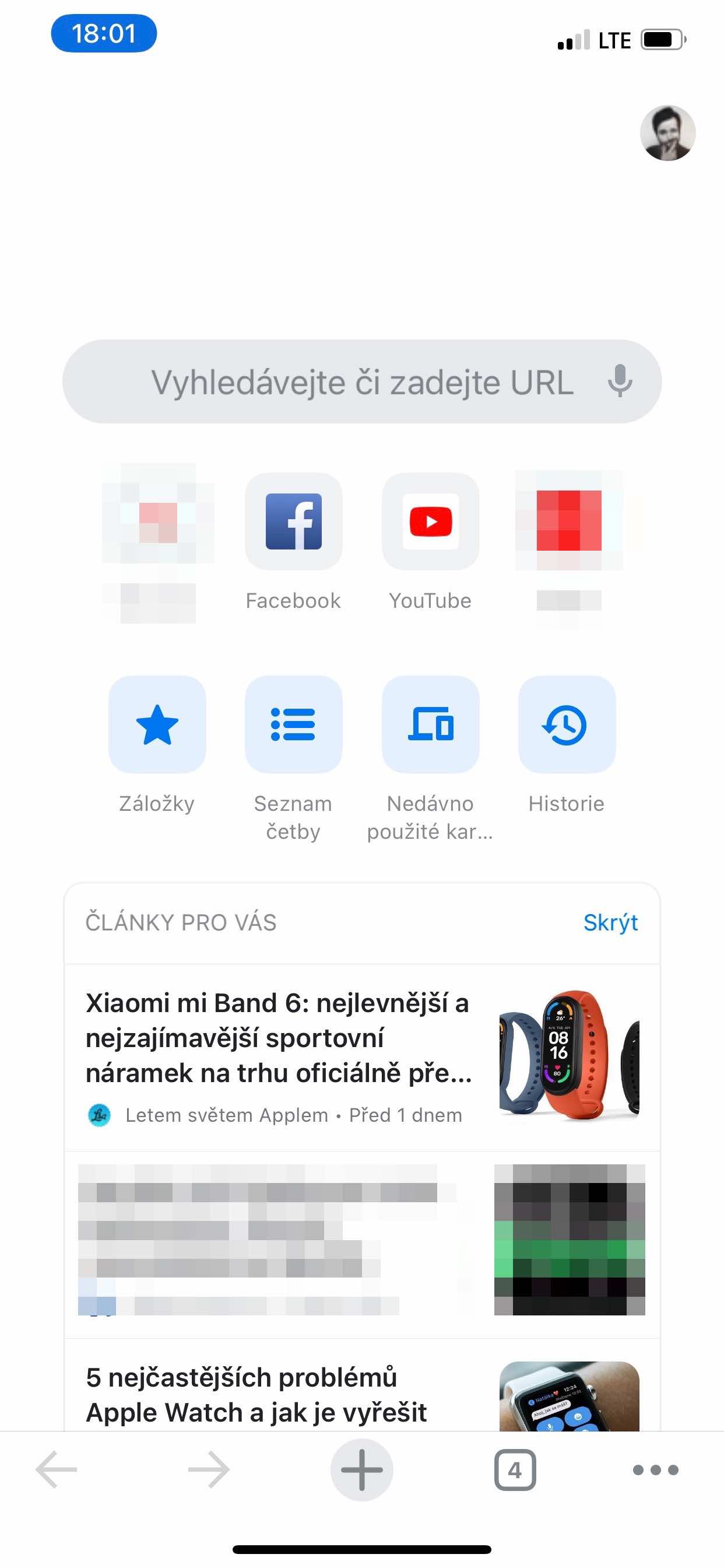
Once you've synced your content, you can access your previous data right from the search home screen. You can also tap the three-dot icon in the bottom right corner from anywhere in the environment to open a menu. This also gives you access to your bookmarks, reading list, recent tabs, and browsing history. Recently used tabs are those you have open on another device.
Gallery


Scan QR code and voice search
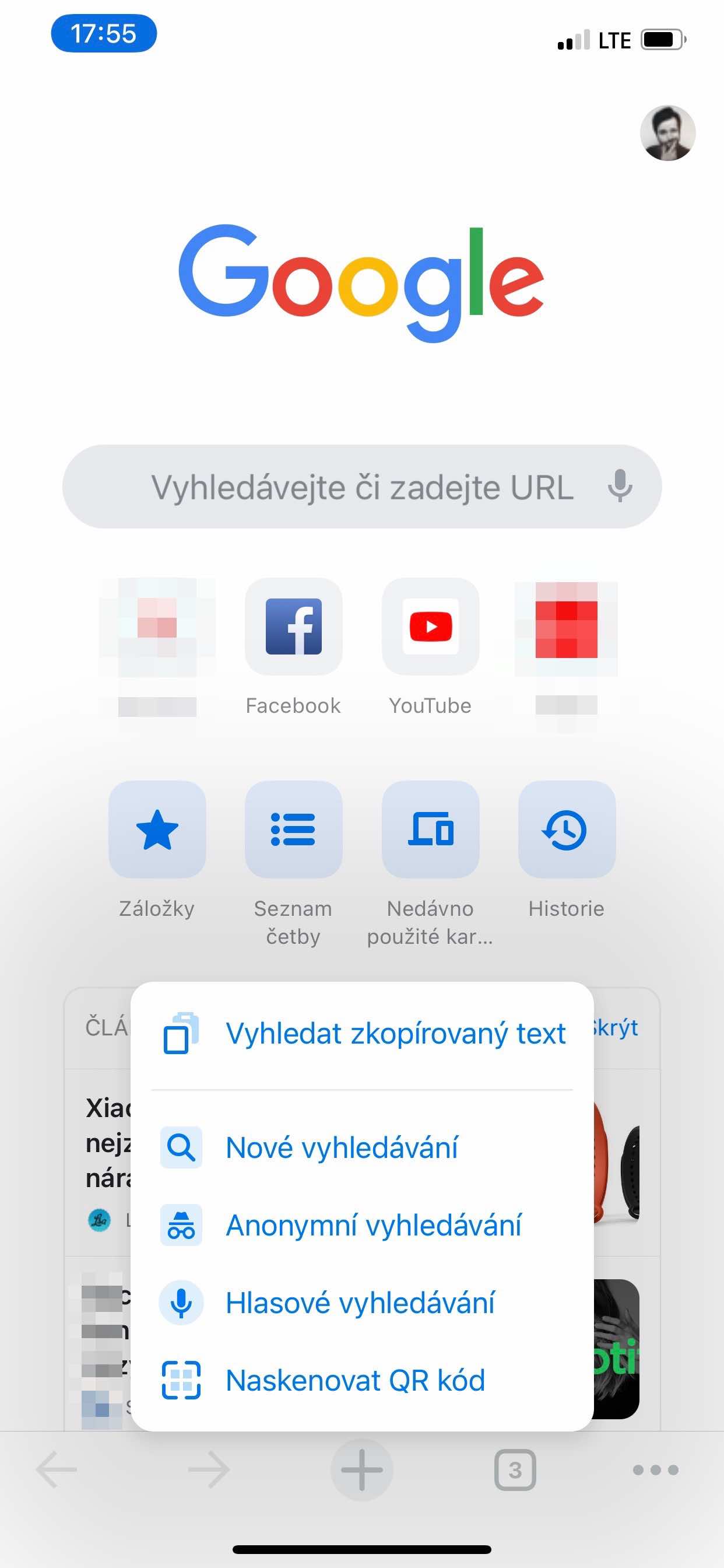
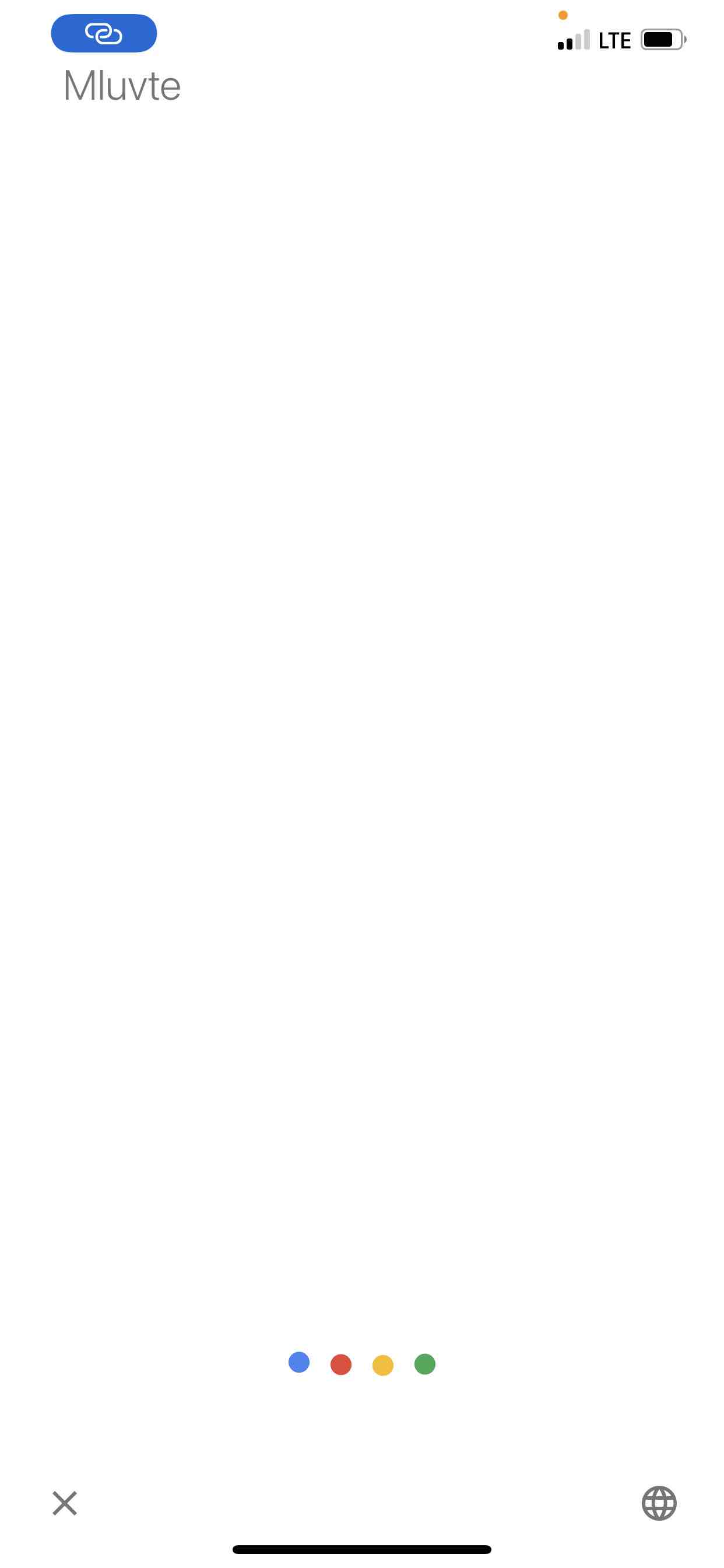
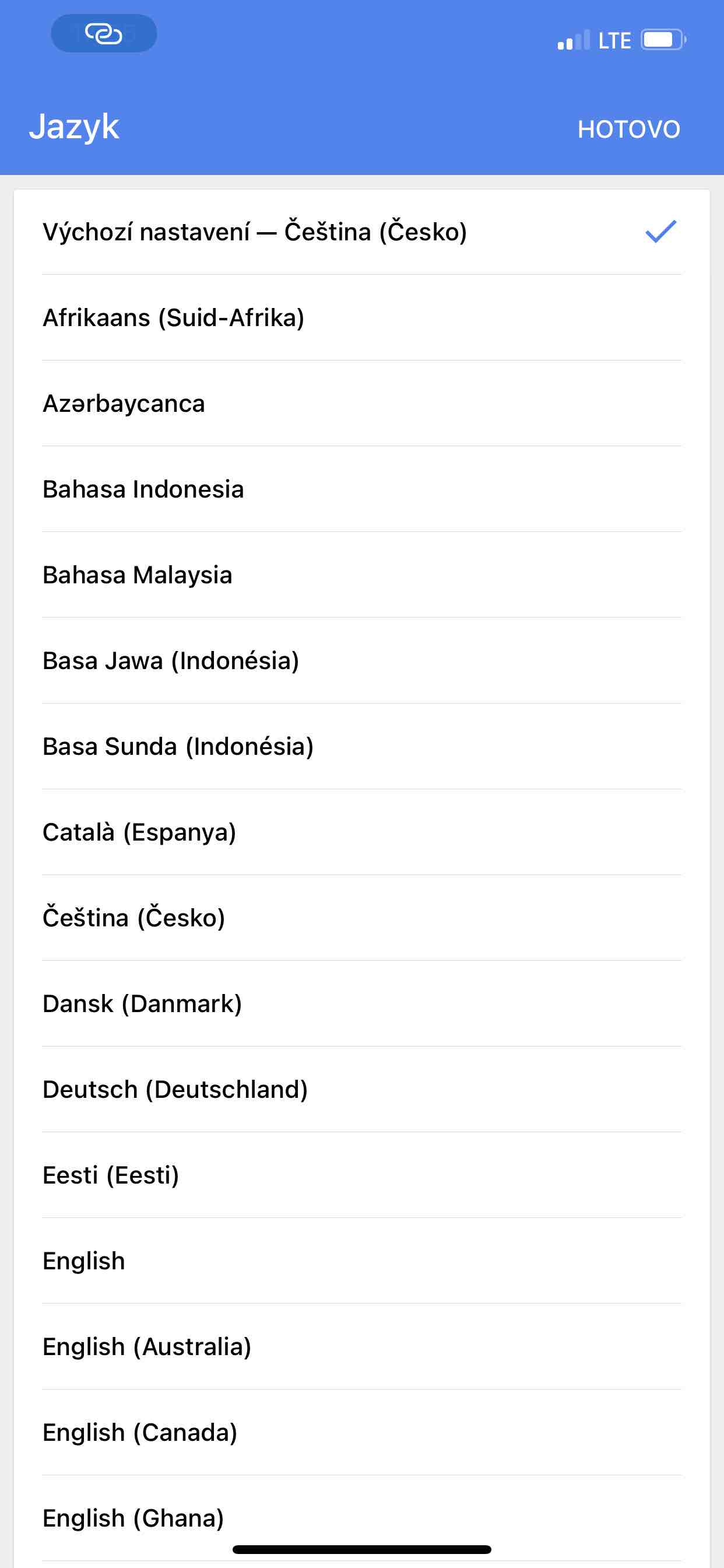
Operating system iOS It can scan QR codes, but you have to use the Camera app to do so. After detecting the QR code, it will show the option tochat redirect to its link. But it is unnecessarily lengthy and time-consuming. In Google Chrome you can do it via long hold the plus icon scan the code immediately without having to launch another application. Apart from this search option, here you can also enter the search term by voice (with Czech language support). And of course, this is ideal if your hands are full or you just don't want to write some text.
Gallery

Seznam.cz
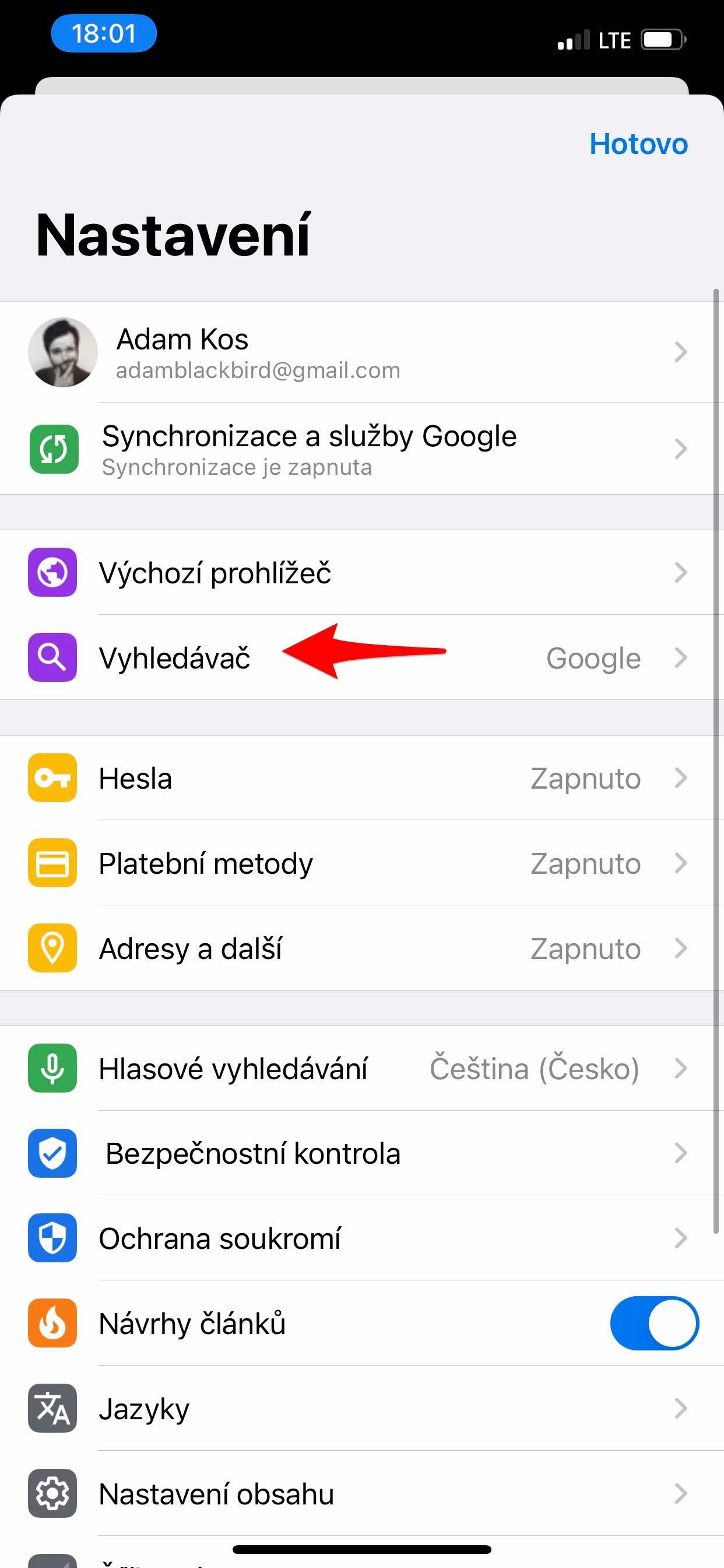
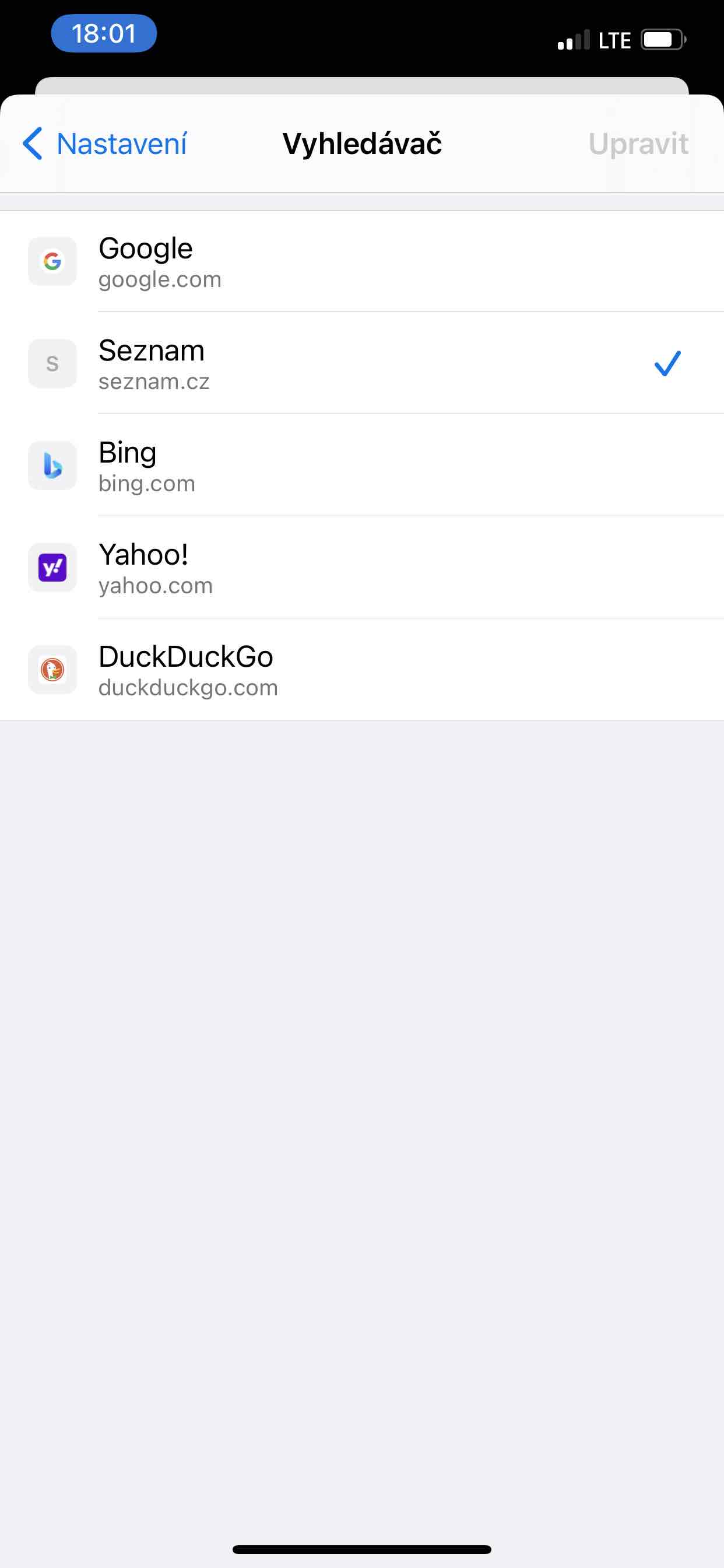
If you prefer a Czech search engine Seznam.cz before Google, you can set it up. To do this, go to three dots icon, where to choose Settings. Select here Search engine and tap on List. But you can also choose Bing, Yahoo! or DuckDuckGo.
Chrome as default browser
So if you've decided it's for you Chrome the ideal web browser on the platform iOS, you can set it as your default browser. So if your device has iOS 14 or later. Go to Settings, where at the very bottom among the installed applications Chrome look for. Just select an offer here Default browser a change Safari na Chrome.
Gallery




Is it tedious and time-consuming with the QR code? The camera is always accessible directly from the lock screen (or from the control center), I can scan the code with one swipe...