
Calls and video calls have been more popular than ever in recent months – none other than the coronavirus pandemic. It has been with us for more than a year, and countless things have changed in that time. Instead of going to work or school, we use home office, we need a sworn statement and a form to travel out of the district, and we can forget about regular visits to family. It is the last-mentioned problem that can cause psychological problems in some individuals. After all, humans are social creatures and, in most cases, need contact with other people. As a not-so-ideal substitute, video calls can be used, for example in Messengeru. Among other things, you can also use the screen sharing feature on your iPhone. If you want to find out how, keep reading.
You might be interested in
As iPhone v Messengerto share screen
Most of us share our screen on a PC or Mac – few of us would have thought that the same option exists for iPhone, directly in the application Messenger. However, this option is slightly hidden here, so you may not have even known about it. Pro turn on screen sharing on iPhone Messengerproceed as follows:
- First, you need to open the app on your iPhone Messenger.
- Once you've done that, you'll open it specific conversation, in which you want to share the screen.
- Then at the top right, tap on camera icon, which will trigger it video call.
- Now it is necessary that you they pushed the bottom panel with icons upwards.
- Here in the category What can we do together? tap the option Share screen.
- Another window will appear in which you just need to press a button Start broadcasting.
- Once you do, it will start three seconds countdown a screen sharing will begin.
- To get back to the video-chatoh, just tap your finger sideways anywhere.
Gallery
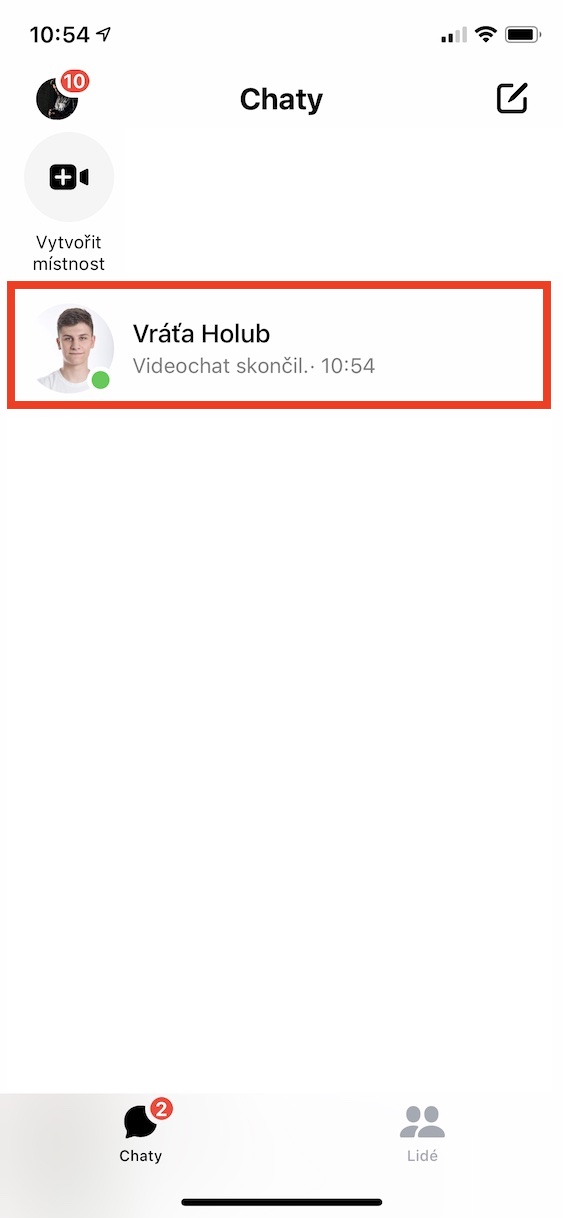
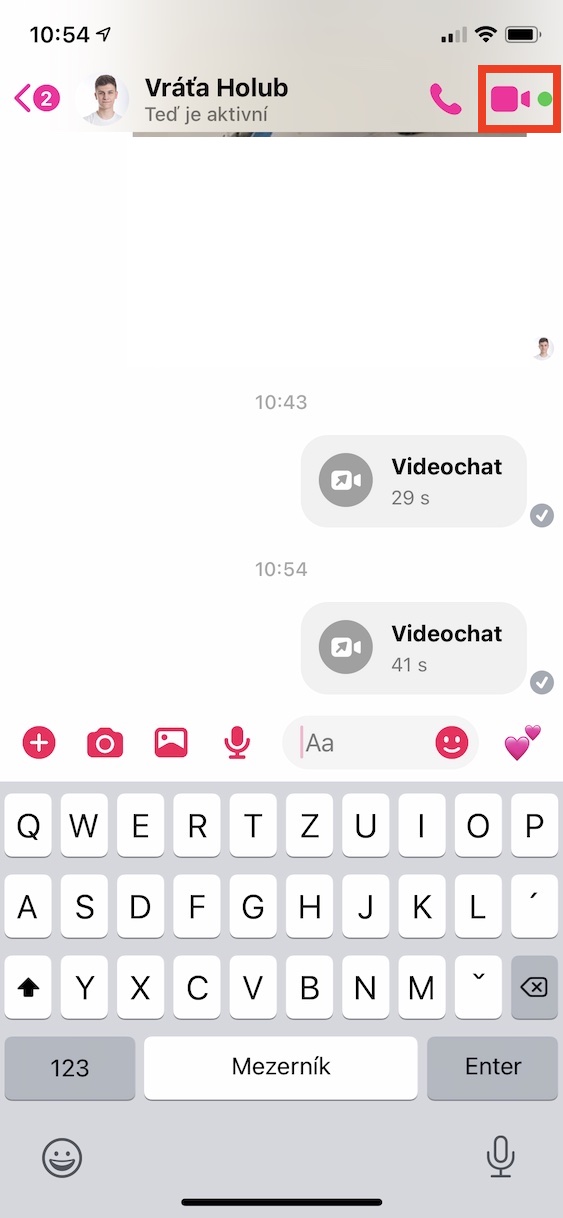
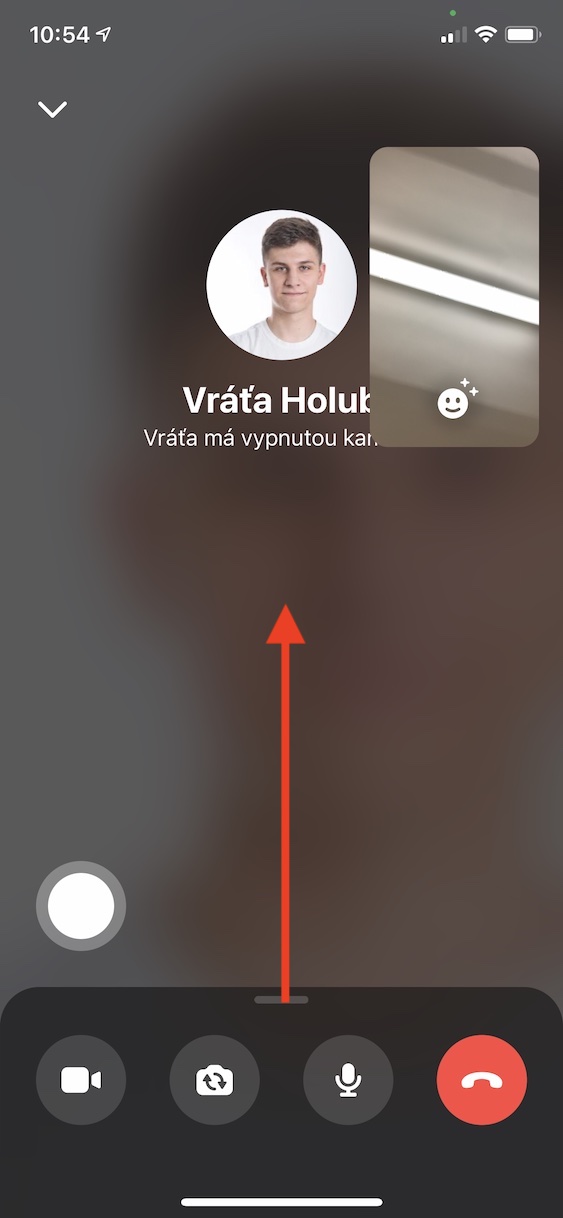
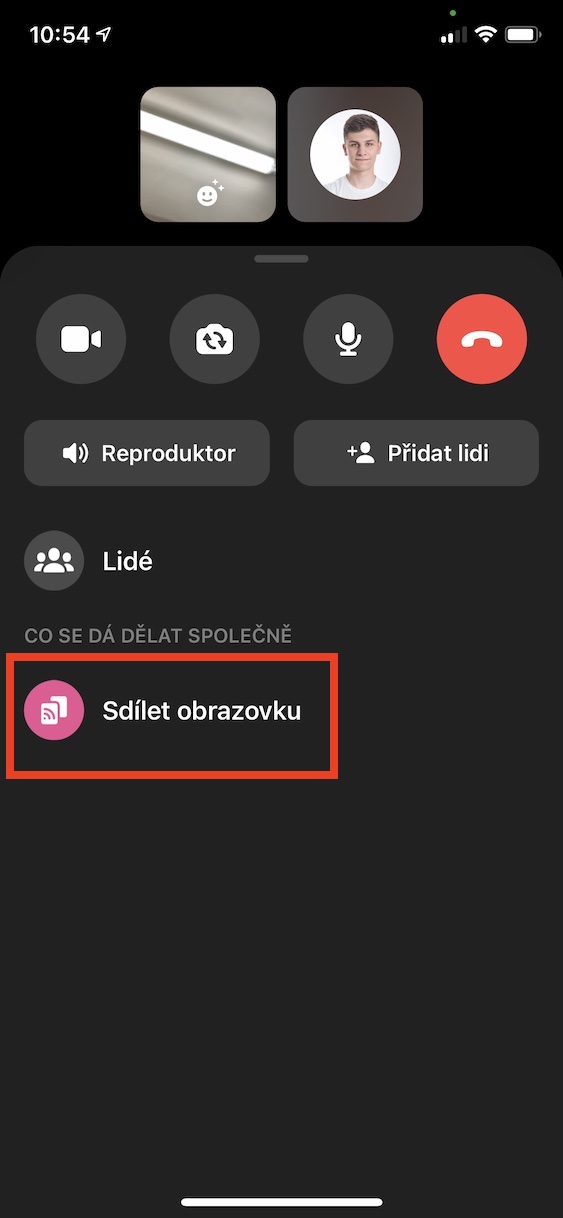
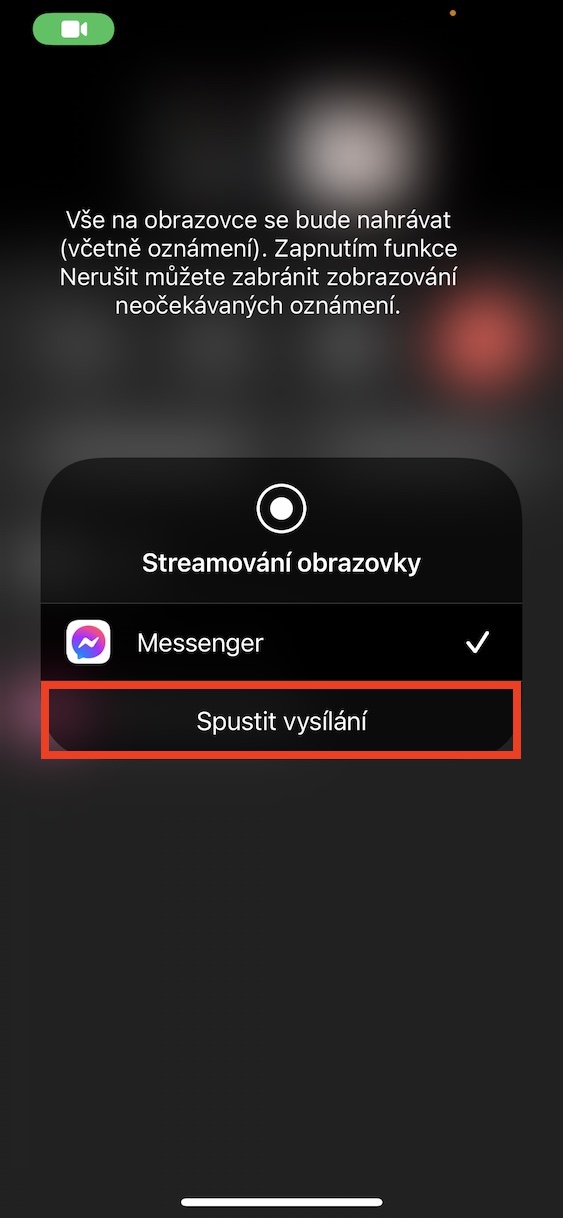
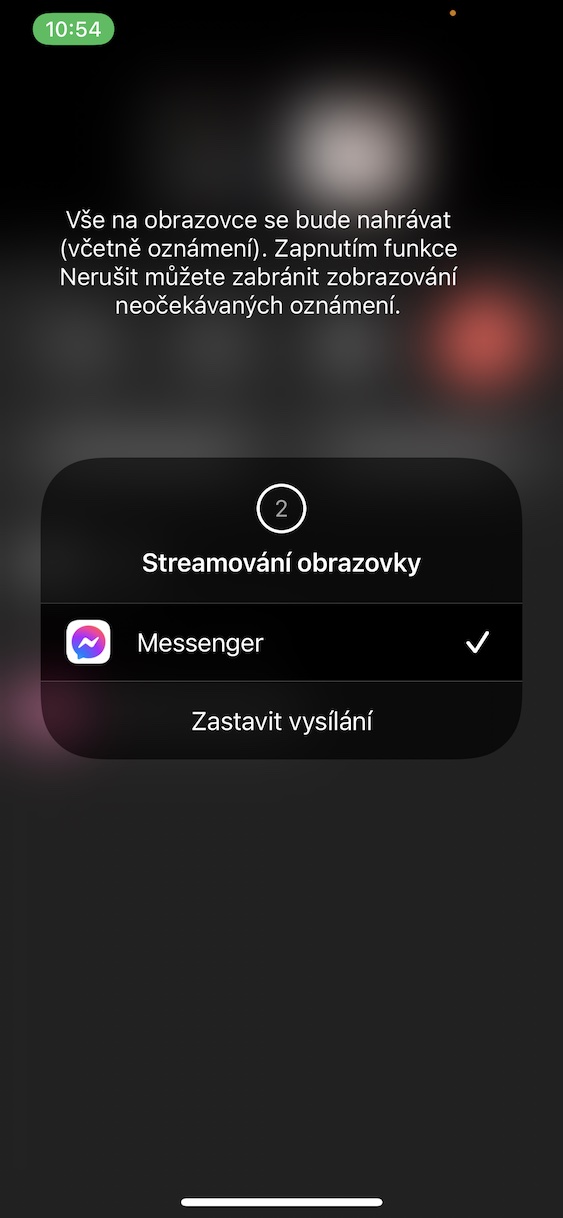
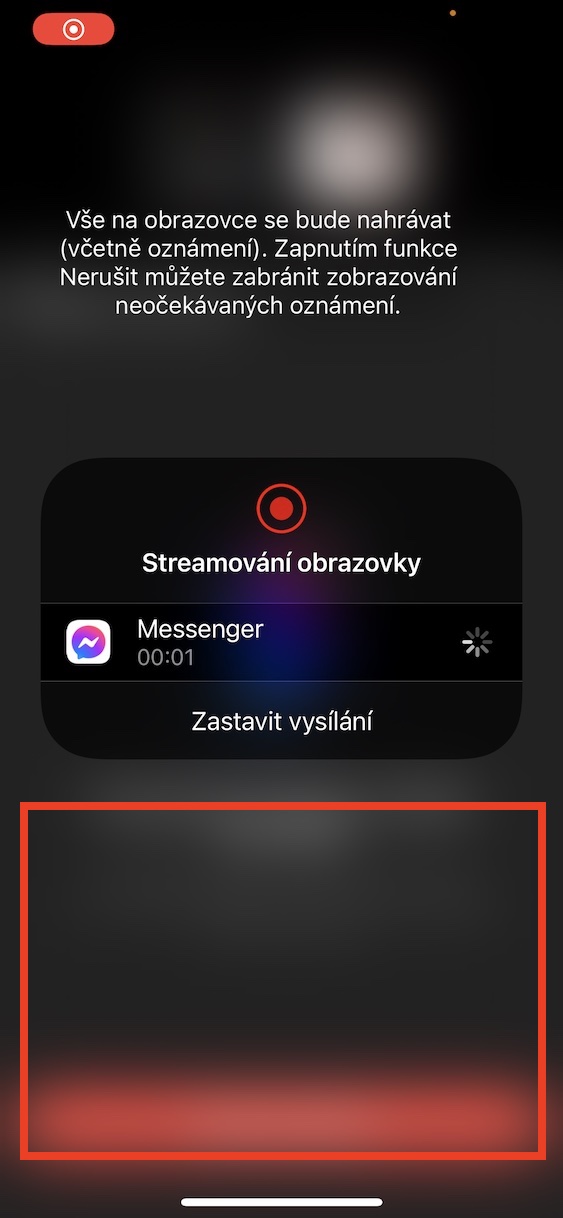
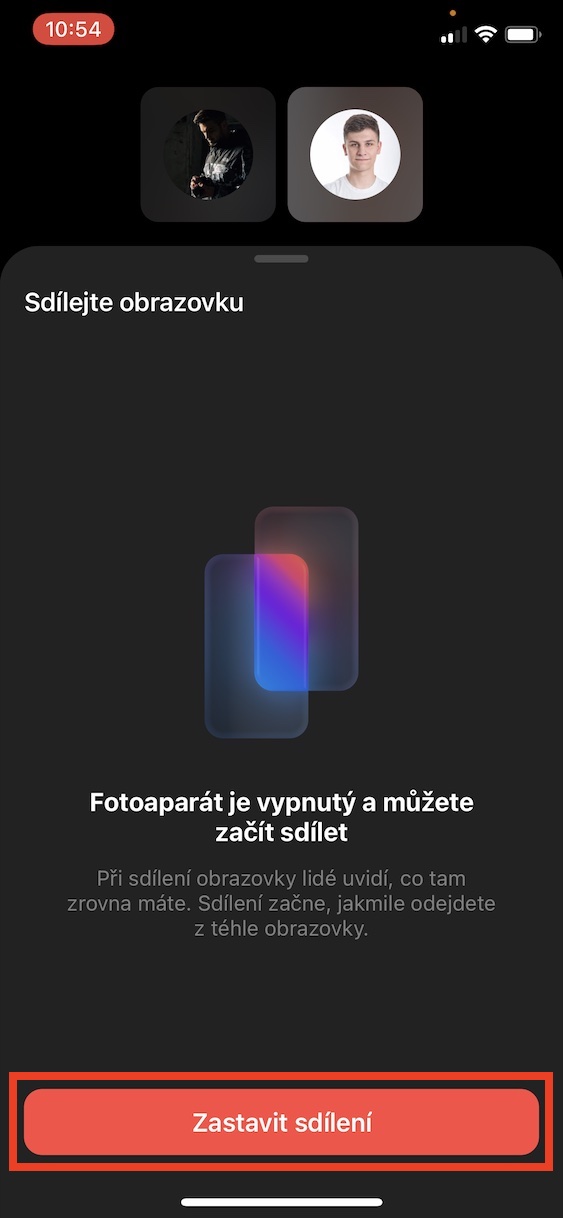
In the above way, within the application Messenger na iPhone start screen sharing. To start screen sharing, you must have active camera, so that you are in a video call. Pro stop screen sharing it is enough that you MessengerThey clicked the button below. Stop sharing. You can tell that the screen is being shared by the red background at the top of the screen.








That's nice, I never thought it would be possible. Thanks
After a long time tooneVery useful guide.