As the week comes to an end, we bring you another overview of other useful shortcuts for iOSBefore you start installing and testing them, we remind you that you need to open each shortcut in a browser environment. Safari on the iPhone you want to install it on. Also, make sure you have enabled the use of untrusted shortcuts in Settings -> Shortcuts.
You might be interested in
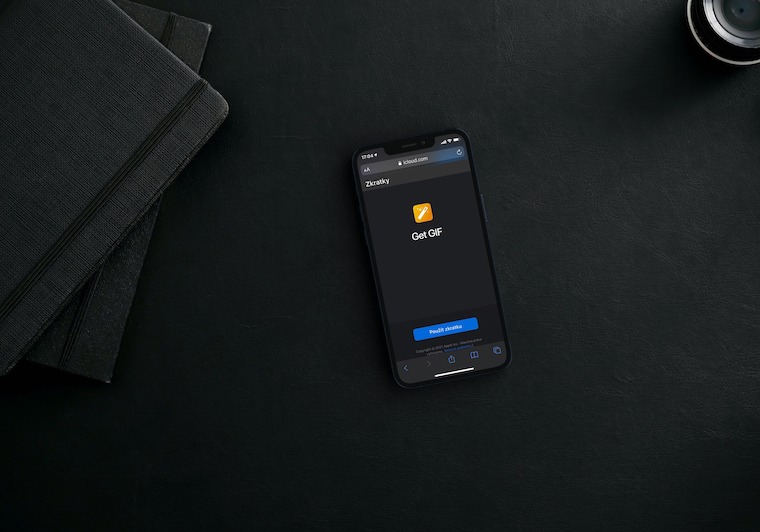
Easy QR Code Generator
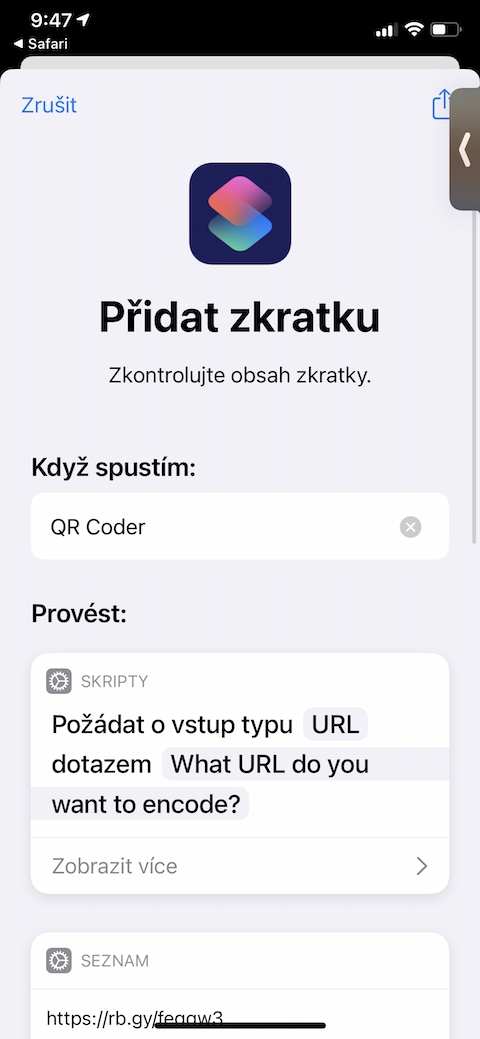
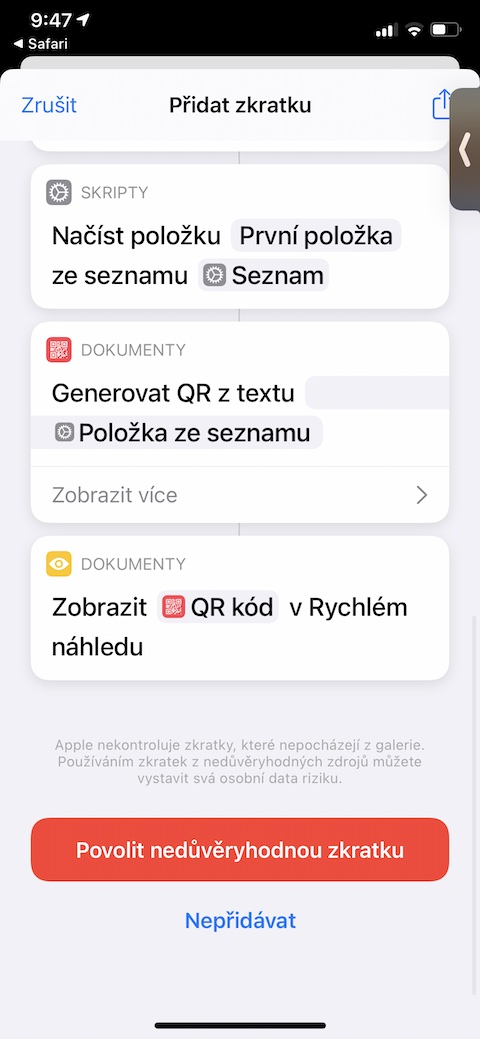
Do you need to generate a QR code on your iPhone quickly and as easily as possible? A shortcut called Easy QR Code Generator will serve you well for this, with the help of which you can create a QR code for any URL address.
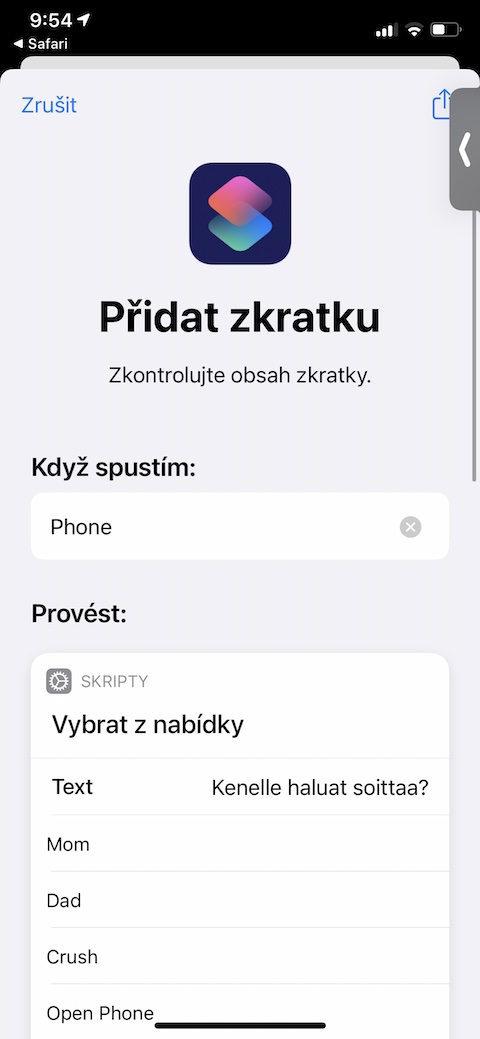
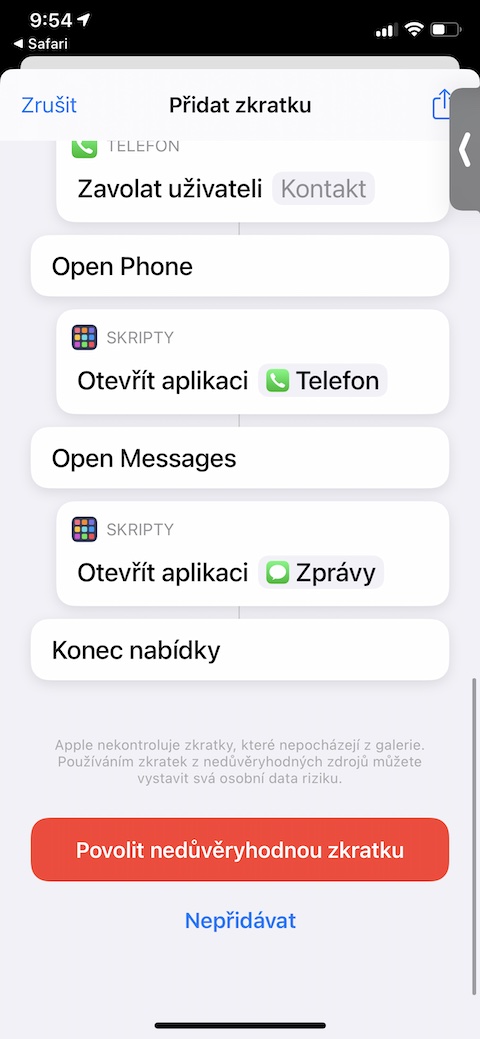
Phone shortcut
Thanks to a shortcut called Phoen Shortcut, you can create a list of favorite, useful, or work contacts on your iPhone, and access it whenever you want.chat display for easy and quick contact – whether by calling or messaging. You can also add the shortcut to your iPhone's home screen. Ph shortcutone Shortcut requires access to contacts on your iPhone.
chores
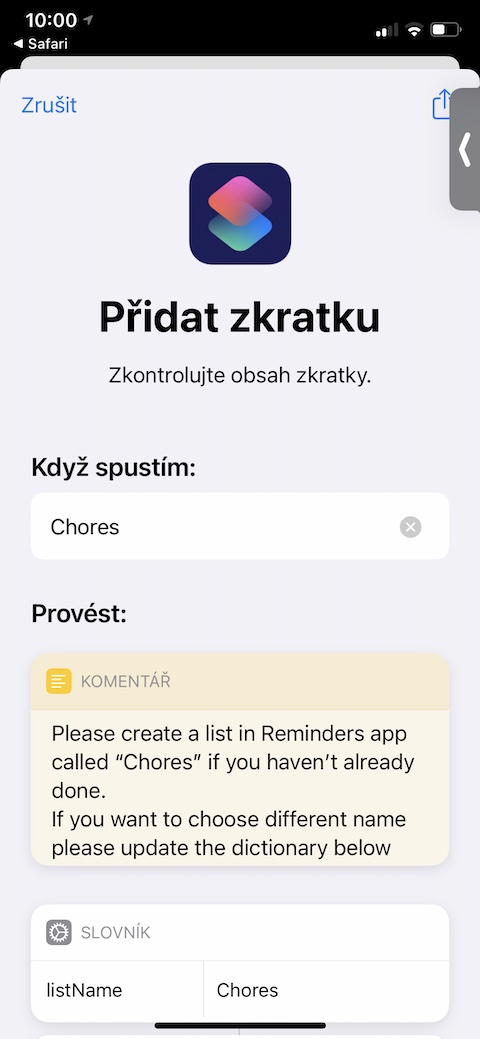
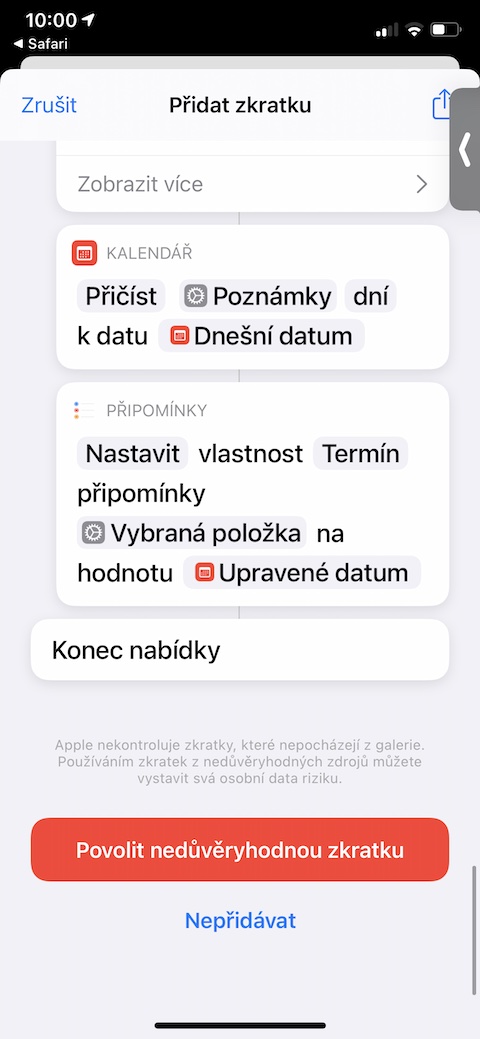
The shortcut named Chores can alert you to any activity or task that is repeated regularly after a certain interval. However, unlike native Reminders, which do the same thing to some extent, this shortcut will start counting down the appropriate interval for you the moment you complete the task. Shortcut works with native Reminders on your iPhone.
Events
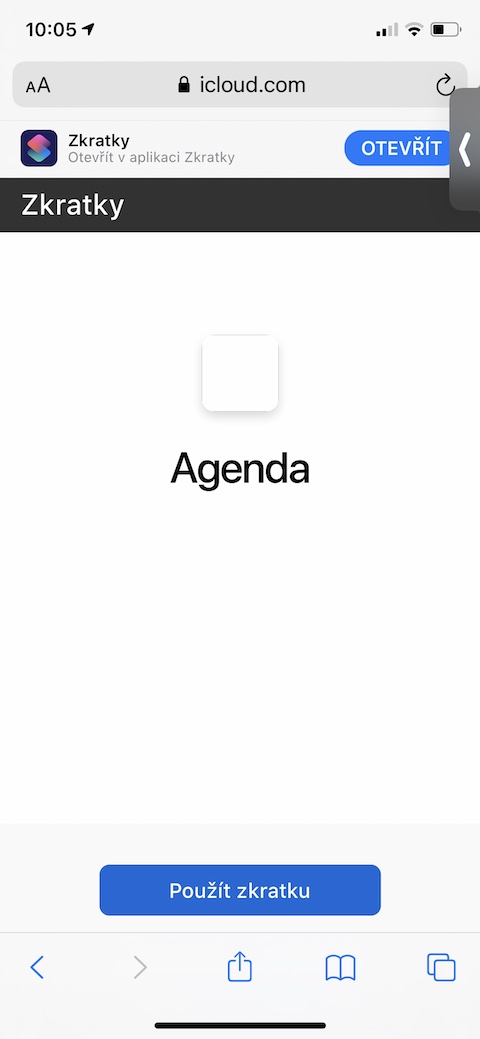
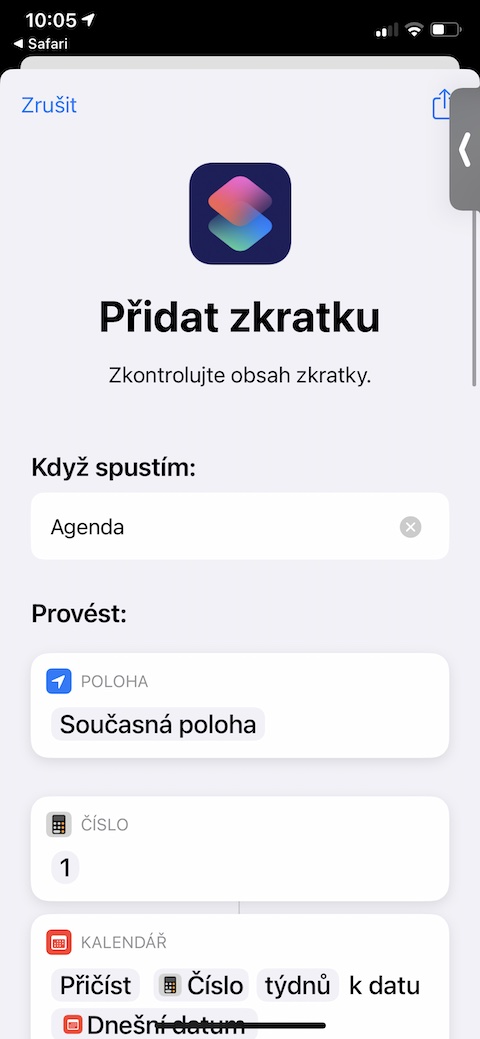
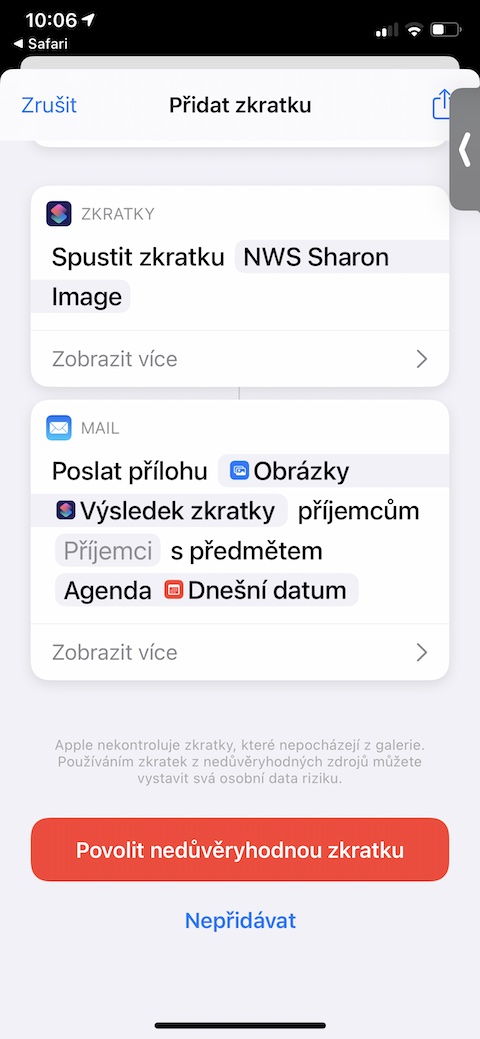
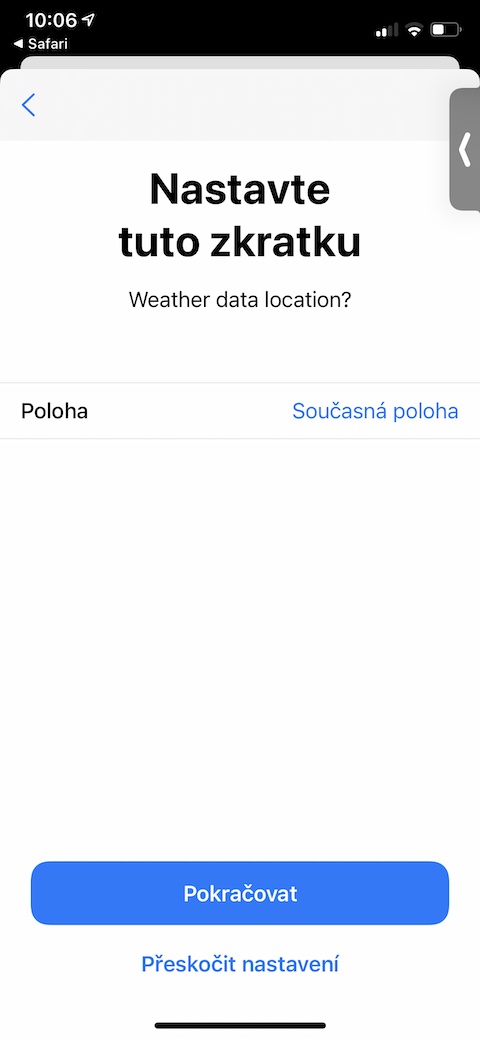
The Agenda shortcut will become your personal assistant. On demand, it provides you with an overview of upcoming events from the native Calendar on your iPhone, with advance notice, the length of which you choose yourself. In addition, Agenda can also provide you with weather information. The shortcut requires access to your calendar and location.