After a week, we are bringing you our regular column about interesting and useful shortcuts for iOSThis time we'll introduce four shortcuts that you can use in conjunction with native Reminders on your iPhone or iPad.
You might be interested in
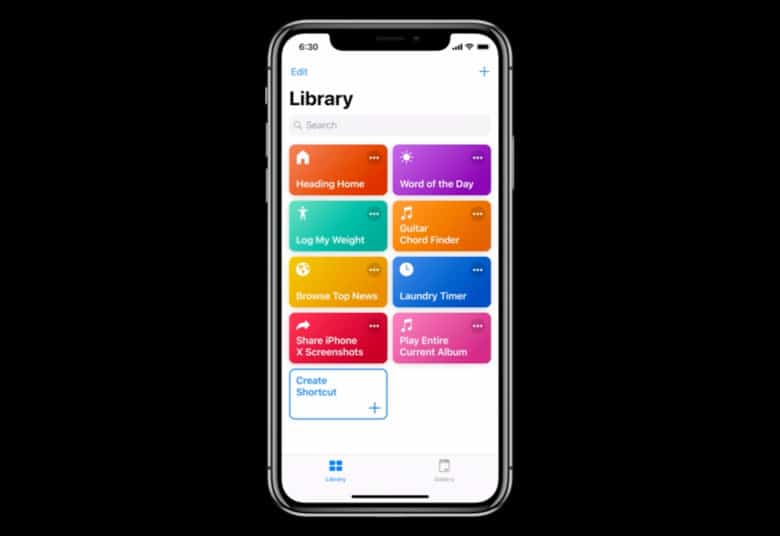
Before installing any of the shortcuts presented here, make sure you have enabled the option to use untrusted shortcuts on your iPhone or iPad in Settings -> Shortcuts. The link for each shortcut needs to be opened in a web browser. Safari v iOS or iPadOS device where you want to install the shortcut.
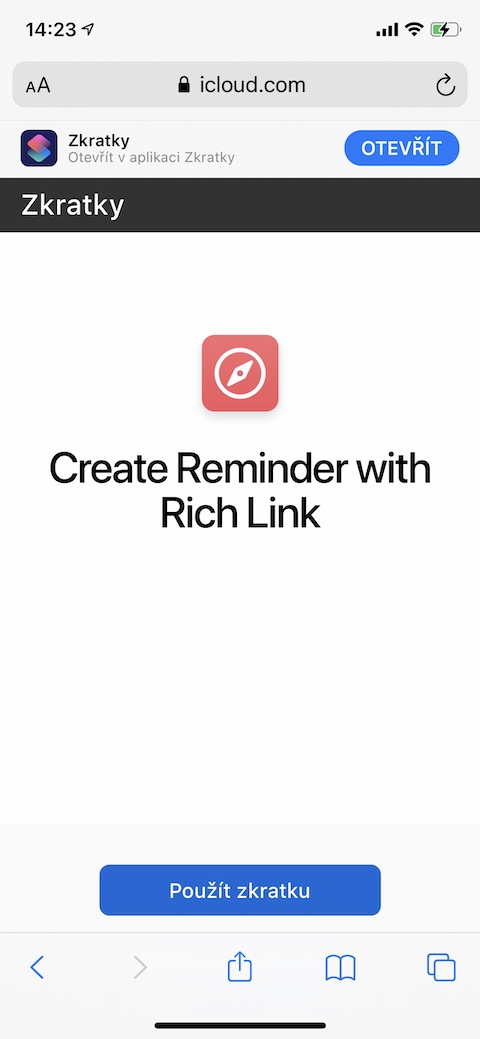
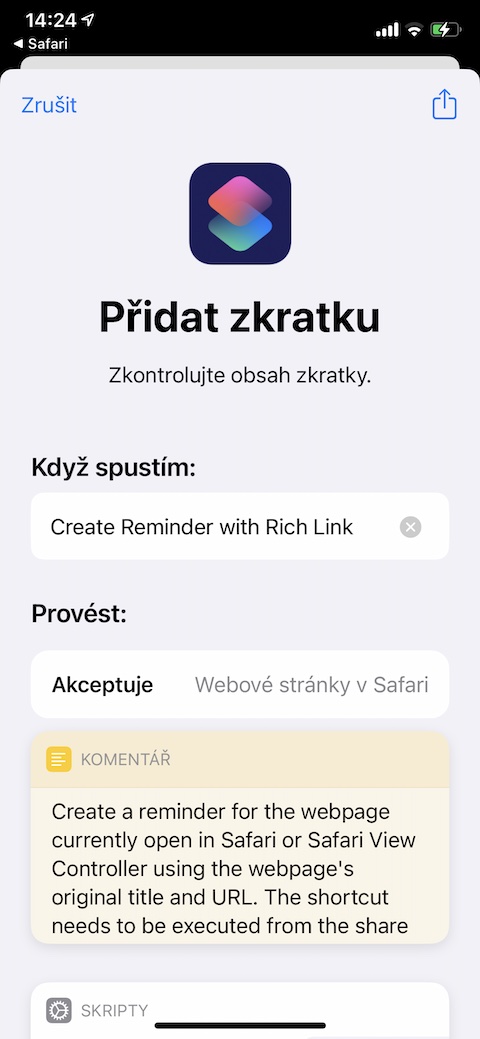
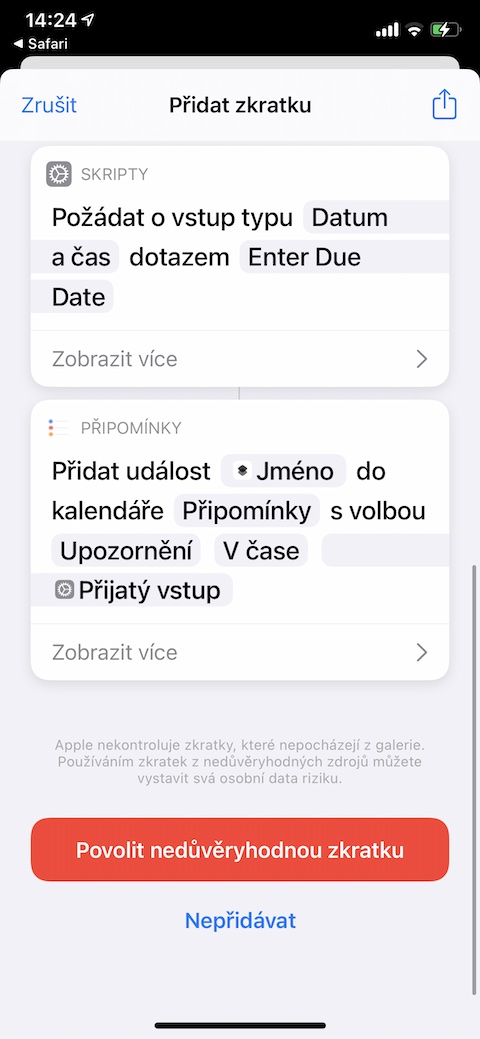
Create Reminder with RichLink
This shortcut allows you to create reminders for any web page you currently have open in your browser. Safari or in the environment Safari View Controller. You simply activate the shortcut using the appropriate icon in the share sheet, the original URL of the given website will be saved in the newly created comment in the form of a so-called rich link.
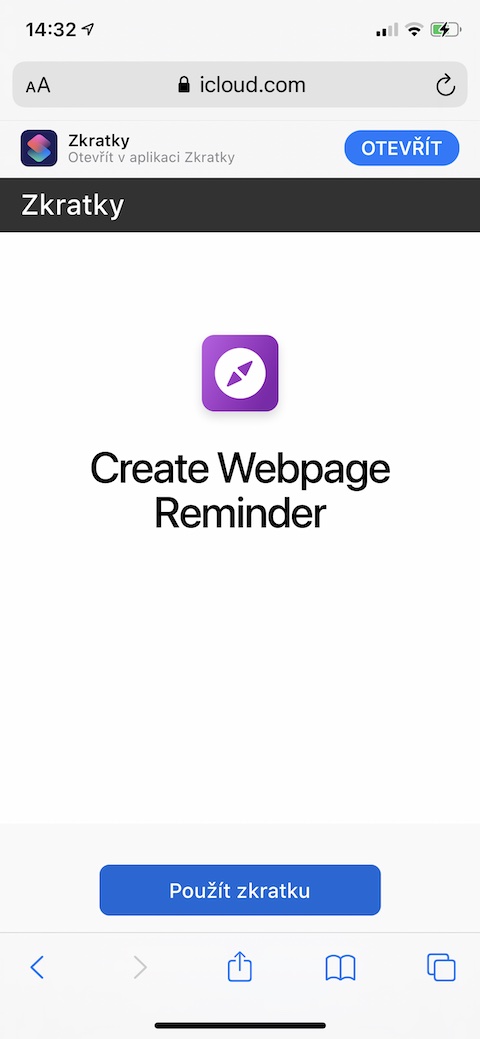
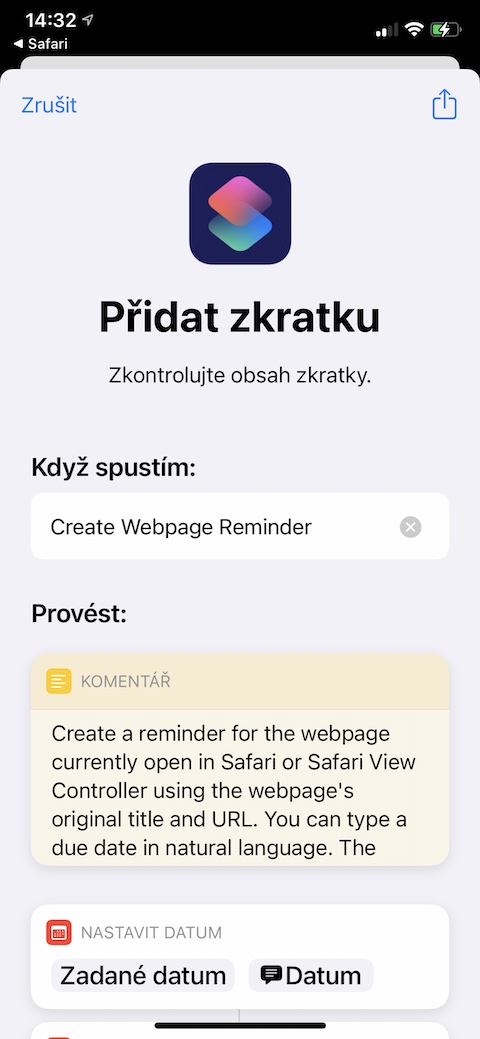
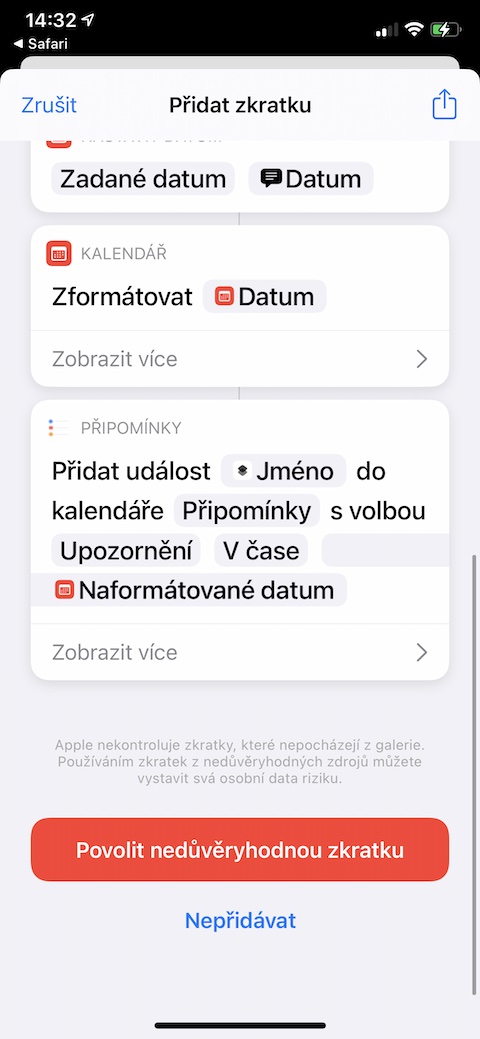
Create a websitepage Reminder
As the name suggests, this shortcut – similar to the previous one – will help you create a reminder for the currently opened web shortcut in Safari or v Safari View Controller, using the original name and URL of the page. The shortcut supports natural language input, use the share tab to activate it.
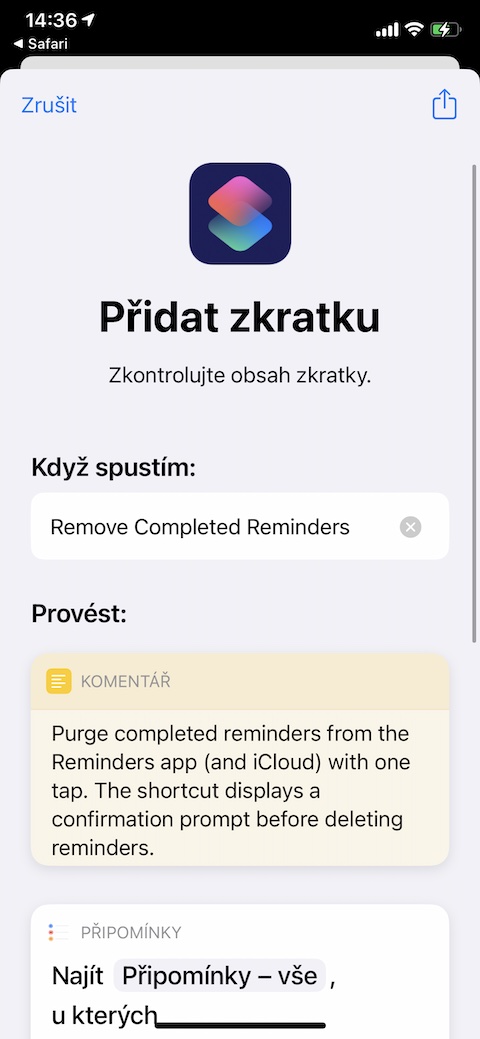
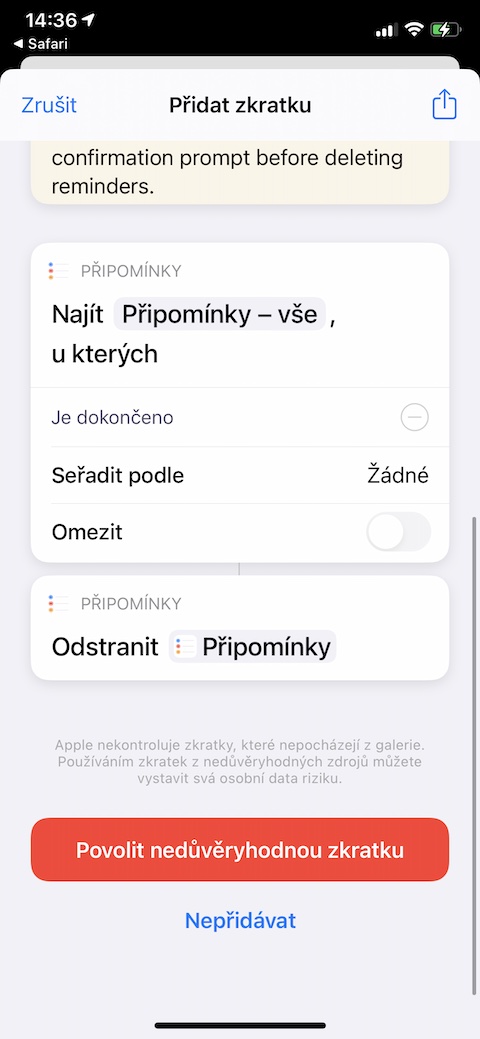
Remove Completed Reminders
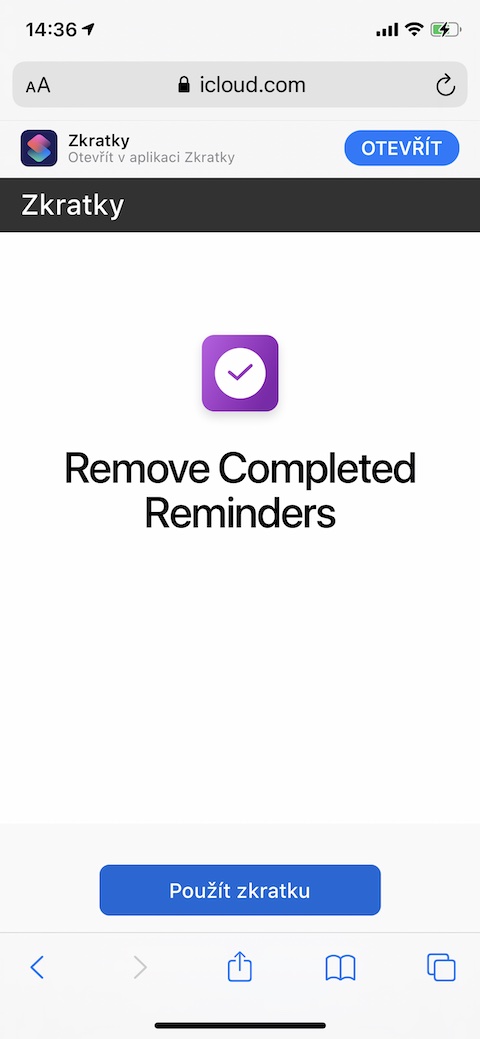
Do you have a lot of completed tasks in the native Reminders on your iPhone and don't want to manually delete them one by one? With the help of the Remove Completed Reminders shortcut, you can remove all completed reminders on your iOS or iPadOS device in a moment. The deletion is irreversible, but the shortcut will ask you for confirmation before it is finally launched, just to be safe, to prevent accidental deletion of your completed reminders.
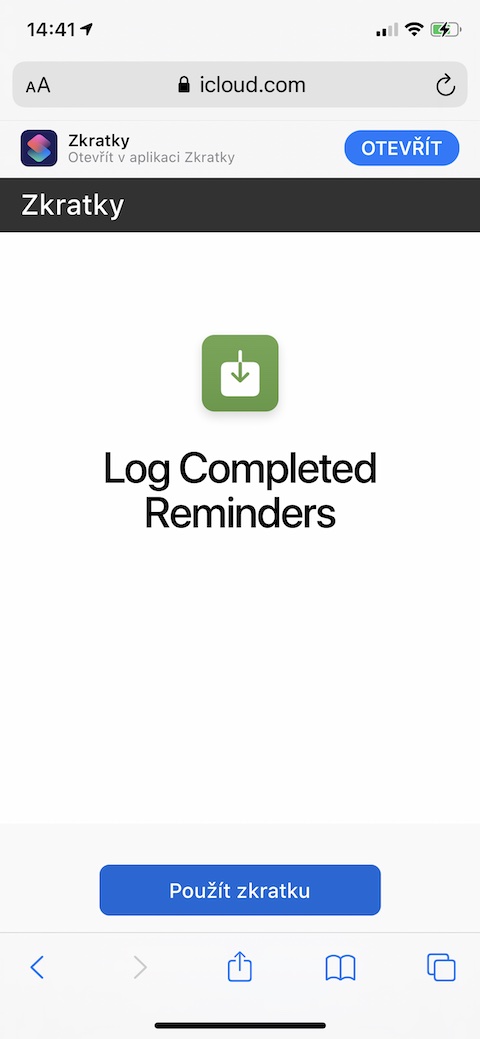
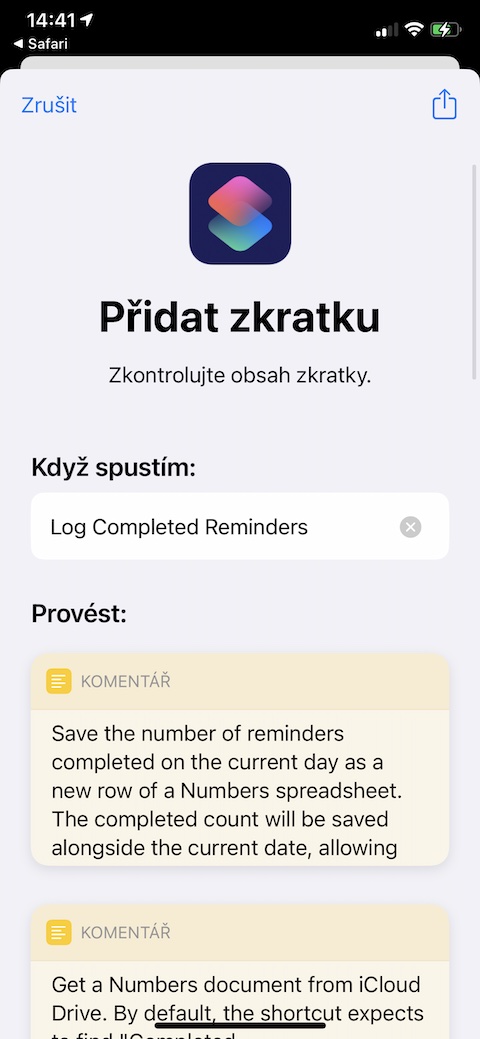
Log Completed Reminders
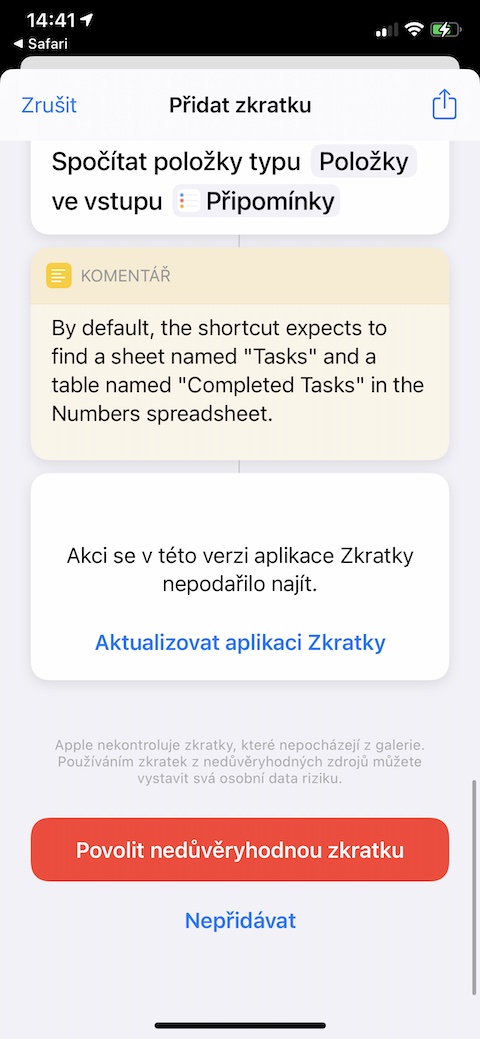
A similarly useful shortcut is called Log Completed Reminders. It allows you to save the number of reminders you successfully completed during a given day. The number of completed reminders will be automatically saved to a table in the native application. Numbers, which will also continuously count the number of comments processed for a given day.