
Would you like to use an external monitor with your Mac running macOS Big Sur 11.1 or 11.2, but are experiencing problems such as not being able to connect, not being able to use it, or not being able to use it? maximal resolution or content clipping on them? Then we have good news for you in a way. In recent days and weeks, quite a few Apple fans have been complaining about these problems on the Internet, which clearly shows that the fault is on Apple's side. Applu. However, since it is obviously software-related, fortunately, there will not be too much of a problem with the repair.
You might be interested in

It is interesting that the problem with many Apple users manifests itself both in the case of connecting an external monitor via DisplayPort and via HDMI. Another interesting thing is that it also affects officially sold displays Applem – specifically the LG series UltraFine, which are generally expected to be for testing new OS versions Applem are used and therefore should not suffer from similar software missteps. Unfortunately, nothing like that happens.
Gallery
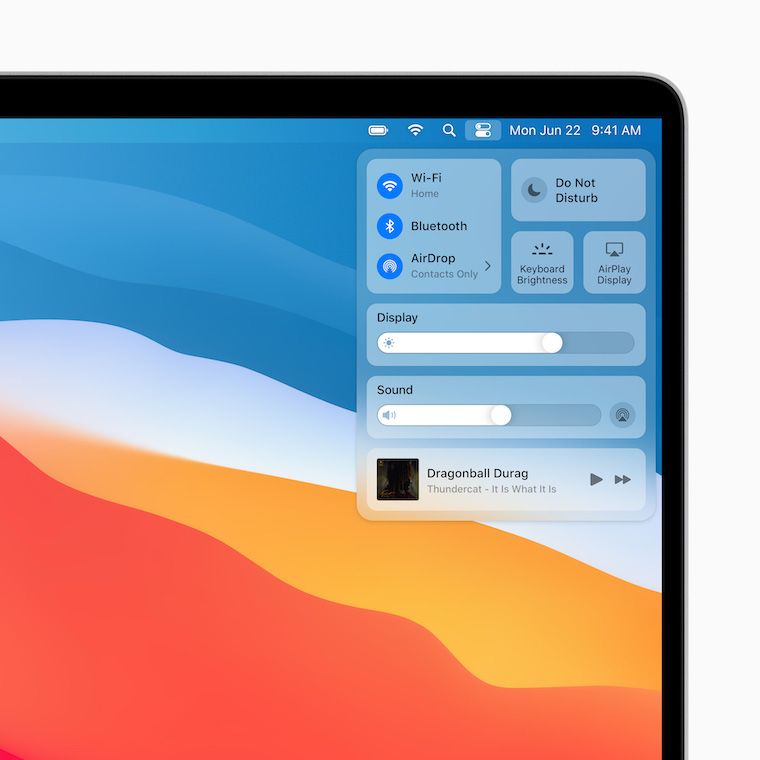
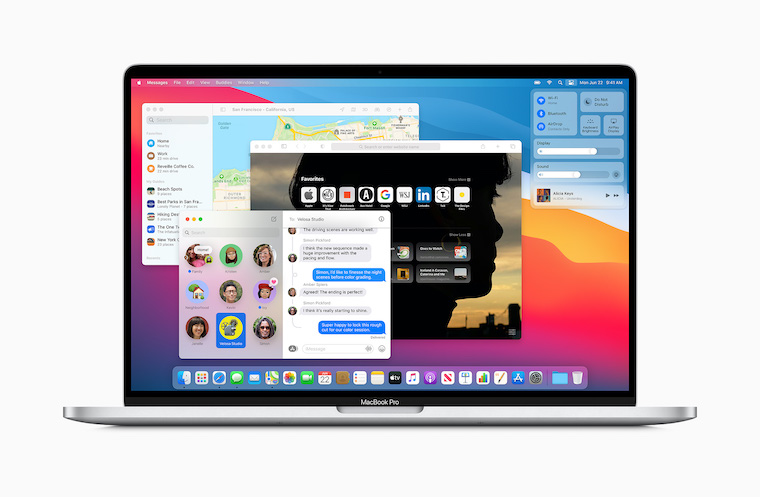
Although not yet Apple has not issued any official statement on the issue, according to reports from discussion forums, he is definitely aware of the problem, as some Apple fans have already contacted him and he asked them to lend him their machines. It is almost 11.3% certain that he is working on a fix for the bug and will very likely implement it either in the upcoming macOS Big Sur 11.3, which he began testing on Tuesday night, or in one of the minor patches that he could release before version XNUMX. However, since he has not been in too much of a hurry to fix similar bugs in his OSes recently, the first option now seems more likely varianta – i.e. the release of a patch in macOS 11.3.
- Apple You can buy products for example at Alge, Mobil Pohotovosti or u iStores


Having problems with an external monitor that is connected to the NB or MacBookI've been dealing with it for about 15 years now. There was always some problem. Now I've ditched the external monitor, bought an iMac (from a flea market) instead and I'm grunting with happiness.
… well, maybe there will be a problem between the keyboard and the chair, because I haven't seen such problems in about 20 years. And that I have tried a plethora of computers and NTBs, from cheap to very expensive ones. :-)
But damn. I have an LG Ultrafine 5K and that's crazy. Either there are a few scattered pixels, a stripe, or the monitor doesn't want to turn on, its internal microphone doesn't work (even though it's set up).
I always have to open MacBook and then close it again. Really cool to do this with a 16″ MBP and 5K setup Ultrafine priced at over 100K.
Patrick, yes, I have a similar experience. Most of the time MB did not recognize the monitor when waking up and threw some basic FHD with 30Hz. The only thing that helped was disconnecting the cable and reconnecting it. But I had an LG 4k monitor "only" for some 12 thousand.
Proproblem with an external monitor connected to the NB or MacBookI've been dealing with it for about 15 years now. There was always some problem. Now I've ditched the external monitor, bought an iMac (from a flea market) instead and I'm grunting with happiness.
I have a MBP 2020 Intel version. I mostly run it connected to two 2k monitors. None ProI didn't notice any problems. Same with eGPU. Yes in bootcamp Windows I don't detect the eGPU, which is probably not a problem Apple but the file Microsoftoh, since build 1903 the eGPU is detected, newer Windows ne
I was scared last week that one of my TB3 ports (MBPRO2020,i5,16,1T) was gone. I have an external GPU box from Mantis, and in one port it started saying "Use a compatible TB3 cable" out of nowhere after connecting. It worked fine in the other 3 ports. Other peripherals (readers, hubs, ext disk worked correctly). After installing MacOS 11.2, everything is working as it should again - for now :-)
I got it MacBook Pro 2015 retina. Can you recommend a suitable monitor? It doesn't have to be 100K :-)
I was expecting a fix in 11.2. … it's a pretty common problem, especially with m1 …. the stupid thing is that I've been dealing with compatibility for several years now macbookus dell monitors that don't work perfectly, dell says it's a mistake applu a apple that it's Dell's fault 🤦 ♂️ it probably won't be resolved there again
I use MacBook Pro 2019 with a 4k monitor Dell U3219Q for more than a year and in all that time I haven't noticed a single problem. For me, a great combination.
I have an iMac (Retina 5K, 27-inch, 2017), with a second LG monitor UltraFine 27 inches. I have no problem, everything works reliably. Maybe the problem macbookat.
I have a Mac air M1 and I have a problem connecting an external monitor (I have two different ones) and both without result, sometimes I managed to connect, but when connected it keeps connecting and disconnecting... Does anyone have a persistent problem??