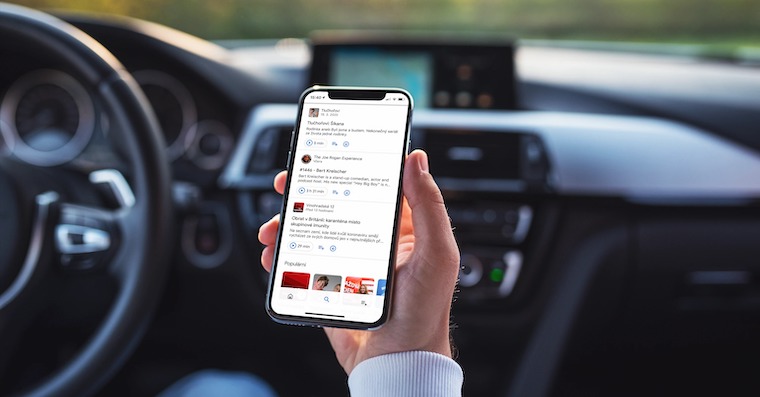
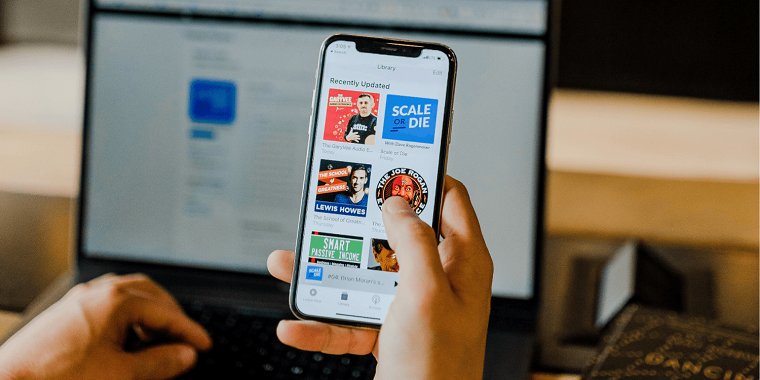
Podcasts are becoming increasingly popular these days. You can listen to them virtually anywhere – whether you're driving in the car, working at the office, orancYou can learn about practically anything through podcasts. There are countless different types to choose from. There are various interviews, advice, or technical podcasts. Simply put, nowadays everyone chooses their own podcast that suits them. You can listen to podcasts classicallychat if you're connected to the internet. However, you can download podcasts for offline listening within the native Podcasts app. If you want to delete some of these downloaded podcasts to clear up storage, this article will show you how.
You might be interested in
As iPhone delete downloaded podcasts
If you want to delete podcasts that you have downloaded for offline listening on your iPhone or iPad, it is not difficult. Proceed as follows:
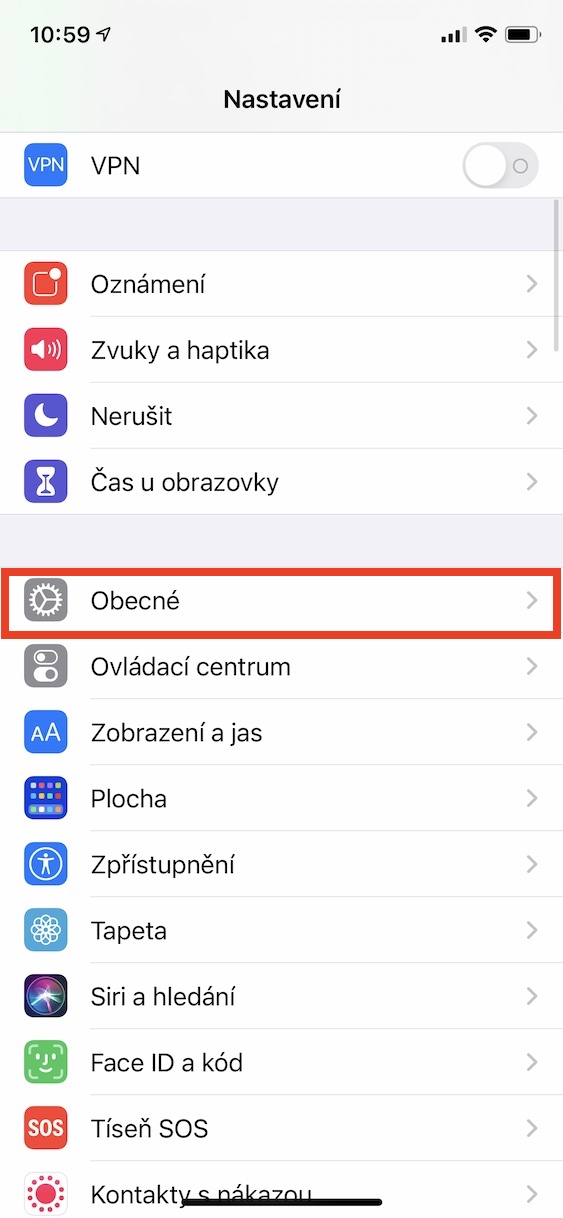
- First of all, it is necessary that you iOS or iPadOS opened a native app Settings.
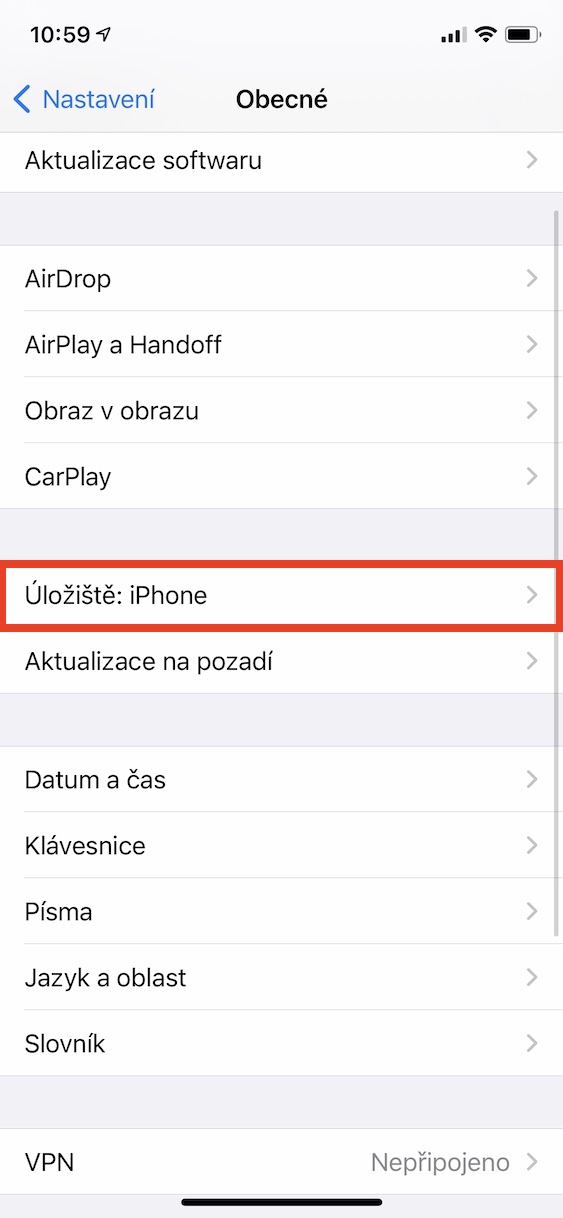
- Once you've done that, click on the section named here In general.
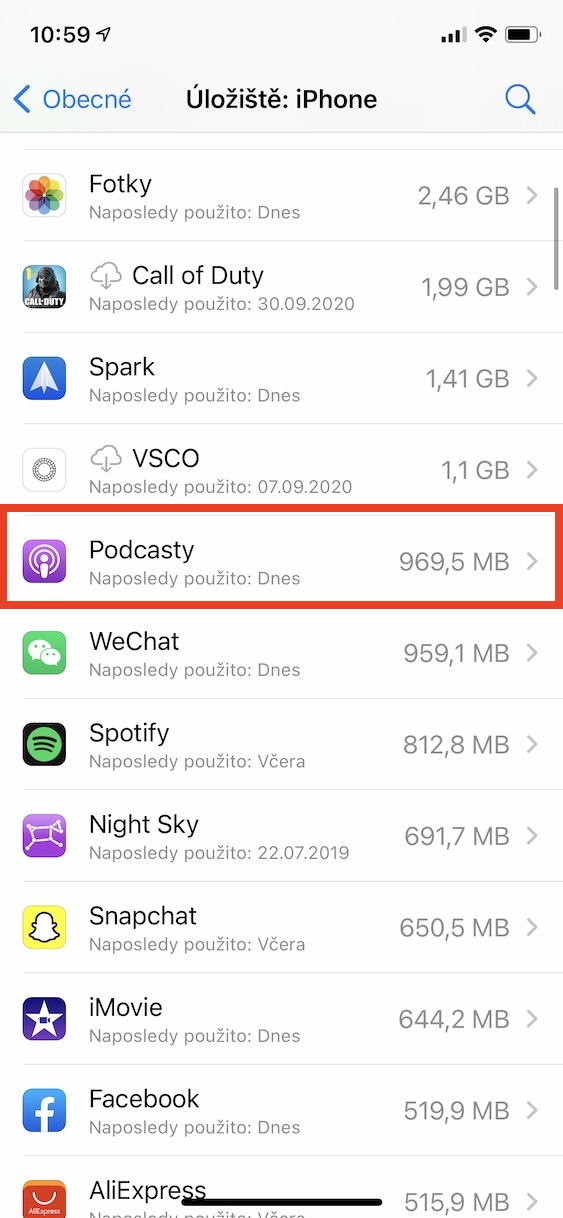
- Now locate the box a little further down Storage: iPhone, which you open.
- On the next screen, you then have to wait for the graph to load and show the list of applications.
- In the list of applications, you now need to find and click on the application Podcasts.
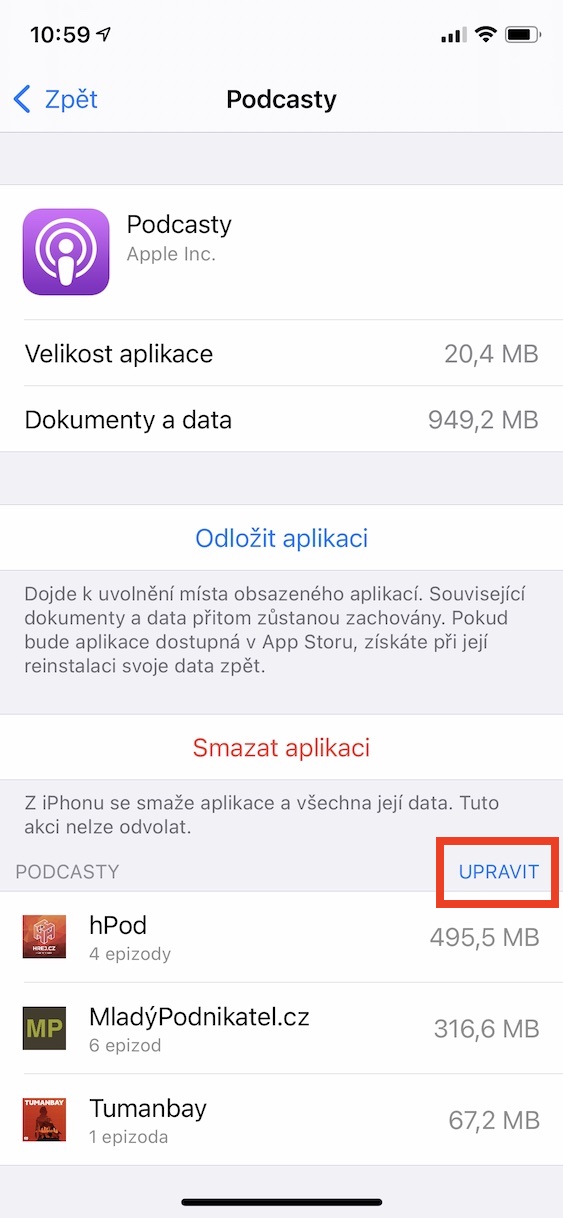
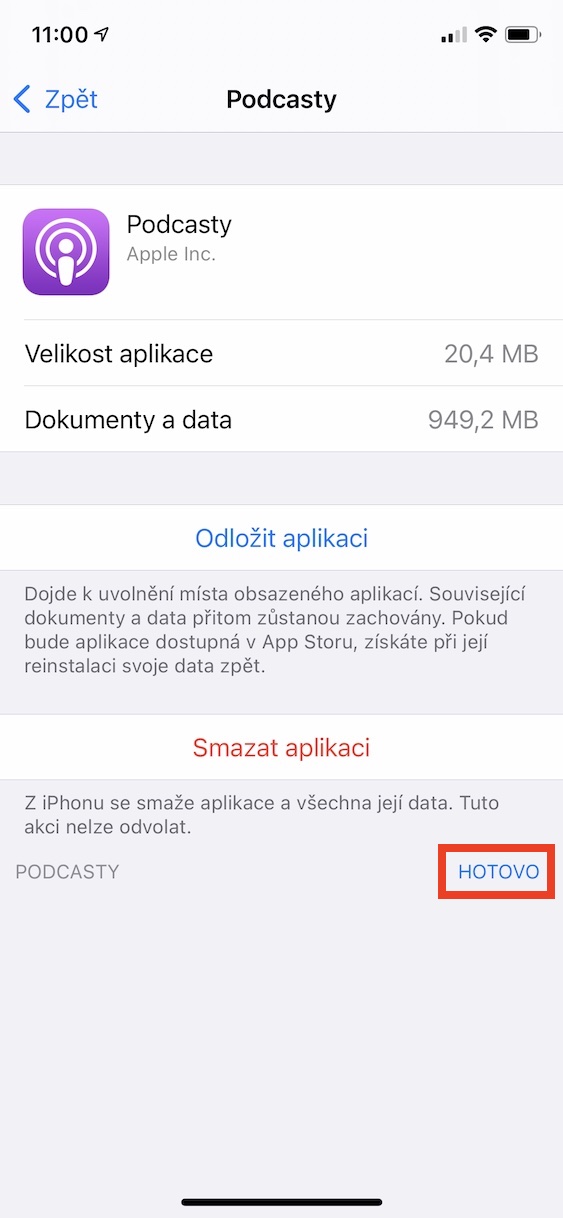
- Once you are on the application profile, click on the Podcasts category below on the right Edit.
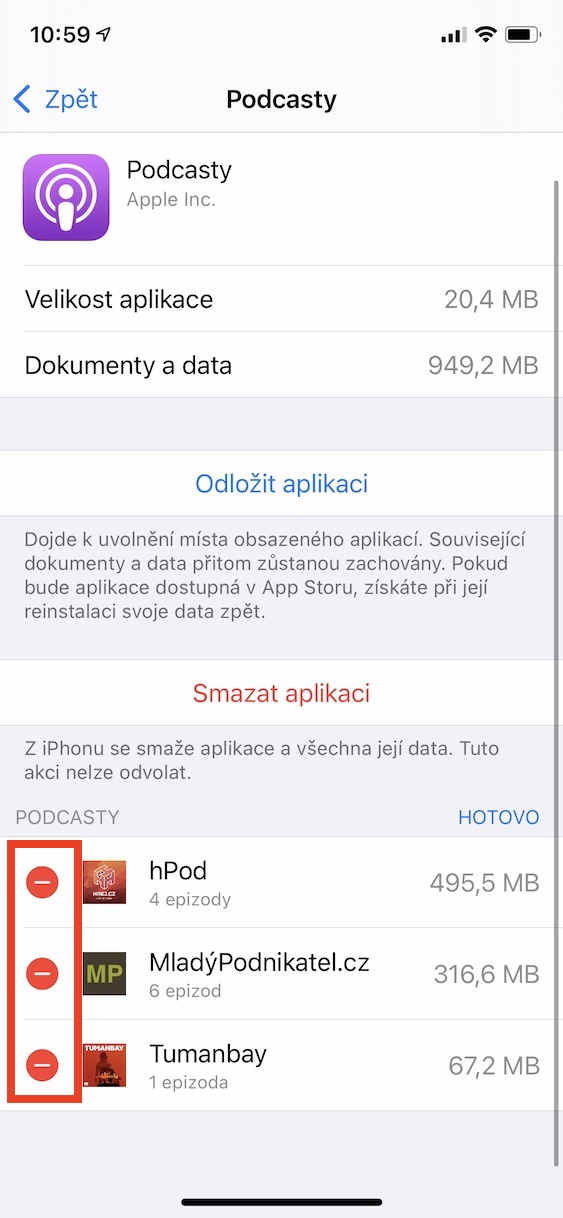
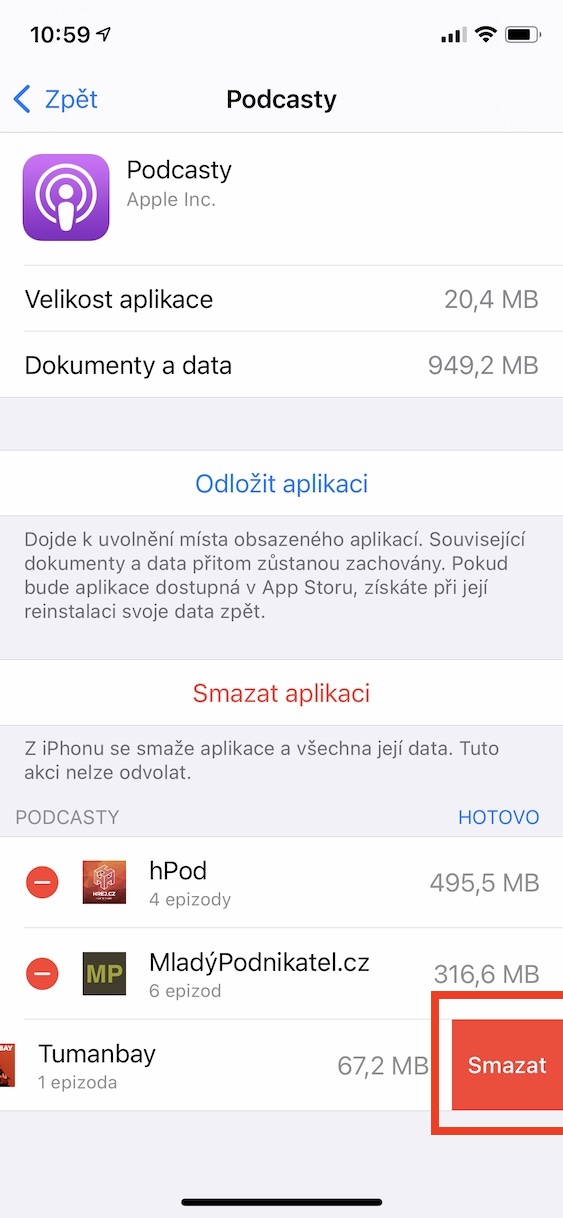
- Now all you have to do is help icons – specific podcasts you don't need deleted.
- After you have removed everything, just click on the button on the right All done.
Gallery
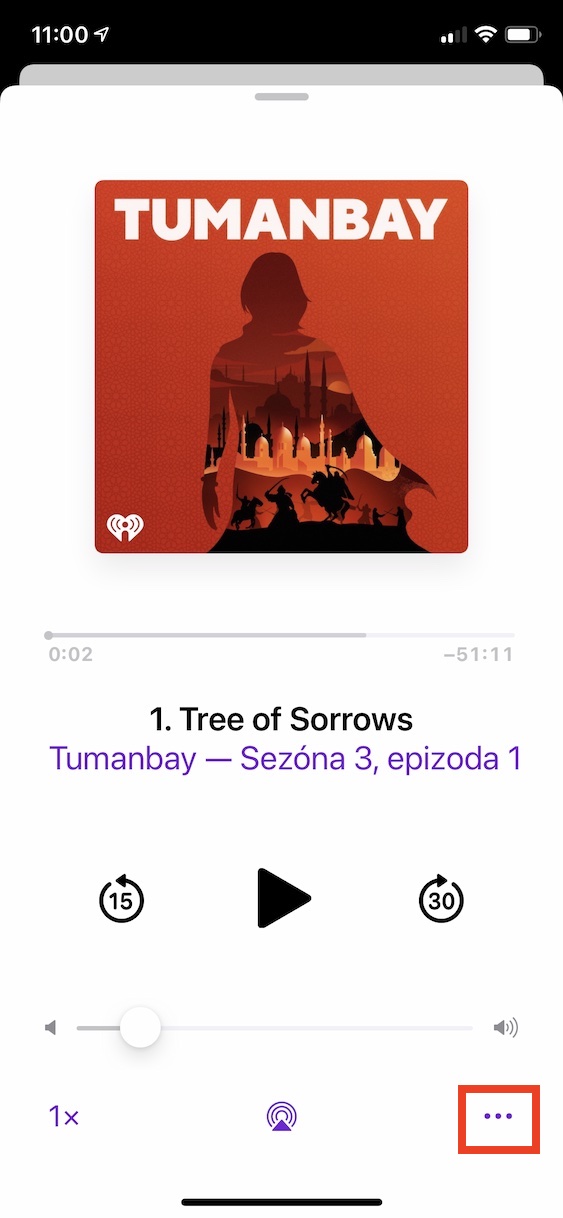
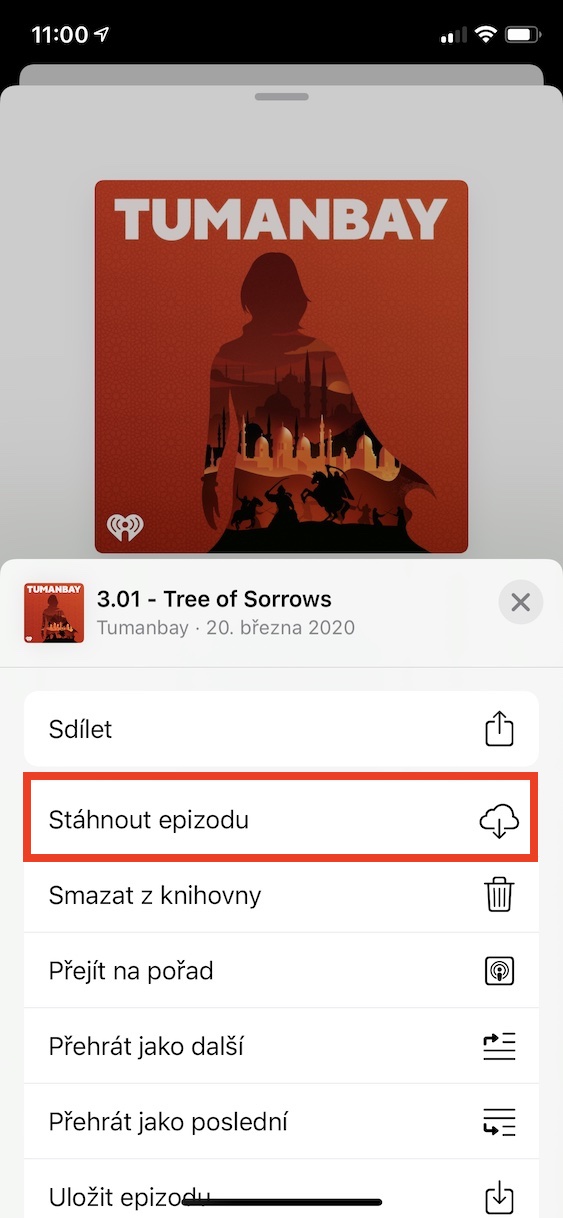
The above method is a simple way to delete podcasts that were designed for offline listening on your iPhone or iPad. Although it may not seem like it, a single podcast episode can easily be over 100 MB. So if you listen to several different podcasts and download the latest episode from each, it can quickly reach several gigabytes in size. If you would like to save a podcast for offline listening in the Podcasts app, tap it, then tap the three-dot icon in the bottom right of the screen. From the menu that appears, just tap Download Episode.
Gallery