
AirPods are currently among the most popular headphones in the world. And it's no wonder - these are not just any ordinary headphones. Unlike their competitors, they offer simple control by tapping or pressing, and automatic ear detection is also included. More expensive AirPody also offers active noise cancellation and a bunch of other useful features that you'll love. However, as with other products, there are some AirYou may encounter various problems with your Pods. In this article, we will look at the 7 most common ones and how to solve them.
You might be interested in
The connection was lost
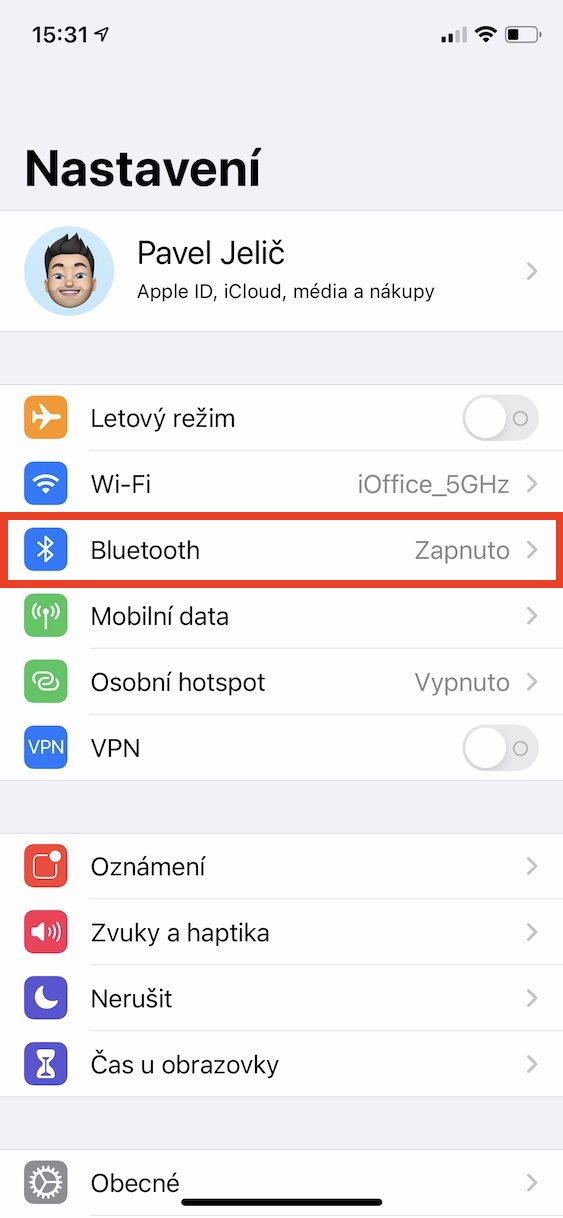
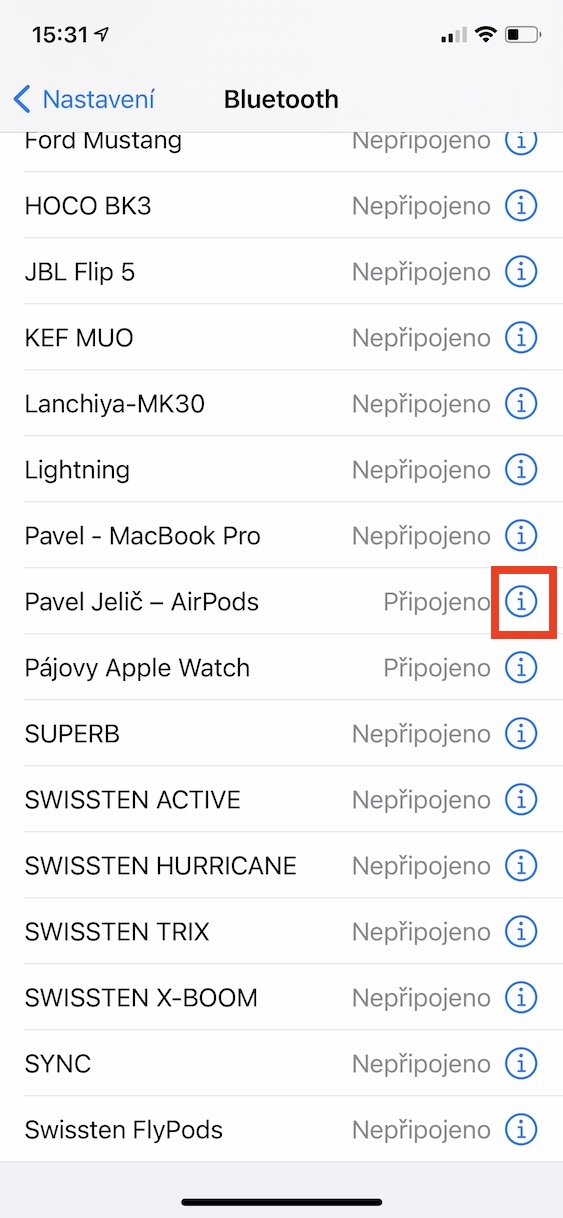
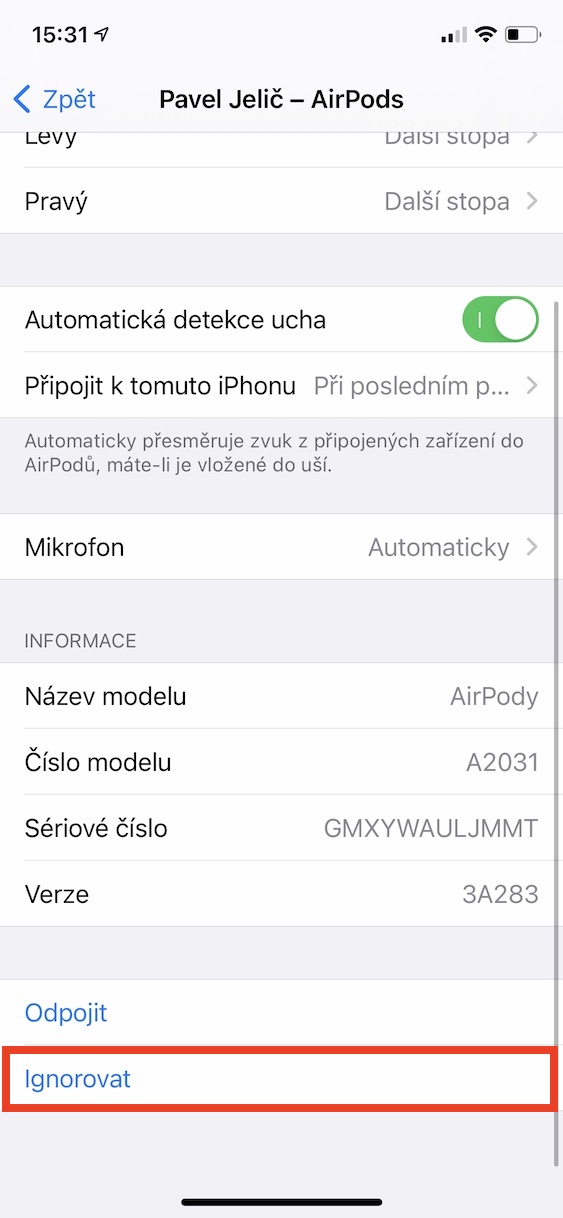
If you often find yourself in a situation where you have some music or a podcast playing and the sound starts to drop out, first try moving closer to the sound source. If there is a gap between the sound source and AirThe Pods don't encounter any obstacles, such as walls or other devices, so the sound should be able to travel up to a hundred meters. However, if you put a few walls between the sound source and the Apple headphones, along with a few other devices, the sound may start to drop out after just a few meters. In the event that AirPods fall out even when you are right next to the source, so first try putting them back in the case, where they are for ten seconds.oneand then put them back in your ears. If this trick doesn't work, try Settings -> Bluetooth headphones evaporate (ignore), and then them pair again.
Gallery
No sound
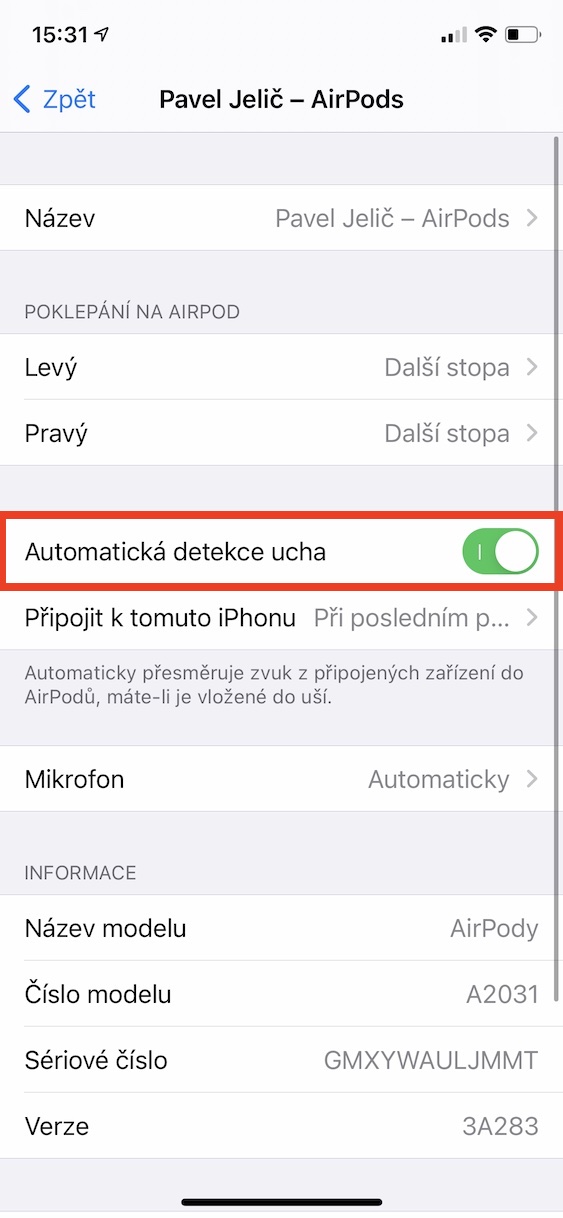
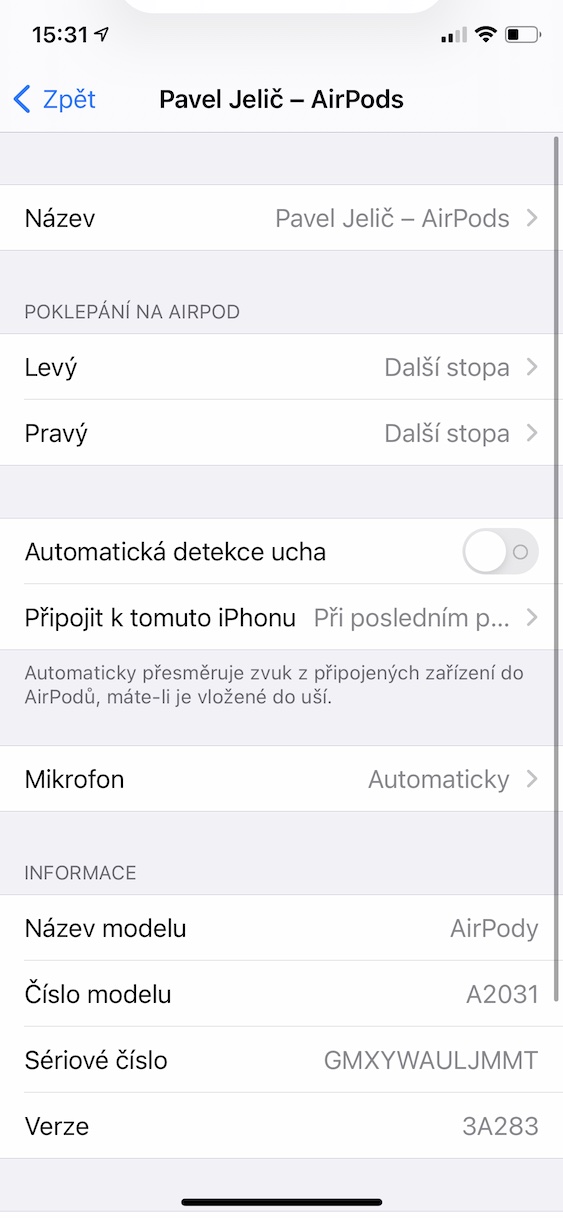
You launched on AirWant to play music but can't hear anything? Before you do anything else, make sure your sound is turned up. It often happens that after connecting AirThe pods will change the volume in some way – for example, turn it down to the lowest level. Users then start to panic and it doesn't occur to them that the problem may be solved so easily. If you have the volume at the optimal level and still can't hear anything, try turning Bluetooth off and on. If that doesn't help, go to Settings -> Bluetoothwhere at your AirThen click on icon in a pinch. Try it here deactivate function Automatic ear detection, and then try if the problem is not solved. If so, try the feature turn on again – the problem could be solved. If not, you will most likely have to stop at an authorized service center.
Gallery
Functionality on most Apple devices
Many users think that AirPods only work with Apple devices. However, the opposite is true – AirYou can connect the Pods to any other non-smart device that has Bluetooth without any problems. The only difference is that with a non-smart device you will lose various features, such as tap control or automatic ear detection. However, the audio playback itself works of course. If you want your AirTo connect the Pods to the most compatible device, you need to filed AirThey put the pods in the case and opened the lid. Then hold button on the back housing until the diode starts flash white. Immediately after AirThe pods will become visible and you will be able to connect them to another device. On Android, you can use a great app AndroPods, which will also bring some functions to the mentioned operating system.
Loss AirOn the floor
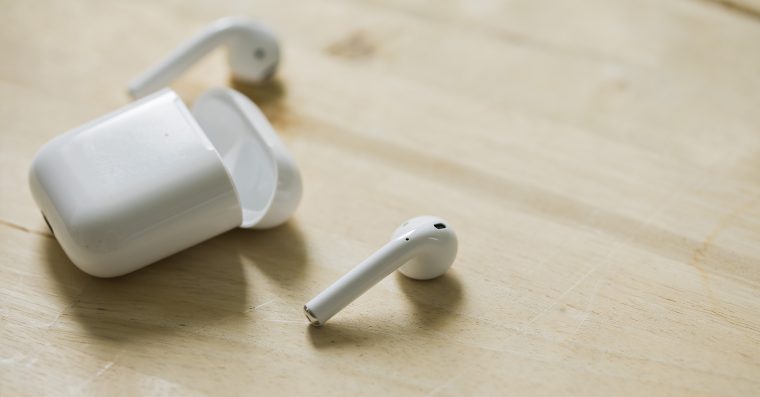
You managed to lose AirUnder? There's nothing you can do, of course that can happen too. You're definitely not the first in the world, nor the last. Moreover, given the size AirPodu can understand it in a certain way. Anyway, before we AirYou really should report the pod as lost, so you should try to find it using the native app. Find. In addition to iPhones, iPads, and other "big" devices, Apple headphones are also included in this application. In Find My, you can view their last location when they were last connected to a device. In addition, if you are within Bluetooth range, you can also use them tochat play a loud sound, which can help you find it. There have even been cases on the Internet where AirThe dog ate the pod - if you suspect it, you should definitely go to the vet.
You might be interested in
AirPods are falling out of the ears
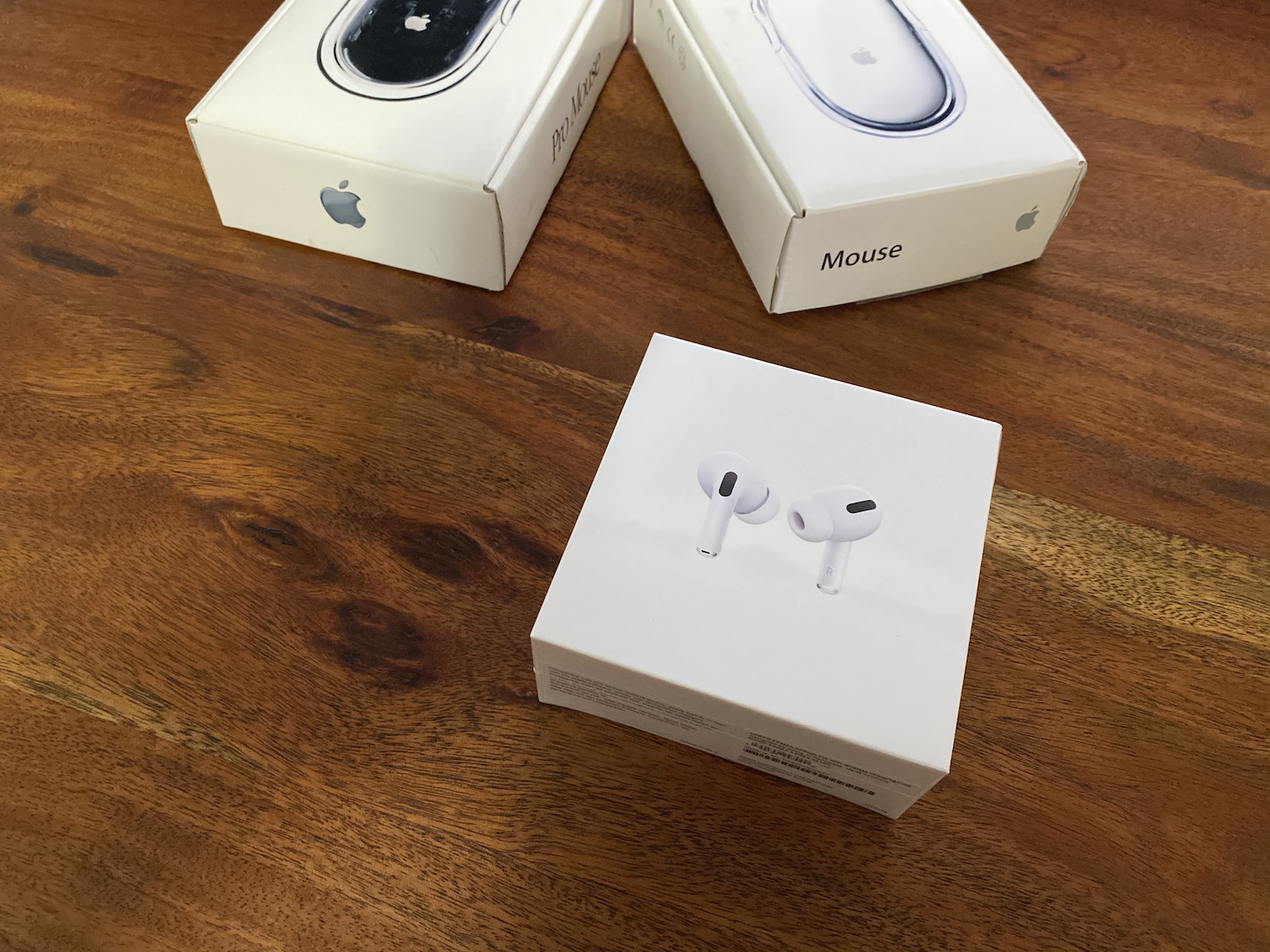
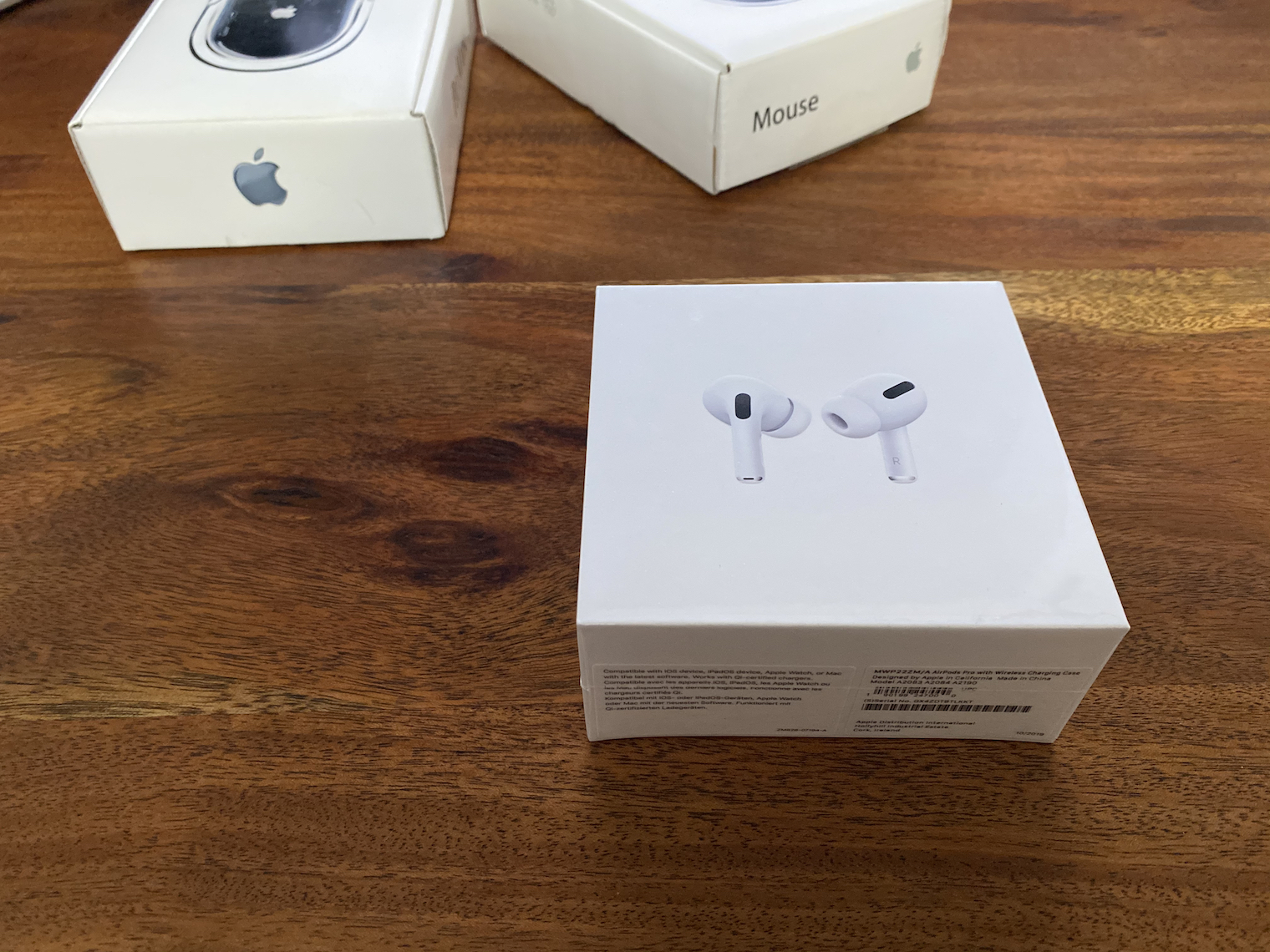
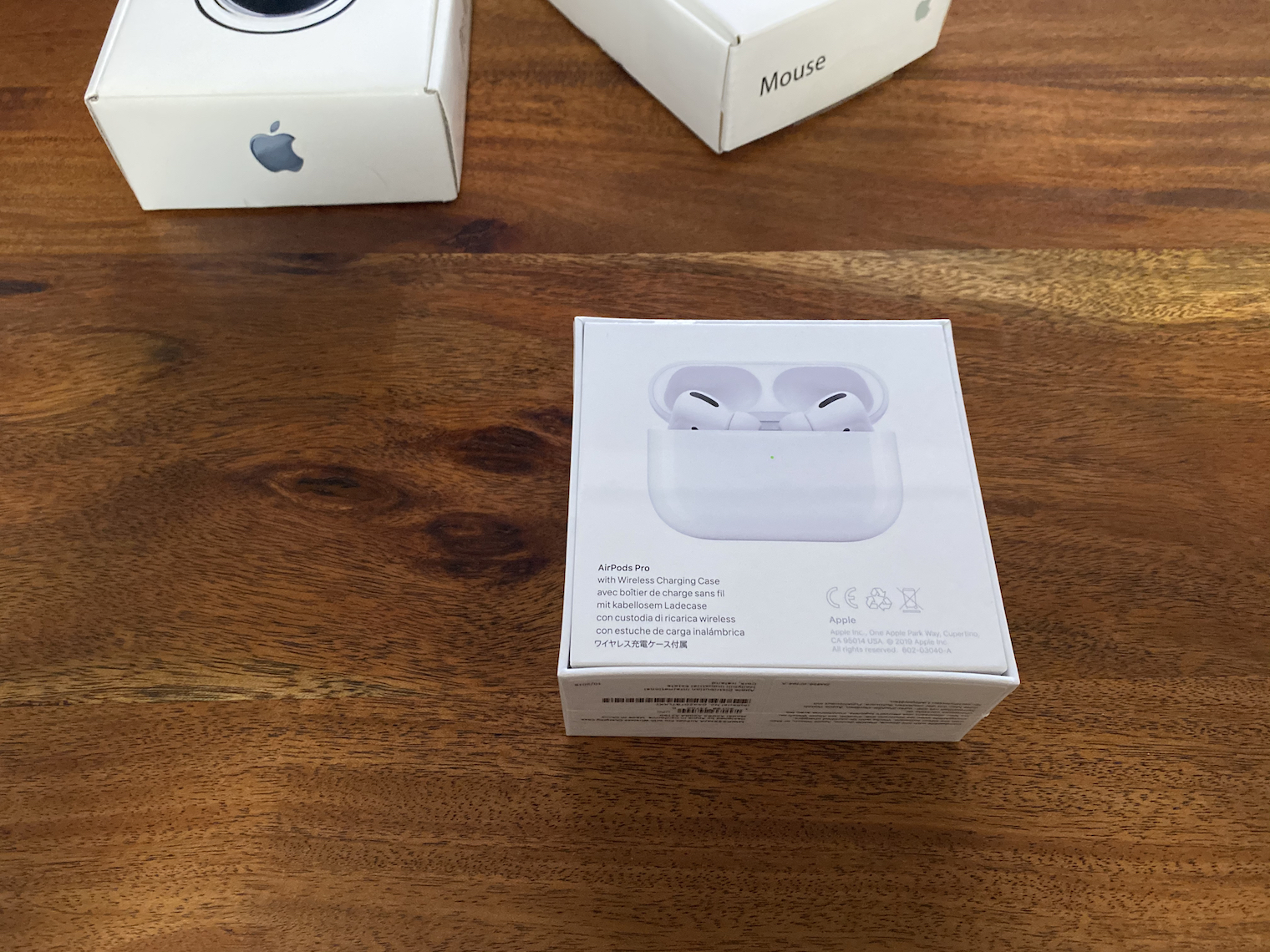
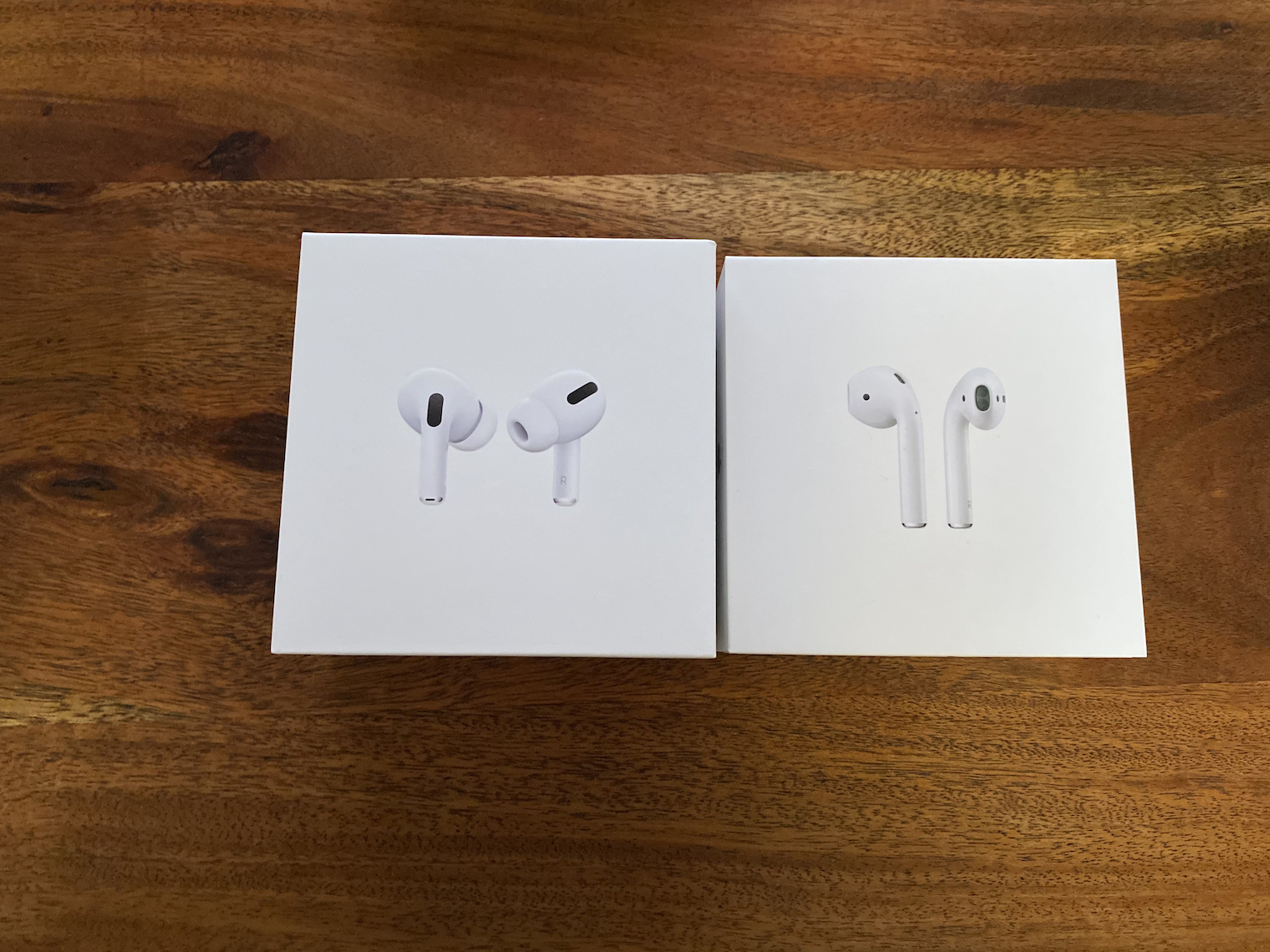
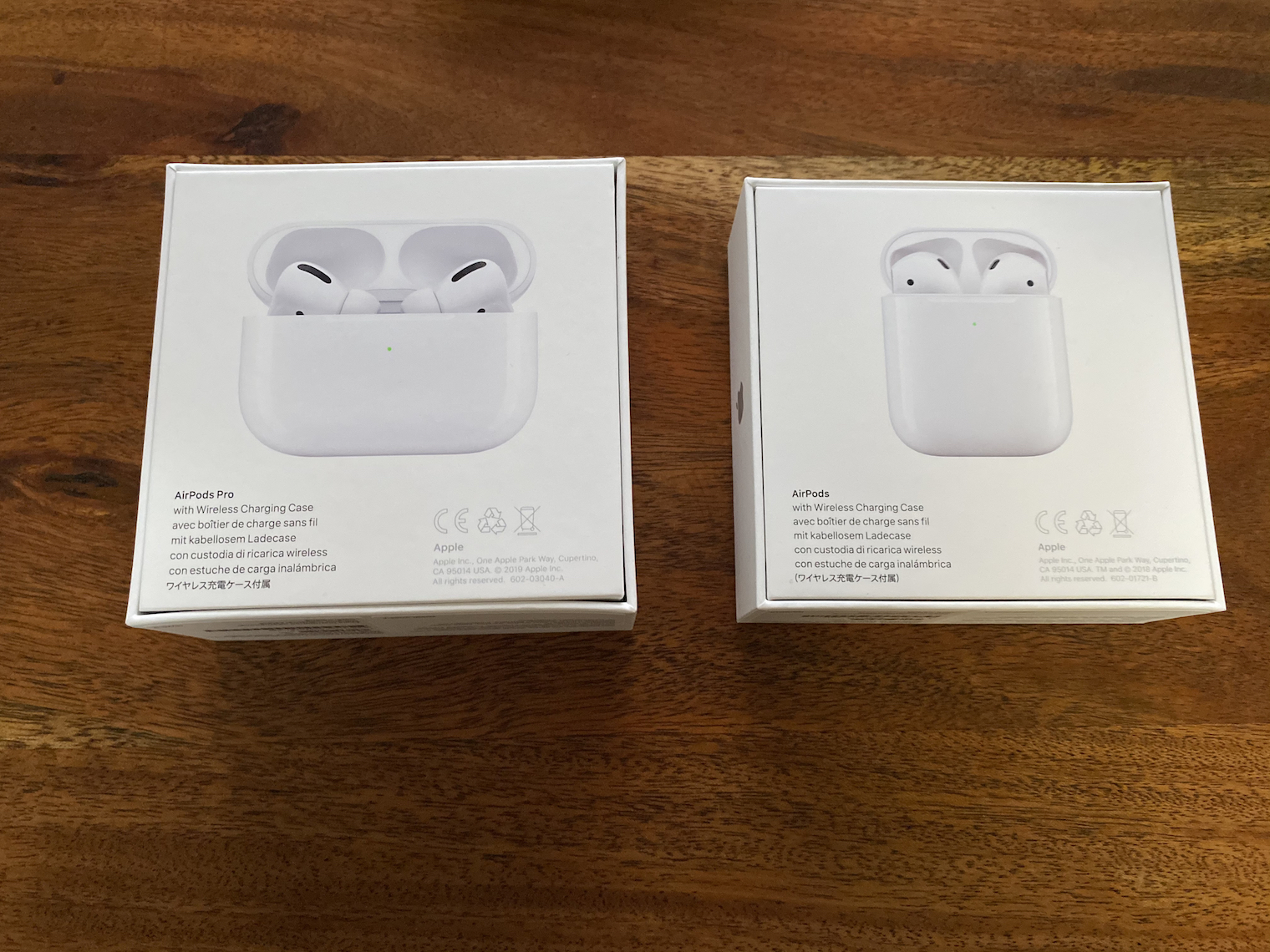
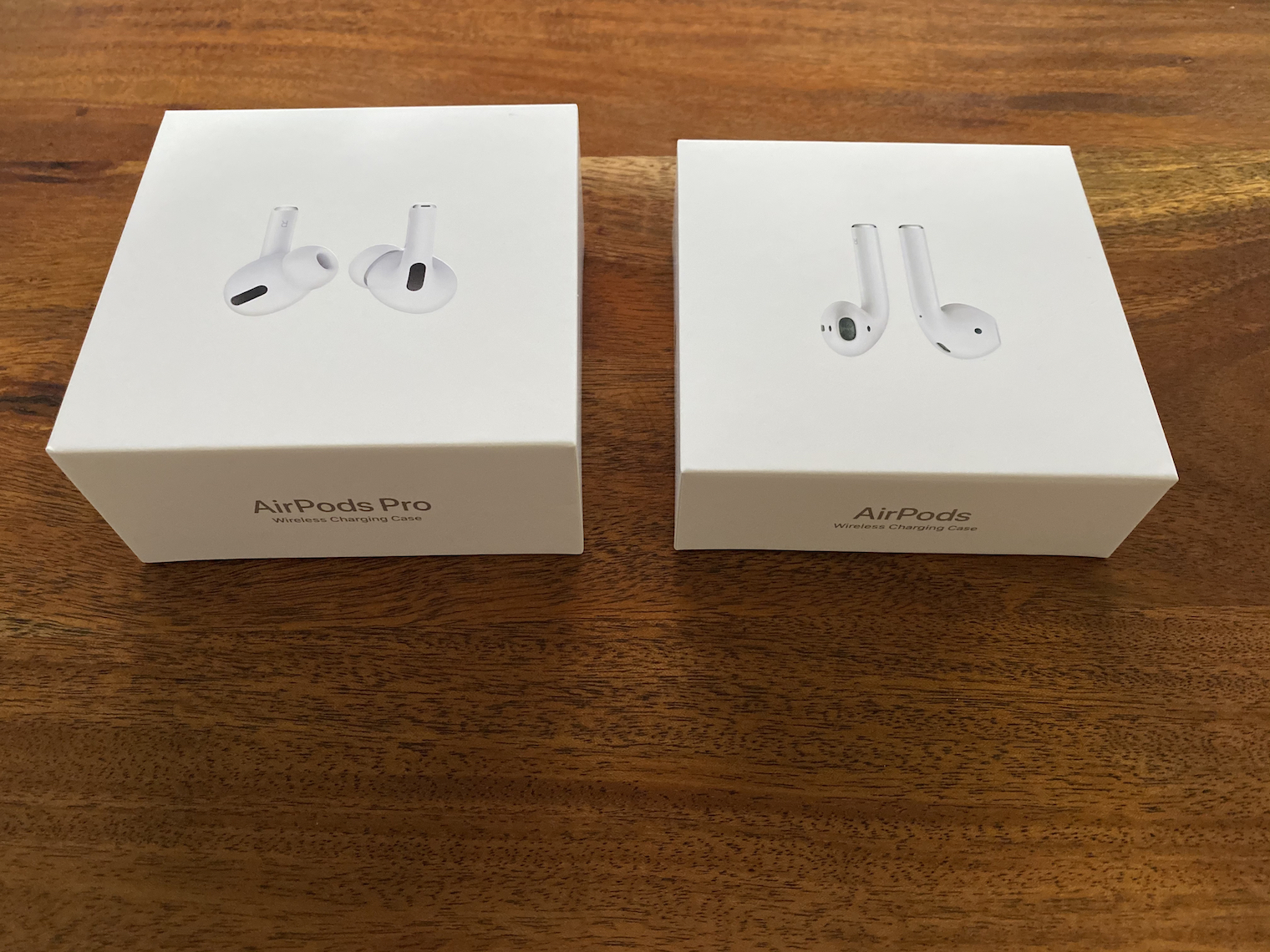
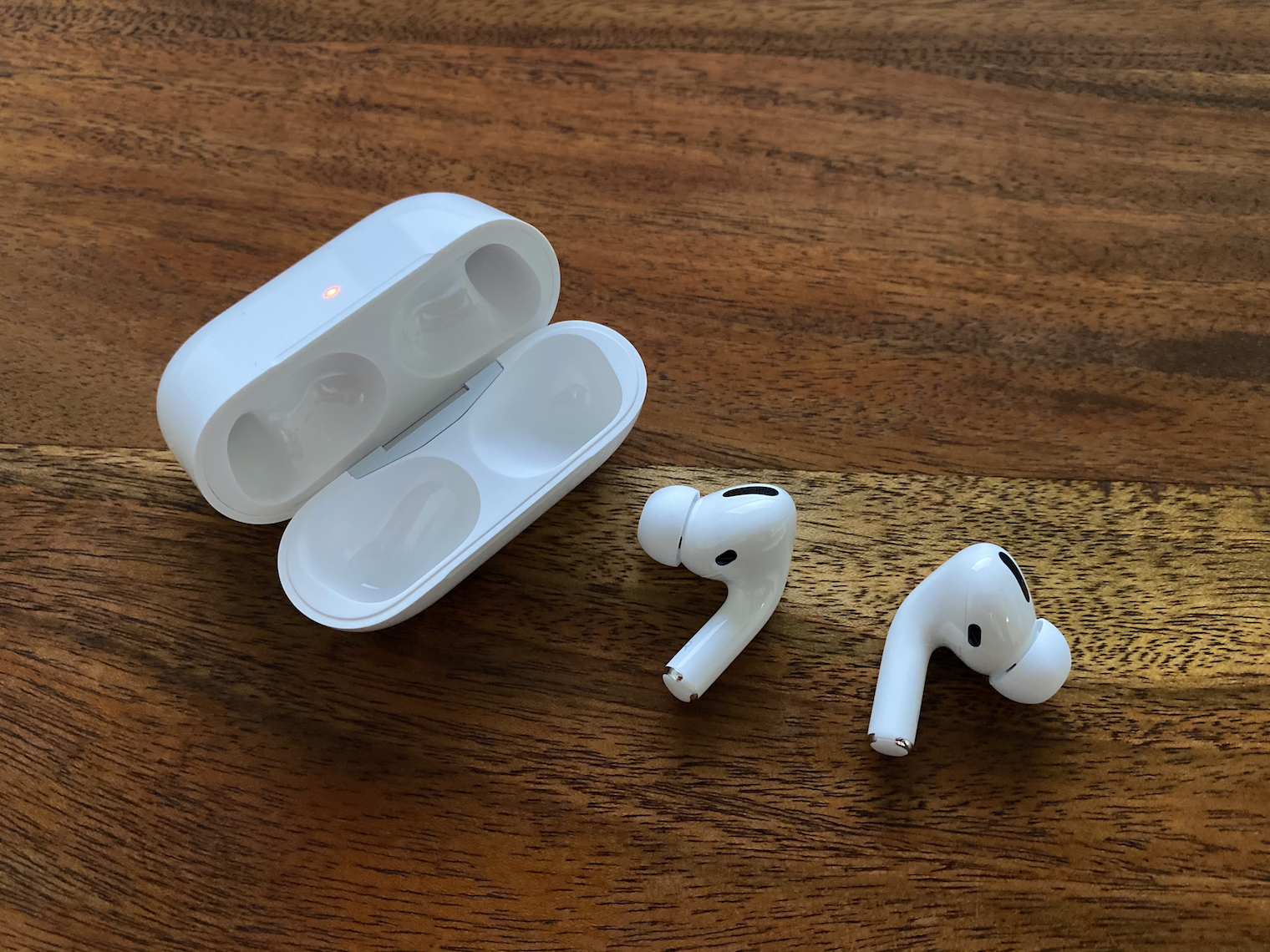
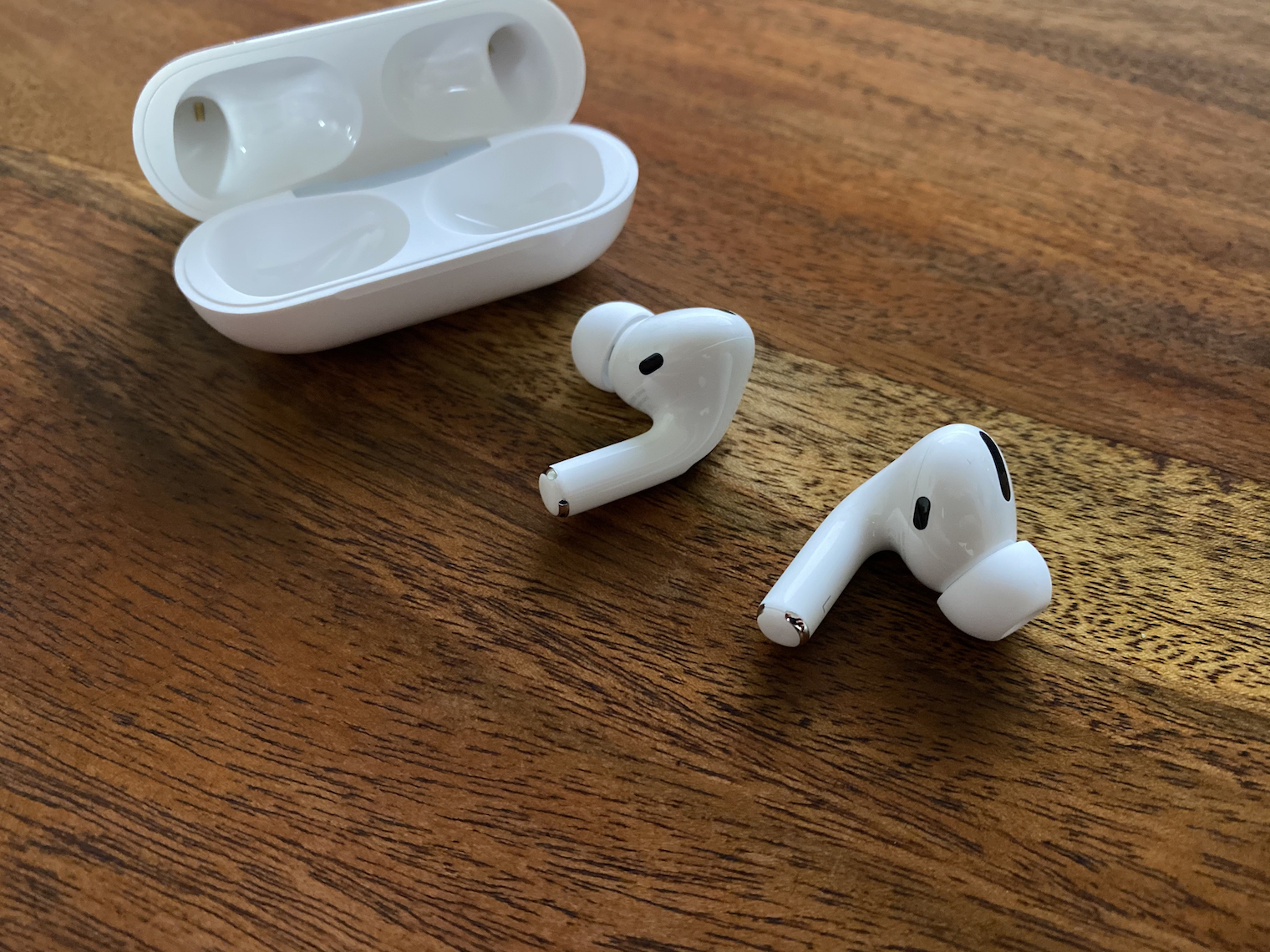
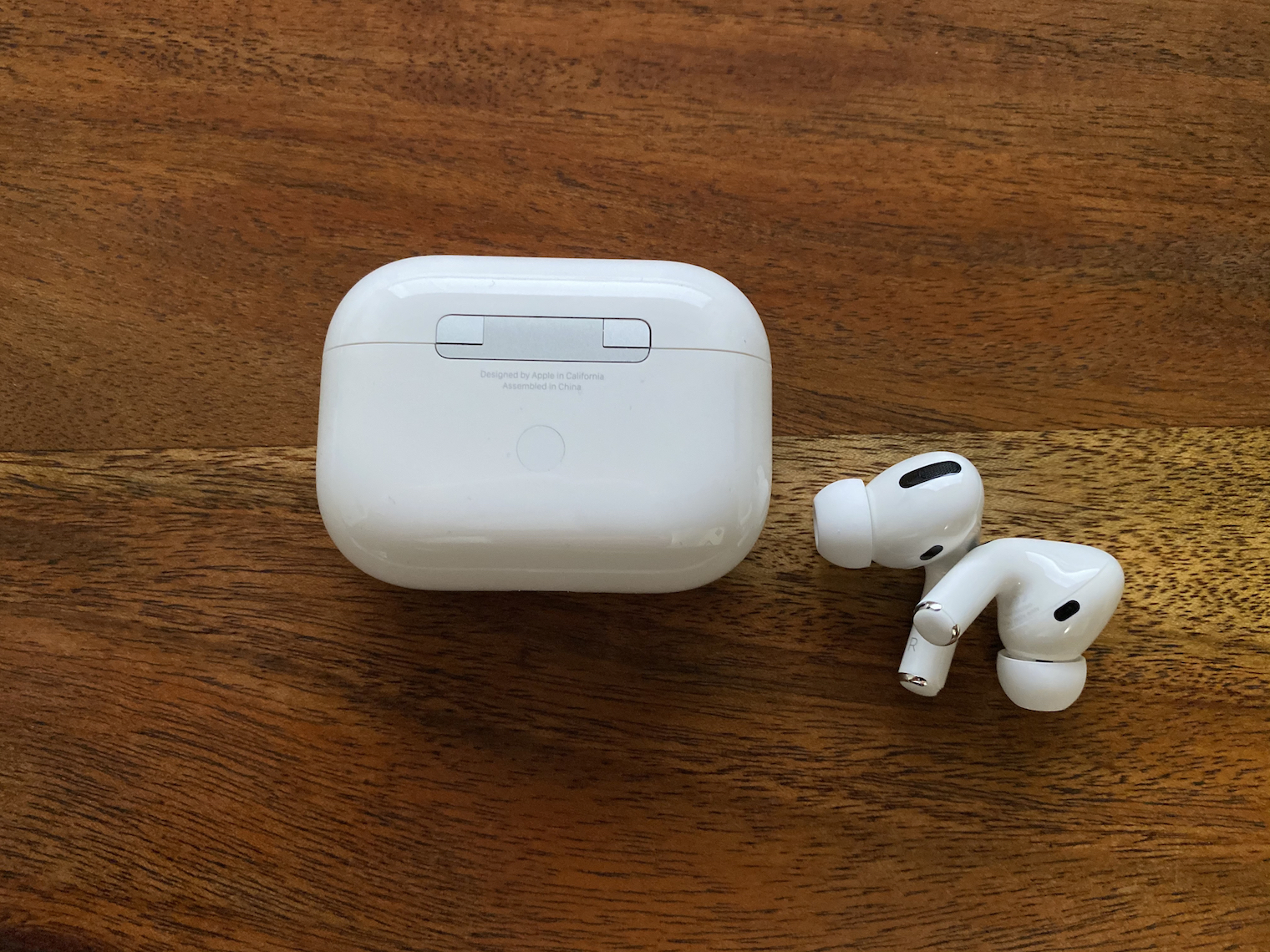
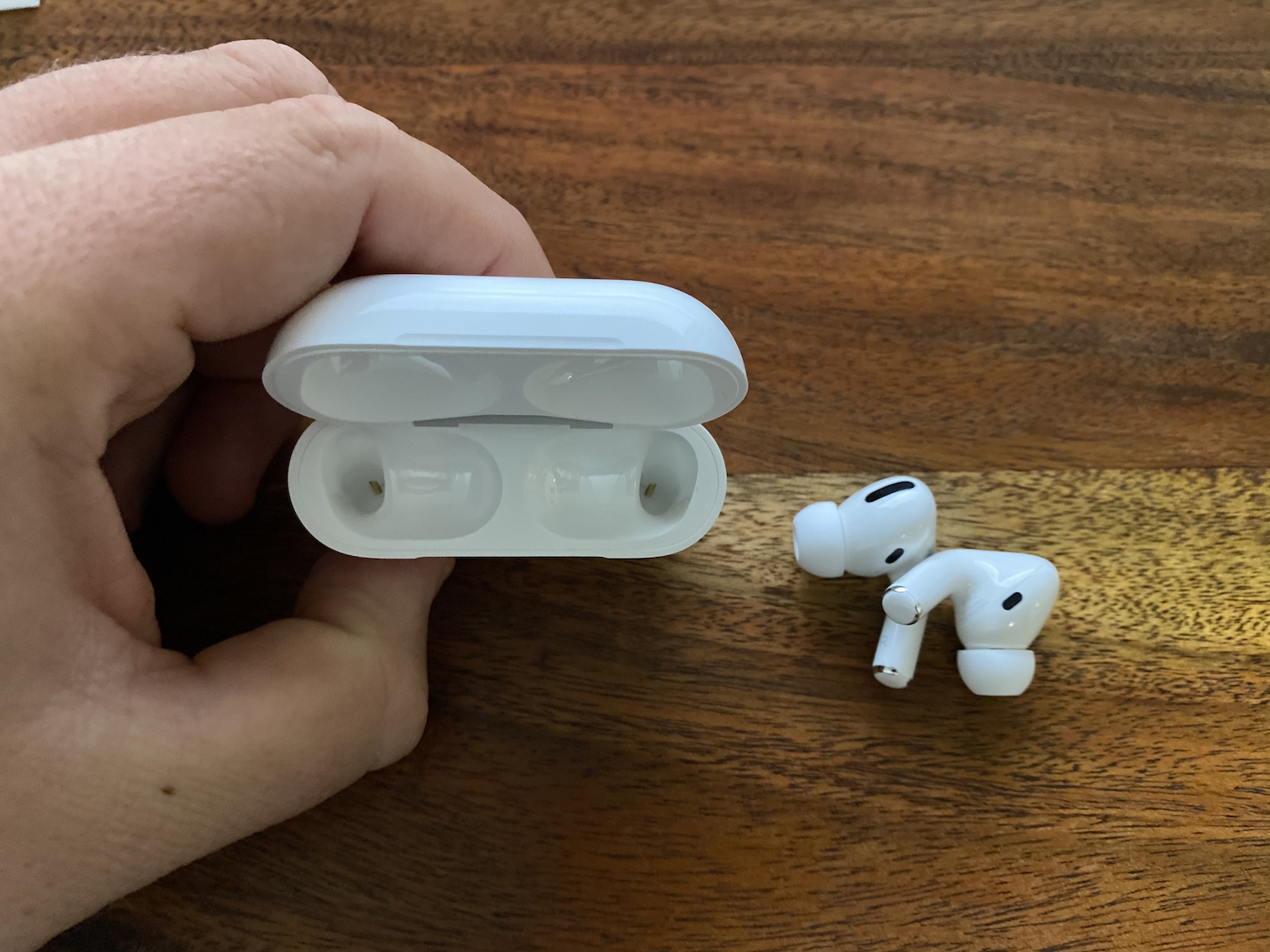
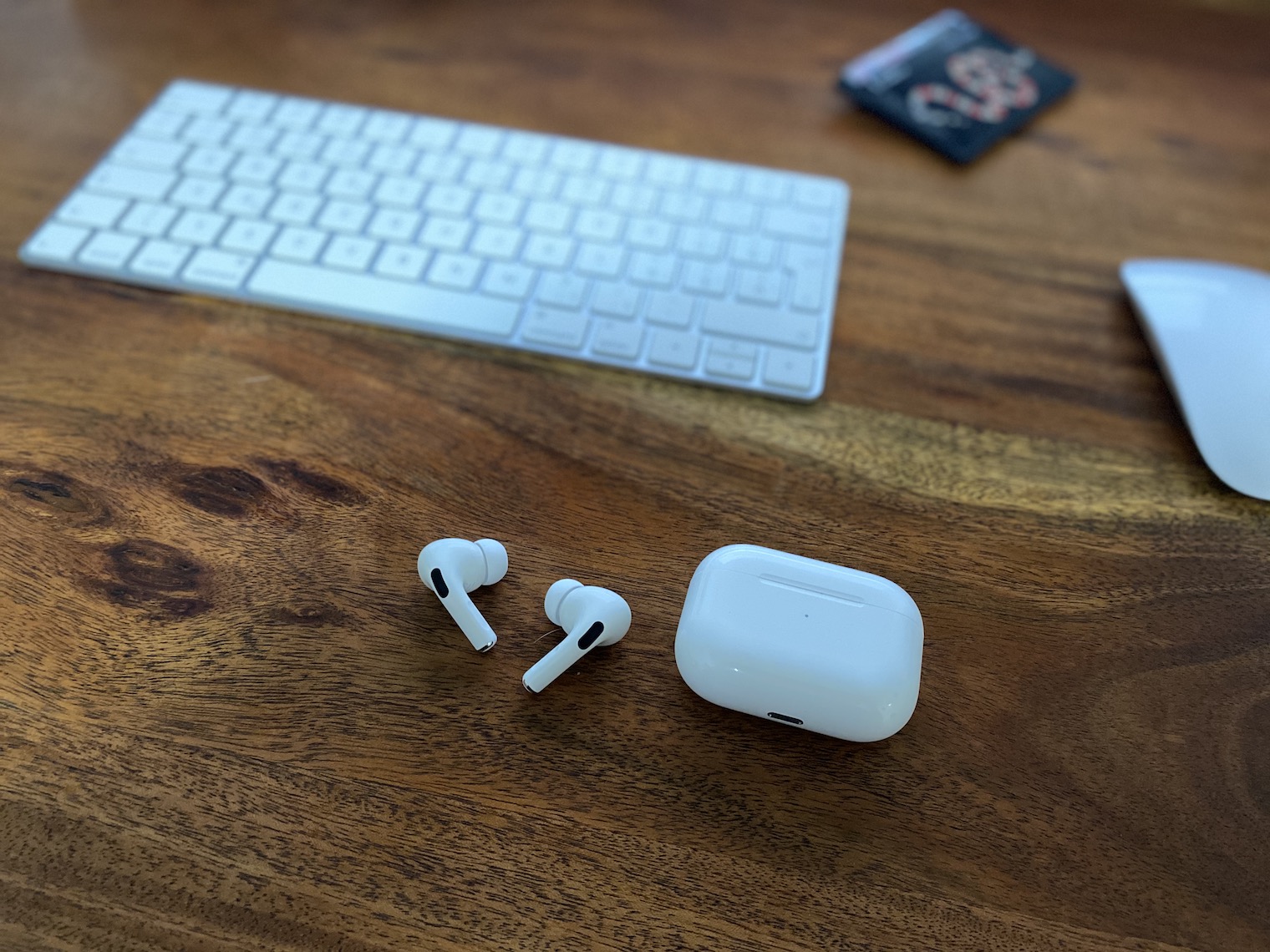
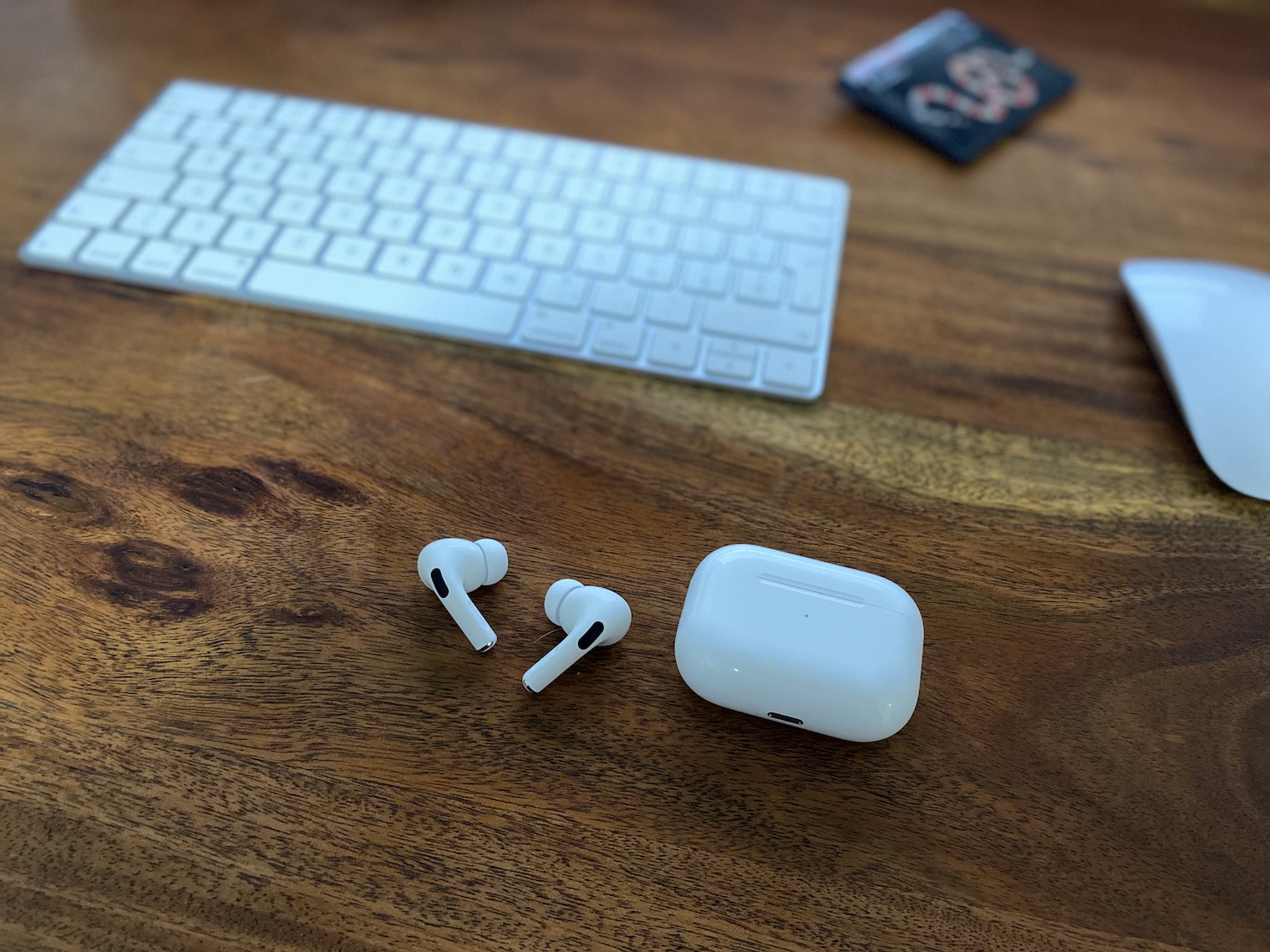
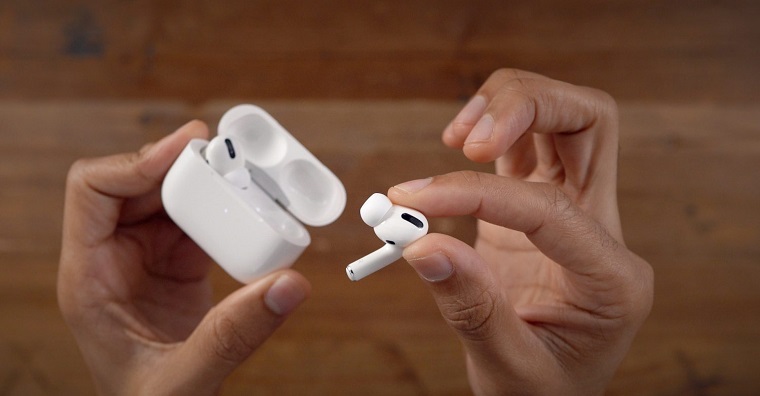
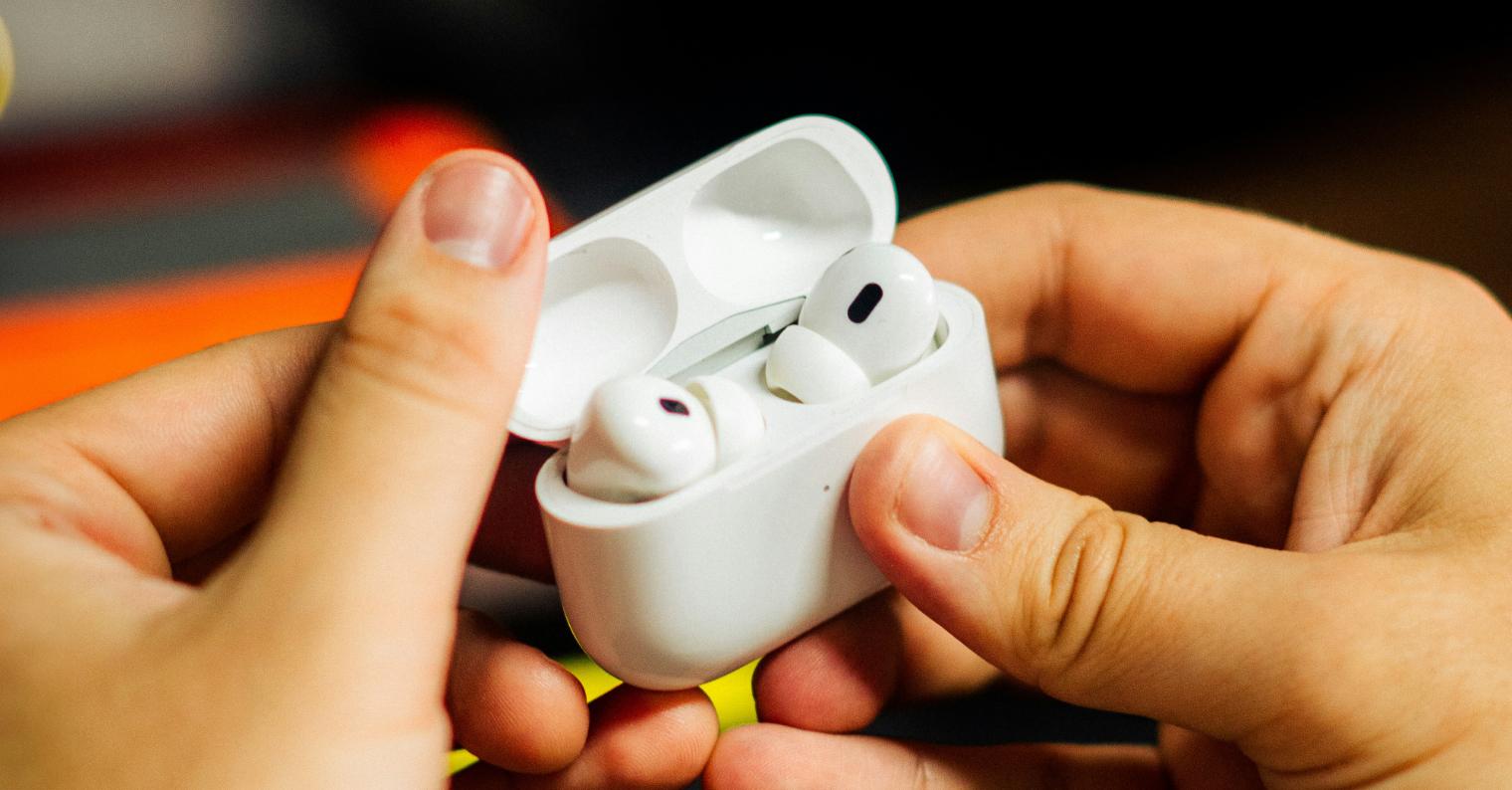
If you have purchased AirPods Pro, you will have noticed that there are three different sizes of earplugs in the package. If you AirPod Pro they fall out of your ears, so of course try to swap the plugs. In any case, it is not written anywhere that you have to have the same size plug in both ears. Personally, I have a larger plug in my left ear than in my right, so consider this option if you are losing yours AirUnder just one ear. If you own a classic AirIf you don't like their shape, there's unfortunately not much you can do about it. The shape of the classic AirThe pods cannot be modified in any way and although they fit most users, there are exceptions. You can use the "pod holder" AirPods", a kind of cord that prevents you from AirPods could fall to the ground while moving.
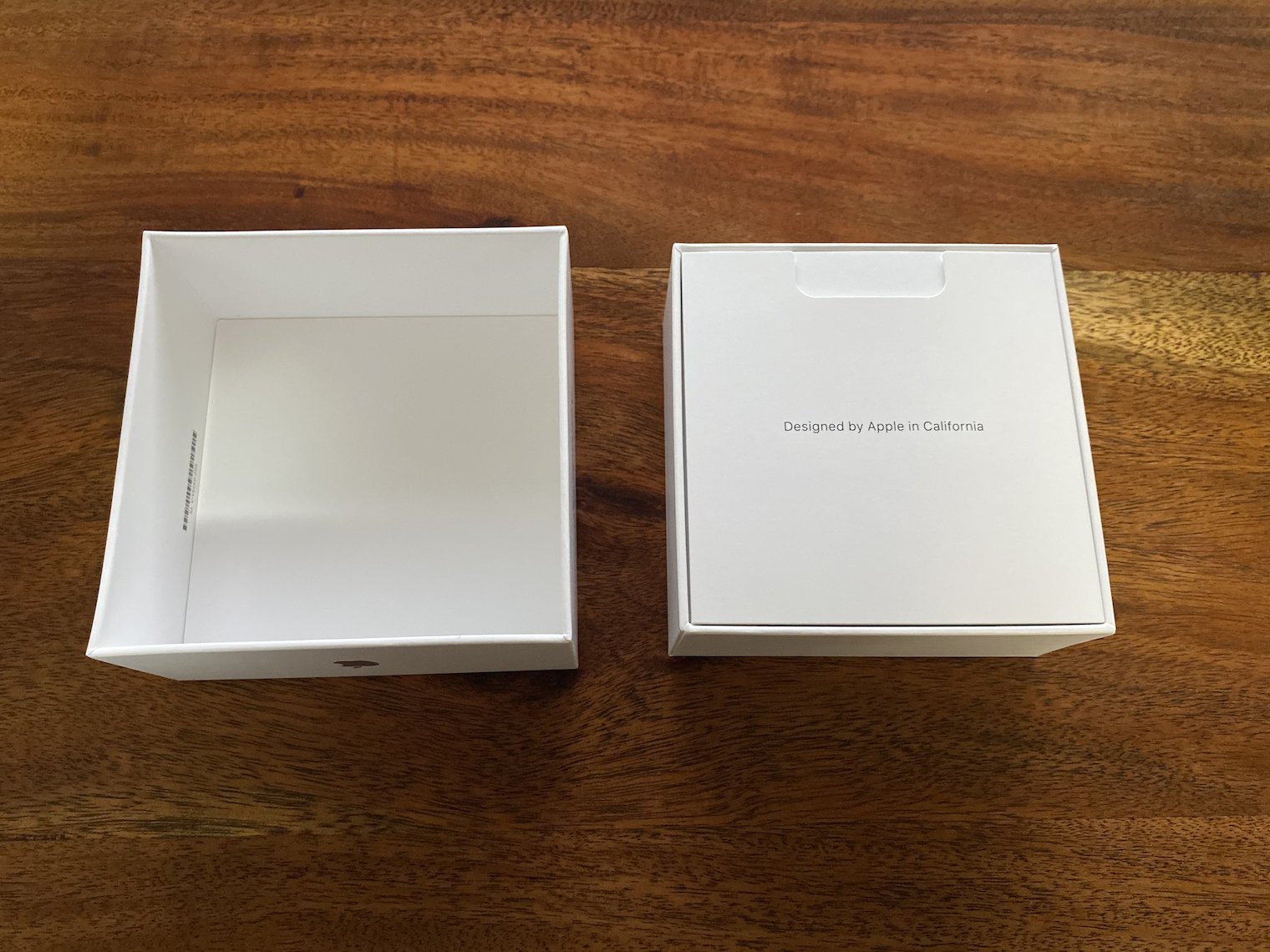
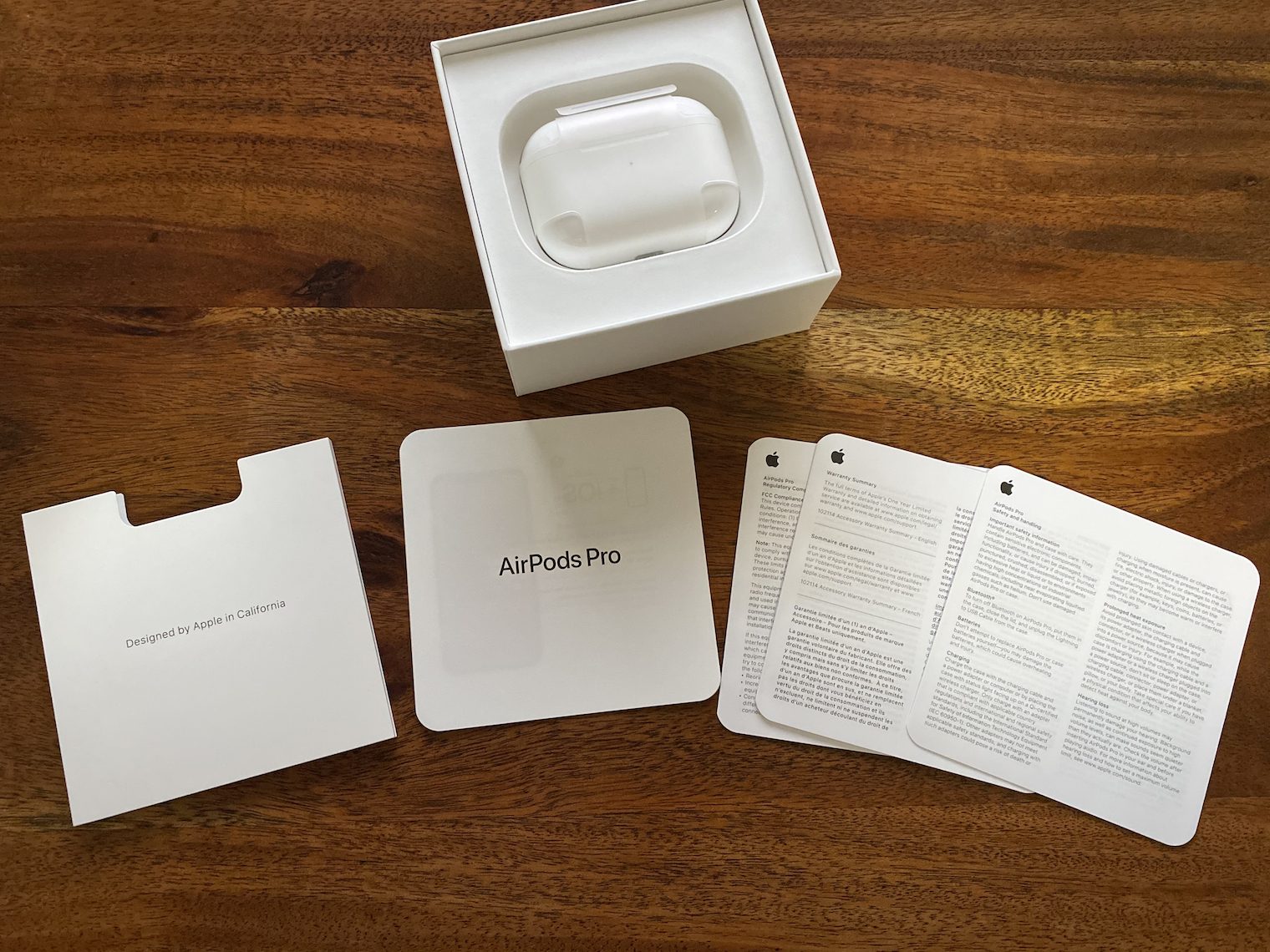
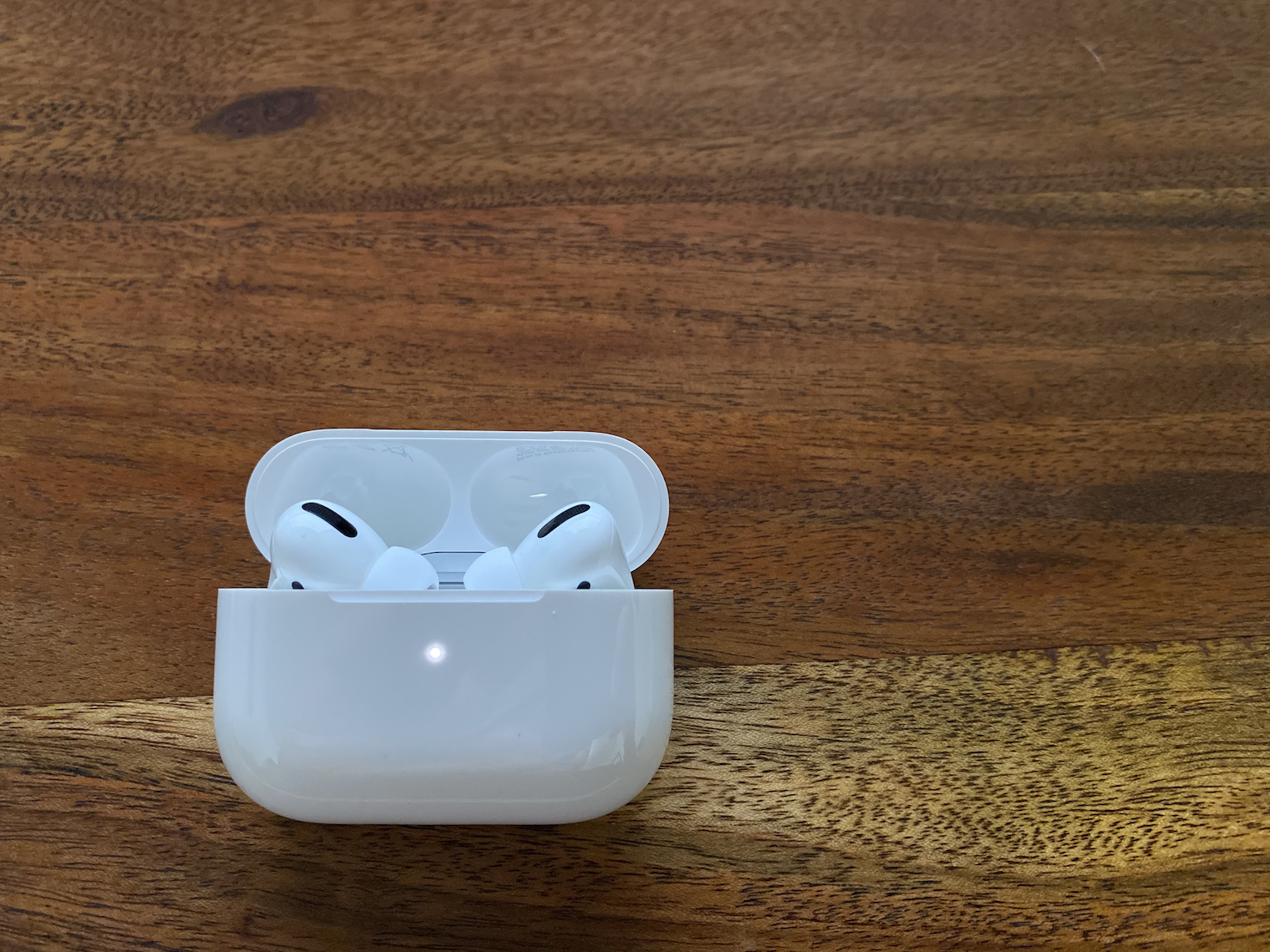
Prolook at the packaging AirPods Pro:
Gallery
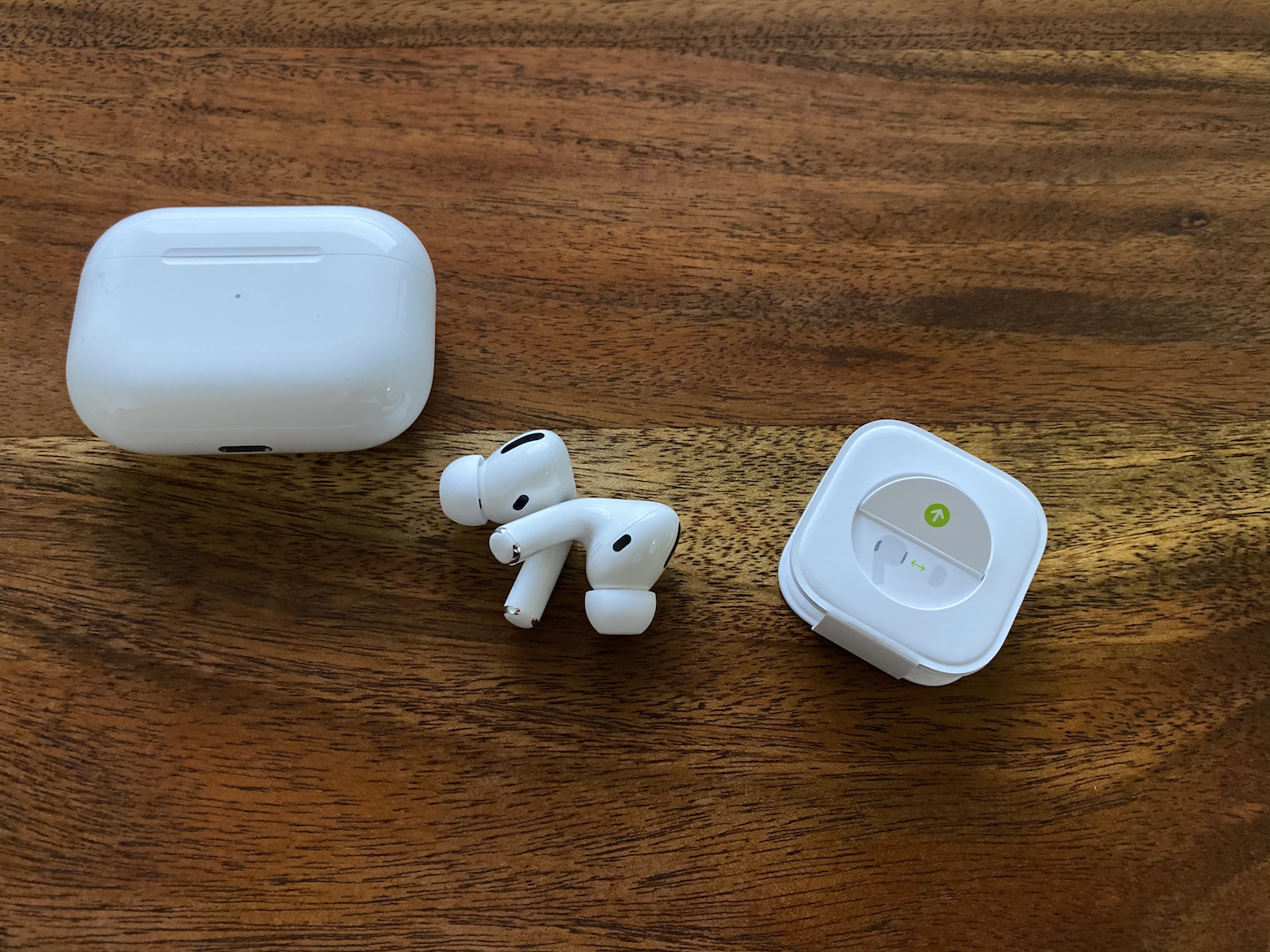
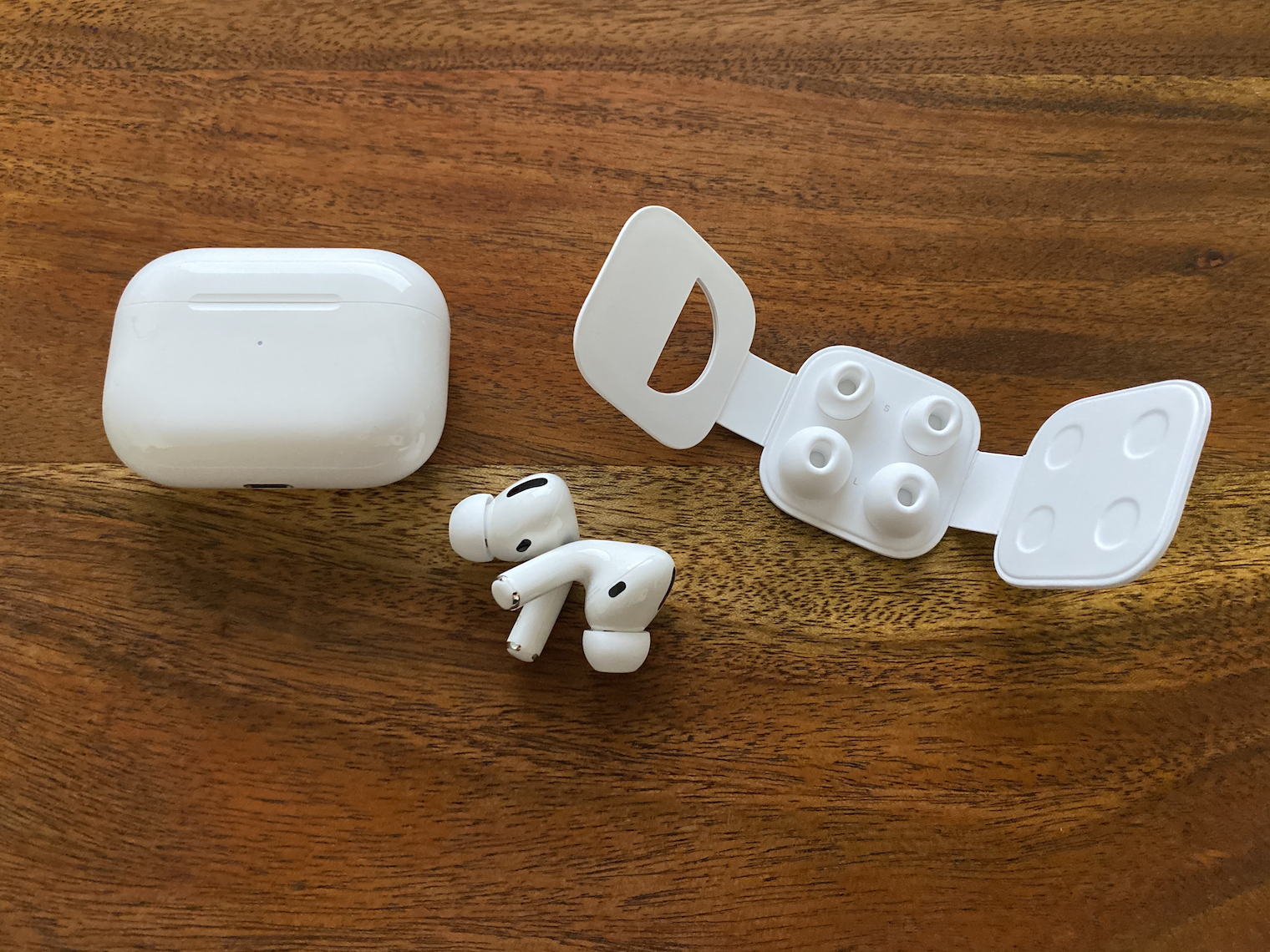
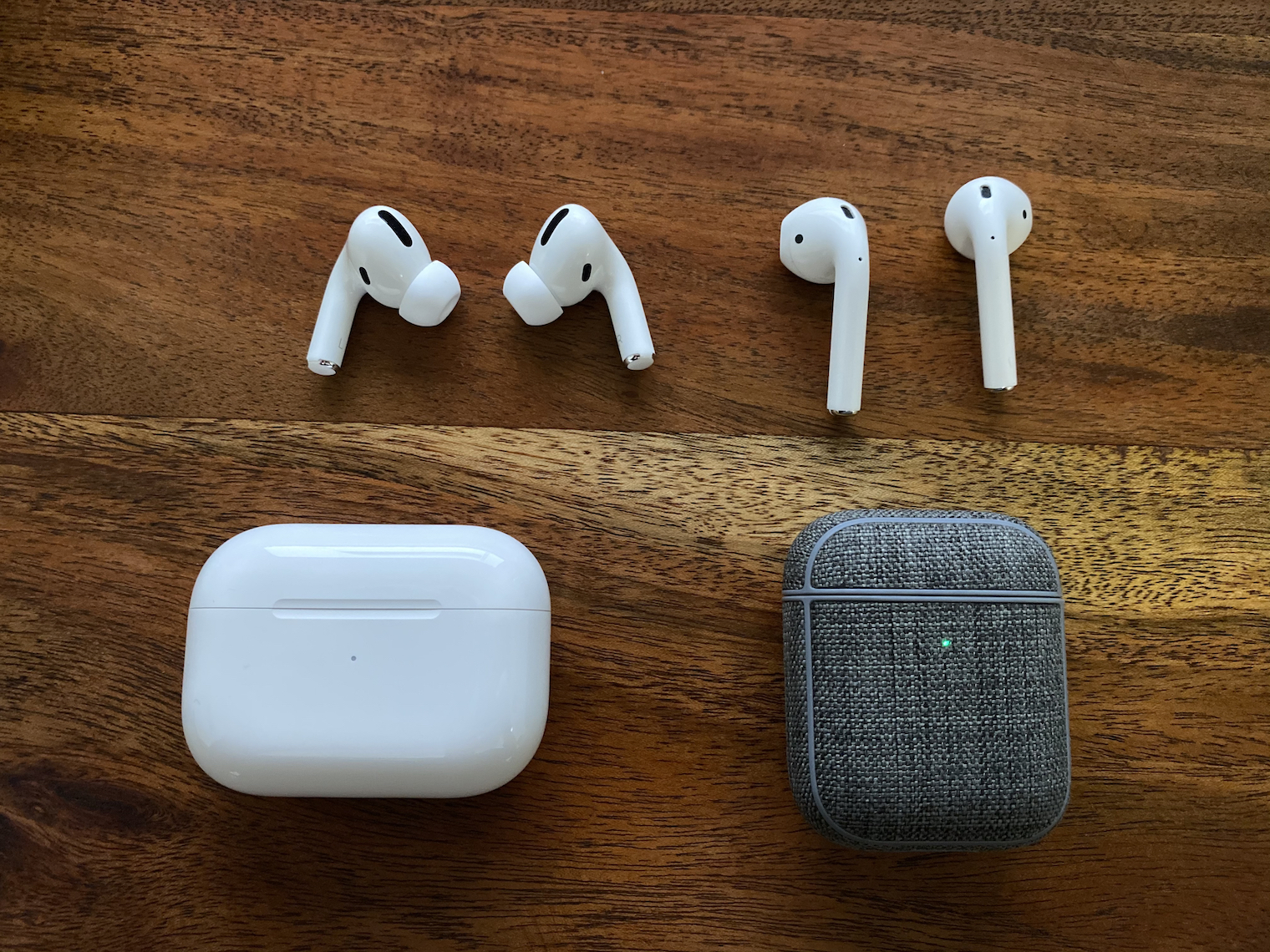
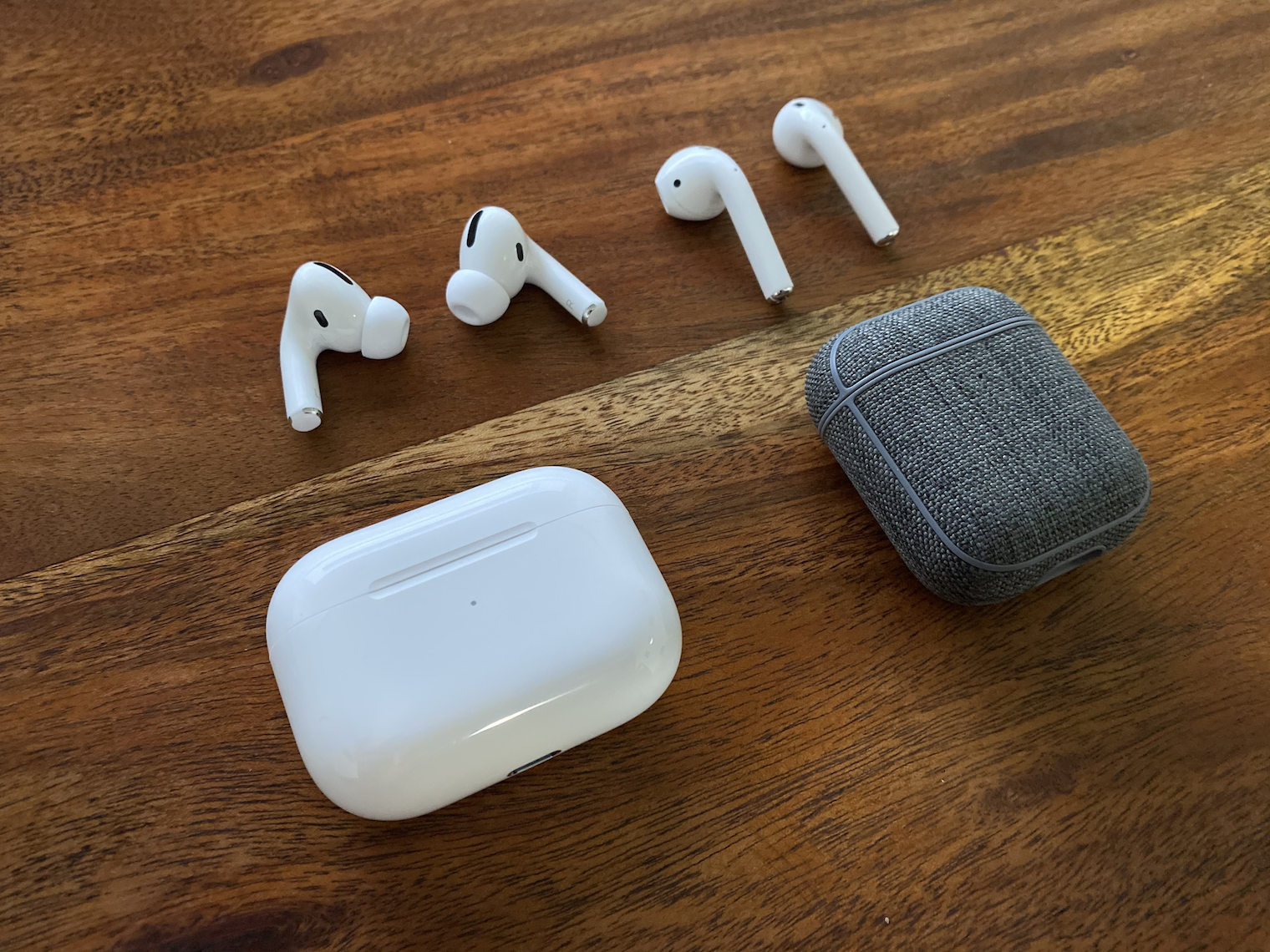
Drowned AirPod
Believe it or not, AirPods are very durable headphones. You can easily drop them in the water or jump into the pool with them in the summer. In most cases, there is nothing to worry about - if you AirIf the pods have come into contact with water, simply take them out and leave them to dry on a heater for at least 12 hours. If you AirThe pods fell into dirty water, so you can easily clean them with a brush. You don't have to worry if you leave the Apple headphones in the washing machine, for example. I've personally done this twice and the headphones still play just as well, if not better. Of course, we don't mean that you should deliberately wash them regularly with white laundry.
You might be interested in
It doesn't charge
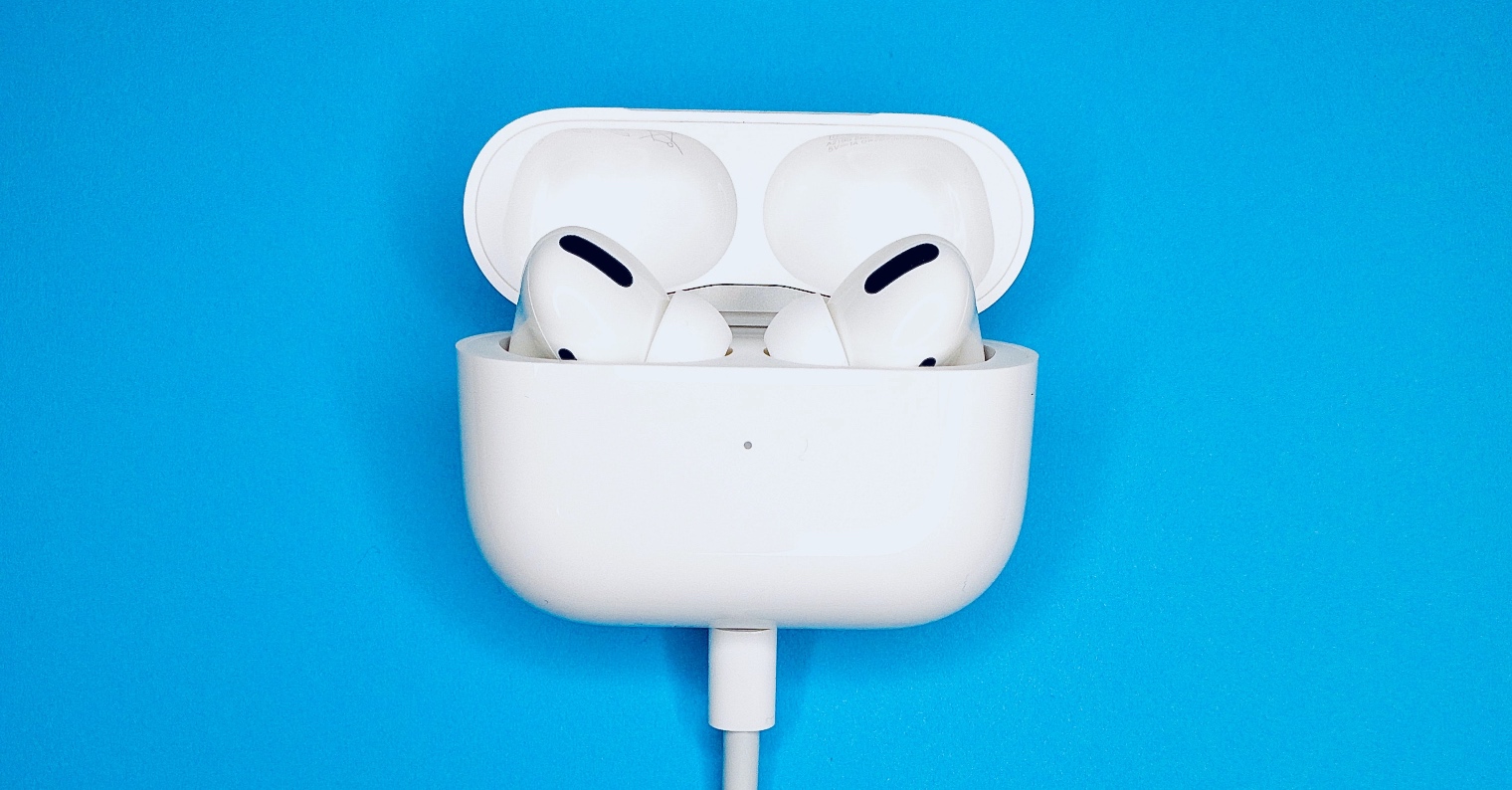
If you have a problem charging the charging case AirPods, so first make sure you're using certified MFi cableIf you use a cable without this certification, it may happen that charging simply will not work. So check the adapter itself as well - ideally try connecting your iPhone or other device. If it starts charging, you know that there is probably a problem with the case, if not, then look for the problem in the adapter or cable. If you have a problem with the case, try cleaning it thoroughly Lightning konewhich. Ideally, shine a light into it and see if there is any dust or other debris. As for wireless charging, remember that it is not included in all Air2nd generation Pods. You must have a directly purchased wireless charging case, which you can recognize from the classic one by the fact that it has an LED on the front of its body and not inside.
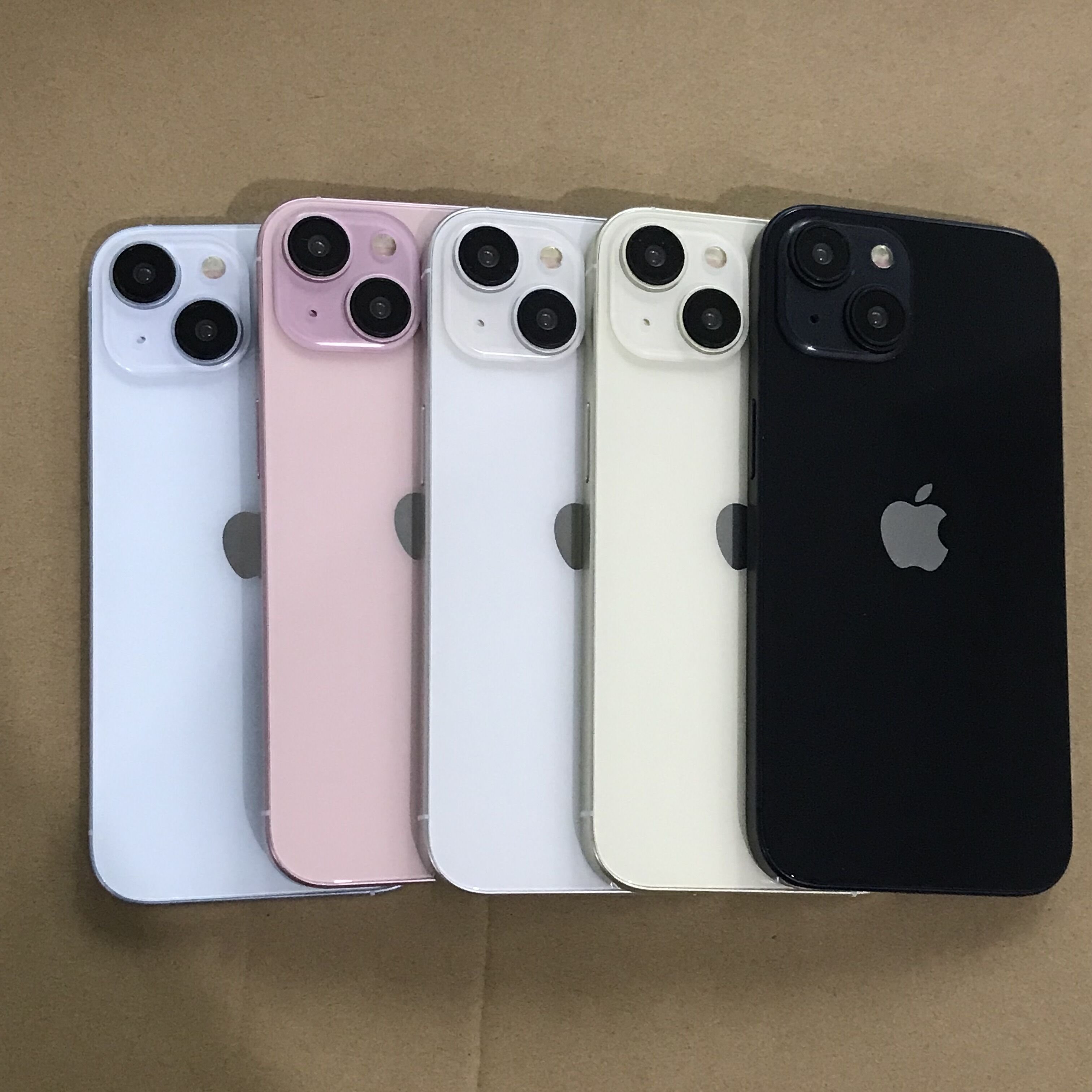
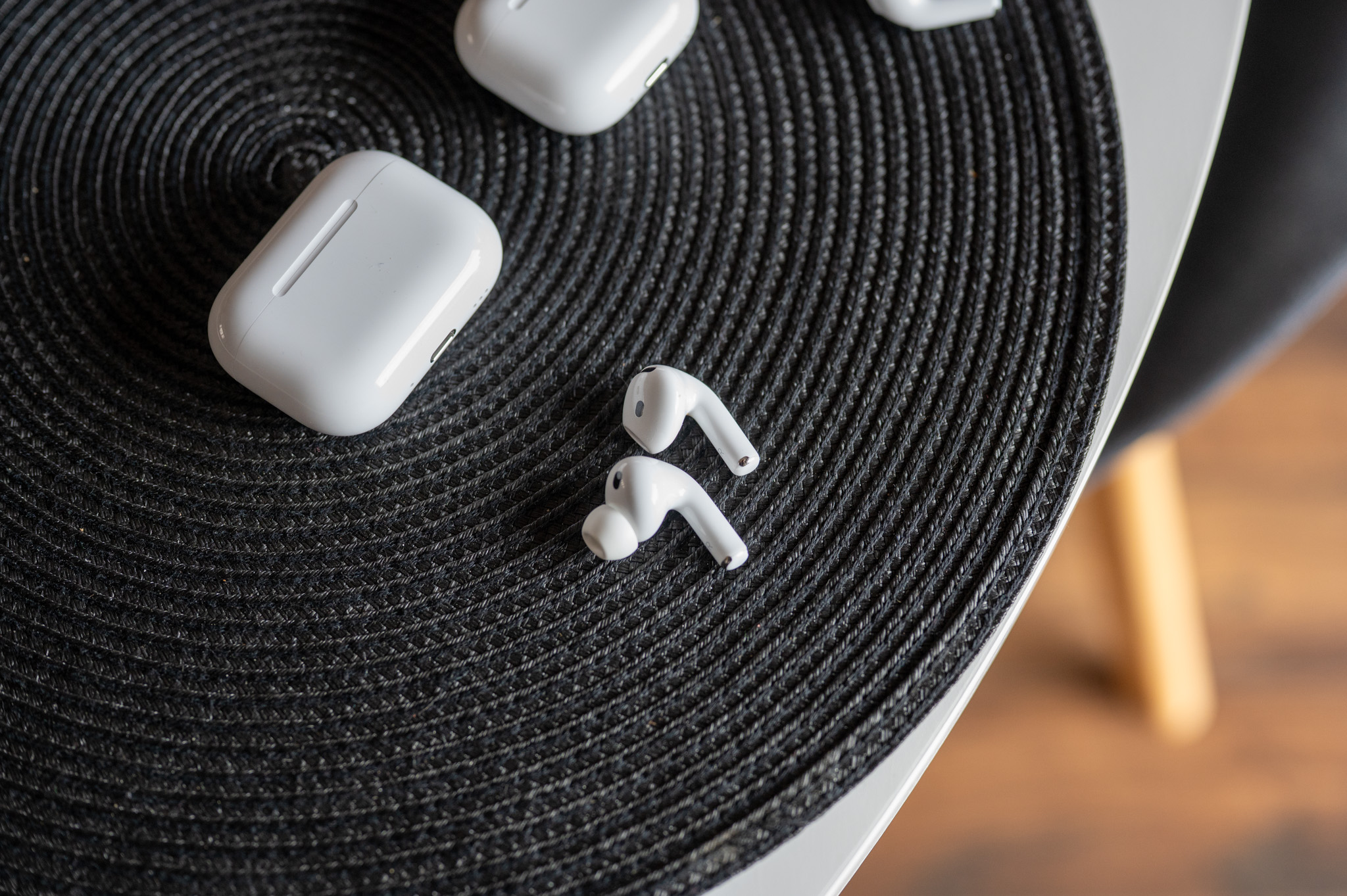




Another frequent problem is that it is a fake.
Fakes have gotten even better over the last 3/4 years. The box already has 3D printing, a sticker on the right side, the pairing button no longer has such a gap, transparency mode also works. The rest remains the same, but some things can only be recognized by an experienced eye
and that they are shit
So would you like them or one day...you idiots? But it makes sense to you, Máro... Go earn a jacket on them, 7k is not that much.
thumbs down for durability :-/ I haven't had a single problem, but after more frequent use they go to pieces :-/
Terrible product! Constant problems with pairing!
So there was really no problem with that. I already have 4 pairings, advertise them in the TOP
Hello,
ProI need advice,AirPods keep disconnecting when connected to a Toshiba laptop if the laptop is unplugged.
I have already deactivated the consumption control via the bluetooth device manager, but the sound always disappears after 1-2 minutes and has to be disconnected and connected again and again.
Thanks a lot for any tip.