
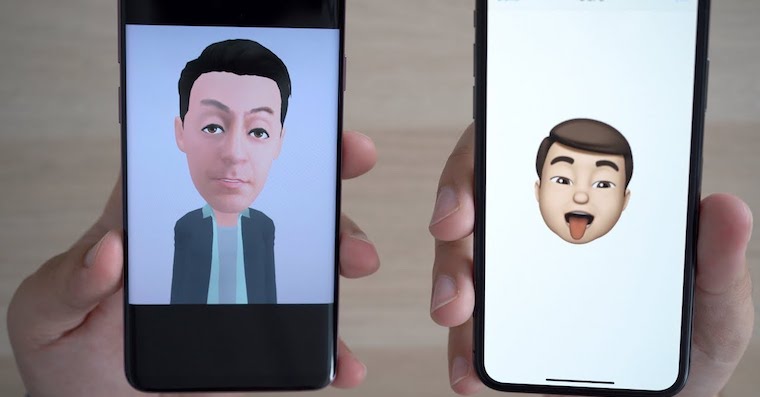
When Apple published two years ago iPhone X, many people were shocked. Pro apple company supporter iPhone X became a completely revolutionary model, one of the main innovations of which was Face ID and the TrueDepth camera. It can perfectly capture your face, which protects your iPhone from being unlocked by an unauthorized person, and also offers the possibility of using Animoji and later Memoji. These features were not very popular at first and people iPhone They called X the “thousand dollar emoji tool.” Later, however, users got used to it again, and together with iOS 13 can also be used in a way by users of older iPhones that do not yet have a TrueDepth camera. You can customize your Memoji to your liking, but few people know that you can also add a AirPods. You will learn how to do this in this article.
You might be interested in
See how you can add to your Memoji AirPod
Gallery
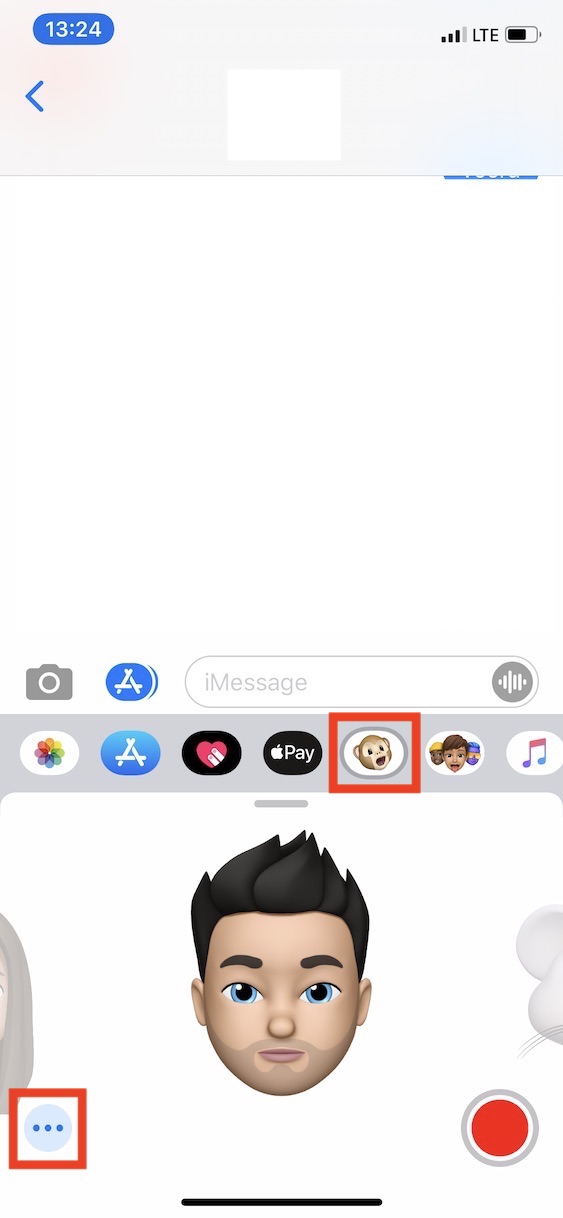
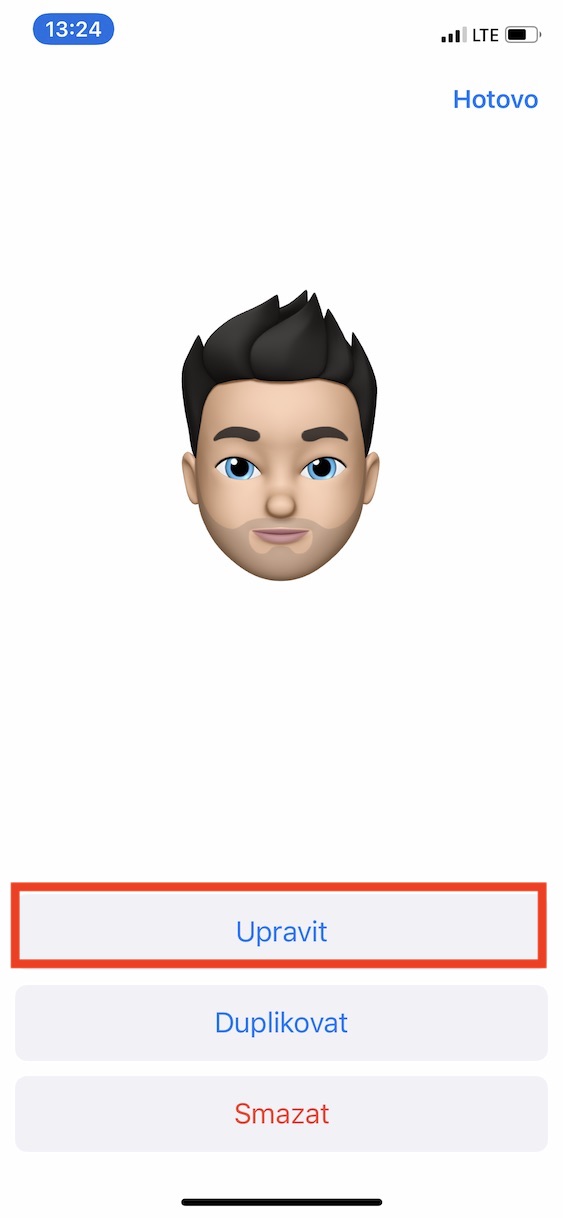
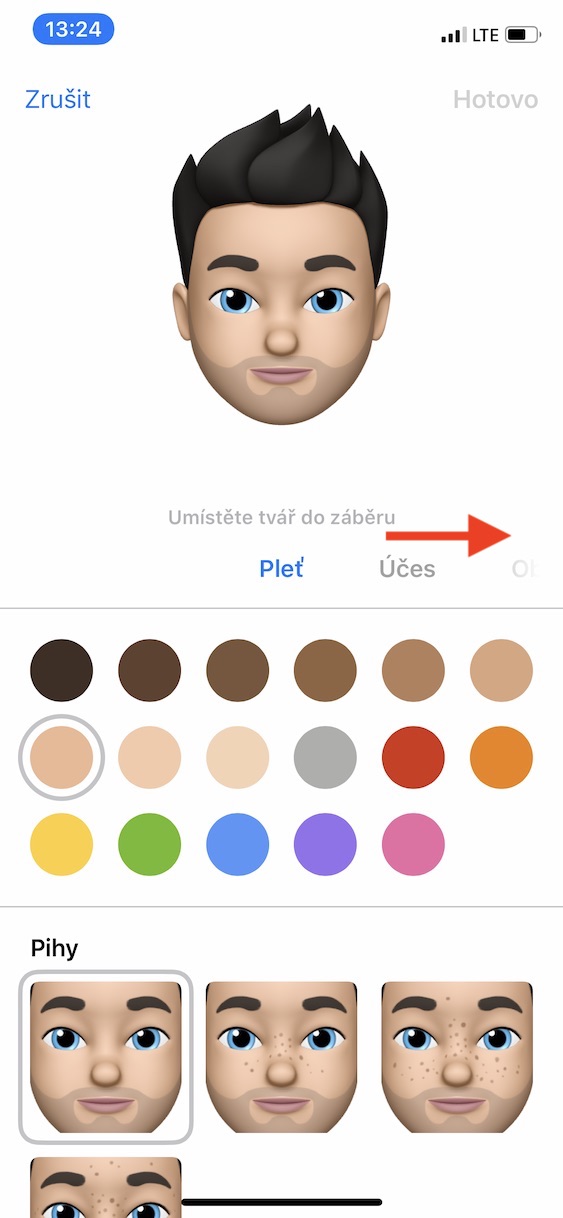
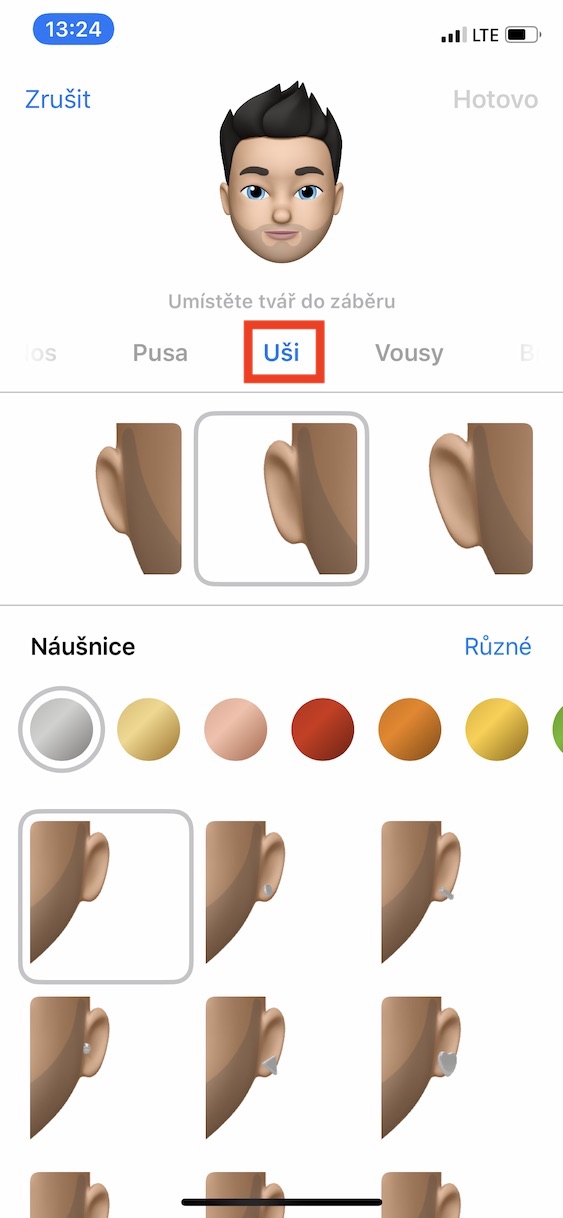
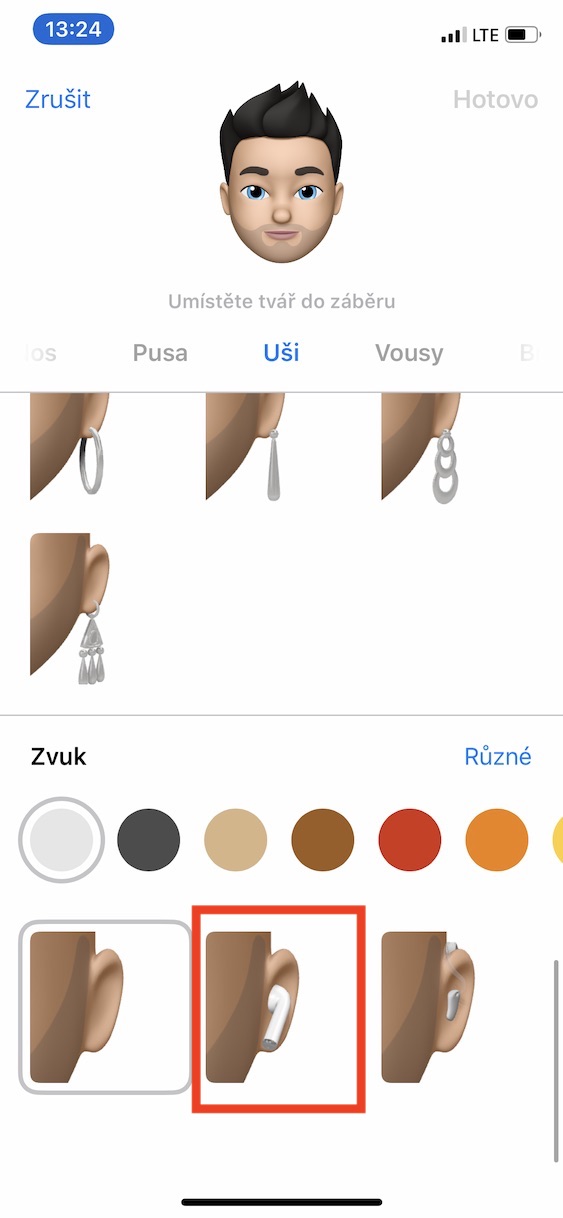
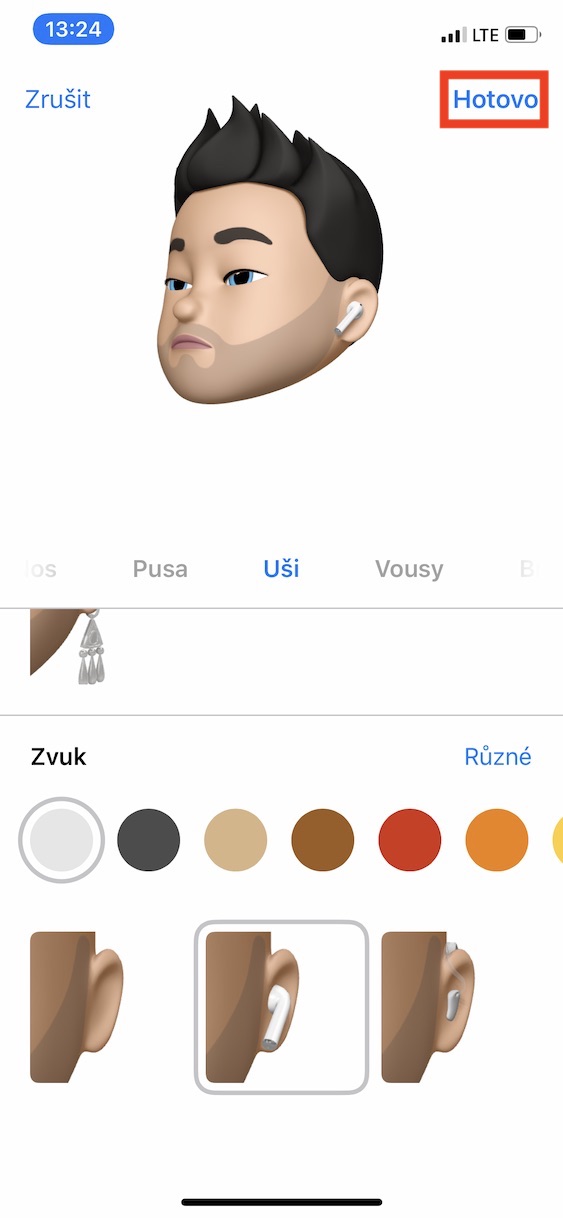
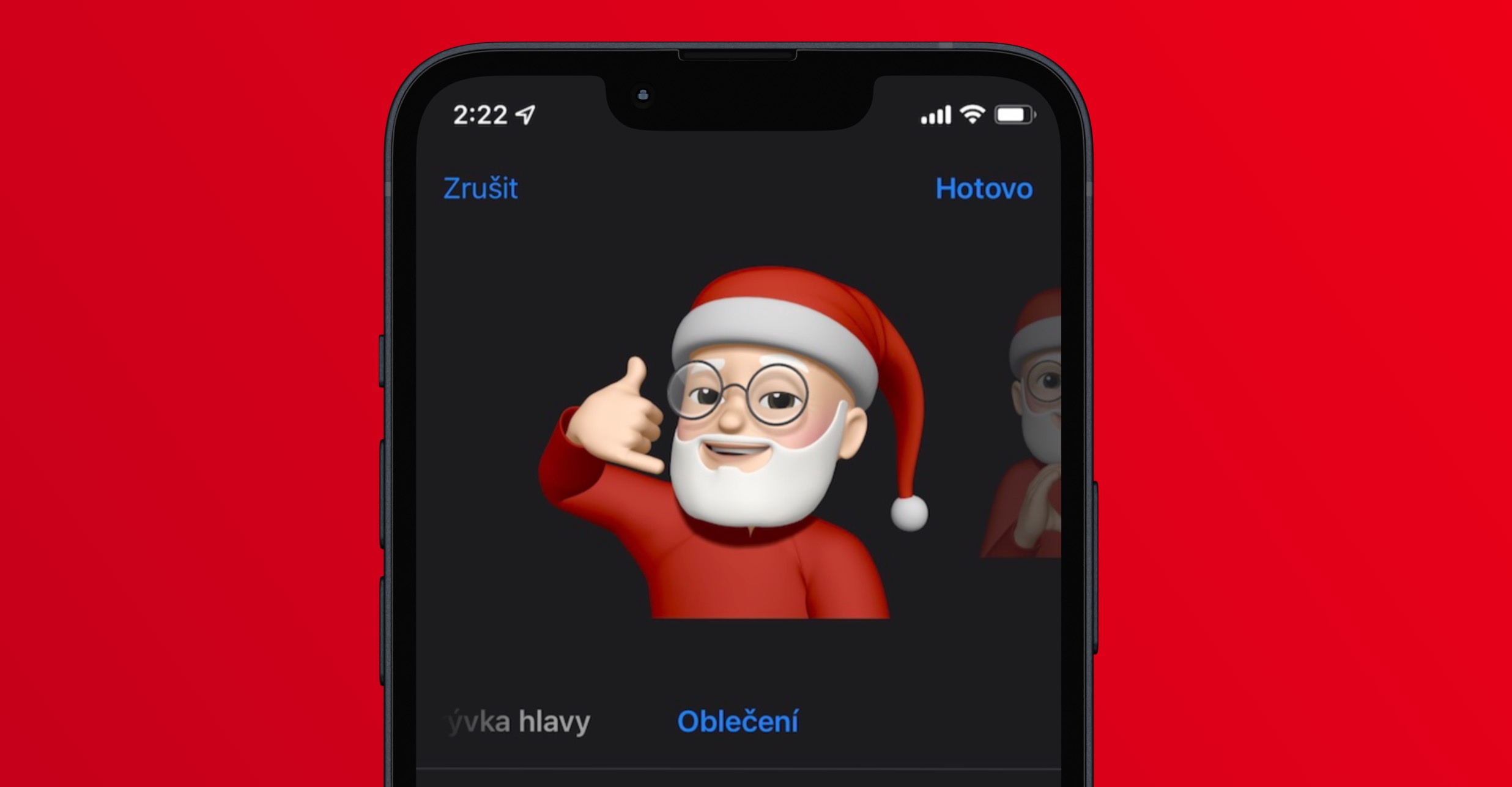
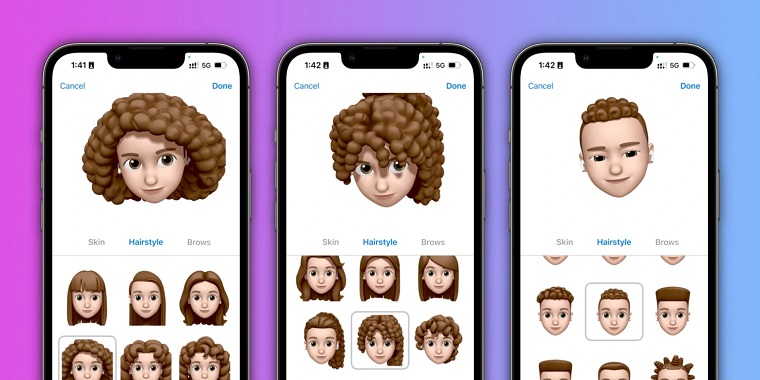
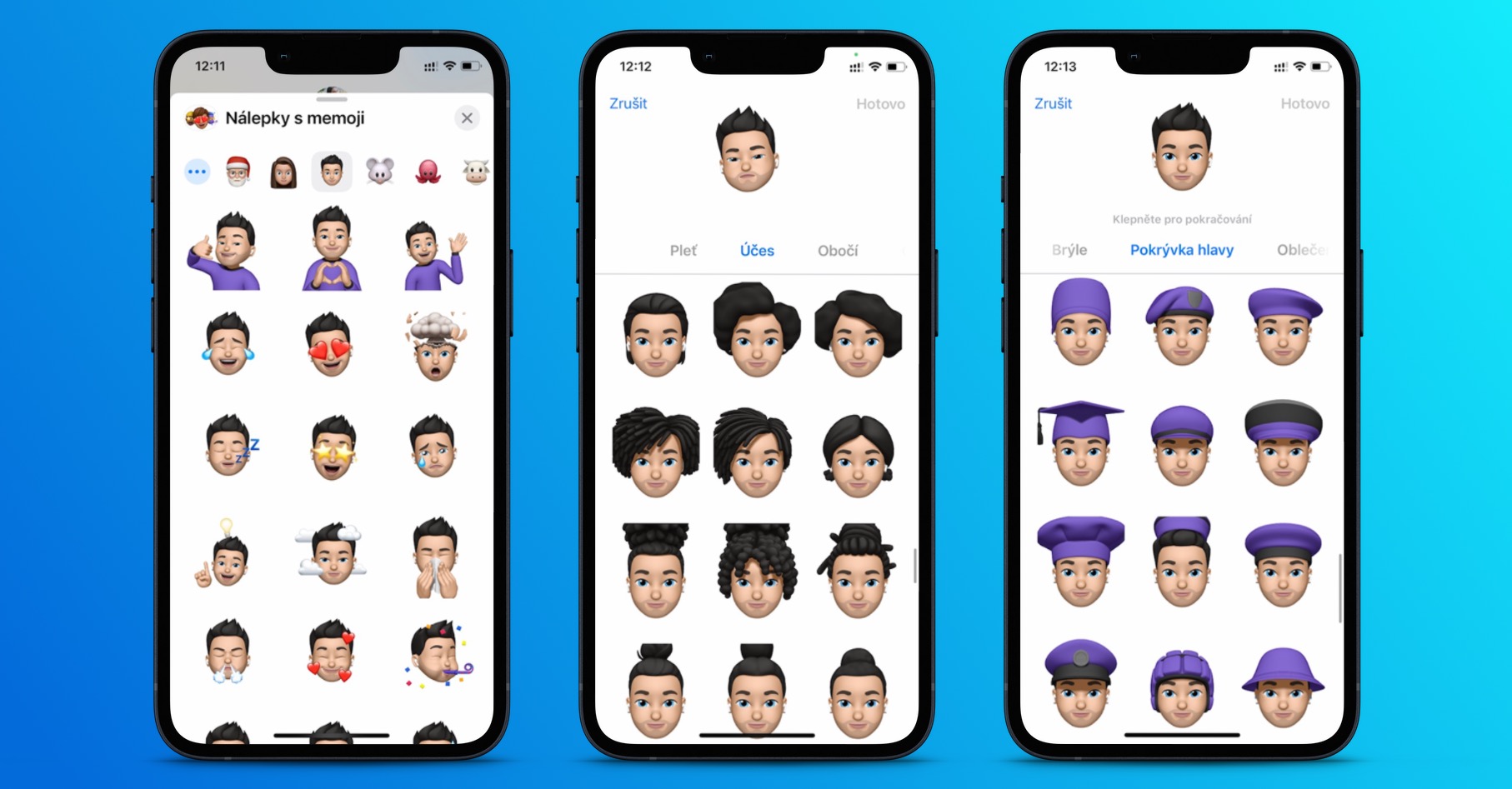
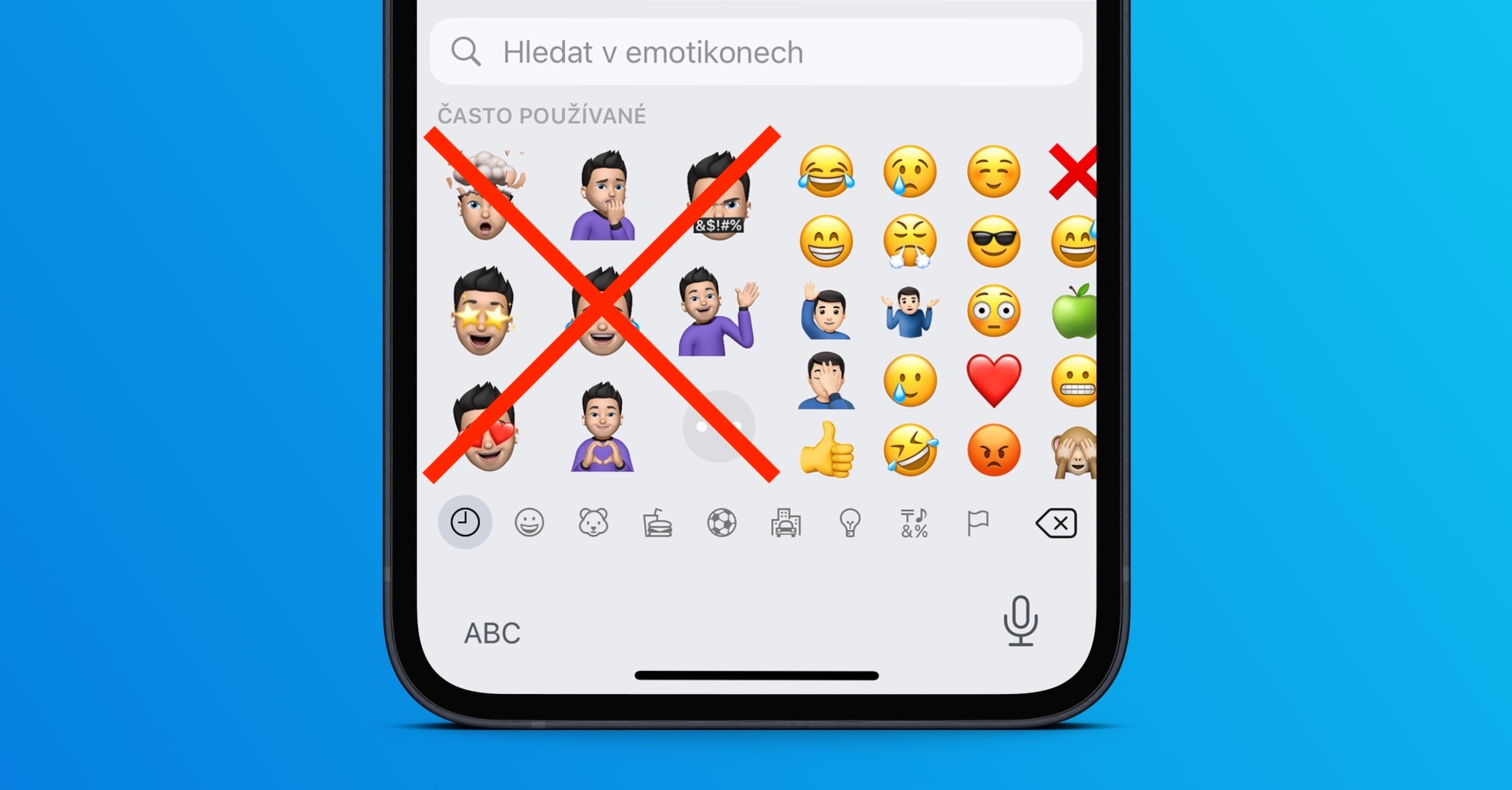
First, you need to go to the settings where you can edit your Memoji. The easiest way to do this is through the application News, where you just have to click any conversation, and then click on in the bottom bar Animoji icon. Once you've done that, choose yours from the list Memoji, or you create a new one. Now it is necessary that you move to the section in the menu in the middle of the screen Ears. Once you do, get off all the way down to below the earrings where the section is located Sound. Here you can already notice midterm elections, with which you can add Memoji to your ears AirPods. Then just confirm the changes by pressing the button Done in the upper right corner of the screen.





husty
Thank you Pavel Jelič for another very informative and useful article :D
Jirko, you were obviously interested when you clicked on the title and wrote a comment. It's not about more on the web. So don't give up on the hero.
KoneCan I buy it? AirPods without paying that unchristian money! Thanks! 😉🤑
Rather, they should give an option to turn off this nonsense
I'm having trouble with memoji on my iPhone X. When I send a memoji, it's sent to me as a picture🤷🏻♂️ Don't know what to do with it? Thanks for the replies.