
Recently, the Internet has become an indispensable part for an increasing number of things in our homes. It doesn't matter if it's an oven that regularly downloads new recipes, a robotic vacuum cleaner that updates, or a game console that downloads new Call of Duty updates day and night. Nowadays, it is not a problem to have dozens of devices in the home that simply need the Internet for their trouble-free and full-fledged operation. The vast majority of them connect to it via Wi-Fi, so it's important to have your home wireless network set up as well as possible in order to use the full potential of your Internet connection and the full potential of the network itself. So let's take a look at how to speed up Wi-Fi in your home.
Aggregation and speed from the provider
The key factor that will affect the speed of a user's Internet connection is the speed that the provider delivers directly to the apartment or house. When signing a contract, this is often much more important than addressing maximal connection speed, to solve aggregation. If we have an Internet connection with a speed of 100 Mb/s with 1:1 aggregation, we will have much faster Internet than if we have maxMinimum internet connection speed of 250 Mbps with aggregation 1:10. The word aggregation is absolutely crucial for you, as it determines how many users your internet speed is divided between and is much more important than the speed itself.
For example, if you live in an apartment building, it is possible that if everyone in the house has Internet with a speed of 500 Mb/s, you will share this speed with the whole house, and at the moments when others connect, the Internet speed for you will go down rapidly . Therefore, always choose the best possible ratio of connection speed and aggregation, the ideal aggregation is 1:1, when you are guaranteed that you do not share the speed with anyone. In the case of aggregation, it is then important to find the fastest possible Internet speed with the least possible aggregation.
Your home network is only as fast as the slowest part of it
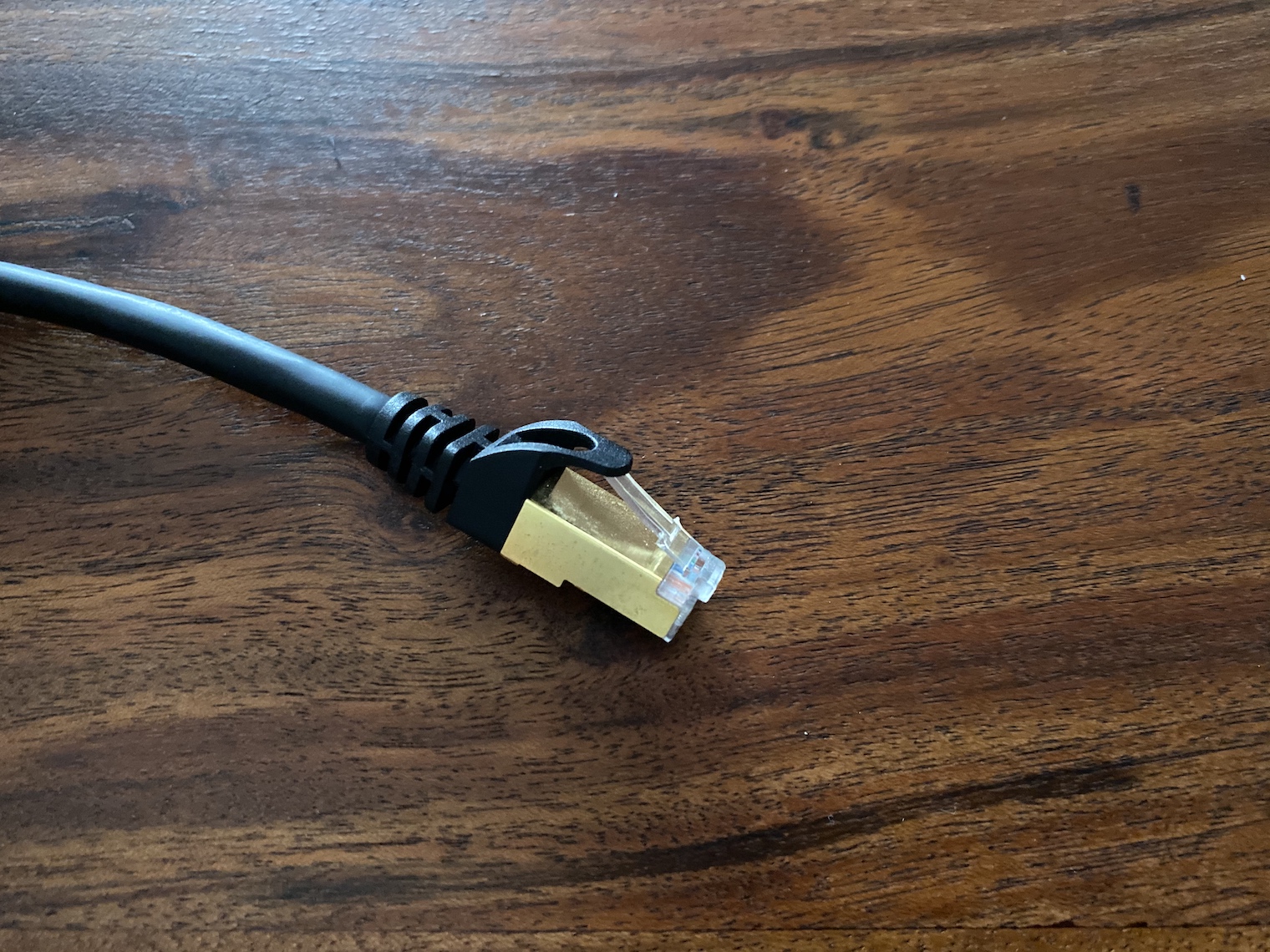
Remember that the entire network depends on its slowest parts. Check carefully that all the devices you have on your home network, including their connecting cables, are at least as fast as the connection you pay your provider for. Of course, you should have all your devices several times faster, which you will apply especially when sending data over the home network, but if we are talking about the Internet, it is important that the devices are at least as fast as the connection you are paying for. Check all network elements and find out what internet throughput speed they have. It is also worth investing in high-quality and fast cables.
Use a router that your devices will use to 100%
You buy a new one every year iPhone? You have invested tens of thousands in MacBookDo you have a new iMac on your desk every three years? But that little box thrown somewhere behind the cabinet doesn't interest you much? Then you can't be surprised that not only the router may nestíha maximal speed of your internet and cannot convert it into a Wi-Fi signal, but even the devices you have spent a lot of money on cannot be used 100%. Always look at the specifications of your phones, tablets and computers and carefully find the highest Wi-Fi specification that you can find on your devices. Then choose a router according to the best that your phone, tablet or computer can do. This is the only way to guarantee that you can use Wi-Fi on maximum. Always make sure that the router can deliver the speed you pay your internet provider for via Wi-Fi.
Nowadays, there are routers that can assign priority to individual devices themselves, so if one computer is updating and in sleep mode and you are watching a 4K video stream or playing online on the other, you will get higher performance for the computer that needs it than for a computer that does not care about connection speed. Routers are now quite smart devices with their own powerful processors and RAM, so it is a good idea to restart it from time to time or, if your router allows it, clear its memory.
Update all network elements
If you live in a newer house or apartment, chances are you have your router plugged into a LAN socket in the wall. ProThe problem is that you often have no idea that somewhere in the fuse box or in the footrests there may be another router directly from the provider. This may prevent you from using the full speed because it has been there for a few years without a single update or restart, but it may also simply be outdated and not have sufficient throughput. So make sure that you really know about all the routers, hubs and converters in your house or apartment and check each of them for signal throughput. If you do not use Wi-Fi on them, then turn it off completely and leave the router in LAN mode only. Then update all these devices to the latest software. Then update your end router and use Wi-Fi only through it.

What doesn't need Wi-Fi, connect with a cable
If you have a newer apartment or house, try to use the LAN socket for everything that doesn't need Wi-Fi. It's pointless for your iMac to use Wi-Fi when you can plug a cable into it directly from the LAN socket. The same is usually the case with PlayStationonem, Apple TV, the TV itself and a number of other electronics that have Wi-Fi, but since you still have it in one place, you can connect it using a cable. If you have fast enough internet, this will give you enough Wi-Fi space for all the devices, such as tablets, laptops or smartphones, that you want to have connected via Wi-Fi. Of course, the router shares the connection speed with the router, but miniThis essentially eliminates the loss caused by multiple devices competing for a single Wi-Fi router. In addition, if you have an Internet connection faster than your Wi-Fi network, you can use the connection to truly maximum because part of the power goes to the router and part to the sockets. If a website loads slowly, it may not necessarily be because of network access, but perhaps the website just has bad hosting.
Place the Router as best as possible and change the antennas
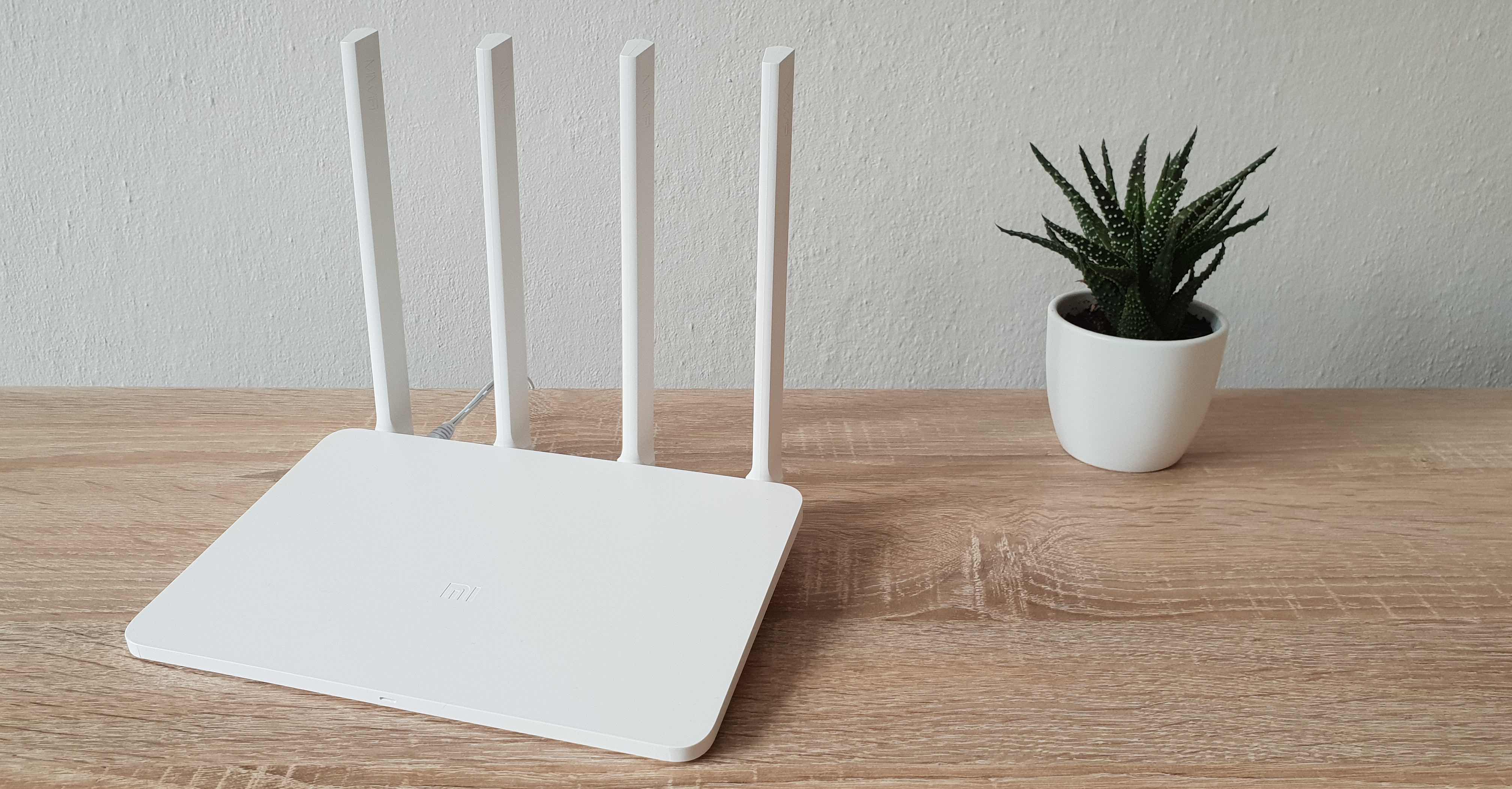
Although it may seem like a gimmick, the correct placement of your router is the alpha and omega for quality coverage of your home. The better your signal, the better you can use the speed of your internet. Ideally, place the modem in the center of your house or apartment, in a place that is as high as possible from the floor. Also try to avoid placing it near other electronics and of course, avoid places where there is an increased incidence of metal. If the side of the router that faces the wall, you can use special foils to shield it and reflect the signal where you need it. Some routers currently allow you to direct the antennas to cover important places in your house or apartment. Use an application on your smartphone to measure the speed and stability of the connection and use the direction of the antennas and the location of the router to tune the performance to maximum. If you have a router with replaceable antennas, replace them with better and larger antennas to increase range.





only one thing you didn't mention is the 5GHz vs 2.4GHz signal transmission
where 2.4GHz can easily pass through a couple of walls in an apartment, 5GHz practically does not pass or with great attenuation.
again, 2.4GHz can easily interfere with USB3.0 or USBC, so if you feel like your wifi is starting to fail sometimes, try disconnecting your favorite USB-C accessories first to see if they don't interfere by chance.
better shading (unfortunately more expensive) and shorter cables sometimes help.
the ideal situation is to put a 5GHz antenna in every room or at least in the center of the apartment, so that the signal does not pass through more than one wall
I can do anything, pay expensive services to providers, and I'm fine with it. they are all agreed on, the prices are the same and the services are poor
it requires a proper router, quality access points, well set up and above all secure...
Your claims about aggregation are wrong, that's not how aggregation works in the network. That relationship is much more complex, it is calculated with Erlang equations. Who has faster internet, the one with 500Mbps with 1:50 aggregation or 100Mbps with 1:2 aggregation? In the overwhelming number of cases, of course, the one with 500Mbps even with such "high aggregation".
From 1.1.2021 January 1, the connection parameters are set by VOSXNUMX, i.e. OOP ČTÚ. If you want to write about it, please contact me at my email jakub.rejzek@vnictp.cz.
good day, is there any device that will allow me to increase the internet speed if I have a card from a certain, unnamed provider (download between 2,8-3,4 Mbit). thank you for the advice
If I disconnect my iMac from Wi-Fi, will I lose some services? Applol, so that's bullshit.
Can I know which ones specifically they are? ProI've had it connected by cable for about 7 years, except for the last service airI don't know. Proyes, which specific services are those? Thank you
– login using Apple Watch
– screen sharing on iPad
I would still recommend investing in a mesh network with their units connected by cable if possible, then the wifi capacity is continuously distributed according to their location and capacity requirements...
Repair - according to the location and capacity requirements of the connected devices...