
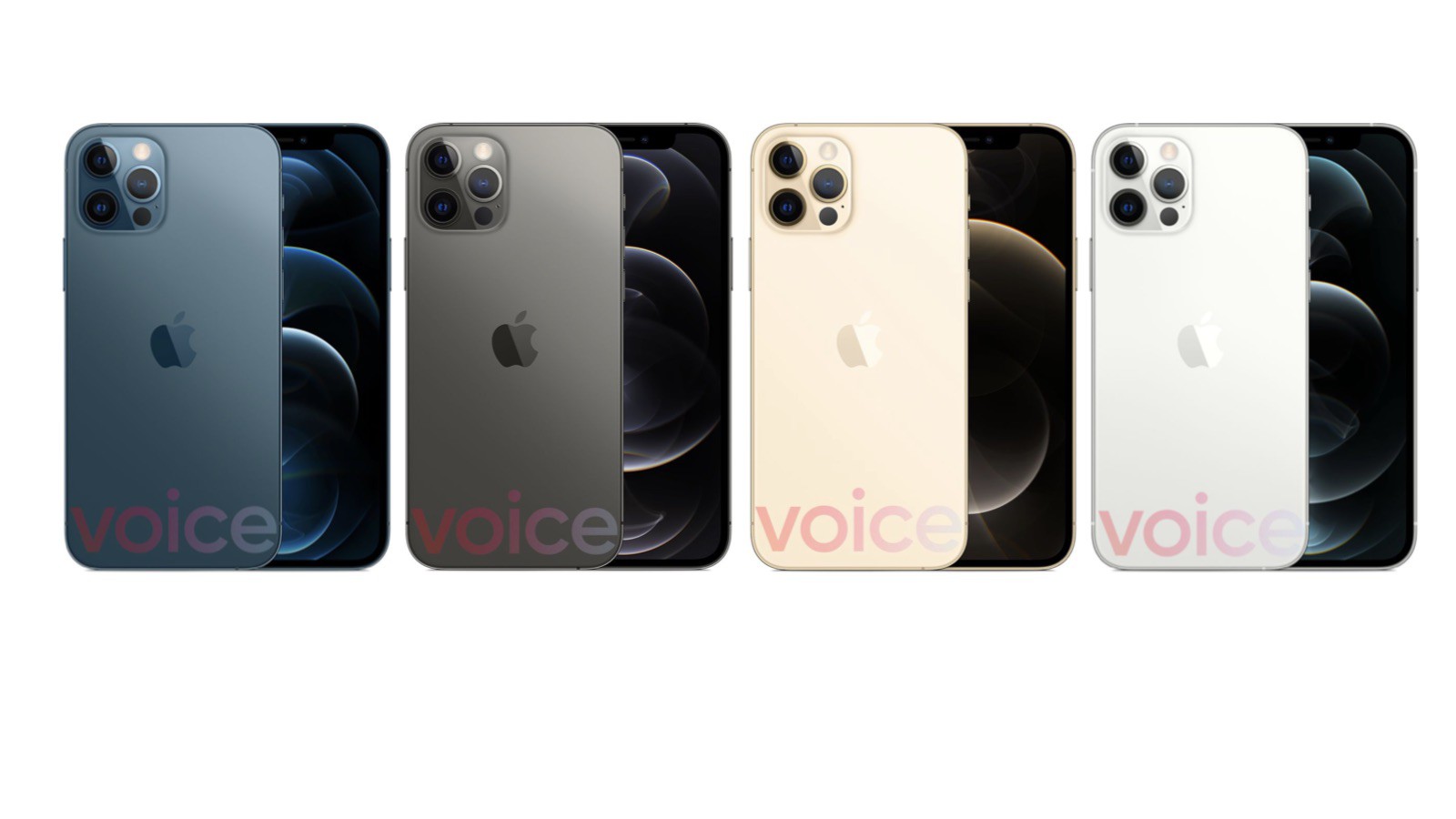
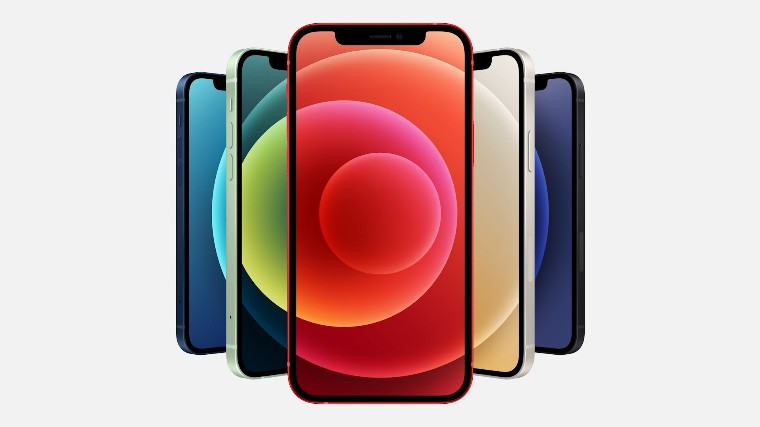
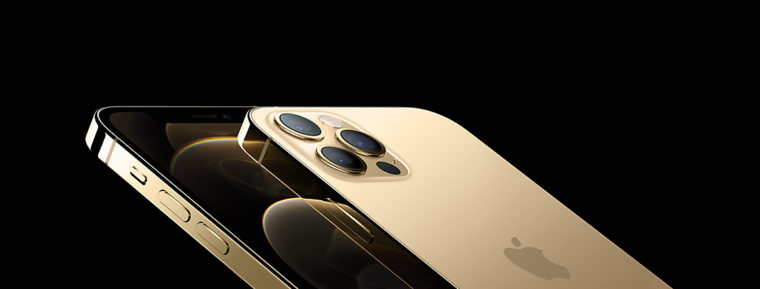
The latest iPhones 12 have been with us for a few weeks now. It probably doesn't need to be reminded again that a total of four new models were introduced, namely 12 mini, 12, 12 Pro to 12 Pro Max. All of these models have received a complete redesign, and also offer OLED displays, A14 Bionic chips, redesigned camera systems, and much more. If you own one of the latest Apple phones, you may find yourself in a situation where it gets stuck or has a major failure at some point in the future. In these cases, gestures can help, with which you can iPhone Force restart and get into recovery mode or DFU. How to do it?
You might be interested in
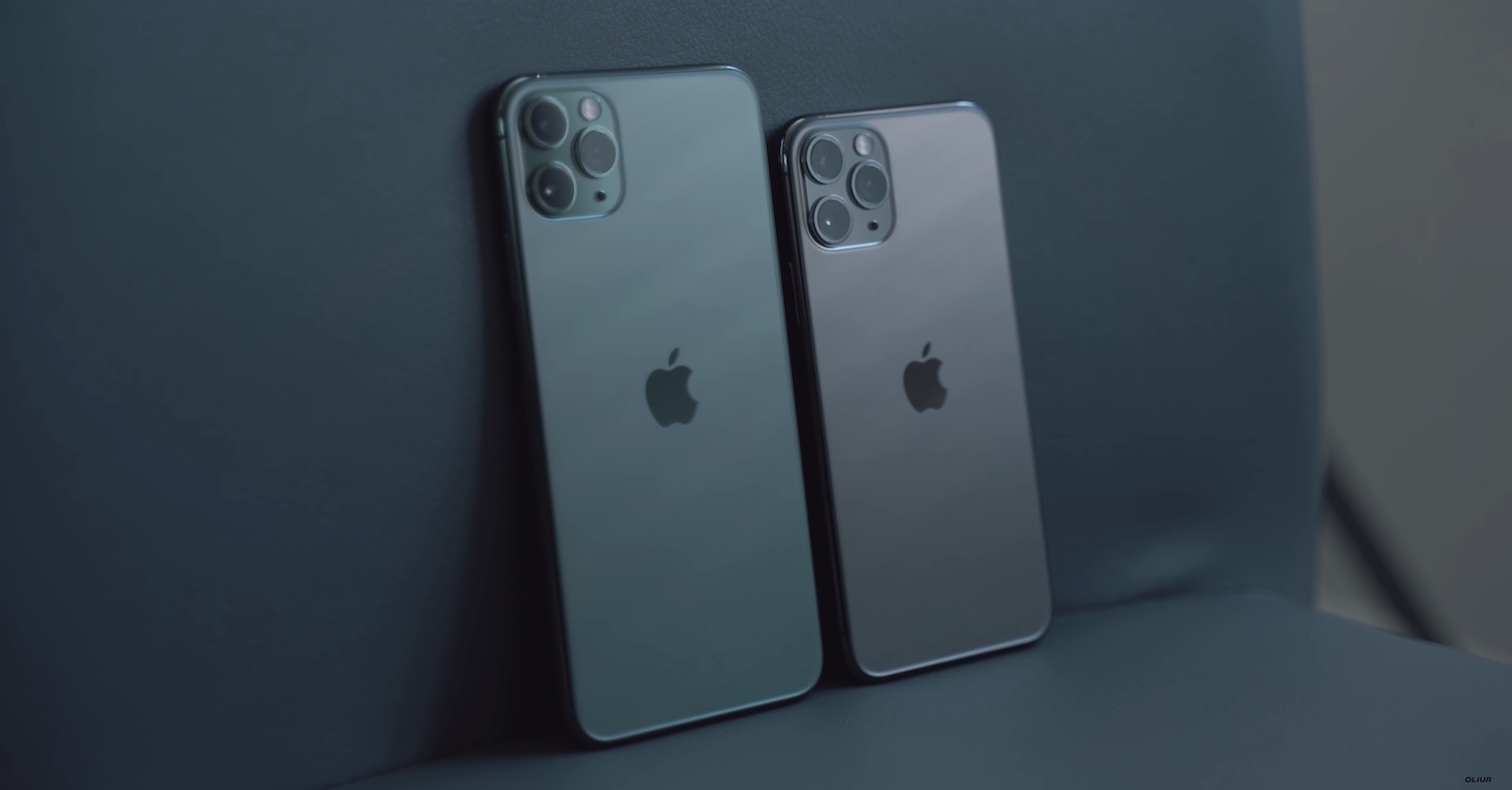
Jak iPhone 12 force restart
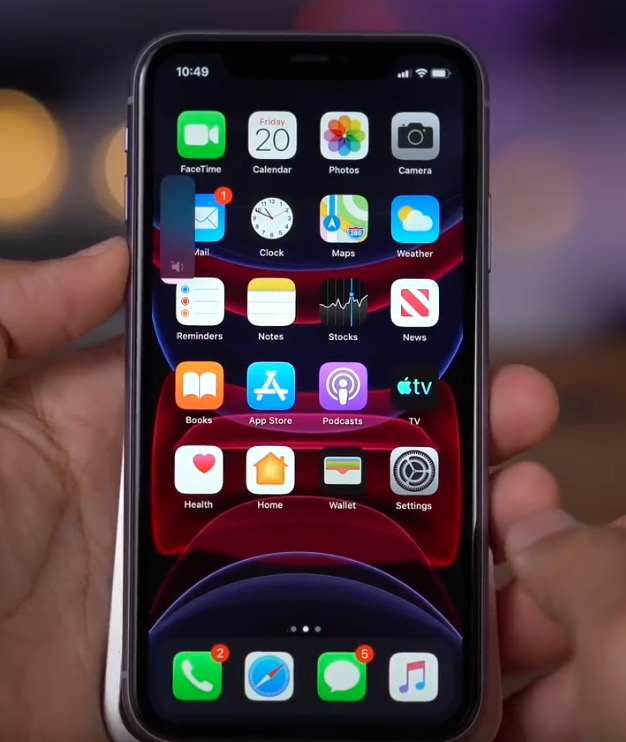
If your iPhone 12 has stopped responding and is stuck in an application or anywhere else in the system, a classic "hard" restart of the device will usually help. The procedure for performing a forced restart is as follows:
- First, it is necessary that you they pressed a pustili button for increase the volume.
- Once you do so, press a let go button for volume down.
- After that, it's enough hold the side button until the device restarts.
Gallery
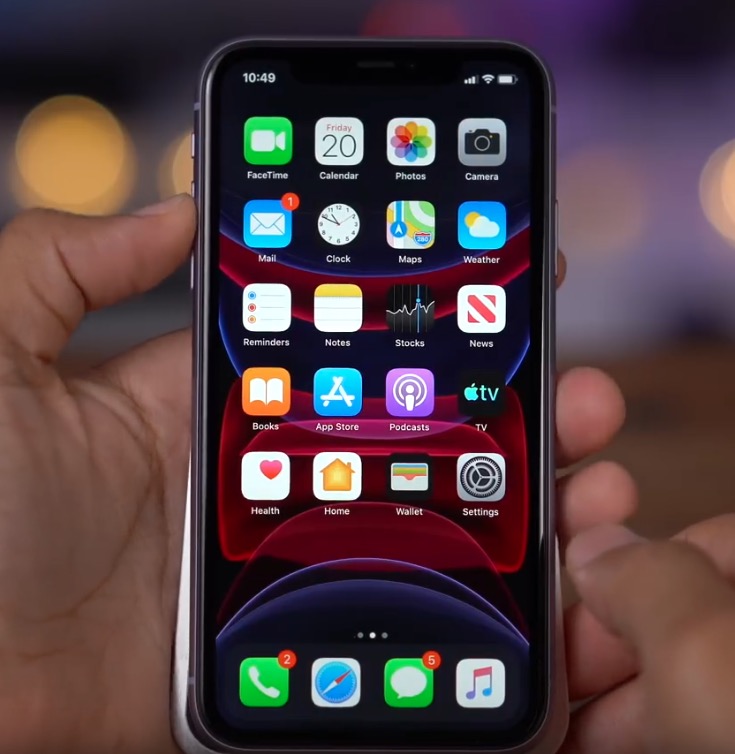
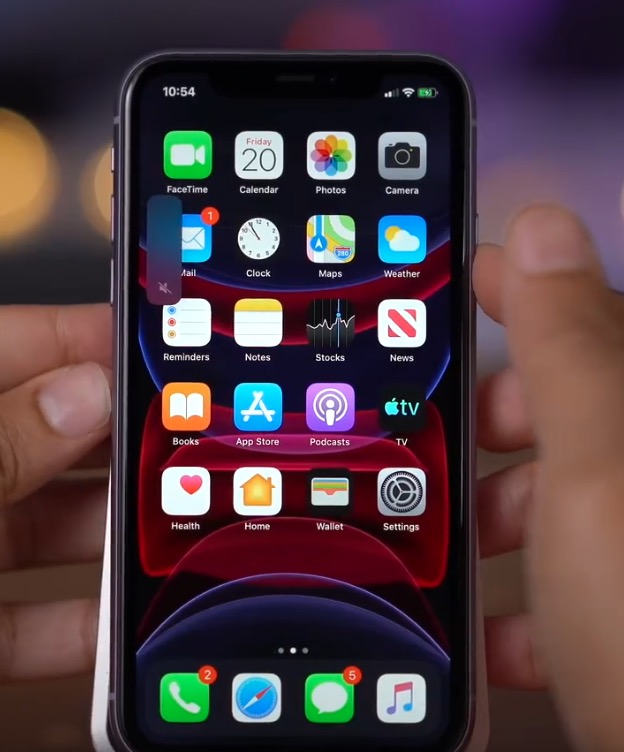
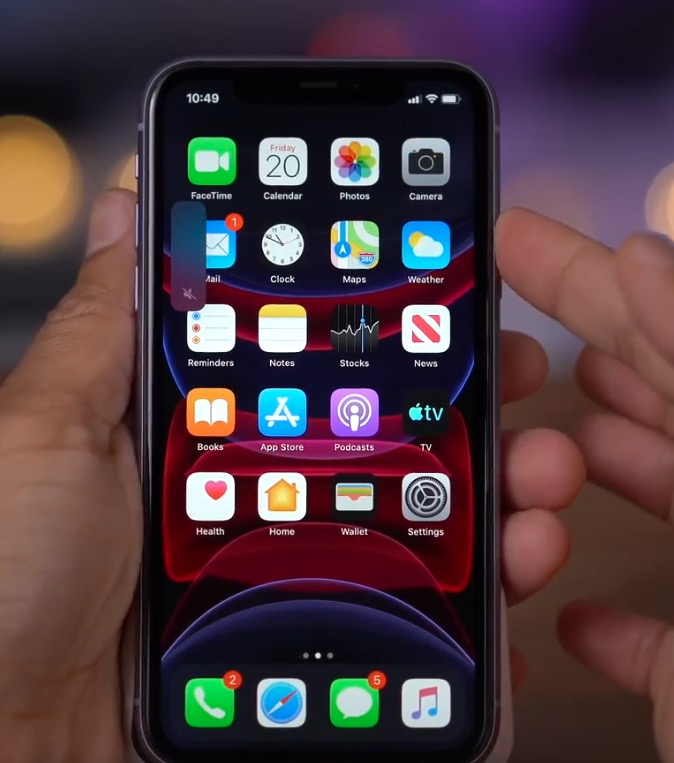
The above process should ideally be completed in the shortest possible time. So definitely do not wait between pressing the individual buttons. A forced restart can also often solve problems with Face ID, microphoneonem, loudspeaker, etc.
Jak iPhone 12 get into recovery mode
If your iPhone 12 has shut down and you cannot start it because it gets stuck on the screen, or if it keeps restarting during startup, you can try reinstalling the operating system iOS, via recovery mode. You can get there as follows:
- Yours first iPhone 12 connect help Lightning – USB cable to a Mac or PC.
- Once you connect the device, press a let go button for increase the volume.
- Now it is necessary that you they pressed a pustili button for volume down.
- Then hold the side button until it appears on the screen information about connecting the device to iTunes.
- On your Mac, now move to Finderu and tap on your device, run the application on your computer iTunes.
- Then a message will be displayed There's a problem with your iPhone that requires an update or restore.
- nakonec just choose whether you want iPhone update whether restore.
- If you decide to abandonment recovery mode, that's enough hold the side button.
Gallery
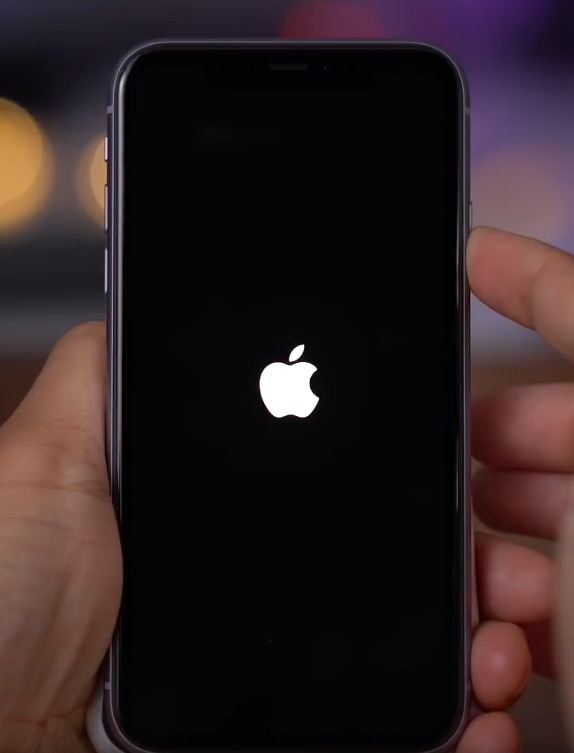
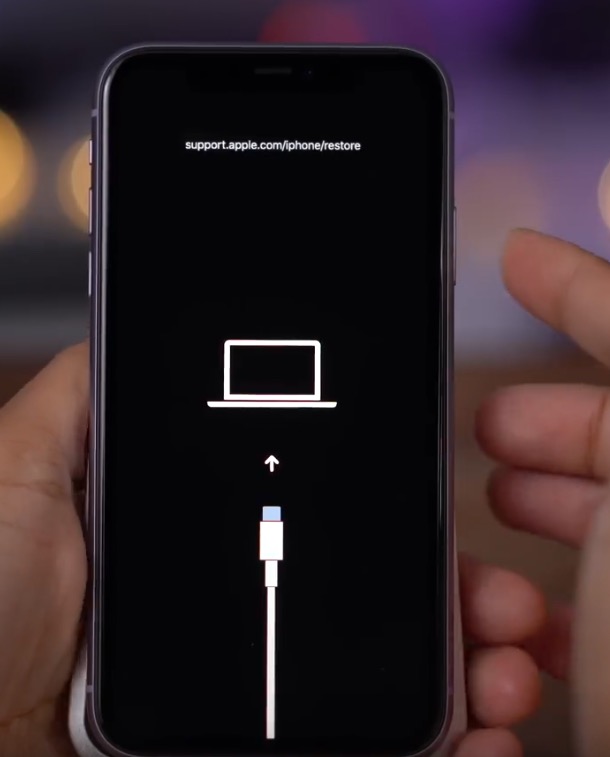
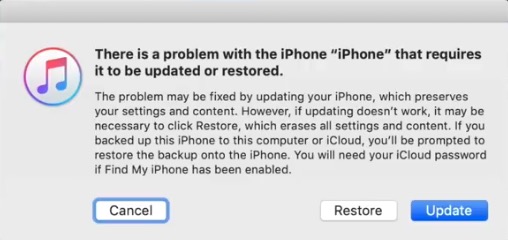
Jak iPhone 12 get into DFU mode
In case your iPhone does not want to turn on and restoring in recovery mode did not help, then try DFU mode (Direct Firmware Upgrade). This mode will perform a process in which a completely clean installation of the operating system will occur iOSTo enter DFU, follow these steps:
- Yours first iPhone 12 connect help Lightning – USB cable to a Mac or PC.
- Once the device you connect so press and release the pro button increase the volume.
- Now it is necessary that you they pressed a pustili button for volume down.
- Then hold the side button for approx 10 secondsuntil the display turns black.
- Hold constantly side button and to hold add button for volume down.
- After 5 seconds, release the side button and the button for keep volume down alone more 10 seconds.
- It should not appear correctly on the screen no icon and she should stay black.
- Then on your Mac, run Finder and tap on your device, or open on your computer iTunes.
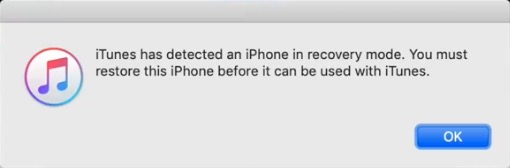
- A message should then appear iTunes found iPhone in recovery mode, before using with iTunes you will need iPhone restore.
- If you decide to exit DFU mode, then press and release the boost button volume, and then press and release the decrease button volume. Nakonec press and hold the side button until appears on the iPhone display.
Gallery



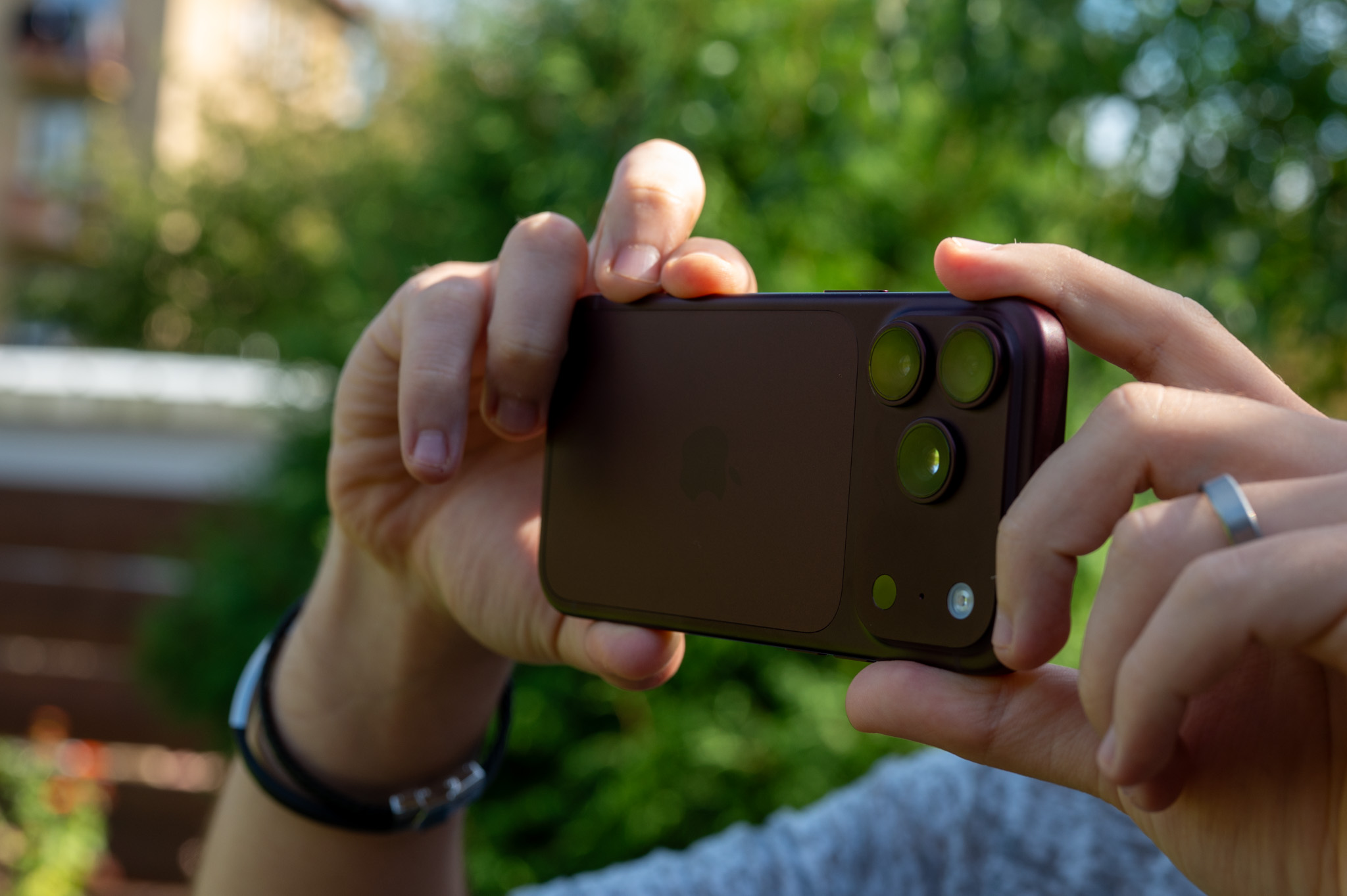

After all, it's still the same on all phones with FaceID since iPhone X, Xs,11 and 12. No change in the last 3 years.
AND 2020
Thanks