
We probably don't need to commemorate the coronavirus pandemic in any special way. In a few months, it will be a full year since humanity oneis fighting the spread of COVID-19, which is caused by the coronavirus. To prevent further spread onepower, most countries in the world have created special measures - and of course the Czech Republic is no different. These measures include, for example, homeschooling or working in a home office. If you need to connect with someone at home, you can use several applications. One of the very popular ones is Skype, which offers a function for setting your own background, or for blurring it. This is useful if you don't want the call participants to see what's happening behind your back. How to set this function?
You might be interested in
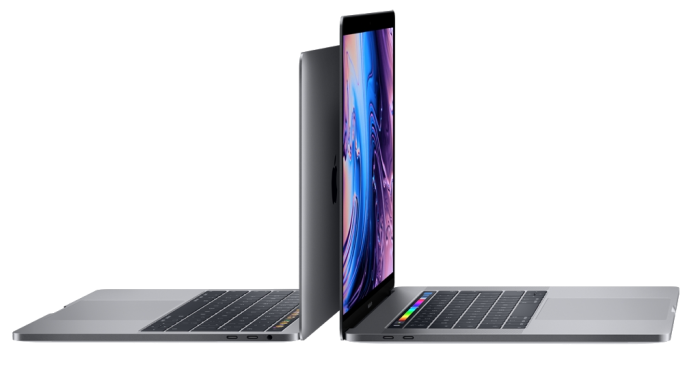
How to set a custom background effect in Skype on Mac
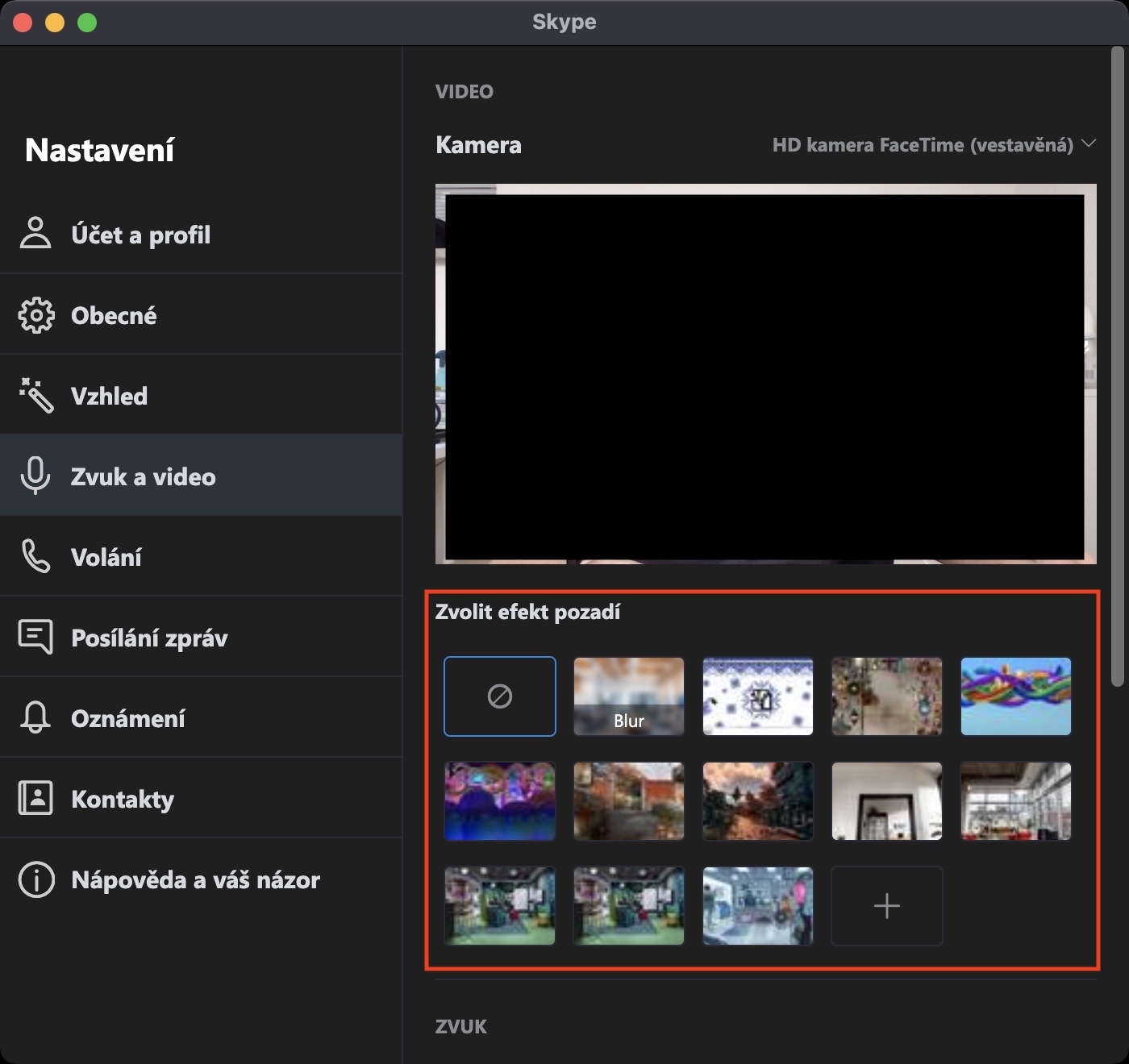
If you use Skype on your Mac at home for video communication with your class or other staff and would like to find out how to set your own background, or how to disable itchat blur, then proceed as follows:
- First, on your macOS device to the application Skype or Whatsapp move.
- Now you need to tap on the main page at the top right three dots icon.
- Once you do so, select an option from the menu that appears Settings.
- After tapping this option it will appear another window with all presets.
- In the left menu of this window, click on the column Audio and video.
- Your camera image will then be displayed. Below it, pay attention to the section Choose a background effect:
- If you want background change, so take your pick one of the prepared images;
- Alternatively, you can of course tap on rectangle with + and choose custom image.
- If you choose the option Blur, so it happens automatically blur background.
Gallery
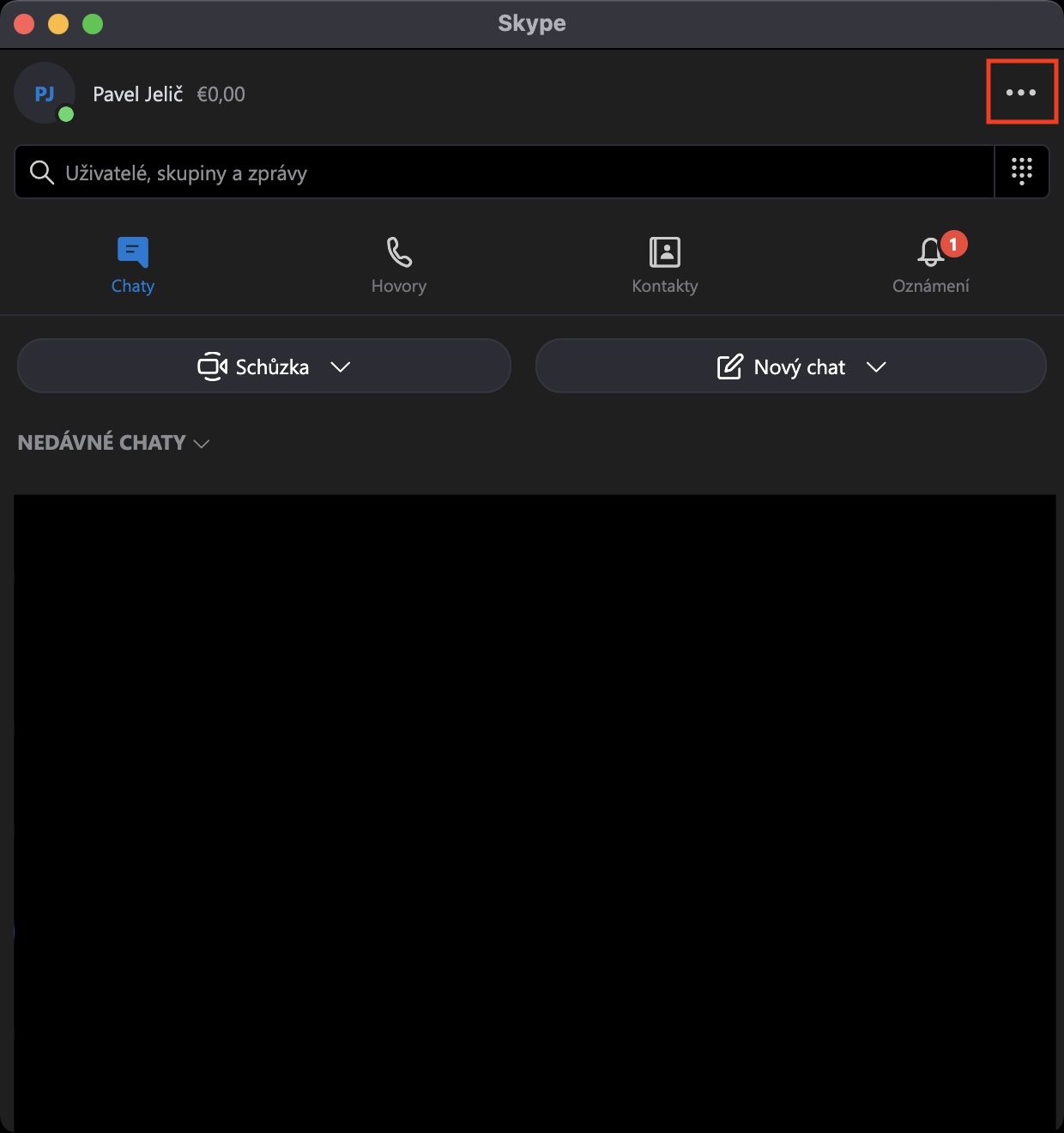
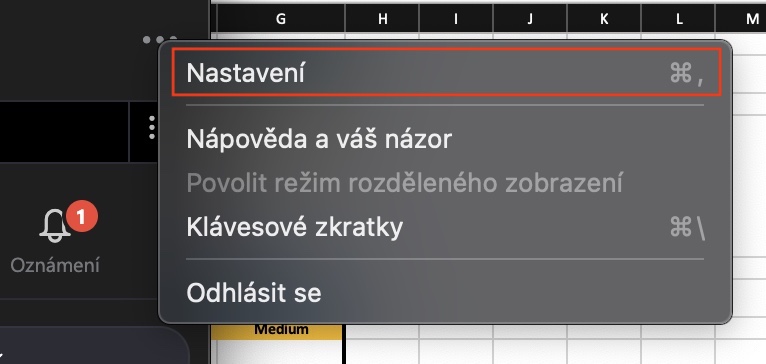
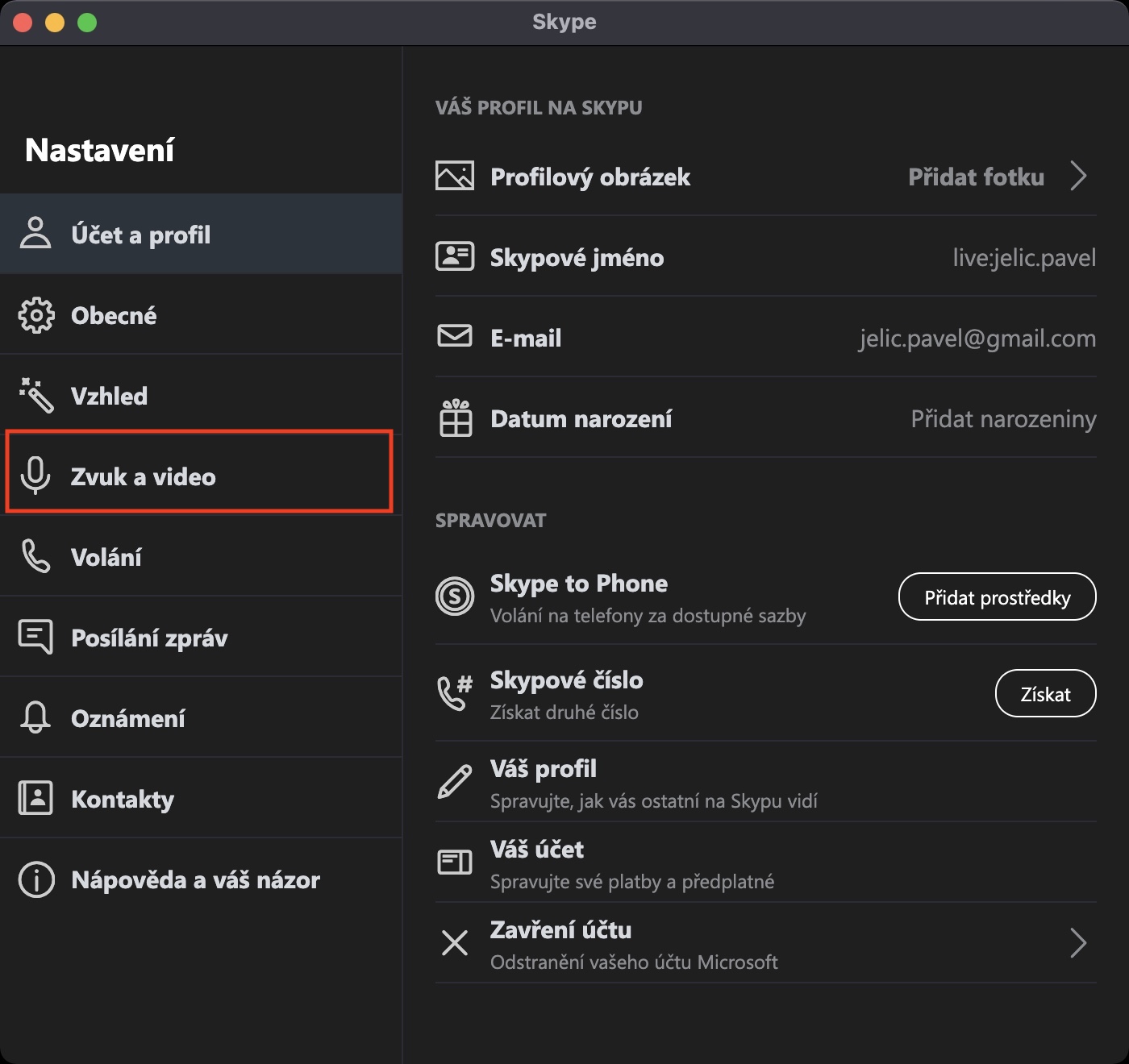
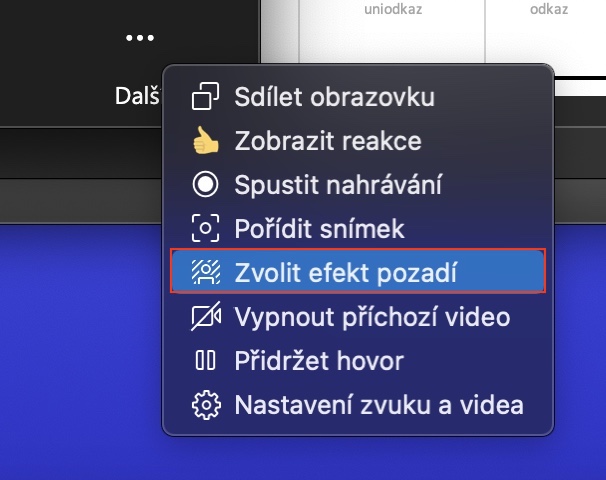
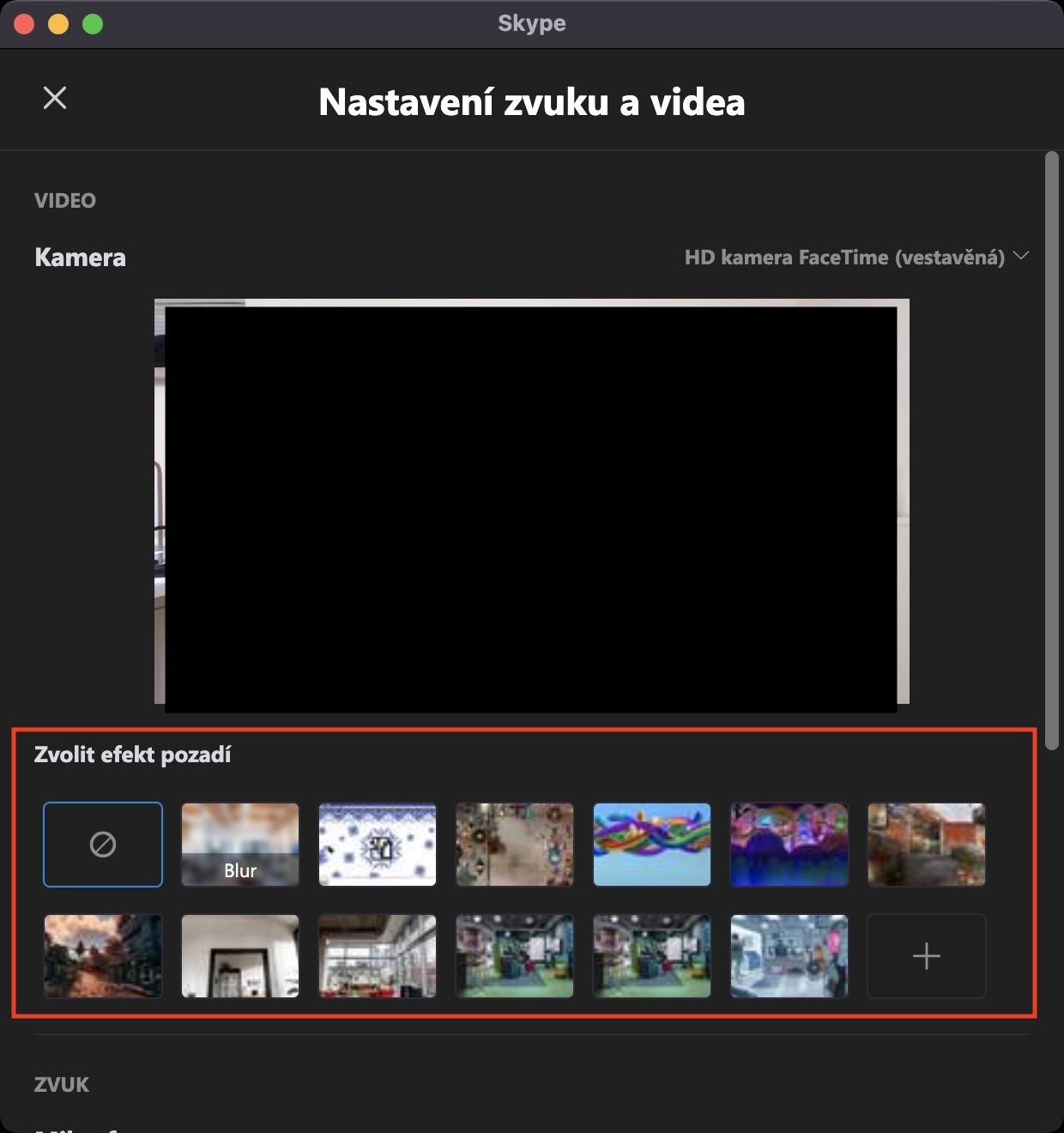
Using the method described above, you can easily set your own image as the background before a video call, or you can choose not to use the background.chat blur. If you are already in a video call and want to make quick changes during it, tap in the lower right part of the window icon three dots with text Next. Then tap on the option here Choose a background effect and proceed as above. Once you have everything set up, just tap on cross top left.













Skype ????? And on Mac???? 🤷♂️🤦♂️🤦♂️
And why not? :)