
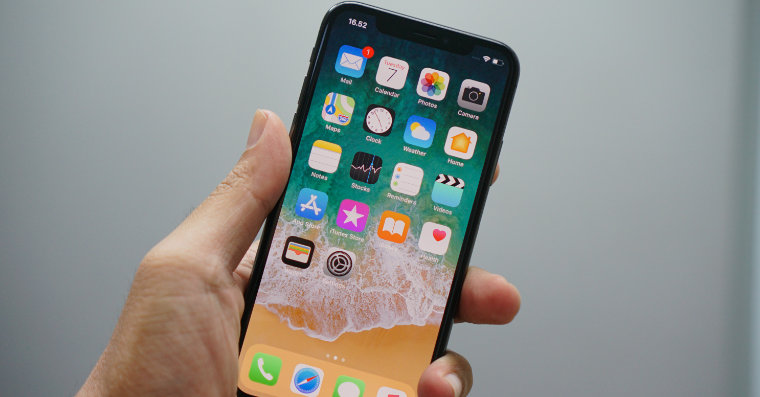
We usually don't pay much attention to the symbols at the top of the iPhone display - especially if everything is working as it should. Nevertheless, it is useful to have an overview of what each icon means. In today's article, we will guide you through the meaning of all the symbols that may appear on your iPhone.
You might be interested in
Connectivity
Gallery




This year's iPhone models also brought new features in the form of 5G.oneactivities. On iPhonech 12, 12 mini, 12 Pro to 12 Pro Max In select areas, a 5G icon may appear at the top of the display to indicate that a higher-frequency network is available. If the 5G E symbol appears at the top of the display, it means that a 5G E network is available; if an LTE network is available, you will see LTE at the top of the iPhone display. The availability of the respective network is also indicated by the 3G UMTS (GSM), EV-DO (CDMA), and 4G UMTS (GSM) icons. If a GPRS network is available, you will see GPRS at the top of the display; if an LTE network is available, you will see EDGE the letter E icon will appear at the top of the display.
Signal, Wi-Fi and VPN
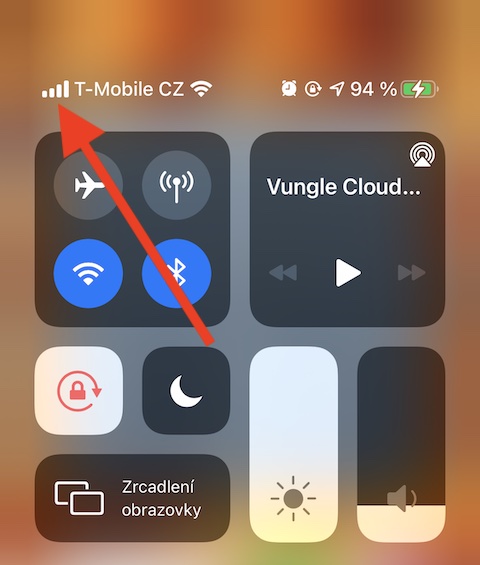
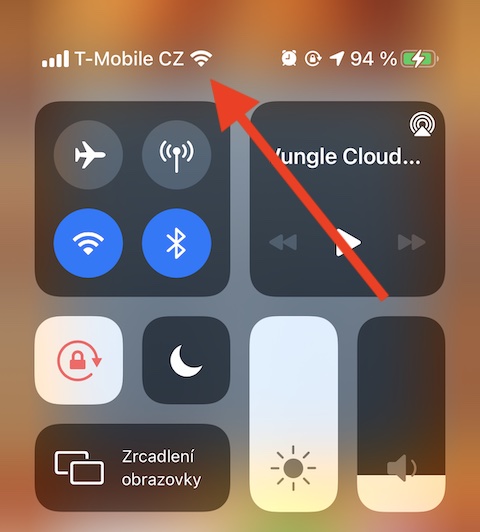
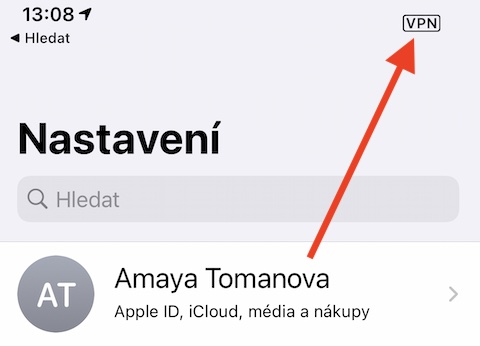

In case of insufficient signal or its unavailability, the text “No service” is displayed – the same is displayed, for example, when the operator has a network outage. The symbol of vertical lines in the upper right corner of the display indicates the availability of a mobile signal, if the lines are divided by a horizontal space, this means the availability of a mobile signal for phones with two SIM cards. To the right of the symbol for the availability of a mobile signal, if a Wi-Fi network is available, the corresponding icon is also displayed. In case your iPhone When connected to a network using a VPN, you will see a small rectangle at the top of the screen that says VPN. When you disconnect from a VPN, you will see a crossed-out version of this symbol.
Location services, data transfer, Airplane mode and call forwarding
Gallery
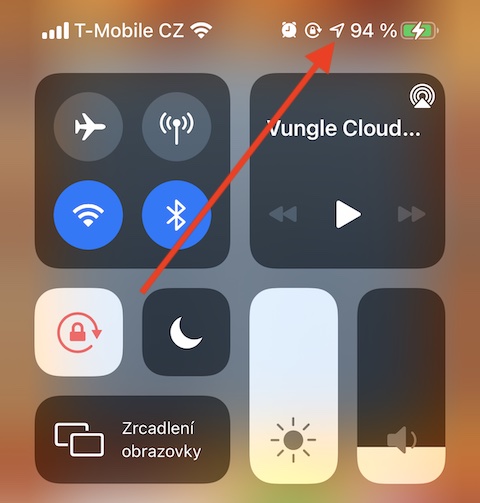
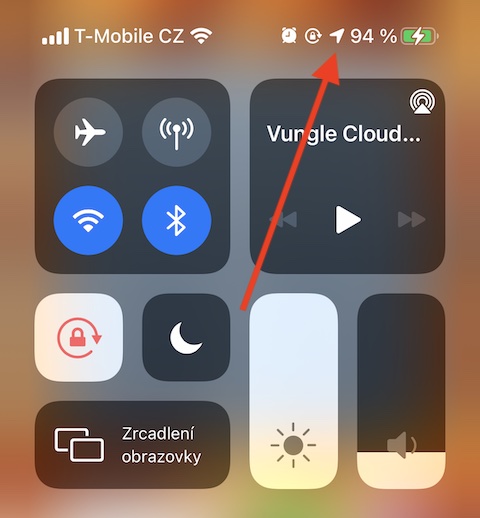


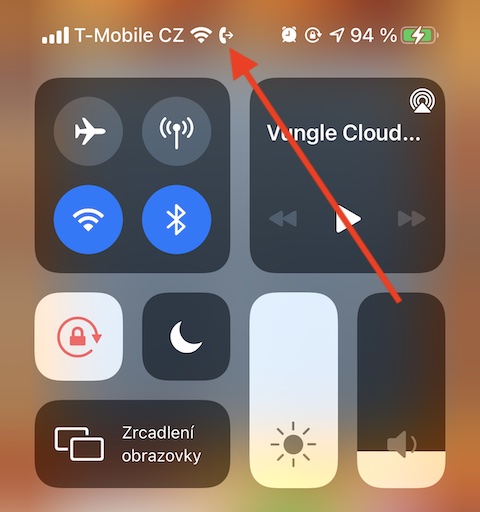
If you have location services enabled on your iPhone, you can tell if they are currently in use by seeing an arrow icon appear at the top of your iPhone's display. If this icon is blank, it means that an item can only receive information about your location under certain conditions. During the course of using your iPhone, you have probably noticed the spinning wheel icon from time to time - it means that data is being transferred. If the phone handset icon appears at the top of your iPhone's display, it means you have call forwarding activated, the airplane icon means Airplane mode is on, when you can't make calls or use Bluetooth on your iPhone.
You might be interested in
Orientation lock, do not disturb mode and sync with iTunes
Gallery
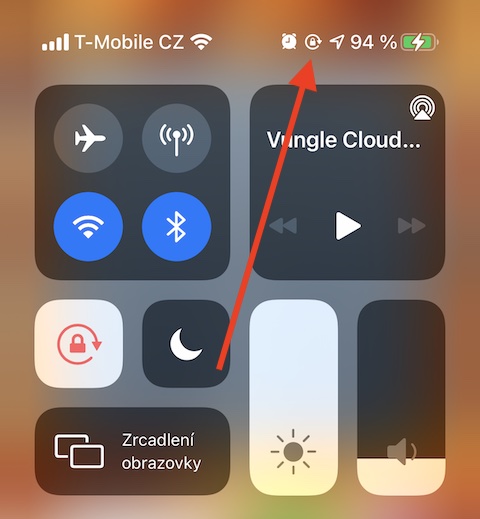
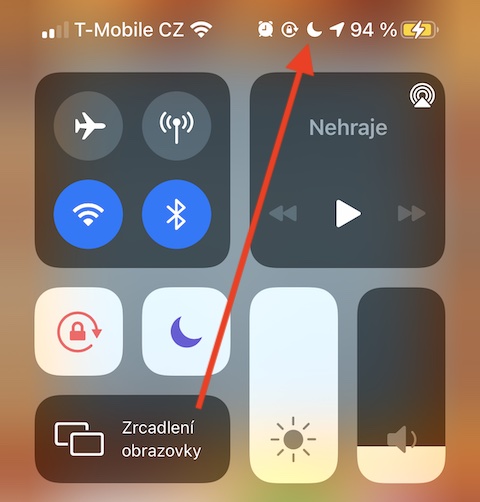
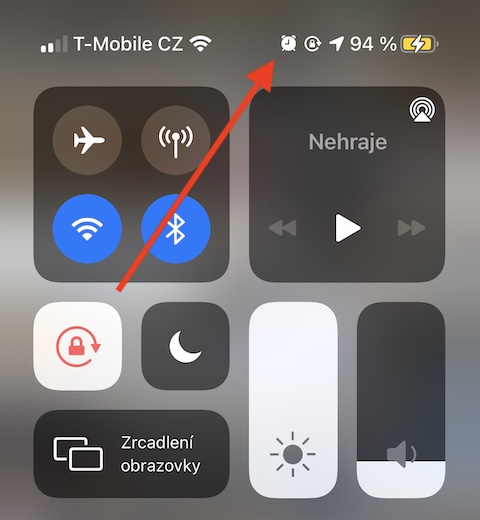
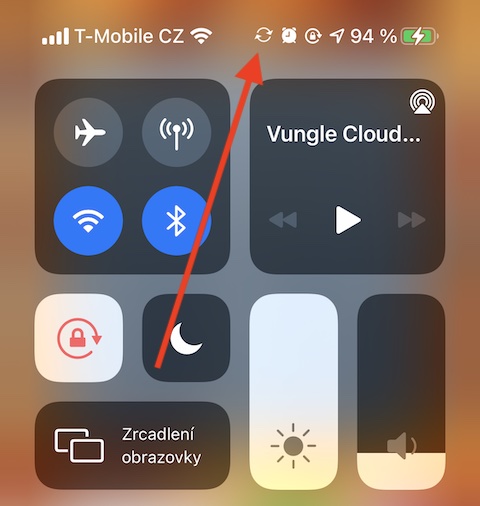
You may also sometimes see a lock icon in the upper left corner of your iPhone – this means that the orientation lock is on and the screen will not rotate automatically. The crescent moon icon indicates that Do Not Disturb mode is activated, which mutes the ringtone, notifications and alerts, but your alarms will still ring. You can find the icon indicating that an alarm is on on the right side of the top of your iPhone display. If you see a rotating circle icon consisting of two arrows at the top of your iPhone display, this means that your Apple smartphone is in Do Not Disturb mode.one It is currently syncing with iTunes.
Wireless headphones, battery status and hotspot
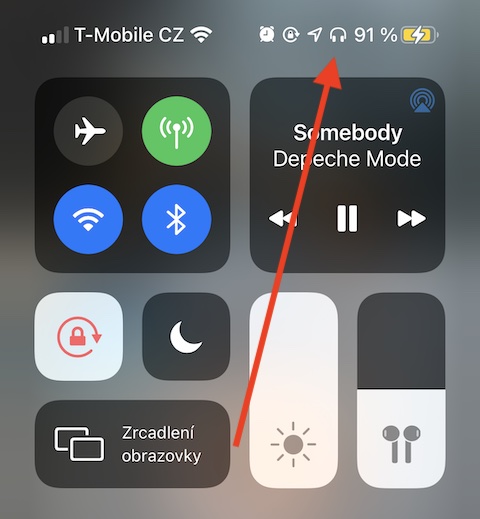
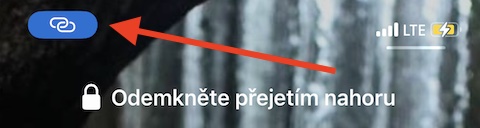
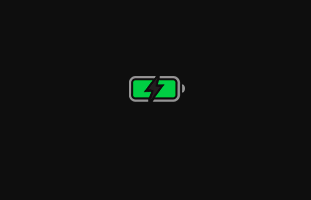
The headphone icon means that wireless headphones are currently connected to your iPhone, the battery icon is used to determine the charge status of your iPhone - the yellow color of this icon indicates that Low Power Mode is activated, the red color means that the battery level of your iPhone has dropped below 20%. The lightning bolt symbol indicates that your iPhone is connected to a charger. The vertical battery icon shows the charge status of the device that is connected to your iPhone via Bluetooth. The icon of two interconnected ovals means that your iPhone connected to the internet via someone else's personal hotspot iOS device, a play symbol in a circle indicates that your iPhone is connected to the system CarPlay.
Color data about time
Gallery
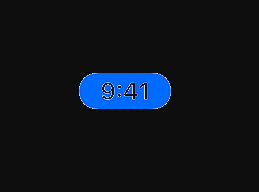
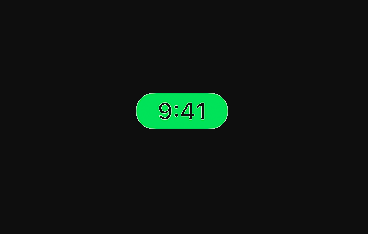

The colors in the upper left corner of your iPhone, where the current time is displayed, also have a meaning – blue means that your iPhone is currently being used as a personal hotspot, has screen mirroring turned on, or an app is actively using its location data. Green indicates a call is currently in progress, red means your iPhone is currently recording audio or screen.
You might be interested in




And you missed the colored dots.
Those aren't quite in the status bar. Anyway, you have the answer to https://www.letemsvetemapplem.eu/2020/09/29/co-znamena-oranzova-a-zelena-tecka-na-displeji-iphone/
MiniAt least on the iPad they are. I currently have an orange dot right next to the Wi-Fi icon.
Article how for coquettes. Anyone with at least a 2-digit IQ knows what those symbols mean, and if not, they can find it on Google.
Well, Vrabčák... and that Google brings him to us :-) thanks for the comment and have a nice day