You probably know the feeling when you spend hours and hours of your time creating a perfect video that is perfectly mastered in both technical and content aspects. While the latter aspect is entirely in your hands, when it comes to the technical side, miracles can be done these days. ProThe problem, however, is that many software only offer expensive and often unnecessarily overcomplicated licenses, which can really ruin your user experience as an amateur creator. Fortunately, you can find a number of quality alternatives that directly meet the requirements and will suit not only beginners in video editing, but also seasoned professionals who are tired of established programs and are looking for some good competition. One of them is the handy software VideoProc from the developers at Digiarty, which is definitely worth a try.
You might be interested in
What all VideoProc can he
Although it could be argued that many well-known programs contain all the features needed to create a quality video, don't be fooled. Unlike them, VideoProc comes with a whole range of premium qualities that you might not have thought ofchat only dream, unless you don't want to spend a few thousand crowns on it. The beauty of the software from the developers Digiarty lies mainly in its simplicity and multifunctional versatility. Do you want to edit an 8K video and upload it to one of your favorite platforms? Or do you plan to edit existing content and create a cool compilation? You won't have any options in the case of VideoProc problem. In addition to high resolution, it also contains a few gadgets.
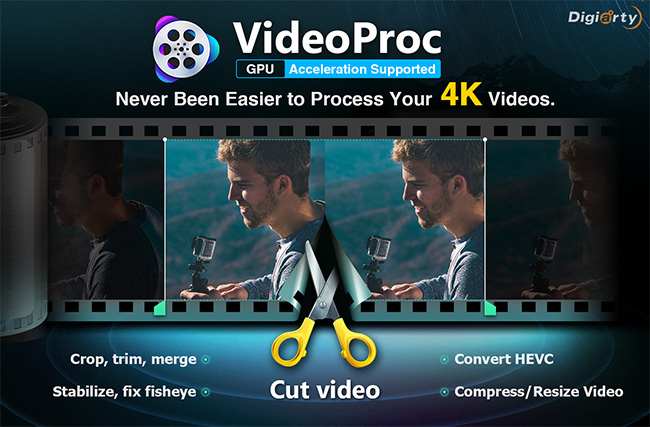
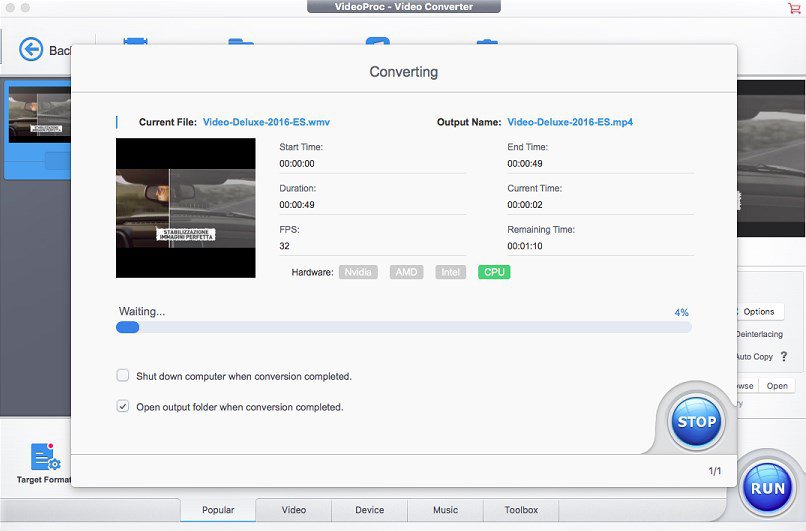
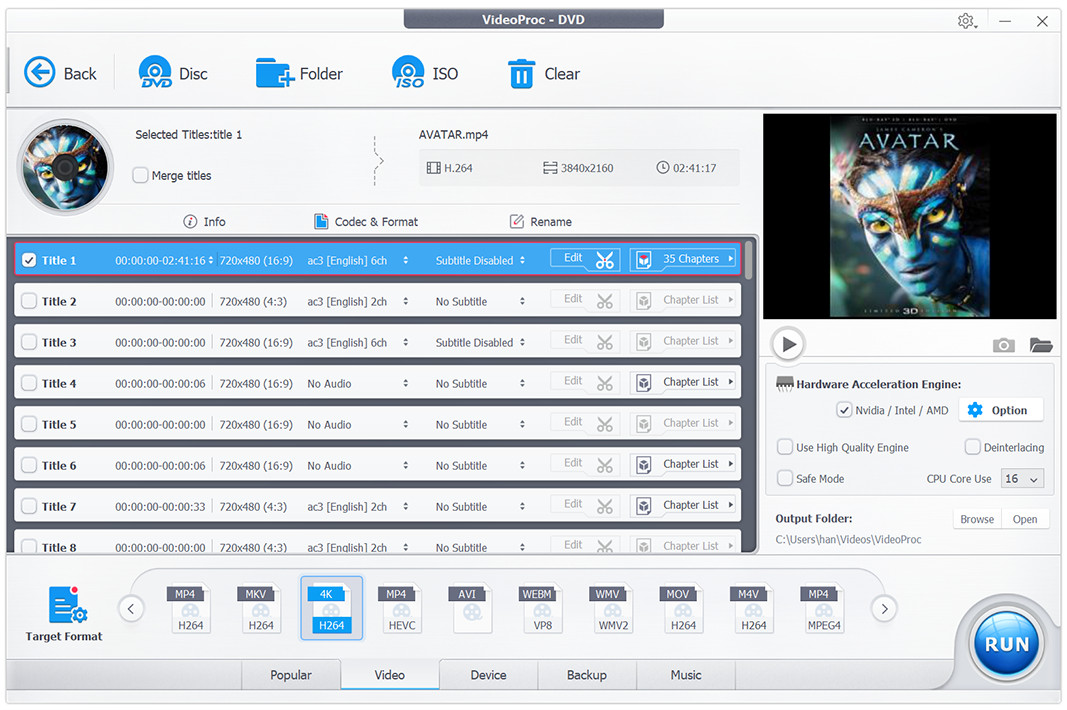
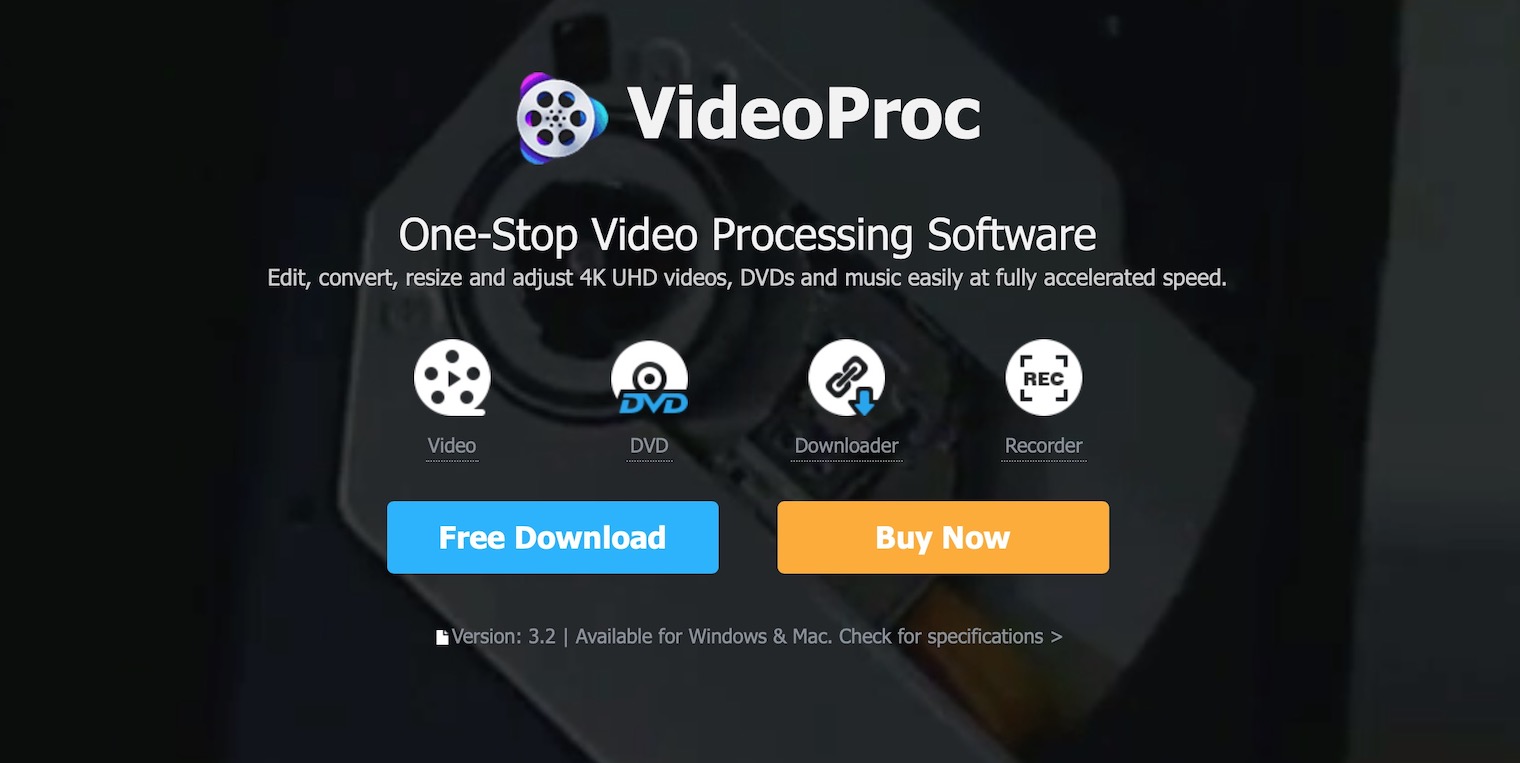
In addition to the ability to cut out parts of the video, insert others and or "remix" individual images to your liking, the software offers several supported codecs, including MKV, MP4 and AVI, and fast conversion from audio to video formats. There is also the advanced HVEC codec, which boasts speed, efficiency and timeless quality. You will also be pleased with the ability to digitize any DVD and to convert to such a resolution and aspect ratio that the multimedia content perfectly matches the dimensions of a smartphone, tablet or laptop. The icing on the cake is the built-in recorder and recording of the screen and webcam, which will facilitate the overall work with video and speed up the whole process. Thanks to extra hardware acceleration VideoProc you can use it even on much weaker hardware and you won't have to worry that video editing will take ages, even in the case of the dreaded 4K resolution.
You might be interested in
Intuitiveness and miniMalistic concept above all
If you're rolling your eyes at the list of features and wondering how you're going to learn all the individual aspects, you have nothing to worry about. In addition to the pleasant and minimalistic design, because VideoProc offers incredibly intuitive control that cannot be achieved with much more expensive software, andram allows you to customize the program to such an extent that even die-hard opponents of the overcombined user interface will find the overall concept suitable. You will also be pleased to be able to download already existing videos, for example from YouTube, and simply drag them to the main window with a few clicks. Then it will be up to you how you edit the individual sequences or whether you decide to turn the video into a GIF, for example.
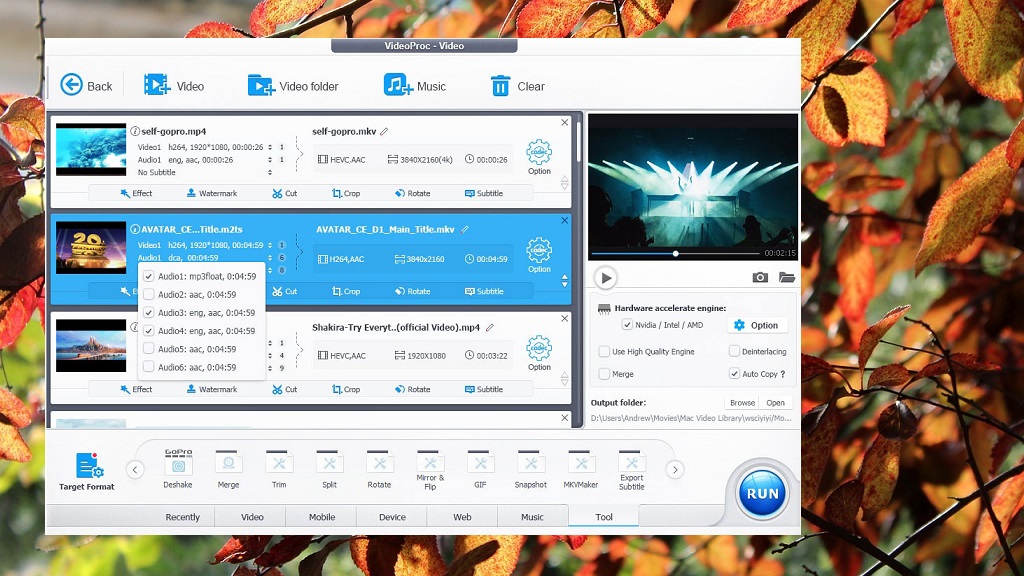
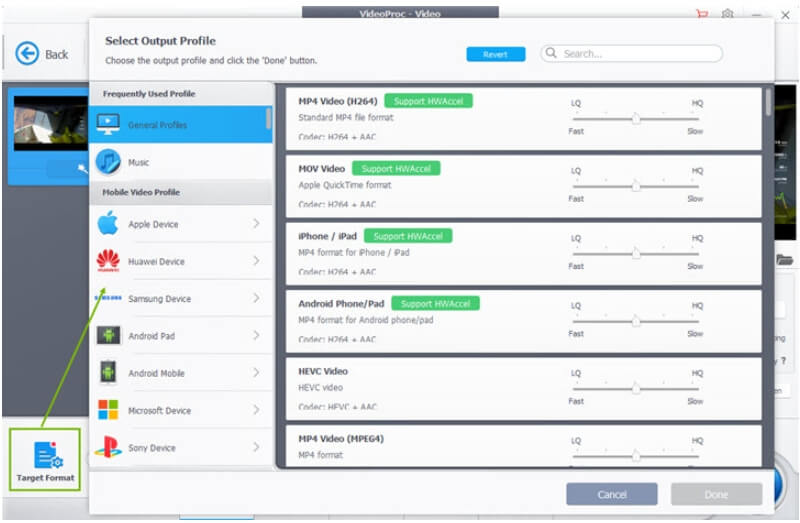
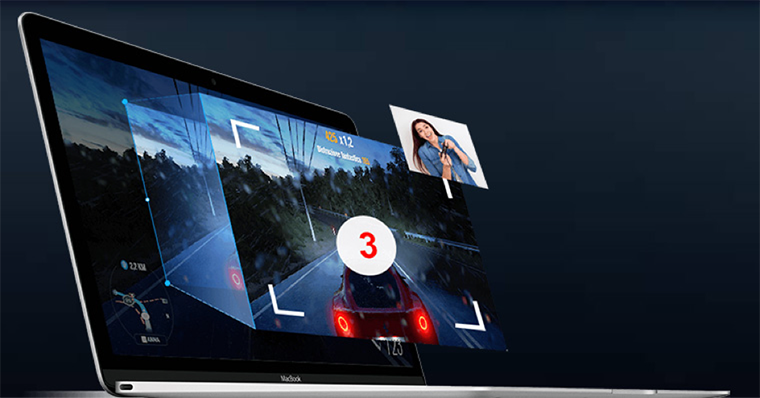
There is also the option to use the built-in recorder, which allows you to record your own desktop and enrich the recording with notes, explanations and other elements. This is especially useful when you need to explain something to your colleague "remotely" without having to turn on a video call and share your screen. In the case of VideoProc simply edit the recording to your liking and send it to friends or colleagues. And if you can stand the formalities, you canchat You can also embed a watermark into the recording, which will definitively confirm your rightful ownership. There are many more functions, but know that the program will notify you of all of them in time and you will definitely not get lost.
You might be interested in
Simple software, big ambitions
Nowadays, the market for video editing software is somewhat saturated, and it is understandable that this aspect can be quite a deterrent, especially for newcomers. Many of the competing platforms are also unnecessarily complicated, professionally designed, and not very intuitive, which raises the overall entry bar a few notches higher. In the case of VideoProc However, all these ailments disappear and users experience a clean, minimalistic environment that suits both amateurs and professionals and at the same time boasts a low price tag and helpful support. So if you are looking for a decent alternative to existing programs and don't want to immediately pull out your credit card and pay a large amount, we definitely recommend giving VideoProc sanci. For a small fee, you get a tool that will help you master the art of editing and will allow you to use dozens of other features that would otherwise require you to download additional software.
Get the software for free!
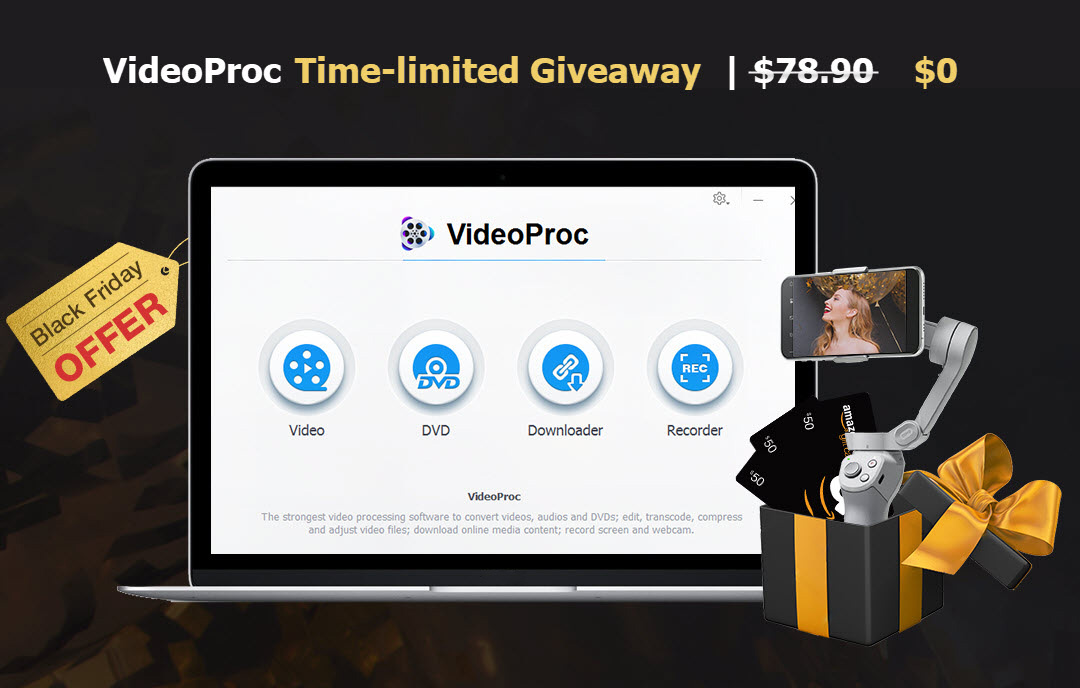
In addition, a special Black is currently running Friday an event that allows you to VideProc purchase significantly cheaper and take advantage of an offer that cannot be simply refused. We are offering an exclusive opportunity for our readers to purchase this quality software for only $29.95, i.e. with a 60% discount. So if you are looking for an efficient, reliable and intuitive program, this is an excellent choice that does not have one on the market it does not competition. The icing on the cake is the chance to win a special one Halloween gifts, such as a DJI OM 4 camera stand worth $150, Amazon eGift Card worth $50 or an annual license to VideoProc worth $60.