
Many Apple fans were looking forward to the release of the brand new macOS Big Sur operating system much more than the release of other new OS versions. Applu for this year. The new macOS has undergone the most significant redesign in recent years, making it very attractive to users and, in a way, fun – so miniat least in the first days of using it and getting to know the new features it brought. However, it seems that in addition to joy, it brought someonec Big Sur is causing some users a lot of trouble.
Gallery
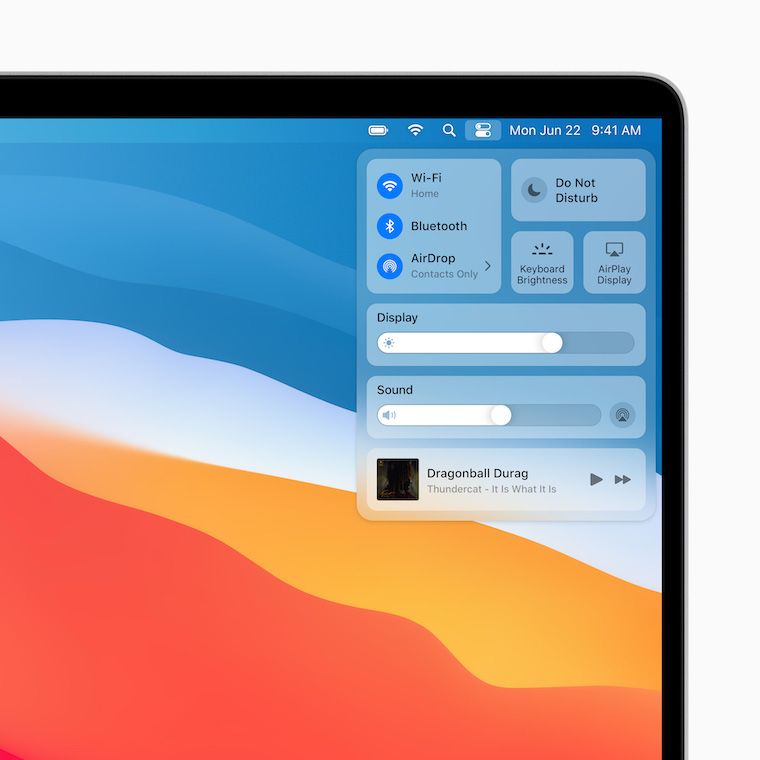
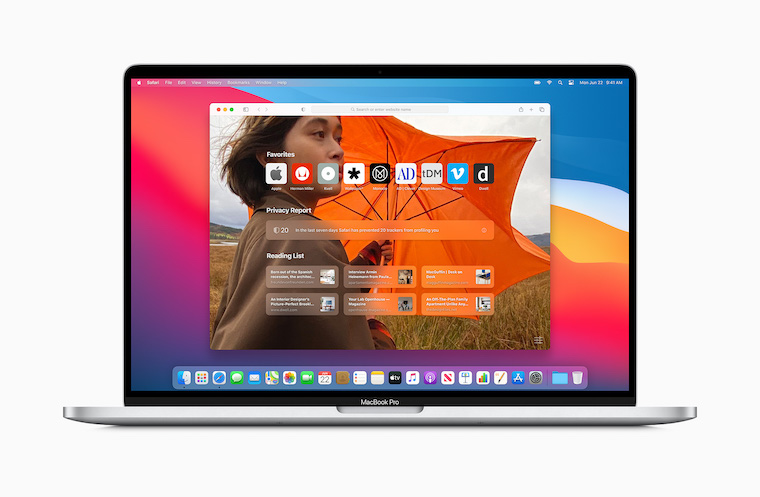
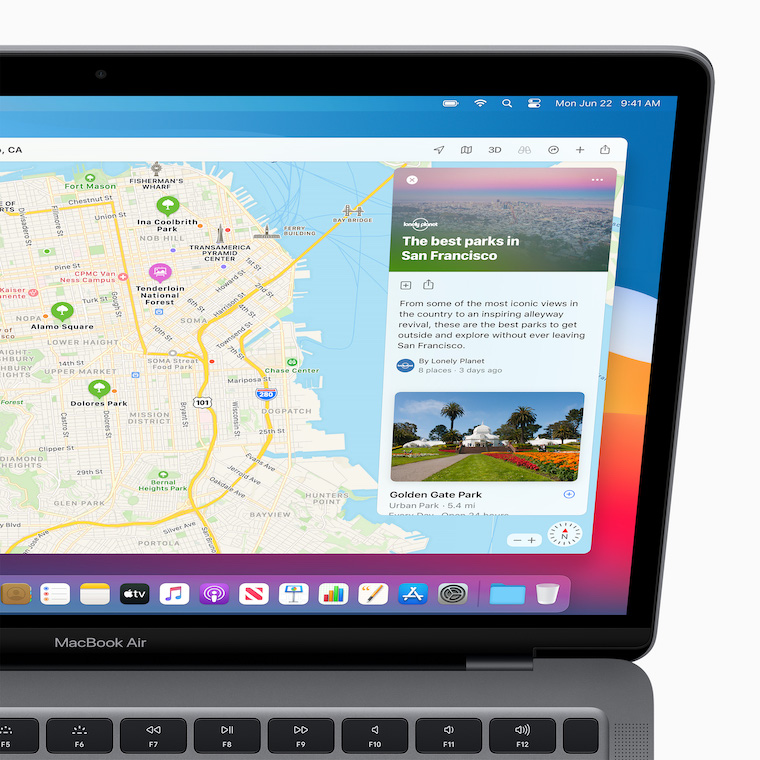
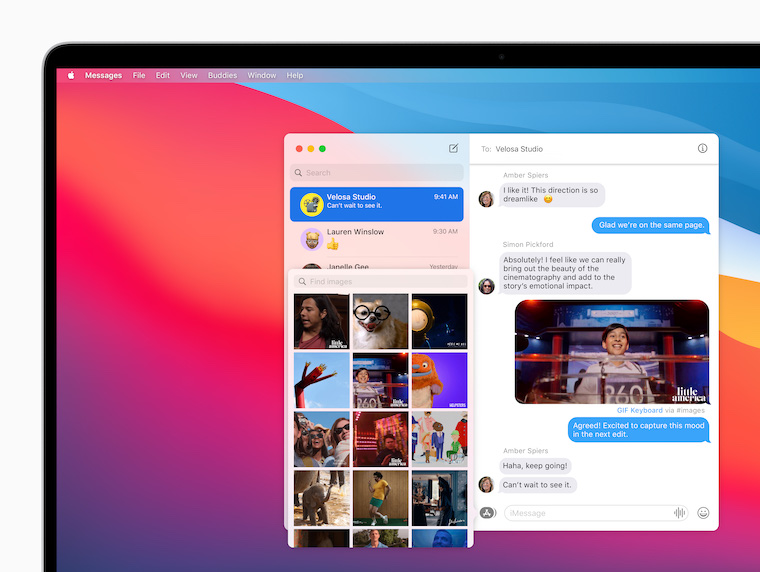
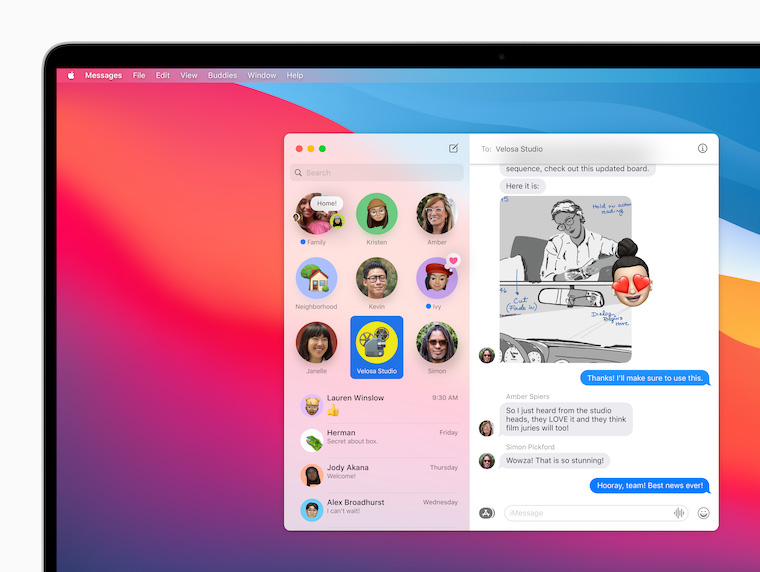
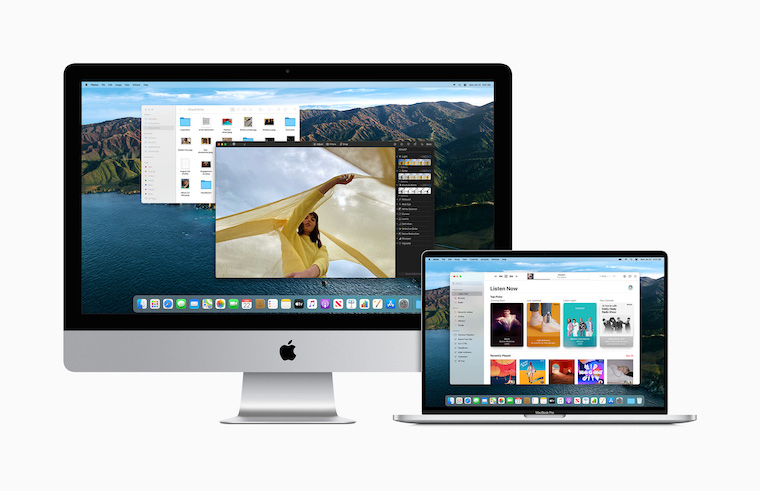
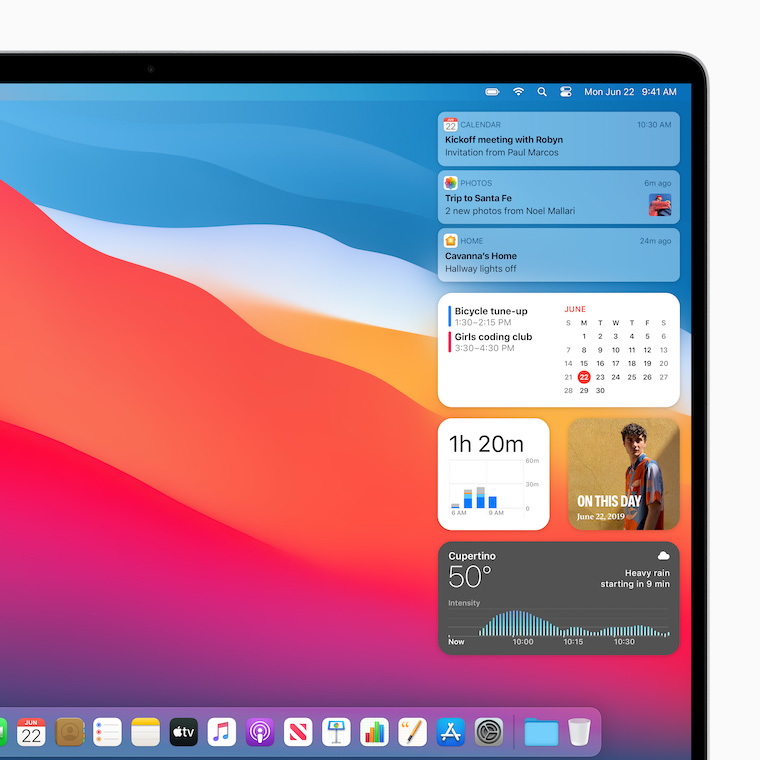
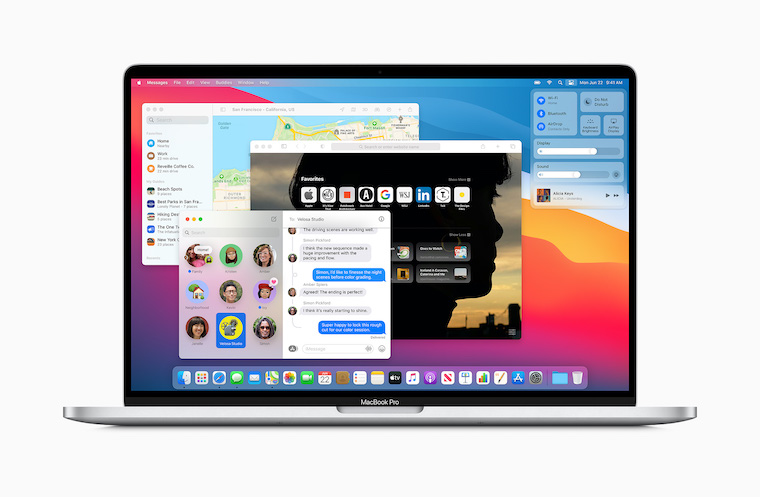
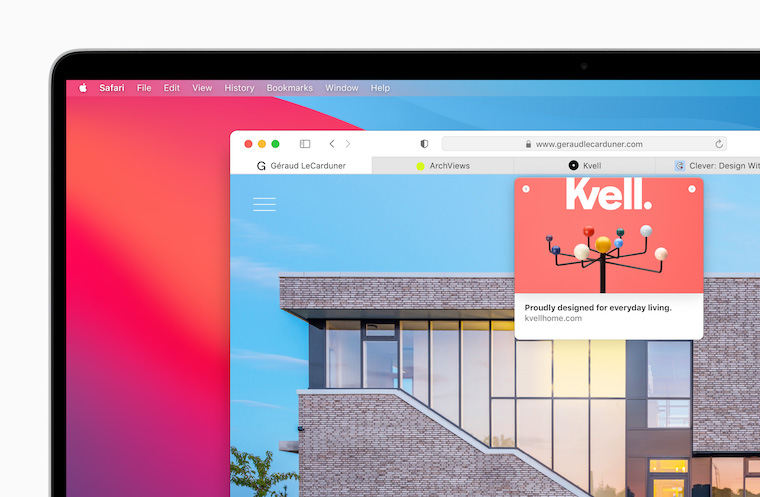
The release of Big Sur itself was accompanied by major problems caused by server crashes. Applu due to the enormous interest of users in downloading the update quickly. In recent days, internet forums, including official ones, have begun App"to be filled with complaints from owners 13" MacBooků Pro from 2013 and 2014. The installation of Big Sur literally puts these machines out of service, like on a conveyor belt. A large number of their owners report that their Macs got stuck during the update installation, then crashed and are now only able to display a black screen from which there is no way for the user to get out. The only solution will probably be to visit a service center, where they should help with the update using official tools. But that is also of course a significant complication – especially in today's coronavirus era.
You might be interested in
PromacOS Big Sur problems on older MacBooks Pro are very special especially because the release of the system was preceded by a very long beta testing, which was supposed to reveal similar problems. Incidentally, this testing was by far the longest this year in the last few years, so ordinary users had high hopes for it. It should also be noted that the problematic Macs are, of course, from the Applu are fully supported in the new Big Sur, so the problem does not stem from any unofficial installation or similar attempts. Considering these facts, it can therefore be expected that Apple receives harsh criticism for these missteps.



phew, thanks for the article, I just have one 15″ 2013 and one 15″ 2014 in the studio, I would hate to experience this
Likely... I also have one older piece of 15" and I'd rather not even register it on Apple account. I don't need an update, it just works and it does that very well.
Well, the main thing is that it was recommended here a few days ago, as it is excellently tuned, and I accidentally wrote in the discussion and it paid off for me.
uff
This Apple perhaps he doesn't realize that someone also uses those computers for work. This is not only the installation of a new OS, but mainly the time to worry if it suddenly does not work. I don't even count that if you have to install a clean OS and then install all work applications plus find passwords.
And I repeat it here again. Support 0(zero) !!!!
Are you living in the Stone Age? Do you have a native keychain or some kind of passwd for passwords? manager ...
Unfortunately, the criticism is justified Apple more and more frequent. And the saddest thing is that the competition is many times worse, so there is actually no alternative to run away from problems...
I've been riding Big Sur since the first beta on my 15-inch Mid 2014 and it works great…
Do you think so? Apple did he do it on purpose? You probably can't imagine what it means to develop and debug such a system. Developing a simple application without a single bug is a superhuman task, let alone developing an entire system.
Michal: that's no excuse, especially for a company that plays for something premium. They should have switched to a two-year cycle a long time ago and had the new system properly tuned.
Martin: that wouldn't help it to have any hope anyway, so on release day they'd have to ditch Intel and start on a green field, long-term backwards compatibility like that, which will go somewhere around OS X 10.0, maybe even further, just means bugs... and nicely hidden mistakes…
So why are you updating? :) I have several Macs and depending on their age I maintain systems on them and if everything runs as it should and security patches are still coming out, I will never install a newer system. Otherwise I have my own firewall. El Captain runs great on an older 2013 Imac, on macbooku for 2015 I have Mojave and on Macmini I have Catalina in 2018. And I almost regret it because some Adobe applications are bugging me and my TV tuner stopped working and the company hasn't released a newer SW. Now I'm in love with a new one mini, I'm waiting for some tests. Apple again, he providedly disabled the RAM upgrade himself, so that idiots like me wouldn't buy 32GB RAM in Alza for 3500kc but from Applu for 25 CZK. :) I don't really like the 000GB limit. :(
This is again a typically inflated article from the kitchen LSA ala guaranteed correct information. I have machines Pro 13” late 2013 and Air 11” early 2013 and the upgrade went perfectly fine. Same on newer models. Never had a clean install done on any machine except production.
I would believe that some problems may be associated with a clean install.
More often than not, problems occur during an upgrade rather than a clean install.
That it works for you just proves that Apple prepared for older models as well, but each PC has its own specifics, each user has different applications. ProProblems can be caused by time zones, if it is updated on a slower connection, etc. There are a lot of unknowns and no one, not even Apple, cannot test all of them.
As far as I have studied, many people have problems upgrading from version 10.12 and below.
I myself got stuck in the installation at the end where the data is already being migrated, but luckily after the restart it started up OK and I have to admit that it is the first update with which I had the least problems
If it were possible, I wouldn't write it here ;)
Unfortunately, the criticism is justified Apple more and more frequent. And the saddest thing is that the competition is many times worse, so there is actually no alternative to run away from problems...
The worst thing is that if a person came with a computer and a printer (I had a big problem with this setup after installing it on Catalina), they wouldn't understand it anyway. I know that they are "salespeople", but if I remember from the distant past what I tried during an interview for a job at iStyle, they almost didn't want a person to be an atomic engineer, and when I come there today, almost no one does anything properly don't know :(
I was quite surprised at the 12GB update to Big Sur, wasn't it Apple support Macbookyz r.2013, although I understand the effort to bring a graphically new interface to the widest possible mass of people.
This is where repetition comes in handy ;)
Let's hope the authors didn't take inspiration from Kerouac - I quote Wikipedia: Big Sur is a work of decline and decay, a detailed record of physical illness, paranoia, and absolute destruction of mind and body ;) https://bit.ly/3kpLejd
Well, it amused me for the whole day :D :D :D :D :D :D :D
I'm glad it was FUN :)
..but I'd rather it worked perfectly from the start...
I don't have enough courage to update yet, because apparently I have enough common sense (?) ;)
I own a Macbook. Pro 13 Retina 2013 late. I did a clean install and everything works as it should.
I have a mid 2014 and absolutely no problems. The only thing that stopped working for me was BlueStacks, which is not yet supported by BigSur.
Hello, does Parallels 15 or 16 work fine for you after the update to Big Sur?
Yes, cool
Hello, with the MBP 13″ 2014 it worked fine for me, but the system is not very fast. Isn't anyone else noticing this too? Graphical effects when folding, moving/… windows are not smooth, opening folders is not instant, but there is a slight delay, etc…
Almost everything works for me after the update. Just in the Photos application when trying to add some photos to the shared directory, app The photos are missing :-/
MBP 2014 crashed during installation, I left it long enough to see if it would start, but nothing. So I restarted it and Big Sur started up normally, so maybe it was a glitch, but I wasn't thrilled about it.
Mam Macbook Air 2015 and it's cool. It even inspired me to download Dashroom pro iOS which I have in my mobile. Probably because of the M1. But it's Intel so I don't know if it would work. Otherwise, considering that the same MBAs were still sold in 2017, I assume that I will have support for one or two more generations of MacOSX. In practice, the machine will be supported for almost ten years as I think. Otherwise, FCP 10.5 works great on it.
Has anyone tried Big Sur on an unsupported 2013 iMac? I found instructions on the net, I'm just interested in personal experience.
So this is exactly what happened to me on the last supported macbook air 2013. Prothe installation ran and when restarted macbook turned off and black screen and nothing. It was connected to the power supply the whole time. Then I pressed start about 20 times and still nothing. no reaction at all. So I tried resetting PRAM and SMC and nothing. Then I noticed that even though it was still powered on, the LED on the magsafe was orange, so it was charging even though it shouldn't have been charging when it was powered on the whole time. So I took the magsafe out twice and then back in and still the orange LED. I was already thinking that my old macbook goes to silicon heaven along with all the data (last backup unfortunately 3 years ago – I know I'm an idiot) Then I pressed the power button for the last time and suddenly it "popped" and after a while the beautiful startup sound rang out and big sur started normally. It was like a stone fell from my heart like never before. And then I noticed after big sur started on the desktop that the battery was at one percent and was slowly charging. So somehow during the installation, even though it was connected, it simply didn't charge and completely discharged and that's why the black screen. I don't know if others had the same problem, but this has never happened to me before nesthello.
I hope you made a backup right after? :-)
Installation on MB Pro (Mid 2014) okay. Slow from the heel, slower start, otherwise speed ok
After installation on MacBook Pro (Retina(13-inch, Early 2015)
Parallels Desktop 12 stopped working.
macbook pro late 2013 no problem
MBPro early 2015 – upgrade from Catalina, everything seemed fine. After about an hour when I was shown a black screen with an apple and a line indicating progress, it got stuck. I let it run for a while longer, but it seemed like nothing was happening. I was ripe for a revival. Fortunately, after the restart, Big Sur started up as if nothing had happened and everything runs great. Everything is fast and strangely all the applications I use work.
iMac 2013 then everything is fine.
Can you advise how to install?
After upgrading to Catalina, I sometimes get a reboot Macbooku Pro 2017 won't launch News and Maps (I haven't found any others). The icons just jump around DockIt won't start anymore. Only a restart helps. After several restarts it repeats. It may be related to problems with Apple server? Are any of you doing this? Thanks.
Well, you were lucky. I am too. air 2013 and Even though I only installed the Mojave update that appeared there (1,6GB) so it's somehow suspiciously large... And I'm also in the dark. Computer nestIt works, but when it's on the adapter, something creaks in it at regular intervals...
So what?onec SMC reset helped and also disconnecting macsafe a few times... Then a few more reboots to a black screen and the installation continues.