
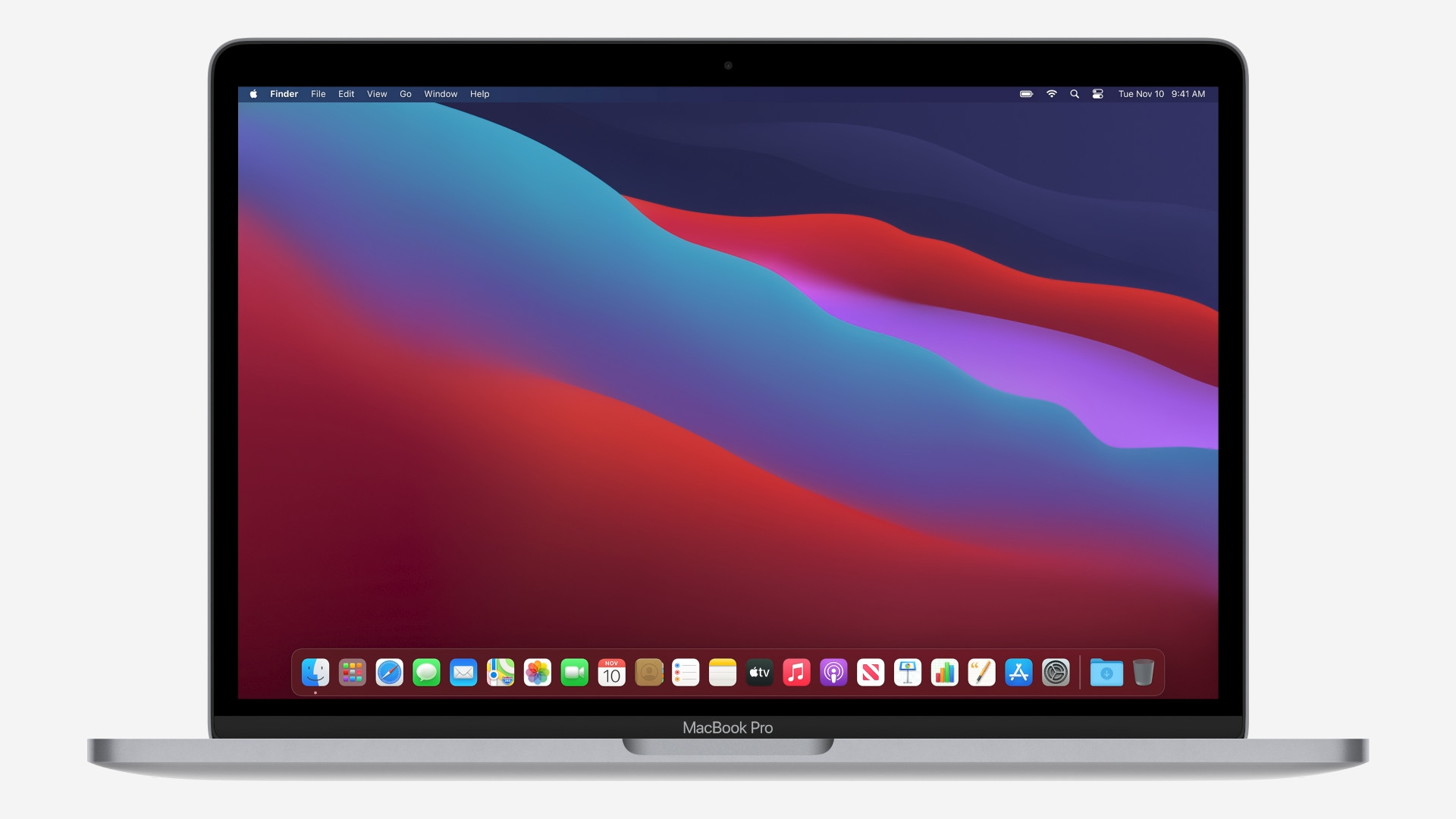
A few hours ago we are on our magazine they published comparison of the two latest laptops from Applu with M1 processors. Specifically, it was a comparison MacBook Air M1 (2020) vs. MacBook Pro M1 (2020). The biggest innovation in these devices is the brand new M1 processor from the family Apple SiliconThanks to this processor, the new Apple computers have several advantages over computers with Intel processors, but of course there are also some disadvantages. Let's take a look at the comparison of the latest in this article. MacBooku Air M1 (2020) with MacBookem Air (2020), which has an Intel processor. Below we attach a link to the 13″ comparison MacBooku Pro M1 (2020) with 13″ MacBookem Pro (2020) with Intel processor:
You might be interested in
Price tag
With the arrival of the aforementioned M1 processor, the selection of new macOS devices has narrowed considerably. If you currently decide to buy MacBooku Air directly from the official website Applu, you will only get to choose from two recommended models with the M1 processor. MacBook Air with Intel processors, so Apple has completely stopped selling them, which of course doesn't mean they've disappeared from the world - you can still buy them from other sellers. Basic MacBook Air The M1 (2020) will cost you 29 CZK, the second recommended configuration 990 CZK. MacBook Air with an Intel processor cost you 29 crowns in the basic configuration, the second recommended model then Apple sold for 38 crowns. Basic models MacBooku Air so it comes out the same price.
Procesor, RAM, storage and more
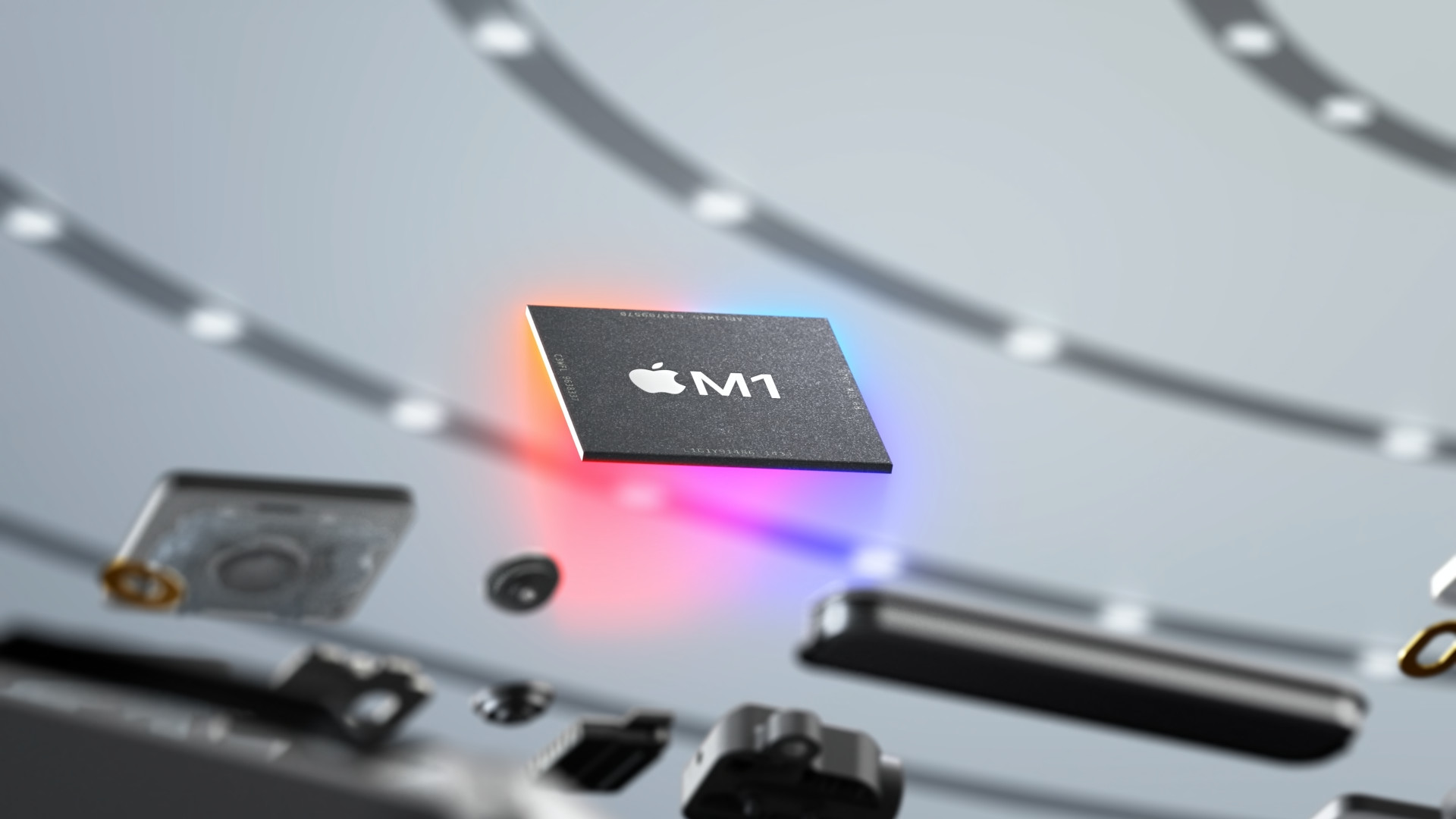
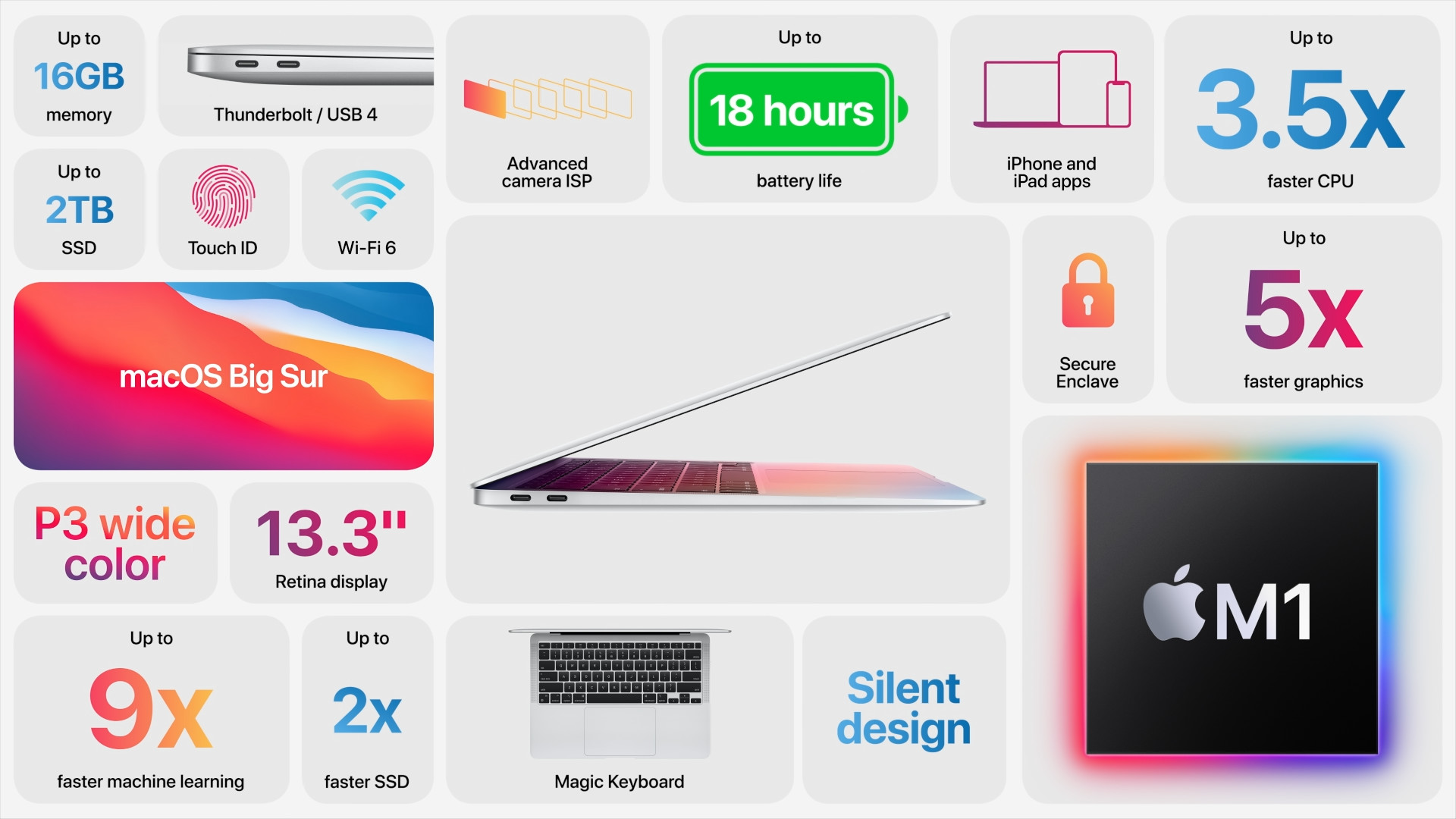
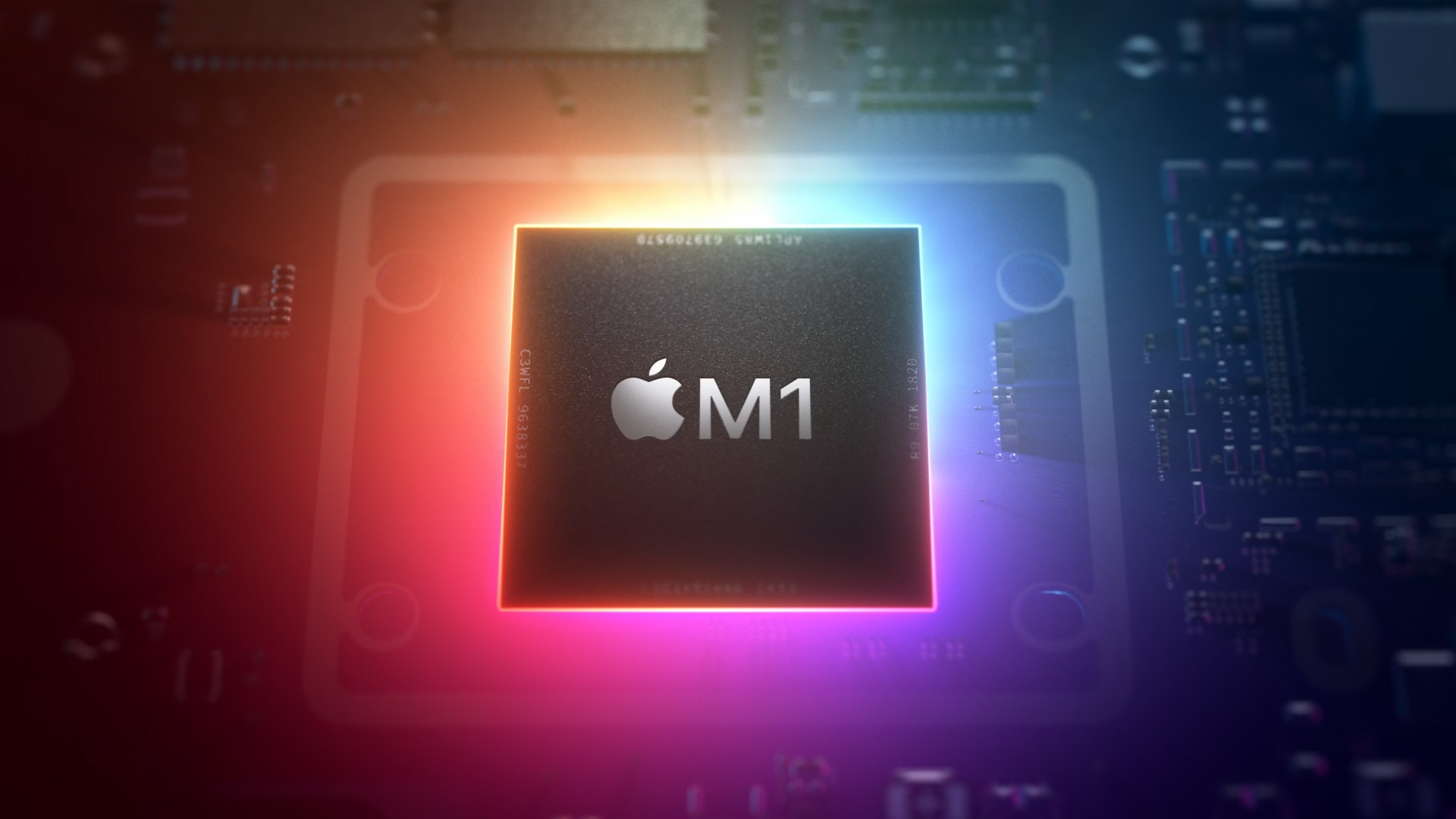
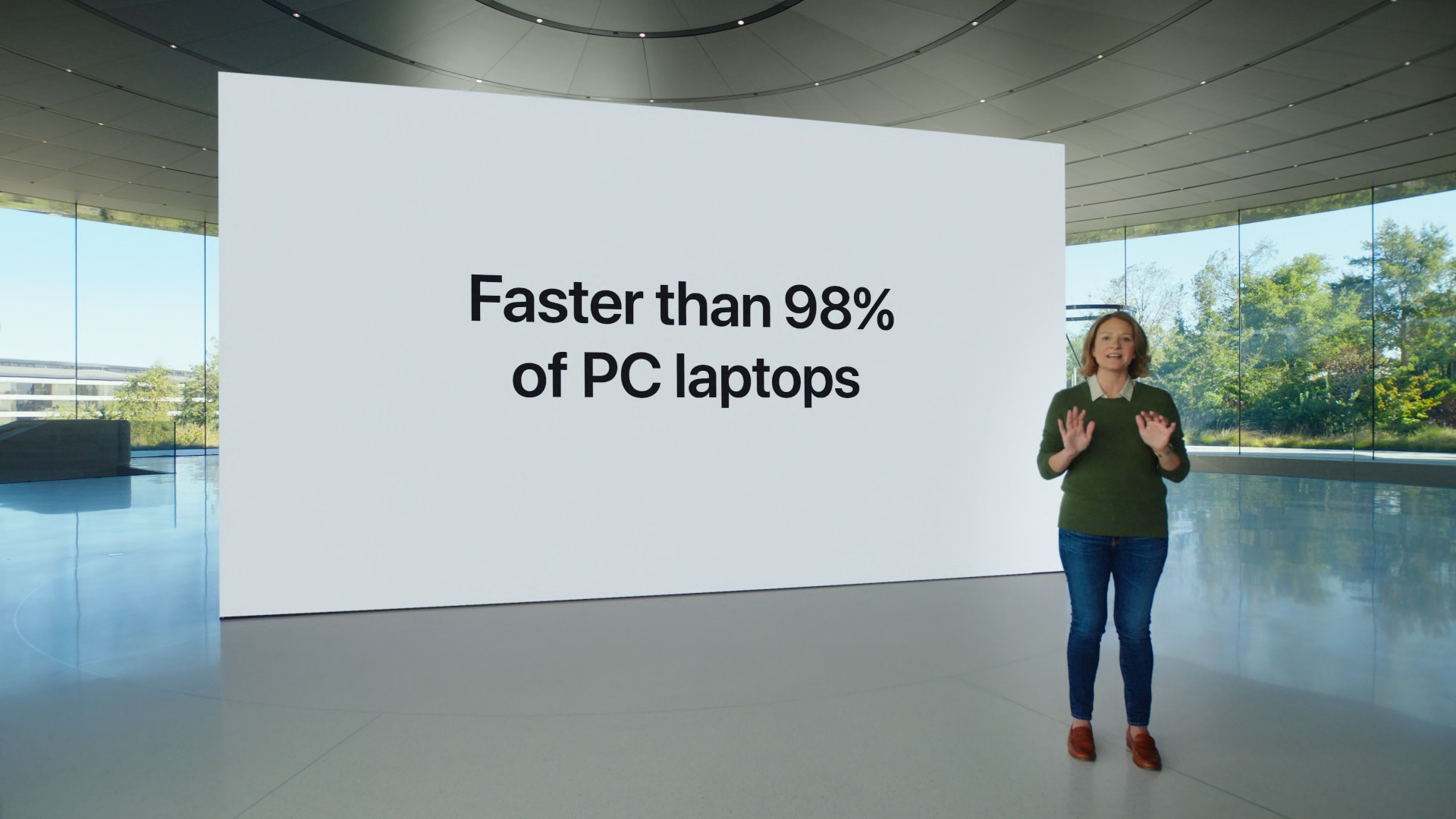
Sold at the same time MacBook Air (2020) offers, as has been mentioned several times, a processor Apple Silicon M1. This processor offers 8 CPU cores, 8 GPU cores, and 16 Neural Engine cores. As for the CPU cores, there are specifically 4 high-performance and 4 low-power cores. MaxUnfortunately, the maximum frequency of the M1 processor is not yet known, so practically no other details are known anyway. Apple However, during the presentation, he stated that compared to the original Intel core processor, which was in MacBooku Air, the M1 is up to three times faster – of course, we will have to wait for confirmation of this claim. MacBook Air (2020) with an Intel processor offered a 2th generation dual-core Core i3 processor in the basic configuration. This processor offered a base clock frequency of 1.1 GHz, with a Turbo Boost frequency of up to 3.2 GHz. You should also know that MacBook Air The M1 is not equipped with a fan - so it will be practically inaudible. MacBook Air with an Intel processor, it offers active fan cooling and it should be noted that this is a quite loud solution.
Gallery

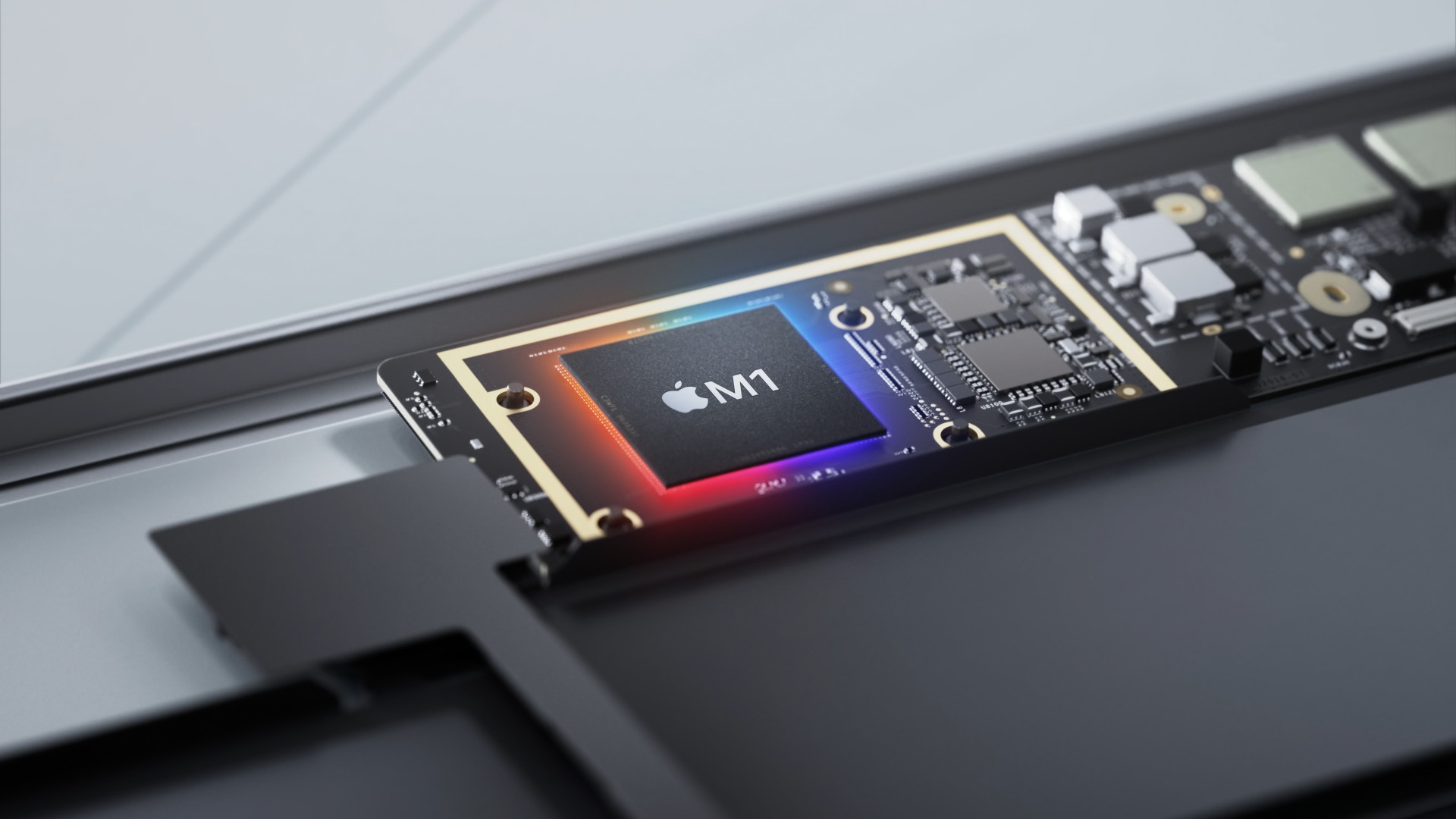
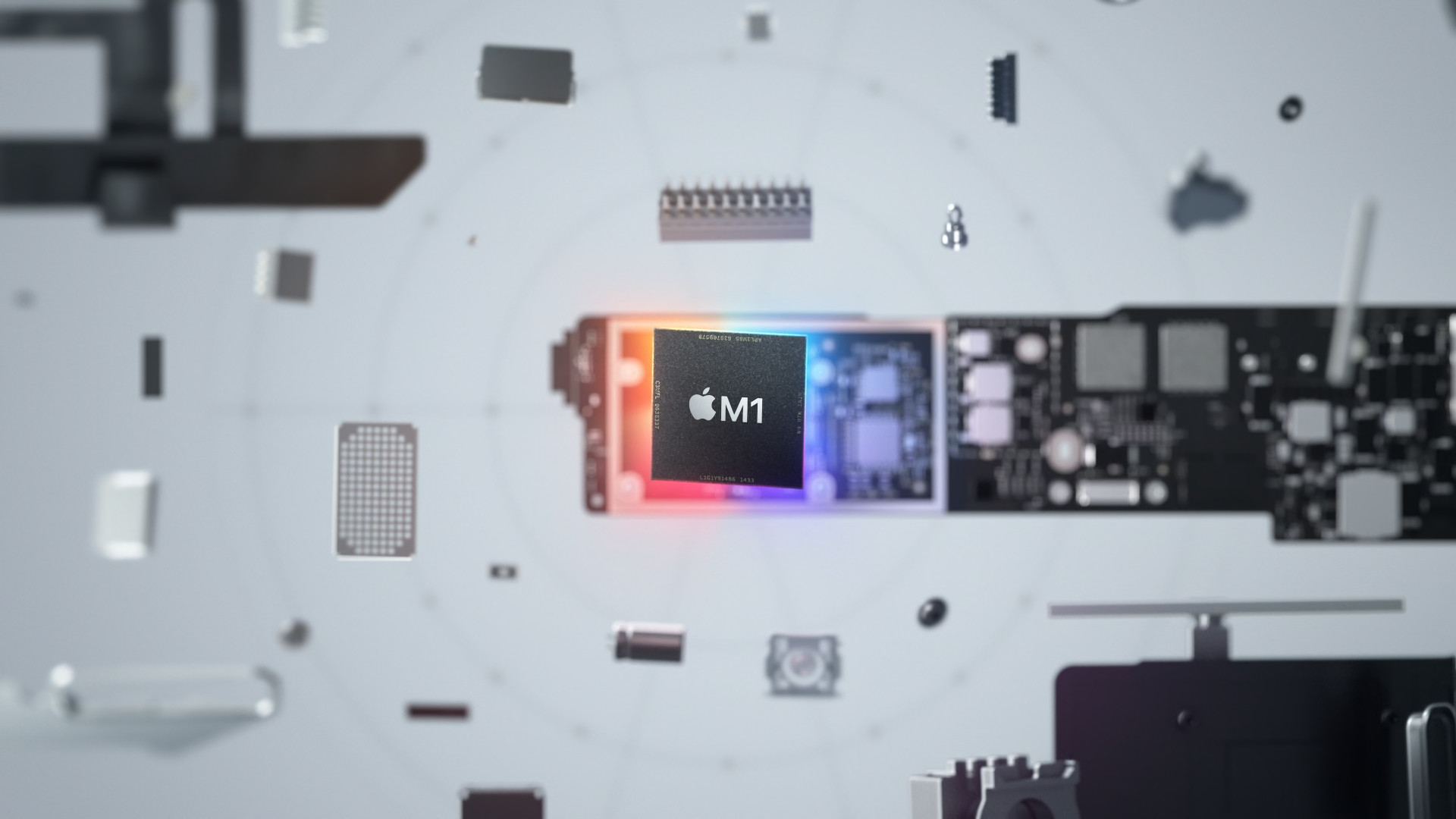
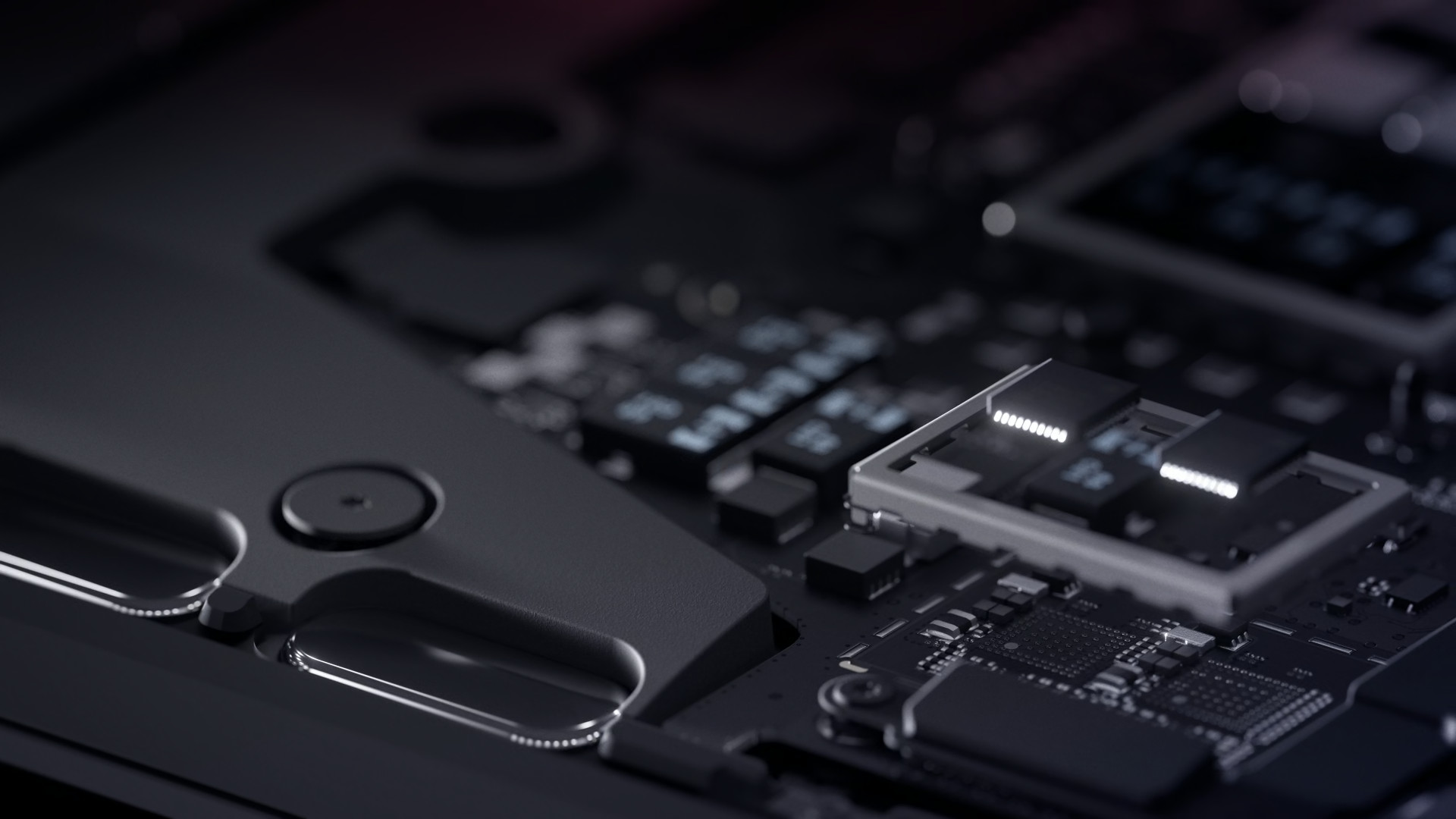
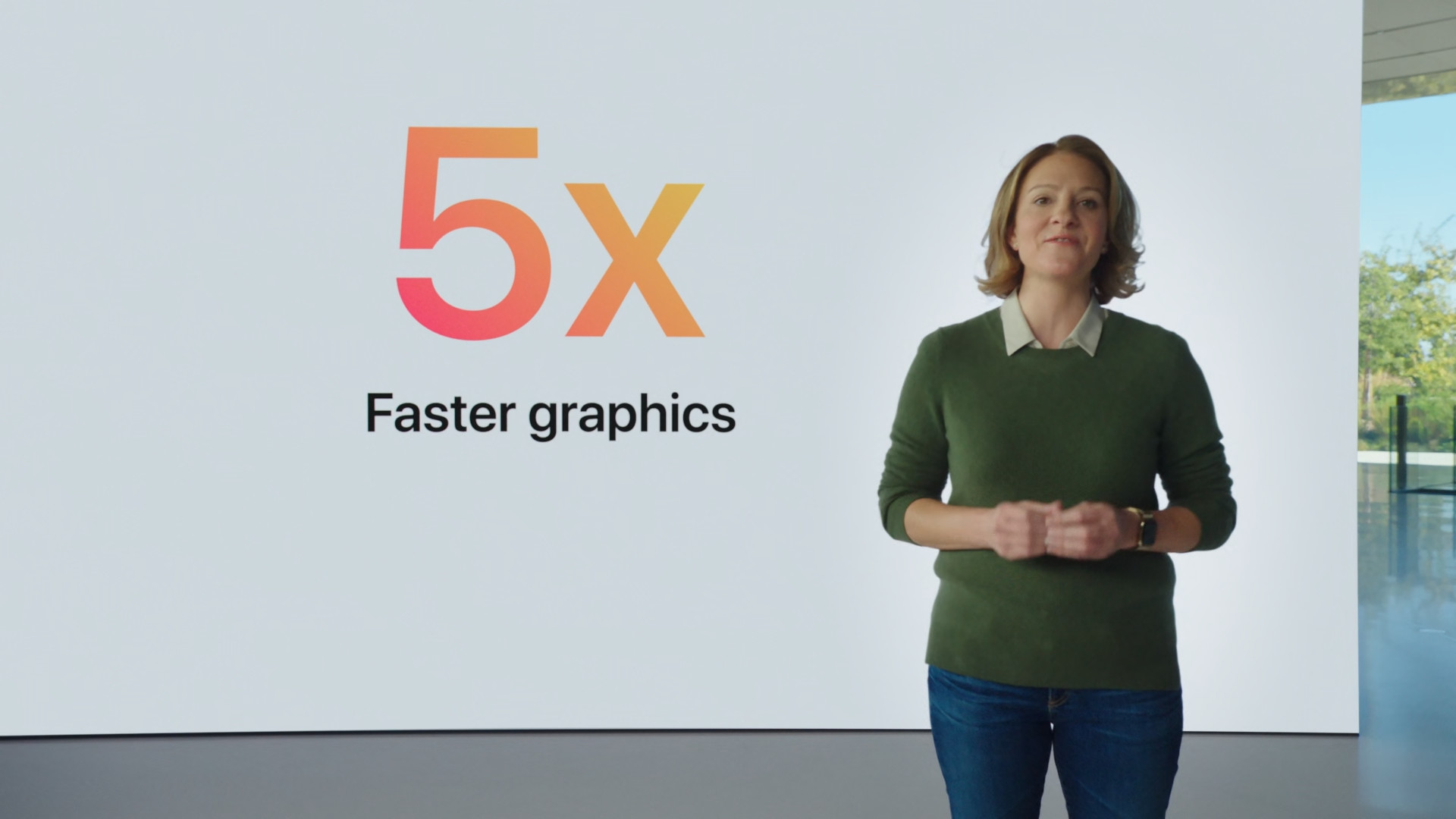
As for the GPU, you would MacBooku Air with the M1 chip, given the information above, you could expect to see 8 cores. However, the opposite is true, as Apple in the basic configuration, it used the "unsuccessful" M1 processors, which instead of 8 GPU cores offer "only" 7 GPU cores. As a user, of course, you will not practically feel this difference, but you should definitely know this information. In the second recommended model with the M1 chip, you will then get a GPU with 8 cores. Previous MacBook Air with the Intel processor, it offered the Intel Iris Plus GPU - the exact designation is unknown. In terms of graphics performance, the M1 chip will certainly have the upper hand, by several dozen percent. However, we will only learn more information after the first performance tests.
You might be interested in
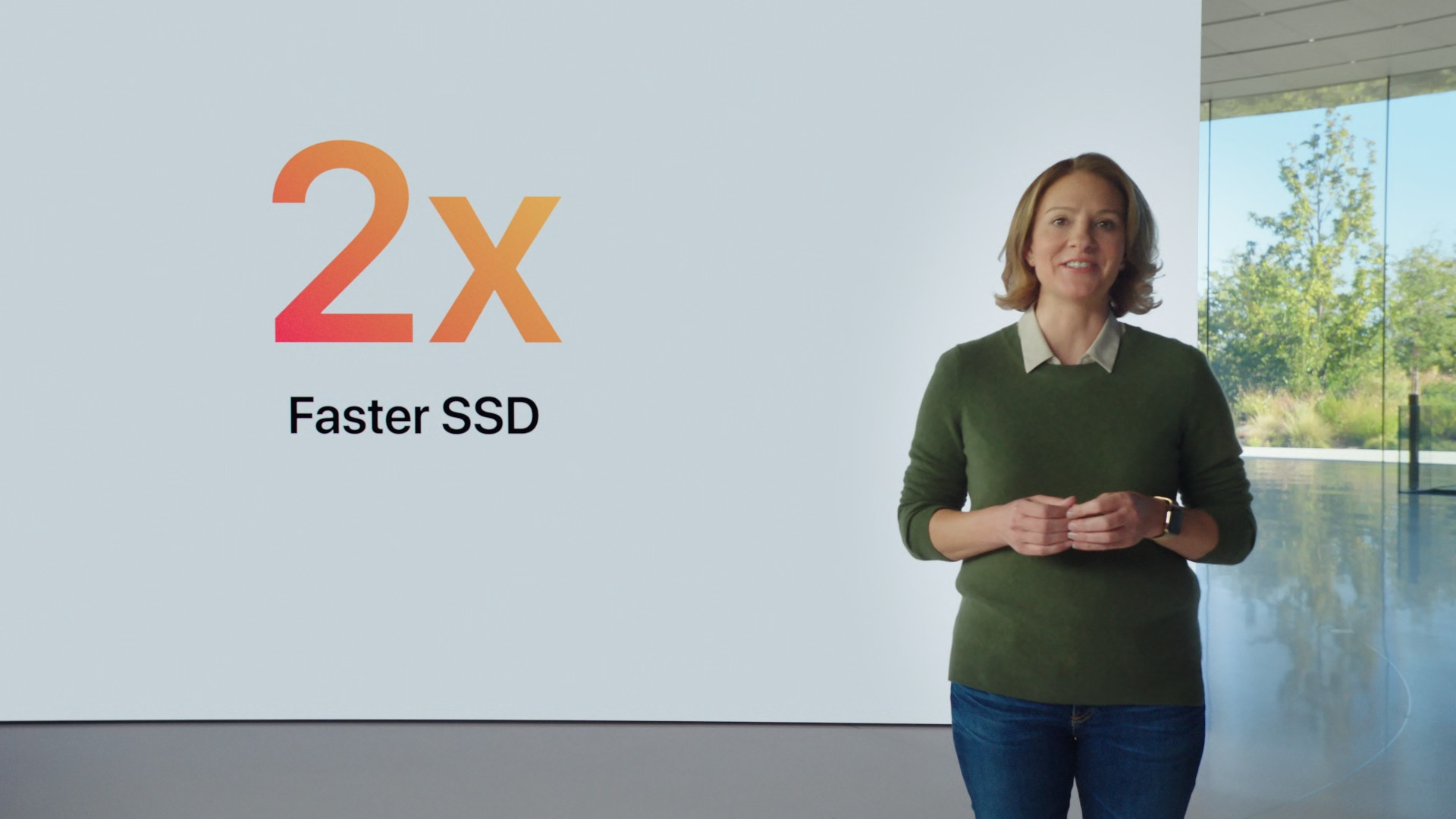
If we look at the operating memory, both basic models offer 8 GB. However, it should be noted that the M1 chip has undergone some significant changes. We can no longer refer to the M1's operating memory as RAM - Apple decided to rename it to unified memory. For the latest MacBooků Air With the M1, this memory is not located anywhere on the motherboard, but is directly part of the chip itself. This makes the memory lightning-fast, but for users it means that they cannot replace it in any way. On both the latest model and the older model with an Intel processor, you can pay extra for an additional 8 GB of RAM, for a total of 16 GB. The base storage capacity is AirThe first model comes with 256 GB, while the second recommended model comes with 512 GB. However, you can configure storage up to 1 TB or 2 TB for an additional fee. As for theoneactivities, so MacBook Air The M1 (2020) offers two Thunderbolt/USB 4 ports, MacBook Air (2020) with an Intel processor has two Thunderbolt 3 (USB-C) ports. Both have a 3.5mm headphone jack.onewhich.

Design and keyboard
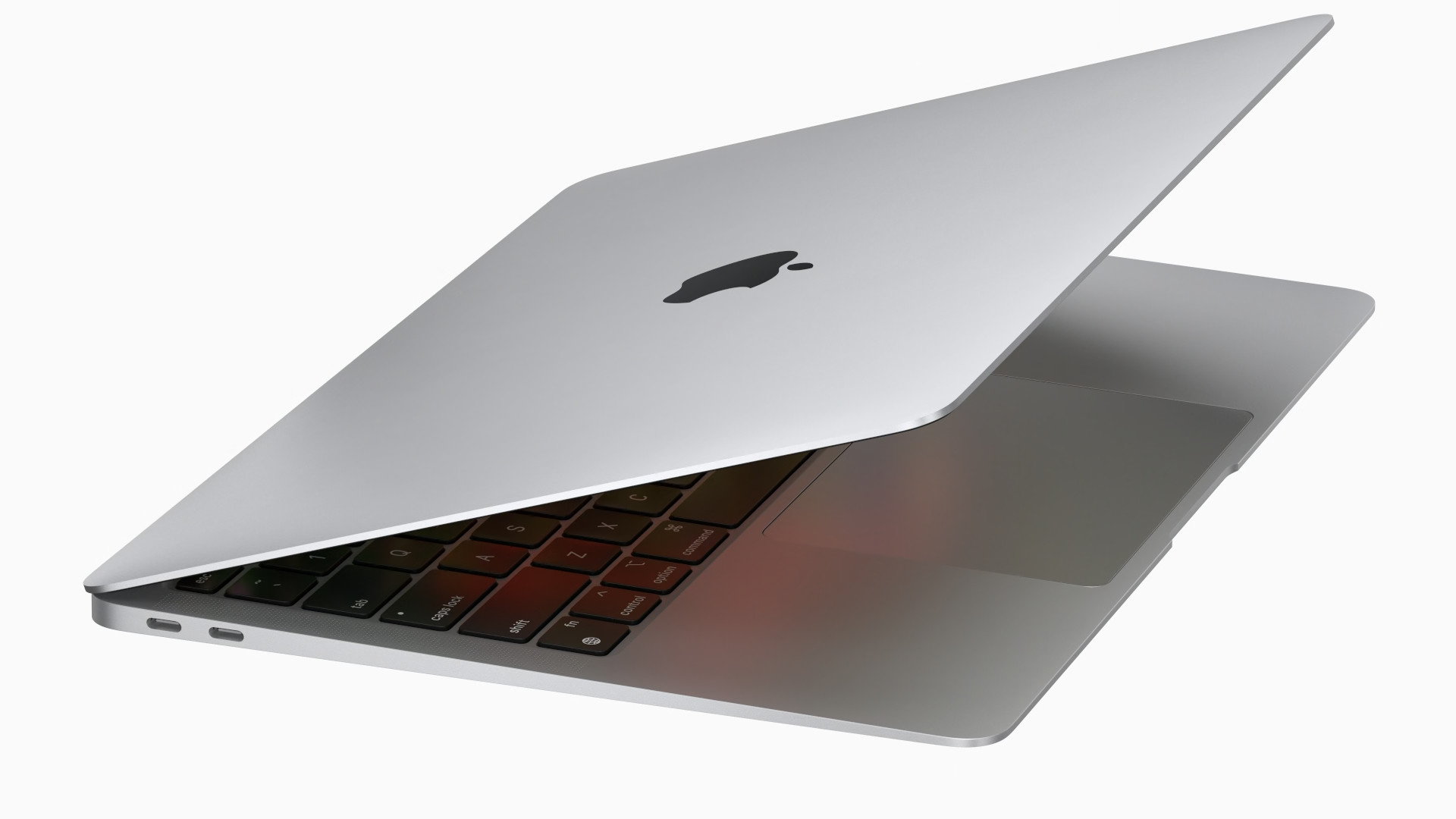
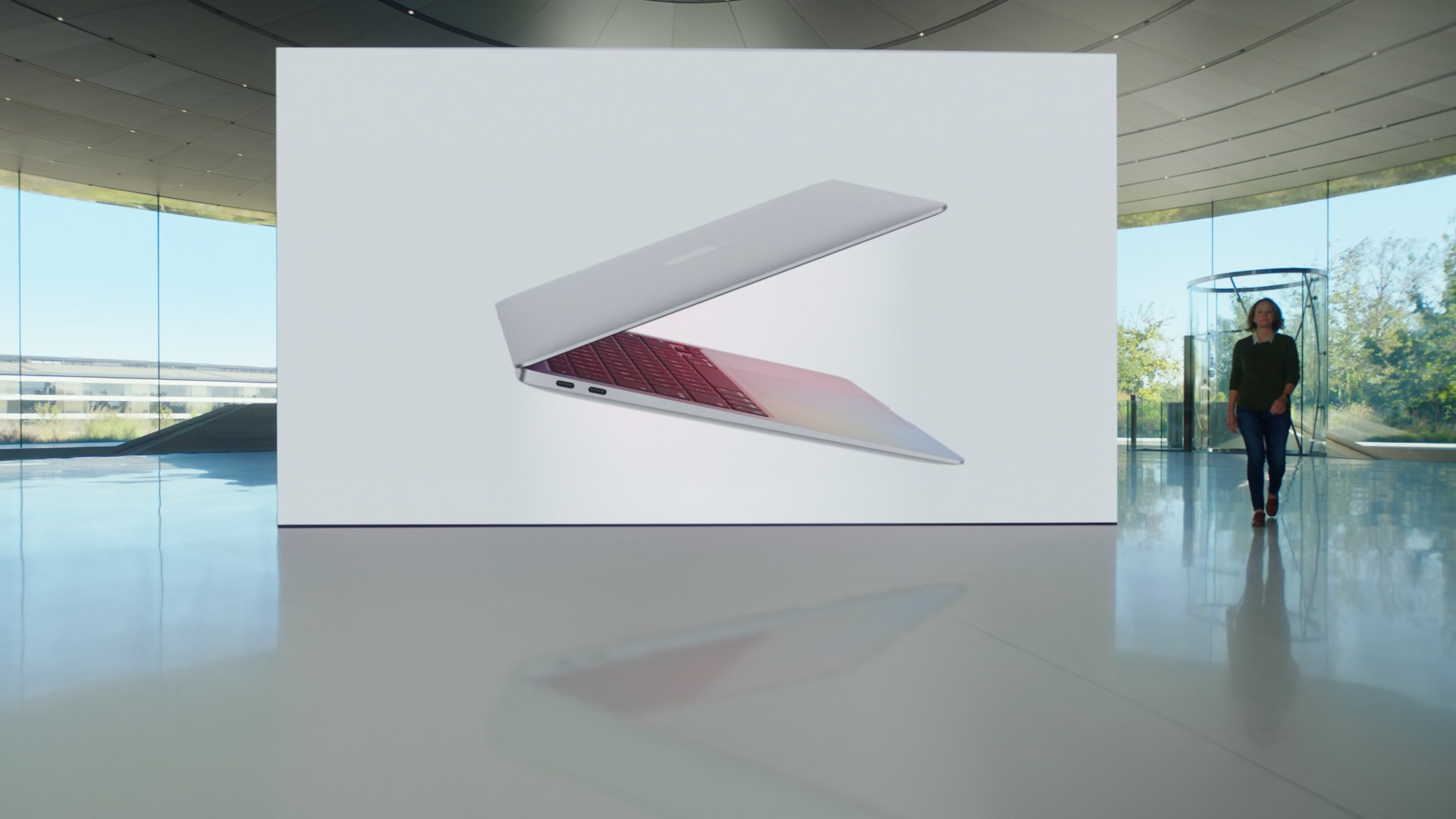
For the latest MacBooku Air with M1 Apple maintained the availability of three colors variant. Just like the older ones MacBook Air with Intel processors teddy offers silver, space gray and gold colors. From a design perspective, practically nothing has changed. Both models compared are constructed from recycled aluminum, the chassis itself is then towards trackpadu narrows. At its thinnest point, the body of both has MacBooků Air only 0,41 cm, at its thickest 1,61 cm. The width is 30,41 cm, the depth is 21,24 cm and the weight remains the same at 1,29 kg.
Gallery

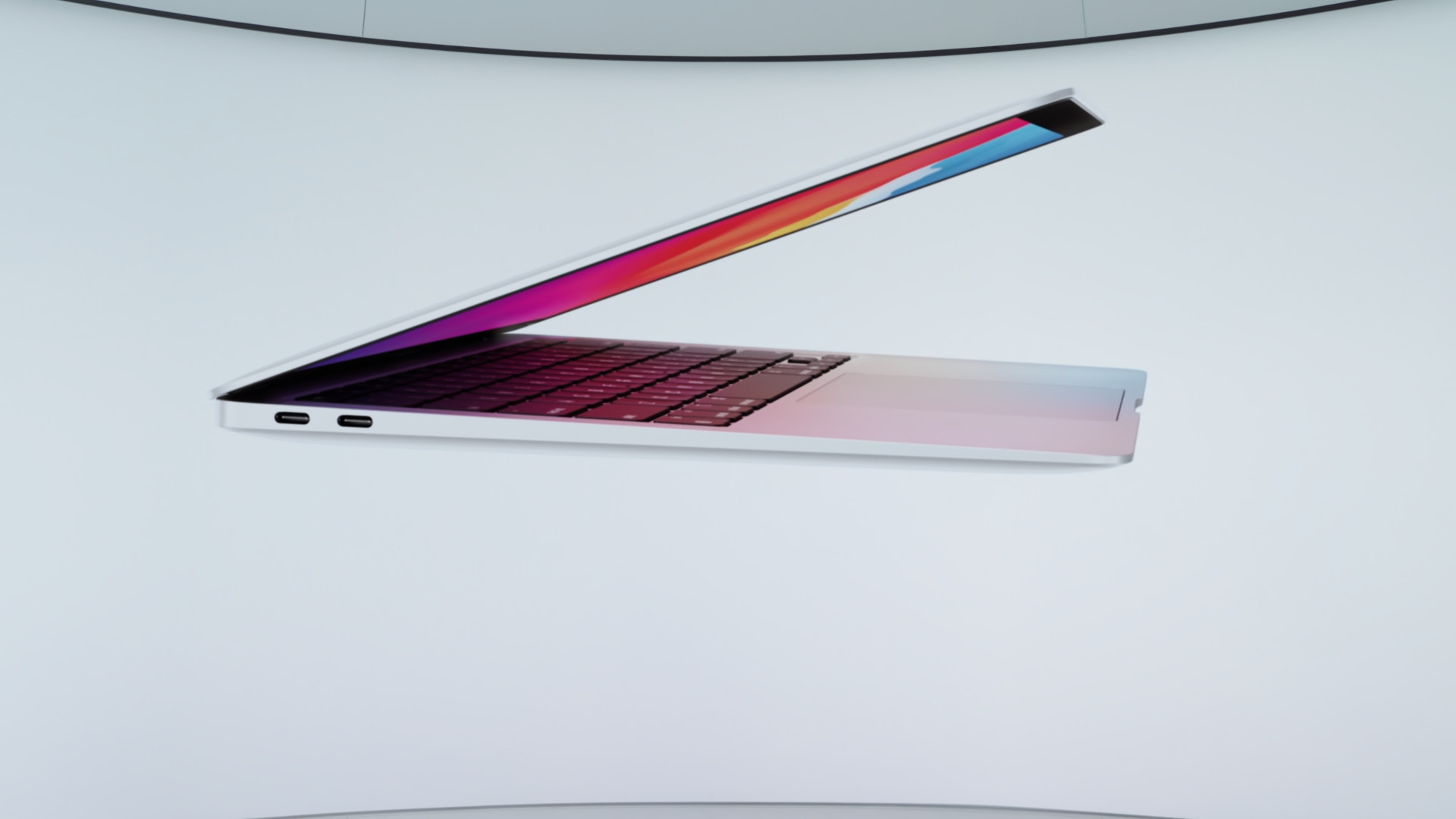
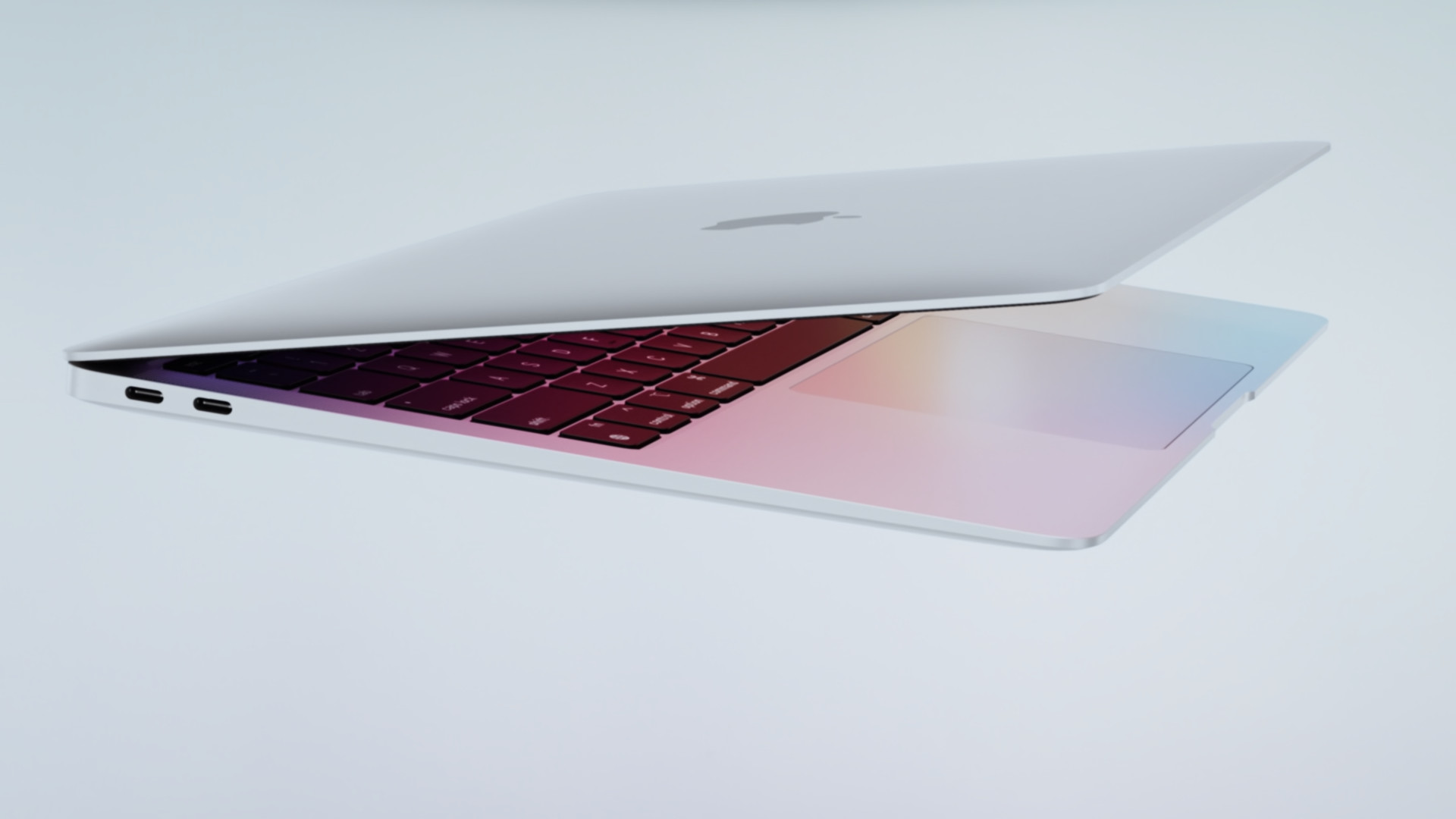


The keyboard, which uses a scissor mechanism and is called Magic KeyboardNeither model has a Touch Bar, the module Touch ID in the upper right corner, however. The keyboard also has white backlighting, so you can type at night without any problems. The keyboards differ only in the individual keys – MacBook Air with M1 offers instead of a start button Launchpad(F4) to activate Spotlight, instead of the button to decrease the keyboard backlight brightness (F5) to activate voice input, and instead of the button to increase the keyboard backlight brightness (F6) to (de)activate Do Not Disturb mode. In addition to the keyboard body, both models offer speakers with support Dolby Atmos, of course, under the keyboard itself is trackpad and a cutout for easy opening of the lid.
Gallery





Display
As for the display, it is the same in both cases. MacBooků Air very similar. You can look forward to a 13.3″ display with LED backlighting and IPS technology, which is called RetinaThe resolution is then 2560 x 1600 pixels, maxThe maximum brightness is set at 400 nits and both models also support True ToneThe only difference is the support for the P3 wide color gamut, which you'll only find on the latest MacBooku Air with the M1 processor. Air with an Intel processor offers "only" the full standard color range (sRGB). At the top of the display on both models you will find the classic FaceTime HD camera with a resolution of 720p. However, it should be noted that the FaceTime camera on MacBooku Air with M1 has received some improvements – compared to that of AirWith an Intel processor, it can, for example, recognize faces.
You might be interested in
Battery
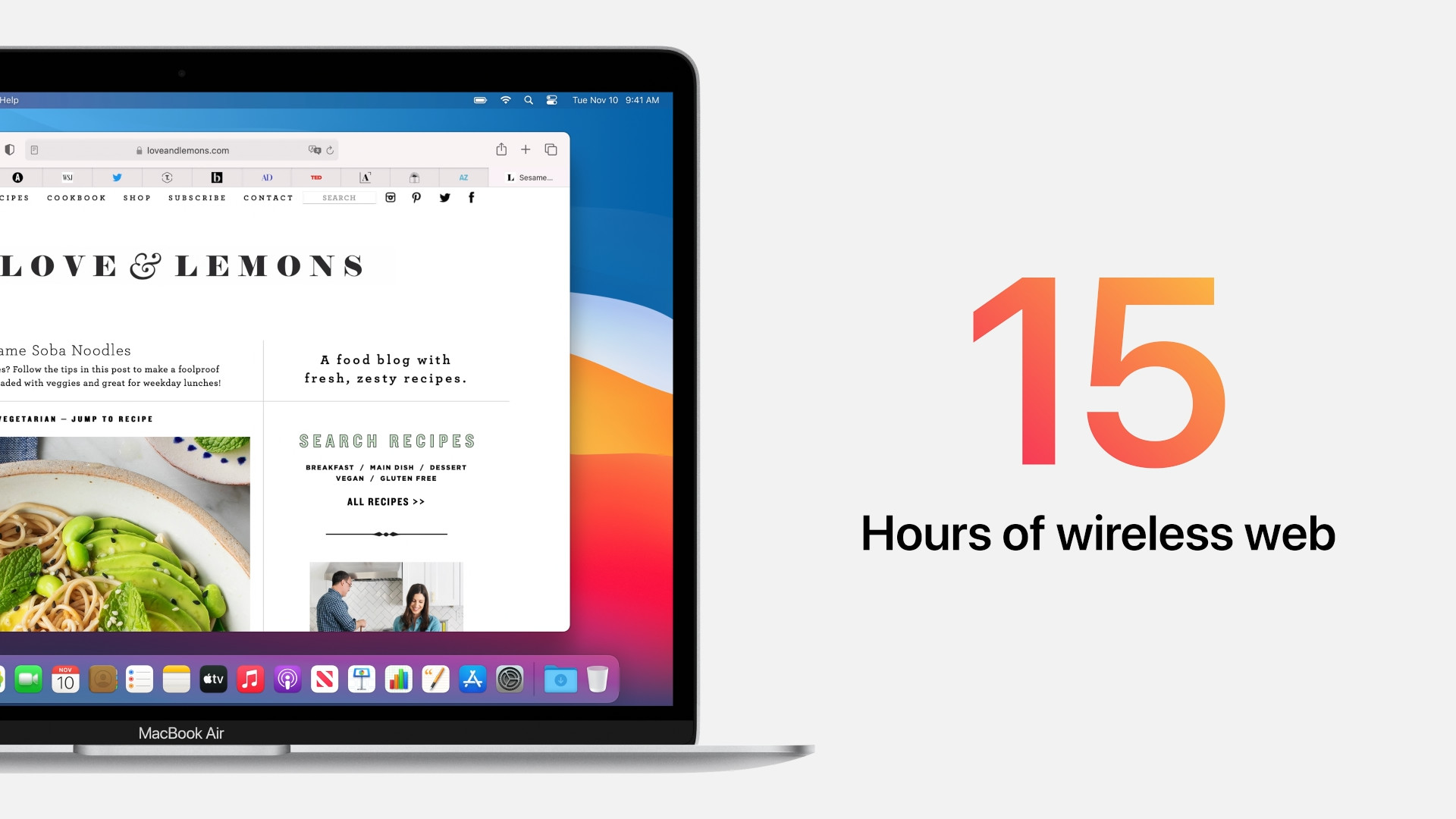
If you're buying a laptop, you should also be interested in battery life. Of course, a laptop is meant to be portable, not to be plugged into a charger every few hours. The good news is that you'll be happy with both models, although the one with the M1 has a much better battery life. MacBook Air The M1 specifically offers up to 15 hours of battery life when browsing the web and up to 18 hours of movie playback. Older MacBook Air with an Intel processor offers up to 11 hours of web browsing and up to 12 hours of movie playback. The batteries of both models are the same – they have 49.9 Wh. The latest model has a longer battery life AirThe M1 chip is the main contributor to this. Both models come with a 30W USB-C power adapter.
- Newly introduced Apple products will be available for purchase except Apple.com for example on Alge, Mobil Pohotovosti or u iStores
| MacBook Air 2020 M1 | MacBook Air 2020 Intel | |
| Proemperor | Apple Silicon M1 | Intel Core i3 1.1 GHz (TB 3.2 GHz) |
| Number of cores (base model) | 8 CPUs, 7 GPUs, 16 Neural Engines | CPU 2 |
| Operation memory | 8 GB (up to 16 GB) | 8 GB (up to 16 GB) |
| Basic storage | 256 GB | 256 GB |
| Additional storage | 512GB, 1TB, 2TB | 512GB, 1TB, 2TB |
| Display resolution and finesse | 2560 x 1600 pixels, 227 PPI | 2560 x 1600 pixels, 227 PPI |
| FaceTime camera | HD 720p (Enhanced) | HD 720p |
| Number of Thunderbolt ports | 2x (TB/USB 4) | 2x (TB 3) |
| 3,5mm headphone jack jack | year | year |
| touch Bar | ne | ne |
| Touch ID | year | year |
| Keyboard | Magic Keyboard (scissors) | Magic Keyboard (scissors) |
| Price of the base model | 29 990 Kč | 29 990 Kč |
| The price of the second recommendation. model | 37 990 Kč | 38 990 Kč |



error in the table, the touchbar doesn't have one :)
Does anyone know if he has Air Early 2020 (intel) Wifi 6?
I think he doesn't have one. Wifi 6 ma and M1
No, no Mac with an Intel CPU has Wi-Fi6
See https://en.m.wikipedia.org/wiki/MacBook_Air
Where are the experts who claimed that machines with Silicon will be cheaper because Apple doesn't have to pay high fees to Intel? :D :D :D Hello, everyone who claimed it HERE! Apply!!!!! otherwise I'm going to open old articles and look for you gossip
So in the end Macbook Pro is cheaper. 512gb ssd with M1 for 51, but with intel 59. And I doubt that 8000 is the price difference for 2 extra thunderbolt ports :) So. For the price of the intel with 512GB you can have a Mac with M1 and 1TB and still save and buy a hub :D
Only Airy costs the same.
We have Air cheaper by 80eur…
Base version for 1120 euros..
Air with M1 for 30. Mac 2020 with Intel for 30. I don't count discounts. At least here.
I didn't write it, but I also read it. In any case, to develop your own processor and in such (alleged) quality that they left the long-time leaders of this industry behind must have cost an incredible amount of money, and those billions probably need to be covered by something, and investors must be satisfied... Apple It is full of gluttons.ancHowever, I'm not surprised at the unchanged price... I would rather blame the outrageously expensive upgrade of RAM and storage (this also applies to intel versions).
The winner is clear – MacBook Only a total foxboy would buy with intel.
We just bought Macbook Air 2020 with a second-hand i5 in perfect condition and a 46-cycle battery for 19. :) You could get it with an M000 for 1, but MacbookI will only trust devices with M chips in three or four years, when users have properly tested them, discovered any possible problems and Apple it picks them up with other chips.
What is the HW difference between MBA with M1 and MB?Pro with M1? I just saw keynote, where Air is passively cooled, but Pro had a fan. Both models should have the same processor, so why the fan on the Pro-? Thermally they should be the same, or it will end up like this Air will glow and Pro Will it blow you away? :)
Michael – Air at full capacityone with a long-term withdrawal of the cooler by turning off the cores = thus reducing the performance of the processor / somewhere macbook pro maintains performance over the long term maxime turning on the fan and cooling it down = it can maintain higher performance not only at once but also stably during voluminous and demanding projects :)
There is one, for some it may be a fundamental difference - Bootcamp will not be possible on M1 processors - rebooting to Windows. :-(
So the most important difference is that on Intel you can install WIN10 in Dual-boot or via Parallels ..! :-)
and give windows 10 to bootcamp is suicide anyway. Windows 10 was the first windows, who proved from the bootcamp his activity to destroy the primary mac os with only his unsolicited update...