
It's been a long few weeks back, huh Apple released the first public version of the current operating systems. During that time, countless different articles have appeared on our magazine, in which we accompany you with new features. For example, the native Messages application has received many improvements, in addition to it, we can mention Accessibility or SafariIn this article, we will take a look at 5 new features in Safari z iOS 14 that might be useful to you. Let's get straight to the point.
You might be interested in
Privacy Notice
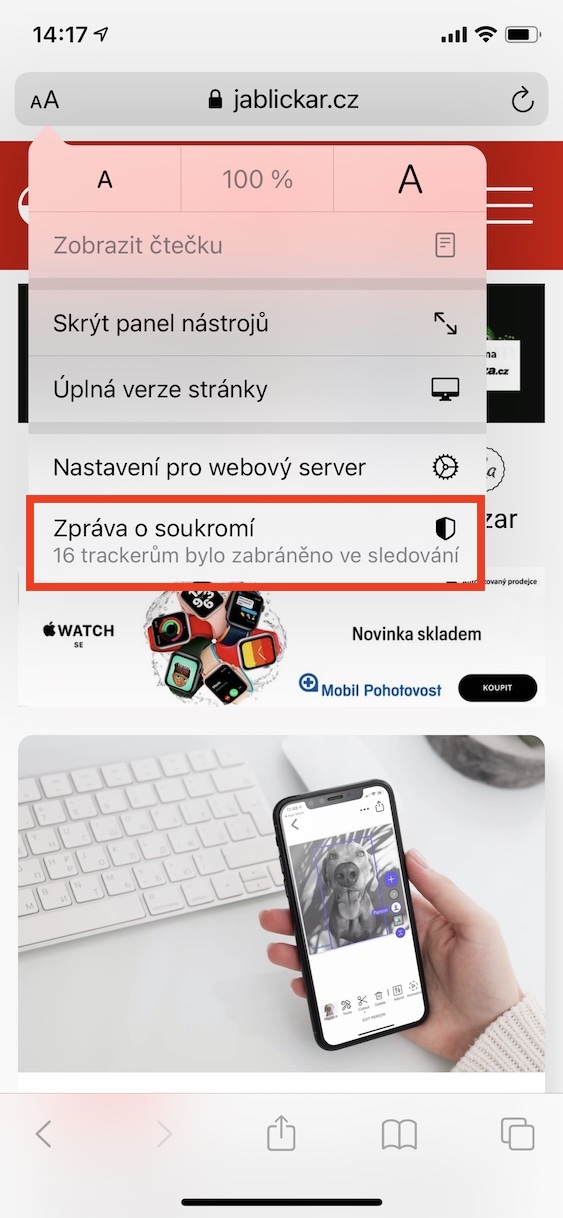
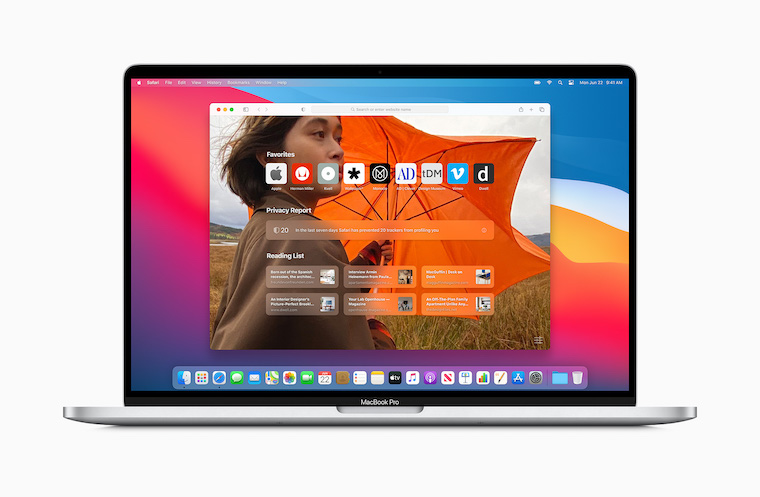
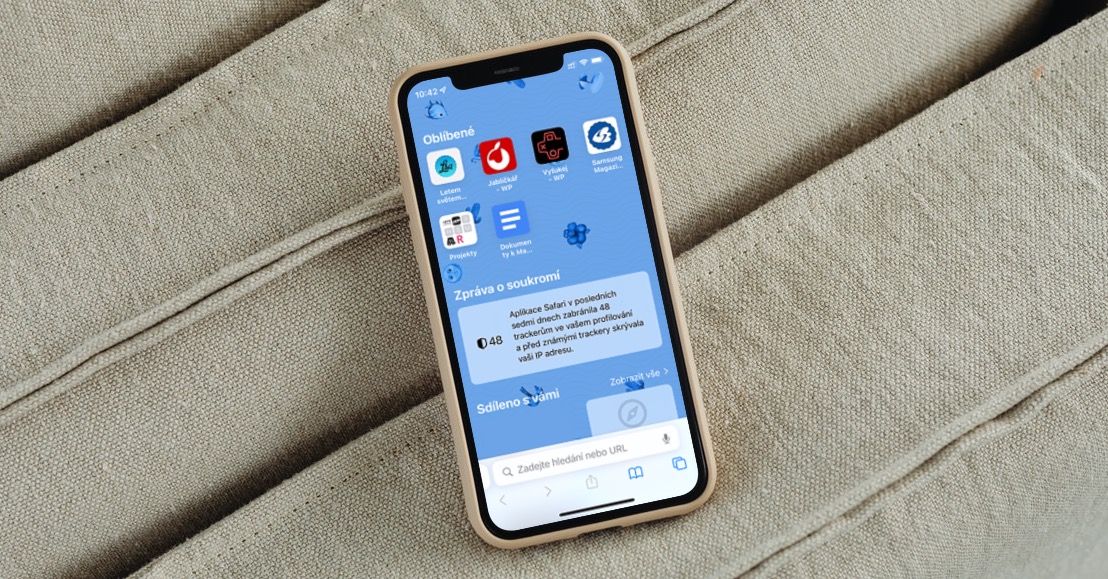
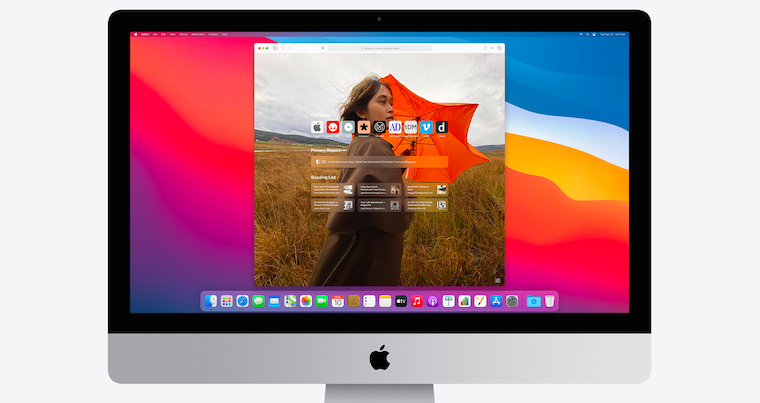
If you are already testing the not yet publicly released version of macOS 11 Big Sur on your macOS device, you have certainly noticed many changes in SafariAmong other things, a small shield icon has appeared in the left part of the top bar, where you can check whether a particular website has contacted any trackers and whether it is trying to track you. Safari counts all blocked trackers and throughout the month the pad can report how many trackers have been blocked in total. Did you know that this feature is also available in Safari pro iPhone or iPad? If you want to view it, go to specific web page, and then at the top left, tap the Aa icon. Then just select an option from the menu Privacy Notice. Here you can already view the individual information.


Dangerous password warning
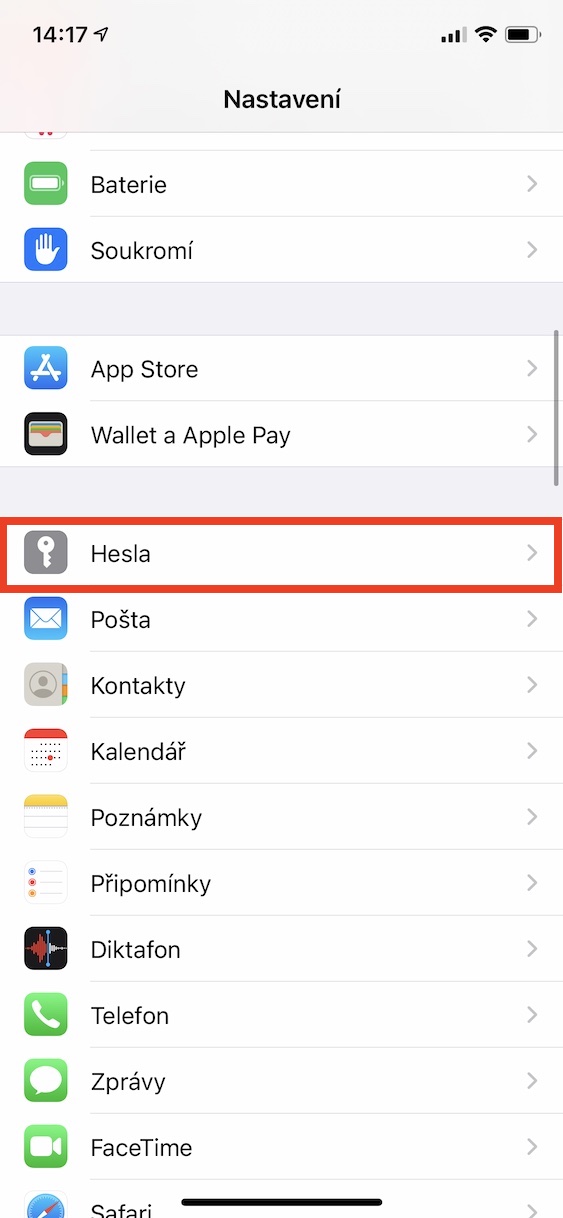
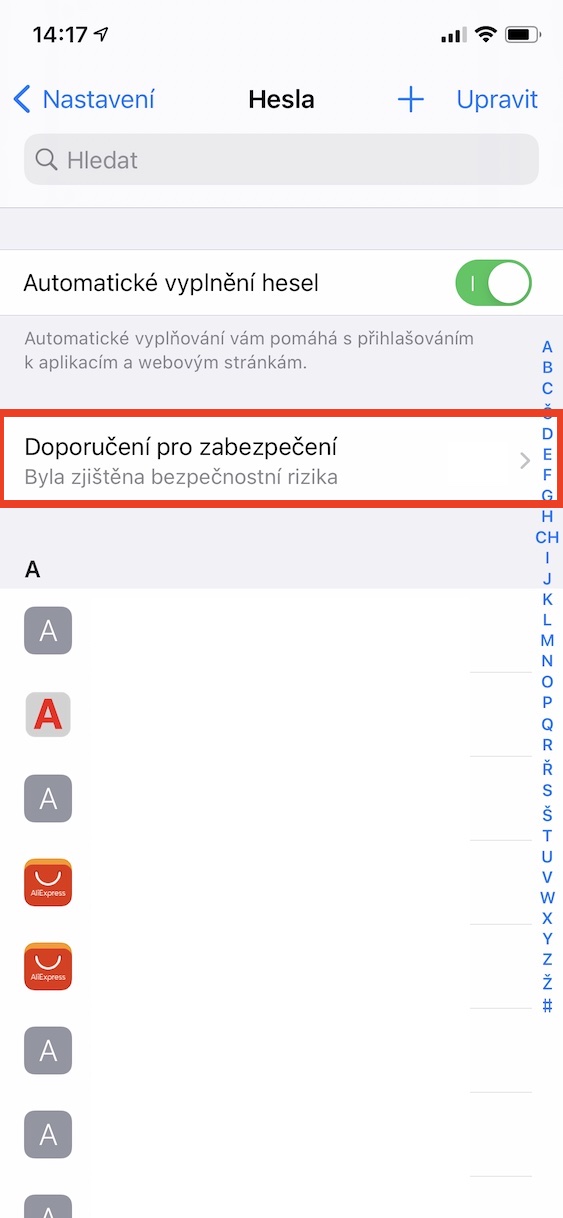
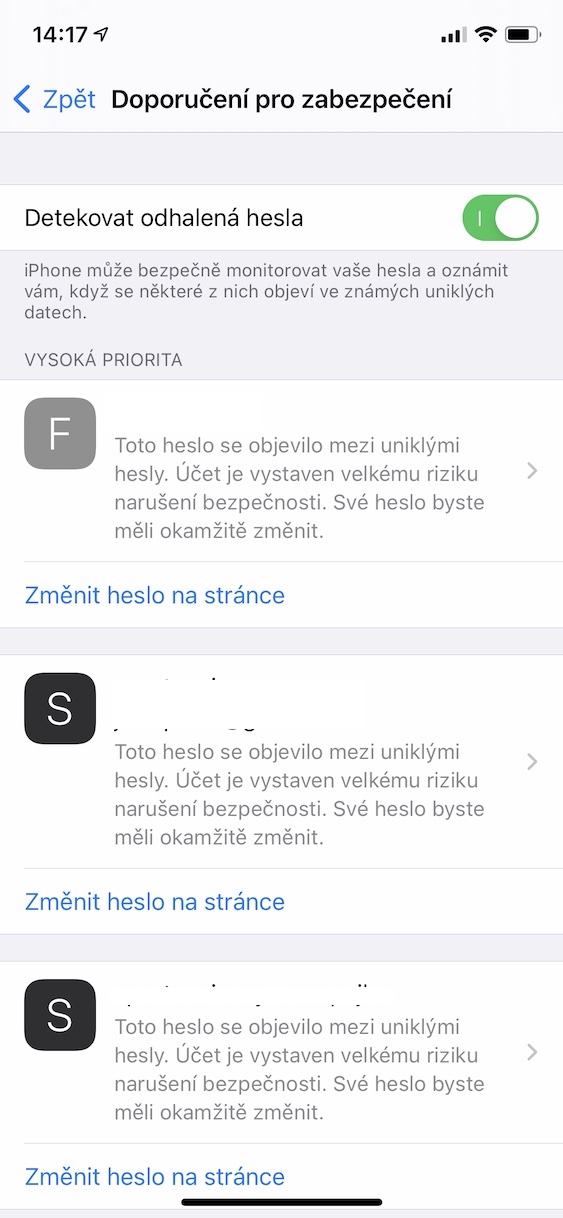
From time to time it can happen that all kinds of databases with stolen passwords appear on the Internet as a result of a hacker attack. This is exactly why we should have a different password set for each account, so that if passwords are leaked, a potential attacker does not gain access to your other accounts. There are several different sites that can tell you if your password has just appeared on a leaked password list. You can then decide to change your password accordingly. But what are we going to lie to ourselves, entering our password in full somewhere on the Internet, even for checking, may not be completely safe. Apple that's why it came up with a feature that can automatically tell you if any of the passwords you use have been leaked to the internet. If you want to check potentially dangerous passwords, go to Settings -> Passwords, where then click the box Security recommendations. Here you will already see recommendations, including information about leaked passwords.
Quickly open a website
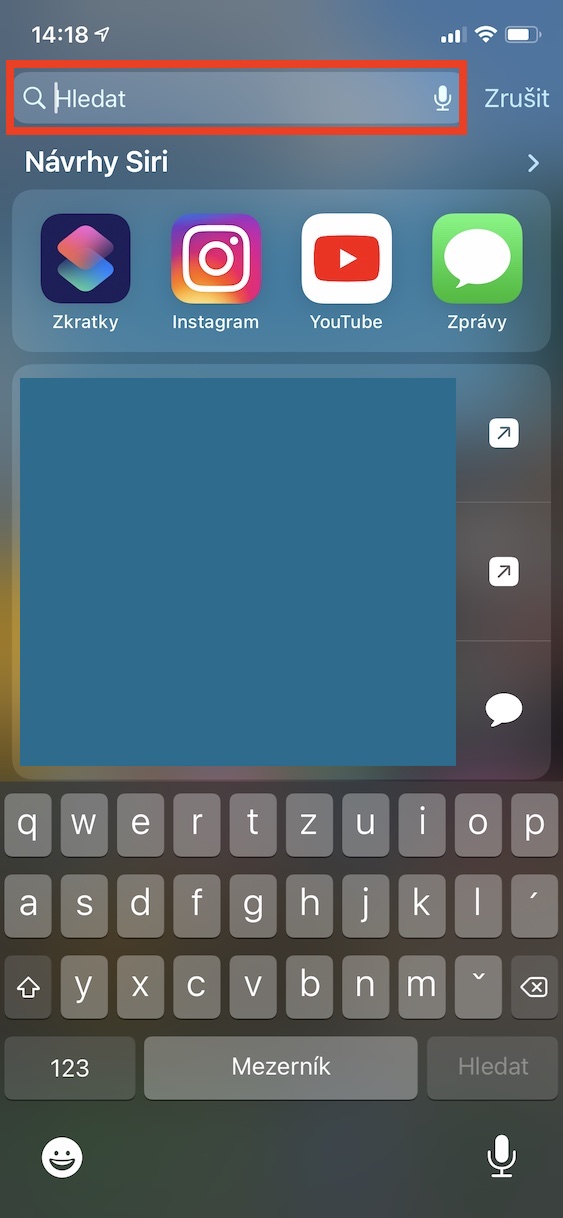
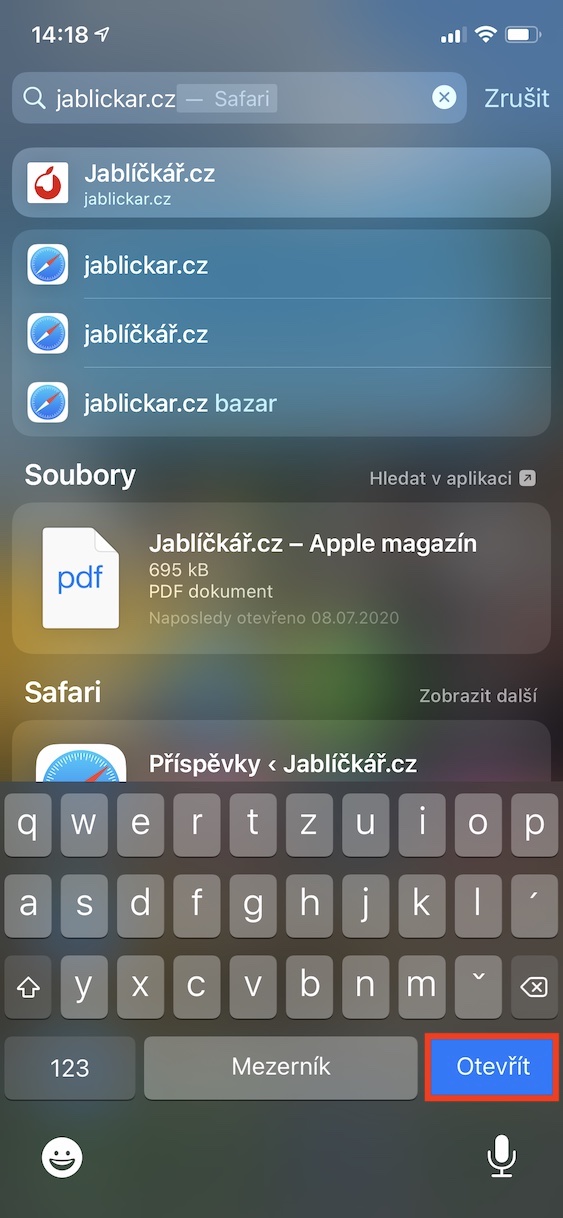
If you needed to quickly open a web page on your iPhone or iPad, you traditionally had to go to Safari, then tap in the address bar and typeonec write the address in it. With the arrival iOS and iPadOS 14 also brought a redesigned Spotlight, which can be activated on the home screen by swiping your finger from top to bottom. If now to text field you write to search internet address, and then tap the button Open on the keyboard, that page will open quickly. Of course, it is not always necessary to write the full text of the address - as soon as the website appears in the first place, just click on Open, which will display the page. This way of opening web pages is much faster than using the older process mentioned above.

Picture in picture
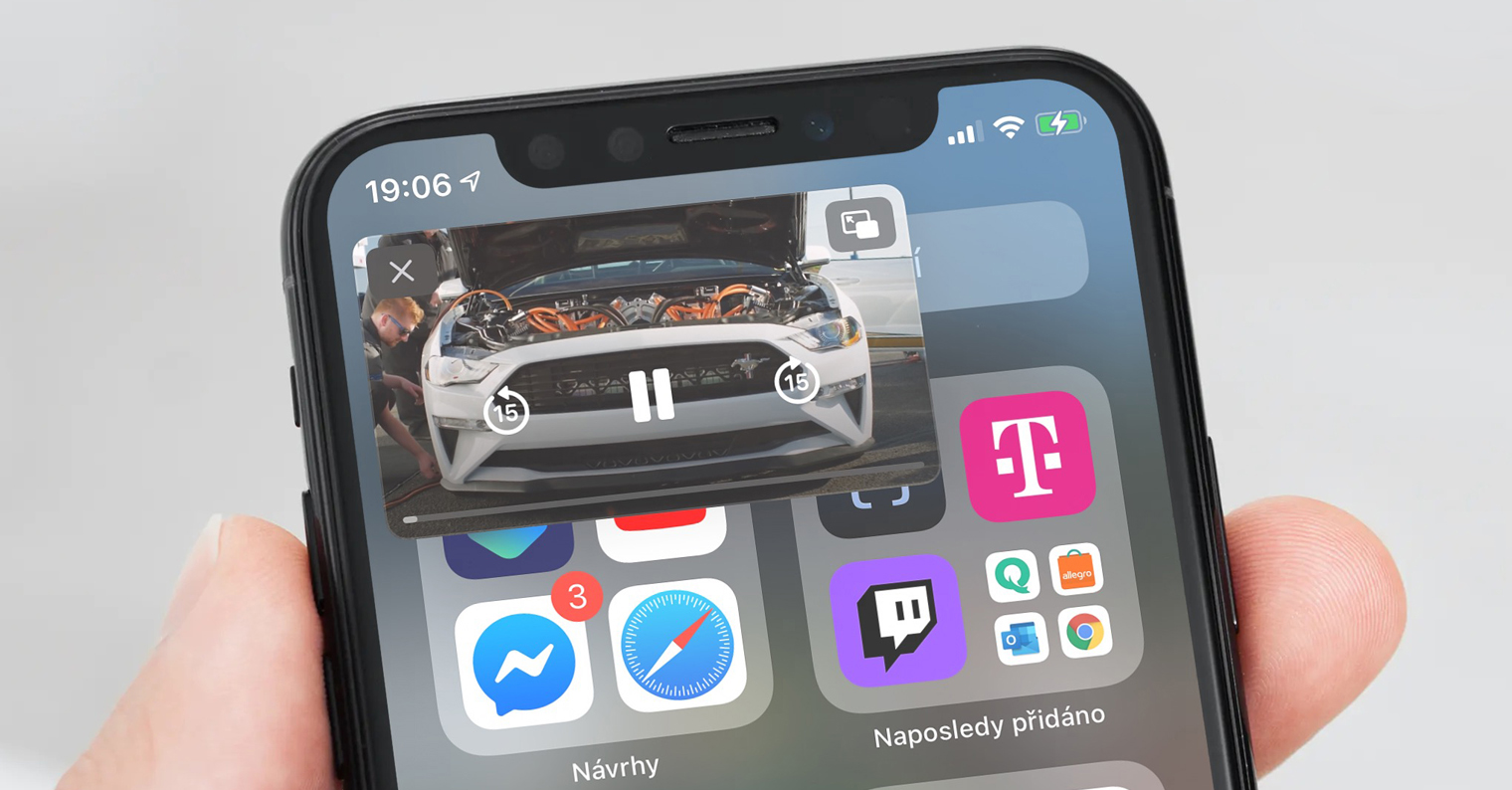
If you own an iPad or any macOS device, you probably know that you can switch to the so-called Picture-in-Picture mode. Specifically, this mode applies to various videos or movies, where you can simply notchat display in a special little window. This window is always displayed in the foreground of the system, so you can, for example, do things for school, chator shopping while watching your favorite video or movie. The good news is that this great feature is available toonehas also found a place in iOS, namely in iOS 14. You can easily activate picture-in-picture with virtually any video from Safari, that is, if the website operator has not prohibited it. To activate, switch the video to full screen mode, and then you return home - either with a gesture or by pressing the desktop button. In addition, Picture in Picture can also be activated by tapping the corresponding activation icon.
Speed and stability improvements
In addition to all these new features, you should know that Safari v iOS and iPadOS 14 has seen significant improvements in speed and stability. Apple Among other things, he also confidently boasted that he was Safari the fastest web browser in the world. This status is Safari gained primarily from the JavaScript engine. To be precise, Safari thanks to its lightning-fast JavaScript engine, it achieves up to twice the performance of Chrome on Android JavaScript. It is of course similar within macOS, where Safari has received significant improvements and new features – but we will talk more about that later, when Apple definitely (toone(c) release macOS 11 Big Sur to the public.
You might be interested in






I would prefer it if they didn't remove compatibility with older hardware in every new version or even disable pieces of hardware that I paid for a few years ago (Force Touch on the watch)