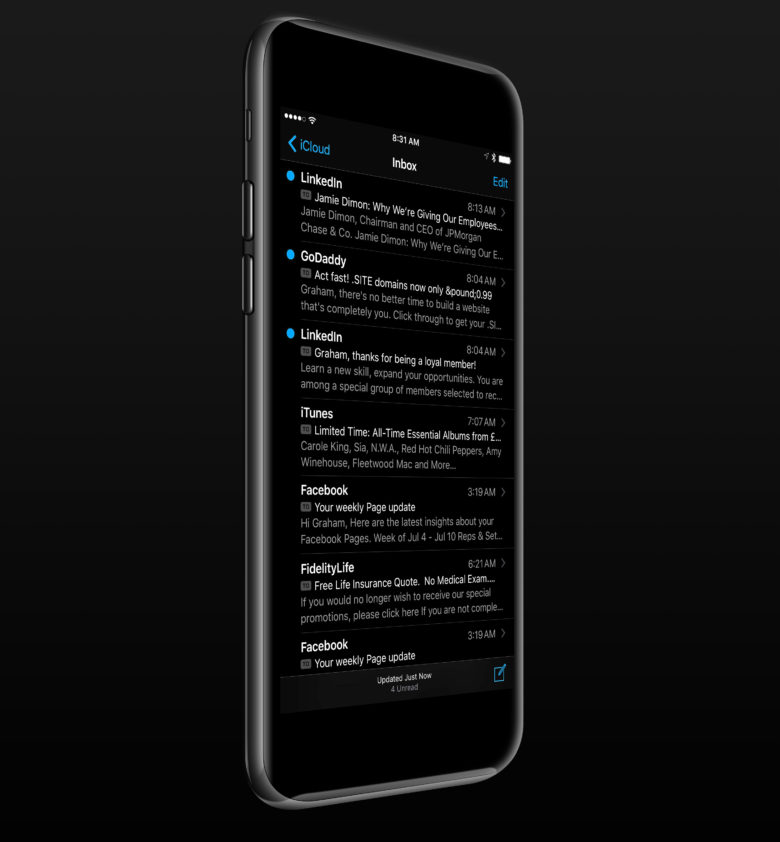
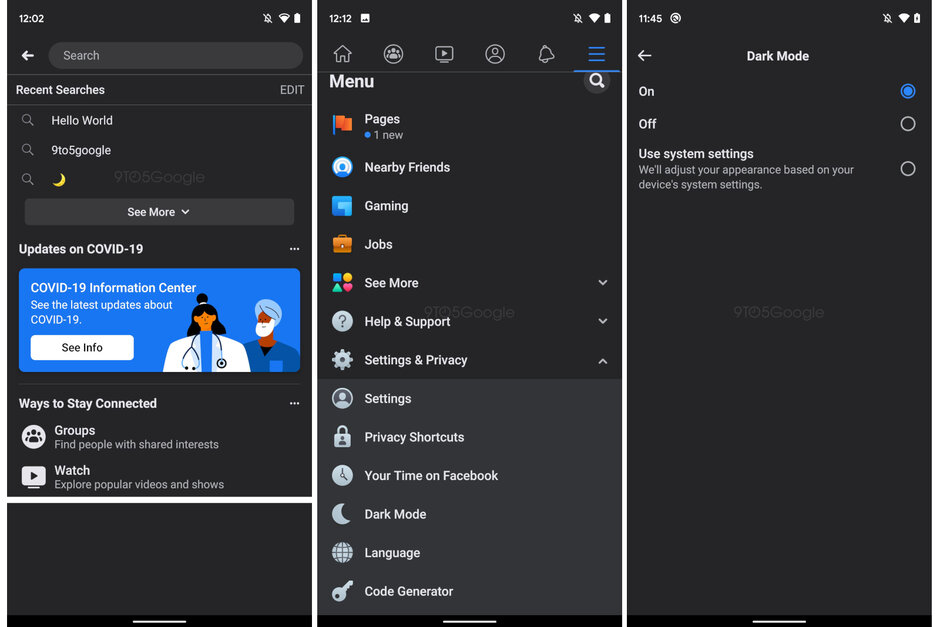
If you are a dark mode fan or if you want Dark Mode in macOS, we have great news for you. In the new version of this operating system, Dark Mode will receive a small but rather interesting improvement that will make Dark Mode even darker.
You might be interested in
In the recently released fourth beta of macOS Big Sur, a new feature was added to the General section of Settings in the form of the option to disable macOS's desktop-based tinting. This could have lightened the dark mode on macOS in some way, since, to put it simply, it took the shades from the background and according to them, it subsequently adjusted the overall color of the elements in the system. Added this feature Apple into macOS already two years ago with the arrival of macOS Mojave, with the intention of making it more attractive to the user, as it should cause a more pleasant display of macOS as a whole. A side effect, apparently Apple he didn't quite think so, however, it was just lightening the system in Dark Mode, which will now be gone.


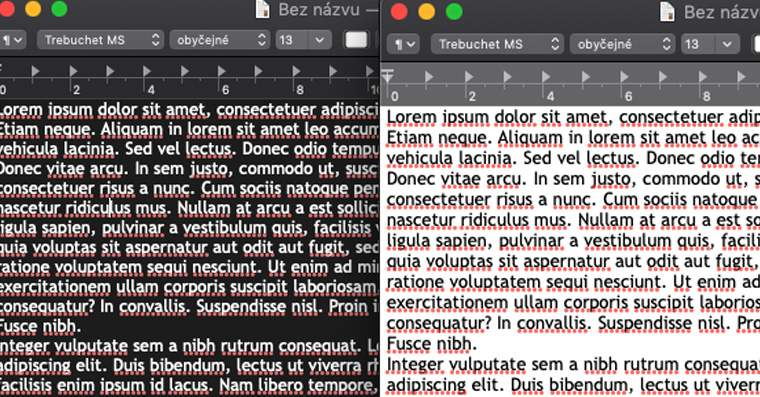
How can you screenshotAs you can see next to this paragraph, once the tinting is enabled, the system appears lighter overall in Dark Mode. However, once it is disabled, the system becomes slightly darker, as it does not take the wallpaper into account and simply displays as it was Applem initially designed. Although this is a relatively small difference, it is still definitely pleasing - all the more so when Dark Mode is very popular among users, as it not only looks good, but also saves their eyes in the dark.