
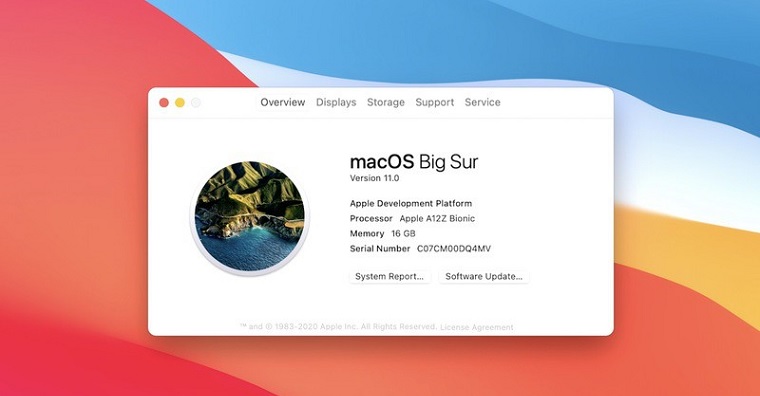
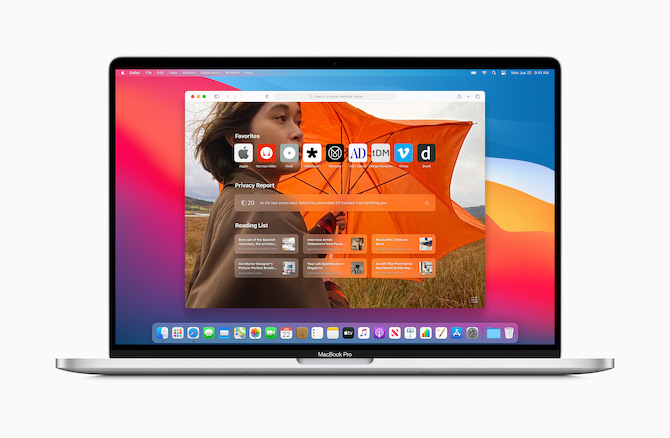
Apple on Monday, as part of this year's first Apple conference, it introduced new operating systems, specifically iOS and iPadOS 14, macOS 11 Big Sur, watchOS 7 and tvOS 14. Immediately after the presentation, developers were able to download the first beta versions of all these operating systems listed. As is customary, developer profiles appeared on the Internet shortly after, thanks to which they can beta versions of the systems can also be installed by ordinary users. If you are one of these users, or if you want to be one of them, but you want to make sure that the errors that are part of this first beta version, will not affect your functioning within macOS in any way, so you will definitely like this article. We will look together at the errors that most often plague the first beta of macOS 1 Big Sur.
You might be interested in
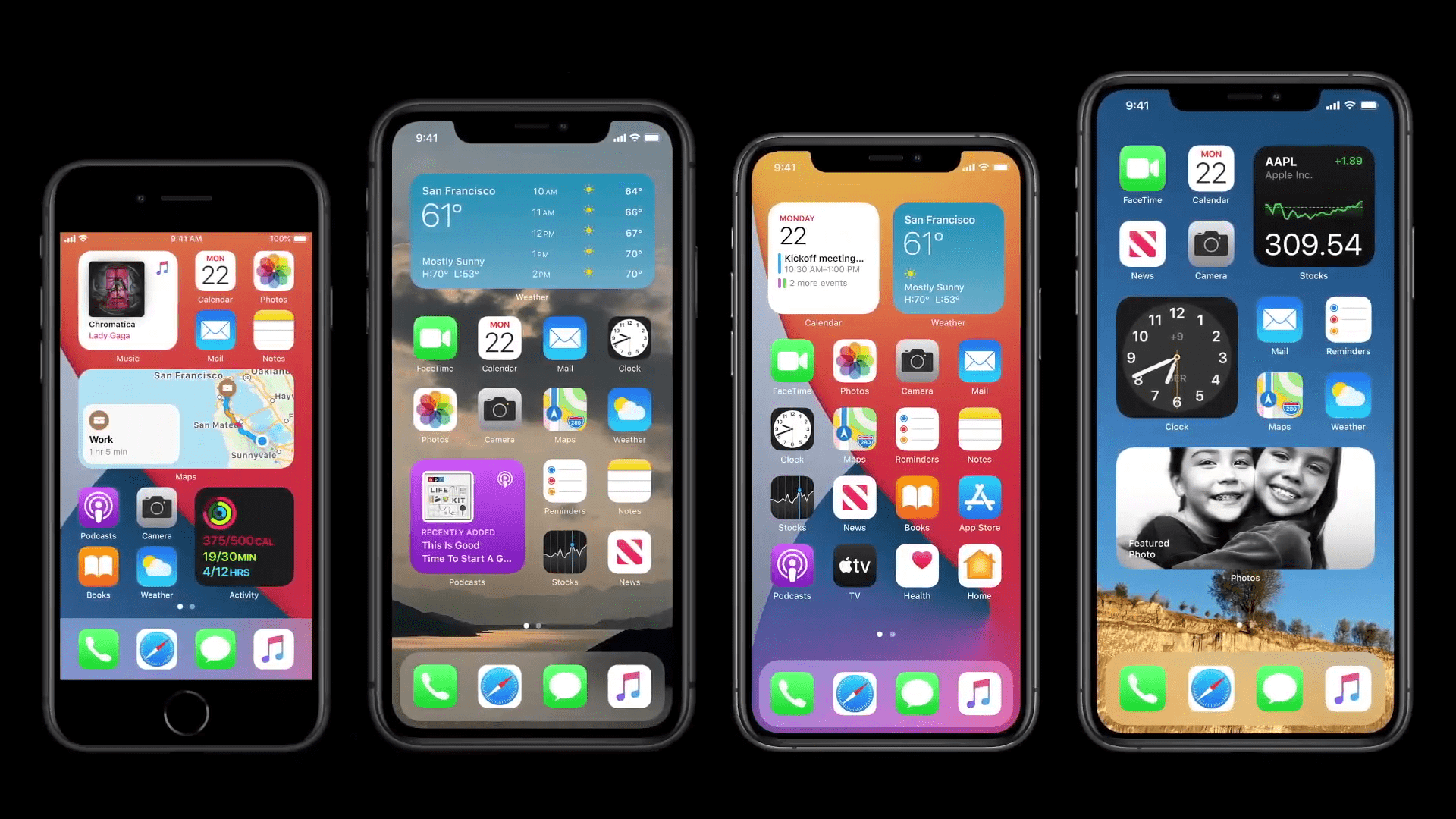
27 Bugs Most Plaguing macOS 1 Big Sur Beta 11
- Installing and downloading the new macOS 11 Big Sur may take much longer than usual.
- The top bar may not display properly in macOS 11 Big Sur - it doesn't respond properly to switching between light and dark modes.
- Interrupting macOS 11 Big Sur installation may result in loss of personal data.
- VoiceOver may not work correctly in all parts of macOS 11 Big Sur.
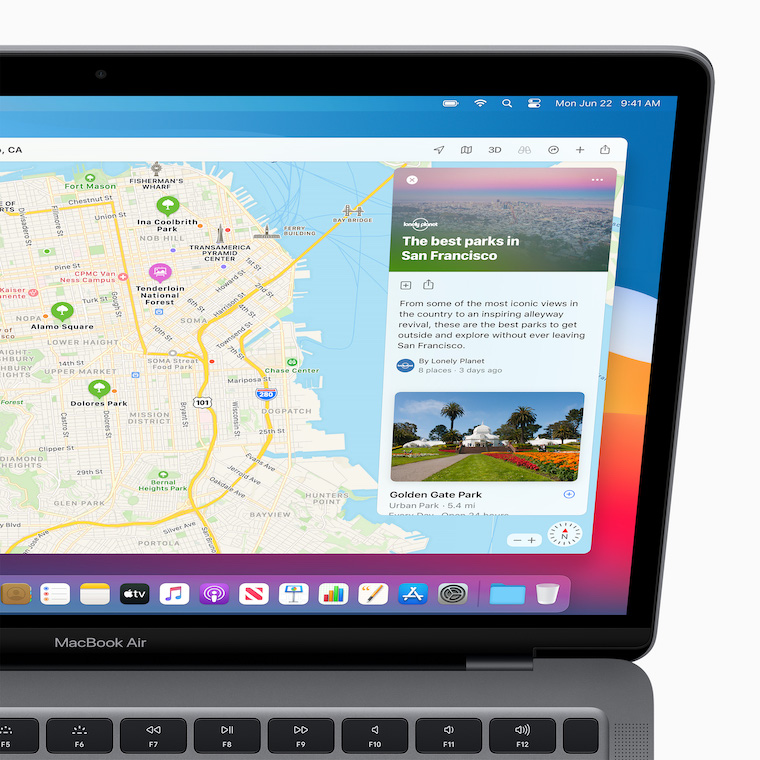
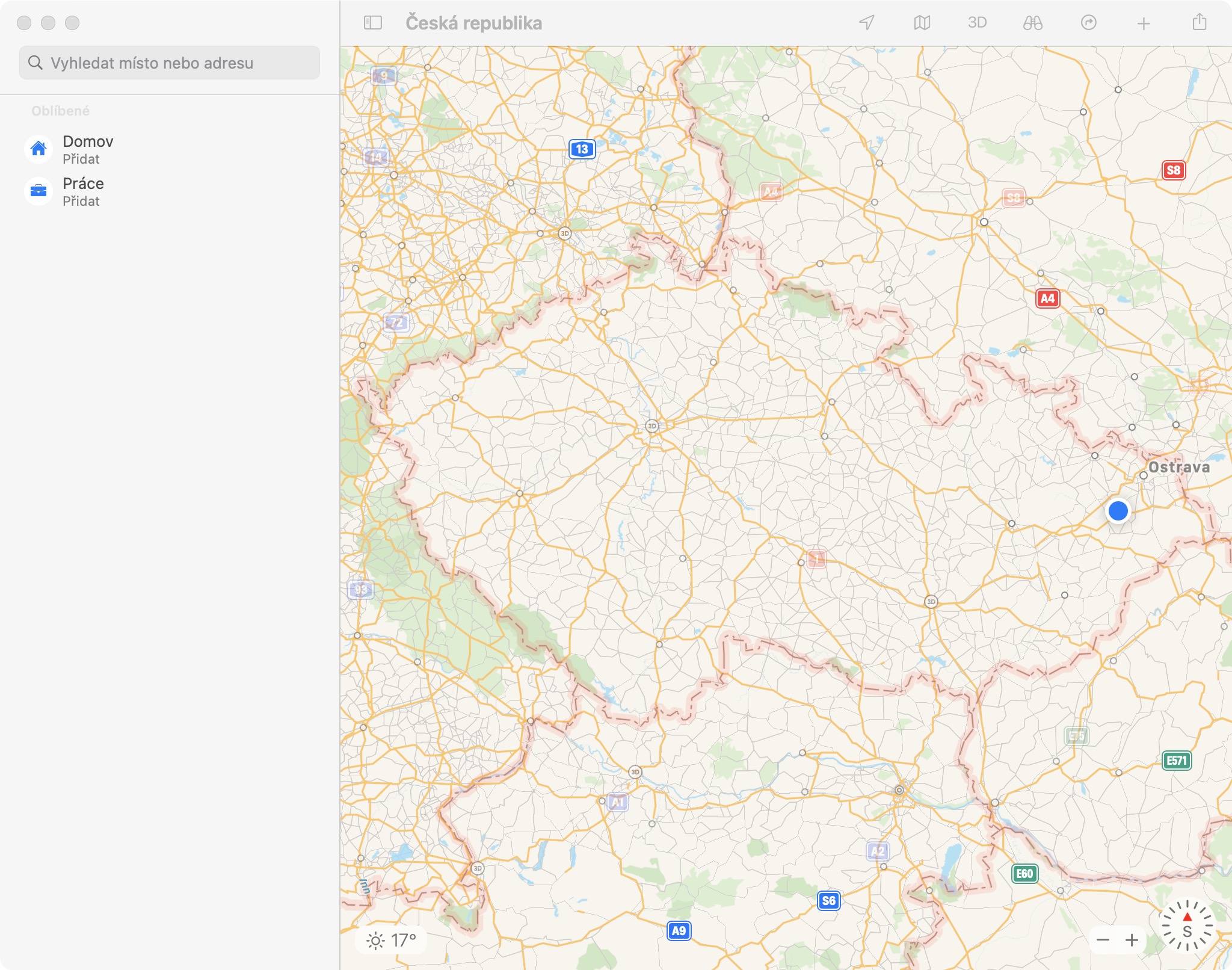
- If you tap a location in the Calendar app that should be displayed in the Maps app, it will not be displayed correctly.
- Unable to edit in macOS 11 Big Sur widget Calendar app.
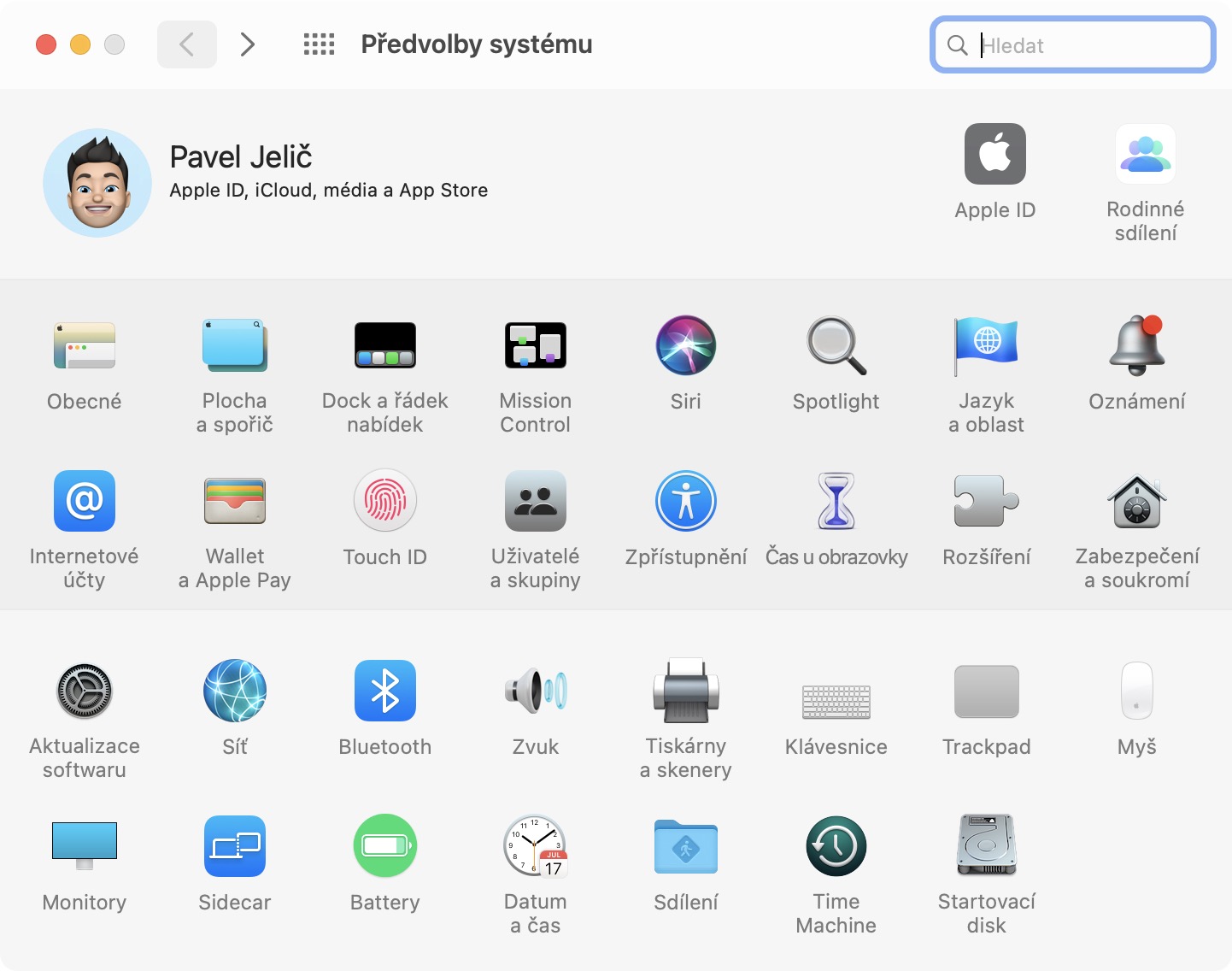
- Accounts may not be visible in macOS 11 Big Sur Preferences.
- Handoff may not work properly or at all in macOS 11 Big Sur.
- If you never changed the desktop wallpaper in the previous macOS 10.15 Catalina, then the macOS 11 Big Sur wallpaper will not appear after the update. It must be changed manually in System Preferences.
- Some APFS drives may not work properly in macOS 11 Big Sur.
- To install macOS 11 Big Sur on your iMac Pro, you must do so from macOS High Sierra 10.13.6 and later.
- Installing macOS 11 Big Sur on a Mac or MacBooku may repeatedly pause if you have no input device connected.
- Some languages may not be translated correctly or at all in macOS 11 Big Sur.
- Some texts in certain languages may not be displayed at all.
- Some keyboard shortcuts may not work correctly if you have a language other than English in macOS 11 Big Sur.
- WidgetApps that require location information for their functionality may not function properly.
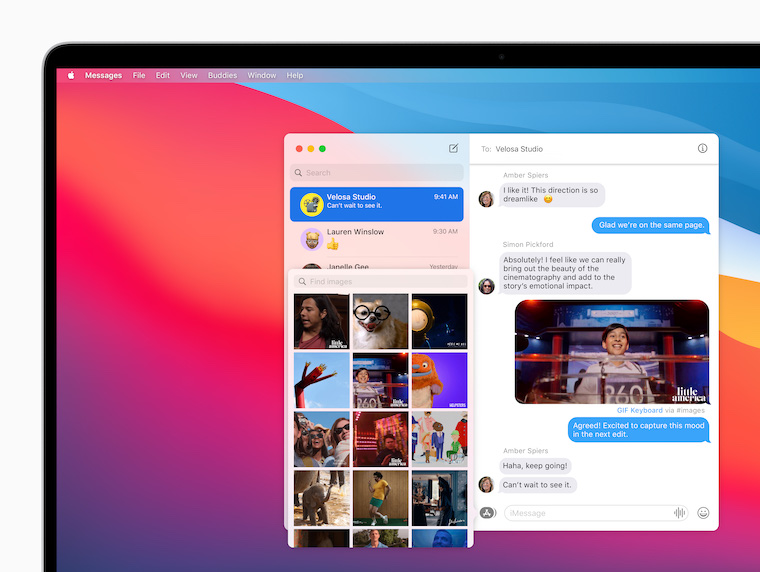
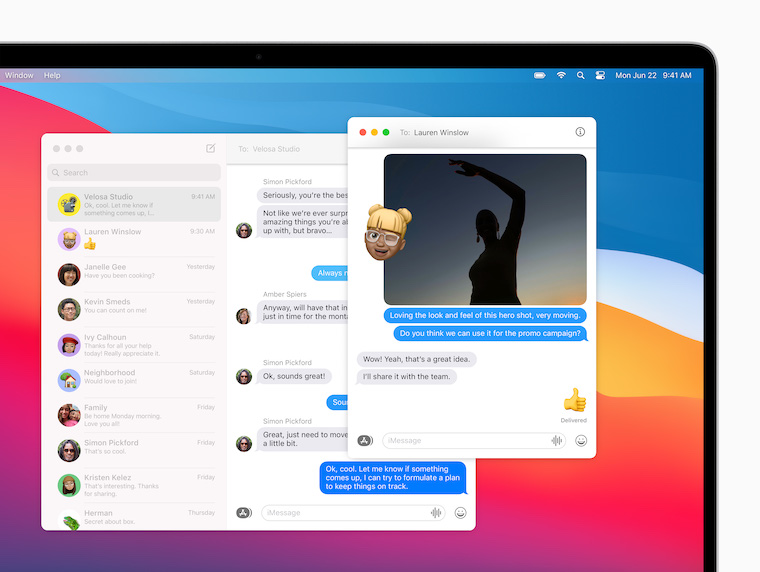
- In macOS 11 Big Sur, if you launch the Messages app immediately after signing in to iCloudu, then another window may appear in which you must log in.
- You may not be able to set your name and photo in the Messages app in macOS 11 Big Sur.
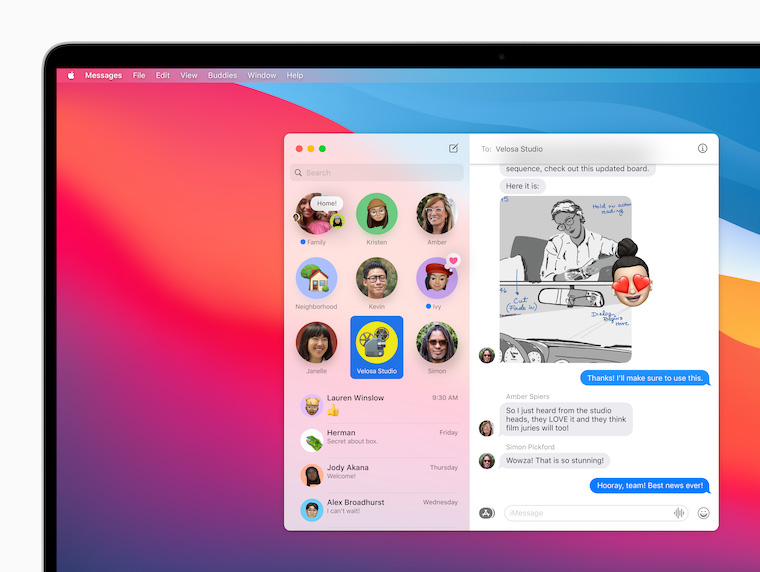
- In the Messages app on macOS 11 Big Sur, you may see a notification that you have exceeded your pinned conversation limit.
- Messages preferences are not available until you have sent or received at least one message.
- Autofill in Messages doesn't work in full screen mode.
- Conversations from the Messages app may not be printed correctly or exported to PDF.
- First and last names may not be aligned correctly in the Messages app.
- The Music app may close automatically if you tap the search box.
- If you activate Spotlight and quickly start typing a query, the result from the previous session may appear.
- If you can't find the application in Spotlight, you must first launch it from the Applications folder or from Launchpadu.
- Touch ID may be disabled on some MacBooks if you have another operating system installed alongside macOS 11 Big Sur.
Gallery
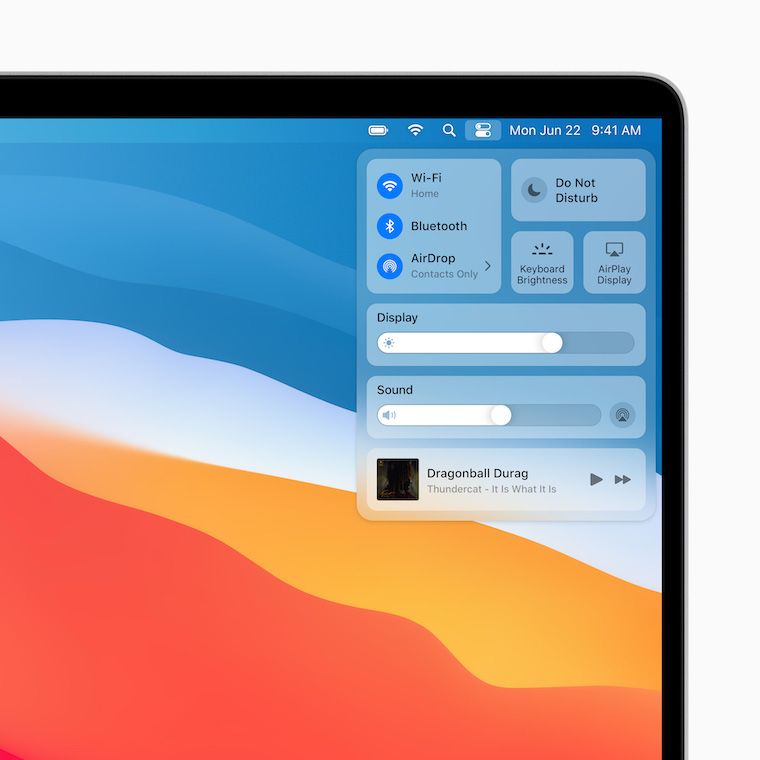
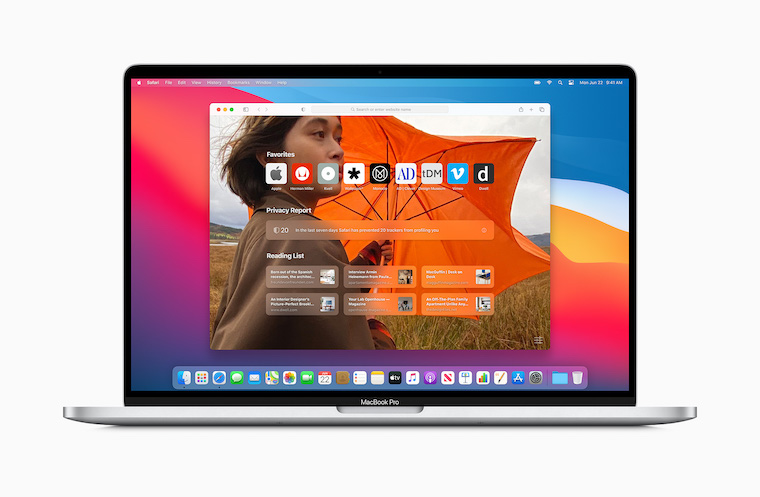
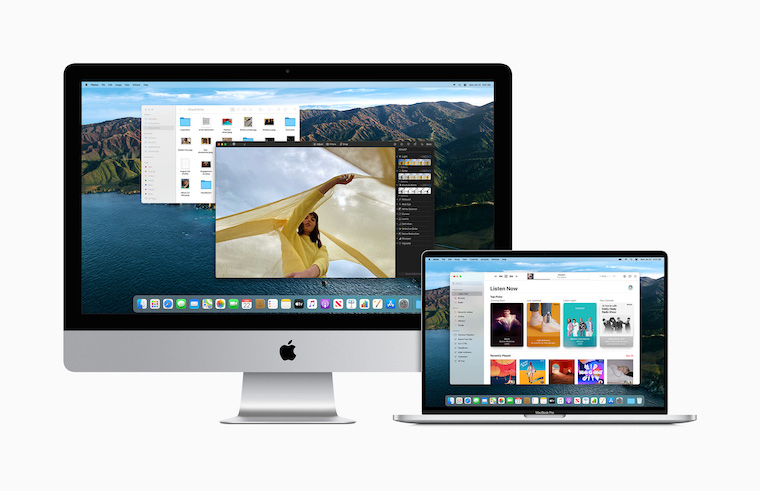
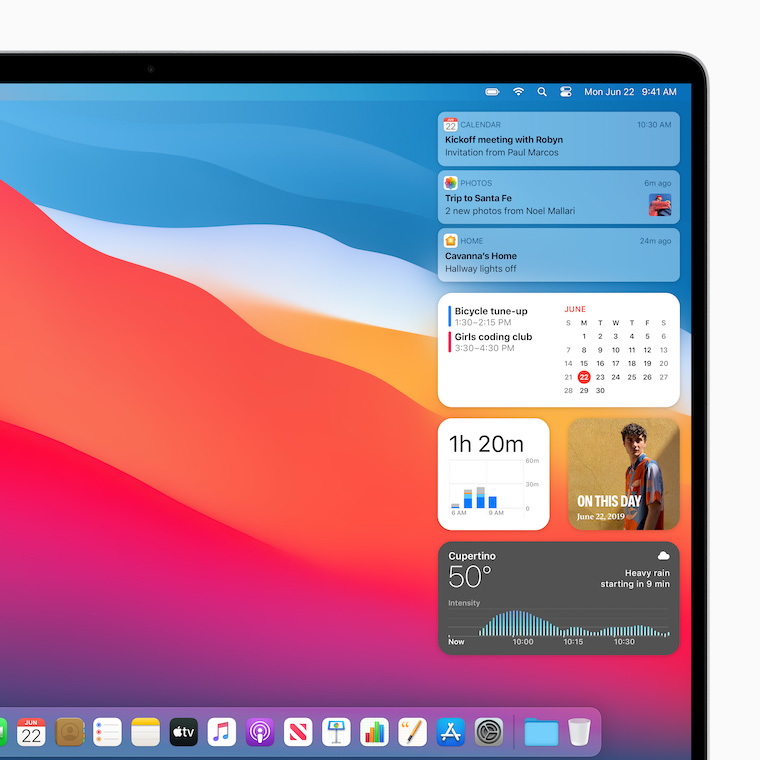
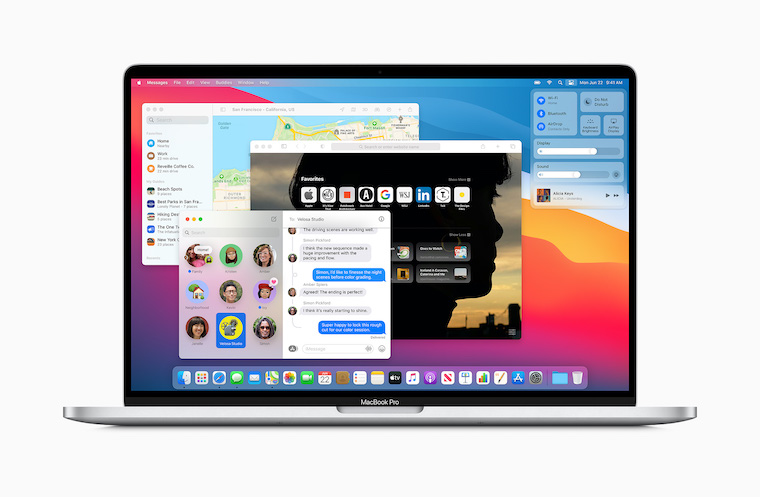
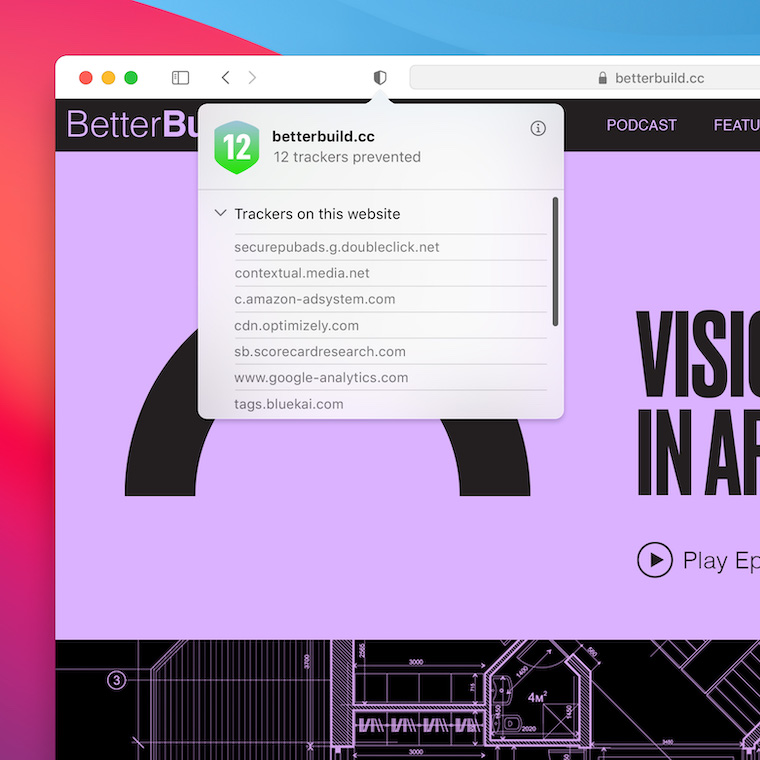
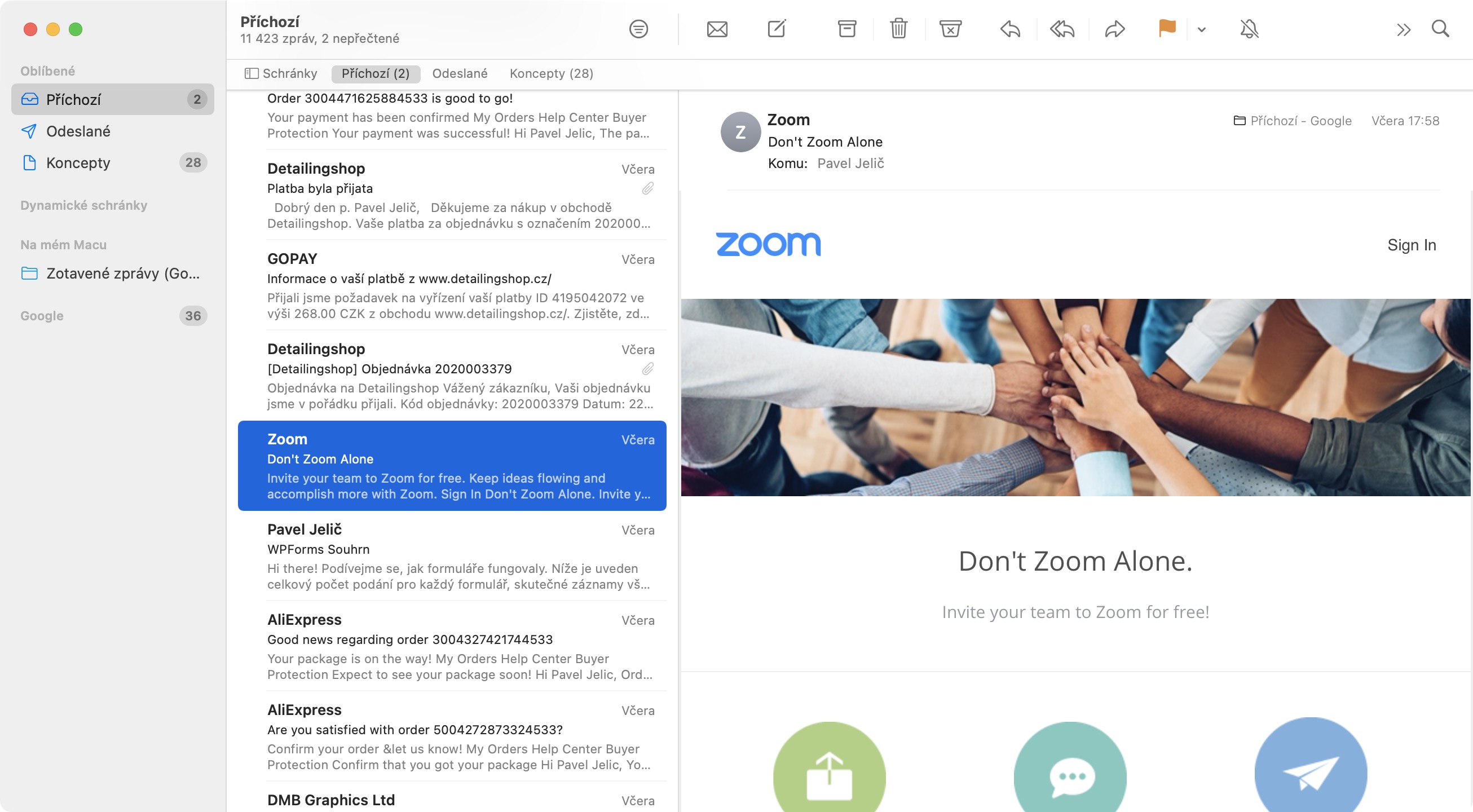
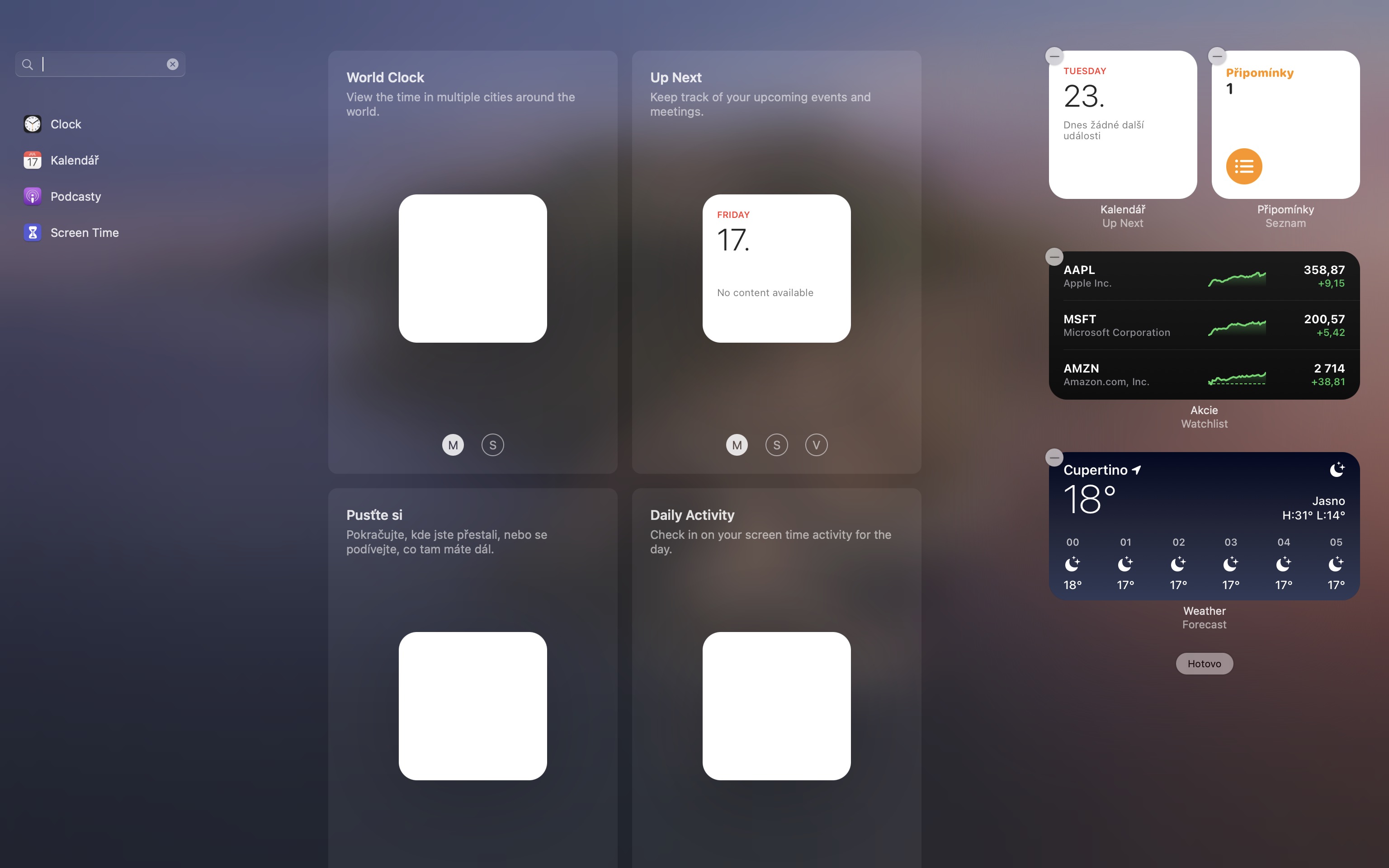
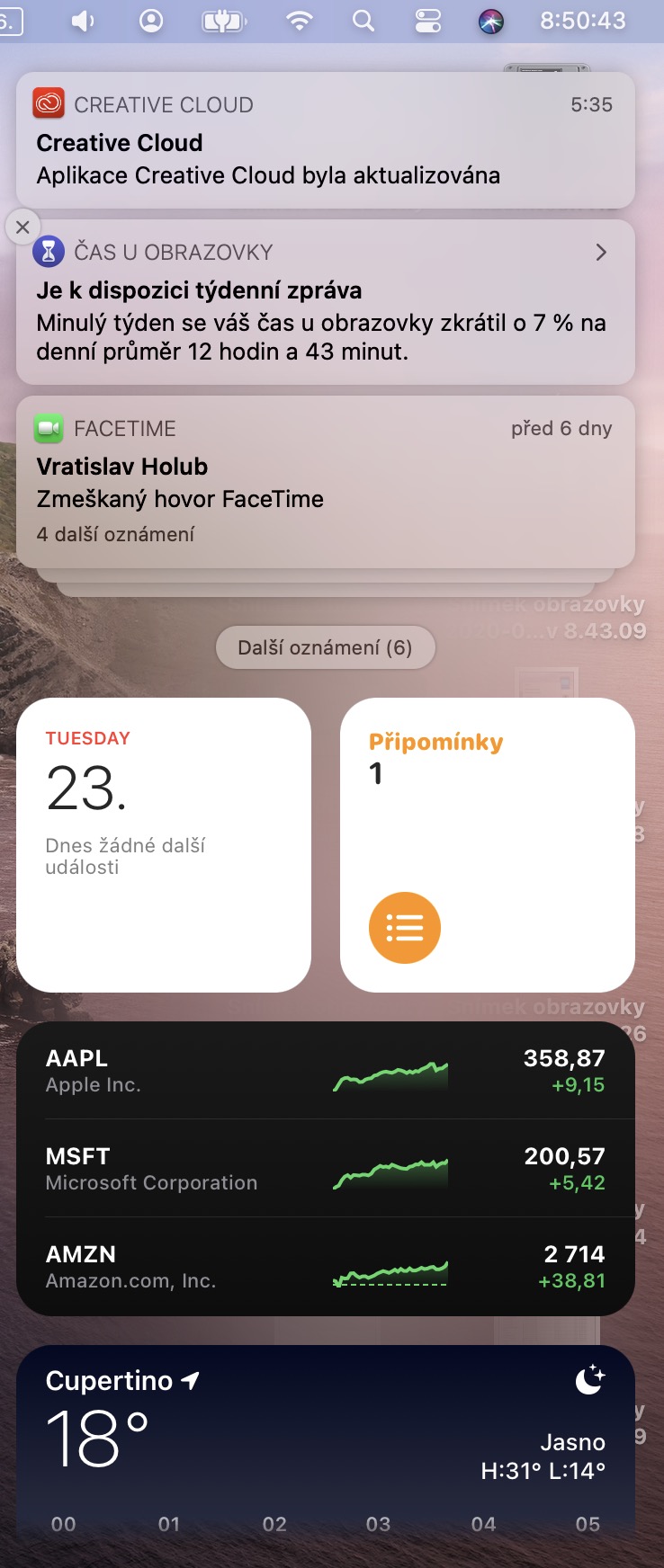

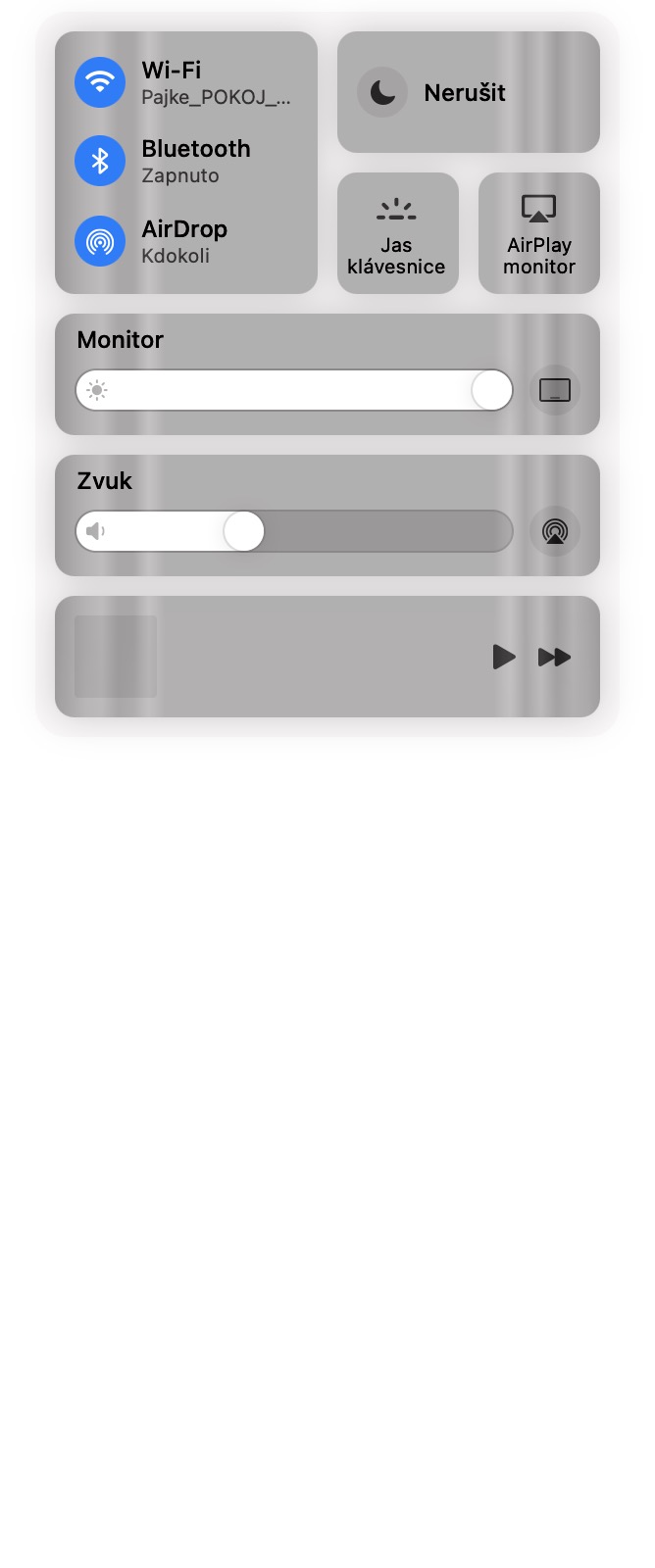
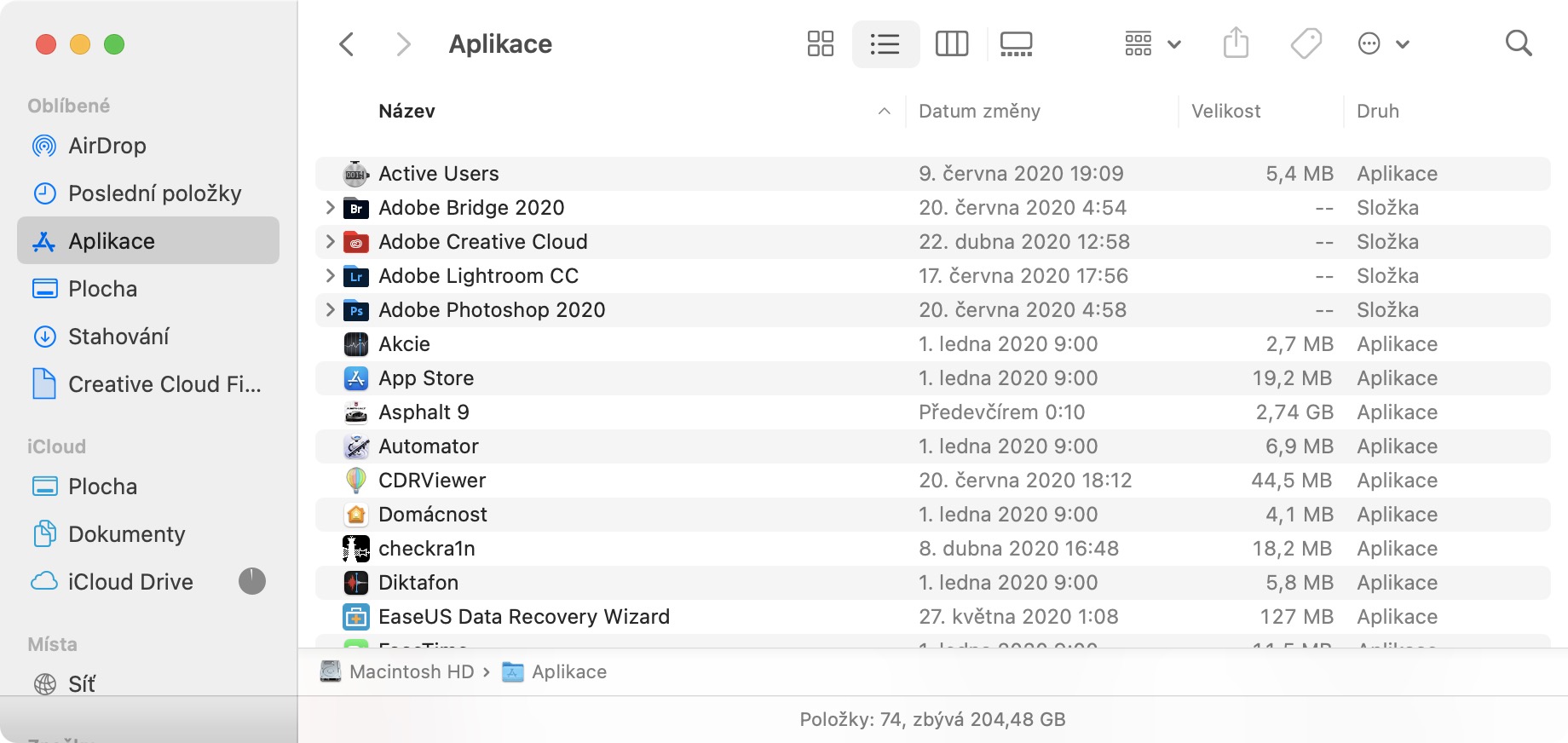
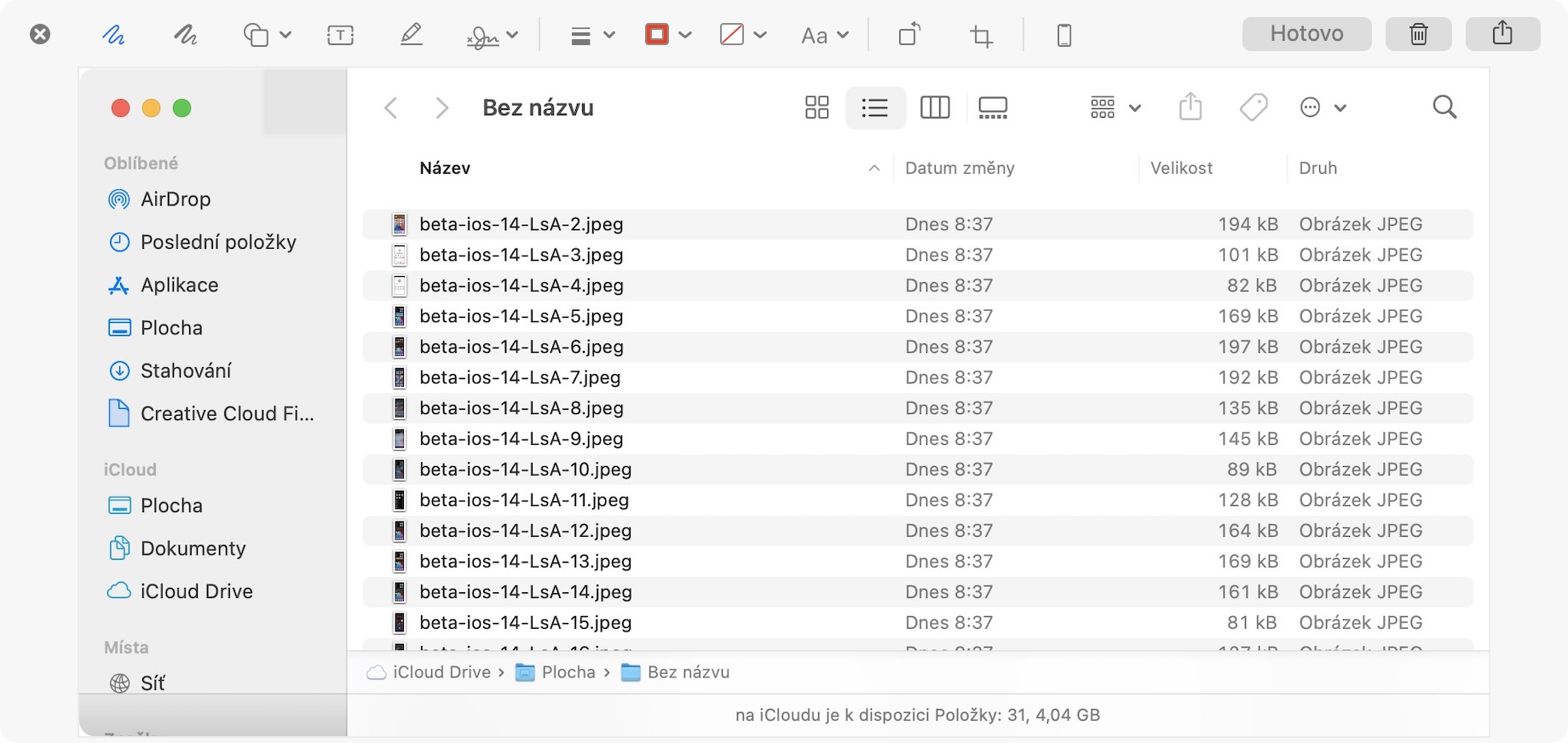
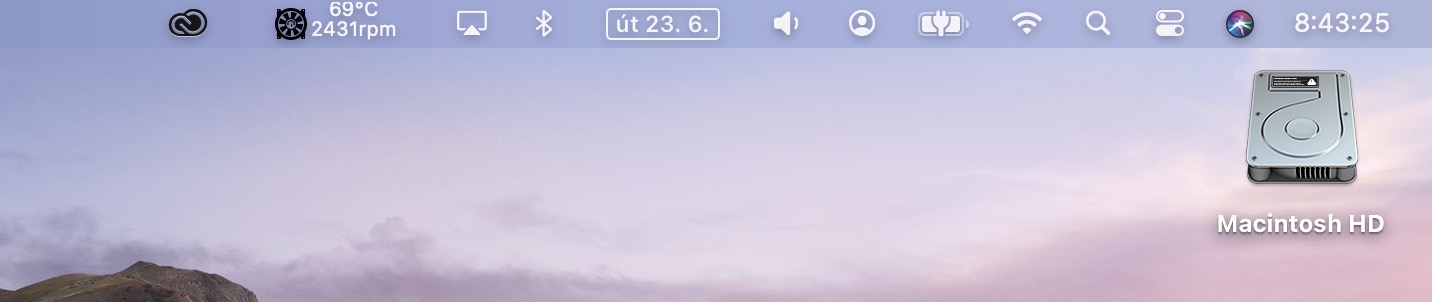
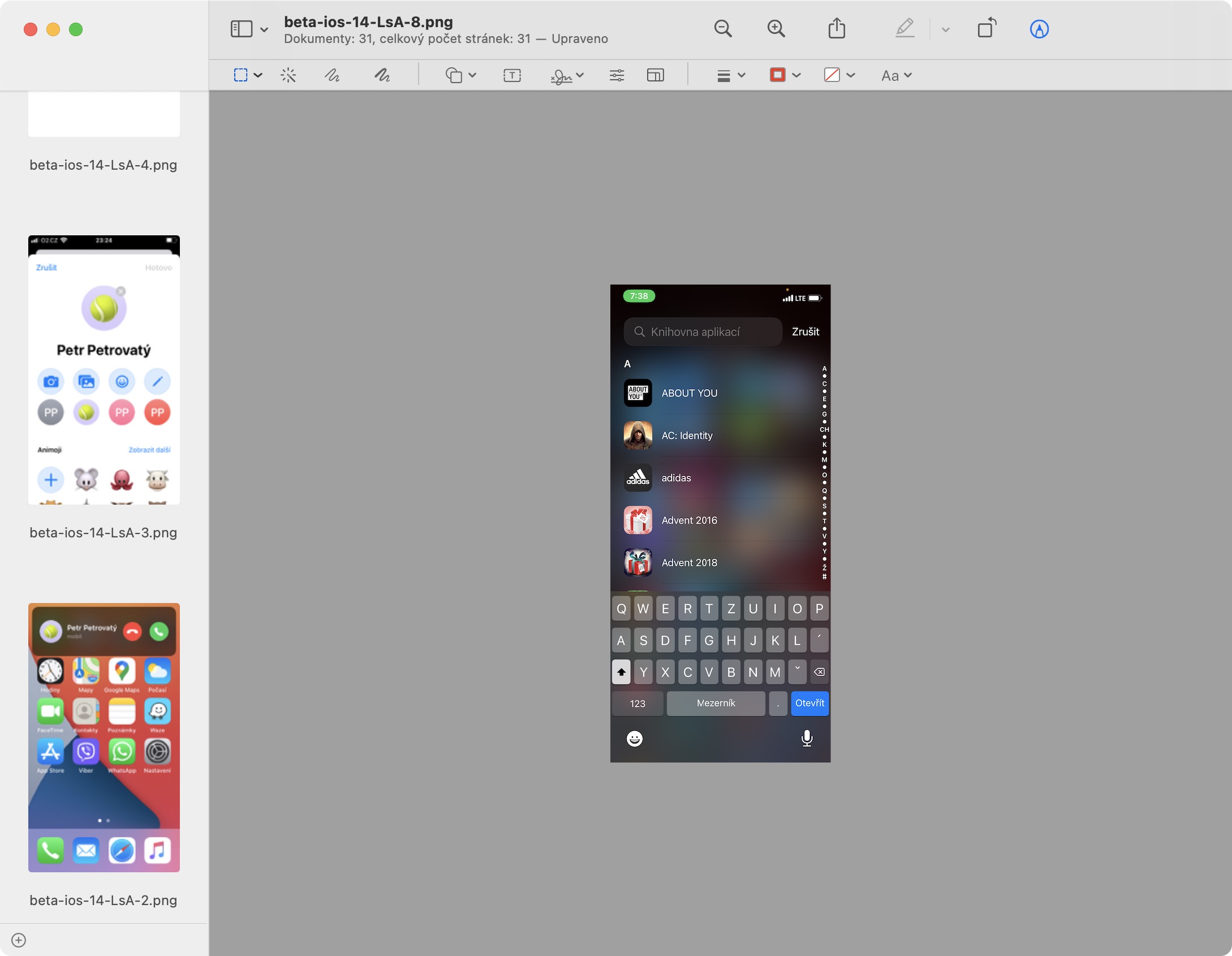
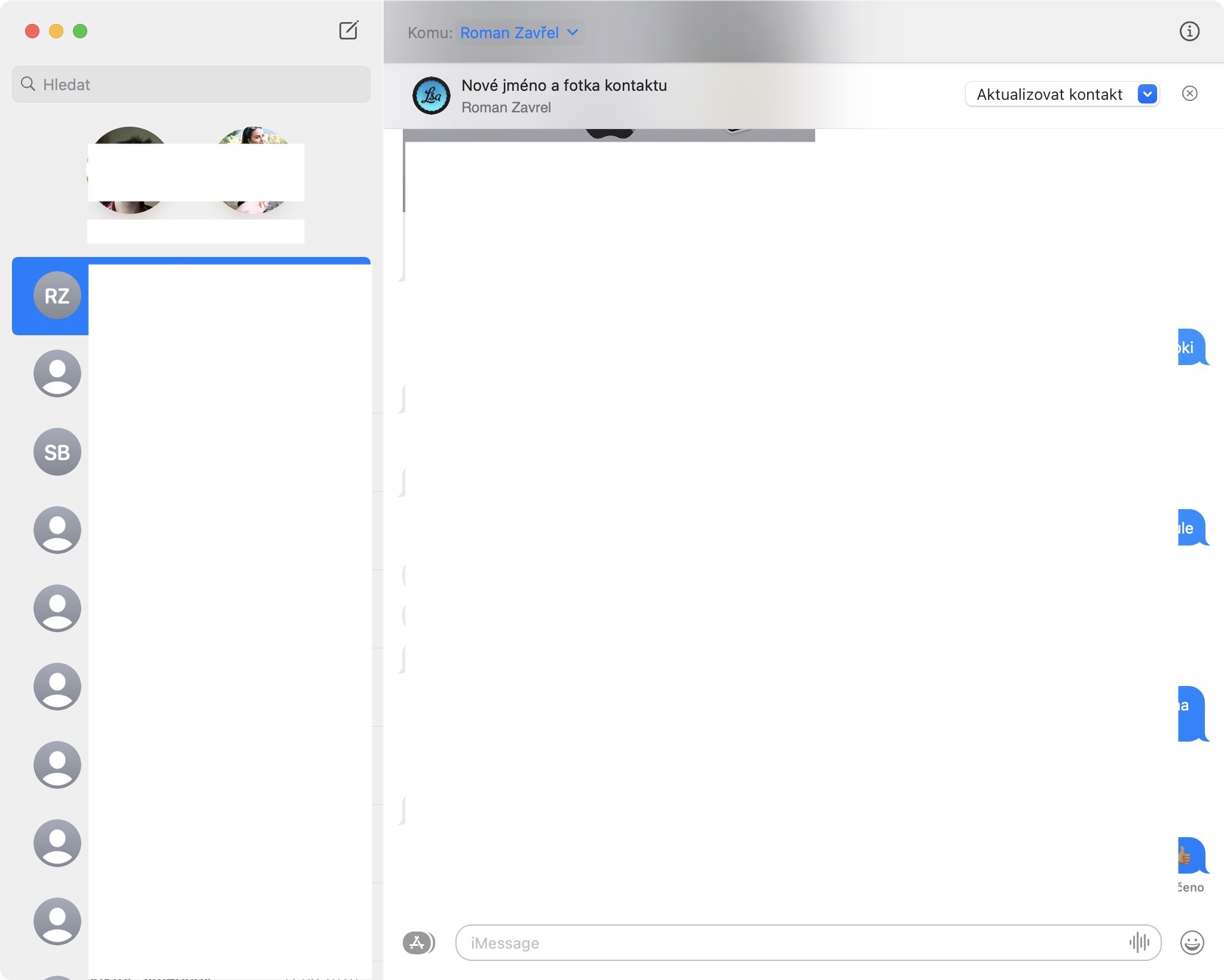
Above in the list you can find such errors that may interest any ordinary user. With a few other errors, for example in the system kernel, when programming in the language Swift, or when working in Xcode, developers can meet. Again, it is important to note that macOS 11 Big Sur is currently in beta version, and that it is practically clear that the system cannot be without errors. If any of the above errors "disturbed" you, then you need to wait for the next update.




Great, beautiful operating system, it completely revived my Mac. I look forward to seeing other programs in the same style. It runs beautifully fast. ProI'm so sorry. Safari, it keeps turning off for me. This AppIt worked.
This happens to me too. Chrome, sometimes it rains
try uninstalling the add-ons and reinstalling them, I'm probably using them, they're incompatible...
You are probably right, I have Iina installed and it has the add-on in it and cannot be uninstalled separately. Otherwise I don't have accessories.
Can I ask if you have any idea how to fix a broken one? touch ID u MacBookeven if I don't have another operating system?
https://www.letemsvetemapplem.eu/2020/04/17/jak-resetovat-pamet-nvram-a-smc/