
Recently, more and more people are becoming more concerned about their privacy. In addition to carefully choosing the services they will use, people are also not picking up strange numbers or clicking on links in strange messages. As part of iOS There are various features available that you can use to filter unknown senders. However, this feature is disabled by default. In this tutorial, let's take a look at how you can enable it and how to use the feature to filter messages from unknown senders.
You might be interested in
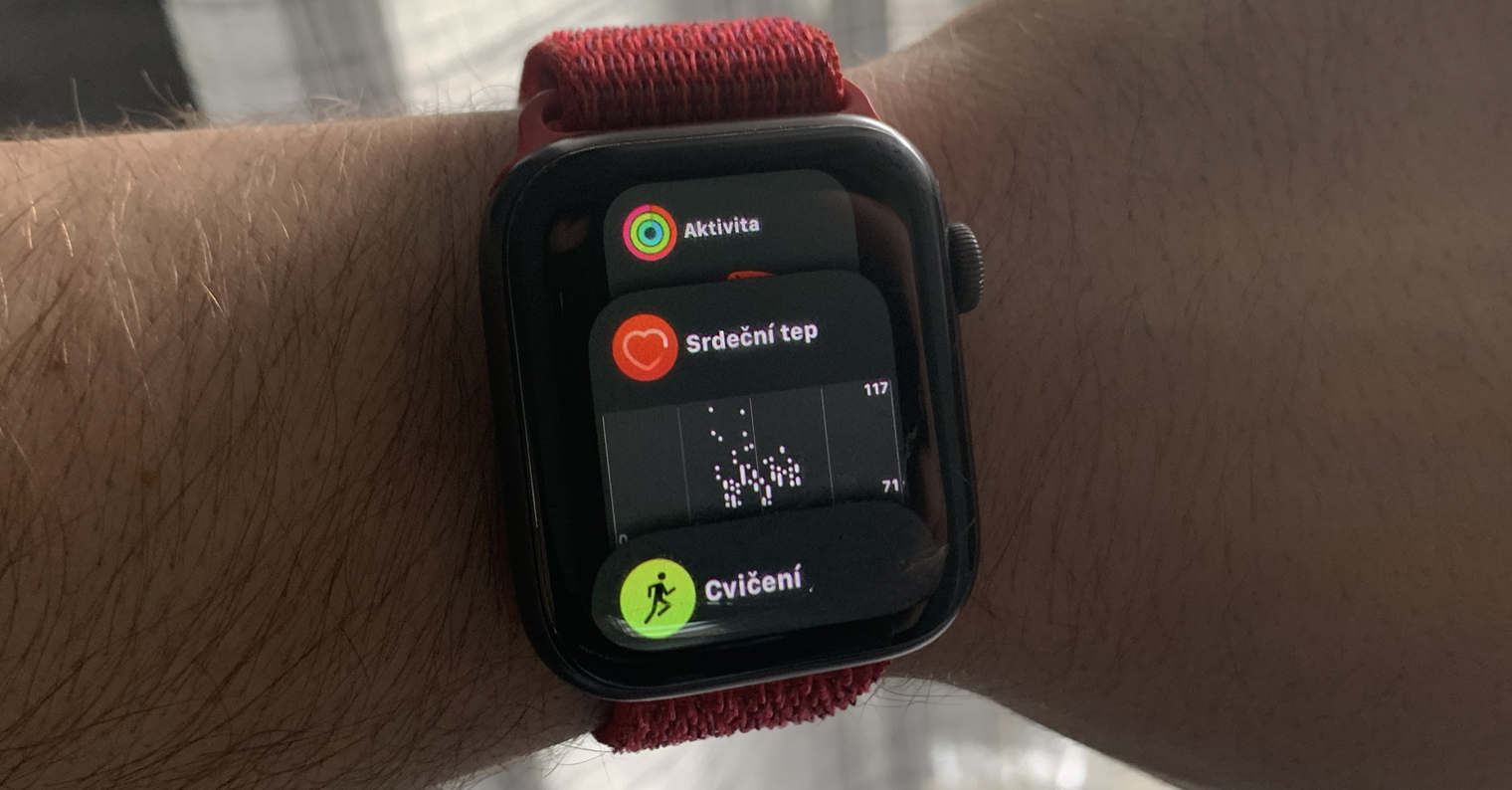
How to Filter Unknown Message Senders on iPhone
In case you want to within the operating system iOS filter unknown message senders, so first move to the native application Settings. Once you've done that, move up a bit in this menu below, until you come across the column with the name News, which you click. Here, then go down a piece again below to the section Message filtering. Here it is enough to use the named function Filter unknown senders they switched switch do active positions. In addition to the fact that in this section you can filter unknown senders of messages, you can also change the automatic settings here removing audio messages, which we showed in previous instructions.
Gallery

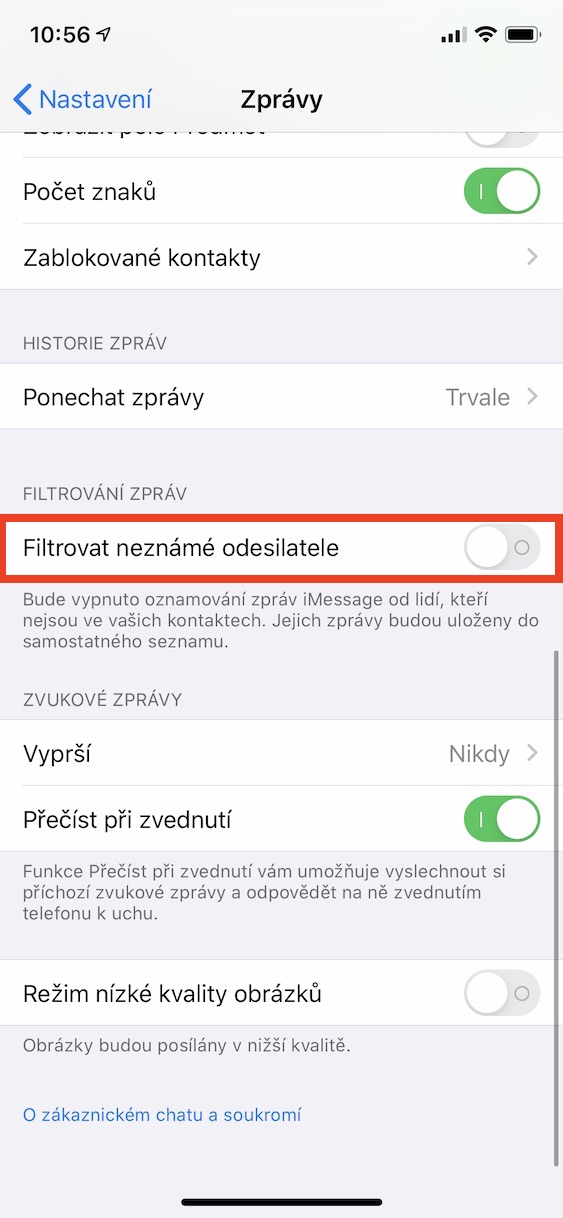
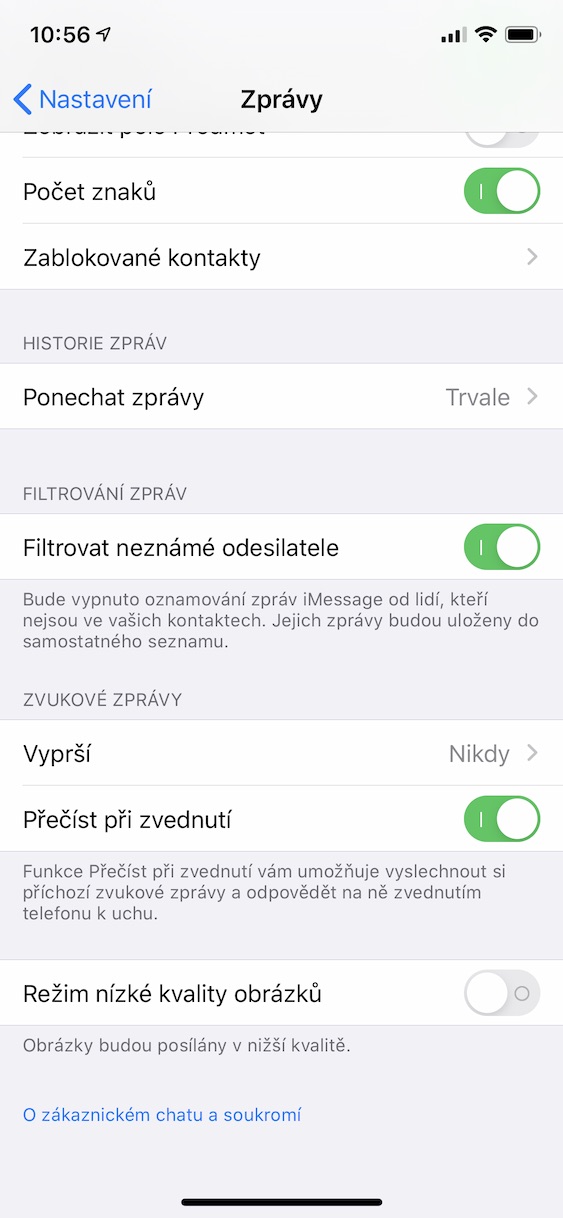
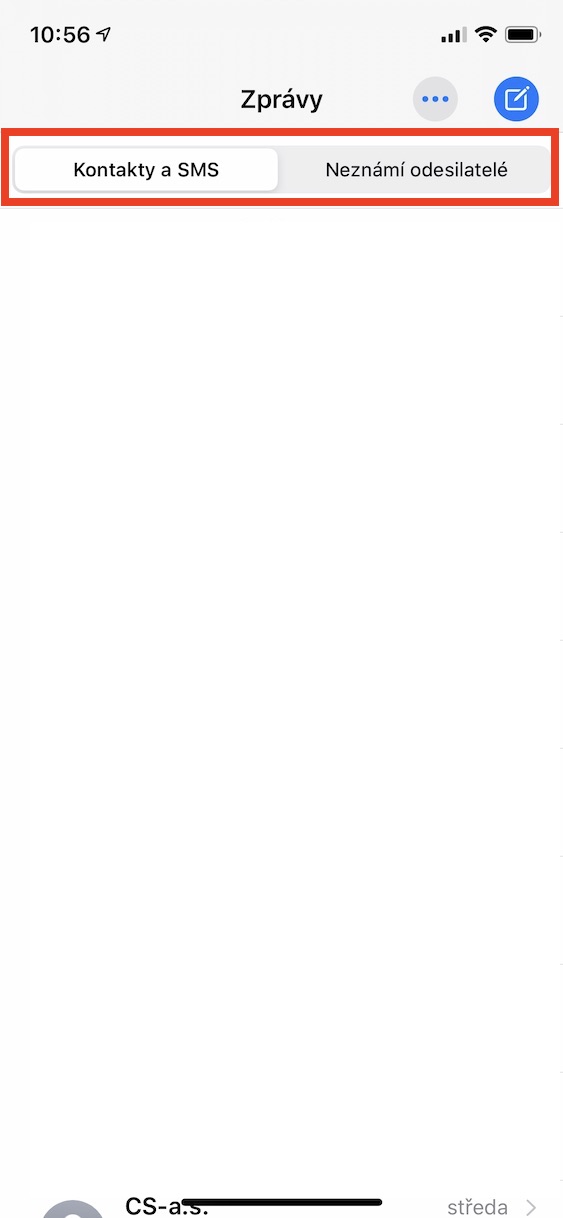
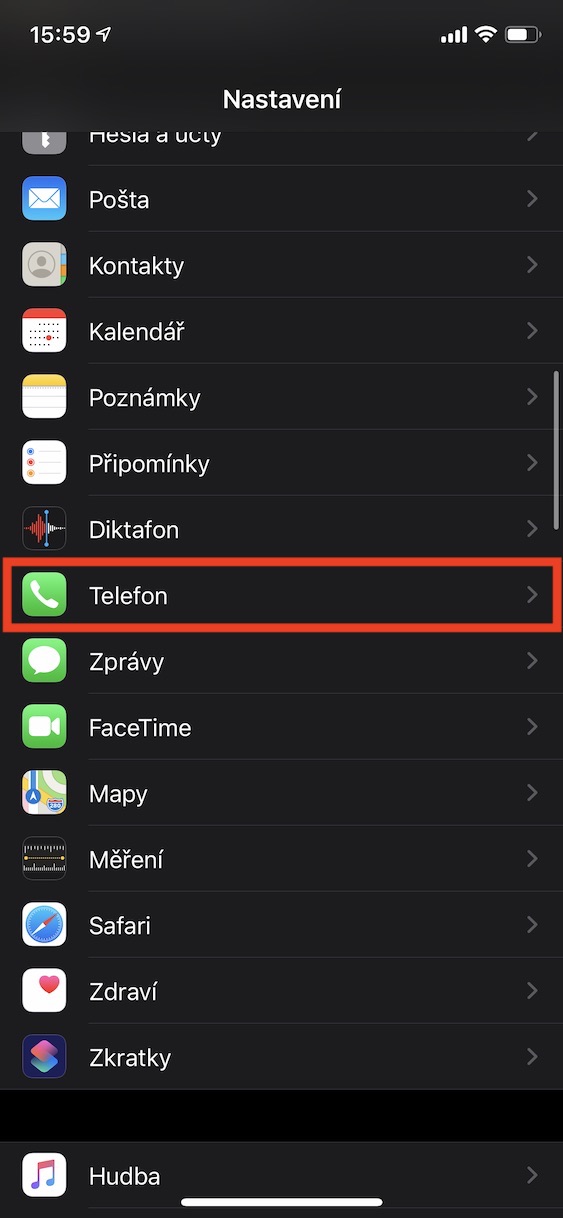
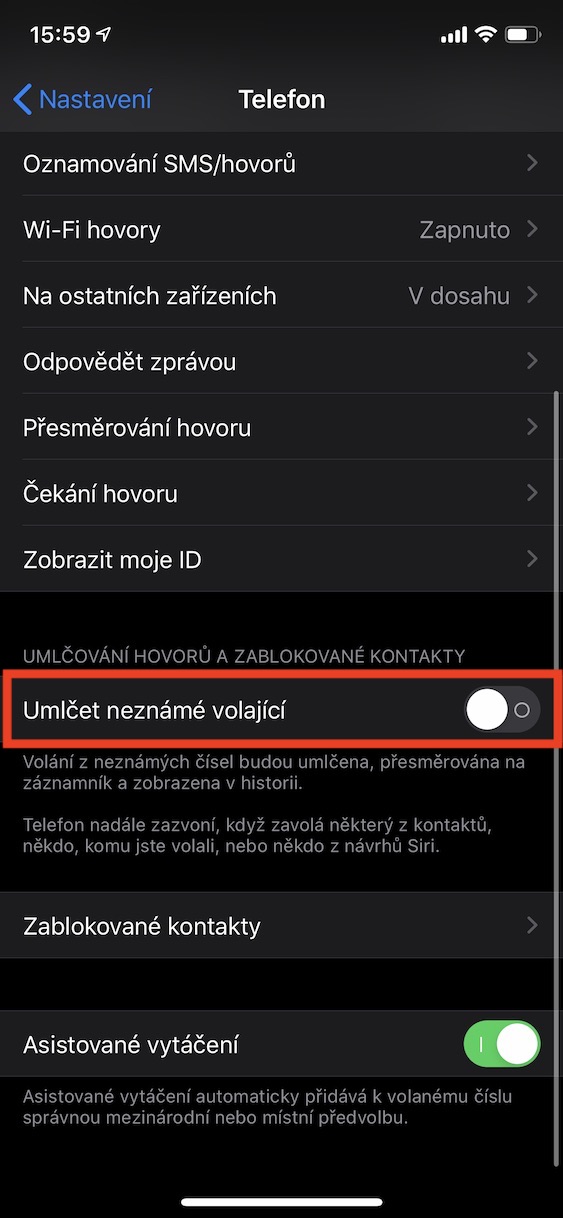
After activating this function at the top of the application News will display a new menu. Now, whenever an unknown sender, whom you do not have in your contacts, writes you a message, this message will appear in the section Unknown senders. We have similar functions within iOS 13 also received incoming calls from unknown users. If you want this feature activate, so go to Settings -> Phone, where to switch switch at the function Mute unknown callers do active positions. If someone you don't have in your contacts calls you after activating this function, the call will be muted, forwarded to voicemail and the number will be displayed in the call history.
Gallery



It probably doesn't belong here, but can someone explain to me why there is a price IPhone xo 3000 higher than xs?
There is only filtering there for imessage, so it probably doesn't apply to all SMS, unfortunately. So you're halving it!! Unanswered