The HBO GO streaming service, operated by the cable company HBO , is quite popular among users, and its use has been increasing, especially recently, when many people are staying at home. Controlling and using the HBO GO application is very easy in itself, but there are definitely tips that will make using the application even easier, more convenient and more efficient for you.
You might be interested in

Content for children under control and lock settings
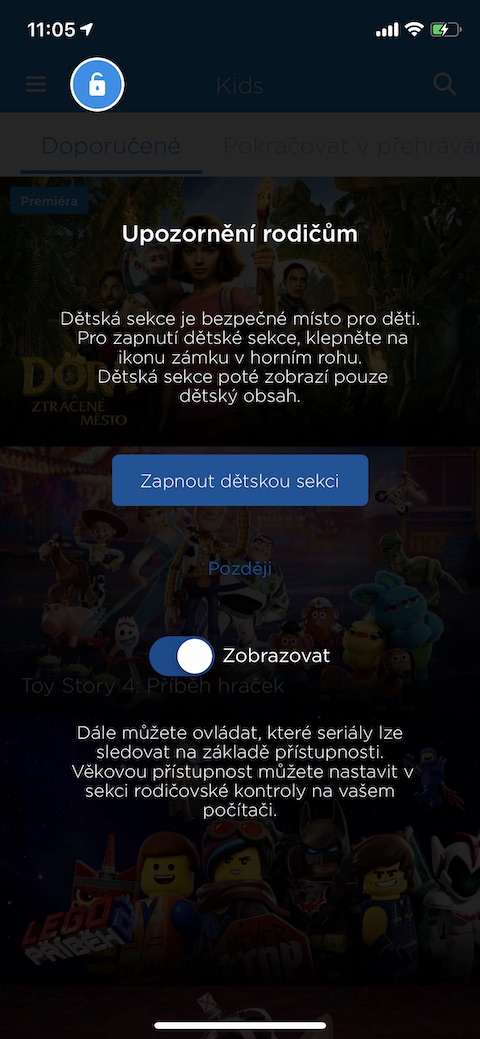
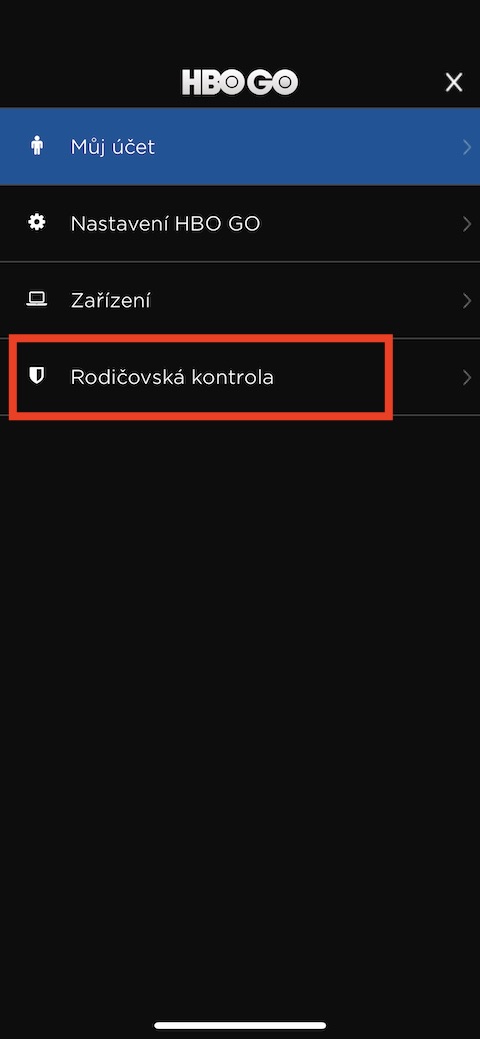
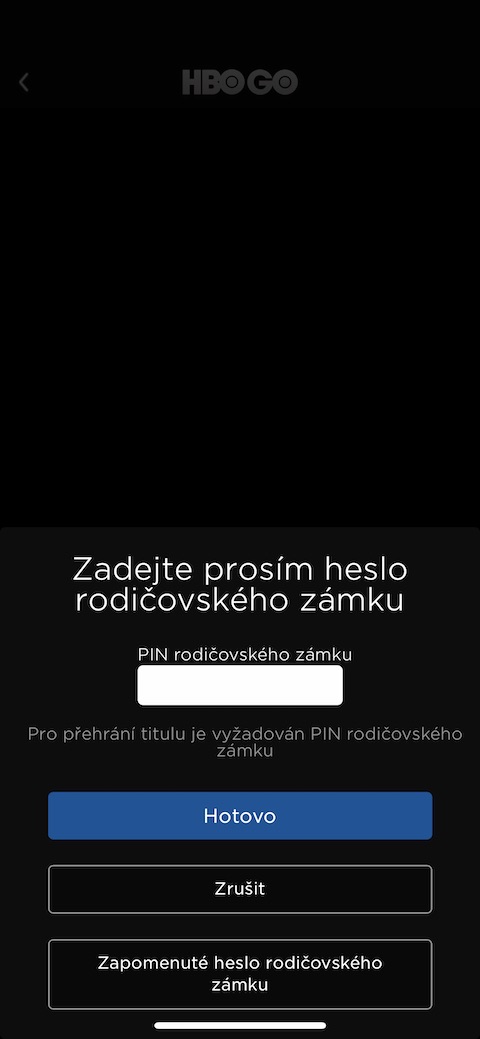
The HBO GO streaming service offers a wide range of films and series for even the youngest viewers. However, in certain circumstances it is very easy to switch from SpongeBob SquarePants to, for example, Game of Thrones, which you can watch with your children (mini(at least up to a certain age) you definitely don't want to serve. Fortunately, HBO GO offers parents useful tools to control the content their children watch. For example, you can activate the Child Lock - just go to the "Kids" section in the app and then tap the lock icon in the upper left corner. The locked icon indicates that you can't leave the children's section. Pro You will need to enter a parental code to unlock it. You can set up parental controls by tapping the lines icon in the top left corner of the HBO GO main screen. Here, tap Settings -> Parental Controls. The parental control code will also automatically block access to content that has been marked as unsuitable for children.
Save content for later viewing
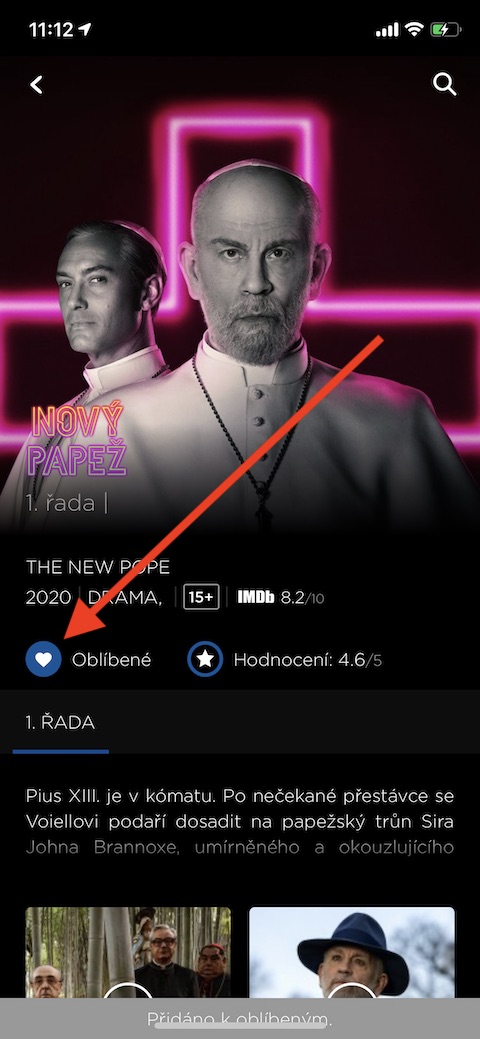
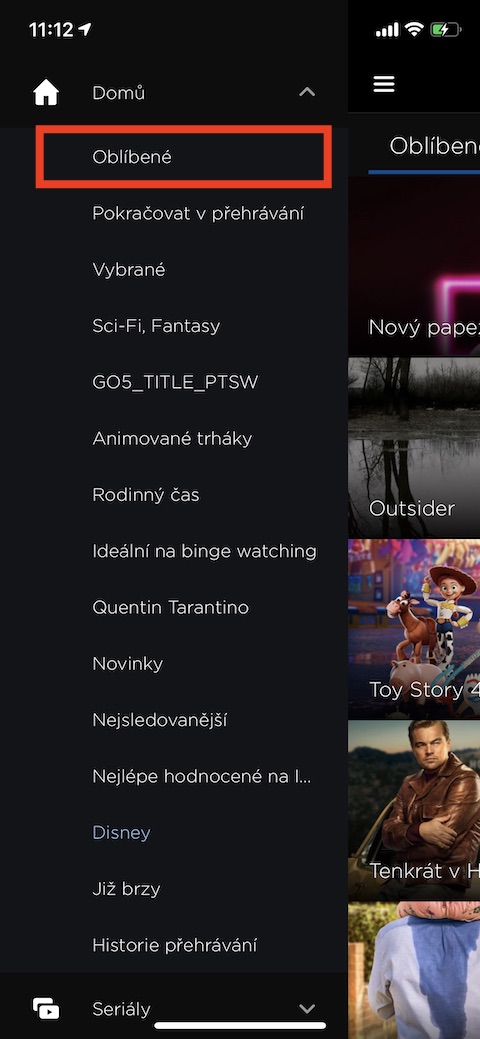
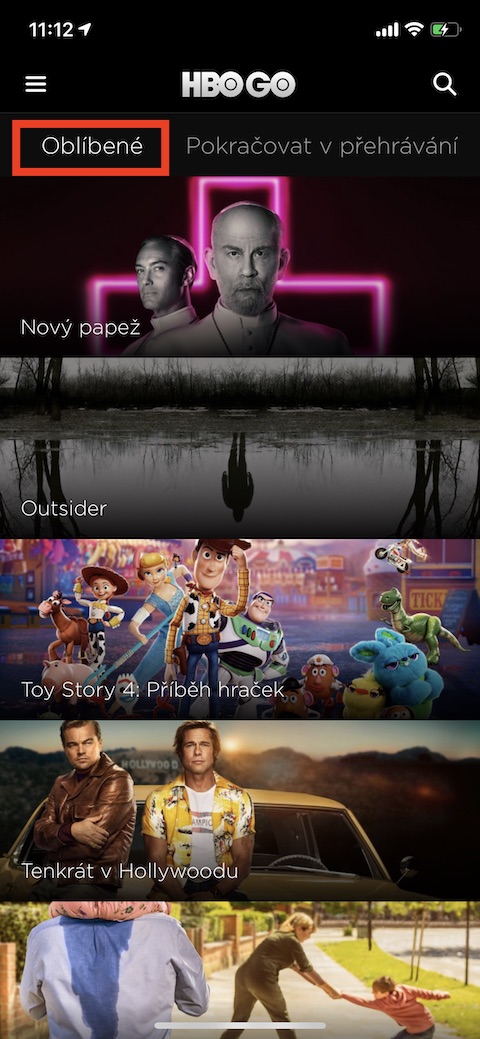
While browsing the content of the HBO GO streaming service, have you come across a series or movie that caught your attention, but which you cannot or do not want to watch at the moment? There is a high probability that over time you will forget what you actually wanted to come back to later. Fortunately, HBO GO offers a favorites section where you can quickly and easily add content to watch later with a single tap. You will find a heart icon for each of the titles - just tap on it and the program will be automatically saved to your favorites. You can then find the programs in the "Favorites" section, to remove them from the list just tap the heart icon again.
Tracking on the web
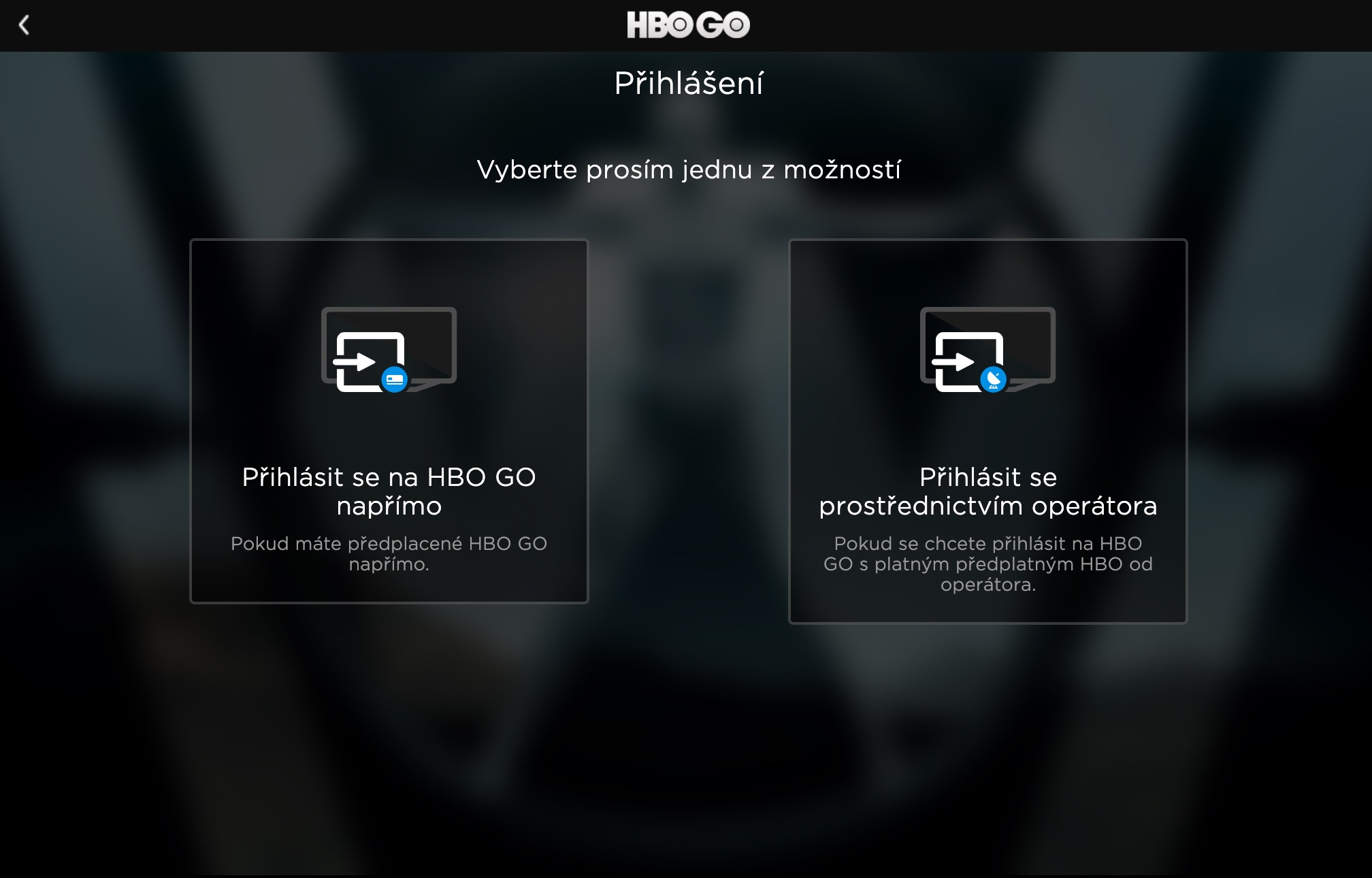
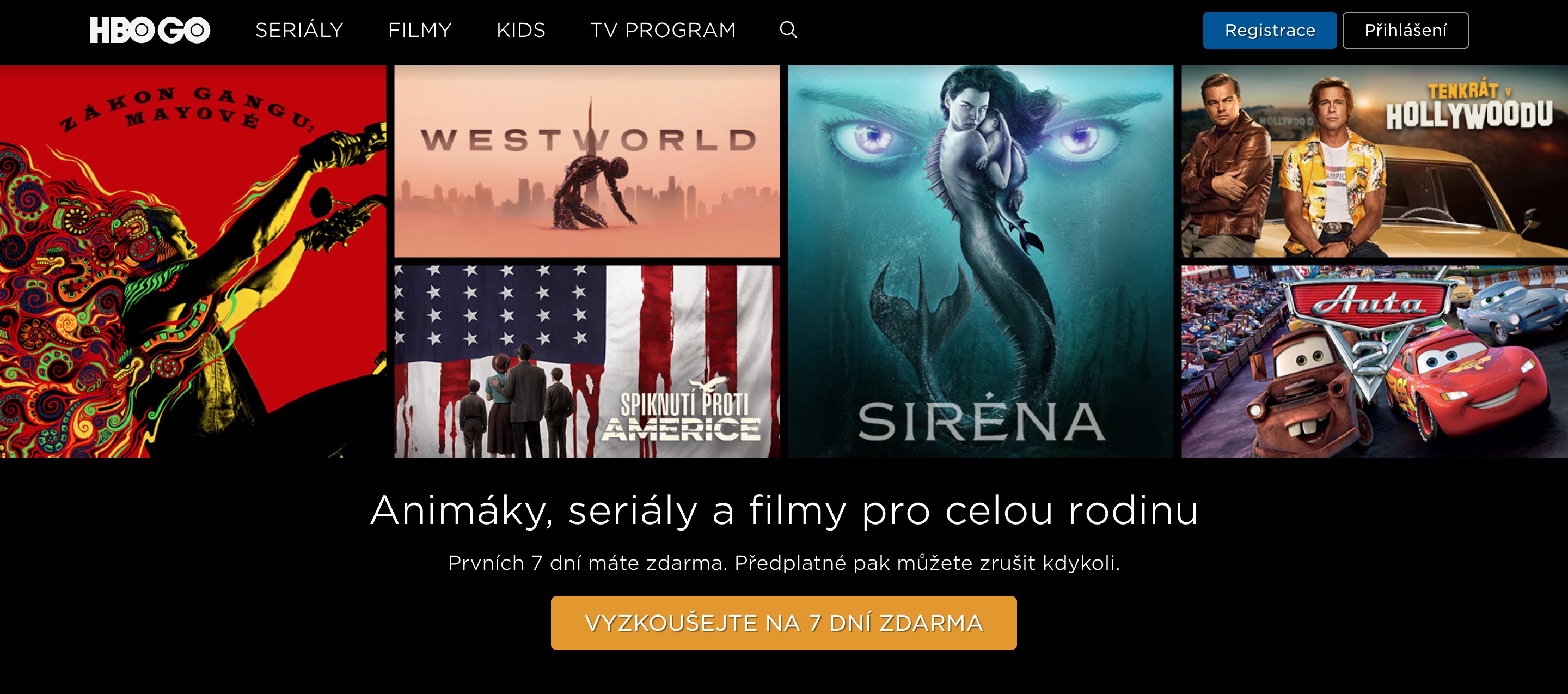
You can watch HBO GO content not only on your iPhone, iPad or Apple TV, but also in the interface of any web browser. Just enter the address hbogo.cz in the address bar, where in the upper right corner click on “Login”. Then you choose either to log in to the service directly or through the operator. Then you just need to enter your login details and you can continue watching your favorite content.
Pay attention to the data
At the moment, given the current situation, we obviously don't have to deal with the issue of mobile data. Unlike Netflix, HBO GO currently only offers offline content downloads for Android devices, and unfortunately only for some selected shows. If you have iOS If you have both Wi-Fi and mobile data on your device, and your home Wi-Fi connection suddenly stops working for whatever reason, watching HBO GO “on data” can sometimes cost you dearly without you even noticing. The HBO GO app should automatically notify you that you’ve stopped streaming over Wi-Fi and ask if you want to continue on mobile data. If you want to turn off data for HBO GO completely, but don’t want to disable it on your iPhone, go to Settings -> HBO GO and disable the app’s access to mobile data.
You might be interested in
Don't be afraid to share
We have already discussed sharing access to various music, film and streaming services in one of our previous articles . It is understandable that the operators of these services do not want you to share your access details with the rest of the world - you would deprive them of potential paying users. However, HBO GO explicitly states in its official terms and conditions that you can share your access details to the service with members of your family and other close people with whom you share a household - so you do not need to be afraid to share the password to your HBO GO account with your roommate. However, you should definitely not make money from a shared connection.