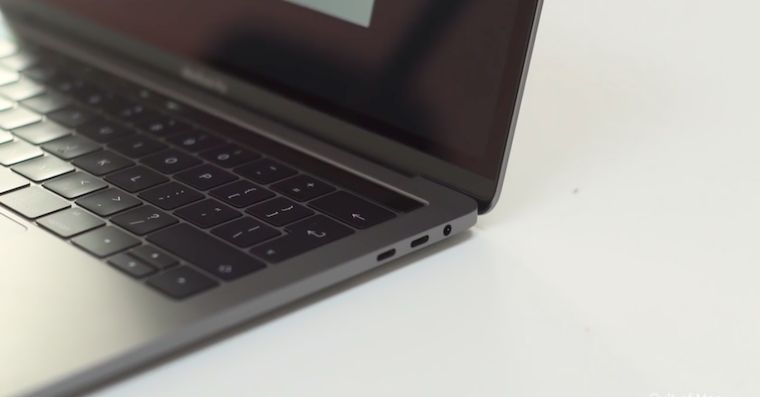
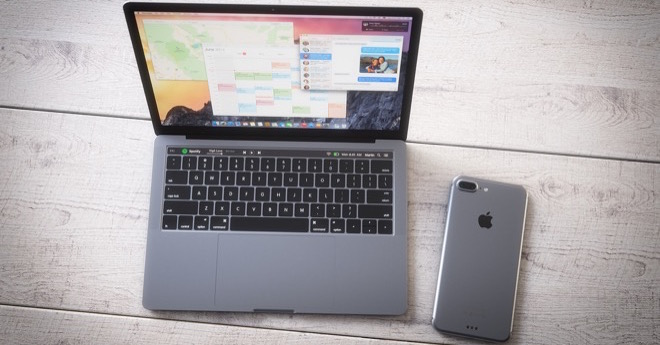
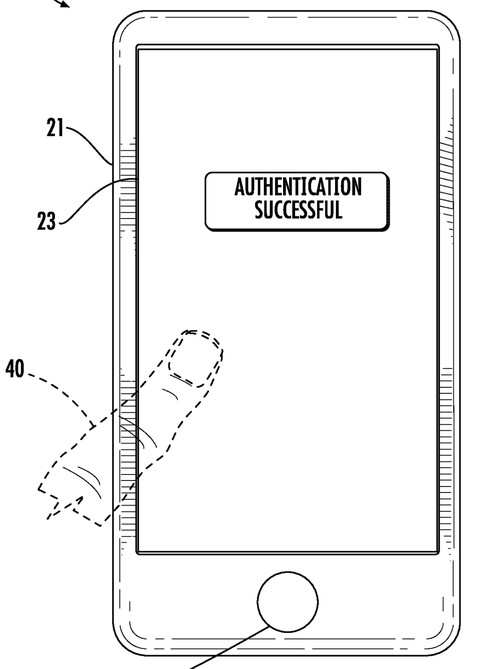
If you own one of the newer MacBooků Pro with Touch Bar, or redesigned MacBook Air, you can use on these devices Touch ID. However, many people, for example, have no idea where the settings are Touch ID finds out how many fingers can be registered on one device, or what all it can be used for Touch ID use. In case you want your Touch ID na MacBookto use on maxOkay, so read this article to the end.
You might be interested in
How to use on Mac Touch ID na maxfilthy
Gallery
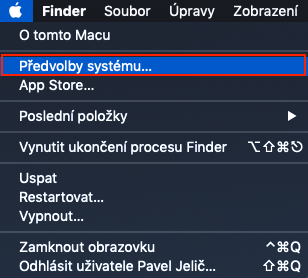
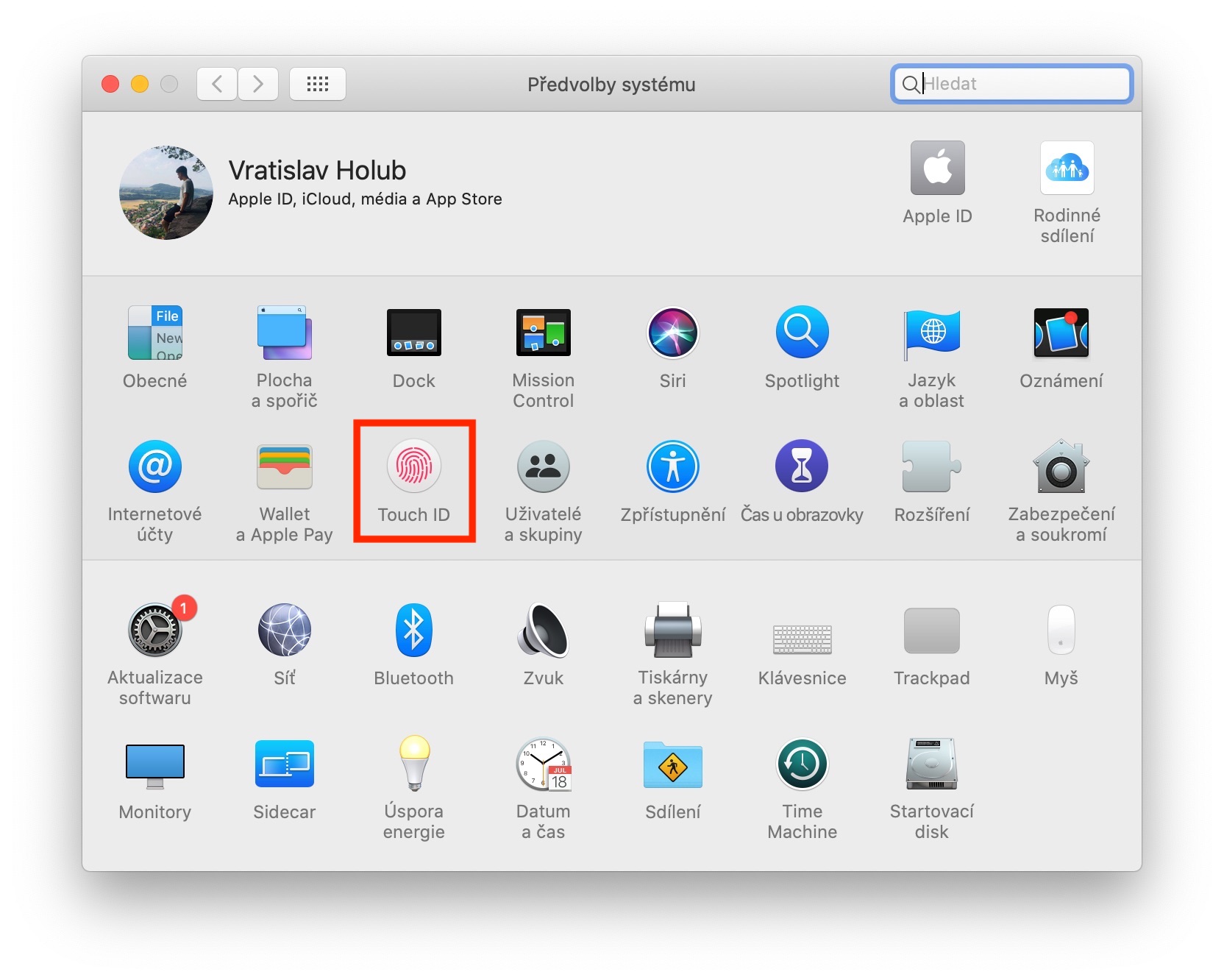
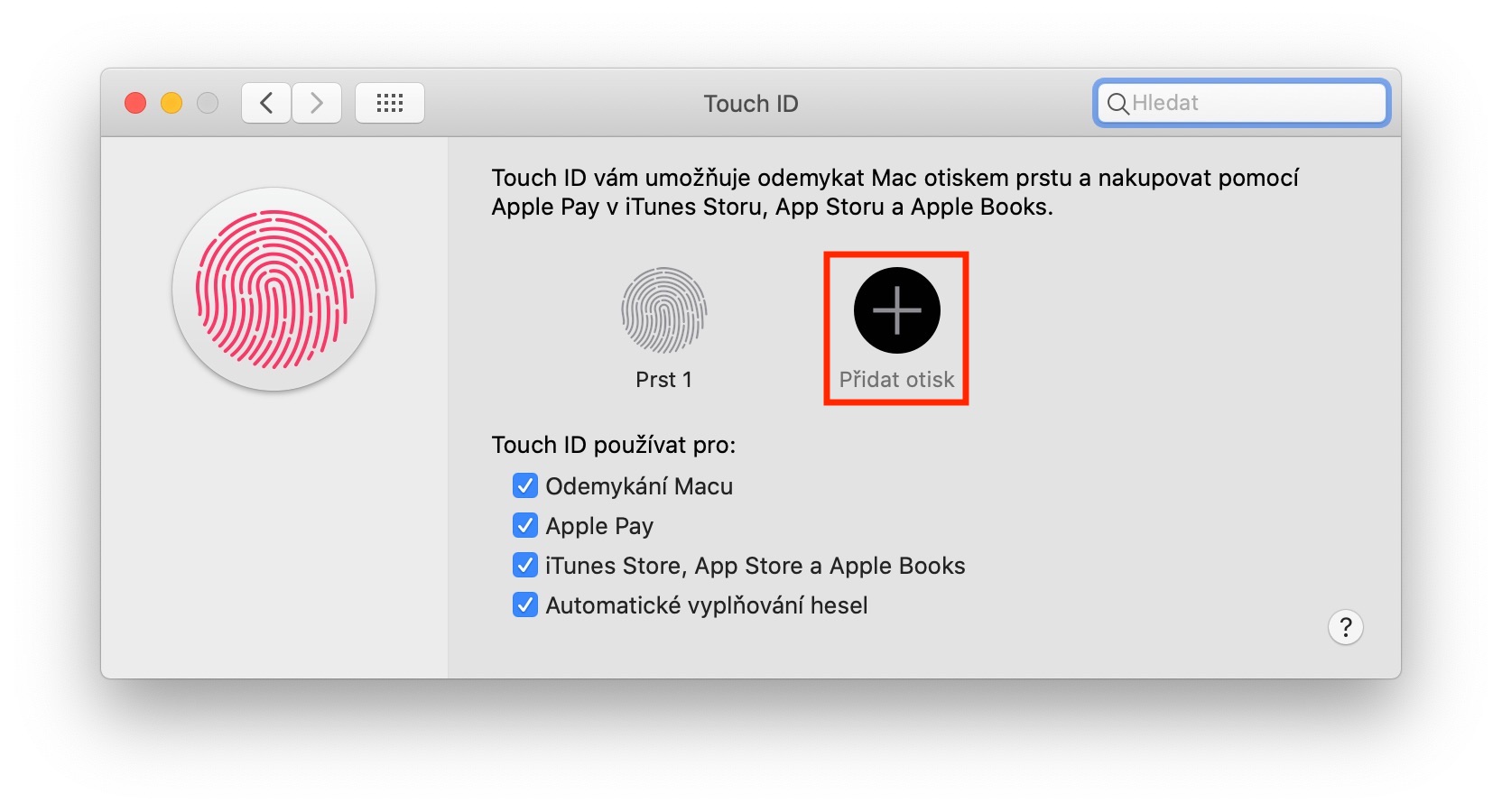
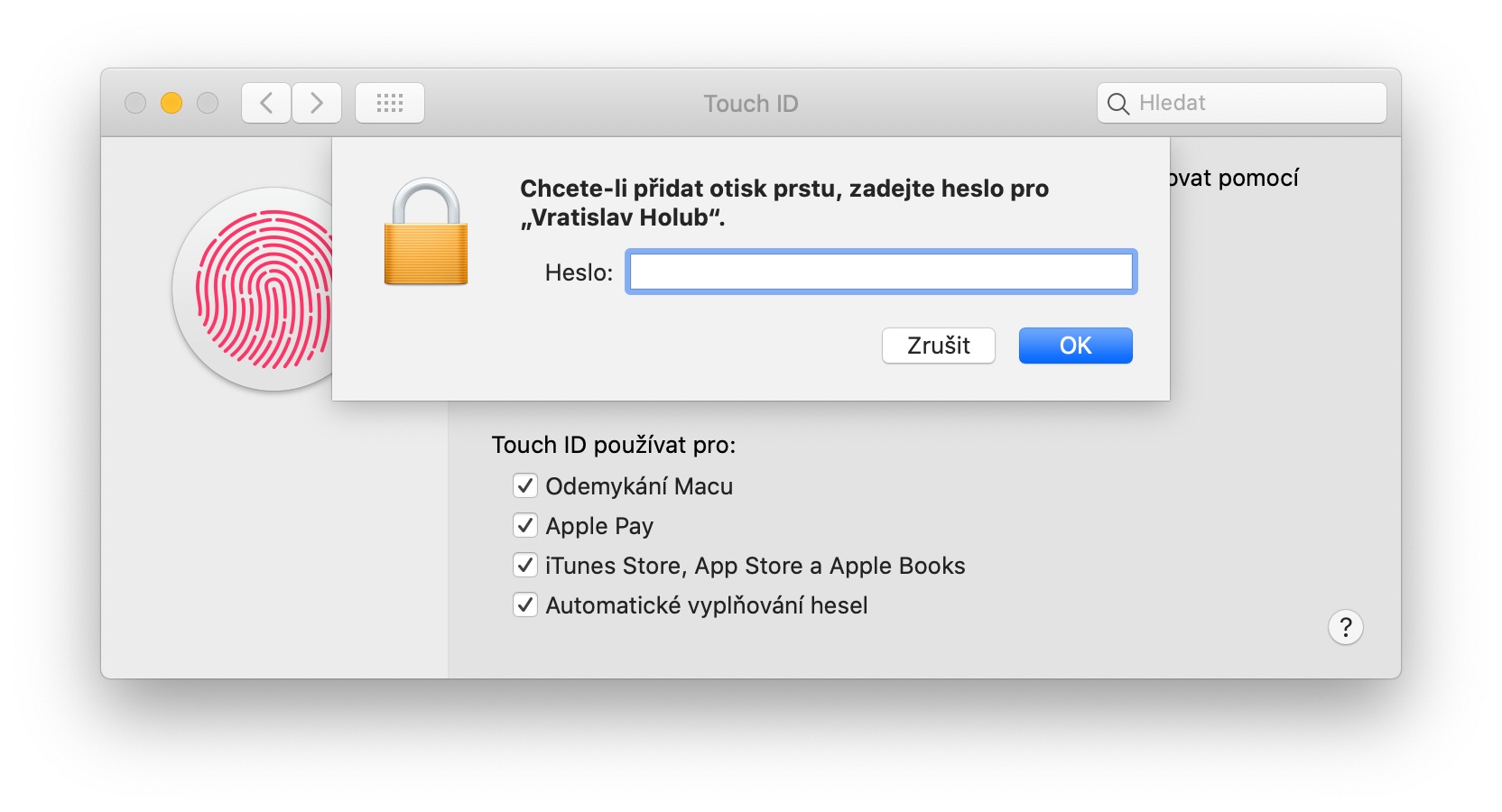
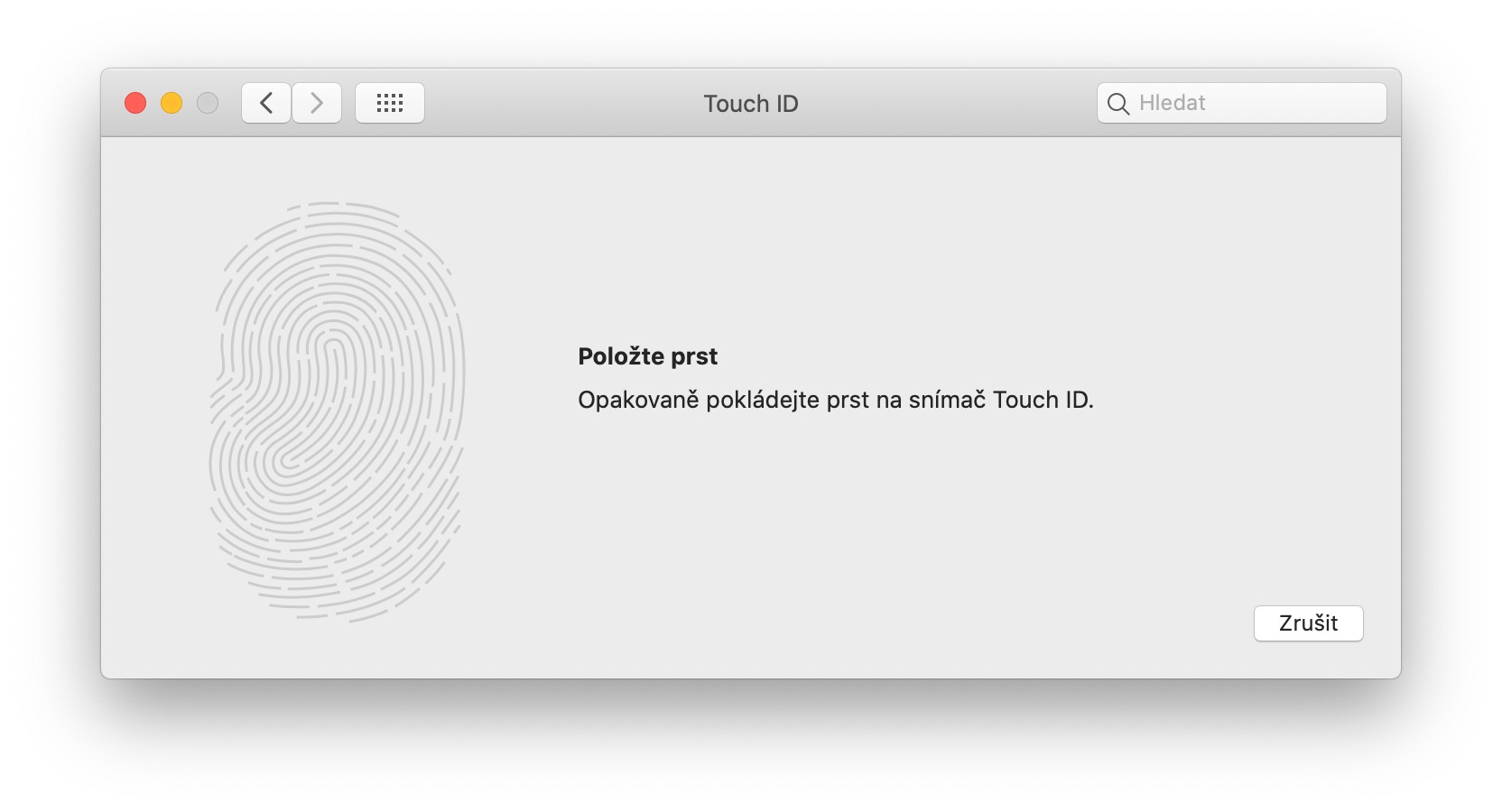
If you want to set Touch ID at yours MacBooku, the process is very simple. Just tap in the top left corner of the screen icon , and then selected an option from the drop-down menu Touch IDOnce you do this, you will find yourself in a section where you can Touch ID completely set up your Mac. If you want to Touch ID registrovat new fingerprint, so just click the button Add a fingerprint. As soon as you authorize administratorist by password This is where the classic fingerprint adding process comes in, which you may know from your iPhone. First, you repeatedly place your finger on the screen. Touch ID, and after a successful scan, you will also attach the sides of your finger. In the case of Touch ID on MacBooks you can add to memory three different fingerprints, instead of the five fingerprints you could set up on iPhoneIf it happens to you from time to time that MacBook your fingerprint is not recognized, it is recommended to create the second print of the same fingerThis will help you to recognize your fingerprint more accurately and MacBook authorizes you faster and more accurately.
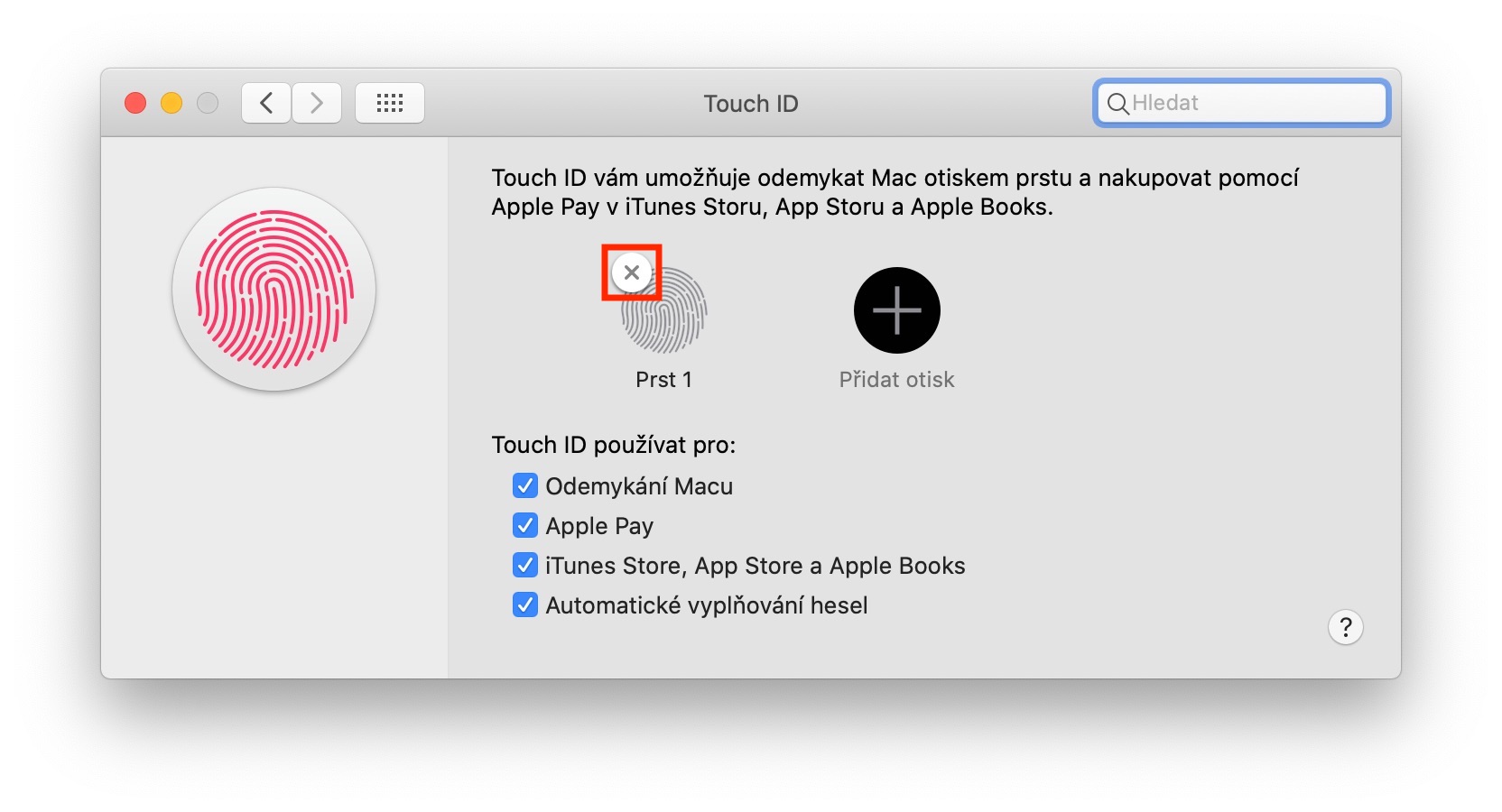
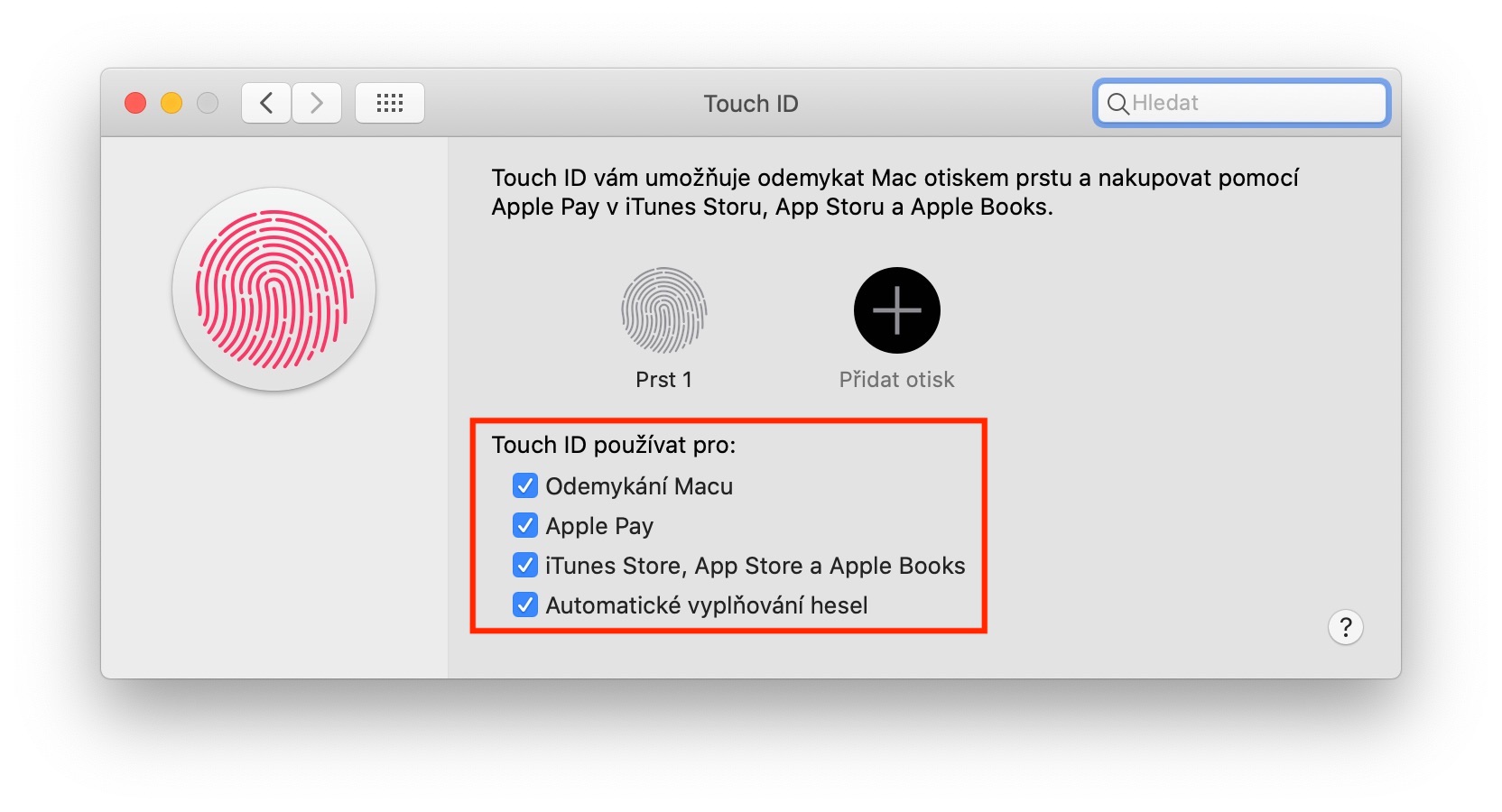
In case you want any of delete fingerprints, that's enough for him move the cursor, and then tap on cross, which is displayed top left. In order to keep all your fingerprints in order, I recommend that you keep them they named – you can achieve this by double tap on imprint name, and then set the name you want - for example right index fingerBelow in the settings you can also choose in which functions you can Touch ID to use – it is about unlocking mac Apple PayiTunes Store, App Store a Apple Books, or automatic filling of passwordsIn case you want to access any of these features Touch ID deny, so it is enough that you ticked off box next to the name.