
In the Settings of our iPhones, we can change the preferences of practically everything we might need. But did you know that practically every mobile phone manufacturer adds some kind of "secret codes" to their devices, thanks to which you can view settings that you would not normally be able to access? You can simply activate these hidden codes by opening the Phone app, then moving to the Dialer section in the bottom menu. Below you will find the most interesting secret codes for iPhonewhich may come in handy.
You might be interested in

* # # 06
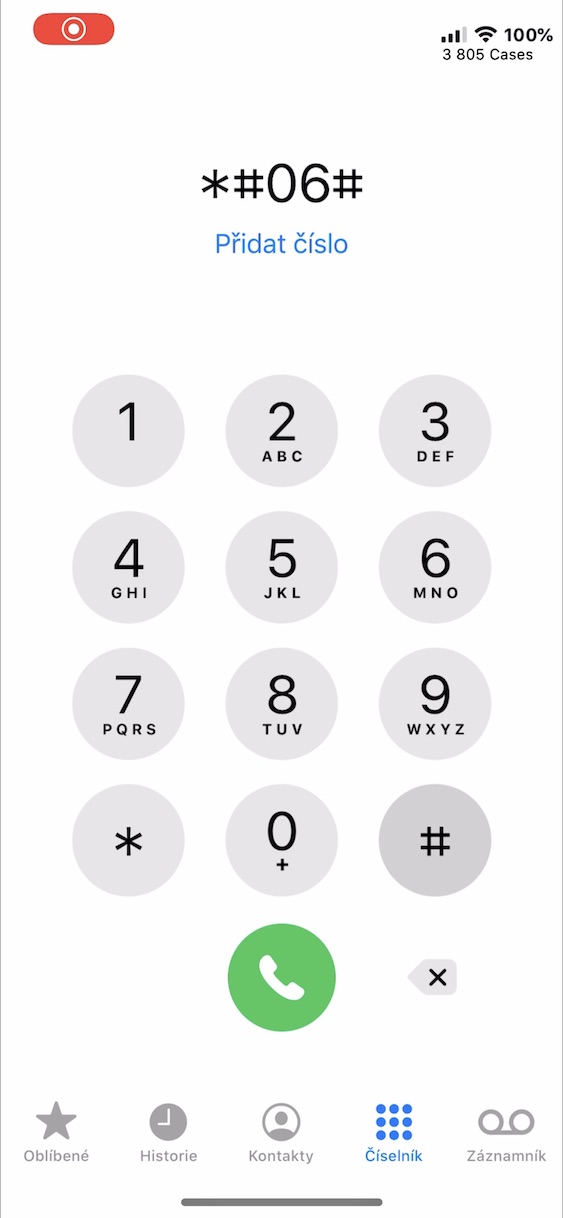
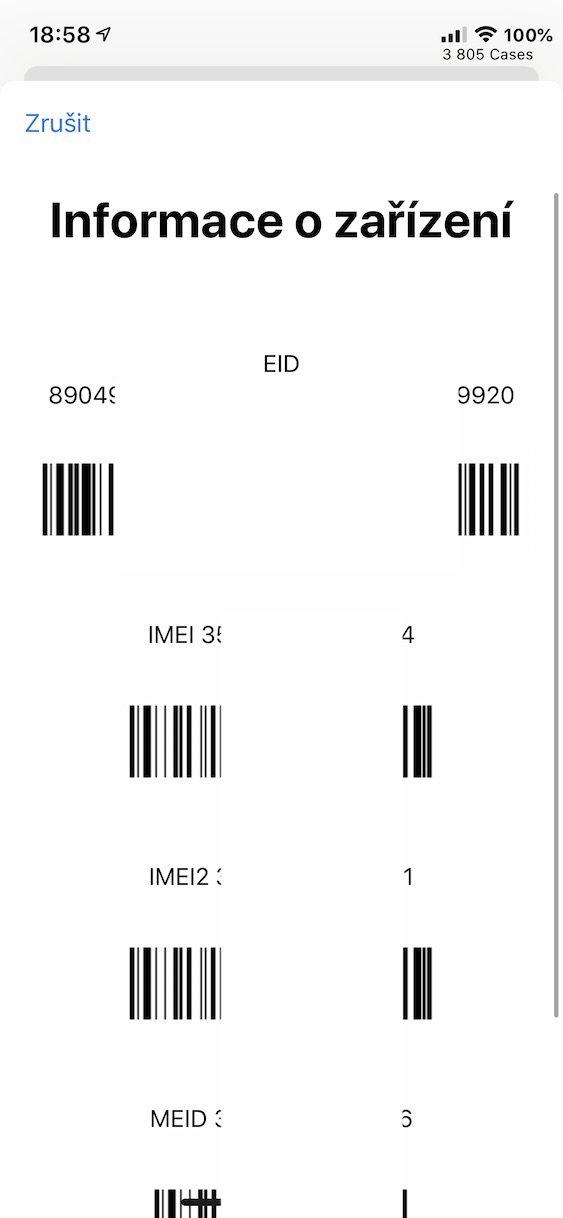
If you enter this hidden code into the dialer, you will see information about the device in the form of various numbers. The most interesting in this case are the IMEI (International Mobile Equipment Identity) numbers, i.e. the unique number that was assigned to your device by the manufacturer. If you own iPhone, which has multiple SIM card slots (including eSIMs, of course), two IMEI numbers will be displayed. In this menu, you can also view the EID and MEID numbers.
* 3001 #12345 # *
Gallery
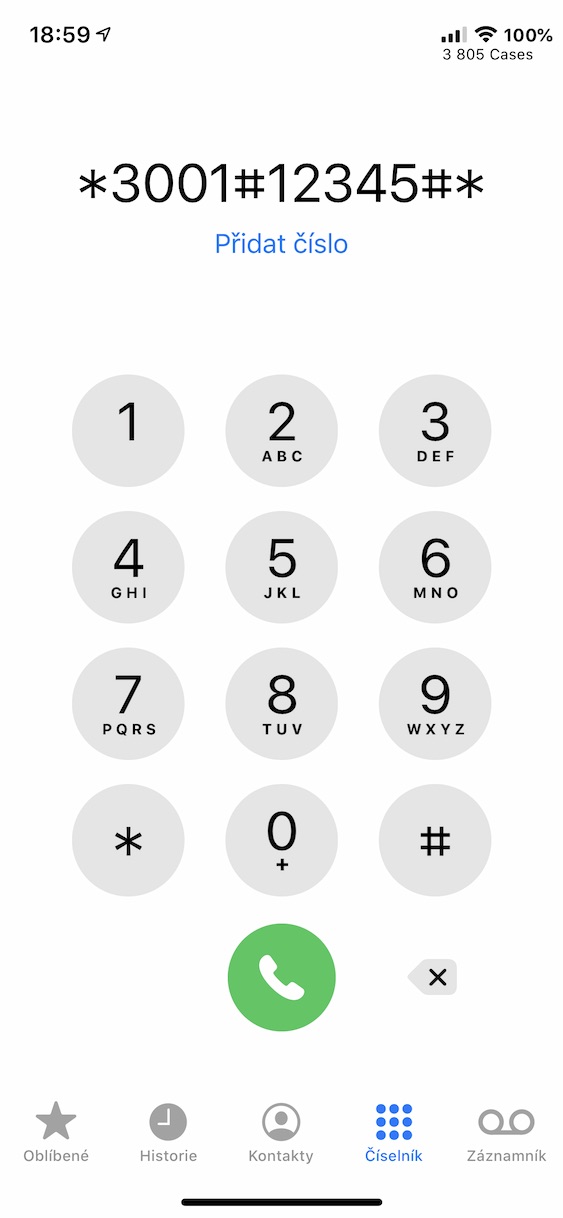
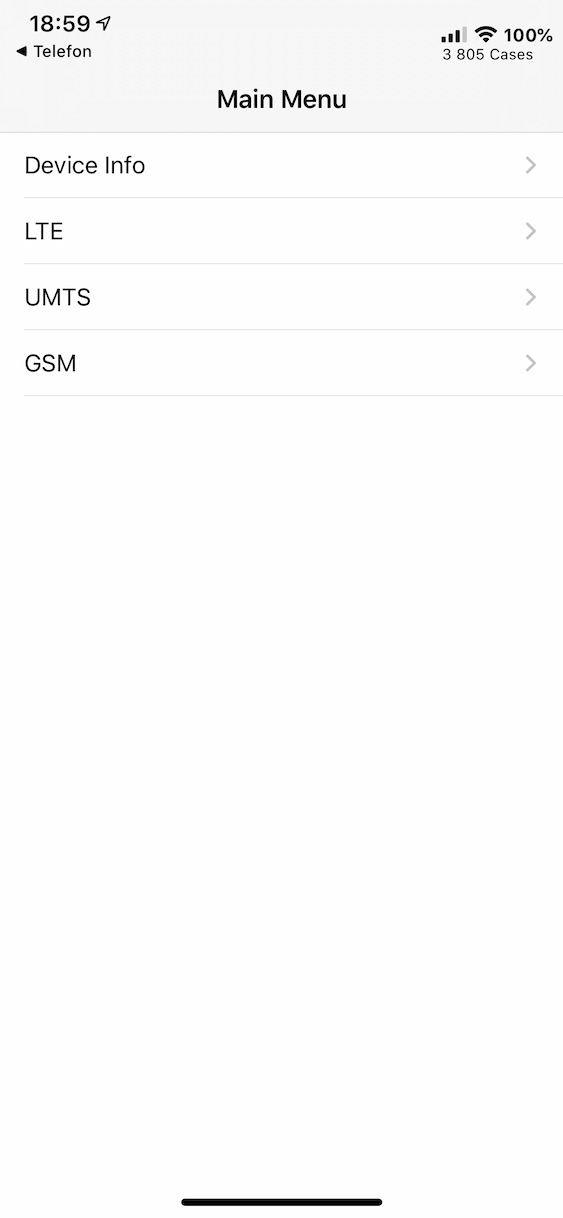
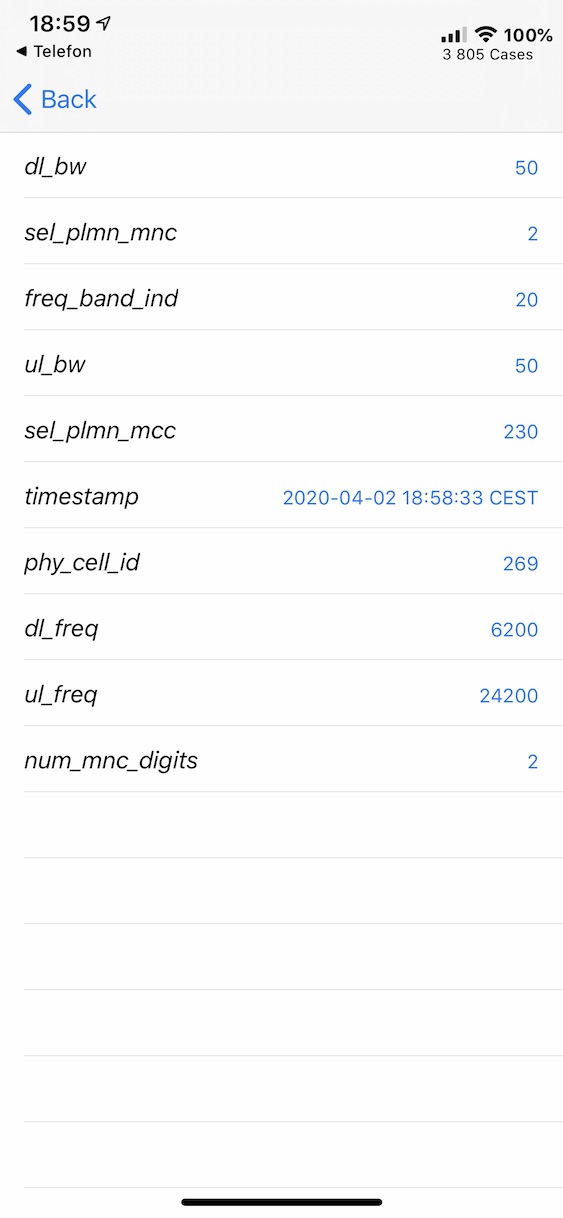
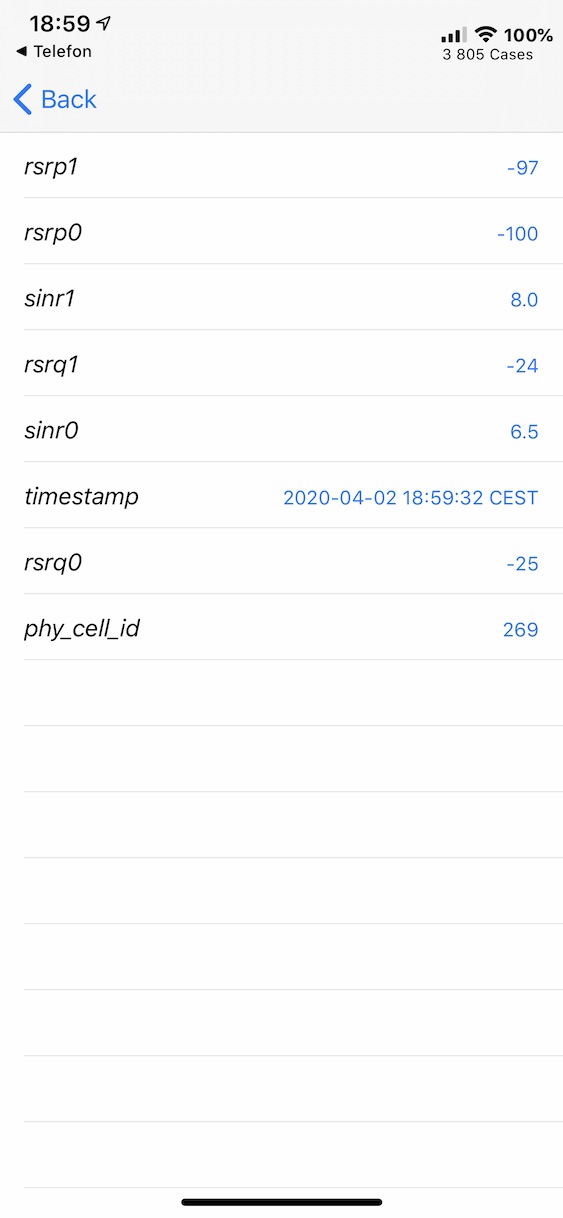
This secret code may be familiar to you if you have ever used it on an older iOS device. If you have it in an older version iOS entered and activated, so instead of dots representing signal strength, the exact signal strength value was displayed. Unfortunately, in newer versions iOS We no longer have this option, but you can still use this code tochat display the exact signal strength, along with many other information about the network you are connected to iPhone connected. The information here is constantly updated, so you can track your progress as you go. iPhone "works" in the network.
* # # 33
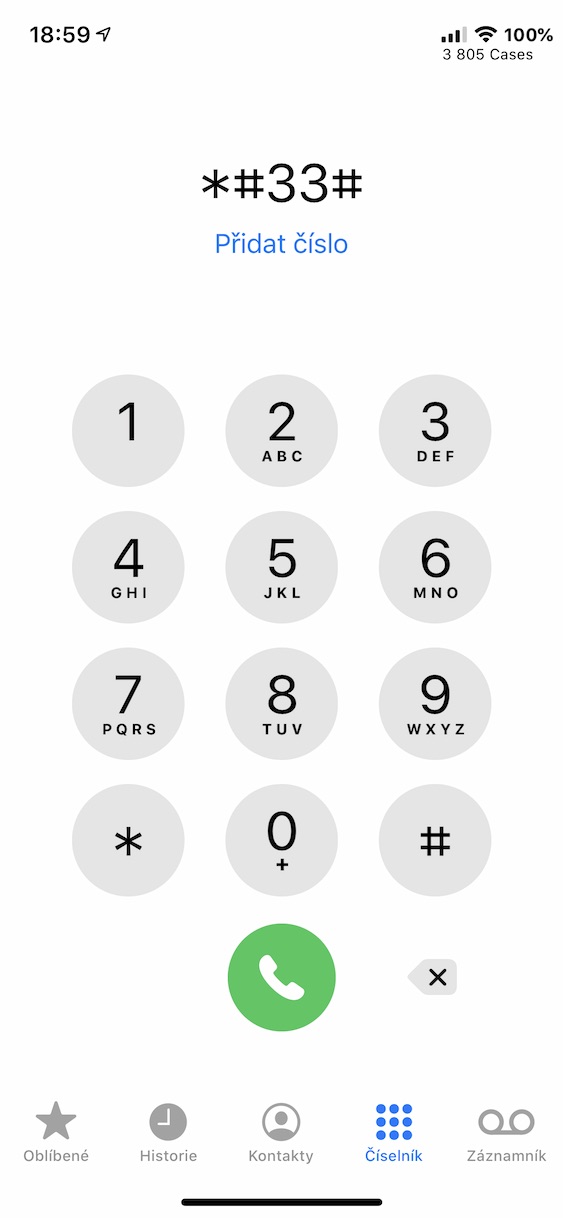
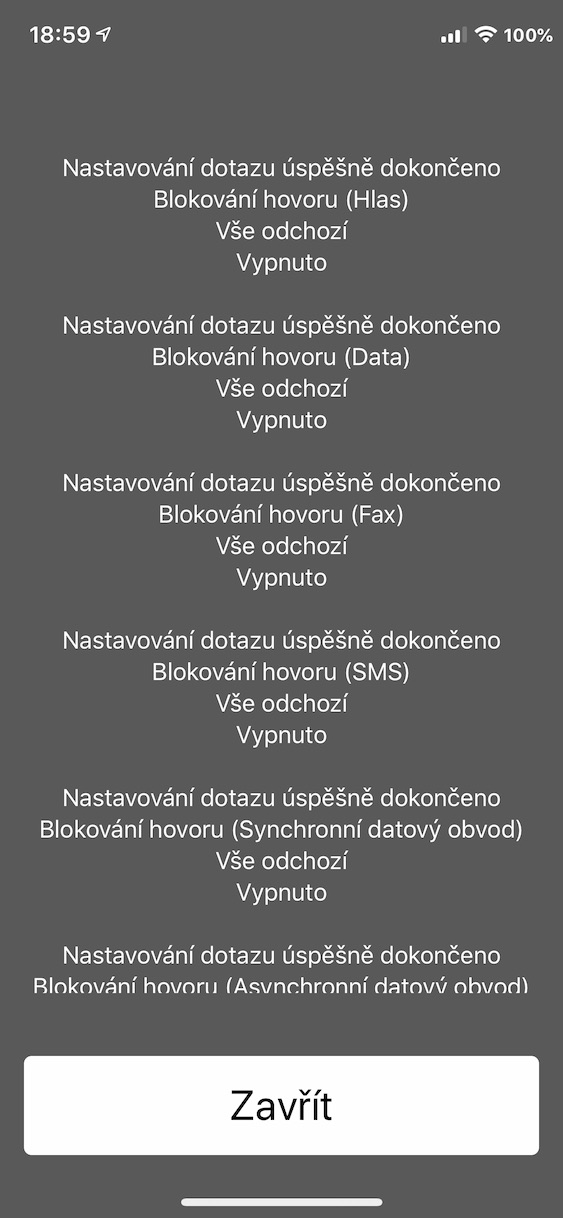
With this hidden code, you can easily check the blocking of outgoing calls, mobile data usage and text messages. If you want to check the status of blocking services, just enter the code * # # 33. If you want to activate the blocking of the previously mentioned services, enter the code *33*pin# (pine of course replace with the PIN code for your SIM card). Pro To turn off the blocking, simply enter the code again. *33*pin#, when here again pine replace the PIN code of your SIM card.
* # # 43
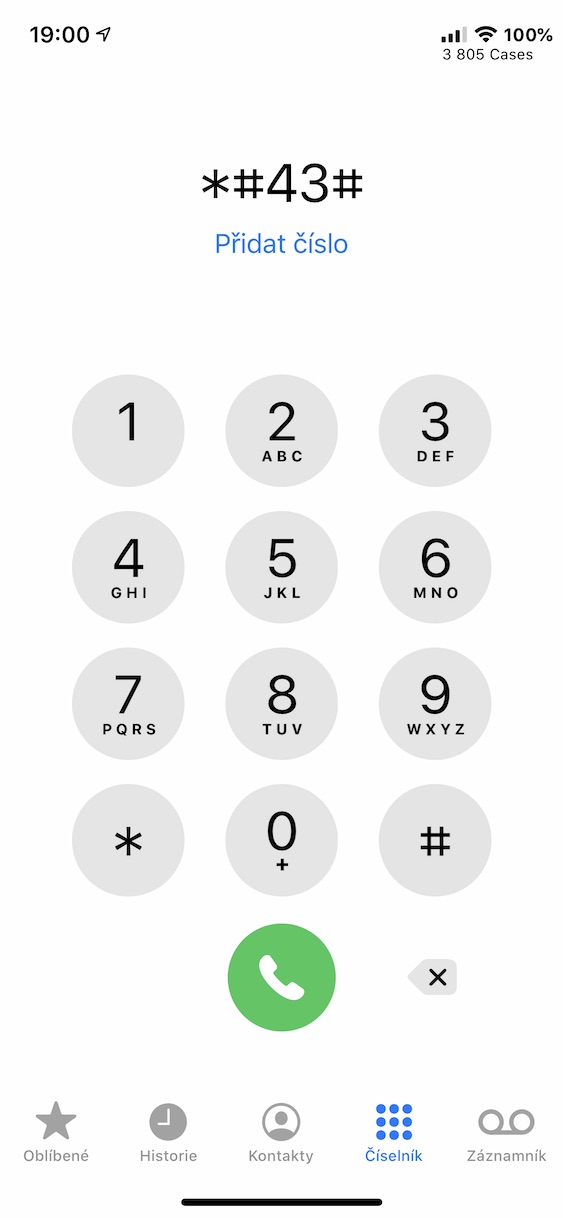
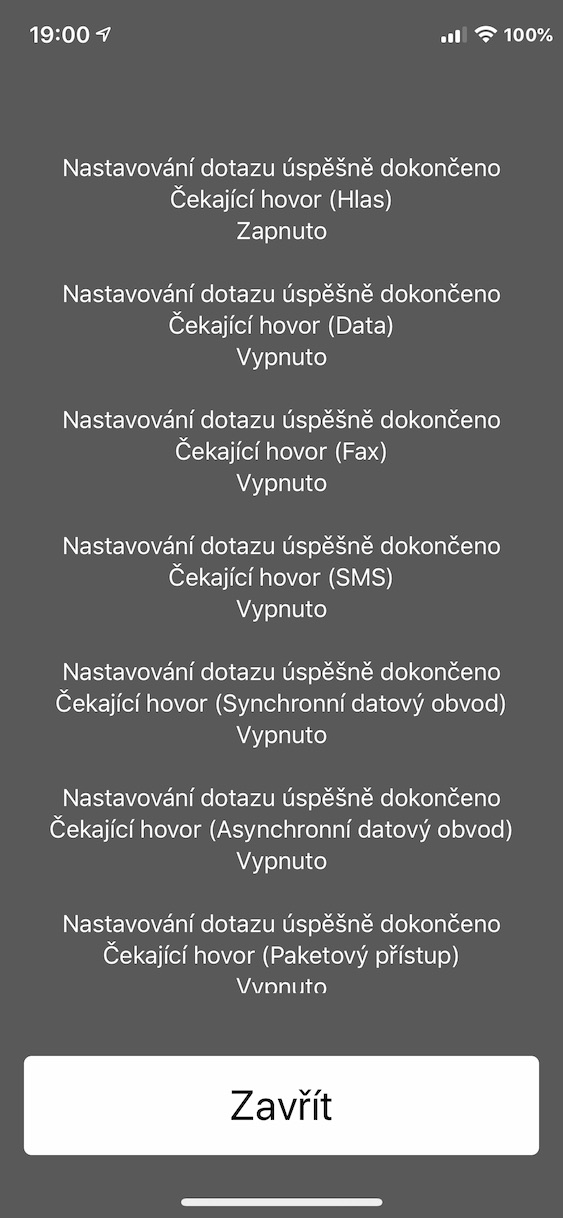
If you choose to dial this number, you can easily check the status for multiple calls on one line. This function allows you to activate the function for hanging up or accepting a second call if one is already in progress. At the same time, there is an option to set an ongoing call on hold. So dial the code to check the setting status * # # 43. If you want to activate the previously mentioned functions, dial * 43 #, to deactivate afterwards # 43 #.
* # # 21
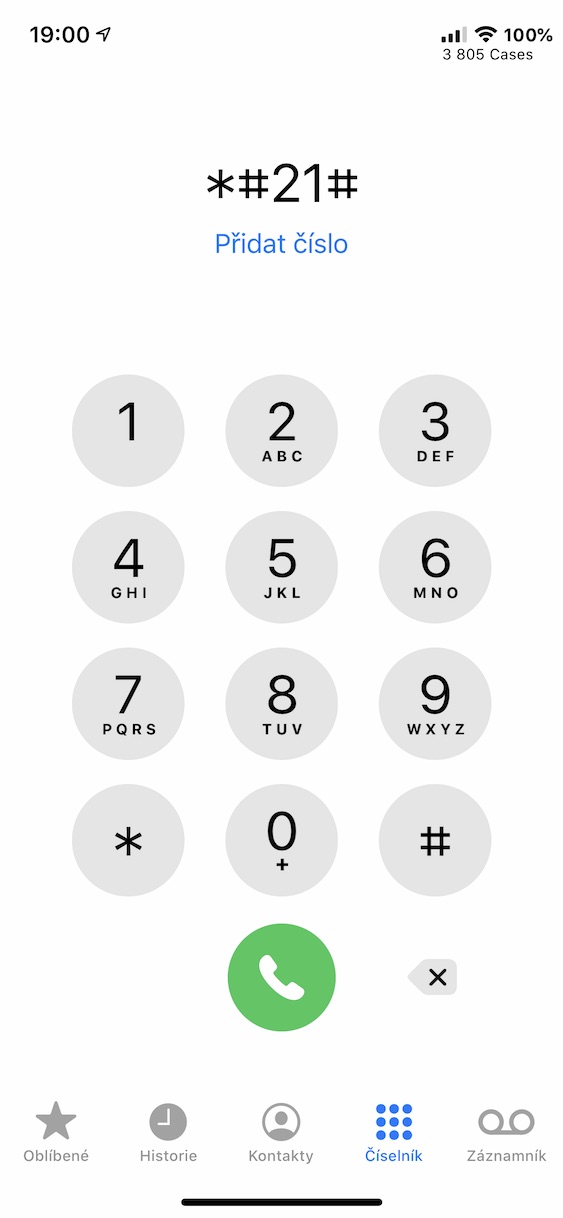
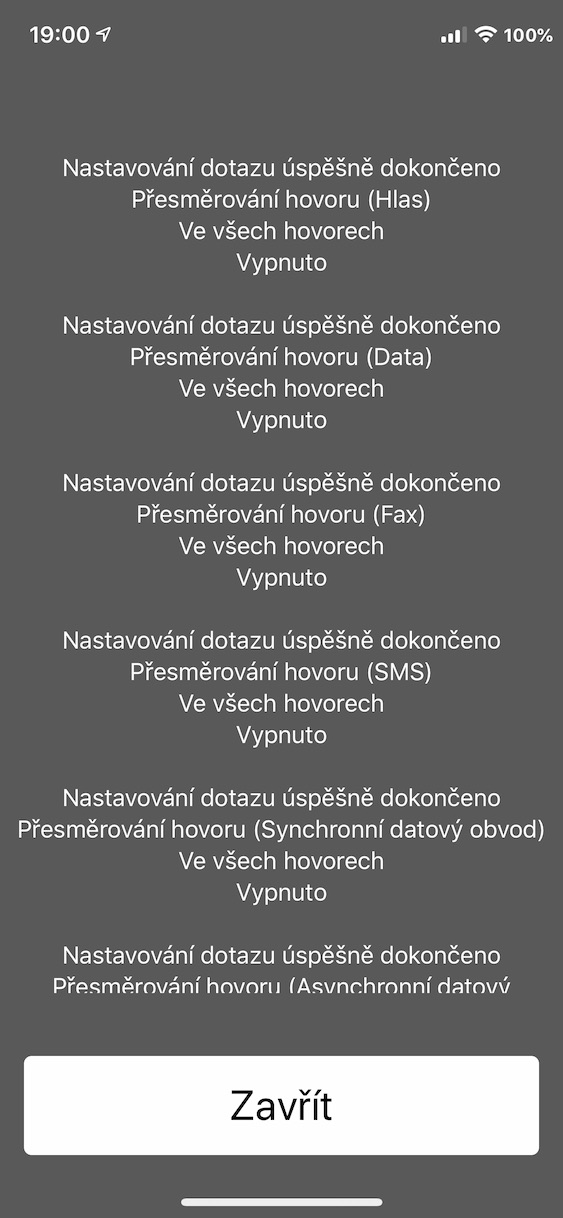
With this secret code you can quickly set up call forwarding. This is useful, for example, if you are in a meeting and cannot answer calls. With this code, you can set up all incoming calls to be forwarded to another phone number. If you want to check the status of the call forwarding function, dial the number * # 21 #. If you want to activate call forwarding, dial the number * # 67 #. If, on the other hand, you want to deactivate the function, enter a number * # 62 #. Pro blocking all forwarding services then you can use the code 002 ## #.
# 31 #
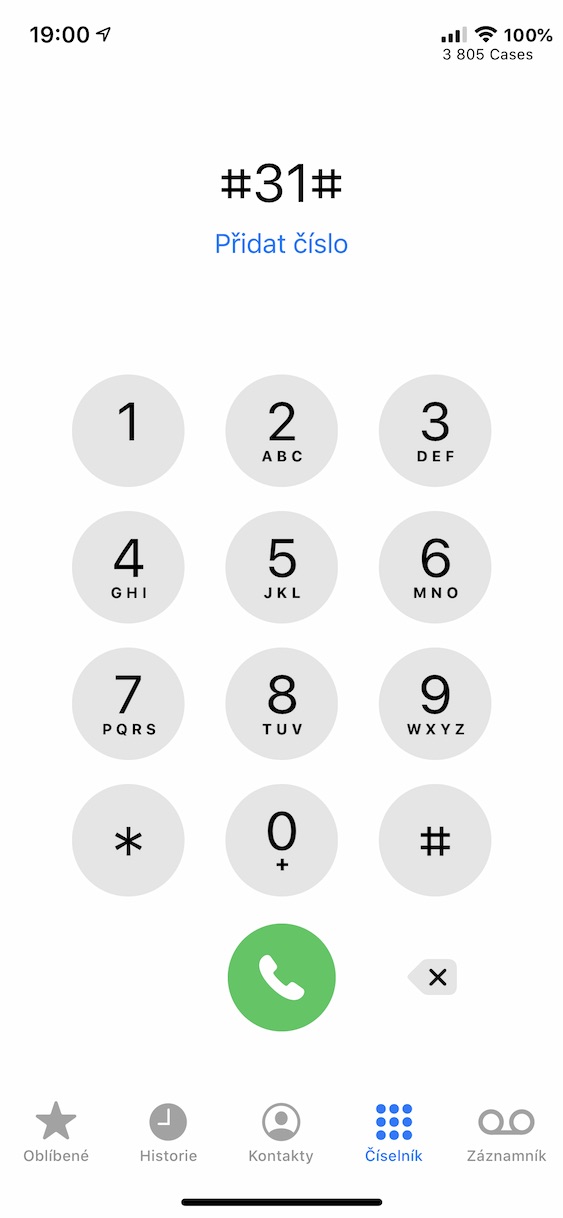
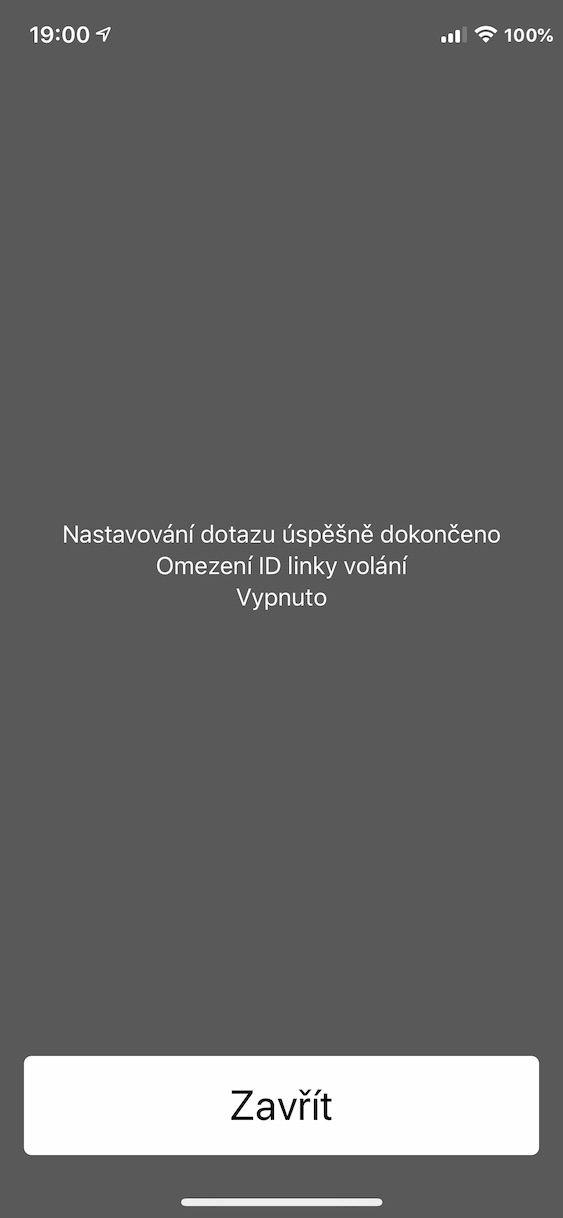
This hidden code is also very popular because it allows you to hide your identity, i.e. your phone number. So if you want to scam someone or need to hide your phone number for other reasons, you can use this code. Pro To use this feature, you just need to dial the number #31#phone number, kdy telephone number replace with the number you want to call. The other party will then see Unknown Caller ID. In case you dial the code on the dial pad # 31 #, you can check your identity display status.


These are not secret codes on iPhone but common universal service codes of any mobile network usable from any phone.
That's about it, and Pavlo managed to uncover the conspiracy group with their secret codes.
Hello, I tried to play with it and now I can't call anywhere, do you know how to cancel it guys? Ta
😂😂😂😂 dude
Me too, and I can't call either 😂
I agree
If only all the codes were complete. For example, for redirection or cancellation of redirection and others. We already used this on old Nokias many years ago.
It's just too loose like this.
Don't know how to unblock calls?
Pro The factory settings will be most suitable for you.
Use Google 😂🤣😂
Search for GSM codes and several pages will pop up.
Someone throw here the code to block the contribution from androidak.
You must be very desperate, there will surely be some medication, go to the doctor.
Find the nearest wall and hit it hard with your head.
It should help you.
He will have a padded room, that probably won't help him.
#31#telefonnicislo – according to the description, using this code is an unnecessary complication, because in pr. need to hide own tel.c. the calling code must be used for each called tel.c. separately.
If the code hides the phone number of the caller, not the called one, the problem is over and the caller does not have to enter the code again and again.
So this worked, secret codes for iPhone! 😁😁😁 I'd rather not comment or I'll get flamed...
I guess somehow
I still used the 20-year-old "secret codes" on the Siemens s8