
If you often work with presentations, for example at school or at work, you have probably already encountered problems with the compatibility of presentations from Apple. Keynote in the operating system Windows. If you have ever tried a file with the extension .key ve Windows open, you didn't walk. In this tutorial we will show you how you can Keynote Launch presentations quickly and easily with iCloudin the operating system Windows.
You might be interested in

As in the operating system Windows open presentation from Keynote using andCloudu
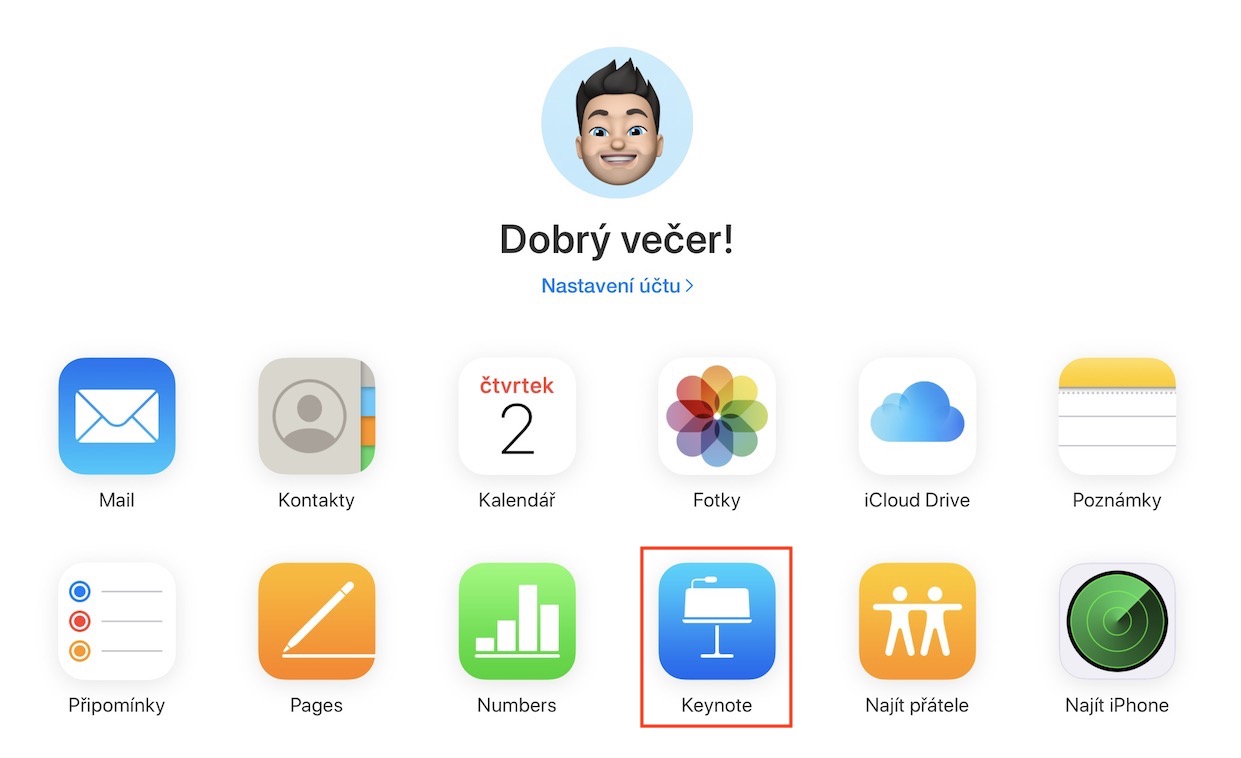
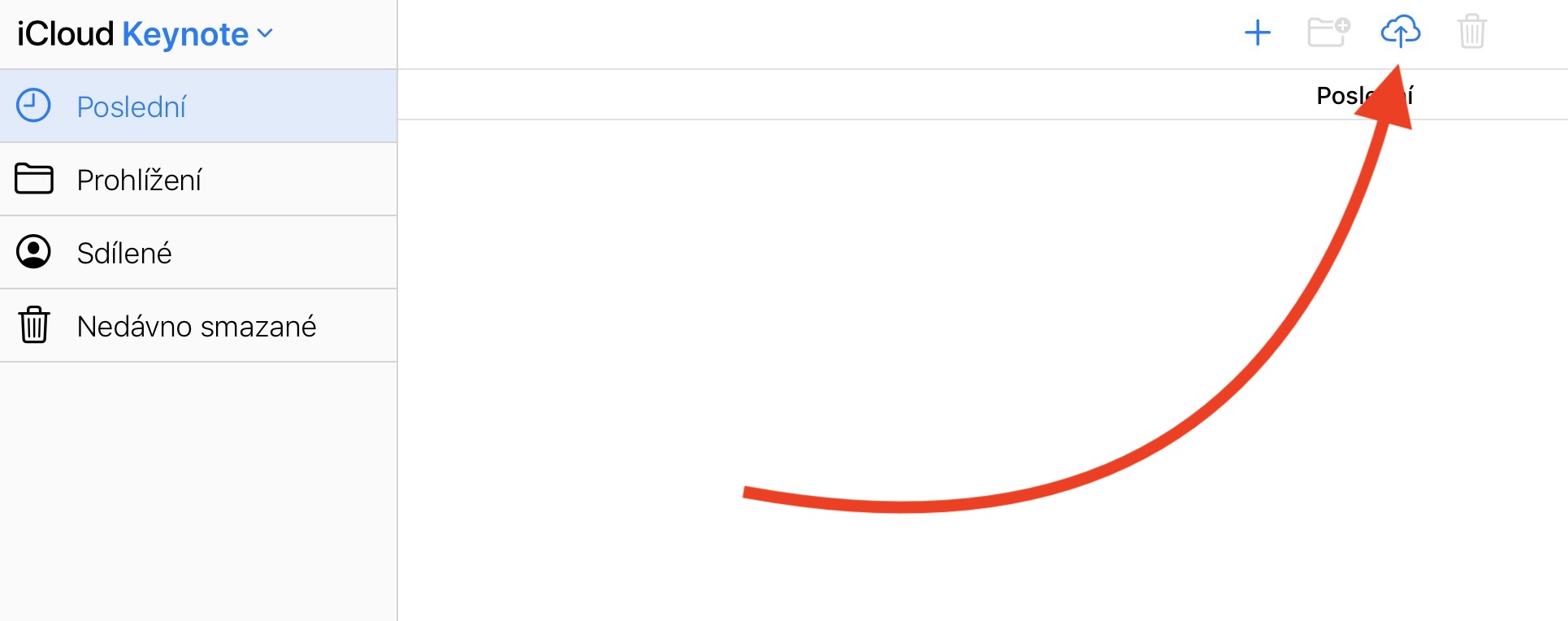
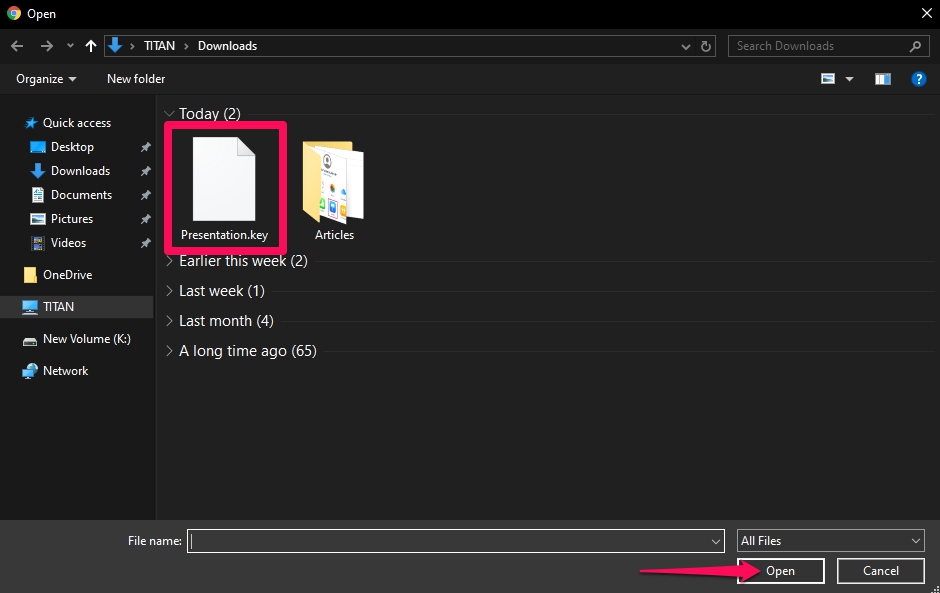
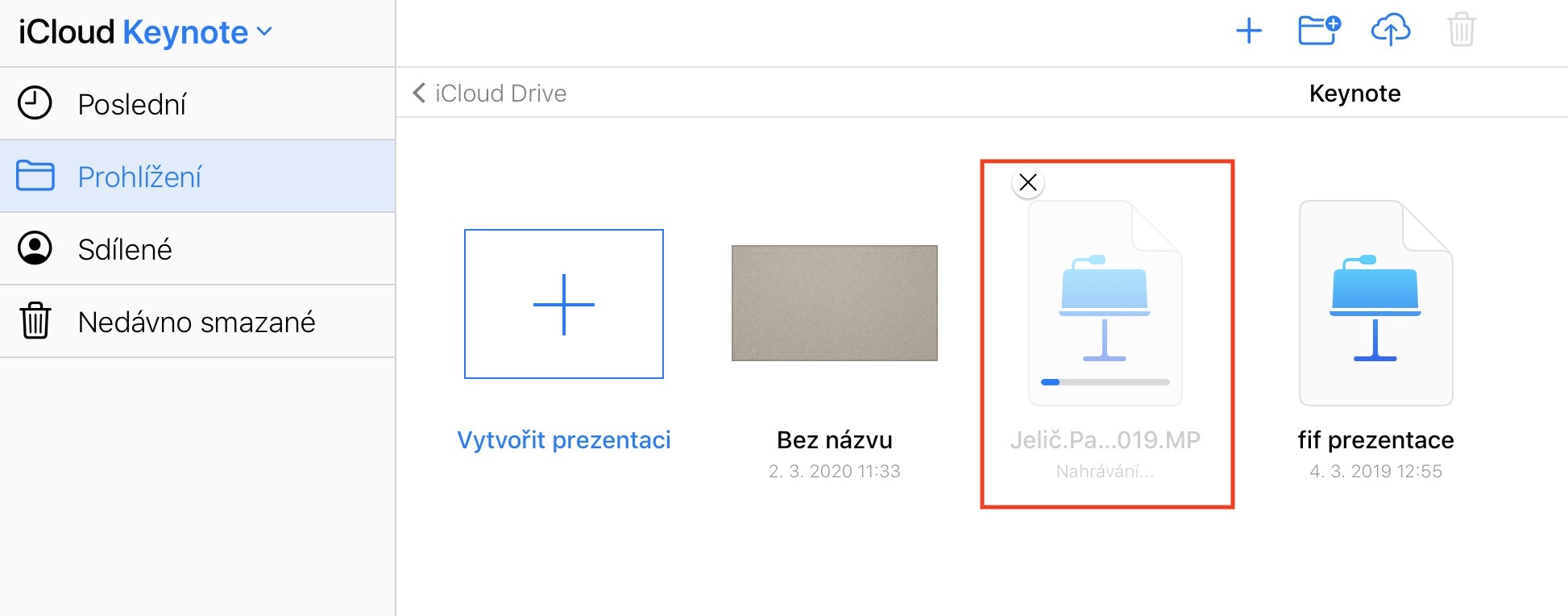
First you need to get your .key file into the operating system Windows received - so upload it to, for example, some storage, or perhaps on flash drive. Once the file is in the Windows, so go to the page in your browser icloud.com. Here it is sign in using your Apple ID. Once you do so, you will find yourself in the web environment andCloudwhere you just need to click on the icon Keynote. After clicking on this icon, in the upper right corner, click on arrow icon with cloud (file upload). After clicking on this icon, a new window will appear in which the presentation in the format .key open. Now wait until the file won't upload and then on it in the environment iCloudu double click. Then you just have to wait until Keynote presentation won't load and it is done.
Gallery

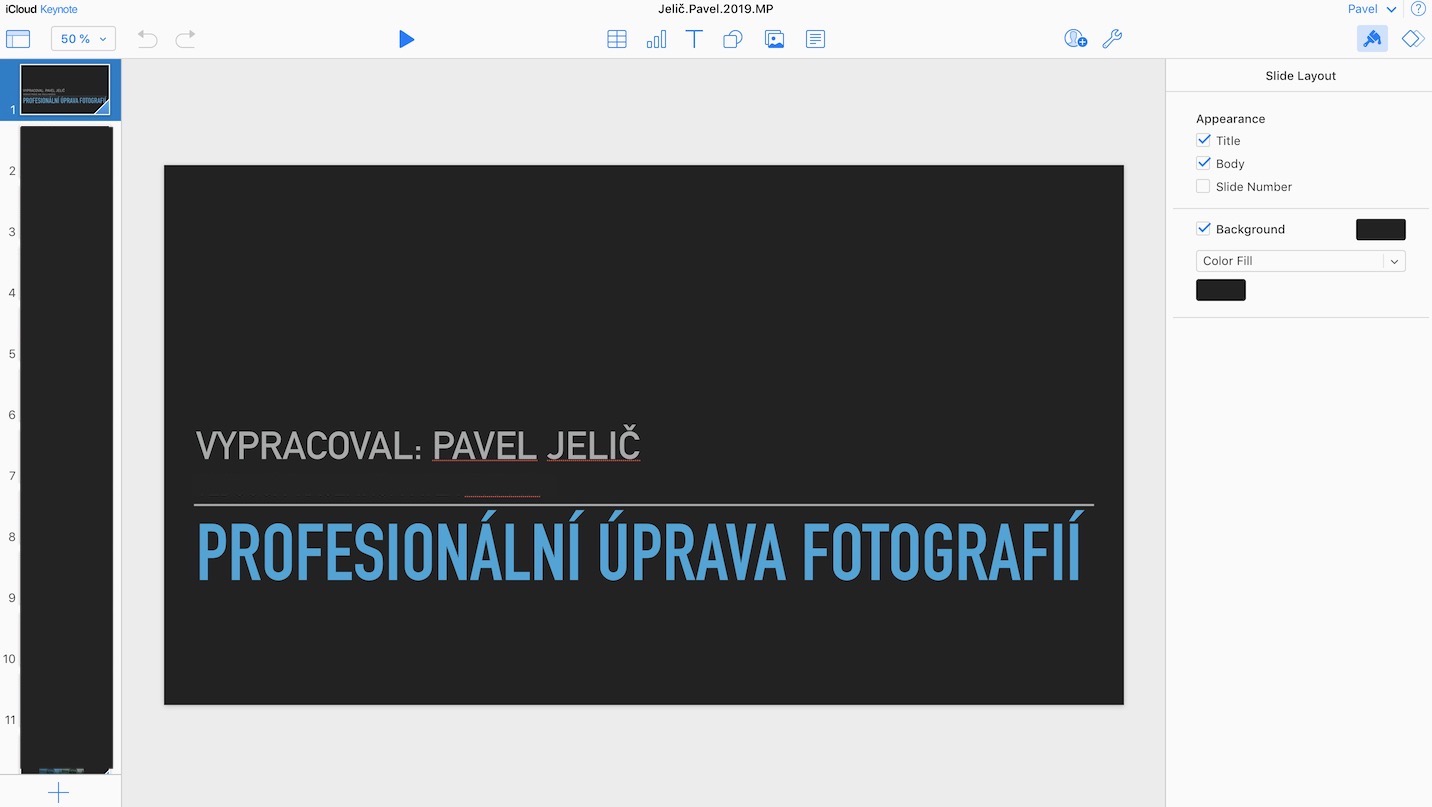
once Keynote presentation on iCloudu, you can start presenting. It should be noted that within the web interface andCloudu can do it after uploading the .key presentation download in .pptx format, in a format designed for PowerPoint presentations. So if for some reason you don't want to present directly from iCloudu, you can use it as a "converter" for your presentation. However, please note that the presentation in .pptx format may not look exactly the same as in Keynote.







And what's even better is that the .key is actually a packed archive that contains folders and files (similar to PowerPoint's .pptx)
In some old version of iWork, it was a stupidly unpacked folder and it could not even be attached to an email or uploaded somewhere without problems.
Well, only a demented person opens his own .key ve presentation Windows and really only a demented person sends a .key presentation to others. Even an averagely intelligent person sends presentations basically in some universal and equally displayed format on all OSes, i.e. .pdf. If someone sends you a presentation in .key, you normally send it to ……. The demented deserve nothing else.
I wouldn't use those exact words, but let's just say it's not exactly netiquette to send some proprietary formats.
PDF is great, I could also talk about the hated PowerPoint, which is imposed on us by the majority and the majority can open it without any major problems. But sending .key, .odf, .odp etc. is probably not the best idea.
But I take the article as a guide to an emergency solution, who would have expected that it would work out?Cloudu presents, deserves that he/sheCloud It reformatted the text, had missing fonts instead of characters, and the images couldn't be loaded. :-)
Come on, your blood vessel will burst and you'll drag your leg... :)
This is meant as an emergency solution. I would say that a typical situation: I back up as a Central European to icloudu. I come to work and find out that I forgot my laptop at home, or it is dead, etc. Or I have work saved in my laptop and during the lecture I find out that the projector with MacbookI really can't leave...
It's not a challenge to send to all people in Mac format... By the way, I would like to see how you solve some functions in pdf Keynote :)))