Given that we are still in quarantine and restricted movement not only in the Czech Republic, we should be at home most of the time. In the worst cases, we should only show up at work, in the store, or with our closest family. But what else can we do at home after those days, right? Some users spend long hours playing games, either tabletop or classic mobile ones. Did you know that in iMessage can you play games too, even with two people? In this article we will look at how such games, and possibly other applications, can be played in iMessage install.
You might be interested in

How in iMessage install apps and games
If you want within iMessage install some apps or games, you first need to switch to the native app News. Once you've done that, click on any one you like conversation with some contact. In a certain conversation, you just need to put your finger on bottom bar, which is located below the field for writing a message. This will make the bar larger and you can move to the section by clicking on it Trade. Once you do that, it's simply enough select a game, application, or stickersthat you want to download – just like in the classic App Store. In this way you can iMessage add everything you need.
Gallery
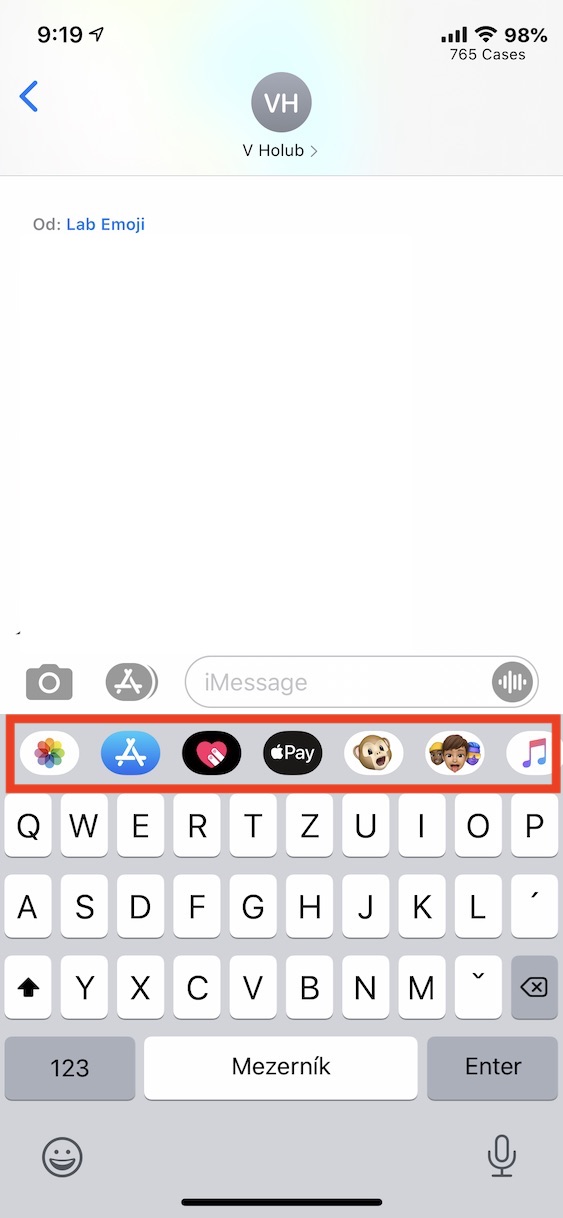
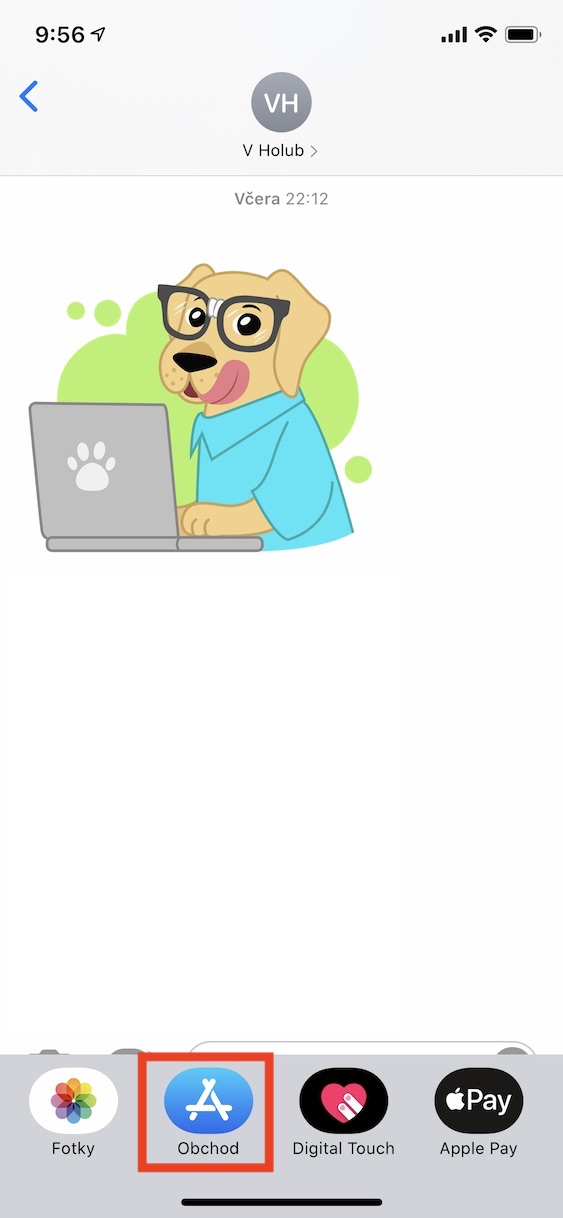
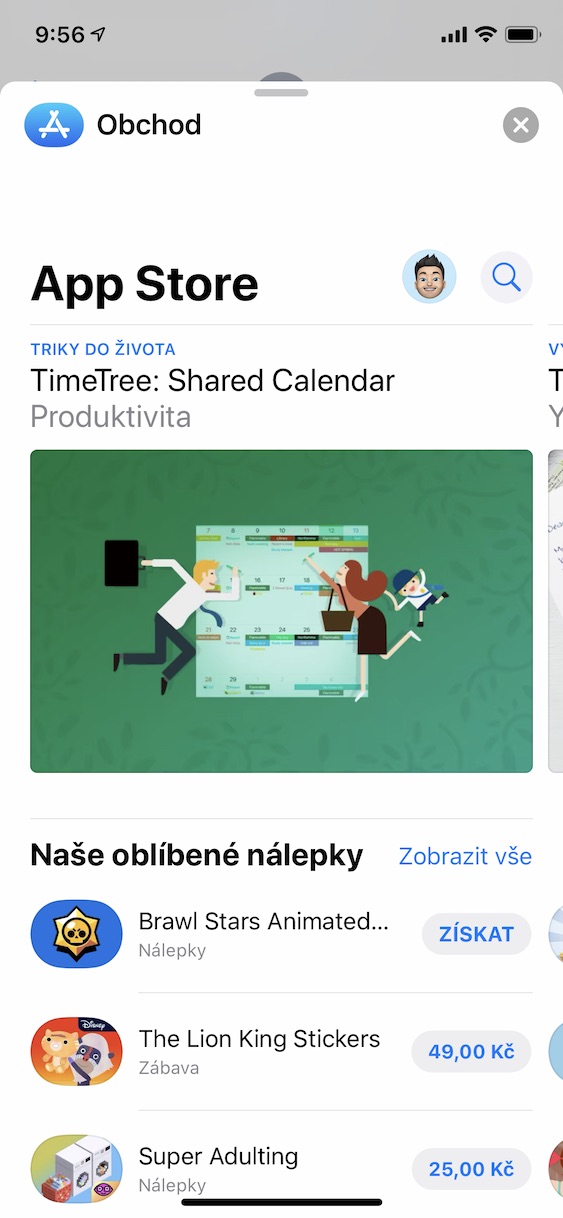
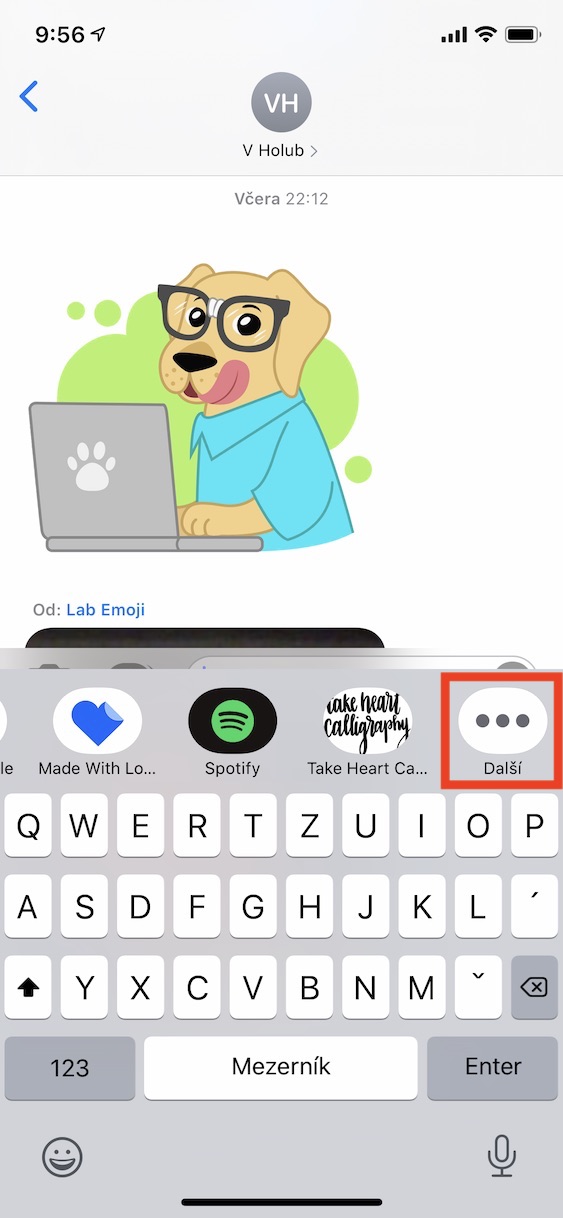
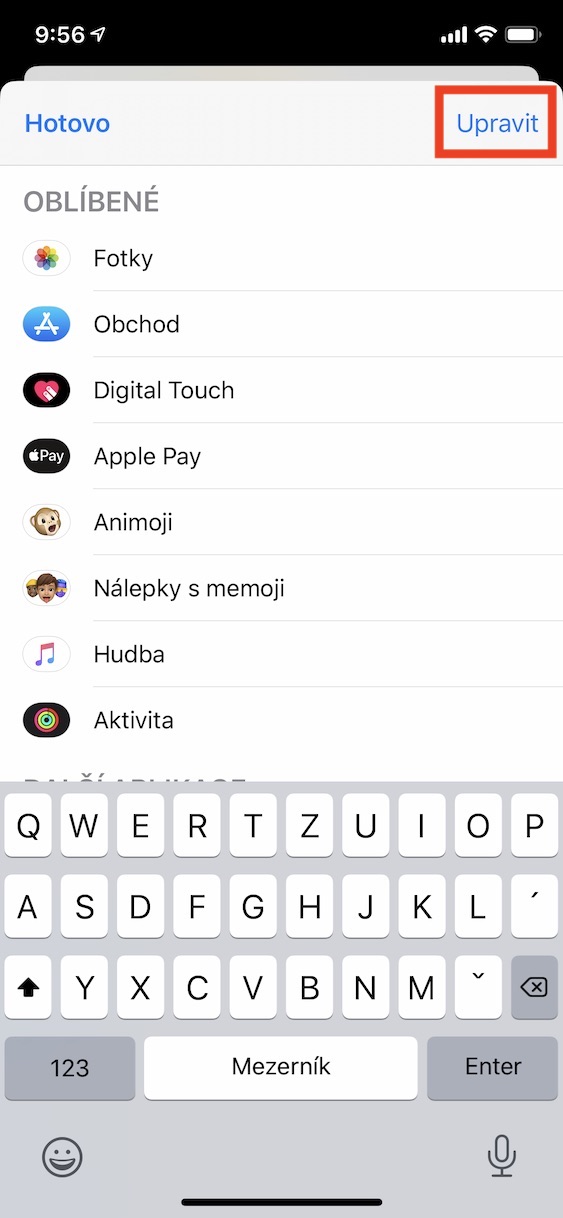
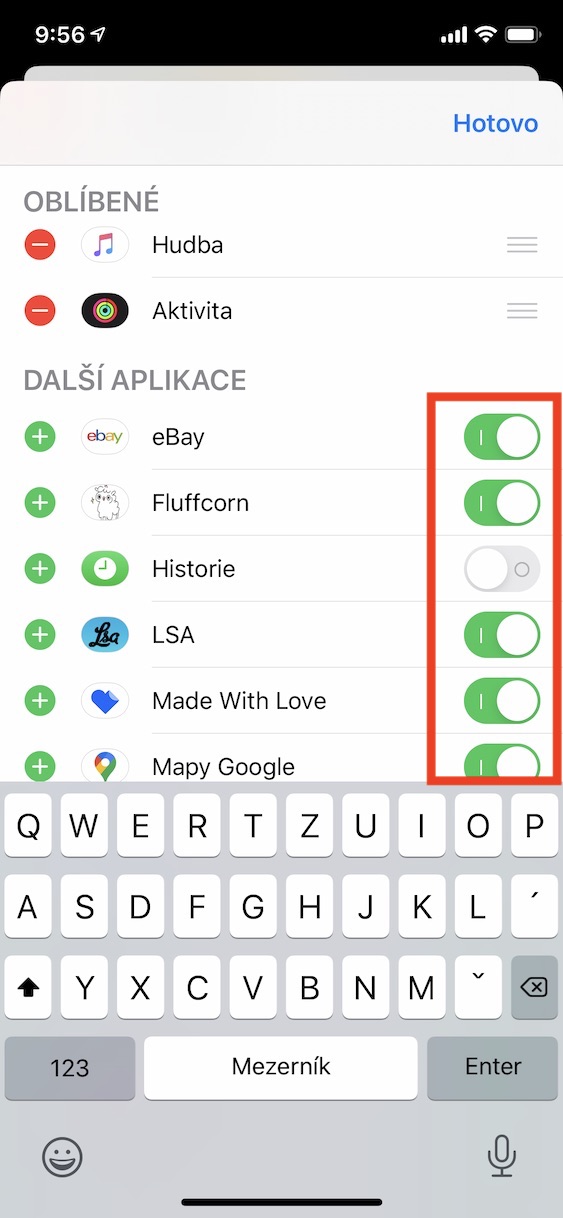
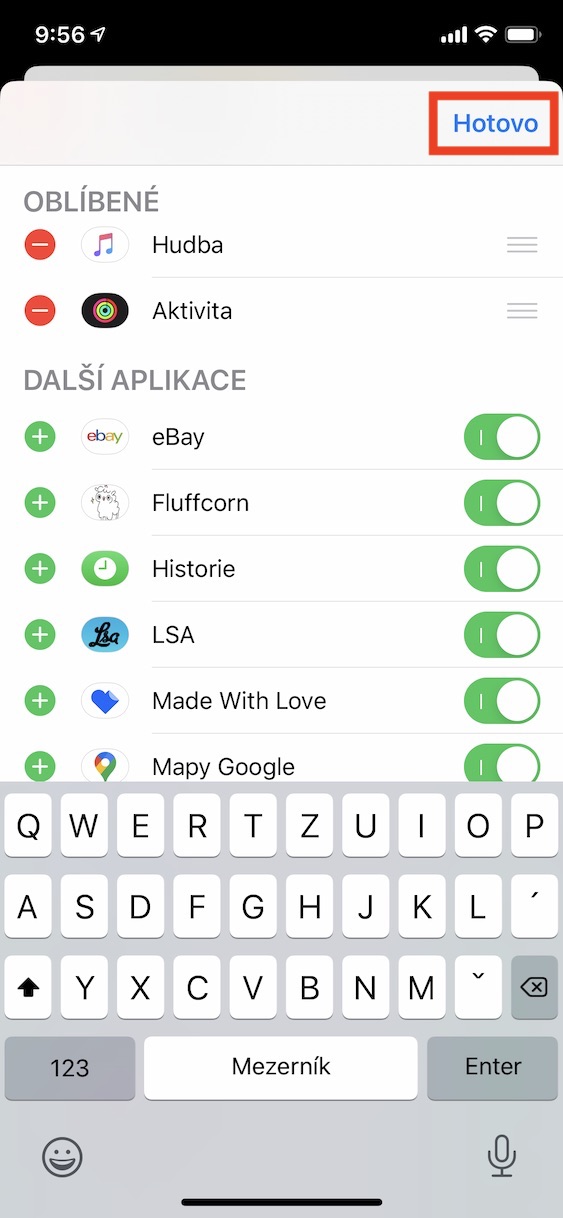
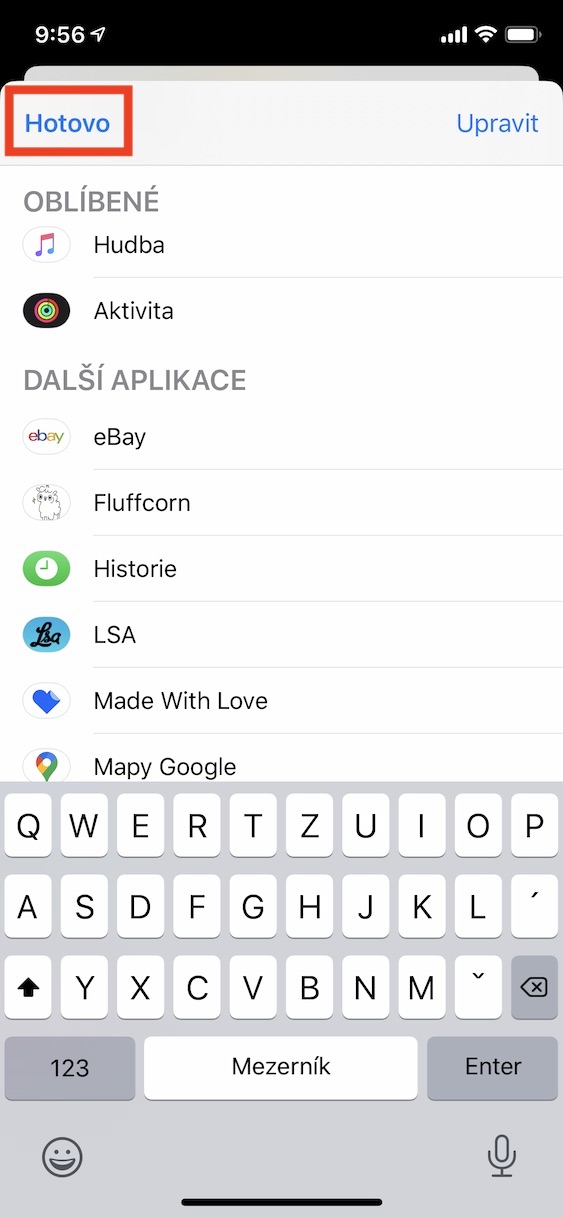
In some cases, you may not see the game or application in the bottom bar after installation. In this case, use your finger to move the bar completely transport, where you tap the icon Next. In the new window, click the button in the upper right corner Edit. You need to toggle the app you want to add to the bar switch to the active position. At the same time, you can change the settings in this window order of all applications, how they should be displayed sequentially in the bar. Soon an article will appear in our magazine that will bring you the best games in iMessagethat can help us cope with quarantine. Prodefinitely watch it Letem svetem Applem in the future so that you do not miss other interesting information in addition to this article.
Gallery