
You have no privacy protection when using the products Applu is probably as strong in your hands as you think – so miniat least in the case of iPhones 11 ProA security expert from KrebsOnSecurity managed to find out that despite disabling all location services in the System Services section, the phone is still collecting some location data, instead of disabling the main location services switch. According to AppBut that's okay.
Gallery
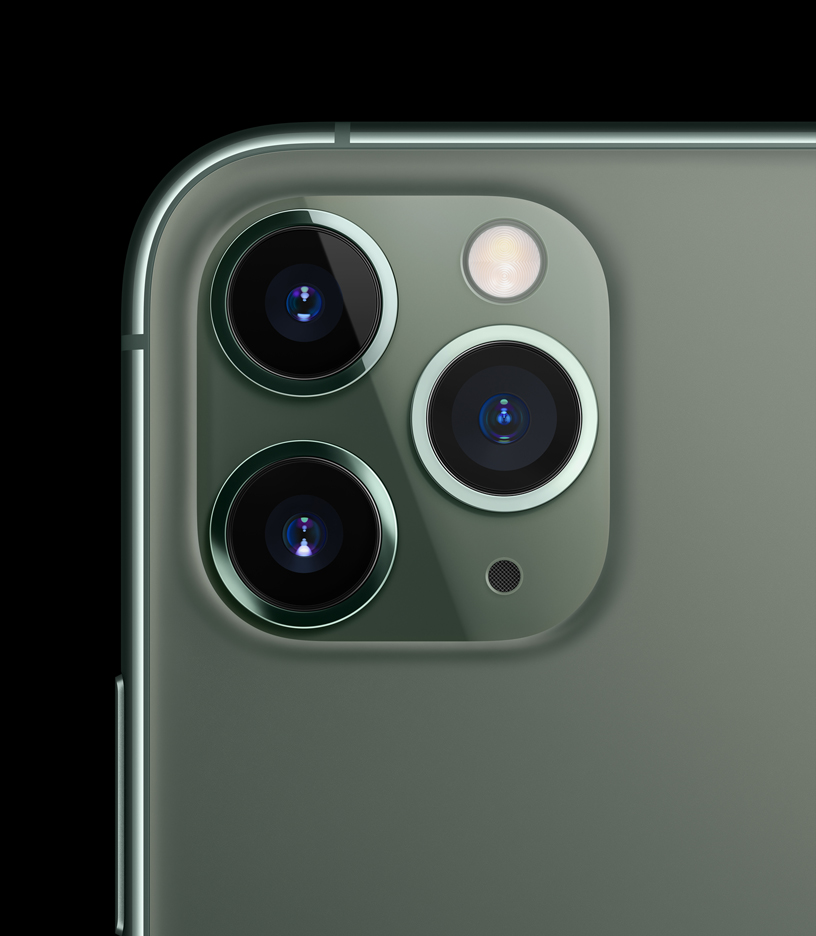

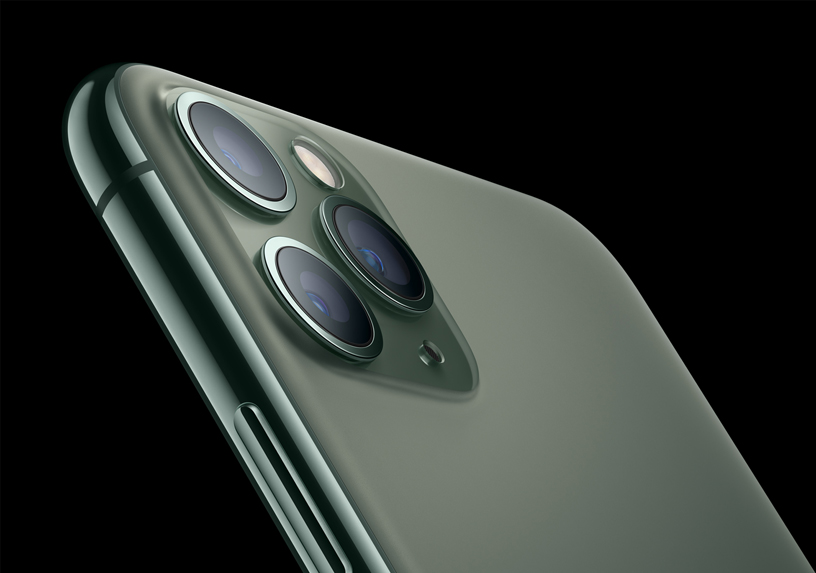

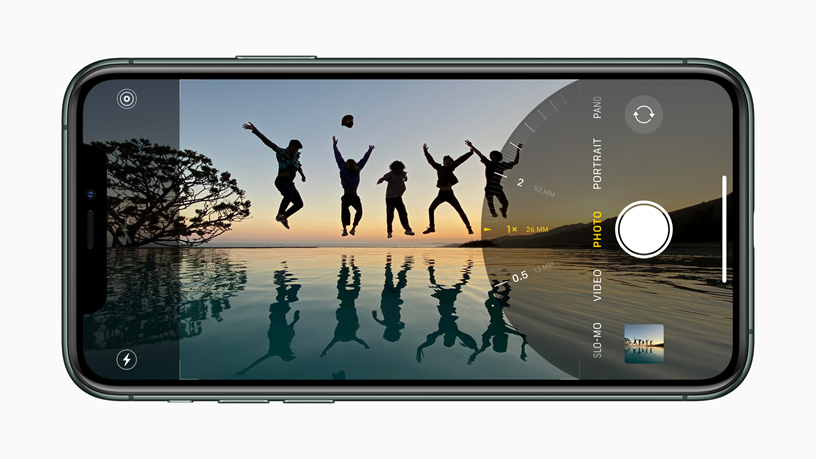


The company immediately reported the strange behavior of the system, which it only recently discovered. Applu, with the proviso that according to her it is a certain security risk or minia minor error that contradicts the protection policy Applu. As mentioned above, a system running in iPhonech 11 Pro (and possibly other models) collects certain location data from users despite manual deactivation of all options in the phone settings and apparently uses it for other processes. However, this behavior was not Applu be marked as standard, which is, however, due to the fact that users have Applu over their privacy, which also includes location services, complete control is, to put it mildly, surprising. After all, when deactivating all options, the user expects nothing more than a complete shutdown of the service. However, a complete shutdown will only occur if the top Location Services switch is deactivated. In other words, this means that if the user wanted, for example, to allow the use of location only for maps and disable everything else, they would not be able to do so, because in addition to maps, location data will also be used for other things, but their use cannot be deactivated.
Excerpt from pages Applu dedicated to deactivating location services:
You can turn off Location Services at any time. To do so, go to Settings > Privacy > Location Services and turn off the global Location Services switch, or set the switches for all items that use location to Never. To turn off Location Services for all websites, set the switch to Never. Safari. You can turn off location-based system services by tapping System Services and turning off all location-based system services. Location Services for HomeYou can turn off the pod at any time in the settings HomeUnder or in the Home app on the paired device iOS or iPadOS device.
The active location services while deactivating everything was caught on video by the security company, which it then published on YouTube. When watching it, pay particular attention to the space in the right corner of the iPhone, in which an arrow informing about their use will appear even after deactivating location services.
Since this is a really very strange behavior that we in the editorial office did not manage to induce with older iPhones, many foreign media have already decided Apple contact him and ask him for an explanation. However, at the time of writing this article, no official statement was available. However, it can be expected that a certain explanation is needed Apple will not forgive to reassure its users in this regard. Although it may not be (and probably is not) anything serious, such behavior of the system as such simply raises doubts about 100% privacy is inspiring.








It is probably necessary to closely monitor the movement of sheep in the Russian Crimea 🤔
With jailbreak you can turn it off completely 😜
Apple even more than Google is tracking you under the guise of security and privacy! Punish Teplosa for this dishonest and deceptive statements!
Team C is a sold-out scum bag
Also, I have a Huawei from 2010
So the Chinese know everything about you...
Please don't use my nick or Vemola will kill you.
Vemola keeps losing :)
Attila says no :-(
Do you mean Android? 😉
I guess I don't understand the video, but why did he turn off everything except the main switch for location services?
Turning everything off is equivalent to turning off the main location services switch. It works the same way.
Unequal.
You're right, I'm already watching it. Anyway, from that video, you can conclude minibasically, you simply don't have control over all location services, how Apple presents, and if you only want to enable location services for Maps, for example, other things that you no longer influence will always be enabled in that case.
So I don't see "completely disabled" location services in the video. I only see individual services disabled.
Exactly! :-) Probecause if you turn off the main switch, you will never see any arrow in the status bar. (I'm ashamed to lie, I just saw it.)
Yes, because the fact that the arrow is not there must one hundred percent mean that the phone does not know where it is. Trololol.
Unnecessary work by the author of the article, so much text and yet the location services in the video are turned on and the arrows just say that the location was used sometime in the last 24 hours... ie. the video itself makes no sense, so why comment on it at all.
That's not entirely true. The video shows a phone with an active (activated) location services indicator in the status bar, which is uncolored when not in use. As soon as one of the system services requests location information, it will be colored in the status bar.
For wiretapping Siri You wrote that it's OK, that it's for improving services, so it doesn't matter that Apple it spies people and records people without their permission and stores it and analyzes it and listens.
I don't see, it's OK if Apple collection of data about the user's location again?
(By the way, this problem was solved about 8/9 years ago - back then Apple also collected movement data without authorization. There was even a guide that you could use to check and see your location in the past. You then saw colored dots on the maps when the phone sent the location and there were so many dots that you had a fairly detailed map of your movement.)
Are you using a smartphone?one? Do you want to continue using it? So just accept it! And may you be under control Apple or Google. We are just puppets and under full control.
Acquiescing to the WW2 genocide of the Jews, the majority of the population of Rise, does not mean that it was right!
Reconciliation is just a show of laziness and convenience to fight for freedom.
I have to use a stupid push-button phone to call everywhere, without a GPS module and other crap.
black iron probably still
only you think that you can really turn off something in that emmental green and have control over the team