
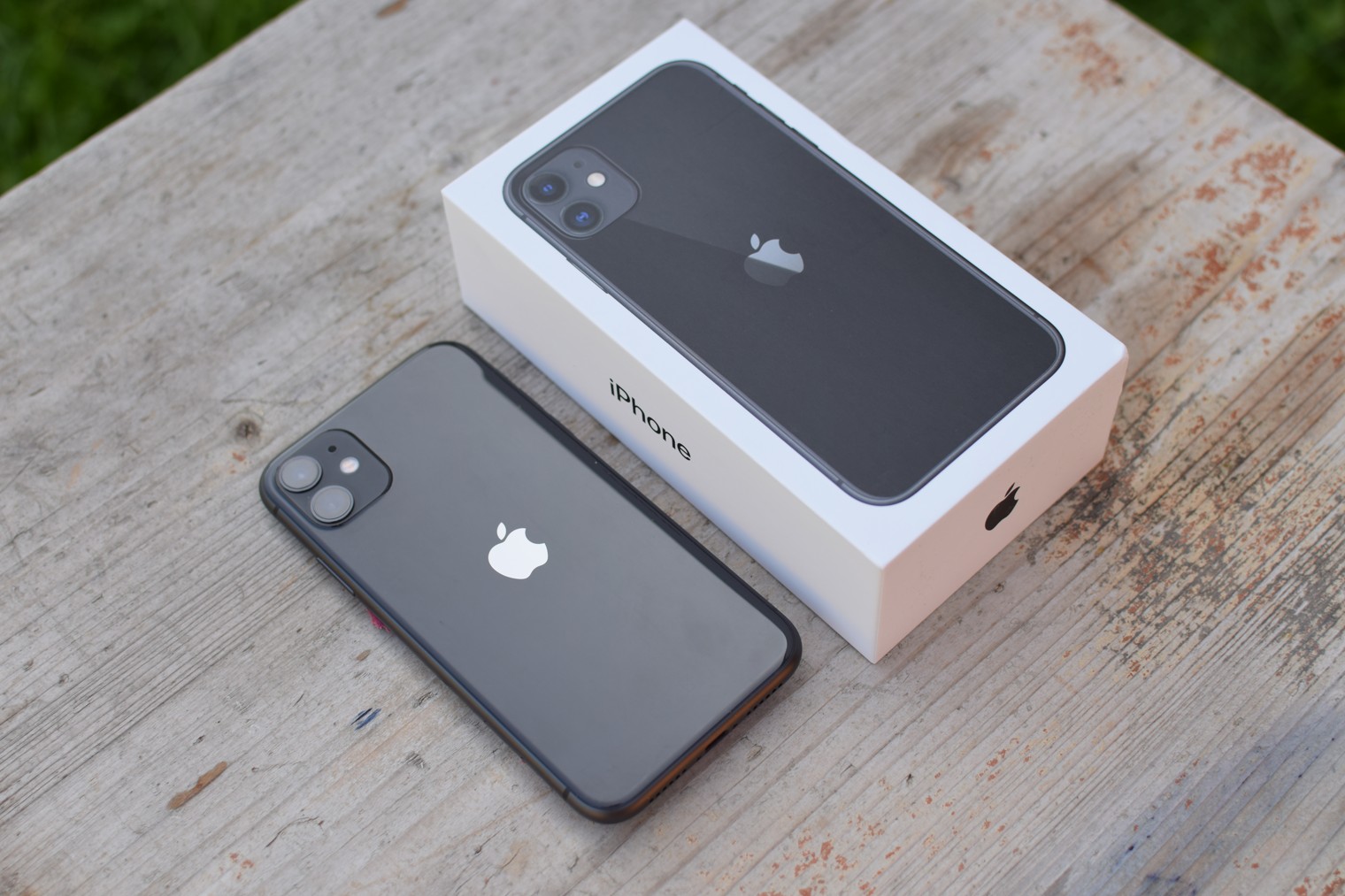
One of the most interesting new features of this year's iPhones 11 and 11 Pro is undoubtedly the brand new Night Mode implemented directly into the native Camera app. Thanks to it, you canoneiPhones are capable of taking good photos even in poor lighting conditions or even darkness, thanks to relatively long exposure and other software adjustments for lightening, etc. It is with exposure that you can play quite interestingly and thus influence the resulting photo.
You might be interested in
Gallery
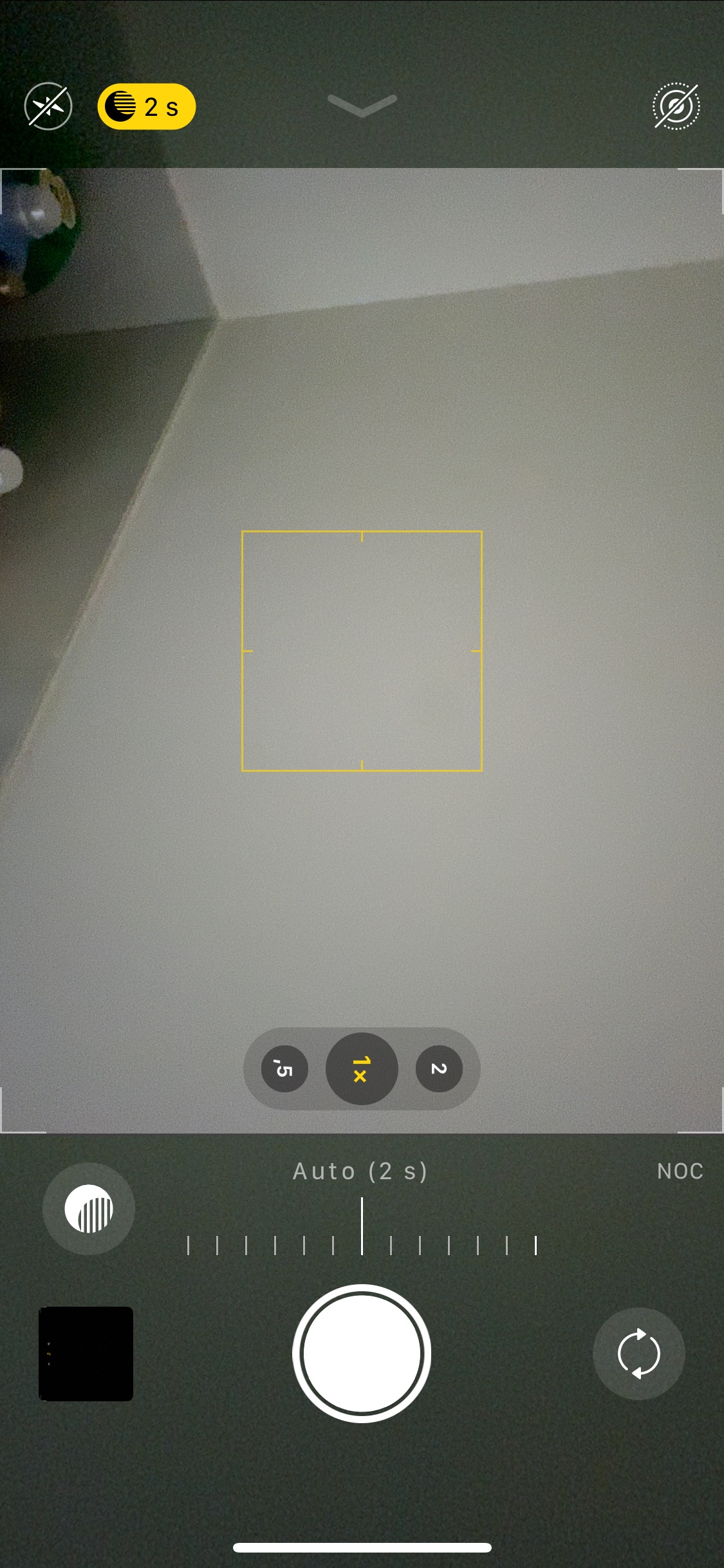
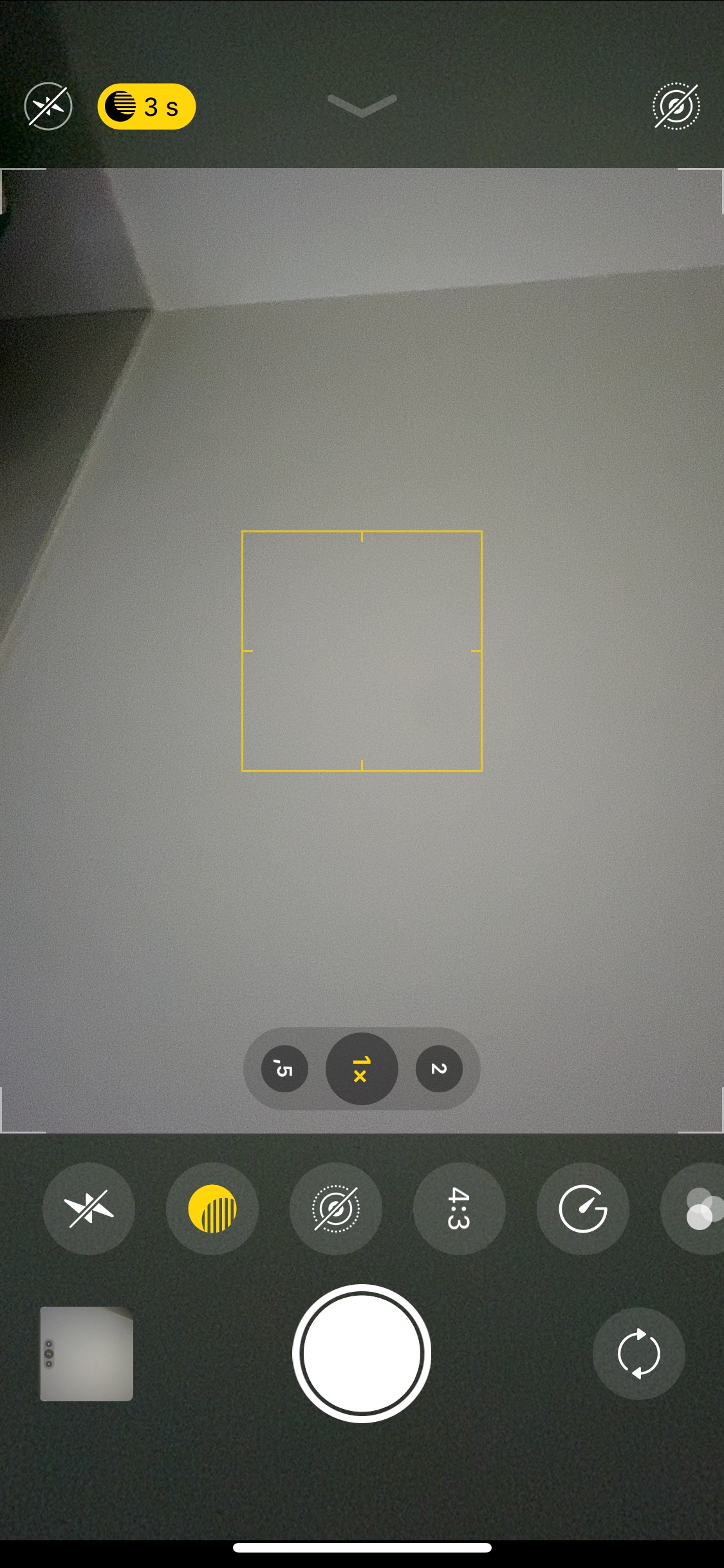
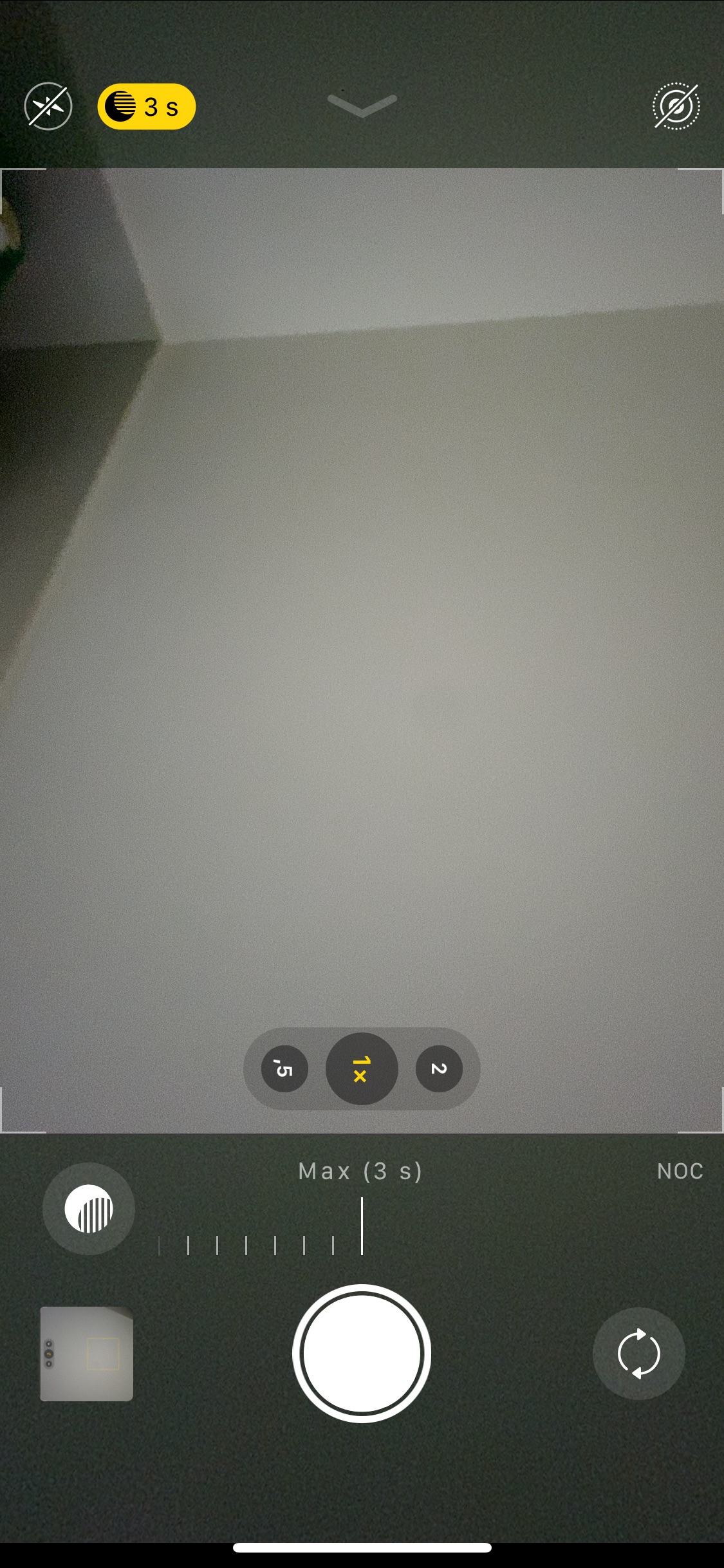
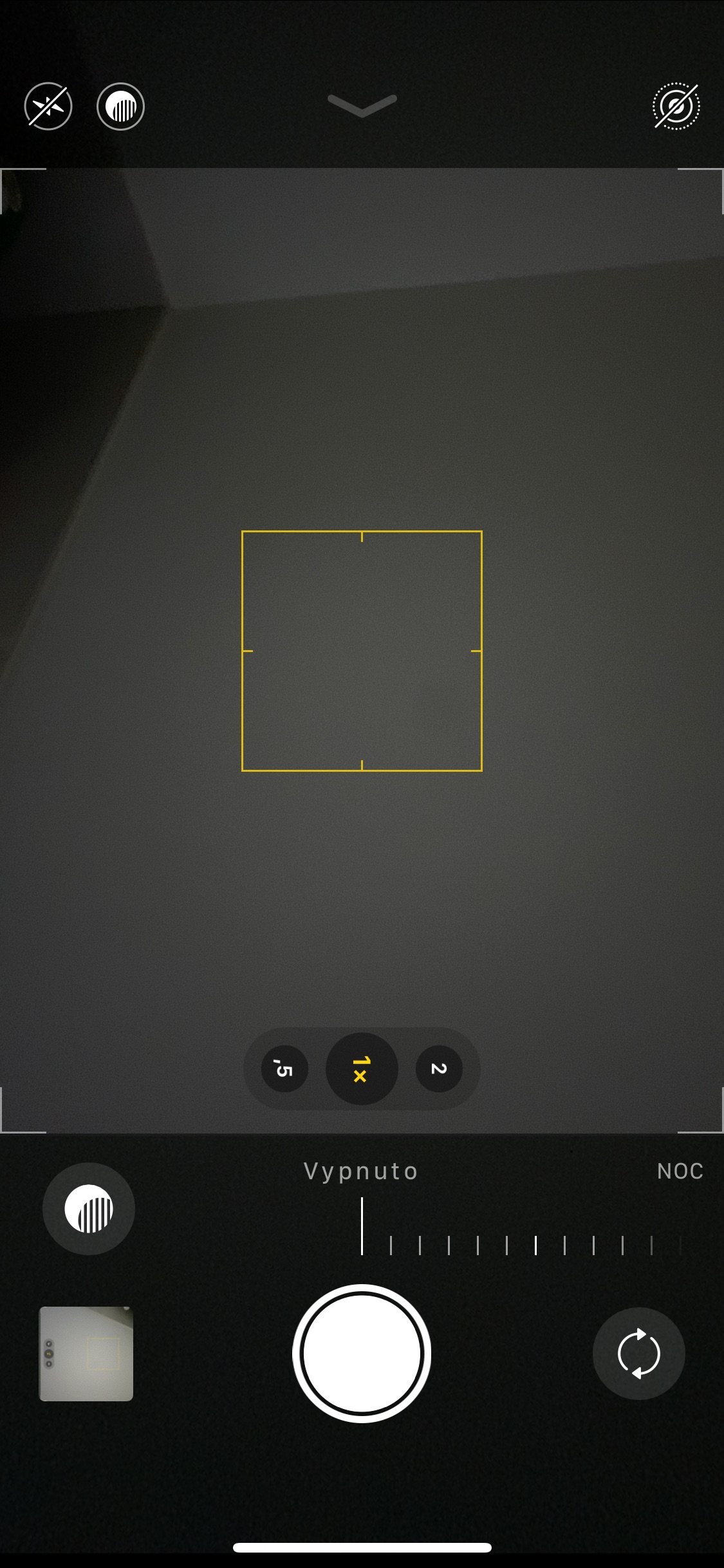
In my review yesterday, I tried to explain the operation of Night Mode as briefly as possible, but various questions regarding clarifications appeared in the discussion below. One of them was the question of how I could iPhone take photos at night without night mode when it is activated automatically. The answer is simpler than you think and exposure adjustment plays an important role in it. As soon as the phone detects that you are moving in a dark environment, the Night mode indicator appears in the upper left corner of the display, so you can prepare in advance for having to stand still with the phone for a few seconds.onem aimed at the object you want to photograph. The time needed to capture a photo varies depending on how dark the area around you is. If it's not too bad, the phone's calculations are sufficient, which then adjust the exposure time to, say, just two seconds. On the other hand, if it's pitch black around you, you can easily get by with 5 seconds. And this is where your intervention comes in. As soon as the phone displays the night mode indicator, you can tap it with your finger and simply change the preset time on the axis - i.e. either extend it or shorten it. If you extend it, say up to 10 seconds (which is possible in really dark places), the resulting photo should be even brighter than the iPhone intended when he preset the exposure time (which can sometimes be detrimental). On the other hand, if you shorten the exposure time to 0 seconds, the camera takes the photo completely standardly - i.e. without any waiting times. Of course, the resulting photo is the same as if you had taken it completely standardly.
Gallery
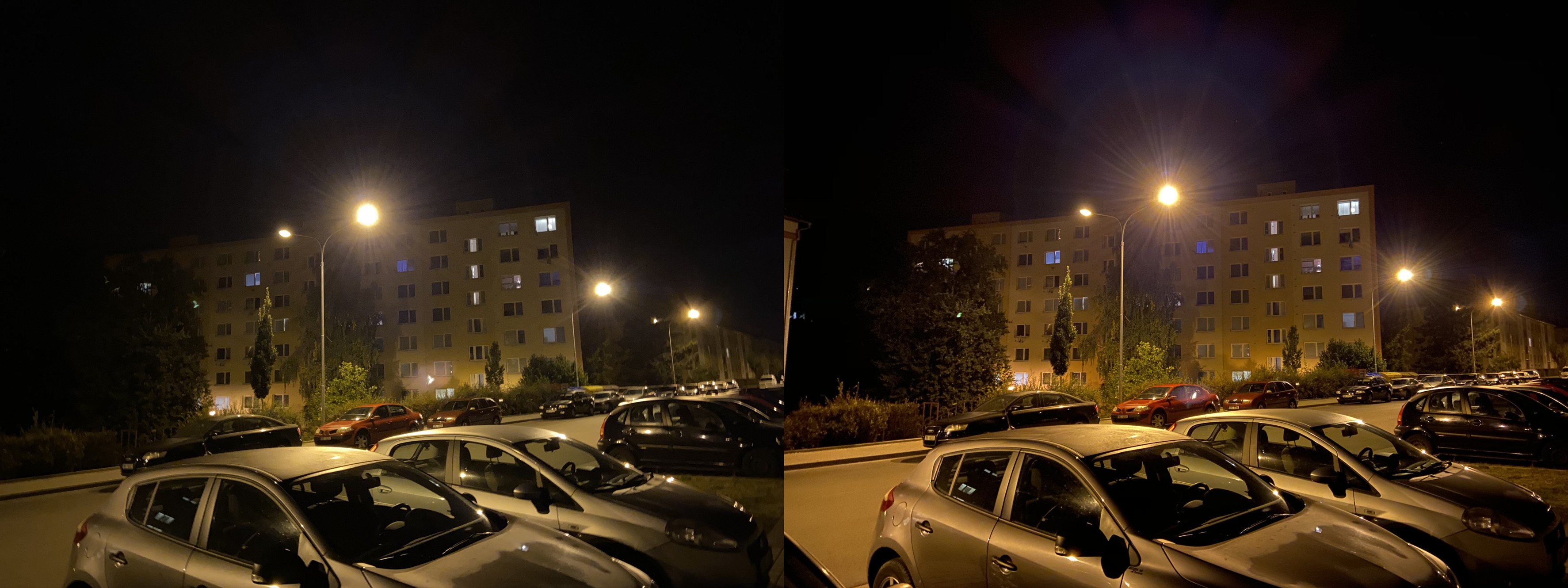
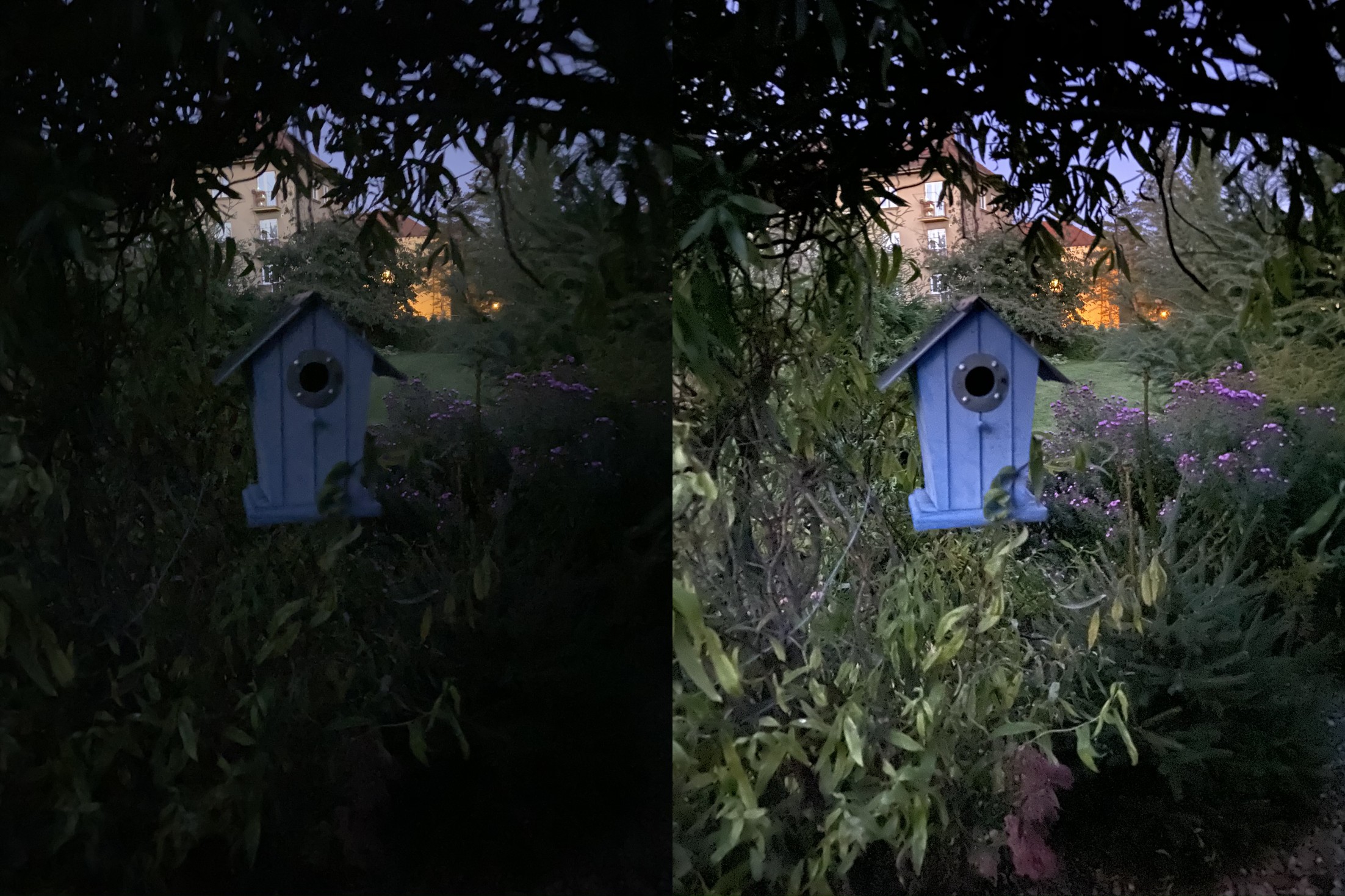
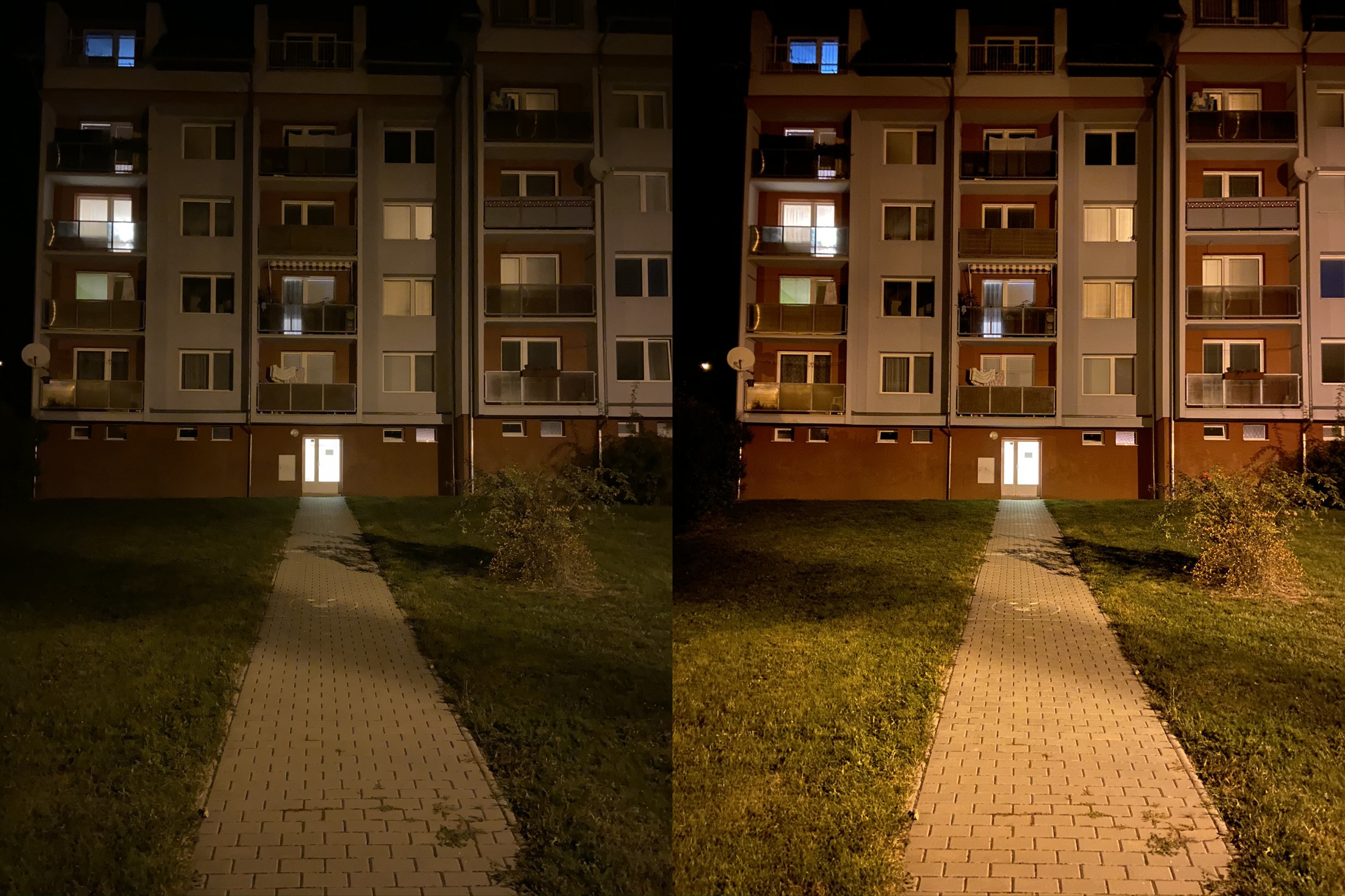
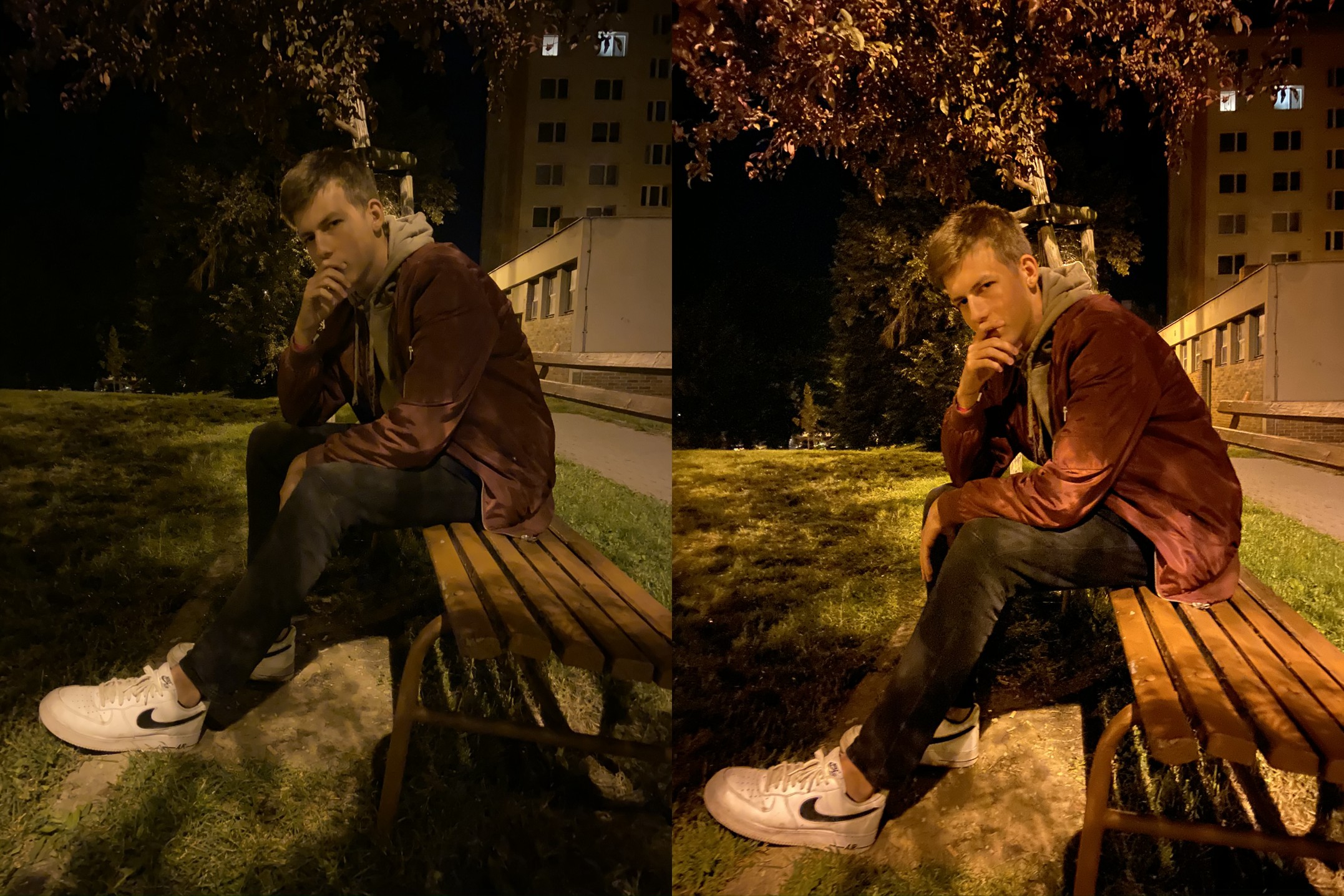
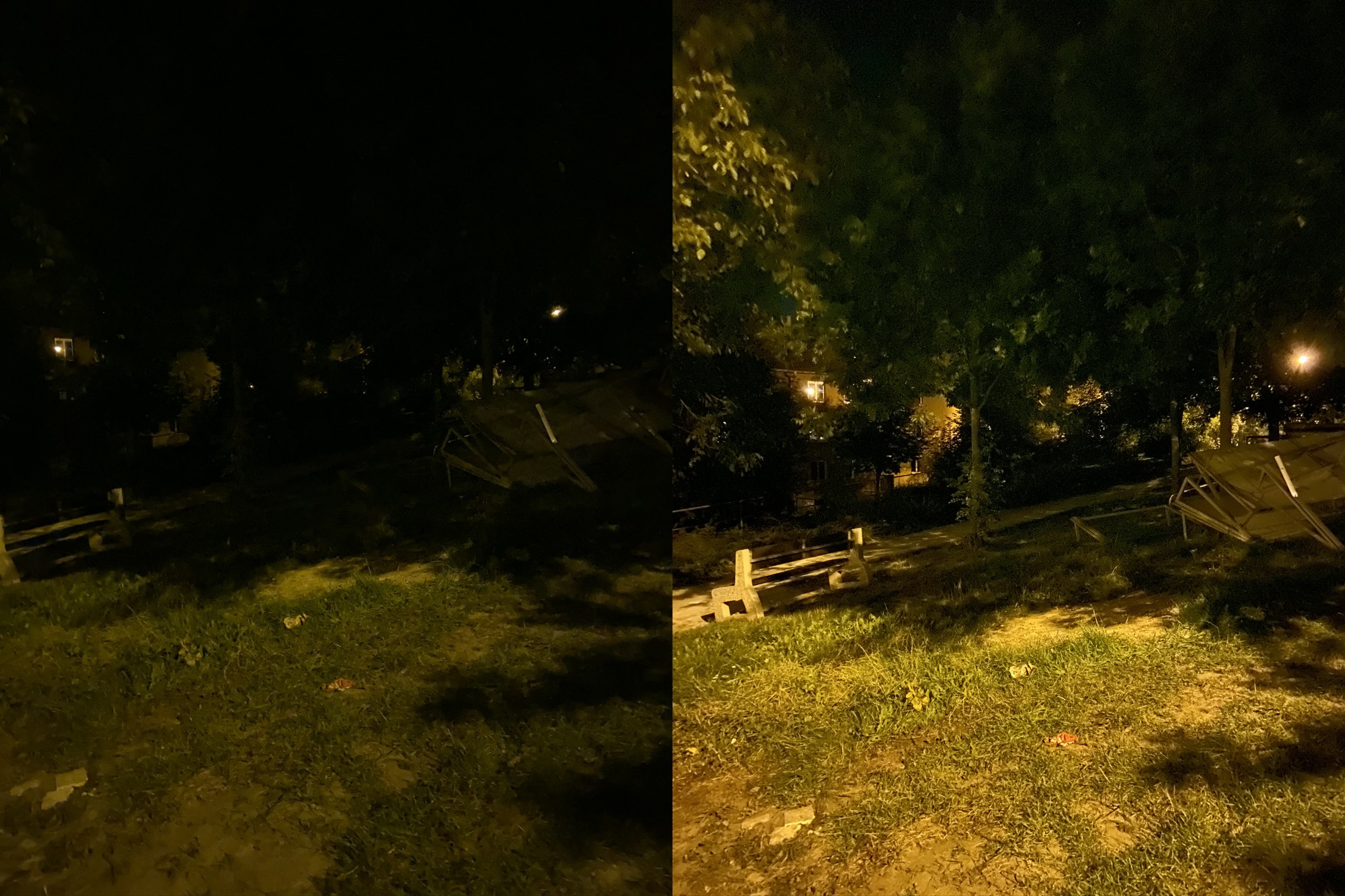
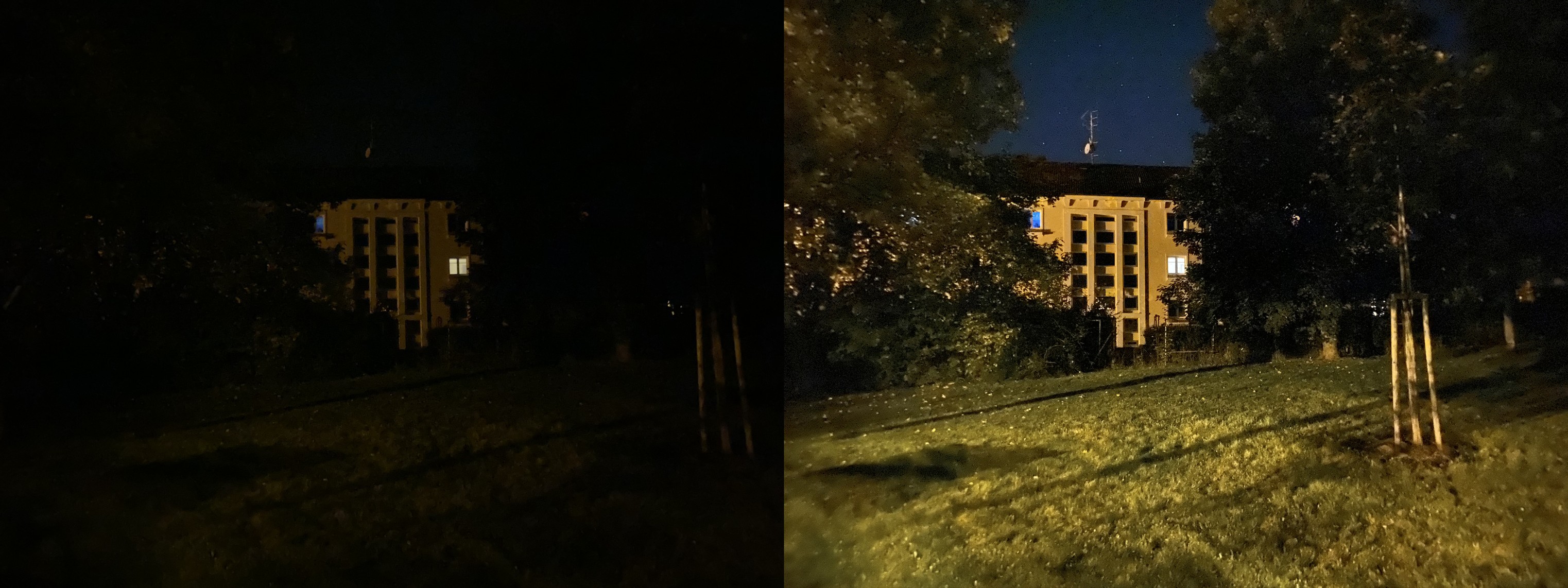
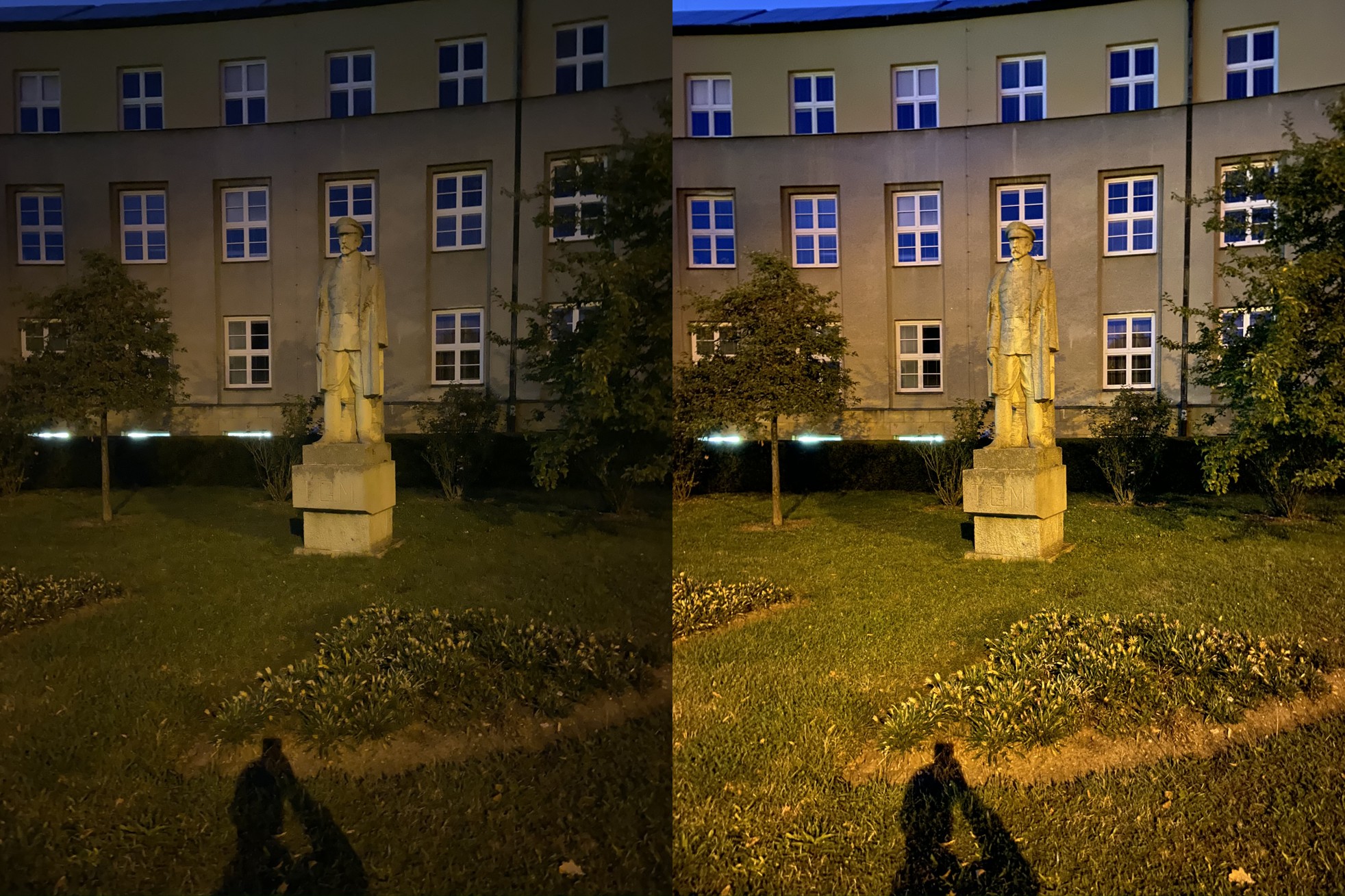
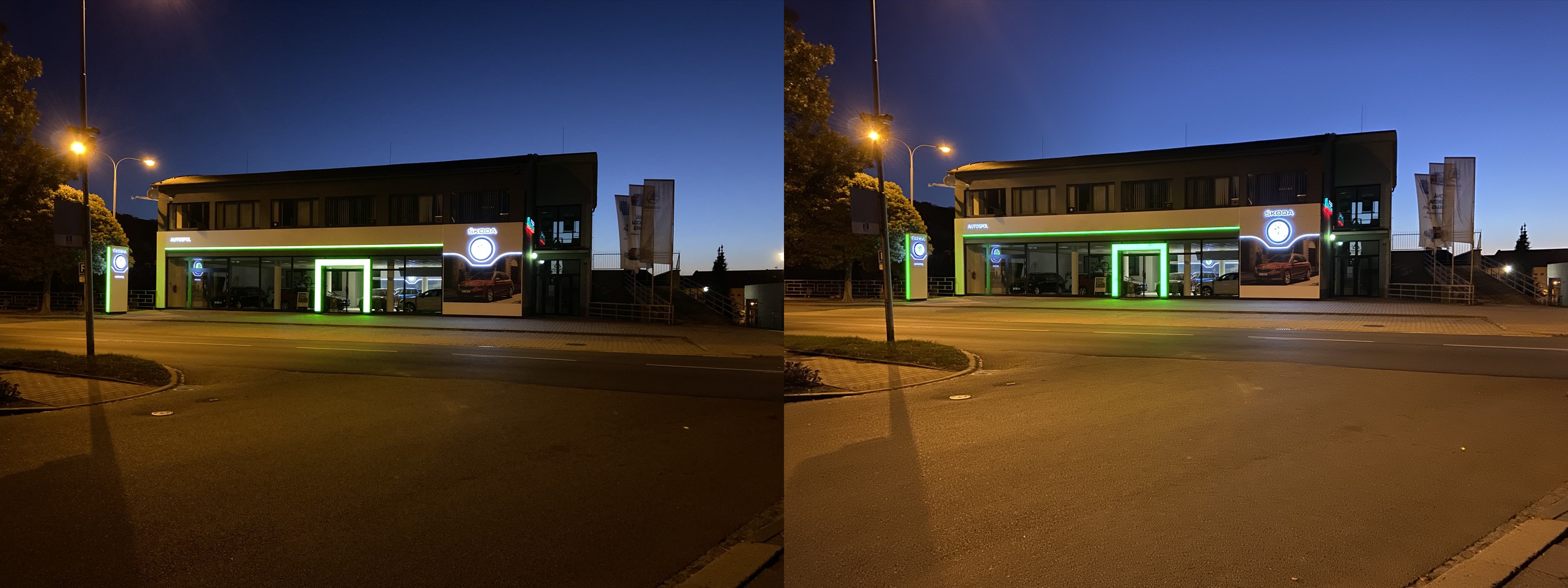
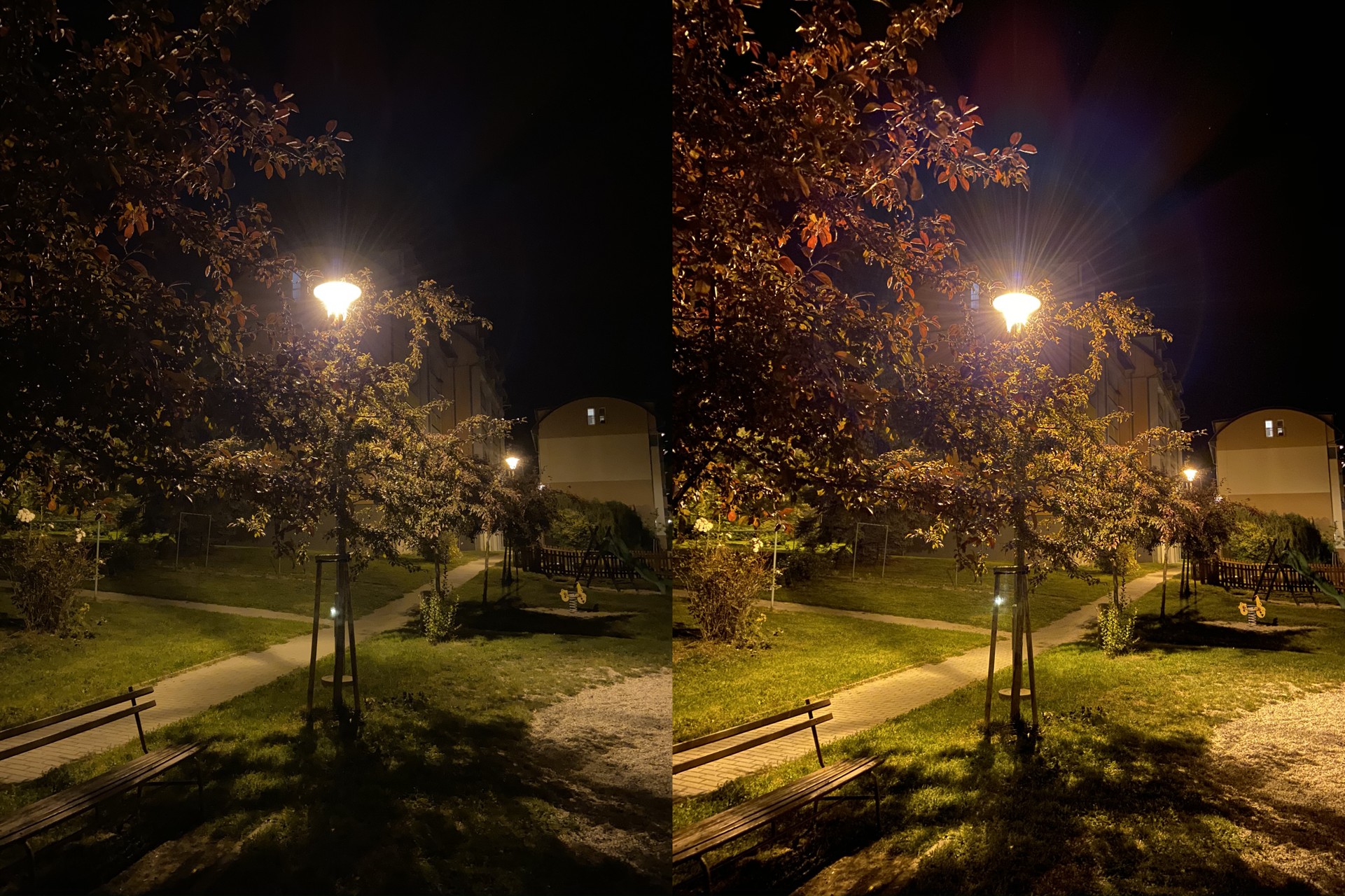

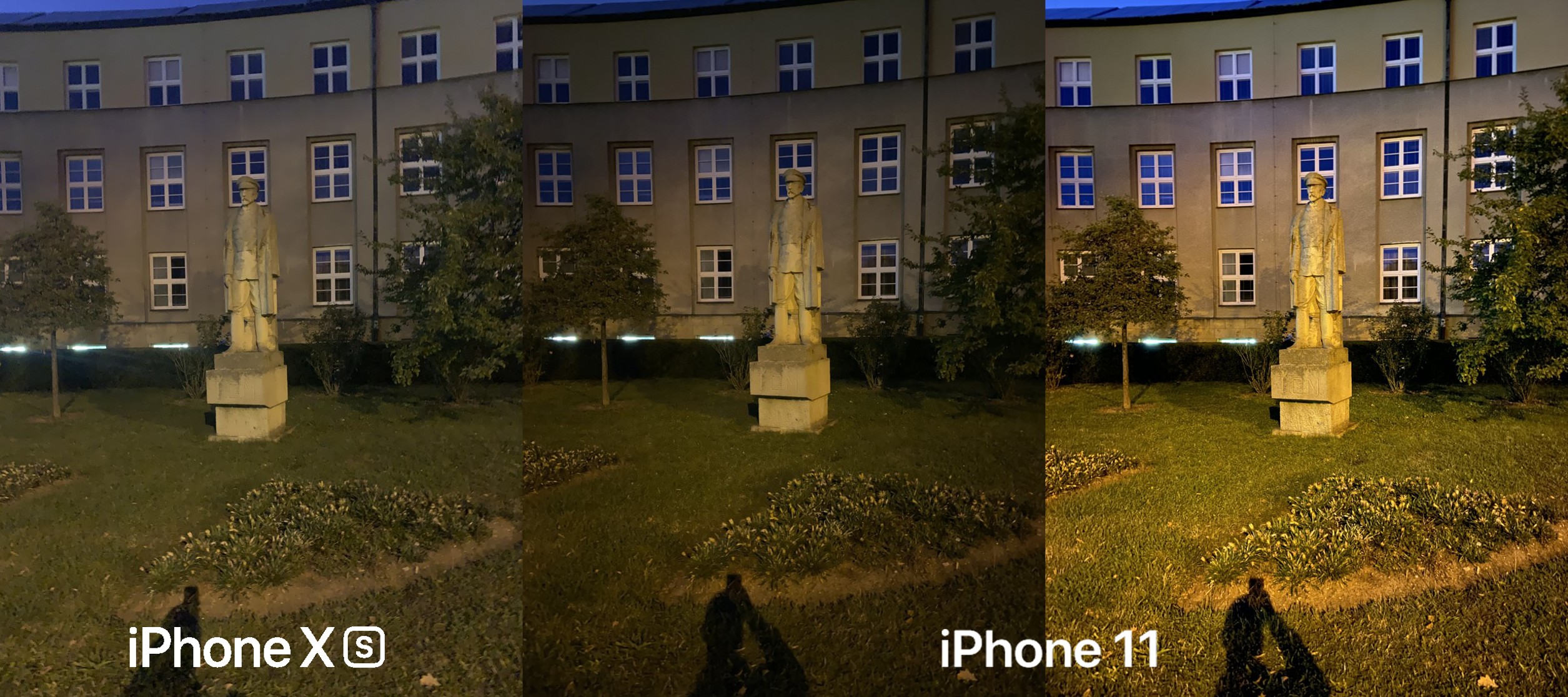
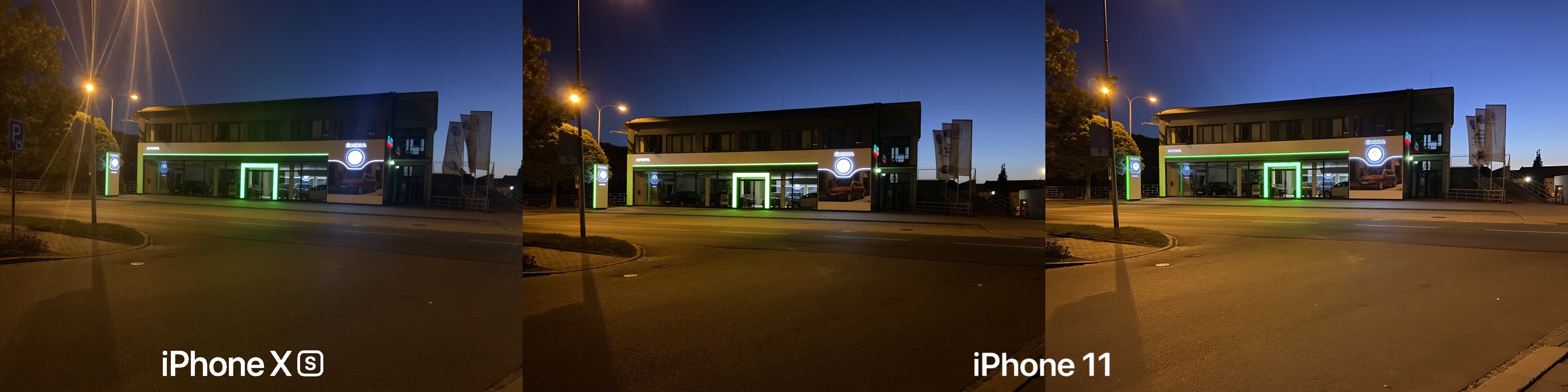
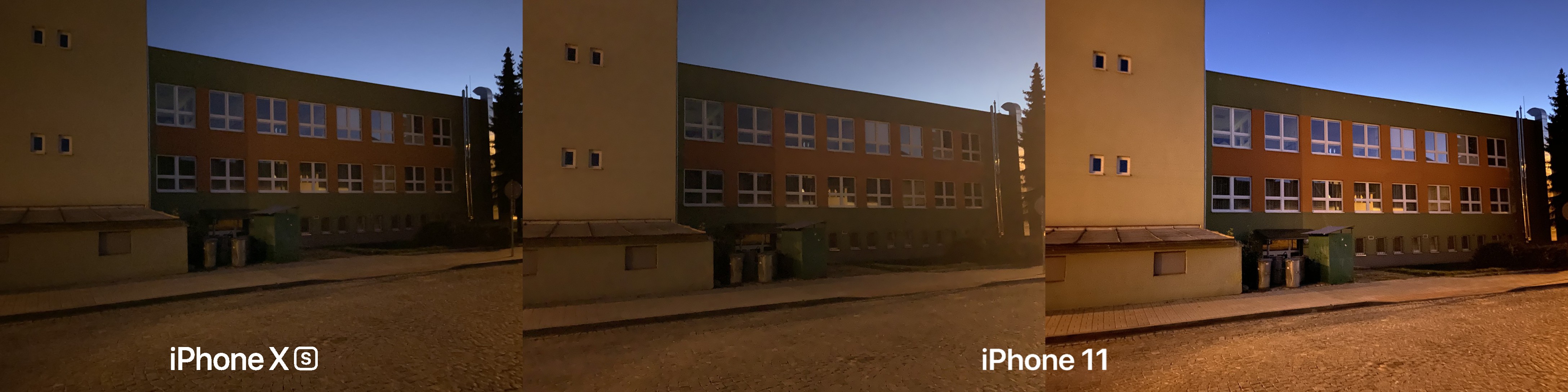
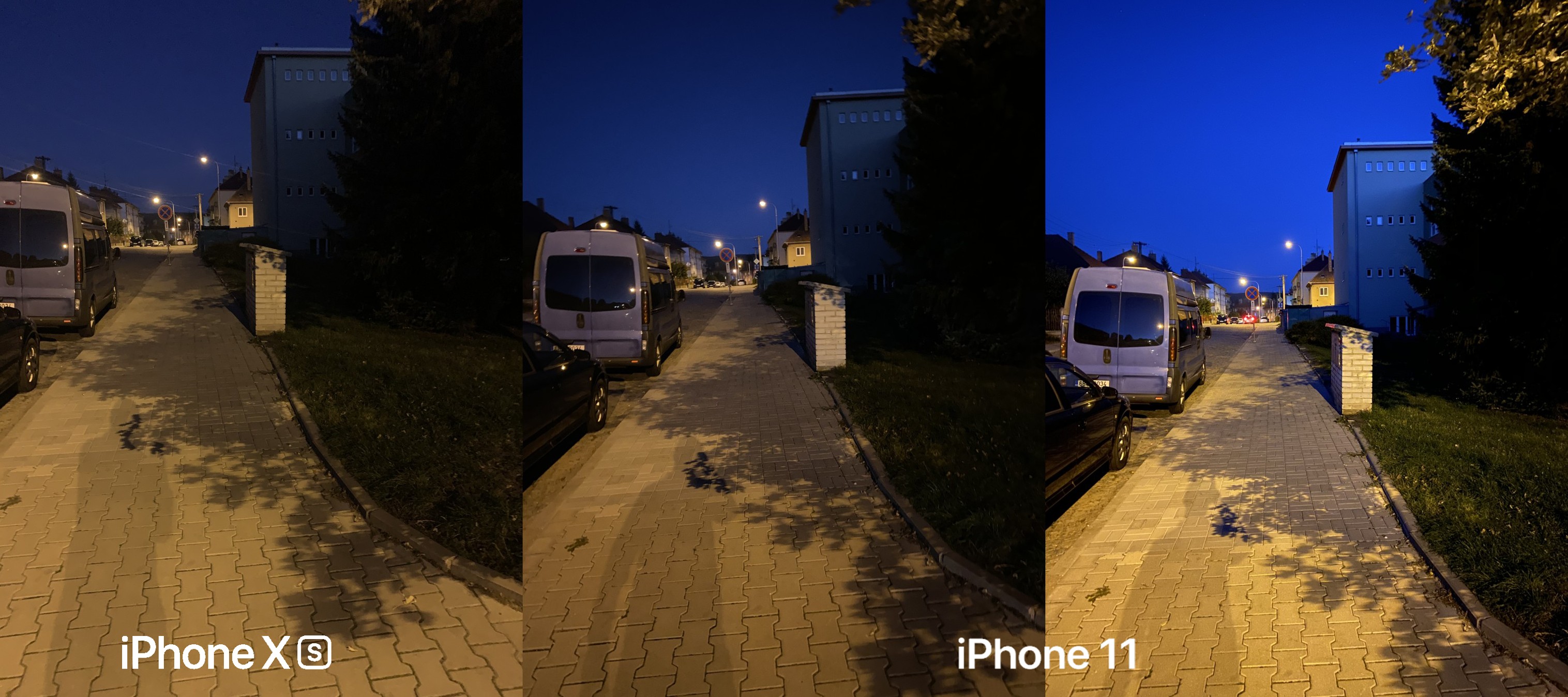
With Night Mode on iPhone 11 and 11 Pro can really have a lot of fun, because it brings something we are used to miniThey were not used to it until now on iPhones. So if you like taking pictures, even in poor lighting conditions, I would not hesitate to recommend one of this year's iPhones to you. In the end, it doesn't really matter what it should be. The wide-angle lens is used for Night Mode, which is the same on all this year's iPhones. However, if you have trouble staying still for a few seconds without any shaking or similar things, you will probably have problems with night photography. Maintaining stillness for a few seconds, when the phone captures the photo, is absolutely crucial for the result. Although stabilization does a lot of work, you cannot rely on it 100%. iPhone You can see 11 photos with automatically set Night mode and zero exposure in the gallery on the side of this paragraph. You will also find a few comparison photos with iPhonem XS. So good luck with your night hunting!





Like he can say whatever he wants, the new one iPhone It takes incredible photos and the night mode is, in a word, great.
Although he switched to it iPhone later than the competition, but I believe the quality is much better than other phones.
I'm an iPhone user, but after reading the reviews, I'm thinking Mate 30Pro It definitely takes better photos at night. There's definitely something to work on. Apart from that, I don't understand why you can't use night mode on a wide-angle camera.
The Mate is not better in night mode, it's more like the Pixel...
and the wide angle lens has a lower aperture, "5 element lens" instead of 6, it doesn't have 100% focus pixels or OIS... I'm not saying it can't be done, but it's better not to have it than to have an unsatisfactory result...
I guess I'm blind, but when I look at the comparison (see video), the Mate 30 Pro clearly wins. https://www.youtube.com/watch?v=ZSZoudGOnDk&t=1s
Mate 30 Pro It will probably be a nice beast, and in recent years Huawei has shown that it can do it in collaboration with Leica, but what good is the "possibly most powerful" device of the year if it doesn't have Google support.
The photos are incredible: https://www.youtube.com/results?search_query=iphone+11+pro+flare&sp=CAI%253D