
The operating system is coming watchOS 6 and with it a number of great improvements and new features. What exactly is it? watchOS offers and how to use all the new features on maximum? That's exactly what you'll learn in this article, in which we bring you the tips and tricks you need to know to get the most out of your new operating system. watchOS 6 dominated on maximum. So let's skip the introductory formalities and get straight to the point.
You might be interested in
Own App Store
Gallery
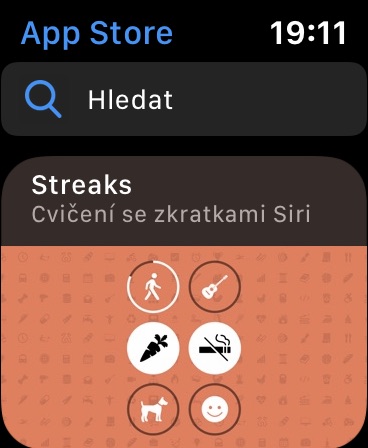
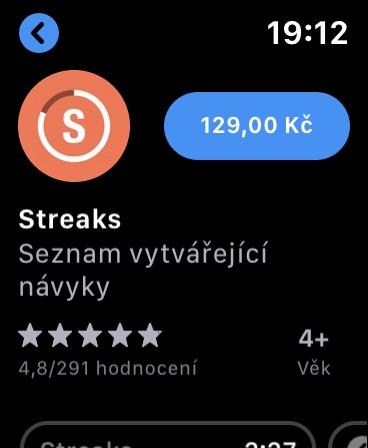
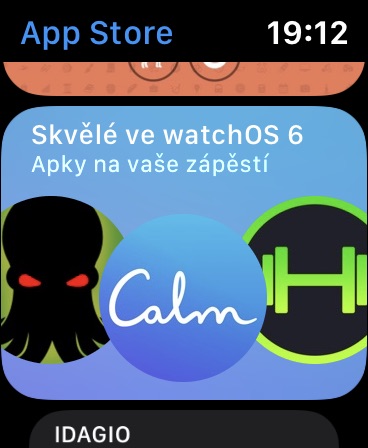
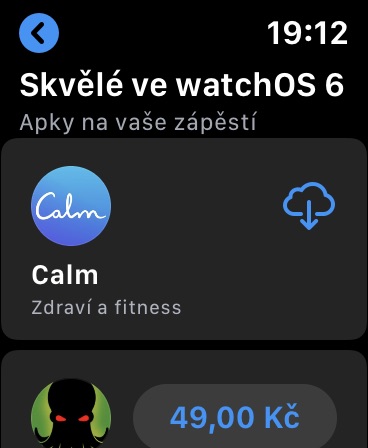
One of the most important functions of an operating system watchOS 6 is own App Store. Just press the crown Apple Watch and in the list of applications, look for the familiar icon with a white "A" in a blue circle. App Store v Apple Watch is a completely full-fledged software store. After launching it, you can browse the lists of the most popular applications and other lists, you can search it using voice input or typing on the display.
Web results at Siri
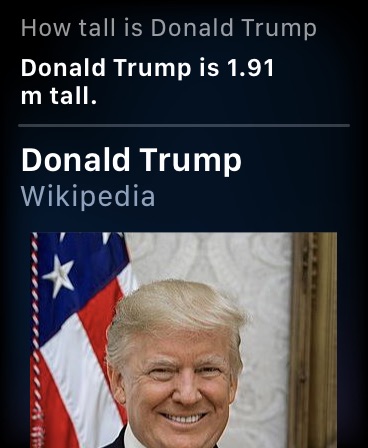

if Siri na Apple Watch you ask a question it doesn't know the answer to, it will show you the results on the website. This is also the case with watchOS 6 new – in previous versions you Siri in such cases she always referred to your iPhone. Pro quick access to Siri na Apple Watch you can also use any of the variant of the dial Siri, it can also be activated by raising your wrist with the watch towards your face.
Pronavigating the web with the help of Siri
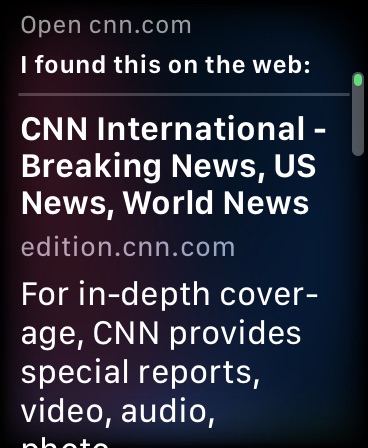
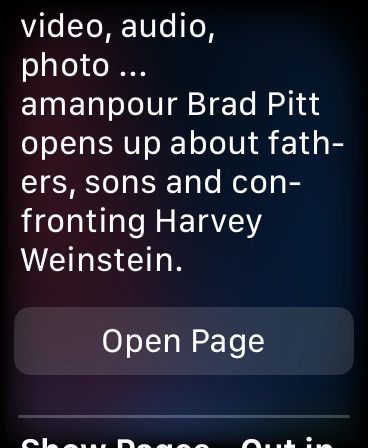

Apple Watch (yet) they don't have their own browser version Safari, but you can easily use it to browse the web SiriJust activate the voice assistant and issue a command like "Open cnn.com"You can scroll through the open page, tap on individual parts of it, or save it.chat view in reader mode. Proweb browsing in the operating system environment watchOS Of course, it's not entirely convenient, but it's more than enough for quick access to relevant information. This way, you can read the news quickly and easily, for example.
Deleting native applications
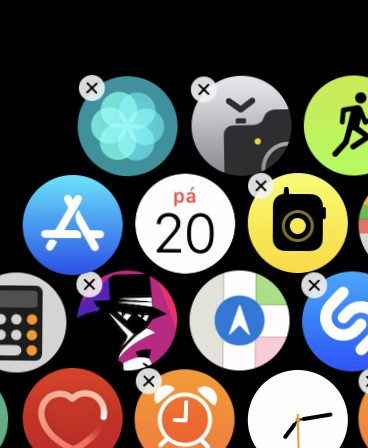
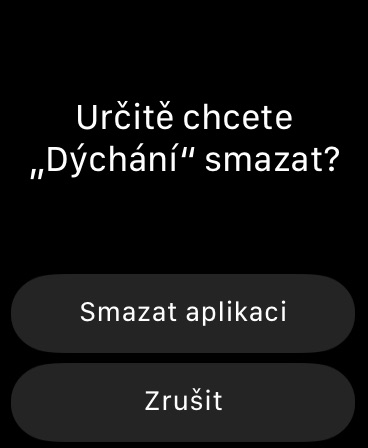
With the advent of the operating system watchOS 6 also gives users the ability to delete native apps, similar to how they do on an iPhone or iPad. Simply open the app drawer, find the one you want to delete, and long-press its icon. When the “X” appears, tap it to delete the app. Pro To reinstall a deleted app, just visit App Store on yours Apple Watch.
New calculator
Gallery
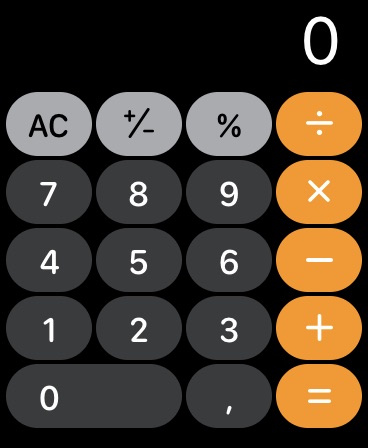
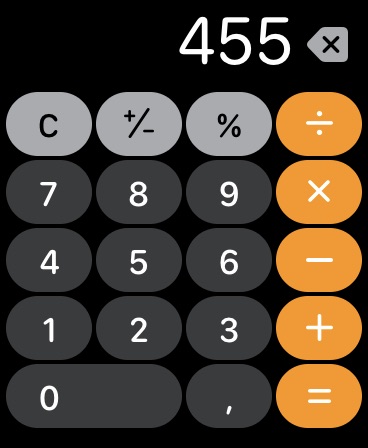
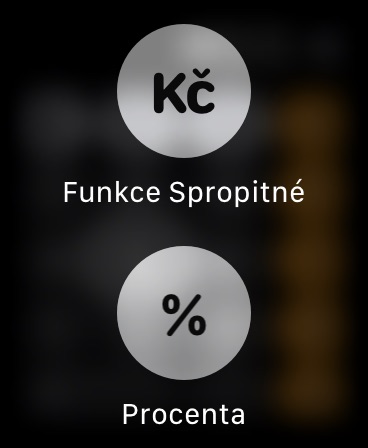
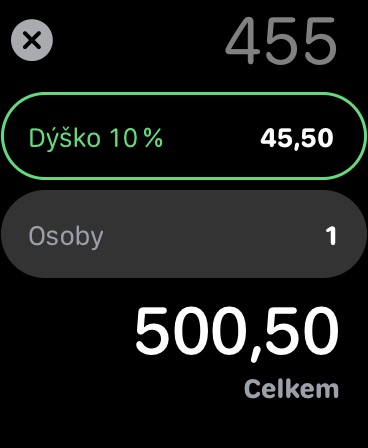
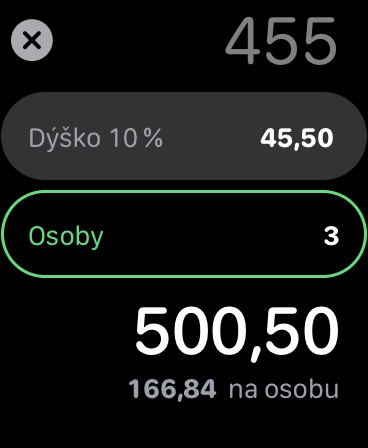
Part of the operating system watchOS 6 is also a full-featured calculator, so you don't have to download third-party alternatives. Its appearance resembles the Calculator on Apple Watch the native application of the same name, which you know from your iOS device, and in addition to the usual functions, it also offers a handful of useful extras, such as a function for calculating tips or splitting bills. Just launch the Calculator app, long press the screen and select Functions Tip. Here you then enter the tip amount in percentage and, if necessary, the number of people, and the app will conveniently calculate everything for you.
Smart lists in Reminders
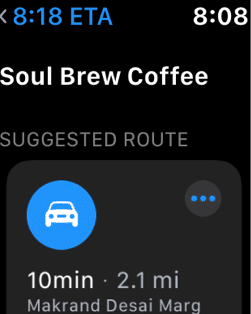

Same as in iOS 13 reworked Apple also in watchOS 6 Reminders app. When you open the app, you can tap the “+” button to add a new reminder using voice input or by writing it on the screen with your finger. In Reminders on Apple Watch You can also create smart lists that the app automatically sorts into categories like "Today," "Scheduled," or "All." Thanks to syncing via iCloud of course you will find all the comments entered in Apple Watch, also on your own iOS device – and vice versa.
Reading voice recordings
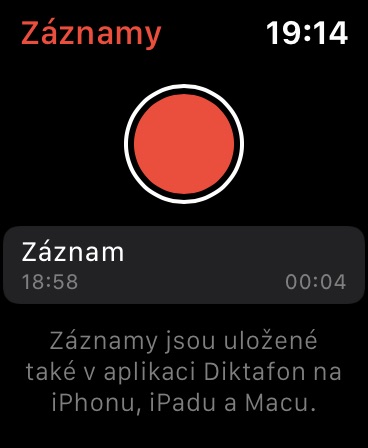
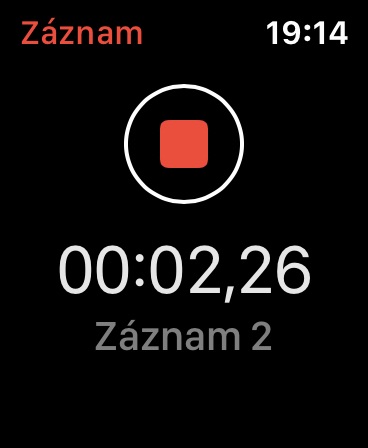
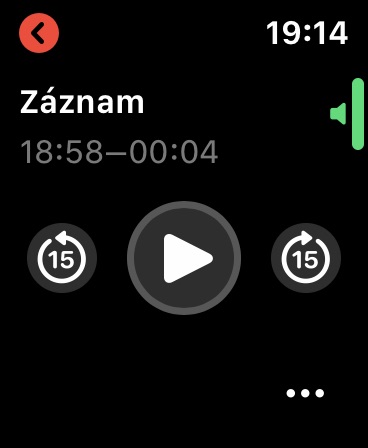
Operating system watchOS 6 contains a very simplified but useful version of the Dictaphone application, known from iOSJust open the app and tap the red button to start recording. Pro To stop recording, simply tap the red button in the middle of the screen again and the recording will be automatically saved. All recordings are automatically synchronized via iCloud, so you can also find them on your iPhone, iPad, or even Mac. In the Voice Memos app for Apple Watch you can also conveniently play all your voice recordings.
Noise level control
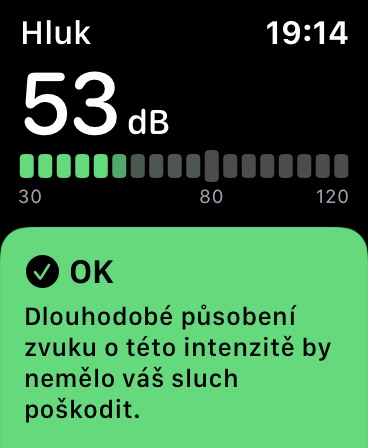
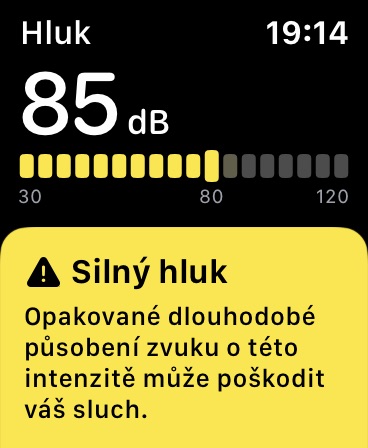
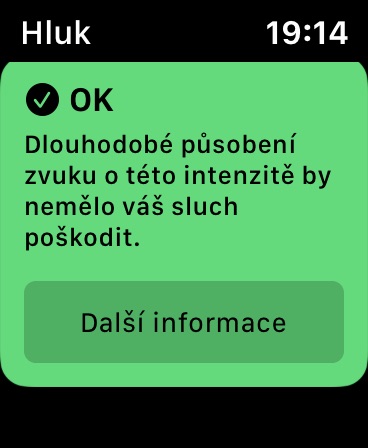
If you own Apple Watch Series 4 or Series 5, you may notice an item called Noise in the list of applications. This is an application that is designed to measure decibels in your environment. The application works in both active and passive mode. You can start measuring ambient noise at any time by tapping the application icon, but it can also alert you when the healthy level of ambient decibels is exceeded. The relevant data is automatically saved in the Health application.
Listening audiobooks
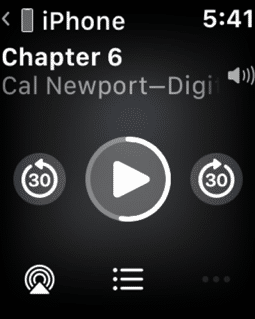
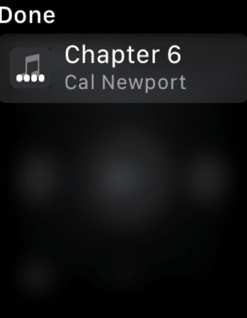
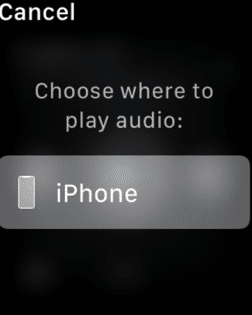
V Apple Watch now you will also find the Books application. However, unlike its counterparts, it does not serve iOS and macOS siblings for reading e-books, but for playing audiobooks from iTunes – just install AirPods and you can listenchatIn selected regionsoneis it possible audioYou can also download books from the Books app (formerly Booksv iOS equipment. In the Czech Republic, the section AudioThe book is not available in the Books app, but we will definitely see it in time.
Cycle tracking
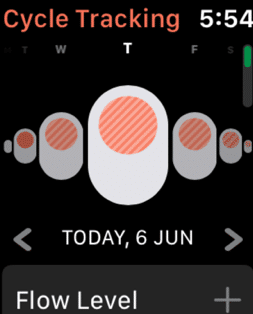
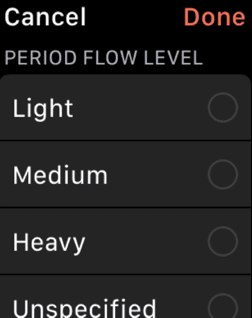
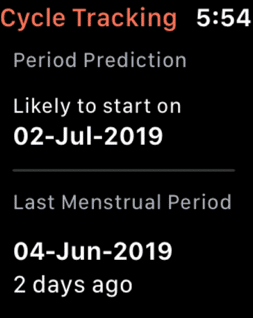
Users certainly watchOS 6 will welcome the ability to track their menstrual cycle. You can enter all the data related to the cycle. Based on this, the application can calculate the approximate date of the individual parts of your cycle and notify you in time. The records are synchronized with the Health application. In the Health application on your iOS You can then check your cycle at a glance on your device, but also manually add any relevant entries. To track your cycle on your iPhone, tap the Health app -> ProView -> Cycle tracking, where you can also conveniently manage individual records.
New features in Maps
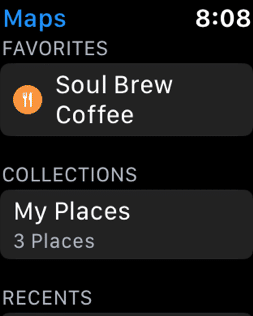
The Maps application now includes two useful functions – the Favorites category and Collections. Once you start using these features on your iPhone, the data will automatically sync with your watch.
Animoji stickers
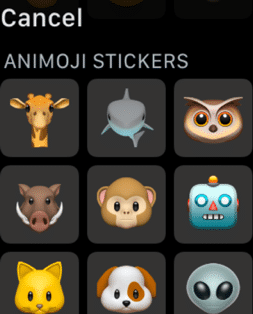

Animoji stickers are in watchOS 6 integrated directly into the message reply screen. Just tap the reply button in a conversation and you will see Animoji stickers along with the emojis. The ability to reply to messages with Animoji and Memoji was introduced by the company Apple with the arrival of the iPhone X. Thanks to the improved front camera, the user's face can be scanned and an animated smiley can then be created.
Muting a conversation in Messages
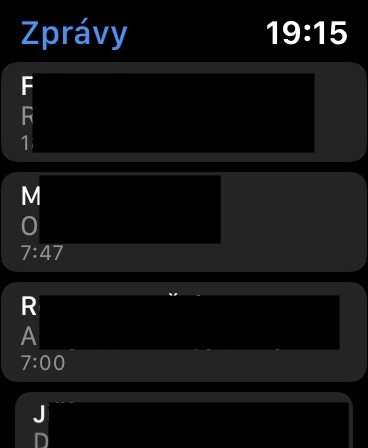
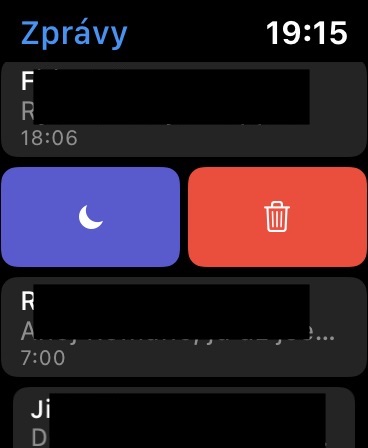
Apple Watch are useful, among other things, in that they always notify you of any message or incoming call. However, constant notifications for various types of messages are not always convenient. If you only need to mute a selected conversation and do not want to turn on Do Not Disturb mode on your watch, watchOS 6 lets you do just that. In the conversation view, just swipe left and tap the mute icon.
It will rain?
The Modular dial now offers watchOS A complication that gives you information about the probability of rainy weather. Tapping on the relevant complication will then display more detailed information.
Turn off Bluetooth
V Apple Watch you can also with the advent of the operating system watchOS 6 turn Bluetooth on and off. You can access the switch via the Settings app -> Bluetooth.
New Settings
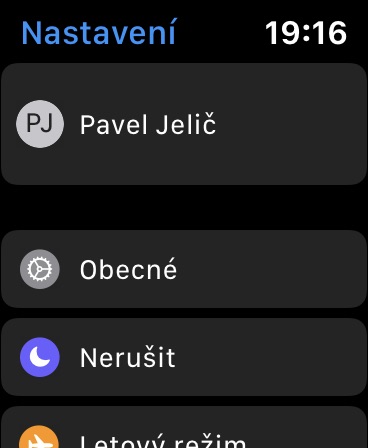
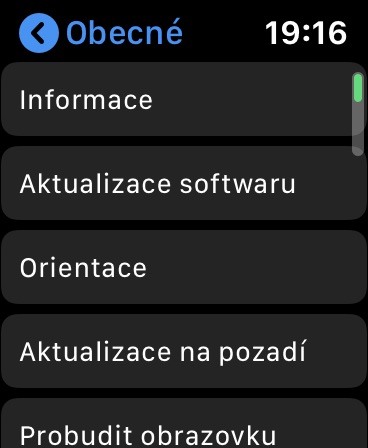
Reworking the operating system watchOS 6 also brought the Settings application. It now resembles the environment of the tool of the same name in the operating system. iOS, is clearer and better organized. After tapping Settings on your Apple Watch se will show you a familiar view, with your name at the top of the screen and General categories, settings for Do Not Disturb and Airplane Mode, and other items below.


From the Sport version, that is, from version 0.. But announcing the time after holding down two fingers on any watch face.. ticking the time every hour.. ticking the time in silent mode.. I won't write that.
I don't know about you, but my AW4 can last for hours after the update. 100% charged battery much less... So a lot of crap has been added for me, but at the expense of the battery and I don't like that. It used to last me 2 days now max a day and that's without even a day of training with it turned on...
In my opinion, it is caused by the noise measurement which is permanently active... but I may be wrong.
I agree with that, the dial with noise measurement and it only lasts until about 22 pm. I get up at 7. IWatch S4
Noise measurement has a definite effect on this. I always had a few days after each update where the bat was more than usual. But after hard testing and a few days, it always came back
AW4, taken off charger at 8 yesterday. I'm having trouble measuring the noise on the dial. 2 hours by car and navigation, fooling around with the kids all day (exercise closed without letting him go), approx. 20 minutes of phone calls through the watch and 2 hours in the evening with navigation back. Overnight on hands, 8% in the morning at 44 o'clock.
Hello,
How can I make things read on mobile (emails, messages from messengers, ...) no longer appear under the "red dot" as not read?
It annoys me enough that everything I read on my mobile phone I have to click again and again in the notifications in AW
Previously, the things I read on my mobile phone were no longer in AW, they removed themselves from the notification on AW
They are still staying there now
It's the same for me, the aw4 discharges half as fast and now I don't give two days even by mistake. I have sound metering turned off. They must be kicking ass.
that's weird, WOS6 on aw4.. I used to get up at 7:30 in the morning. now 18:05 and I still have 82%.. although it's Saturday and only one 2-hour walk and I didn't have any music on my iPhone.. but still.
I just had the opposite impression that they last longer
I have the same thing, considering I sleep with the watch on, it annoys me quite a bit. I just hope it gets better :(
Pull down the blind, hold and X to delete everything - problem solved 😀
Just to be sure: I can't get from BETA aw os6 to normal aw os6 right? :) until aw os6.1 what? Thanks M
After switching to watch os6, the mouse won't tell me the time when I click. Allowed in iPhoneIt's X, I tried turning off/on the phone. also aw4 and it didn't help.
Can anyone advise?
It stopped working for me too. Probably a bug of the new system.
They don't speak to me either. Settings by site apple. And he doesn't speak
Re-pairing helped me
The new pairing helped, it's working now. THANK YOU
For me, when the old one taps the mouse, it works great
I don't know, but I was able to turn off BT already in an older version of the system. so it probably won't be news 6.
I don't think it was possible. The BT menu is there, but it doesn't have a slider to turn it off. He was added just now.
Otherwise, it's a shame that they didn't add a few dials for the AW 3 as well. The white one with Roman numerals is very nice.
My AW 4 notifications are not working after the update.. has anyone experienced this? I tried disconnecting AW and reconnecting to iPhone but nothing changed.
Restart AW and it should help
Unfortunately this doesn't work either. I'll try support tomorrow. Applu
It helped me. Turning off AW and then turning it on
Or try one of these
https://www.gottabemobile.com/watchos-6-problems-fixes/
Otherwise, Viber whats up notifications didn't work for my colleague today and only restarting his mobile phone helped him
After the update, I can't make a phone call from the AW4. Every time it gives me an error that the call failed. However, the person I'm calling rings a few times. Otherwise, answering a call on the AW4 and talking normally works without any problems. Re-pairing didn't help. I have iPhone SEHas anyone had the same problem and can you advise, please?
So I solved the problem. It was doing it on AirDrop on iPhone. After turning off AirYou can now call Drop from your watch 🙂
unfortunately I don't like Mickey either, don't you know what to do with that?