Commercial message: You have DVD movies at home, but you simply don't have a place to play them anymore or you would like to watch your favorite movies on the go. You don't have to carry around any cumbersome equipment to play these discs or worry about why your movie won't play because the disc is scratched. Simply back up your favorite movies or recordings to your computer.
Then you can easily watch them on your favorite devices, from iPad to iPhone to Mac. Plus, you can store the DVD boxes in a safe place and maybe one day they'll come back for an old school experience.
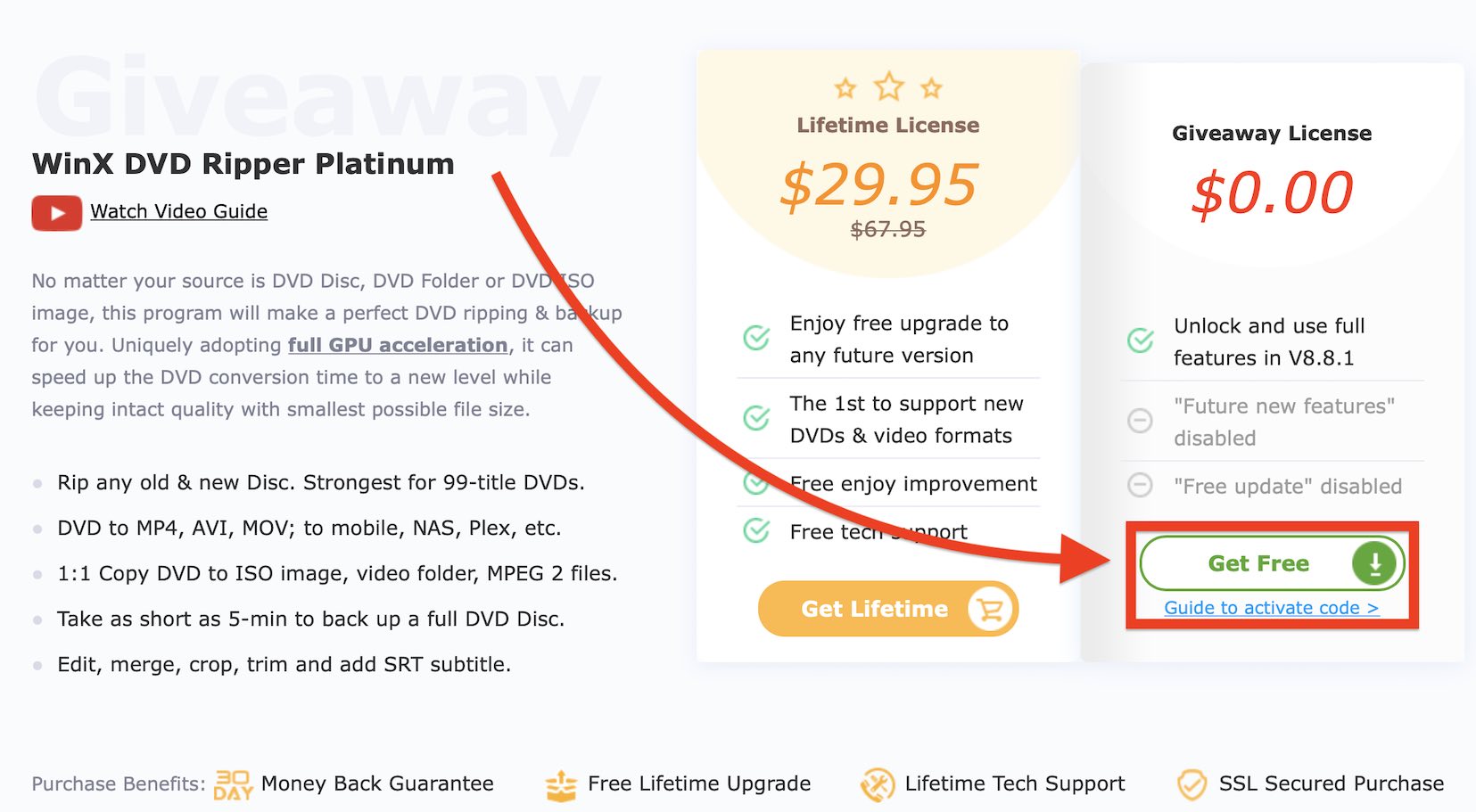
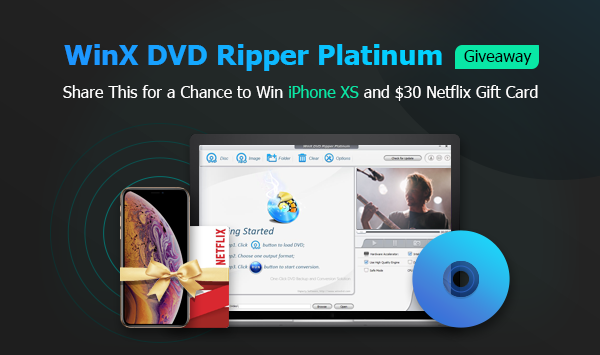
A great tool to help you with this is DVD Backup WinX DVD Ripper Platinum. Currently, the developers are offering everyone free license on this pageAs a bonus, you can win a great iPhone XS or a $30 Netflix gift card. If you want to get this DVD ripper for Mac without any additional fee, head to this booth.
WinX DVD Ripper Platinum Specifications
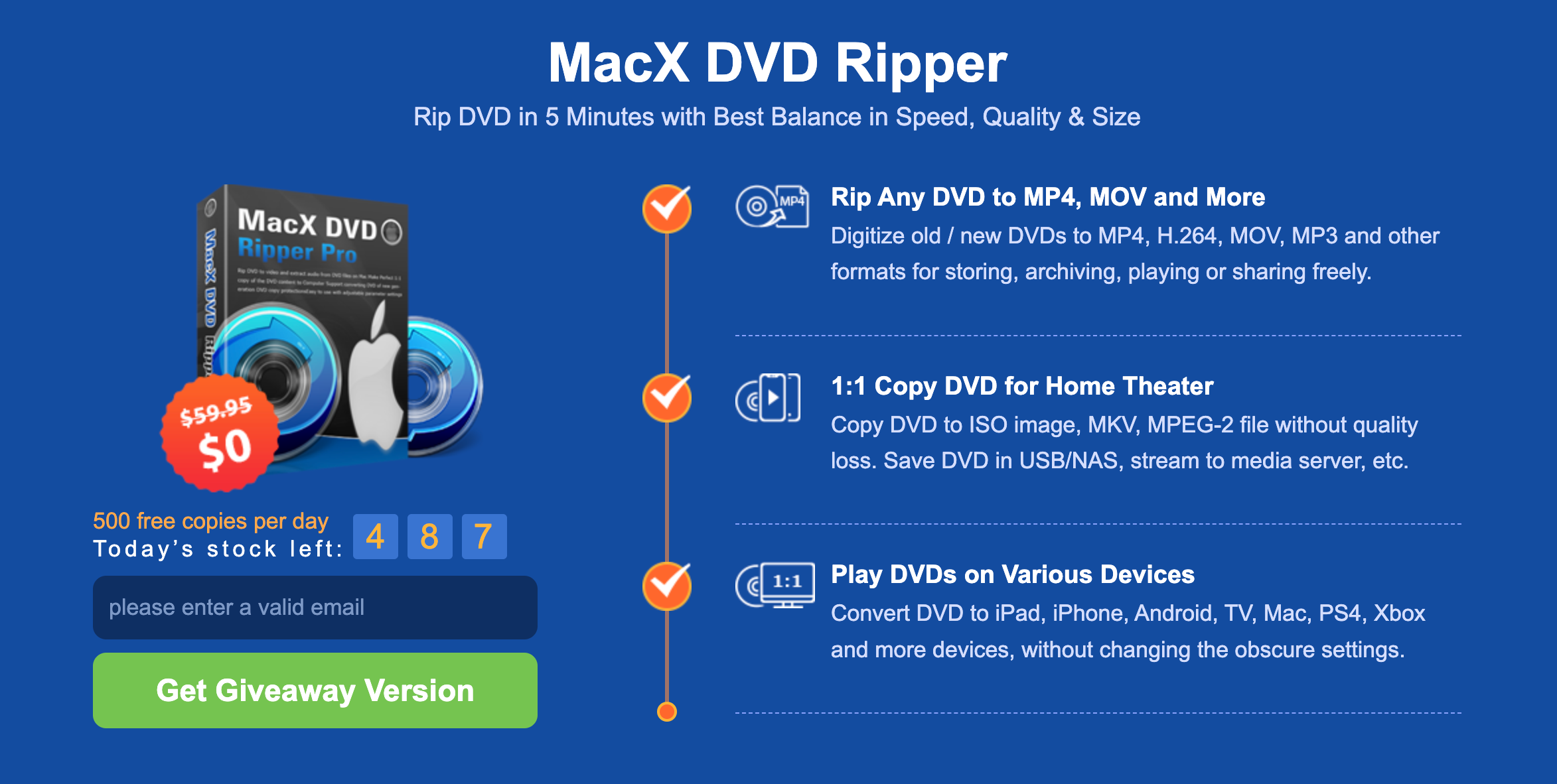
- You get the ability to play videos on devices like iPhone, iPad, Mac, Samsung or devices from Microsoftu.
- You can clone your DVD 1:1 to ISO format or as a DVD folder, without losing quality and audio track (AC3/DTS Dolby audio), which takes about 5 minutes.
- It can record from all kinds of DVDs. It doesn't matter if you bought it in a store, recorded your own video or the disc is scratched.
- Burned DVD editing tools so you can cut, crop, combine subtitles and much more.
- More demanding users can set the overall progress themselves. From the video format to its frame rate or audio track.
How to backup DVD with WinX DVD Ripper Platinum in three steps
Step 1: Insert the DVD disc you need to backup
Open the program and click the "DVD Disc" button. The disc will appear under "Select the source DVD disc". Click "OK" and this program will scan the disk.
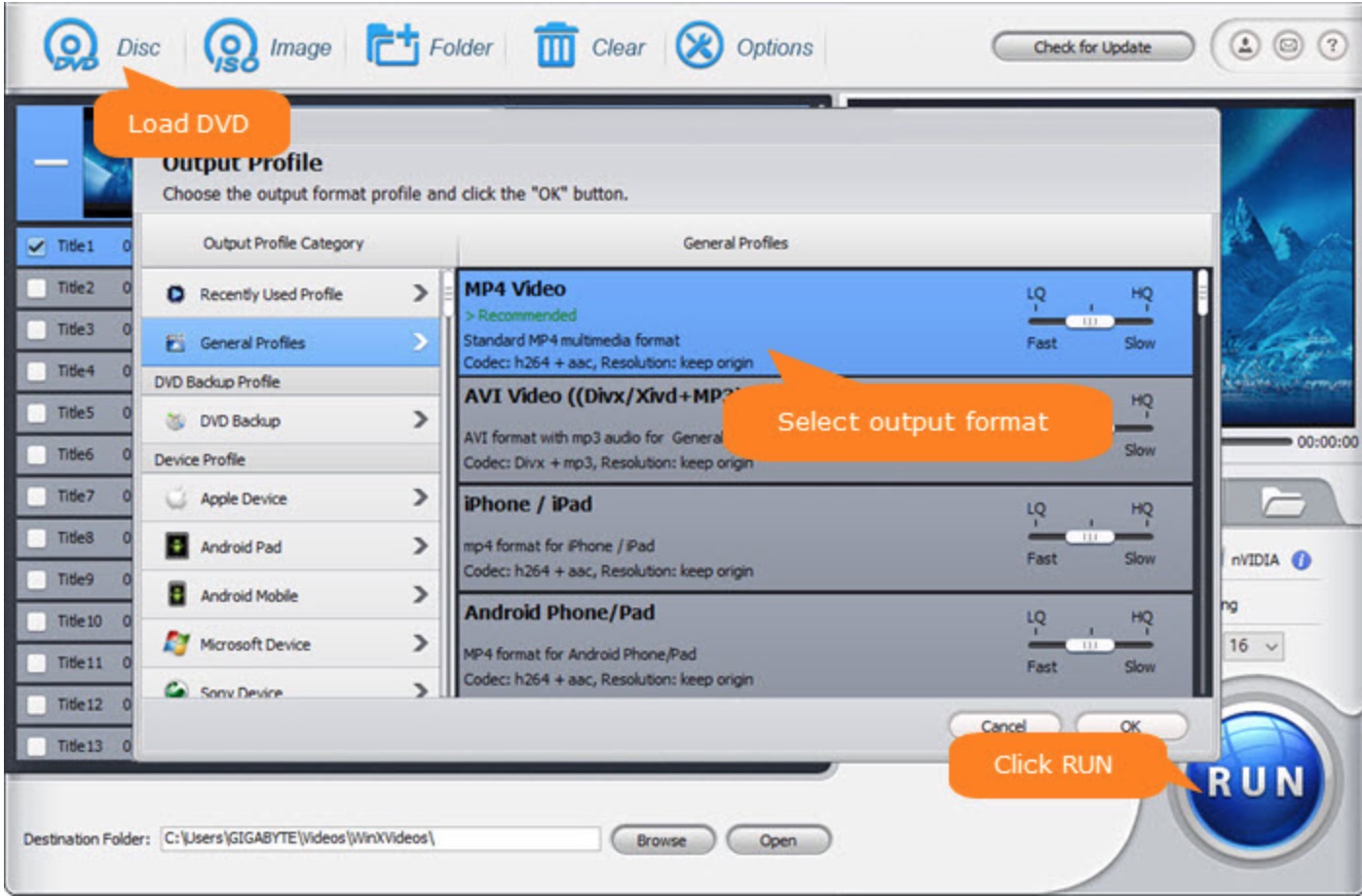
Step 2: Choose the format you want to digitize the DVD to
In the program section you have "DVD Backup" Profile", there are several options to choose from. Whether you want to clone the image to ISO format, or as individual DVD folders, or want to back up the DVD in a 1:1 ratio, and more.
You can backup to any external storage.
Step 3: Start DVD digitization
Once you have set everything up, simply click "RUN" and the software will start converting the DVD to the appropriate format of your choice.
Don't forget that you can try your luck and win a new iPhone XS, or a gift card for Netflix, so you can participate on this page.