
Some Czech websites, where you can play your favorite content in the form of movies or series, have an interesting form of security. If you are not in the Czech Republic, the player simply won't let you access your program. A message will appear stating that this program is not available in the country you are in. Sometimes you can also encounter this form of security on YouTube, where a similar message pops up when you start a video. However, even this security can be bypassed in a fairly simple way. All you need to do is use VPN services.
You might be interested in

What is a VPN?
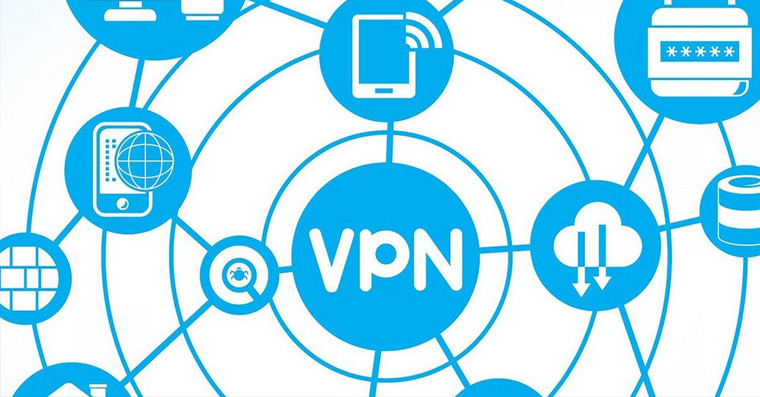
VPN, or Virtual Private Network, primarily takes care of your security. It can hide your IP address from the outside world and therefore your current location. There are many situations where you can use a VPN. For example, when you want to mask your identity on public Wi-Fi networks, choose a reward in a game that is available in another country, or when you want to gain full access to websites that are "locked" only to certain countries. And it is from this last example that we will start today.
We already know that a VPN can reliably hide your location. So you can be sitting at your computer in Egypt, but with an active VPN service, your location on the Internet can appear as if you were sitting in the Czech Republic. With some applications that support VPN, you can simply set which country you want to connect to. You can also use a VPN the other way around if you want to access websites in other countries from the Czech Republic. In addition, the VPN service has recently exploded and there are countless applications that offer it. The most famous is Nord VPN, as well as TunnelBear, or my favorite variaFree VPN, UFO VPN.
You might be interested in
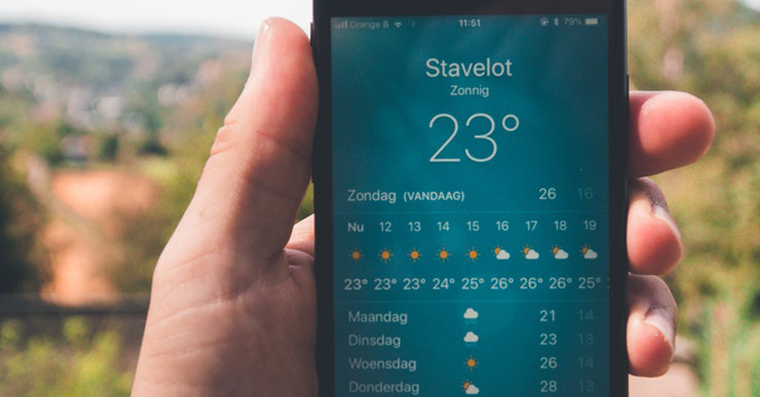
How to use a VPN to watch Czech shows abroad
[appbox appstore 905953485]
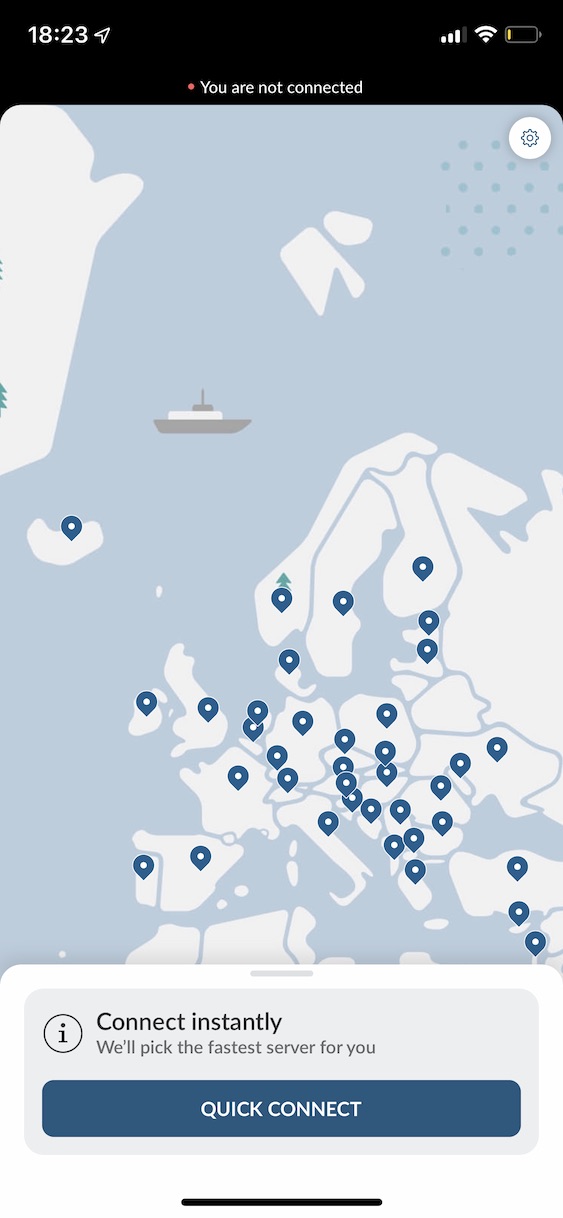
First, of course, you need to choose the application you want to use for VPN. A great choice is the aforementioned Nord VPN, which is distinguished from other applications by its headquarters in Panama. You ask, what's so interesting about it? Panama is one of the few countries left that does not collect data on its citizens - so you can be sure 100% anonymity. Nord VPN will cost you 329 CZK per month, or 1450 CZK for half a year, or 2290 CZK per year.
Gallery
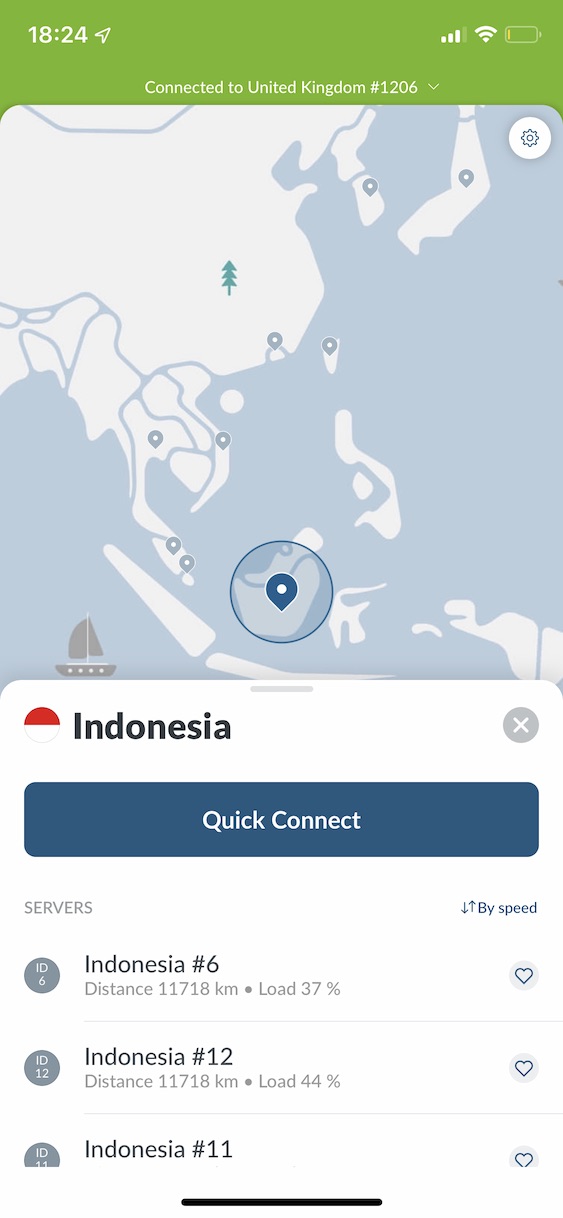
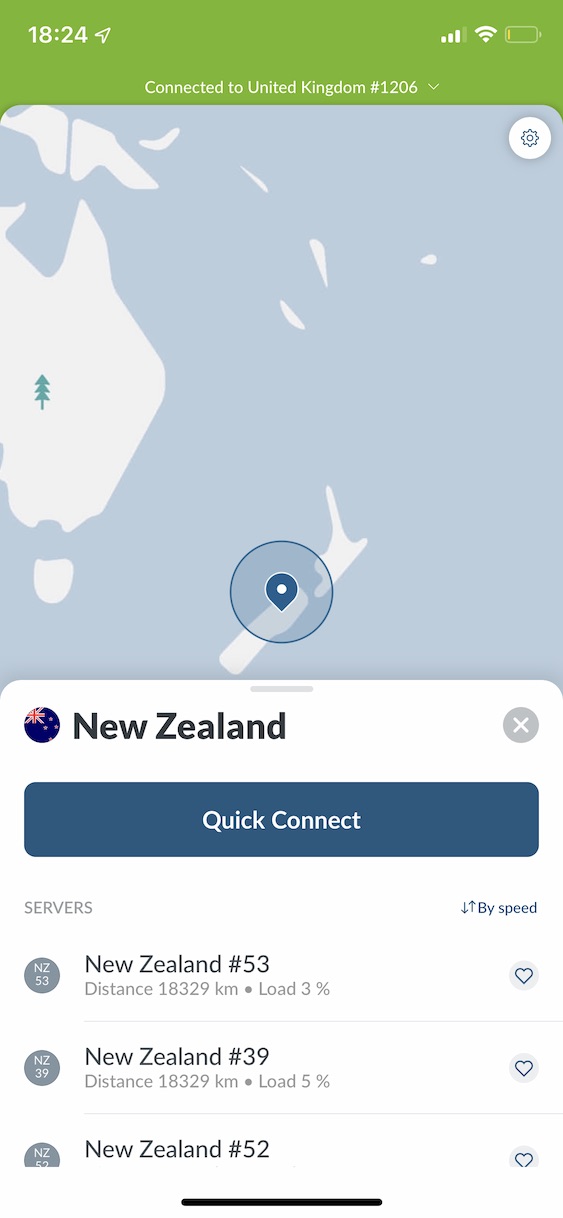
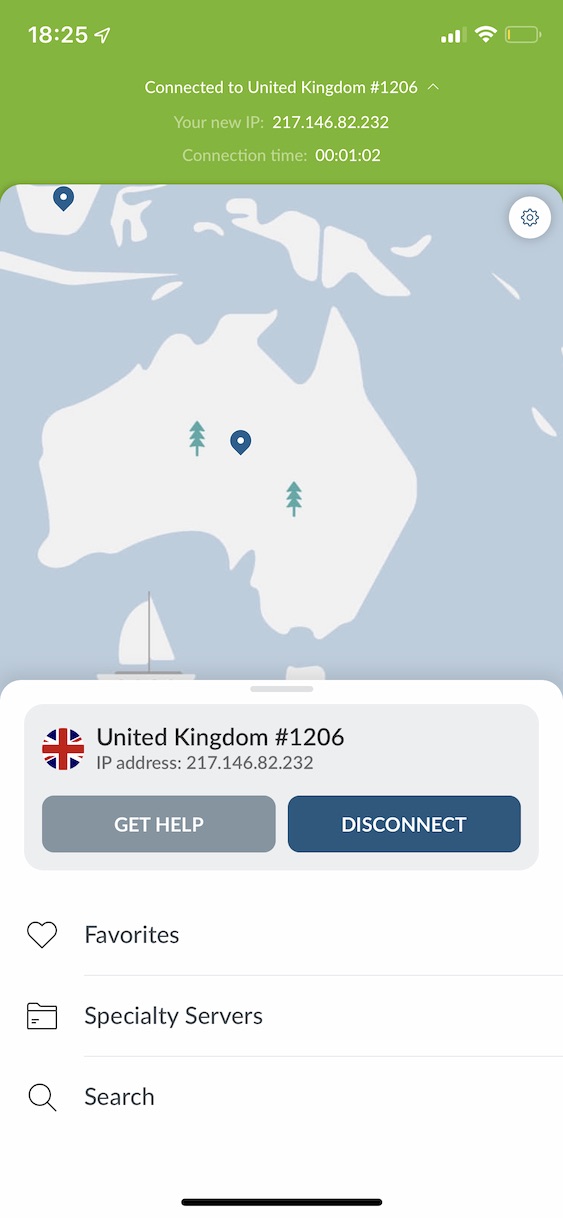
[appbox appstore 564842283]
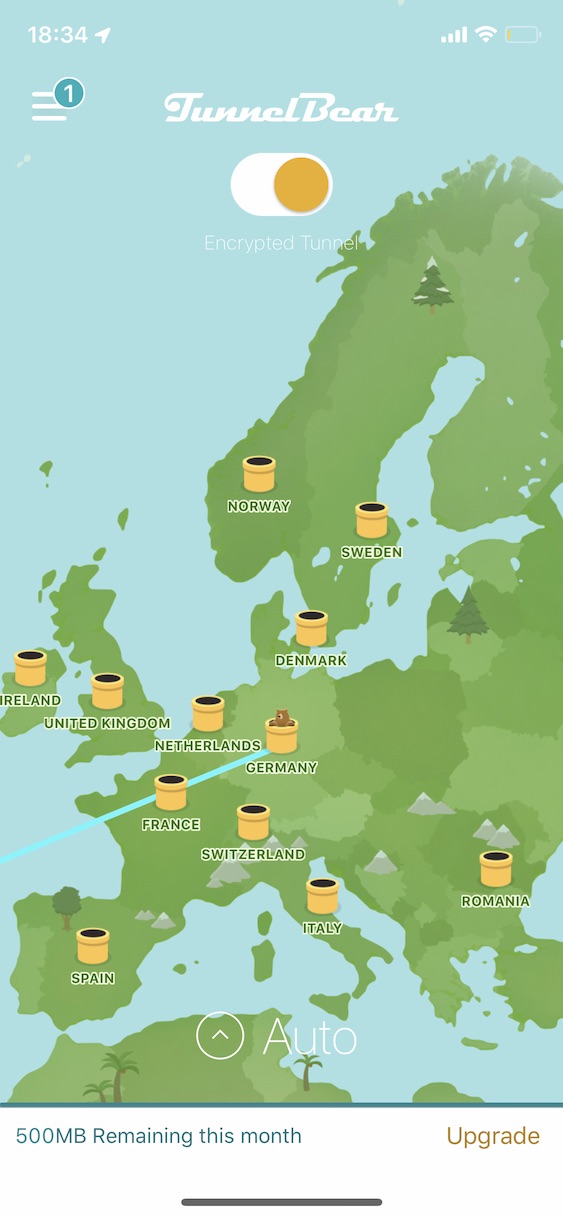
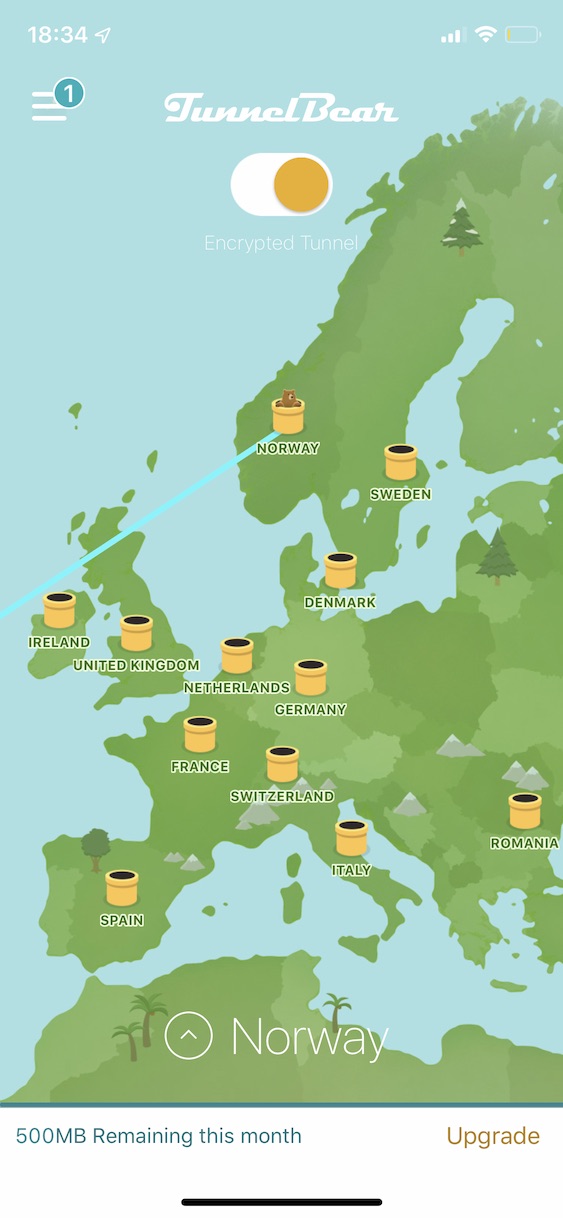
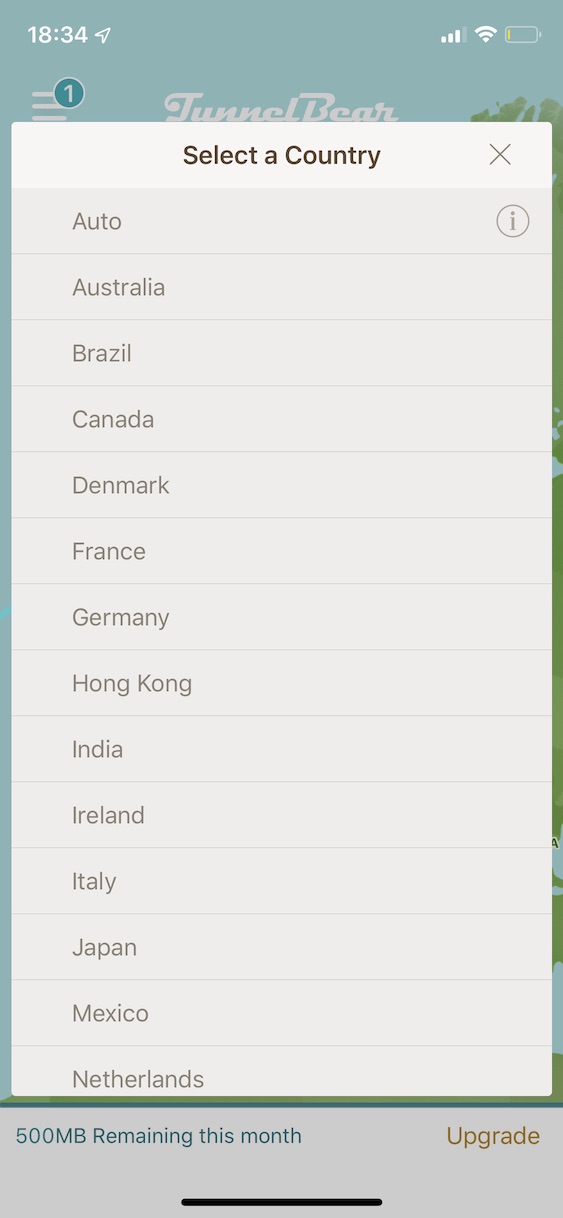
Another alternative is TunnelBear. It is this application that can easily work with streaming services such as Netflix etc. You can have up to 5 active connections within one account - so if you have a family and everyone wants to watch a different show, you only need one account and one subscription . This works out to 269 crowns per month, or 1550 crowns per year. You can also take advantage of the free plan for the transfer of 500 MB of data per month, but this will certainly not be enough for you.
[appbox appstore 1436251125]
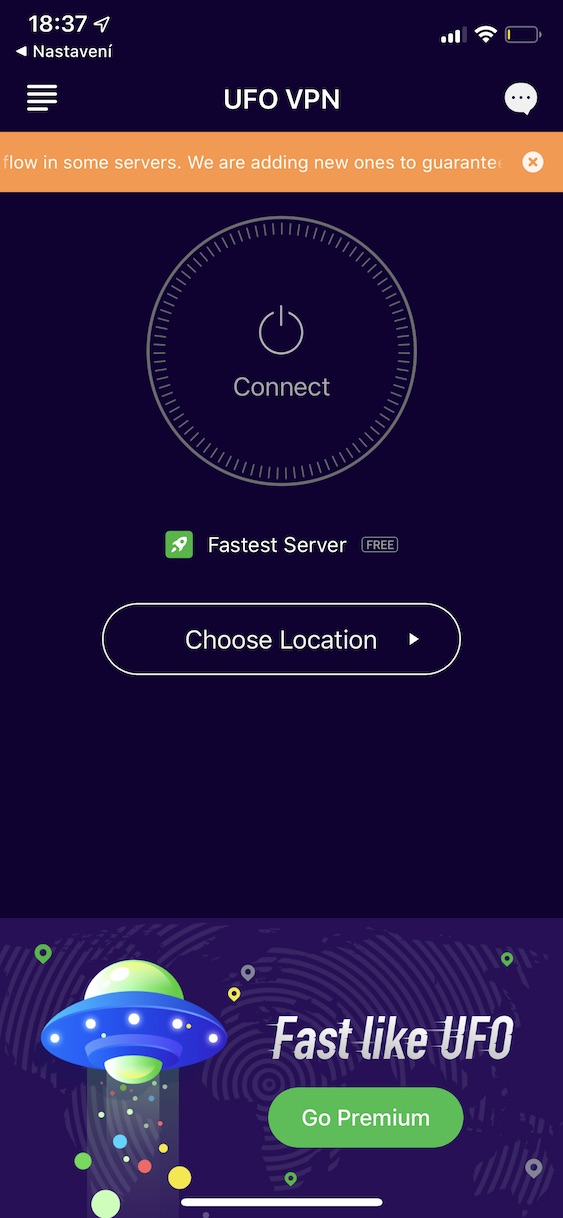
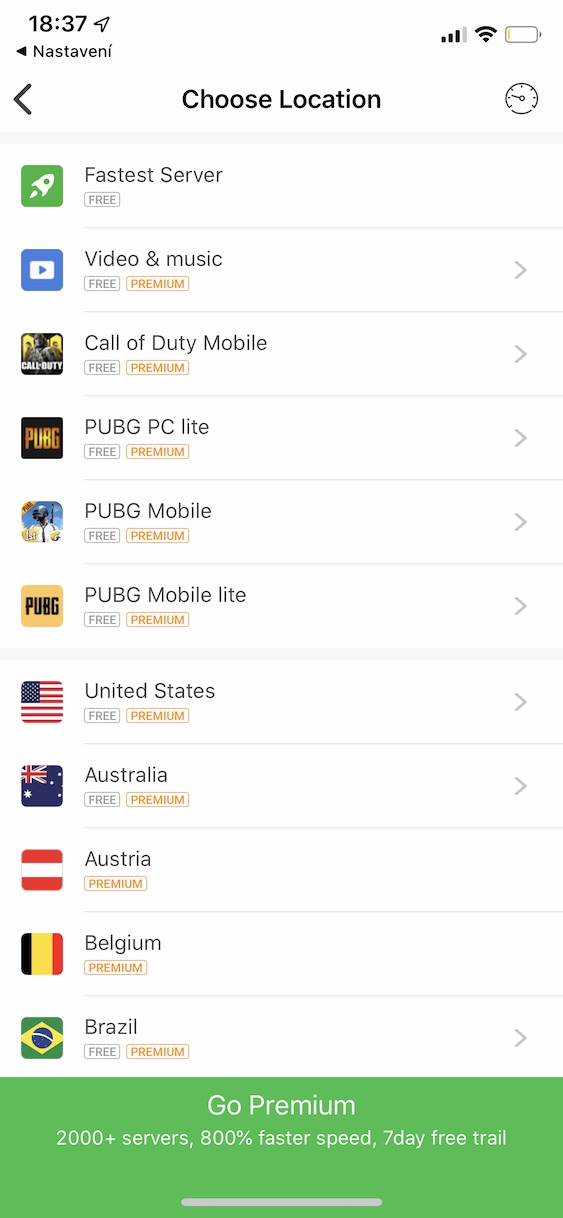
A great free VPN app is an app called UFO VPN. I came across UFO VPN while writing a tutorial on how to play Call of Duty: Mobile even though it's only available in Australia. Since then, UFO VPN has become my primary VPN app. There are countless free servers available, but some are paid. If you would like to purchase the Premium version, it will cost you $8 per month, $30 for half a year, or $36 per year.

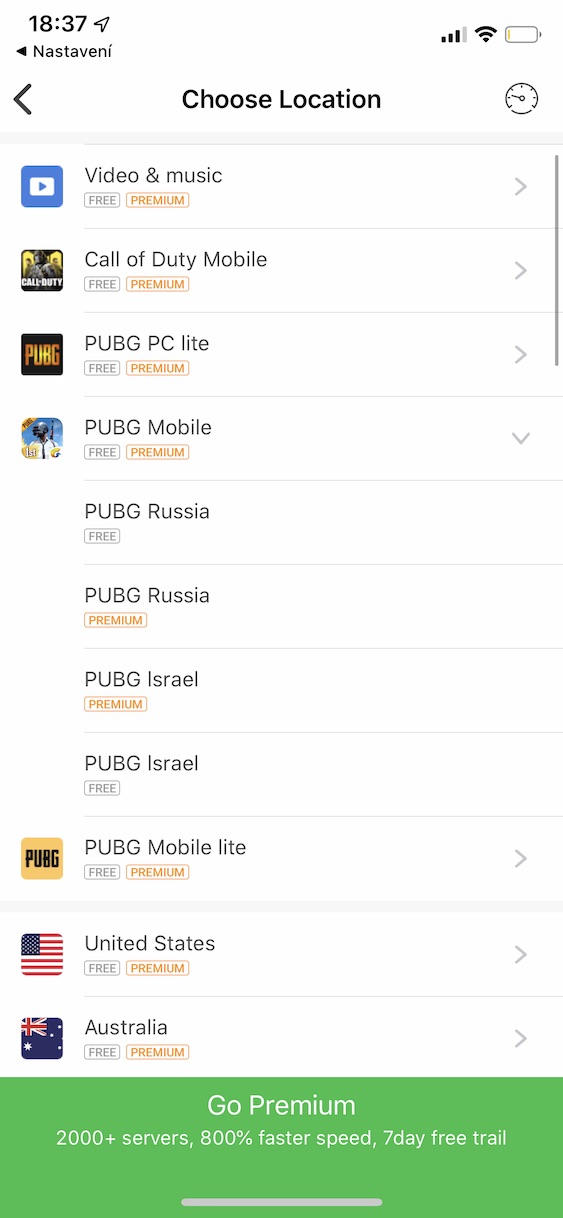
VPN activation procedure
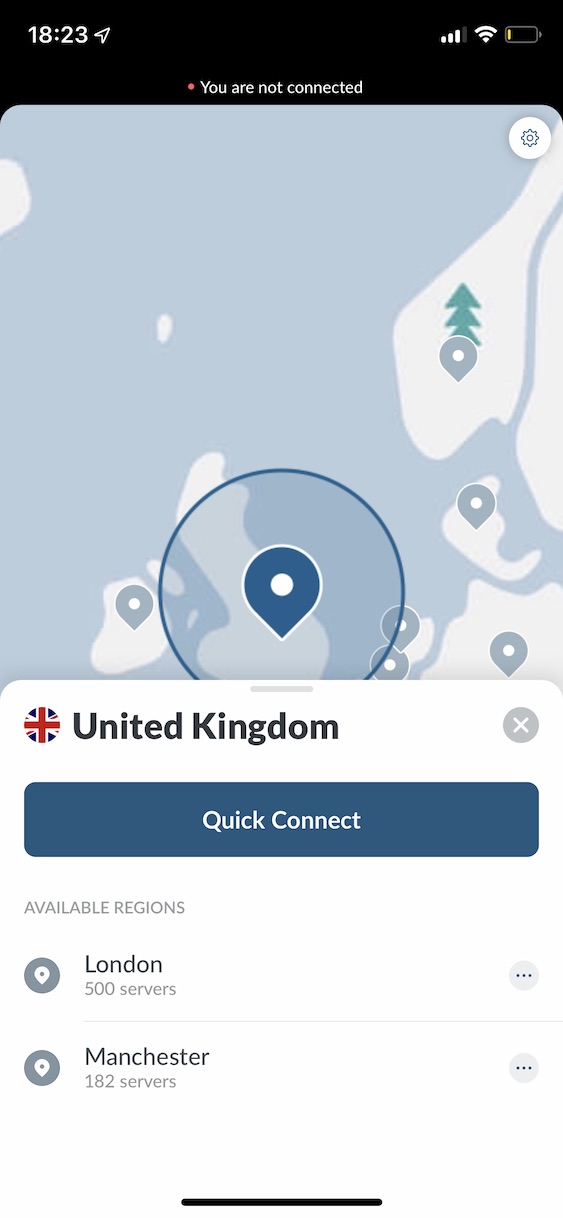
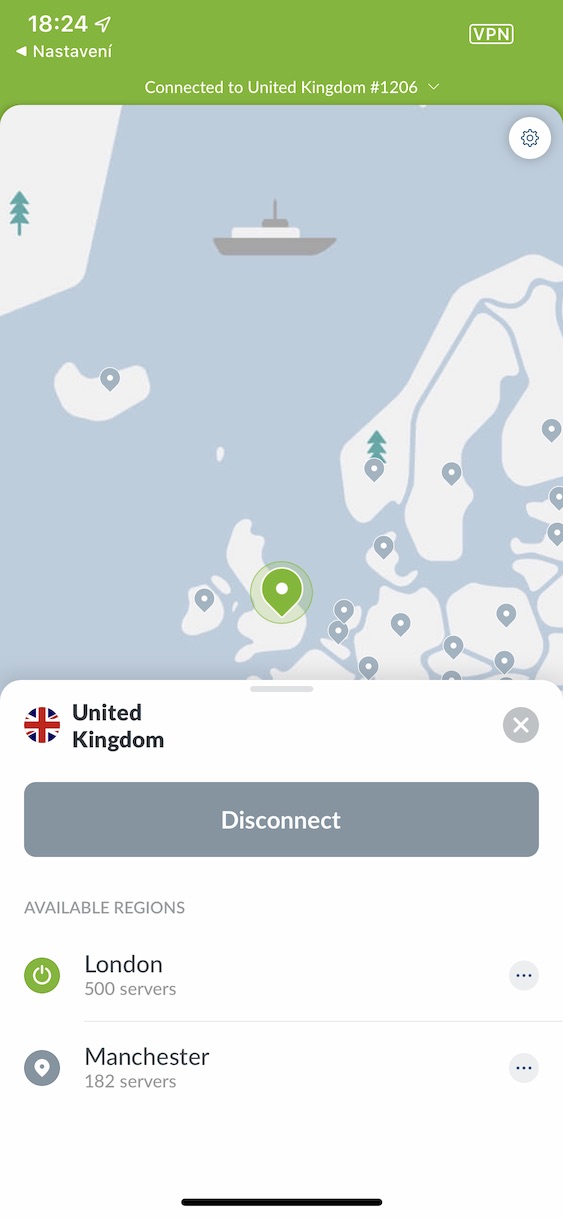
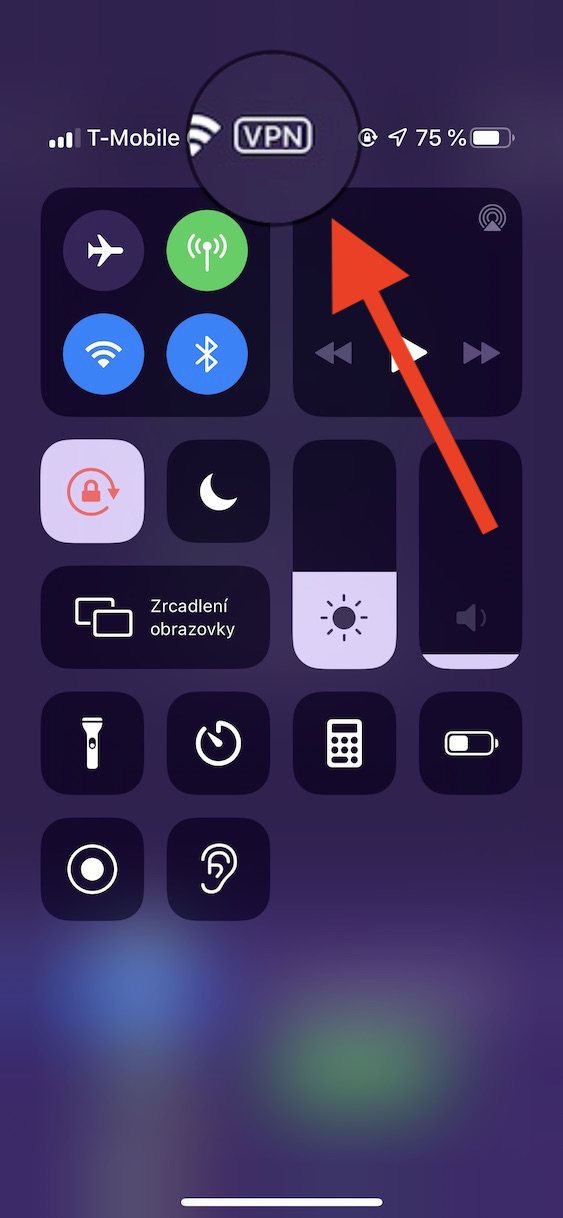
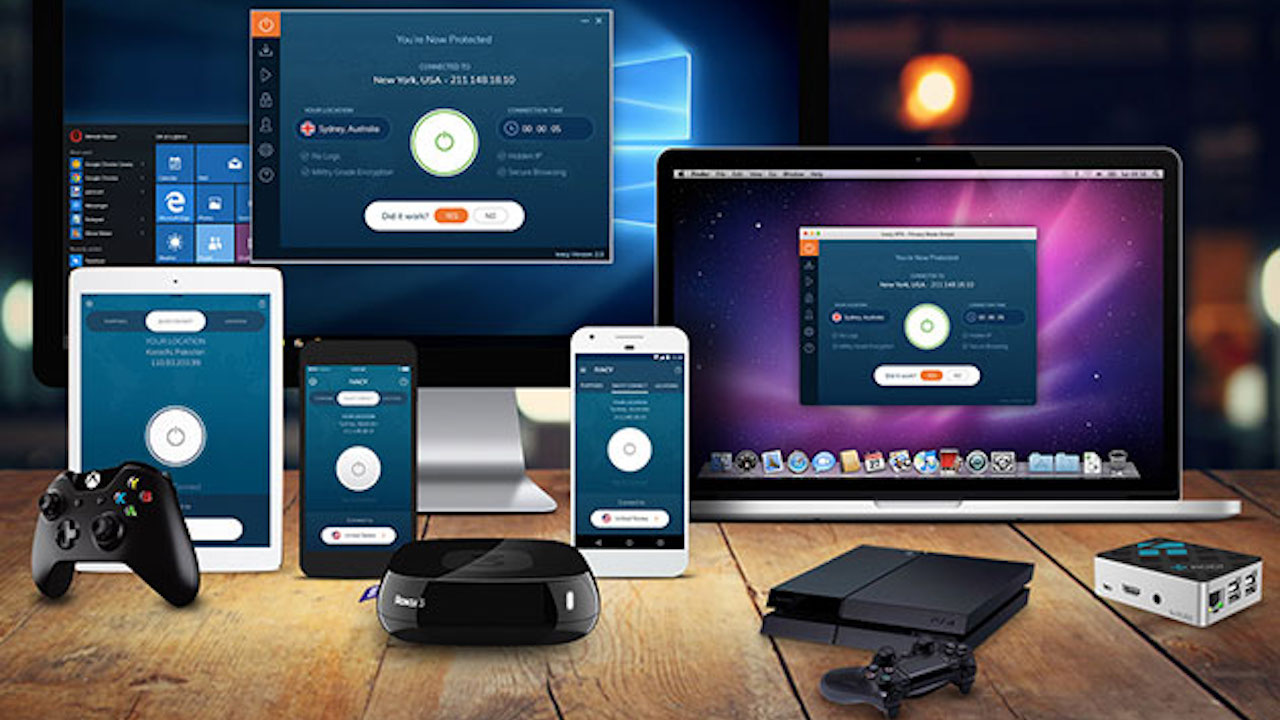
VPN activation is very similar in most applications. Upon initial launch of the app, you will be prompted to add a VPN configuration from your phone. You confirm here, enter the code for your device and it's done. After that, all you have to do is move back to the application, where you turn on the VPN and choose which country you want to connect to. Once connected, a VPN icon will appear in the top bar to indicate that the VPN connection is active.
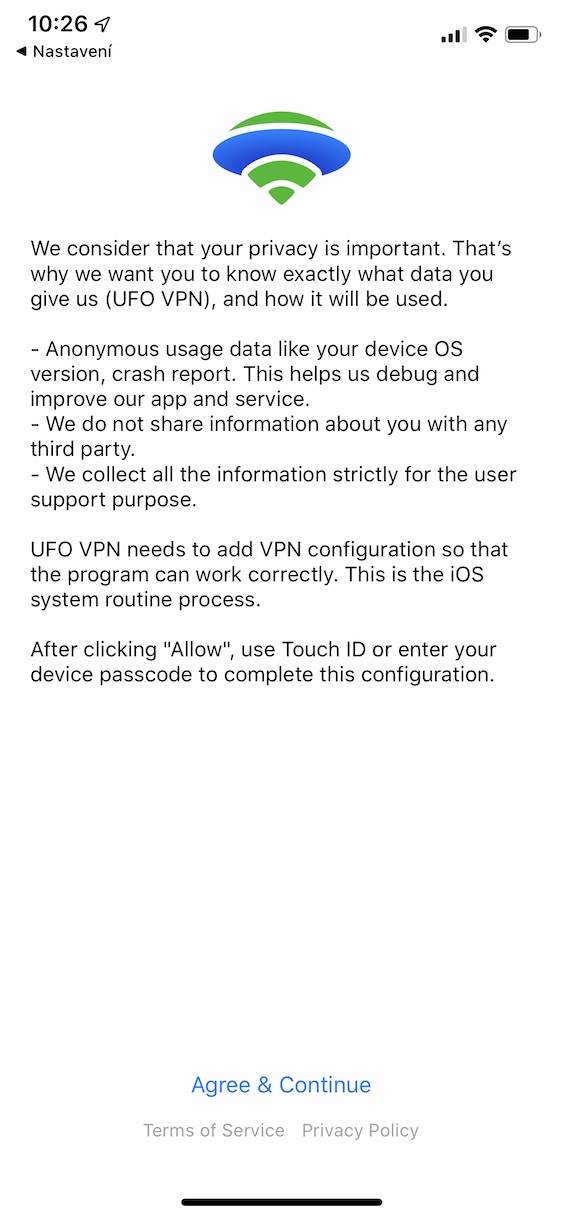
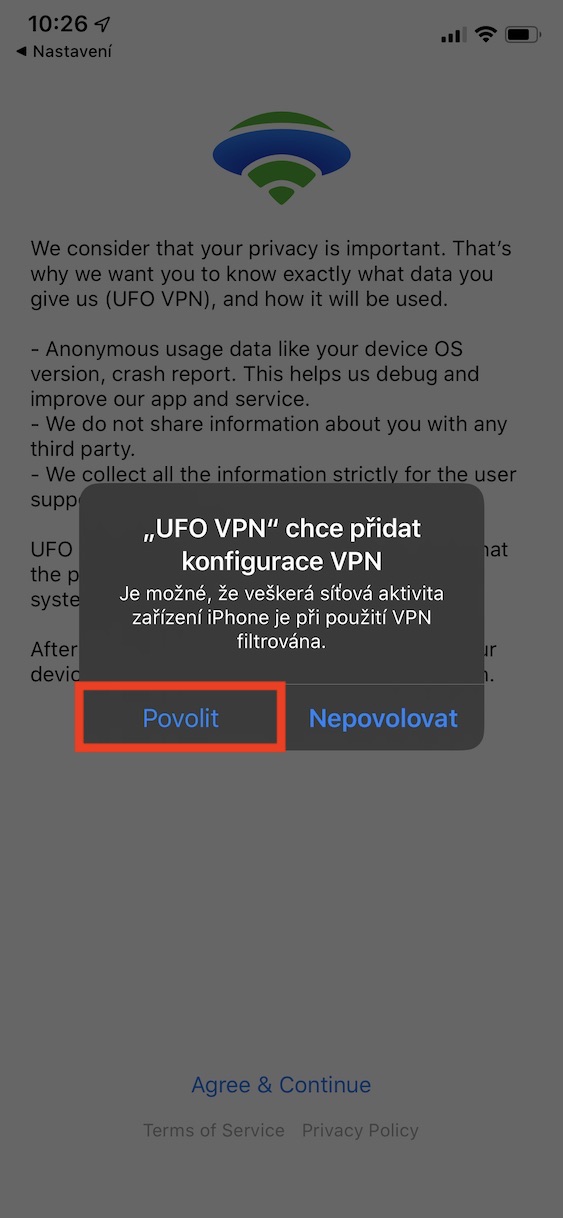
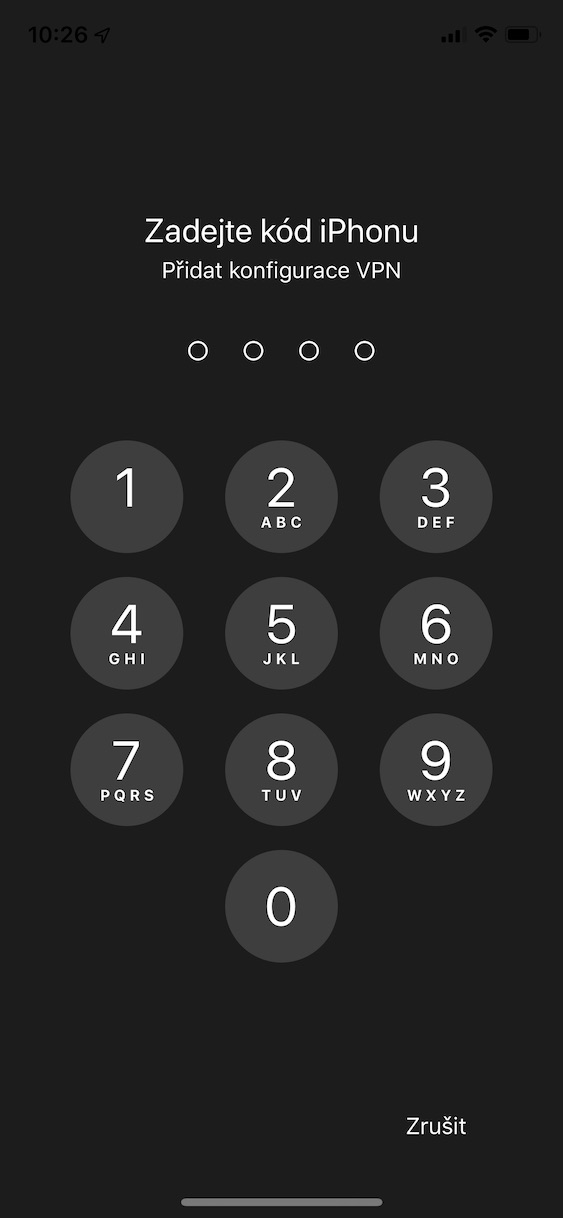
After choosing a country and connecting, you can easily move to, for example, Czech websites, where you can start your favorite program even from a country other than the one for which the program is intended. Do you already have experience with a VPN service from a vacation, or do you use another app that can provide a VPN connection? Let us know in the comments.



I don't disconnect HBO GO via NordVPN.
NordVPN works great👍✌️
NordVPN and HBOGO don't work for me either
It works well, I would say great, I wouldn't call it NordVPN
I have VPN enabled on my iPhone via MY DATA MANAGER...do you know?
I use the application 1.1.1.1 also satisfaction
I'm stuck here, maybe someone can help me, classic appka 1.1.1.1 works for me, but not in what I'm going to describe now. We have company iPhones on WiFi at work, but because we are an international company, the WiFi runs through a German IP address, where the server is. When I want to watch a sports match live from Czech Television (e.g. ČT Sport), a message appears "We're sorry, this content is not available in your territory due to copyright restrictions." Does anyone know how to get around this? Or, can a VPN (preferably free) change the country so that we can watch the broadcast? Thanks in advance for your help :-)
Moon
I have my own VPN, it works great and I don't have to pay for it 😂
Are these VPNs only for Android phones? There is something for Windows 8?