
If you are one of the owners Apple Watch, who adore movement and are also a bit playful and competitive, then the existence of badges that you can earn for your physical activities is certainly not stolen from you. Let's take a look at what these badges actually stand for Apple Watch are how to get their standard and limited versions and how to deal with it when you get badges on Apple Watch they do not load.
You might be interested in
He who plays, moves
Apple Watch among other things, they also use the so-called gamification method to motivate users, where they are encouraged to be more active with the help of challenges and competitions. Someone hunts Pokemon, someone badges v Apple Watch (and some have their badges stolen). Badge on you display Apple Watch pops up every time you reach the relevant destination, and then you'll find it saved in the Activities app on the iPhone you're with Apple Watch paired up.
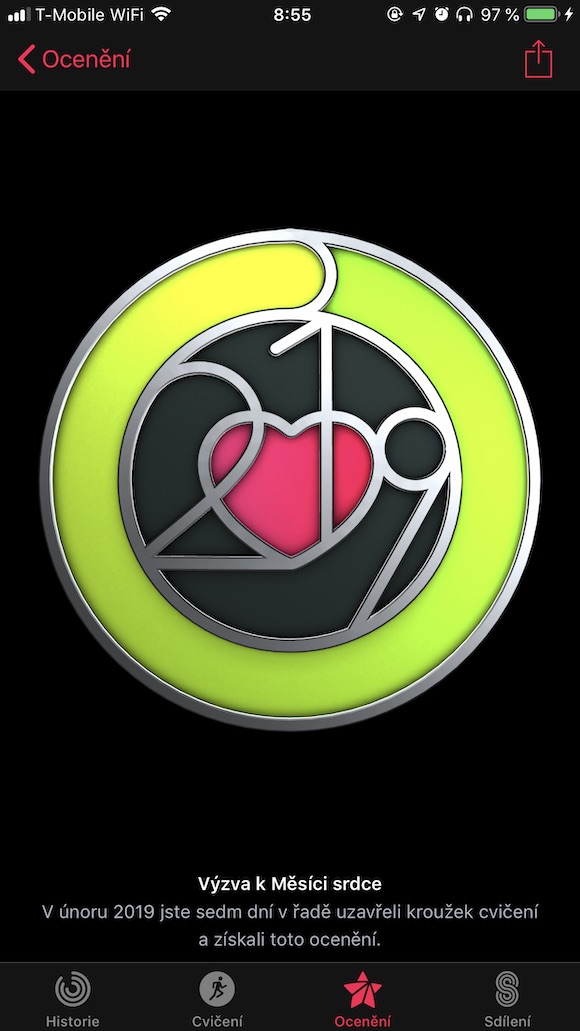
Standard badges are awarded based on a certain number of calories burned, time spent in physical activity, etc. But there are also badges, awarded based on sharing and competitions between friends, and last but not least, limited editions. Limited edition badges are linked to challenges achieved on a specific day or week of the month – the most recent being the February Heart Month 2019 challenge, with a March 8th challenge also planned. Some badges can't be earned no matter how hard you try - if you don't have anyone around you to compete with in friendly competitions, you simply won't get the relevant badge even if you cut yourself up (if you really care about the sharing badge, you can try to Apple Watch partner to submit an ad to a dating site).
When something doesn't work
Sometimes it can happen that you complete the objective required to get the badge, but the badge doesn't even appear on the display of your Apple Watch, or on the achieved goals page in the Activities app on iPhone. This problem can have various causes and you can try the following steps to fix it:
- Wait a few days. According to AppIn some cases, it may take up to 9 days for the badge to appear.
- It may happen that you have obtained the badge, but it did not appear on your screen by mistake Apple Watch. Check the Activities app in iOS.
- Check if they are yours Apple Watch connected to yours iPhonem.
- Check Bluetooth and Wi-Fi connections.
- Restart Apple Watch.
- Restart iPhone.
- If none of the above worked, try unpairing and re-pairing your iPhone and Apple Watch.
Gallery
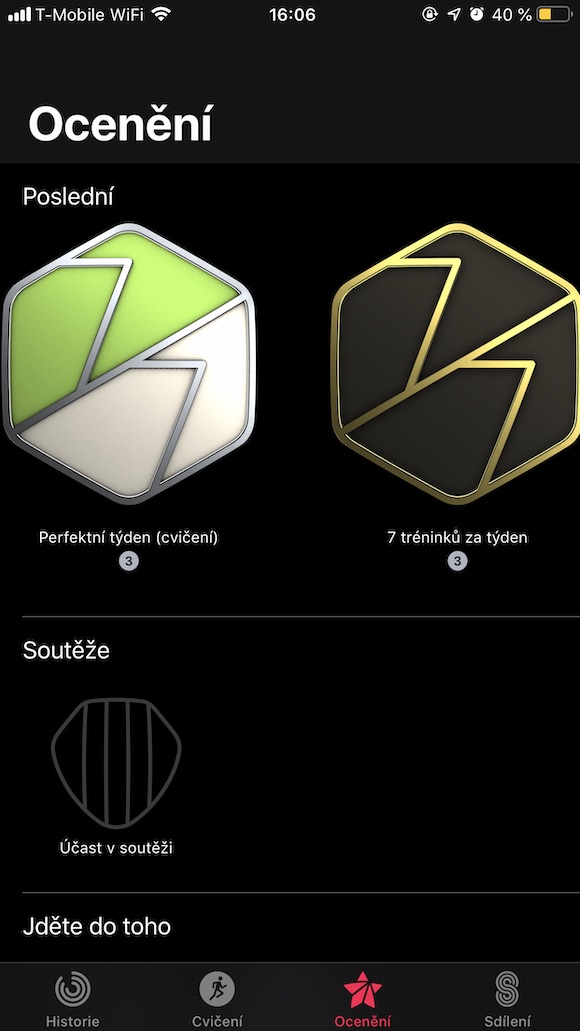
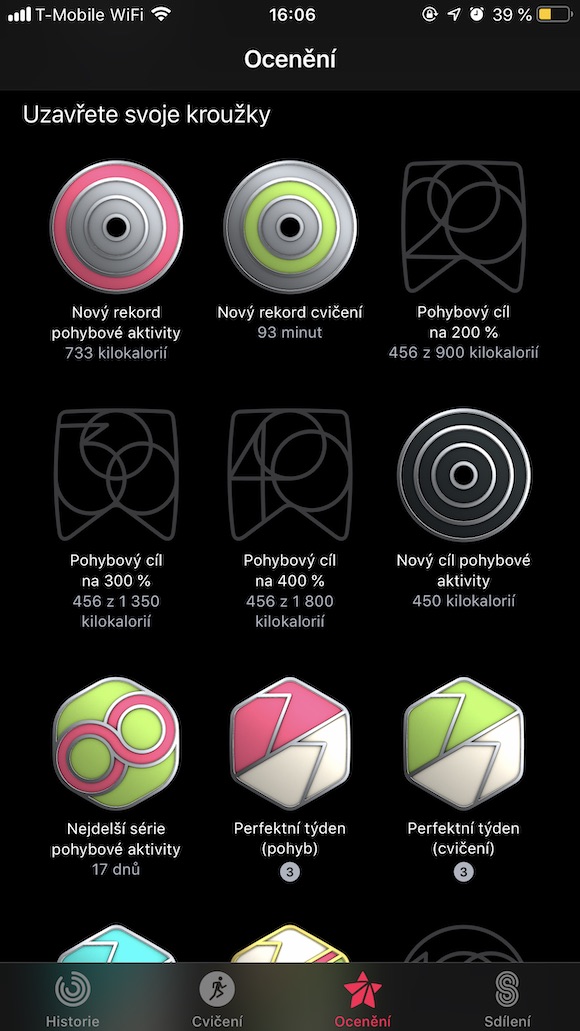
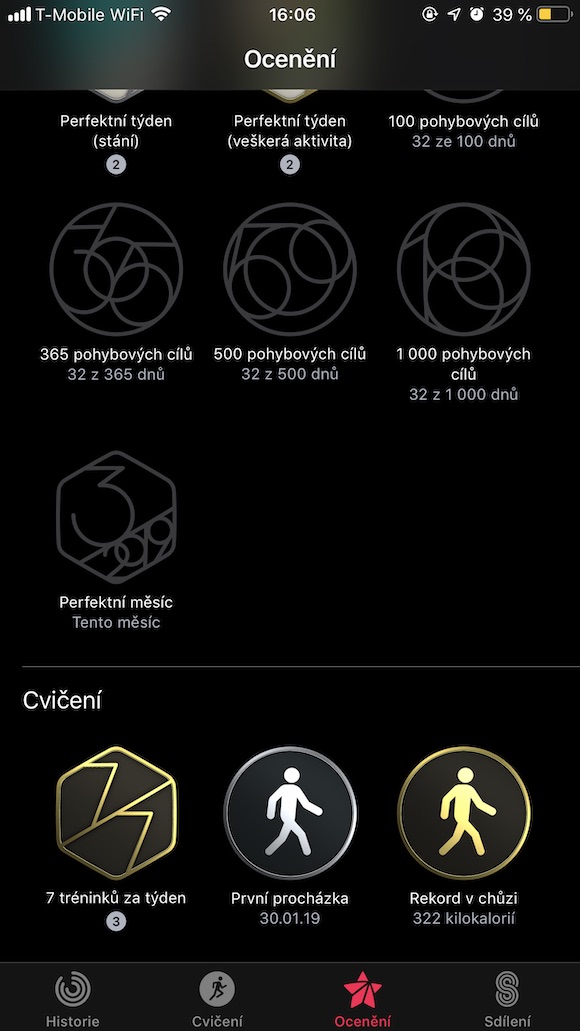
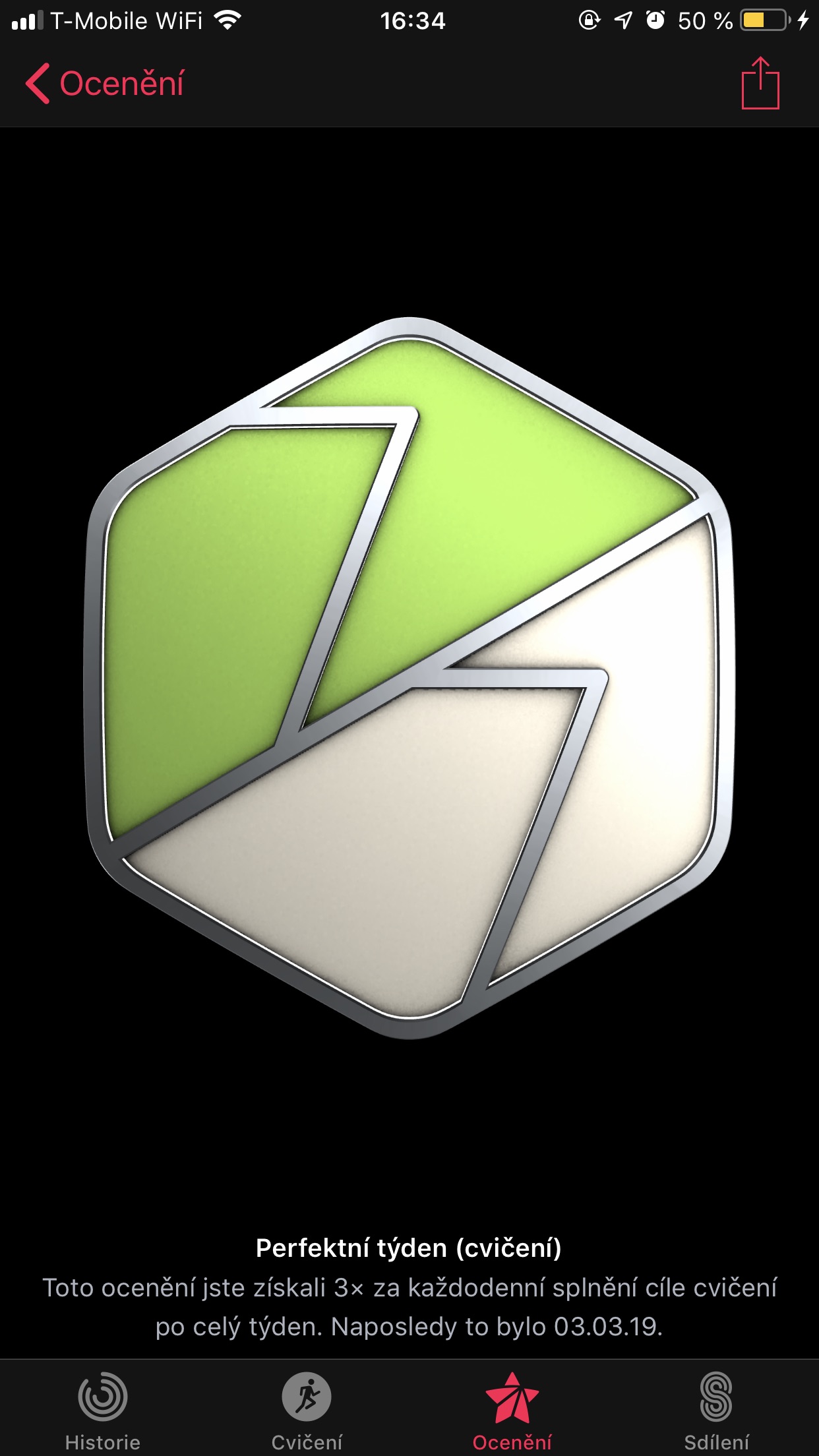
Types of badges and how to get them
Apple Watch offers you the opportunity to earn a number of different badges for your physical activities. Some are easy to reach, others are more difficult. What kinds of badges at the current moment Apple Watch they offer?
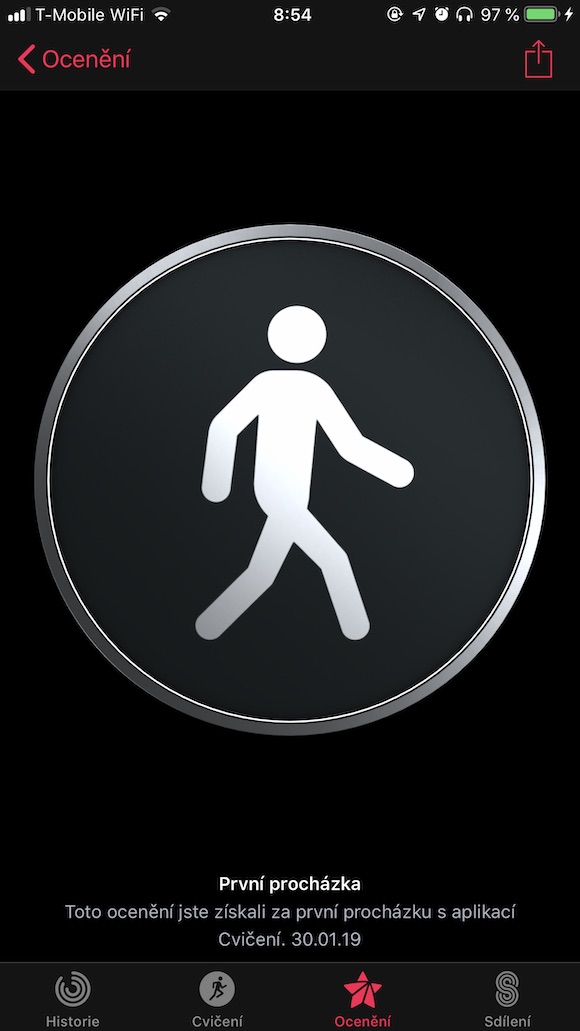
First exercise
This badge is one of the easiest to achieve. Once in Apple Watch the first time you start an activity and record it with the help of the Exercise application, you will receive the appropriate badge after just a few minutes (usually five). The Exercise application currently offers the possibility to register cycling, running and walking outdoors or indoors, rowing, elliptical, stepper, HIIT, hiking, yoga, swimming in a pool or open water, and the "Other" category.
Badges for individual exercises
Each of the individual exercises within the respective app also has its own badges. These are usually awarded based on breaking the record for calories burned within a given type of exercise. To earn these badges, you need to complete miniat least five exercises of a given type and burn more calories in each one than in the previous ones.
Weekly badge
Pro To earn this badge, you must complete at least seven exercises within one week. miniA minimum of 15 minutes. This goal is best achieved if you record all your walks.
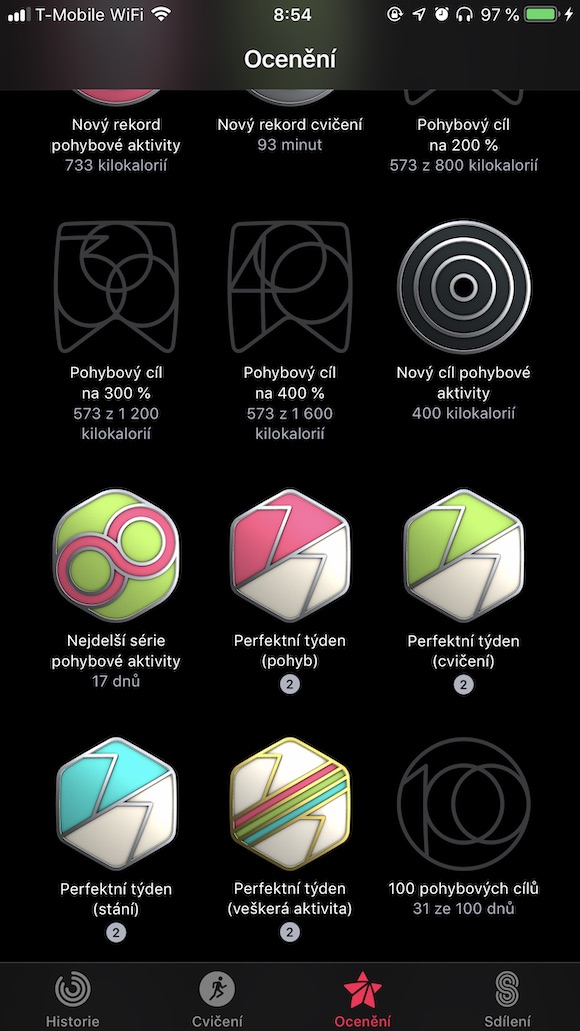
A new physical activity record
You will earn this badge every time you manage to beat your previous record for total calories burned (red activity circle) in a single day. Pro Getting this badge is required Apple use for ten days.
A new exercise record
A new exercise record refers to the activity indicated by the green activity ring. You earn this award every time you break your total workout record in one day. Even here, however, it is a condition of use Apple Watch for ten days.
Movement target 200% (and more)
If you manage to double (or more than double) the preset goal of burned calories (red circle), Apple Watch will reward you with the appropriate badge. Do you want to take on the challenge and increase your calorie goal? IN Apple Watch tap on the activity rings, press hard on the display and choose "Change daily goal". However, you will also receive a badge the moment you succeed in achieving your physical activity goal for the first time.


The longest series of physical activity
If you manage to reach a set physical activity goal (red circle) on eight or more consecutive days, you will receive the corresponding badge, and more for each new streak.
A perfect week and a perfect month
If you manage to reach the goal for each circle (Movement, Exercise, Standing) every day of the week from Monday to Sunday, you will get the corresponding badge for each of them. You'll also earn a badge for completing all three goals at once on any day of the week. You will also receive an award if you manage to close all three circles in a month. In the case of a Perfect Month, you get a different badge for each month. You can also earn a Perfect Month badge in the area of physical activity, but it is not available for exercise and standing.
Monthly Challenges
Every month you have an extraancand complete a special monthly challenge and earn the corresponding badge. Each challenge involves something different and sometimes they are even very easy to complete.
100 (and more) moving targets
Apple Watch they offer a badge for every hundred movement goals completed. This is really just a number, there is no need to reach the number of goals 100 days in a row. In a similar vein, you can also earn a badge for 365, 500 and 1000 completed movement goals.
Limited editions
While you can apply for the aforementioned badges practically throughout the year, you have – surprisingly – a limited amount of time to complete the objectives for the limited ones. In February, for example, you could complete the Heart Month challenge of closing exercise circles for seven days straight. Challenges may vary from region to region. Limited edition badges are usually associated with important days such as Earth Day, March 8, or perhaps New Years
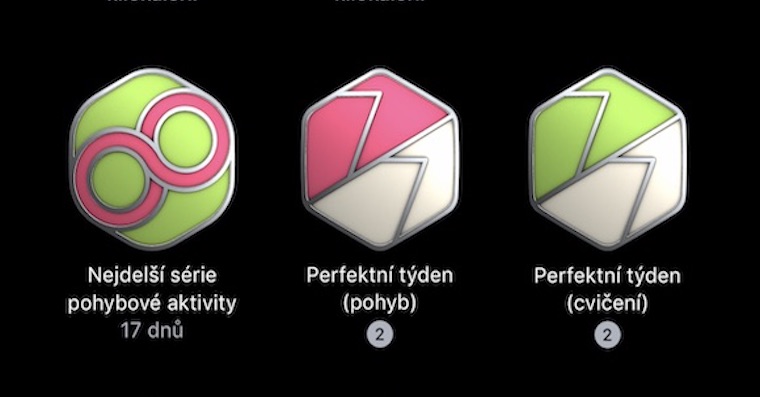





In short, it is necessary to move and it will jump on its own…
I don't see the point of e.g.: setting a low calorie burn goal to have 400% badges jump after an 8 hour session at work.
Just a pink badge for "bend over me for a stick", like sorry, but 700 kilocalories is no activity, 2000 or more makes sense, what's the point of a badge for a morning walk to work, that's really so bad for humanity that most people need such a pseudo-motivation? 🤔
Honestly, reaching 2.000 kcal is completely impossible for me. It's about weight! I can spend over 120 minutes in the exercise app and spend the whole day at work - about 9-12 km, so I have not and will not reach 2.000 kcal in my life.
A friend goes to badminton for an hour and eats over 1.500 kcal.
I would really like to see which of the normal people can burn 2000 active kcal a day.
Some do, some don't. It just depends :)
I would like to ask here if anyone solves the problem that the red circle does not load. I had to ride my bike for an hour and only 53 kCal??? At the same time, at other times it throws over 400...
Also
Because of this, my 42-day streak was interrupted because my watch ran out of power and my phone didn't charge me anything
Well, I have a big problem... I completed the badge of the regretted edition, but when I completed it, it didn't tell me that I got it, but on top of that, all the badges from the limited edition disappeared from my iPhone in the fitness application, and instead of them, the inscription ACHIEVE-MENT_TITLE is displayed there
Horror well…….
If I have 29 days out of 31 active in a month, will I receive an active month award?