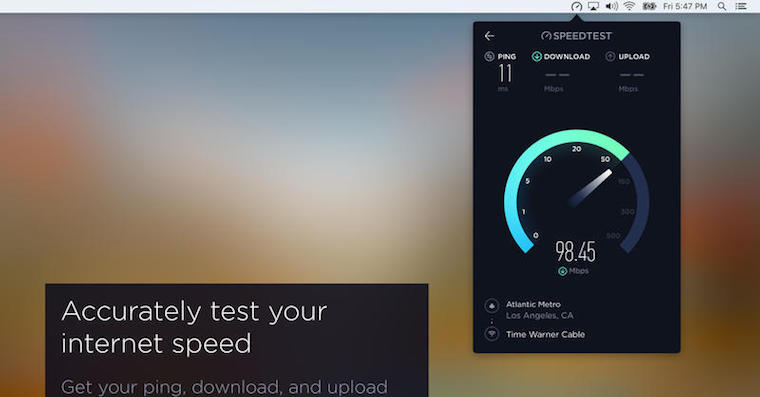
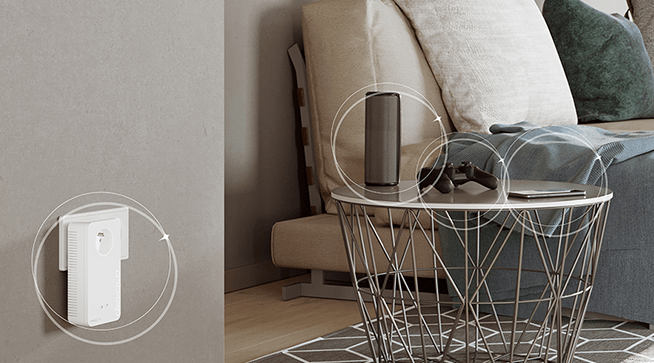
You can reliably get the highest speed from your Internet connection when you connect your computer to the modem with a cable. But who would want to hang on a cable these days? In addition, many devices cannot even be connected to it. So there is WiFi. However, the speed is affected by several factors and may be several times lower than the parameters of your tariff. As part of the series Reliable Internet with the UPC operator, we bring you a few tips on how to have the best possible and above all fast connection even via WiFi. Some are small things, others require a major change.
Find out the parameters of your device
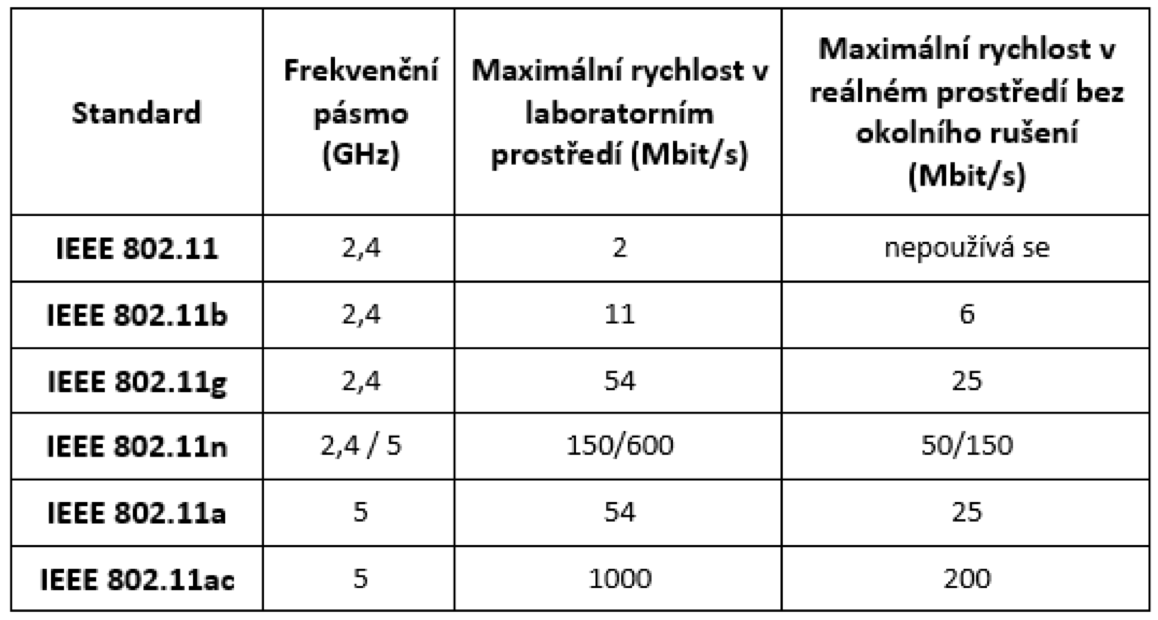
Let's start with the devices you connect to the Internet. If they have older network cards, they may be the cause of your slow connection. Network cards use several WiFi standards. Each of them has a different maximal transmission speed. This can be significantly affected by other interference in the vicinity caused by other WiFi networks. The most widely used standard in today's devices is IEEE 802.11b/g, where the average speed achieved is approximately 20 Mbit/s. Newer network cards, mainly in laptops, use IEEE 802.11 b/g/n, where the average speed achieved is approximately 20-40 Mbit/s, unless there is a mismatch between the card in the transmitting device (modem/router) and the card in the receiving device (notebook, tablet, smartphone).one etc.), this can significantly reduce the speed. If your network card has the IEEE 802.11ac standard, you will achieve speeds of around 200 Mbit/s in a real environment.
The number of currently connected devices plays a role
WiFi capacity is shared between all devices that are currently connected to the network. If you have several people at home, each with their own computer or smartphone, the current connection speed of each of them can be noticeably reduced. It shares one connection point. However, the tariffs offered today should easily handle the onslaught of an ordinary family, even if all its members are connected at the same time.
You might be interested in

Secure yourself
Viruses, malware, spyware, and other Internet threats can endanger your computer and the data on it. But they can also significantly slow down your computer. ProIt is worth having an antivirus program installed and performing regular checks. You can try, for example: UPC Smartguard. Also, check the appropriate security of your WiFi network by using WPA2 encryption or verifying MAC addresses so that a neighbor or anyone else within range of the signal can't use your connection for free and drain their performance.
Update your internet browser
It may seem like a small thing, but it also plays a role. It is a good idea to update your internet browser regularly. This makes web pages load faster. In addition, the newer the version, the better the security features and features of the browser. It is safest to download the latest versions directly from the websites of the manufacturers of these programs.
You might be interested in

Turn off background programs
If you have programs on your computer that receive or send data (e.g. torrent or FTP clients), this will affect its operation and speed measurement. Turn off these programs before running the tests.
- You can also find more information on the website UPC.